
Vintage Desert Refuge Road Sign
A retro cinematic desert roadside scene centered on a weathered custom refuge sign, useful for nostalgic travel, concept art, or poster imagery.
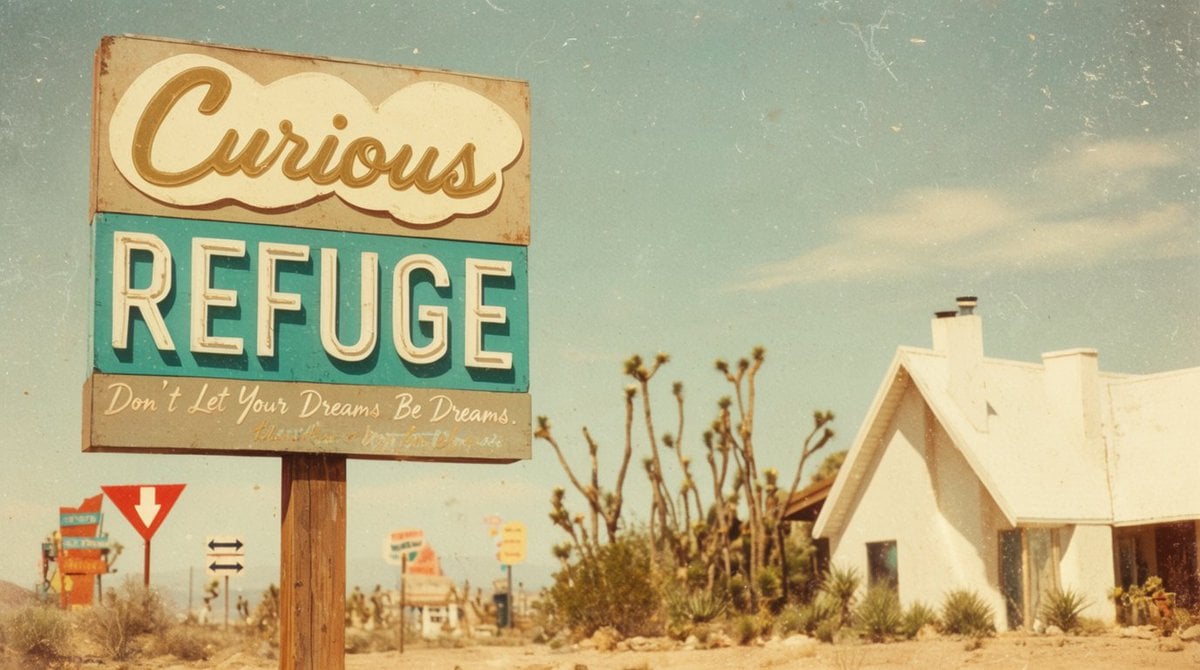
- Prompt included
- Model and format preset
- Free template
The prompt behind this image
Copy the exact prompt behind Vintage Desert Refuge Road Sign, or open it in the studio and make it yours.
Create a cinematic vintage roadside photograph in a sun-bleached desert, composed in a wide 16:9 frame with a large weathered motel-style sign dominating the left half of the image and a small white stucco refuge chapel or cabin on the right. The main sign is mounted on two rough wooden posts and has exactly three stacked text panels: a cream cloud-shaped top panel with large cursive script reading {argument name="top sign text" default="Curious"}, a turquoise middle panel with huge off-white block letters reading {argument name="main sign text" default="REFUGE"}, and a faded gray bottom panel with handwritten cursive reading {argument name="bottom slogan" default="Don’t Let Your Dreams Be Dreams."}. Make the sign rusty, chipped, dusty, and slightly faded, with a nostalgic 1960s American desert-road aesthetic. In the background include exactly five smaller roadside signs: one colorful stacked sign far left, one red-and-white yield-style arrow sign, one small black double-arrow direction sign, one blurred orange-and-white sign near the center, and one small yellow sign farther back. Set the scene among dry sand, scrub grass, spiky desert plants, and several Joshua-tree-like branches behind the main sign. The right-side building should be simple, bright white, overexposed by harsh sunlight, with a steep roof, two chimneys, a dark doorway, and desert plants along its base. Use a pale blue sky with wispy clouds, warm golden haze, shallow depth of field, analog film grain, scratches, dust specks, faded colors, slight vignetting, and a dreamy retro travel-postcard look. Avoid modern cars, people, logos, or crisp digital sharpness.
How to use Vintage Desert Refuge Road Sign in 3 steps
- 1Upload ImagePNG, JPG or paste
Add your photo
Upload the photo the template builds on. The prompt, model and format are already set.
- 2…a portrait of your subject in softgolden-hour light, 85mm…
Personalize
Edit the subject and creative details for your destination.
- 3Generate
Generate
Press Generate — your image is created in PicX Studio, so you can compare it with the original and refine one variable at a time.
More like this
Templates with the same subject, style or setup. Open one to see its prompt.









Make it yours
Vintage Desert Refuge Road Sign works as-is. These are the safest ways to change it without losing the look.
Change one field
Copy a single group, rewrite it, and generate again so you can see what that field is doing.
Keep the frame, change the subject
Hold the composition and light of Vintage Desert Refuge Road Sign, then swap wardrobe, props or the person for a new take.
| If the result… | Why | Fix |
|---|---|---|
| The result drifts from the preview | Too many fields changed at once. | Reuse Vintage Desert Refuge Road Sign as-is first, then change one group — subject, light, or setting. |
| The model over-stylizes the scene | The prose prompt leaves finish and camera underspecified. | Add one camera or lighting sentence and stay on GPT Image 2. |
More GPT Image 2 templates
Other prompts made for GPT Image 2.

Six VTuber Japanese Logo Sheet

Realistic Portrait of Woman and Deer

The Vista Modular Condo Poster

AI Model Routing Comparison Infographic

2.5D Anime Art Board

Isometric Productivity Desk Scene

New York Double Exposure Poster

Four-Panel AI Landscape Comparison

Japanese Tatami Lifestyle Magazine Cover

NESCAFÉ Coffee Map Poster
More image prompts
Fresh picks from across the catalog.

Vintage Patent Document for an Invention
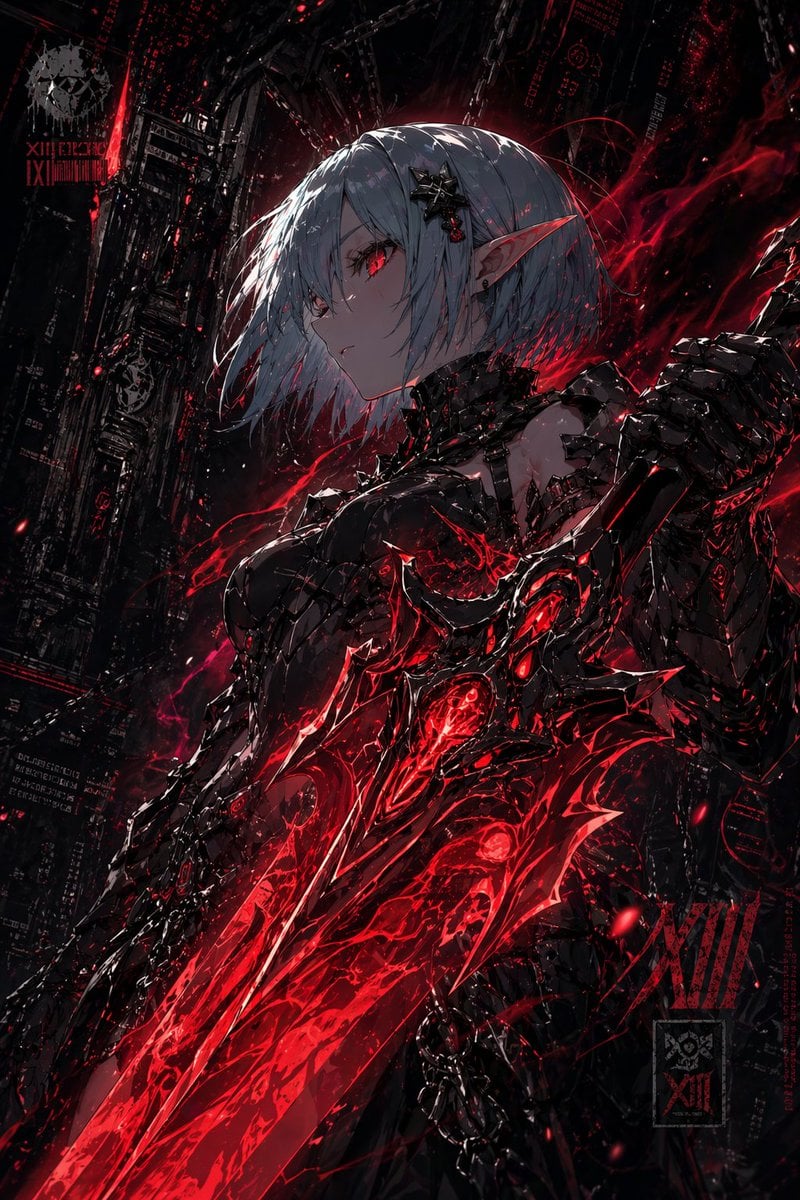
Dark Cyber Elf With Crimson Blade
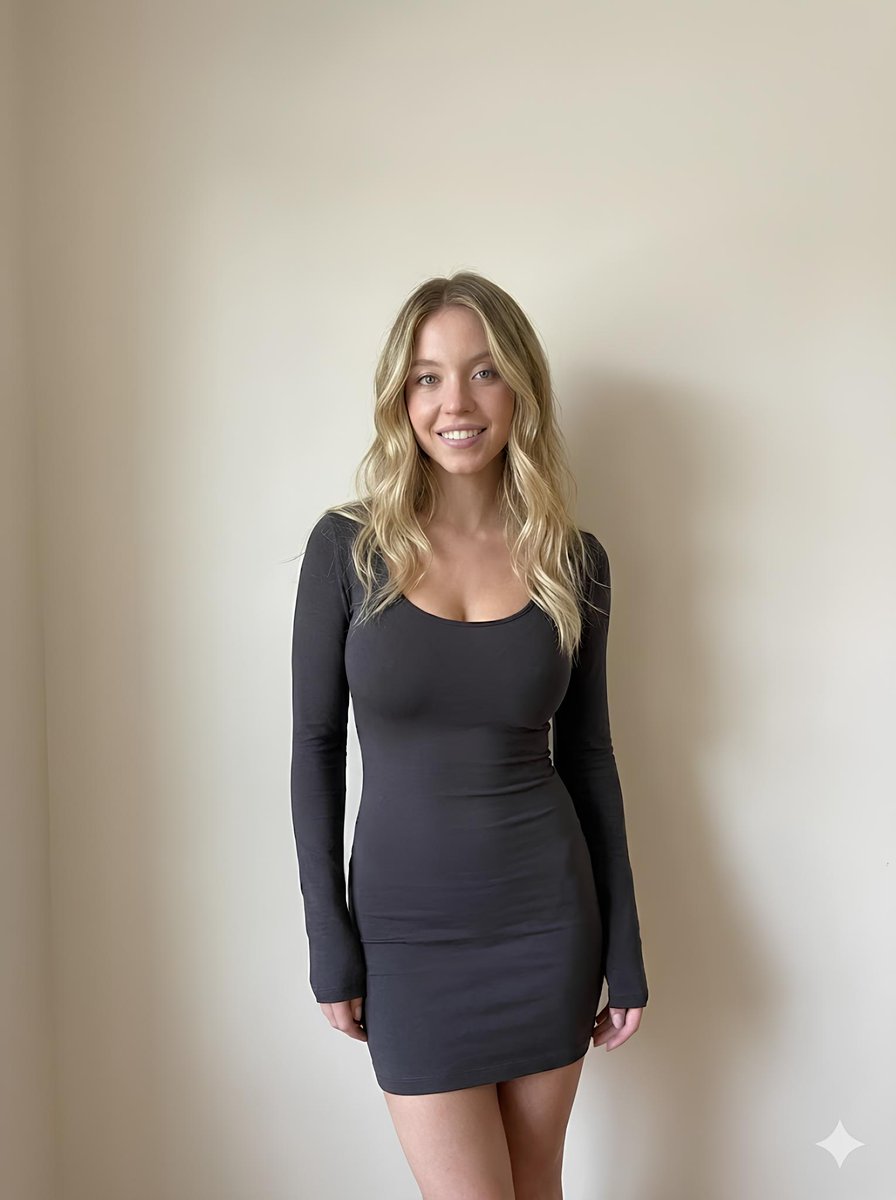
Minimalist Photorealistic Portrait in Mini Dress
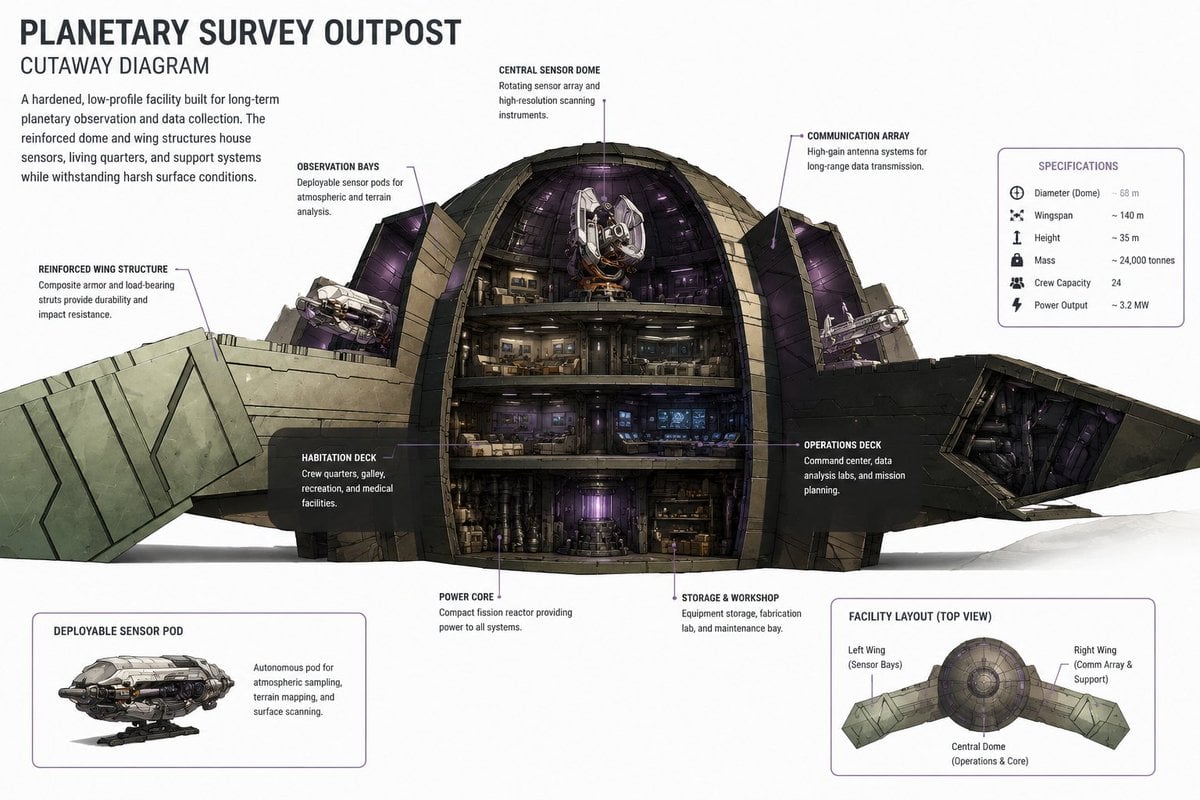
Planetary Survey Outpost Cutaway
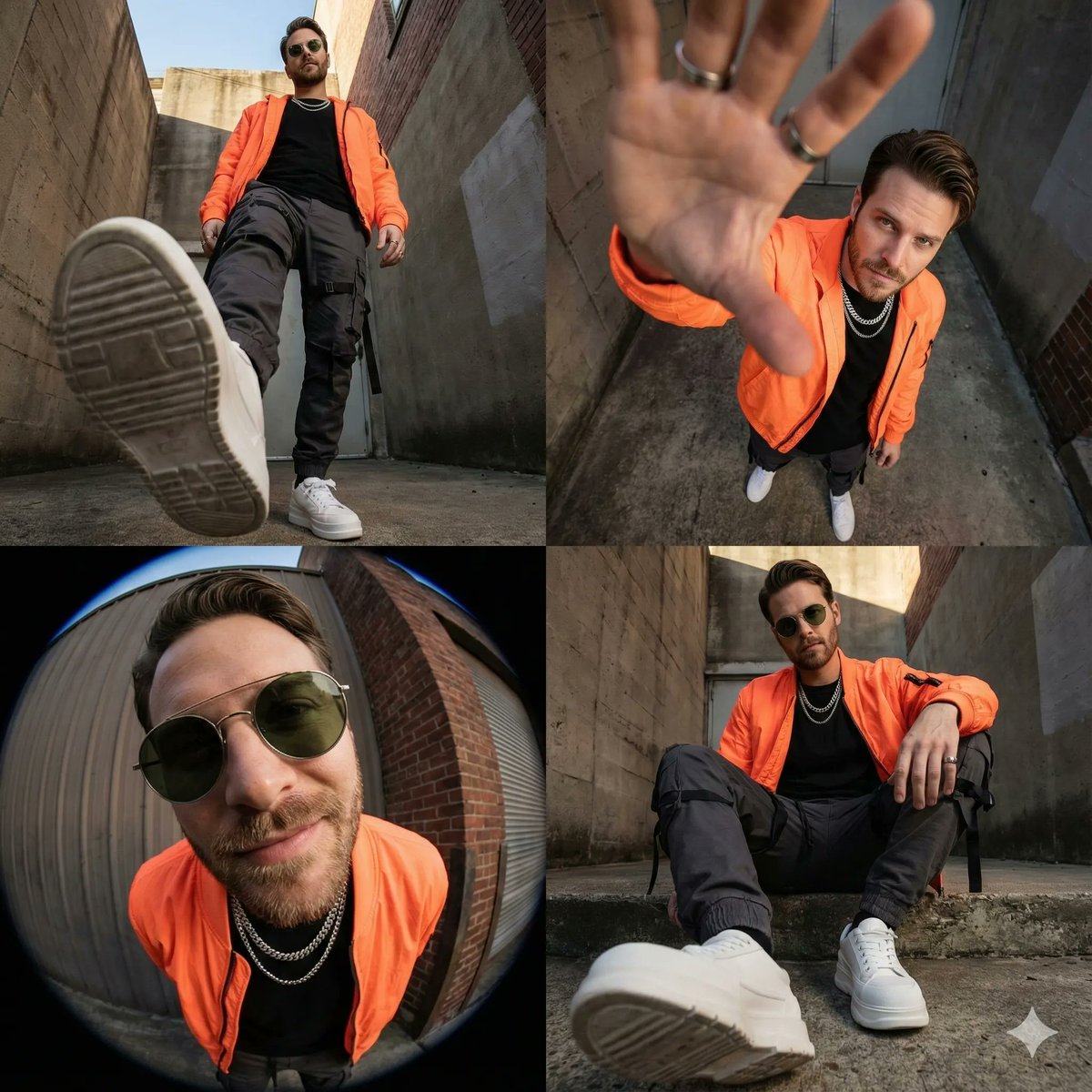
High-Fashion Streetwear Editorial Grid Collage

Image-to-Sketch Cartoon Transformation Prompt

K-Pop Idol Stage Portrait
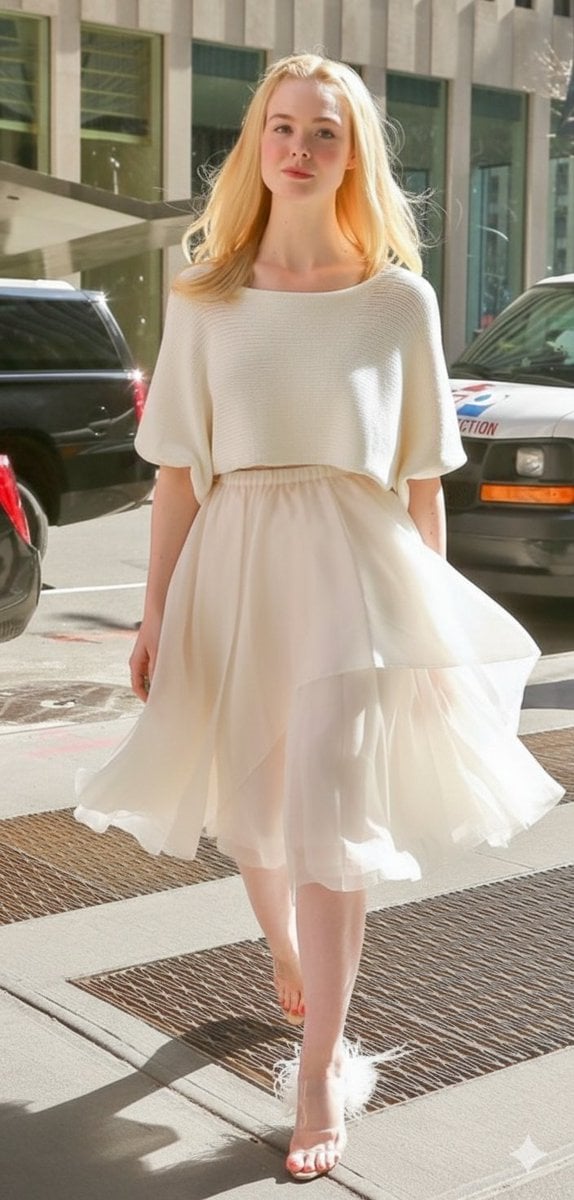
High Fashion Street Style in NYC (Minimalist Luxury)

Casual Street Outfit Photo with Handwritten Text

Regal Golden Lion Heraldic Crest
Browse template categories
Vintage Desert Refuge Road Sign questions
How do I use the Vintage Desert Refuge Road Sign template?
Add your photo if the template asks for one, edit the prompt if you like — the template's model and format are already selected — and press Generate. Your version opens in PicX Studio.
Can I customize the Vintage Desert Refuge Road Sign template?
Yes. You can change the subject, setting, lighting, mood, format, and available model controls before creating your image.
Is the Vintage Desert Refuge Road Sign template free?
Opening and editing this template is free. Generating uses credits, shown on the Generate button when you are signed in.
Which AI model should I use?
Start with GPT Image 2, which is the model associated with this template. You can compare another compatible model for a different finish.
Looking for something else? Browse all templates.

Your photo, any look
Thousands of ready templates for every top image and video model, from one credit balance.