
Dark Cyber Elf With Crimson Blade
This prompt generates a dramatic high-detail anime dark fantasy character poster, ideal for concept art, key visuals, or striking AI art showcases.
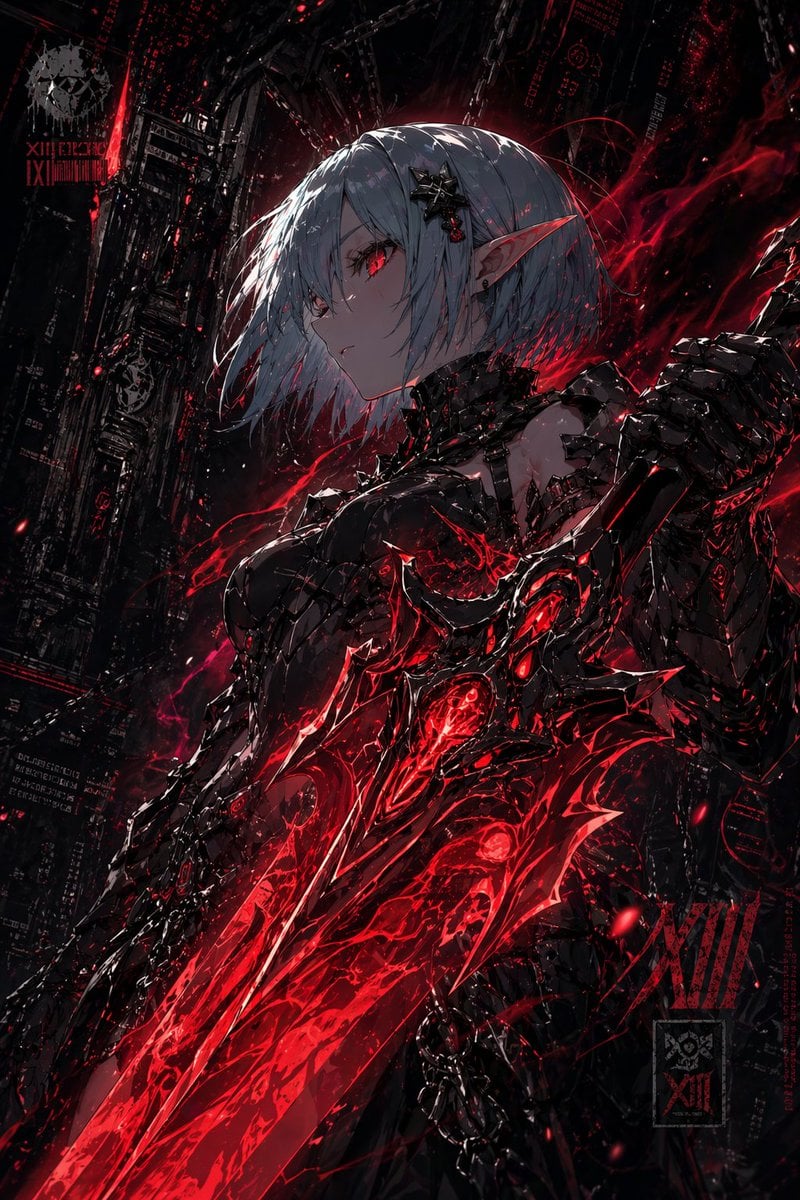
- Prompt included
- Model and format preset
- Premium template
The prompt behind this image
Copy the exact prompt behind Dark Cyber Elf With Crimson Blade, or open it in the studio and make it yours.
A dark ultra-detailed anime cyber-gothic portrait of a {argument name="character type" default="female elf warrior"} in a three-quarter side profile, framed from upper thighs to head, standing in a ruined futuristic industrial city. She has a short blunt bob in {argument name="hair color" default="silver-white"}, pale skin, long sharp elf ears, and a calm cold expression with one visible glowing {argument name="eye color" default="crimson red"} eye. Her hair is windswept across her face, and she wears a black star-shaped metallic hair ornament near one temple. Outfit is a sleek black biomechanical armored dress with glossy obsidian surfaces, spiked and layered plates, torn lace-like textures around the shoulders and chest, and intricate demonic exoskeleton detailing. One arm is heavily armored into a massive organic-mechanical gauntlet. She holds or merges with an enormous jagged living sword crossing diagonally from the lower left foreground toward her torso; the blade is black metal with glowing veins, embedded red cores, and violent molten energy bursting through it like liquid fire. Red energy ribbons, sparks, smoke, and ember-like particles swirl around her body and weapon. The background is a vertical dystopian megastructure filled with black steel towers, cables, hanging chains, fragments of red holographic code, occult-tech insignias, and faint industrial symbols, all mostly swallowed by shadow. Use a black and deep crimson palette with extreme contrast, glossy highlights, sharp rim light, dramatic backglow behind the head, dense detail, chaotic painterly effects, and a grim apocalyptic atmosphere. Composition should feel like premium dark fantasy key art, highly polished, cinematic, intimidating, elegant, and explosive.
How to use Dark Cyber Elf With Crimson Blade in 3 steps
- 1Upload ImagePNG, JPG or paste
Add your photo
Upload the photo the template builds on. The prompt, model and format are already set.
- 2…a portrait of your subject in softgolden-hour light, 85mm…
Personalize
Edit the subject and creative details for your destination.
- 3Generate
Generate
Press Generate — your image is created in PicX Studio, so you can compare it with the original and refine one variable at a time.
More like this
Templates with the same subject, style or setup. Open one to see its prompt.
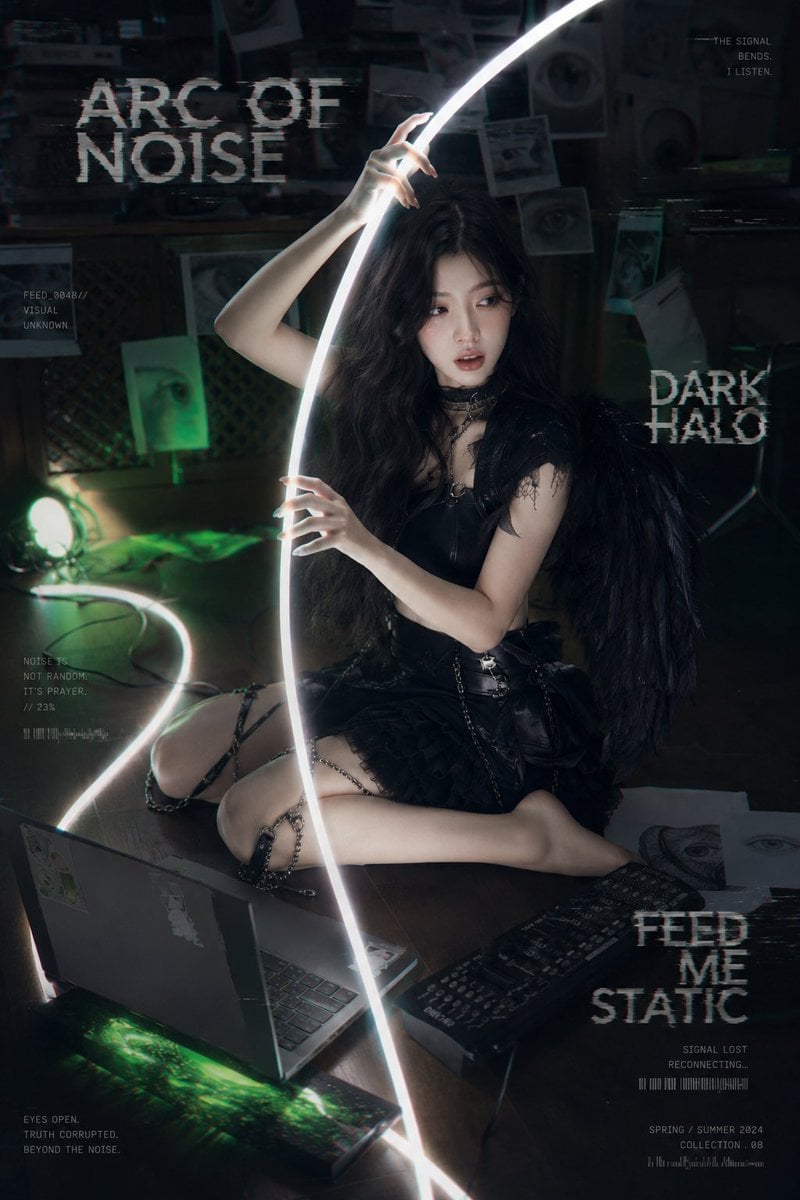
Dark Cyber-Goth Angel Poster
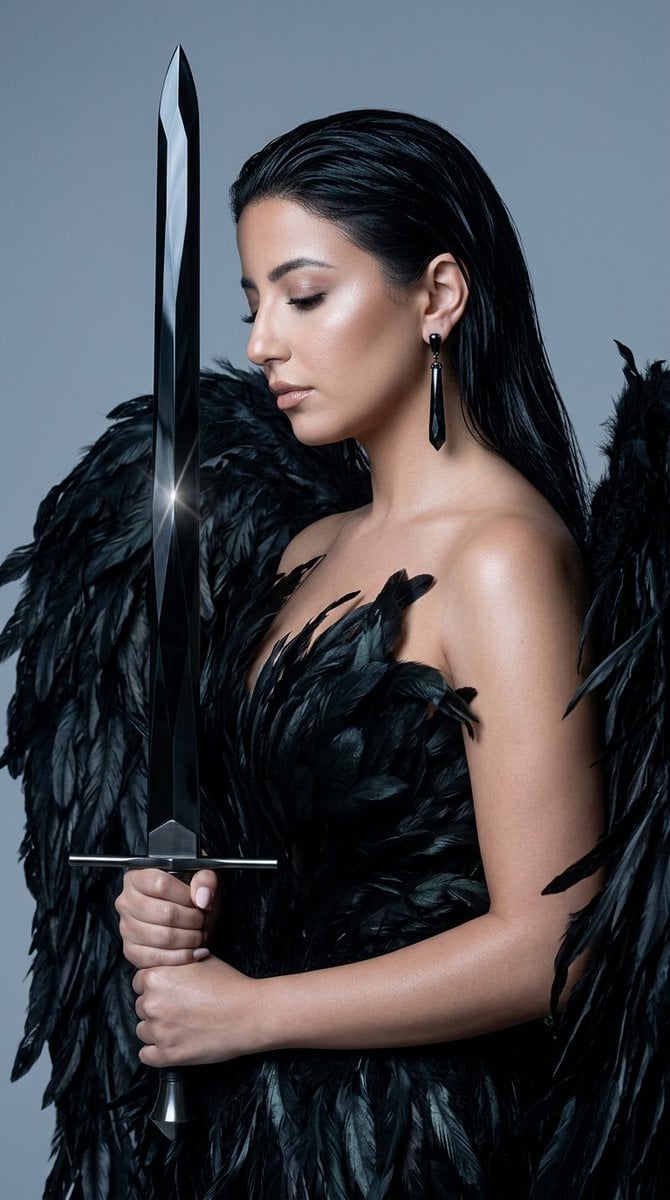
Obsidian Blade Dark Angel

Selective Color Monochrome Football Poster
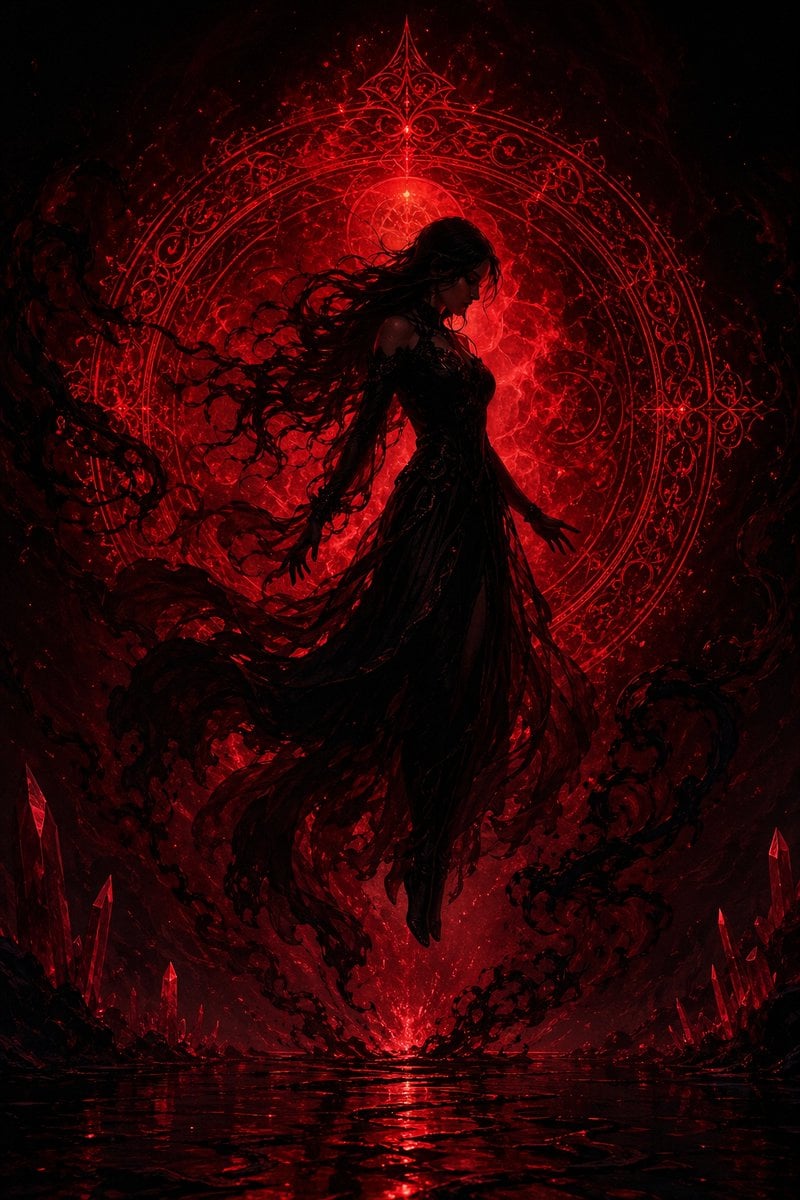
Crimson Dark Sorceress Ritual
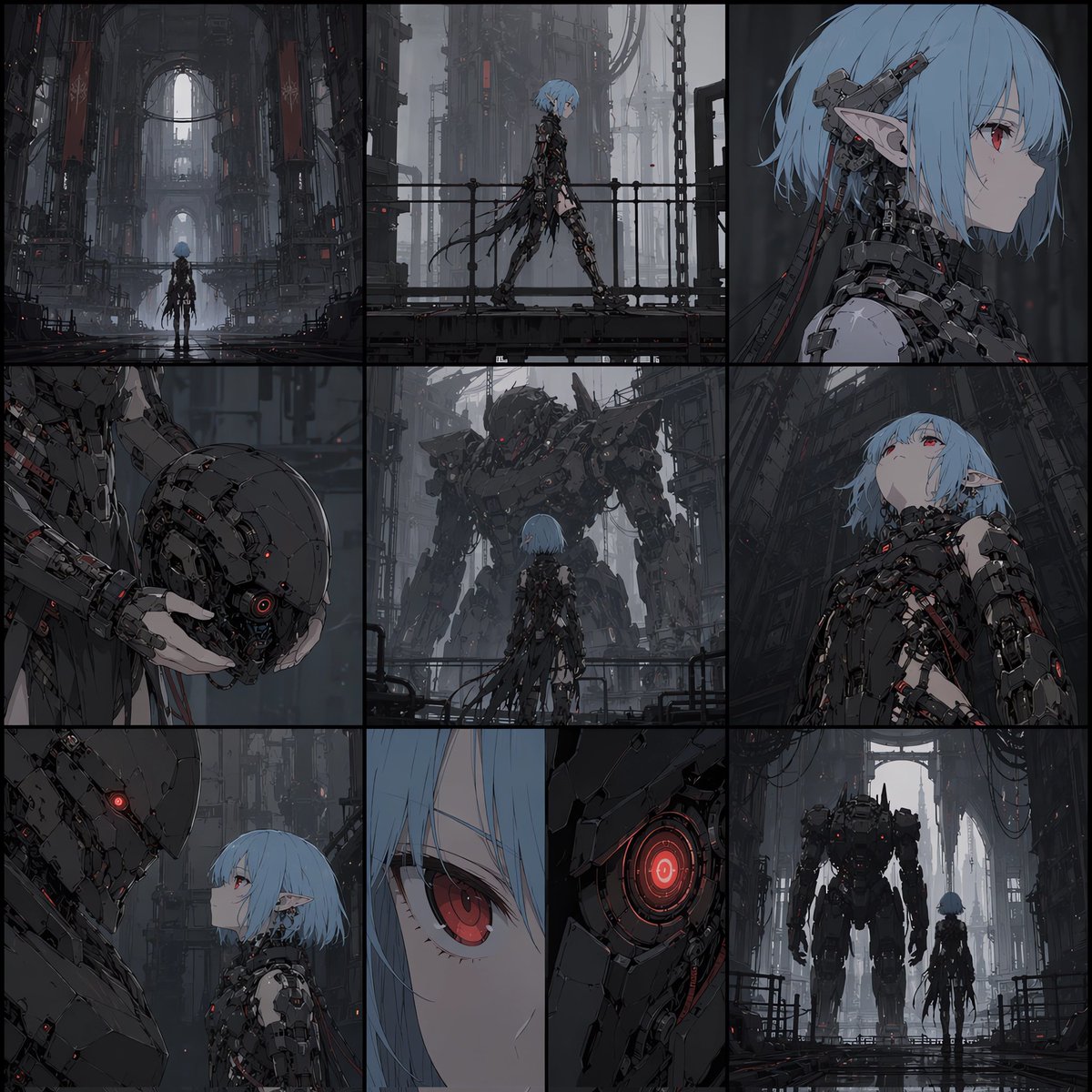
Cyberpunk Android Elf Storyboard
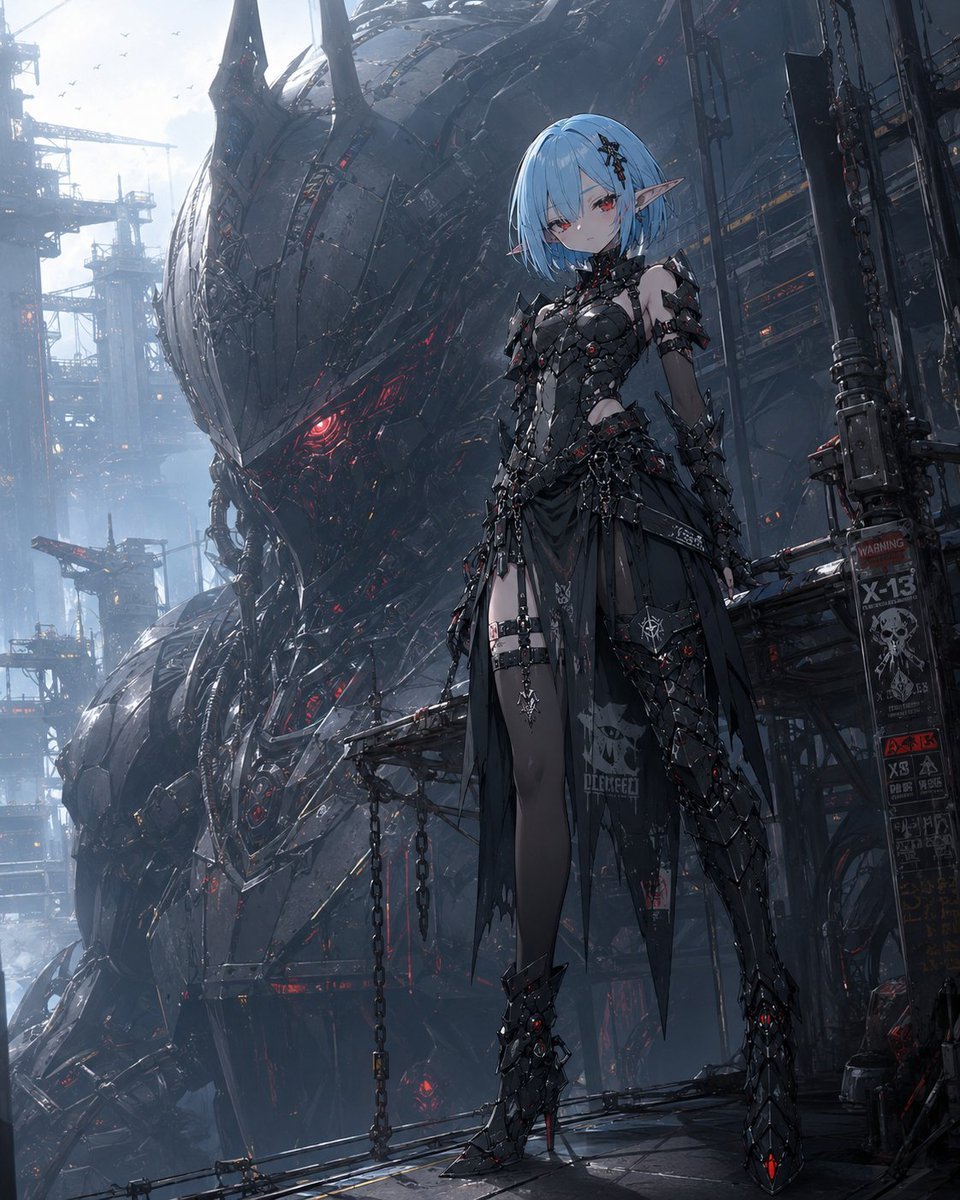
Cyberpunk Elf and War Machine
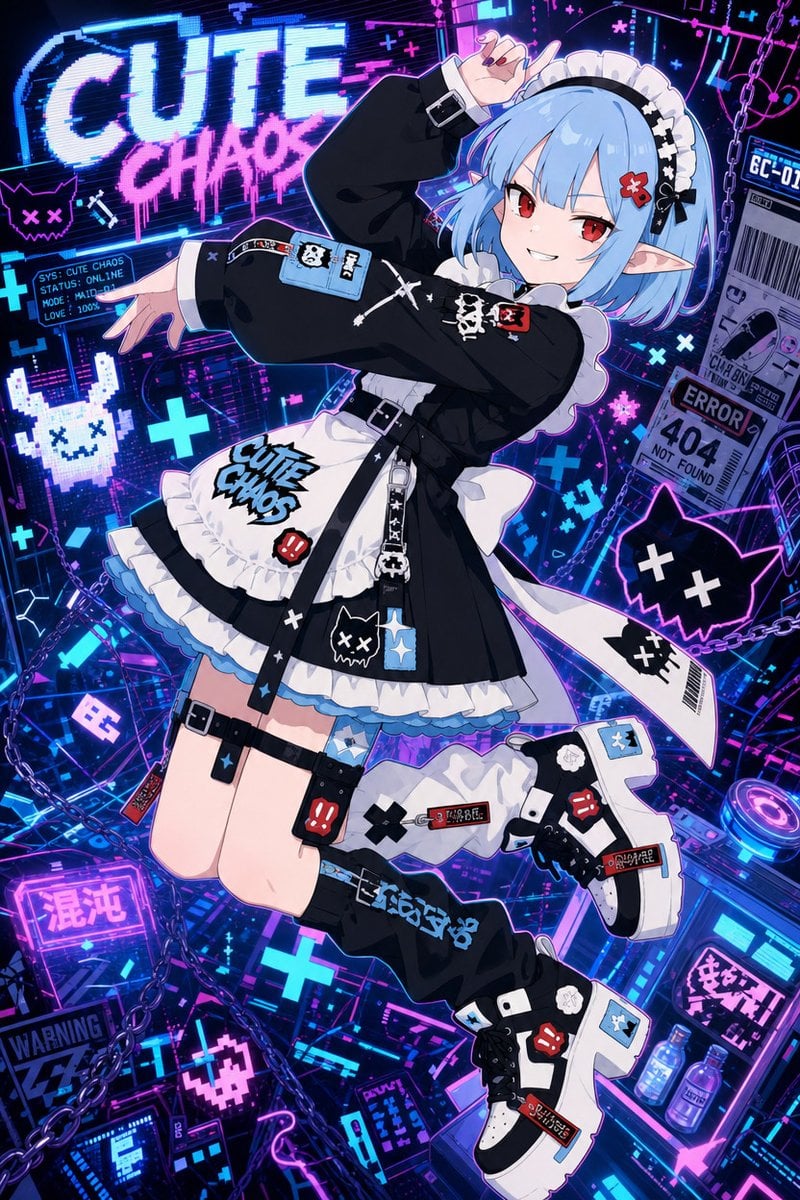
Cute Chaos Cyberpunk Maid Elf

Night Sports Car Portrait — Cinematic Moody

Cinematic Eye Light Portraits — 3 Nano Banana Prompts

Horror Cinematic Portrait
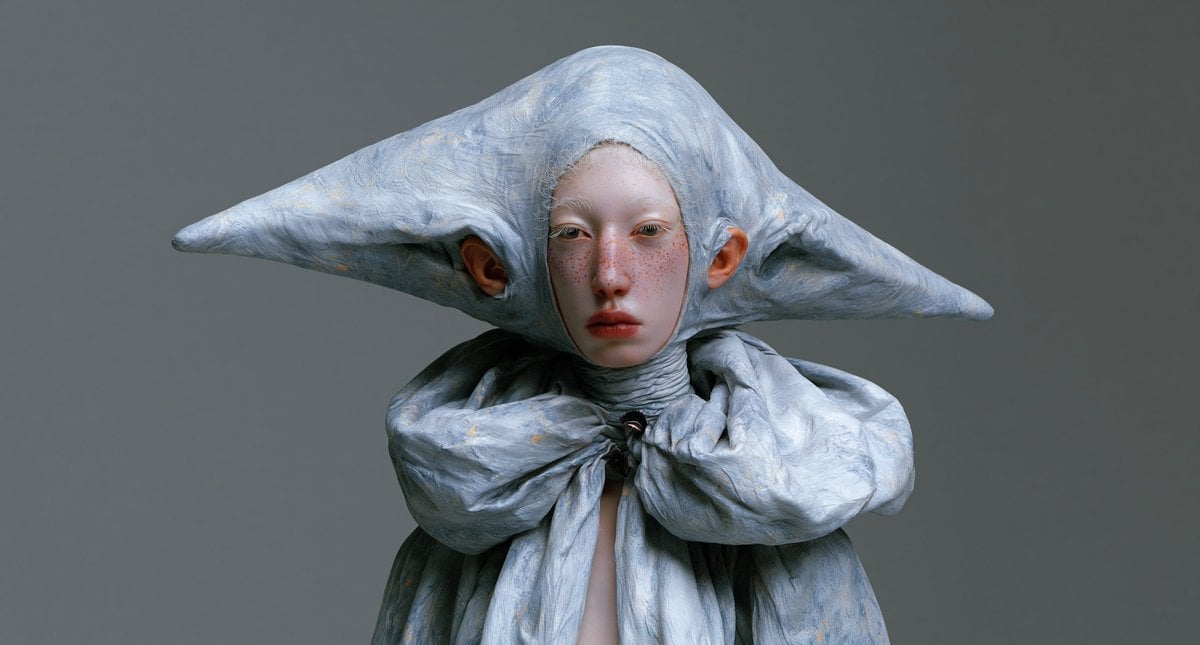
Surreal Elf Couture Portrait

Anime Elf Maid Turnaround Sheet
Make it yours
Dark Cyber Elf With Crimson Blade works as-is. These are the safest ways to change it without losing the look.
Change one field
Copy a single group, rewrite it, and generate again so you can see what that field is doing.
Keep the frame, change the subject
Hold the composition and light of Dark Cyber Elf With Crimson Blade, then swap wardrobe, props or the person for a new take.
| If the result… | Why | Fix |
|---|---|---|
| The result drifts from the preview | Too many fields changed at once. | Reuse Dark Cyber Elf With Crimson Blade as-is first, then change one group — subject, light, or setting. |
| The model over-stylizes the scene | The prose prompt leaves finish and camera underspecified. | Add one camera or lighting sentence and stay on GPT Image 2. |
More GPT Image 2 templates
Other prompts made for GPT Image 2.

Six VTuber Japanese Logo Sheet

Realistic Portrait of Woman and Deer

The Vista Modular Condo Poster

AI Model Routing Comparison Infographic

2.5D Anime Art Board

Isometric Productivity Desk Scene

New York Double Exposure Poster

Four-Panel AI Landscape Comparison

Japanese Tatami Lifestyle Magazine Cover

NESCAFÉ Coffee Map Poster
More image prompts
Fresh picks from across the catalog.
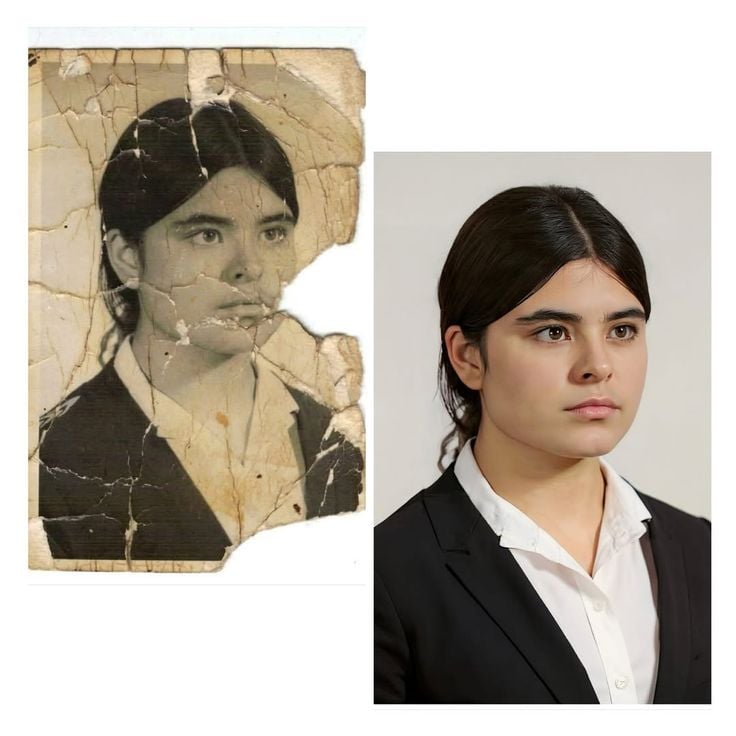
Advanced Image Restoration and Upscale Prompt
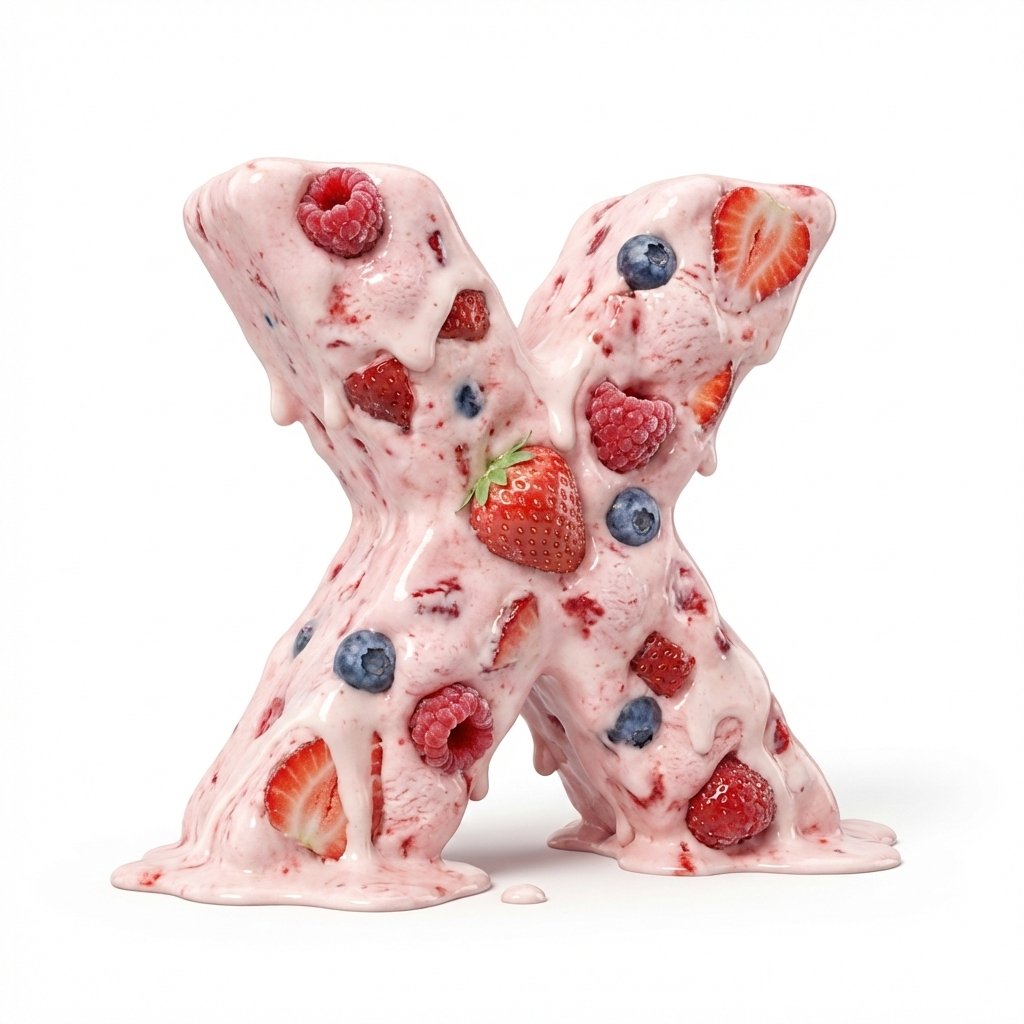
Strawberry Ice Cream 3D Letter 'X'
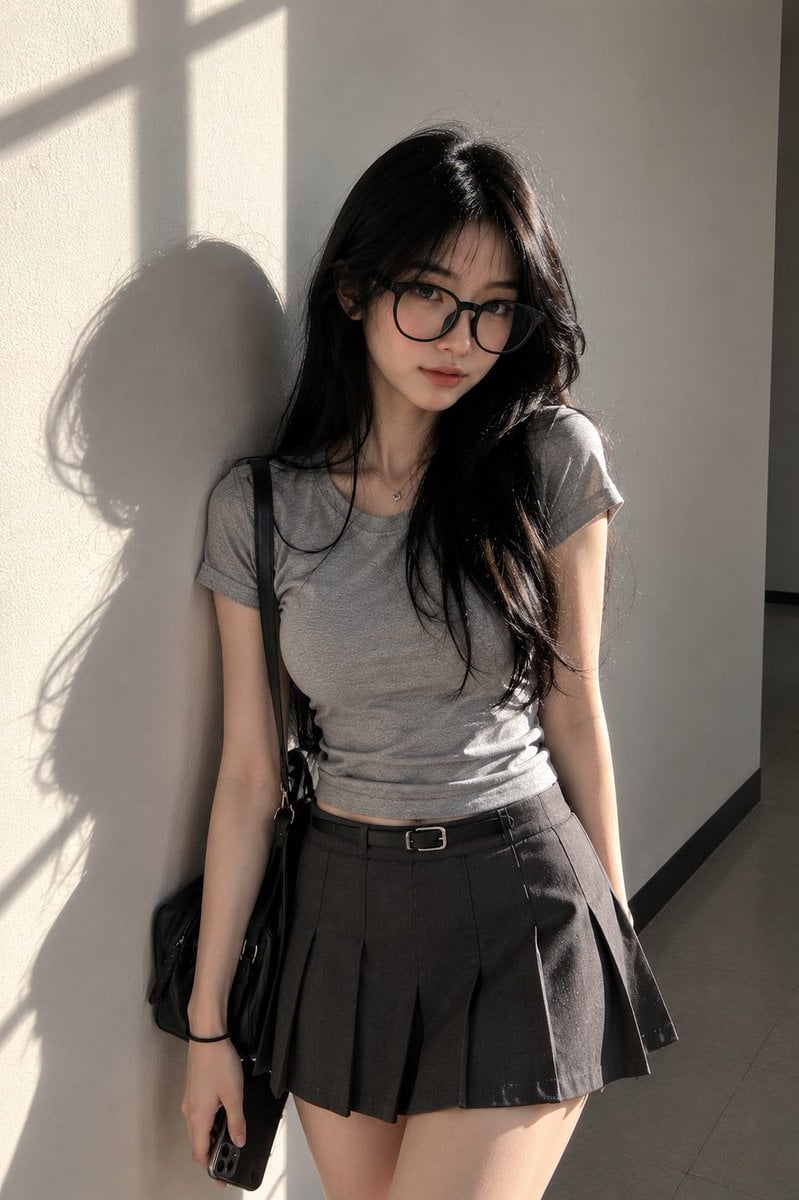
Candid Campus Student Portrait
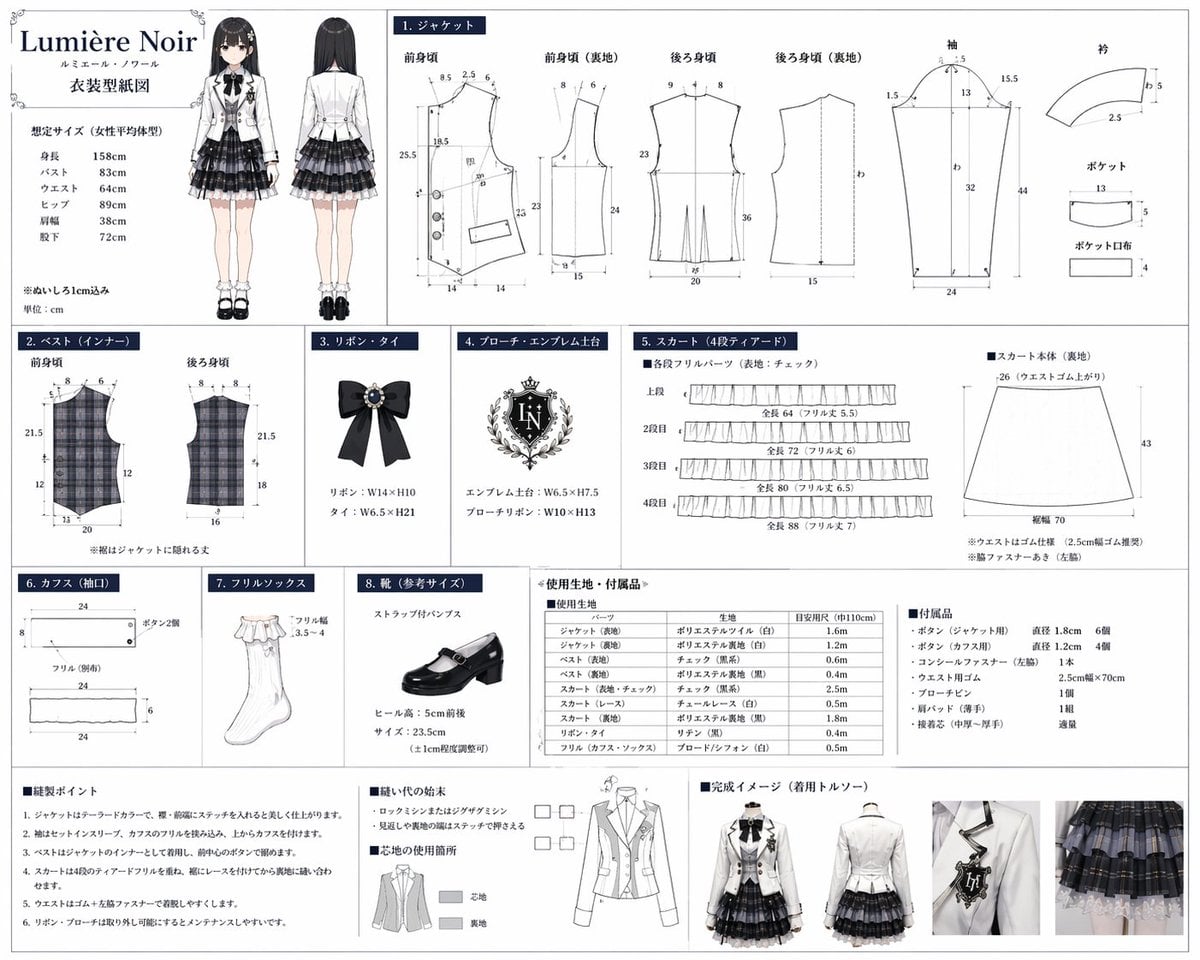
Anime Costume Sewing Pattern Sheet

AI Code Explanation English Poster
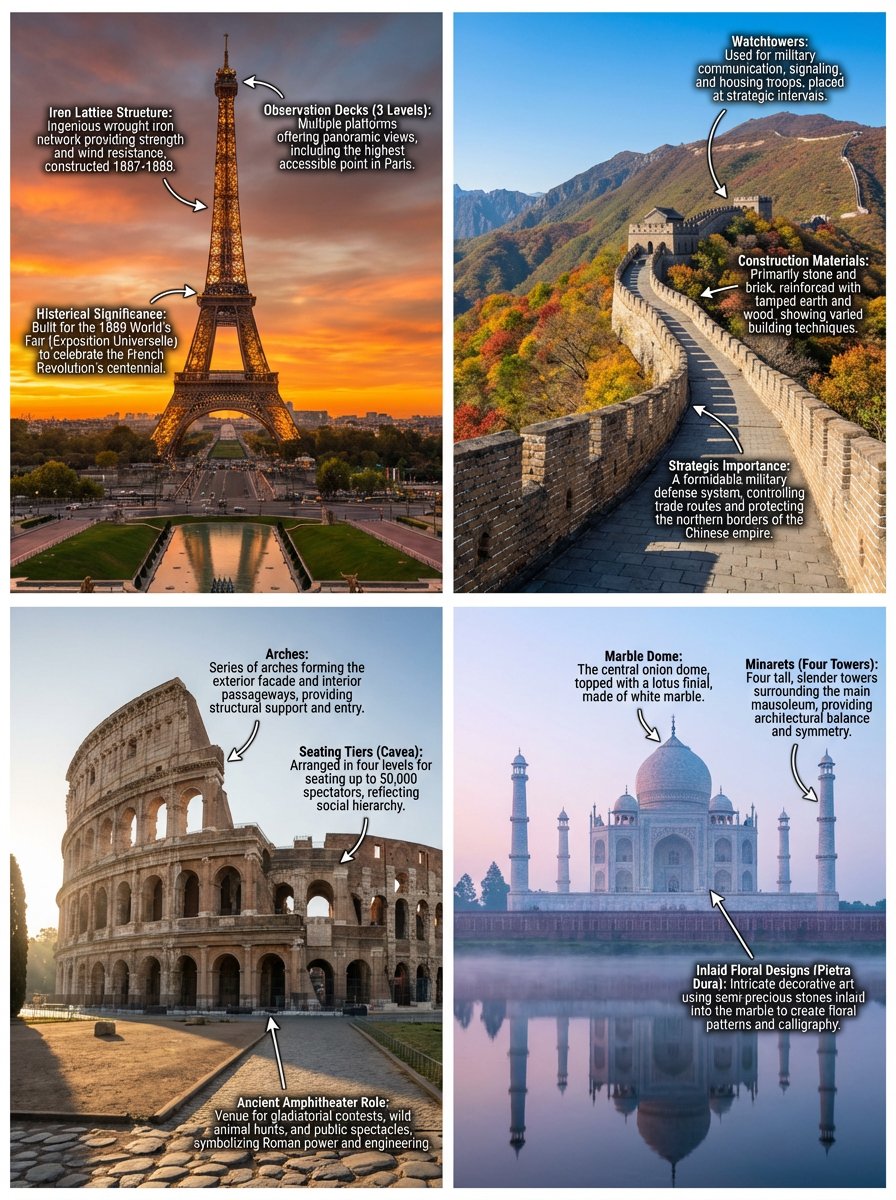
Annotated landmark images of Eiffel Tower, Great Wall, Colosseum, Taj Mahal
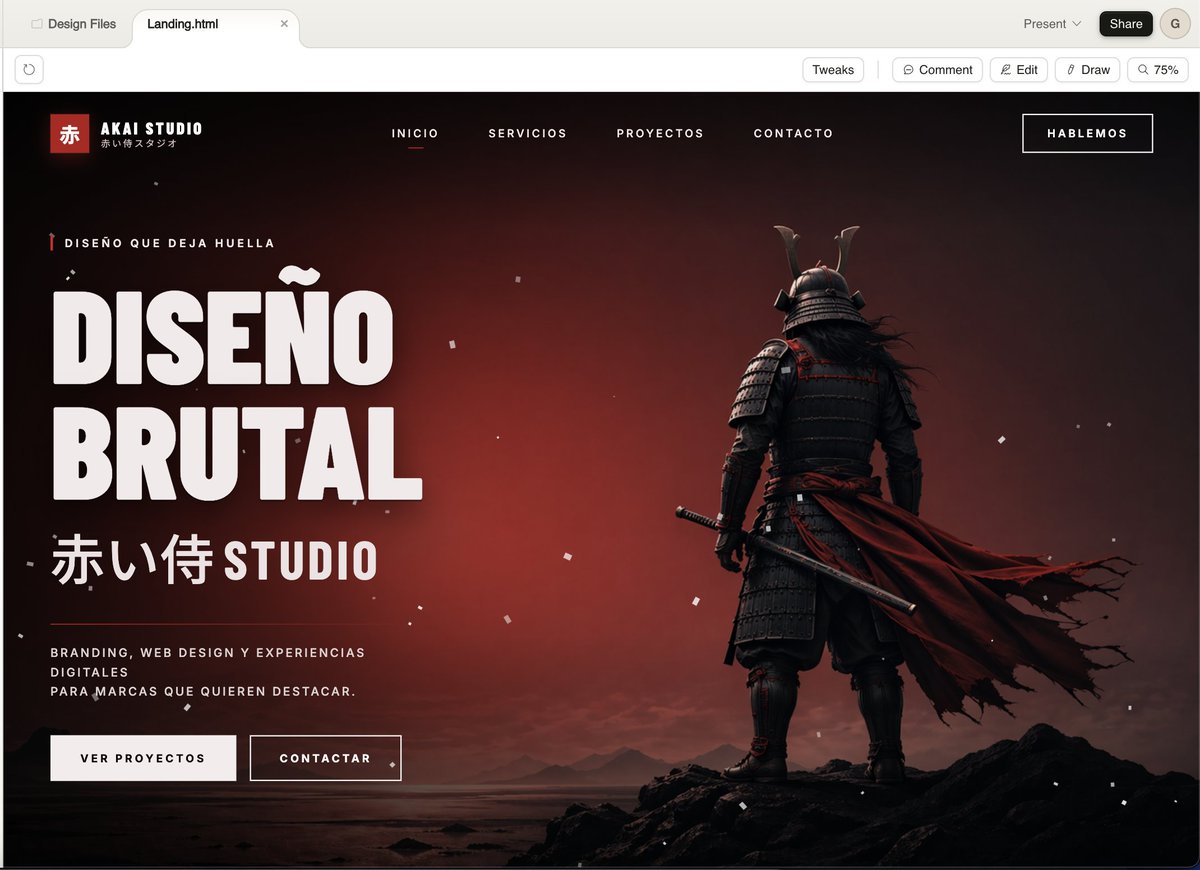
Cinematic Samurai Agency Landing Page

Web page design from reference wireframe

Colossal battleship at dawn illustration prompt

Raw High-Contrast Night Documentation Portrait
Browse template categories
Dark Cyber Elf With Crimson Blade questions
How do I use the Dark Cyber Elf With Crimson Blade template?
Add your photo if the template asks for one, edit the prompt if you like — the template's model and format are already selected — and press Generate. Your version opens in PicX Studio.
Can I customize the Dark Cyber Elf With Crimson Blade template?
Yes. You can change the subject, setting, lighting, mood, format, and available model controls before creating your image.
Is the Dark Cyber Elf With Crimson Blade template free?
Opening and editing this template is free. Generating uses credits, shown on the Generate button when you are signed in.
Which AI model should I use?
Start with GPT Image 2, which is the model associated with this template. You can compare another compatible model for a different finish.
Looking for something else? Browse all templates.

Your photo, any look
Thousands of ready templates for every top image and video model, from one credit balance.