
Cyberpunk Android Elf Storyboard
A dark anime-style 3x3 storyboard collage showing a blue-haired android elf and a giant mech in a gothic industrial cathedral, ideal for cinematic sci-fi concept art prompts.
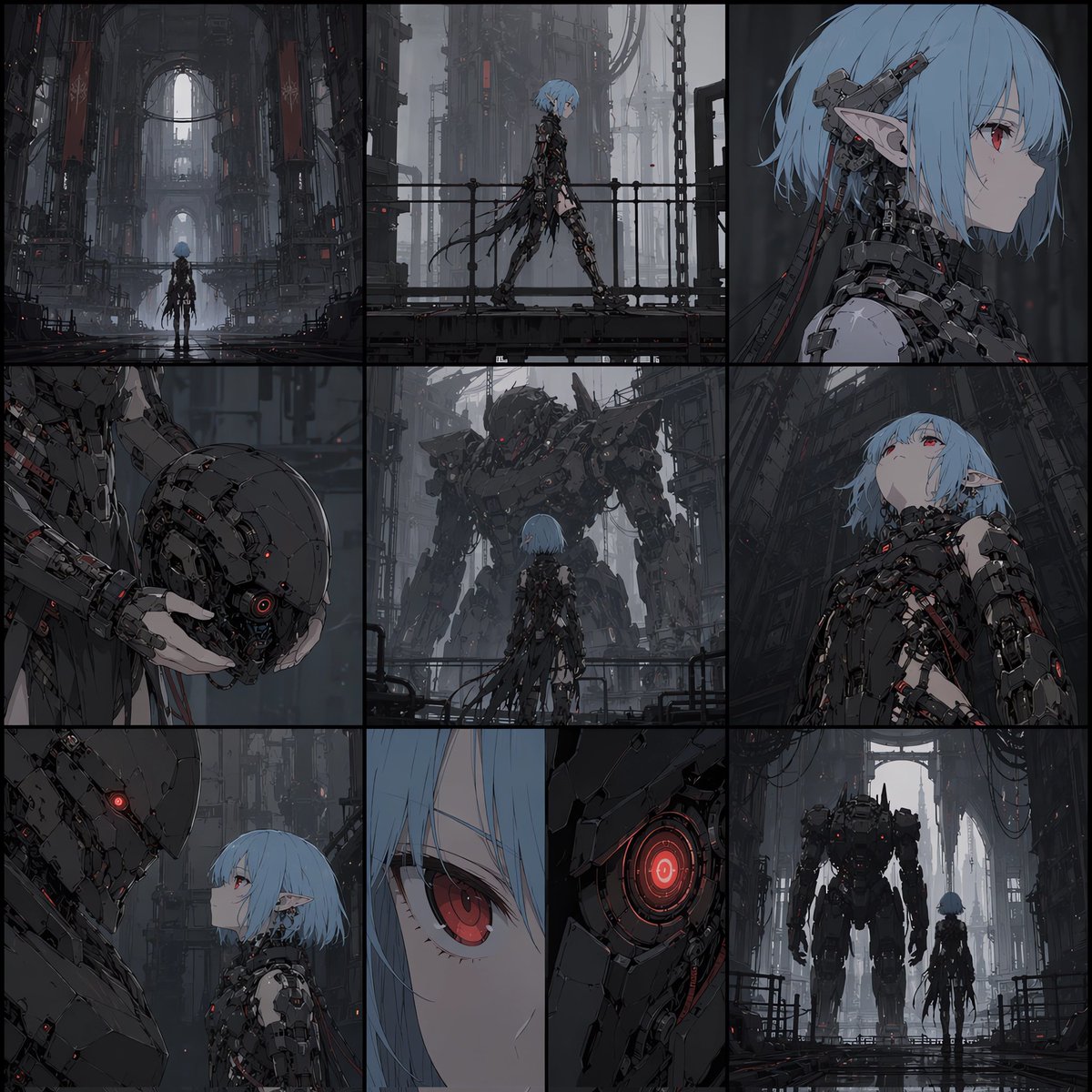
- Prompt included
- Model and format preset
- Free template
The prompt behind this image
Copy the exact prompt behind Cyberpunk Android Elf Storyboard, or open it in the studio and make it yours.
- Type
- anime cyberpunk storyboard collage
- Style
- dark cinematic mecha illustration, highly detailed, moody industrial sci-fi, painterly anime rendering, desaturated steel-gray palette with black metal and subtle crimson glow accents
- Subject › Primary Character › Type
- female android elf
- Subject › Primary Character › Appearance
- slim young woman with pale skin, short bob-cut {argument name="hair color" default="icy blue"} hair, straight bangs, pointed elf ears, red eyes, calm stoic expression
- Subject › Primary Character › Outfit
- black biomechanical bodysuit made of layered cables, plates, straps, and exposed mechanical components, shredded trailing elements behind the legs and back
- Subject › Secondary Character › Type
- giant humanoid mech
- Subject › Secondary Character › Appearance
- towering armored robot with bulky charcoal plating, battle-worn surfaces, glowing red sensor eyes, intimidating silhouette
- Subject › Prop
- a dark mechanical helmet with a single red glowing optic held in one hand
- Environment › Setting
- vast gothic-industrial cathedral interior converted into a futuristic factory
- Environment › Details
- towering arches, hanging cables and chains, metal walkways with railings, foggy atmospheric depth, wet reflective floor, massive walls full of machinery and vertical structures
- Layout › Composition
- 3 by 3 storyboard grid, one unified illustration divided by black borders
- Layout › Sections › 0 › Position
- top-left
- Layout › Sections › 0 › Count
- 1
- Layout › Sections › 0 › Description
- wide establishing shot of the small android elf standing alone in the center of an immense cathedral-like industrial hall
- Layout › Sections › 1 › Position
- top-center
- Layout › Sections › 1 › Count
- 1
- Layout › Sections › 1 › Description
- side-view full-body shot of the android elf walking along a metal catwalk
- Layout › Sections › 2 › Position
- top-right
- Layout › Sections › 2 › Count
- 1
- Layout › Sections › 2 › Description
- close side profile portrait showing the elf ear, blue hair, red eye, and intricate neck and head machinery
- Layout › Sections › 3 › Position
- middle-left
- Layout › Sections › 3 › Count
- 1
- Layout › Sections › 3 › Description
- close-up of a hand holding the dark robotic helmet with red glowing lens
- Layout › Sections › 4 › Position
- middle-center
Raw JSON
{"type":"anime cyberpunk storyboard collage","style":"dark cinematic mecha illustration, highly detailed, moody industrial sci-fi, painterly anime rendering, desaturated steel-gray palette with black metal and subtle crimson glow accents","subject":{"primary character":{"type":"female android elf","appearance":"slim young woman with pale skin, short bob-cut {argument name=\"hair color\" default=\"icy blue\"} hair, straight bangs, pointed elf ears, red eyes, calm stoic expression","outfit":"black biomechanical bodysuit made of layered cables, plates, straps, and exposed mechanical components, shredded trailing elements behind the legs and back"},"secondary character":{"type":"giant humanoid mech","appearance":"towering armored robot with bulky charcoal plating, battle-worn surfaces, glowing red sensor eyes, intimidating silhouette"},"prop":"a dark mechanical helmet with a single red glowing optic held in one hand"},"environment":{"setting":"vast gothic-industrial cathedral interior converted into a futuristic factory","details":["towering arches","hanging cables and chains","metal walkways with railings","foggy atmospheric depth","wet reflective floor","massive walls full of machinery and vertical structures"]},"layout":{"composition":"3 by 3 storyboard grid, one unified illustration divided by black borders","sections":[{"position":"top-left","count":1,"description":"wide establishing shot of the small android elf standing alone in the center of an immense cathedral-like industrial hall"},{"position":"top-center","count":1,"description":"side-view full-body shot of the android elf walking along a metal catwalk"},{"position":"top-right","count":1,"description":"close side profile portrait showing the elf ear, blue hair, red eye, and intricate neck and head machinery"},{"position":"middle-left","count":1,"description":"close-up of a hand holding the dark robotic helmet with red glowing lens"},{"position":"middle-center","count":1,"description":"rear view of the blue-haired android elf facing the giant mech at close range in the industrial corridor"},{"position":"middle-right","count":1,"description":"low-angle medium portrait of the android elf looking slightly downward, emphasizing the armored torso and neck mechanisms"},{"position":"bottom-left","count":1,"description":"intimate face-to-face side profile scene between the giant mech and the android elf, contrasting their scale"},{"position":"bottom-center","count":2,"description":"split close-up diptych, left half on the elf's red eye and blue hair, right half on the mech's red glowing optic"},{"position":"bottom-right","count":1,"description":"wide rear shot of the mech and the android elf standing side by side or walking forward into the cathedral hall"}]},"lighting":{"overall":"low-key dramatic lighting with cool gray ambience","accents":"small red LEDs and glowing optics scattered through the character designs and machinery","mood":"lonely, ominous, elegant, futuristic"},"camera":"mix of establishing wide shots, profile portraits, low-angle hero shots, and extreme close-ups, arranged like a cinematic storyboard","quality":"ultra-detailed, sharp focus, atmospheric perspective, polished concept-art finish"}How to use Cyberpunk Android Elf Storyboard in 3 steps
- 1Upload ImagePNG, JPG or paste
Add your photo
Upload the photo the template builds on. The prompt, model and format are already set.
- 2…a portrait of your subject in softgolden-hour light, 85mm…
Personalize
Edit the subject and creative details for your destination.
- 3Generate
Generate
Press Generate — your image is created in PicX Studio, so you can compare it with the original and refine one variable at a time.
More like this
Templates with the same subject, style or setup. Open one to see its prompt.

Rainy Night Android Cyberpunk Portrait
Rainy Night Android Cyberpunk Portrait
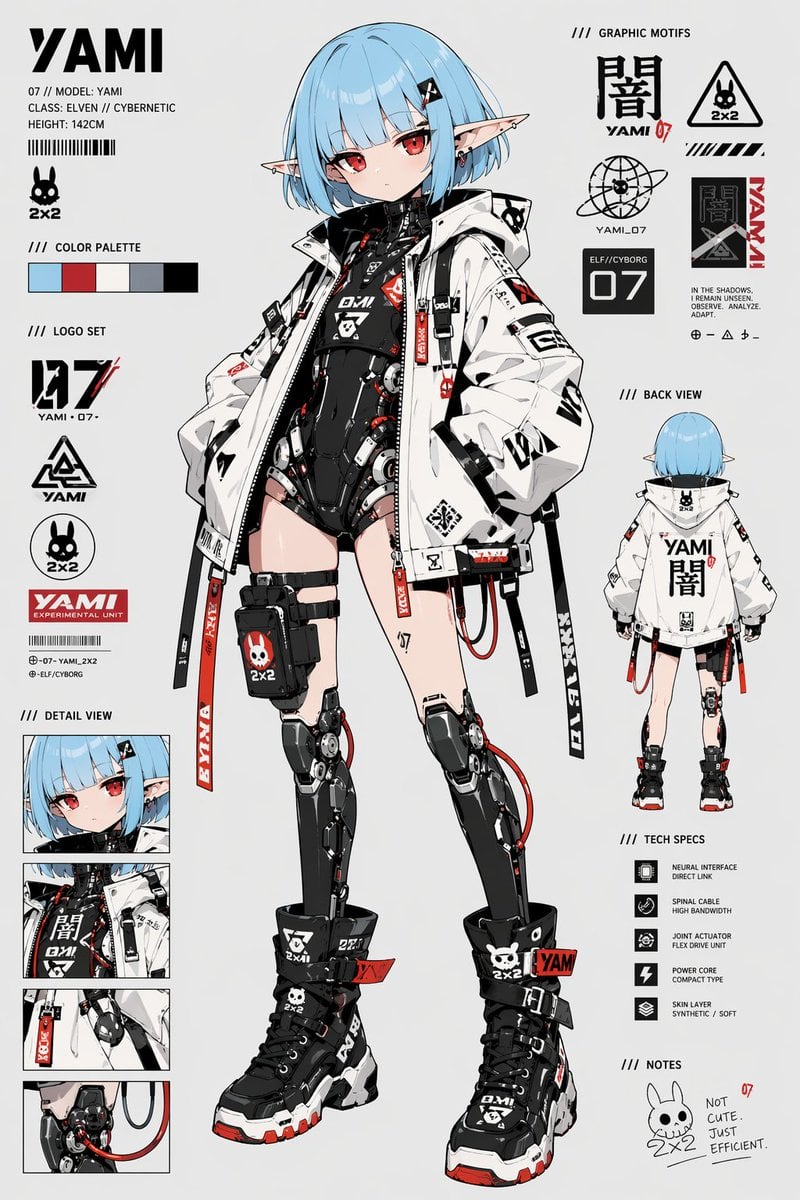
Cyberpunk Elf Android Reference Sheet
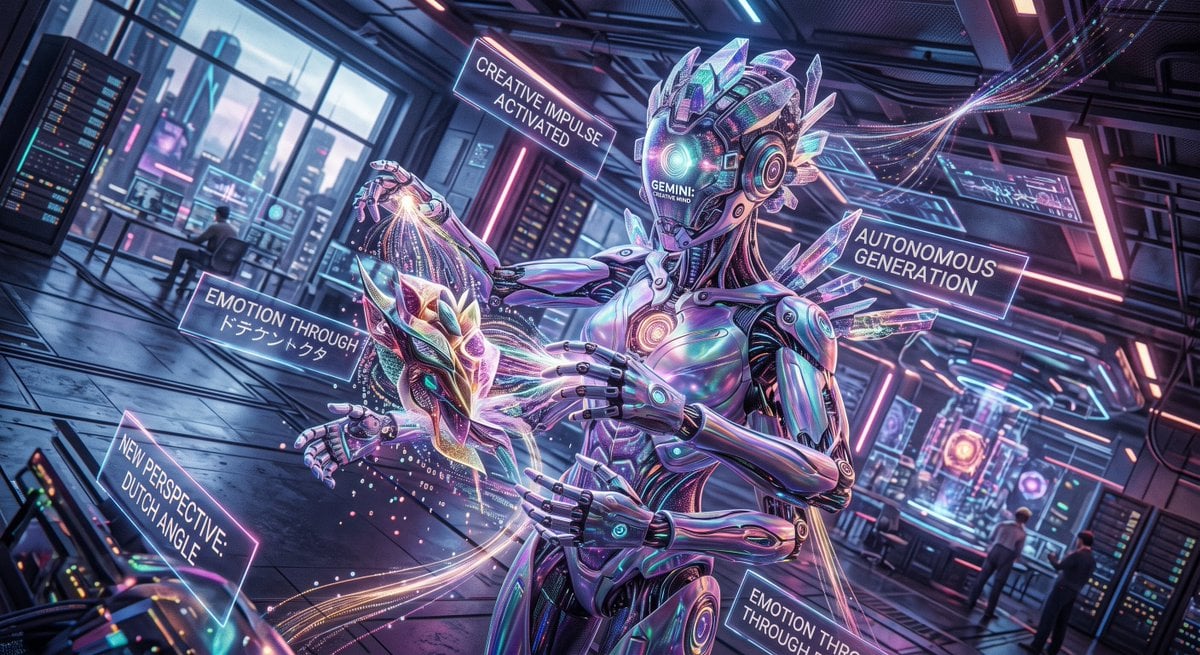
Cyberpunk Android Creating Art
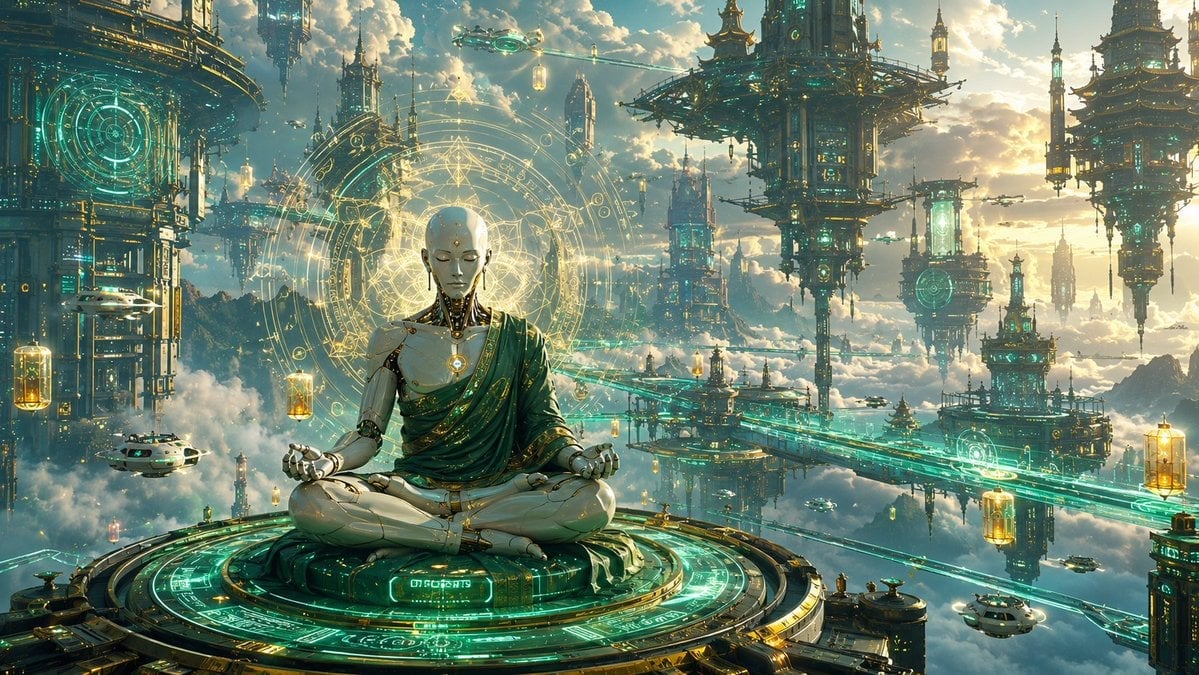
Cyberpunk Android Monk Sky City
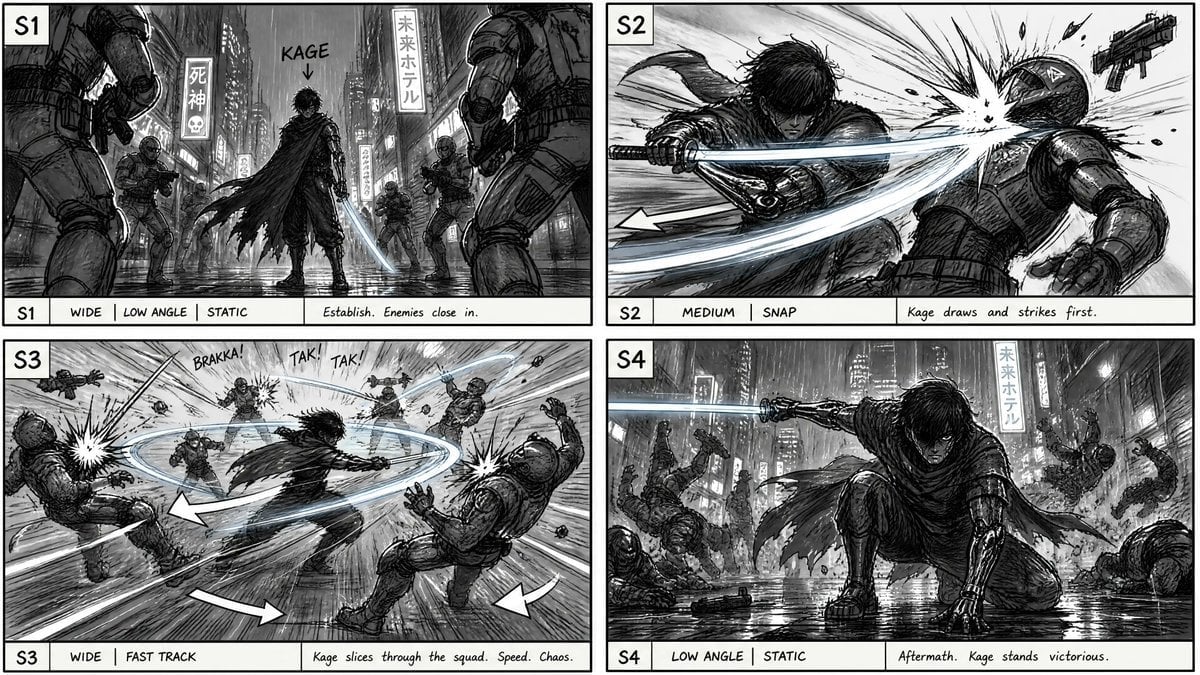
Cyberpunk Sword Fight Storyboard
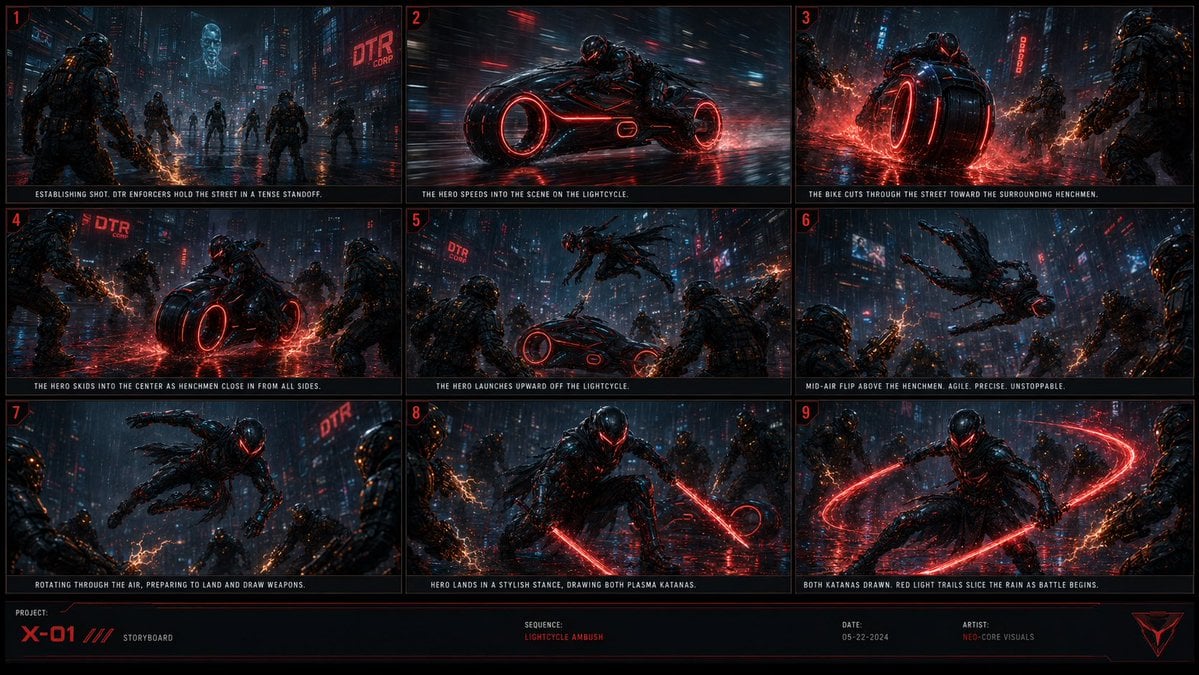
Cyberpunk Lightcycle Storyboard

Korean Idol Partial Shadow Editorial Portrait

Cinematic Sci-Fi Interface Side Profile

Cyberpunk Neon Profile Fashion Portrait

Cinematic Neon Light Strip Studio Portrait

Futuristic Studio Neon Ring Minimalist Portrait
Make it yours
Cyberpunk Android Elf Storyboard works as-is. These are the safest ways to change it without losing the look.
Swap the setting
Keep the rest of the prompt and replace the location block. The current setting is “vast gothic-industrial cathedral interior converted into a futuristic factory”.
Swap the light
One lighting change is enough to compare takes. Current light: “low-key dramatic lighting with cool gray ambience”.
Change one field
Copy a single group, rewrite it, and generate again so you can see what that field is doing.
| If the result… | Why | Fix |
|---|---|---|
| The result drifts from the preview | Too many fields changed at once. | Reuse Cyberpunk Android Elf Storyboard as-is first, then change one group — subject, light, or setting. |
| GPT Image 2 ignores part of the JSON | Some models flatten or skip nested keys. | Keep the same values and paste them as a short paragraph instead. |
More GPT Image 2 templates
Other prompts made for GPT Image 2.

Six VTuber Japanese Logo Sheet

Realistic Portrait of Woman and Deer

The Vista Modular Condo Poster

AI Model Routing Comparison Infographic

2.5D Anime Art Board

Isometric Productivity Desk Scene

New York Double Exposure Poster

Four-Panel AI Landscape Comparison

Japanese Tatami Lifestyle Magazine Cover

NESCAFÉ Coffee Map Poster
More image prompts
Fresh picks from across the catalog.
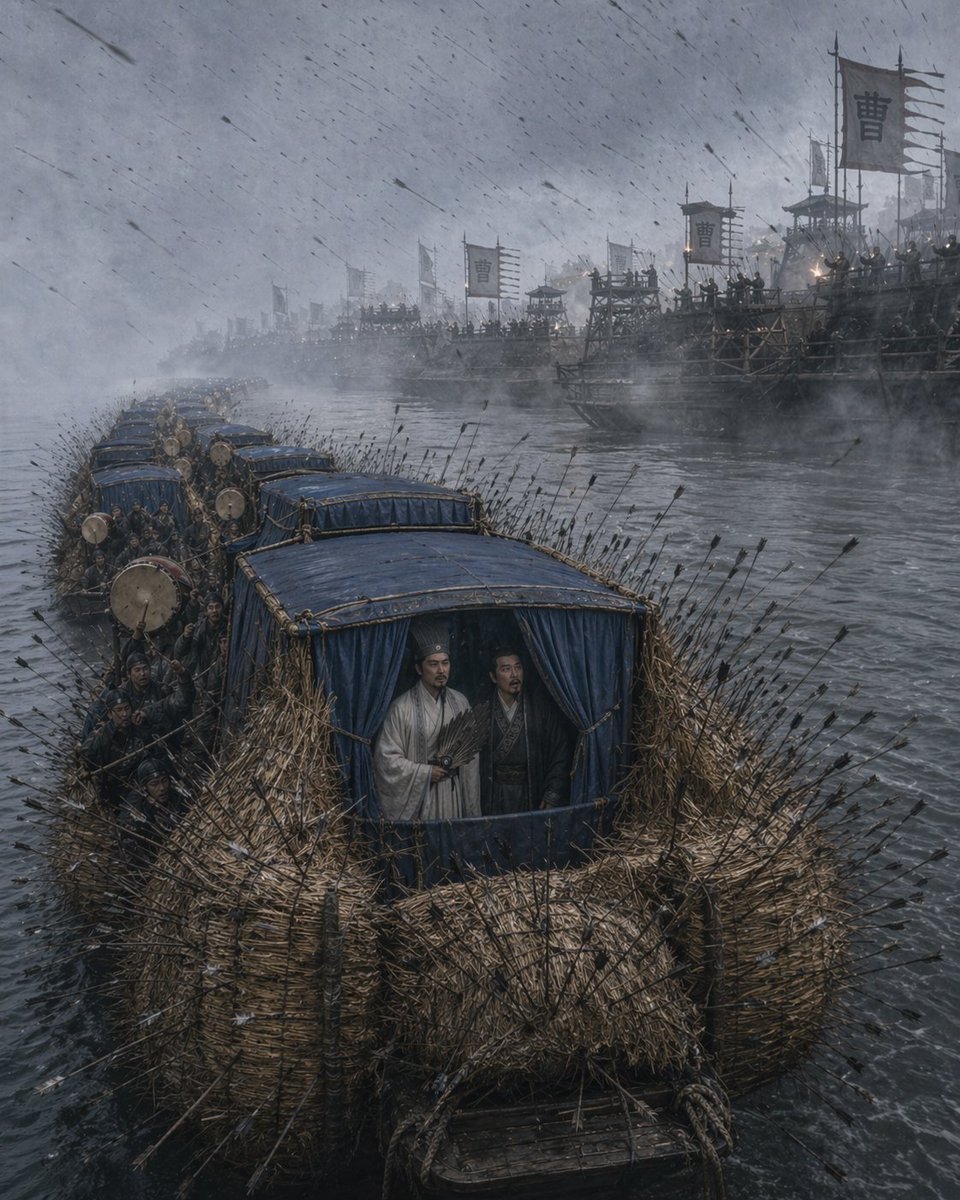
Borrowing Arrows with Straw Boats
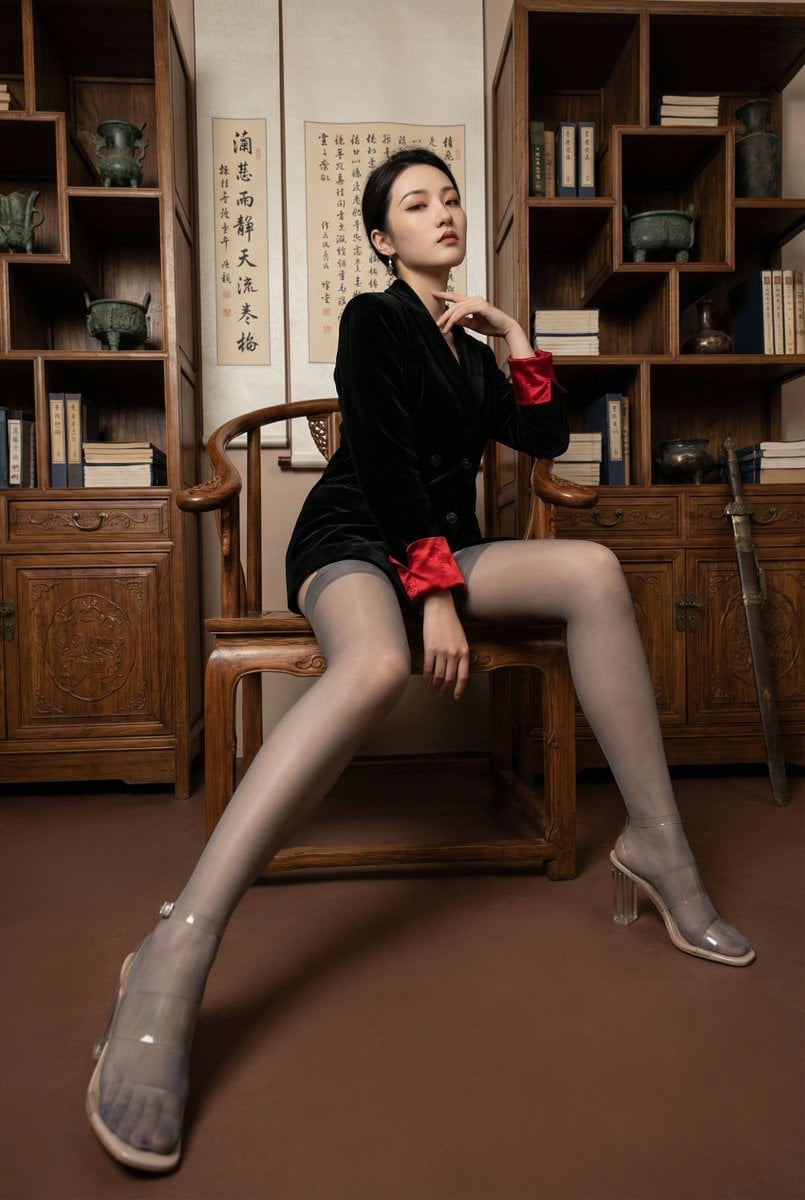
Modern Chinese Retro Fashion Photography Prompt

Dual Valentine's Day Fashion and Product Prompts
Hyperrealistic Nature-Reclaiming-Tech Poster
Character as Japan Soccer Representative
Mystical Crystal Music Stand Image Prompt
Collectible Miniature Diorama of a Rugged Mining Settlement
Seoul Night Street Photography
Lifestyle Fashion Collage of a Young Woman
Fantasy Elf Ranger Trading Card
Browse template categories
Cyberpunk Android Elf Storyboard questions
How do I use the Cyberpunk Android Elf Storyboard template?
Add your photo if the template asks for one, edit the prompt if you like — the template's model and format are already selected — and press Generate. Your version opens in PicX Studio.
Can I customize the Cyberpunk Android Elf Storyboard template?
Yes. You can change the subject, setting, lighting, mood, format, and available model controls before creating your image.
Is the Cyberpunk Android Elf Storyboard template free?
Opening and editing this template is free. Generating uses credits, shown on the Generate button when you are signed in.
Which AI model should I use?
Start with GPT Image 2, which is the model associated with this template. You can compare another compatible model for a different finish.
Looking for something else? Browse all templates.

Your photo, any look
Thousands of ready templates for every top image and video model, from one credit balance.