
Cyberpunk Sword Fight Storyboard
Generates a four-panel cinematic action storyboard sheet for a rainy cyberpunk sword-fight sequence.
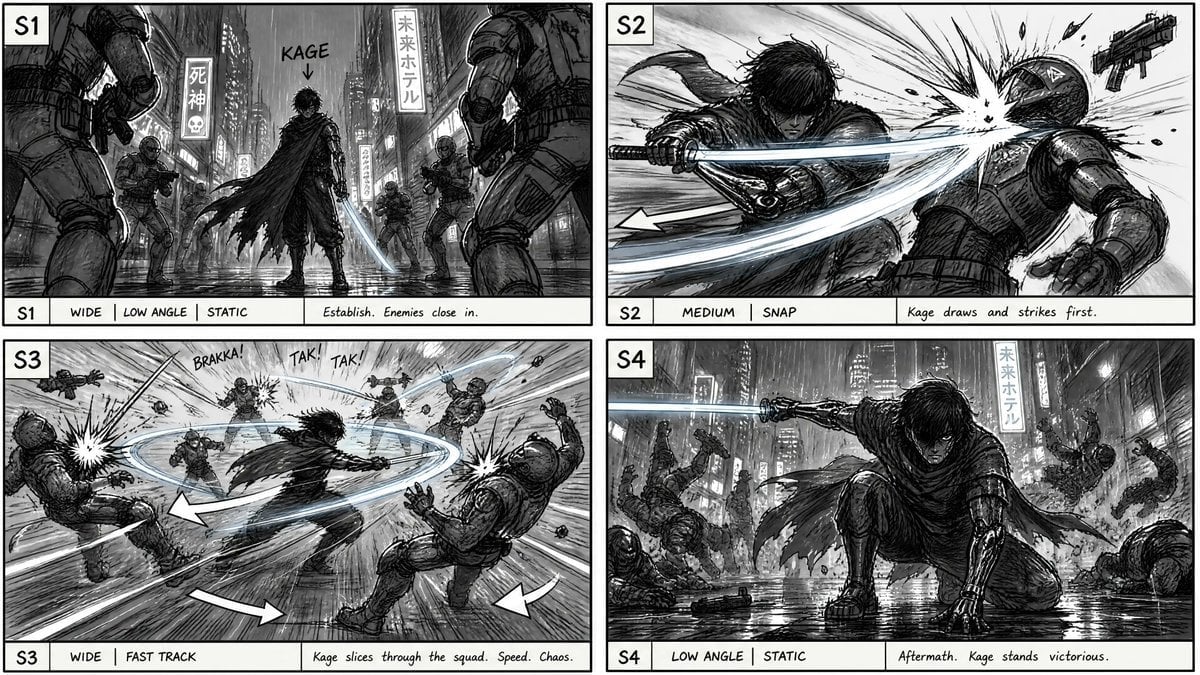
- Prompt included
- Model and format preset
- Premium template
The prompt behind this image
Copy the exact prompt behind Cyberpunk Sword Fight Storyboard, or open it in the studio and make it yours.
Goal: Create a cinematic action film storyboard sheet for a noir cyberpunk sword-fight sequence starring {argument name="character name" default="Kage"}. Canvas: Wide landscape storyboard page, monochrome black-and-white ink sketch with gray wash shading, aspect ratio about 16:9. Use a clean 2 row x 2 column grid with exactly 4 rectangular panels, thin black panel borders, and a white caption strip along the bottom of every panel. Each panel has a bold frame label in a small white box at top-left: exactly 4 labels, S1, S2, S3, S4. Visual style: Detailed hand-drawn cinematic storyboard art, gritty manga/comic influence, heavy crosshatching, rain, wet reflections, smoky atmosphere, dynamic camera framing, motion arrows, impact bursts, speed lines, and handwritten storyboard notes. Mostly grayscale with subtle cold blue-white glow only on the sword slash trails. No full-color rendering. Setting and subject details: A rainy neon-lit futuristic city street at night, crowded with vertical signs and tall buildings. Preserve visible Japanese-style signs including 「死神」 and 「未来ホテル」 on background billboards. The hero is a dark-haired lone swordsman in a torn flowing cloak, armored gauntlet, dark tactical clothing, and boots, wielding a glowing katana. Enemies are armored soldiers with helmets, rifles, pistols, and heavy tactical gear. Layout and panel contents: Use exactly 4 storyboard panels. Panel S1: wide low-angle static establishing shot in the rain, hero centered with back/three-quarter view, cloak whipping, glowing sword held down, soldiers closing in from foreground left and right plus midground; add a handwritten arrow and label reading “KAGE” above the hero. Panel S2: medium snap action close shot, hero lunges horizontally and draws the sword in a bright slash, striking a helmeted soldier in the head/upper body, with an impact explosion, flying debris, a gun thrown aside, and one large curved motion arrow. Panel S3: wide fast-track chaos shot, hero spinning through a squad at center with a circular glowing blade trail; multiple soldiers are blasted backward around him, muzzle flashes and impact bursts on both sides, speed lines radiating outward, and comic sound effects “BRAKKA!”, “TAK!”, “TAK!” near firing enemies; include three bold white motion arrows around the action. Panel S4: low-angle static aftermath shot, hero crouched on one knee in the rain with one hand on the ground and sword extended horizontally, surrounded by fallen soldiers and debris; wet street reflections dominate the foreground, vertical neon signs glow behind him, and the pose reads victorious. Caption strip text: Each panel bottom strip must contain exactly 3 text areas: left frame label, middle camera/action tags, right scene note. S1 strip: “S1 | WIDE | LOW ANGLE | STATIC | Establish. Enemies close in.” S2 strip: “S2 | MEDIUM | SNAP | Kage draws and strikes first.” S3 strip: “S3 | WIDE | FAST TRACK | Kage slices through the squad. Speed. Chaos.” S4 strip: “S4 | LOW ANGLE | STATIC | Aftermath. Kage stands victorious.” Constraints: Countable elements must match: exactly 4 panels, exactly 4 top-left frame labels, exactly 4 bottom caption strips, exactly 1 central hero, and a visible squad of armored enemies in multiple panels. Keep the image as a production storyboard sheet, not a polished movie still. Avoid extra panels, extra frame labels, watermarks, logos, or unrelated text.
How to use Cyberpunk Sword Fight Storyboard in 3 steps
- 1Upload ImagePNG, JPG or paste
Add your photo
Upload the photo the template builds on. The prompt, model and format are already set.
- 2…a portrait of your subject in softgolden-hour light, 85mm…
Personalize
Edit the subject and creative details for your destination.
- 3Generate
Generate
Press Generate — your image is created in PicX Studio, so you can compare it with the original and refine one variable at a time.
More like this
Templates with the same subject, style or setup. Open one to see its prompt.

Seedance 2.0 - Anime Girl Fight
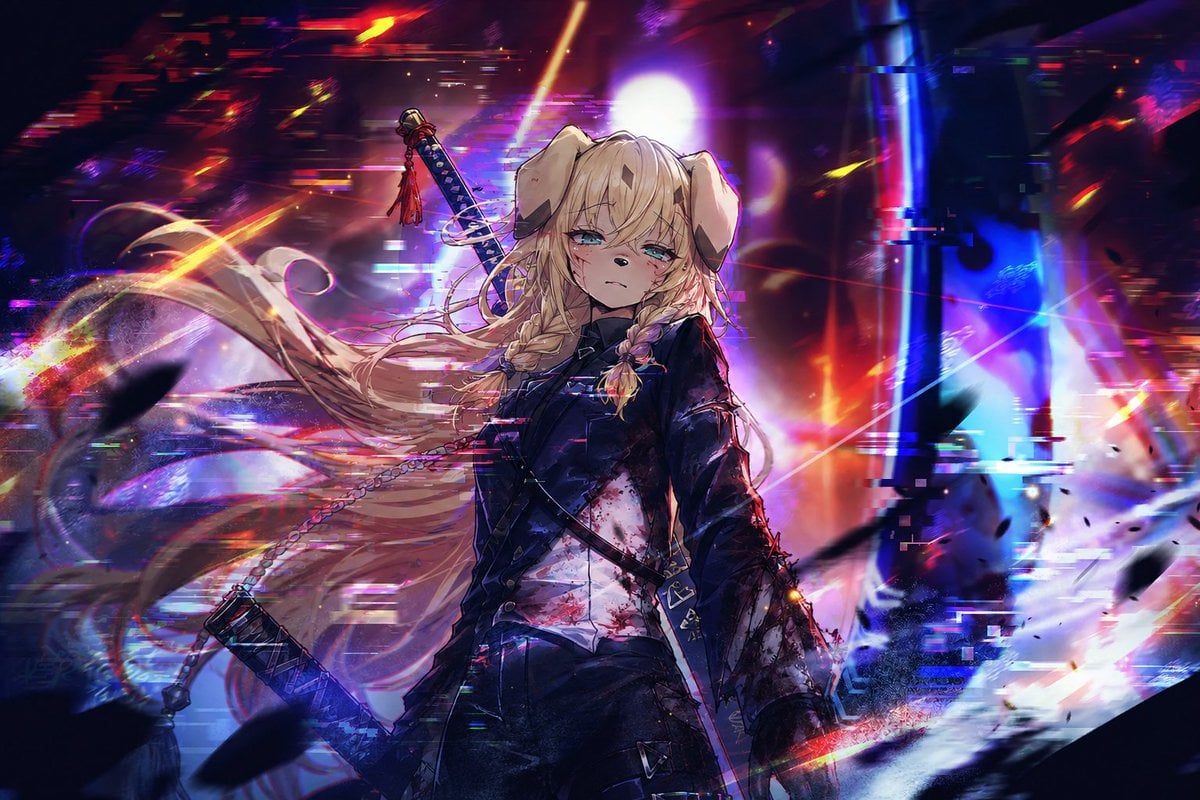
Cyberpunk Dog-Eared Swordswoman
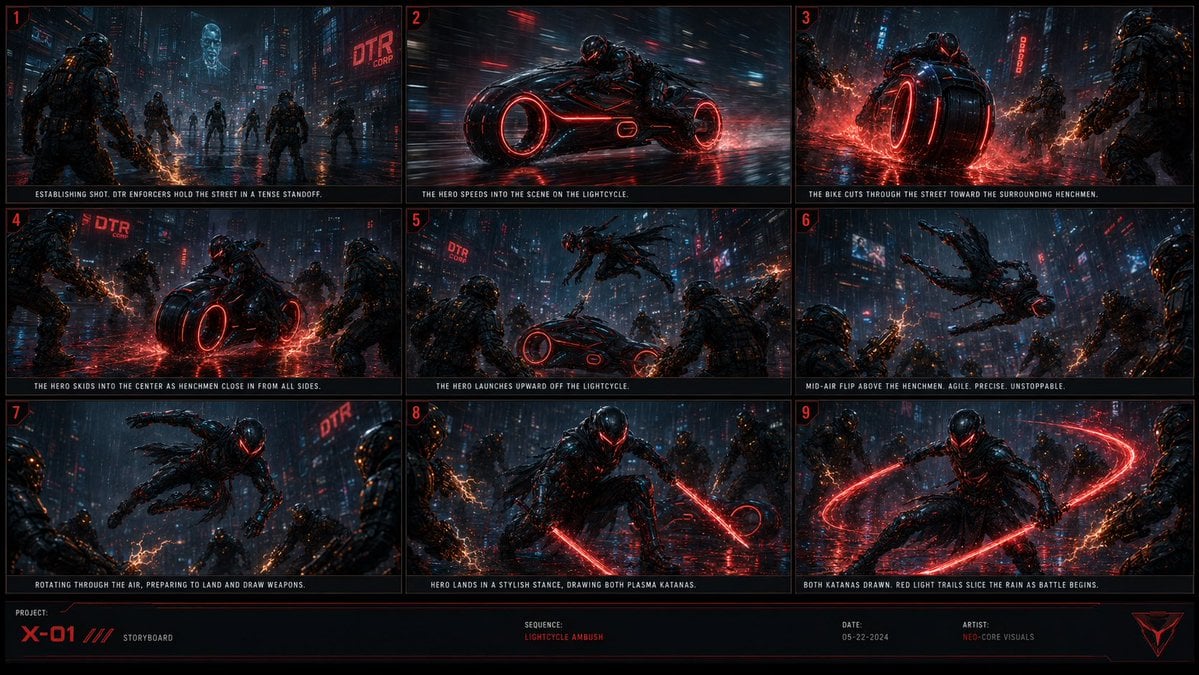
Cyberpunk Lightcycle Storyboard

Rainy Night Android Cyberpunk Portrait

Korean Idol Partial Shadow Editorial Portrait

Cinematic Sci-Fi Interface Side Profile

Cyberpunk Neon Profile Fashion Portrait

Cinematic Neon Light Strip Studio Portrait

Futuristic Studio Neon Ring Minimalist Portrait

Neon Violet Streetwear Fashion Portrait

Neon Night Crosswalk Candid Portrait

Red Futuristic Sport Motorcycle POV
Make it yours
Cyberpunk Sword Fight Storyboard works as-is. These are the safest ways to change it without losing the look.
Change one field
Copy a single group, rewrite it, and generate again so you can see what that field is doing.
Keep the frame, change the subject
Hold the composition and light of Cyberpunk Sword Fight Storyboard, then swap wardrobe, props or the person for a new take.
| If the result… | Why | Fix |
|---|---|---|
| The result drifts from the preview | Too many fields changed at once. | Reuse Cyberpunk Sword Fight Storyboard as-is first, then change one group — subject, light, or setting. |
| The model over-stylizes the scene | The prose prompt leaves finish and camera underspecified. | Add one camera or lighting sentence and stay on GPT Image 2. |
More GPT Image 2 templates
Other prompts made for GPT Image 2.

Six VTuber Japanese Logo Sheet

Realistic Portrait of Woman and Deer

The Vista Modular Condo Poster

AI Model Routing Comparison Infographic

2.5D Anime Art Board

Isometric Productivity Desk Scene

New York Double Exposure Poster

Four-Panel AI Landscape Comparison

Japanese Tatami Lifestyle Magazine Cover

NESCAFÉ Coffee Map Poster
More image prompts
Fresh picks from across the catalog.

Avant-garde Sports Fashion Advertisement
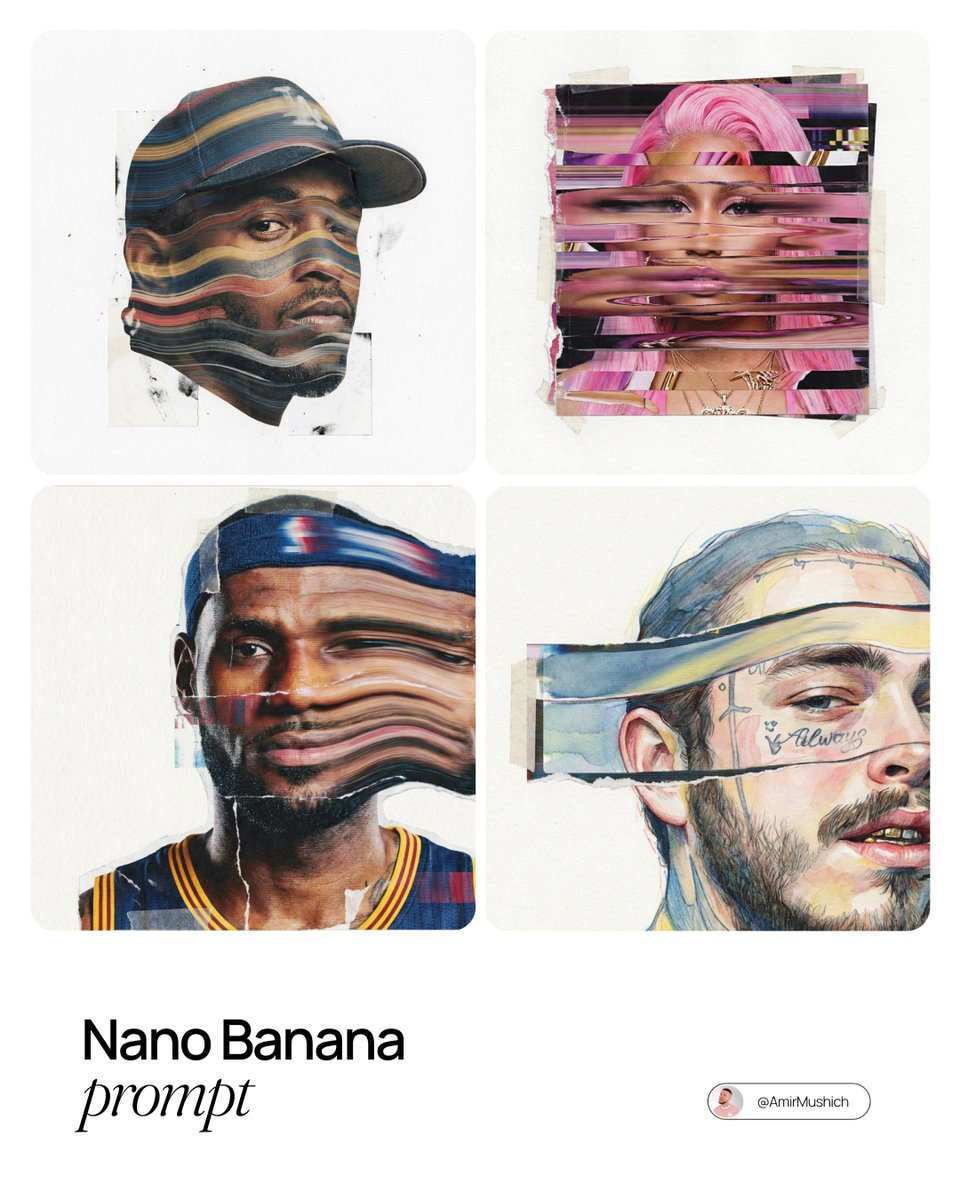
Mixed-Media Collage Posters Prompt
Cinematic Romantic Street Photography
Luxury Tennis Editorial Poster
Cinematic Character Design Board

Fashion Editorial Prompt in Lemon Green Studio
Exploded View Product Photography Prompt
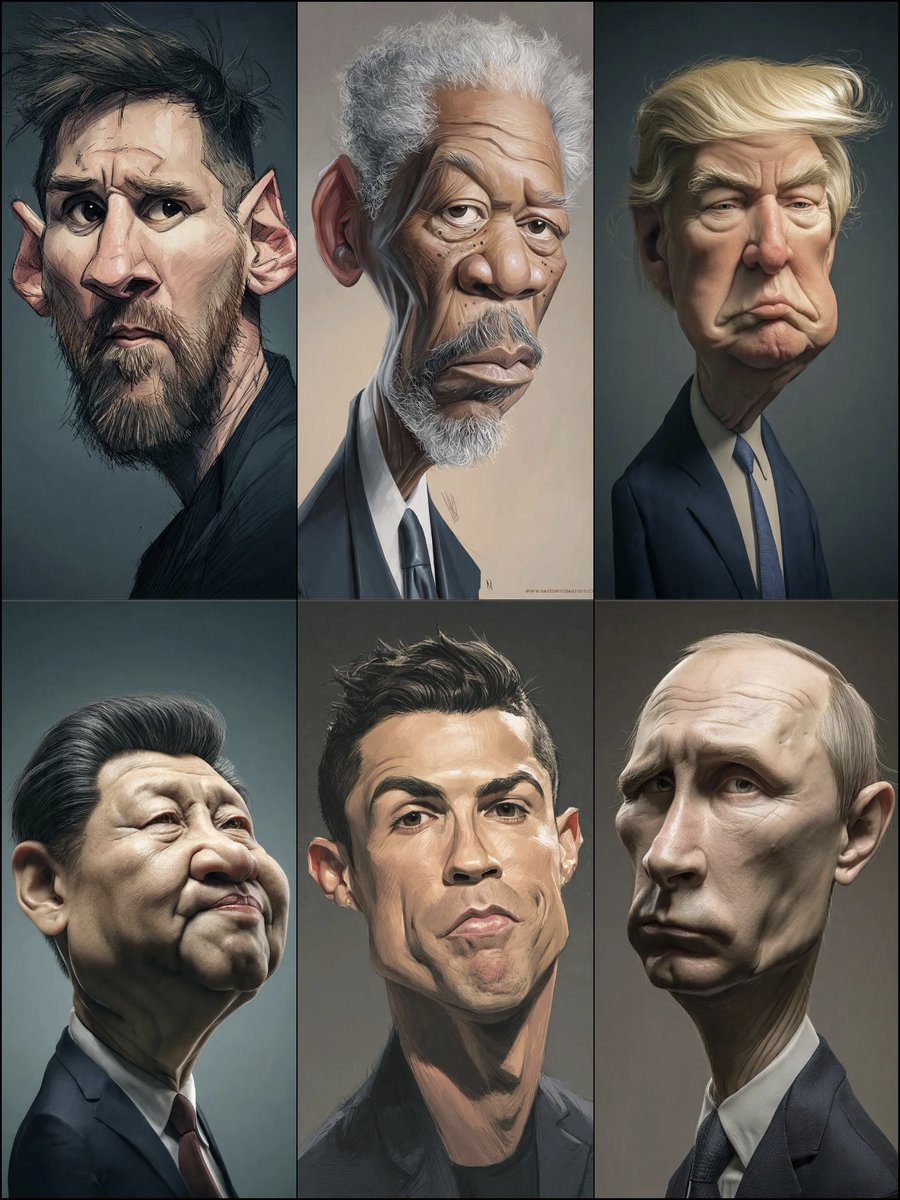
Structured Prompt for Hyperrealistic Caricature Portrait
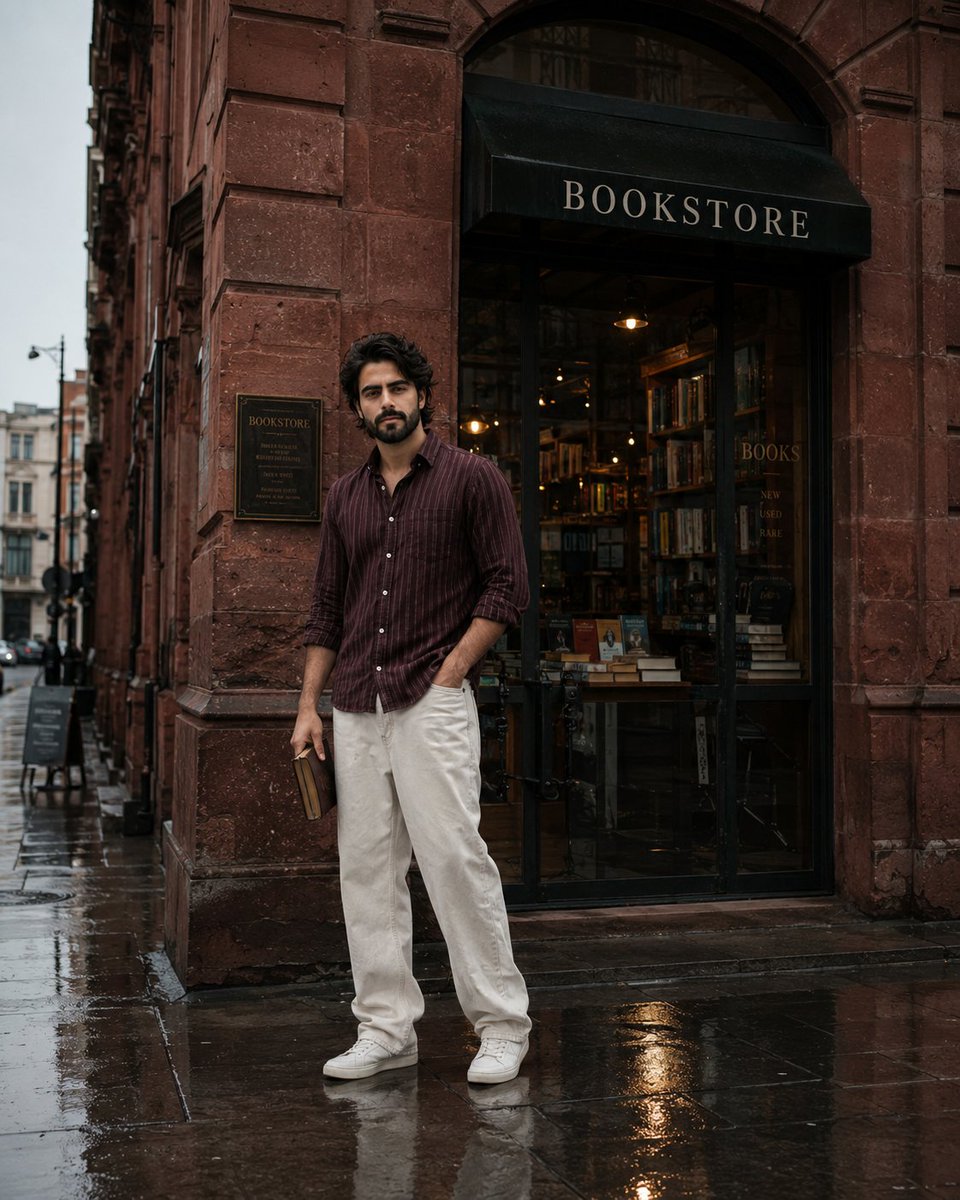
Street Side Bookstore Portrait
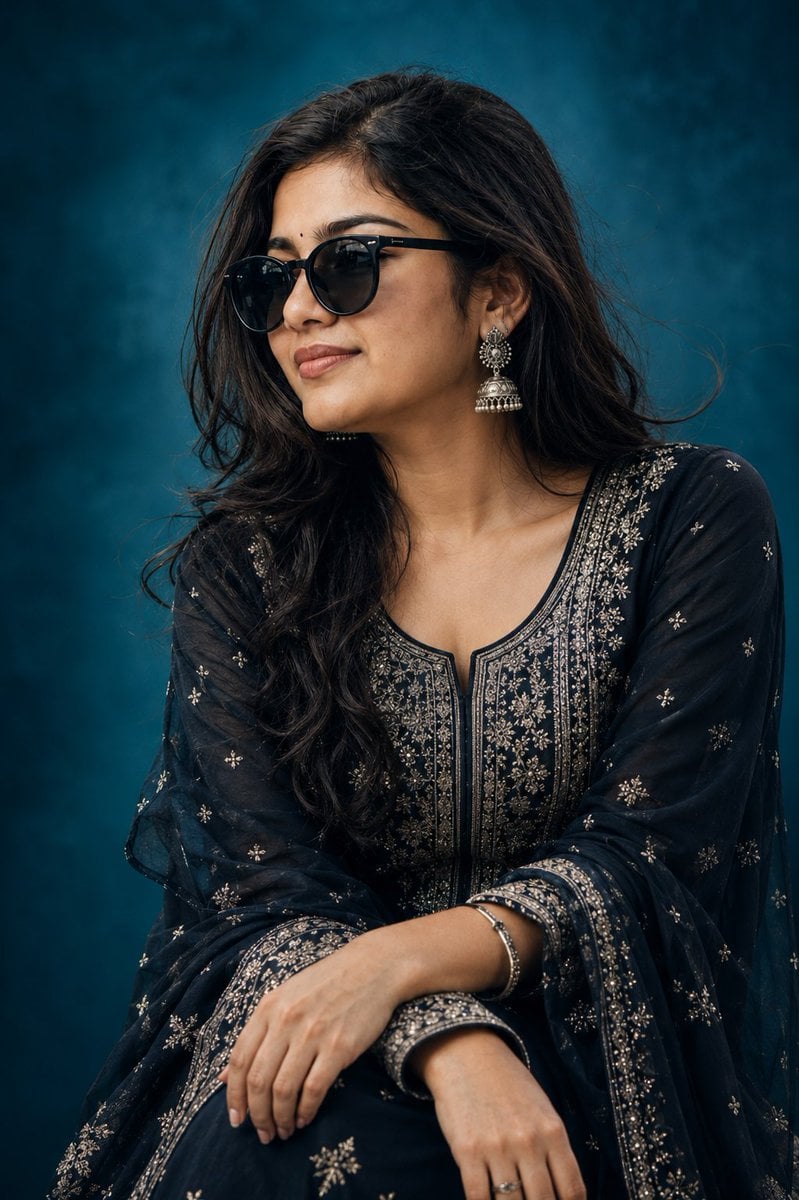
Elegant Indian Birthday Portrait
Browse template categories
Cyberpunk Sword Fight Storyboard questions
How do I use the Cyberpunk Sword Fight Storyboard template?
Add your photo if the template asks for one, edit the prompt if you like — the template's model and format are already selected — and press Generate. Your version opens in PicX Studio.
Can I customize the Cyberpunk Sword Fight Storyboard template?
Yes. You can change the subject, setting, lighting, mood, format, and available model controls before creating your image.
Is the Cyberpunk Sword Fight Storyboard template free?
Opening and editing this template is free. Generating uses credits, shown on the Generate button when you are signed in.
Which AI model should I use?
Start with GPT Image 2, which is the model associated with this template. You can compare another compatible model for a different finish.
Looking for something else? Browse all templates.

Your photo, any look
Thousands of ready templates for every top image and video model, from one credit balance.