
Cyberpunk Neon Profile Fashion Portrait
Cyberpunk Neon Profile Fashion Portrait

- Prompt included
- Model and format preset
- Free template
The prompt behind this image
Copy the exact prompt behind Cyberpunk Neon Profile Fashion Portrait, or open it in the studio and make it yours.
Cinematic close-up profile portrait of a man in his early thirties with dark short tousled hair, strong jawline, natural stubble, realistic skin texture with visible pores and natural subsurface scattering. He wears a high-collared dark turtleneck and large round retro-futuristic sunglasses with thick transparent frames and bright orange lenses. Extreme high-contrast neon lighting: primary warm orange/amber from sunglasses direction, secondary cool cyan-blue backlight, deep indigo and ultramarine shadows. Solid cyan-blue background isolates the face and sunglasses. Shallow depth of field isolates subject. Hyper-realistic, photorealistic editorial portrait with cyberpunk and neo-noir mood. 8K, volumetric and rim lighting, natural skin rendering.
How to use Cyberpunk Neon Profile Fashion Portrait in 3 steps
- 1
Open
The prompt is already in the box next to the preview, with the template's model and format selected.
- 2…a portrait of your subject in softgolden-hour light, 85mm…
Personalize
Edit the subject and creative details for your destination.
- 3Generate
Generate
Press Generate — your image is created in PicX Studio, so you can compare it with the original and refine one variable at a time.
More like this
Templates with the same subject, style or setup. Open one to see its prompt.
Low-Angle Cyberpunk Neon Profile Portrait

Neon Violet Streetwear Fashion Portrait

Cinematic Sci-Fi Commander Side Profile Portrait

Rainy Night Android Cyberpunk Portrait

Korean Idol Partial Shadow Editorial Portrait

Neon Night Crosswalk Candid Portrait
Rainy Night Android Cyberpunk Portrait

Cinematic Neon Light Strip Studio Portrait
Neon Night Crosswalk Candid Portrait

Neon Glitch Cyber Symbiote Music Poster

Spider-Man 2099 Cyberpunk Neon Future City

Cyberpunk Neon Brazil World Cup Poster
Make it yours
Cyberpunk Neon Profile Fashion Portrait works as-is. These are the safest ways to change it without losing the look.
Change one field
Copy a single group, rewrite it, and generate again so you can see what that field is doing.
Keep the frame, change the subject
Hold the composition and light of Cyberpunk Neon Profile Fashion Portrait, then swap wardrobe, props or the person for a new take.
| If the result… | Why | Fix |
|---|---|---|
| The result drifts from the preview | Too many fields changed at once. | Reuse Cyberpunk Neon Profile Fashion Portrait as-is first, then change one group — subject, light, or setting. |
| The model over-stylizes the scene | The prose prompt leaves finish and camera underspecified. | Add one camera or lighting sentence and stay on PicX Studio. |
More image prompts
Fresh picks from across the catalog.
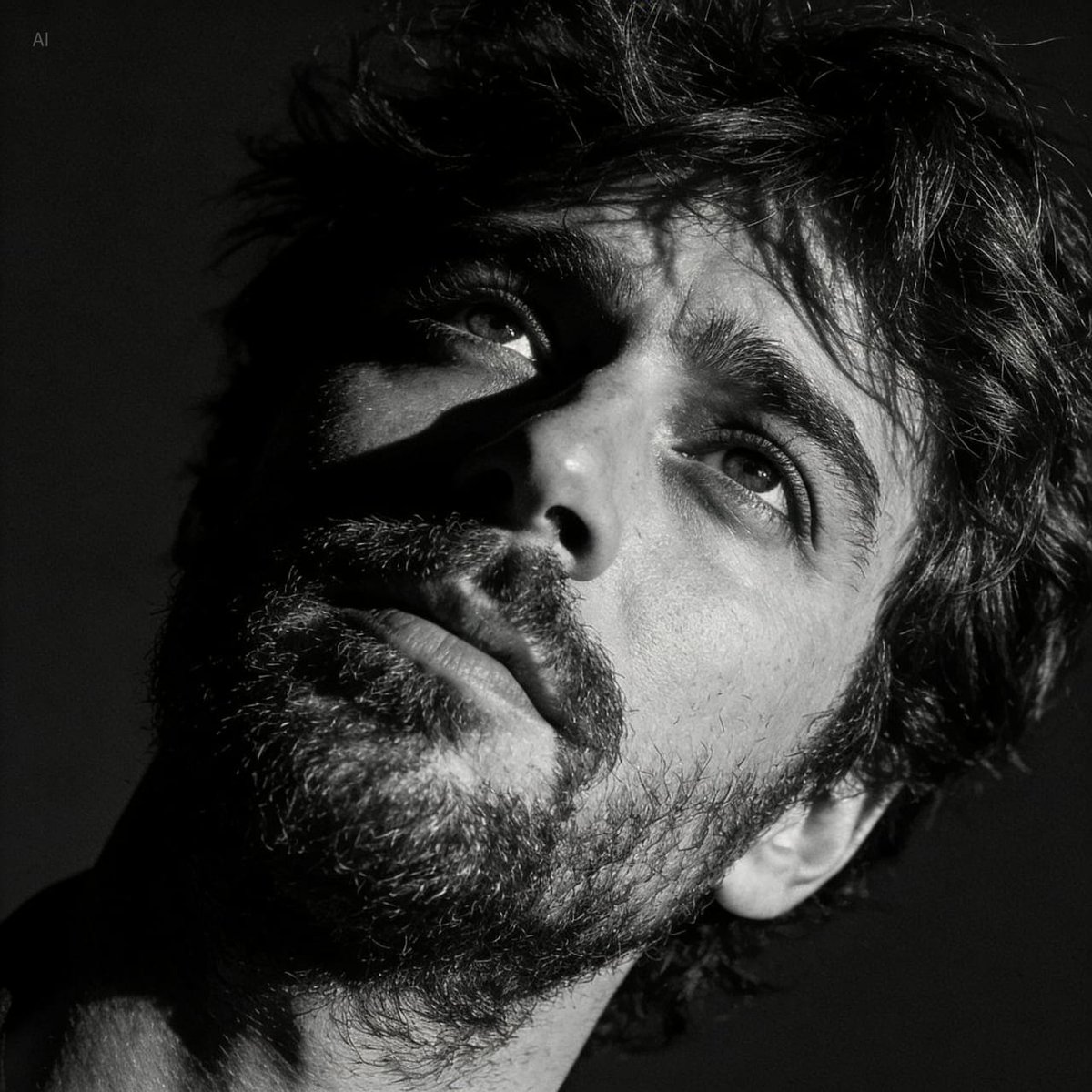
Dramatic Black and White Portrait with Silhouette Lighting Prompt
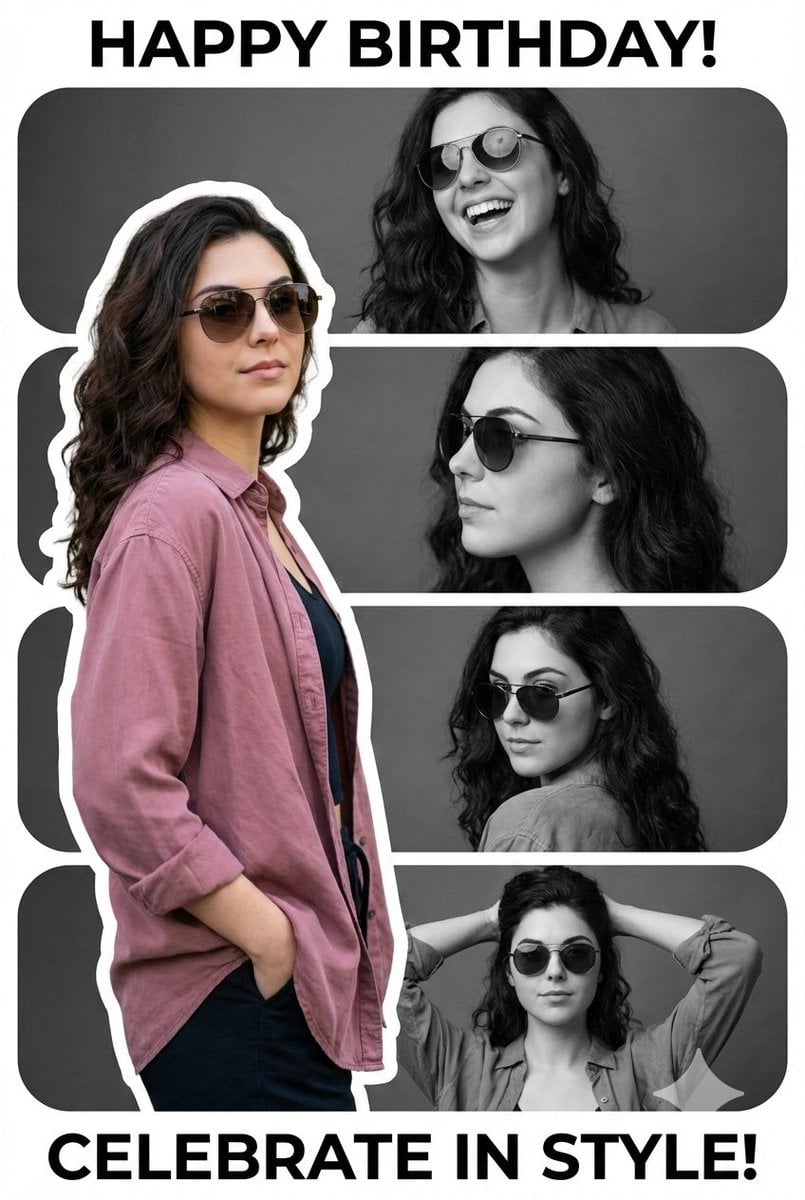
Vertical Birthday Poster Collage with Cinematic Monochrome Photos
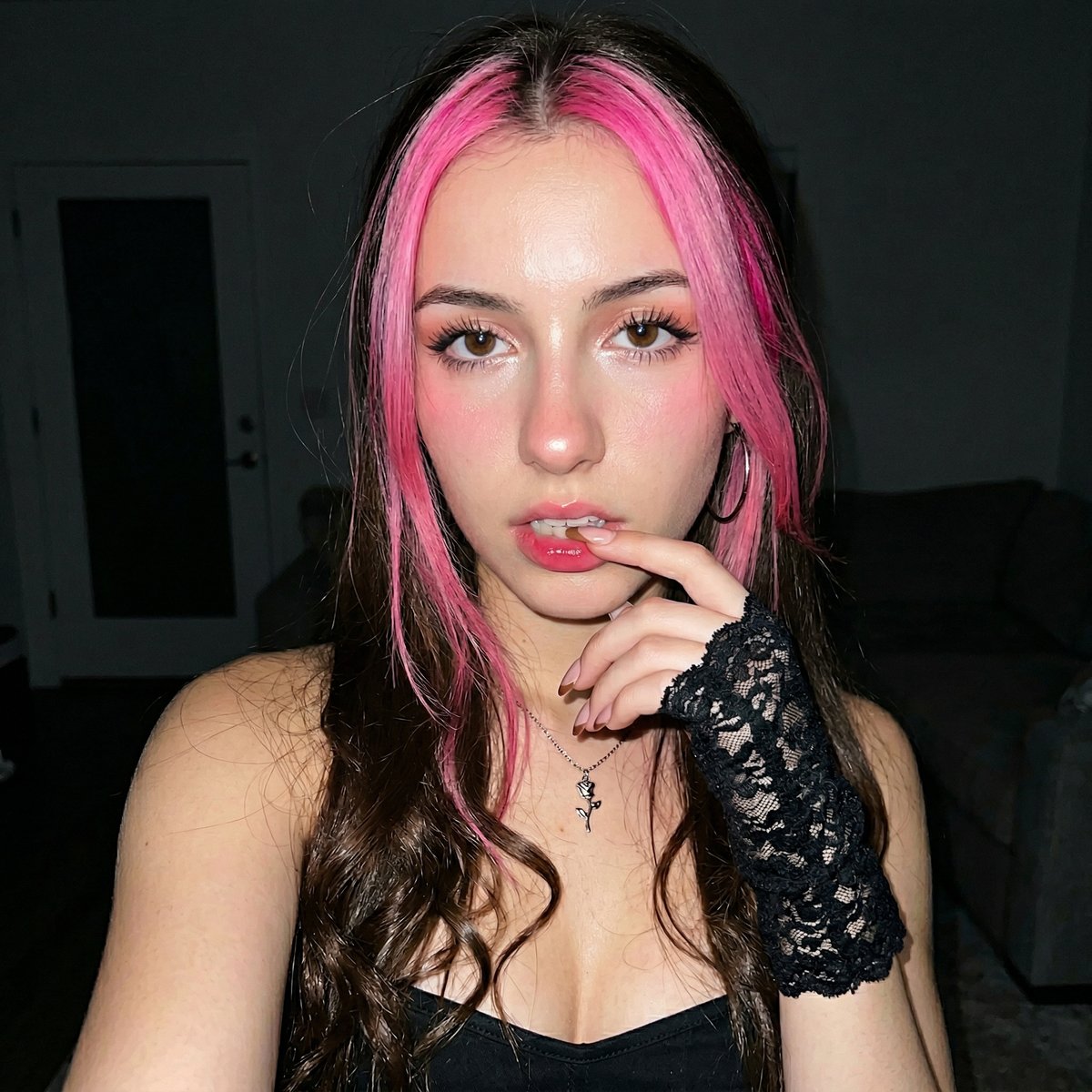
Korean Ulzzang Style Selfie Prompt
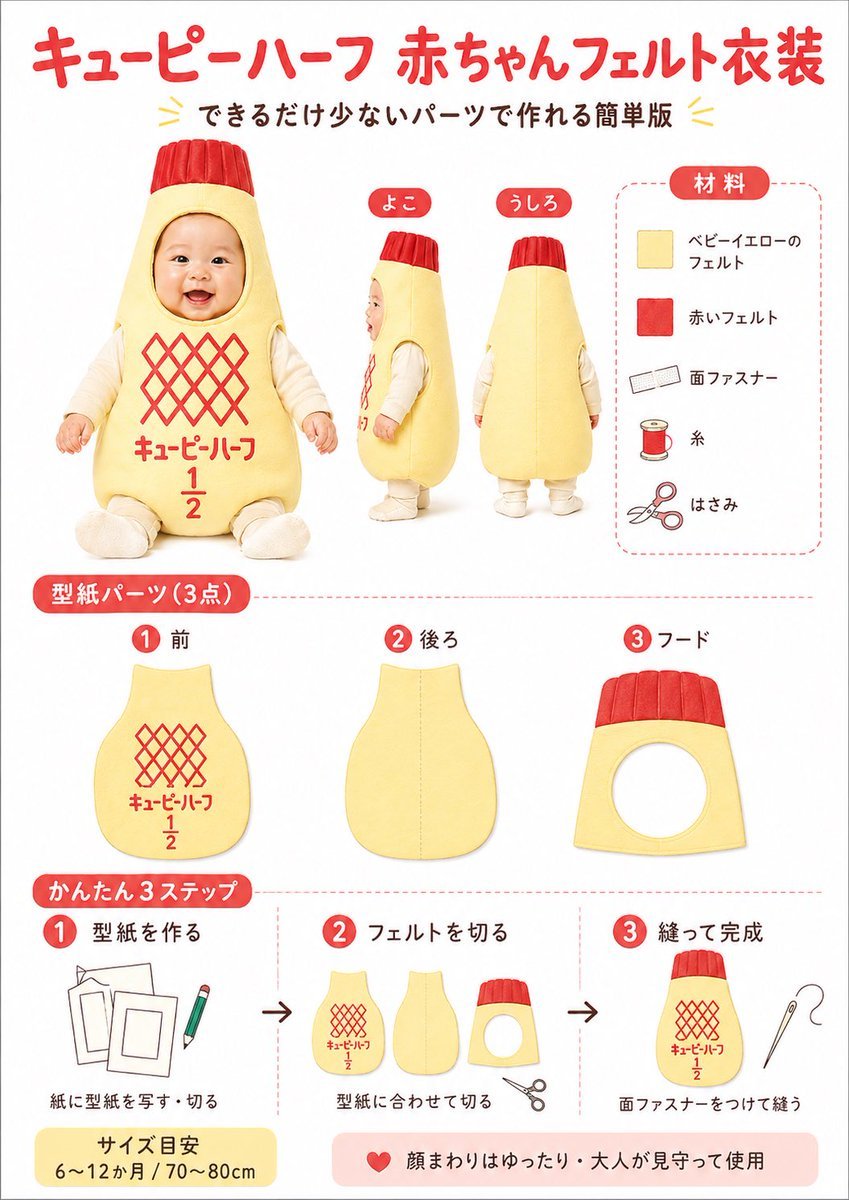
Japanese Baby Felt Costume DIY Sheet
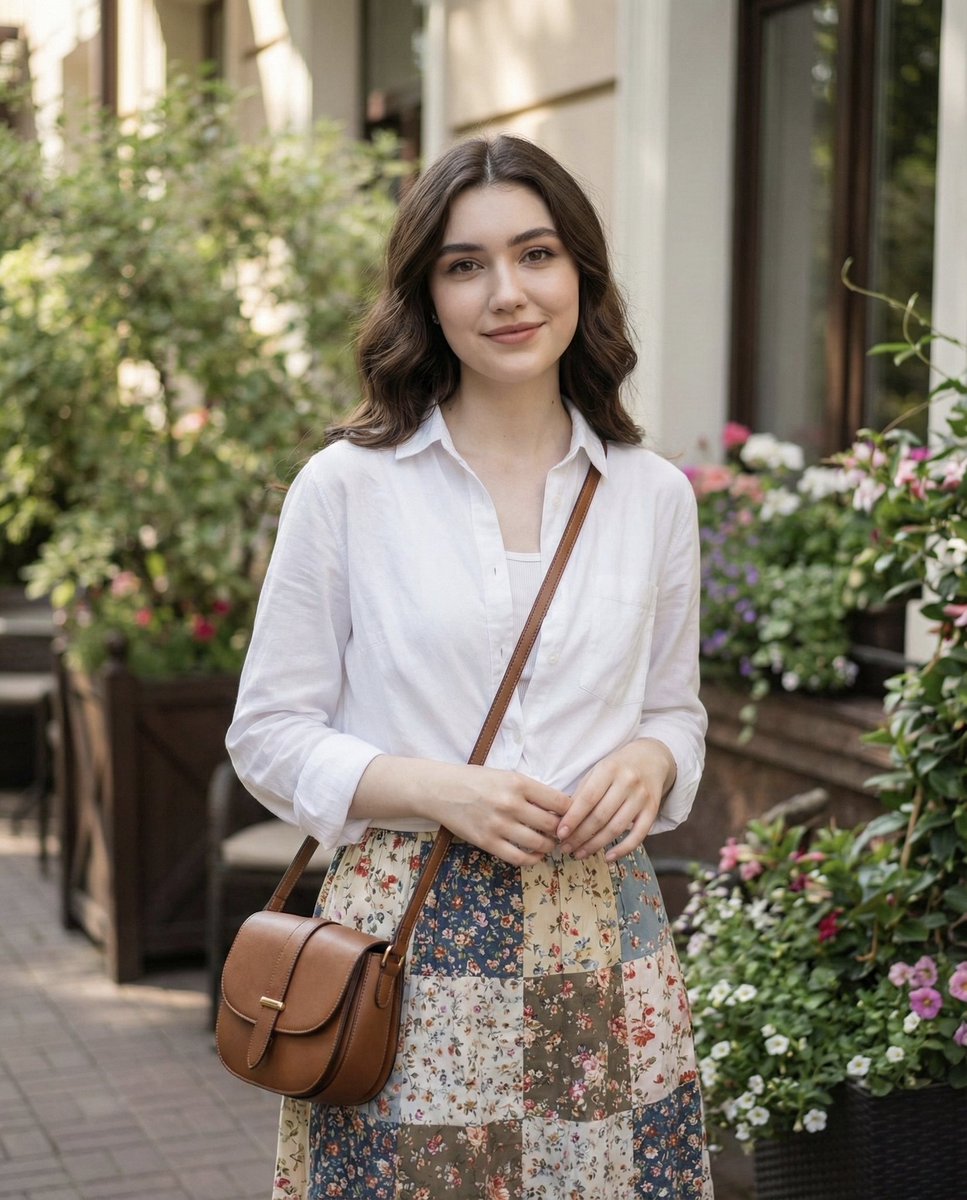
Natural Lifestyle Portrait in Cottagecore Style
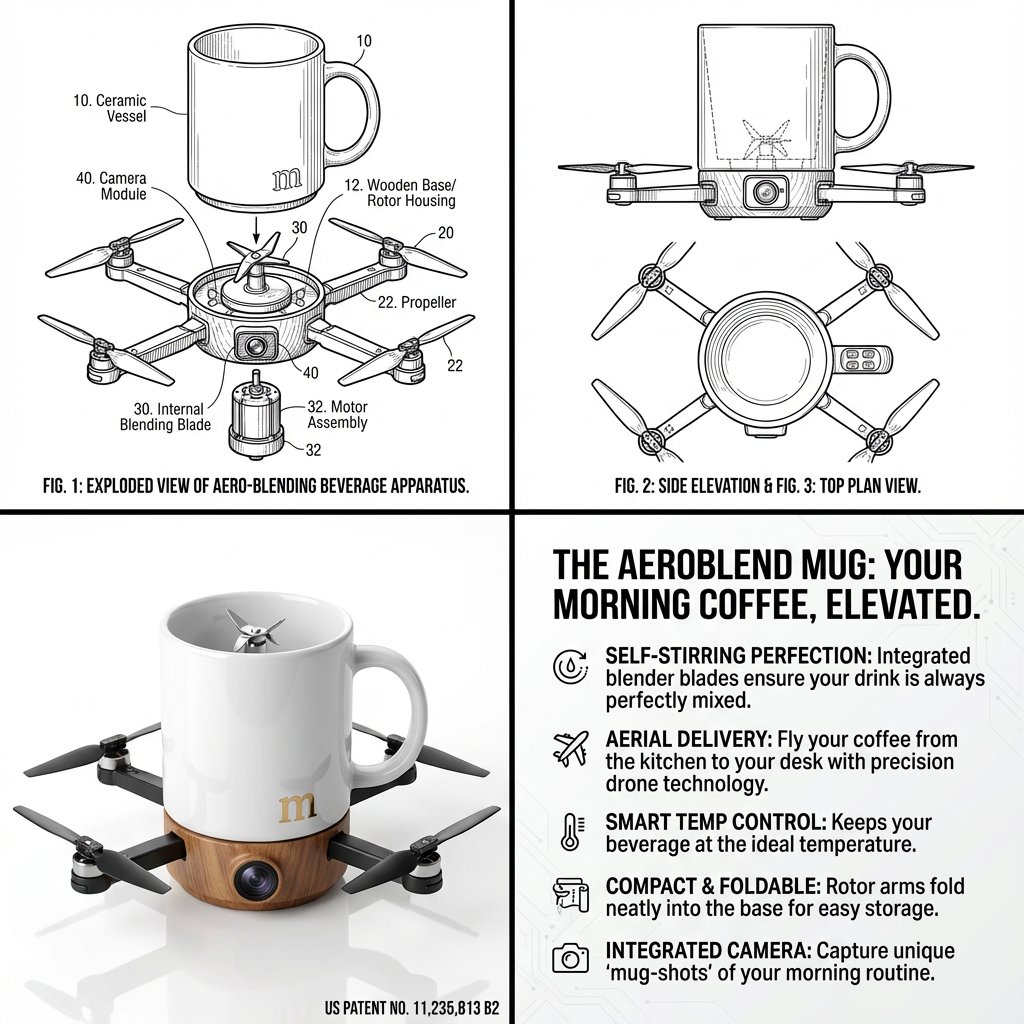
Absurd Patentable Invention Generator
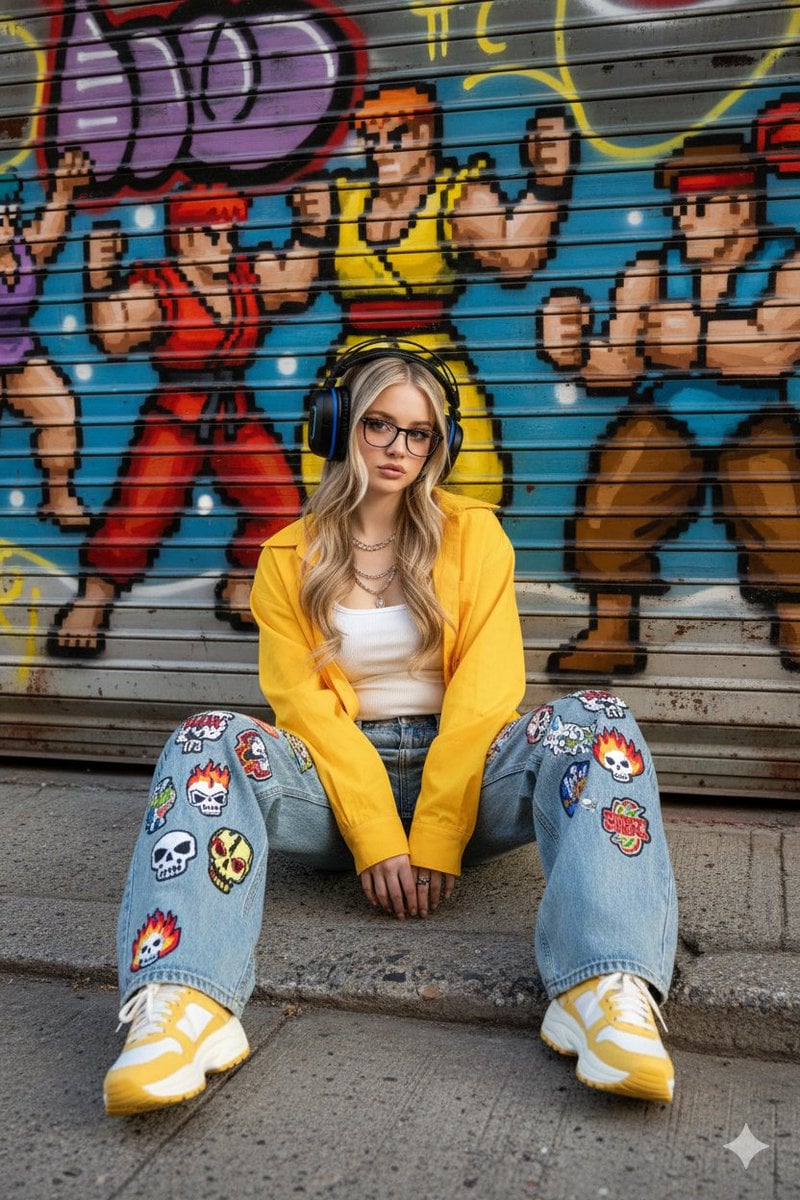
Urban Streetwear Portrait Prompt
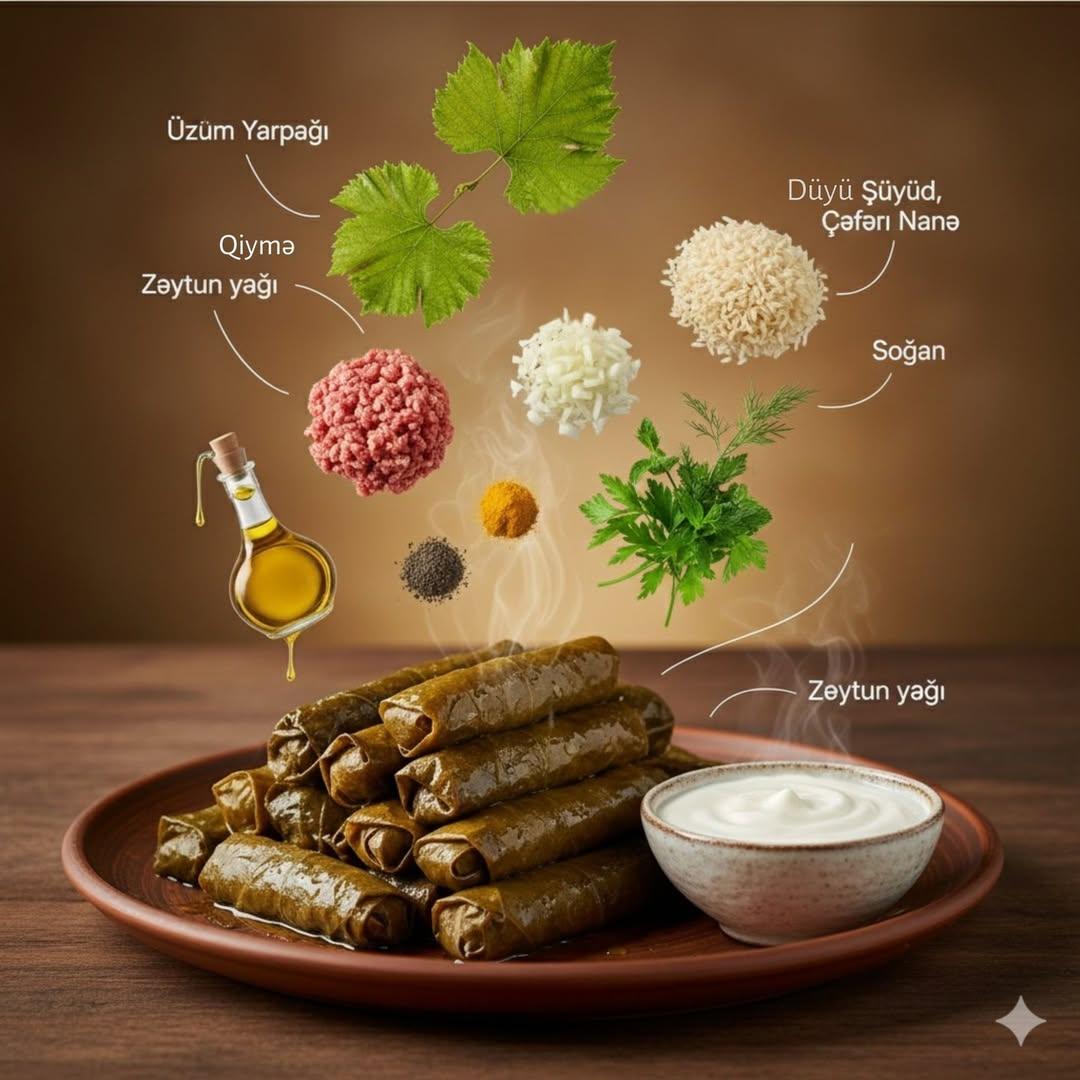
Cinematic Food Infographic with Floating Ingredients
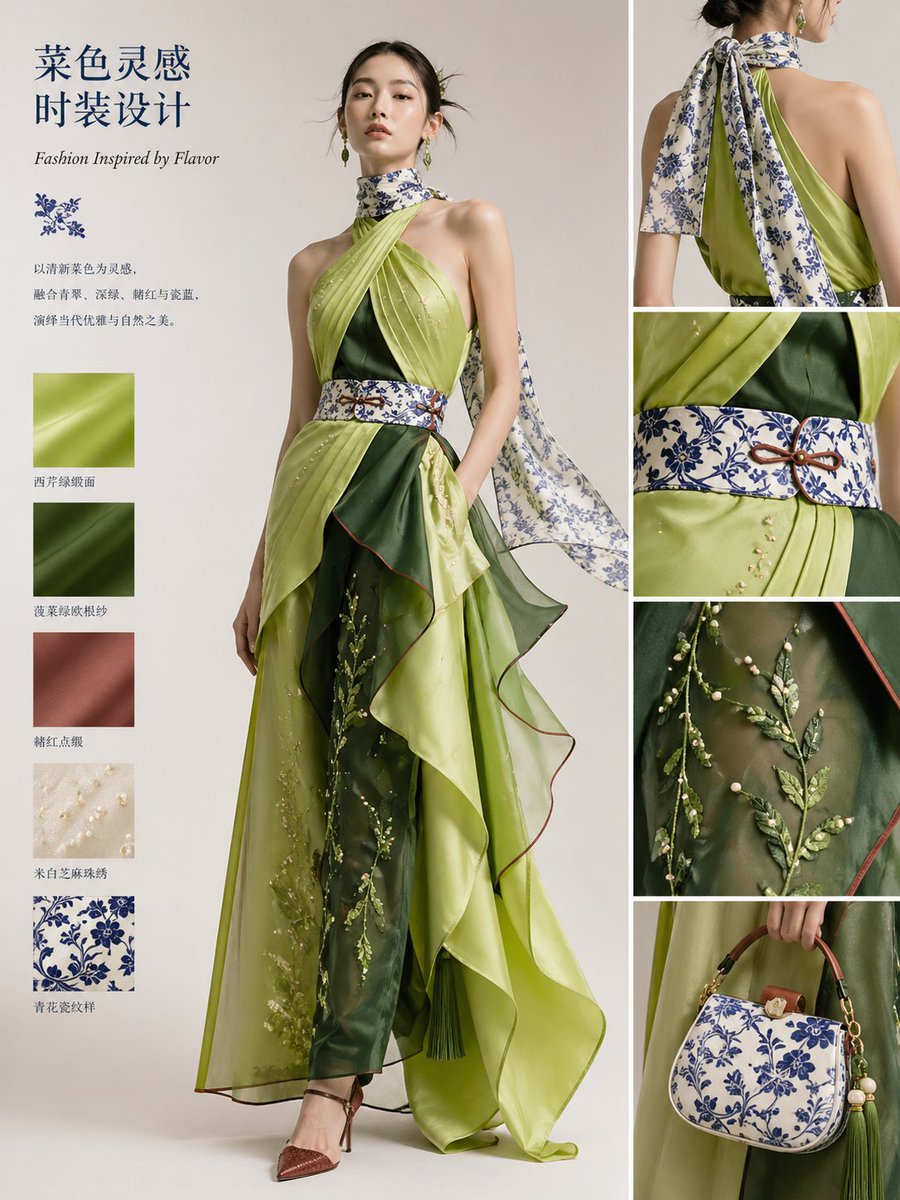
Dish-to-Couture Fashion Board
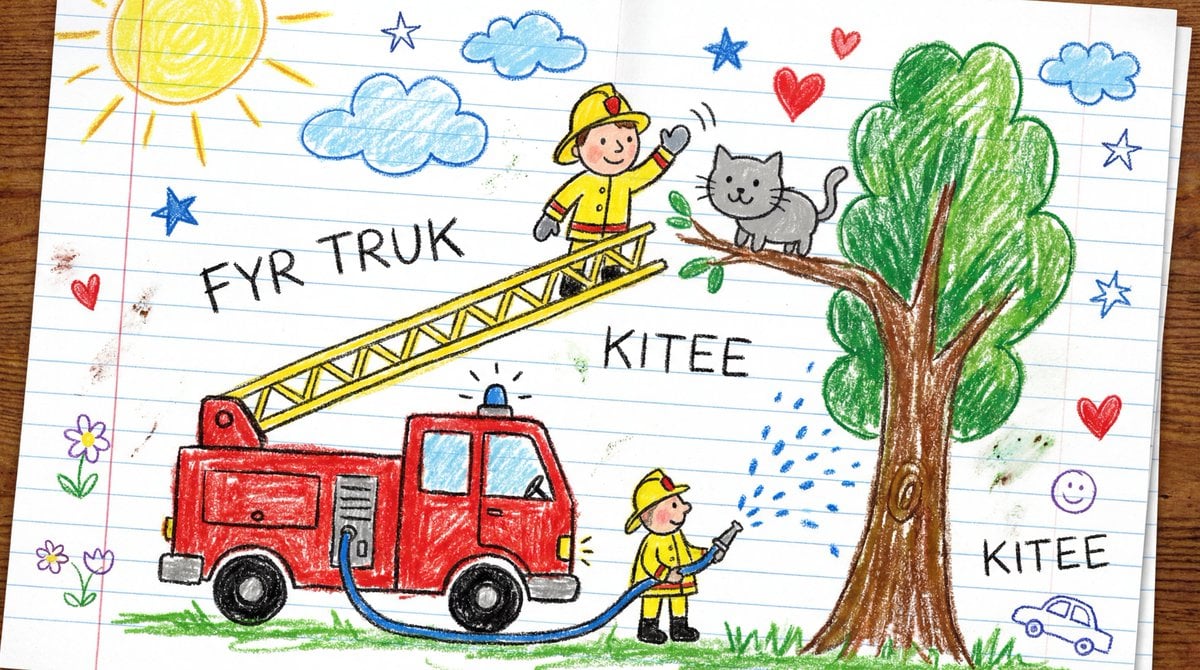
Child's Crayon Drawing Style Generator
Browse template categories
Cyberpunk Neon Profile Fashion Portrait questions
How do I use the Cyberpunk Neon Profile Fashion Portrait template?
Add your photo if the template asks for one, edit the prompt if you like — the template's model and format are already selected — and press Generate. Your version opens in PicX Studio.
Can I customize the Cyberpunk Neon Profile Fashion Portrait template?
Yes. You can change the subject, setting, lighting, mood, format, and available model controls before creating your image.
Is the Cyberpunk Neon Profile Fashion Portrait template free?
Opening and editing this template is free. Generating uses credits, shown on the Generate button when you are signed in.
Which AI model should I use?
Choose a compatible model in PicX Studio based on the style, speed, and output controls your project needs.
Looking for something else? Browse all templates.

Your photo, any look
Thousands of ready templates for every top image and video model, from one credit balance.