
Japanese Baby Felt Costume DIY Sheet
This generates a cute Japanese-style craft infographic showing materials, pattern pieces, and three simple steps for making a baby felt costume inspired by Kewpie Half packaging.
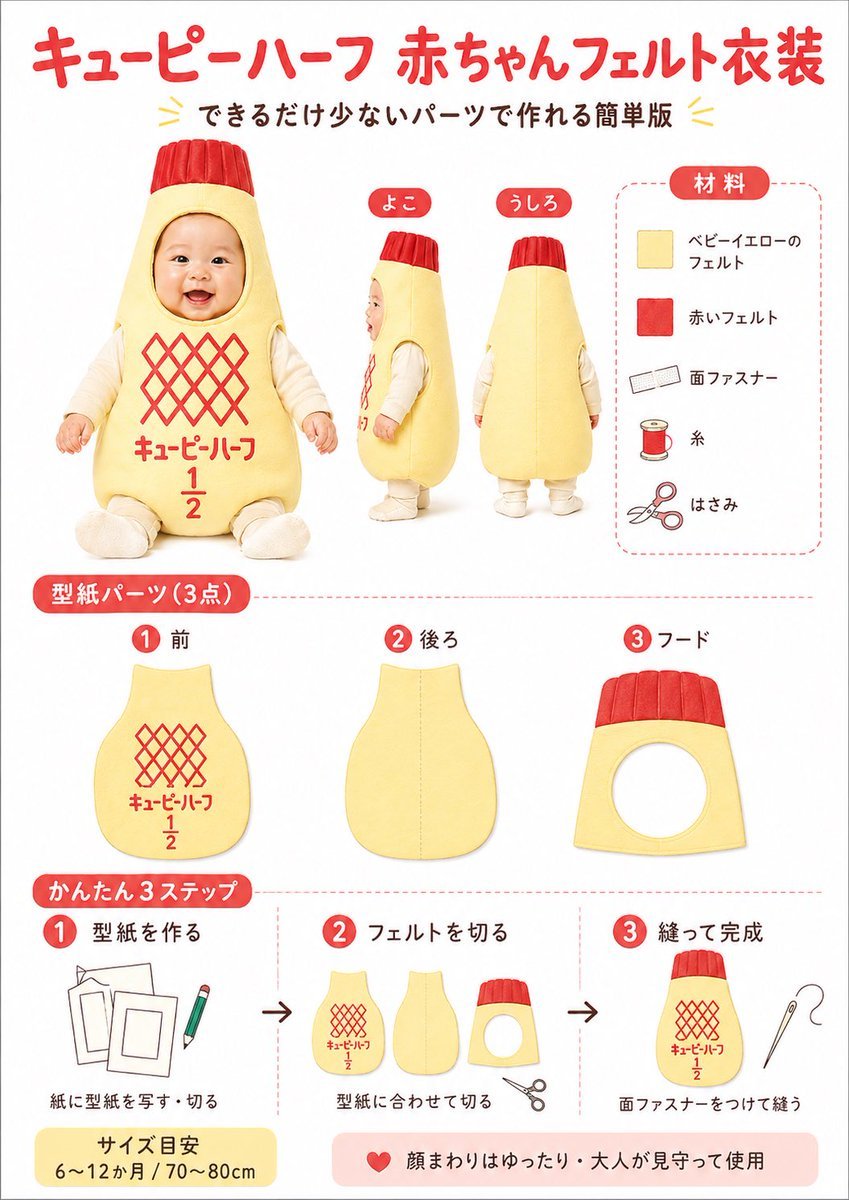
- Prompt included
- Model and format preset
- Free template
The prompt behind this image
Copy the exact prompt behind Japanese Baby Felt Costume DIY Sheet, or open it in the studio and make it yours.
- Type
- Japanese craft instruction poster
- Subject
- DIY felt baby costume styled like Kewpie Half mayonnaise packaging
- Style
- clean infographic poster, bright white background, soft studio lighting, friendly handmade craft aesthetic, red and pale yellow color scheme, rounded Japanese labels, neat product-sheet layout
- Headline › Main
- {argument name="headline text" default="キューピーハーフ 赤ちゃんフェルト衣装"}
- Headline › Sub
- できるだけ少ないパーツで作れる簡単版
- Layout › Sections › 0 › Title
- main costume views
- Layout › Sections › 0 › Position
- upper left to center
- Layout › Sections › 0 › Count
- 3
- Layout › Sections › 0 › Labels
- front, side, back
- Layout › Sections › 0 › Details
- a baby wearing a padded pale yellow bottle-shaped felt costume with a red ribbed cap-like hood top, face intentionally blurred, cream long-sleeve inner clothing, seated front view plus standing side and back views; front has a red diamond lattice logo area and red Japanese text with a large 1 over 2 fraction
- Layout › Sections › 1 › Title
- 材料
- Layout › Sections › 1 › Position
- upper right
- Layout › Sections › 1 › Count
- 5
- Layout › Sections › 1 › Labels
- ベビーイエローのフェルト, 赤いフェルト, 面ファスナー, 糸, はさみ
- Layout › Sections › 1 › Details
- vertical materials list inside a rounded dashed border, each item paired with a simple icon: pale yellow felt square, red felt square, hook-and-loop fastener strip, spool of thread, scissors
- Layout › Sections › 2 › Title
- 型紙パーツ (3点)
- Layout › Sections › 2 › Position
- middle row
- Layout › Sections › 2 › Count
- 3
- Layout › Sections › 2 › Labels
- 1 前, 2 後ろ, 3 フード
- Layout › Sections › 2 › Details
- three pattern pieces shown separately: front body panel with red lattice and text print, back body panel plain with center seam guide, hood panel with circular face opening and red ribbed top band
- Layout › Sections › 3 › Title
- かんたん3ステップ
- Layout › Sections › 3 › Position
- bottom row
- Layout › Sections › 3 › Count
- 3
- Layout › Sections › 3 › Labels
- 1 型紙を作る, 2 フェルトを切る, 3 縫って完成
Raw JSON
{"type":"Japanese craft instruction poster","subject":"DIY felt baby costume styled like Kewpie Half mayonnaise packaging","style":"clean infographic poster, bright white background, soft studio lighting, friendly handmade craft aesthetic, red and pale yellow color scheme, rounded Japanese labels, neat product-sheet layout","headline":{"main":"{argument name=\"headline text\" default=\"キューピーハーフ 赤ちゃんフェルト衣装\"}","sub":"できるだけ少ないパーツで作れる簡単版"},"layout":{"sections":[{"title":"main costume views","position":"upper left to center","count":3,"labels":["front","side","back"],"details":"a baby wearing a padded pale yellow bottle-shaped felt costume with a red ribbed cap-like hood top, face intentionally blurred, cream long-sleeve inner clothing, seated front view plus standing side and back views; front has a red diamond lattice logo area and red Japanese text with a large 1 over 2 fraction"},{"title":"材料","position":"upper right","count":5,"labels":["ベビーイエローのフェルト","赤いフェルト","面ファスナー","糸","はさみ"],"details":"vertical materials list inside a rounded dashed border, each item paired with a simple icon: pale yellow felt square, red felt square, hook-and-loop fastener strip, spool of thread, scissors"},{"title":"型紙パーツ (3点)","position":"middle row","count":3,"labels":["1 前","2 後ろ","3 フード"],"details":"three pattern pieces shown separately: front body panel with red lattice and text print, back body panel plain with center seam guide, hood panel with circular face opening and red ribbed top band"},{"title":"かんたん3ステップ","position":"bottom row","count":3,"labels":["1 型紙を作る","2 フェルトを切る","3 縫って完成"],"details":"step 1 shows paper templates and a pencil, step 2 shows the three cut felt parts and scissors, step 3 shows the finished costume body with a sewing needle; black arrows between each step"}],"footer_notes":["サイズ目安 6〜12か月 / 70〜80cm","顔まわりはゆったり・大人が見守って使用"]},"design_details":{"colors":{"background":"white","primary_red":"bright warm red","primary_yellow":"soft baby-yellow","accent_black":"dark brown-black text"},"typography":"rounded bold Japanese display font for headers, simple clean sans-serif Japanese text for labels","graphic_elements":"red numbered circles, rounded red section tabs, light red dashed divider lines, small decorative yellow chevrons around the subtitle"},"image_goal":"create a cute, easy-to-follow Japanese craft tutorial poster for a baby felt costume inspired by a mayonnaise bottle, suitable for social media sharing, blog thumbnails, or printable DIY instructions","customization":{"product_theme":"{argument name=\"product theme\" default=\"Kewpie Half-style baby costume\"}","main_color":"{argument name=\"main costume color\" default=\"pale baby yellow\"}","accent_color":"{argument name=\"accent color\" default=\"bright red\"}","size_note":"{argument name=\"size note\" default=\"6〜12か月 / 70〜80cm\"}"}}How to use Japanese Baby Felt Costume DIY Sheet in 3 steps
- 1Upload ImagePNG, JPG or paste
Add your photo
Upload the photo the template builds on. The prompt, model and format are already set.
- 2…a portrait of your subject in softgolden-hour light, 85mm…
Personalize
Edit the subject and creative details for your destination.
- 3Generate
Generate
Press Generate — your image is created in PicX Studio, so you can compare it with the original and refine one variable at a time.
More like this
Templates with the same subject, style or setup. Open one to see its prompt.

DIY Baby Robot Toy Concept Sheet

DIY Baby Toy Concept Sheets

Character Archive — Blueprint Concept Sheet

Six VTuber Japanese Logo Sheet

Minecraft Japanese Research Lab Exploration

Felt & Knit 3D Character — Photo-Exact Face, Pixar-Quality Plush Figurine

Japanese Architectural Concrete Studio Fashion Campaign

Japanese Minimalist Concrete Studio Fashion Editorial

Blue Backdrop Luxury Fashion Portrait Campaign
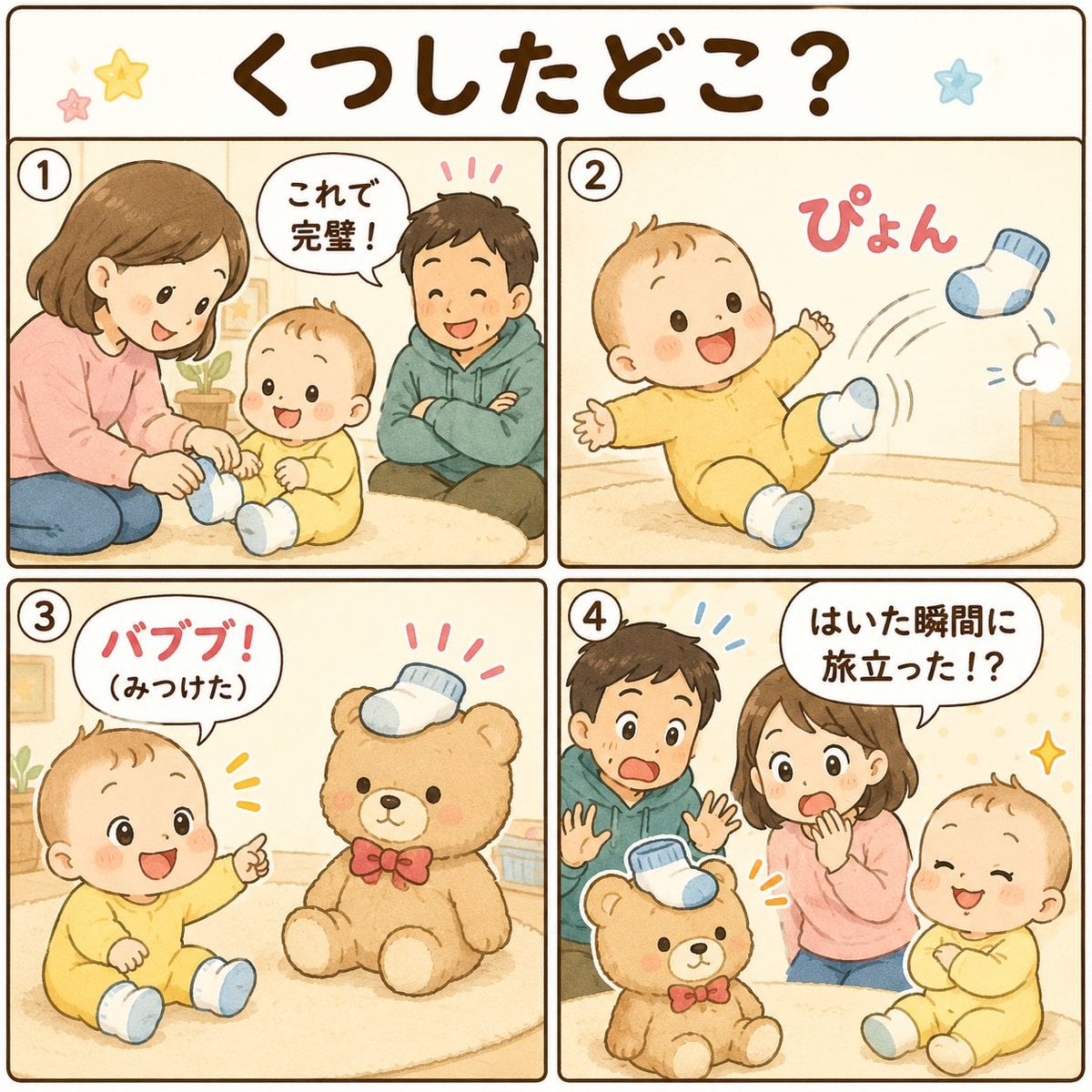
Cute Japanese Baby Sock Comic

Felt Cat Character Reference Sheet
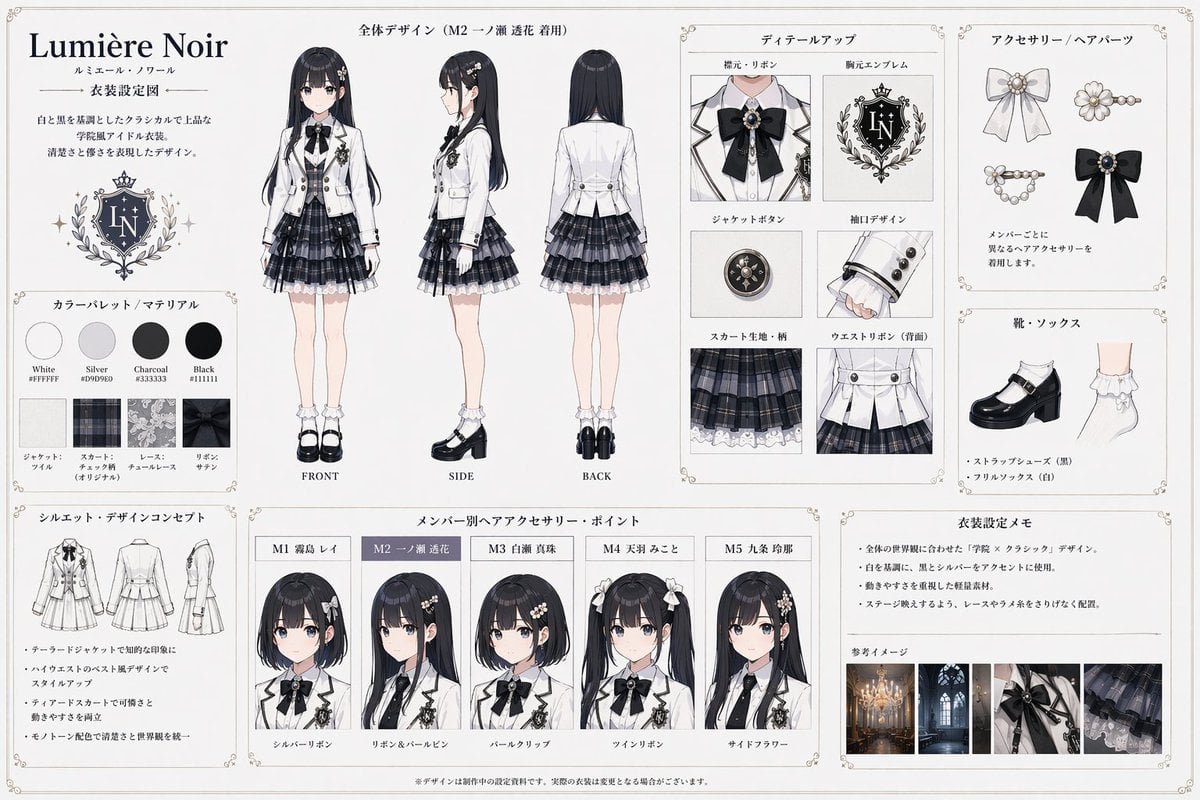
Idol Costume Design Sheet
Make it yours
Japanese Baby Felt Costume DIY Sheet works as-is. These are the safest ways to change it without losing the look.
Swap the setting
Keep the rest of the prompt and replace the location block. The current setting is “white”.
Change one field
Copy a single group, rewrite it, and generate again so you can see what that field is doing.
Keep the frame, change the subject
Hold the composition and light of Japanese Baby Felt Costume DIY Sheet, then swap wardrobe, props or the person for a new take.
| If the result… | Why | Fix |
|---|---|---|
| The result drifts from the preview | Too many fields changed at once. | Reuse Japanese Baby Felt Costume DIY Sheet as-is first, then change one group — subject, light, or setting. |
| GPT Image 2 ignores part of the JSON | Some models flatten or skip nested keys. | Keep the same values and paste them as a short paragraph instead. |
More GPT Image 2 templates
Other prompts made for GPT Image 2.

Realistic Portrait of Woman and Deer

The Vista Modular Condo Poster

AI Model Routing Comparison Infographic

2.5D Anime Art Board

Isometric Productivity Desk Scene

New York Double Exposure Poster

Four-Panel AI Landscape Comparison

Japanese Tatami Lifestyle Magazine Cover

NESCAFÉ Coffee Map Poster

Brutalist Cogito Chinese Typography Poster
More image prompts
Fresh picks from across the catalog.

Surreal Editorial Fashion Portrait with Newspaper Background

Josephine Langford Casual Bedroom Portrait

Photorealistic Bathroom Mirror Selfie with Money Piece Highlights

Pixar-Style 3D Animated Character Portraits

Japanese Idol Concert Portrait
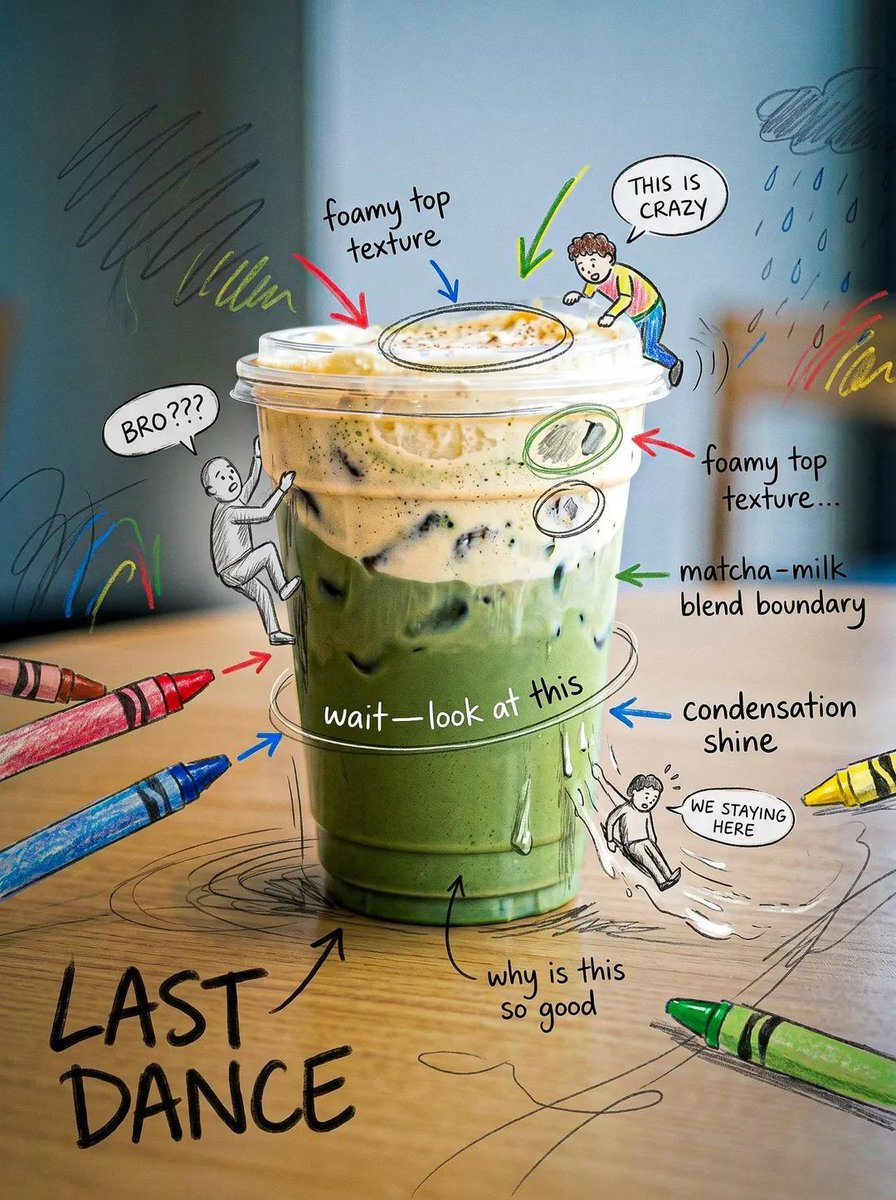
Creative Doodled Image Overlay
Style Transfer to Anime Cartoon

Ultra-Premium Arabian Luxury Perfume Product Photography

Poetic Surreal Portrait

Harsh Flash Fashion Portrait in Flower Field Prompt
Browse template categories
Japanese Baby Felt Costume DIY Sheet questions
How do I use the Japanese Baby Felt Costume DIY Sheet template?
Add your photo if the template asks for one, edit the prompt if you like — the template's model and format are already selected — and press Generate. Your version opens in PicX Studio.
Can I customize the Japanese Baby Felt Costume DIY Sheet template?
Yes. You can change the subject, setting, lighting, mood, format, and available model controls before creating your image.
Is the Japanese Baby Felt Costume DIY Sheet template free?
Opening and editing this template is free. Generating uses credits, shown on the Generate button when you are signed in.
Which AI model should I use?
Start with GPT Image 2, which is the model associated with this template. You can compare another compatible model for a different finish.
Looking for something else? Browse all templates.

Your photo, any look
Thousands of ready templates for every top image and video model, from one credit balance.