
DIY Baby Toy Concept Sheets
A detailed prompt for creating instructional concept sheets for handmade baby toys using household items like plastic bottles, including diagrams and safety guidelines.

- Prompt included
- Model and format preset
- Free template
The prompt behind this image
Copy the exact prompt behind DIY Baby Toy Concept Sheets, or open it in the studio and make it yours.
Please generate 4 concept-sheet images for handmade DIY baby toys using the theme "{argument name="Theme" default="plastic bottle"}." Important: Please generate the 4 images as separate images. Draw only one toy idea per image. Do not put multiple ideas into a single image. Grid layouts, collages, 2x2 splits, and comparison-table layouts are prohibited. This is not a design for a commercially sold baby toy. It is a DIY toy that a parent/guardian can actually make by hand using materials that already exist at home. Do not make it look like a finished product that an individual couldn't make, a mass-produced item, a product with dedicated parts, a silicone-molded item, one made with special molds, or a luxury toy in a product-design style. If the theme is "plastic bottle": Instead of a new product styled to look like a plastic bottle, make it a DIY toy that directly uses an actual empty plastic bottle as is. Make it look like the original plastic bottle shape, a transparent bottle body, the existing cap, the look of a peeled-off label, and visibly hand-wrapped vinyl tape or masking tape. Give it the feel of something that can be made using only materials available at a 100-yen shop or at home. Make the content of the 4 images each a DIY toy with a different way of playing. Image 1: A DIY toy for enjoying sound Image 2: A DIY toy for rolling and chasing Image 3: A DIY toy for looking and observing Image 4: A DIY toy for touching, gripping, and enjoying texture Please include the following in each concept sheet: ・The main visual of the completed DIY toy ・A usage scene of a baby playing with it by hand ・A list of materials used ・A simple 3-step how-to-make diagram ・A diagram showing the materials and structure ・Safety diagrams covering cap fixation, sealing, leak prevention, and damage checks ・Play-method icons ・Points that promote development Safety conditions: Target age is 6 to 18 months. Always depict it as a DIY toy to be played with under a guardian's supervision. If small materials are used, they must always be completely sealed inside the bottle or bag. Do not attach small parts to the outside that could easily come off. Depict the cap and any openings as glued shut and then firmly secured on top with tape. Small parts that are a choking-hazard size, sharp parts, fragile/breakable materials, and long strings are prohibited. Scenes of the baby putting it in their mouth, biting it, or licking it are prohibited. Visual style: White background. Gentle natural light. A style like a handmade-toy recipe for nurseries or homes. A style like a DIY craft instruction sheet. A realistic look that seems easy to replicate. A finish with a bit of a handmade feel. Materials should be familiar and inexpensive. Do not make it look like a premium baby-goods brand. Do not make it look like a product rendering. A cute, clean, and approachable atmosphere. Keep text minimal, and center it around diagrams and icons. Negative specification: commercial baby toy, premium product design, luxury product rendering, silicone molded toy, custom molded parts, factory-made toy, overmolded rubber, special cap, one-piece molded design, BPA-free product label, food-grade silicone label, industrial design board, polished manufactured product, baby chewing toy, baby biting toy, grid layout, collage layout, 2x2 layout, multiple ideas in one image
How to use DIY Baby Toy Concept Sheets in 3 steps
- 1Upload ImagePNG, JPG or paste
Add your photo
Upload the photo the template builds on. The prompt, model and format are already set.
- 2…a portrait of your subject in softgolden-hour light, 85mm…
Personalize
Edit the subject and creative details for your destination.
- 3Generate
Generate
Press Generate — your image is created in PicX Studio, so you can compare it with the original and refine one variable at a time.
More like this
Templates with the same subject, style or setup. Open one to see its prompt.

DIY Baby Robot Toy Concept Sheet

Felt & Knit 3D Character — Photo-Exact Face, Pixar-Quality Plush Figurine

Glass Brand Logo Volcanic Landscape

Blueprint Split Reality Archetype Prompt

Real Illustration Split Portrait Transition
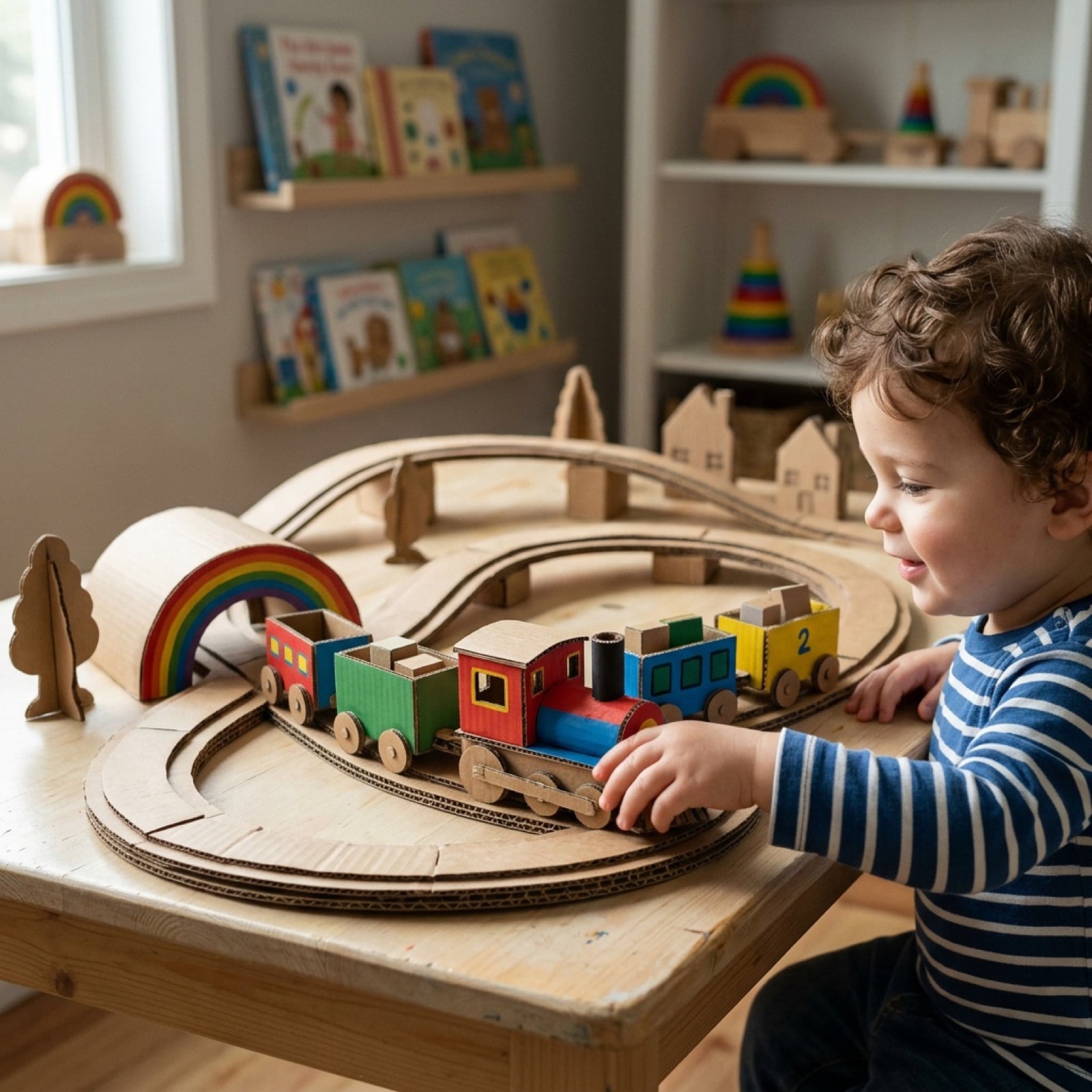
Cardboard Box DIY Toy Creation
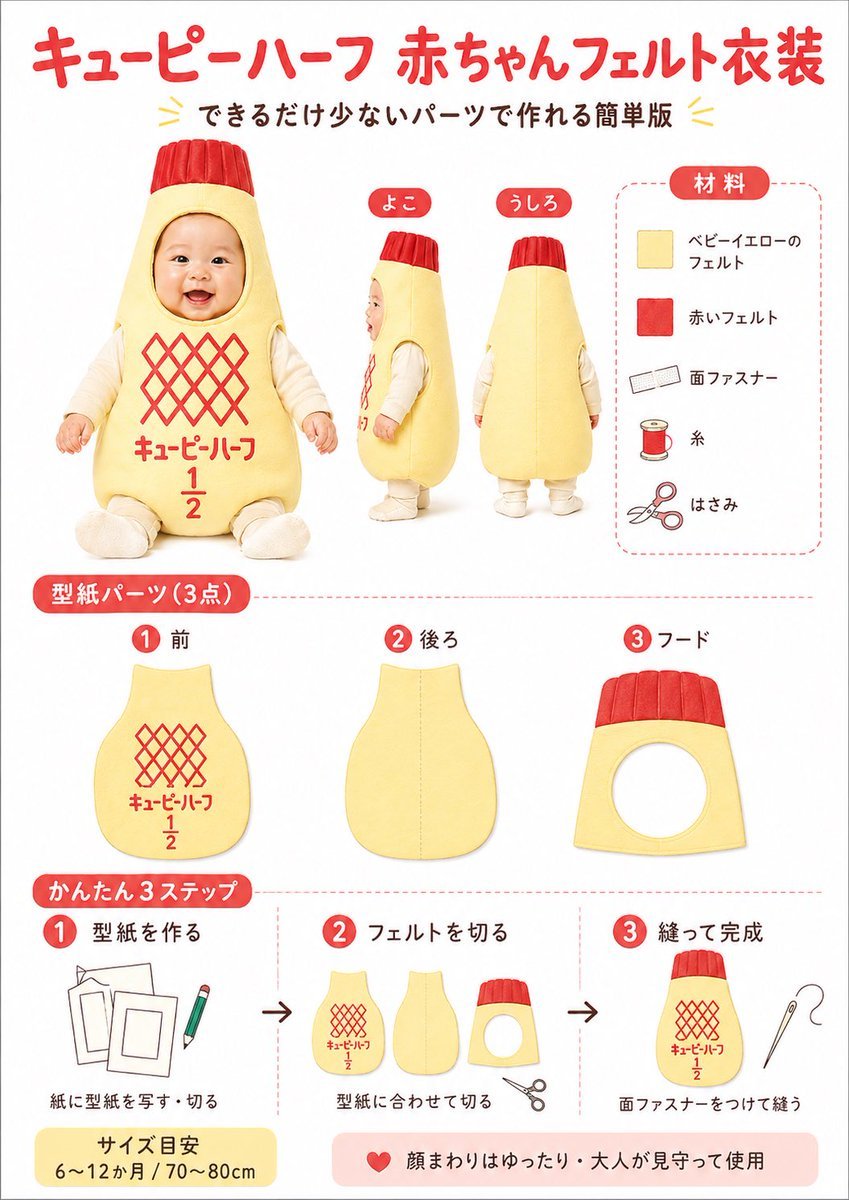
Japanese Baby Felt Costume DIY Sheet
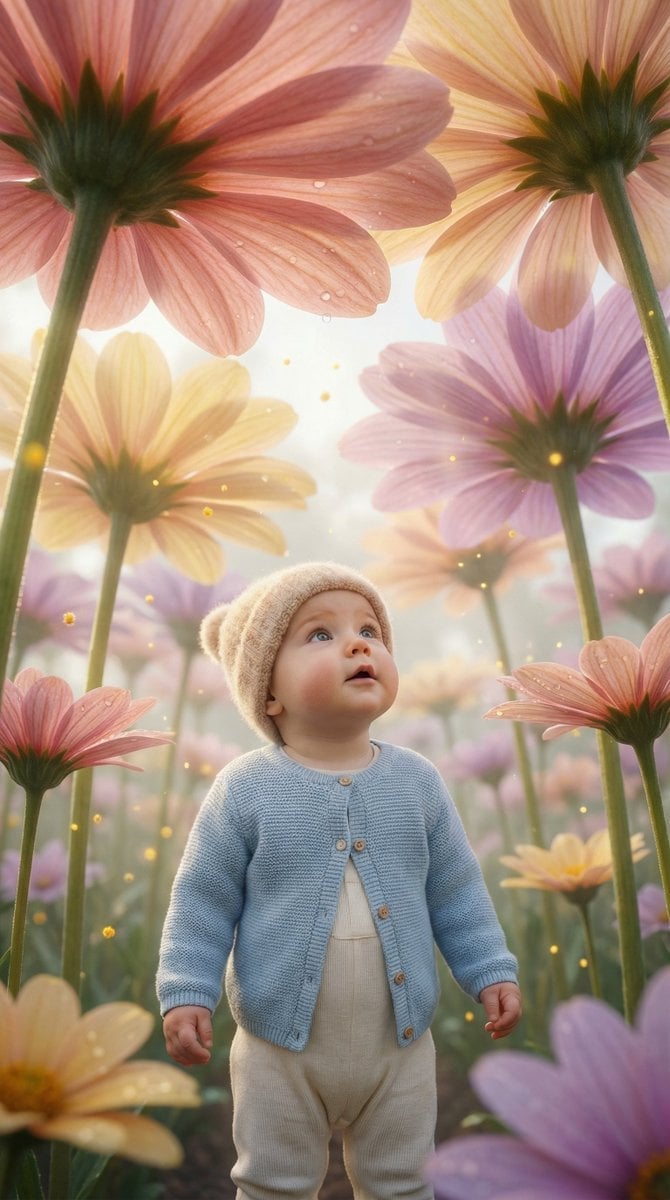
Ultra-Realistic Surreal Conceptual Portrait of a Baby in a Gigantic Flower Field
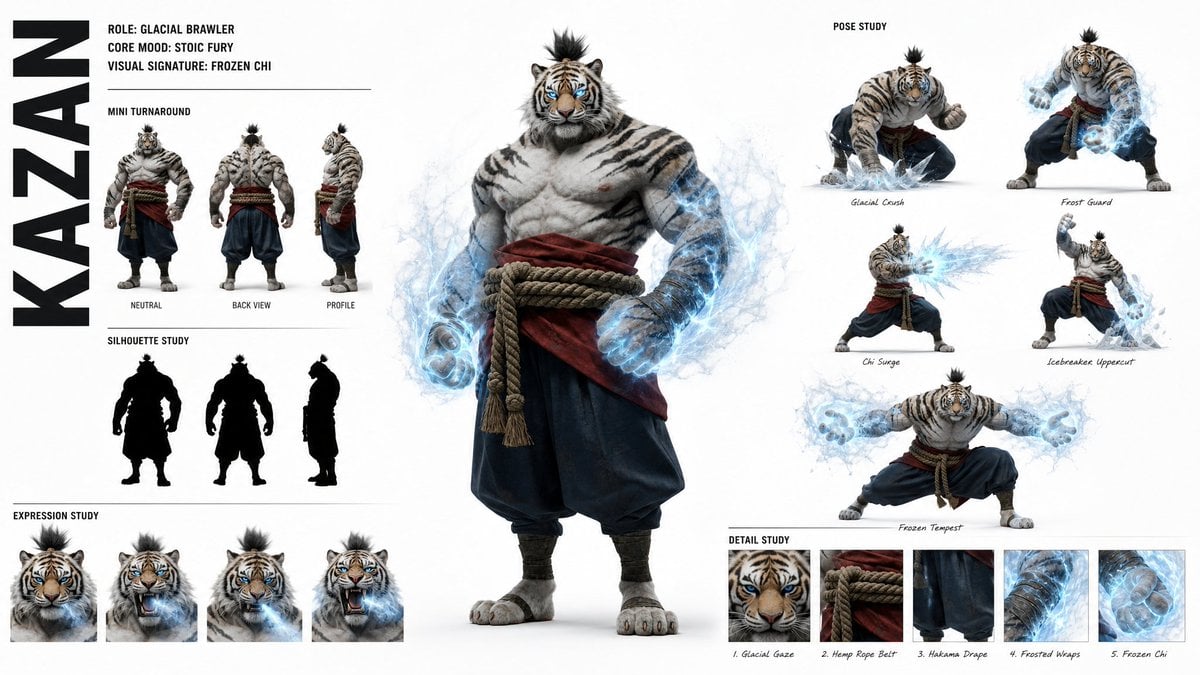
High-Fashion Character Concept Art Sheet
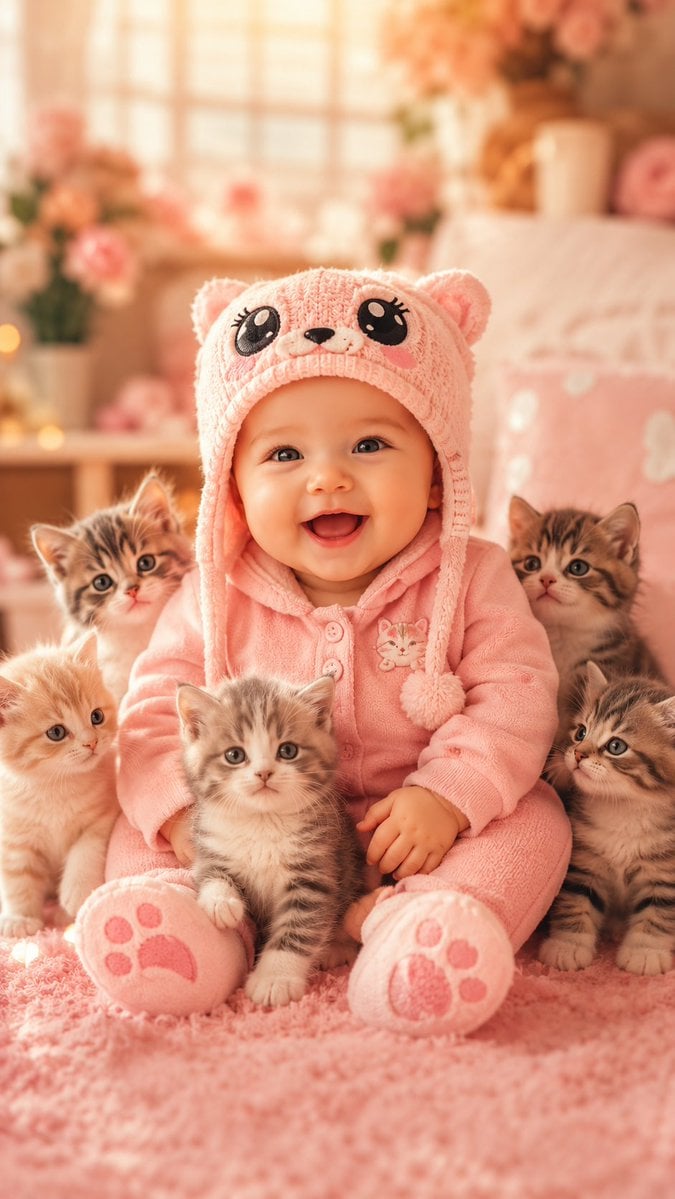
Cute Baby and Kittens Wallpaper
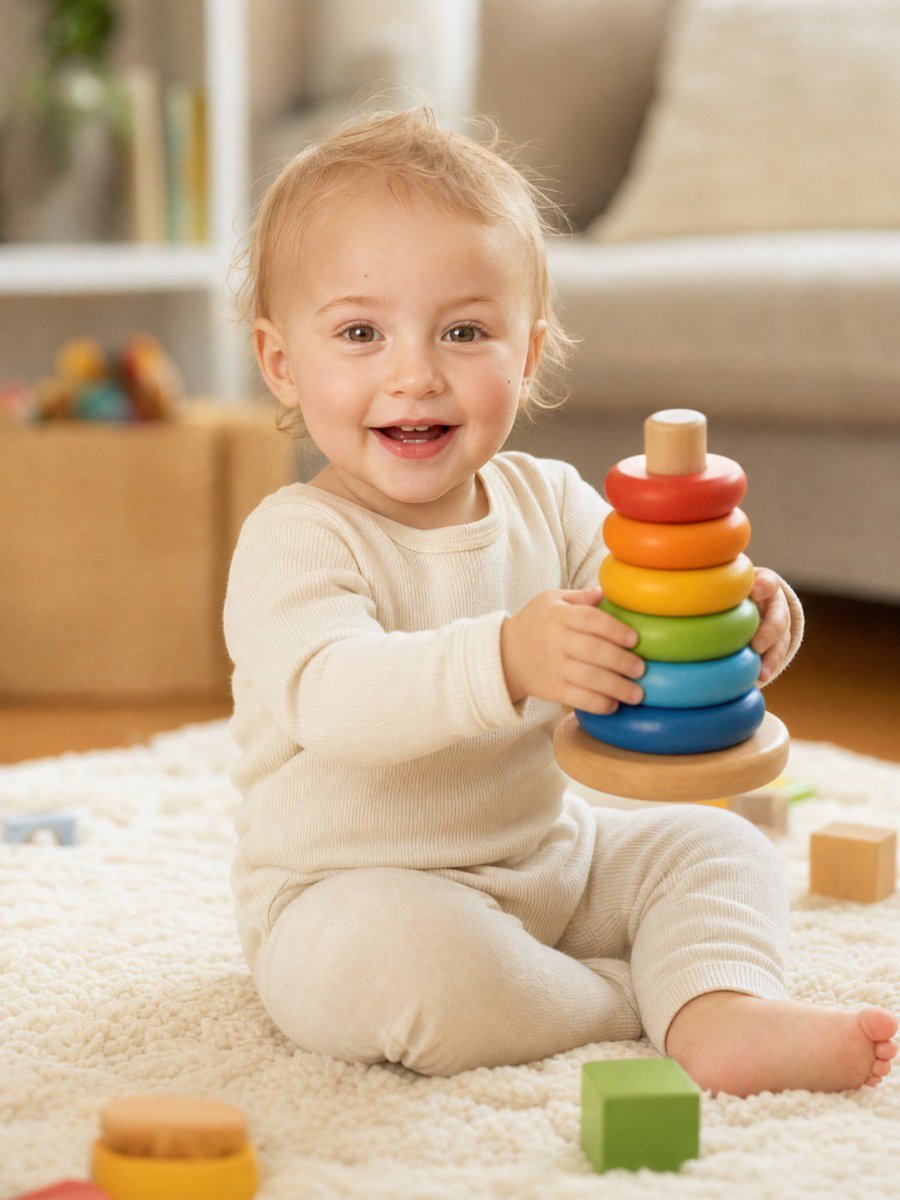
Baby Version Identity Transformation
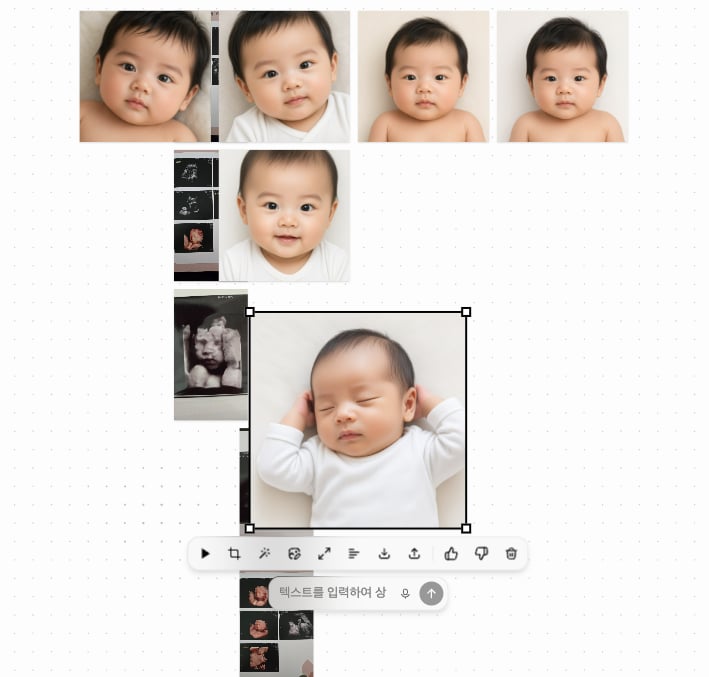
Ultrasound to Baby Portrait Transformation
Make it yours
DIY Baby Toy Concept Sheets works as-is. These are the safest ways to change it without losing the look.
Change one field
Copy a single group, rewrite it, and generate again so you can see what that field is doing.
Keep the frame, change the subject
Hold the composition and light of DIY Baby Toy Concept Sheets, then swap wardrobe, props or the person for a new take.
| If the result… | Why | Fix |
|---|---|---|
| The result drifts from the preview | Too many fields changed at once. | Reuse DIY Baby Toy Concept Sheets as-is first, then change one group — subject, light, or setting. |
| The model over-stylizes the scene | The prose prompt leaves finish and camera underspecified. | Add one camera or lighting sentence and stay on GPT Image 2. |
More GPT Image 2 templates
Other prompts made for GPT Image 2.

Six VTuber Japanese Logo Sheet

Realistic Portrait of Woman and Deer

The Vista Modular Condo Poster

AI Model Routing Comparison Infographic

2.5D Anime Art Board

Isometric Productivity Desk Scene

New York Double Exposure Poster

Four-Panel AI Landscape Comparison

Japanese Tatami Lifestyle Magazine Cover

NESCAFÉ Coffee Map Poster
More image prompts
Fresh picks from across the catalog.
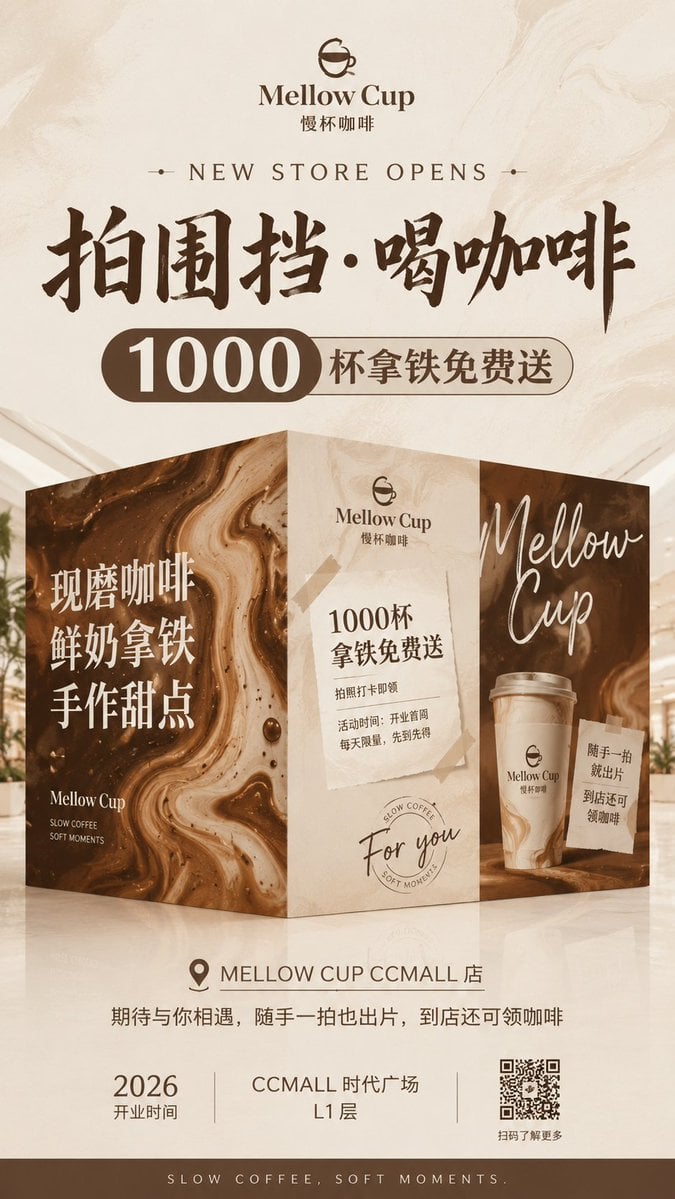
Mellow Cup Opening Hoarding Poster
Glitch Aesthetic Anime Illustration
Traditional Chinese Gongbi Art with Quote
Cherry Soda Commercial Splash Macro Shot
Nostalgic Vacation iPhone Snapshot Grid
Gothic Rose Princess
Split-Time Birthday Portrait
Whimsygoth Goose Illustration
Cute 4-Panel School Club Manga
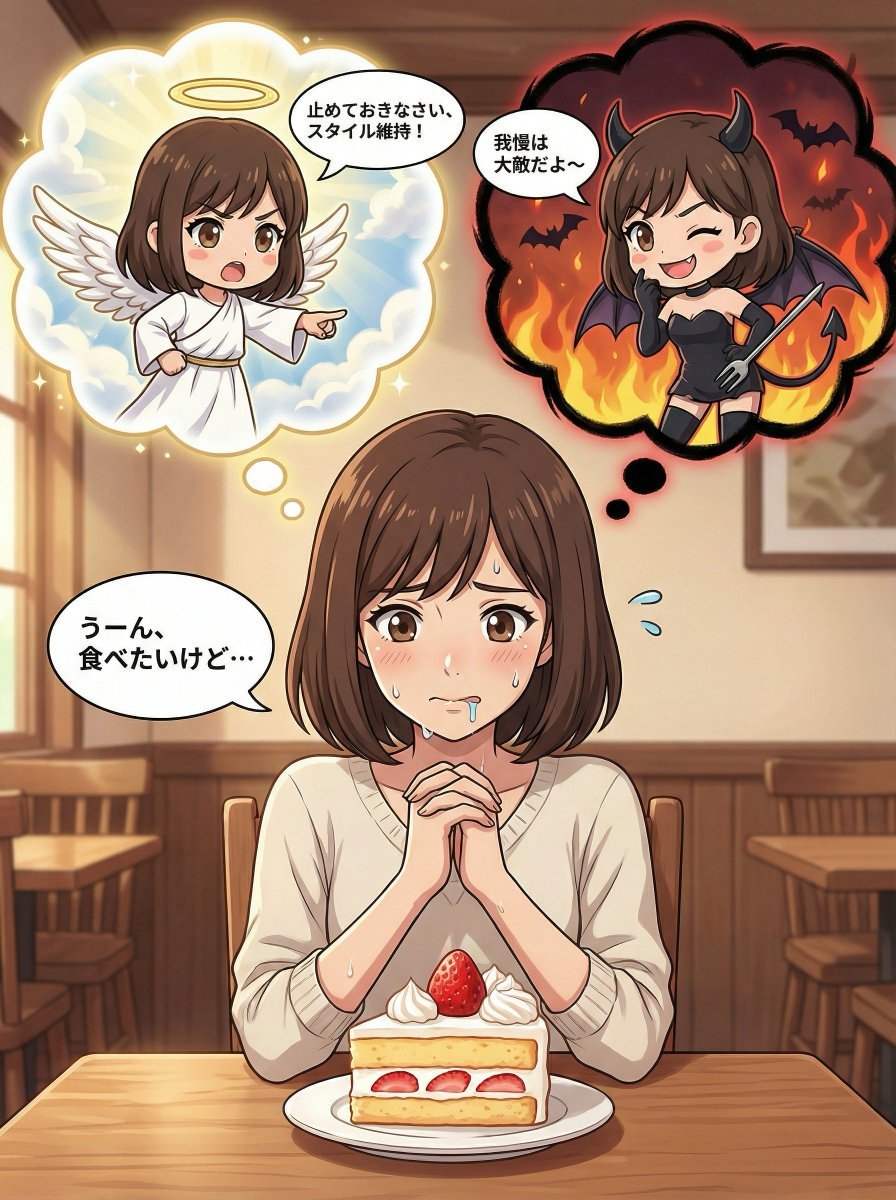
Complex Comic Panel Generation: Speech Bubbles and Identity Separation
Browse template categories
DIY Baby Toy Concept Sheets questions
How do I use the DIY Baby Toy Concept Sheets template?
Add your photo if the template asks for one, edit the prompt if you like — the template's model and format are already selected — and press Generate. Your version opens in PicX Studio.
Can I customize the DIY Baby Toy Concept Sheets template?
Yes. You can change the subject, setting, lighting, mood, format, and available model controls before creating your image.
Is the DIY Baby Toy Concept Sheets template free?
Opening and editing this template is free. Generating uses credits, shown on the Generate button when you are signed in.
Which AI model should I use?
Start with GPT Image 2, which is the model associated with this template. You can compare another compatible model for a different finish.
Looking for something else? Browse all templates.

Your photo, any look
Thousands of ready templates for every top image and video model, from one credit balance.