
Gothic Rose Princess
Generates a dramatic vertical anime illustration of a gothic lolita princess in a rose-shaped crimson gown inside an ornate rose conservatory.
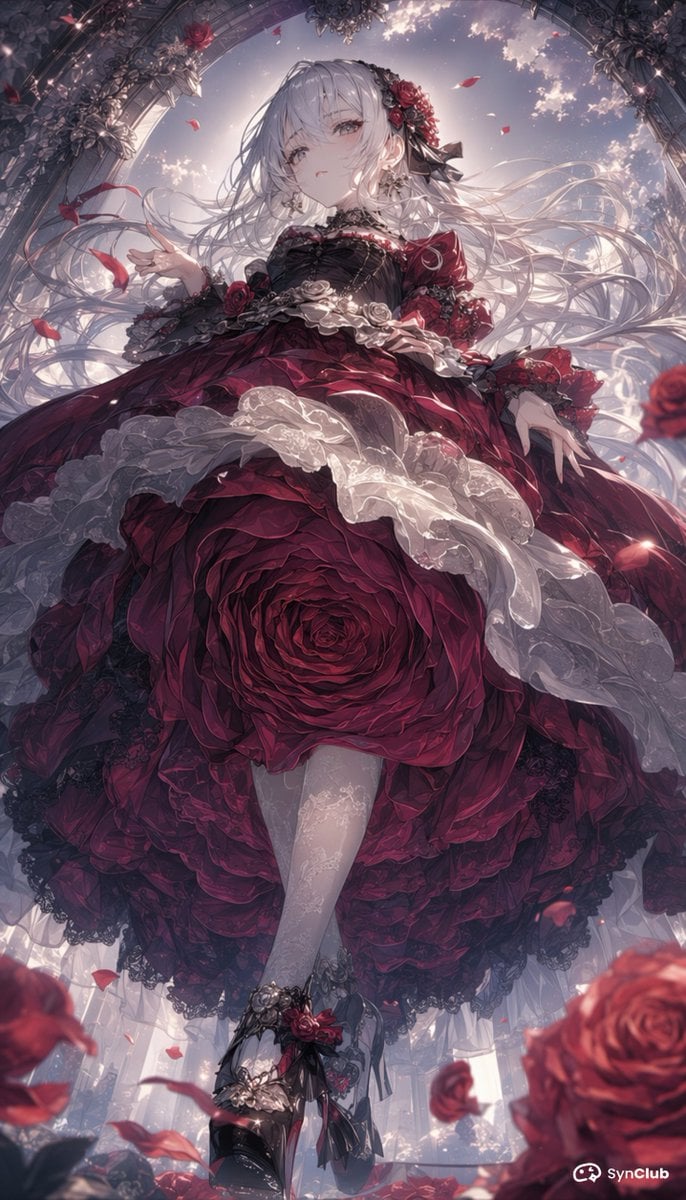
- Prompt included
- Model and format preset
- Free template
The prompt behind this image
Copy the exact prompt behind Gothic Rose Princess, or open it in the studio and make it yours.
Create a vertical 2:3 anime-style fantasy illustration of {argument name="character name" default="a beautiful gothic princess"} viewed from a dramatic low angle as she stands beneath an ornate glass conservatory arch covered in dark roses and filigree metalwork. She has extremely long flowing {argument name="hair color" default="silver-white hair"} streaming outward in the wind, with red roses and black ribbons in her hair, but her face is intentionally covered by a centered opaque muted mauve-gray square censor block. She wears an extravagant gothic lolita ball gown in deep crimson and black, with a bodice of black lace, puffed red sleeves, a huge layered skirt shaped like a blooming rose, white translucent lace ruffles, black lace trim, and floral waist ornaments. The skirt should dominate the composition, forming one enormous detailed red rose spiral at the center, with her pale stockinged legs crossing below and black high-heeled shoes decorated with roses, ribbons, metallic ornaments, and lace. Surround her with red rose petals floating through glowing air, several blurred foreground roses, and sparkling backlight from a pastel dusk sky seen through the arched greenhouse ceiling. Use highly detailed painterly anime rendering, romantic gothic atmosphere, luminous rim light, intricate fabric folds, ornate floral details, cinematic depth of field, soft haze, and a luxurious crimson, black, ivory, and silver palette. Add a small white {argument name="watermark text" default="SynClub"} watermark in the bottom-right corner.
How to use Gothic Rose Princess in 3 steps
- 1Upload ImagePNG, JPG or paste
Add your photo
Upload the photo the template builds on. The prompt, model and format are already set.
- 2…a portrait of your subject in softgolden-hour light, 85mm…
Personalize
Edit the subject and creative details for your destination.
- 3Generate
Generate
Press Generate — your image is created in PicX Studio, so you can compare it with the original and refine one variable at a time.
More like this
Templates with the same subject, style or setup. Open one to see its prompt.

Anime Rose Garden Throne
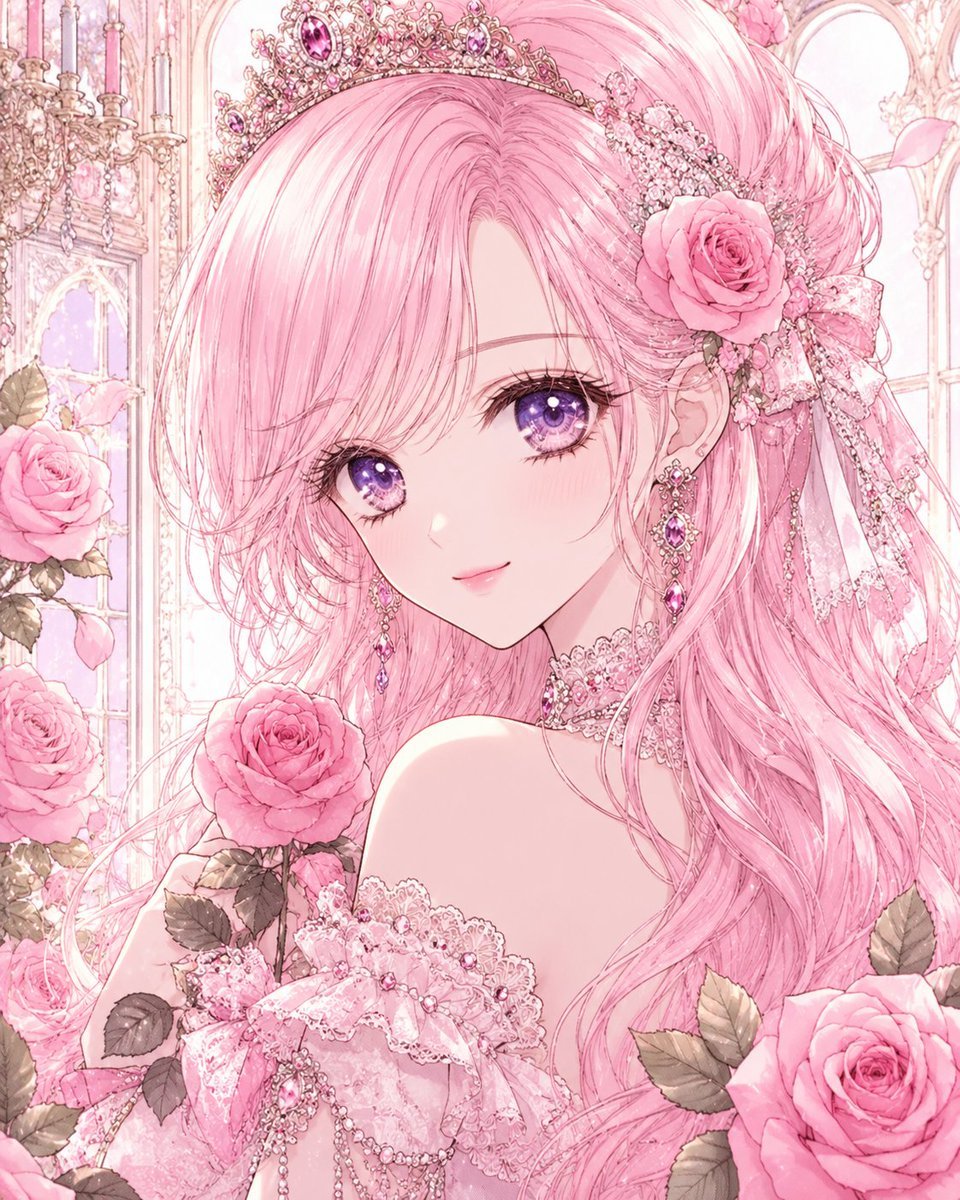
Pastel Pink Rose Princess Portrait
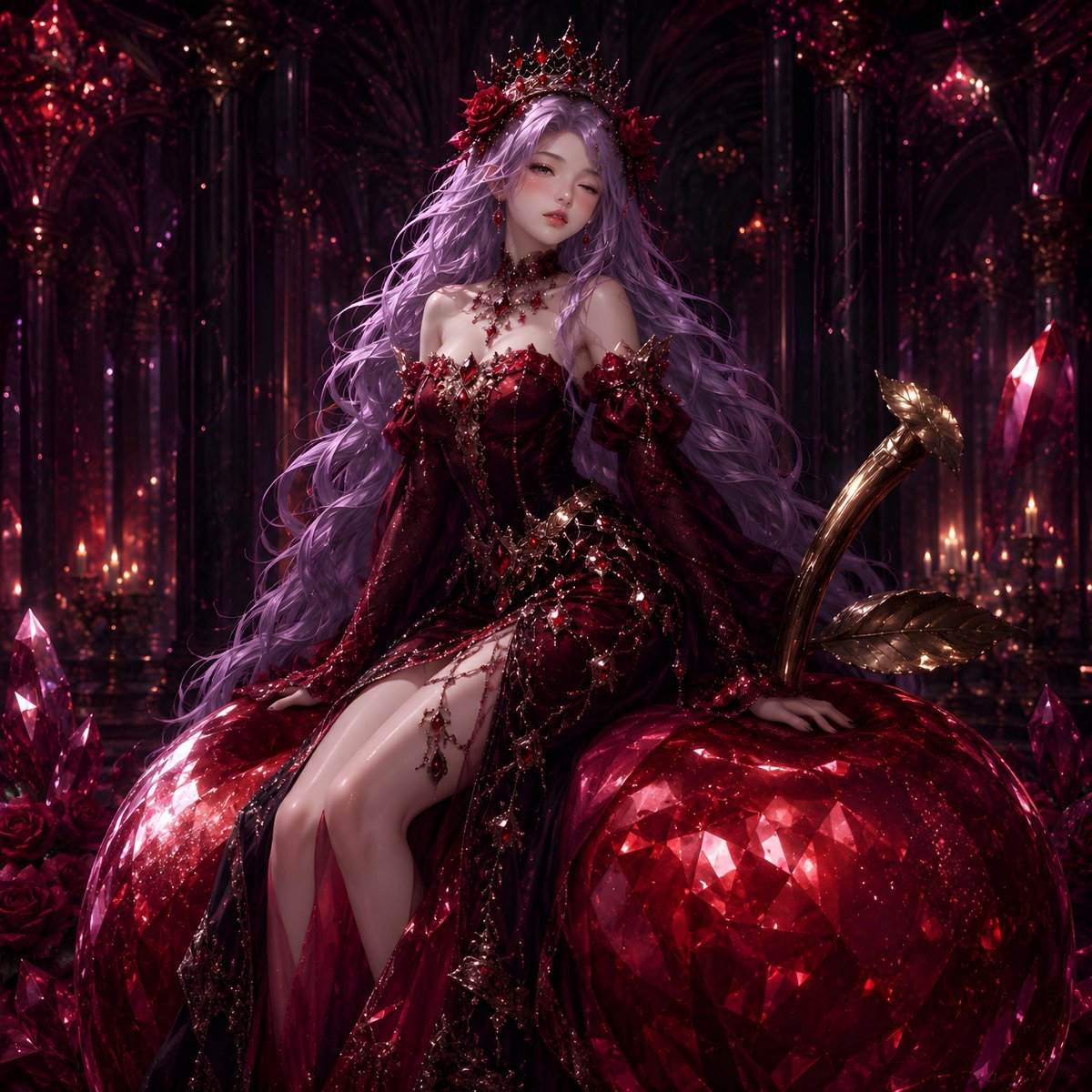
Gothic Rose Fantasy Queen Portrait

Anime Happily Ever After Sky

Anime Stained Glass Prayer

Anime White Horse Escape

Anime Golden Spinning Straw

Anime Gingerbread Cottage

Anime Bean Stalk Climb

Anime Seafoam Transformation

Anime Shoe Fitting Trial

Anime Beast Library Night
Make it yours
Gothic Rose Princess works as-is. These are the safest ways to change it without losing the look.
Change one field
Copy a single group, rewrite it, and generate again so you can see what that field is doing.
Keep the frame, change the subject
Hold the composition and light of Gothic Rose Princess, then swap wardrobe, props or the person for a new take.
| If the result… | Why | Fix |
|---|---|---|
| The result drifts from the preview | Too many fields changed at once. | Reuse Gothic Rose Princess as-is first, then change one group — subject, light, or setting. |
| The model over-stylizes the scene | The prose prompt leaves finish and camera underspecified. | Add one camera or lighting sentence and stay on GPT Image 2. |
More GPT Image 2 templates
Other prompts made for GPT Image 2.

Six VTuber Japanese Logo Sheet

Realistic Portrait of Woman and Deer

The Vista Modular Condo Poster

AI Model Routing Comparison Infographic

2.5D Anime Art Board

Isometric Productivity Desk Scene

New York Double Exposure Poster

Four-Panel AI Landscape Comparison

Japanese Tatami Lifestyle Magazine Cover

NESCAFÉ Coffee Map Poster
More image prompts
Fresh picks from across the catalog.
Blue Hair Repetition
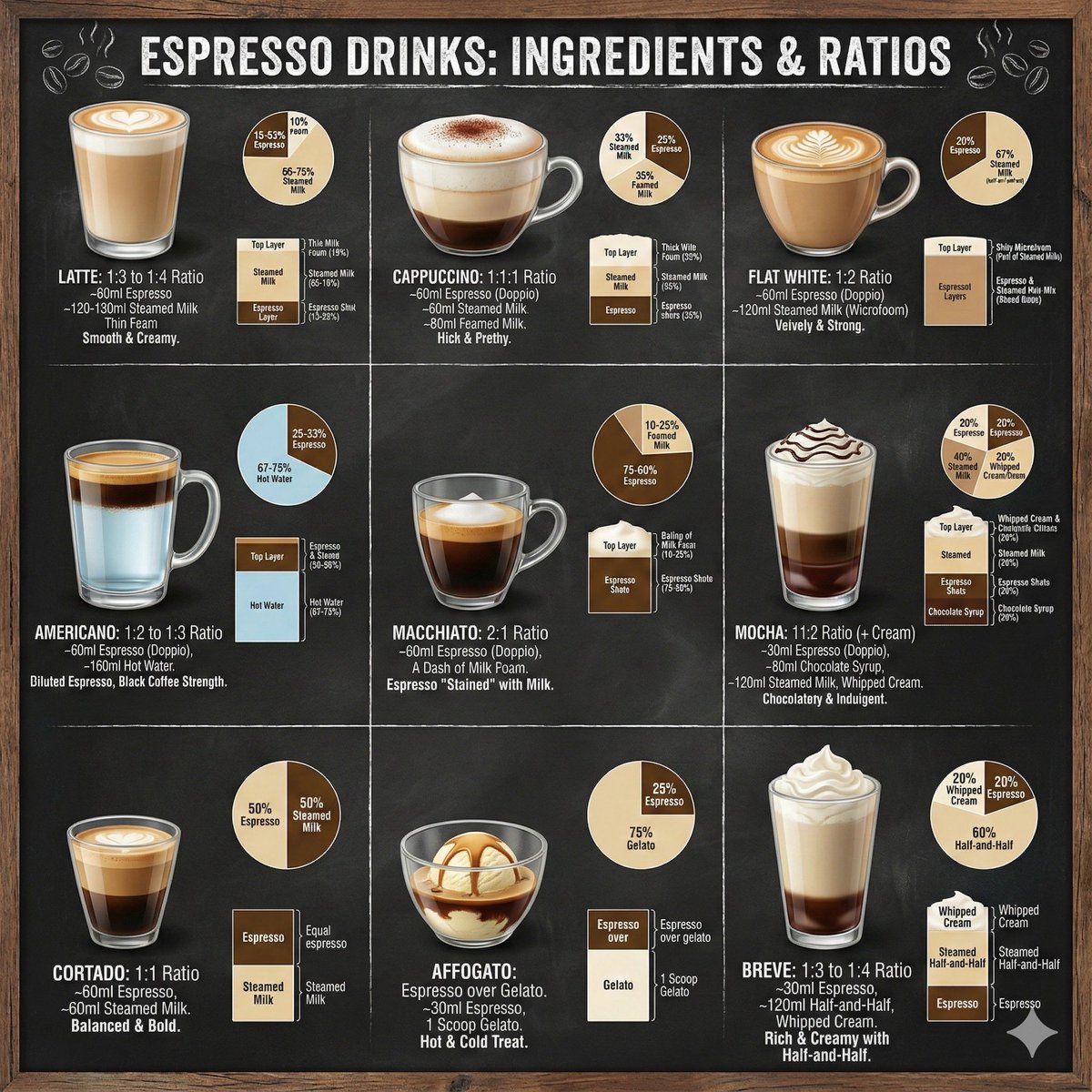
Coffee drinks infographic
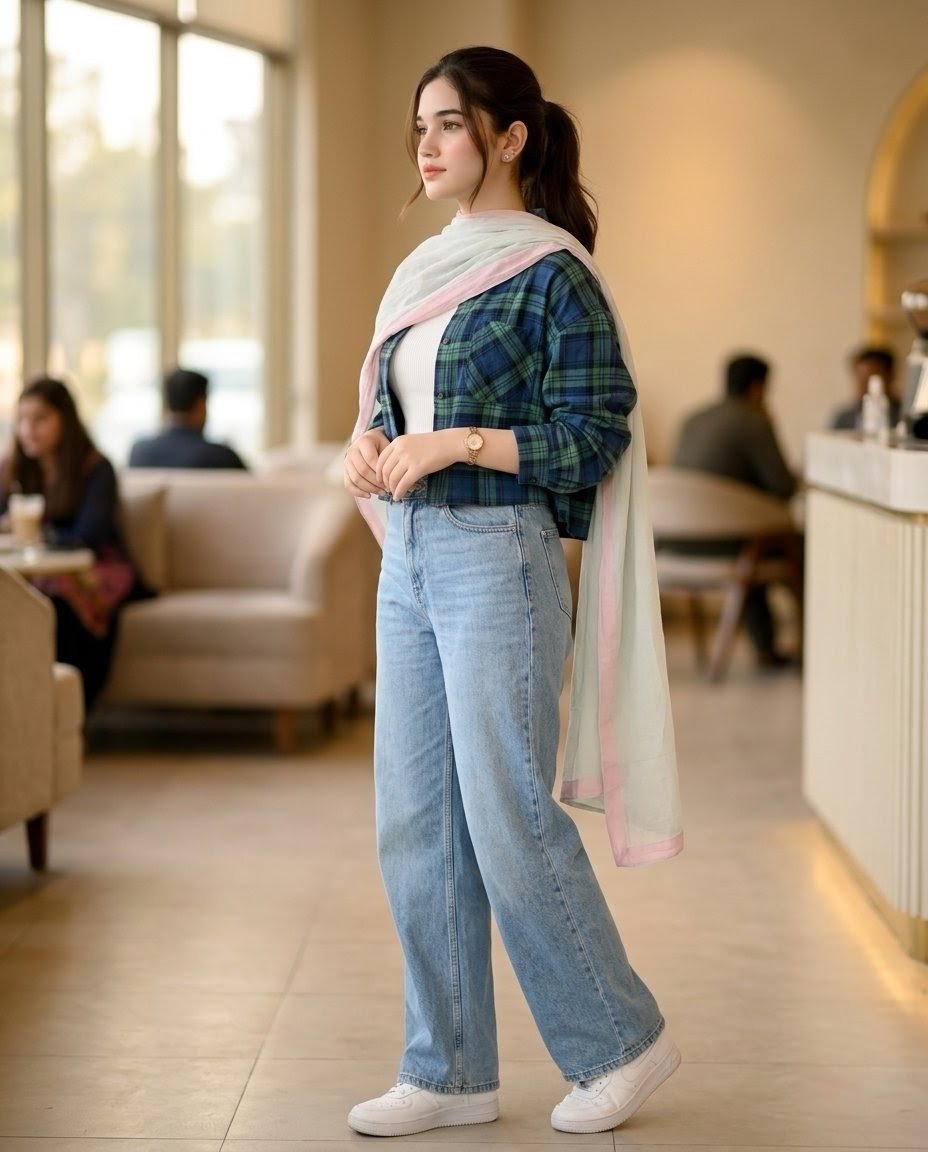
Pakistani Café Fashion Portrait
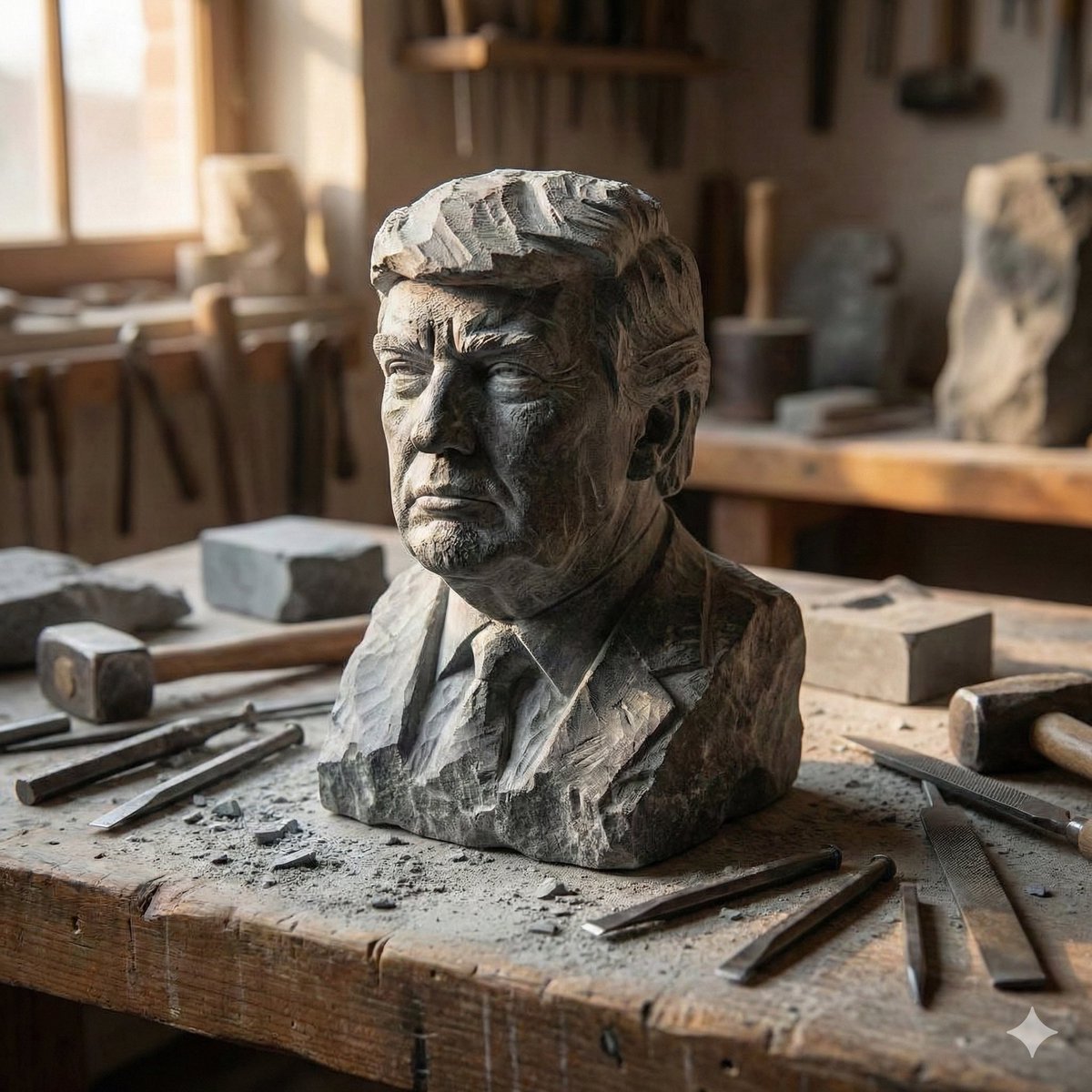
Stone-Carved Statue Prompt for Nano Banana Pro
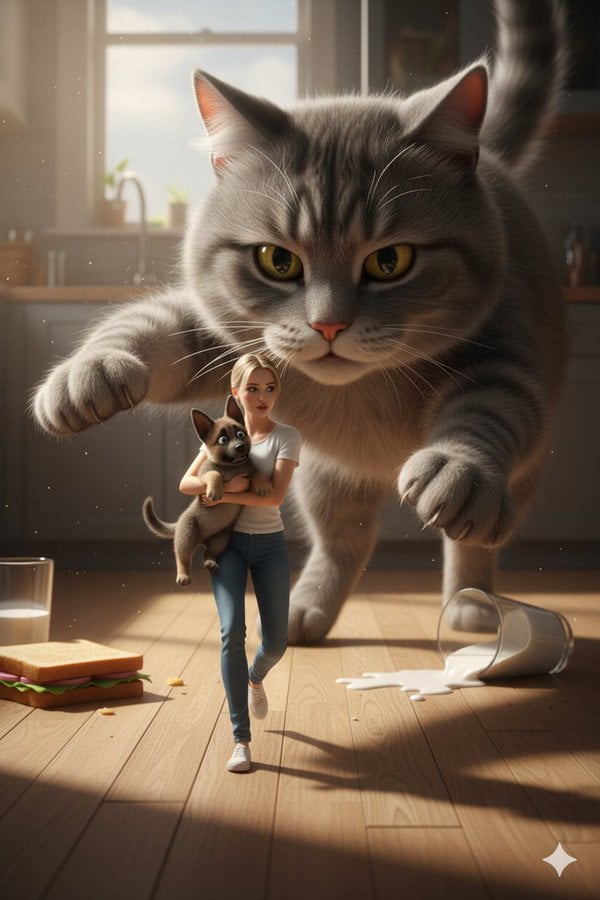
Cinematic Giant Cat Chasing Tiny Woman
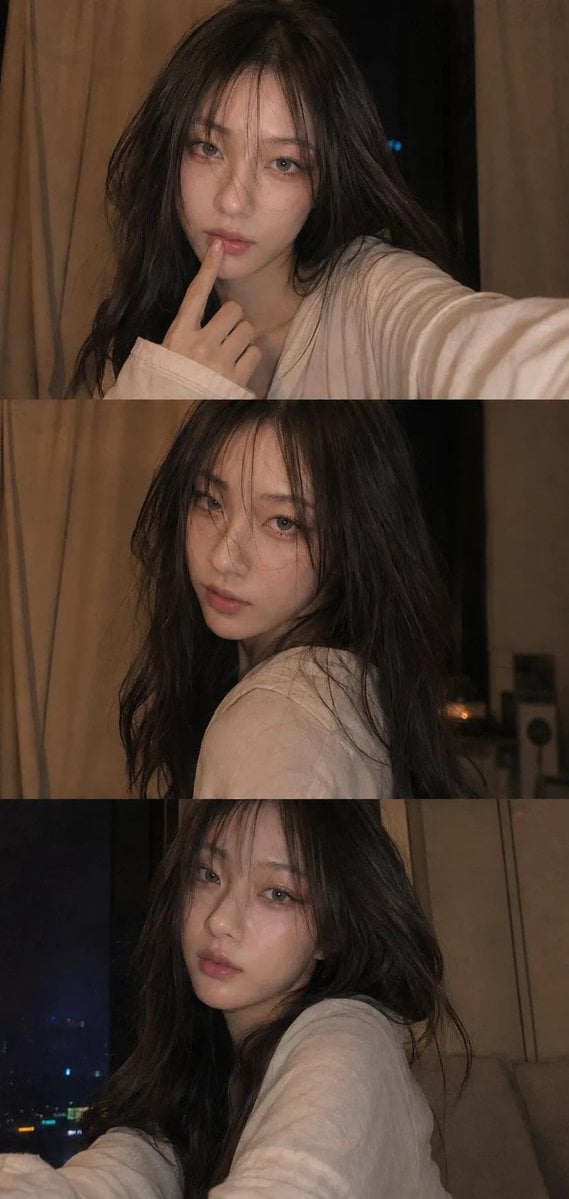
Candid Selfie Photo Collage
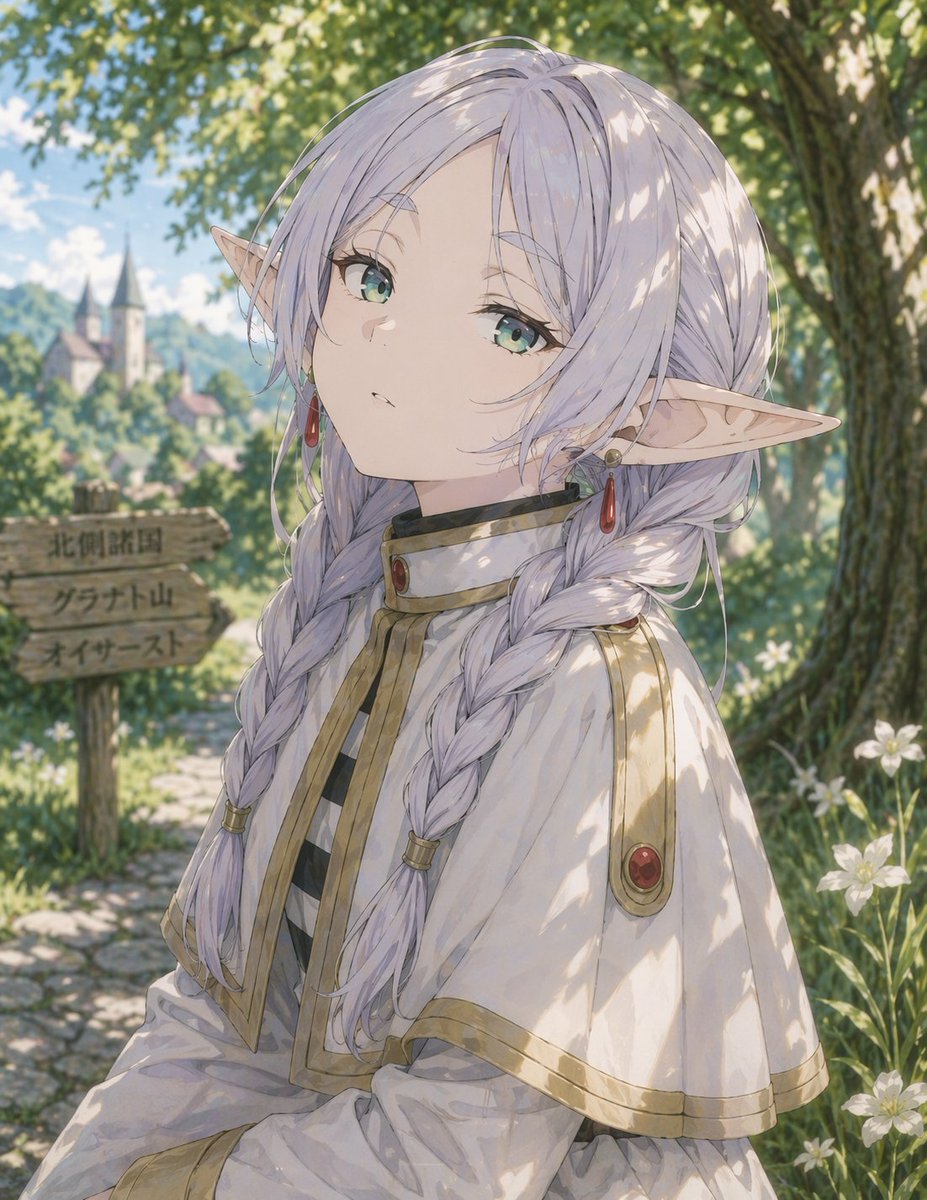
Anime Elf Girl on Forest Path
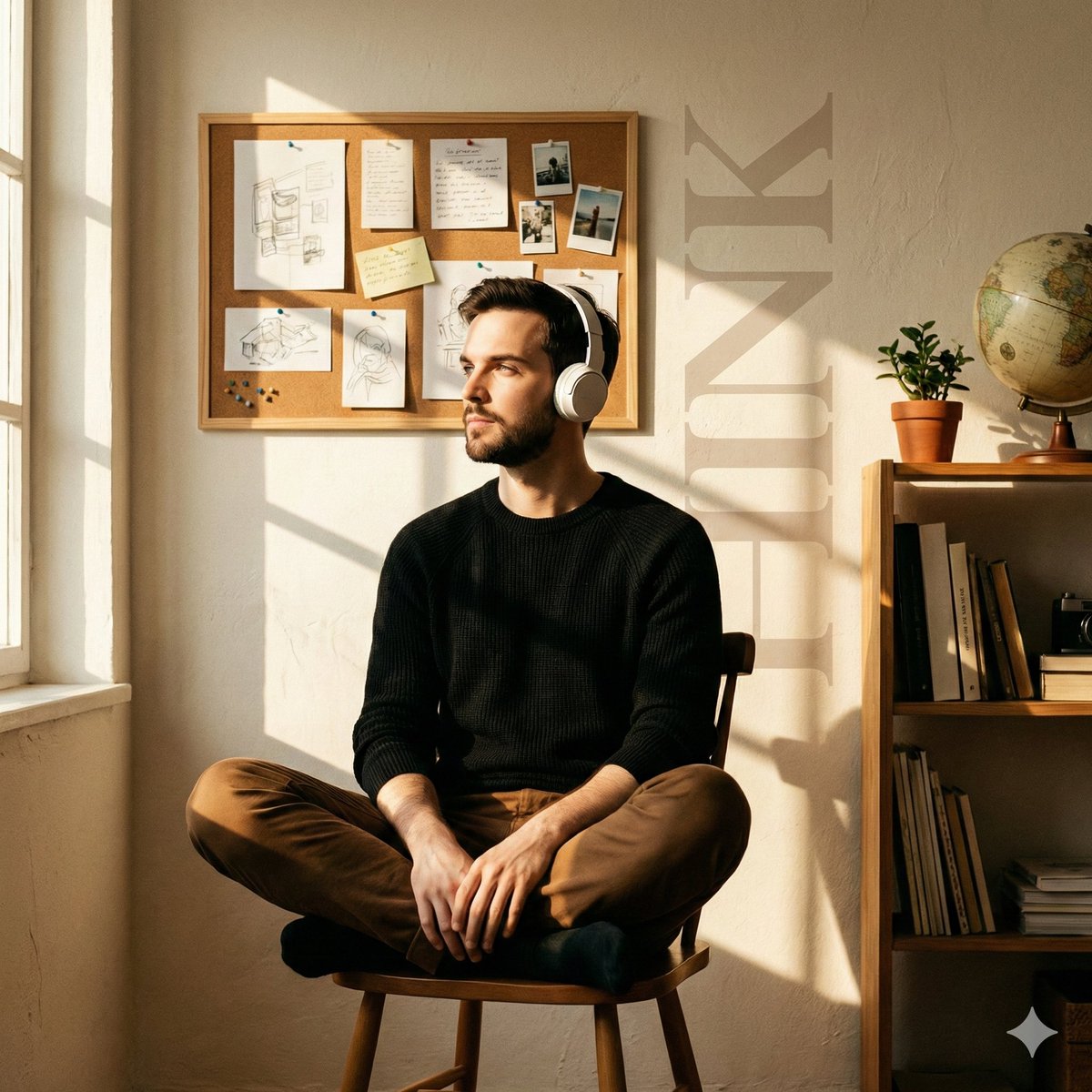
Cinematic Editorial Portrait in a Cafe with Window Shadows
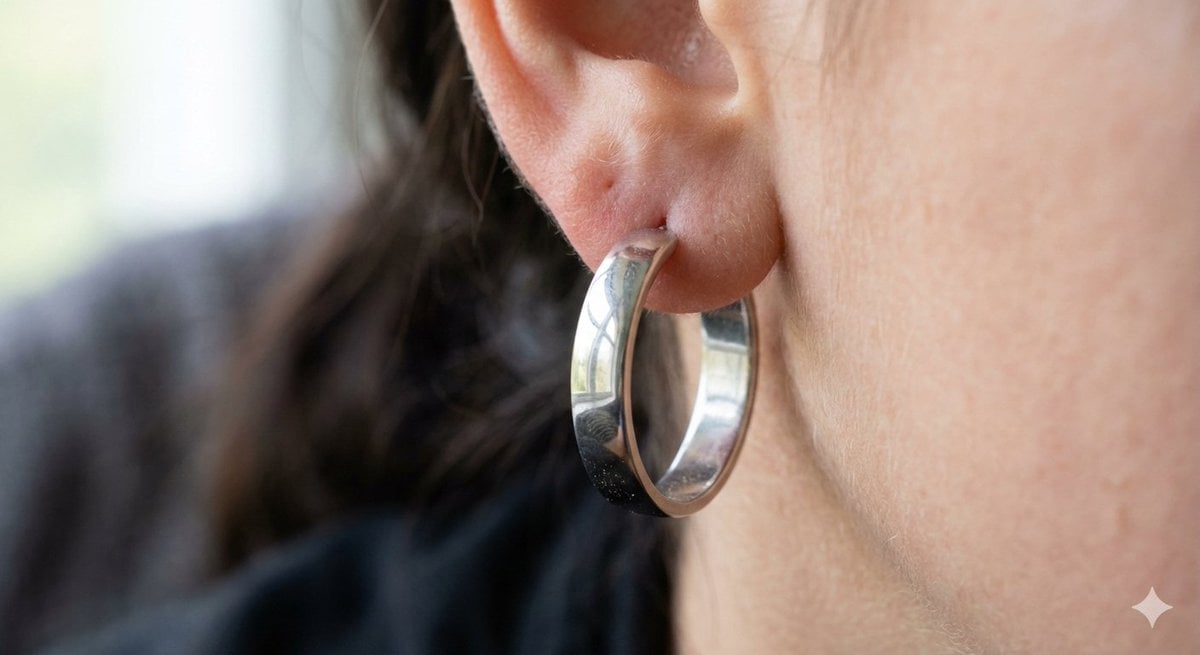
Realistic Macro Photograph of an Ear with Earring
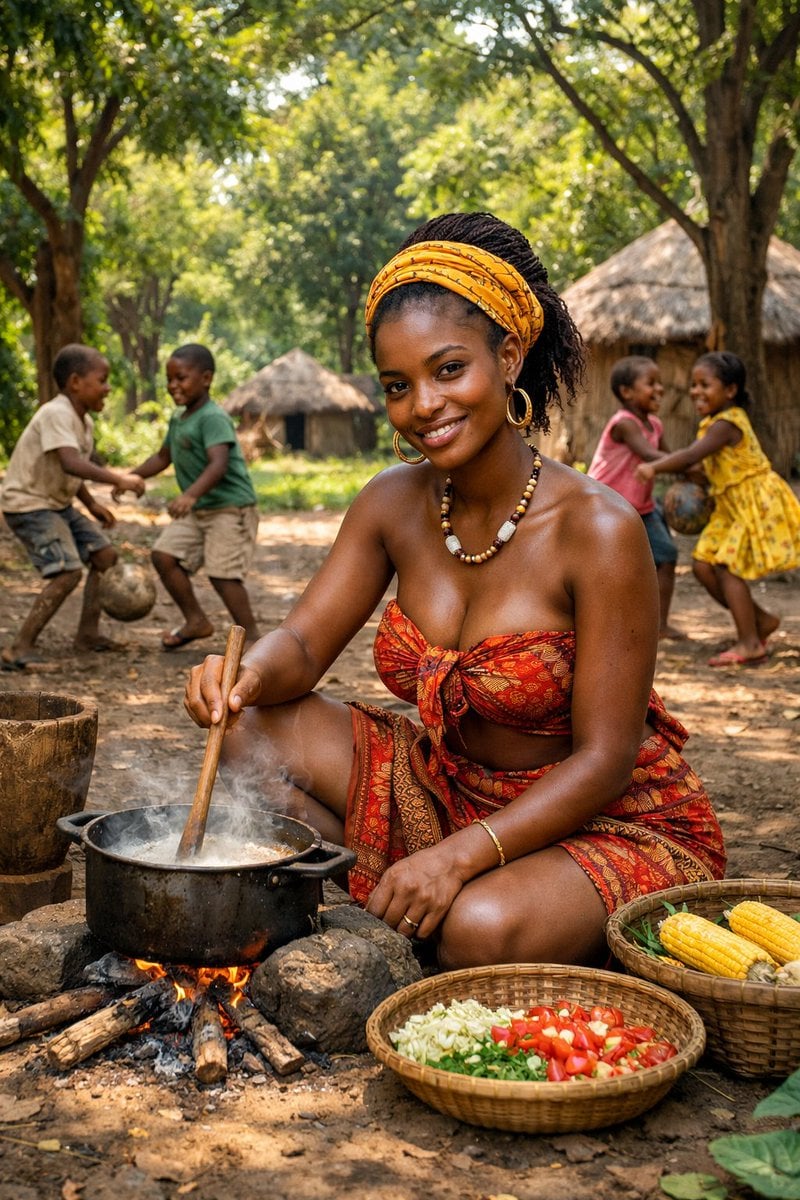
Documentary Photo of African Village Scene
Browse template categories
Gothic Rose Princess questions
How do I use the Gothic Rose Princess template?
Add your photo if the template asks for one, edit the prompt if you like — the template's model and format are already selected — and press Generate. Your version opens in PicX Studio.
Can I customize the Gothic Rose Princess template?
Yes. You can change the subject, setting, lighting, mood, format, and available model controls before creating your image.
Is the Gothic Rose Princess template free?
Opening and editing this template is free. Generating uses credits, shown on the Generate button when you are signed in.
Which AI model should I use?
Start with GPT Image 2, which is the model associated with this template. You can compare another compatible model for a different finish.
Looking for something else? Browse all templates.

Your photo, any look
Thousands of ready templates for every top image and video model, from one credit balance.