
Anime Elf Girl on Forest Path
Generates a high-quality anime illustration of an elf character standing on a sunlit path with a customizable signpost.
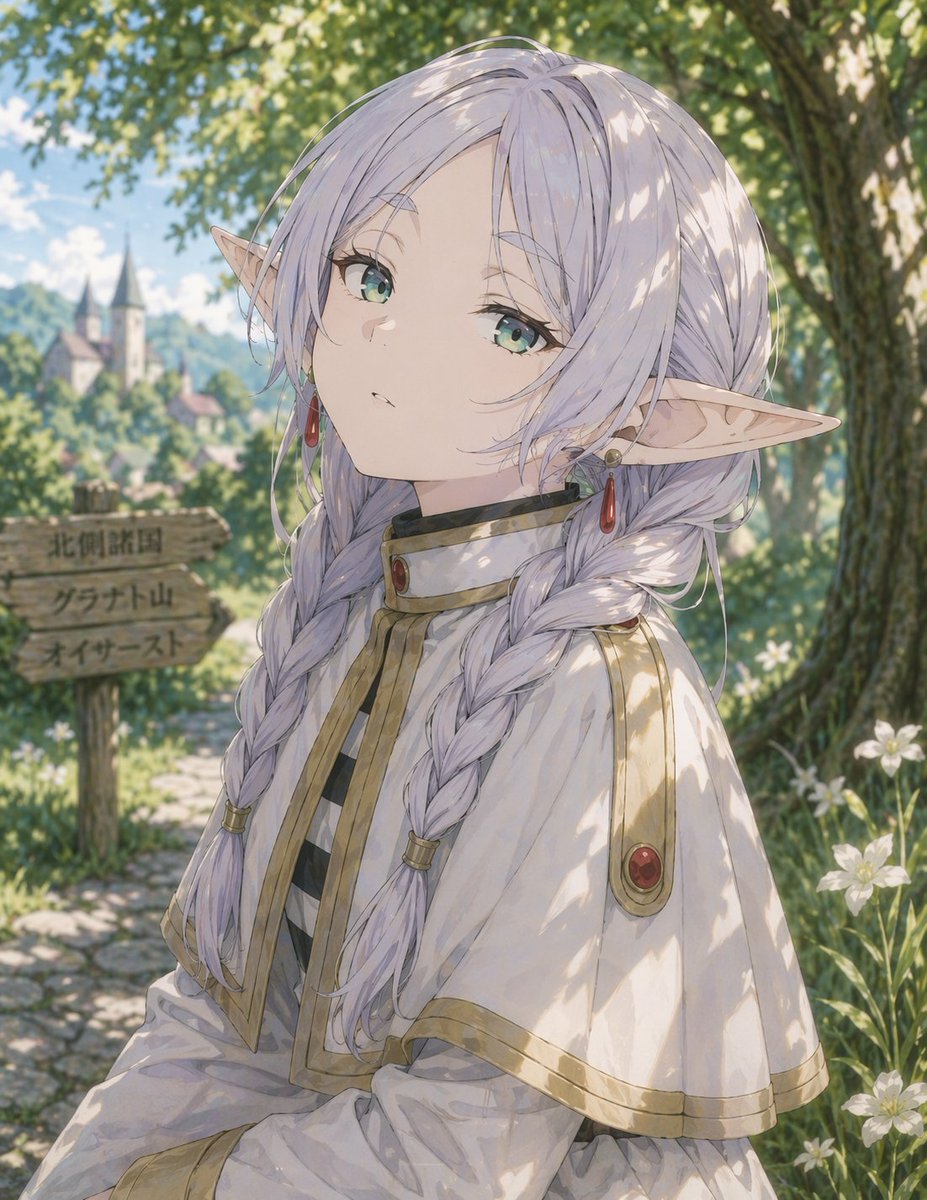
- Prompt included
- Model and format preset
- Free template
The prompt behind this image
Copy the exact prompt behind Anime Elf Girl on Forest Path, or open it in the studio and make it yours.
A high-quality anime illustration of an {argument name="character description" default="anime elf girl with silver twin braids and green eyes"}. She has pale skin, pointed elf ears adorned with red drop earrings, and a calm, neutral expression as she looks slightly upward. She is wearing a {argument name="outfit" default="white capelet with gold trim and red gems over a black and white striped shirt"}. The scene is set outdoors during the daytime with beautiful dappled sunlight filtering through the canopy of a large tree on the right, casting soft shadows on her face and clothes. She stands on a cobblestone path lined with green grass and small white flowers. To her left is a rustic wooden signpost with three directional planks bearing the text {argument name="signpost text top" default="北側諸国"}, {argument name="signpost text middle" default="グラナト山"}, and {argument name="signpost text bottom" default="オイサースト"}. In the blurred background, a picturesque fantasy town with a castle sits on a lush green hill under a bright sky.
How to use Anime Elf Girl on Forest Path in 3 steps
- 1Upload ImagePNG, JPG or paste
Add your photo
Upload the photo the template builds on. The prompt, model and format are already set.
- 2…a portrait of your subject in softgolden-hour light, 85mm…
Personalize
Edit the subject and creative details for your destination.
- 3Generate
Generate
Press Generate — your image is created in PicX Studio, so you can compare it with the original and refine one variable at a time.
More like this
Templates with the same subject, style or setup. Open one to see its prompt.
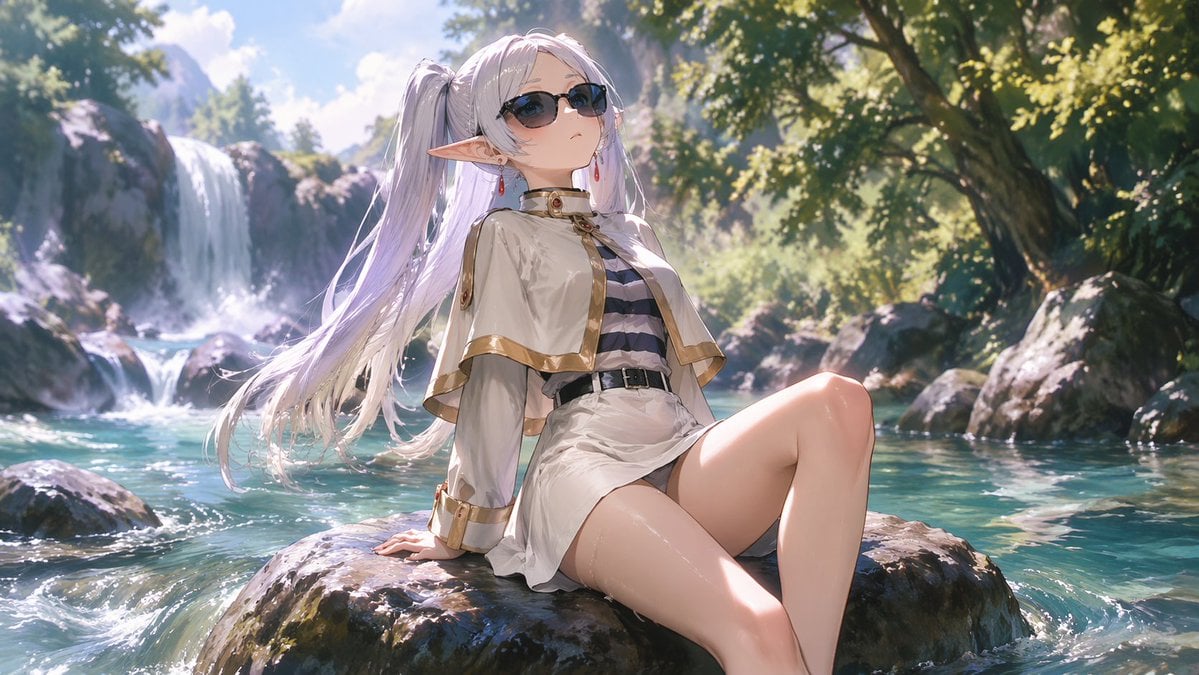
Anime Elf Girl Relaxing in a Forest River

Cel 2D Forest Whisper
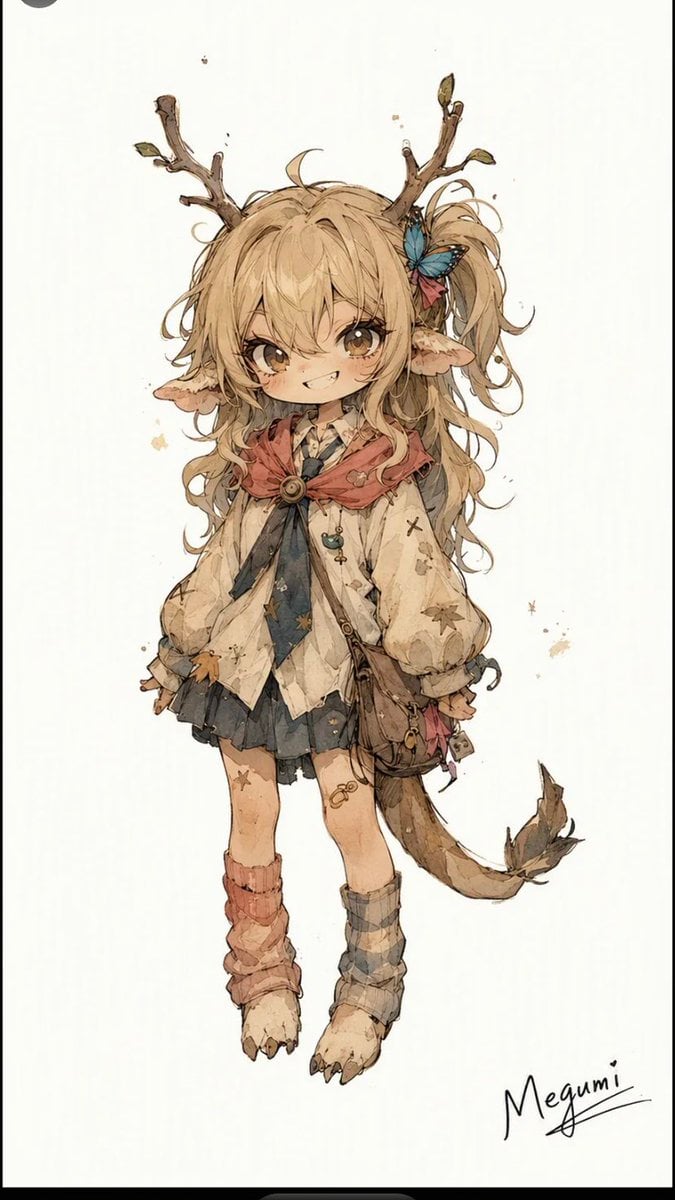
Mischievous Forest Faun Girl

Anime Elf Maid Turnaround Sheet

Teen Girl Alpine Lake Mountain View
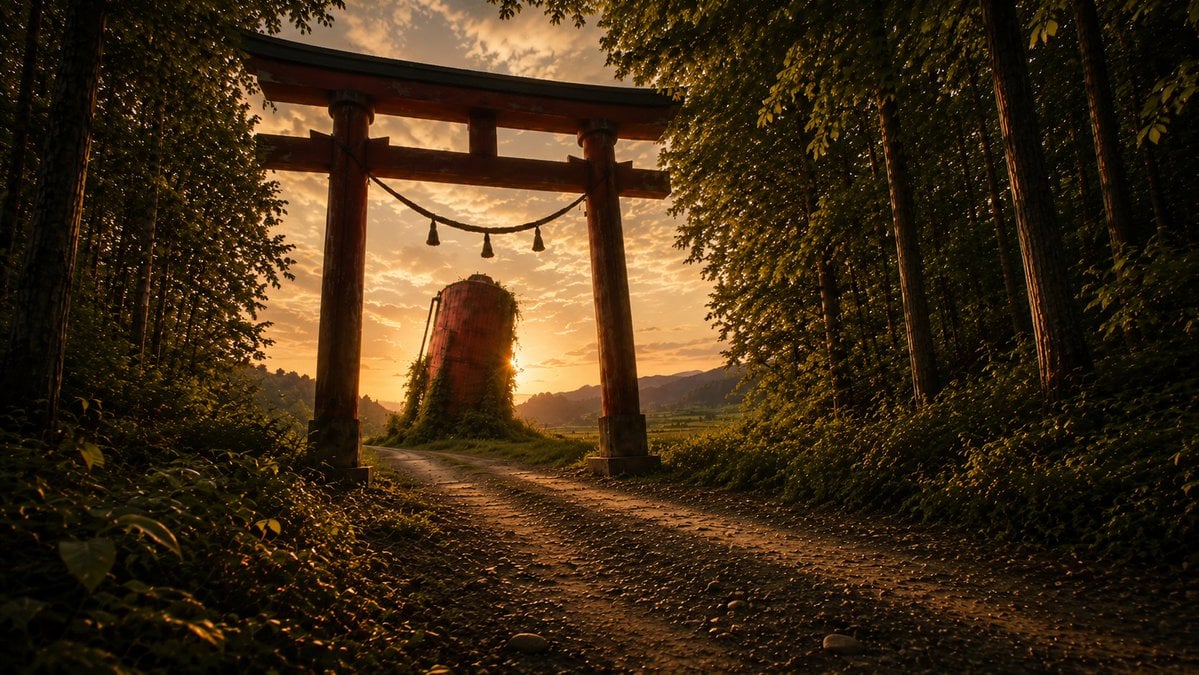
Sunset Torii Forest Path

Framed Quilling Anime Girl

Anime Lantern Girl Character Sheet

Anime Girl Generation Grid

Chaotic Anime Schoolgirl Fan Collage

Layered Paper Cut Forest Diorama

Cel 2D Finale Fireworks
Make it yours
Anime Elf Girl on Forest Path works as-is. These are the safest ways to change it without losing the look.
Change one field
Copy a single group, rewrite it, and generate again so you can see what that field is doing.
Keep the frame, change the subject
Hold the composition and light of Anime Elf Girl on Forest Path, then swap wardrobe, props or the person for a new take.
| If the result… | Why | Fix |
|---|---|---|
| The result drifts from the preview | Too many fields changed at once. | Reuse Anime Elf Girl on Forest Path as-is first, then change one group — subject, light, or setting. |
| The model over-stylizes the scene | The prose prompt leaves finish and camera underspecified. | Add one camera or lighting sentence and stay on GPT Image 2. |
More GPT Image 2 templates
Other prompts made for GPT Image 2.

Six VTuber Japanese Logo Sheet

Realistic Portrait of Woman and Deer

The Vista Modular Condo Poster

AI Model Routing Comparison Infographic

2.5D Anime Art Board

Isometric Productivity Desk Scene

New York Double Exposure Poster

Four-Panel AI Landscape Comparison

Japanese Tatami Lifestyle Magazine Cover

NESCAFÉ Coffee Map Poster
More image prompts
Fresh picks from across the catalog.
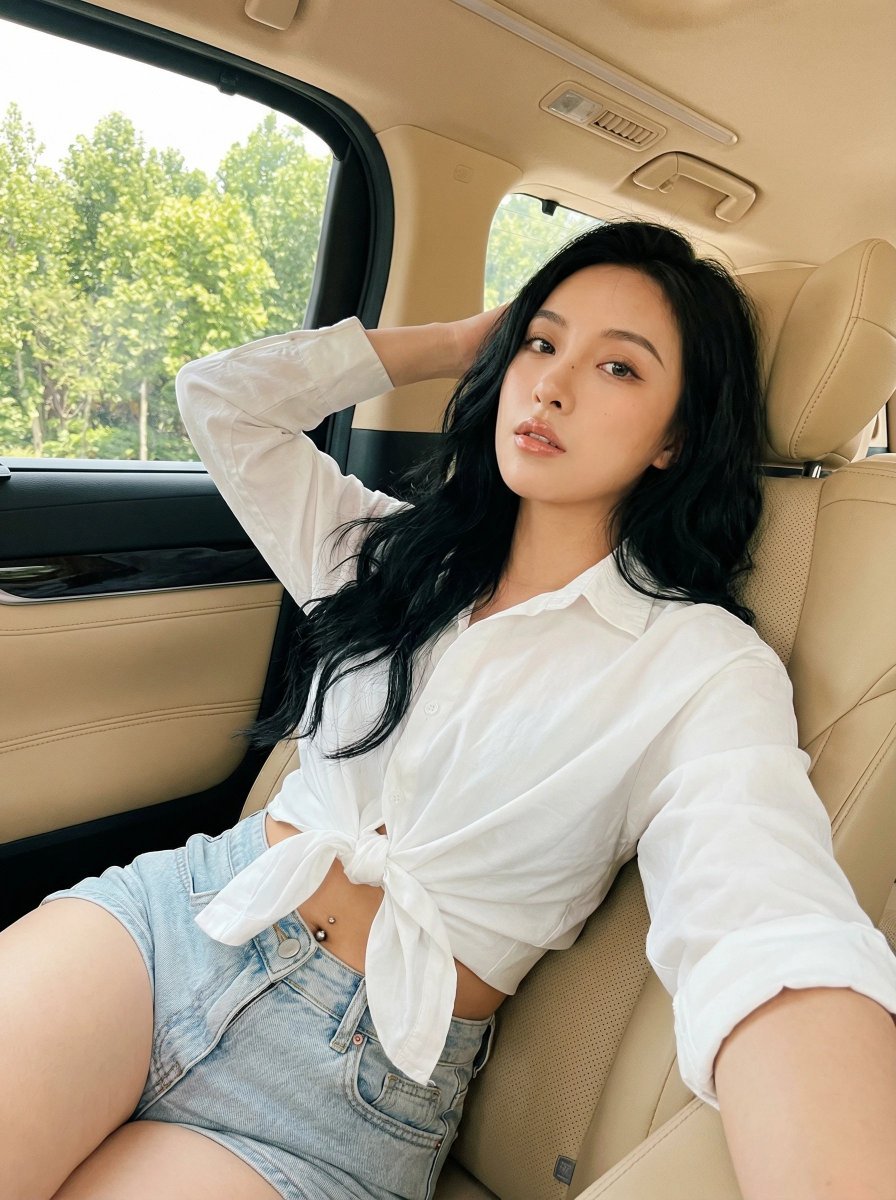
Natural Instagram-style car selfie prompt
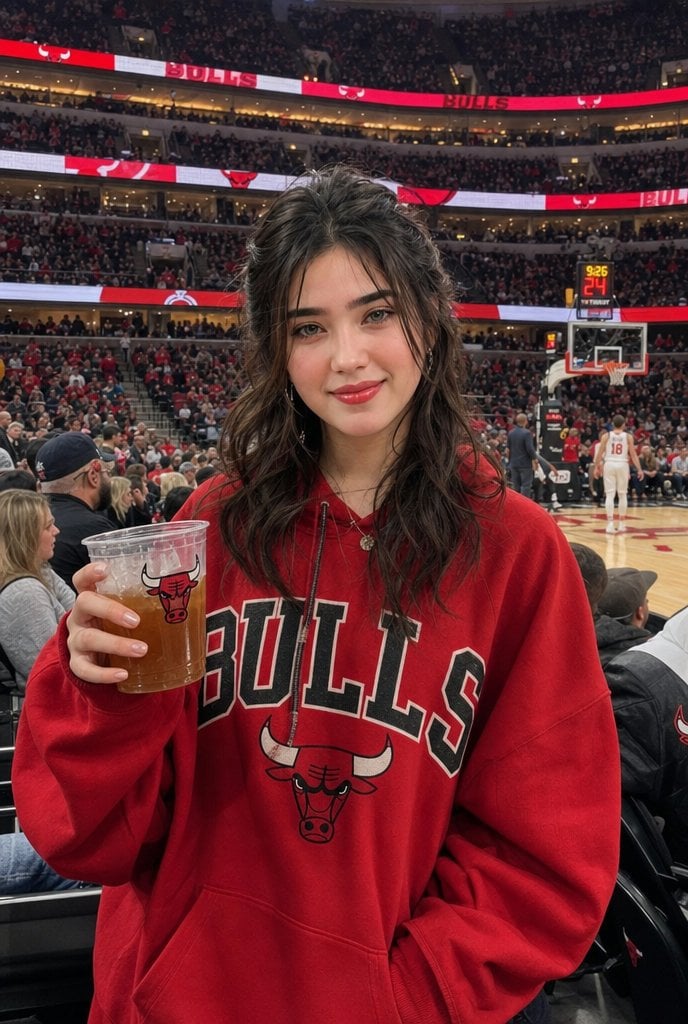
Chicago Bulls Arena Portrait
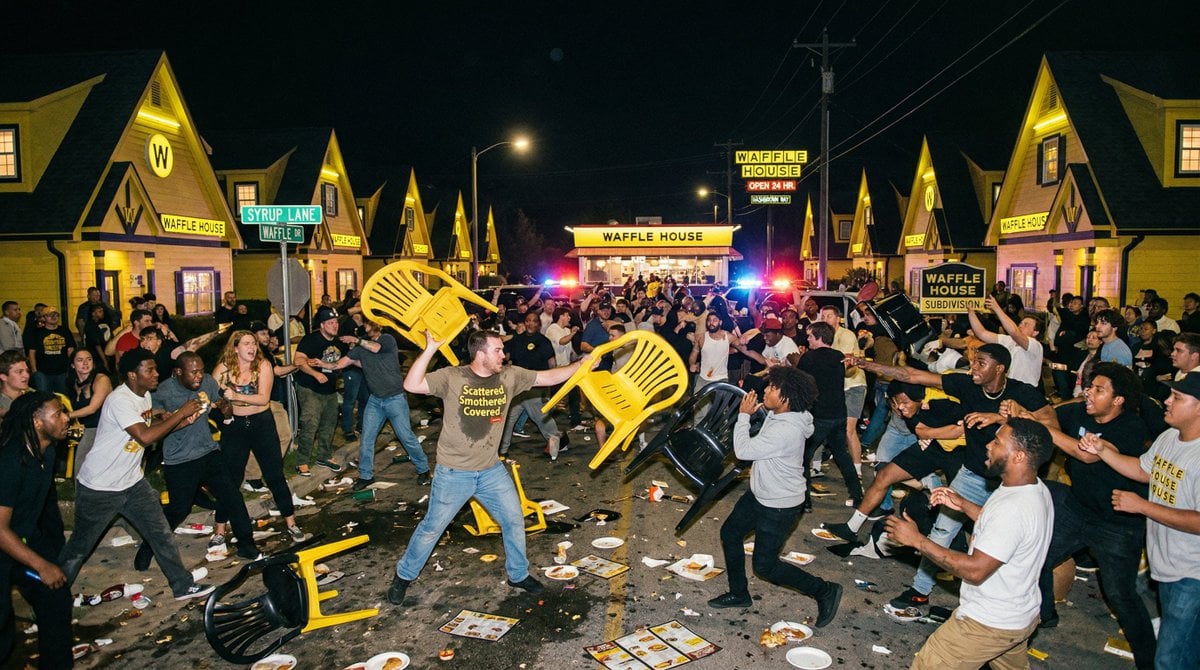
Suburban Neighborhood Designed by Fast Food Chains
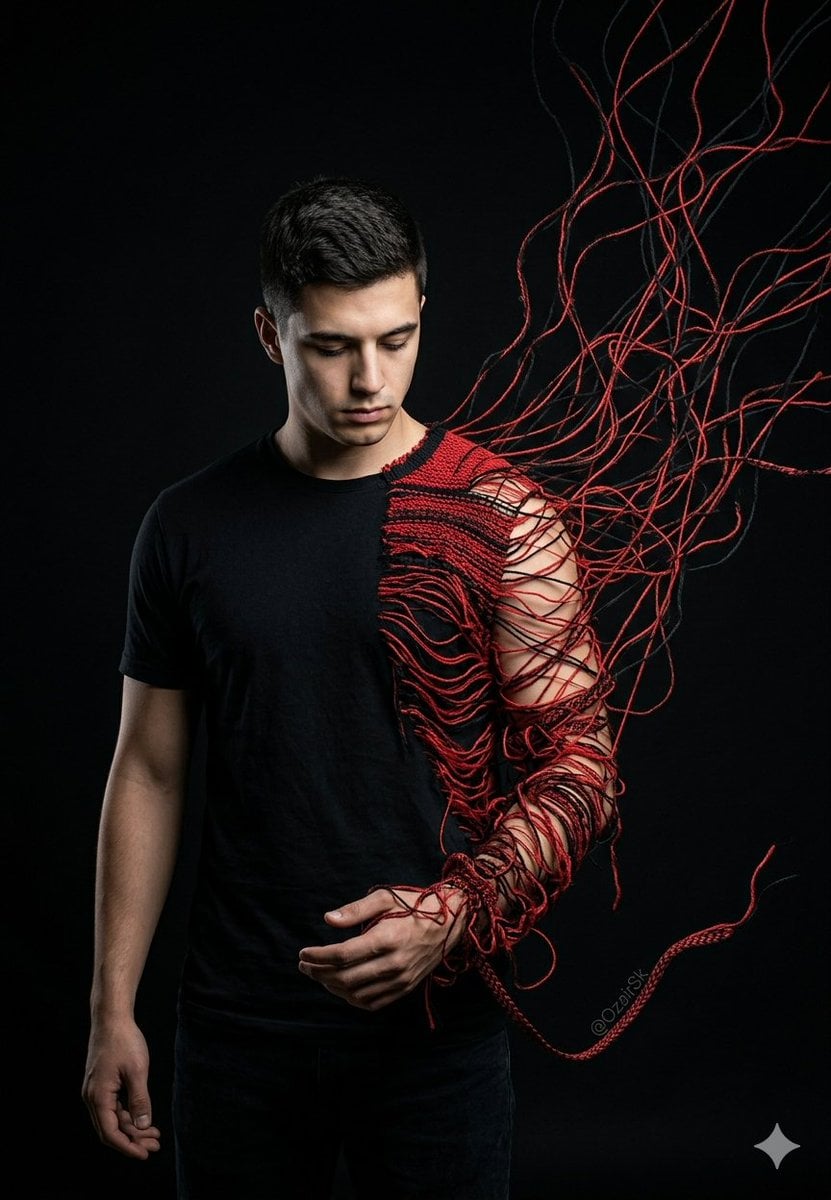
Unraveling Figure Effect Comparison

Realistic Mirror Selfie in Bandeau Top and Sweatpants
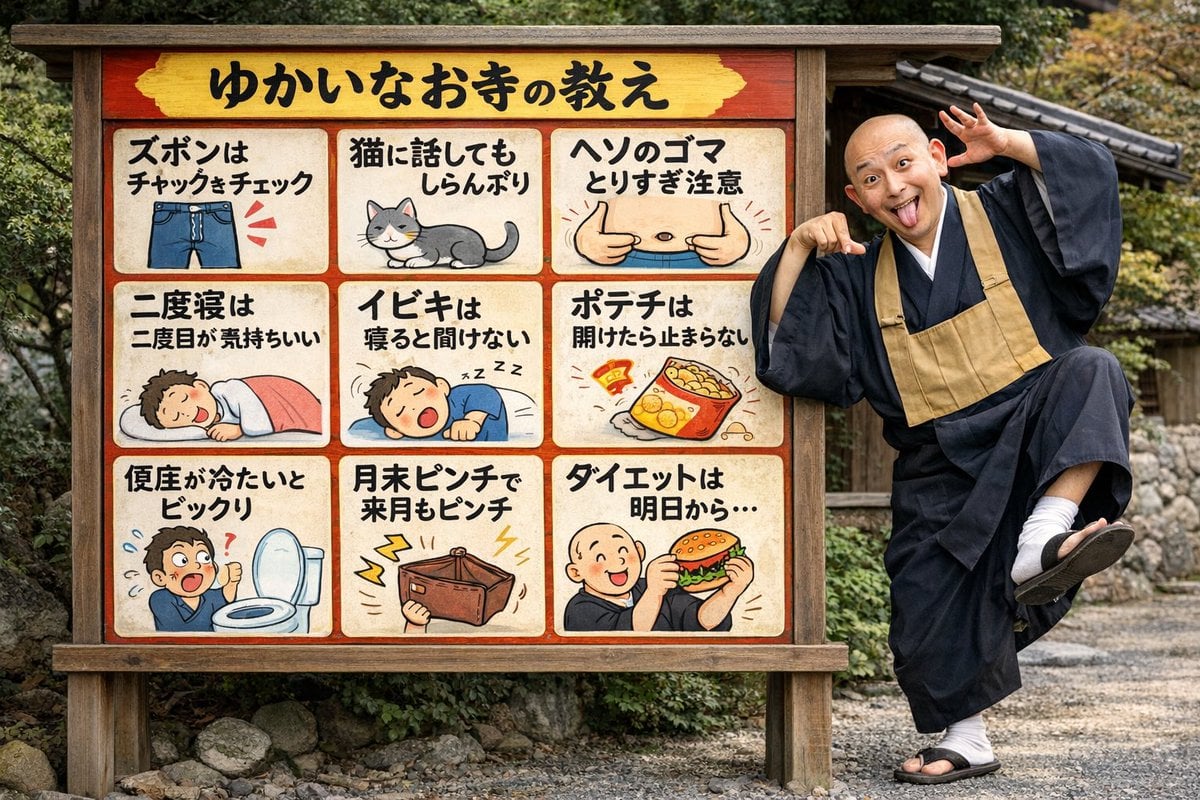
Humorous Temple Signboard with Goofy Monk
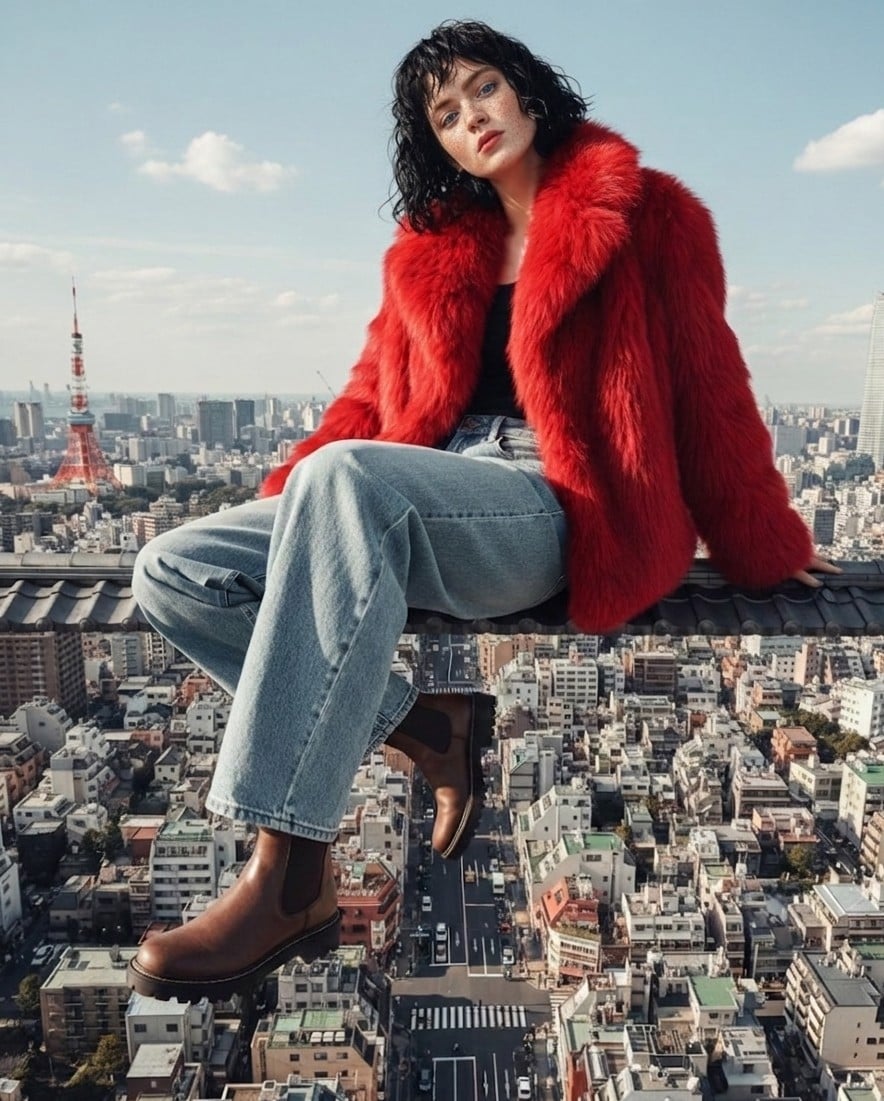
High Fashion Editorial Prompt using Nano Banana 2
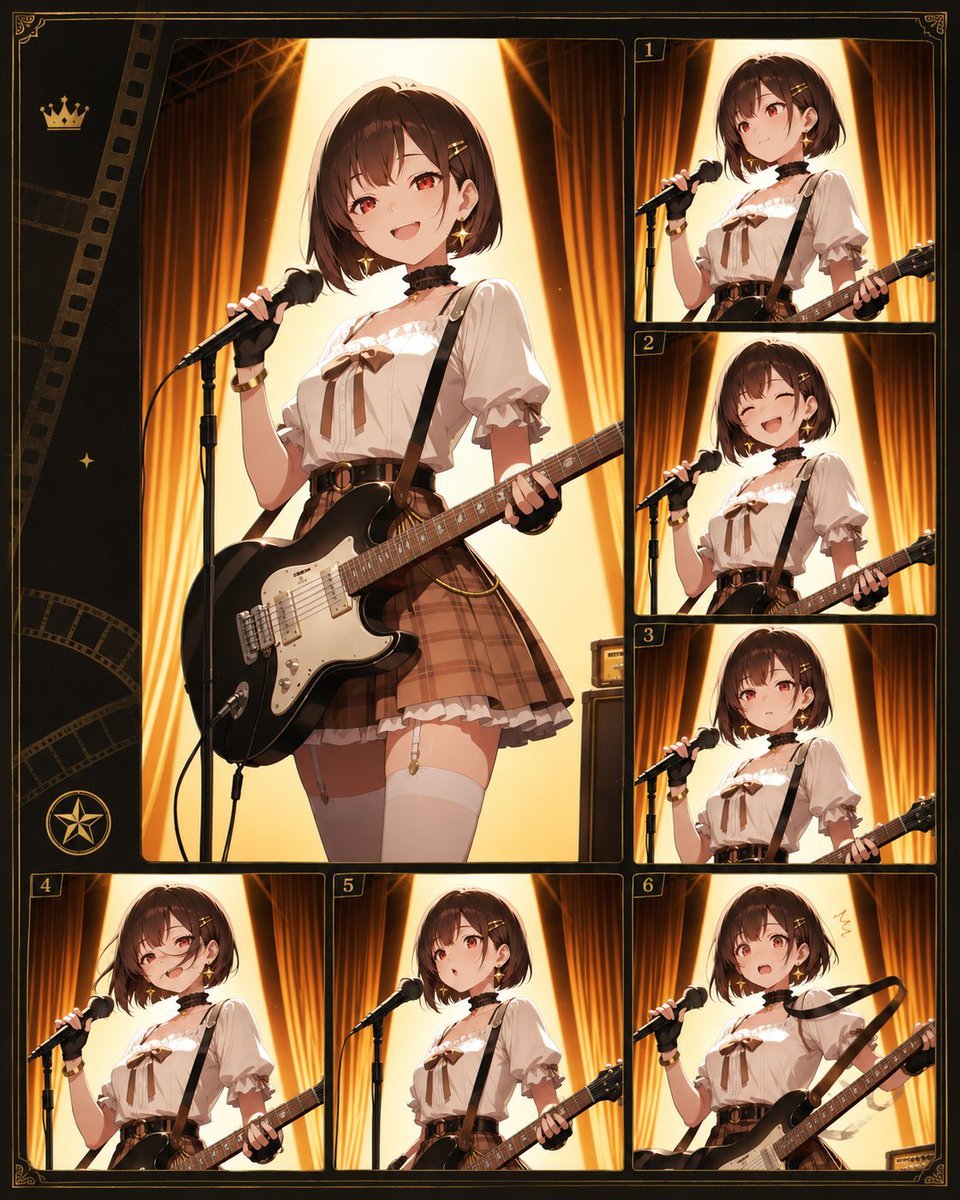
Anime Guitar Idol Contact Sheet
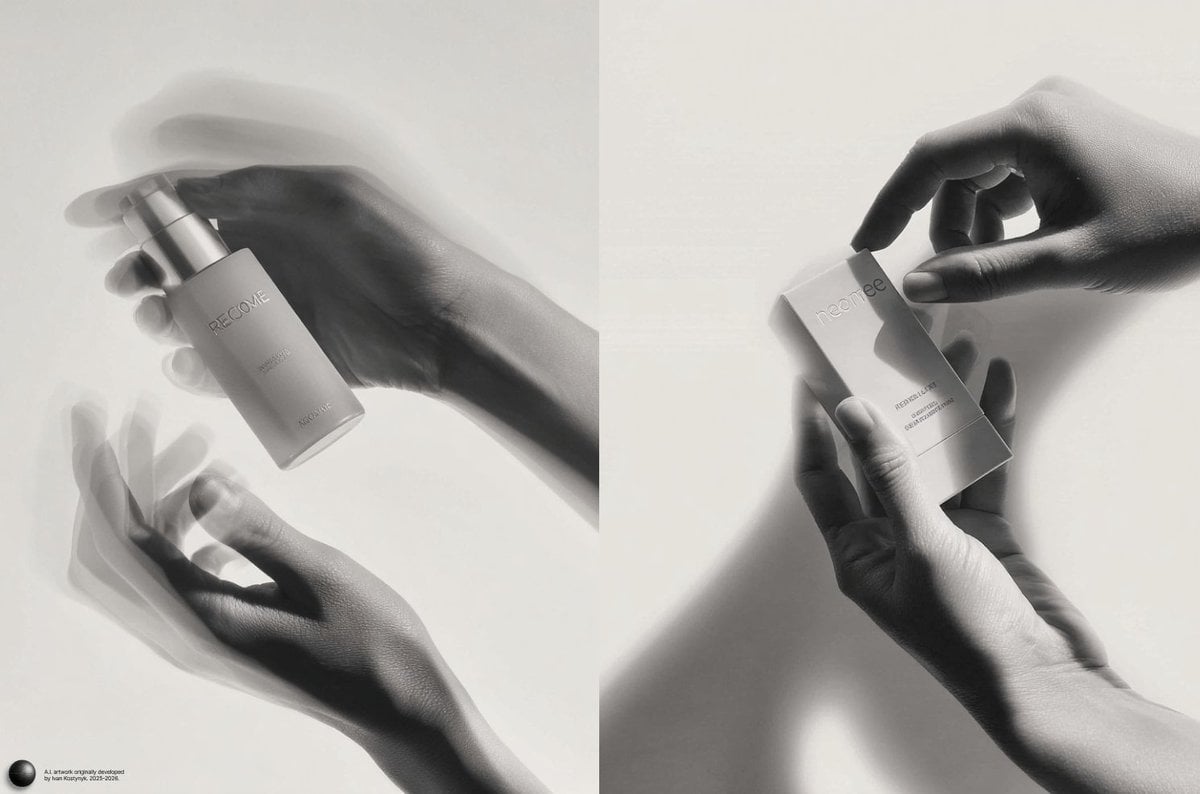
Monochrome Kinetic Product Photography Prompt
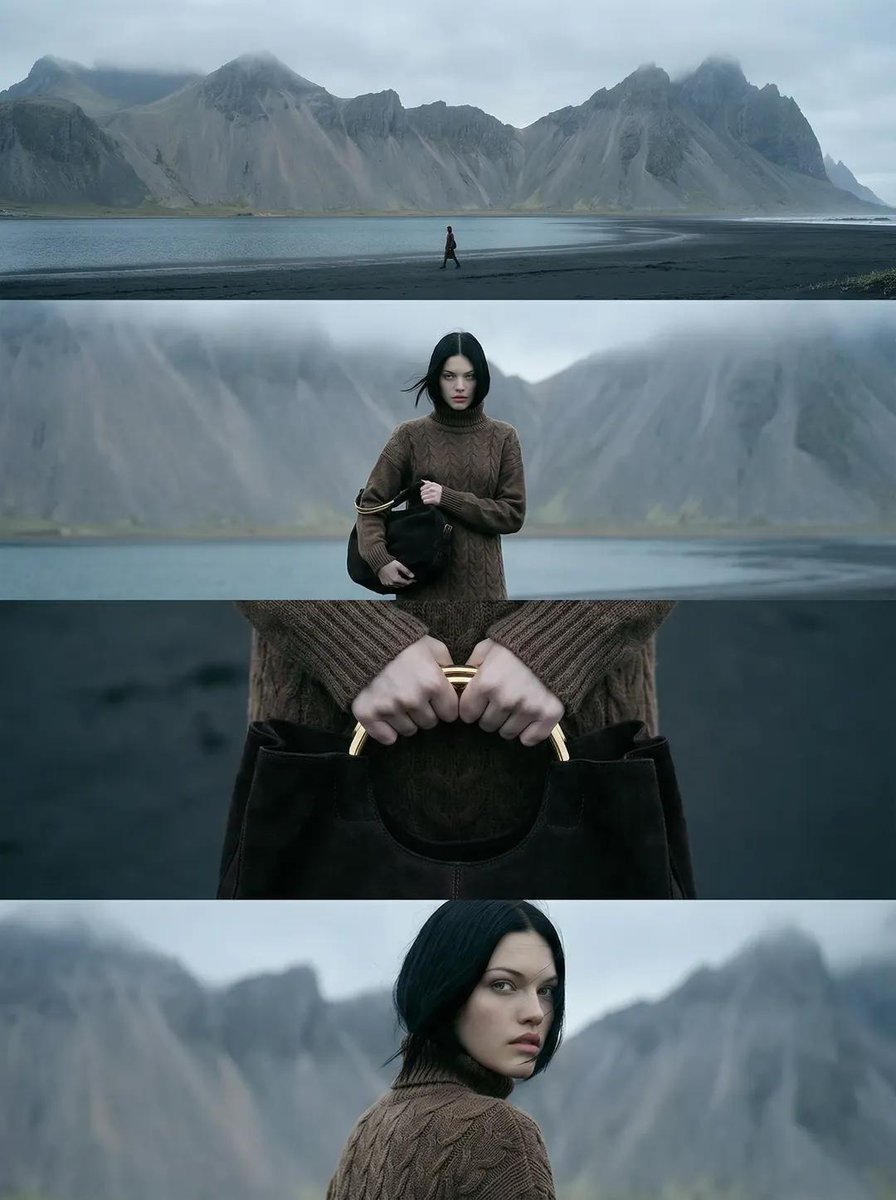
Cinematic Nordic Editorial Image Stack
Browse template categories
Anime Elf Girl on Forest Path questions
How do I use the Anime Elf Girl on Forest Path template?
Add your photo if the template asks for one, edit the prompt if you like — the template's model and format are already selected — and press Generate. Your version opens in PicX Studio.
Can I customize the Anime Elf Girl on Forest Path template?
Yes. You can change the subject, setting, lighting, mood, format, and available model controls before creating your image.
Is the Anime Elf Girl on Forest Path template free?
Opening and editing this template is free. Generating uses credits, shown on the Generate button when you are signed in.
Which AI model should I use?
Start with GPT Image 2, which is the model associated with this template. You can compare another compatible model for a different finish.
Looking for something else? Browse all templates.

Your photo, any look
Thousands of ready templates for every top image and video model, from one credit balance.