
Anime Lantern Girl Character Sheet
A detailed anime fantasy character reference sheet for a lantern-bearing girl, useful for concept art, game design, or illustration development.

- Prompt included
- Model and format preset
- Premium template
The prompt behind this image
Copy the exact prompt behind Anime Lantern Girl Character Sheet, or open it in the studio and make it yours.
Goal: Create an elegant anime character design sheet for {argument name="character name" default="YOI"}, a young lantern-bearing girl with a refined fantasy academy look. Canvas: Wide horizontal character reference sheet, soft warm ivory and pale lavender watercolor background with subtle bokeh lights and a faint dreamy festival atmosphere. Use delicate gold line accents and plenty of clean negative space. Layout: Place a large three-quarter hero illustration on the left occupying the upper-left half, with the character holding a glowing hanging lantern on a thin brass rod. Put the name “YOI” in the top-left in refined gold serif lettering with a small ornamental line beneath it. Across the upper center-right, include exactly 6 square headshot expression panels labeled: Calm, Gentle Smile, Surprised, Sad, Determined, Knowing Glance. Beneath the expressions, add a “Color Palette” section with exactly 6 vertical swatches: deep navy, muted burgundy, ochre gold, warm orange, pale cream, soft rose red. To the right, add a “Signature Items” section showing exactly 2 items: a glowing oval paper lantern on a brass hanging frame and a small rectangular brass-and-wood charm box or talisman device with a star motif and cord. Along the bottom, include exactly 4 full-body turnaround panels labeled: Front View, Side View, Back View, 3/4 View. Character details: The girl has long glossy {argument name="hair color" default="midnight navy black"} hair with straight bangs, very long flowing side lengths, and softly glowing pale golden tips. She has large amber-gold eyes, a calm reserved expression, fair skin, and small ribbon-and-bell hair ornaments near both sides of her head. Her outfit is a dark navy fantasy school-uniform coat with gold trim, double-breasted gold buttons, structured capelet shoulders, a burgundy ribbon tie, layered short skirt with starry speckles, and a cloak-like back panel dotted with tiny constellations. She wears striped burgundy-and-cream thigh socks, dark ankle boots with gold details, and small dangling tassels. The lantern emits a warm golden glow that illuminates her hand, sleeve, and nearby hair. Visual style: High-quality Japanese anime concept art, delicate watercolor shading, fine clean linework, luminous warm lighting, soft gradients, subtle sparkles, elegant magical-girl design, cohesive character-sheet presentation. Keep all labels small, centered, and legible in a refined serif font. Constraints: Include exactly 6 labeled expression headshots, exactly 6 color swatches, exactly 2 signature items, and exactly 4 labeled full-body views. Avoid extra characters, extra props, watermarks, logos, messy text, or photorealism.
How to use Anime Lantern Girl Character Sheet in 3 steps
- 1Upload ImagePNG, JPG or paste
Add your photo
Upload the photo the template builds on. The prompt, model and format are already set.
- 2…a portrait of your subject in softgolden-hour light, 85mm…
Personalize
Edit the subject and creative details for your destination.
- 3Generate
Generate
Press Generate — your image is created in PicX Studio, so you can compare it with the original and refine one variable at a time.
More like this
Templates with the same subject, style or setup. Open one to see its prompt.

Ghibli Lantern River Festival

Anime Character Charm Analysis Sheet

Teen Girl Alpine Lake Mountain View
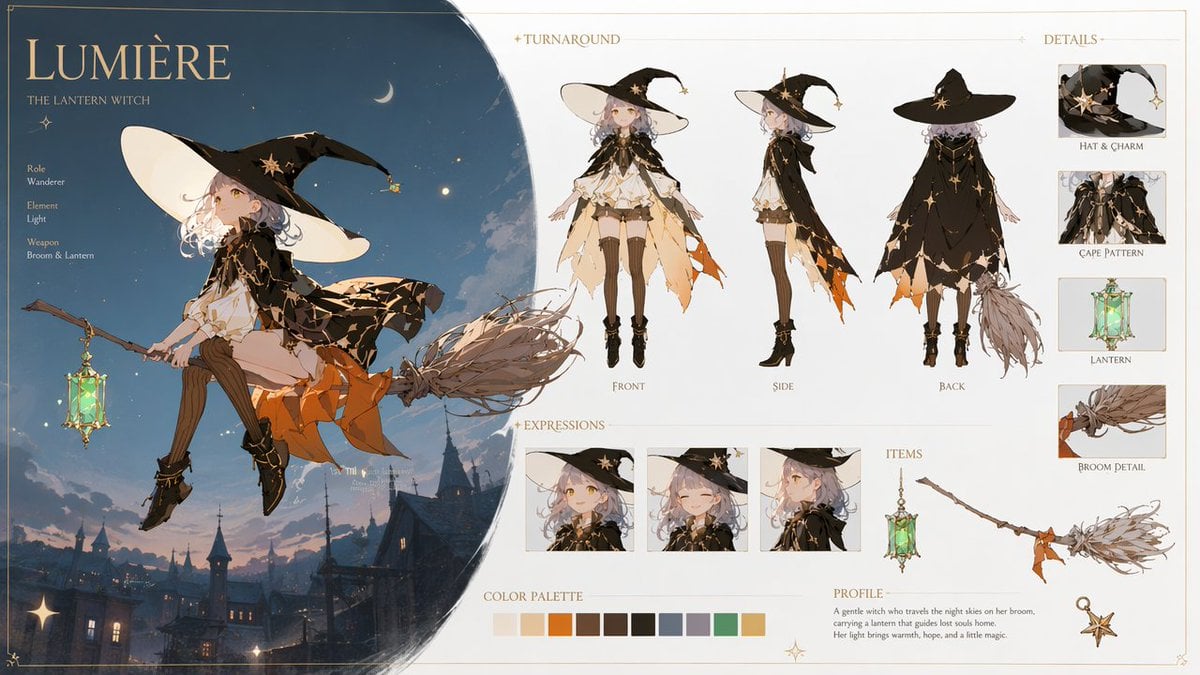
Lumière Lantern Witch Character Sheet

Gothic Girl Character Turnaround Sheet

Cel 2D Finale Fireworks
Cel 2D Garden Maze

Cel 2D Rooftop Concert

Cel 2D Bicycle Coast

Cel 2D Castle Gate

Cel 2D Kitchen Chaos

Cel 2D Carnival Ride
Make it yours
Anime Lantern Girl Character Sheet works as-is. These are the safest ways to change it without losing the look.
Change one field
Copy a single group, rewrite it, and generate again so you can see what that field is doing.
Keep the frame, change the subject
Hold the composition and light of Anime Lantern Girl Character Sheet, then swap wardrobe, props or the person for a new take.
| If the result… | Why | Fix |
|---|---|---|
| The result drifts from the preview | Too many fields changed at once. | Reuse Anime Lantern Girl Character Sheet as-is first, then change one group — subject, light, or setting. |
| The model over-stylizes the scene | The prose prompt leaves finish and camera underspecified. | Add one camera or lighting sentence and stay on GPT Image 2. |
More GPT Image 2 templates
Other prompts made for GPT Image 2.

Six VTuber Japanese Logo Sheet

Realistic Portrait of Woman and Deer

The Vista Modular Condo Poster

AI Model Routing Comparison Infographic

2.5D Anime Art Board

Isometric Productivity Desk Scene

New York Double Exposure Poster

Four-Panel AI Landscape Comparison

Japanese Tatami Lifestyle Magazine Cover

NESCAFÉ Coffee Map Poster
More image prompts
Fresh picks from across the catalog.
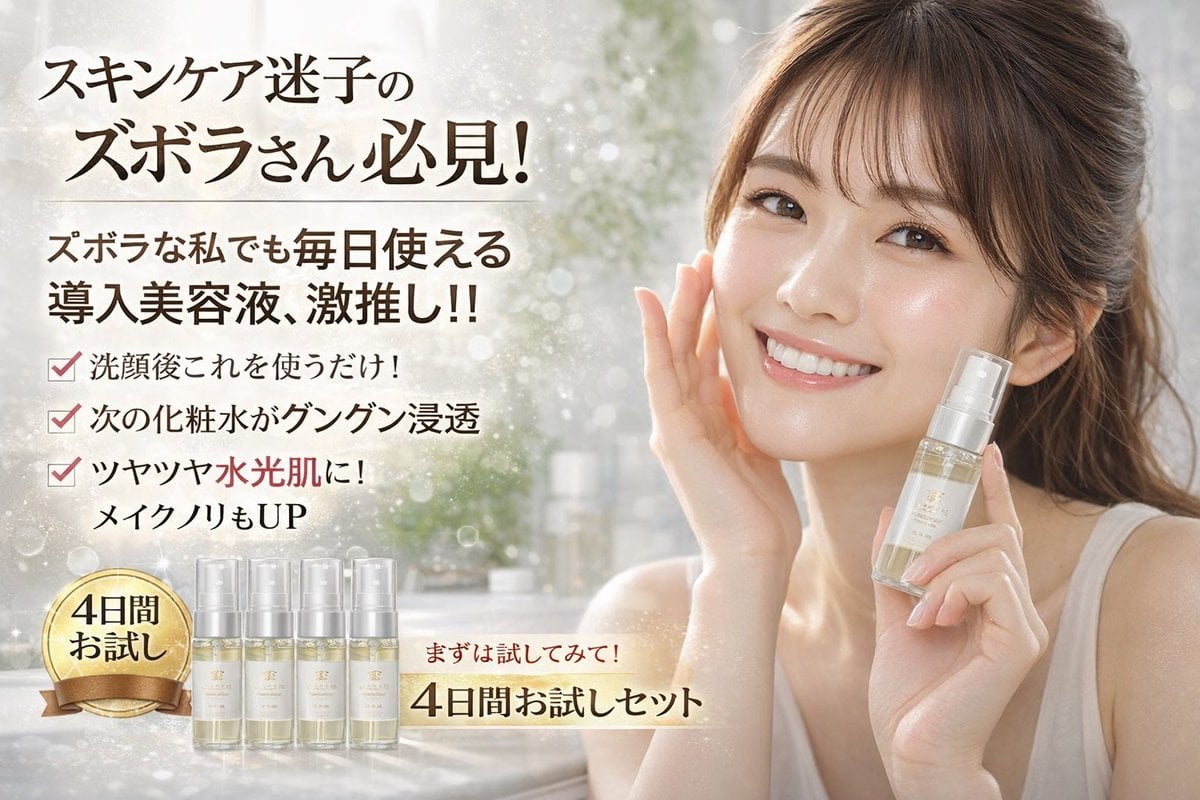
Cosmetics Promotional Web Banner
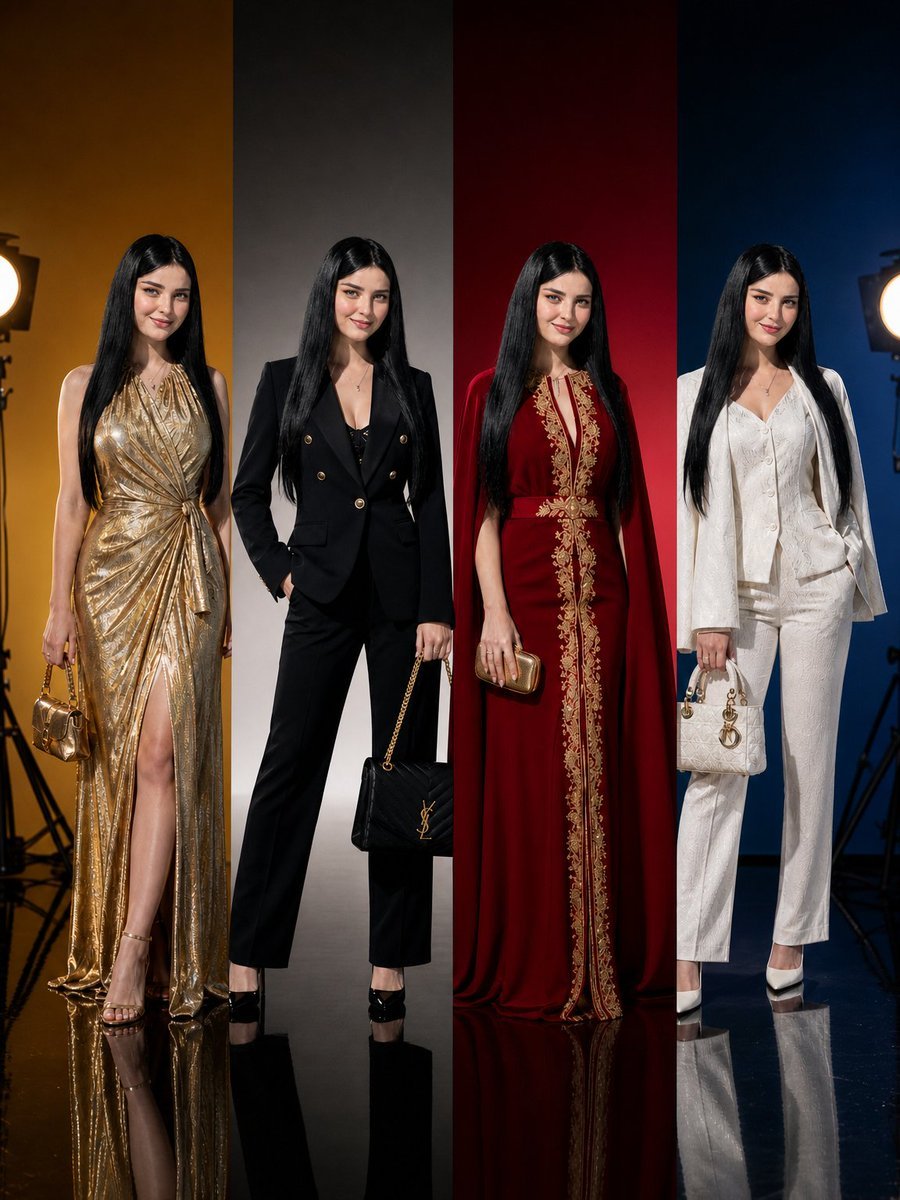
Panel Luxury Fashion Poster
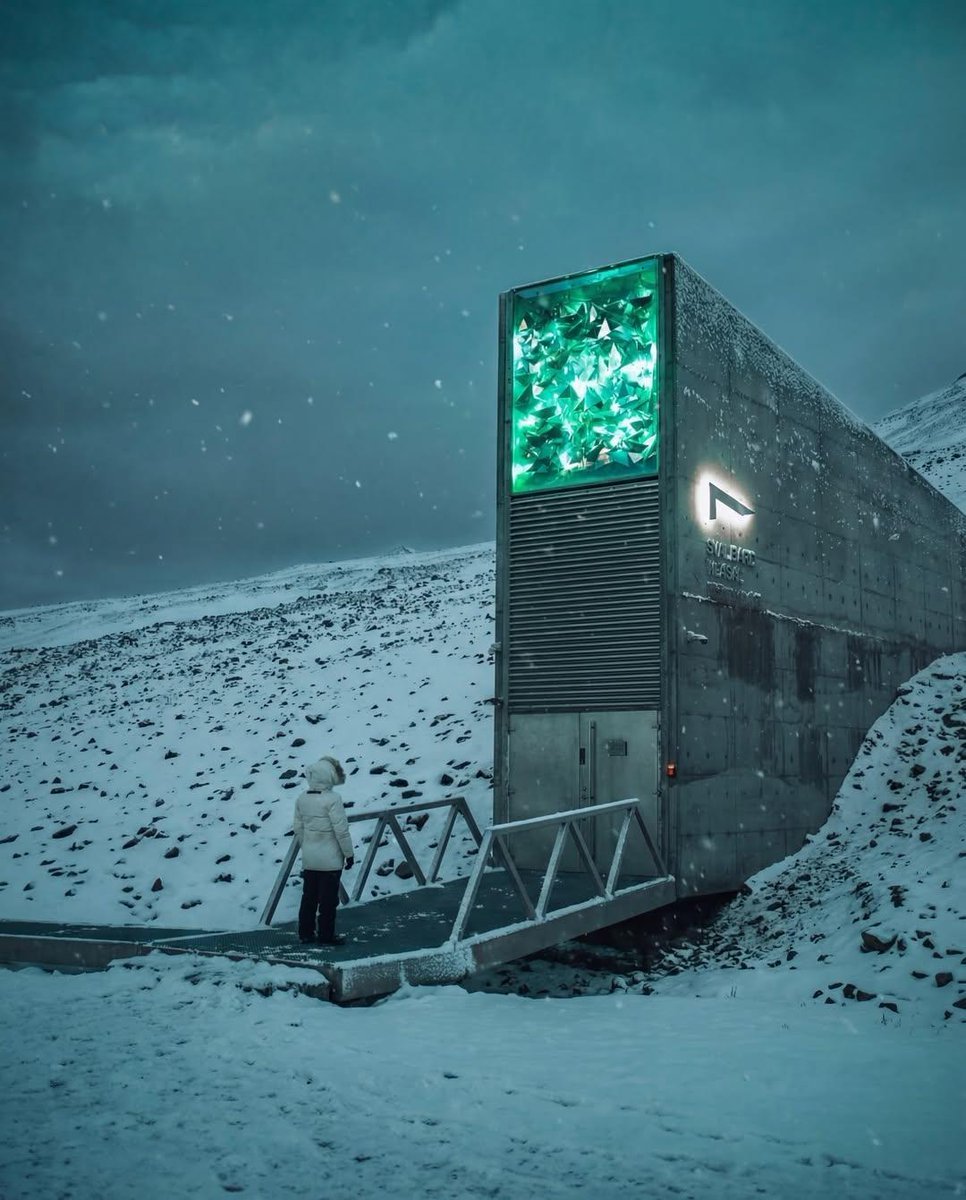
Cinematic Futuristic Winter Landscape

untitled
JSON Prompt for Candid Seaside Dinner Romance
Geographic Map Illustration
Hyper-Realistic Ice Cream Dessert Photography Prompt

Multi-Pattern Web Advertisement Grid
Whimsical hyper-realistic cake illustration prompt
MMO Game World Screenshot
Browse template categories
Anime Lantern Girl Character Sheet questions
How do I use the Anime Lantern Girl Character Sheet template?
Add your photo if the template asks for one, edit the prompt if you like — the template's model and format are already selected — and press Generate. Your version opens in PicX Studio.
Can I customize the Anime Lantern Girl Character Sheet template?
Yes. You can change the subject, setting, lighting, mood, format, and available model controls before creating your image.
Is the Anime Lantern Girl Character Sheet template free?
Opening and editing this template is free. Generating uses credits, shown on the Generate button when you are signed in.
Which AI model should I use?
Start with GPT Image 2, which is the model associated with this template. You can compare another compatible model for a different finish.
Looking for something else? Browse all templates.

Your photo, any look
Thousands of ready templates for every top image and video model, from one credit balance.