
Gothic Girl Character Turnaround Sheet
Generates a detailed three-view annotated character reference sheet for a gothic young girl and her black cat companion.

- Prompt included
- Model and format preset
- Premium template
The prompt behind this image
Copy the exact prompt behind Gothic Girl Character Turnaround Sheet, or open it in the studio and make it yours.
Goal: Create a detailed character turnaround reference sheet for a gothic storybook child character named {argument name="character name" default="unnamed girl"}, with annotated design notes and a black cat companion. Canvas: Wide horizontal 16:9 character-spec sheet on a muted gray studio background, soft cinematic lighting, realistic 3D doll-like rendering with slightly eerie Tim Burton-inspired proportions. Use a clean editorial layout with black uppercase annotation text and thin arrow callouts. Layout: Show exactly 3 full-body views of the same girl arranged left to right: 1) FRONT VIEW, 2) SIDE VIEW, 3) BACK VIEW. Place each heading above the corresponding figure in bold uppercase black text with a thin underline. The girl is age 9, short and slender, with a pale porcelain face, large gray eyes, small mouth, and solemn expression. Include the black cat companion in every view, with the front view also showing the cat perched near her shoulder. Subject details: The girl has {argument name="hair color and style" default="jet black bob hair with blunt bangs"} and a {argument name="hair accessory" default="crimson ribbon bow"} on one side. Her outfit consists of exactly 5 main clothing pieces: 1) navy velvet coat with brass buttons, 2) white rounded Peter Pan collar, 3) black-and-white striped tights, 4) brown lace-up ankle boots, 5) crimson hair ribbon. The coat is A-line, knee-length, dark navy velvet, with visible brass buttons down the front and cuff details. In the side view, show a clear coat profile and slender build. In the back view, show the back of the coat and hair detail. Cat details: Include a sleek black cat companion with green eyes, a crimson ribbon collar, and a small bell. Across the sheet, depict exactly 5 visible cat appearances/poses: 1) front view cat perched on the girl's left shoulder with curled tail, 2) front view standing cat near her feet facing forward, 3) side view standing cat in profile with arched tail, 4) back view smaller rear-facing cat near the girl's legs, 5) back view side-facing cat with long curled tail. Text content and callouts: Add exactly 15 annotation labels with arrows, in uppercase black lettering: 1) AGE: 9, 2) HEIGHT: [Specify roughly], 3) JET BLACK BOB HAIR WITH CRIMSON RIBBON, 4) NAVY VELVET COAT WITH BRASS BUTTONS, 5) STRIPED TIGHTS, 6) BROWN LACE-UP BOOTS, 7) BLACK CAT (SUB-SUBJECT), 8) GREEN EYES, 9) CRIMSON RIBBON COLLAR WITH BELL, 10) SLENDER BUILD, 11) COAT PROFILE, 12) CAT POSE, 13) HAIR DETAIL, 14) BACK OF COAT, 15) FRONT VIEW / SIDE VIEW / BACK VIEW as the three top headings. Use arrows pointing precisely to the relevant hair, coat, tights, boots, cat eyes, collar, body build, and coat silhouette. Visual style: Dark whimsical character design, polished concept-art reference sheet, realistic textures on velvet, leather boots, glossy black cat fur, subtle shadows under figures, no decorative border. Keep the composition balanced and readable, with ample gray negative space for annotations. Avoid extra characters, extra pets, logos, watermarks, or unrelated text.
How to use Gothic Girl Character Turnaround Sheet in 3 steps
- 1Upload ImagePNG, JPG or paste
Add your photo
Upload the photo the template builds on. The prompt, model and format are already set.
- 2…a portrait of your subject in softgolden-hour light, 85mm…
Personalize
Edit the subject and creative details for your destination.
- 3Generate
Generate
Press Generate — your image is created in PicX Studio, so you can compare it with the original and refine one variable at a time.
More like this
Templates with the same subject, style or setup. Open one to see its prompt.
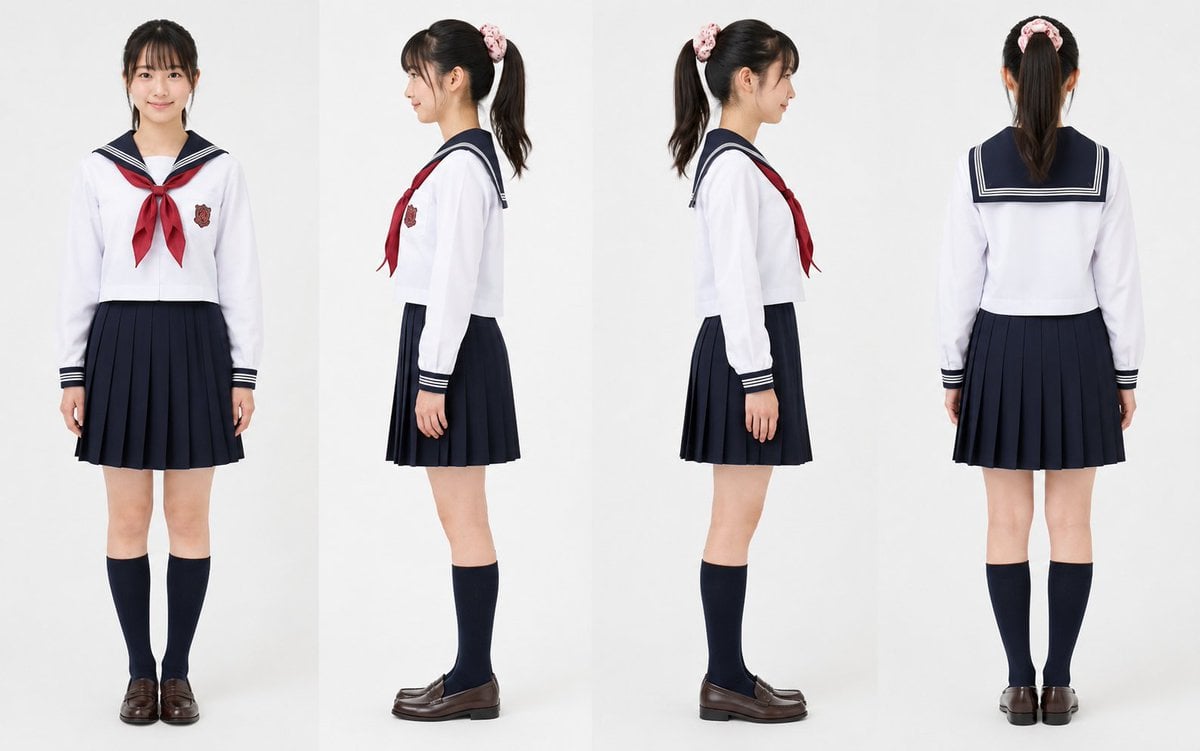
Realistic Schoolgirl Turnaround Sheet
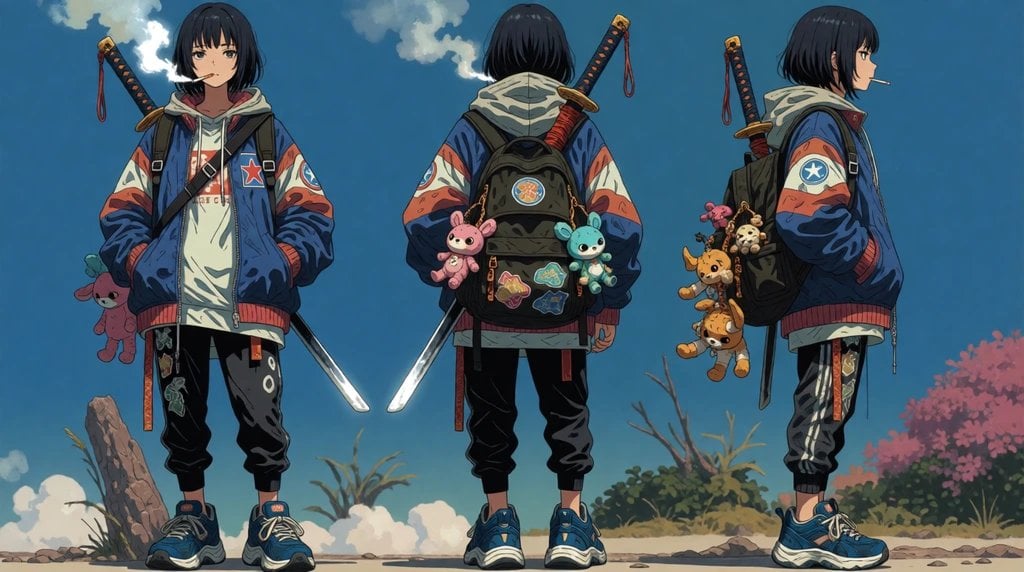
Urban Samurai Girl Turnaround Sheet

Anime Elf Maid Turnaround Sheet

Teen Girl Alpine Lake Mountain View
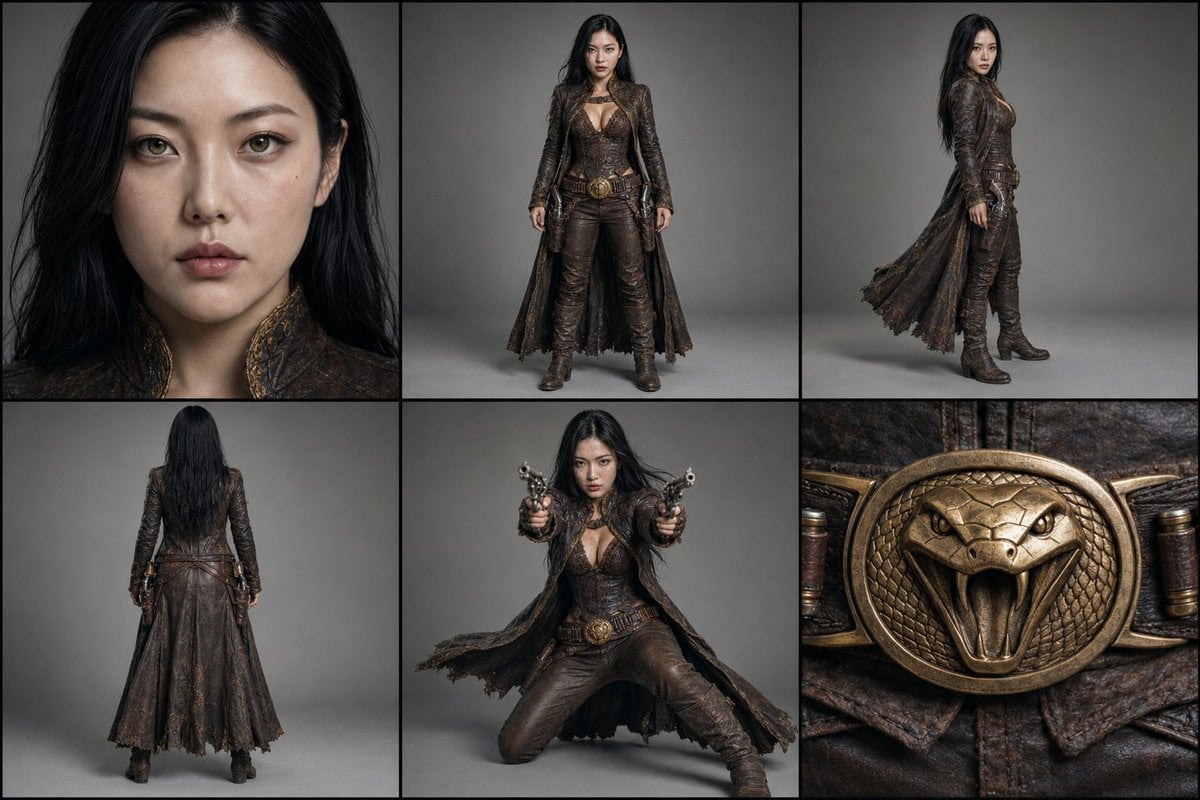
Character Reference Turnaround Sheet
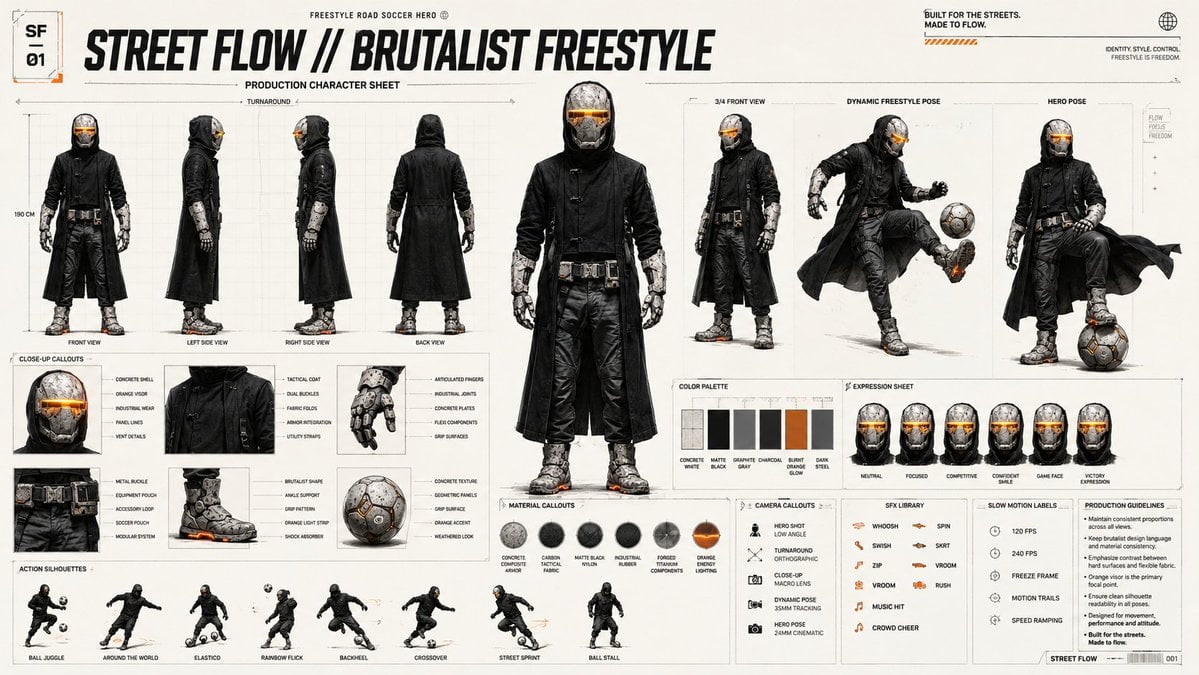
Futuristic Scout Turnaround Sheet
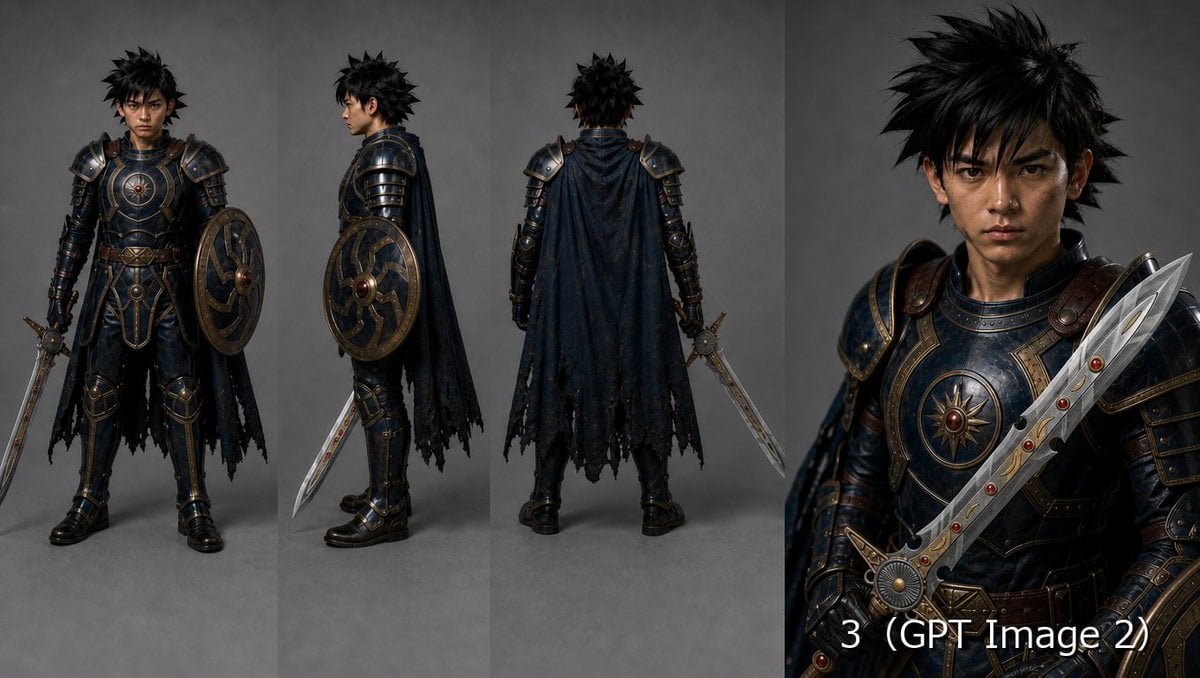
Fantasy Knight Character Turnaround Sheet
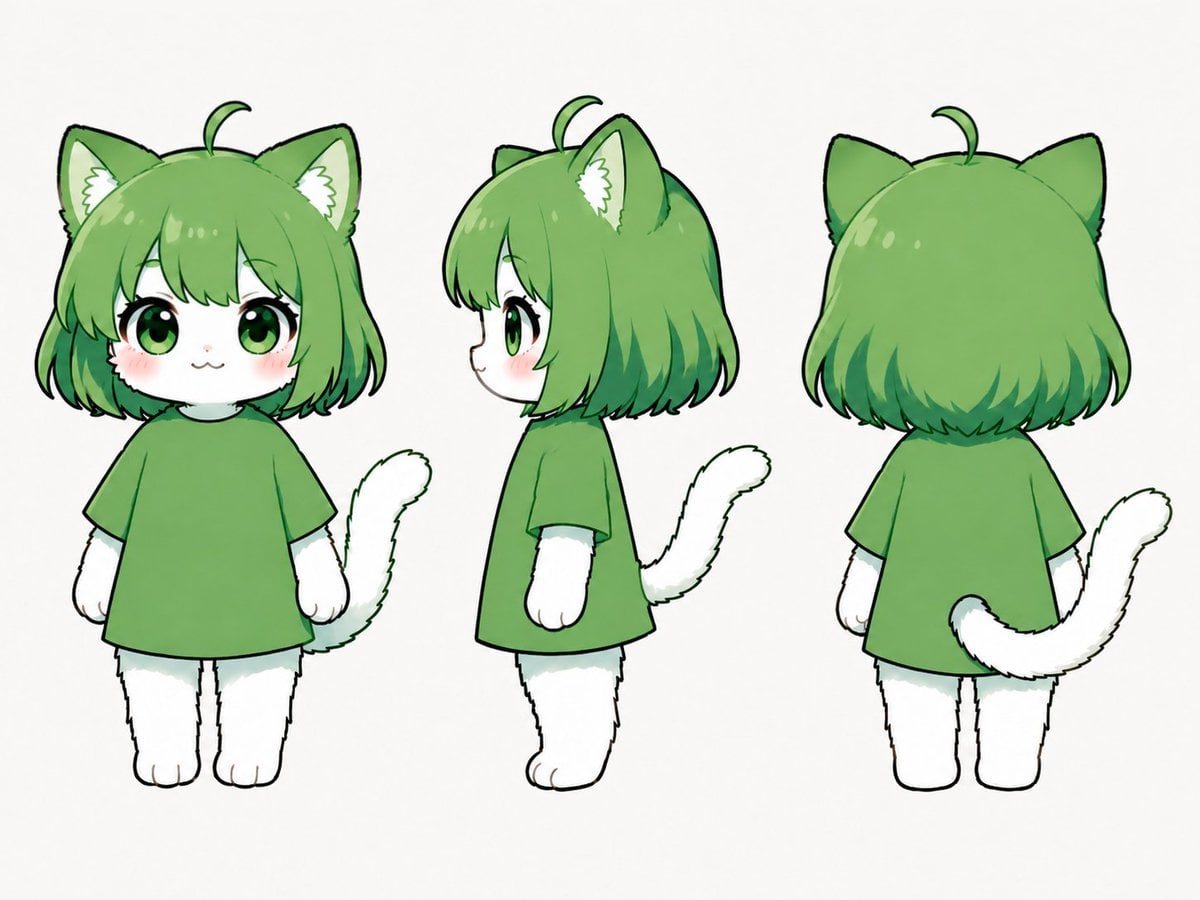
Green Chibi Cat-Girl Turnaround
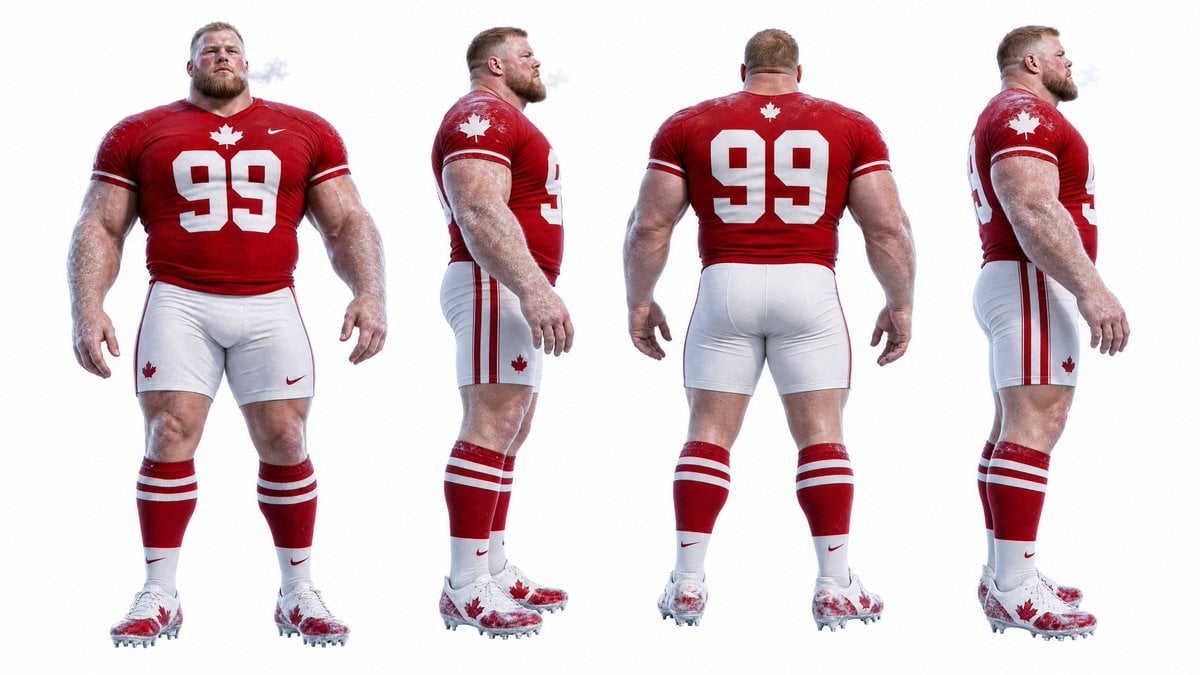
Football Player Turnaround Sheet

Anime Lantern Girl Character Sheet

Cyber Vampire Character Turnaround Sheet
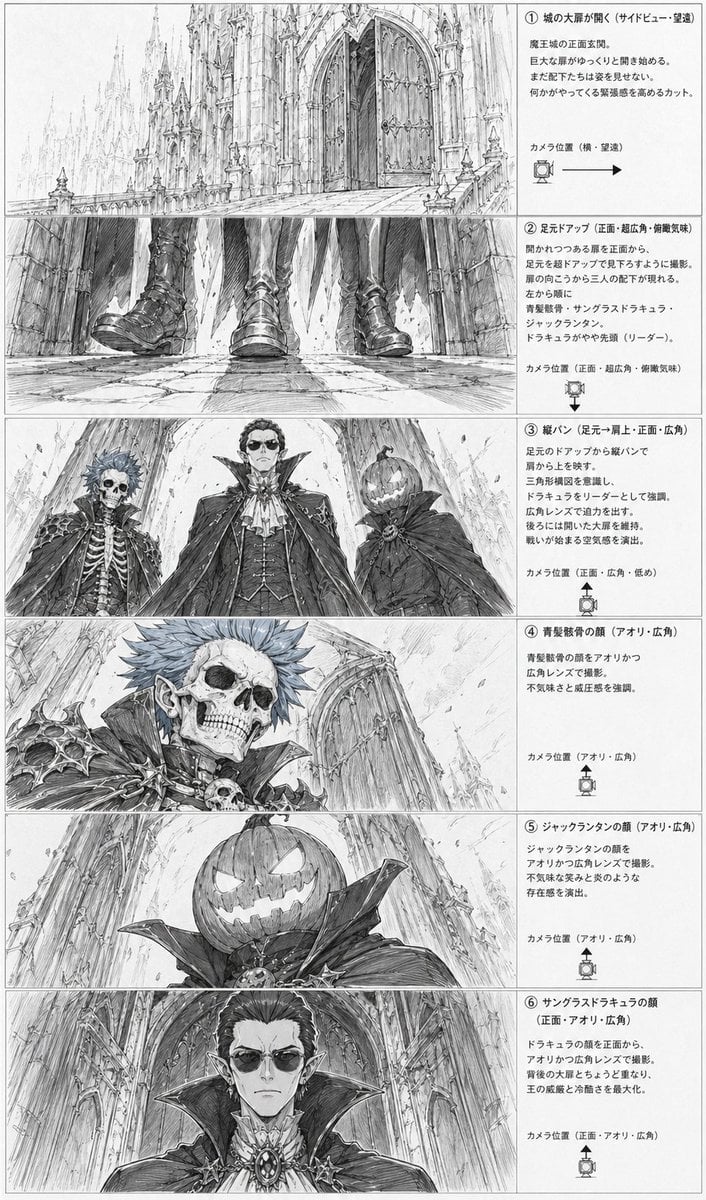
Gothic Villain Storyboard Sheet
Make it yours
Gothic Girl Character Turnaround Sheet works as-is. These are the safest ways to change it without losing the look.
Change one field
Copy a single group, rewrite it, and generate again so you can see what that field is doing.
Keep the frame, change the subject
Hold the composition and light of Gothic Girl Character Turnaround Sheet, then swap wardrobe, props or the person for a new take.
| If the result… | Why | Fix |
|---|---|---|
| The result drifts from the preview | Too many fields changed at once. | Reuse Gothic Girl Character Turnaround Sheet as-is first, then change one group — subject, light, or setting. |
| The model over-stylizes the scene | The prose prompt leaves finish and camera underspecified. | Add one camera or lighting sentence and stay on GPT Image 2. |
More GPT Image 2 templates
Other prompts made for GPT Image 2.

Six VTuber Japanese Logo Sheet

Realistic Portrait of Woman and Deer

The Vista Modular Condo Poster

AI Model Routing Comparison Infographic

2.5D Anime Art Board

Isometric Productivity Desk Scene

New York Double Exposure Poster

Four-Panel AI Landscape Comparison

Japanese Tatami Lifestyle Magazine Cover

NESCAFÉ Coffee Map Poster
More image prompts
Fresh picks from across the catalog.
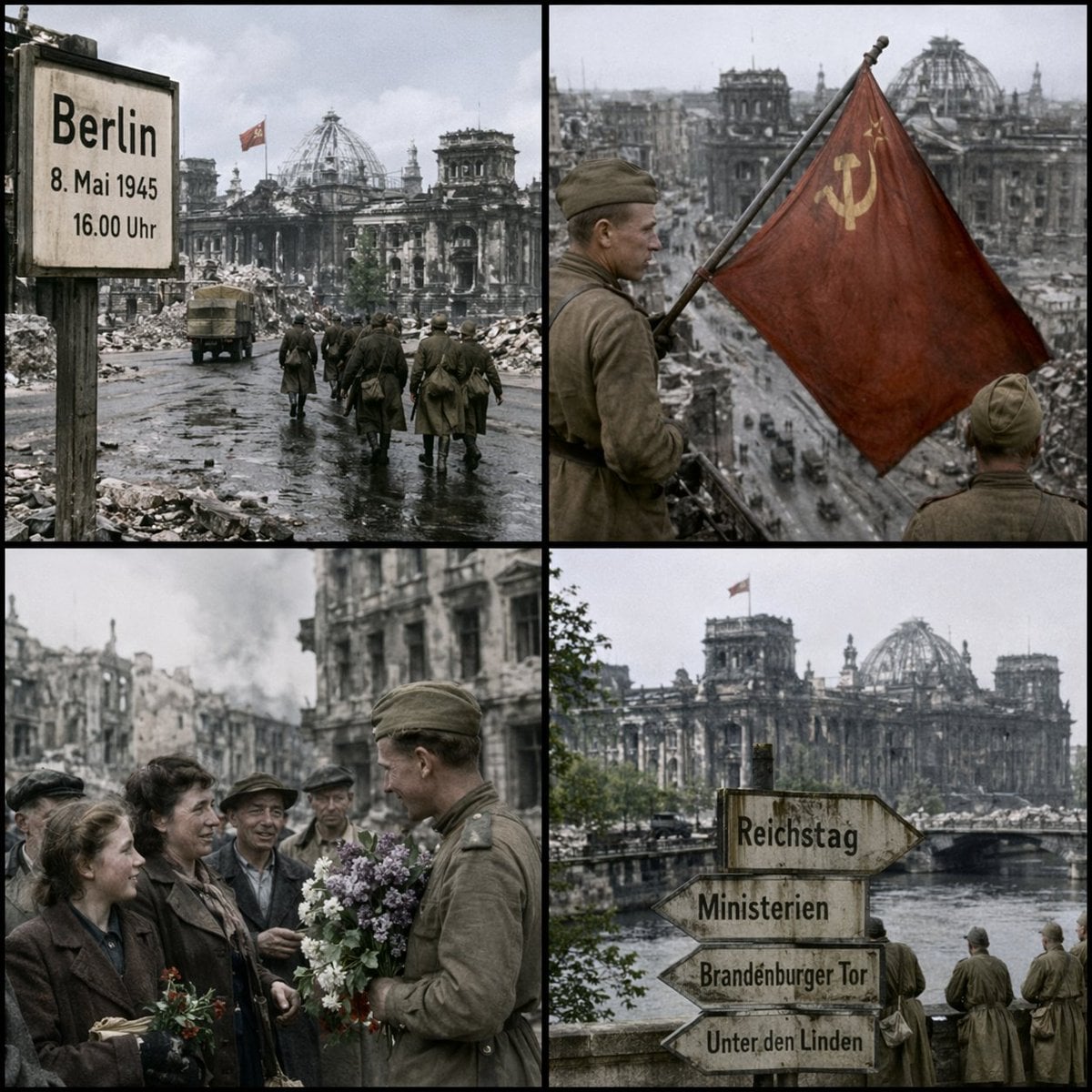
Historical Coordinate Grid Generation

Japanese AI Creator Studio Banner
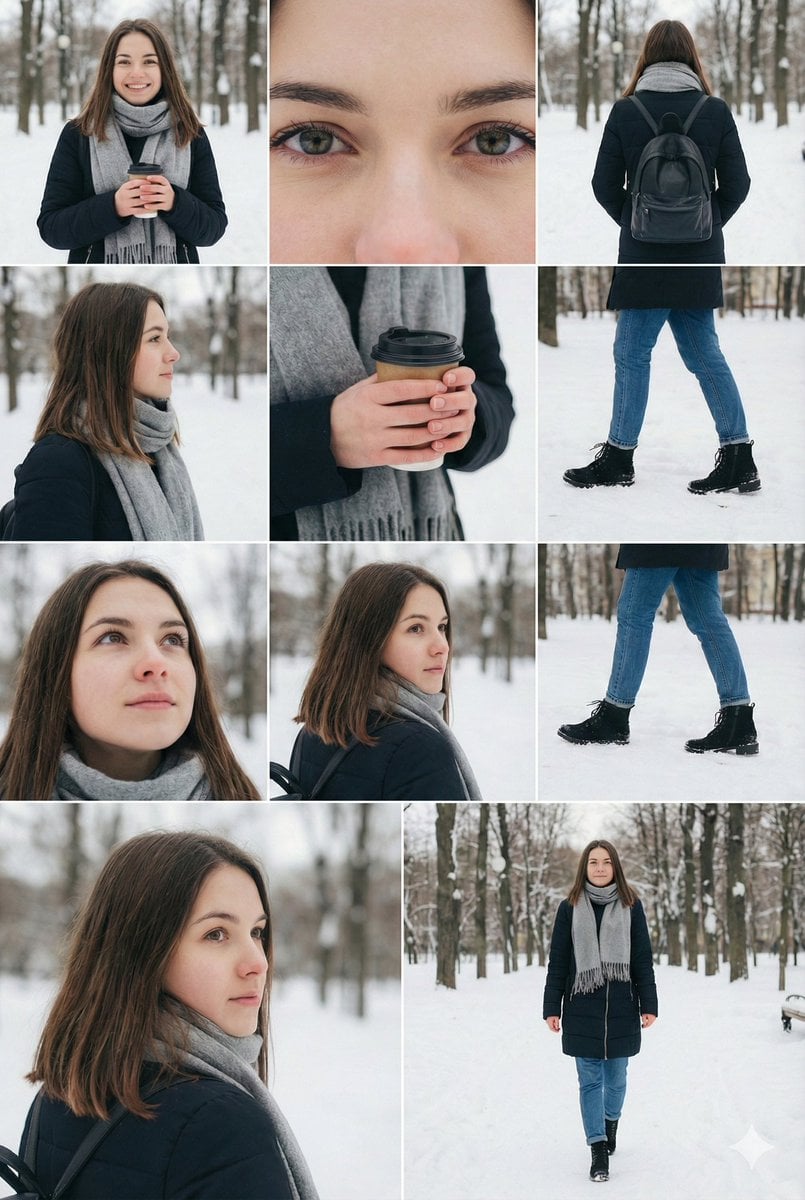
Cinematic Winter Fashion Photoshoot Prompt for Nano Banana Pro
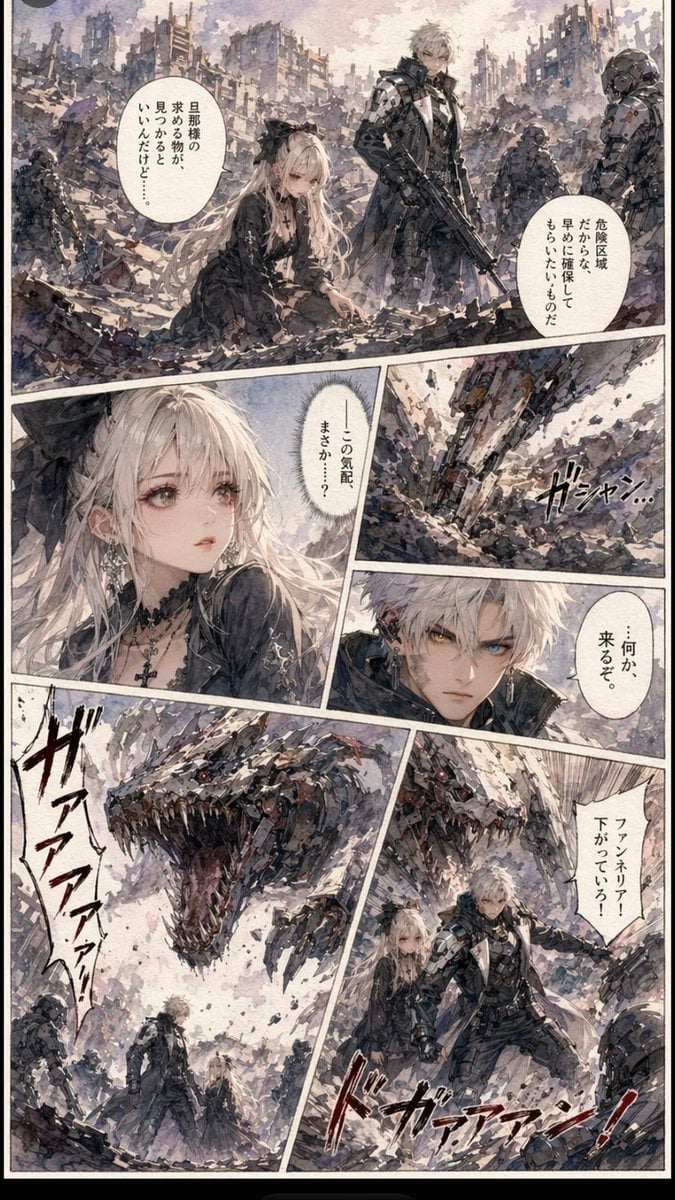
Gritty Sci-Fi Shoujo Manga Page
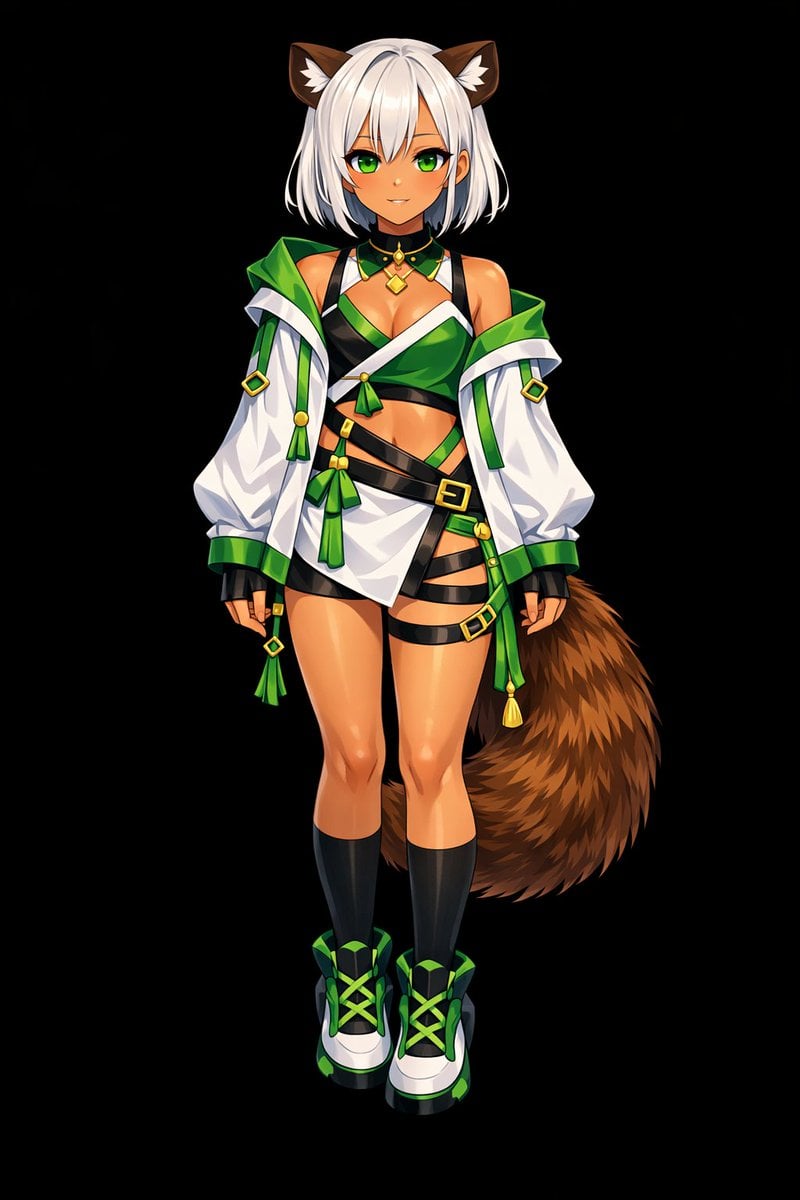
Glossy Anime Shading Transformation
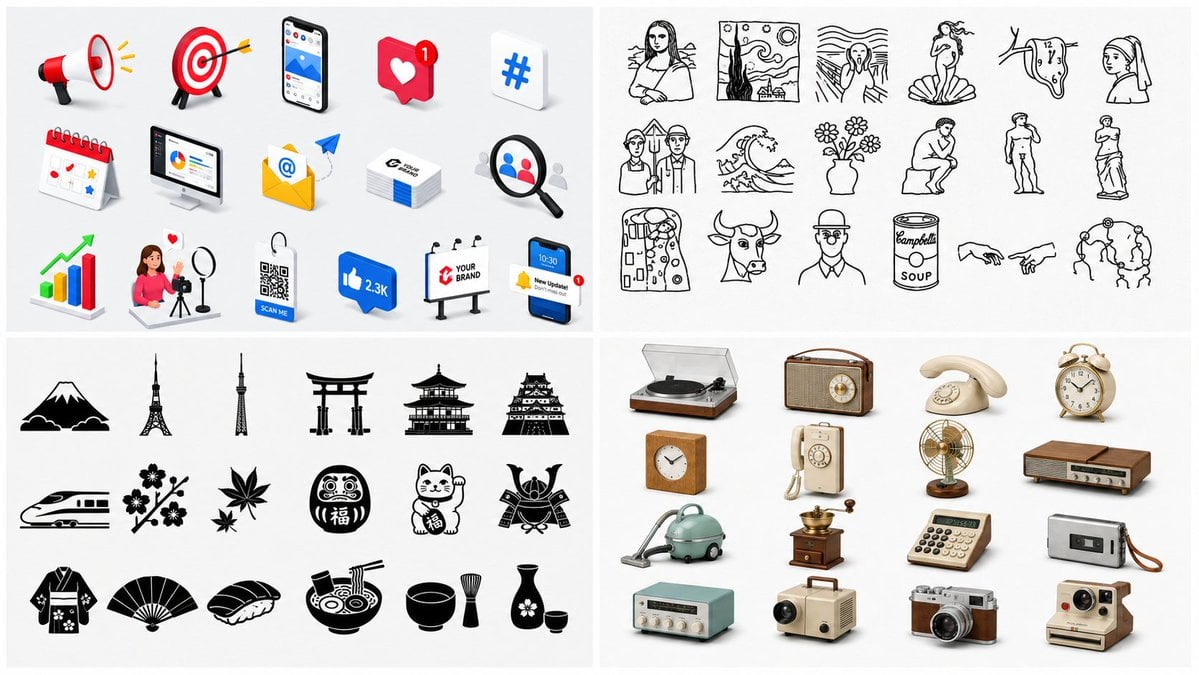
Four-Panel Icon Style Catalog

Ultra-Realistic Streetwear Couple Portrait
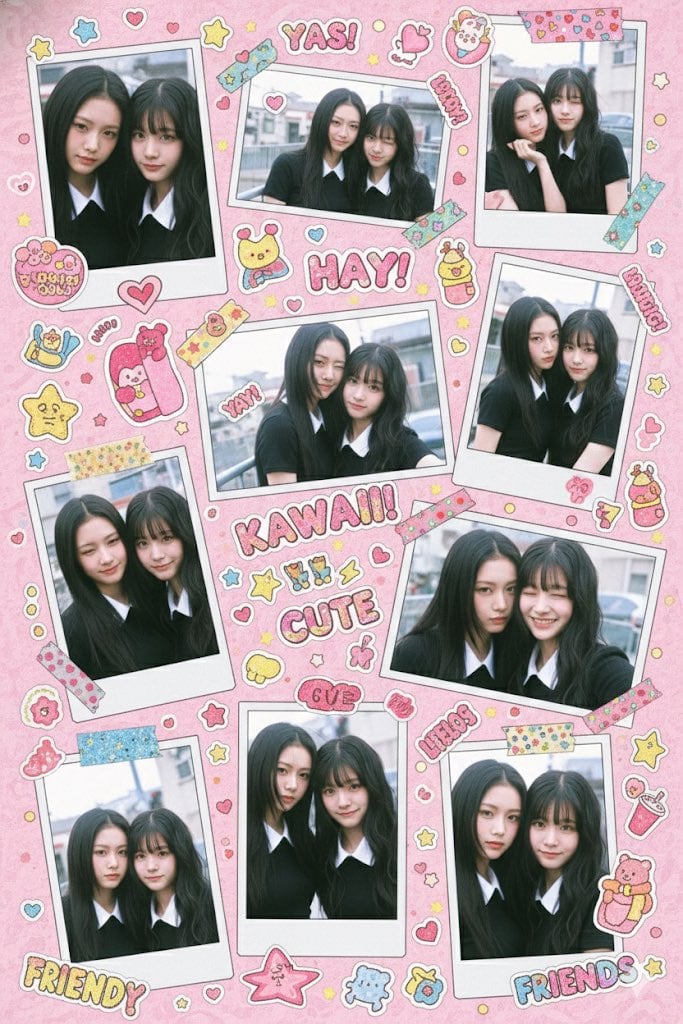
Kawaii Stylebook Collage with Polaroid Effect
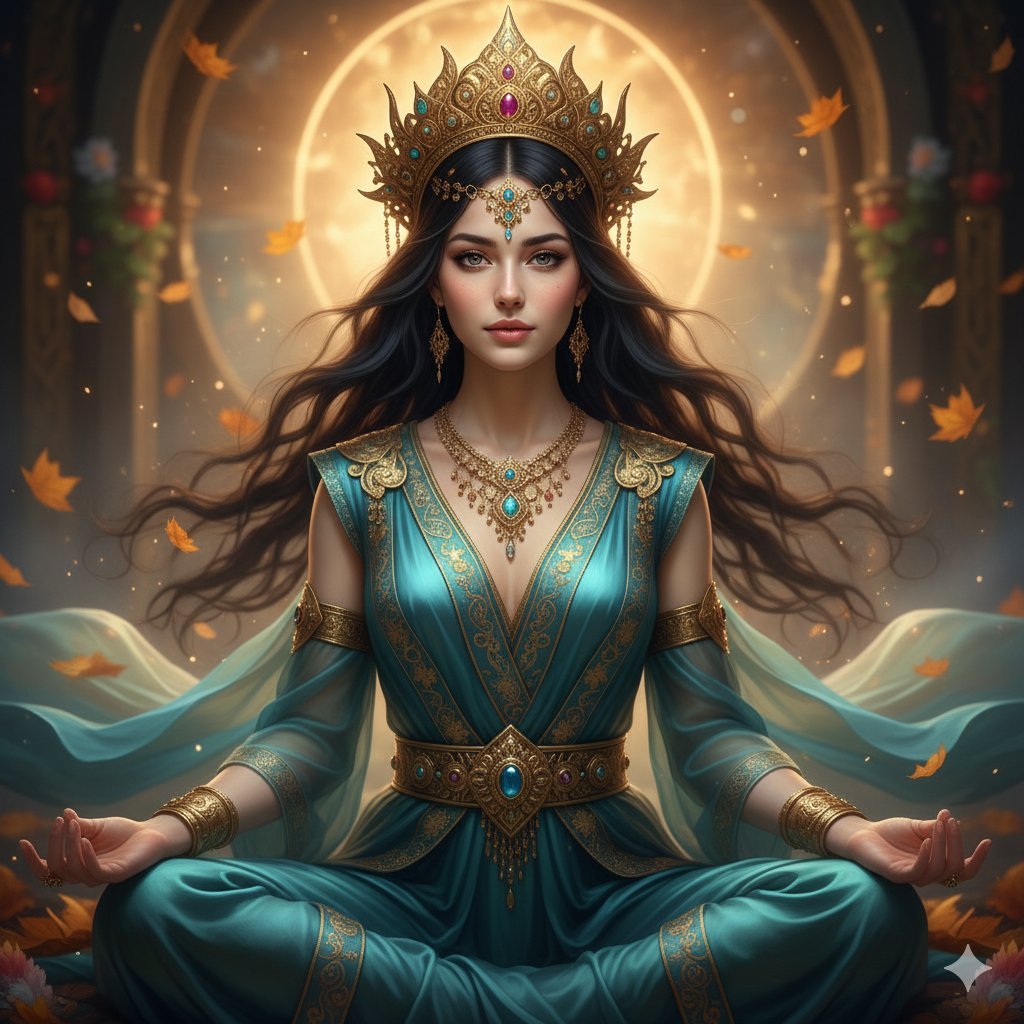
Ultra-Realistic Divine Goddess Fantasy Portrait
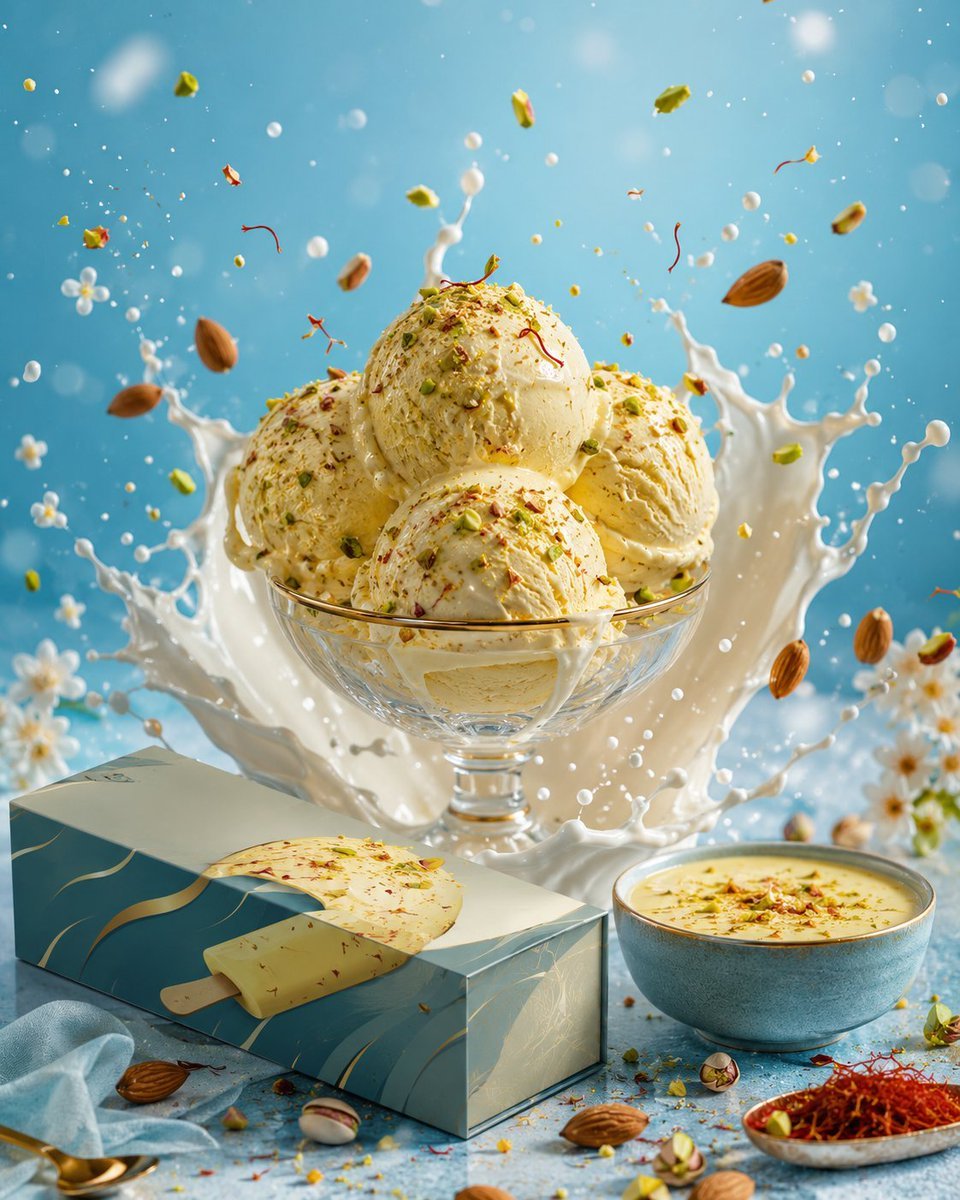
Premium Ice Cream Splash Advertisement
Browse template categories
Gothic Girl Character Turnaround Sheet questions
How do I use the Gothic Girl Character Turnaround Sheet template?
Add your photo if the template asks for one, edit the prompt if you like — the template's model and format are already selected — and press Generate. Your version opens in PicX Studio.
Can I customize the Gothic Girl Character Turnaround Sheet template?
Yes. You can change the subject, setting, lighting, mood, format, and available model controls before creating your image.
Is the Gothic Girl Character Turnaround Sheet template free?
Opening and editing this template is free. Generating uses credits, shown on the Generate button when you are signed in.
Which AI model should I use?
Start with GPT Image 2, which is the model associated with this template. You can compare another compatible model for a different finish.
Looking for something else? Browse all templates.

Your photo, any look
Thousands of ready templates for every top image and video model, from one credit balance.