
Football Player Turnaround Sheet
Creates a photorealistic four-view character reference sheet for a muscular Canadian-themed football player used for consistent animation or modeling.
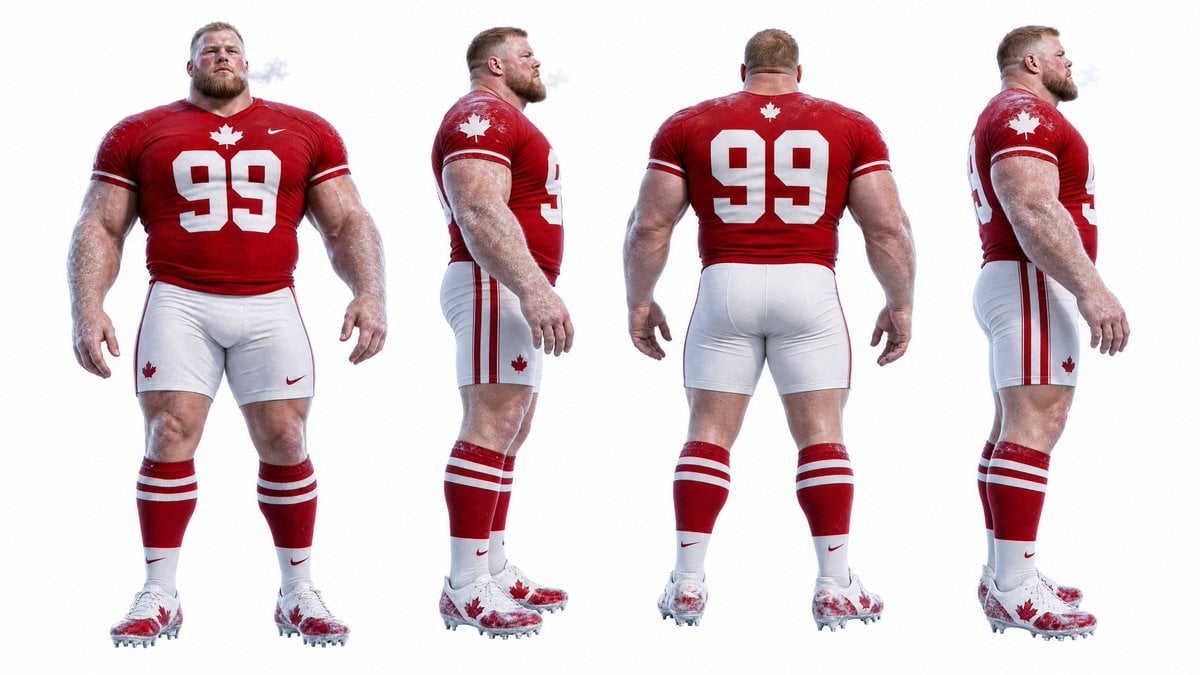
- Prompt included
- Model and format preset
- Premium template
The prompt behind this image
Copy the exact prompt behind Football Player Turnaround Sheet, or open it in the studio and make it yours.
Goal: Create a photorealistic 360-degree character turnaround reference sheet for a massive professional football player, designed to keep the same character consistent from every angle. Canvas: Wide horizontal studio sheet, clean pure white background, high-key lighting, full-body figures aligned on the same baseline with no props or environment. Layout: Show exactly 4 full-body views of the same character, evenly spaced from left to right: 1) front view, 2) left side profile view, 3) back view, 4) right three-quarter side view. Keep body proportions, outfit details, height, skin tone, hair, and accessories consistent across all 4 views. Subject details: A hyper-muscular, heavyset male American football player with a very broad chest, huge arms, thick neck, powerful legs, pale skin, short light-brown hair, and a blurred/obscured face for anonymity. He is standing upright with relaxed arms at his sides, imposing athletic posture, and visible cold breath mist near the face. Uniform: The player wears a Canadian-themed red football jersey with white number {argument name="jersey number" default="99"} on the front and back, a white maple leaf emblem centered above the number, small white sleeve stripes, and a small white athletic swoosh logo. Add tight white football pants with red side stripes and small red maple leaf accents, red knee-high socks with two white horizontal stripes, white lower sock panels, and white football cleats splattered with red maple leaf graphics. Use a patriotic red-and-white color palette. Visual style: Ultra-realistic sports photography, sharp detail, glossy fabric texture, sweat/frosty skin texture, realistic muscle anatomy, studio product-reference lighting, crisp cutout edges, no illustration or cartoon style. Customizable details: Character should be a {argument name="player archetype" default="massive Canadian football lineman"}; uniform country theme is {argument name="country theme" default="Canada"}; primary uniform color is {argument name="primary uniform color" default="red"}; secondary uniform color is {argument name="secondary uniform color" default="white"}. Constraints: Exactly 4 views only; do not add helmets, footballs, text labels, borders, shadows that obscure the feet, extra players, background scenery, or logos beyond simple generic athletic marks and maple leaf symbols. Maintain identical outfit details and physique in every view.
How to use Football Player Turnaround Sheet in 3 steps
- 1Upload ImagePNG, JPG or paste
Add your photo
Upload the photo the template builds on. The prompt, model and format are already set.
- 2…a portrait of your subject in softgolden-hour light, 85mm…
Personalize
Edit the subject and creative details for your destination.
- 3Generate
Generate
Press Generate — your image is created in PicX Studio, so you can compare it with the original and refine one variable at a time.
More like this
Templates with the same subject, style or setup. Open one to see its prompt.

Clean Minimalist Player Editorial Poster
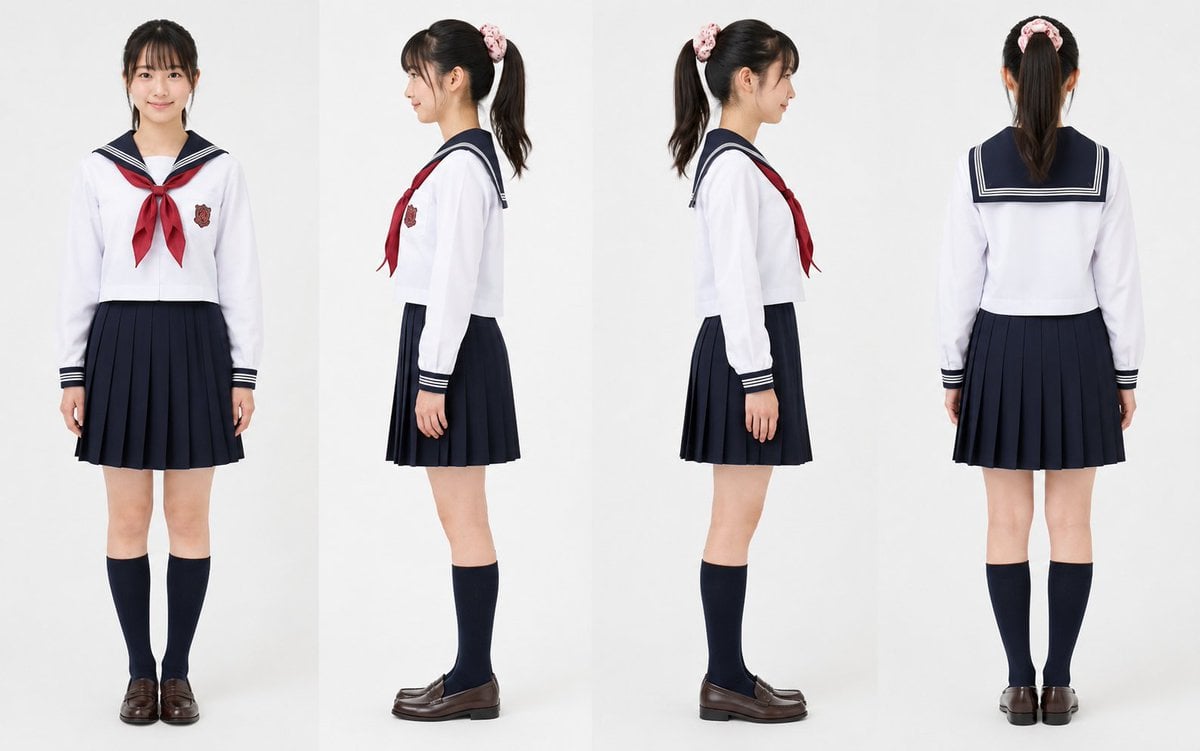
Realistic Schoolgirl Turnaround Sheet
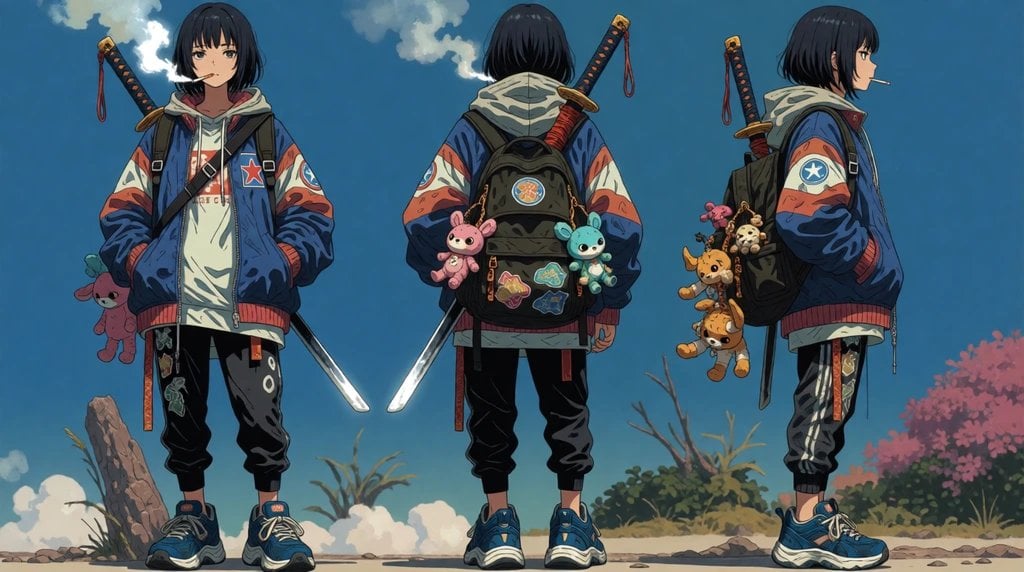
Urban Samurai Girl Turnaround Sheet

Anime Elf Maid Turnaround Sheet
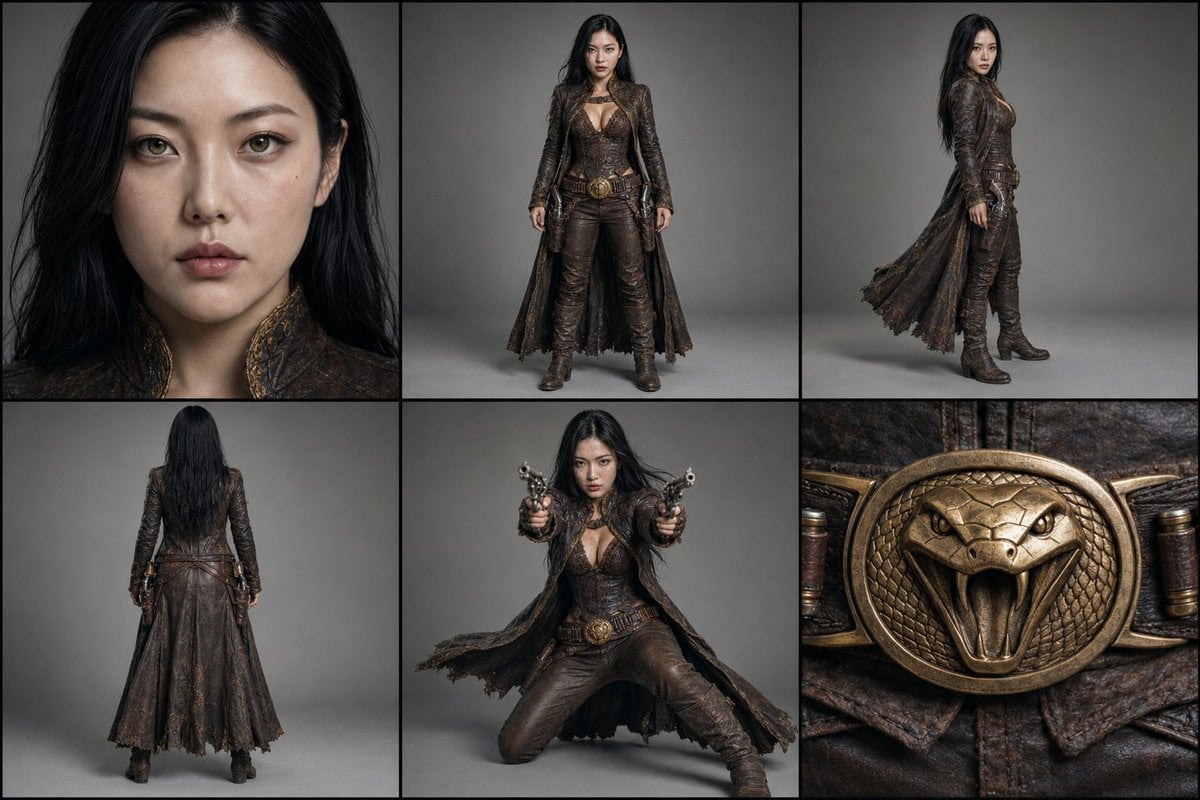
Character Reference Turnaround Sheet
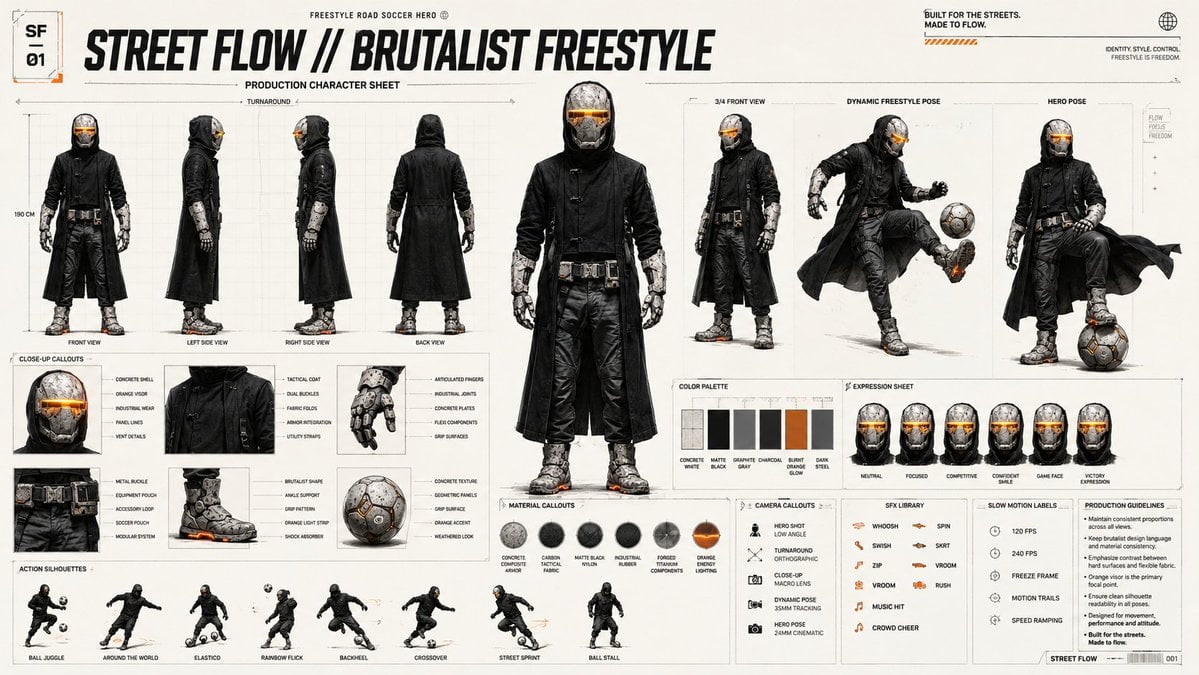
Futuristic Scout Turnaround Sheet
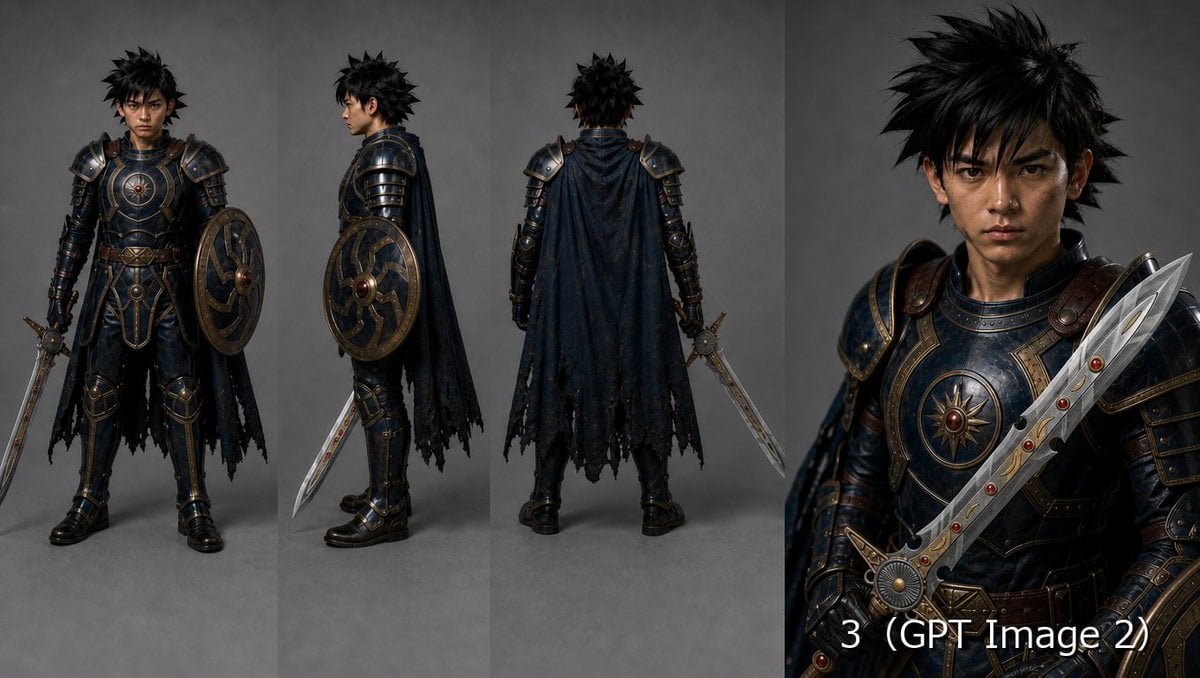
Fantasy Knight Character Turnaround Sheet
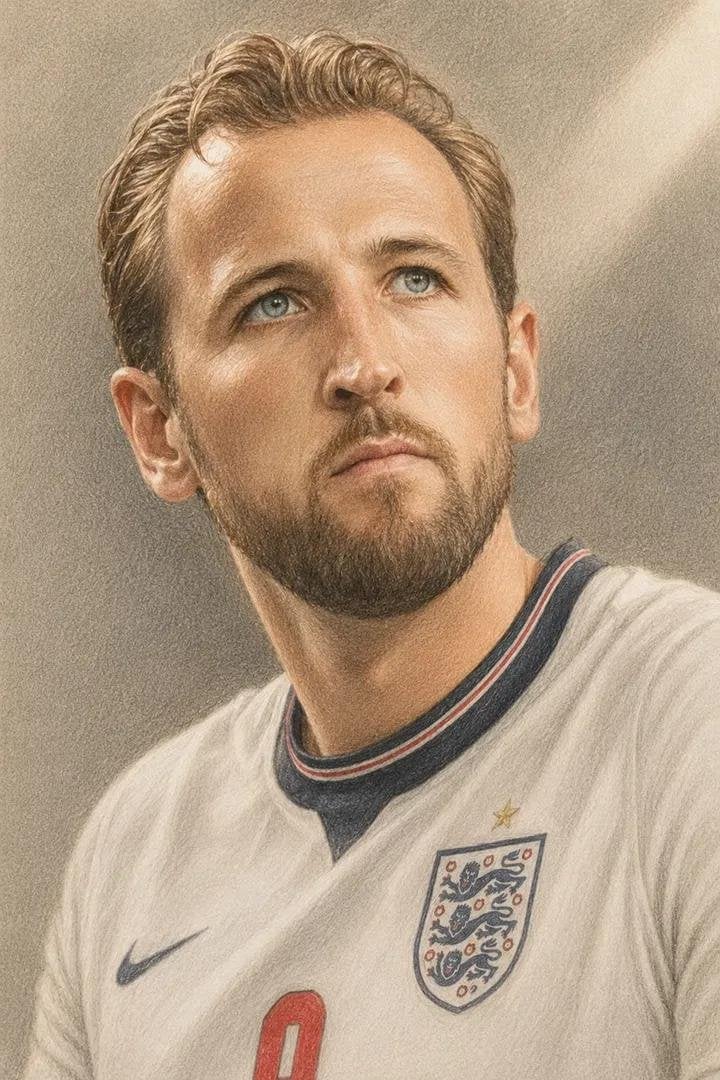
Colored Pencil Football Player Illustration

Gothic Girl Character Turnaround Sheet
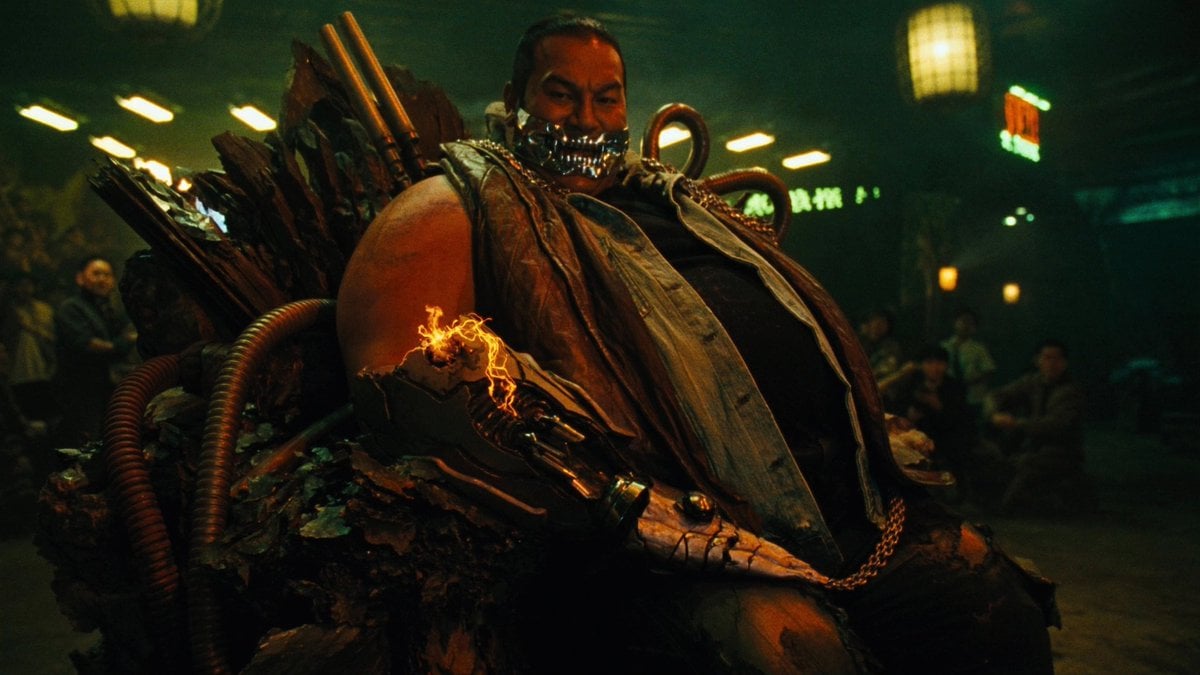
Cyber Vampire Character Turnaround Sheet
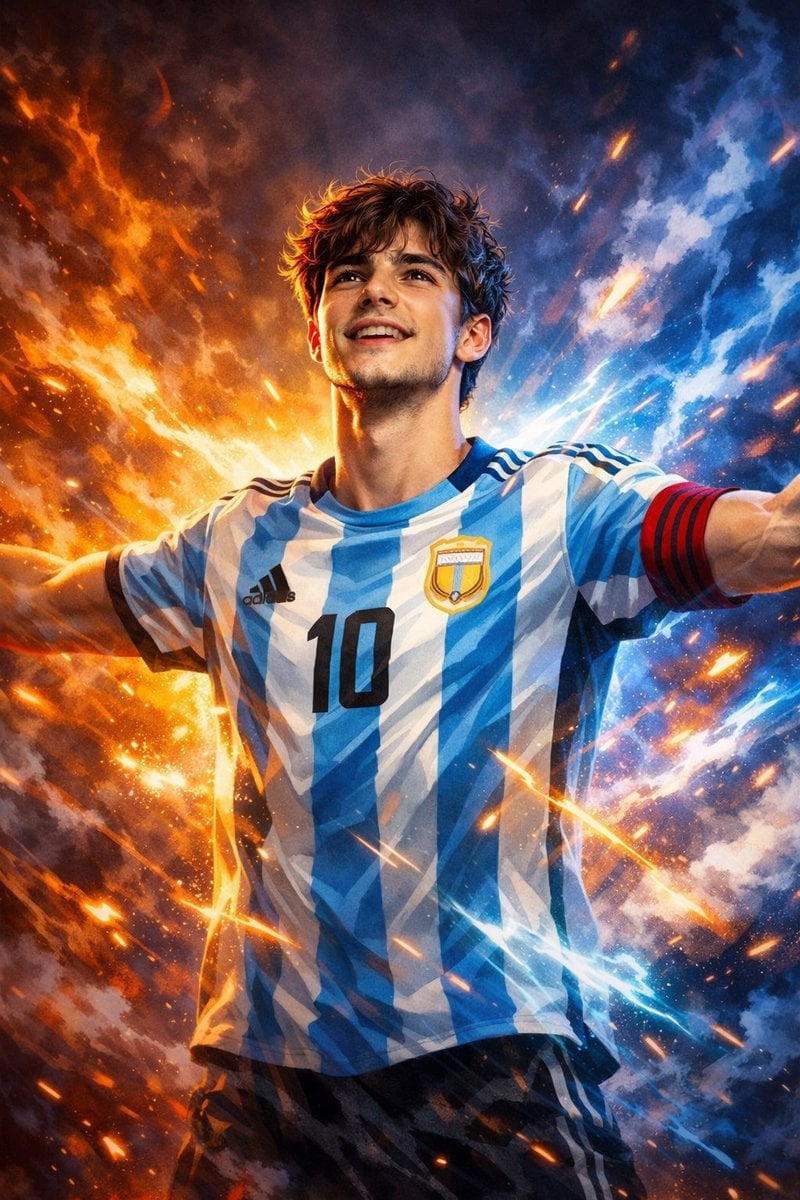
Victory Aura Football Poster
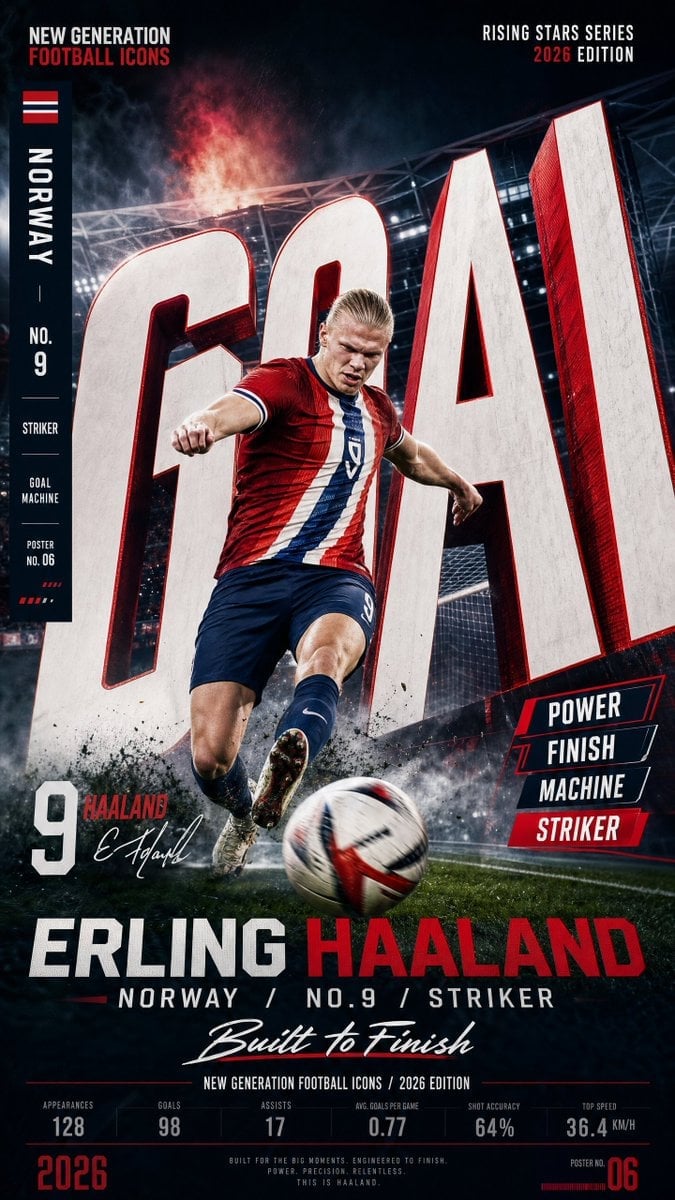
Vertical Football Star Campaign Poster
Make it yours
Football Player Turnaround Sheet works as-is. These are the safest ways to change it without losing the look.
Change one field
Copy a single group, rewrite it, and generate again so you can see what that field is doing.
Keep the frame, change the subject
Hold the composition and light of Football Player Turnaround Sheet, then swap wardrobe, props or the person for a new take.
| If the result… | Why | Fix |
|---|---|---|
| The result drifts from the preview | Too many fields changed at once. | Reuse Football Player Turnaround Sheet as-is first, then change one group — subject, light, or setting. |
| The model over-stylizes the scene | The prose prompt leaves finish and camera underspecified. | Add one camera or lighting sentence and stay on GPT Image 2. |
More GPT Image 2 templates
Other prompts made for GPT Image 2.

Six VTuber Japanese Logo Sheet

Realistic Portrait of Woman and Deer

The Vista Modular Condo Poster

AI Model Routing Comparison Infographic

2.5D Anime Art Board

Isometric Productivity Desk Scene

New York Double Exposure Poster

Four-Panel AI Landscape Comparison

Japanese Tatami Lifestyle Magazine Cover

NESCAFÉ Coffee Map Poster
More image prompts
Fresh picks from across the catalog.
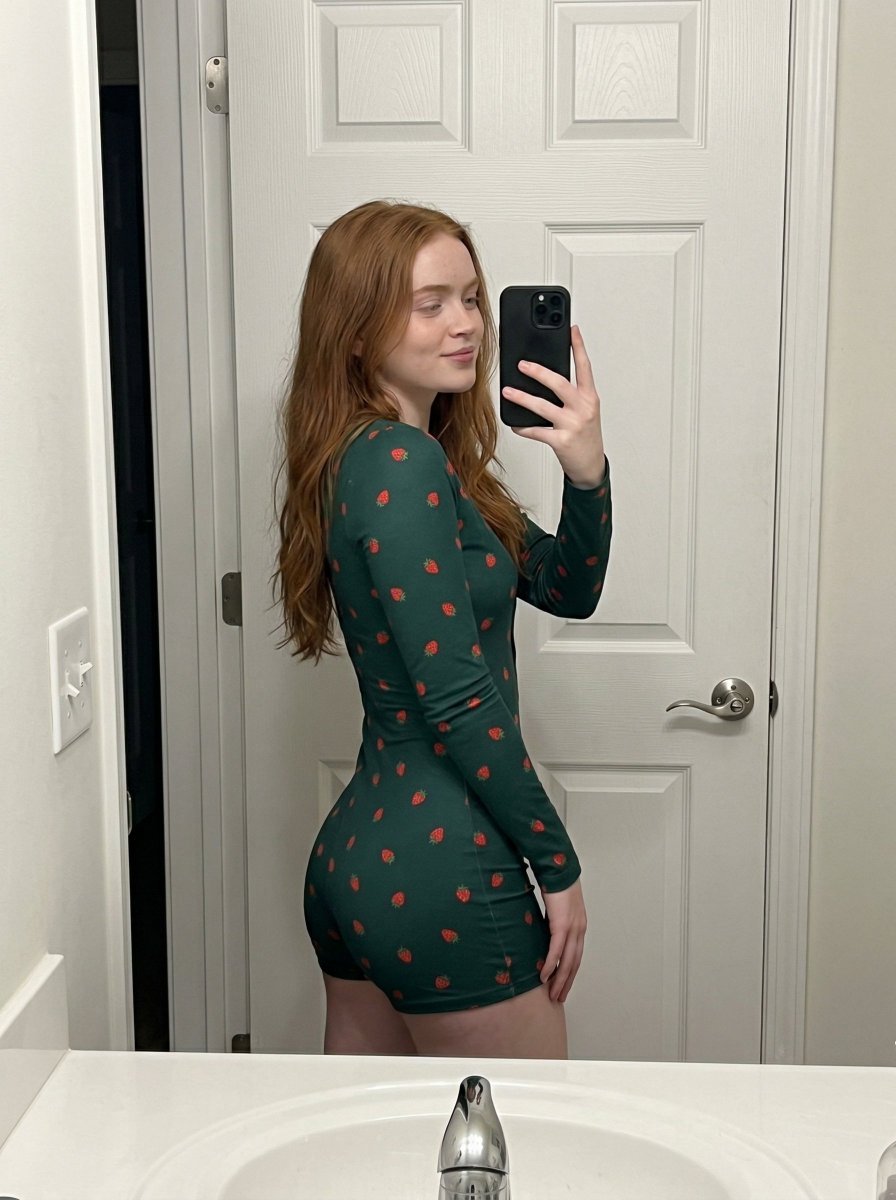
Strawberry Onesie Mirror Selfie with ControlNet
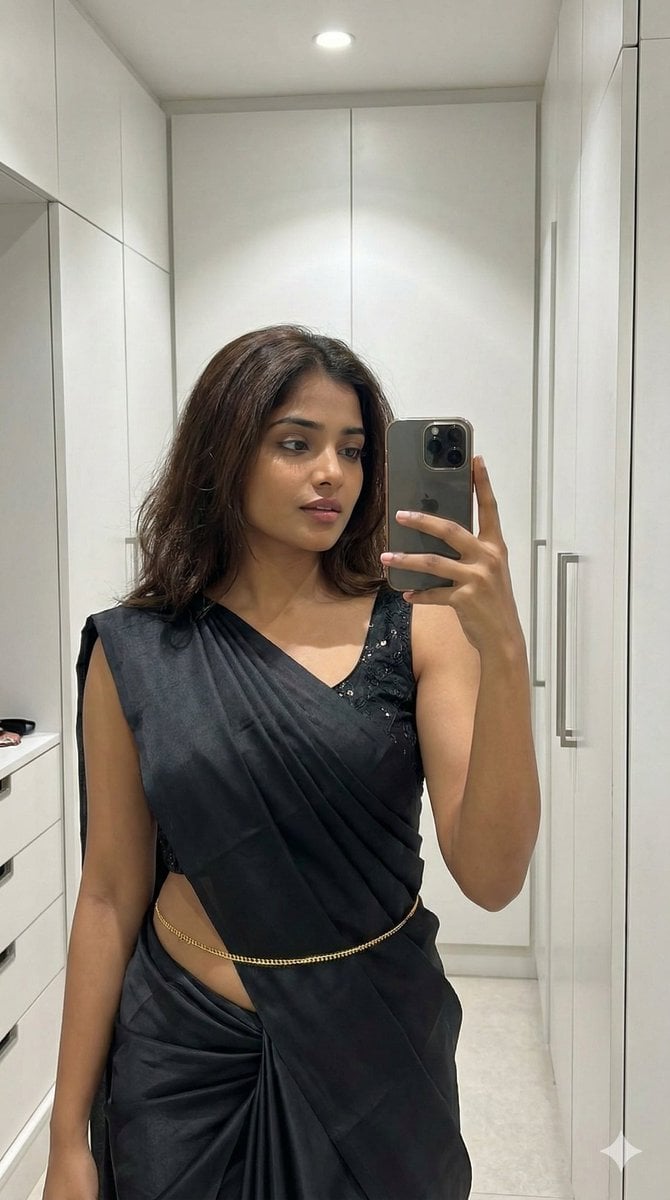
Ultra-Photorealistic Saree Mirror Selfie

Ultra-Realistic Ronin Musician Portrait at Sunset
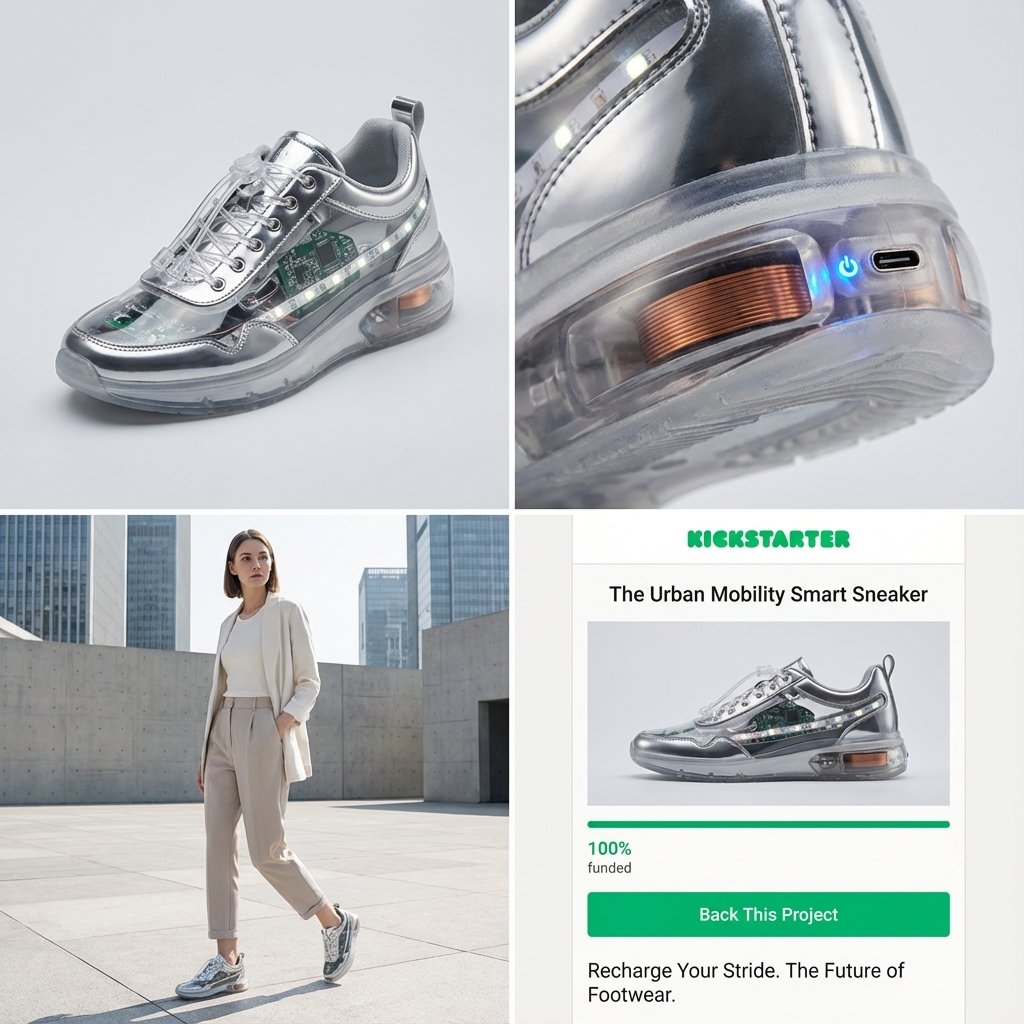
Kickstarter Campaign Generator Prompt

Calligraphic City Impression Poster

Ugly slide introducing Einstein
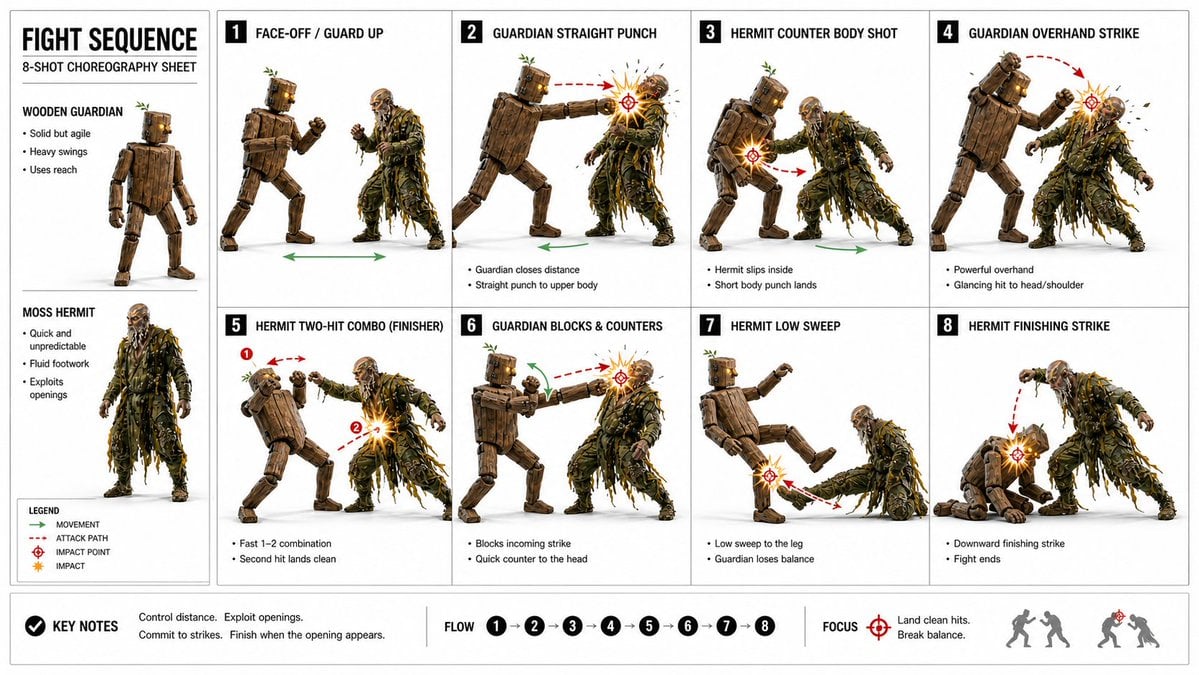
Action Storyboard Simplification
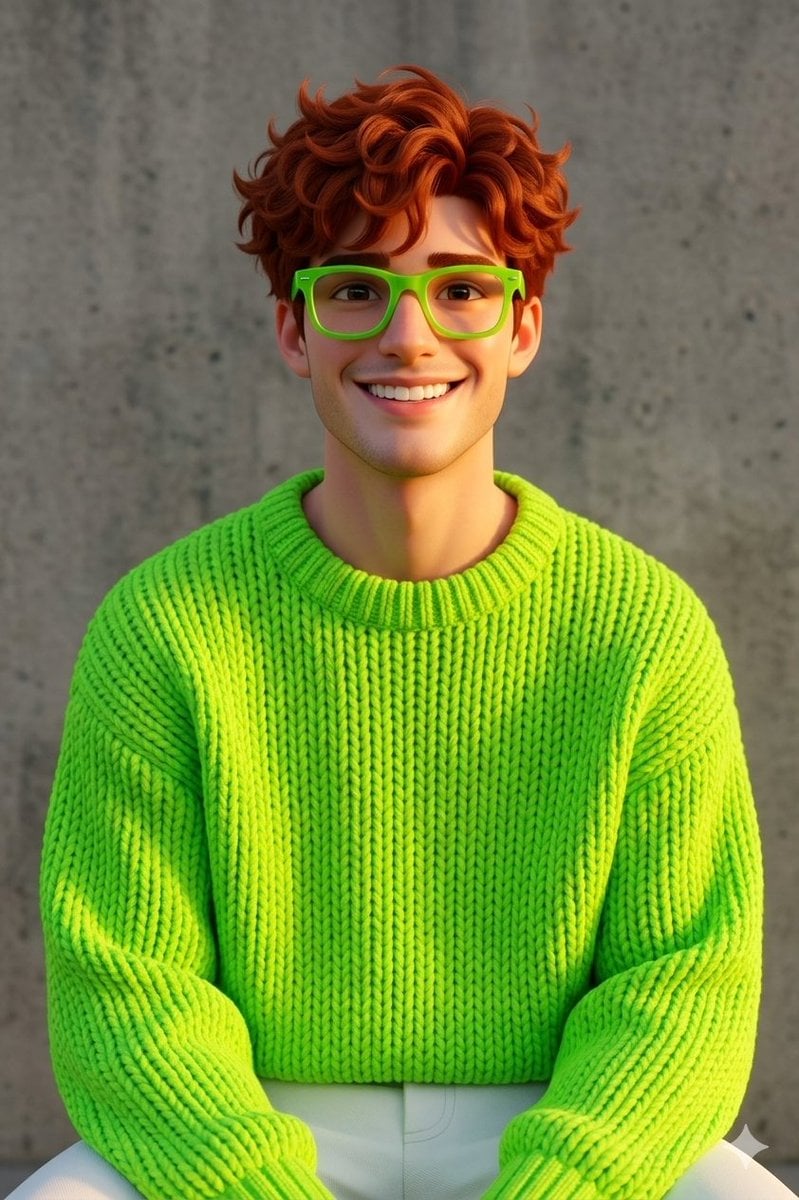
Disney-Pixar Style 3D Portrait of Man in Neon Sweater
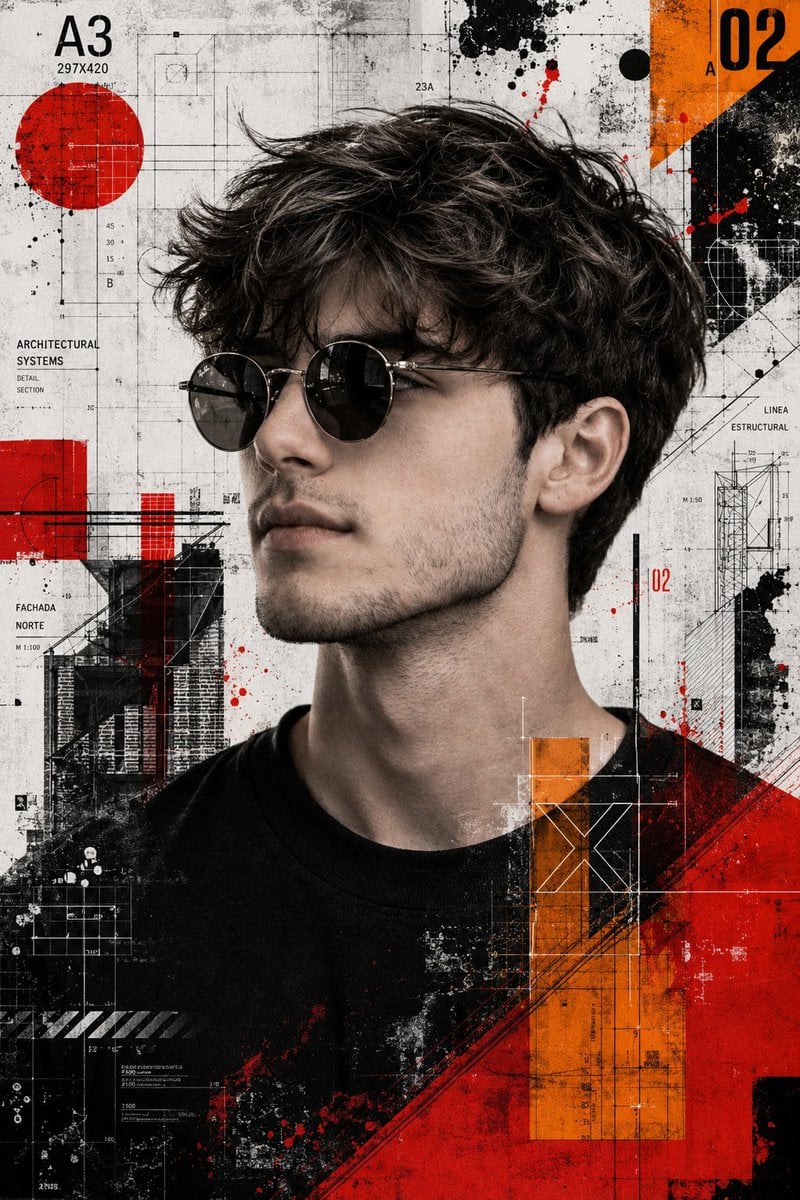
Trash Polka Mixed Media Artwork
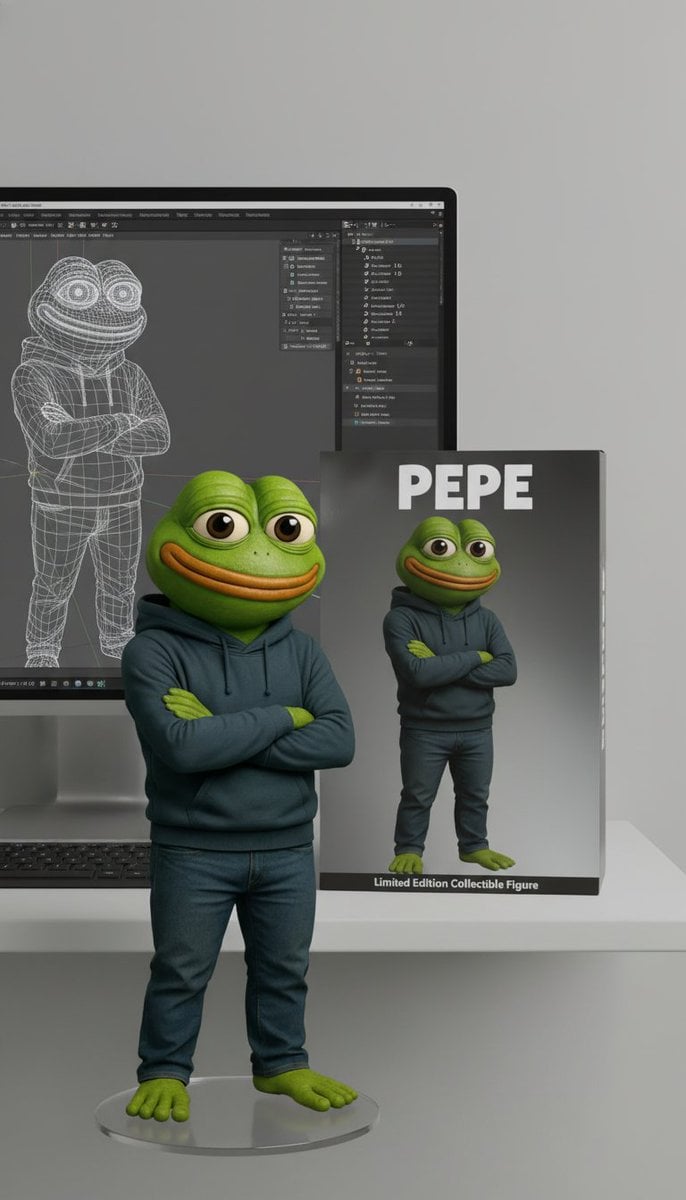
Collectible Figure Product Showcase Prompt
Browse template categories
Football Player Turnaround Sheet questions
How do I use the Football Player Turnaround Sheet template?
Add your photo if the template asks for one, edit the prompt if you like — the template's model and format are already selected — and press Generate. Your version opens in PicX Studio.
Can I customize the Football Player Turnaround Sheet template?
Yes. You can change the subject, setting, lighting, mood, format, and available model controls before creating your image.
Is the Football Player Turnaround Sheet template free?
Opening and editing this template is free. Generating uses credits, shown on the Generate button when you are signed in.
Which AI model should I use?
Start with GPT Image 2, which is the model associated with this template. You can compare another compatible model for a different finish.
Looking for something else? Browse all templates.

Your photo, any look
Thousands of ready templates for every top image and video model, from one credit balance.