
Clean Minimalist Player Editorial Poster
Clean minimalist editorial poster with segmented monochrome portrait, colored reveal panel, and floating color action foreground.

- Prompt included
- Model and format preset
- Free template
The prompt behind this image
Copy the exact prompt behind Clean Minimalist Player Editorial Poster, or open it in the studio and make it yours.
A professional sports graphic design poster of [Player Name], designed in a clean, modern, and minimalist editorial style against a slightly textured off-white background. Central Composition: In the center, a large vertical bold graphic shape contains a high-contrast black and white close-up portrait of [Player Name] shouting or showing intense emotion. This graphic shape is slashed/segmented horizontally by clean white lines, revealing a solid bold [Primary Team Color] background behind the player's portrait. Foreground Subject: In the lower right foreground, a full-body color action shot of [Player Name] in their [Team Kit] performing their signature celebration. The subject breaks out of the central graphic frame, casting a soft, realistic drop shadow onto the background to create a 3D depth effect. Typography & Layout: Running vertically alongside the central graphic shape, bold black sans-serif typography spells out [Last Name]. Aesthetic: Graphic design layout, sharp details, editorial sports magazine cover, high contrast, clean vectors mixed with athletic photography, subtle paper texture.
How to use Clean Minimalist Player Editorial Poster in 3 steps
- 1
Open
The prompt is already in the box next to the preview, with the template's model and format selected.
- 2…a portrait of your subject in softgolden-hour light, 85mm…
Personalize
Edit the subject and creative details for your destination.
- 3Generate
Generate
Press Generate — your image is created in PicX Studio, so you can compare it with the original and refine one variable at a time.
More like this
Templates with the same subject, style or setup. Open one to see its prompt.

Luxury Sliced Wordmark Player Poster

Typography Mask Editorial Fashion Poster

Premium Vintage Travel Poster Landscape
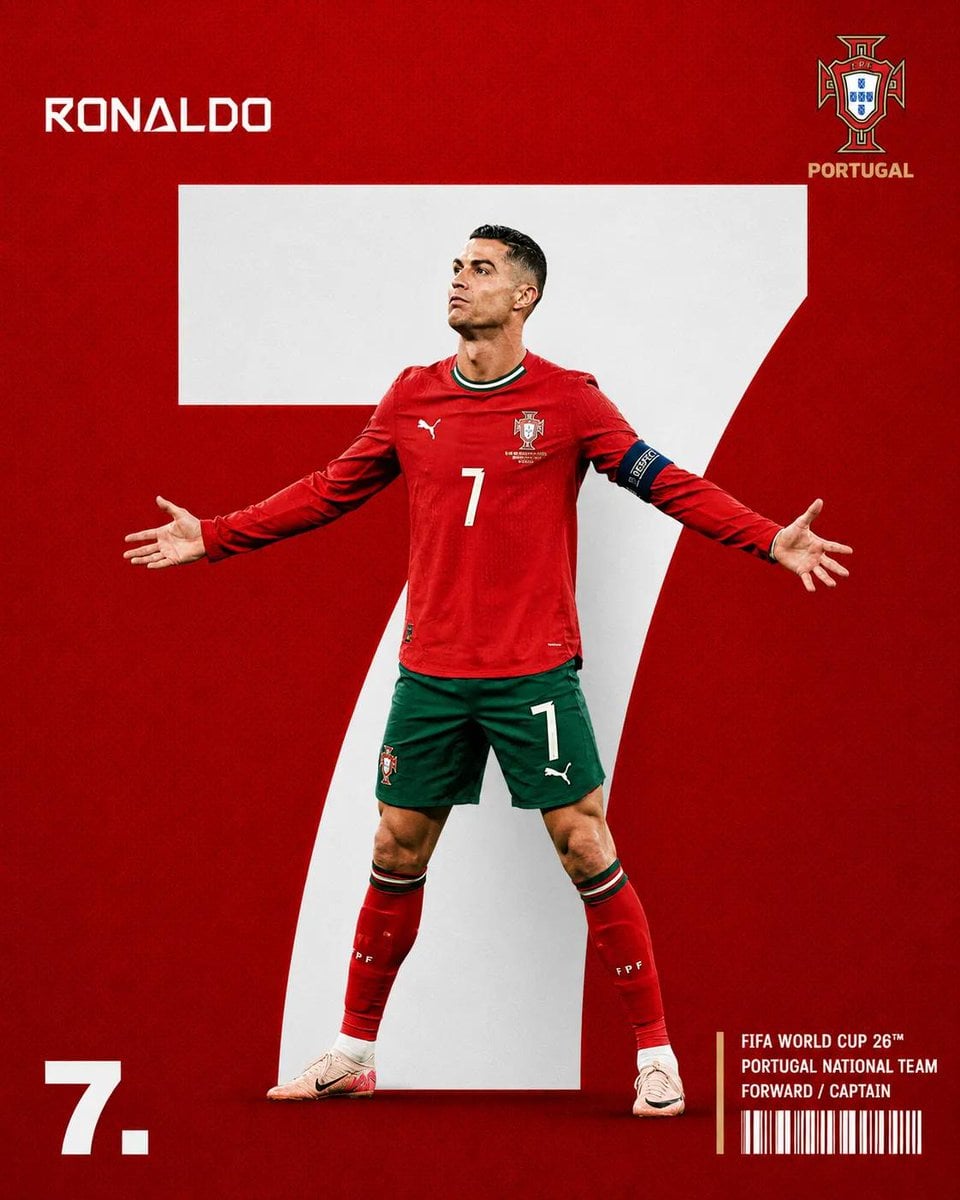
Minimalist Sports Editorial Football Poster

Soft Shadow Studio Minimalist Product Shot
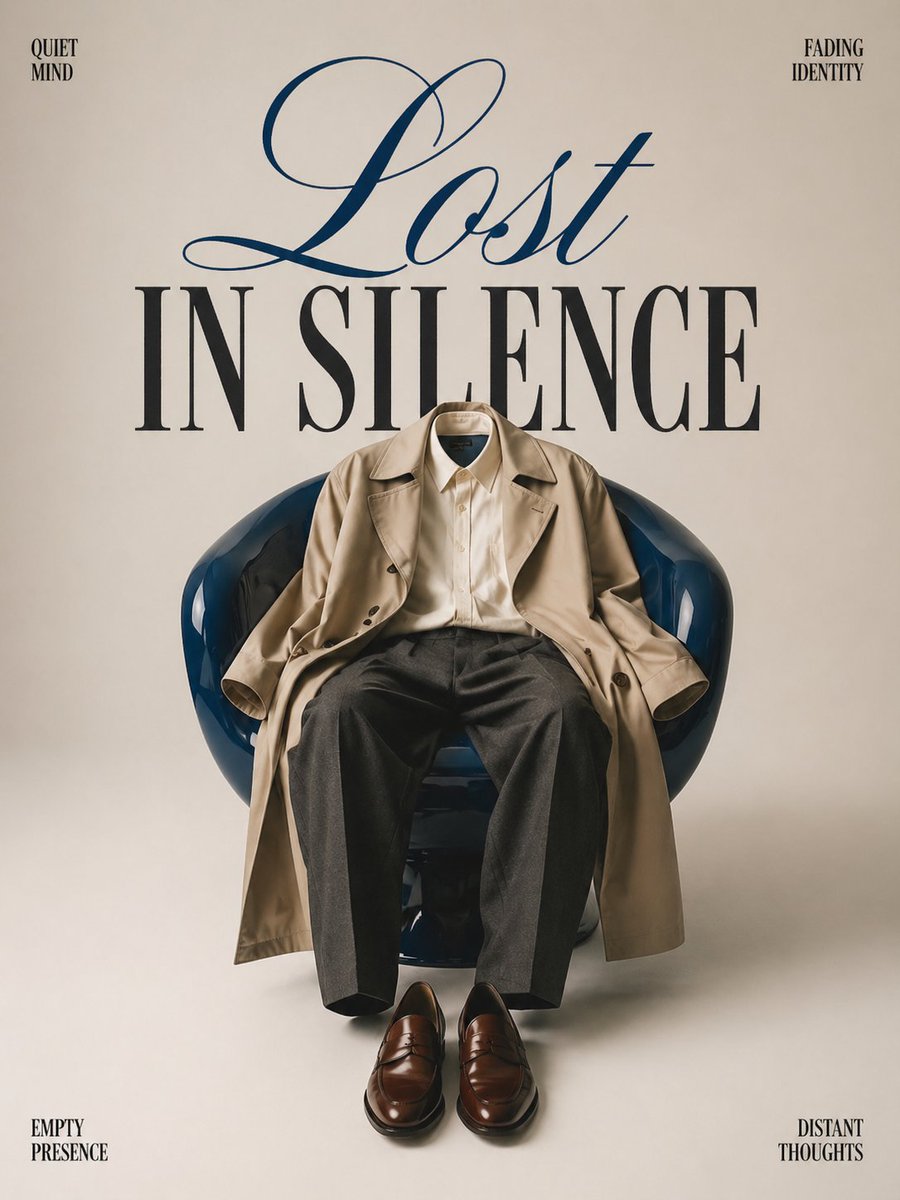
Minimalist conceptual fashion editorial poster, studio shot on a clean

Captain Tsubasa Anime World Cup Poster
Premium Vintage Travel Poster Landscape
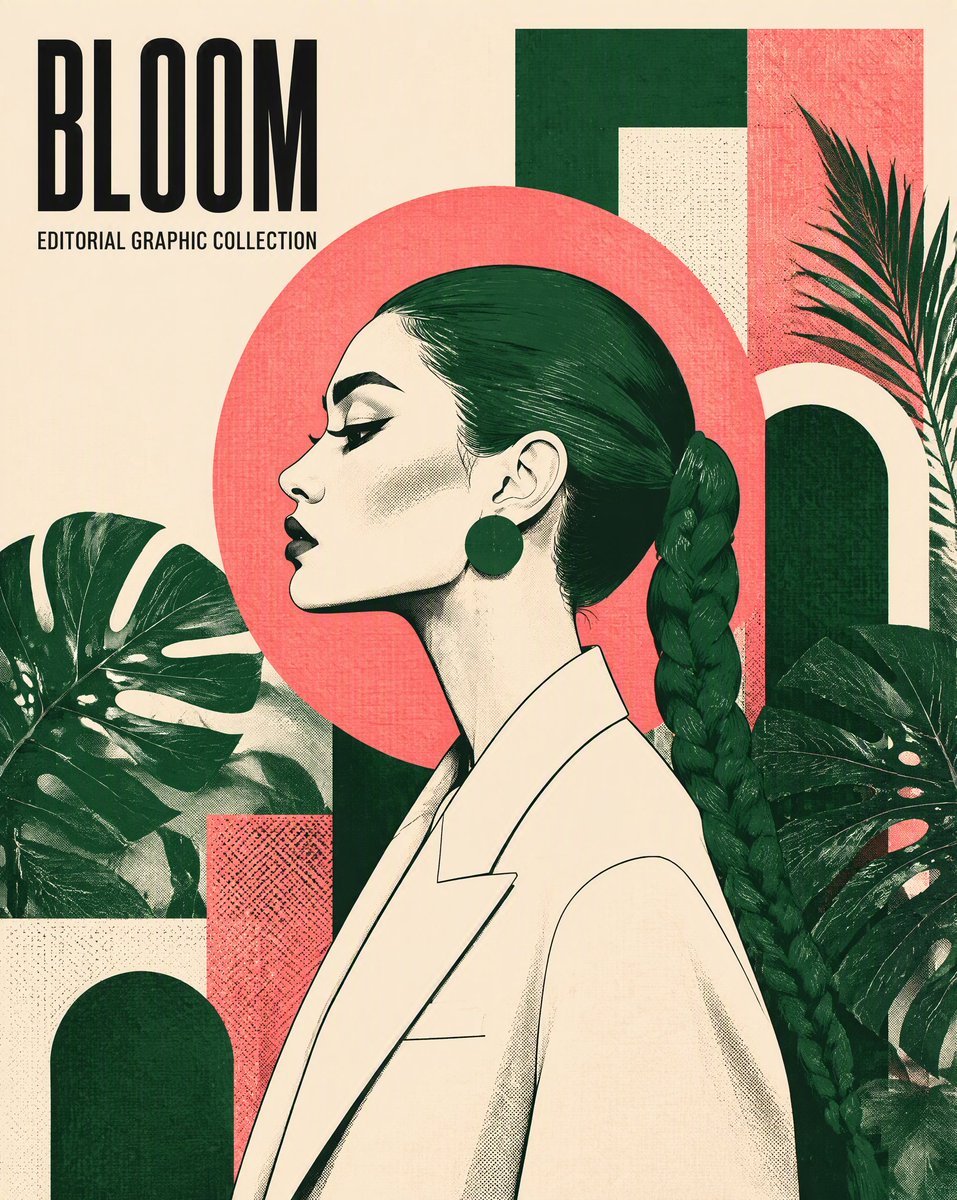
Graphic Design Editorial Poster
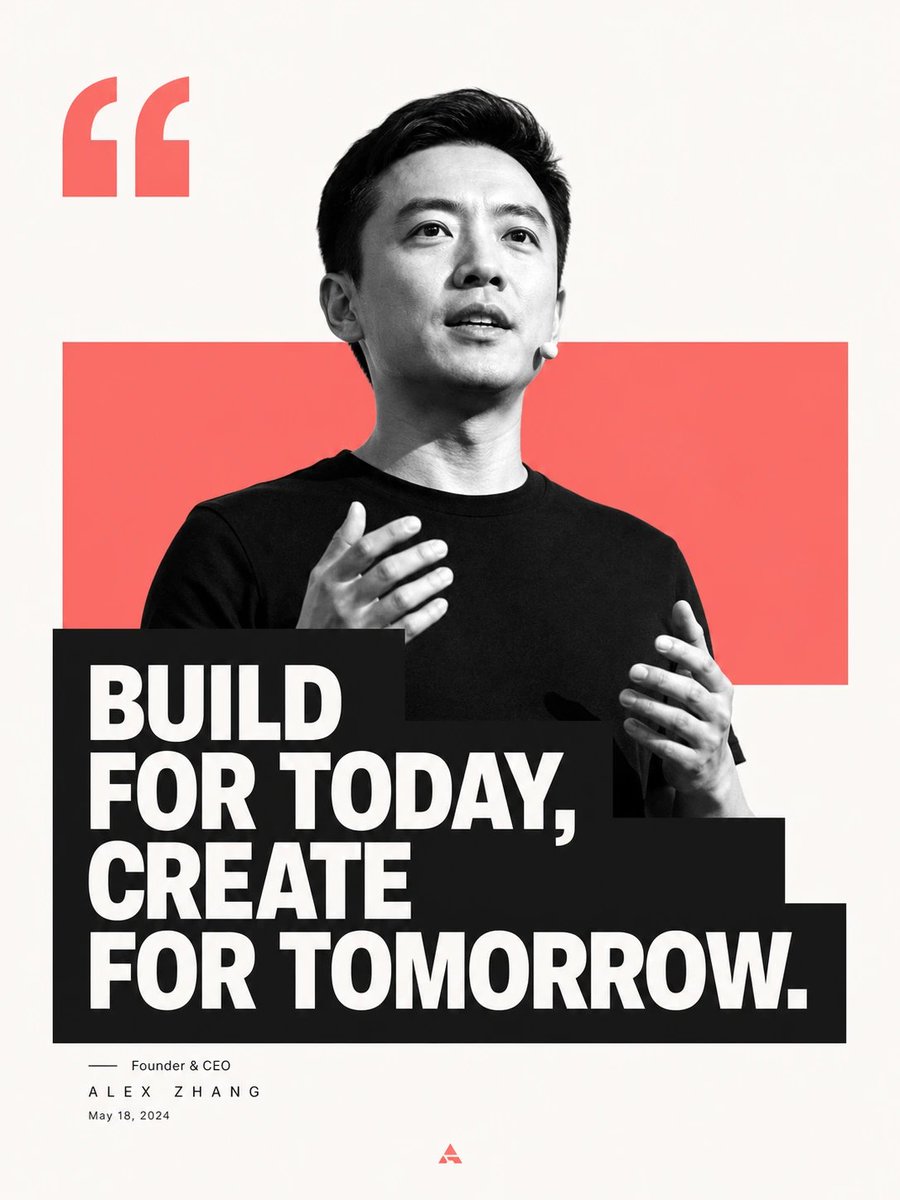
Minimalist Editorial Graphic Design Prompt
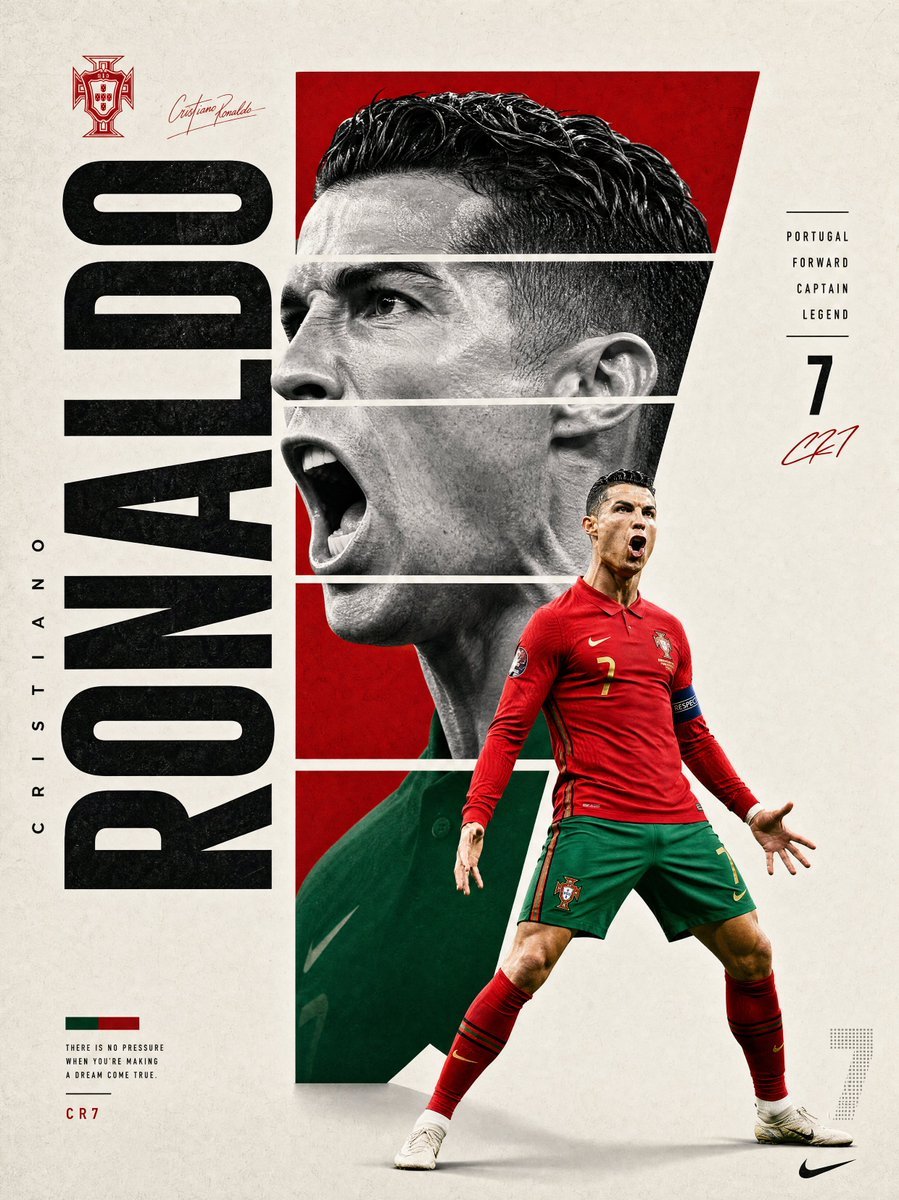
Modern Sports Graphic Poster Design
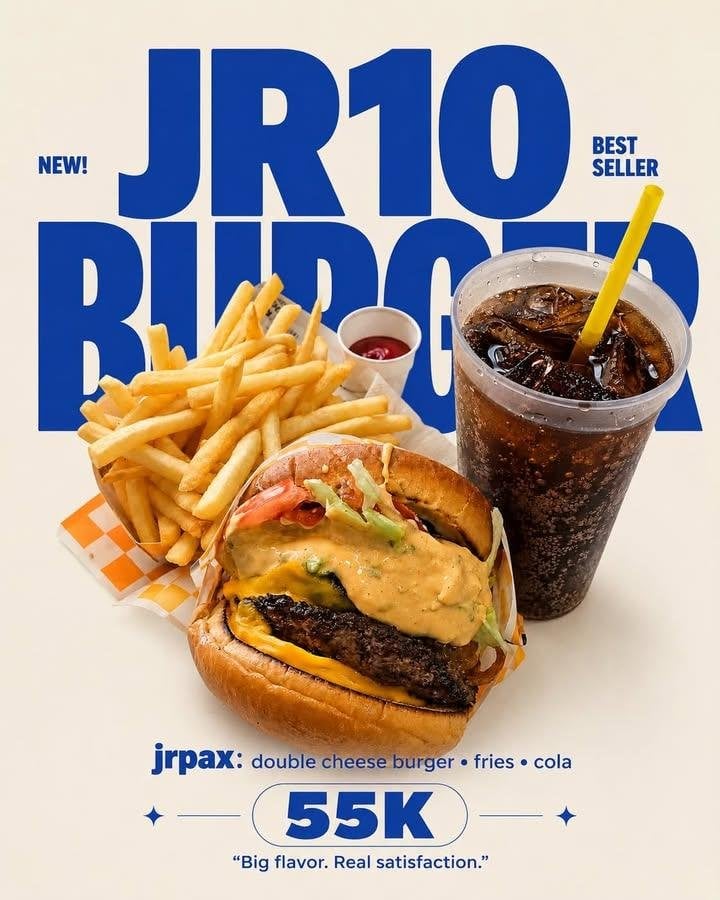
Editorial Typography Product Poster
Make it yours
Clean Minimalist Player Editorial Poster works as-is. These are the safest ways to change it without losing the look.
Change one field
Copy a single group, rewrite it, and generate again so you can see what that field is doing.
Keep the frame, change the subject
Hold the composition and light of clean-minimalist-player-editorial-poster, then swap wardrobe, props or the person for a new take.
| If the result… | Why | Fix |
|---|---|---|
| The result drifts from the preview | Too many fields changed at once. | Reuse clean-minimalist-player-editorial-poster as-is first, then change one group — subject, light, or setting. |
| The model over-stylizes the scene | The prose prompt leaves finish and camera underspecified. | Add one camera or lighting sentence and stay on PicX Studio. |
More image prompts
Fresh picks from across the catalog.
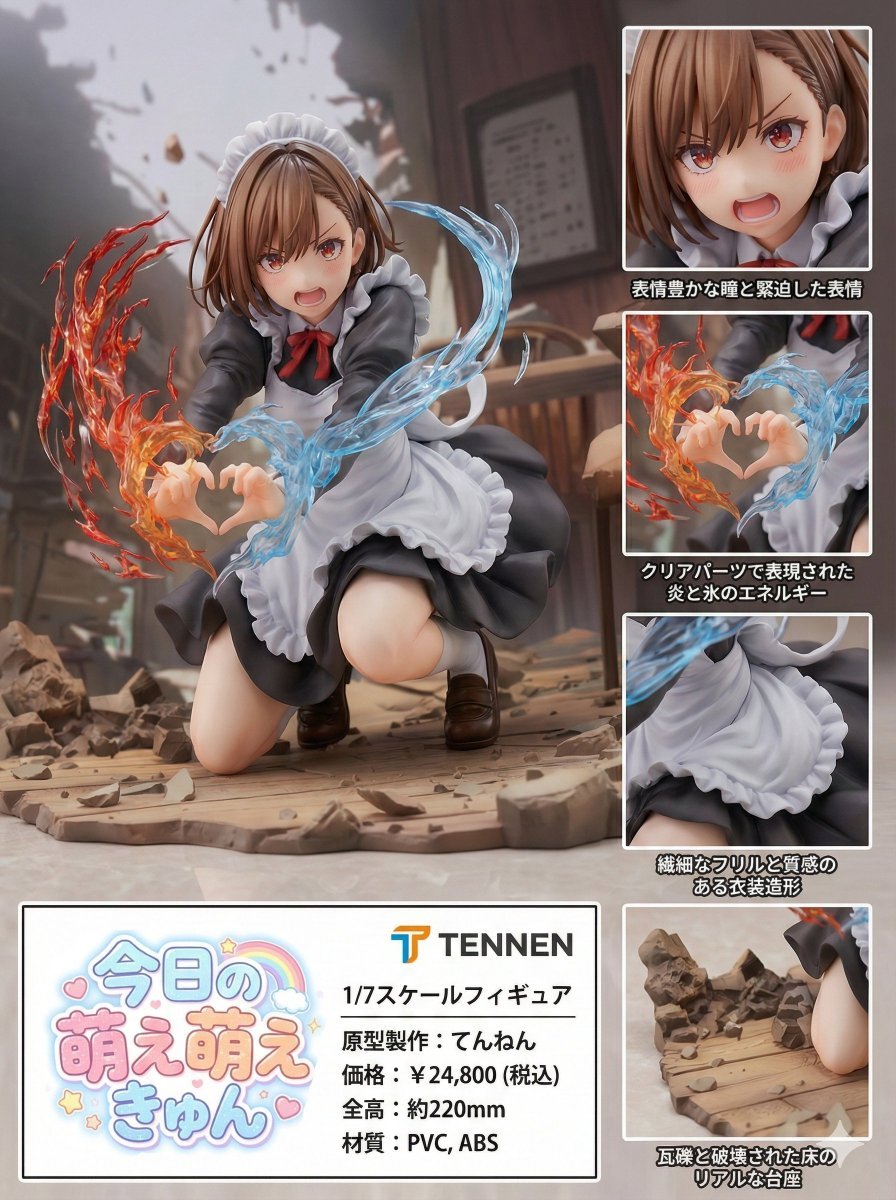
Photorealistic PVC Figure Product Introduction Layout
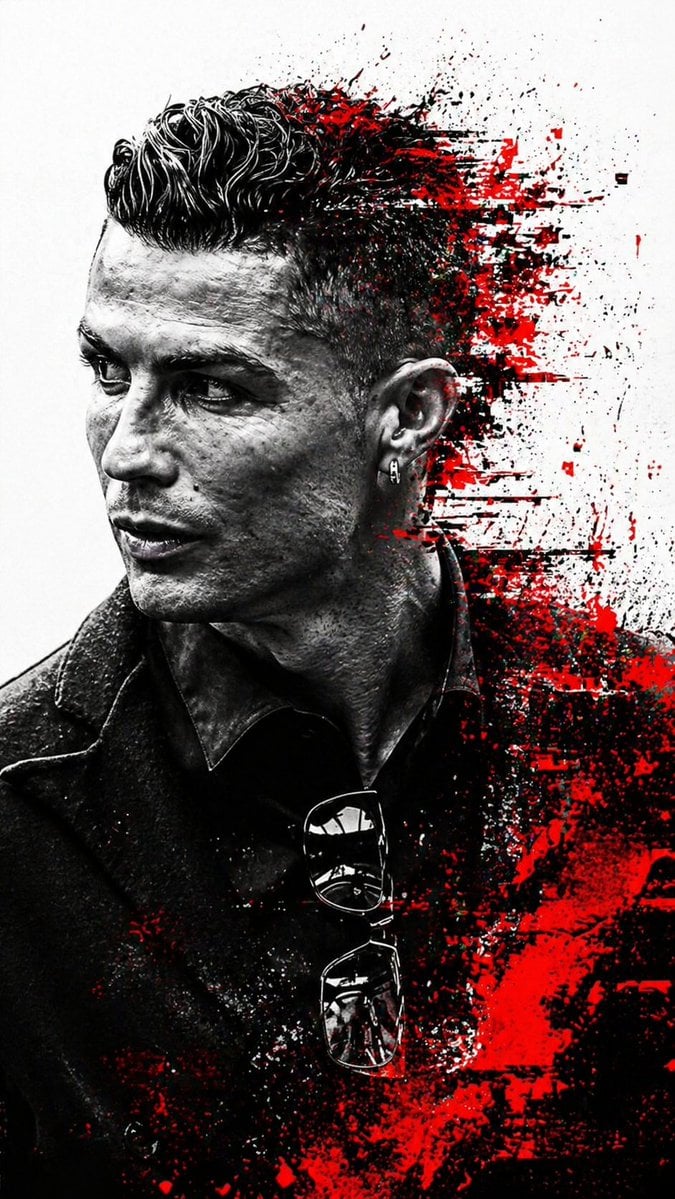
Cyberpunk Glitch Profile Portrait
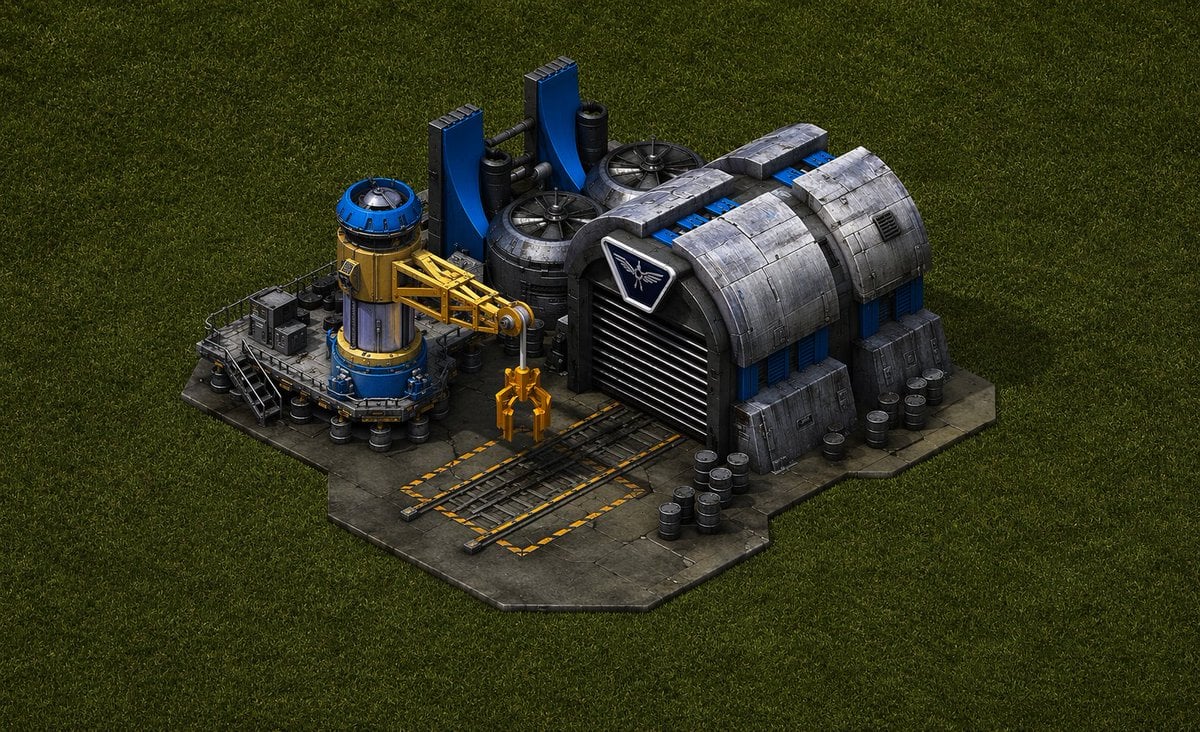
Game-Inspired Architectural Prompt

Miniature Sci-Fi Companion Robot
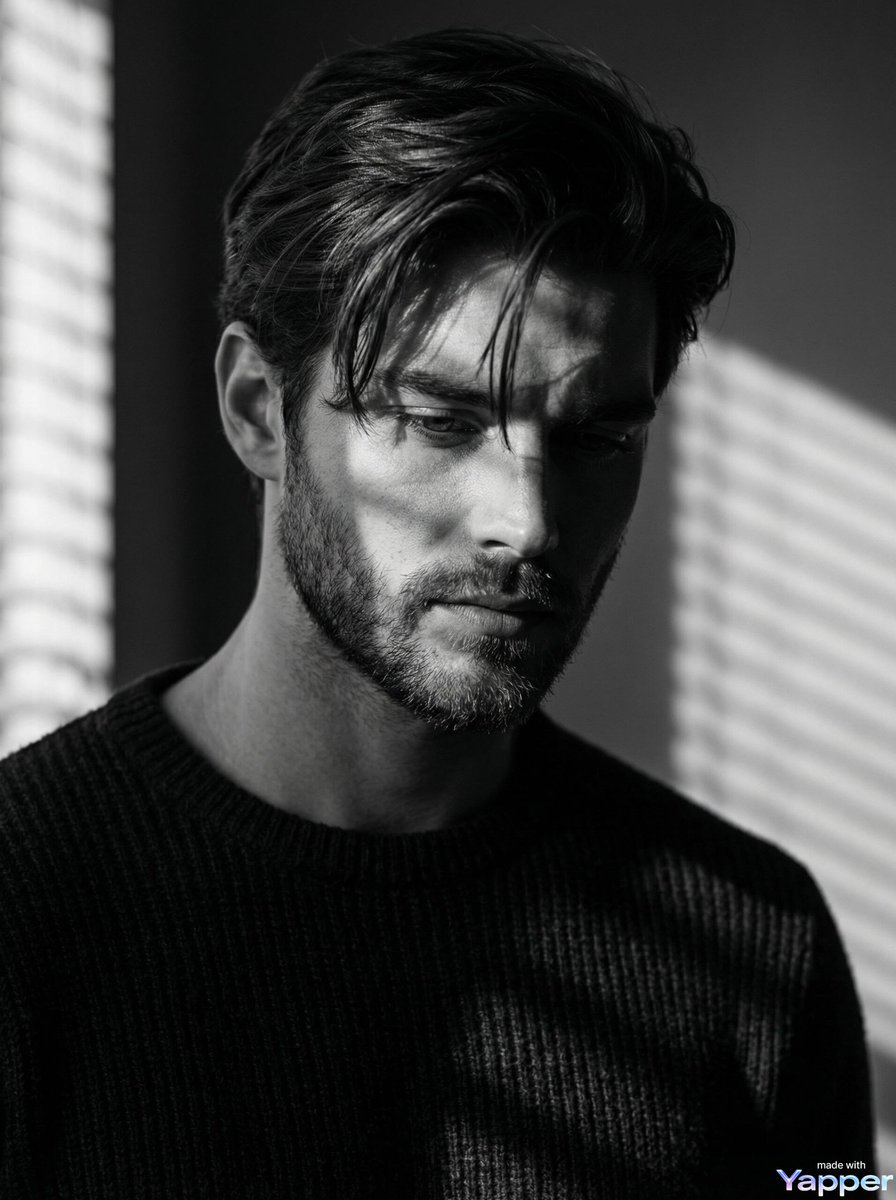
Film Noir Cinematic Black and White Portrait
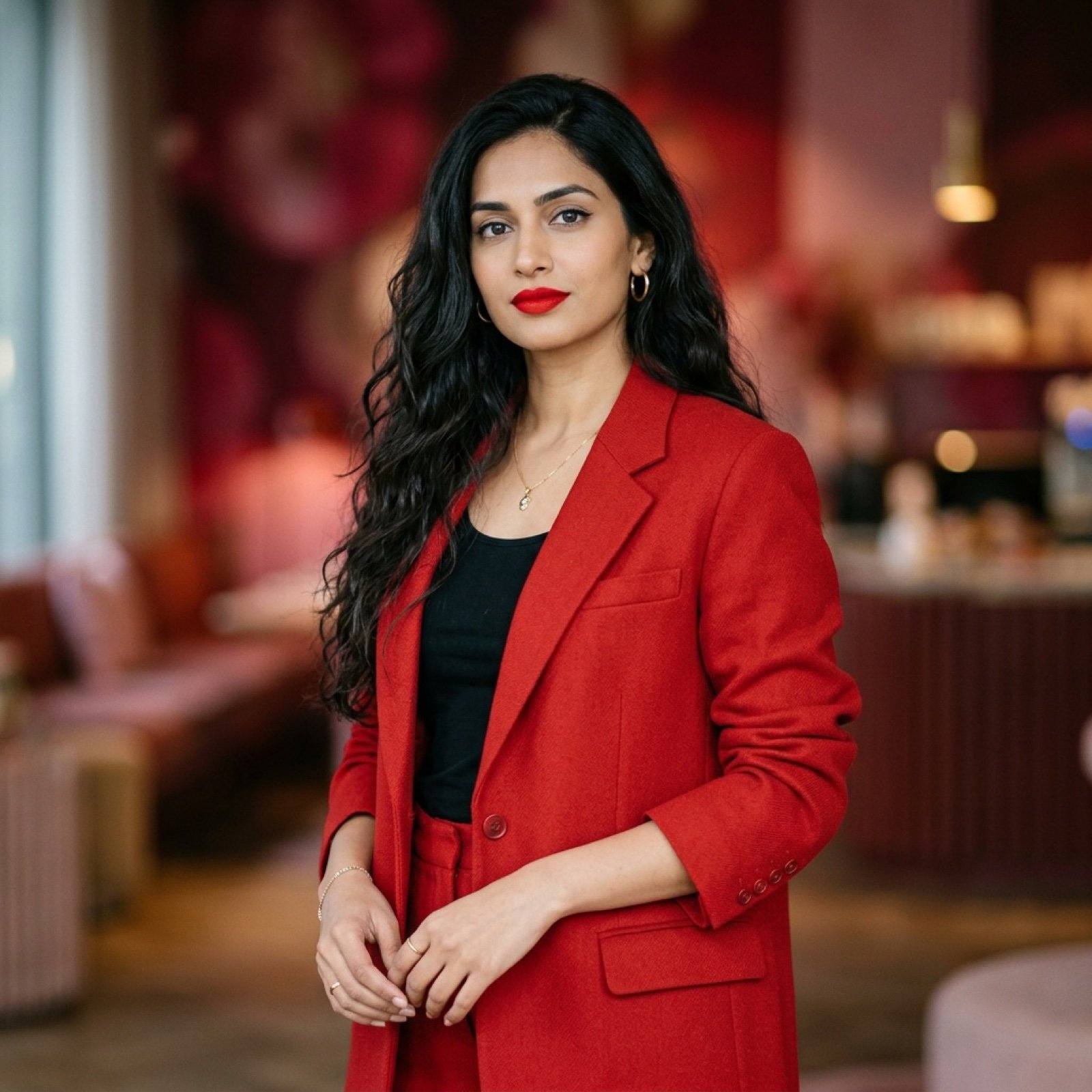
Indian Woman in Red Suit Portrait

Grainy Paris Café Film Scene
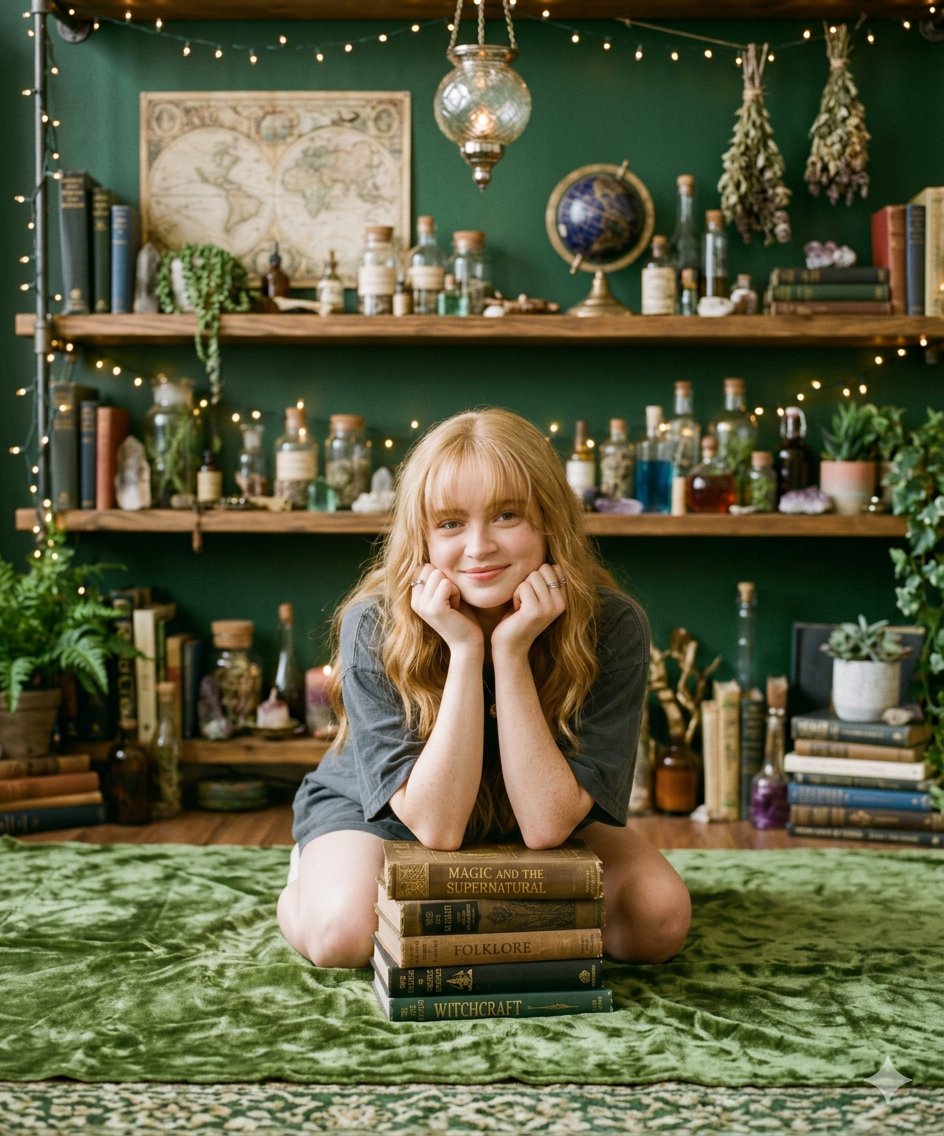
Cozy Portrait of Girl with Mystical Objects and Vintage Books
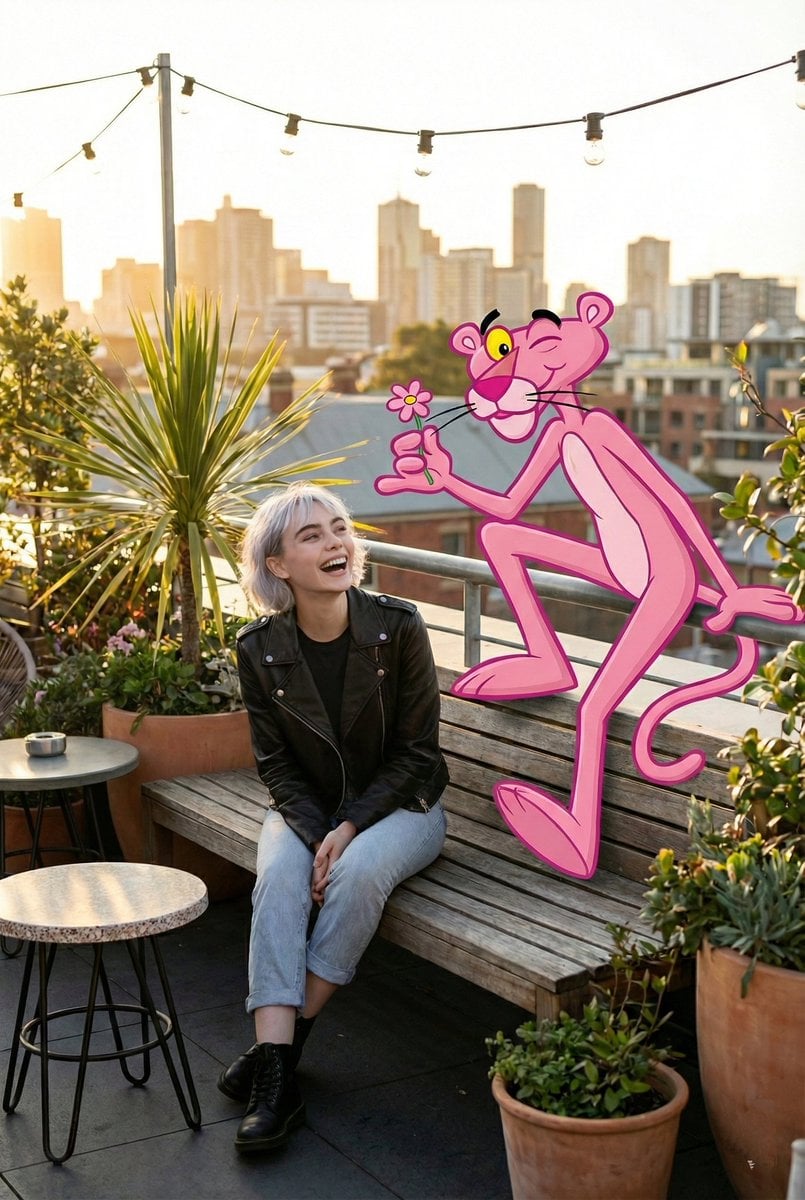
Cartoon Character in Art Gallery Scene Prompt
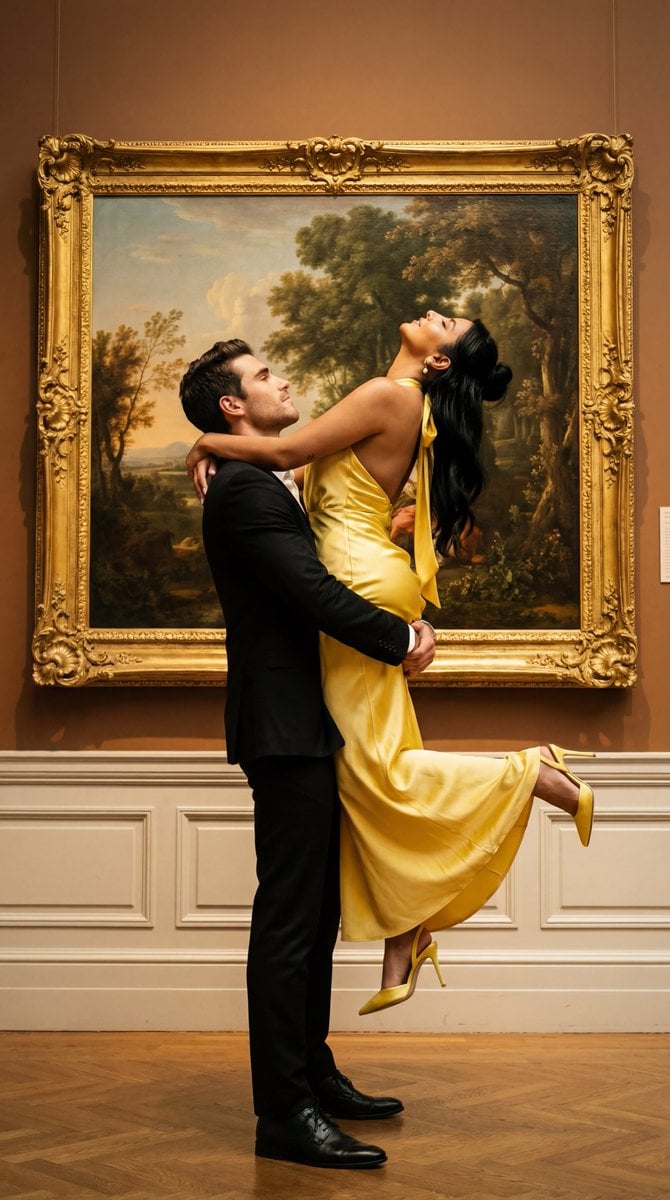
Cinematic Fine Art Couple Portrait with Reference Image Locking
Browse template categories
Clean Minimalist Player Editorial Poster questions
How do I use the clean-minimalist-player-editorial-poster template?
Add your photo if the template asks for one, edit the prompt if you like — the template's model and format are already selected — and press Generate. Your version opens in PicX Studio.
Can I customize the clean-minimalist-player-editorial-poster template?
Yes. You can change the subject, setting, lighting, mood, format, and available model controls before creating your image.
Is the clean-minimalist-player-editorial-poster template free?
Opening and editing this template is free. Generating uses credits, shown on the Generate button when you are signed in.
Which AI model should I use?
Choose a compatible model in PicX Studio based on the style, speed, and output controls your project needs.
Looking for something else? Browse all templates.

Your photo, any look
Thousands of ready templates for every top image and video model, from one credit balance.