
Grainy Paris Café Film Scene
A moody vintage documentary-style café photograph with two anonymized patrons, marble tables, cigarettes, espresso cups, and cinematic low light.

- Prompt included
- Model and format preset
- Free template
The prompt behind this image
Copy the exact prompt behind Grainy Paris Café Film Scene, or open it in the studio and make it yours.
Create a grainy cinematic 35mm street-photography style image inside an old European café at night, with a muted green-yellow color cast, soft window reflections, low available light, shallow depth of field, and the feeling of a candid documentary photo. The scene shows exactly two seated patrons: on the left, {argument name="left patron" default="a woman with long dark hair in a black coat, holding a cigarette near her face"}, and on the right, {argument name="right patron" default="a man in a gray coat sitting behind her at another table, looking downward at a newspaper"}. Both faces are intentionally obscured by plain dark square blocks for anonymity. Include exactly three round marble café tables: one foreground table on the left with a white espresso cup and saucer, a small drinking glass, a black ashtray, and a cigarette pack; one middle-right table with a white espresso cup and saucer, a clear water glass, and folded newspapers; and one blurred empty foreground table at the bottom right. Include exactly three visible bentwood café chairs: one behind the middle-right table, one partially visible at bottom right, and one dark chair shape near the left patron. Add an old wall menu board in the upper left with hand-lettered text reading “PORTO ROUGE FINS C 250.” The background should contain dark wood paneling, mirrors or glass doors, a vague reflected figure, and a bright greenish doorway or window on the far right. Use {argument name="lighting mood" default="dim smoky café lighting with soft highlights and deep shadows"}, {argument name="film stock look" default="aged color negative film, visible grain, slight blur, vignetting"}, and {argument name="aspect ratio" default="4:3 horizontal frame"}. Avoid modern objects, crisp digital sharpness, clean studio lighting, or any additional people in the foreground.
How to use Grainy Paris Café Film Scene in 3 steps
- 1Upload ImagePNG, JPG or paste
Add your photo
Upload the photo the template builds on. The prompt, model and format are already set.
- 2…a portrait of your subject in softgolden-hour light, 85mm…
Personalize
Edit the subject and creative details for your destination.
- 3Generate
Generate
Press Generate — your image is created in PicX Studio, so you can compare it with the original and refine one variable at a time.
More like this
Templates with the same subject, style or setup. Open one to see its prompt.

Nano Banana - Paris Cafe Editorial
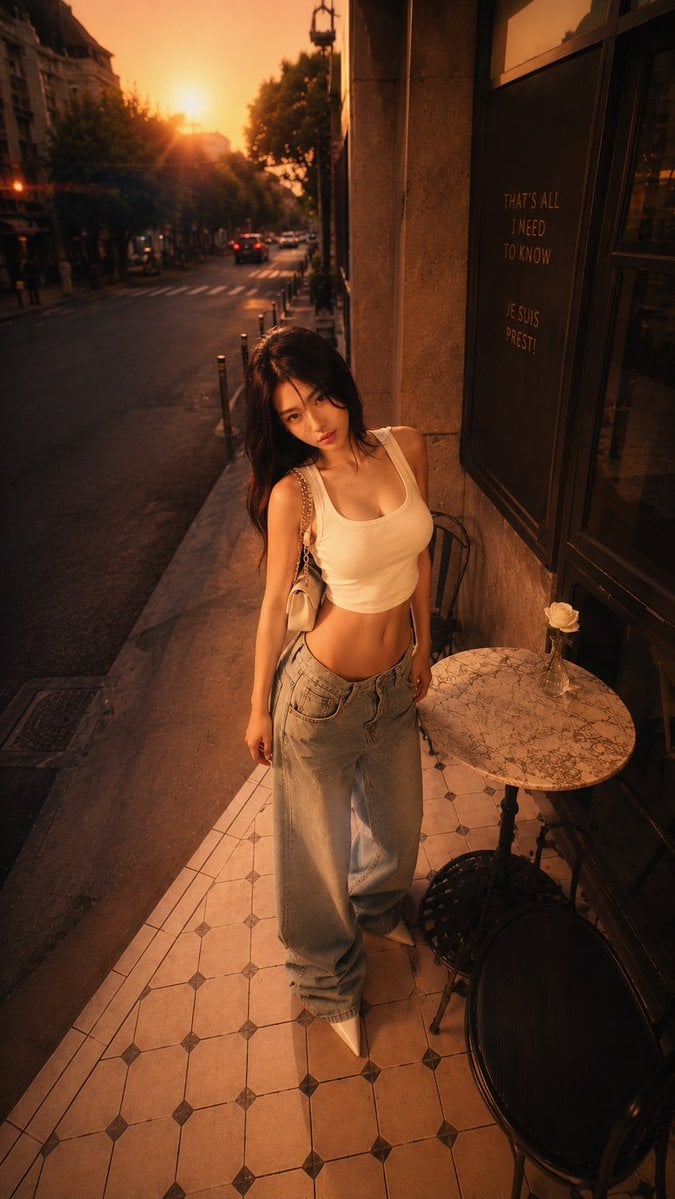
Golden Hour Paris Café Portrait

Sepia Family Portrait Studio

Monogram Luggage Cart

Statue Garden Twilight

Opera Glasses Velvet Seat

Fountain Pen Ink Splash

Manor Garden Topiary Path

Black And White Piano Keys

Cigar Lounge Leather Smoke

Fountain Plaza Pigeons

Marble Staircase Fashion
Make it yours
Grainy Paris Café Film Scene works as-is. These are the safest ways to change it without losing the look.
Change one field
Copy a single group, rewrite it, and generate again so you can see what that field is doing.
Keep the frame, change the subject
Hold the composition and light of Grainy Paris Café Film Scene, then swap wardrobe, props or the person for a new take.
| If the result… | Why | Fix |
|---|---|---|
| The result drifts from the preview | Too many fields changed at once. | Reuse Grainy Paris Café Film Scene as-is first, then change one group — subject, light, or setting. |
| The model over-stylizes the scene | The prose prompt leaves finish and camera underspecified. | Add one camera or lighting sentence and stay on GPT Image 2. |
More GPT Image 2 templates
Other prompts made for GPT Image 2.

Six VTuber Japanese Logo Sheet

Realistic Portrait of Woman and Deer

The Vista Modular Condo Poster

AI Model Routing Comparison Infographic

2.5D Anime Art Board

Isometric Productivity Desk Scene

New York Double Exposure Poster

Four-Panel AI Landscape Comparison

Japanese Tatami Lifestyle Magazine Cover

NESCAFÉ Coffee Map Poster
More image prompts
Fresh picks from across the catalog.
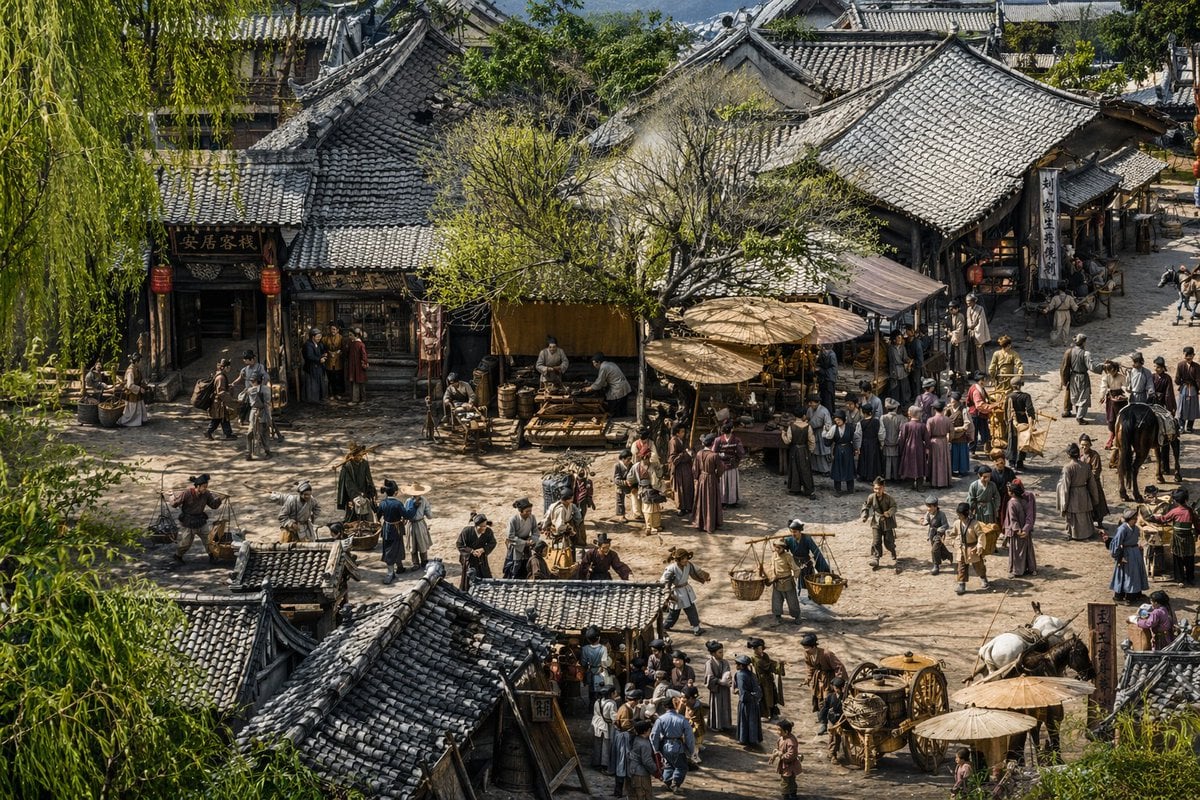
Realistic Ancient Chinese Street Scene
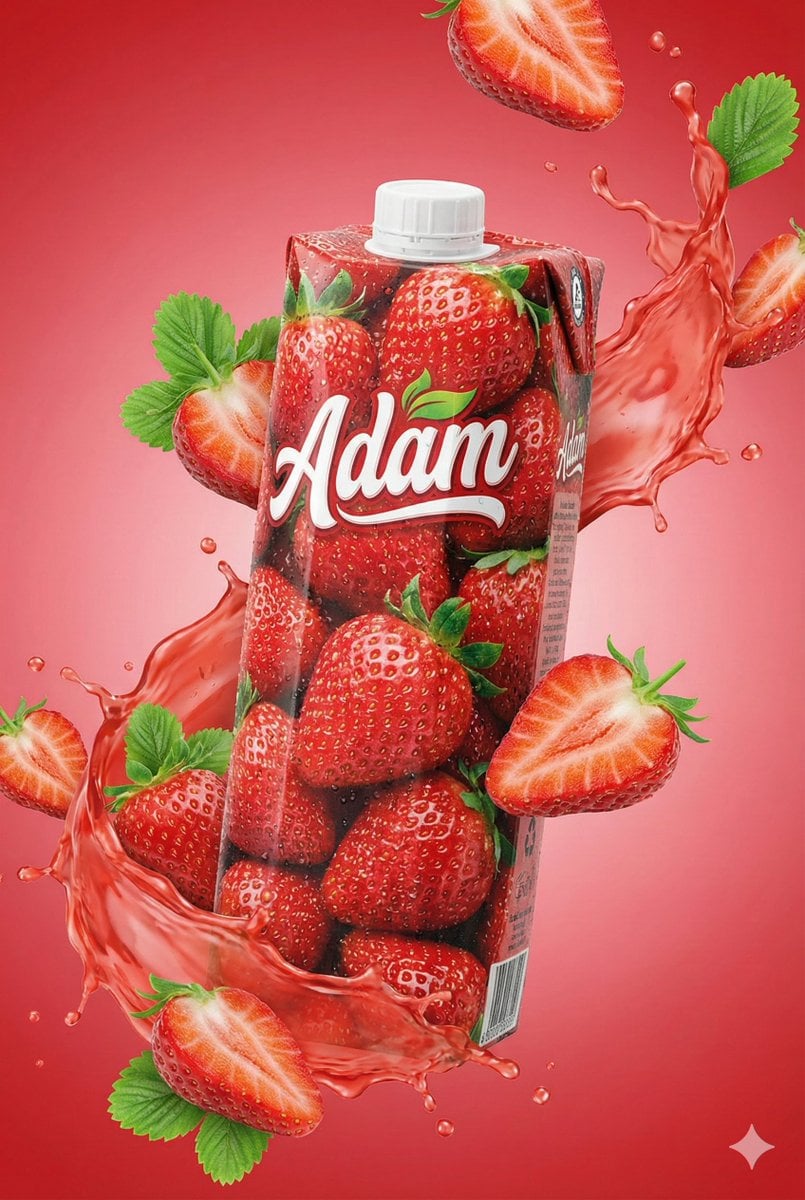
Commercial Juice Box Photography Prompt

E-commerce Tech Infographic

Glittering Host Club Birthday Event Poster

Structured Indonesian Food Infographic Prompt
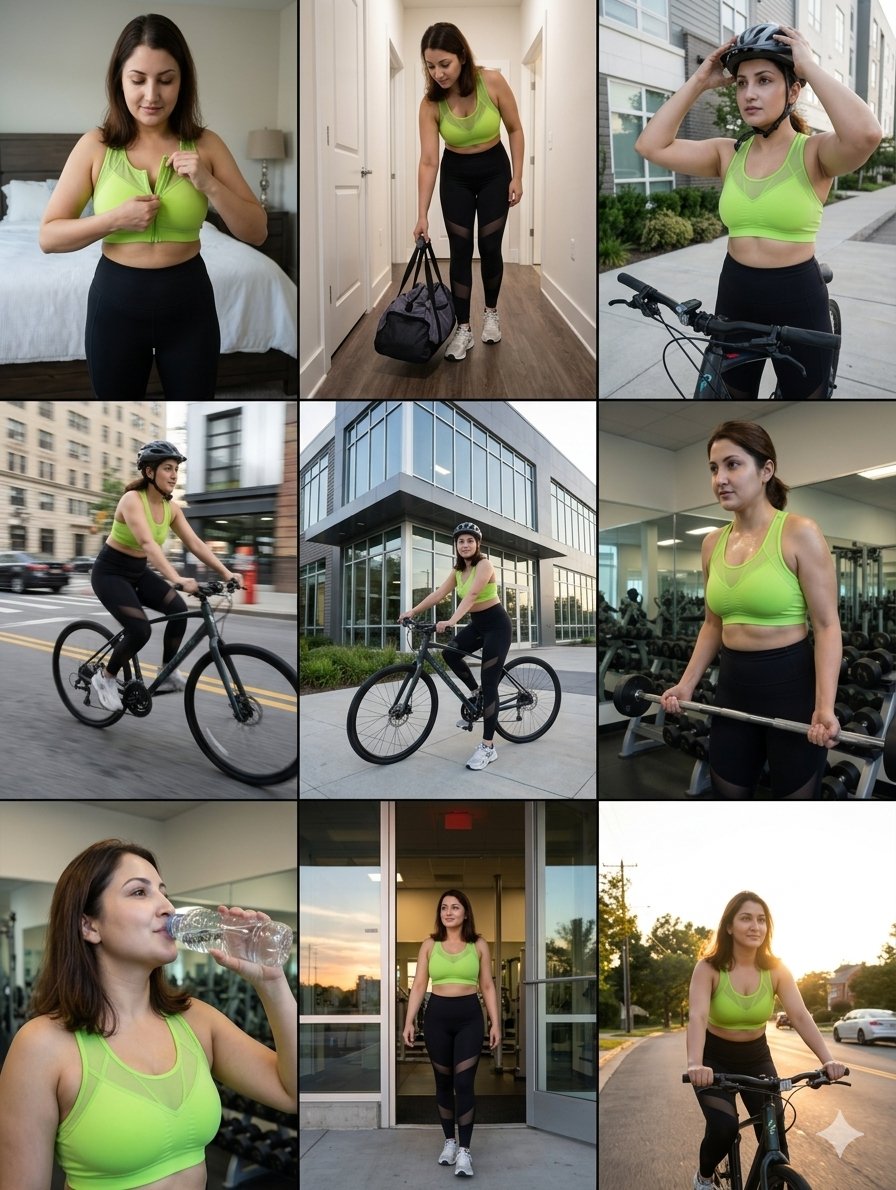
Storytelling of a Gym Girl
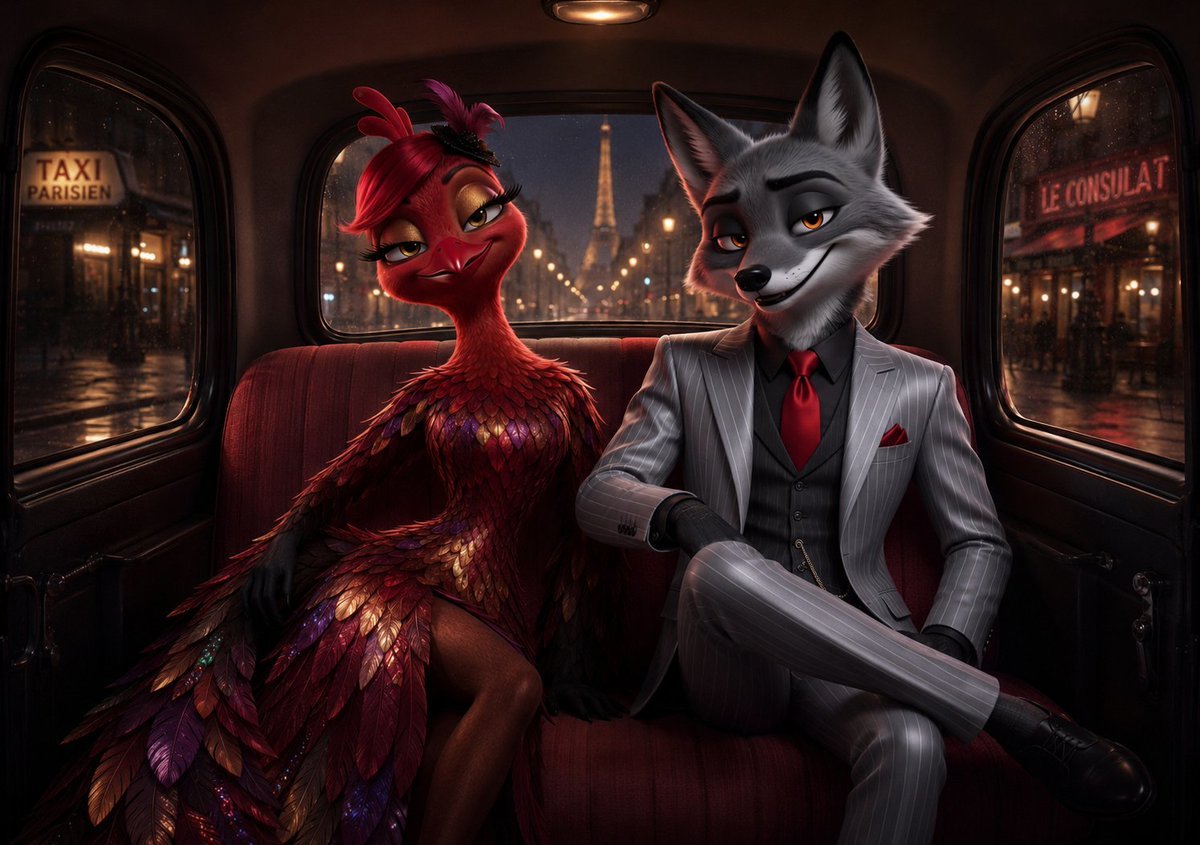
Noir Paris Taxi Anthro Couple
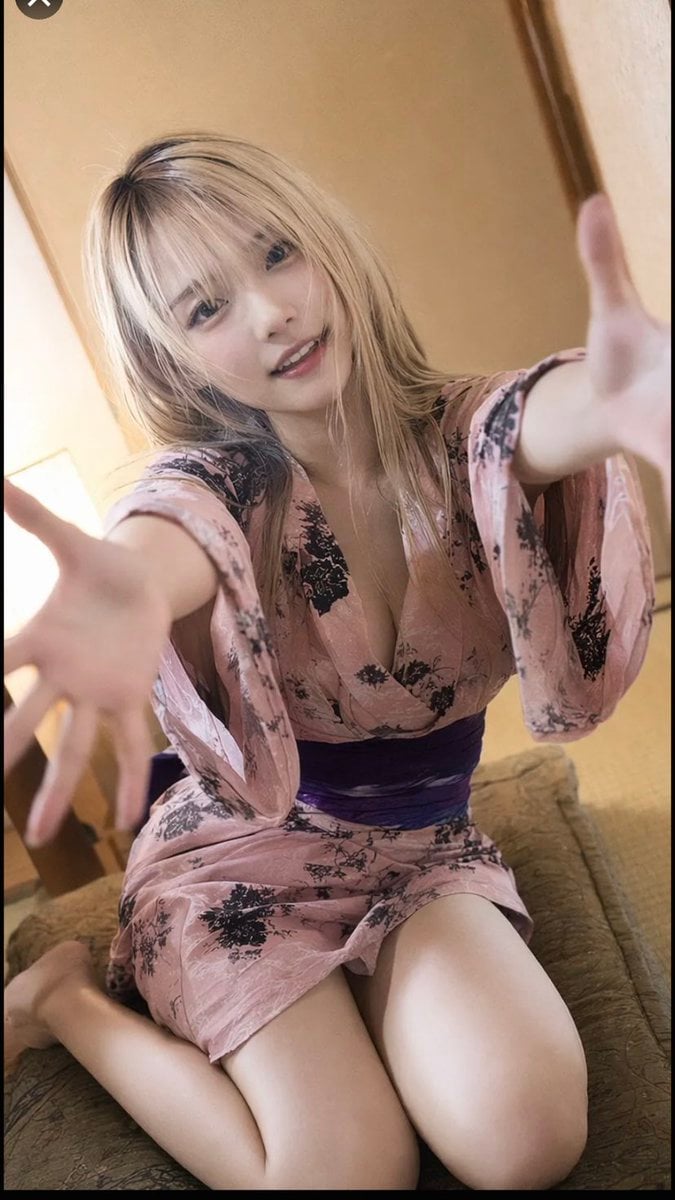
Photorealistic Yukata Portrait
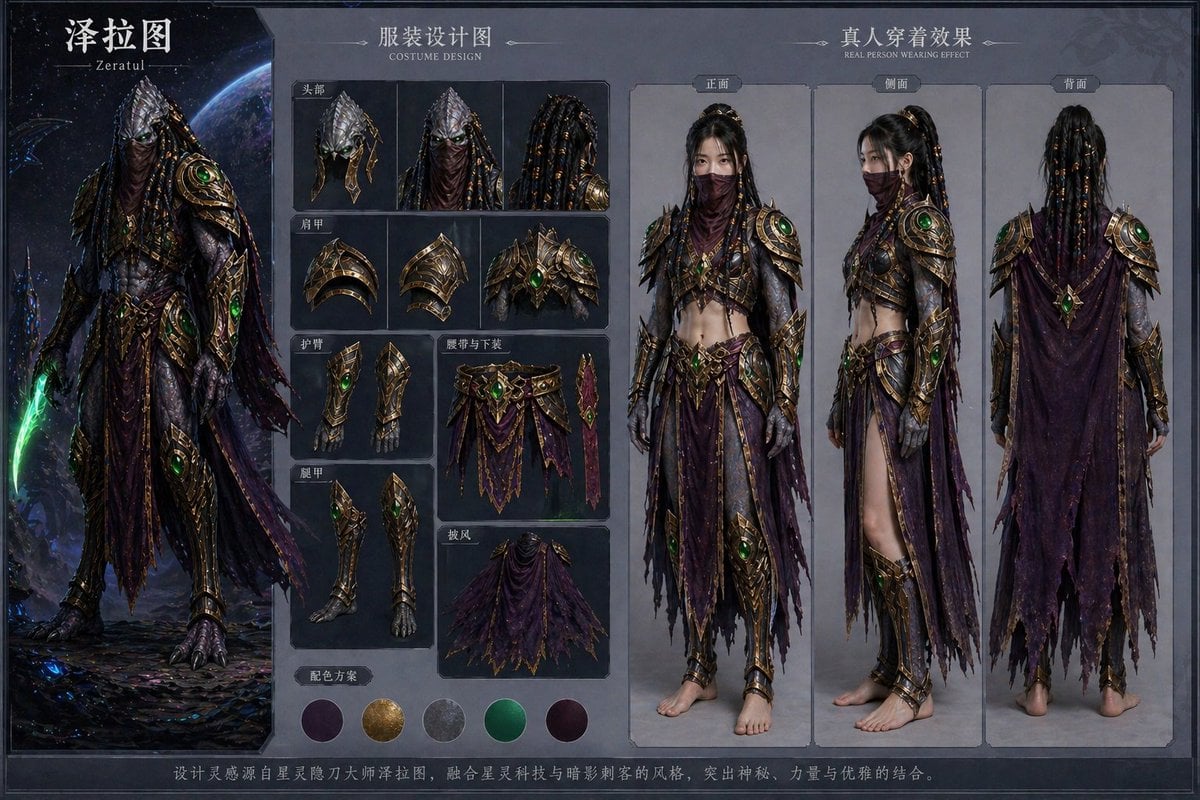
Character Costume Design Transfer
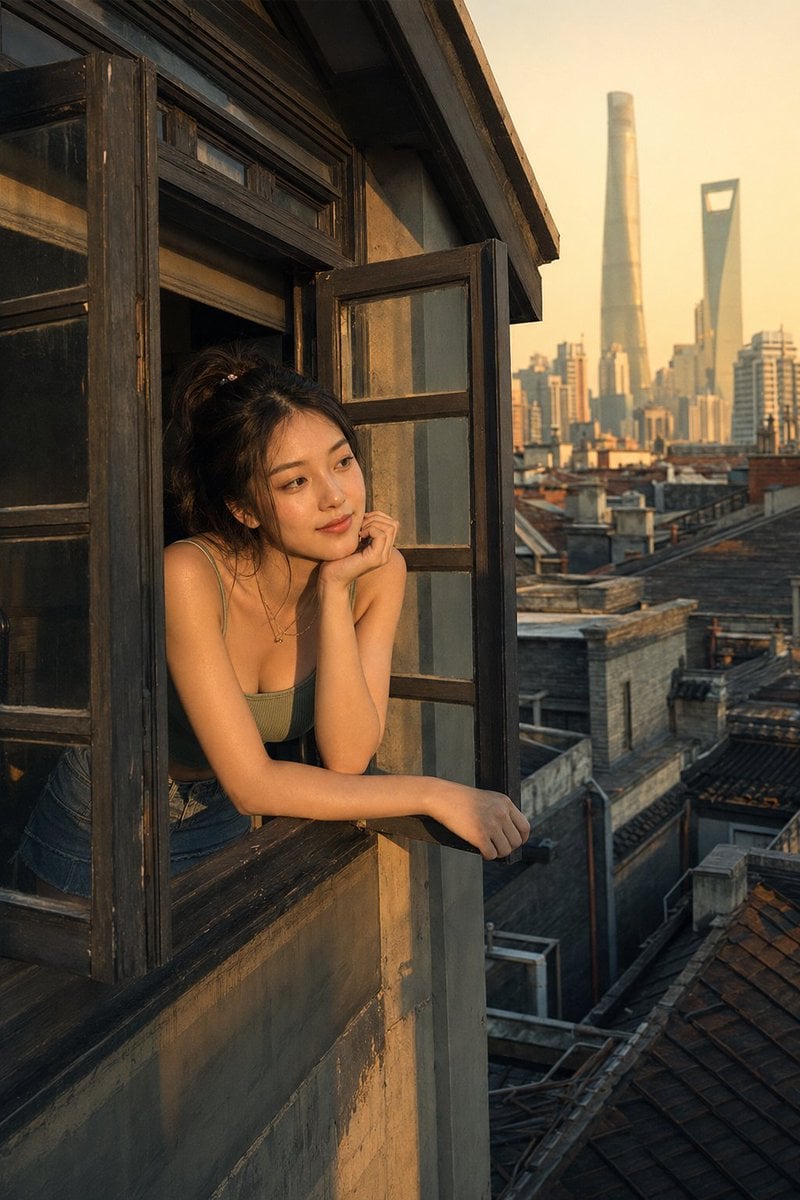
Shanghai Shikumen Window Portrait
Browse template categories
Grainy Paris Café Film Scene questions
How do I use the Grainy Paris Café Film Scene template?
Add your photo if the template asks for one, edit the prompt if you like — the template's model and format are already selected — and press Generate. Your version opens in PicX Studio.
Can I customize the Grainy Paris Café Film Scene template?
Yes. You can change the subject, setting, lighting, mood, format, and available model controls before creating your image.
Is the Grainy Paris Café Film Scene template free?
Opening and editing this template is free. Generating uses credits, shown on the Generate button when you are signed in.
Which AI model should I use?
Start with GPT Image 2, which is the model associated with this template. You can compare another compatible model for a different finish.
Looking for something else? Browse all templates.

Your photo, any look
Thousands of ready templates for every top image and video model, from one credit balance.