
Realistic Ancient Chinese Street Scene
Generates a hyper-detailed, bustling historical street scene inspired by classic Chinese scroll paintings.
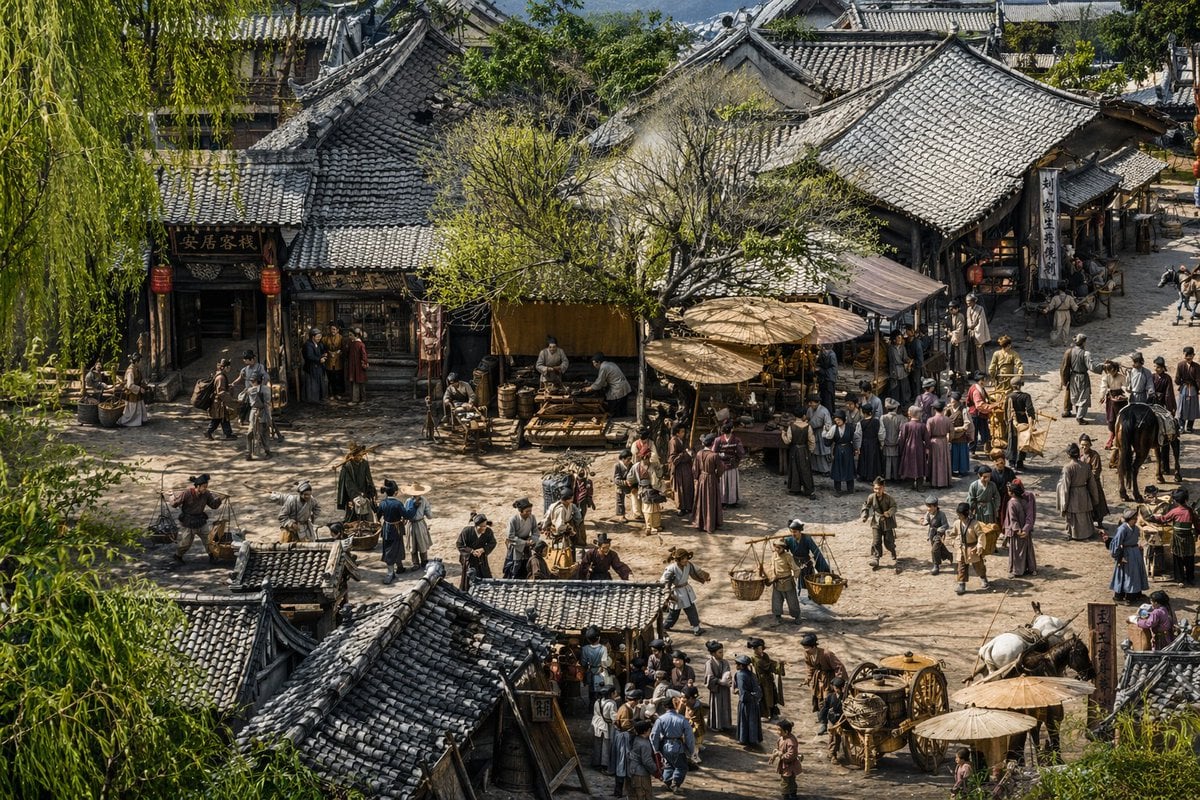
- Prompt included
- Model and format preset
- Free template
The prompt behind this image
Copy the exact prompt behind Realistic Ancient Chinese Street Scene, or open it in the studio and make it yours.
A highly detailed, {argument name="art style" default="hyper-realistic cinematic 3D render"} of an {argument name="historical setting" default="ancient Chinese street scene inspired by Along the River During the Qingming Festival"}. The elevated, wide-angle perspective looks down upon a bustling dirt crossroad surrounded by traditional wooden buildings with intricate grey tiled roofs. On the left, a building features a sign reading "安居客栈" with red lanterns hanging outside. The scene is densely populated with dozens of villagers, merchants, and travelers in traditional period clothing. People are engaged in various activities: carrying woven baskets on shoulder poles, tending to market stalls under large wooden parasols, riding horses, and pulling a wooden cart with large spoked wheels in the lower right. A large, leafy green tree stands centrally among the shops, and weeping willow branches frame the extreme left foreground. The atmosphere is lively and dusty, illuminated by {argument name="lighting" default="warm afternoon sunlight"} that casts sharp, intricate shadows across the highly textured, hyper-detailed environment.
How to use Realistic Ancient Chinese Street Scene in 3 steps
- 1Upload ImagePNG, JPG or paste
Add your photo
Upload the photo the template builds on. The prompt, model and format are already set.
- 2…a portrait of your subject in softgolden-hour light, 85mm…
Personalize
Edit the subject and creative details for your destination.
- 3Generate
Generate
Press Generate — your image is created in PicX Studio, so you can compare it with the original and refine one variable at a time.
More like this
Templates with the same subject, style or setup. Open one to see its prompt.

Two Tickets, One Night

Meet Me When It Rains

Two Hearts. One Scooter.

1986 Street Couple

1985 Street Scene
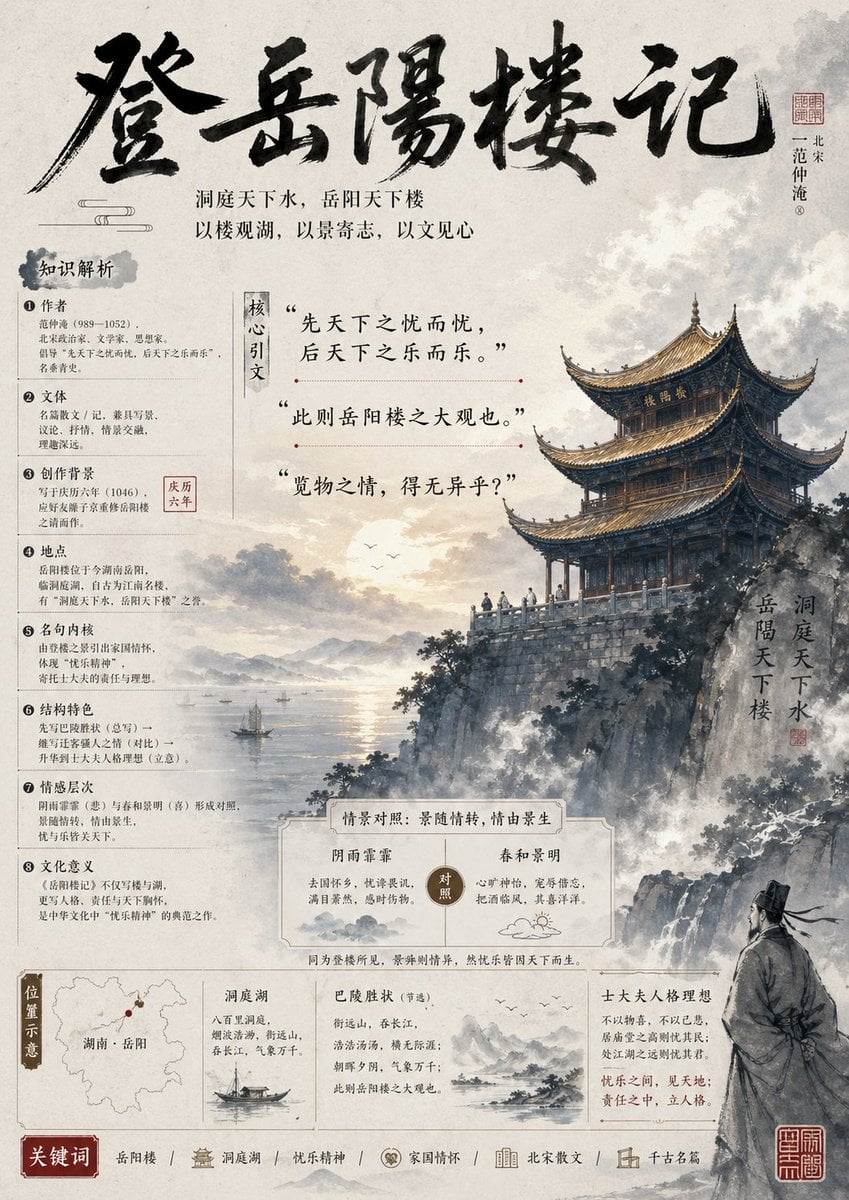
Ancient Chinese Literature PPT Poster
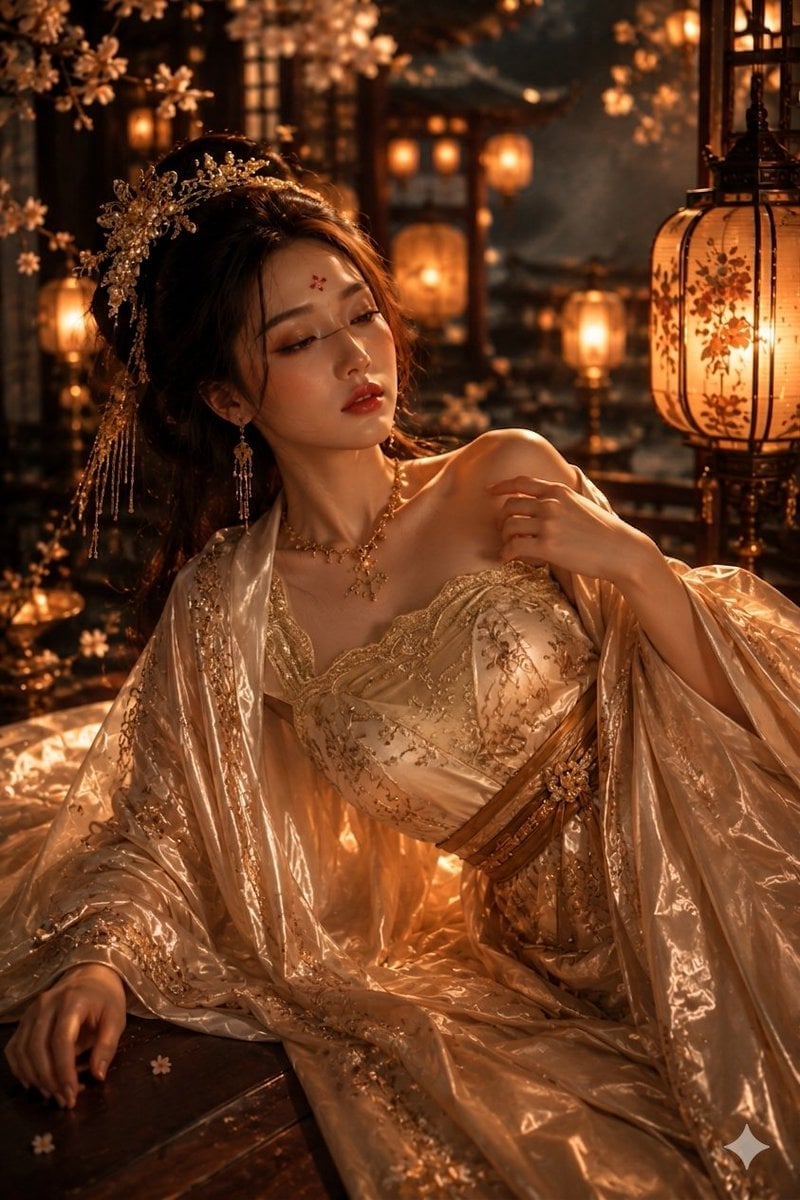
Ancient Chinese Empress Palace Portrait

Cinematic Street Fashion Portrait Motion Blur Crowd

Blue Hour Editorial Fashion Portrait
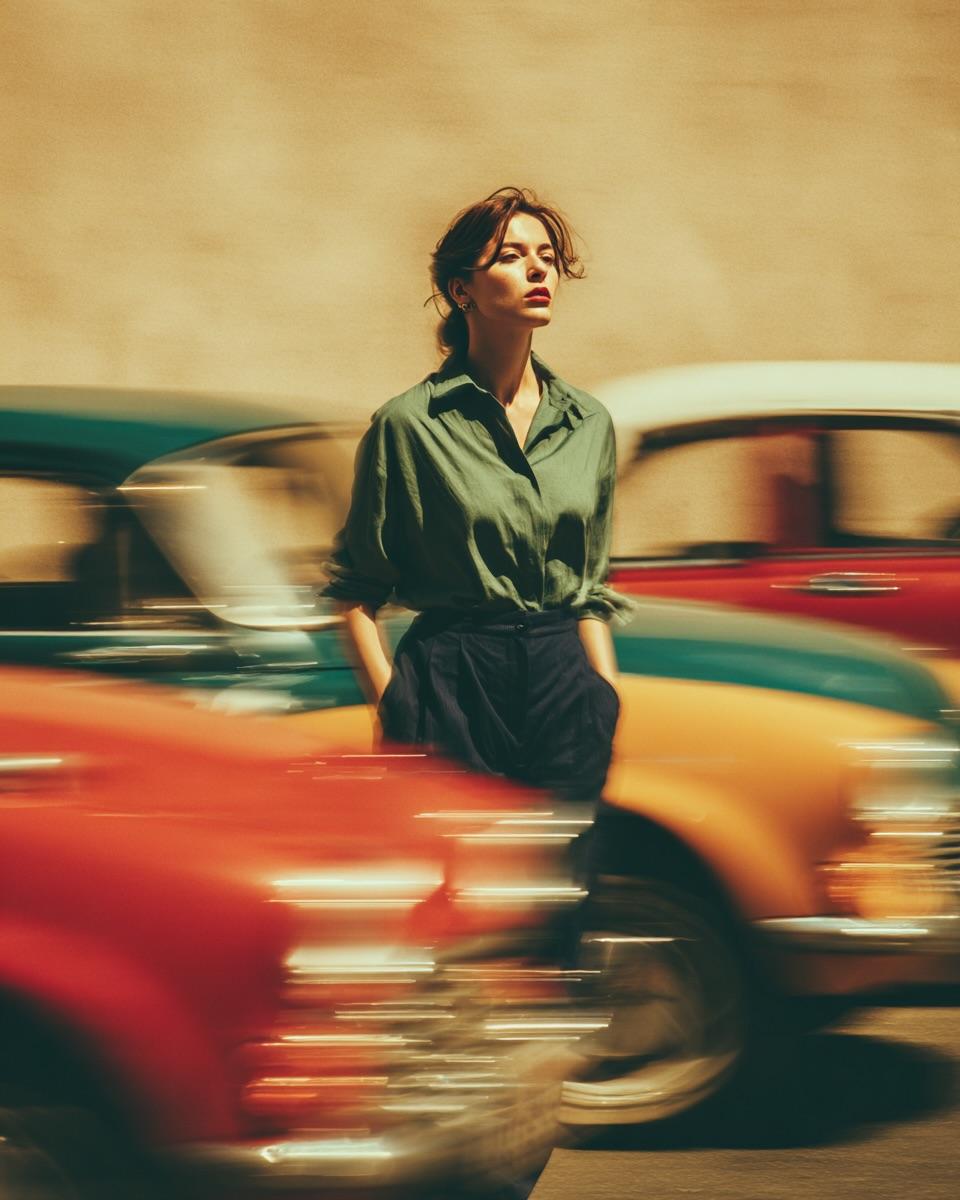
Golden Hour Street Motion Portrait

Face-Locked Cream Half-Zip Street Walk

Golden Hour Fedora Bar Doorway Street Style
Make it yours
Realistic Ancient Chinese Street Scene works as-is. These are the safest ways to change it without losing the look.
Change one field
Copy a single group, rewrite it, and generate again so you can see what that field is doing.
Keep the frame, change the subject
Hold the composition and light of Realistic Ancient Chinese Street Scene, then swap wardrobe, props or the person for a new take.
| If the result… | Why | Fix |
|---|---|---|
| The result drifts from the preview | Too many fields changed at once. | Reuse Realistic Ancient Chinese Street Scene as-is first, then change one group — subject, light, or setting. |
| The model over-stylizes the scene | The prose prompt leaves finish and camera underspecified. | Add one camera or lighting sentence and stay on GPT Image 2. |
More GPT Image 2 templates
Other prompts made for GPT Image 2.

Six VTuber Japanese Logo Sheet

Realistic Portrait of Woman and Deer

The Vista Modular Condo Poster

AI Model Routing Comparison Infographic

2.5D Anime Art Board

Isometric Productivity Desk Scene

New York Double Exposure Poster

Four-Panel AI Landscape Comparison

Japanese Tatami Lifestyle Magazine Cover

NESCAFÉ Coffee Map Poster
More image prompts
Fresh picks from across the catalog.
AI Image Generation Prompts for Multiple Angles
Anime Face Mask Portrait Template
Anime-style seated portrait from face image
Y2K Aesthetic Mirror Selfie Prompt
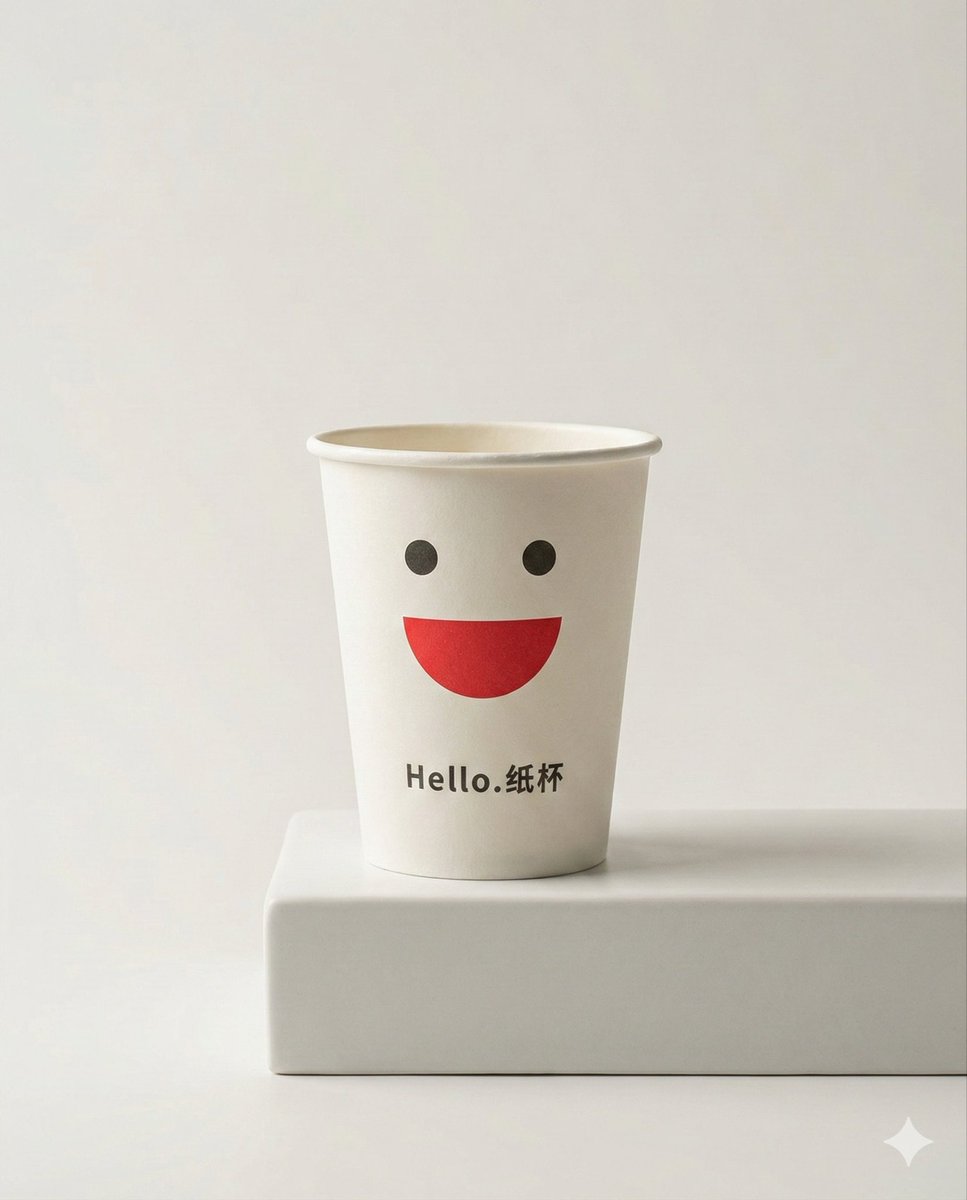
Luxury minimalist product photography based on a reference image
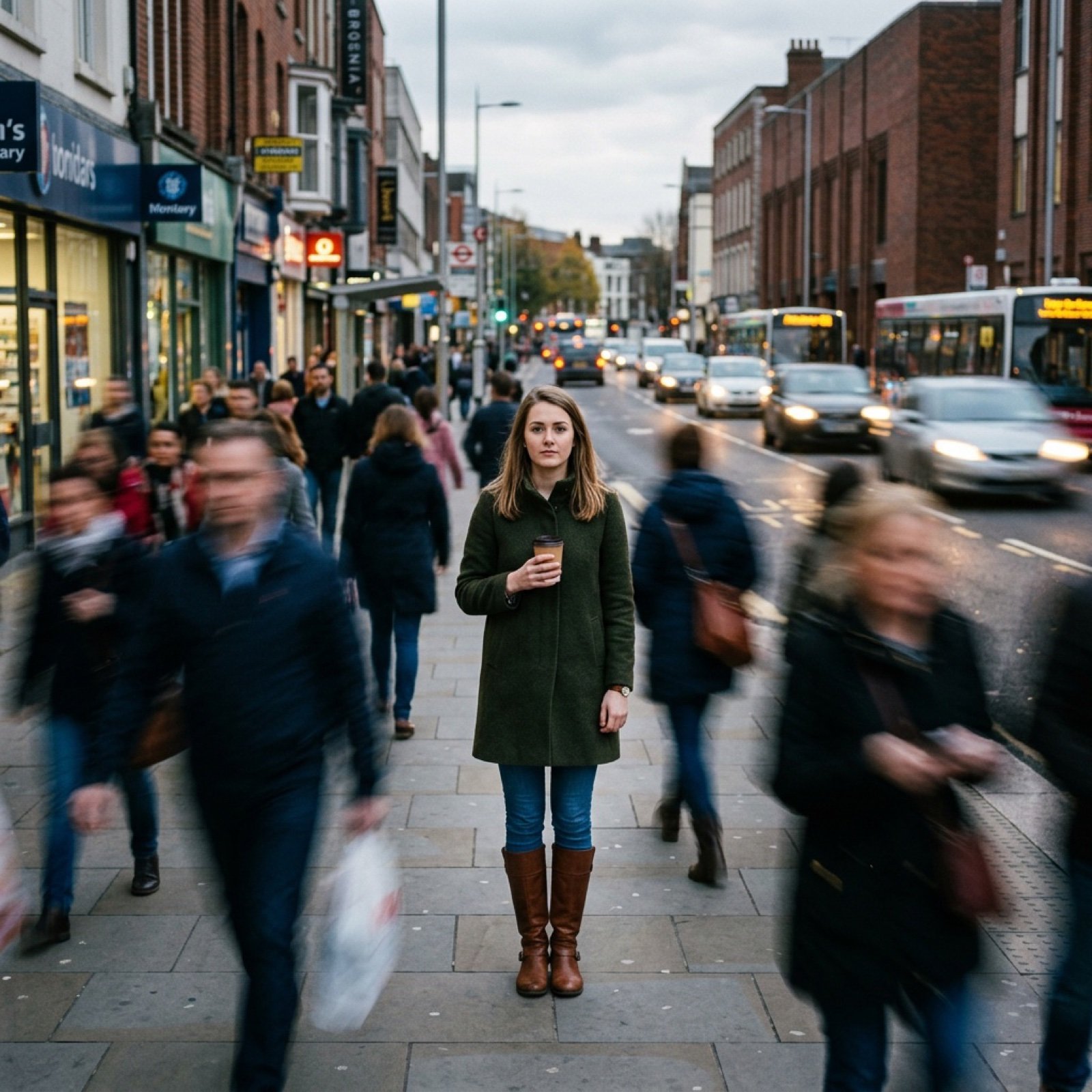
Motion Prompt: Static Subject with Dynamic Background
Nano Banana Pro Prompt (ALT Text)
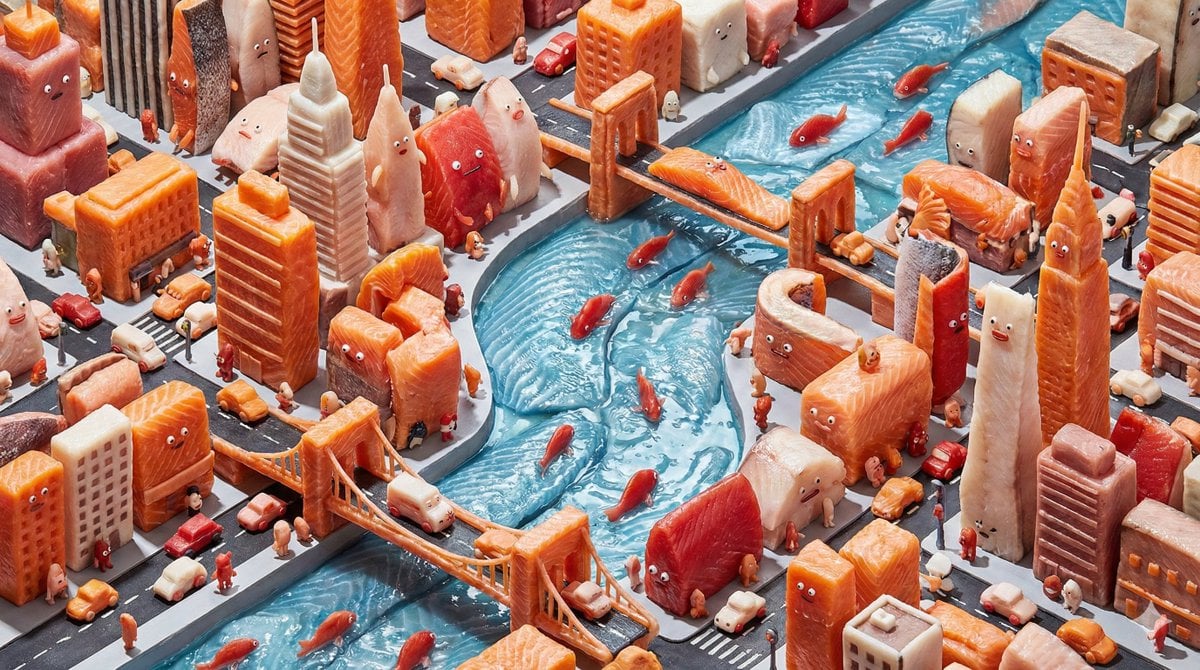
Surreal Hyperrealistic Salmon Fillet World Prompt
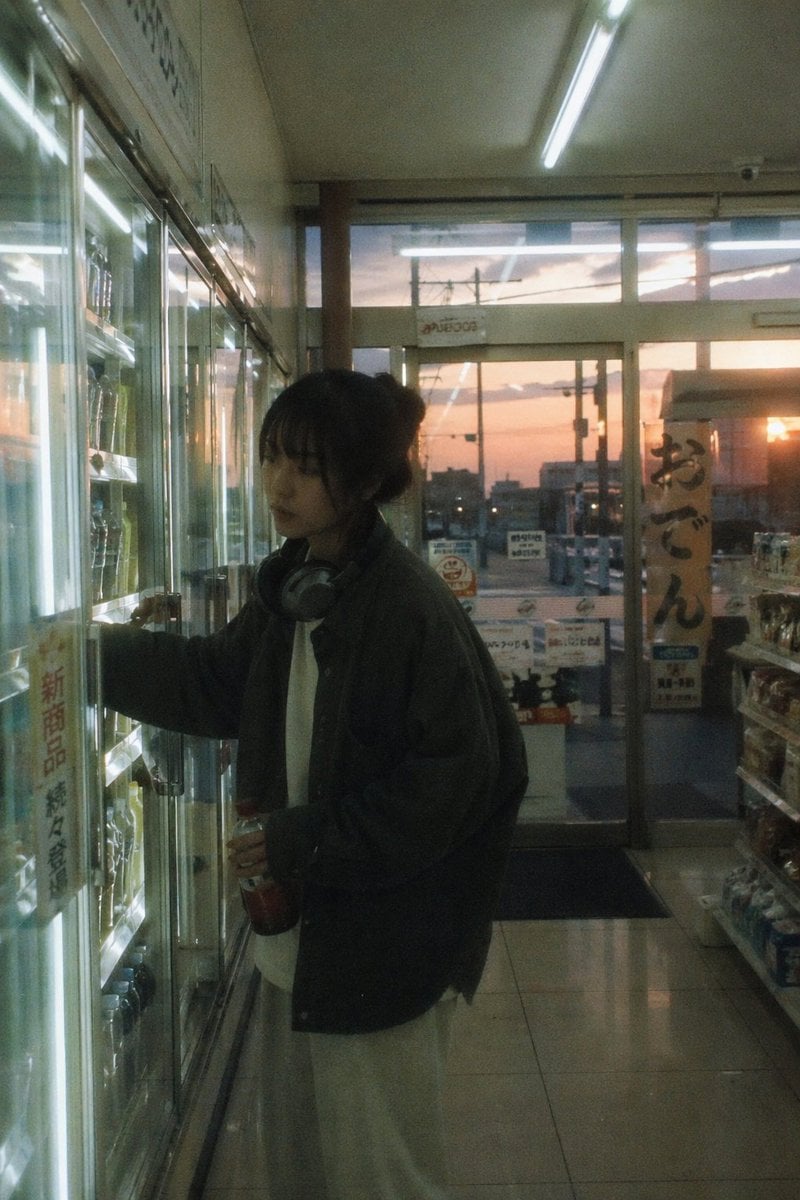
Japanese Negative Film Aesthetic
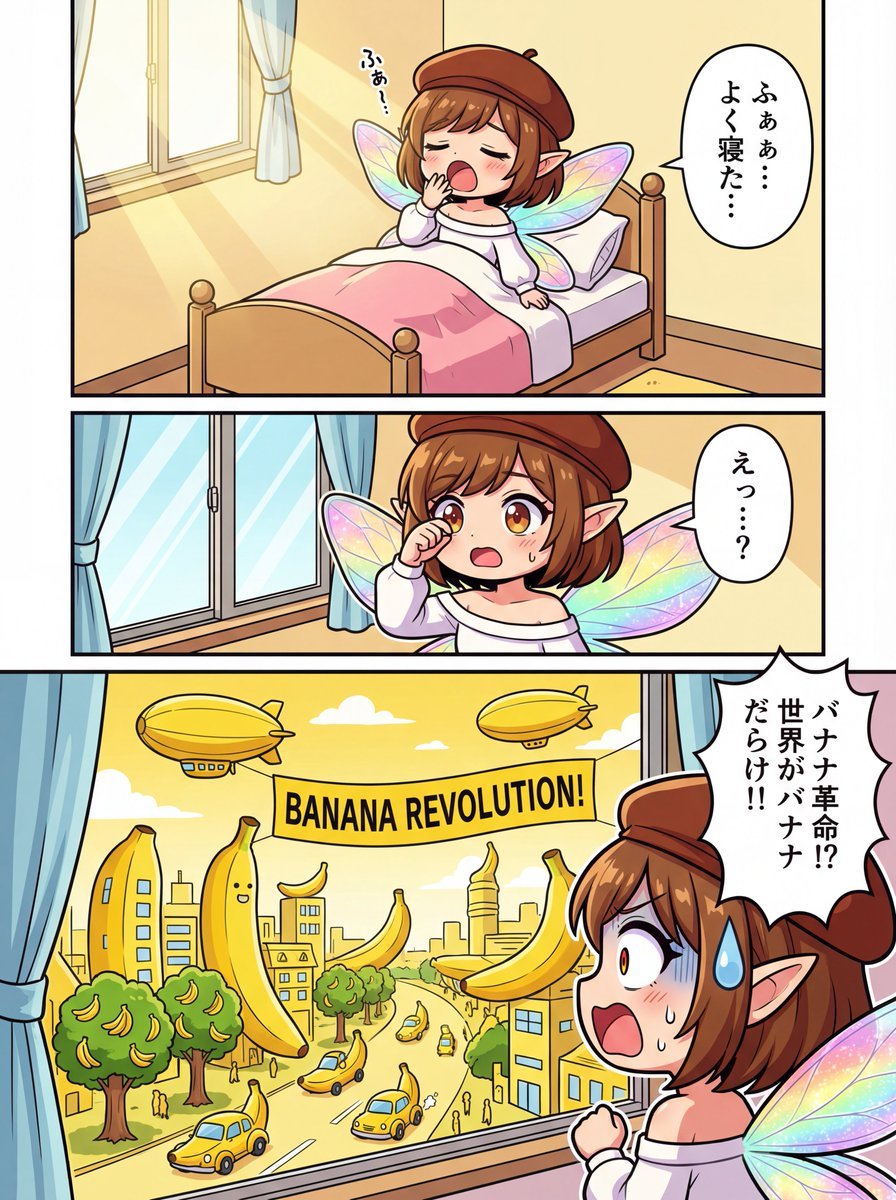
One-page color manga about the Banana Revolution
Browse template categories
Realistic Ancient Chinese Street Scene questions
How do I use the Realistic Ancient Chinese Street Scene template?
Add your photo if the template asks for one, edit the prompt if you like — the template's model and format are already selected — and press Generate. Your version opens in PicX Studio.
Can I customize the Realistic Ancient Chinese Street Scene template?
Yes. You can change the subject, setting, lighting, mood, format, and available model controls before creating your image.
Is the Realistic Ancient Chinese Street Scene template free?
Opening and editing this template is free. Generating uses credits, shown on the Generate button when you are signed in.
Which AI model should I use?
Start with GPT Image 2, which is the model associated with this template. You can compare another compatible model for a different finish.
Looking for something else? Browse all templates.

Your photo, any look
Thousands of ready templates for every top image and video model, from one credit balance.