
Editorial Typography Product Poster
A specialized prompt for generating professional editorial posters that preserve a product's exact likeness while adding modern typography and clean backgrounds.
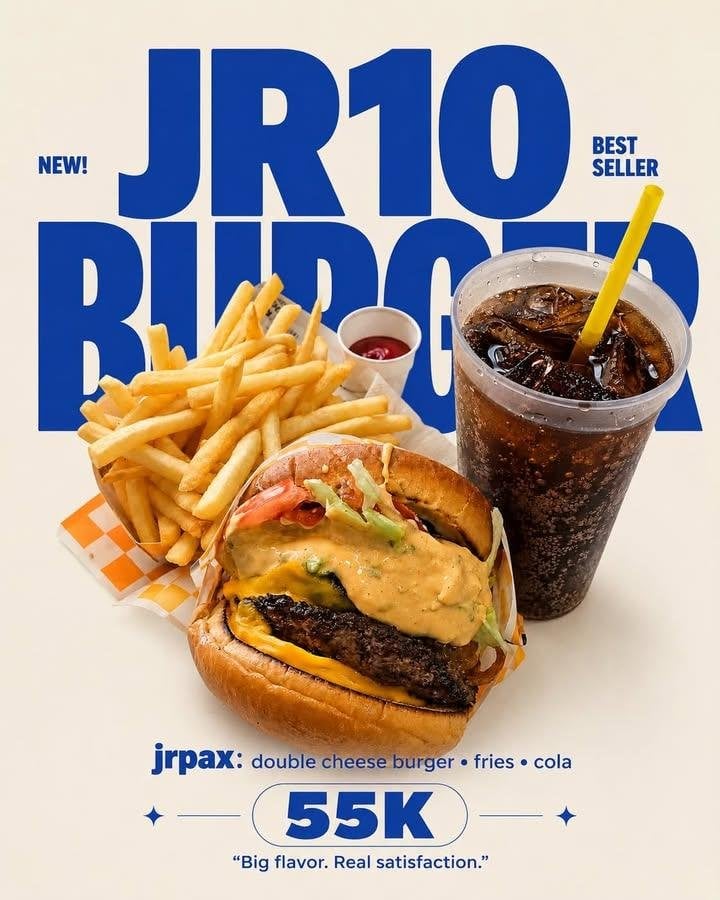
- Prompt included
- Model and format preset
- Premium template
The prompt behind this image
Copy the exact prompt behind Editorial Typography Product Poster, or open it in the studio and make it yours.
EDITORIAL TYPOGRAPHY PRODUCT POSTER MASTER PRODUCT PRESERVATION V1 FINAL EDIT SECTION Aspect Ratio : […] Background Color : {argument name="background color" default="[…..]"} Typography Color : {argument name="typography color" default="[…..]"} Brand Name : {argument name="brand name" default="[…..]"} Product Name : […..] Price : [….] Quote : [automatic] Use the uploaded image(s) as the only product reference. The uploaded image may contain a single product, multiple products or collage images. Preserve the uploaded product approximately 99% exactly as photographed. Maintain the original shape, proportions, size, perspective, texture, material, colors, packaging, logo, labels, toppings, fillings, decorations, reflections, transparency, gloss, imperfections, cooking characteristics and every authentic visual detail exactly as shown. Remove only the original background while keeping every product completely unchanged. Replace the background with a clean seamless solid background using the selected background color. Keep every detected product in its original appearance without redesigning, reconstructing or beautifying any part. TYPOGRAPHY LAYOUT Create a bold modern editorial typography composition. Position the large Brand Name behind the product so the product naturally overlaps part of the typography. Place the Product Name below the product using a smaller bold font. Place the Price below the Product Name as a secondary focal point. Generate one short commercial quote automatically according to the uploaded product. Maintain generous spacing, strong visual hierarchy and premium advertising balance. OUTPUT STYLE Premium commercial poster, minimalist editorial design, clean composition, bold typography, authentic product preservation, realistic lighting, subtle natural shadow, print-ready quality. Never : regenerate products, redraw products, alter shape, alter proportions, alter colors, alter textures, alter packaging, alter logo, alter labels, alter toppings, alter fillings, beautify products, replace products, duplicate products, add props, add decorative objects, add tables, add plates, add packaging, add stickers, add borders, add frames, add patterns, crop products, obscure products, change product identity.
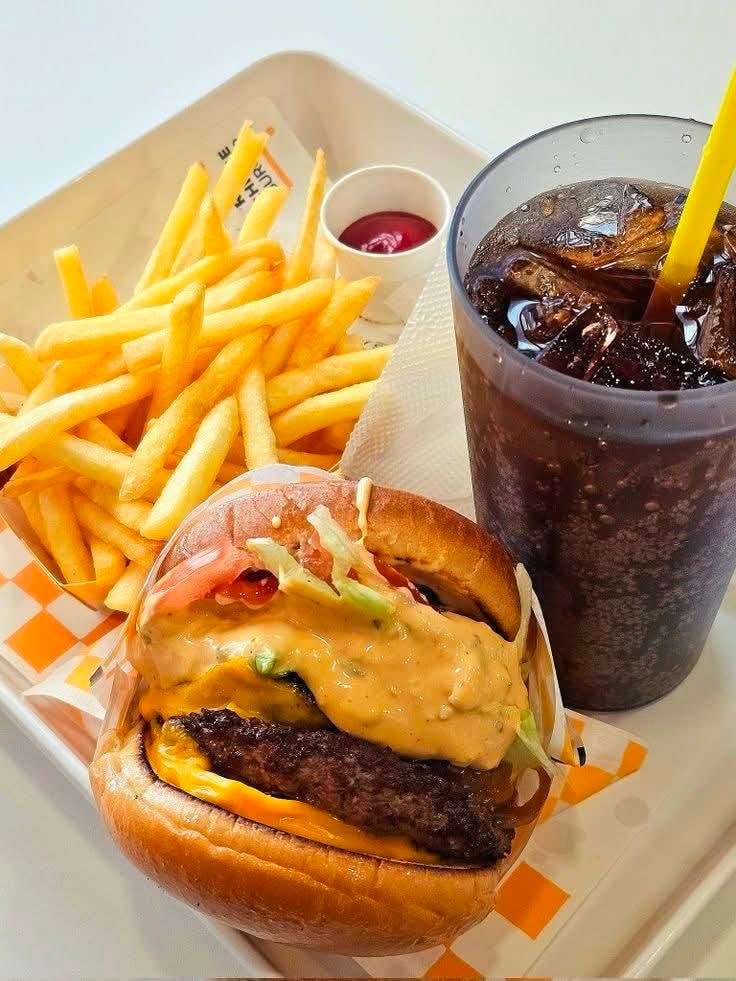
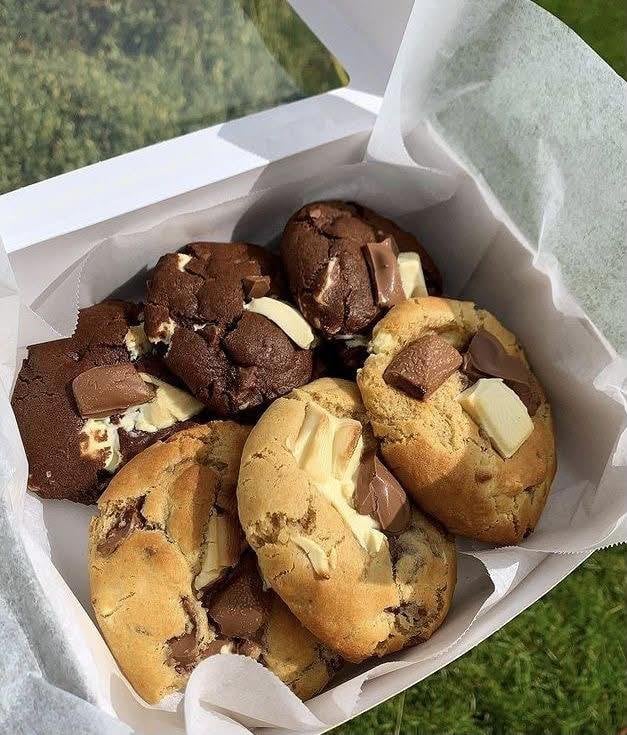
Reference images included
Editorial Typography Product Poster needs input media to work. They load alongside the prompt when you open it in the studio.
How to use Editorial Typography Product Poster in 3 steps
- 1Upload ImagePNG, JPG or paste
Add your photo
Upload the photo the template builds on. The prompt, model and format are already set.
- 2…a portrait of your subject in softgolden-hour light, 85mm…
Personalize
Edit the subject and creative details for your destination.
- 3Generate
Generate
Press Generate — your image is created in PicX Studio, so you can compare it with the original and refine one variable at a time.
More like this
Templates with the same subject, style or setup. Open one to see its prompt.

Typography Mask Editorial Fashion Poster

Luxury Sliced Wordmark Player Poster

Luxury Fashion Campaign Typography Poster System

Premium Vintage Travel Poster Landscape

Parle Hide and Seek Cookie Campaign Poster

Gpt2 Product Marketing Streetwear Sneaker Poster Ad

Aura Buds Poster Shoot Creative
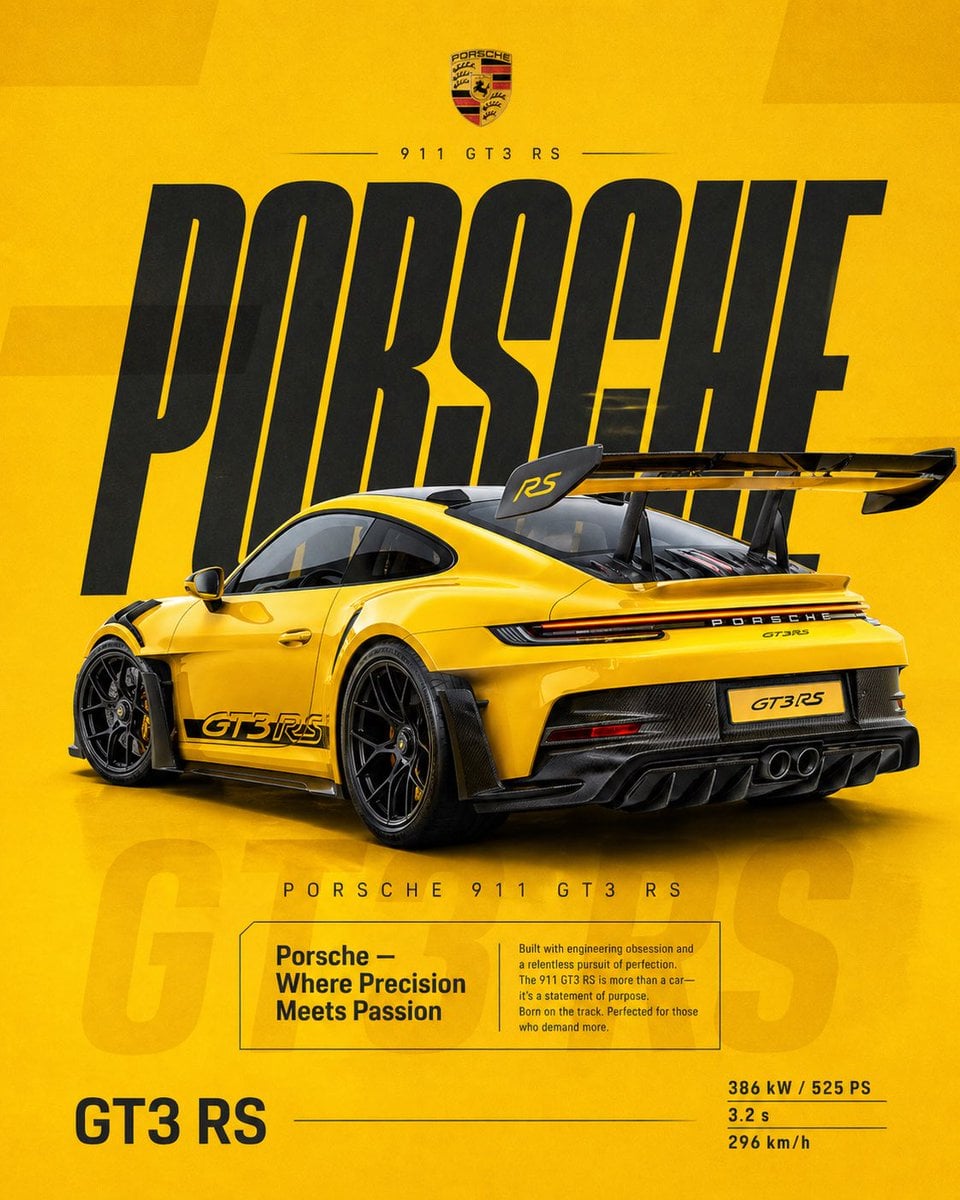
Dual Car Typography Poster Series

Japan Travel Brochure Poster

Brutalist Cogito Chinese Typography Poster
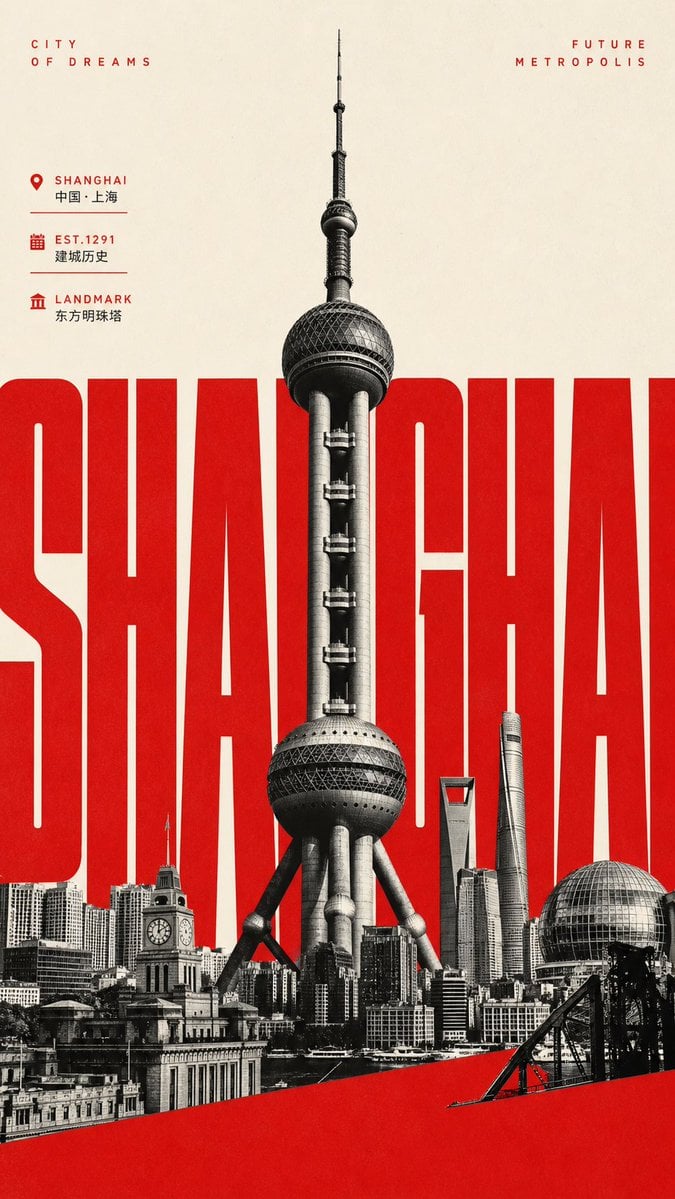
Giant Typography Shanghai Travel Poster
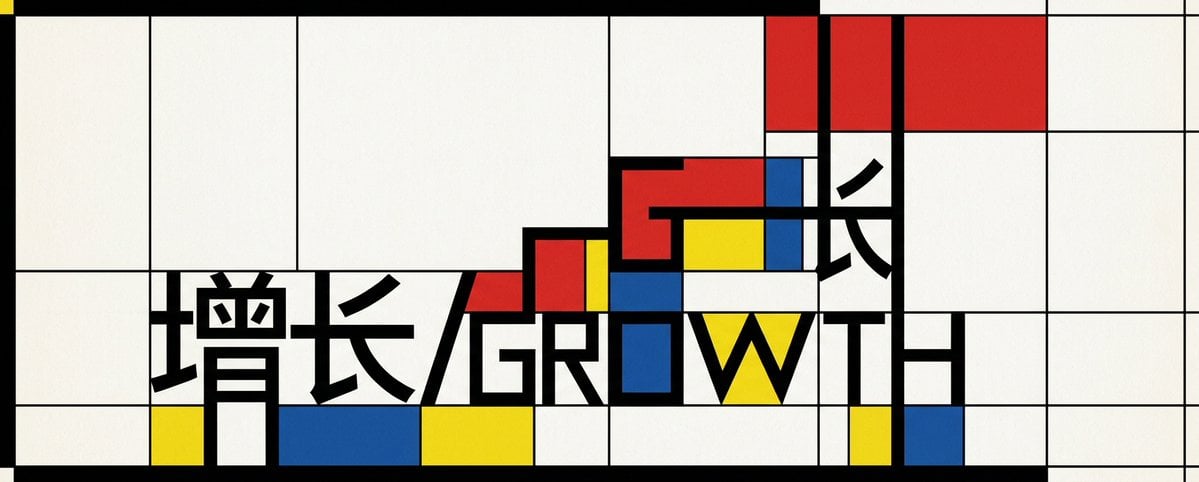
Mondrian Growth Typography Poster
Make it yours
Editorial Typography Product Poster works as-is. These are the safest ways to change it without losing the look.
Change one field
Copy a single group, rewrite it, and generate again so you can see what that field is doing.
Keep the frame, change the subject
Hold the composition and light of Editorial Typography Product Poster, then swap wardrobe, props or the person for a new take.
| If the result… | Why | Fix |
|---|---|---|
| The result drifts from the preview | Too many fields changed at once. | Reuse Editorial Typography Product Poster as-is first, then change one group — subject, light, or setting. |
| The model over-stylizes the scene | The prose prompt leaves finish and camera underspecified. | Add one camera or lighting sentence and stay on GPT Image 2. |
More GPT Image 2 templates
Other prompts made for GPT Image 2.

Six VTuber Japanese Logo Sheet

Realistic Portrait of Woman and Deer

The Vista Modular Condo Poster

AI Model Routing Comparison Infographic

2.5D Anime Art Board

Isometric Productivity Desk Scene

New York Double Exposure Poster

Four-Panel AI Landscape Comparison

Japanese Tatami Lifestyle Magazine Cover

NESCAFÉ Coffee Map Poster
More image prompts
Fresh picks from across the catalog.

Professional Corporate Logo Generator
Vlog Style Video Generation from Nano Banana Pro Image
Photorealistic cinematic image prompt for a woman enjoying an evening on a balcony
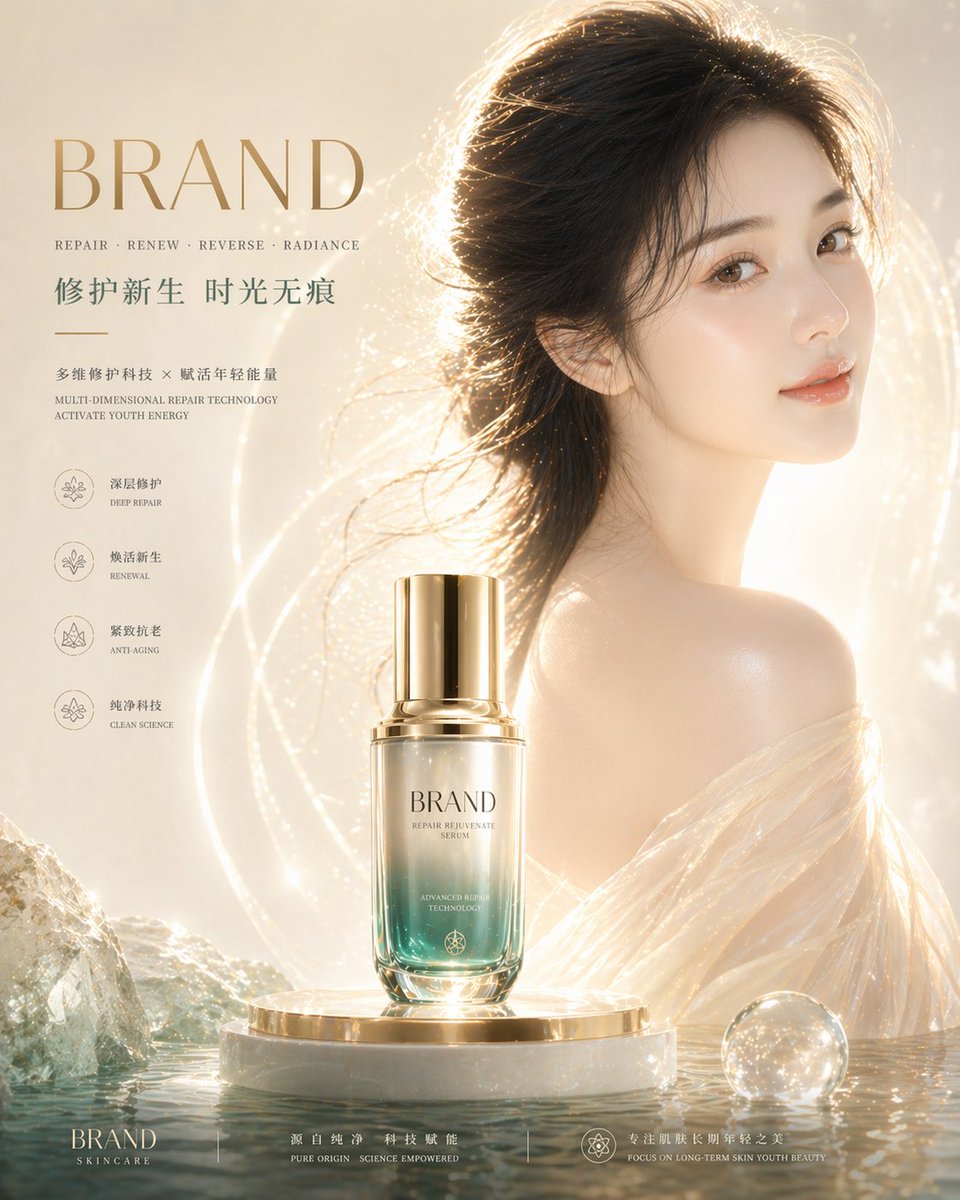
High-End Skincare Brand Key Visual
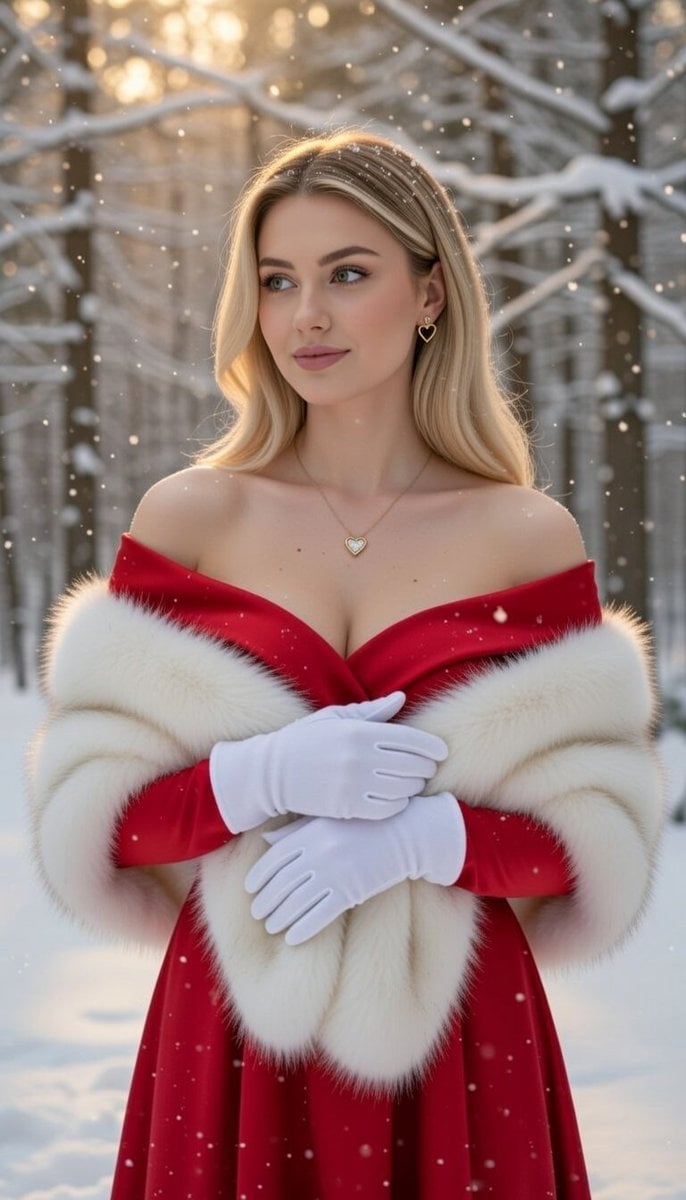
Luxurious Winter Portrait in Red and White
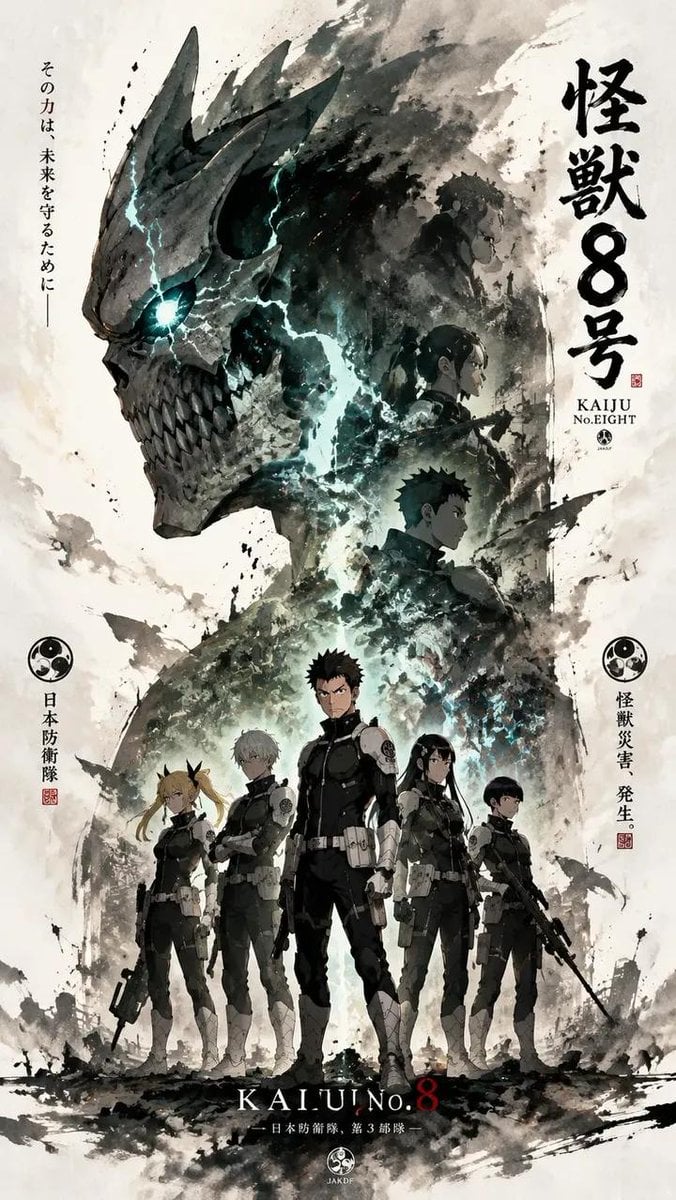
Ink-Wash Cinematic Anime Poster
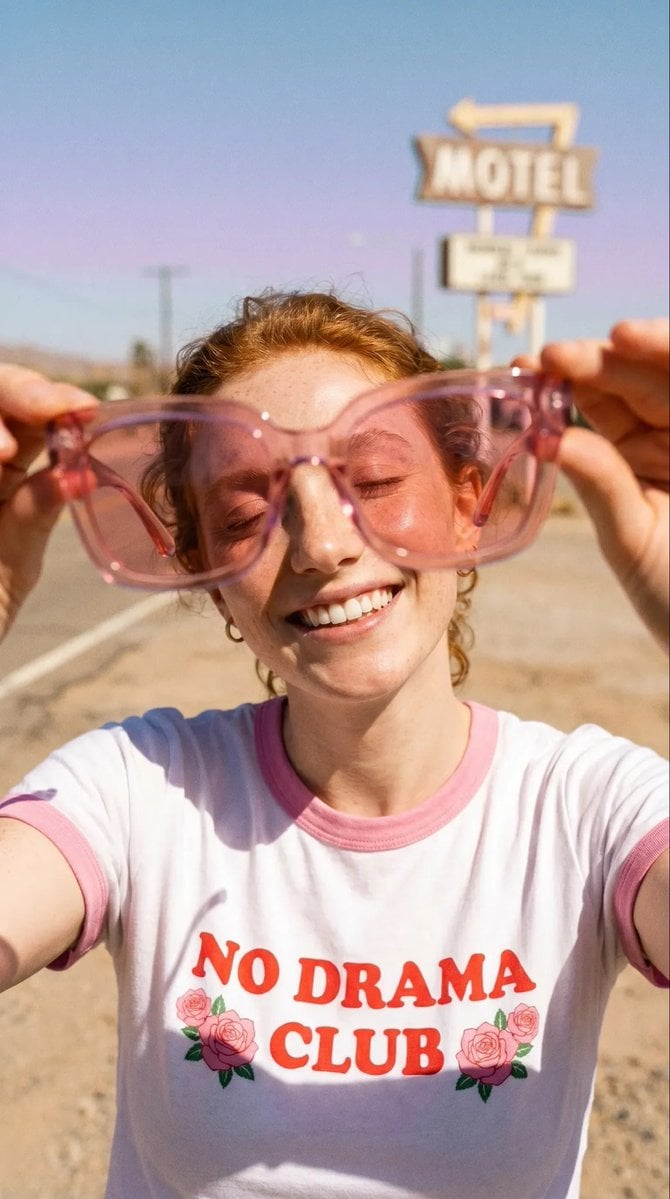
Realistic Desert Lifestyle Portrait
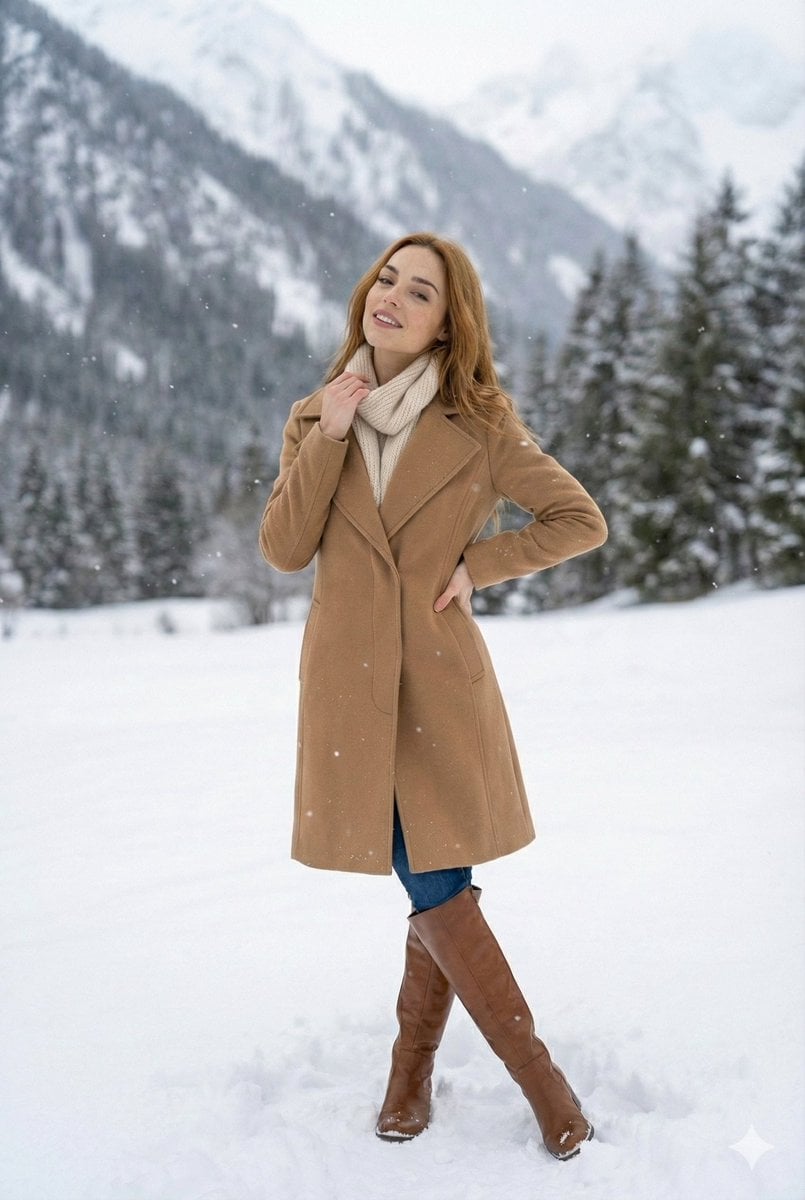
High-Fashion Winter Editorial in Snow
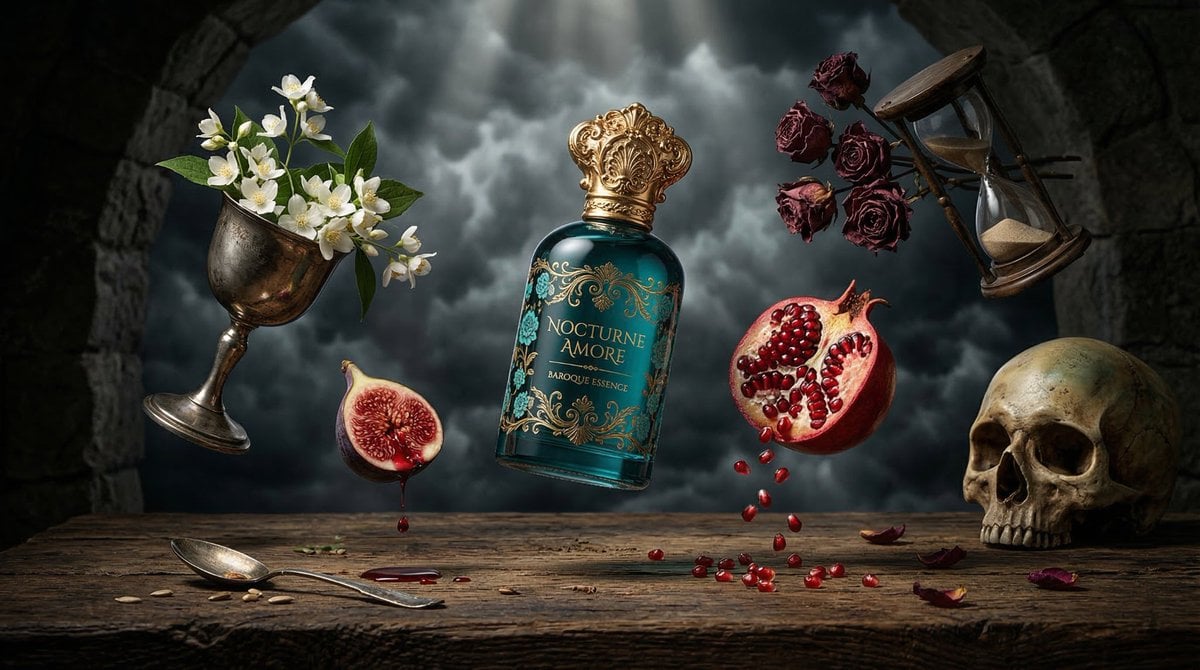
Surreal Baroque Perfume Ad Prompt
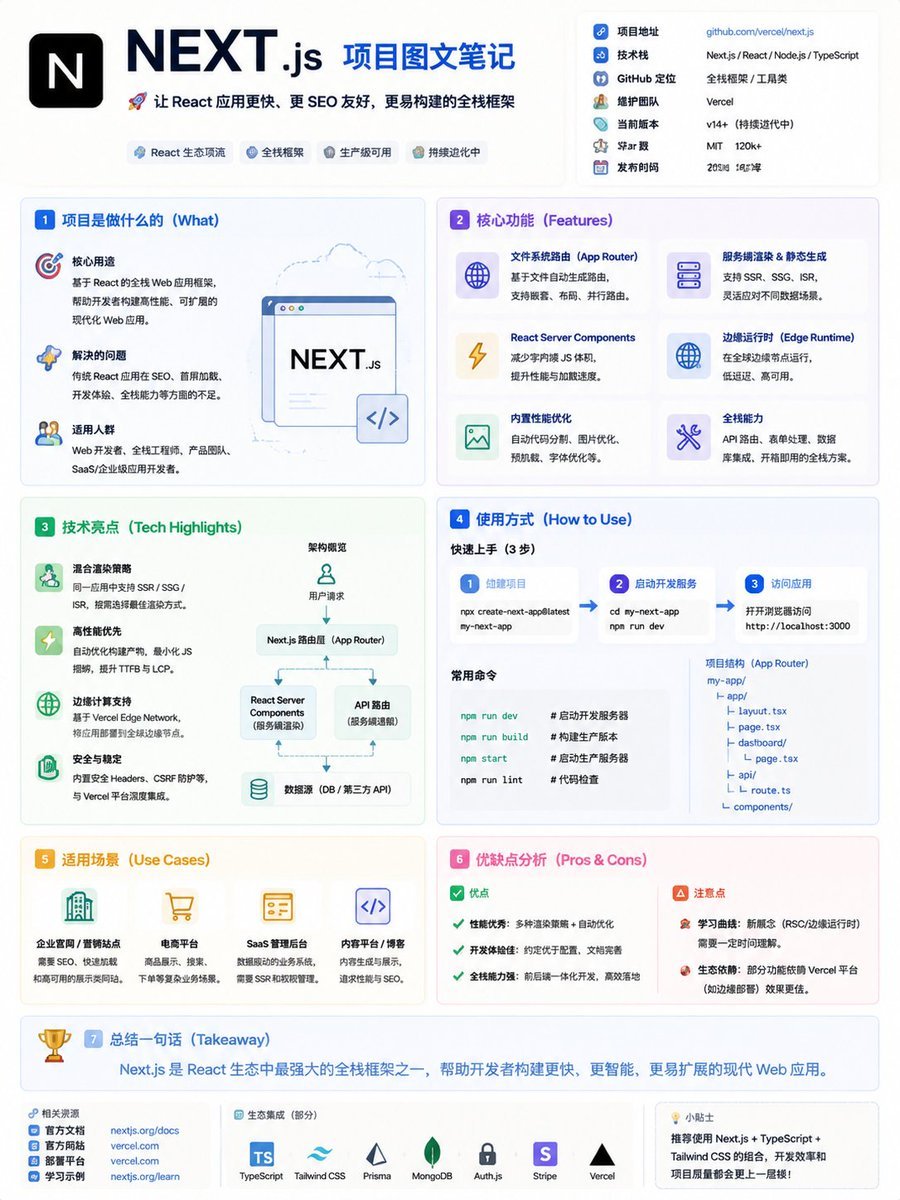
GitHub Project Infographic Poster
Browse template categories
Editorial Typography Product Poster questions
How do I use the Editorial Typography Product Poster template?
Add your photo if the template asks for one, edit the prompt if you like — the template's model and format are already selected — and press Generate. Your version opens in PicX Studio.
Can I customize the Editorial Typography Product Poster template?
Yes. You can change the subject, setting, lighting, mood, format, and available model controls before creating your image.
Is the Editorial Typography Product Poster template free?
Opening and editing this template is free. Generating uses credits, shown on the Generate button when you are signed in.
Which AI model should I use?
Start with GPT Image 2, which is the model associated with this template. You can compare another compatible model for a different finish.
Looking for something else? Browse all templates.

Your photo, any look
Thousands of ready templates for every top image and video model, from one credit balance.