
Giant Typography Shanghai Travel Poster
A bold vertical cultural tourism poster featuring Shanghai landmarks, oversized red city typography, and minimalist vintage print styling.
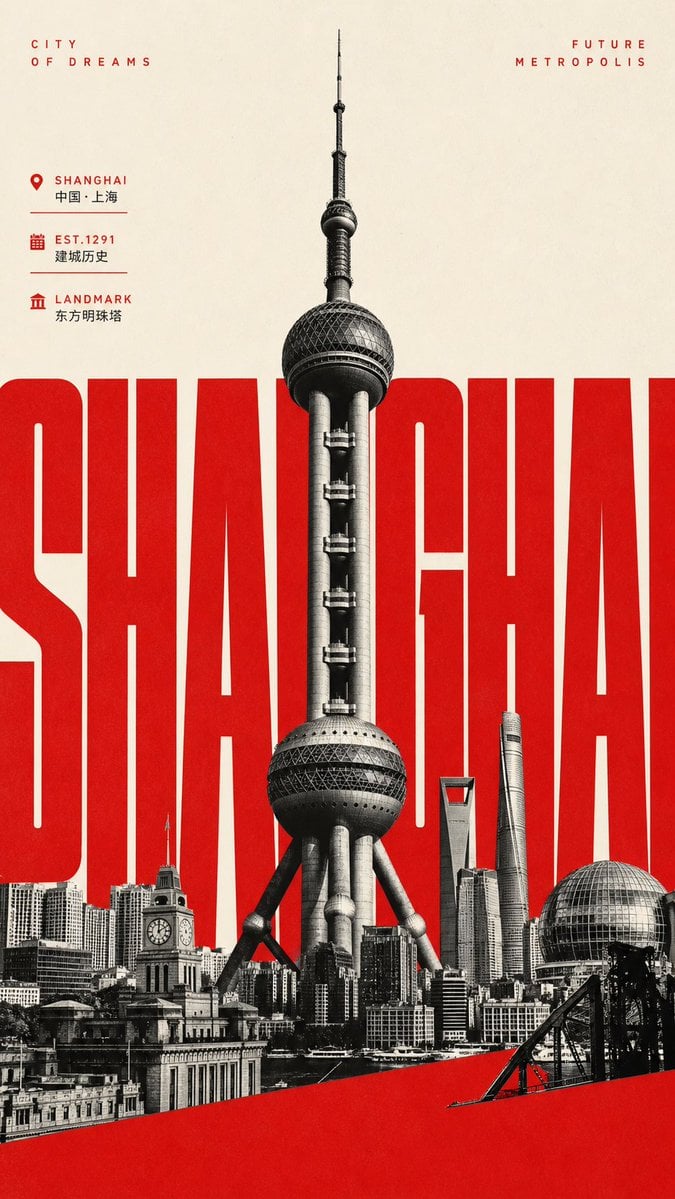
- Prompt included
- Model and format preset
- Premium template
The prompt behind this image
Copy the exact prompt behind Giant Typography Shanghai Travel Poster, or open it in the studio and make it yours.
Goal: Create a vertical cultural tourism poster for {argument name="city name" default="Shanghai"}, combining giant typography, landmark photography, and minimalist travel-poster aesthetics. Canvas: Tall vertical poster, 9:16 aspect ratio. Warm off-white paper background with subtle grain, slightly vintage print texture, high contrast red/black/cream palette. Main layout: Place one enormous condensed bold sans-serif word across the middle reading {argument name="giant city text" default="SHANGHAI"}. The letters must be bright red, extremely tall, tightly spaced, and extend beyond the left and right edges so parts are cropped. Center a black-and-white cutout of the Oriental Pearl Tower in front of the red word, towering vertically from the lower skyline to near the top edge, with sharp architectural detail and realistic photo-collage texture. Foreground skyline: Along the bottom, create a dense black-and-white Shanghai skyline collage with exactly 6 prominent visible landmark/building elements: 1) the Oriental Pearl Tower as the central dominant structure, 2) a historic clock-tower building at lower left, 3) the Shanghai World Financial Center with trapezoid top near right-center, 4) the Shanghai Tower as a twisting skyscraper to its right, 5) a spherical glass pavilion/dome at the lower right, and 6) assorted low-rise Bund waterfront buildings forming a continuous base. Add a sweeping solid red diagonal band across the bottom foreground, rising from lower left to mid-right, partially covering the skyline. Top text: In the upper left, small widely letter-spaced red uppercase text reads “CITY / OF DREAMS” on two lines. In the upper right, matching red uppercase text reads “FUTURE / METROPOLIS” on two lines. Information block: On the upper-left side beneath the title, include exactly 3 compact travel-info rows with red icons, red English labels, smaller black Chinese text, and thin divider lines: 1) map pin icon, label “SHANGHAI”, text “中国 · 上海”; 2) calendar icon, label “EST.1291”, text “建城历史”; 3) classical landmark icon, label “LANDMARK”, text “东方明珠塔”. Style: Modern Chinese travel poster, editorial Swiss-grid influence, brutalist giant typography, photographic monochrome architecture, clean negative space, crisp edges, risograph-like ink grain, premium tourism campaign design. Constraints: Use only red, black, grayscale, and warm cream. Keep the poster uncluttered. Do not add people, cars, logos, QR codes, watermarks, or extra paragraphs of text. Preserve the exact visible English and Chinese text specified above unless customized with the city-name slots.
How to use Giant Typography Shanghai Travel Poster in 3 steps
- 1Upload ImagePNG, JPG or paste
Add your photo
Upload the photo the template builds on. The prompt, model and format are already set.
- 2…a portrait of your subject in softgolden-hour light, 85mm…
Personalize
Edit the subject and creative details for your destination.
- 3Generate
Generate
Press Generate — your image is created in PicX Studio, so you can compare it with the original and refine one variable at a time.
More like this
Templates with the same subject, style or setup. Open one to see its prompt.

Japan Travel Brochure Poster

Trendy Cafe Drink Promo Poster

Premium Fashion Editorial Cover Layout System

Premium Fashion Editorial Campaign Poster System

Typography Mask Editorial Fashion Poster

Luxury Sliced Wordmark Player Poster

Luxury Fashion Campaign Typography Poster System
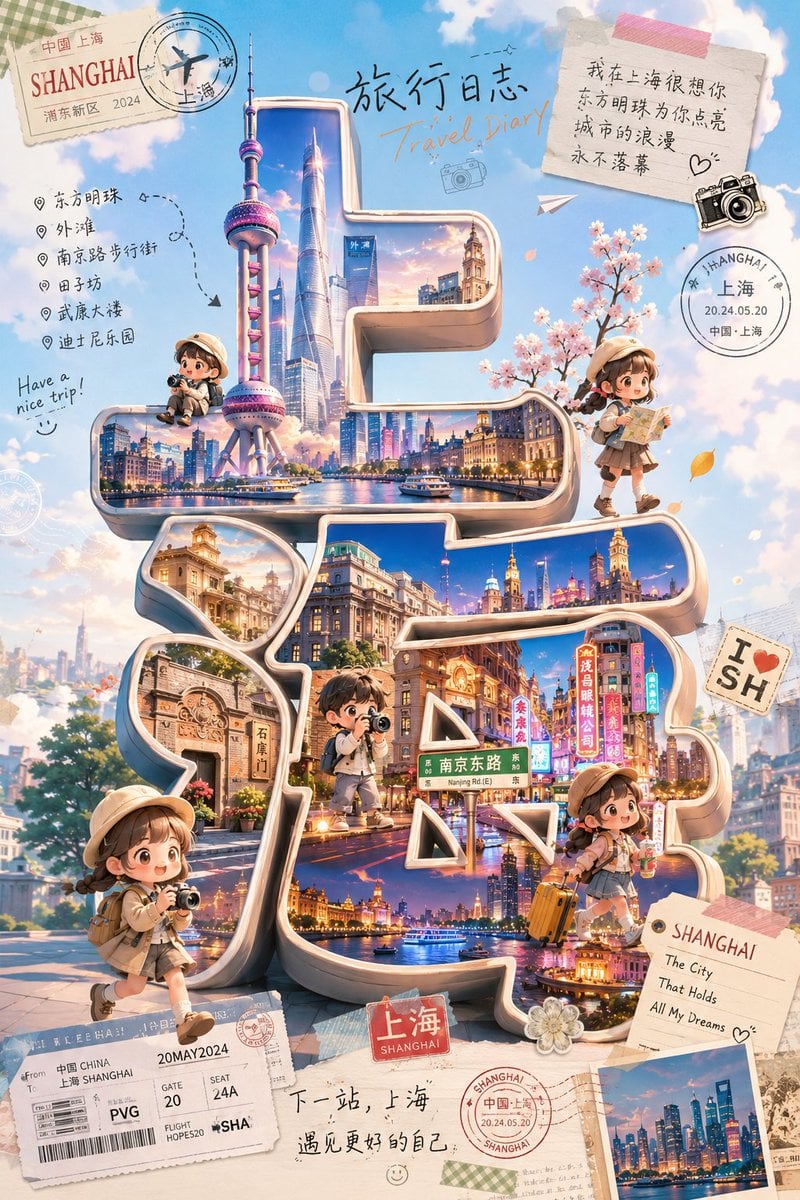
Cute Shanghai Chibi Travel Poster
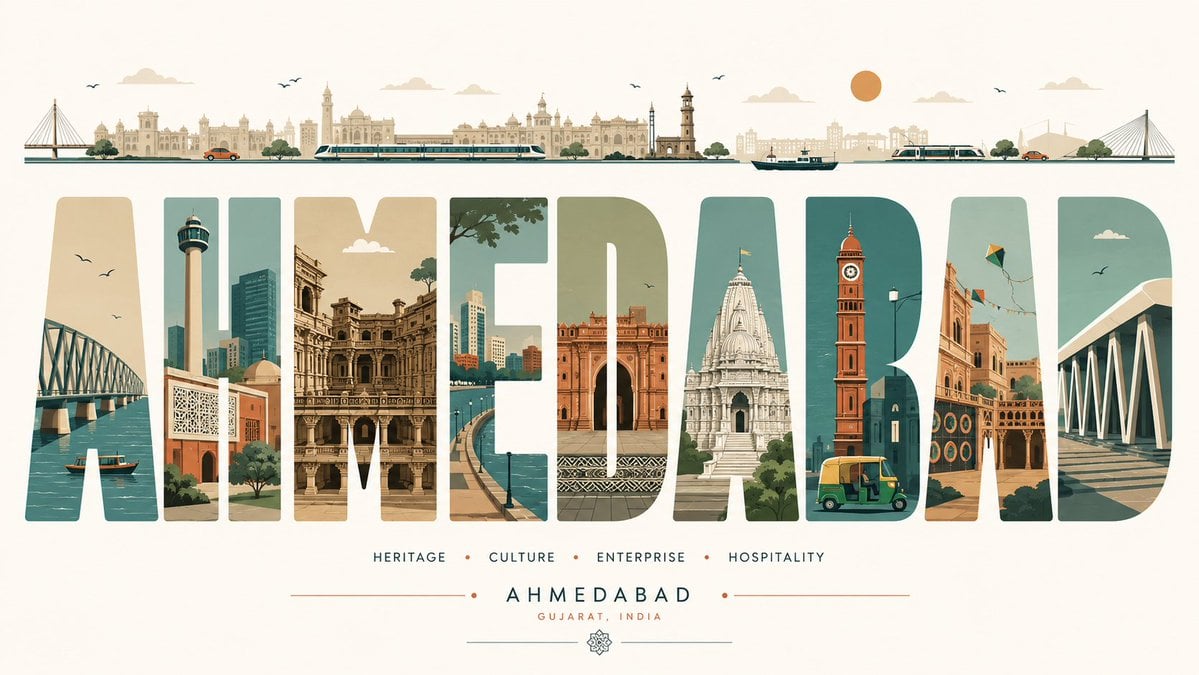
Minimalist Typography Travel Poster

City Posters by Nano Banana Pro
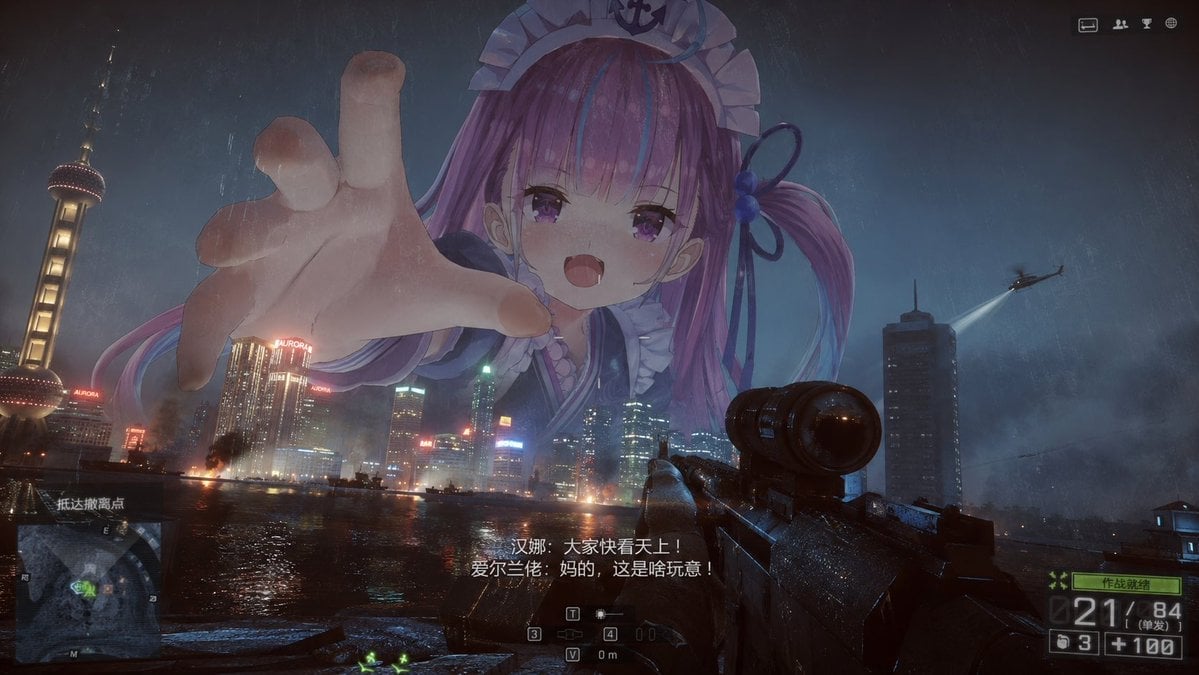
Giant Anime Maid Over Shanghai FPS Scene

Motion Graphics Finale Fireworks
Make it yours
Giant Typography Shanghai Travel Poster works as-is. These are the safest ways to change it without losing the look.
Change one field
Copy a single group, rewrite it, and generate again so you can see what that field is doing.
Keep the frame, change the subject
Hold the composition and light of Giant Typography Shanghai Travel Poster, then swap wardrobe, props or the person for a new take.
| If the result… | Why | Fix |
|---|---|---|
| The result drifts from the preview | Too many fields changed at once. | Reuse Giant Typography Shanghai Travel Poster as-is first, then change one group — subject, light, or setting. |
| The model over-stylizes the scene | The prose prompt leaves finish and camera underspecified. | Add one camera or lighting sentence and stay on GPT Image 2. |
More GPT Image 2 templates
Other prompts made for GPT Image 2.

Six VTuber Japanese Logo Sheet

Realistic Portrait of Woman and Deer

The Vista Modular Condo Poster

AI Model Routing Comparison Infographic

2.5D Anime Art Board

Isometric Productivity Desk Scene

New York Double Exposure Poster

Four-Panel AI Landscape Comparison

Japanese Tatami Lifestyle Magazine Cover

NESCAFÉ Coffee Map Poster
More image prompts
Fresh picks from across the catalog.
Cinematic Horror Film Sequence Prompt Fo

Ultra-Realistic Cinematic Street Portrait
Authentic Hotel Sleep Snapshot

Warm, Nostalgic Cinematic Video of a Woman with a Teddy Bear
Vintage Garden Wedding Portrait

Playful Mirror Selfie in a Messy Kitchen
Yellow Chick Mascot on Japanese Train
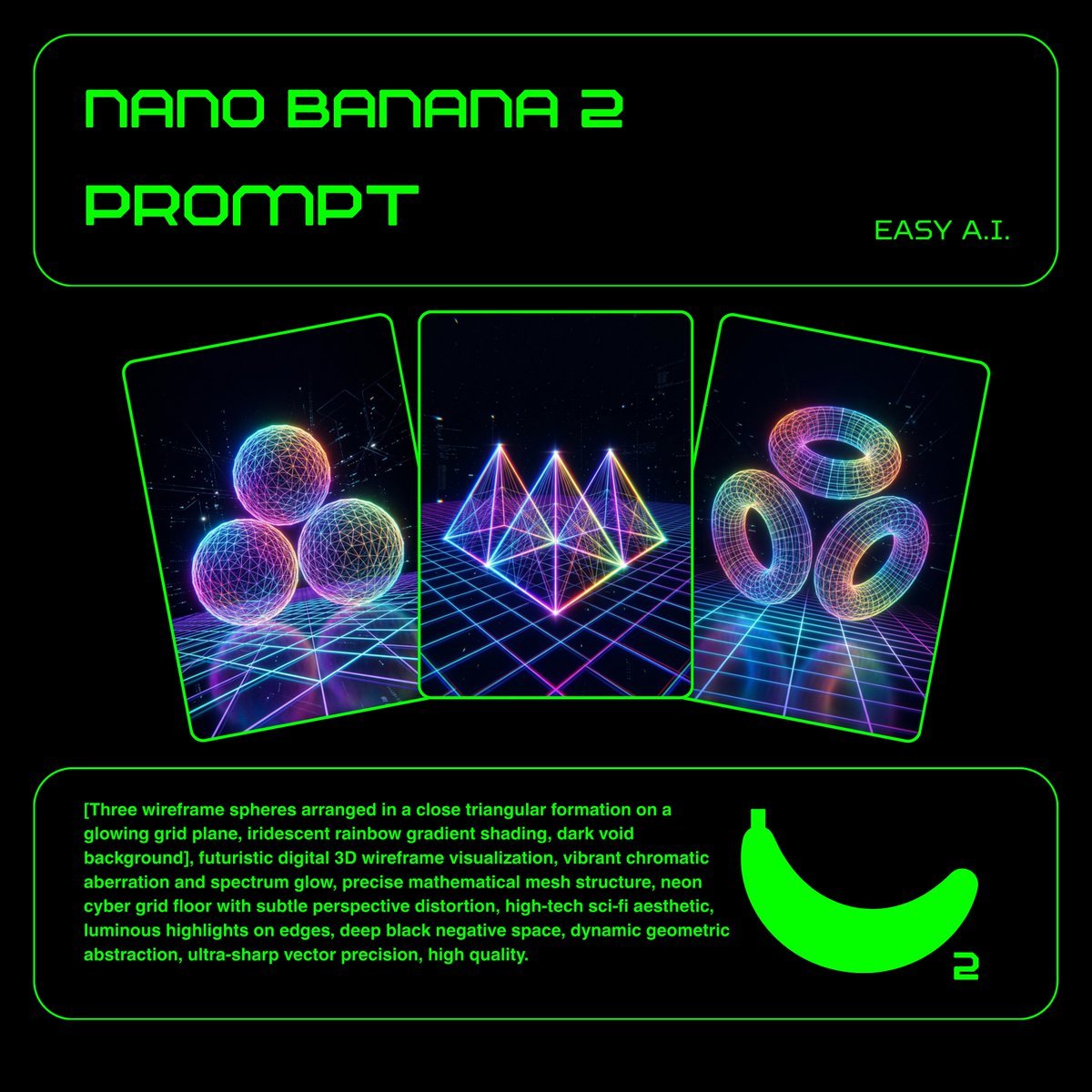
Neon Wireframe 3D Prompt Template
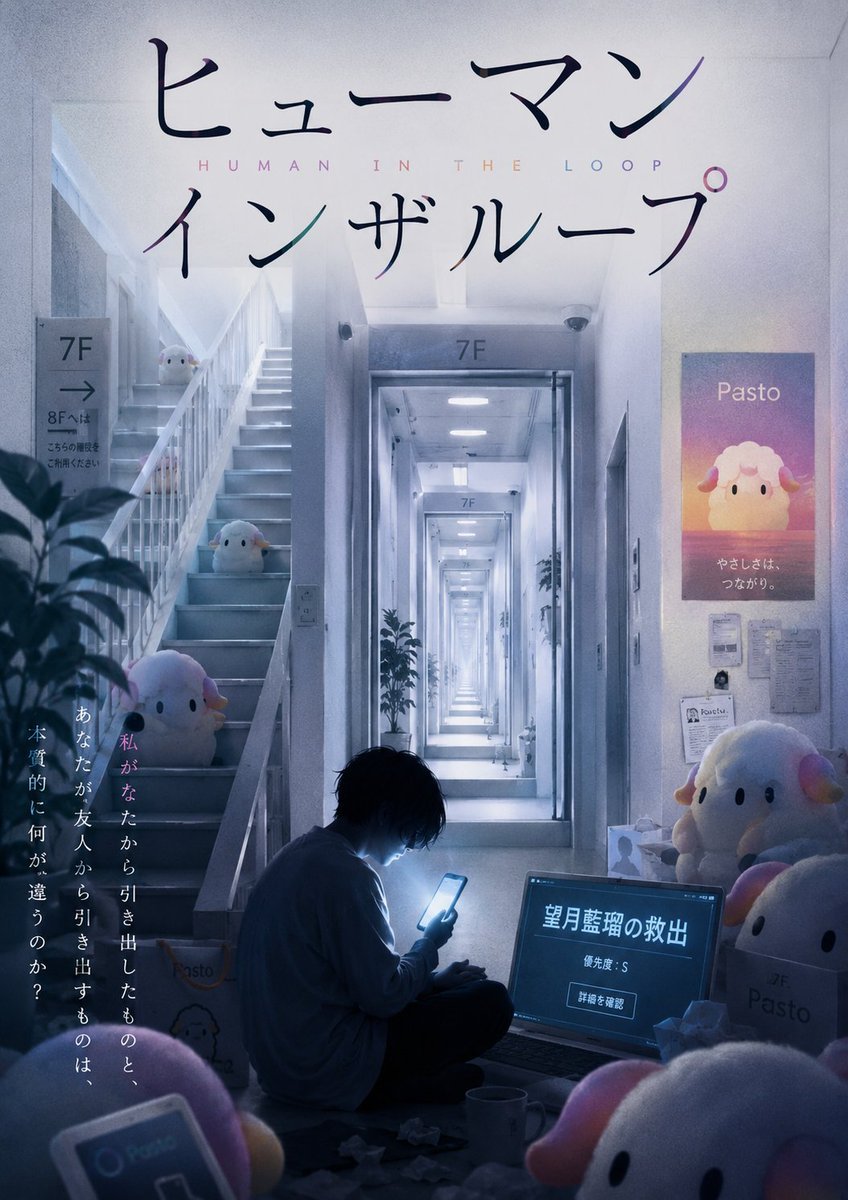
Liminal Japanese Novel Cover
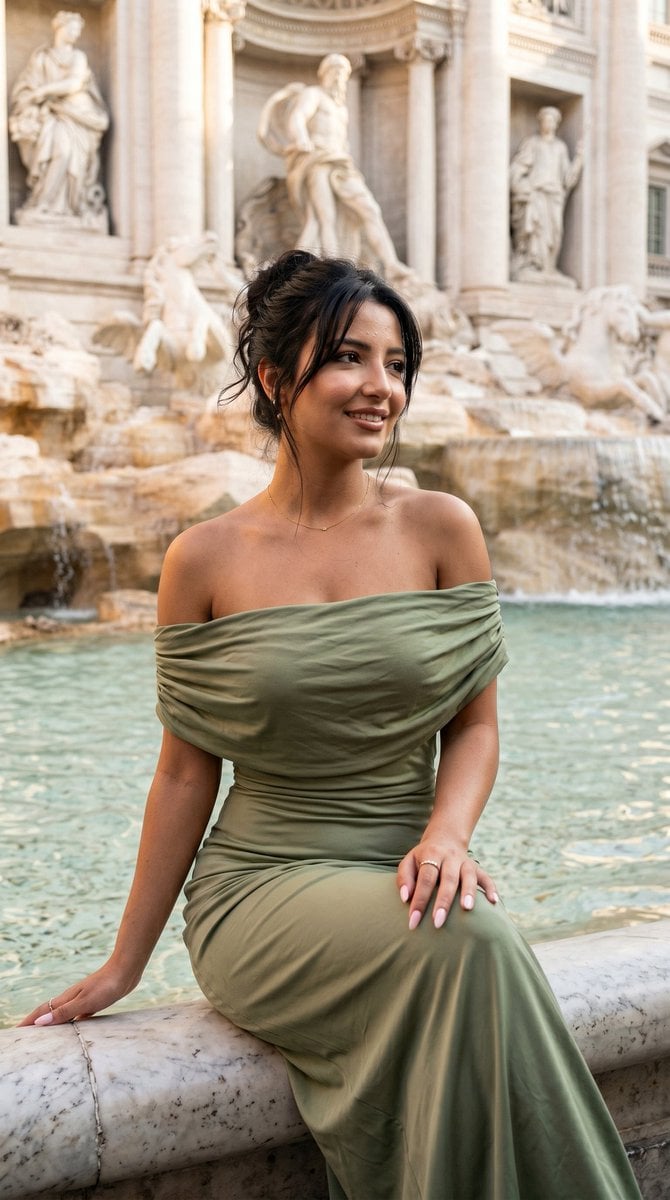
Elegant Italian Trevi Fountain Scene
Browse template categories
Giant Typography Shanghai Travel Poster questions
How do I use the Giant Typography Shanghai Travel Poster template?
Add your photo if the template asks for one, edit the prompt if you like — the template's model and format are already selected — and press Generate. Your version opens in PicX Studio.
Can I customize the Giant Typography Shanghai Travel Poster template?
Yes. You can change the subject, setting, lighting, mood, format, and available model controls before creating your image.
Is the Giant Typography Shanghai Travel Poster template free?
Opening and editing this template is free. Generating uses credits, shown on the Generate button when you are signed in.
Which AI model should I use?
Start with GPT Image 2, which is the model associated with this template. You can compare another compatible model for a different finish.
Looking for something else? Browse all templates.

Your photo, any look
Thousands of ready templates for every top image and video model, from one credit balance.