
Cute Shanghai Chibi Travel Poster
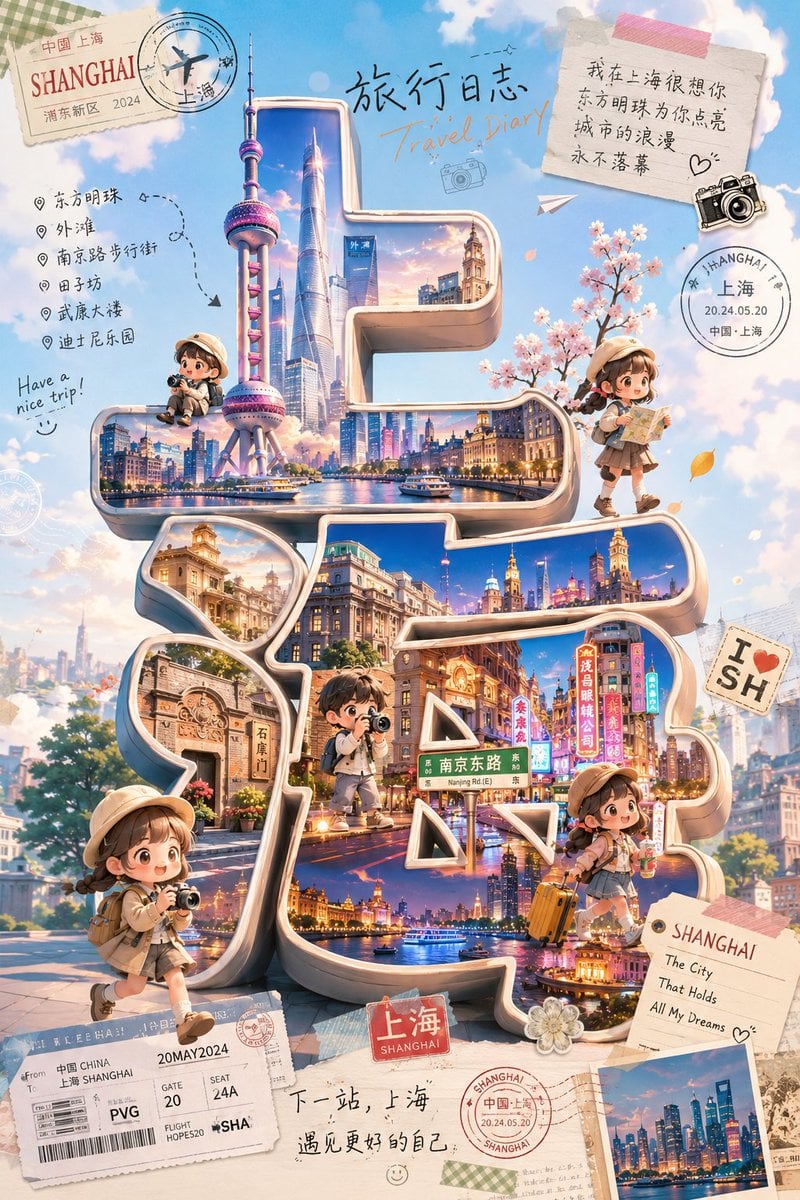
A detailed prompt for generating a whimsical Shanghai travel-diary poster with giant 3D Chinese typography, chibi travelers, landmarks, stamps, notes, and scrapbook collage details.
- Prompt included
- Model and format preset
- Free template
The prompt behind this image
Copy the exact prompt behind Cute Shanghai Chibi Travel Poster, or open it in the studio and make it yours.
Goal: Create a cute chibi travel-blogger poster themed around {argument name="city name" default="Shanghai"}, with adorable miniature travelers exploring a giant 3D Chinese-character city title as the visual centerpiece. Canvas: Vertical 2:3 poster, bright dreamy sky-blue background with fluffy clouds, scrapbook travel-journal collage aesthetic, warm pastel lighting, highly detailed but soft and cute. Main layout: Place enormous glossy 3D sculptural Chinese characters spelling {argument name="large city text" default="上海"} in the center, occupying most of the poster. The characters should be cream-colored with metallic beveled edges, rounded corners, and deep inset windows. Inside the strokes of the characters, show vivid miniature cityscape scenes: Shanghai skyline, the Oriental Pearl Tower, skyscrapers, waterfront night views, historic Bund architecture, Nanjing Road neon signs, boats on the river, and warm sunset-to-night lighting. The 3D text should feel like a walkable miniature city installation. Characters: Include exactly 5 cute Japanese-style chibi travel bloggers, all with soft round faces, tiny bodies, beige travel outfits, bucket hats or caps, backpacks, and camera/travel accessories. Count and place them as follows: 1 small seated traveler with a camera on the upper-left ledge near the Oriental Pearl Tower; 1 walking traveler on the upper-right holding a folded map; 1 standing traveler in the center lower area on the 3D text, like a tiny explorer; 1 larger traveler at the bottom-left foreground holding a camera while walking; 1 traveler at the lower-right sitting or leaning with an orange suitcase. Their faces may be simplified or softly obscured, but the poses must remain expressive and travel-blogger-like. Travel collage details: Add exactly 10 prominent paper and stamp elements around the central city text: 1 vintage postcard stamp in the top-left reading “SHANGHAI” with smaller Chinese/Shanghai travel markings; 1 circular airplane passport stamp overlapping it; 1 handwritten title at the top center with Chinese text “旅行日志” and English text “Travel Diary”; 1 taped note in the top-right with Chinese handwritten romantic travel text and a doodled heart; 1 black vintage camera sticker near the note; 1 circular Shanghai passport stamp at upper-right reading “SHANGHAI / 上海 / 20.24.05.20”; 1 “I ♥ SH” sticker on the right; 1 boarding-pass ticket at the bottom-left with PVG, gate, seat, and Shanghai details; 1 small red luggage-label sign at the bottom center reading “上海 / SHANGHAI”; 1 postcard at the bottom-right reading “SHANGHAI / The City / That Holds / All My Dreams” with a small skyline photo. Left-side itinerary text: Add a handwritten checklist on the left with exactly 6 destination bullets: 东方明珠, 外滩, 南京路步行街, 田子坊, 武康大楼, 迪士尼乐园. Include dotted route arrows and a small phrase “Have a nice trip!” nearby. Bottom caption: Handwrite a short Chinese travel note near the bottom center: “下一站,上海 遇见更好的自己”, with tiny smiley doodles and stamp marks. Visual style: Japanese soft-cute Q-version illustration mixed with polished 3D typography and travel scrapbook collage; pastel colors, creamy highlights, sparkling city reflections, small petals/leaves, decorative tape, paper textures, soft shadows, cinematic fantasy realism, extremely charming and detailed. Constraints: Keep the huge 3D city text readable as 上海, make the city landmarks recognizable, use exactly 5 chibi travelers, preserve the listed English and Chinese visible text, avoid logos or watermarks, no extra main characters.
How to use Cute Shanghai Chibi Travel Poster in 3 steps
- 1Upload ImagePNG, JPG or paste
Add your photo
Upload the photo the template builds on. The prompt, model and format are already set.
- 2…a portrait of your subject in softgolden-hour light, 85mm…
Personalize
Edit the subject and creative details for your destination.
- 3Generate
Generate
Press Generate — your image is created in PicX Studio, so you can compare it with the original and refine one variable at a time.
More like this
Templates with the same subject, style or setup. Open one to see its prompt.

Japan Travel Brochure Poster

Clay Miniature Landmark Travel Diorama
Giant Typography Shanghai Travel Poster

City Posters by Nano Banana Pro

Cartoon TV Show Poster Pack

Trendy Cafe Drink Promo Poster

Urban Fashion Editorial Collage Streetwear Poster

Premium Fashion Editorial Cover Layout System

Polo Ralph Lauren Luxury American Heritage Fashion Campaign

Monochrome Halftone Editorial Fashion Poster

Retro Mirror Luxury Fashion Campaign Poster

Luxury Fashion Campaign Typography Poster System
Make it yours
Cute Shanghai Chibi Travel Poster works as-is. These are the safest ways to change it without losing the look.
Change one field
Copy a single group, rewrite it, and generate again so you can see what that field is doing.
Keep the frame, change the subject
Hold the composition and light of Cute Shanghai Chibi Travel Poster, then swap wardrobe, props or the person for a new take.
| If the result… | Why | Fix |
|---|---|---|
| The result drifts from the preview | Too many fields changed at once. | Reuse Cute Shanghai Chibi Travel Poster as-is first, then change one group — subject, light, or setting. |
| The model over-stylizes the scene | The prose prompt leaves finish and camera underspecified. | Add one camera or lighting sentence and stay on GPT Image 2. |
More GPT Image 2 templates
Other prompts made for GPT Image 2.

Six VTuber Japanese Logo Sheet

Realistic Portrait of Woman and Deer

The Vista Modular Condo Poster

AI Model Routing Comparison Infographic

2.5D Anime Art Board

Isometric Productivity Desk Scene

New York Double Exposure Poster

Four-Panel AI Landscape Comparison

Japanese Tatami Lifestyle Magazine Cover

NESCAFÉ Coffee Map Poster
More image prompts
Fresh picks from across the catalog.

Comparing Realism Keywords in Midjourney
Replace women with specific celebrities
Ultra-Realistic Cinematic Street Portrait

Candid Convenience Store Checkout
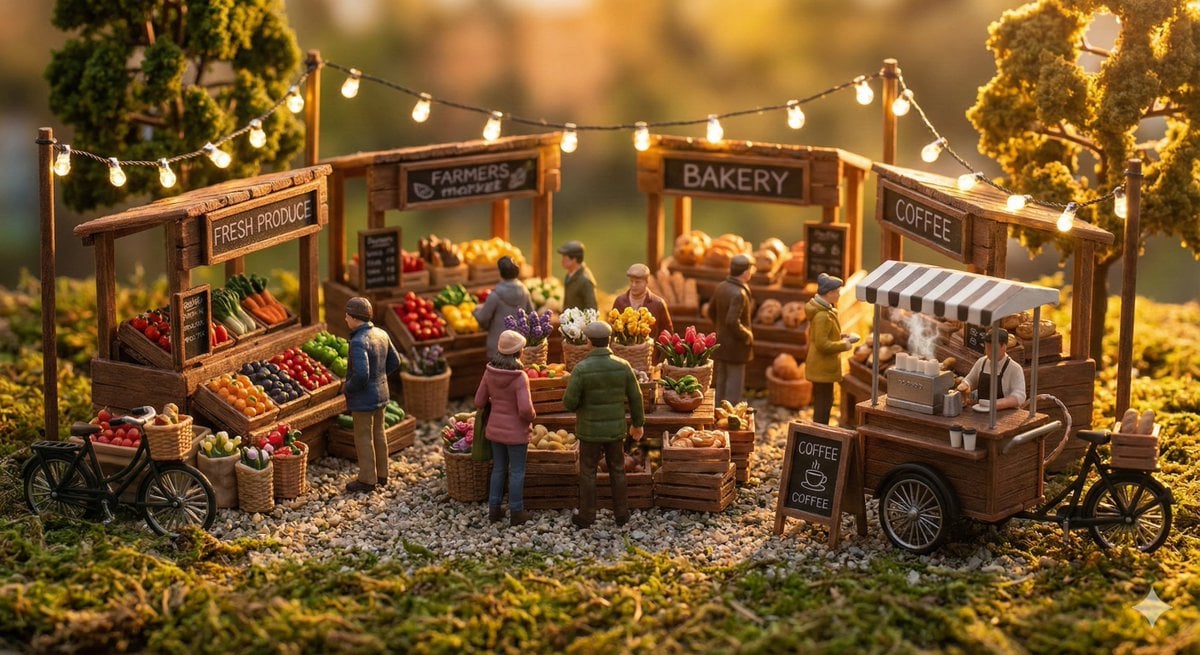
Everyday Life Tiny Diorama Prompt
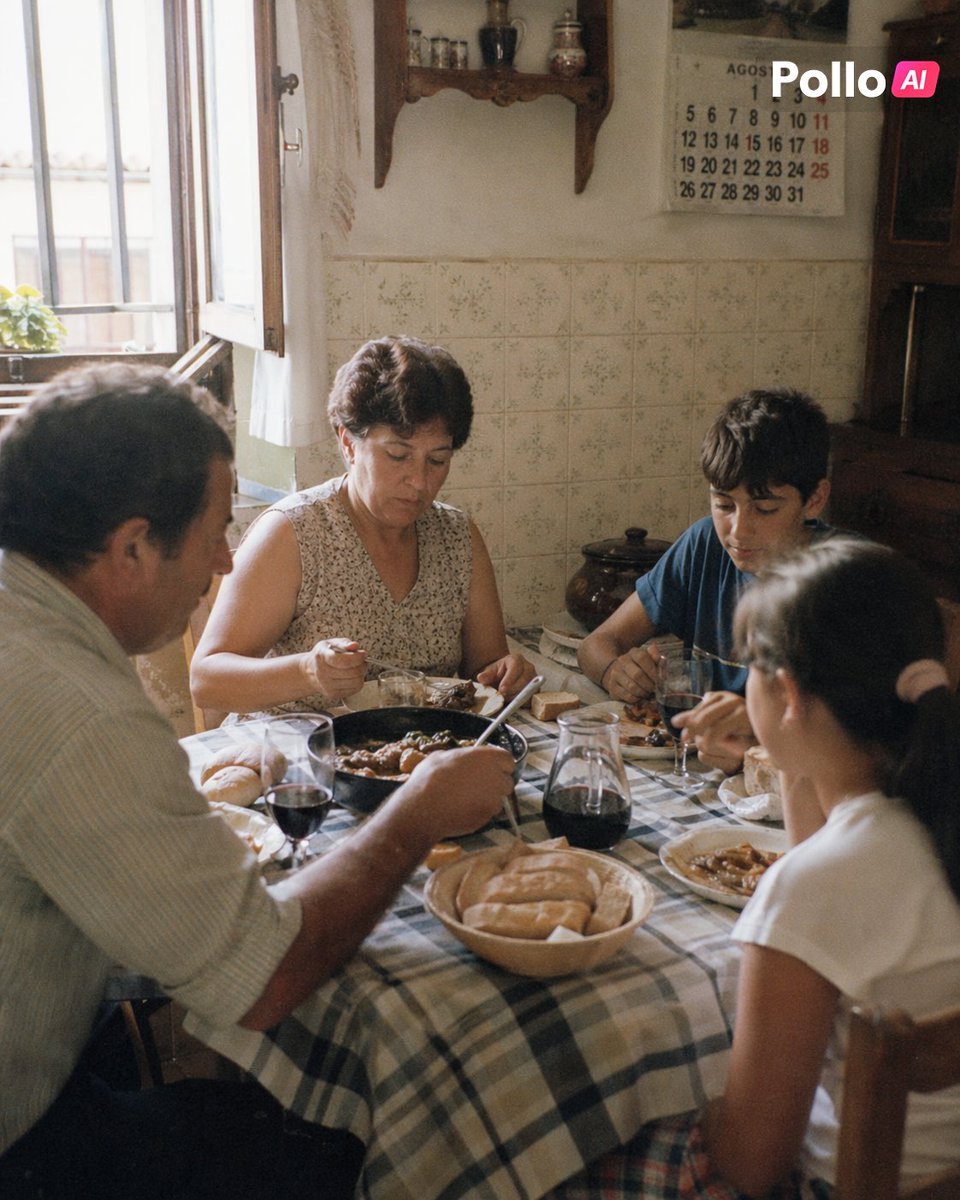
1990s Spanish Family Kitchen Lunch
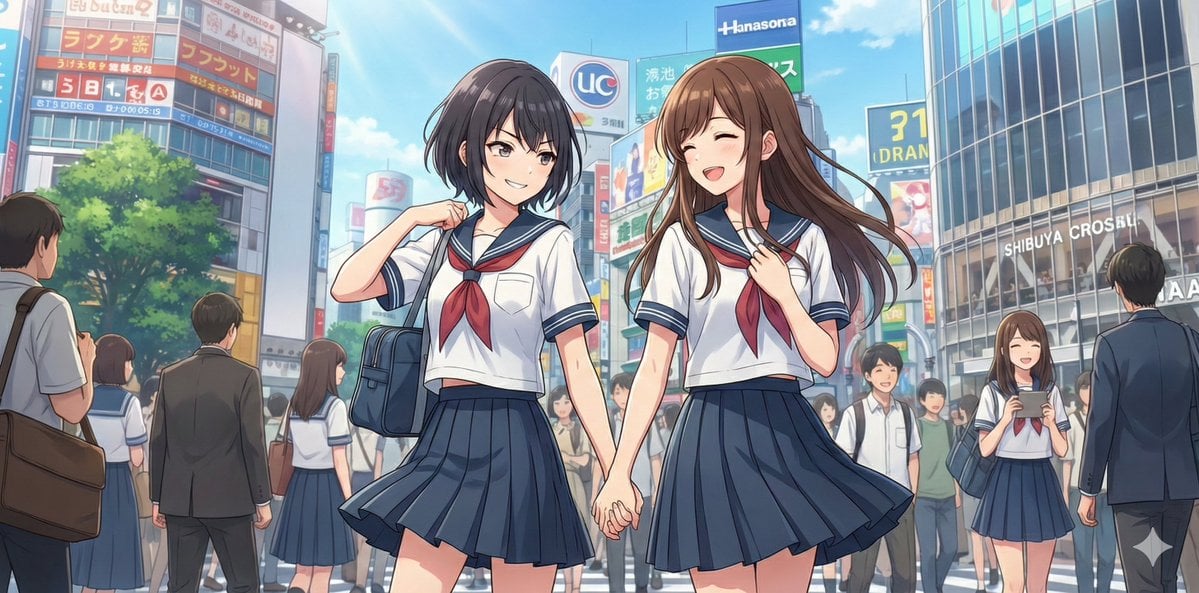
NanoBananaPro Image Generation Prompt: Two High School Girls in Shibuya
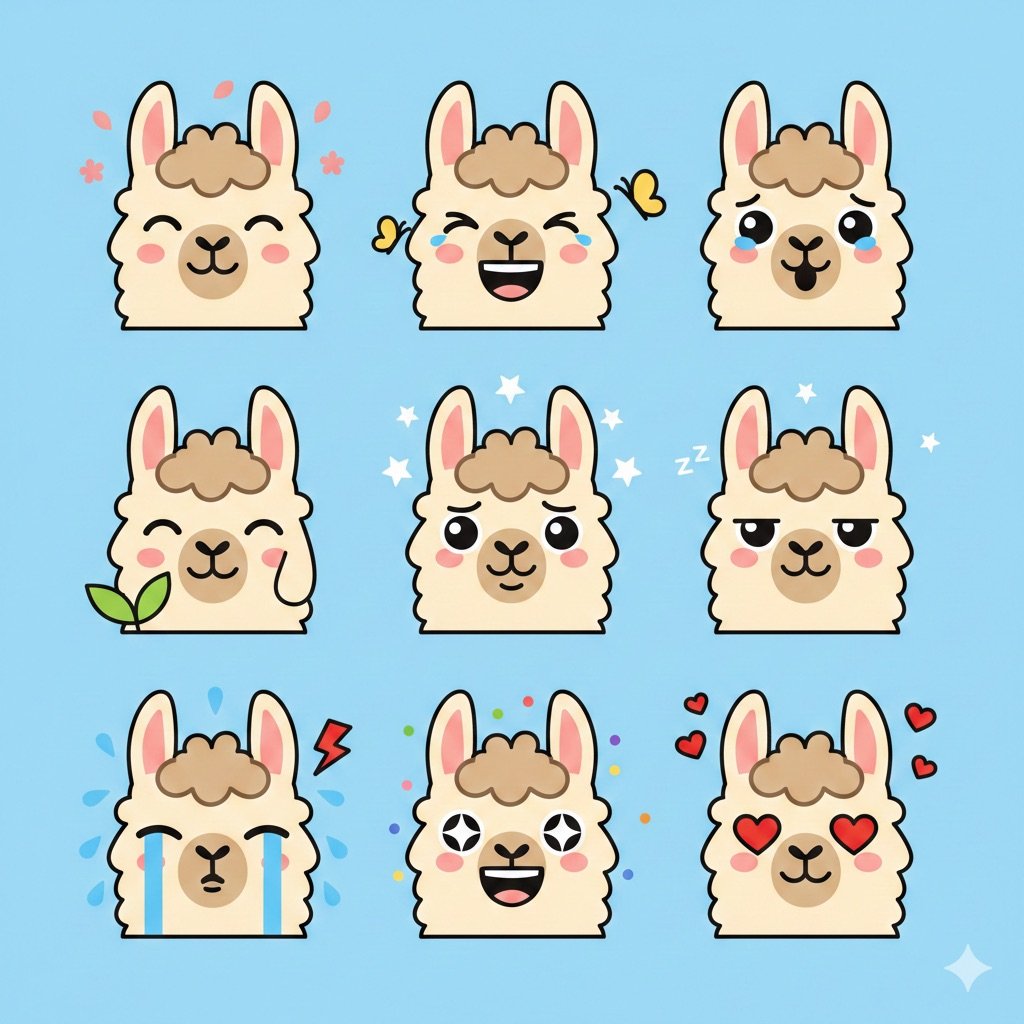
Flat Vector Llama Emoji Prompt
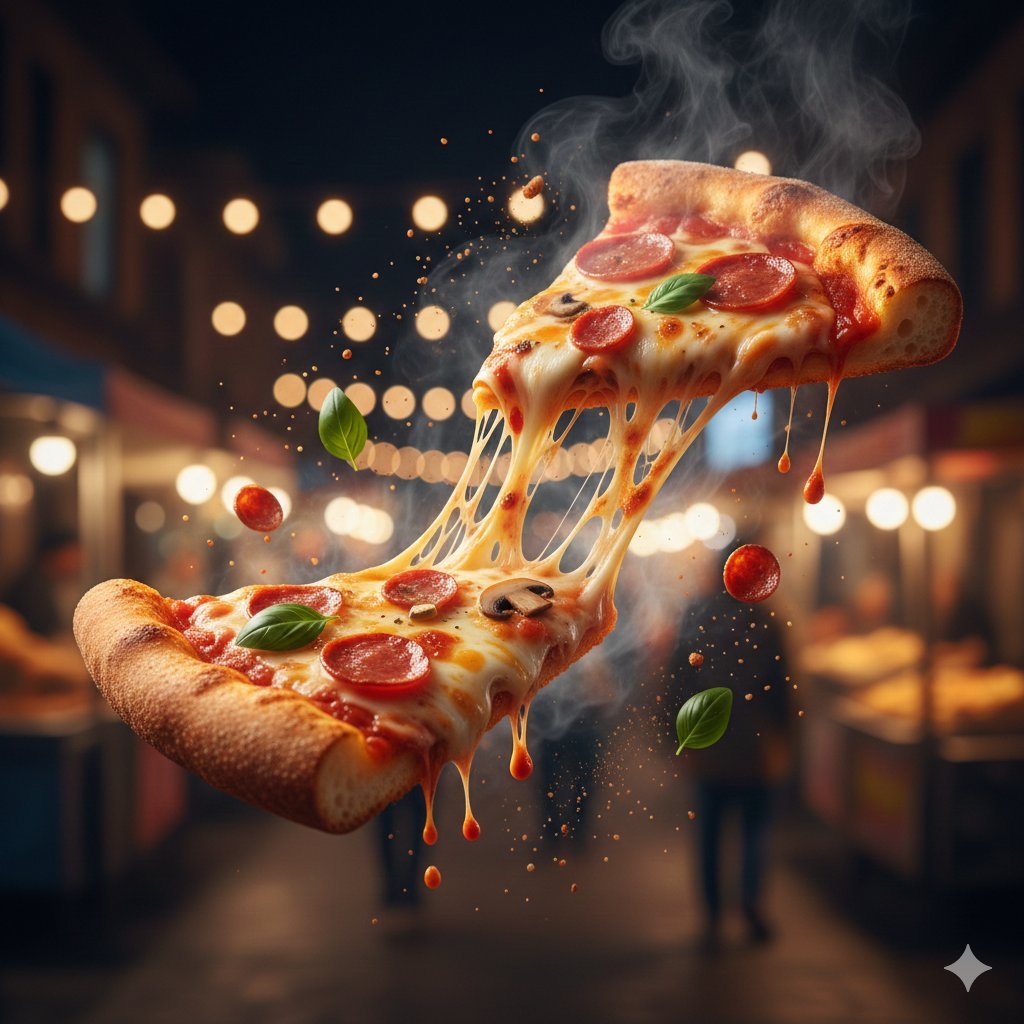
JSON Structured Prompt for Exploding Cheesy Roll
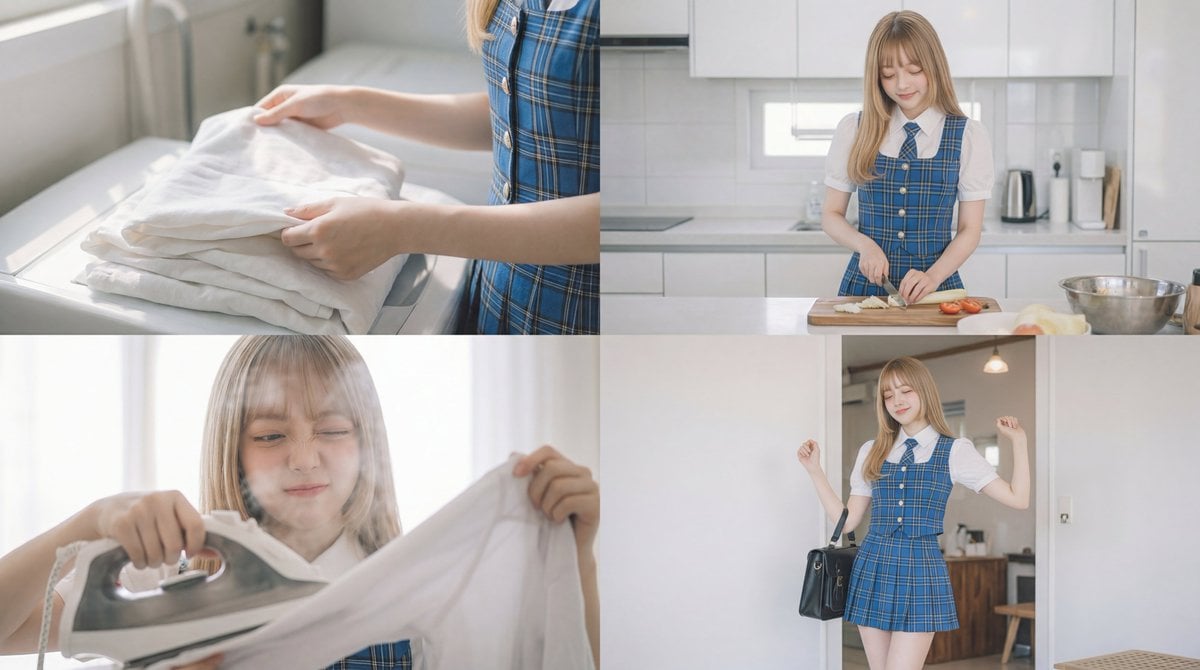
Cinematic Scene Prompt for Woman Doing Chores
Browse template categories
Cute Shanghai Chibi Travel Poster questions
How do I use the Cute Shanghai Chibi Travel Poster template?
Add your photo if the template asks for one, edit the prompt if you like — the template's model and format are already selected — and press Generate. Your version opens in PicX Studio.
Can I customize the Cute Shanghai Chibi Travel Poster template?
Yes. You can change the subject, setting, lighting, mood, format, and available model controls before creating your image.
Is the Cute Shanghai Chibi Travel Poster template free?
Opening and editing this template is free. Generating uses credits, shown on the Generate button when you are signed in.
Which AI model should I use?
Start with GPT Image 2, which is the model associated with this template. You can compare another compatible model for a different finish.
Looking for something else? Browse all templates.

Your photo, any look
Thousands of ready templates for every top image and video model, from one credit balance.