
Vintage Garden Wedding Portrait
Generates a cinematic old-Hollywood style wedding portrait of an elegant bride and groom in a moody vintage garden studio setting.
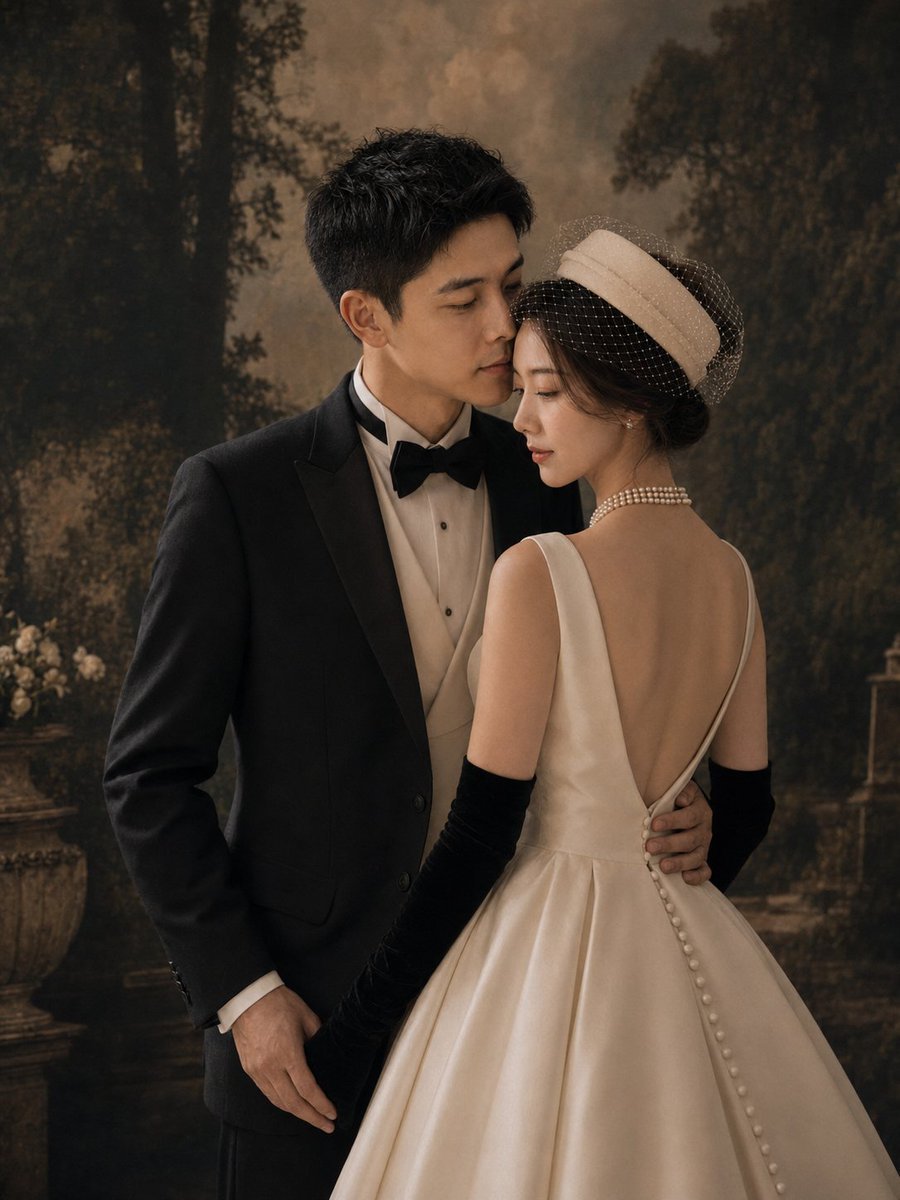
- Prompt included
- Model and format preset
- Free template
The prompt behind this image
Copy the exact prompt behind Vintage Garden Wedding Portrait, or open it in the studio and make it yours.
Create a vertical 3:4 cinematic fine-art wedding portrait of an elegant couple in a vintage studio garden setting. The groom is an East Asian young adult man with short black textured hair, wearing a classic black tuxedo jacket, white dress shirt, cream waistcoat, and black bow tie; he stands on the left, angled slightly toward the bride, his left arm wrapped around her waist and his right hand relaxed by his side. The bride is an East Asian young adult woman standing on the right with her back mostly to the camera, turned slightly toward the groom in an intimate pose; she wears an ivory satin bridal gown with a deep V-shaped open back, full structured skirt, a vertical row of covered buttons down the back, long black opera gloves, a layered pearl necklace, pearl drop earrings, and a cream pillbox-style bridal hat with a dotted birdcage veil over dark updo hair. Their faces should be close together as if about to kiss, with the mood romantic, composed, and editorial. Use a dark painterly forest-and-garden backdrop with tall shadowy trees, warm sepia-brown haze, a stone planter with pale flowers on the left, and subtle vintage garden architecture in the distance. Lighting should be soft, warm, and directional, with gentle highlights on satin fabric and pearls, muted shadows, shallow depth of field, film-grain texture, and a luxurious old-Hollywood bridal magazine aesthetic. No text, no watermark, no extra people, keep the composition waist-up to full-skirt crop with the bride’s gown occupying the lower right foreground.
How to use Vintage Garden Wedding Portrait in 3 steps
- 1Upload ImagePNG, JPG or paste
Add your photo
Upload the photo the template builds on. The prompt, model and format are already set.
- 2…a portrait of your subject in softgolden-hour light, 85mm…
Personalize
Edit the subject and creative details for your destination.
- 3Generate
Generate
Press Generate — your image is created in PicX Studio, so you can compare it with the original and refine one variable at a time.
More like this
Templates with the same subject, style or setup. Open one to see its prompt.











Make it yours
Vintage Garden Wedding Portrait works as-is. These are the safest ways to change it without losing the look.
Change one field
Copy a single group, rewrite it, and generate again so you can see what that field is doing.
Keep the frame, change the subject
Hold the composition and light of Vintage Garden Wedding Portrait, then swap wardrobe, props or the person for a new take.
| If the result… | Why | Fix |
|---|---|---|
| The result drifts from the preview | Too many fields changed at once. | Reuse Vintage Garden Wedding Portrait as-is first, then change one group — subject, light, or setting. |
| The model over-stylizes the scene | The prose prompt leaves finish and camera underspecified. | Add one camera or lighting sentence and stay on GPT Image 2. |
More GPT Image 2 templates
Other prompts made for GPT Image 2.

Six VTuber Japanese Logo Sheet

Realistic Portrait of Woman and Deer

The Vista Modular Condo Poster

AI Model Routing Comparison Infographic

2.5D Anime Art Board

Isometric Productivity Desk Scene

New York Double Exposure Poster

Four-Panel AI Landscape Comparison

Japanese Tatami Lifestyle Magazine Cover

NESCAFÉ Coffee Map Poster
More image prompts
Fresh picks from across the catalog.
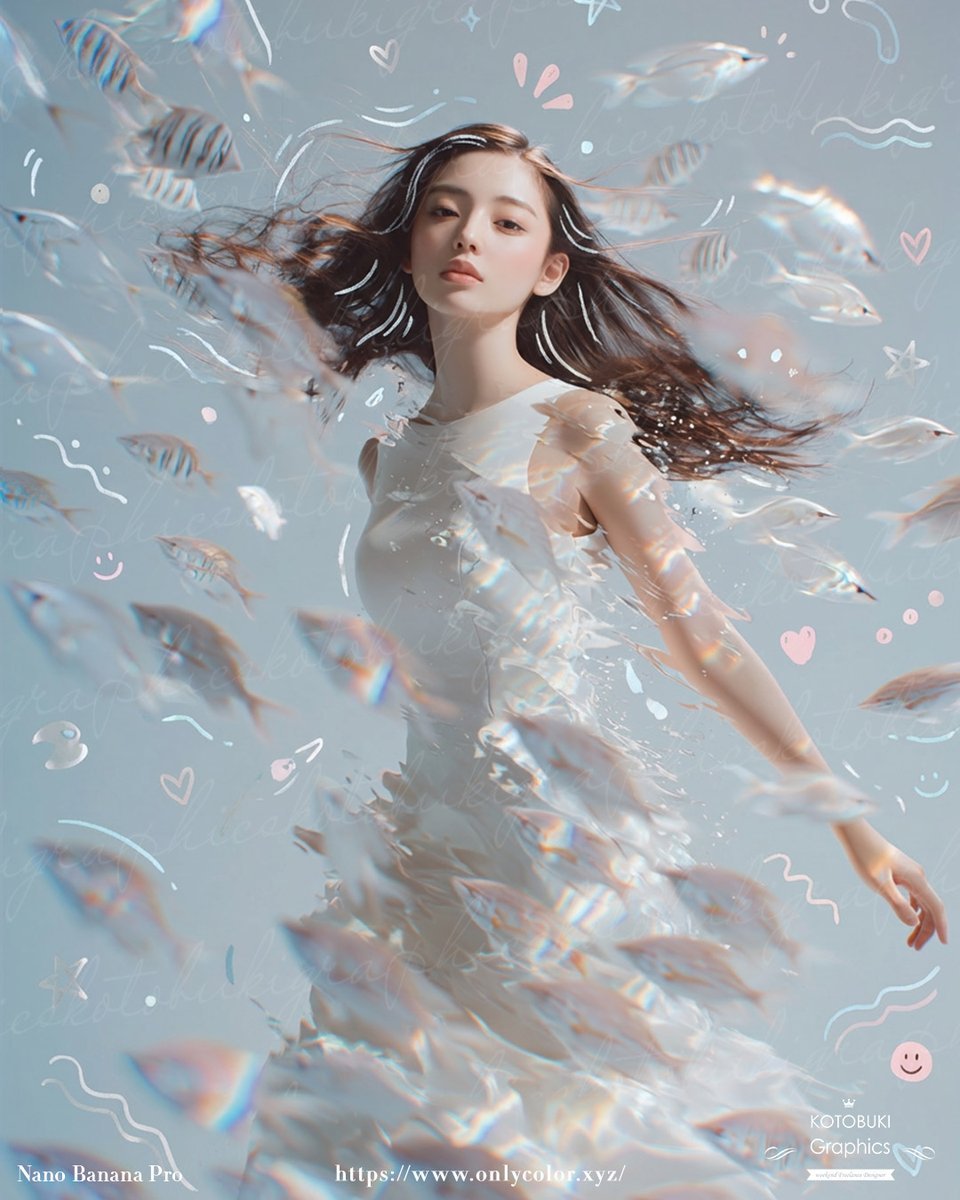
Dreamy Underwater Woman With Translucent Fish

High-End Concept Art Magazine Editorial Photograph Prompt

2x2 Japanese Advertisement Grid
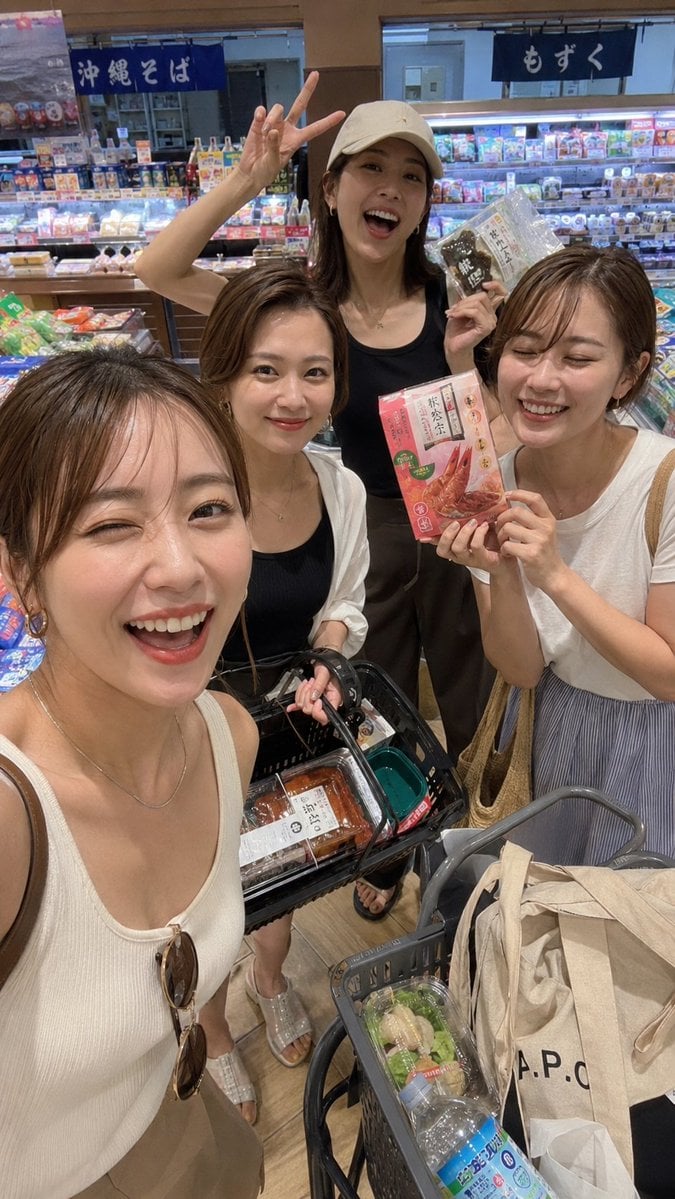
Vacation Grocery Selfie

First-Person Perspective Christmas Gift Delivery with Character Model
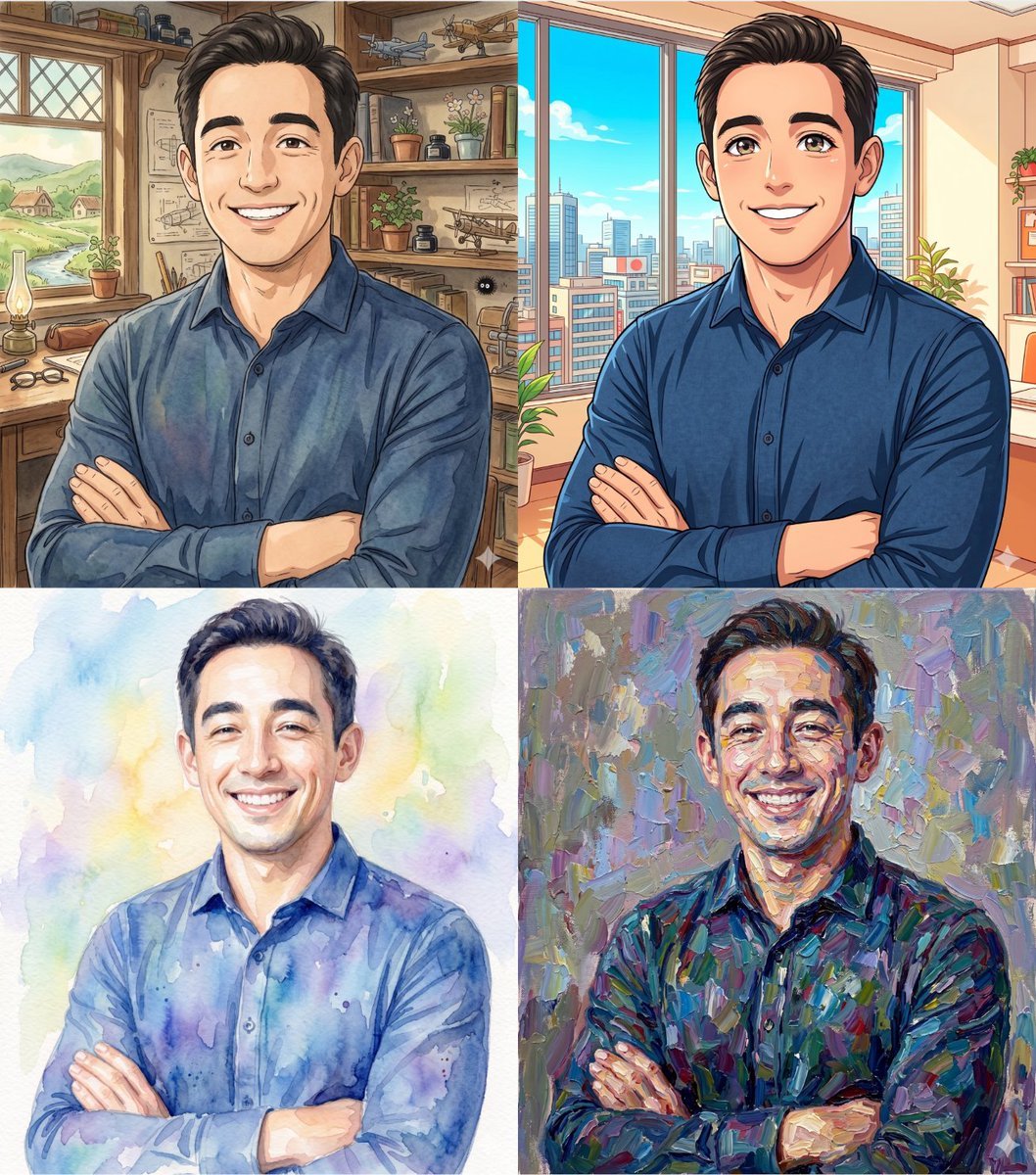
Ghibli and Anime Style Photo Transformation
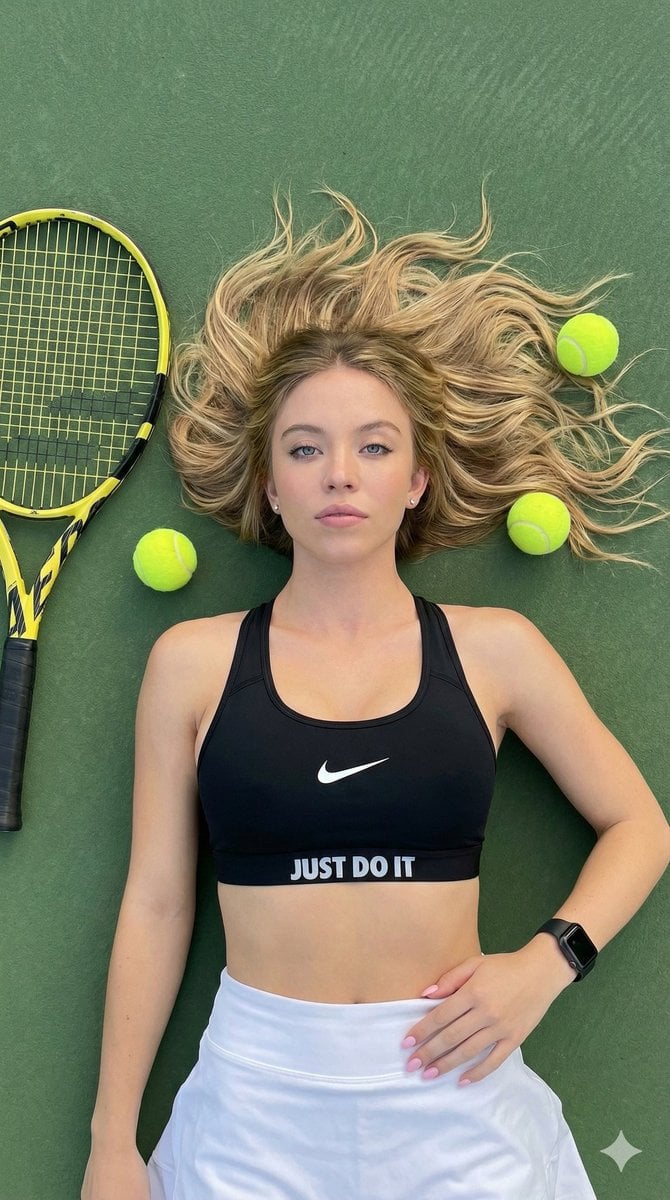
Top-Down Tennis Court Editorial Portrait
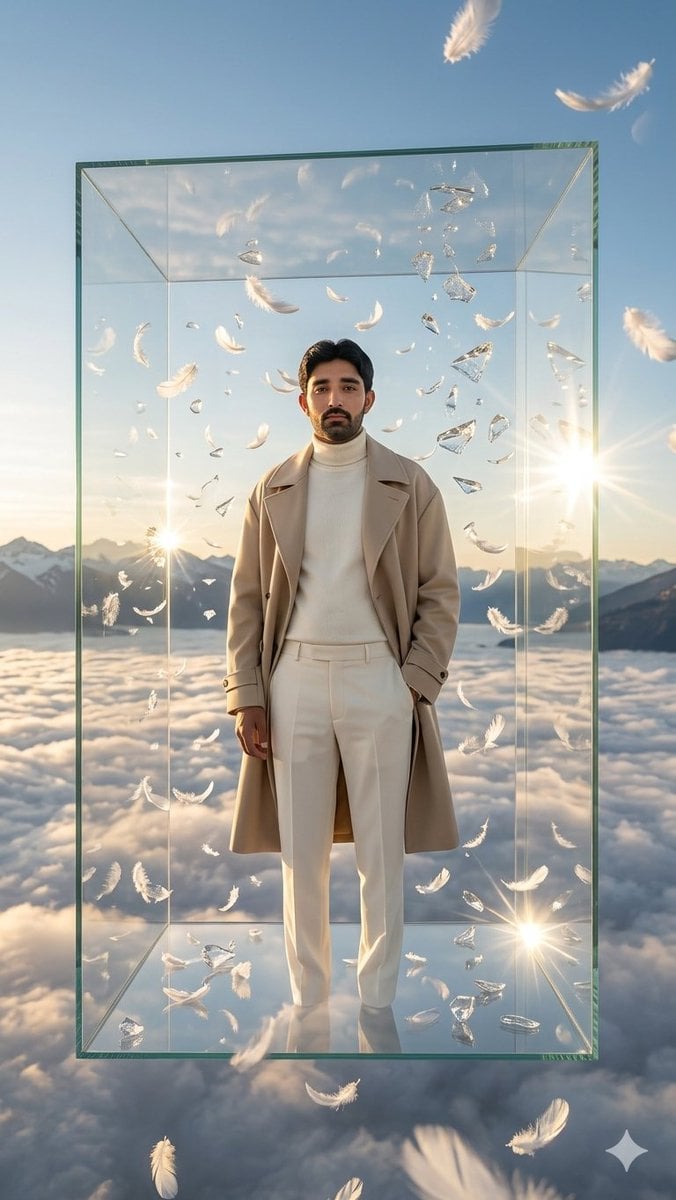
Man in Floating Glass Cube

Pixar-Style Giant World Character Prompt

Kids Crayon Travel Journal Illustration
Browse template categories
Vintage Garden Wedding Portrait questions
How do I use the Vintage Garden Wedding Portrait template?
Add your photo if the template asks for one, edit the prompt if you like — the template's model and format are already selected — and press Generate. Your version opens in PicX Studio.
Can I customize the Vintage Garden Wedding Portrait template?
Yes. You can change the subject, setting, lighting, mood, format, and available model controls before creating your image.
Is the Vintage Garden Wedding Portrait template free?
Opening and editing this template is free. Generating uses credits, shown on the Generate button when you are signed in.
Which AI model should I use?
Start with GPT Image 2, which is the model associated with this template. You can compare another compatible model for a different finish.
Looking for something else? Browse all templates.

Your photo, any look
Thousands of ready templates for every top image and video model, from one credit balance.