
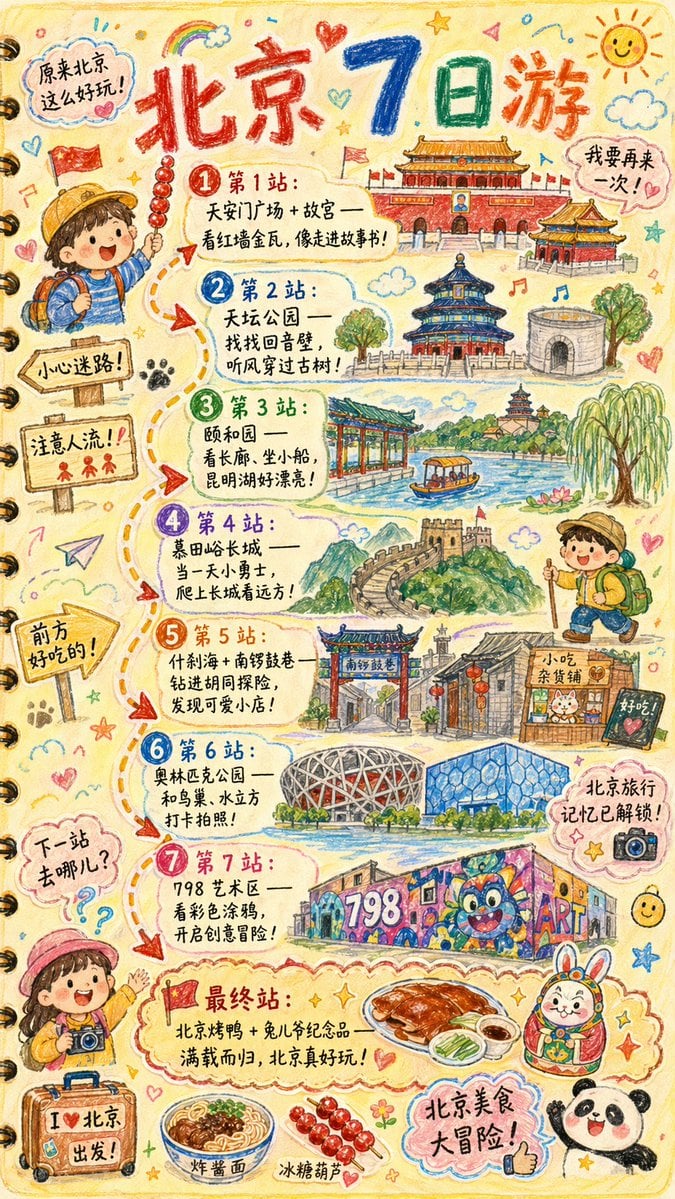
Kids Crayon Travel Journal Illustration
Kids Crayon Travel Journal Illustration is a ready photo look for Nano Banana.

- Prompt included
- Model and format preset
- Free template
The prompt behind this image
Copy the exact prompt behind Kids Crayon Travel Journal Illustration, or open it in the studio and make it yours.
Please create a vibrant, child-like crayon-style vertical (9:16) illustration titled “{City Name} Travel Journal.” The artwork should look as if it were drawn by a curious child using colorful crayons, featuring a soft, warm light-toned background (such as pale yellow), combined with bright reds, blues, greens, and other cheerful colors to create a cozy, playful travel atmosphere. I. Main Scene: Travel-Journal Style Route Map In the center of the illustration, draw a “winding, zigzagging travel route” with arrows and dotted lines connecting multiple locations. The route should automatically generate recommended attractions based on {Number of Days}: Example structure (auto-filled with {City Name}-related content): - “Stop 1: {Attraction 1 + short fun description}” - “Stop 2: {Attraction 2 + short fun description}” - “Stop 3: {Attraction 3 + short fun description}” - … - “Final Stop: {Local signature food or souvenir + warm closing remark}” Rules: - If no number of days is provided, default to a 1-day highlight itinerary. II. Surrounding Playful Elements (Auto-adapt to the City) Add many cute doodles and child-like decorative elements around the route, such as: 1. Adorable travel characters - A child holding a local snack - A little adventurer with a backpack 2. Q-style hand-drawn iconic landmarks - “{City Landmark 1}” - “{City Landmark 2}” - “{City Landmark 3}” 3. Funny signboards - “Don’t get lost!” - “Crowds ahead!” - “Yummy food this way!” (Auto-adjust contextually for the city) 4. Sticker-style short phrases - “{City Name} travel memories unlocked!” - “{City Name} food adventure!” - “Where to next?” 5. Cute icons of local foods - “{Local Food 1}” - “{Local Food 2}” - “{Local Food 3}” 6. Childlike exclamations - “I didn’t know {City Name} was so fun!” - “I want to come again!” III. Overall Art Style Requirements - Crayon / children’s hand-drawn travel diary style - Bright, warm, colorful palette - Cozy but full and lively composition - Emphasize the joy of exploring - All text should be in a cute handwritten font - Make the entire page feel like a young child’s fun travel-journal entry
How to use Kids Crayon Travel Journal Illustration in 3 steps
- 1
Open
The prompt is already in the box next to the preview, with the template's model and format selected.
- 2…a portrait of your subject in softgolden-hour light, 85mm…
Personalize
Edit the subject and creative details for your destination.
- 3Generate
Generate
Press Generate — your image is created in PicX Studio, so you can compare it with the original and refine one variable at a time.
More like this
Templates with the same subject, style or setup. Open one to see its prompt.

Open Travel Journal Overhead Still Life

untitled
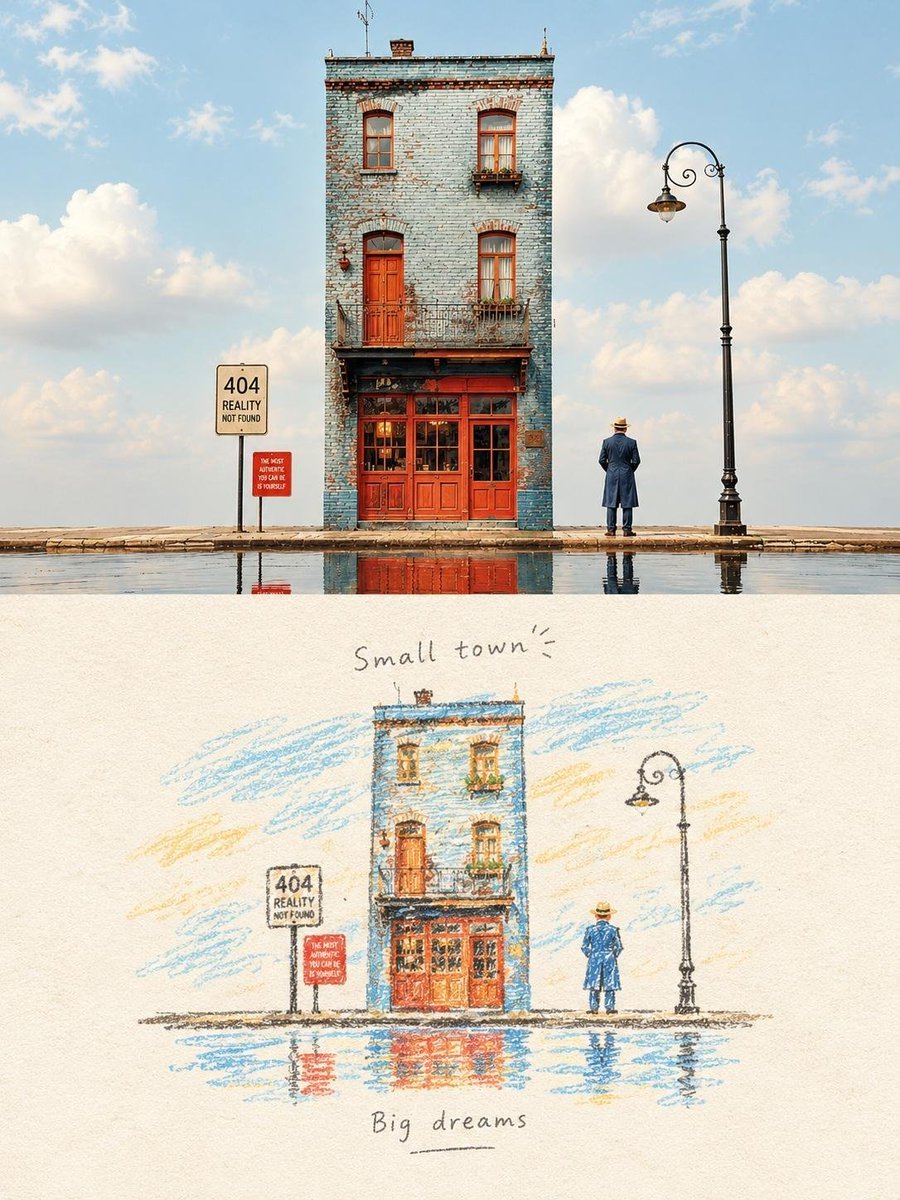
Hand-Drawn Travel Journal Illustration
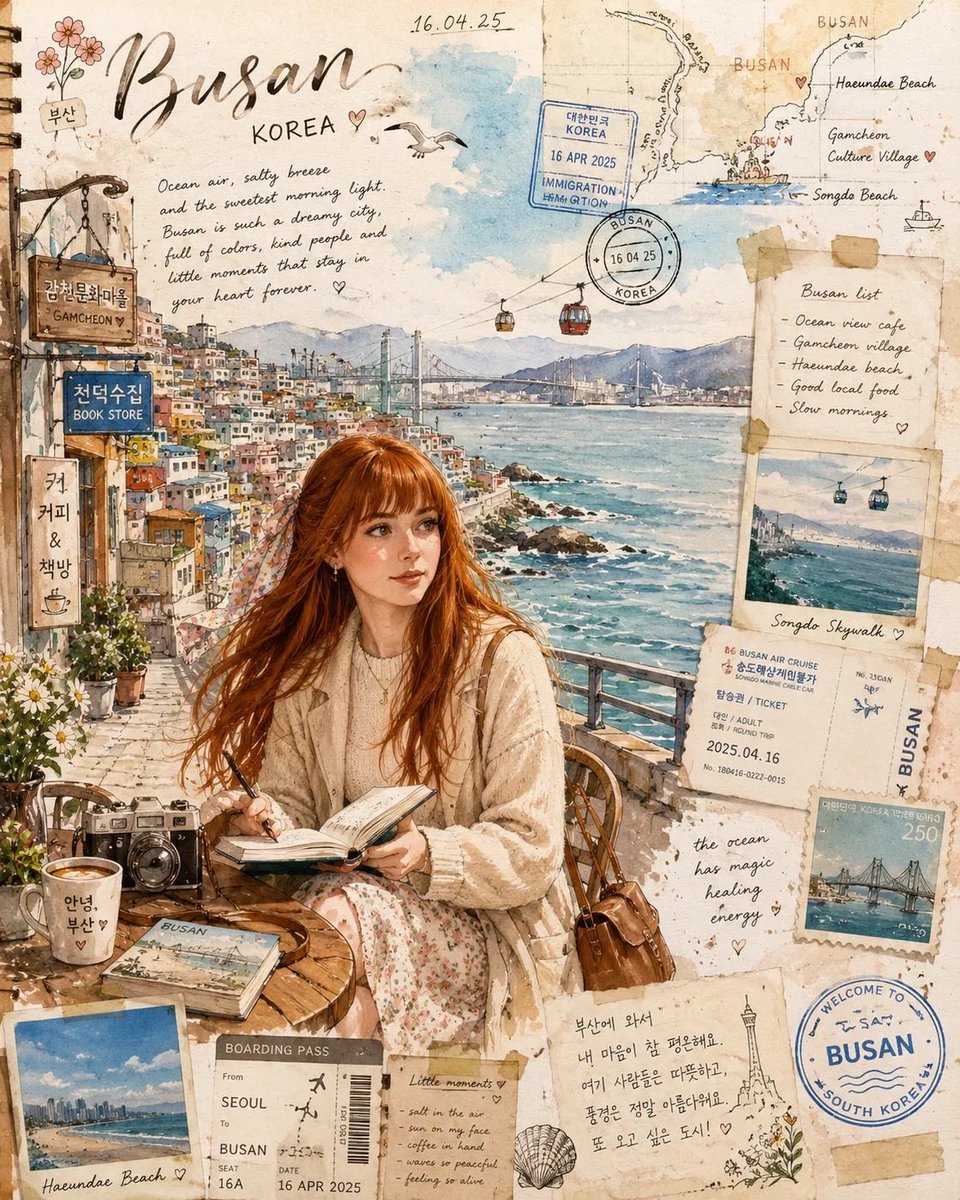
Busan Travel Journal Illustration
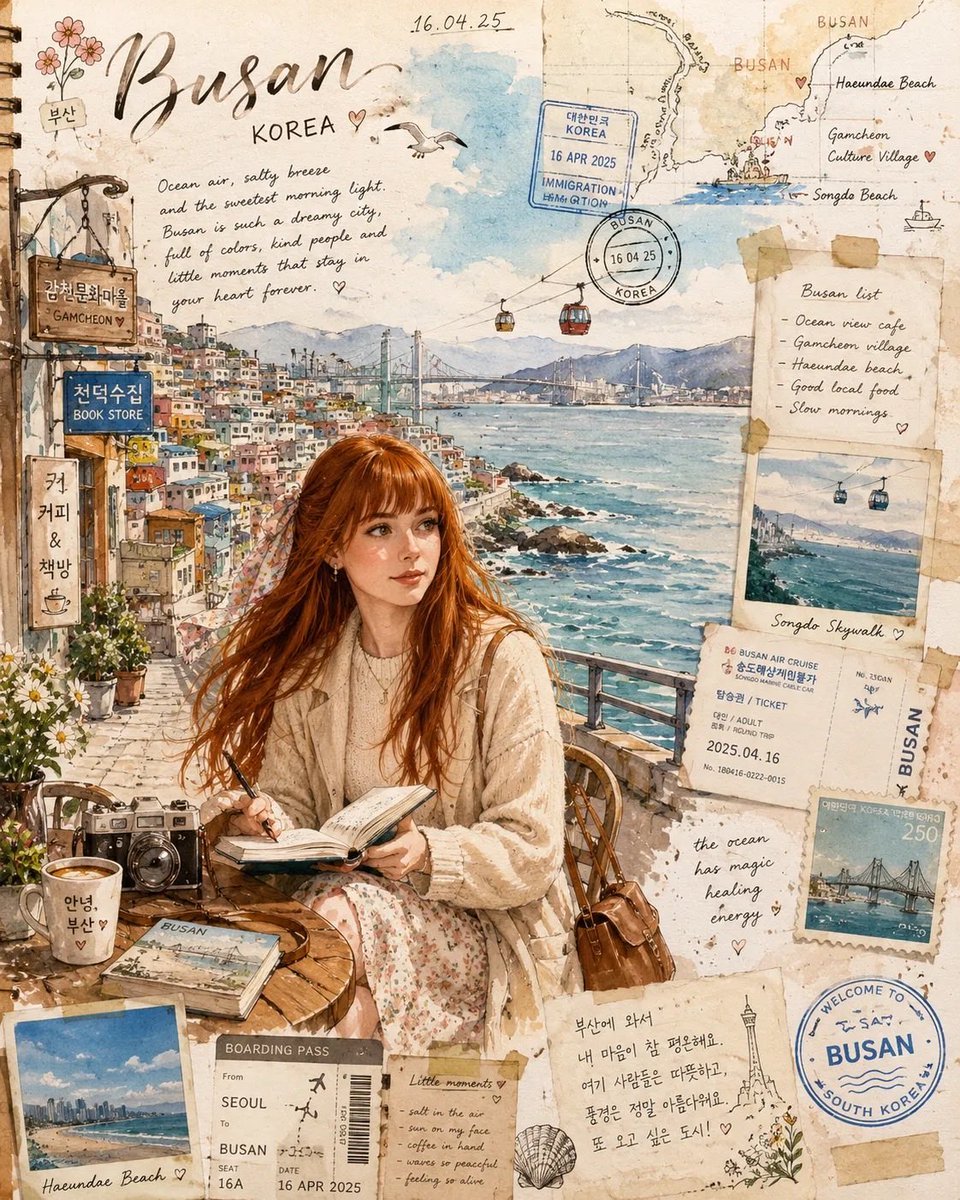
Watercolor Travel Journal Illustration
Hand-drawn Travel Journal Illustration

Found Photograph: Us, 1970

80s Couple Studio Portrait

80s Bollywood Star

80s Golden Hour Cinema

Me in 1985

1985 Studio Portrait
Make it yours
Kids Crayon Travel Journal Illustration works as-is. These are the safest ways to change it without losing the look.
Change one field
Copy a single group, rewrite it, and generate again so you can see what that field is doing.
Keep the frame, change the subject
Hold the composition and light of 2-kids-crayon-travel-journal-illustration-, then swap wardrobe, props or the person for a new take.
| If the result… | Why | Fix |
|---|---|---|
| The result drifts from the preview | Too many fields changed at once. | Reuse 2-kids-crayon-travel-journal-illustration- as-is first, then change one group — subject, light, or setting. |
| The model over-stylizes the scene | The prose prompt leaves finish and camera underspecified. | Add one camera or lighting sentence and stay on Nano Banana. |
More Nano Banana templates
Other prompts made for Nano Banana.







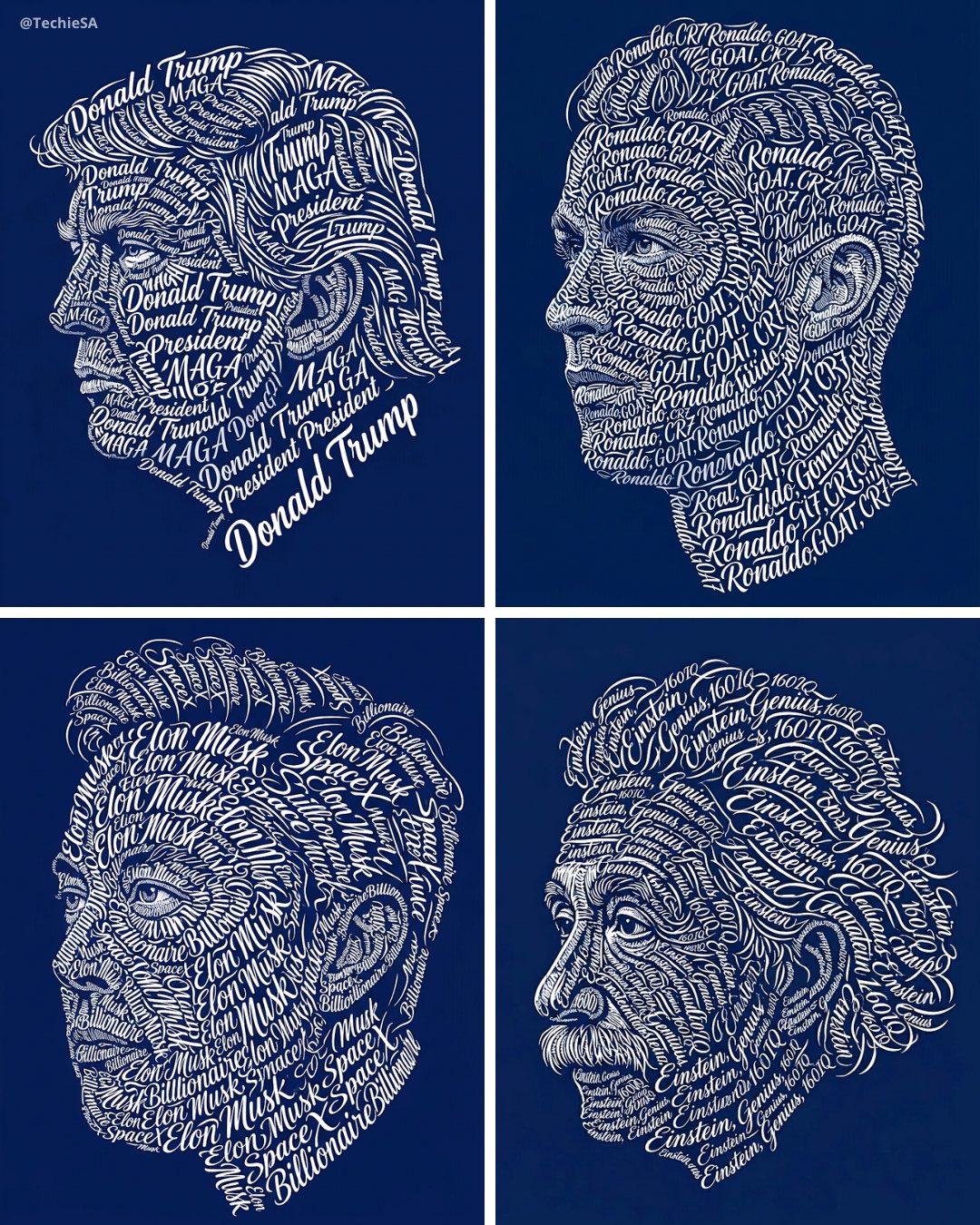


More image prompts
Fresh picks from across the catalog.

Cyber-Noir Cinematic Portrait
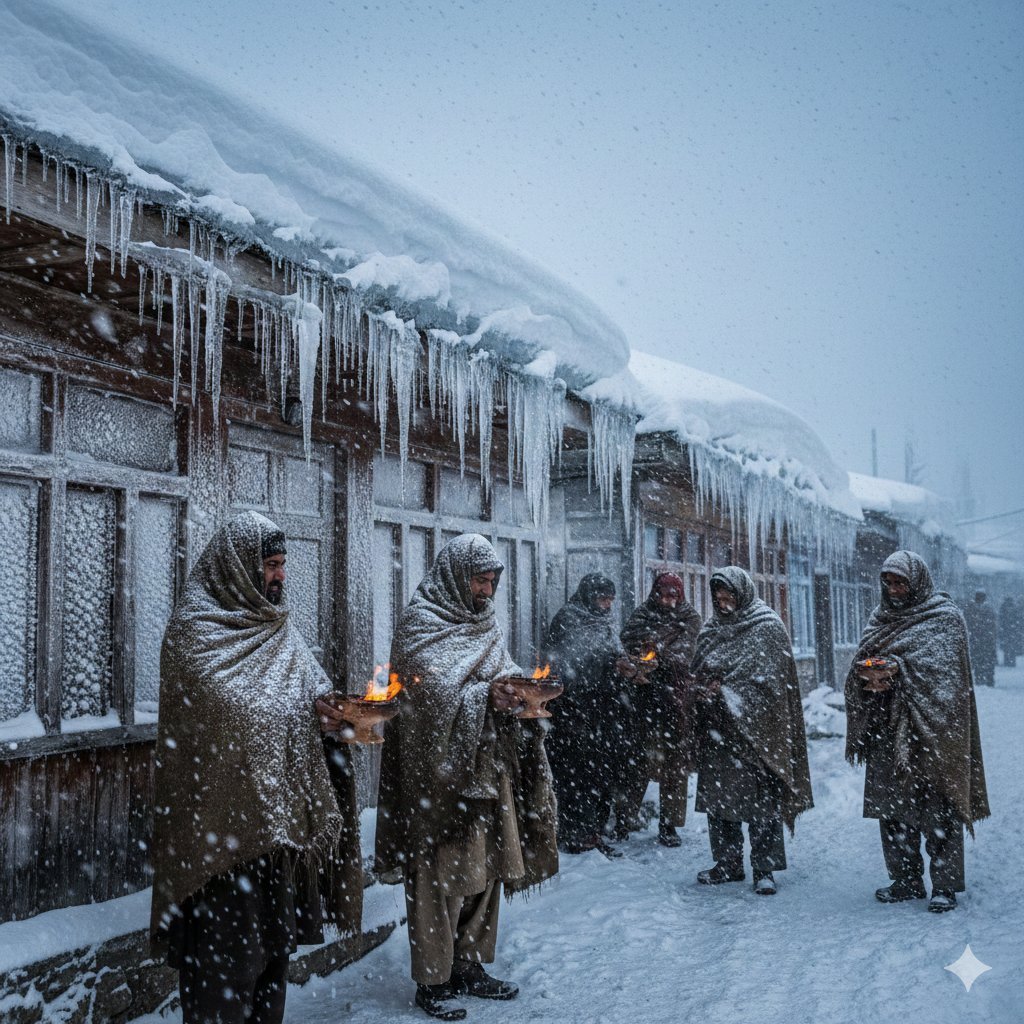
8K Ultra-Realistic Kashmir Winter Scene Prompt
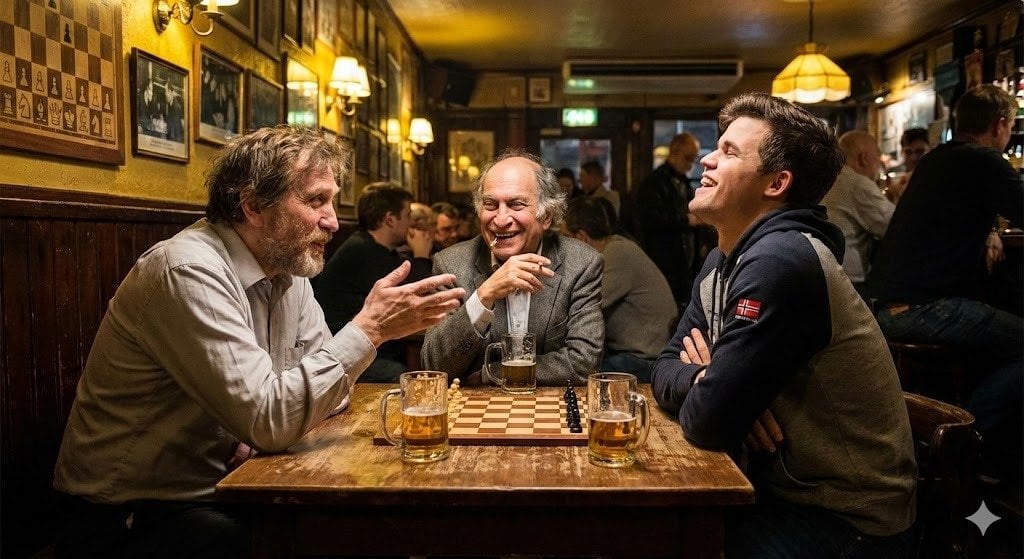
Chess legends hanging out in a bar
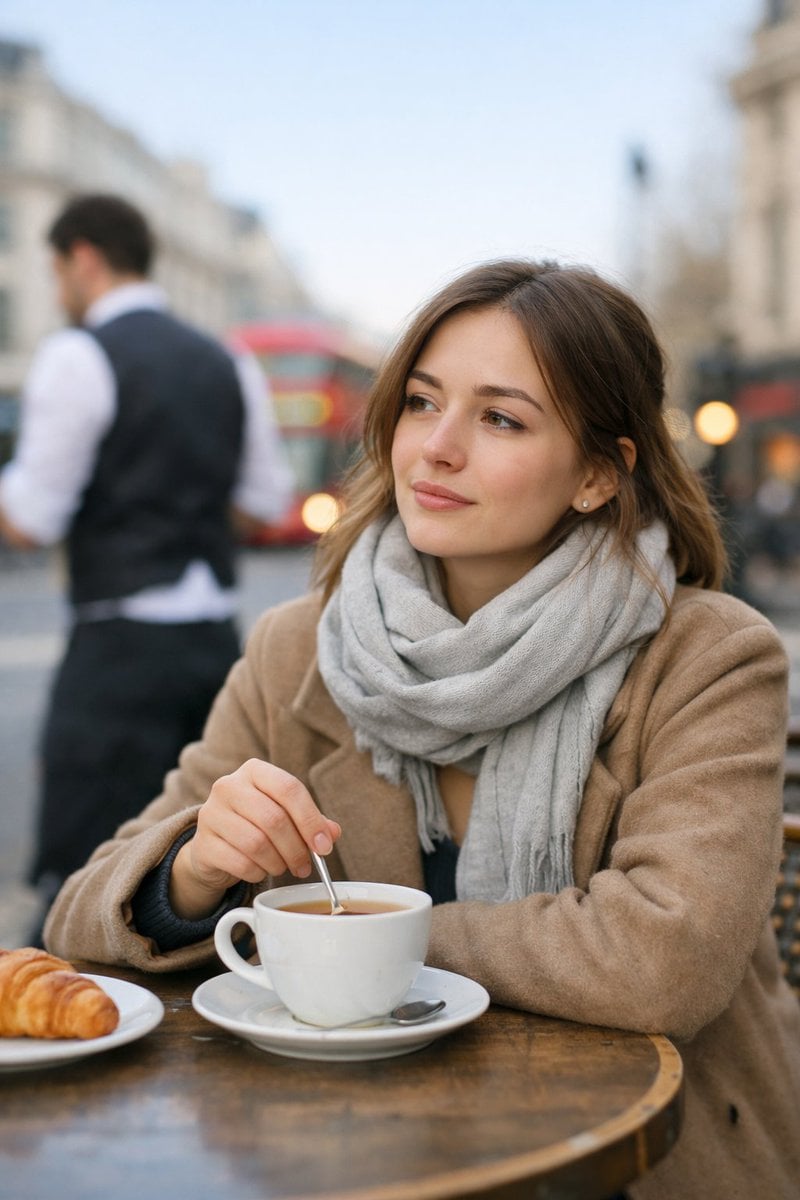
Cinematic London Morning Restaurant Portrait
Custom Cat Beastman Playing Cards
Five 1980s Delinquent Anime Girls
Nano Banana Pro brand hero image
05 Santa Monica Pier — California Series
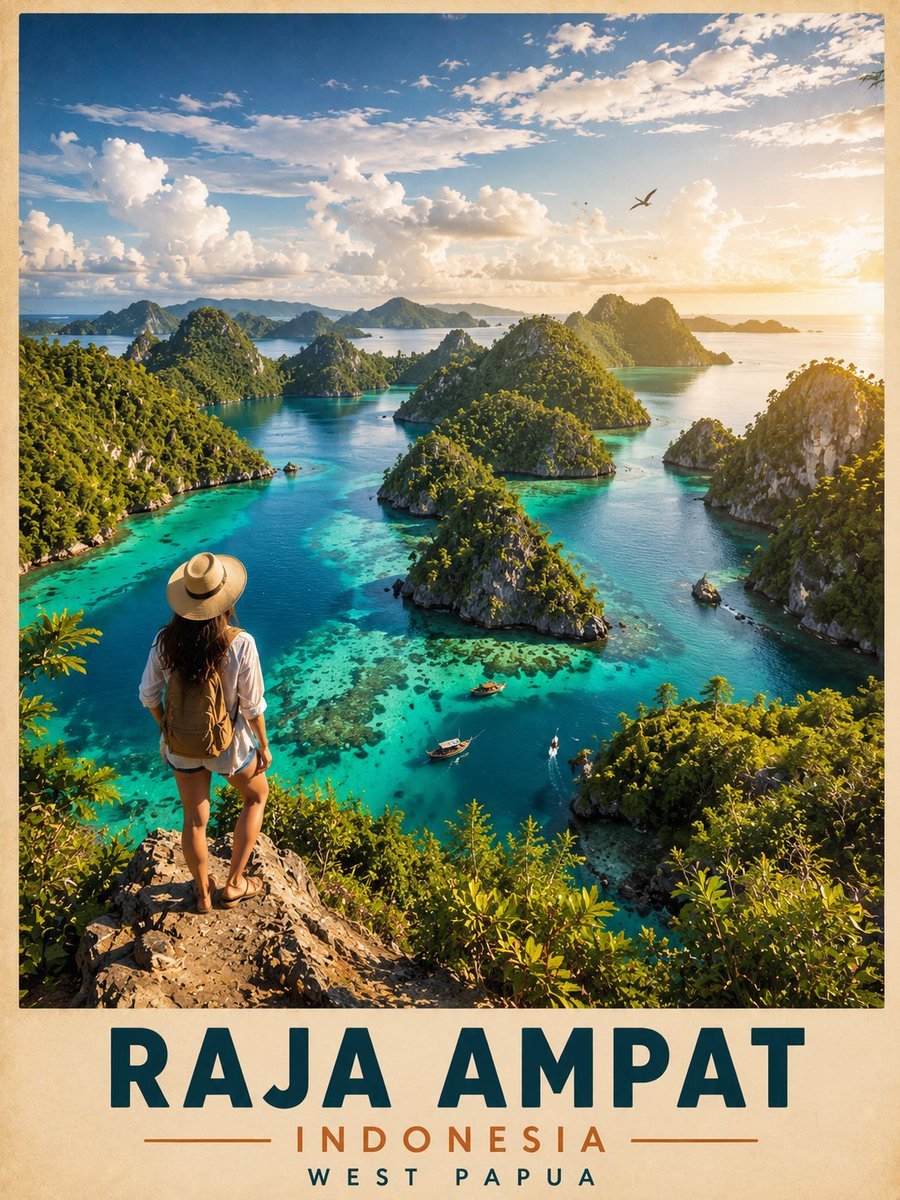
Vintage Cinematic Travel Poster
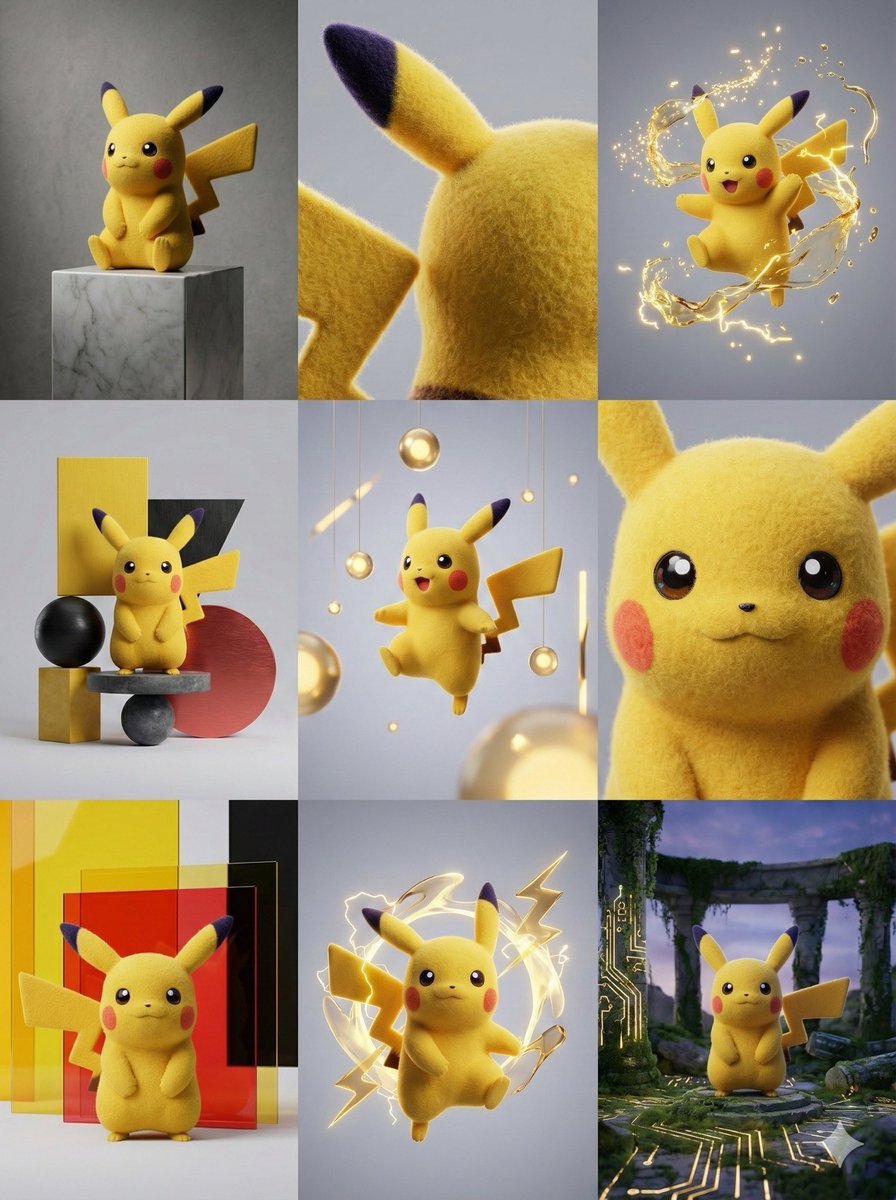
3x3 Grid Visual Concept Presentation
Browse template categories
Kids Crayon Travel Journal Illustration questions
How do I use the 2-kids-crayon-travel-journal-illustration- template?
Add your photo if the template asks for one, edit the prompt if you like — the template's model and format are already selected — and press Generate. Your version opens in PicX Studio.
Can I customize the 2-kids-crayon-travel-journal-illustration- template?
Yes. You can change the subject, setting, lighting, mood, format, and available model controls before creating your image.
Is the 2-kids-crayon-travel-journal-illustration- template free?
Opening and editing this template is free. Generating uses credits, shown on the Generate button when you are signed in.
Which AI model should I use?
Start with Nano Banana, which is the model associated with this template. You can compare another compatible model for a different finish.
Looking for something else? Browse all templates.

Your photo, any look
Thousands of ready templates for every top image and video model, from one credit balance.