
Turn Your Food Photos Into a Vintage Rec
Turn Your Food Photos Into a Vintage Rec is a ready photo look for Nano Banana.

- Prompt included
- Model and format preset
- Free template
The prompt behind this image
Copy the exact prompt behind Turn Your Food Photos Into a Vintage Rec, or open it in the studio and make it yours.
Turn this ramen into a cute recipe page with illustrations in the style of a vintage cookbook that was hand-drawn. A carefully drawn ingredients with labels, measures, and implements like bowls, whisks, or spoons should surround the composition's focal point. To create a homey, nostalgic vibe, use textured shading, warm pastel colors, and fine, ink-like outlines. Add recipe writing in the handwritten manner, including the ingredients and directions organically into the layout. Make sure the page has an artistic and educational tone, combining the beauty of colorful illustrations with a cookbook aesthetic Made with Adobe Firefly app
How to use Turn Your Food Photos Into a Vintage Rec in 3 steps
- 1
Open
The prompt is already in the box next to the preview, with the template's model and format selected.
- 2…a portrait of your subject in softgolden-hour light, 85mm…
Personalize
Edit the subject and creative details for your destination.
- 3Generate
Generate
Press Generate — your image is created in PicX Studio, so you can compare it with the original and refine one variable at a time.
More like this
Templates with the same subject, style or setup. Open one to see its prompt.

Found Photograph: Us, 1970

80s Couple Studio Portrait

80s Bollywood Star

80s Golden Hour Cinema
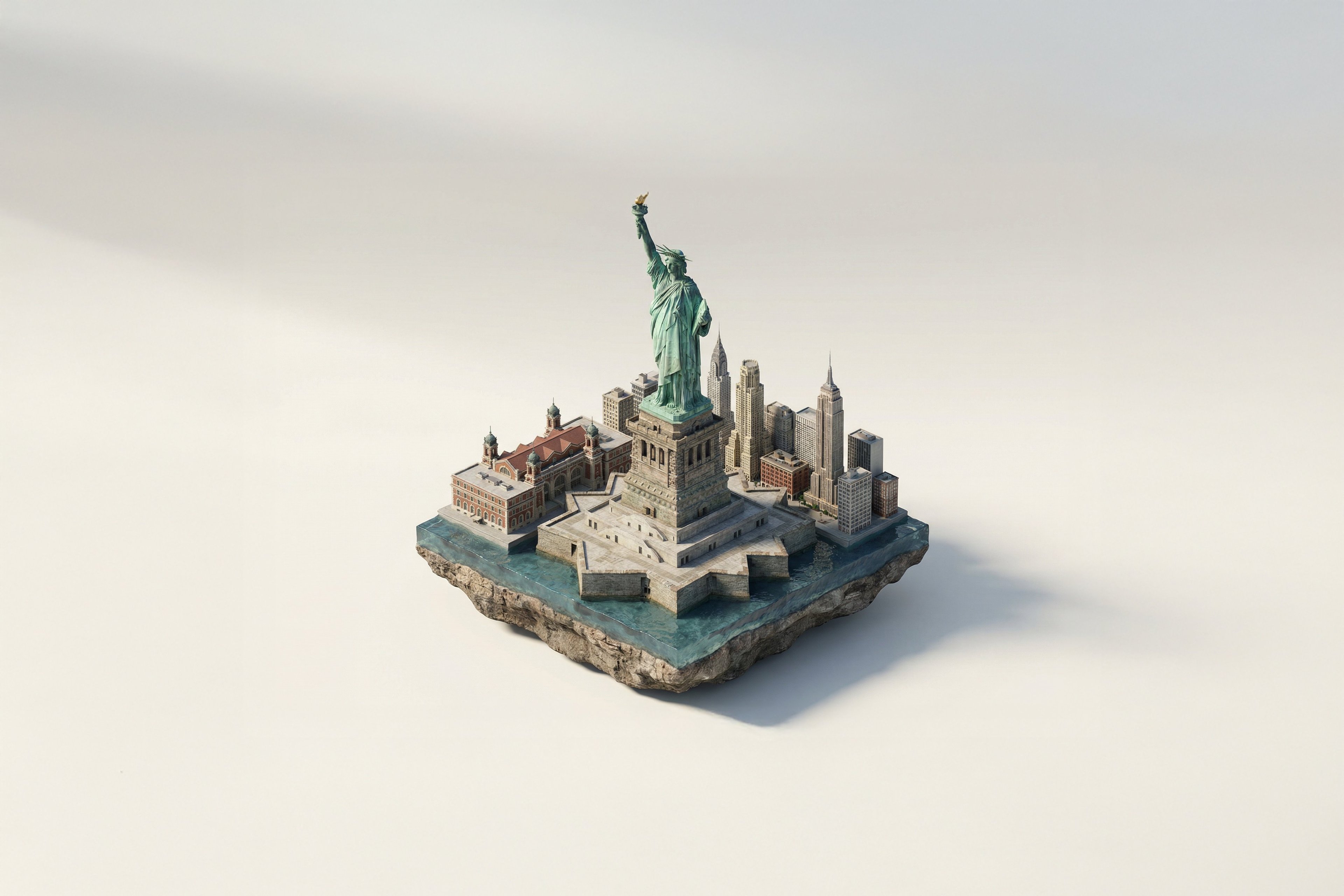
Turn Iconic Landmarks Into Tiny Worlds W
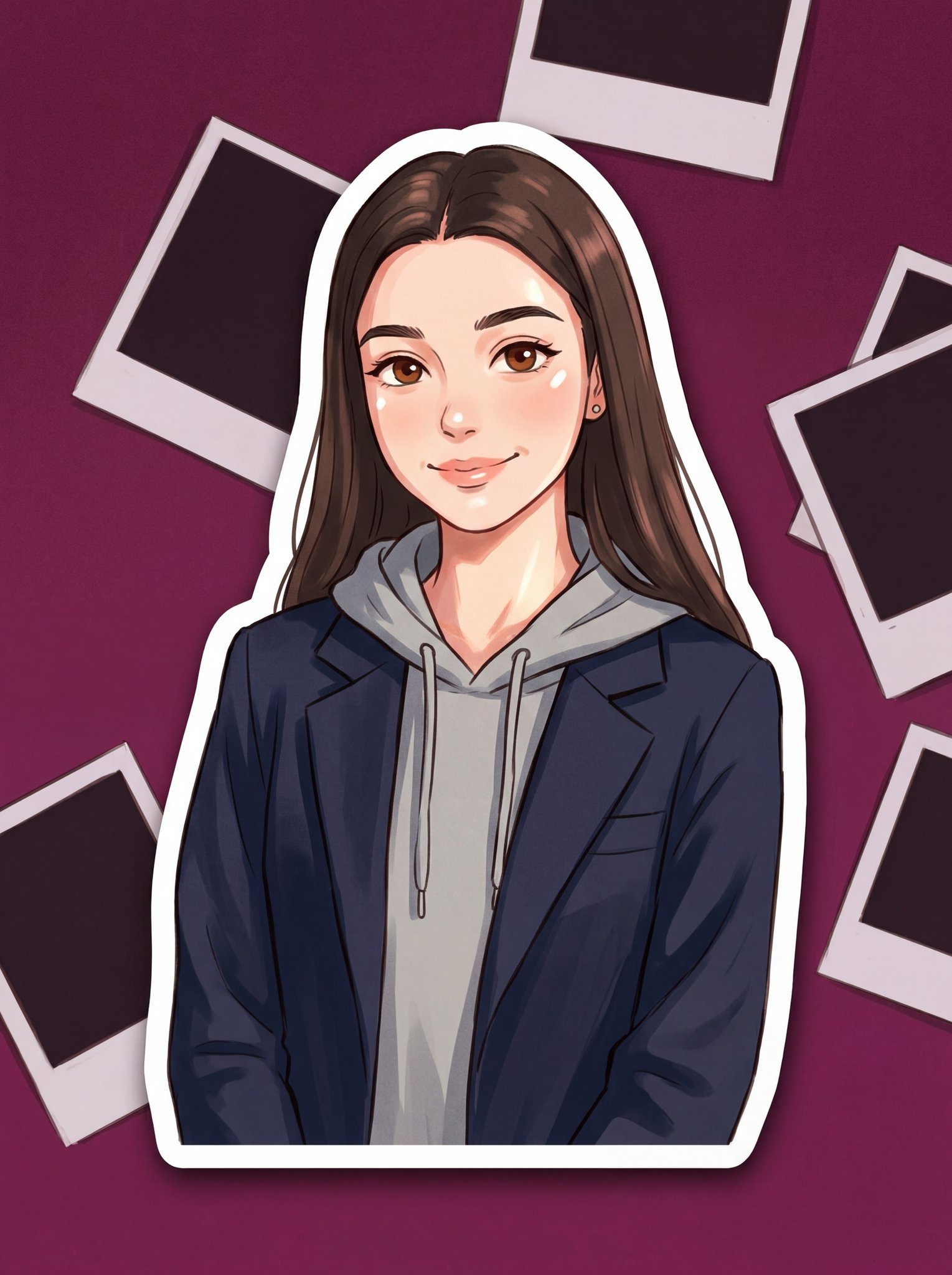
Turn Your Photo Into Ghibli Style with N
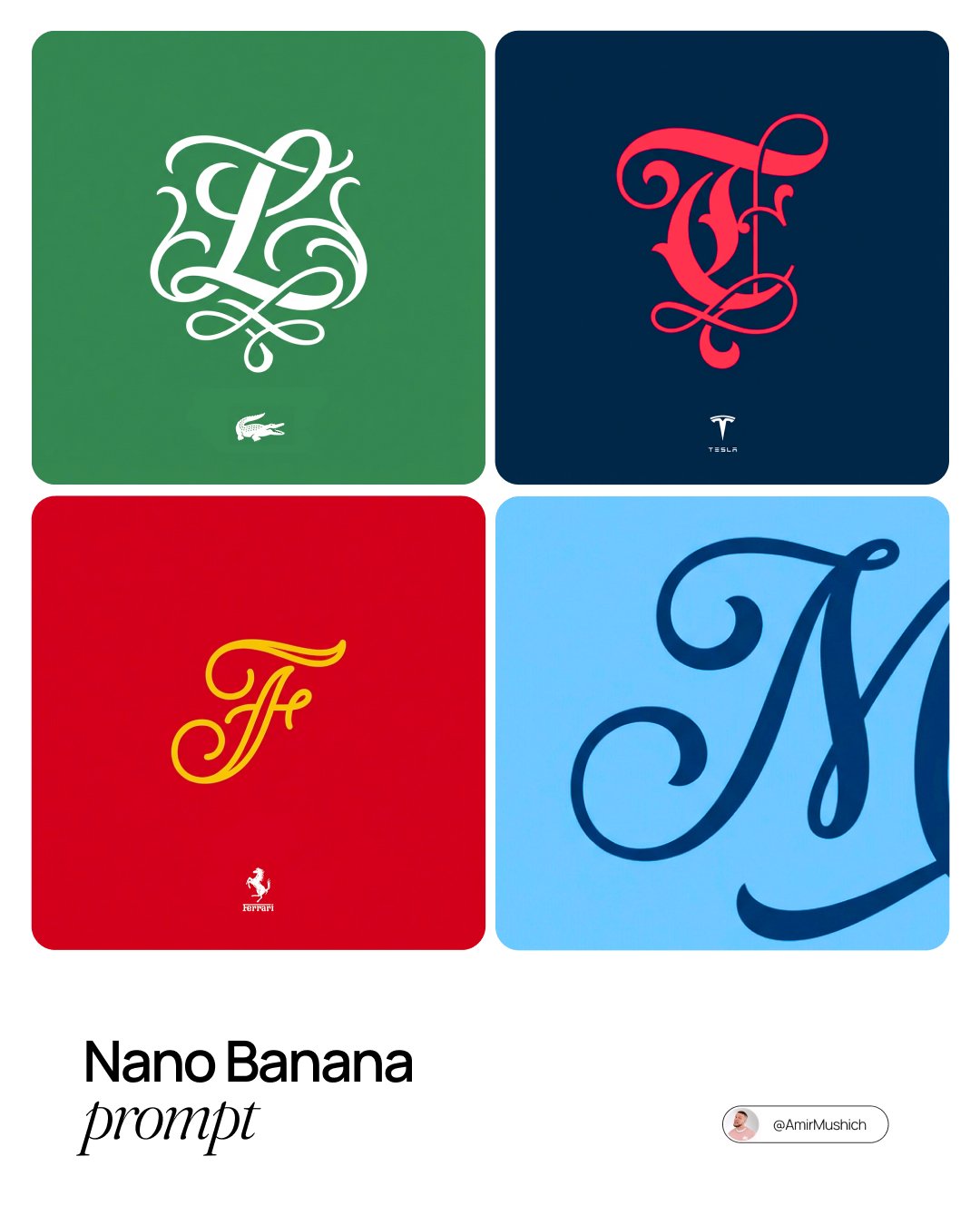
Turn Any Logo Into a Calligraphic Monogr
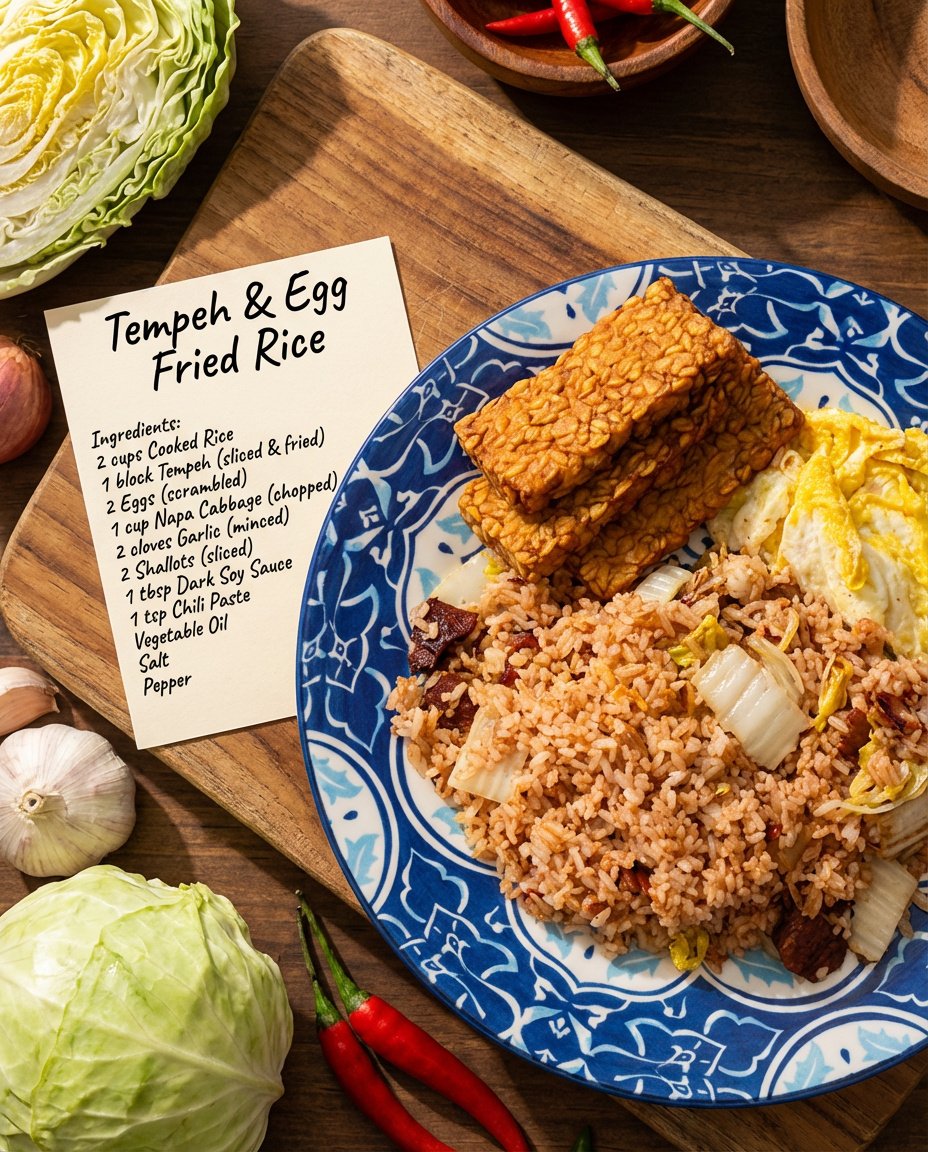
Recipe breakdown and food photoshoot

Two Tickets, One Night

If We Met in 1985

One Dance Before Midnight

Before We said Goodbye
Make it yours
Turn Your Food Photos Into a Vintage Rec works as-is. These are the safest ways to change it without losing the look.
Change one field
Copy a single group, rewrite it, and generate again so you can see what that field is doing.
Keep the frame, change the subject
Hold the composition and light of 159-turn-your-food-photos-into-a-vintage-rec, then swap wardrobe, props or the person for a new take.
| If the result… | Why | Fix |
|---|---|---|
| The result drifts from the preview | Too many fields changed at once. | Reuse 159-turn-your-food-photos-into-a-vintage-rec as-is first, then change one group — subject, light, or setting. |
| The model over-stylizes the scene | The prose prompt leaves finish and camera underspecified. | Add one camera or lighting sentence and stay on Nano Banana. |
More Nano Banana templates
Other prompts made for Nano Banana.










More image prompts
Fresh picks from across the catalog.
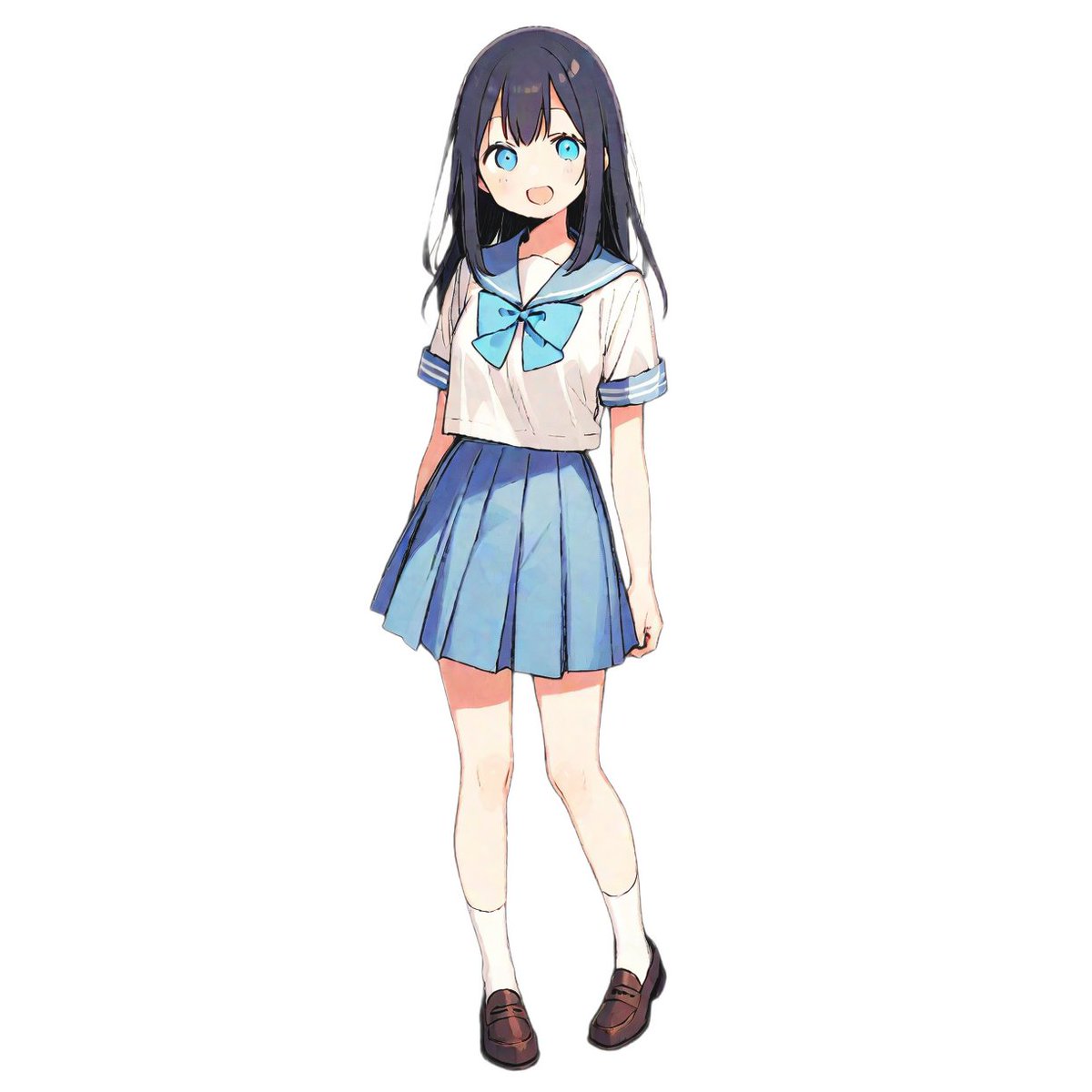
Weekly Outfit Coordination Lookbook Generation
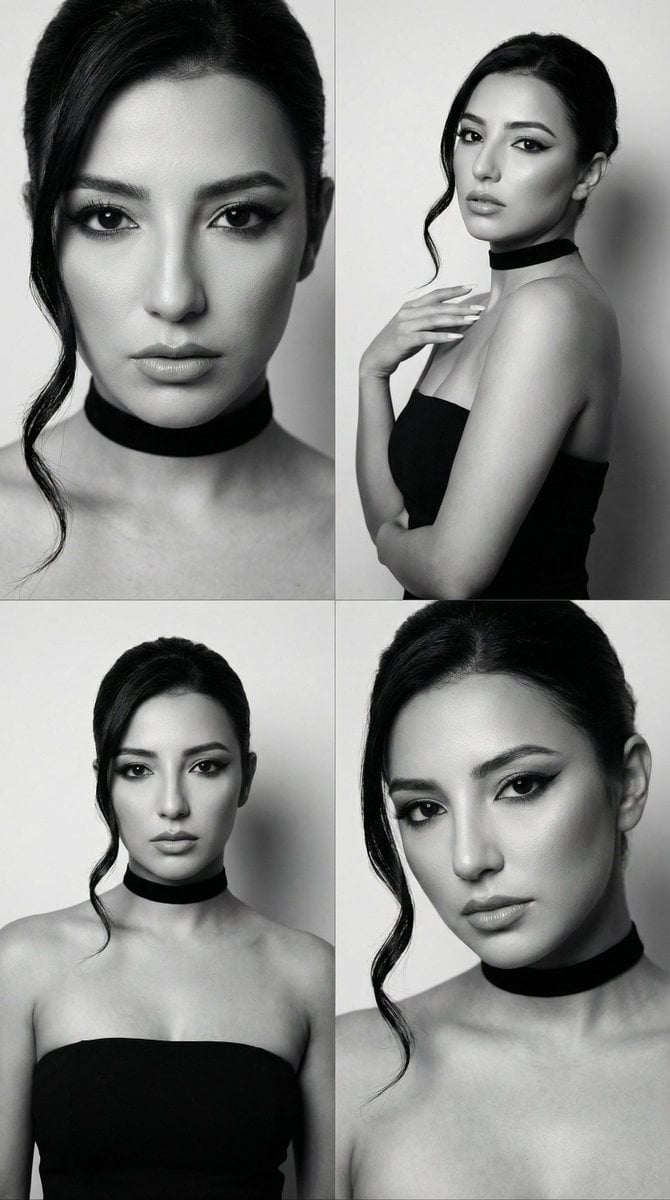
JSON Prompt for Black and White Fashion Editorial Contact Sheet
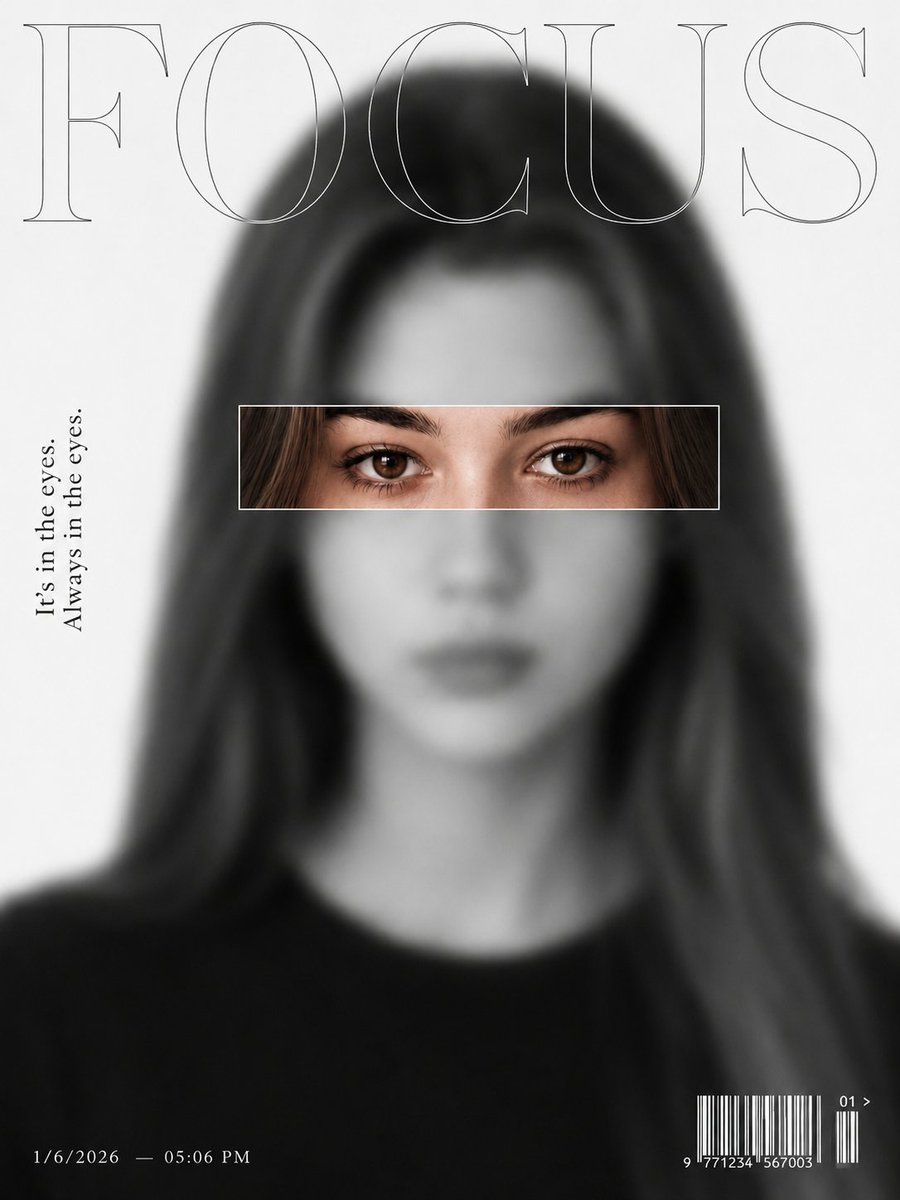
Ultra-Minimalist Magazine Cover Portrait
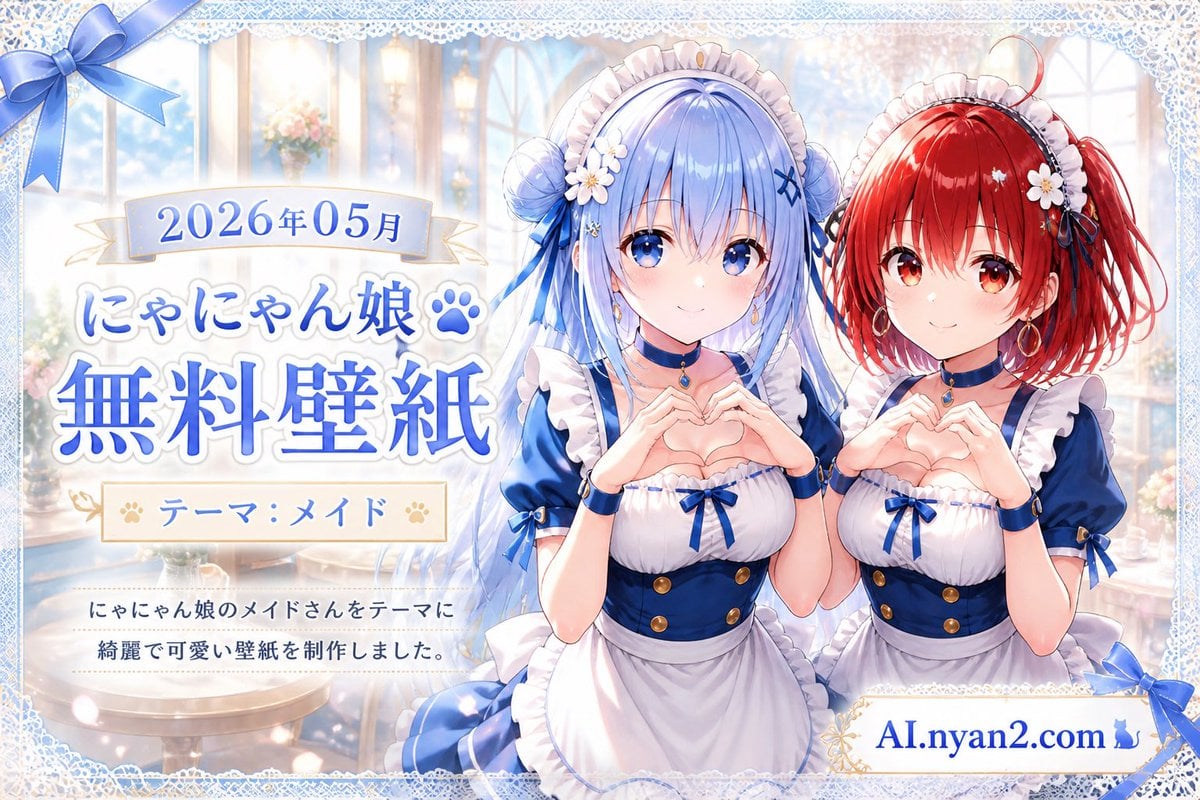
Catgirl Maid Free Wallpaper Banner
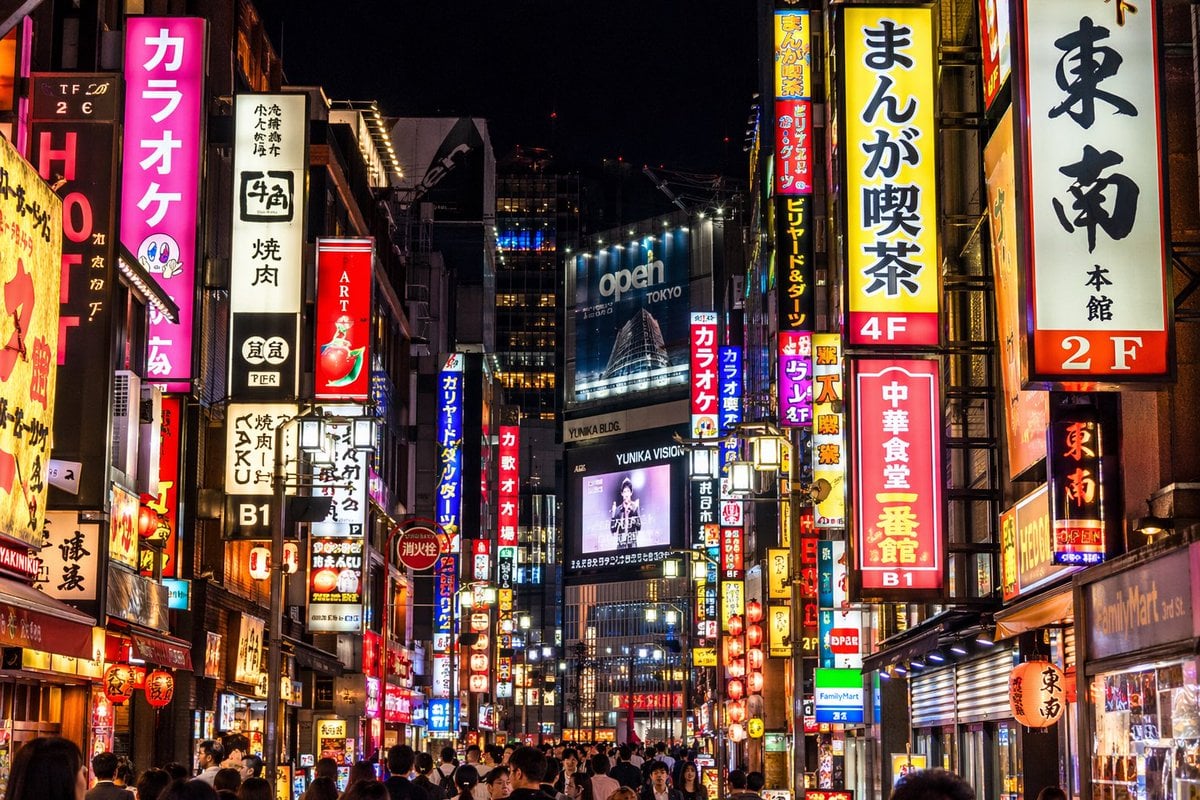
Photorealistic Neon Tokyo Street Scene
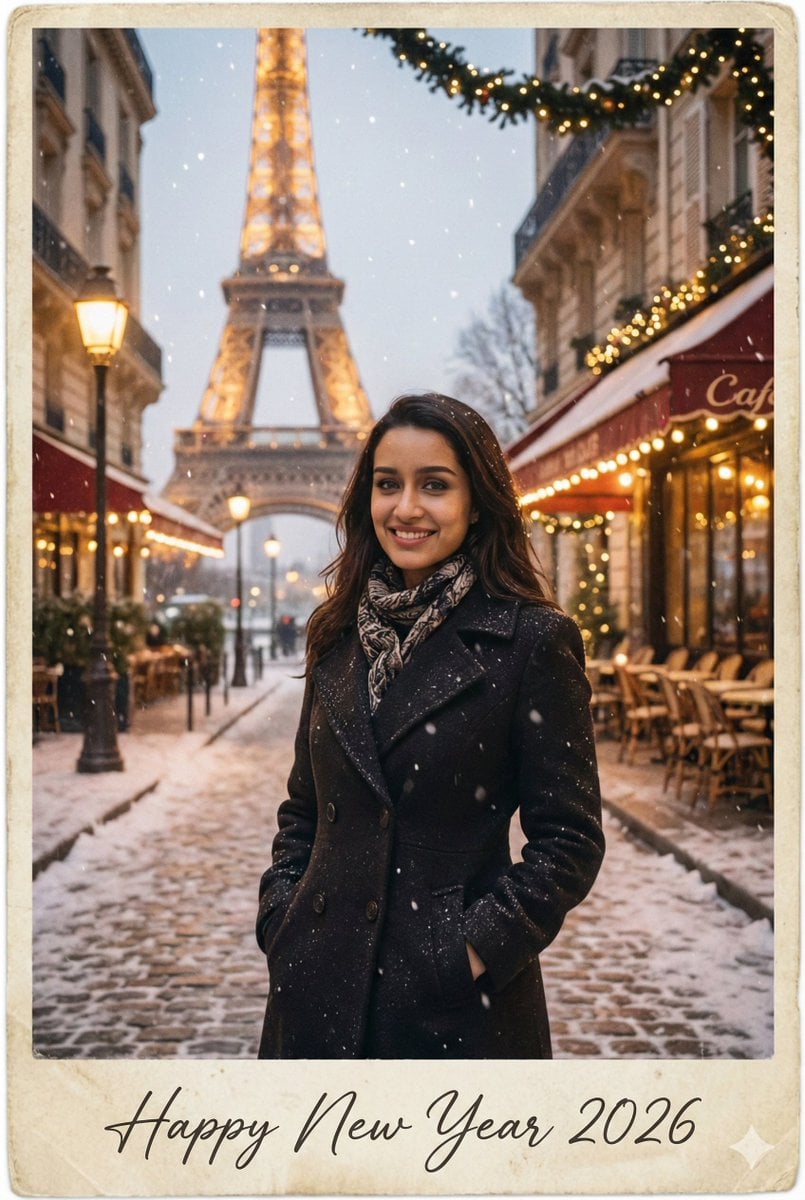
New Year 2026 Postcard and Studio Portrait Prompts

Luxury Boat Alpine Lake Editorial Photo Prompt
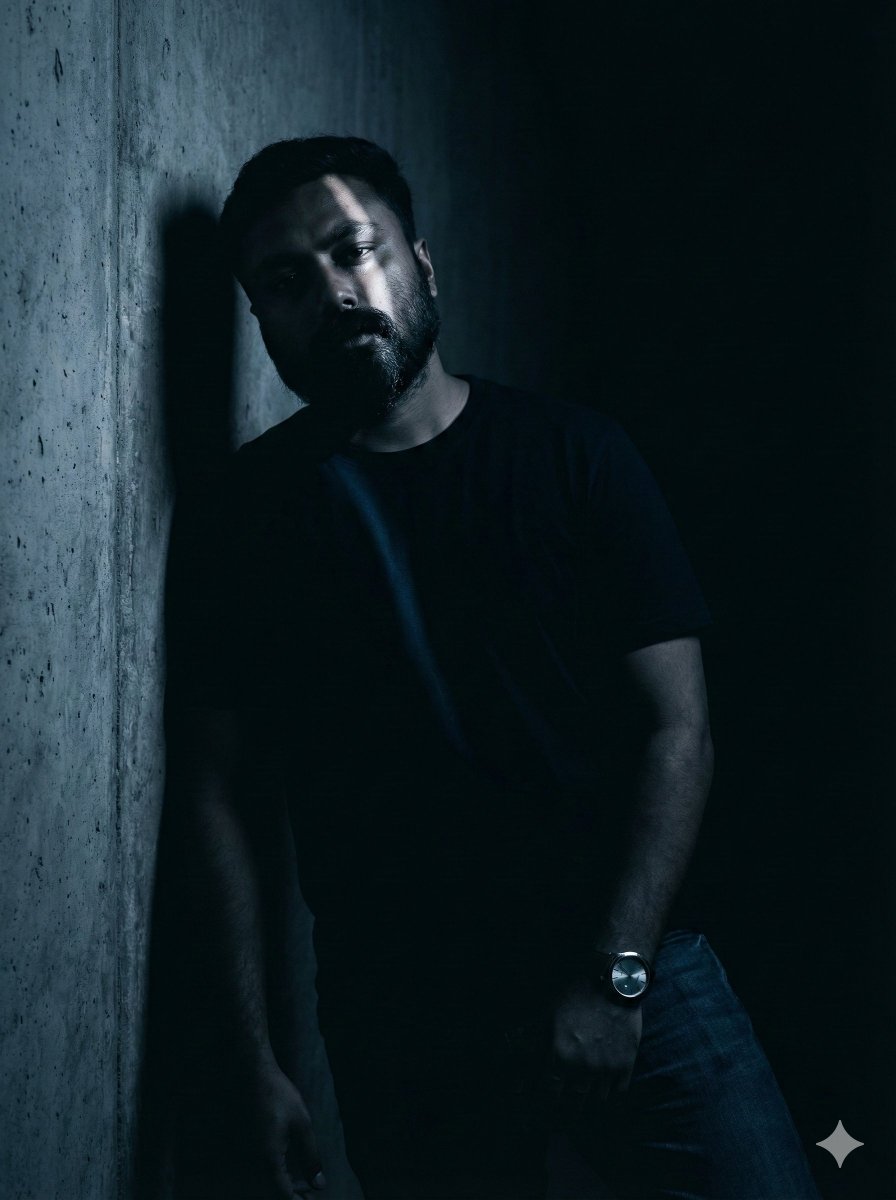
Moody Portrait with Diagonal Light Beam
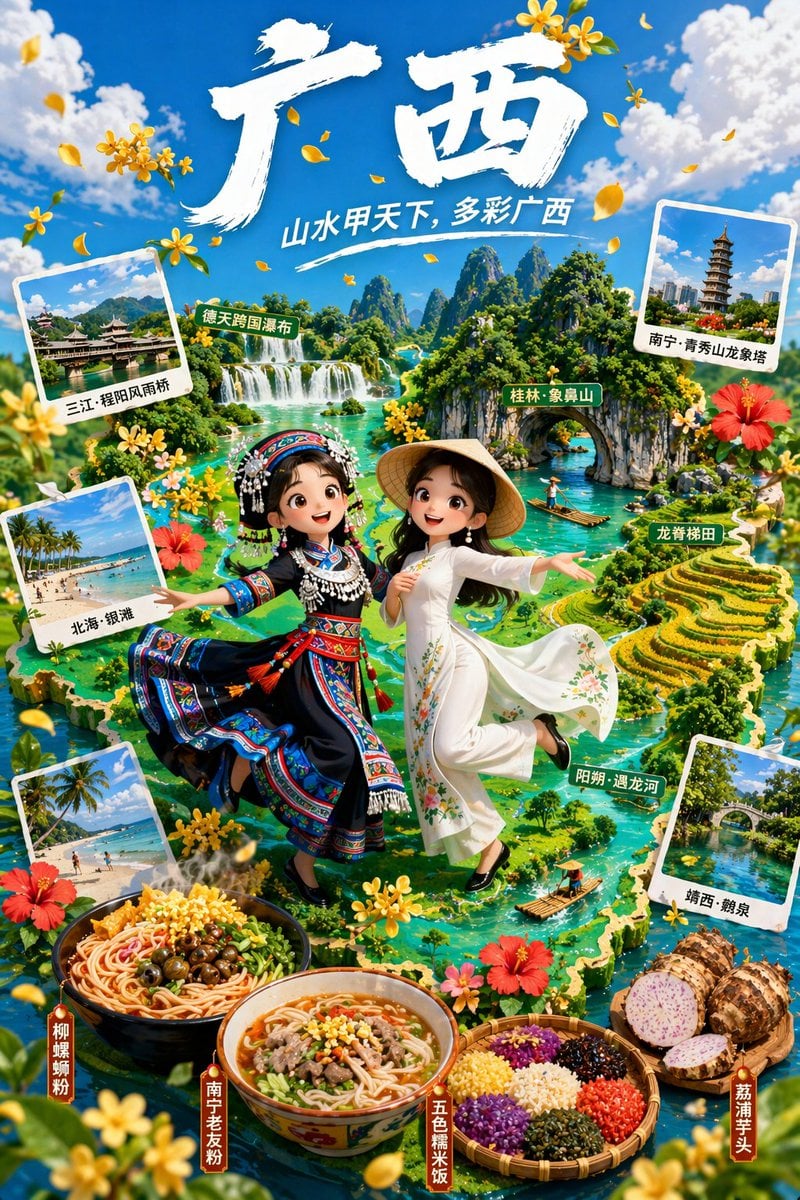
3D Animated Tourism Infographic Poster
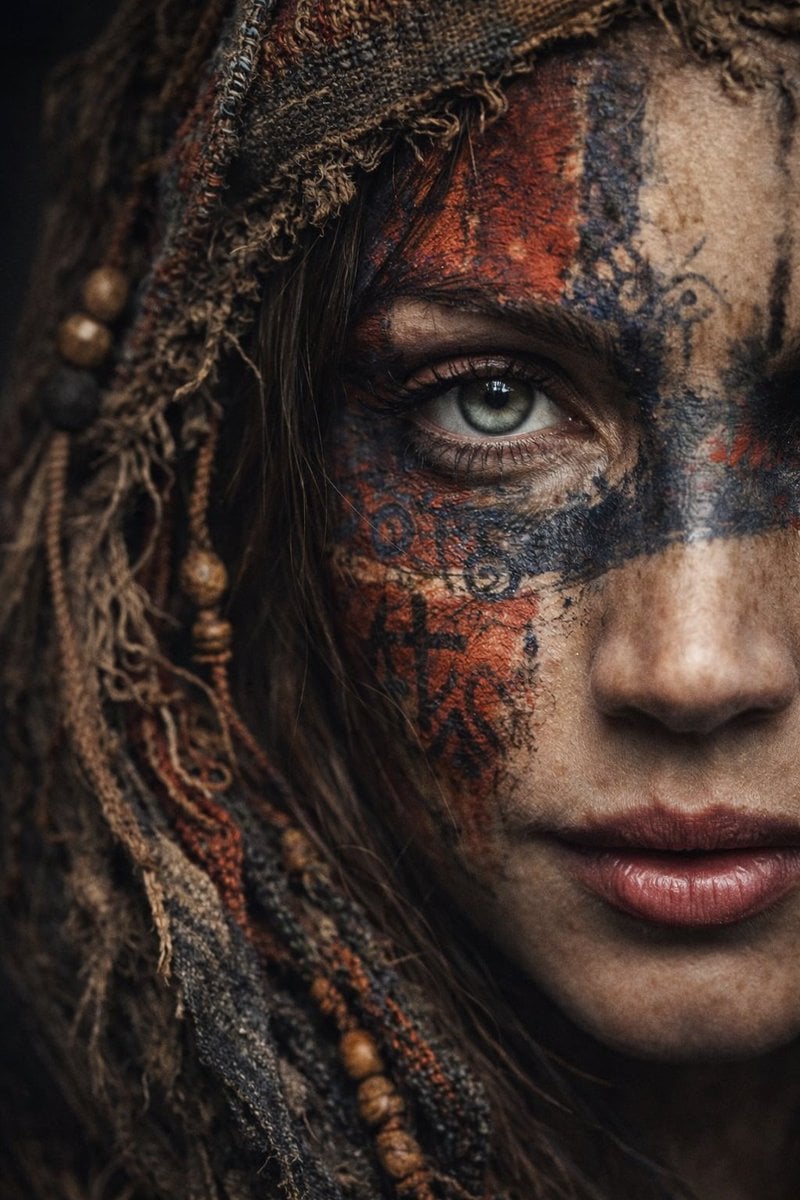
Ultra-Realistic Portrait with Tribal Markings and Painterly Realism
Browse template categories
Turn Your Food Photos Into a Vintage Rec questions
How do I use the 159-turn-your-food-photos-into-a-vintage-rec template?
Add your photo if the template asks for one, edit the prompt if you like — the template's model and format are already selected — and press Generate. Your version opens in PicX Studio.
Can I customize the 159-turn-your-food-photos-into-a-vintage-rec template?
Yes. You can change the subject, setting, lighting, mood, format, and available model controls before creating your image.
Is the 159-turn-your-food-photos-into-a-vintage-rec template free?
Opening and editing this template is free. Generating uses credits, shown on the Generate button when you are signed in.
Which AI model should I use?
Start with Nano Banana, which is the model associated with this template. You can compare another compatible model for a different finish.
Looking for something else? Browse all templates.

Your photo, any look
Thousands of ready templates for every top image and video model, from one credit balance.