
3D Animated Tourism Infographic Poster
Generates a vibrant 3D animated promotional poster featuring local landmarks, regional cuisine, and cultural attire.
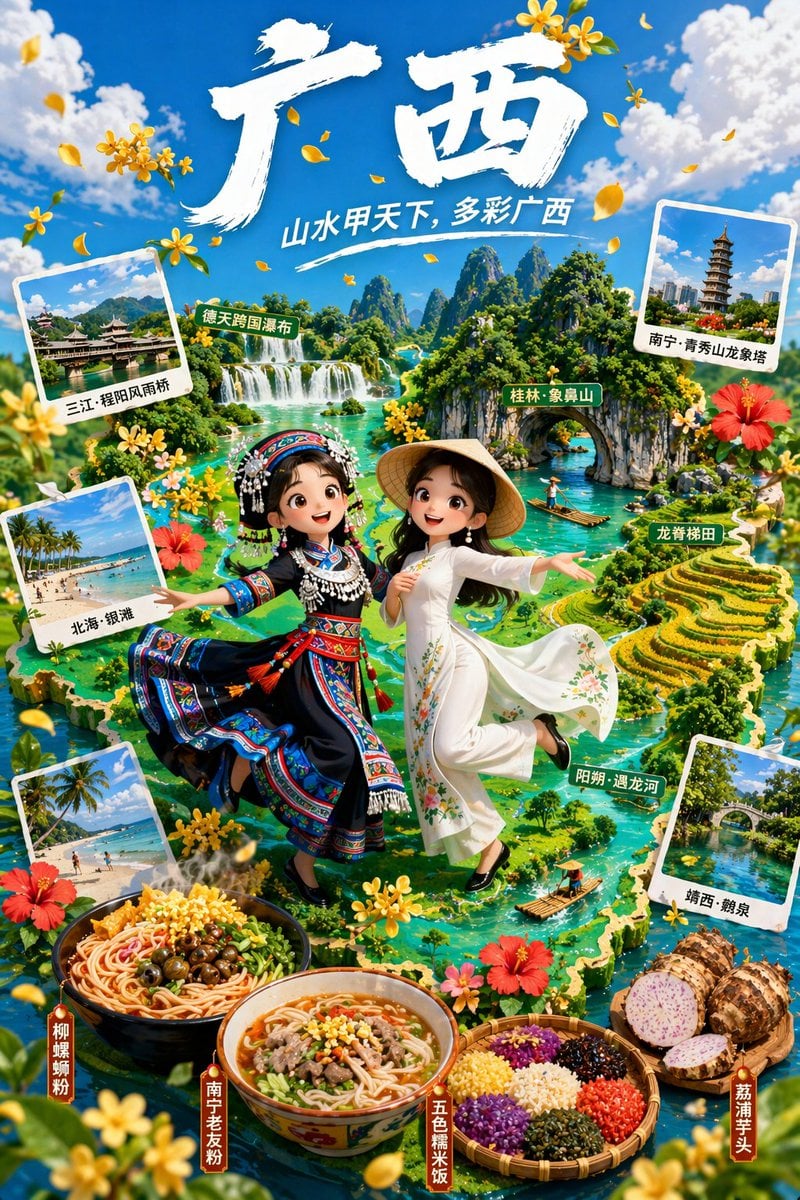
- Prompt included
- Model and format preset
- Free template
The prompt behind this image
Copy the exact prompt behind 3D Animated Tourism Infographic Poster, or open it in the studio and make it yours.
- Type
- 3D animated style tourism promotional poster
- Typography › Main Title
- {argument name="main title" default="广西"}
- Typography › Subtitle
- {argument name="subtitle" default="山水甲天下, 多彩广西"}
- Characters › 0 › Position
- center left
- Characters › 0 › Description
- 3D animated girl, joyful expression
- Characters › 0 › Outfit
- {argument name="left character outfit" default="traditional ethnic minority dress with silver headdress"}
- Characters › 1 › Position
- center right
- Characters › 1 › Description
- 3D animated girl, joyful expression
- Characters › 1 › Outfit
- {argument name="right character outfit" default="white traditional dress with conical hat"}
- Background › Theme
- {argument name="region theme" default="Guangxi karst landscapes and rivers"}
- Background › Style
- lush green 3D isometric map
- Background › Map Labels
- 德天跨国瀑布, 桂林·象鼻山, 龙脊梯田, 阳朔·遇龙河
- Layout › Polaroid Photos › Count
- 4
- Layout › Polaroid Photos › Items › 0 › Position
- top left
- Layout › Polaroid Photos › Items › 0 › Label
- 三江·程阳风雨桥
- Layout › Polaroid Photos › Items › 0 › Scene
- traditional covered bridge
- Layout › Polaroid Photos › Items › 1 › Position
- middle left
- Layout › Polaroid Photos › Items › 1 › Label
- 北海·银滩
- Layout › Polaroid Photos › Items › 1 › Scene
- tropical beach
- Layout › Polaroid Photos › Items › 2 › Position
- bottom left
- Layout › Polaroid Photos › Items › 2 › Label
- 北海·银滩
- Layout › Polaroid Photos › Items › 2 › Scene
- tropical beach
- Layout › Polaroid Photos › Items › 3 › Position
- bottom right
- Layout › Polaroid Photos › Items › 3 › Label
- 靖西·鹅泉
Raw JSON
{
  "type": "3D animated style tourism promotional poster",
  "typography": {
    "main_title": "{argument name=\"main title\" default=\"广西\"}",
    "subtitle": "{argument name=\"subtitle\" default=\"山水甲天下, 多彩广西\"}"
  },
  "characters": [
    {
      "position": "center left",
      "description": "3D animated girl, joyful expression",
      "outfit": "{argument name=\"left character outfit\" default=\"traditional ethnic minority dress with silver headdress\"}"
    },
    {
      "position": "center right",
      "description": "3D animated girl, joyful expression",
      "outfit": "{argument name=\"right character outfit\" default=\"white traditional dress with conical hat\"}"
    }
  ],
  "background": {
    "theme": "{argument name=\"region theme\" default=\"Guangxi karst landscapes and rivers\"}",
    "style": "lush green 3D isometric map",
    "map_labels": [
      "德天跨国瀑布",
      "桂林·象鼻山",
      "龙脊梯田",
      "阳朔·遇龙河"
    ]
  },
  "layout": {
    "polaroid_photos": {
      "count": 4,
      "items": [
        { "position": "top left", "label": "三江·程阳风雨桥", "scene": "traditional covered bridge" },
        { "position": "middle left", "label": "北海·银滩", "scene": "tropical beach" },
        { "position": "bottom left", "label": "北海·银滩", "scene": "tropical beach" },
        { "position": "bottom right", "label": "靖西·鹅泉", "scene": "stone arch bridge over water" }
      ]
    },
    "food_showcase": {
      "position": "bottom foreground",
      "count": 4,
      "items": [
        { "label": "柳州螺蛳粉", "description": "bowl of spicy snail rice noodles" },
        { "label": "南宁老友粉", "description": "bowl of meat and rice noodles in broth" },
        { "label": "五色糯米饭", "description": "bamboo basket with five colors of sticky rice" },
        { "label": "荔浦芋头", "description": "whole and halved taro roots" }
      ]
    },
    "decorations": "scattered yellow osmanthus flowers and red hibiscus flowers"
  }
}How to use 3D Animated Tourism Infographic Poster in 3 steps
- 1Upload ImagePNG, JPG or paste
Add your photo
Upload the photo the template builds on. The prompt, model and format are already set.
- 2…a portrait of your subject in softgolden-hour light, 85mm…
Personalize
Edit the subject and creative details for your destination.
- 3Generate
Generate
Press Generate — your image is created in PicX Studio, so you can compare it with the original and refine one variable at a time.
More like this
Templates with the same subject, style or setup. Open one to see its prompt.

Japan Travel Brochure Poster

Gpt2 Infographic Edu Visual Ink Wash Tribute Poster for Chen Uen

Gpt2 Infographic Edu Visual Biomimetic Skyray Aircraft Poster

Premium Vintage Travel Poster Landscape

Cartoon TV Show Poster Pack

Trendy Cafe Drink Promo Poster

Urban Fashion Editorial Collage Streetwear Poster

Premium Fashion Editorial Cover Layout System

Polo Ralph Lauren Luxury American Heritage Fashion Campaign

Monochrome Halftone Editorial Fashion Poster

Retro Mirror Luxury Fashion Campaign Poster

Luxury Fashion Campaign Typography Poster System
Make it yours
3D Animated Tourism Infographic Poster works as-is. These are the safest ways to change it without losing the look.
Swap the setting
Keep the rest of the prompt and replace the location block. The current setting is “{argument name="region theme" default="Guangxi karst landscapes and rivers"}”.
Change one field
Copy a single group, rewrite it, and generate again so you can see what that field is doing.
Keep the frame, change the subject
Hold the composition and light of 3D Animated Tourism Infographic Poster, then swap wardrobe, props or the person for a new take.
| If the result… | Why | Fix |
|---|---|---|
| The result drifts from the preview | Too many fields changed at once. | Reuse 3D Animated Tourism Infographic Poster as-is first, then change one group — subject, light, or setting. |
| GPT Image 2 ignores part of the JSON | Some models flatten or skip nested keys. | Keep the same values and paste them as a short paragraph instead. |
More GPT Image 2 templates
Other prompts made for GPT Image 2.

Six VTuber Japanese Logo Sheet

Realistic Portrait of Woman and Deer

The Vista Modular Condo Poster

AI Model Routing Comparison Infographic

2.5D Anime Art Board

Isometric Productivity Desk Scene

New York Double Exposure Poster

Four-Panel AI Landscape Comparison

Japanese Tatami Lifestyle Magazine Cover

NESCAFÉ Coffee Map Poster
More image prompts
Fresh picks from across the catalog.
3D Construction Safety Icon Set
Surreal Low-Angle Portrait with Low-Flying Airplane Prompt
Retro Pop Riverbank Key Visual
Cinematic Close-up of a Woman Holding a Magical Apple
Tokyo Dome Concert Memory Film Photo
image Instagram-style weekend photo dump
Kids Bath Product Advertisement Poster
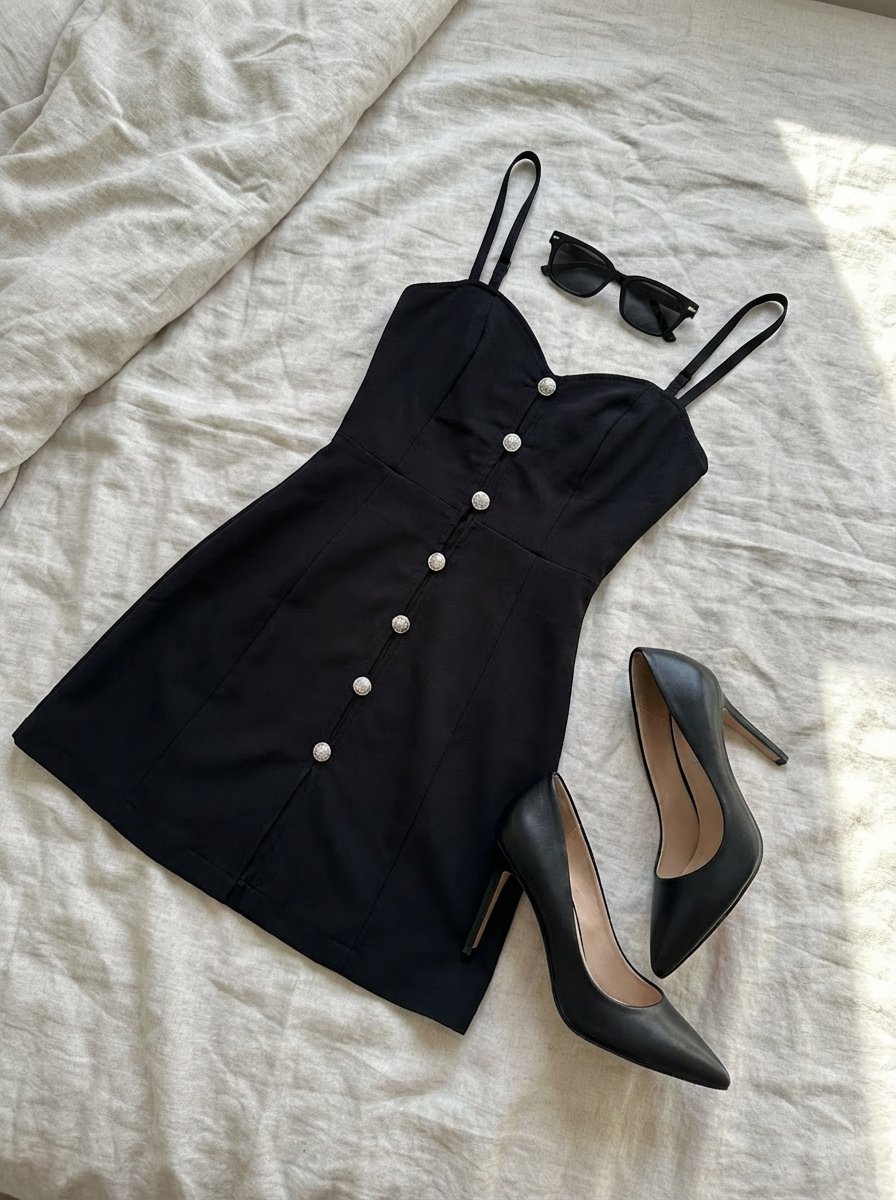
Clothing laid out separately on a bed

Enchanted Anime Style Meadow Girl
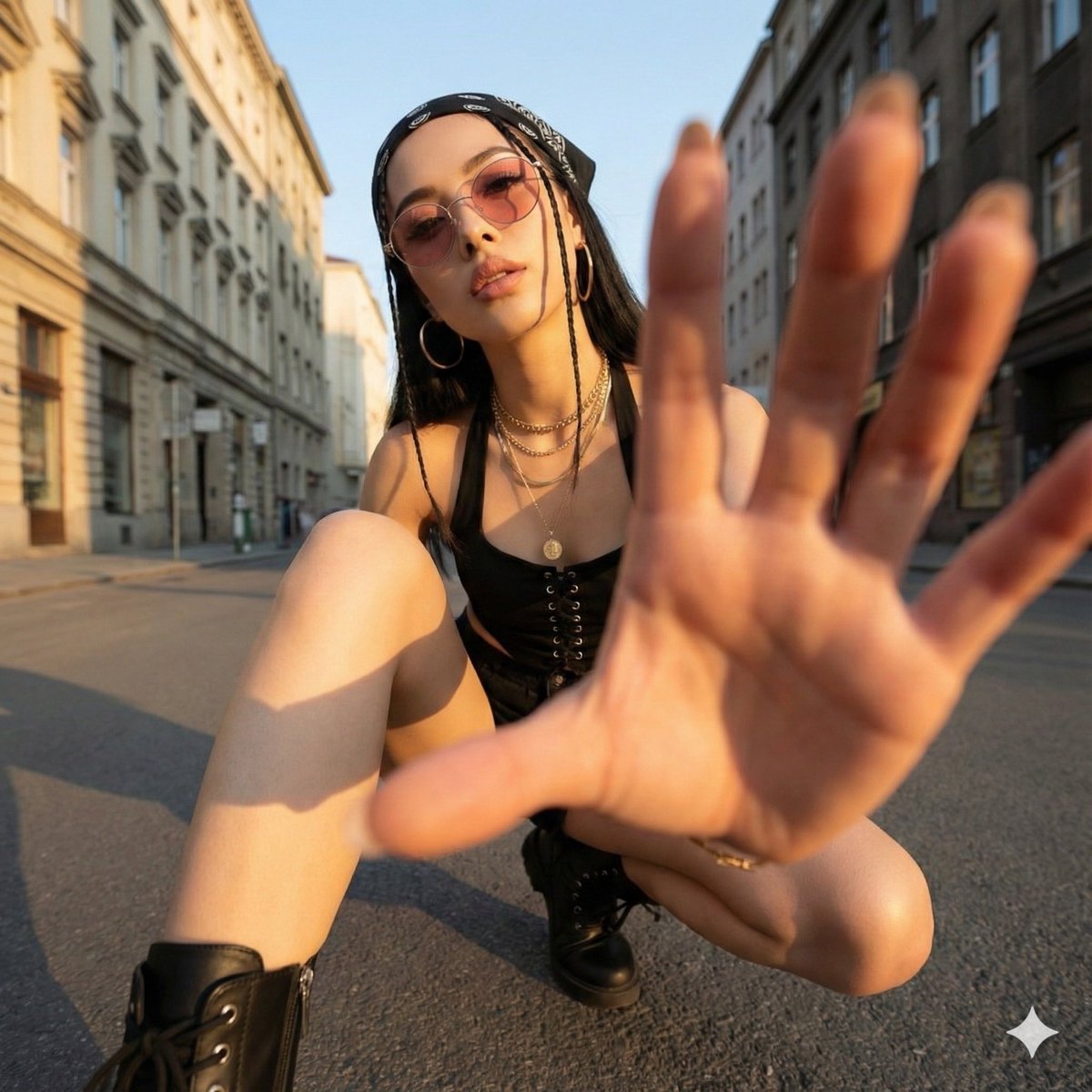
Ultra-Wide Angle Dynamic Pose Remake Prompt
Browse template categories
3D Animated Tourism Infographic Poster questions
How do I use the 3D Animated Tourism Infographic Poster template?
Add your photo if the template asks for one, edit the prompt if you like — the template's model and format are already selected — and press Generate. Your version opens in PicX Studio.
Can I customize the 3D Animated Tourism Infographic Poster template?
Yes. You can change the subject, setting, lighting, mood, format, and available model controls before creating your image.
Is the 3D Animated Tourism Infographic Poster template free?
Opening and editing this template is free. Generating uses credits, shown on the Generate button when you are signed in.
Which AI model should I use?
Start with GPT Image 2, which is the model associated with this template. You can compare another compatible model for a different finish.
Looking for something else? Browse all templates.

Your photo, any look
Thousands of ready templates for every top image and video model, from one credit balance.