
Ultra-Wide Angle Dynamic Pose Remake Prompt
A comprehensive Chinese prompt for Nano Banana Pro focused on editing an existing image to create a dramatic, photorealistic, ultra-wide-angle photograph.
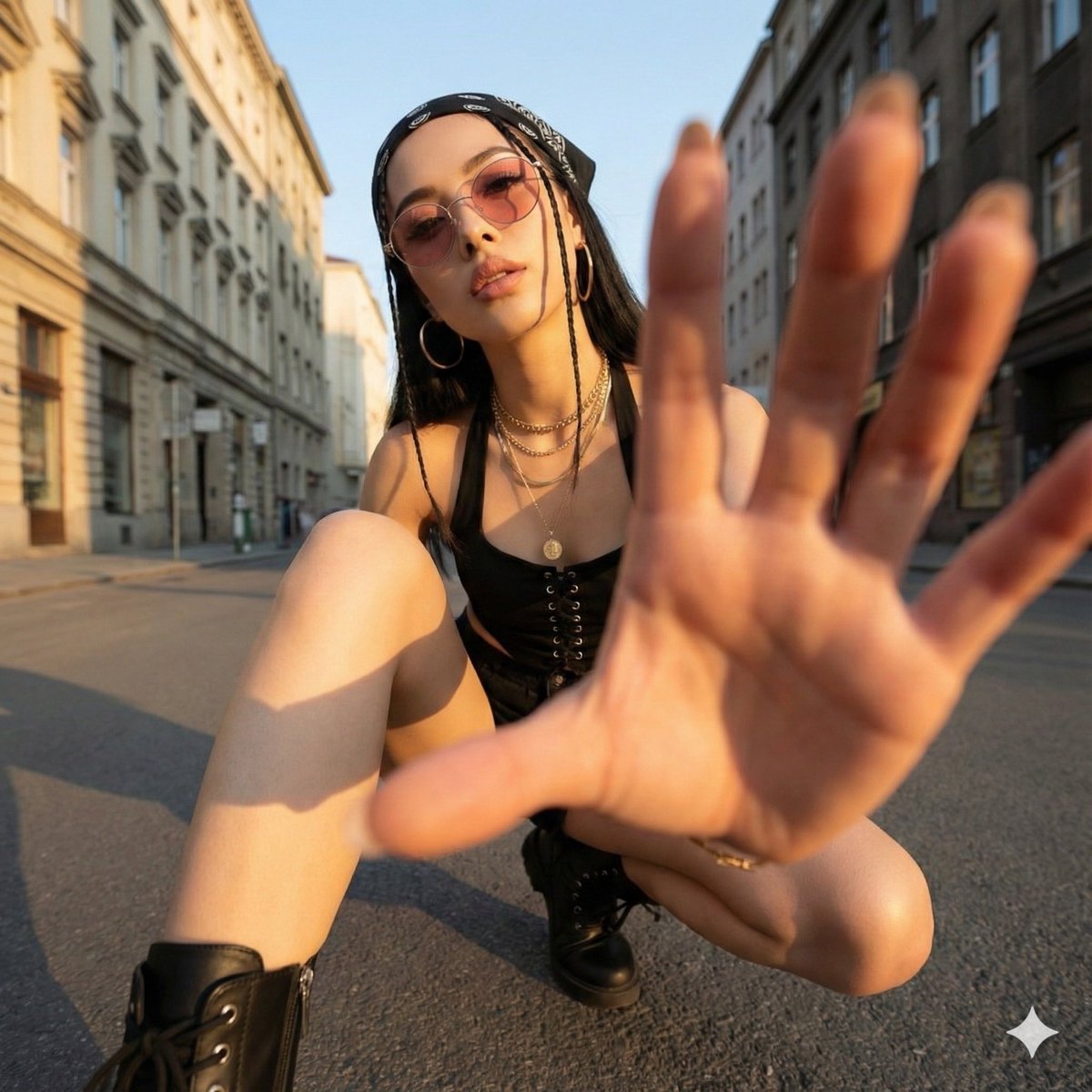
- Prompt included
- Model and format preset
- Premium template
The prompt behind this image
Copy the exact prompt behind Ultra-Wide Angle Dynamic Pose Remake Prompt, or open it in the studio and make it yours.
Ultra-wide-angle perspective and dynamic-pose remastering edit This is an edit of the original image, not the generation of a new character. Please treat the original image as a strict reference for determining: * the person's identity, hairstyle, and overall fashion style, * the general type of background and location (the same street, the same room, the same beach, the same architectural style, etc.). It's allowed to completely change the camera position, angle, and pose, but the scene must stay at the same location, and the same person and outfit design must be preserved. Camera and perspective: * Use an ultra-wide-angle or fisheye-feeling lens (roughly a 12–18mm full-frame look). * The camera angle must differ significantly from the original image: use dramatic angles, such as: * a worm's-eye view looking up from directly below, * a bird's-eye view looking down from directly above, * an extremely low angle close to the ground, * a high angle shot from above, * tilted Dutch angles. * Always create a strong **foreshortening** effect: body parts close to the lens appear huge, while the rest of the body recedes into the distance in perspective. * The final result must look like a bold fashion or street photo, fully photorealistic, not an illustration or anime. Background consistency: * Keep the same location as the original image: the same street, bridge, room, studio, beach, and the same overall structure and materials. * Do not replace the background with a completely different place. * Since the camera angle changes, it's allowed and expected to see different parts of the environment. * When new areas appear, logically extend the original environment (the same buildings, fences, signs, walls, colors, materials, lighting style), as if the camera simply moved around within the same place. Body parts close to the lens (1–2 parts, sometimes 3): * In each edit, choose one or two main body parts to be extremely close to the lens (sometimes even three in more complex poses). * Vary this between different images — don't always use the same body part. * Allowed parts close to the lens include: * one or both hands/fingers reaching toward the camera, * one or both feet/shoes/boots close to the lens, * knees or thighs, * the face very close to the lens, * shoulders or chest close to the lens in a tilted pose. * The chosen body part should be extremely close to the lens, almost touching it, with visible skin texture, fabric texture, and realistic wide-angle distortion. Pose and overall stance (complex and varied): * Create strong, cool, dynamic poses to match the extreme perspective. * Randomly use different types of poses, including: * standing with one leg or one hand extended toward the camera, * crouching or squatting low to the ground, * sitting on the floor or on an object, * lying on the ground with legs or feet toward the lens, * leaning aggressively toward the camera, * twisting the body, crossing the legs, or arching the back to create more dynamic lines. * Allow complex poses, such as: * both hands forming shapes near the lens (scissor hands, a triangle, a frame, pointing at the viewer), * both feet toward the lens, * one hand and one foot both enlarged in the foreground, * the face close to the lens while a hand or foot is also visible in perspective. * Even with extreme foreshortening, maintain believable anatomy. Angle and attitude (randomized): * Randomize the camera angle and direction (up, down, side, Dutch tilt), while keeping the composition visually balanced and powerful. * Maintain a cool, confident, fashion/editorial or street-style mood, depending on the original outfit. * Facial expression can vary (serious, playful, confident, mysterious), but must still look like the same person. Lighting and rendering: * Keep a similar overall time of day and lighting mood as the original (day vs. night, indoor vs. outdoor, soft vs. hard light), but contrast and color may be enhanced to make the image more powerful and dramatic. * Maintain realistic shadows and contact points with the ground or floor. * High resolution, clear detail, with clear skin texture, fabric weave, and material highlights. Variation and randomness: * Each edit should look clearly different from the original and from other edits, with different: * camera angle, * pose type, * body part closest to the lens, * orientation (straight, tilted, from above, from below). * Avoid repeating the exact same "single-foot close-up" composition; produce a variety of dynamic poses and angles. Strict rules: * Do not turn the person into someone else. * Do not change the type of clothing; only restyle it through pose, perspective, and small natural movements of the fabric. * Do not move the scene to a completely different location; always stay within a reasonable extension of the original location. * Do not add text, logos, watermarks, or graphic-design elements. * Do not switch to a painterly, illustrated, or anime style; keep it photorealistic. Summary: Transform the original photo into a dramatic, photorealistic, ultra-wide-angle photo with extreme camera angles (including from directly below or directly above), where one or more body parts are pressed close to the lens and appear huge, while the rest of the body recedes in perspective — the same person striking a fashionable, complex, powerful pose within a consistently extended version of the original environment.
How to use Ultra-Wide Angle Dynamic Pose Remake Prompt in 3 steps
- 1Upload ImagePNG, JPG or paste
Add your photo
Upload the photo the template builds on. The prompt, model and format are already set.
- 2…a portrait of your subject in softgolden-hour light, 85mm…
Personalize
Edit the subject and creative details for your destination.
- 3Generate
Generate
Press Generate — your image is created in PicX Studio, so you can compare it with the original and refine one variable at a time.
More like this
Templates with the same subject, style or setup. Open one to see its prompt.
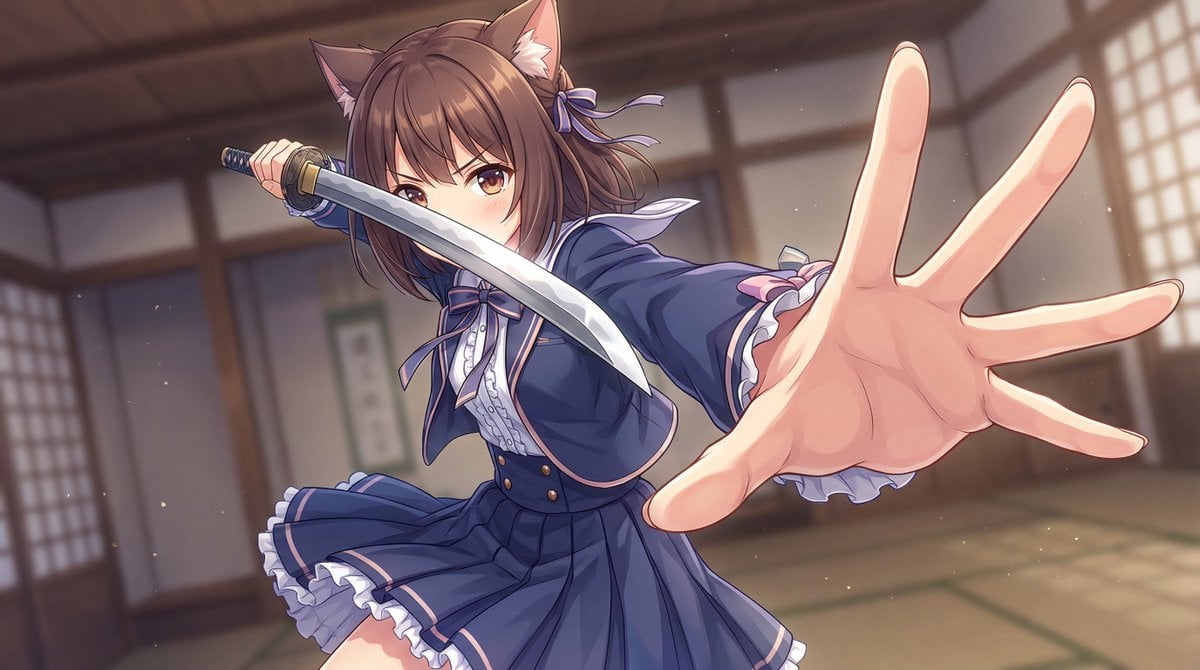
Dynamic Wide-Angle Action Pose Prompt (Gatotsu Style)
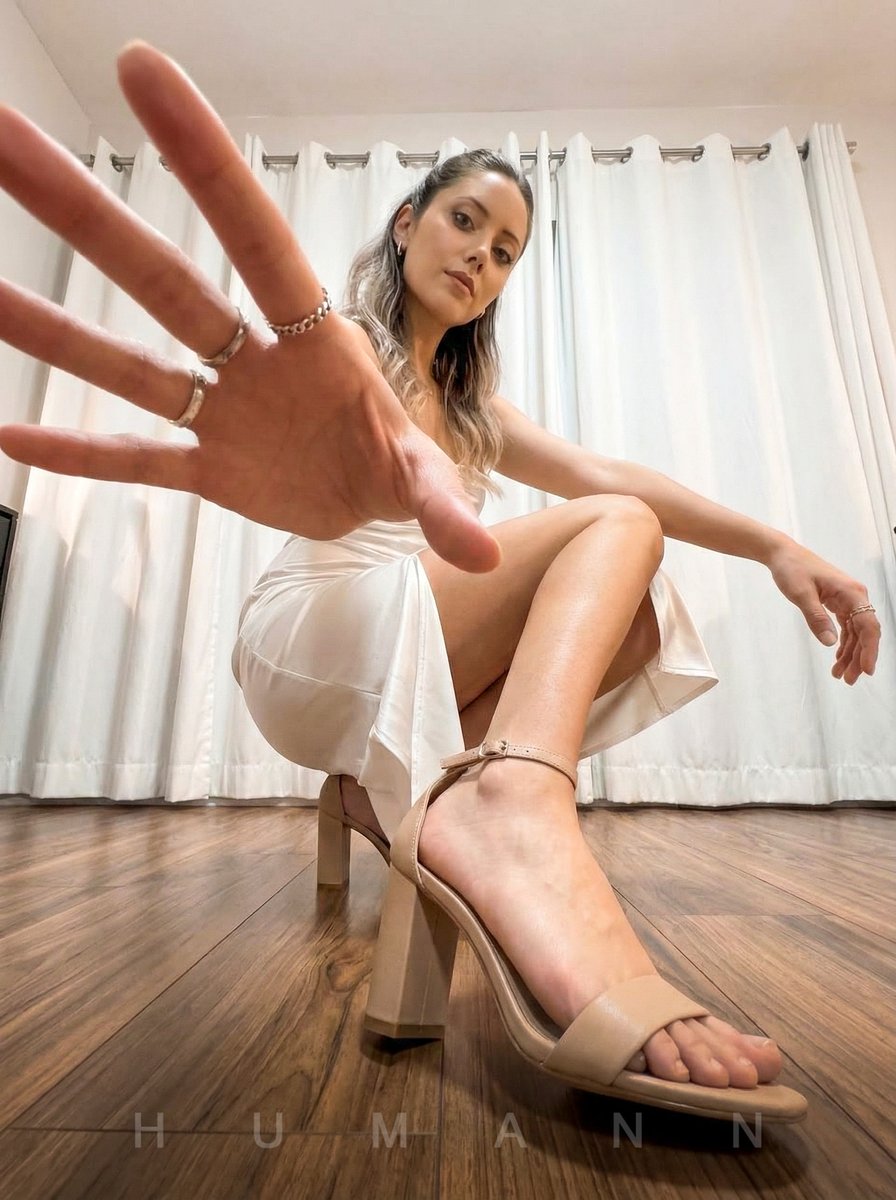
Extreme Wide-Angle Dynamic Perspective Prompt
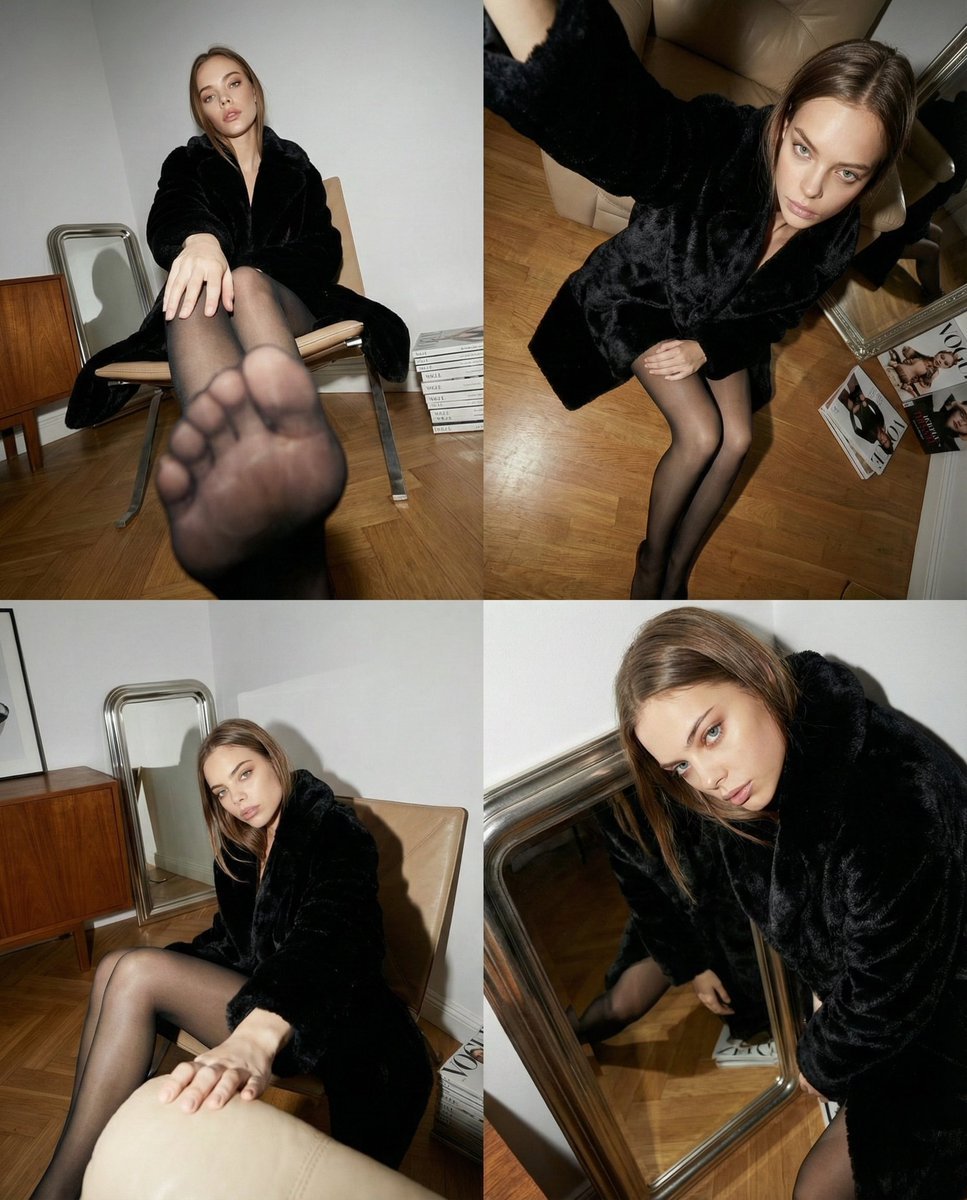
Dynamic Wide-Angle Perspective Transformation
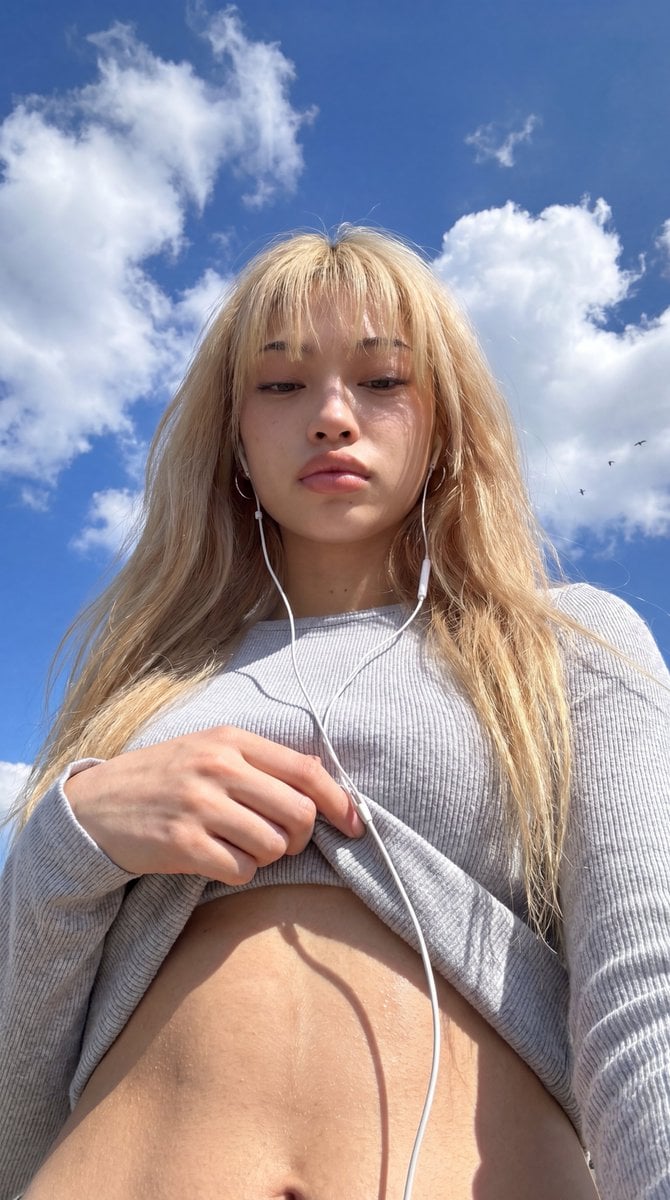
Low-Angle Wide-Sky Smartphone Selfie

Victory Aura Superhero Neon Poster

Argentina Vamos Diagonal Fan Poster

Wide-Angle Dramatic Facial Close-up
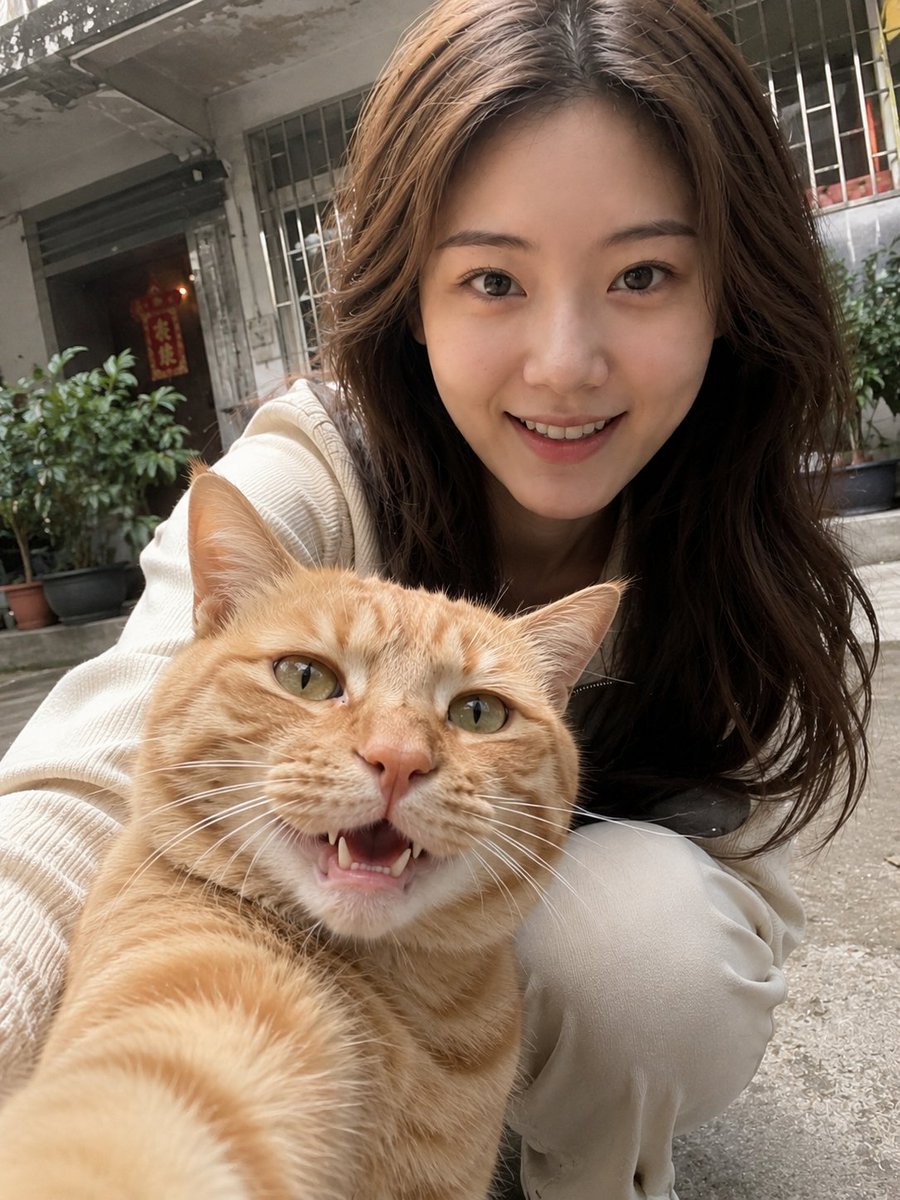
Realistic Pet and Owner Wide-Angle Selfie
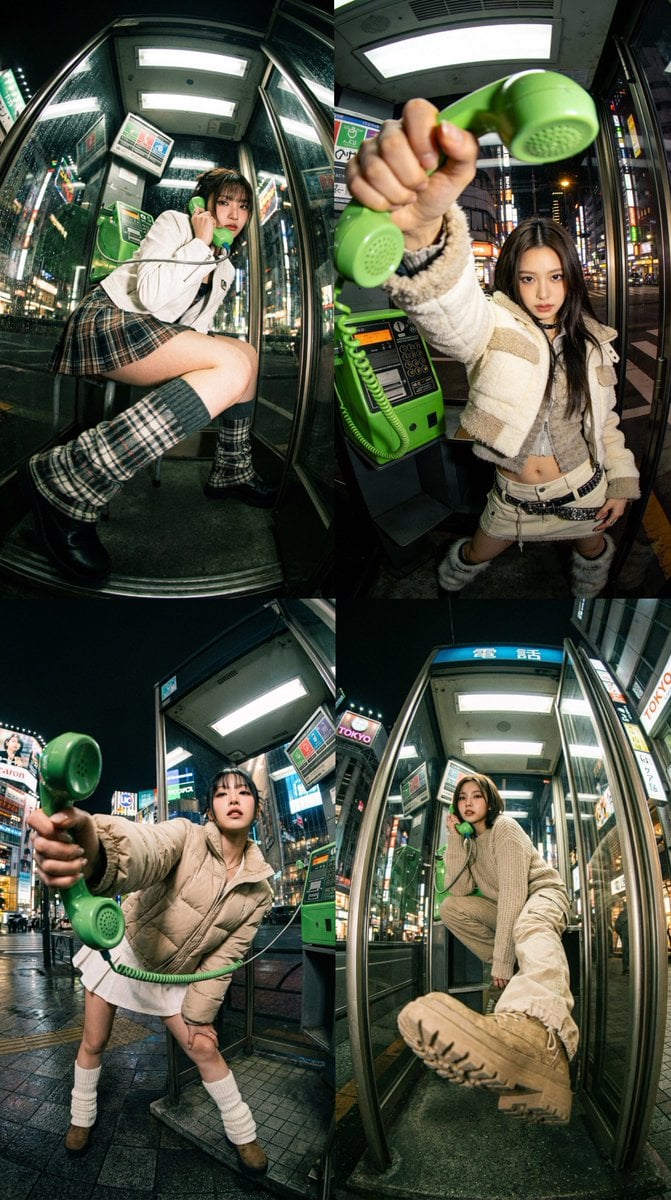
Dramatic Ultra Wide-Angle Photorealistic Edit Prompt
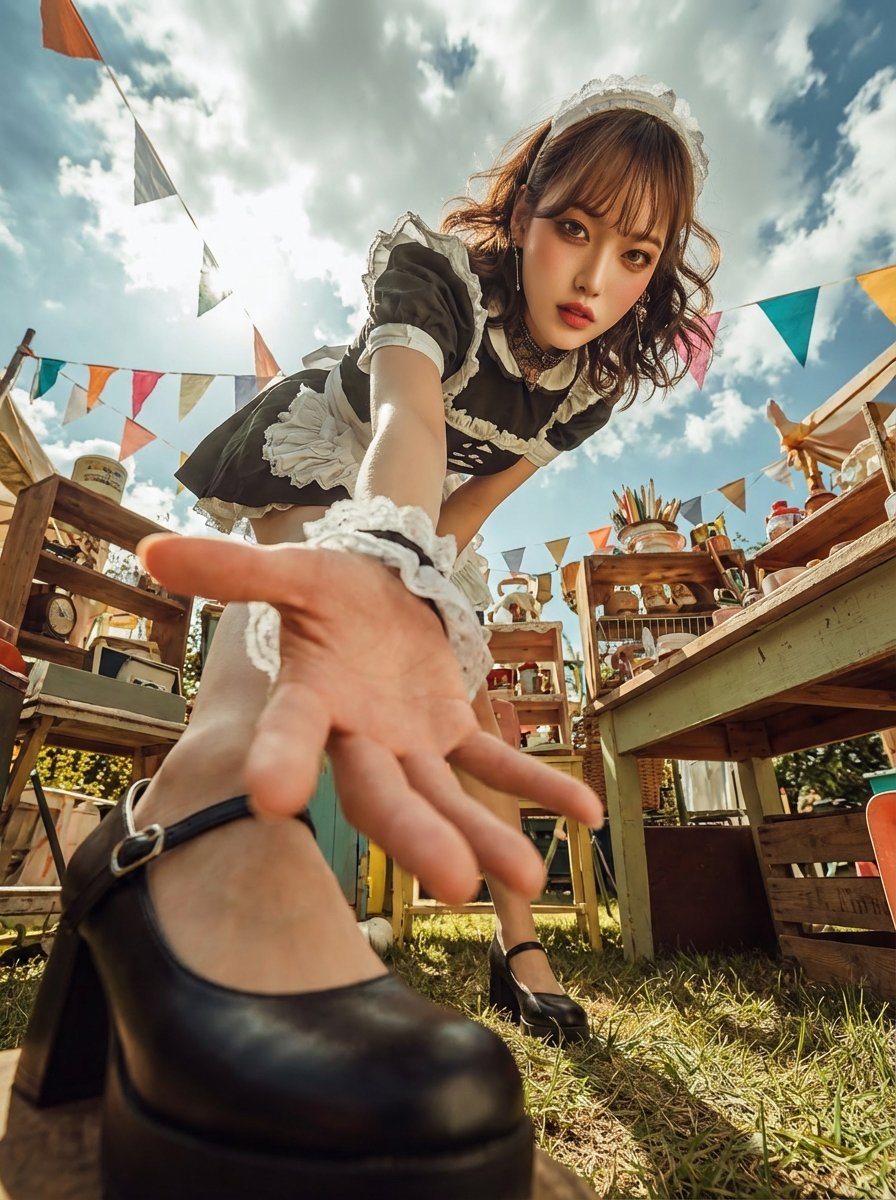
Dramatic Ultra Wide-Angle Photo Transformation Prompt
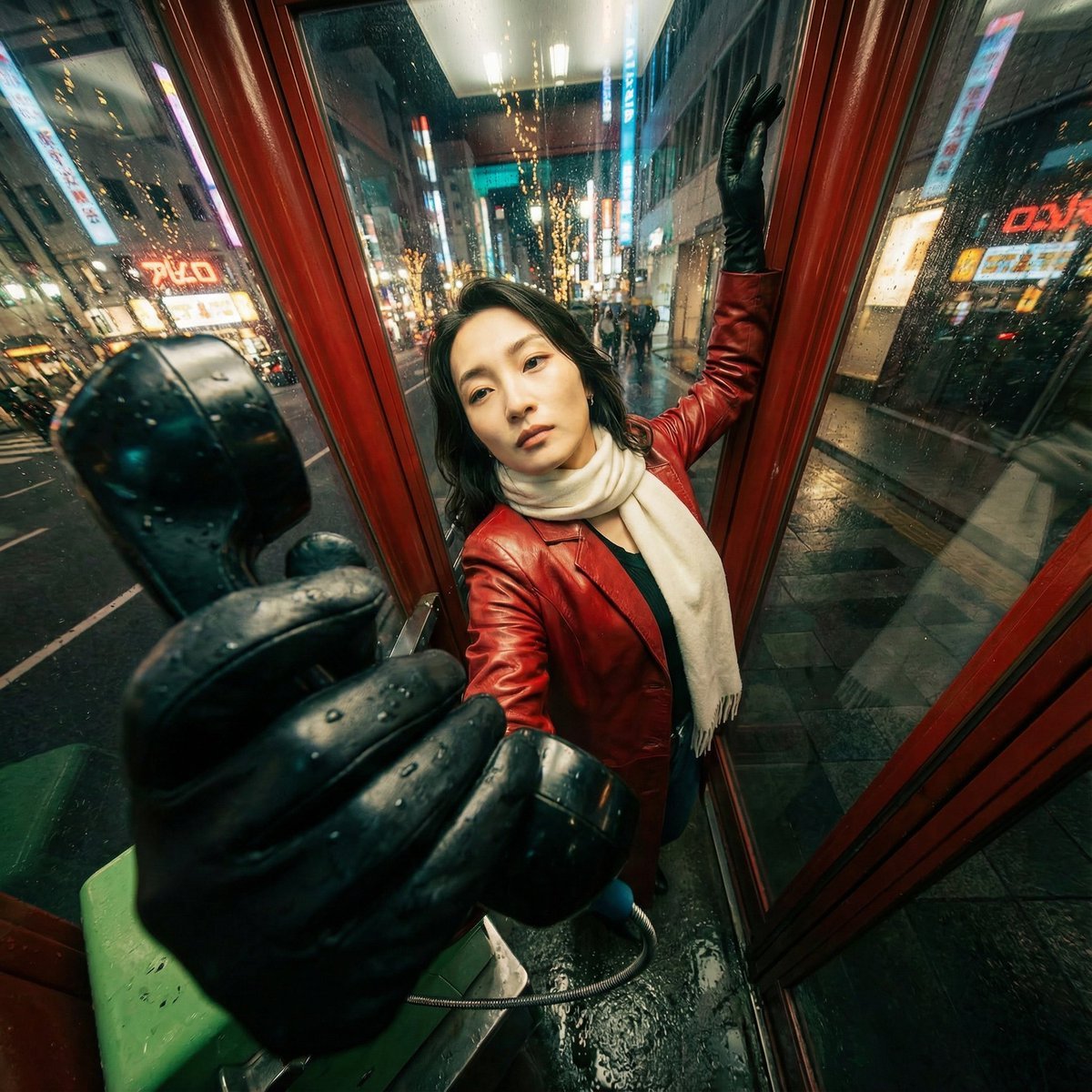
Extreme Wide-Angle Perspective Transformation
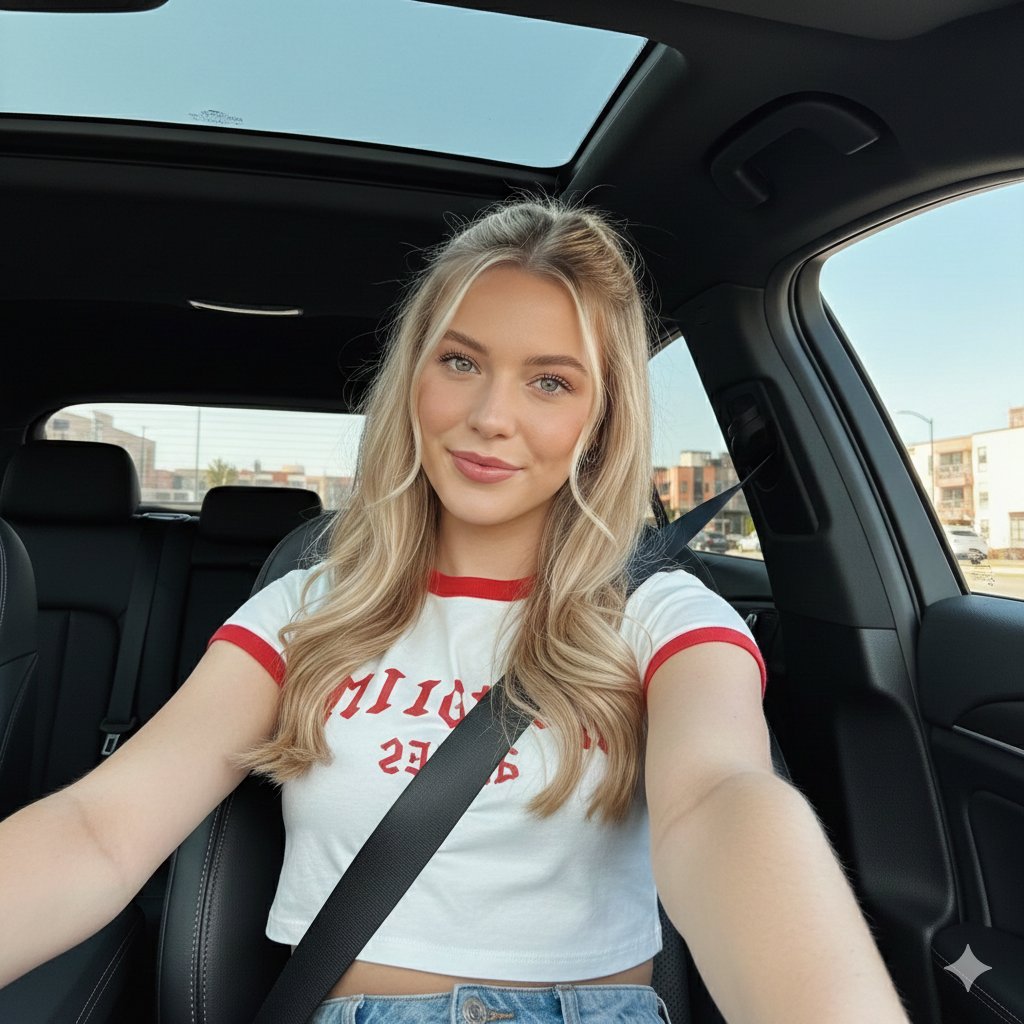
Wide-Angle Car Selfie with Panoramic Sunroof
Make it yours
Ultra-Wide Angle Dynamic Pose Remake Prompt works as-is. These are the safest ways to change it without losing the look.
Change one field
Copy a single group, rewrite it, and generate again so you can see what that field is doing.
Keep the frame, change the subject
Hold the composition and light of Ultra-Wide Angle Dynamic Pose Remake Prompt, then swap wardrobe, props or the person for a new take.
| If the result… | Why | Fix |
|---|---|---|
| The result drifts from the preview | Too many fields changed at once. | Reuse Ultra-Wide Angle Dynamic Pose Remake Prompt as-is first, then change one group — subject, light, or setting. |
| The model over-stylizes the scene | The prose prompt leaves finish and camera underspecified. | Add one camera or lighting sentence and stay on Nano Banana 2. |
More Nano Banana 2 templates
Other prompts made for Nano Banana 2.

Photorealistic Leaf Shaped Like a Dragon

K-Pop Idol Portrait Grid for Rapid Selection

Poetic Rain Forest Portrait During Golden Hour

Urban Street Portrait with Cartoon Inner Self Duo

Candid Nighttime Photo with Cat Prompt

High-Concept 3D Diorama Generation Prompt

Cinematic Futuristic Studio Portrait Template

Skincare Editorial Photography Collage Prompt

Hyper-Realistic Commercial Product Photography (Splash Effect)

Hyper-Realistic Nightclub Portrait Prompt
More image prompts
Fresh picks from across the catalog.
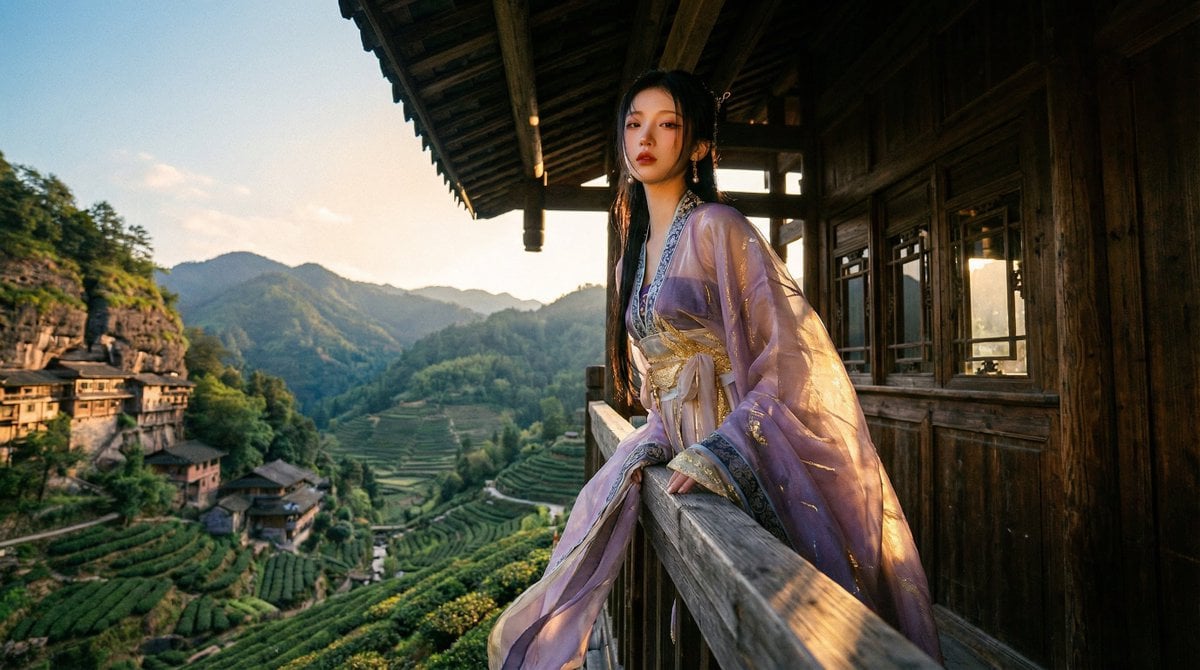
Classical Chinese Romance Landscape with Hanfu

Mechanical Keyboard Product Page Mockup
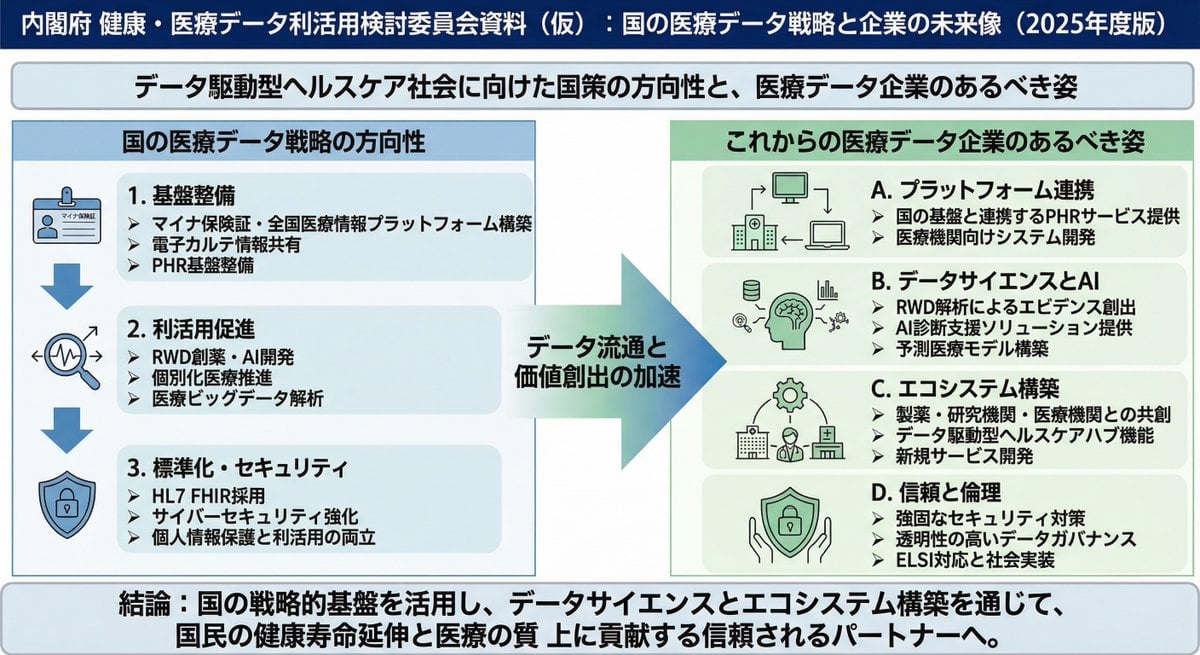
Policy-style slide about national medical data strategy
Anonymous Black Dress Fashion Collage
Swiss Punk Editorial Poster
Ultra-Realistic Studio Portrait of Man in Green Hoodie
Creative Typography Poster Prompt for Nano Banana Pro
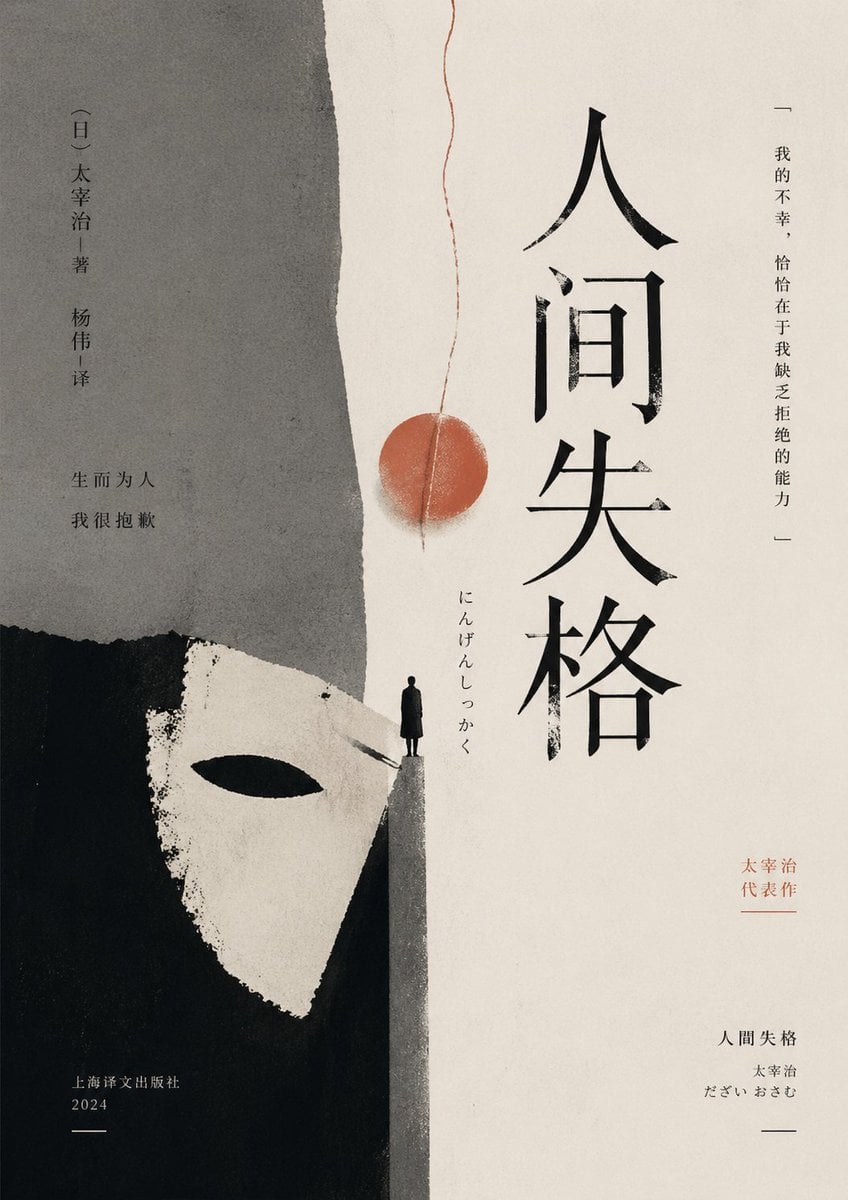
Minimalist No Longer Human Cover
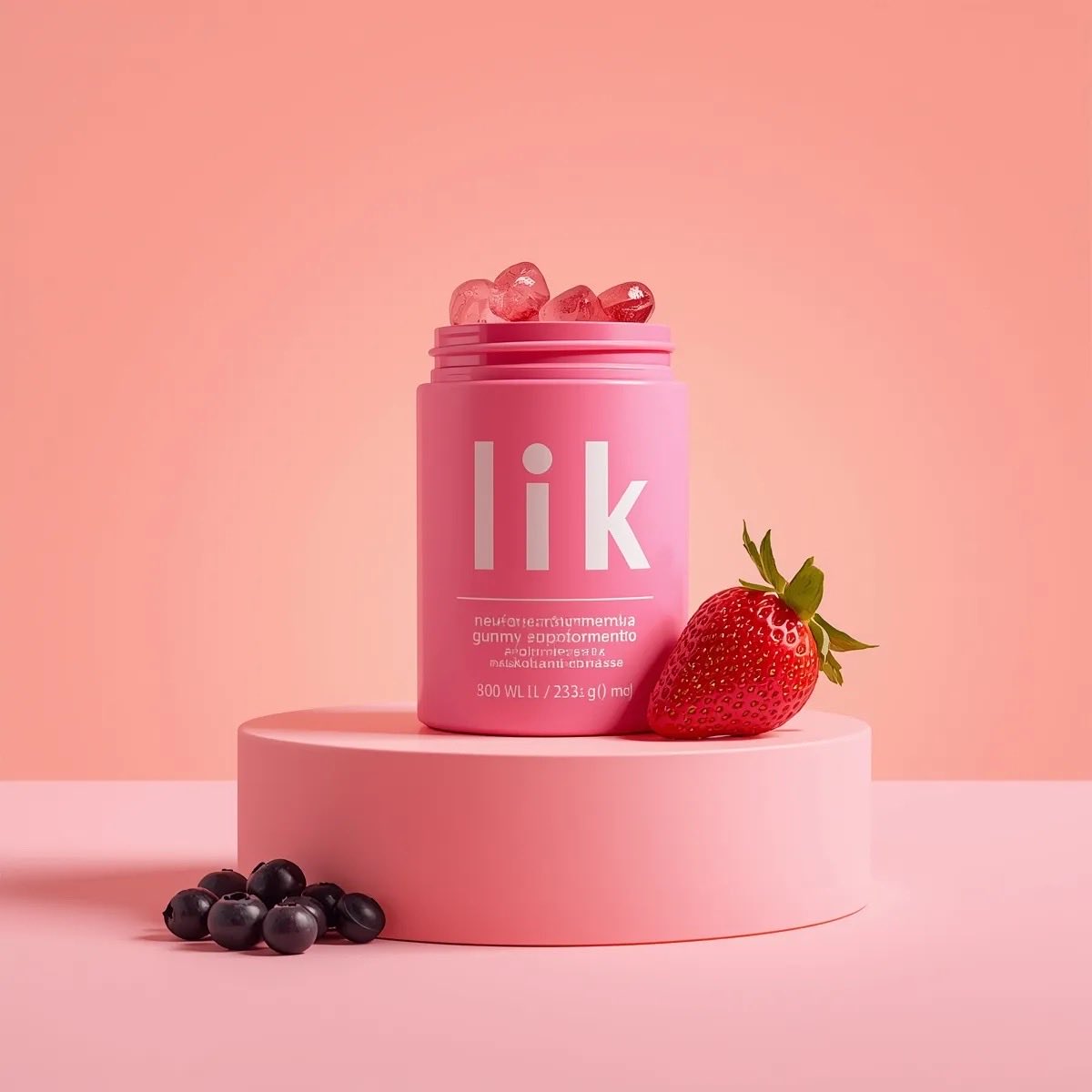
3D Product Render of Gummy Vitamin Jars (4 Variations)
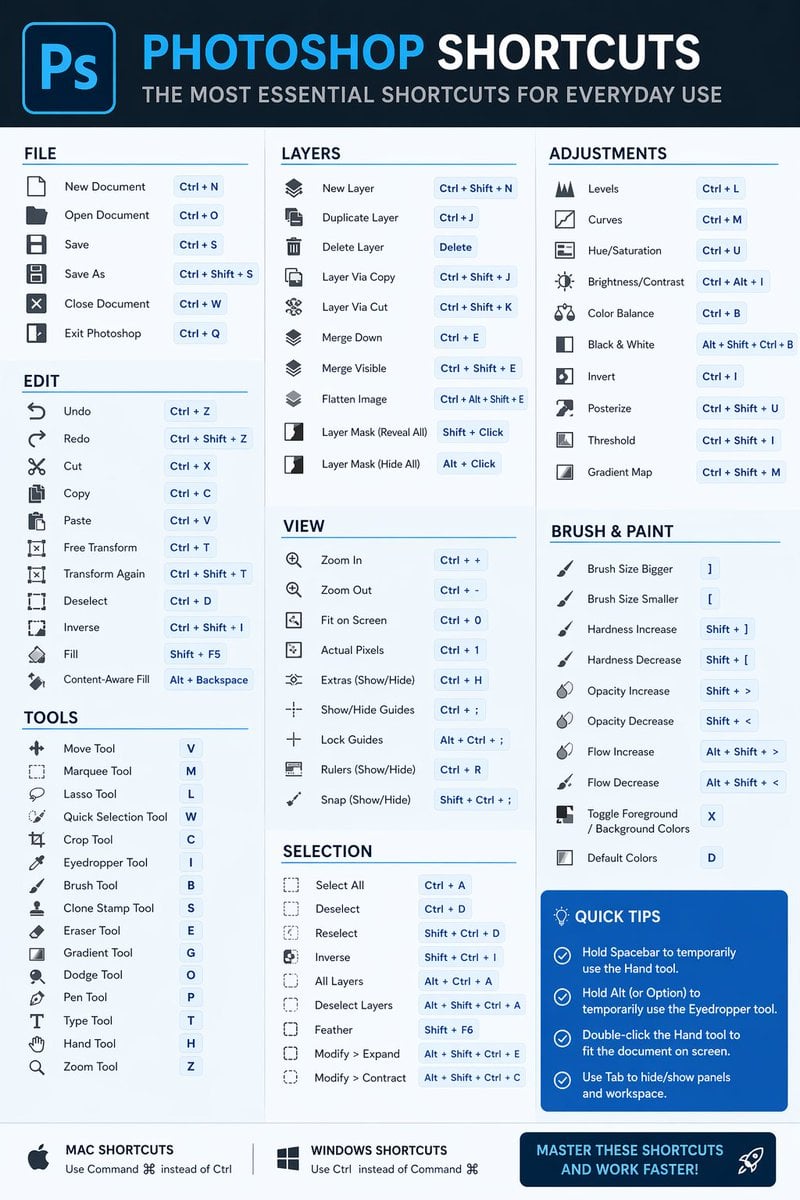
Software Shortcut Infographic
Browse template categories
Ultra-Wide Angle Dynamic Pose Remake Prompt questions
How do I use the Ultra-Wide Angle Dynamic Pose Remake Prompt template?
Add your photo if the template asks for one, edit the prompt if you like — the template's model and format are already selected — and press Generate. Your version opens in PicX Studio.
Can I customize the Ultra-Wide Angle Dynamic Pose Remake Prompt template?
Yes. You can change the subject, setting, lighting, mood, format, and available model controls before creating your image.
Is the Ultra-Wide Angle Dynamic Pose Remake Prompt template free?
Opening and editing this template is free. Generating uses credits, shown on the Generate button when you are signed in.
Which AI model should I use?
Start with Nano Banana 2, which is the model associated with this template. You can compare another compatible model for a different finish.
Looking for something else? Browse all templates.

Your photo, any look
Thousands of ready templates for every top image and video model, from one credit balance.