How do I use the Extreme Wide-Angle Perspective Transformation template?
Choose the primary action to open PicX Studio with the available template settings. Review the model and format, personalize the creative direction, and generate when ready.
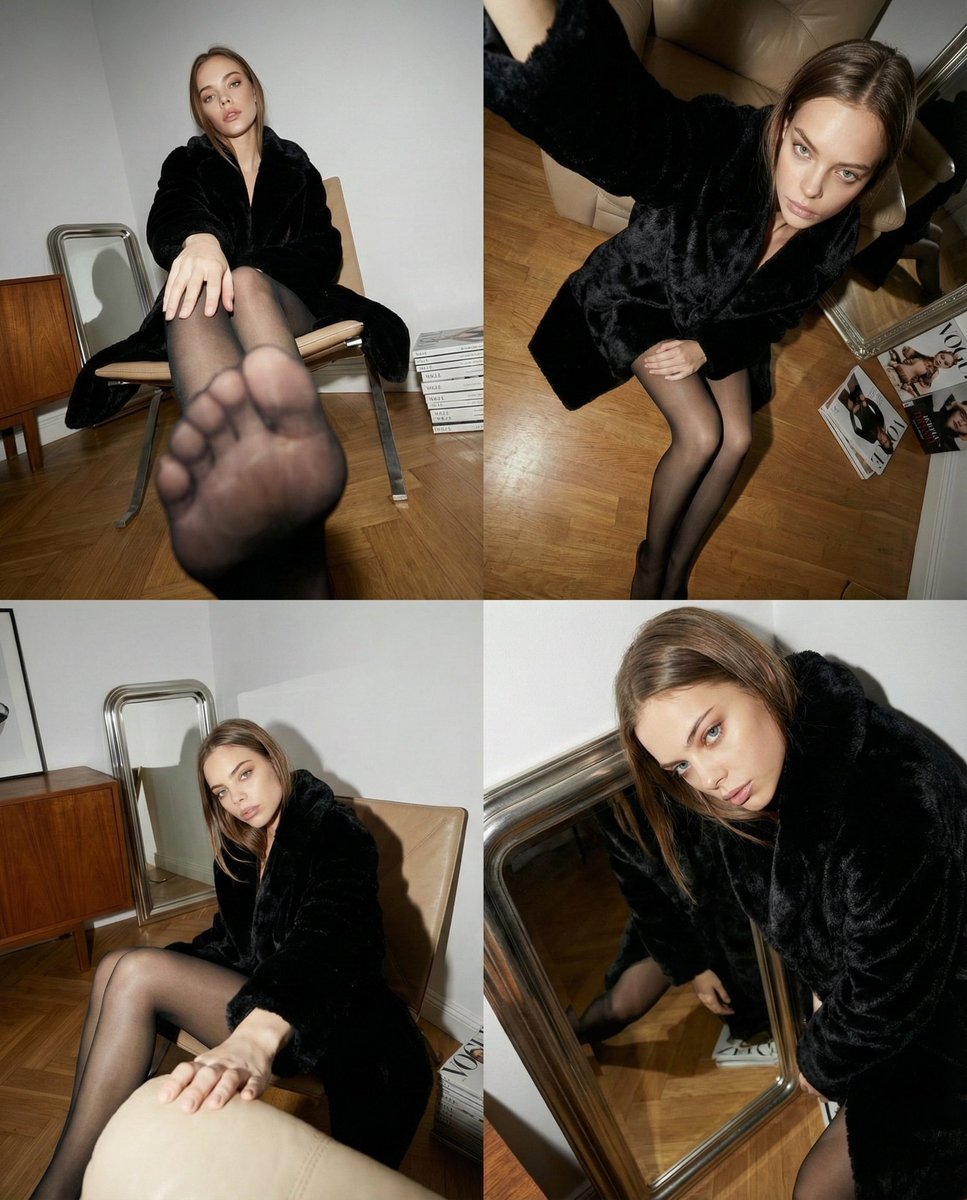
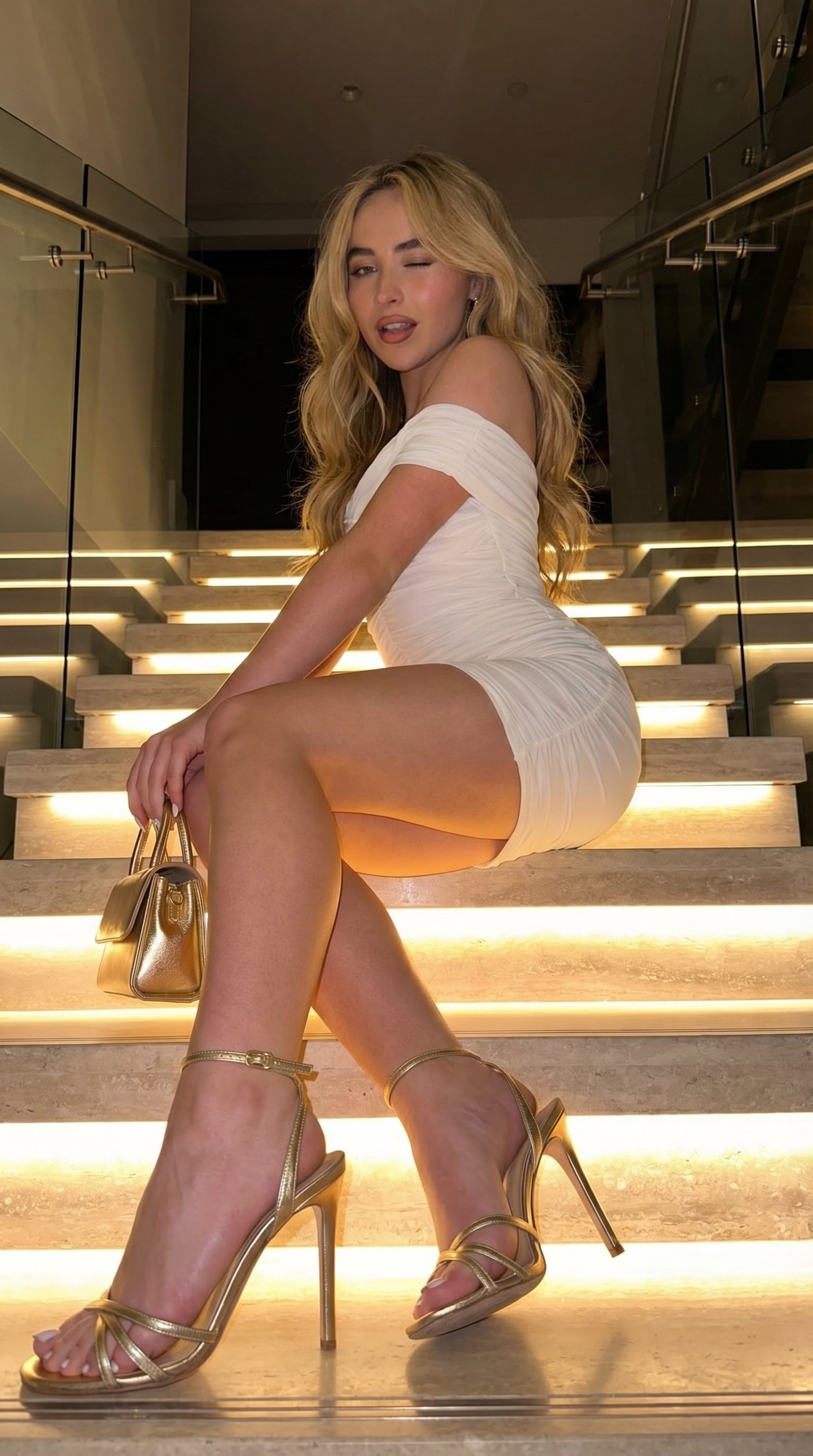
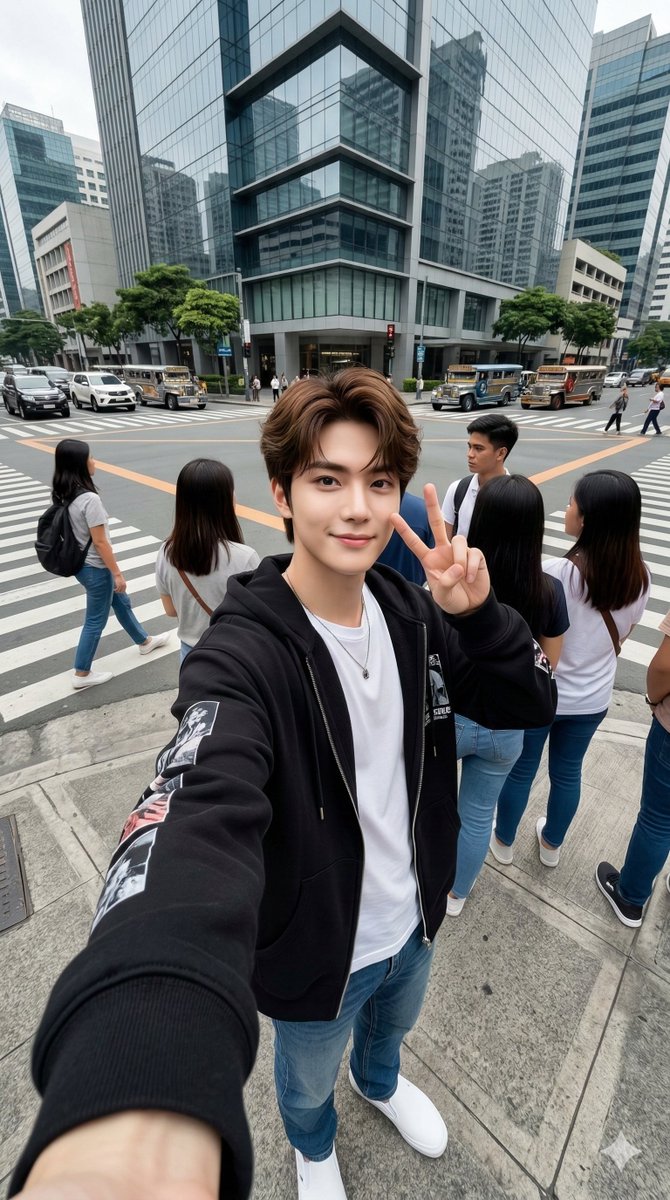
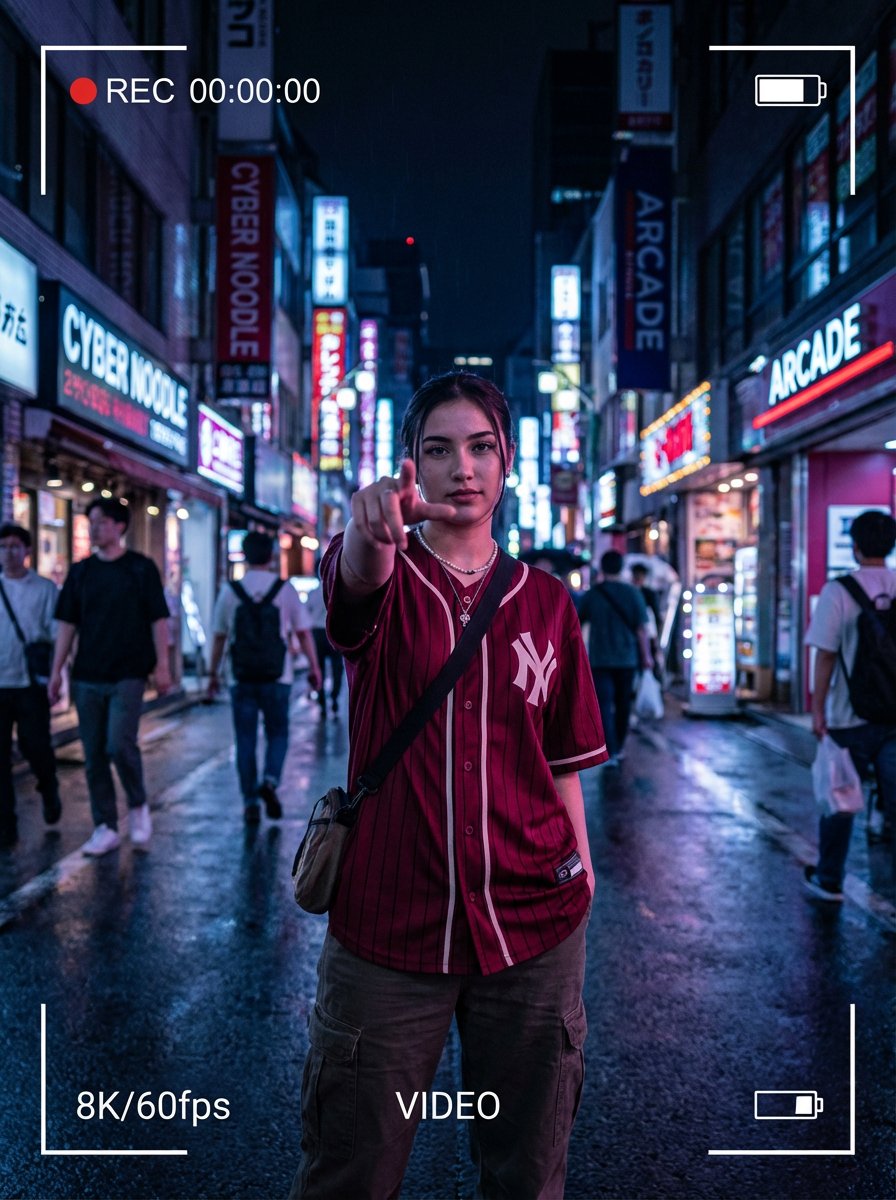
A prompt designed for image-to-image transformation, instructing the AI to convert an original photo into a dramatic, photorealistic, ultra wide-angle shot with
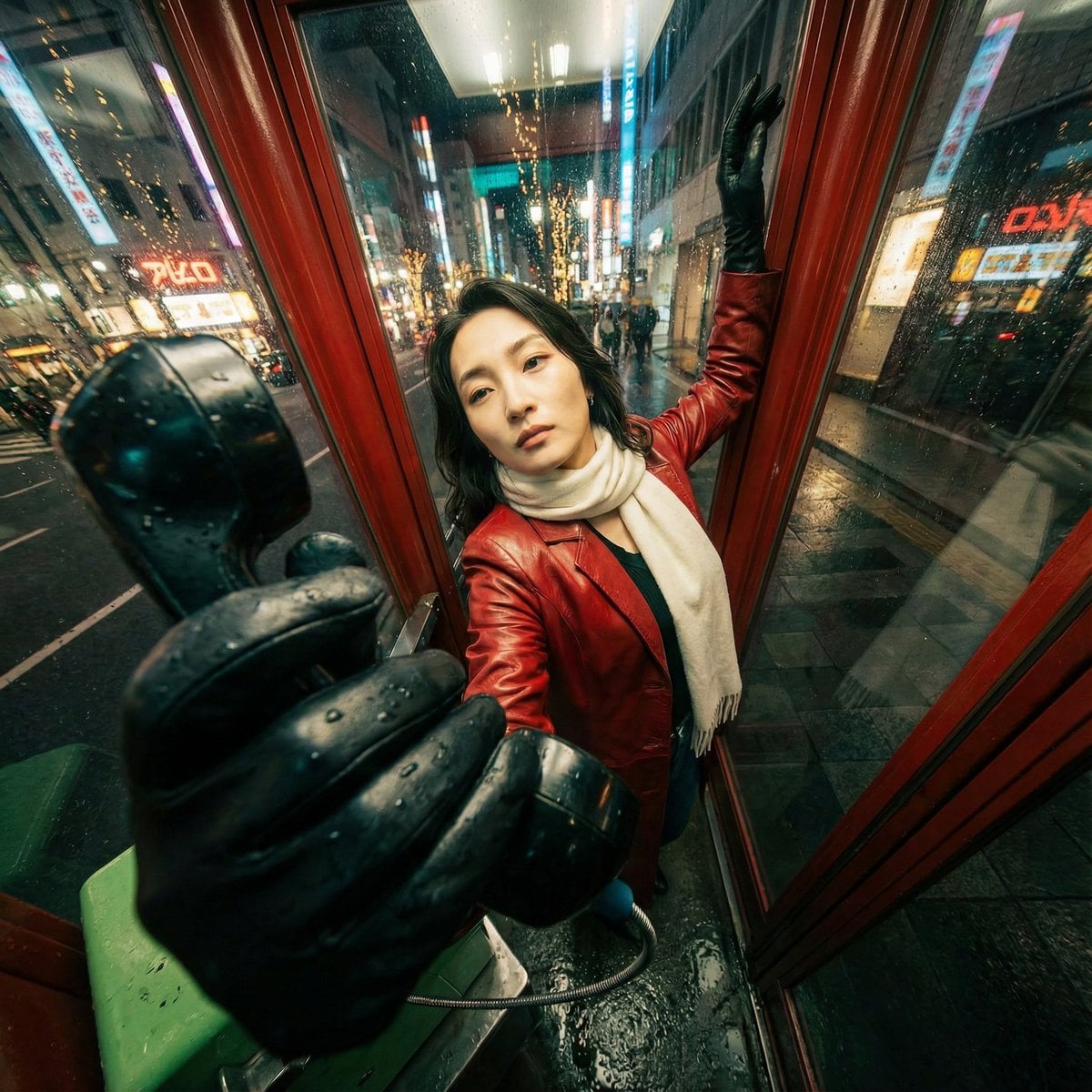
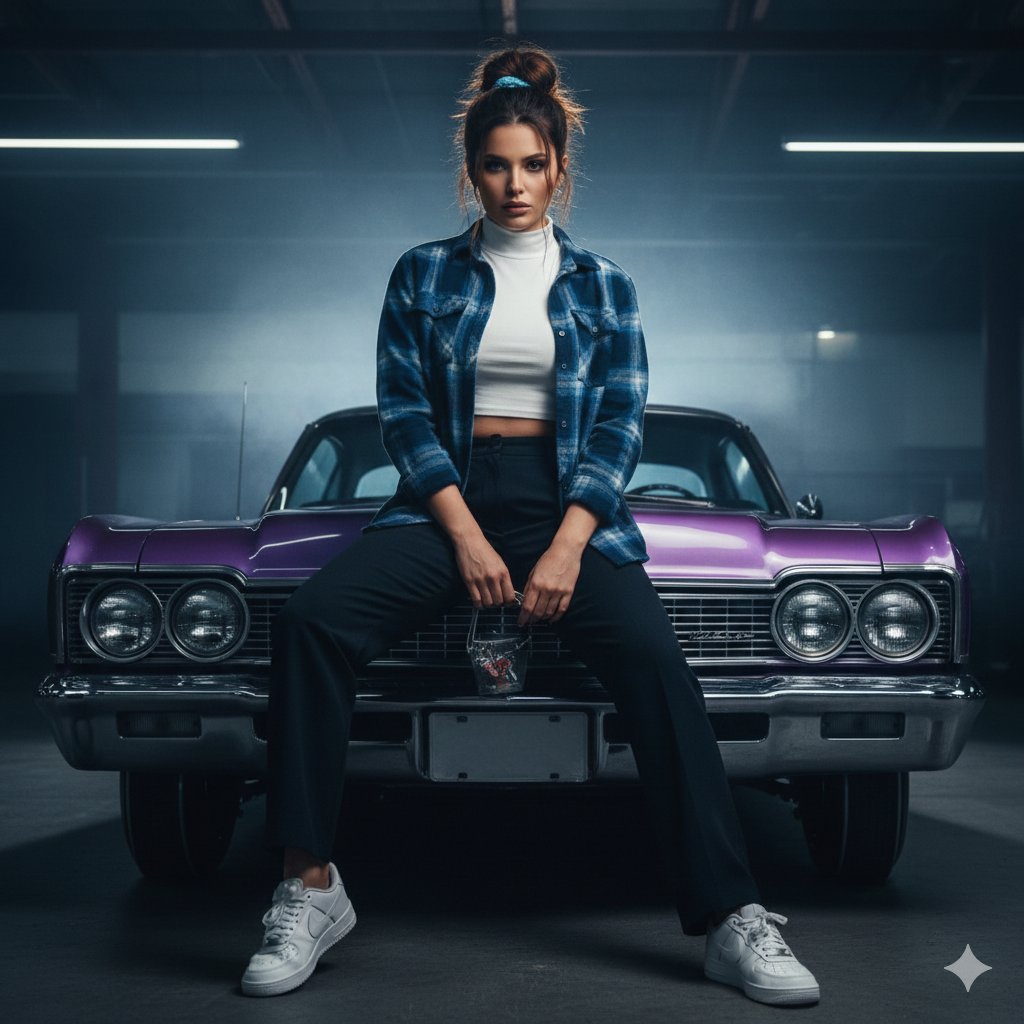
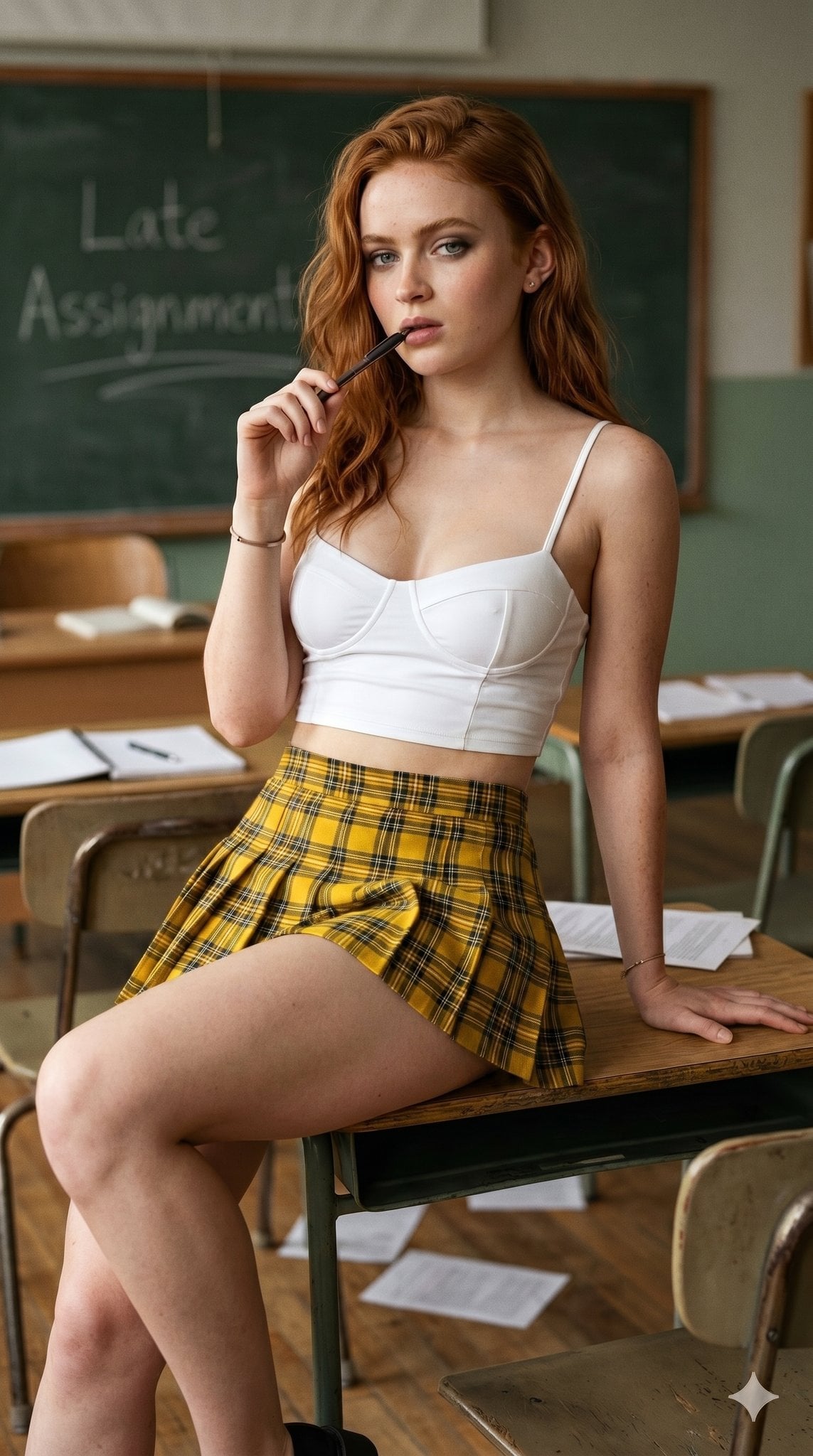
Transform the original photo into a dramatic, photorealistic, ultra wide-angle shot with an extreme camera angle (including views from directly below or above), where one or more body parts are right next to the lens and look huge, the rest of the body recedes in perspective, and the same person strikes a stylish, complex, powerful pose in a consistent, expanded version of the original environment.
Choose the primary action to open PicX Studio with the available template settings. Review the model and format, personalize the creative direction, and generate when ready.
Yes. You can change the subject, setting, lighting, mood, format, and available model controls before creating your image.
This template is free to open and customize. Generation usage is shown in PicX Studio before you create.
Start with Nano Banana 2, which is the model associated with this template. You can compare another compatible model for a different finish.
Follow a topic to a crawlable collection of related PicX Studio templates.