
Realistic Pet and Owner Wide-Angle Selfie
A highly detailed prompt for creating realistic, wide-angle 'selfie' photos of pets and their owners, focusing on preserving the identity of the subjects and a casual community background.
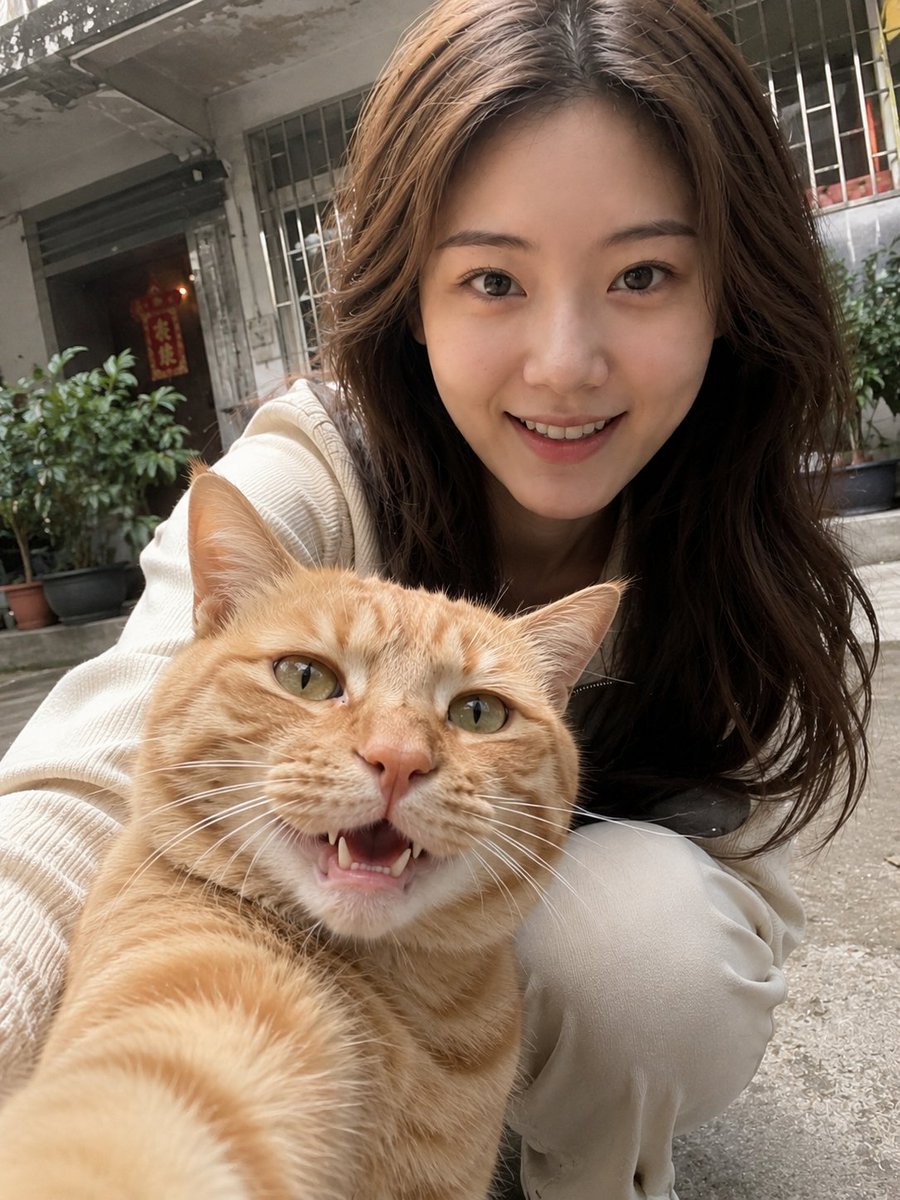
- Prompt included
- Model and format preset
- Free template
The prompt behind this image
Copy the exact prompt behind Realistic Pet and Owner Wide-Angle Selfie, or open it in the studio and make it yours.
Based on the user's uploaded photo of themselves and their pet's photo, generate a person-and-pet photo with the feel of a real phone selfie. Use the uploaded photo of the person only as an identity reference for the person, and the uploaded photo of the pet only as an identity reference for the pet. Strictly preserve the real identifying features of both the person and the pet, including: the person's face shape, facial feature proportions, eyes, nose, lips, skin tone, apparent age, base hairstyle, body type, and overall temperament; the pet's species, breed characteristics, coat color, markings, facial features, ear shape, eyes, muzzle, fur texture, and overall expression. The pet can be a cat or a dog, and must be generated based on the user's uploaded pet photo — do not arbitrarily change the breed, coat color, or appearance. Do not beautify, do not swap faces, do not turn the person into an AI model, do not change the pet's appearance, and do not carry over the original pose, composition, or background of the uploaded photos. The image should be set up as if "the pet is casually taking a selfie by holding the phone itself." Use a close-up, wide-angle phone-selfie perspective, with the lens very close to the pet, the pet in the extreme foreground, its face and front paws close to the lens, creating a natural wide-angle perspective enlargement, as if the pet were holding up the phone to take its own selfie. The perspective can be slightly exaggerated, but must not be severely distorted. The pet is the visual focus, with a relaxed, natural expression; its mouth can be slightly open, as if smiling naturally, giving an overall cute, lively, spirited feel. The person is positioned behind or slightly behind and to the side of the pet, crouching down or leaning into frame, looking at the camera together with the pet. The person's expression is relaxed, natural, and easygoing, and can include a slight toothy smile, like a casual, everyday group photo. The pose should not look too staged — it should look like a real photo accidentally captured while playing with the pet. The person wears {argument name="Outfit" default="light-colored, simple, everyday clothing"}, such as an off-white, cream, light gray, or light khaki casual top, knit sweater, shirt, hoodie, or jacket, overall clean, natural, and everyday-looking. The background is set as {argument name="Background Setting" default="an ordinary Chinese residential area or everyday community environment"}, such as the ground floor of an old residential complex, the entrance of a residential building, a courtyard, an ordinary stairwell entrance, next to an old exterior wall, concrete ground, next to potted plants, a corner of the neighborhood, etc. The environment should be real and natural, with signs of everyday life and elements common to Chinese residential communities, such as railings, windows, security bars, potted plants, stairwell entrances, old wall surfaces, etc. No Western street scenes, no dreamlike sets, no high-end studios. The overall image must be in a highly realistic photographic style, like the effect of a casual wide-angle phone selfie. Keep a bit of a handheld-shooting feel — there can be slight motion blur, slight noise, slight uneven exposure, and natural wide-angle edge stretching, making the image look more like a genuine candid shot straight from a phone camera rather than a retouched portrait. The person's skin should retain a real texture and natural state — no skin-smoothing, no influencer-style face, no commercial-portrait feel. The overall atmosphere should be real, relaxed, cute, and full of everyday life, like a very natural person-and-pet photo the pet happened to take. Strictly avoid: AI fake faces, excessive beautification, skin-smoothing, influencer-style faces, a commercial posed feel, a studio feel, a poster-like feel, over-retouched people, severely distorted pets, a background that's overly clean or unrealistic, and a person or pet that doesn't look like the uploaded photos.
How to use Realistic Pet and Owner Wide-Angle Selfie in 3 steps
- 1Upload ImagePNG, JPG or paste
Add your photo
Upload the photo the template builds on. The prompt, model and format are already set.
- 2…a portrait of your subject in softgolden-hour light, 85mm…
Personalize
Edit the subject and creative details for your destination.
- 3Generate
Generate
Press Generate — your image is created in PicX Studio, so you can compare it with the original and refine one variable at a time.
More like this
Templates with the same subject, style or setup. Open one to see its prompt.

Cat Photobomb Selfie — 0.5x Wide Angle Café Chaos
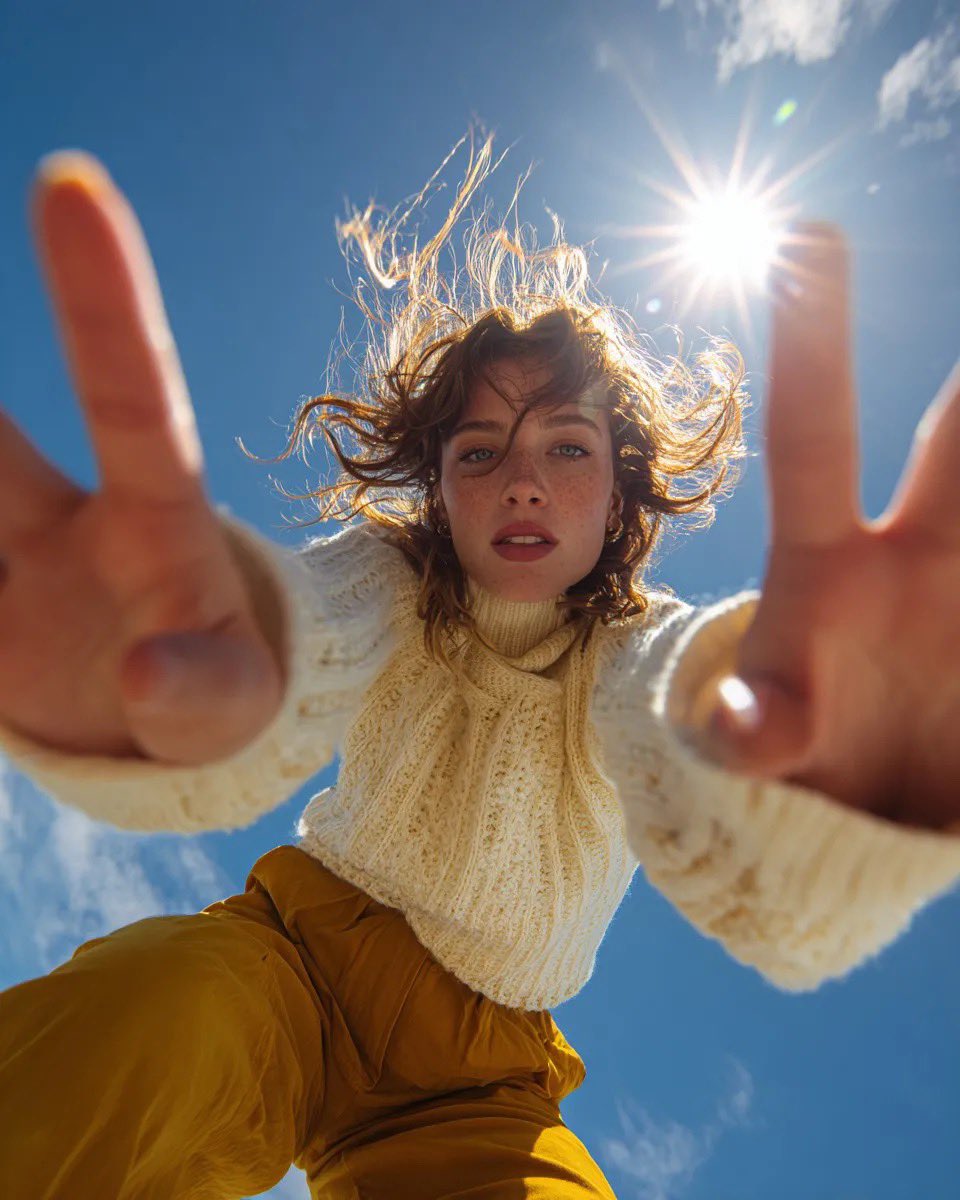
Ultra Wide Low-Angle Portrait — Sairah (Nano Banana)
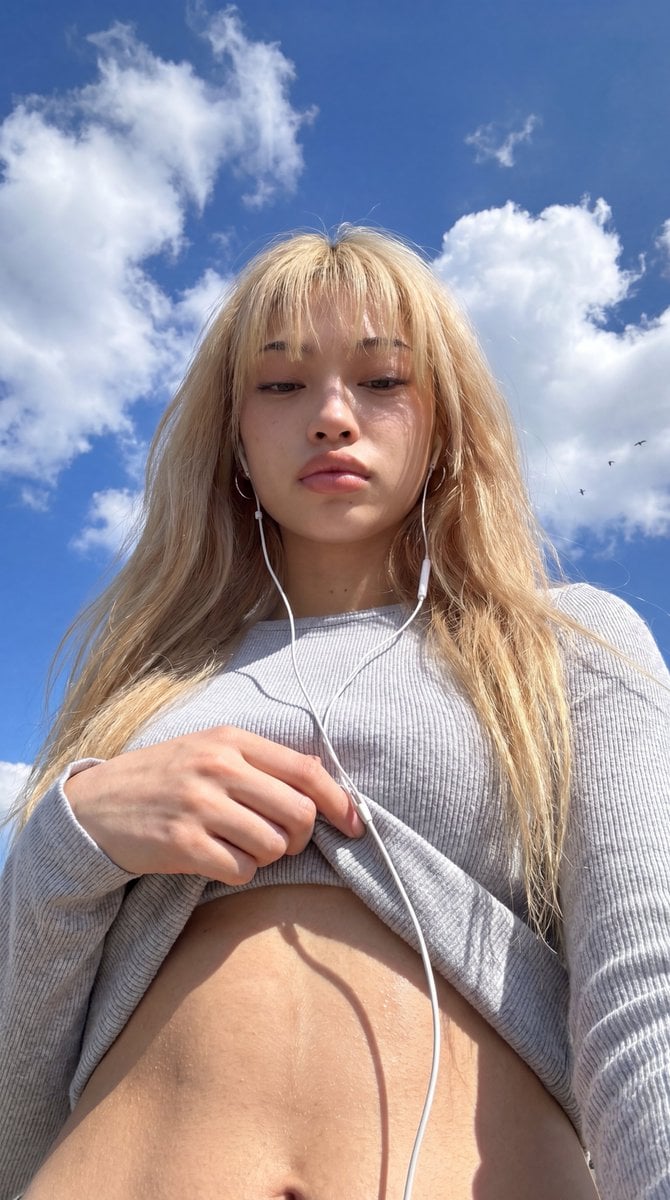
Low-Angle Wide-Sky Smartphone Selfie

Low Angle Floor Selfie With Upside Down Cat
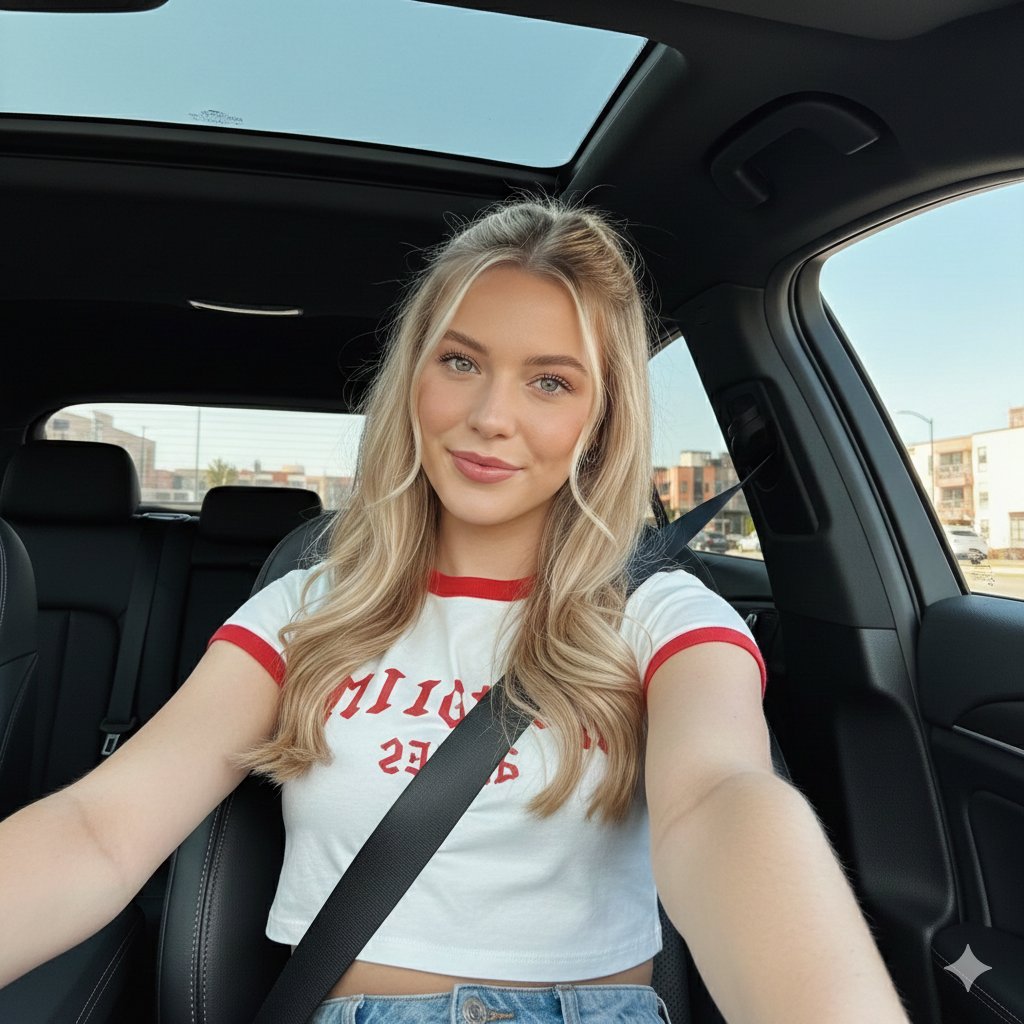
Wide-Angle Car Selfie with Panoramic Sunroof
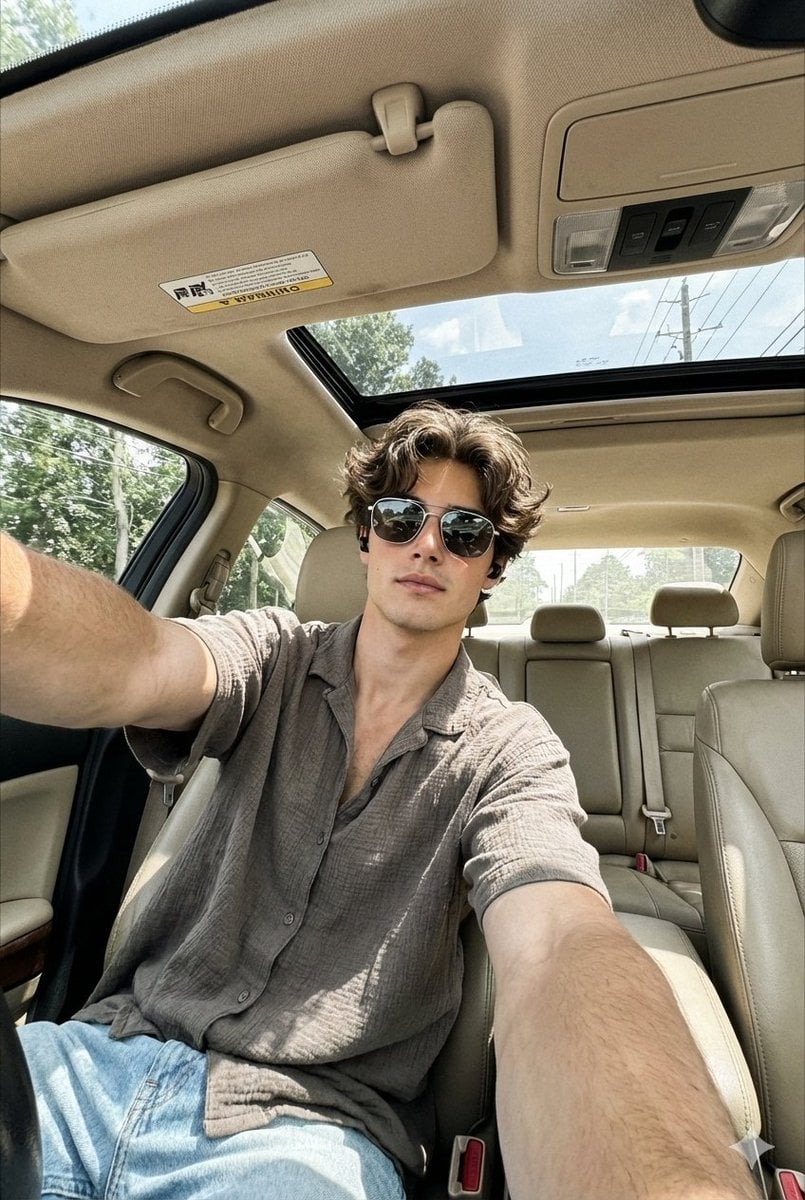
Wide-Angle Car Selfie Replication Prompt
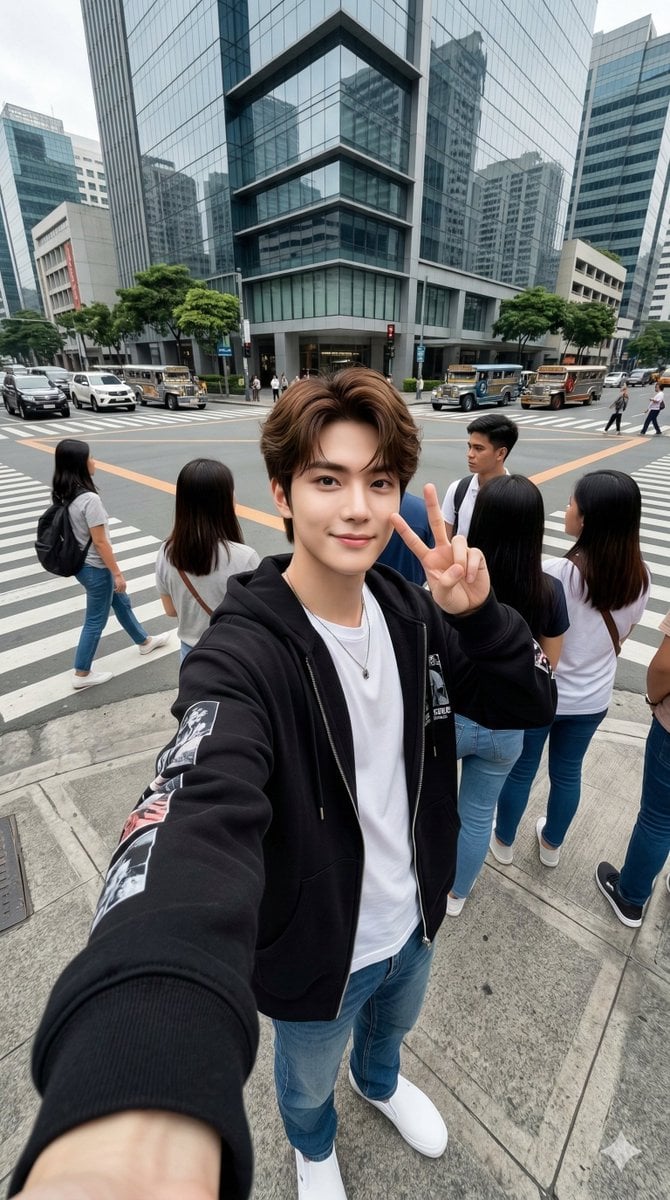
Urban Streetwear Wide-Angle Group Selfie
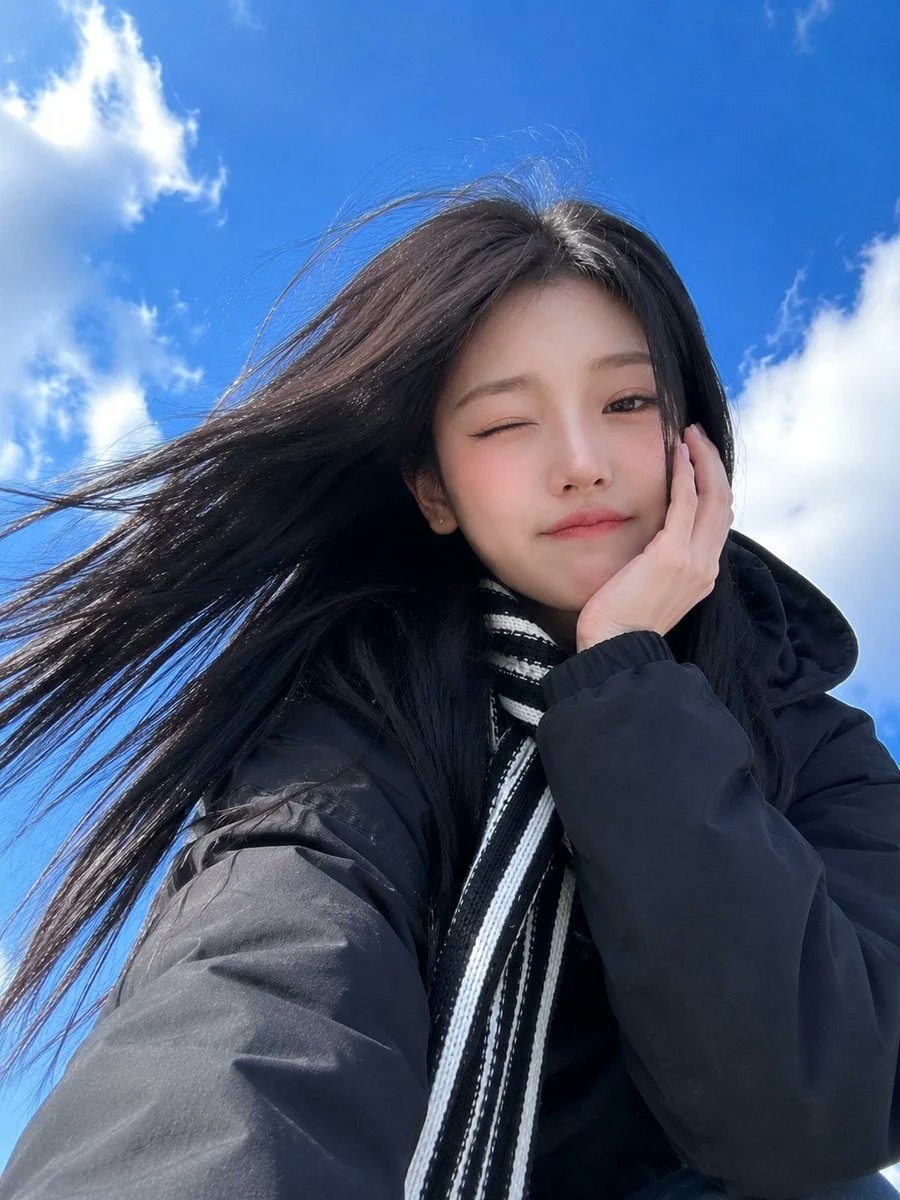
Low-Angle Winter Scarf Selfie

Rooftop Fisheye — Cat-Ear Balaclava at Golden Hour

Felt & Knit 3D Character — Photo-Exact Face, Pixar-Quality Plush Figurine

Eid al-Adha Cute Chaos — Fisheye Selfie with Farm Selfie, Mosque & Animals

Gen Z Triple Selfie Collage — Y2K Flash Photography
Make it yours
Realistic Pet and Owner Wide-Angle Selfie works as-is. These are the safest ways to change it without losing the look.
Change one field
Copy a single group, rewrite it, and generate again so you can see what that field is doing.
Keep the frame, change the subject
Hold the composition and light of Realistic Pet and Owner Wide-Angle Selfie, then swap wardrobe, props or the person for a new take.
| If the result… | Why | Fix |
|---|---|---|
| The result drifts from the preview | Too many fields changed at once. | Reuse Realistic Pet and Owner Wide-Angle Selfie as-is first, then change one group — subject, light, or setting. |
| The model over-stylizes the scene | The prose prompt leaves finish and camera underspecified. | Add one camera or lighting sentence and stay on GPT Image 2. |
More GPT Image 2 templates
Other prompts made for GPT Image 2.

Six VTuber Japanese Logo Sheet

Realistic Portrait of Woman and Deer

The Vista Modular Condo Poster

AI Model Routing Comparison Infographic

2.5D Anime Art Board

Isometric Productivity Desk Scene

New York Double Exposure Poster

Four-Panel AI Landscape Comparison

Japanese Tatami Lifestyle Magazine Cover

NESCAFÉ Coffee Map Poster
More image prompts
Fresh picks from across the catalog.
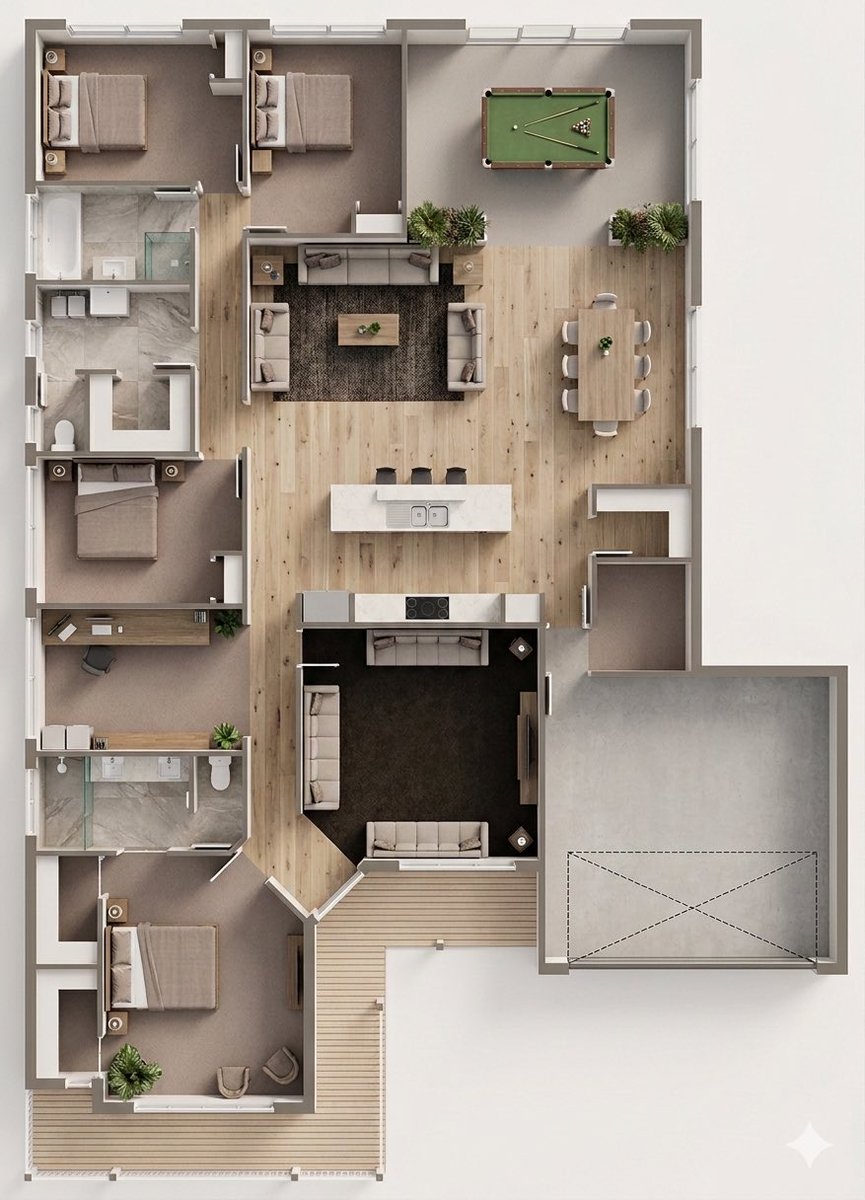
Floor Plan to Photorealistic 3D Render Conversion
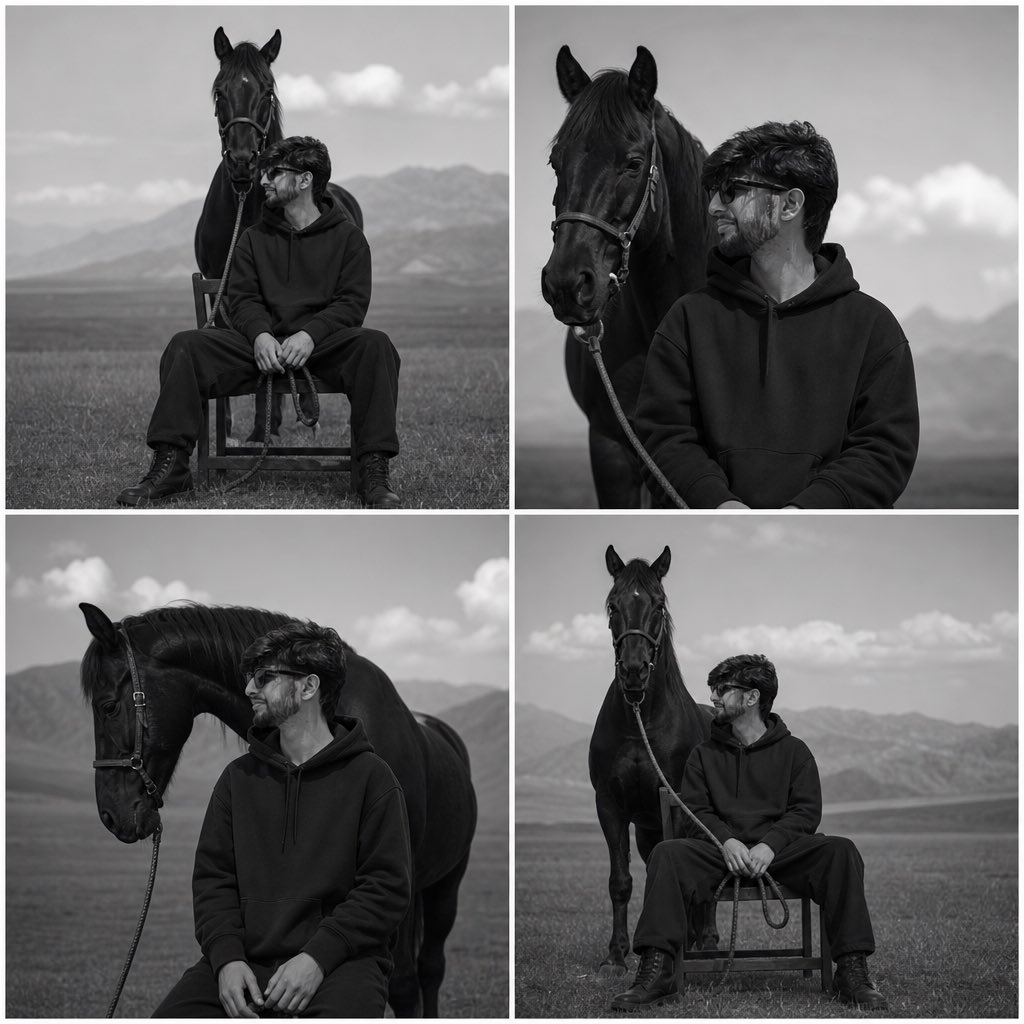
Monochrome Horse Field Portrait
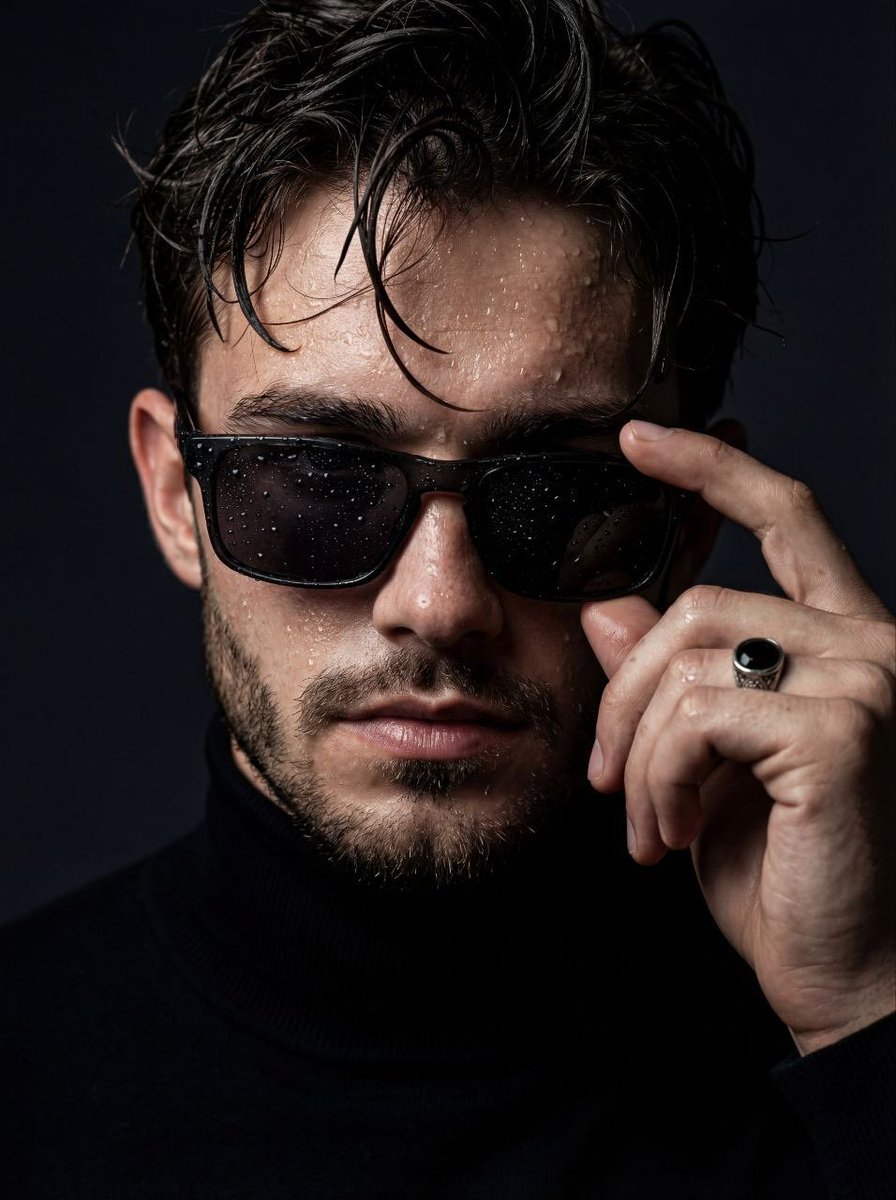
Moody Cinematic Close-Up Portrait with Wet Skin

Professional Male Editorial Fashion Portrait
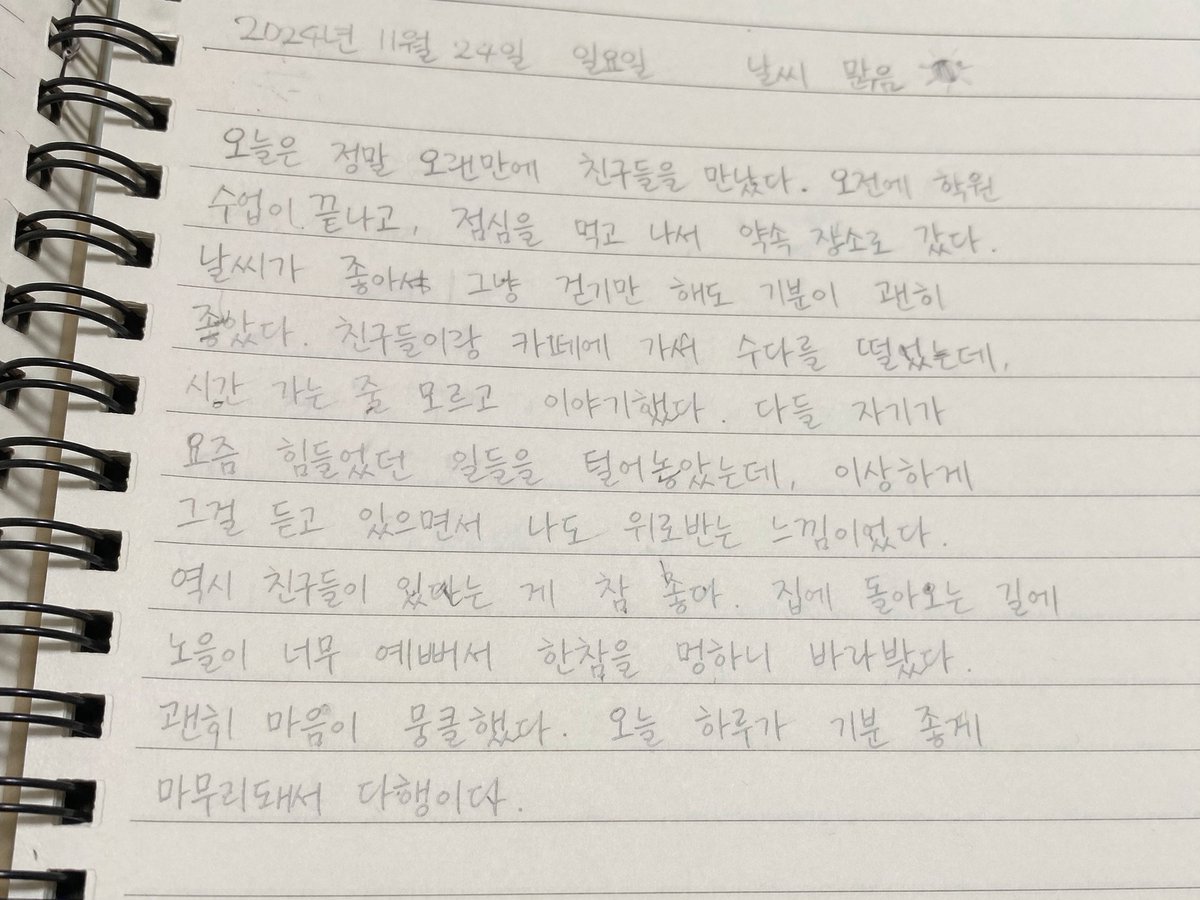
Handwritten Korean Journal Entry
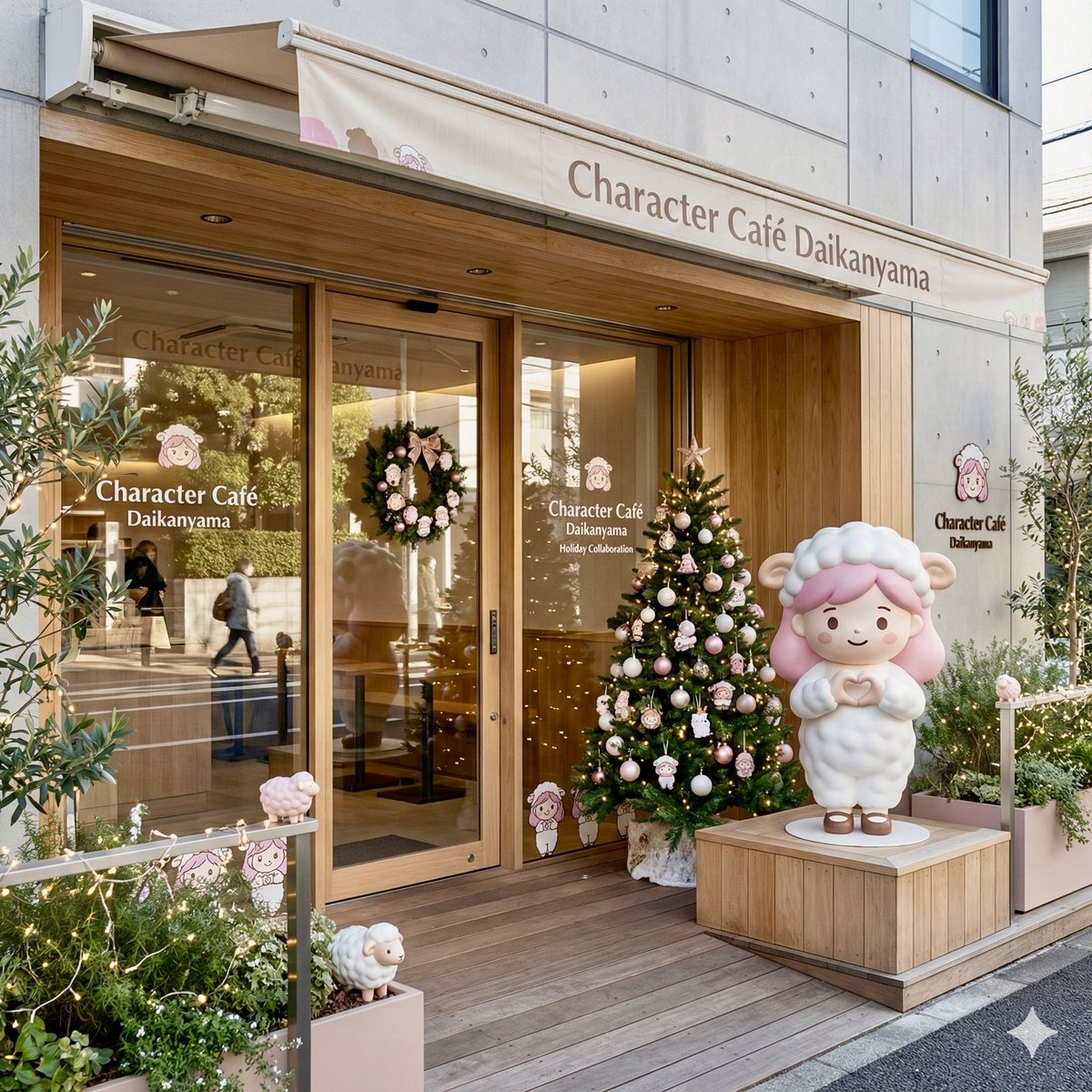
Daikan-yama Collaboration Cafe Generator (Christmas Theme)
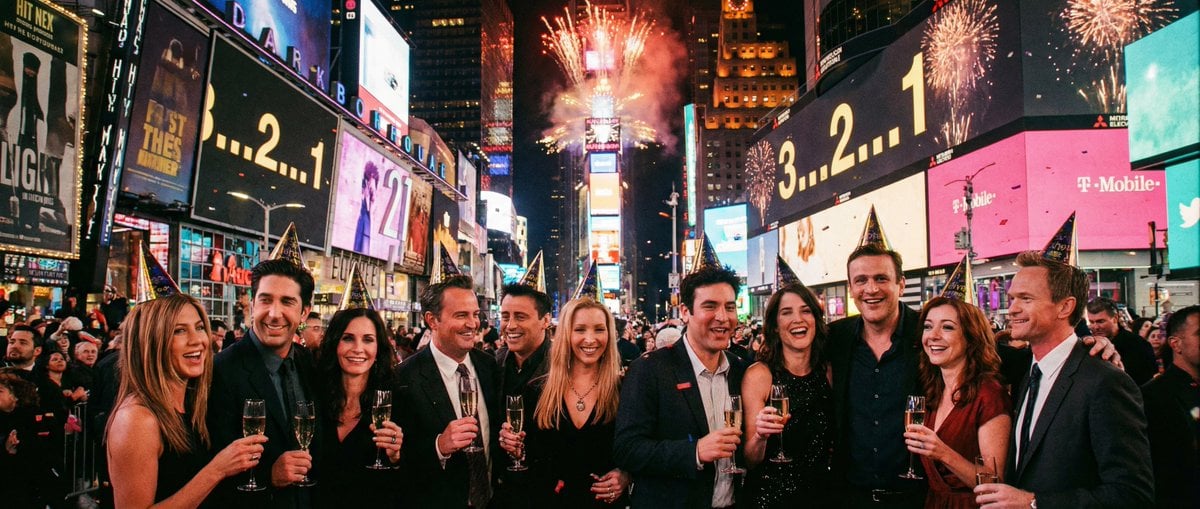
Sitcom Crossover New Year's Eve Prompt
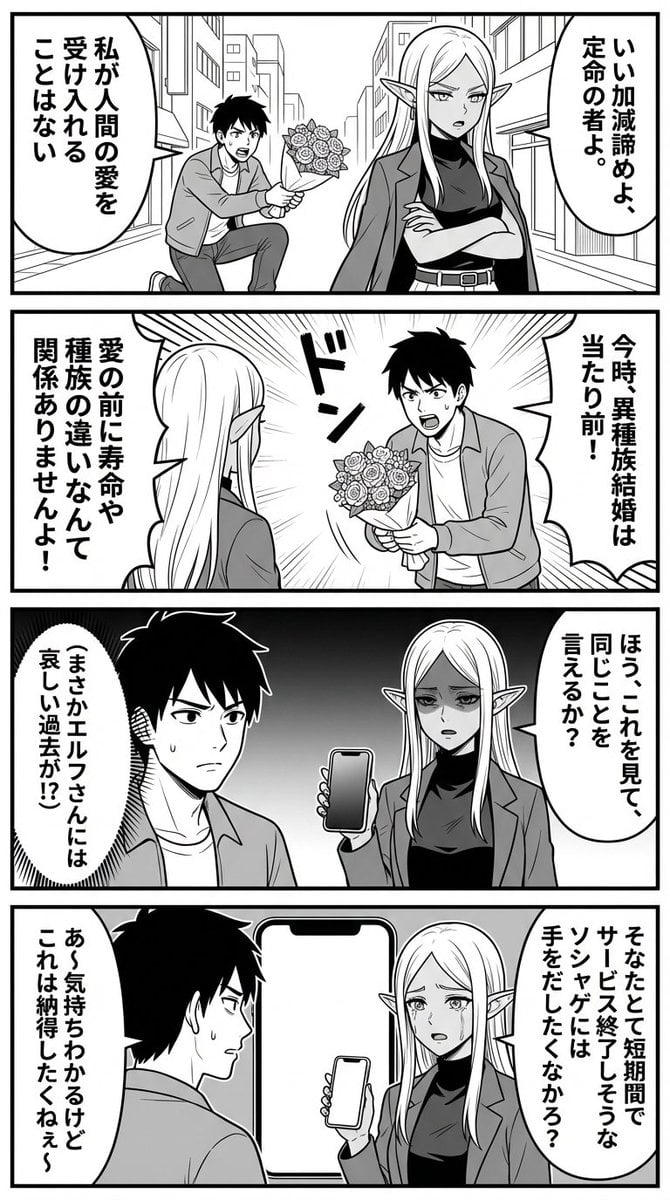
Nano Banana Comic Prompt: Elf and Human Love Comedy

High-end stylized digital painting portrait prompt
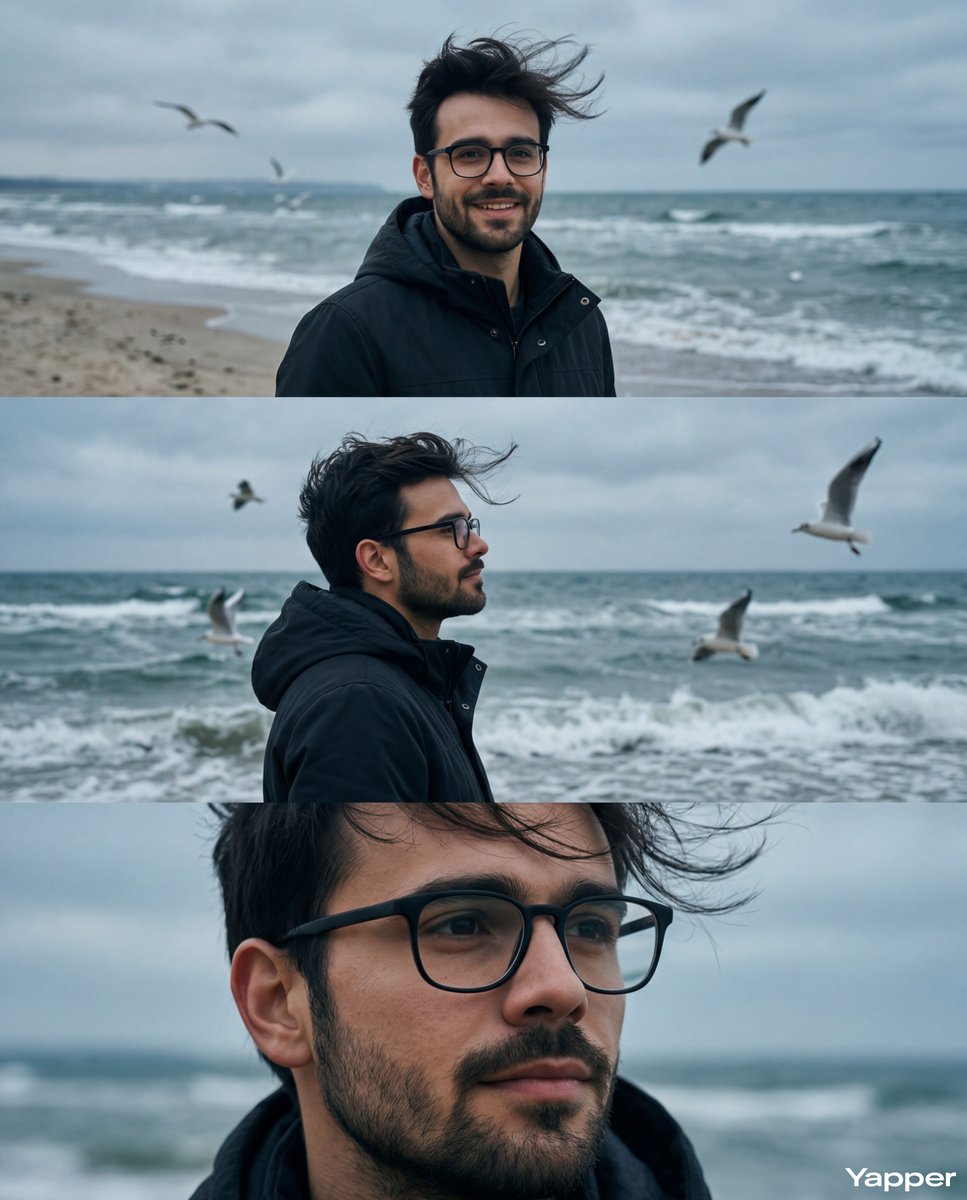
Cinematic Seaside Triptych Portrait Prompt
Browse template categories
Realistic Pet and Owner Wide-Angle Selfie questions
How do I use the Realistic Pet and Owner Wide-Angle Selfie template?
Add your photo if the template asks for one, edit the prompt if you like — the template's model and format are already selected — and press Generate. Your version opens in PicX Studio.
Can I customize the Realistic Pet and Owner Wide-Angle Selfie template?
Yes. You can change the subject, setting, lighting, mood, format, and available model controls before creating your image.
Is the Realistic Pet and Owner Wide-Angle Selfie template free?
Opening and editing this template is free. Generating uses credits, shown on the Generate button when you are signed in.
Which AI model should I use?
Start with GPT Image 2, which is the model associated with this template. You can compare another compatible model for a different finish.
Looking for something else? Browse all templates.

Your photo, any look
Thousands of ready templates for every top image and video model, from one credit balance.