
Low-Angle Winter Scarf Selfie
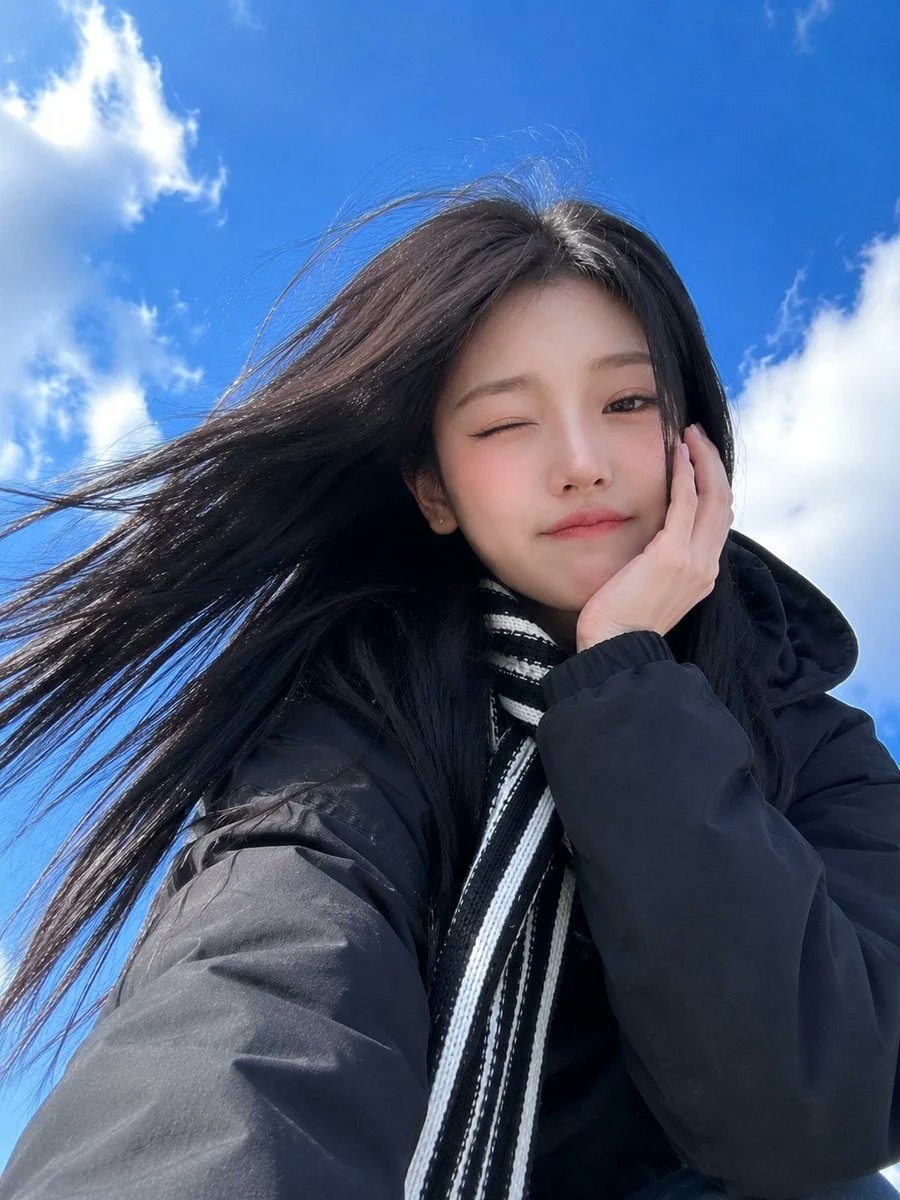
A photorealistic smartphone selfie of an East Asian woman against a blue sky, featuring a low-angle perspective and a playful expression with a winter scarf.
- Prompt included
- Model and format preset
- Free template
The prompt behind this image
Copy the exact prompt behind Low-Angle Winter Scarf Selfie, or open it in the studio and make it yours.
Ultra-realistic smartphone selfie of a beautiful {argument name="subject" default="young East Asian woman"} taken from a dramatic low-angle perspective against a {argument name="background" default="vivid blue sky with soft white clouds"}. She has long straight jet-black hair flowing naturally in the wind, fair porcelain skin, soft almond-shaped brown eyes, subtle winged eyeliner, natural pink lips, and a playful expression with her lips gently pressed together. She raises one fist in the air in a cute cheering pose while looking directly into the camera. She wears an {argument name="outfit" default="oversized black hooded coat layered with a black-and-white striped knitted scarf"} wrapped around her neck, small silver stud earrings, and minimal Korean makeup. Bright natural daylight, soft sunlight, realistic skin texture, authentic iPhone front-camera look, slight wide-angle lens distortion, candid outdoor snapshot, vibrant blue sky, clean composition, shallow depth of field, photorealistic, ultra-detailed, 4K, documentary lifestyle photography.
How to use Low-Angle Winter Scarf Selfie in 3 steps
- 1
Open
The prompt is already in the box next to the preview, with the template's model and format selected.
- 2…a portrait of your subject in softgolden-hour light, 85mm…
Personalize
Edit the subject and creative details for your destination.
- 3Generate
Generate
Press Generate — your image is created in PicX Studio, so you can compare it with the original and refine one variable at a time.
More like this
Templates with the same subject, style or setup. Open one to see its prompt.

Photoreal Snow Biome Name Tag UI

Low Angle Floor Selfie With Upside Down Cat
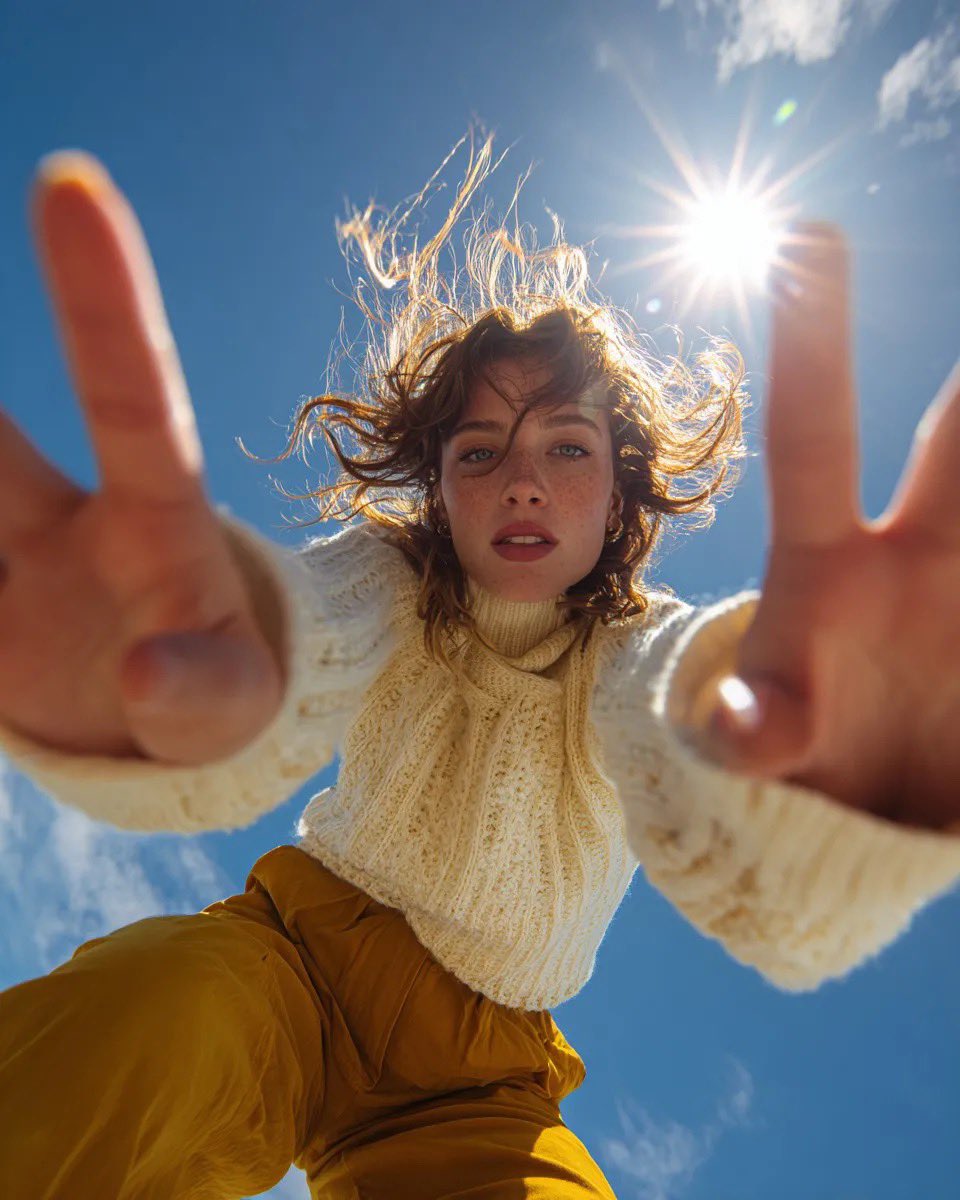
Ultra Wide Low-Angle Portrait — Sairah (Nano Banana)

Cat Photobomb Selfie — 0.5x Wide Angle Café Chaos
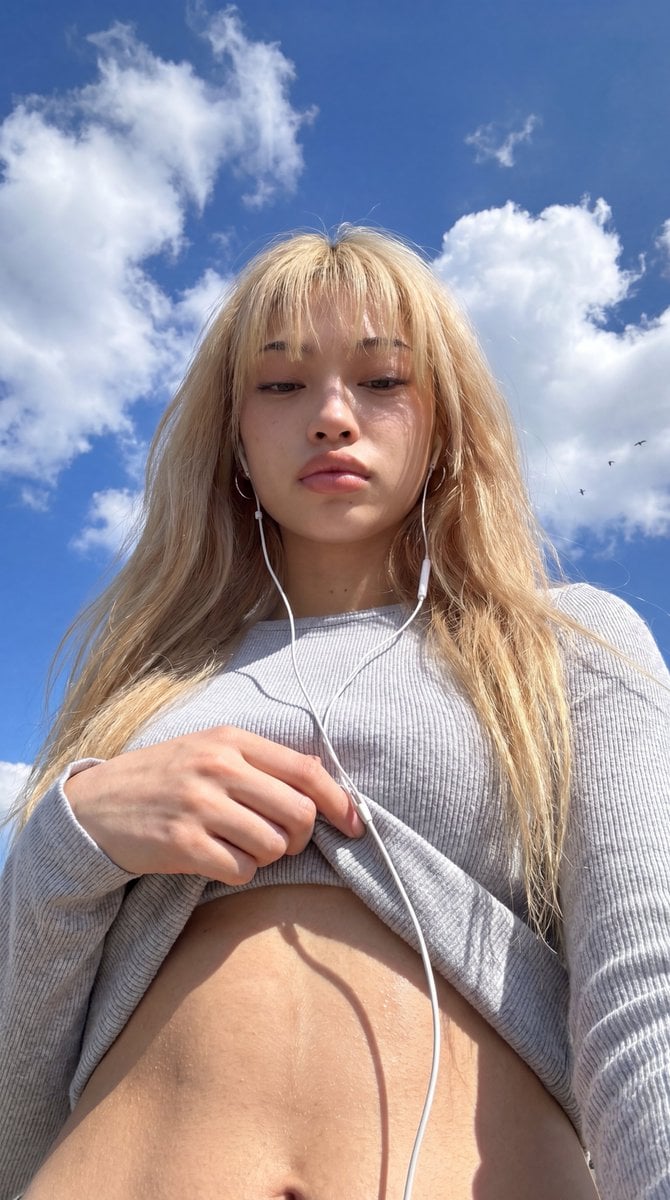
Low-Angle Wide-Sky Smartphone Selfie
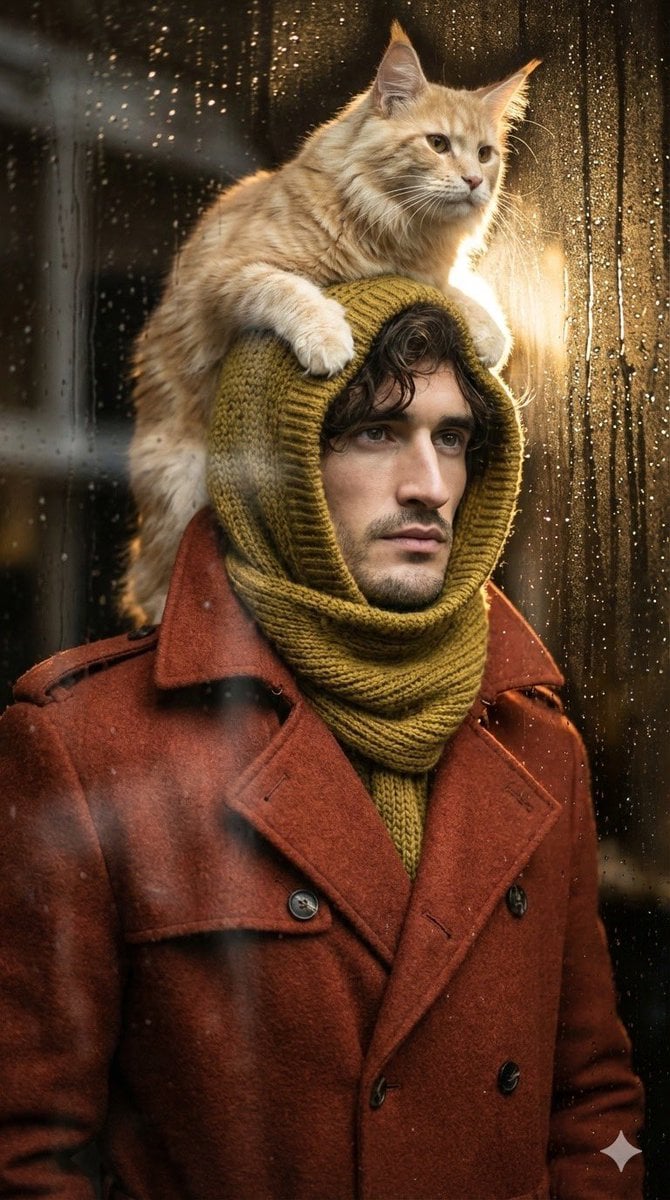
Low-angle man with hood scarf and cat on head
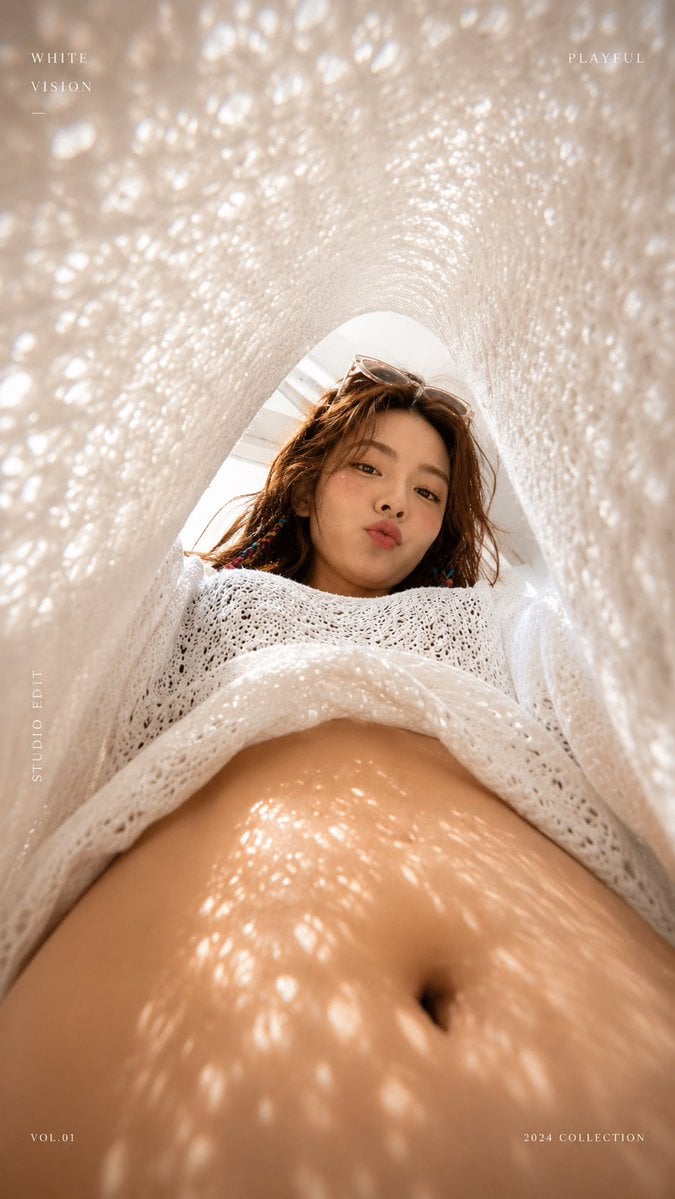
White Lace Low-Angle Editorial

Rooftop Fisheye — Cat-Ear Balaclava at Golden Hour

Felt & Knit 3D Character — Photo-Exact Face, Pixar-Quality Plush Figurine

Eid al-Adha Cute Chaos — Fisheye Selfie with Farm Selfie, Mosque & Animals

Gen Z Triple Selfie Collage — Y2K Flash Photography

Surreal Cat Astronaut — Humanoid Face Freefall
Make it yours
Low-Angle Winter Scarf Selfie works as-is. These are the safest ways to change it without losing the look.
Change one field
Copy a single group, rewrite it, and generate again so you can see what that field is doing.
Keep the frame, change the subject
Hold the composition and light of Low-Angle Winter Scarf Selfie, then swap wardrobe, props or the person for a new take.
| If the result… | Why | Fix |
|---|---|---|
| The result drifts from the preview | Too many fields changed at once. | Reuse Low-Angle Winter Scarf Selfie as-is first, then change one group — subject, light, or setting. |
| The model over-stylizes the scene | The prose prompt leaves finish and camera underspecified. | Add one camera or lighting sentence and stay on GPT Image 2. |
More GPT Image 2 templates
Other prompts made for GPT Image 2.

Six VTuber Japanese Logo Sheet

Realistic Portrait of Woman and Deer

The Vista Modular Condo Poster

AI Model Routing Comparison Infographic

2.5D Anime Art Board

Isometric Productivity Desk Scene

New York Double Exposure Poster

Four-Panel AI Landscape Comparison

Japanese Tatami Lifestyle Magazine Cover

NESCAFÉ Coffee Map Poster
More image prompts
Fresh picks from across the catalog.
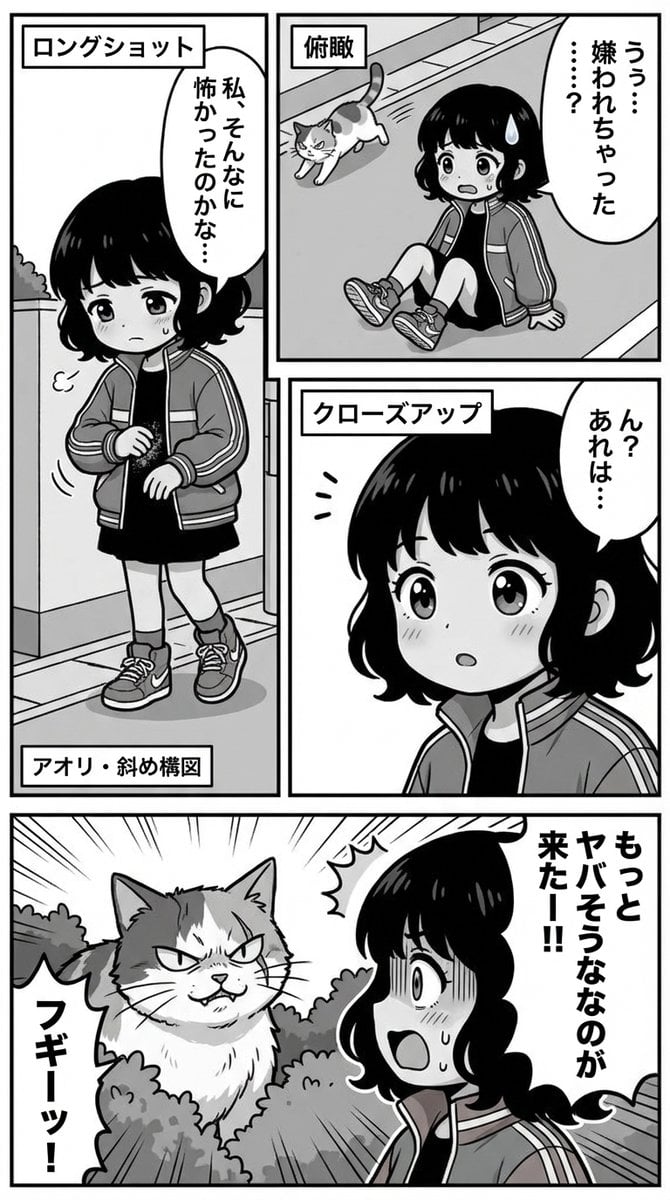
Nano Banana Pro Manga Generation Prompt with Character Consistency Rules
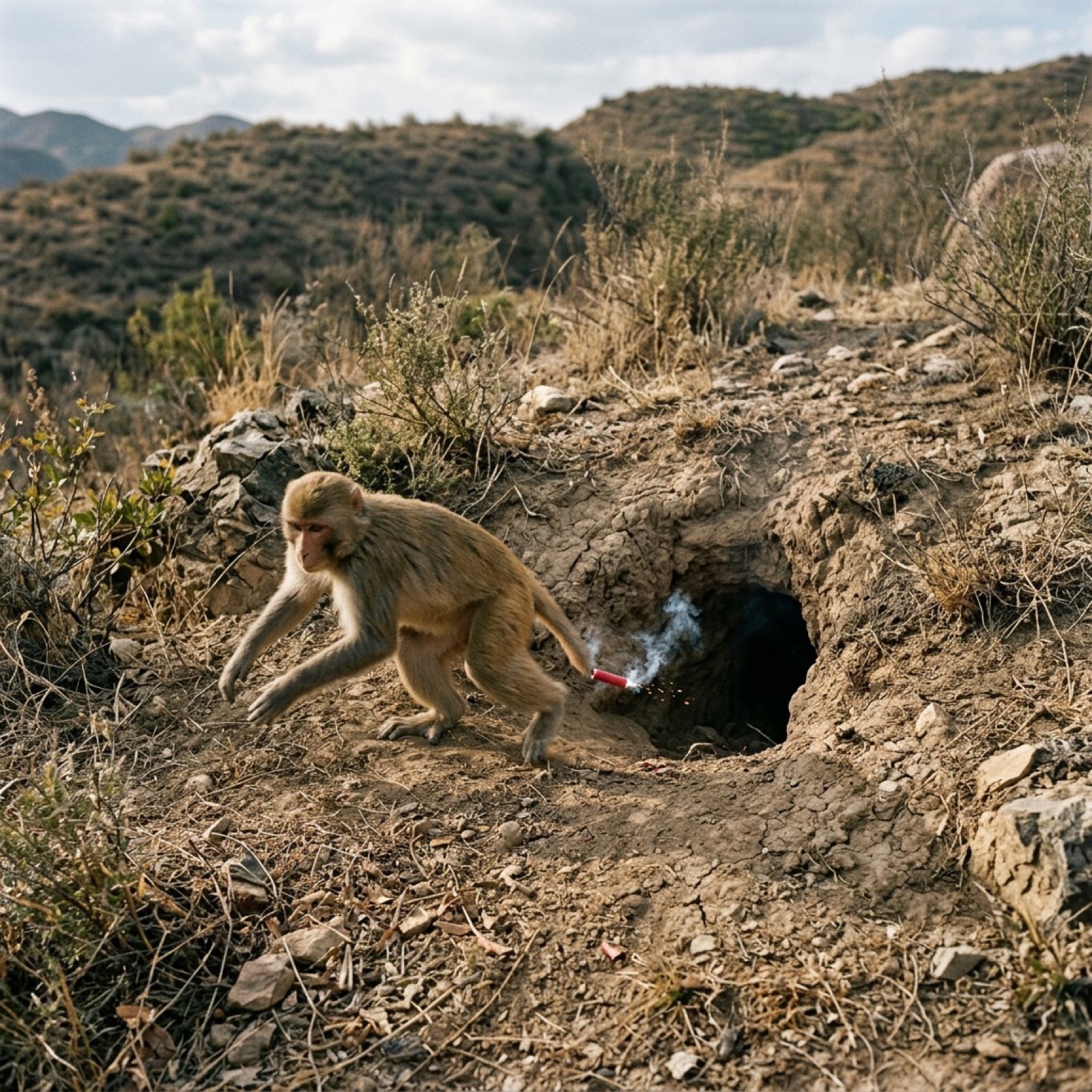
Video Generation Prompt: Monkey and Firecrackers

3D Animated Tourism Infographic Poster

Cute Futuristic Platformer Scene
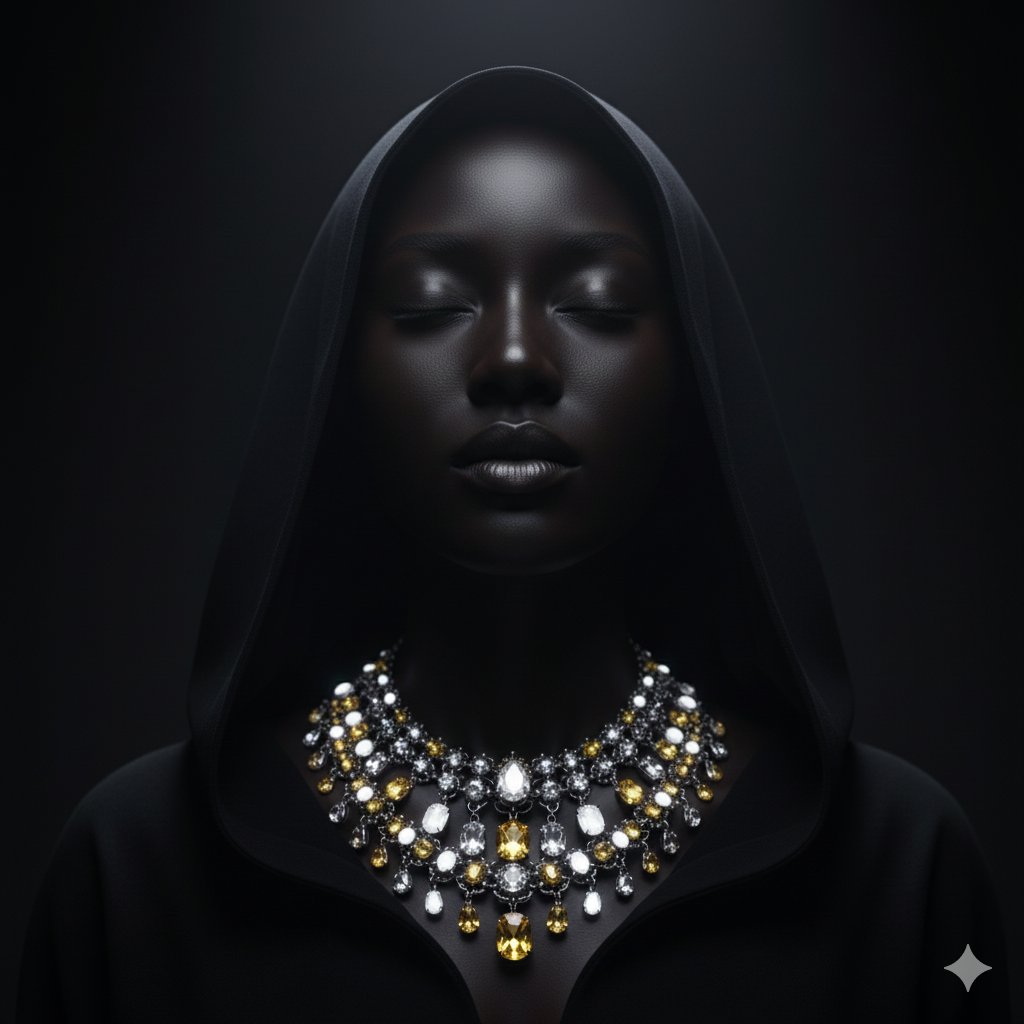
Dramatic Low-Key Portrait with Glowing Gemstones
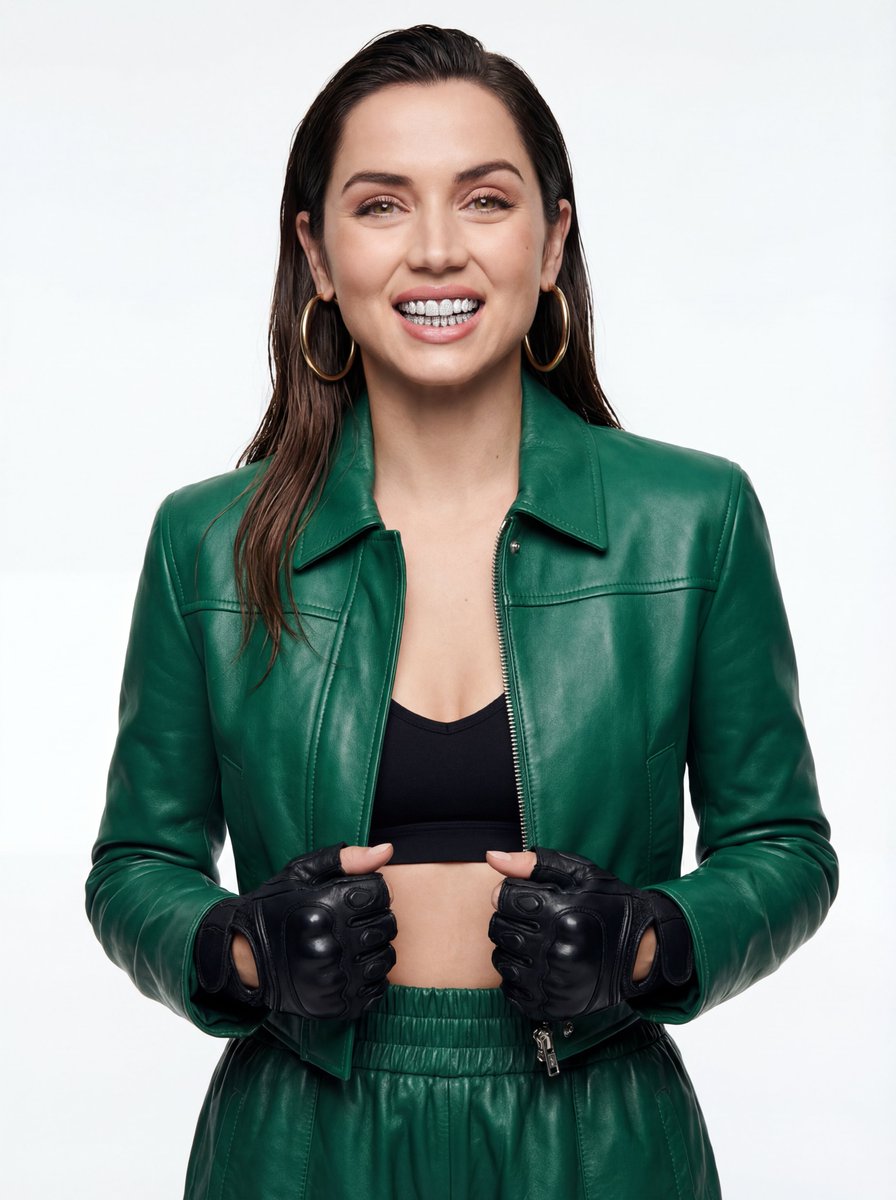
High-Fashion Urban Editorial Portrait with Grillz
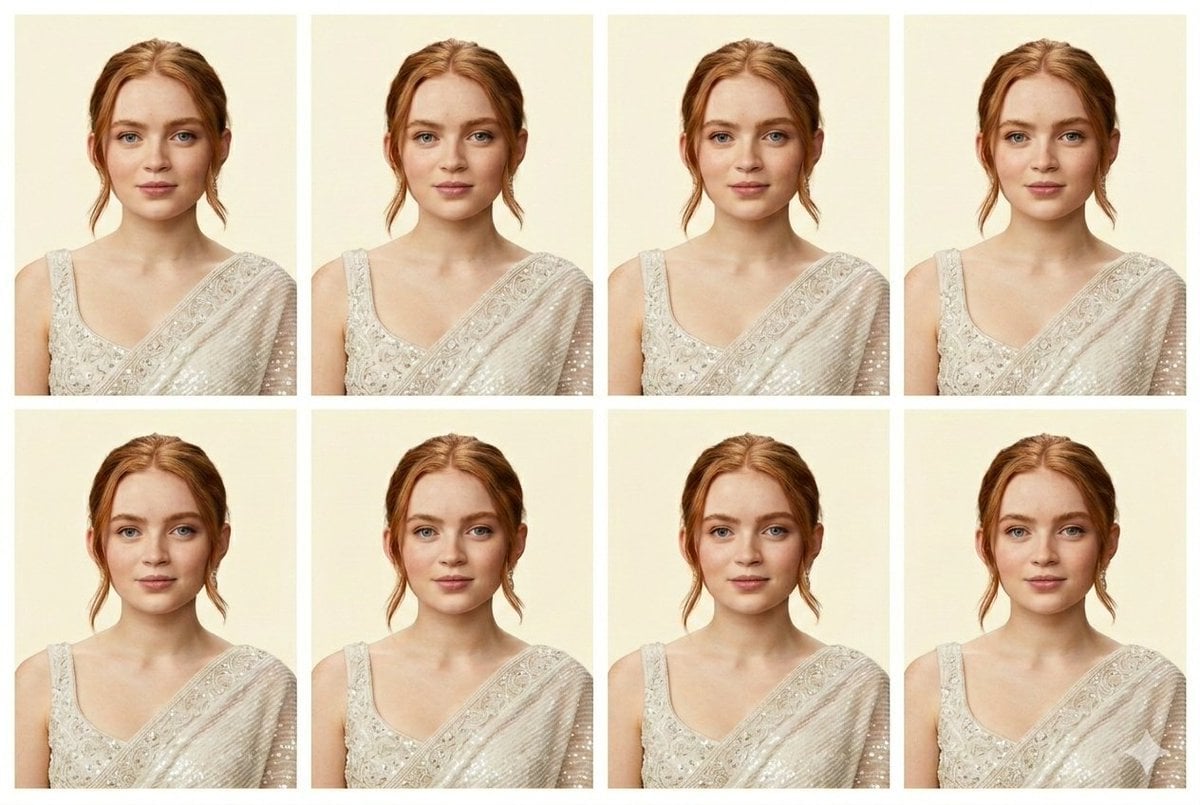
Passport Photo Generator Prompt (JSON)
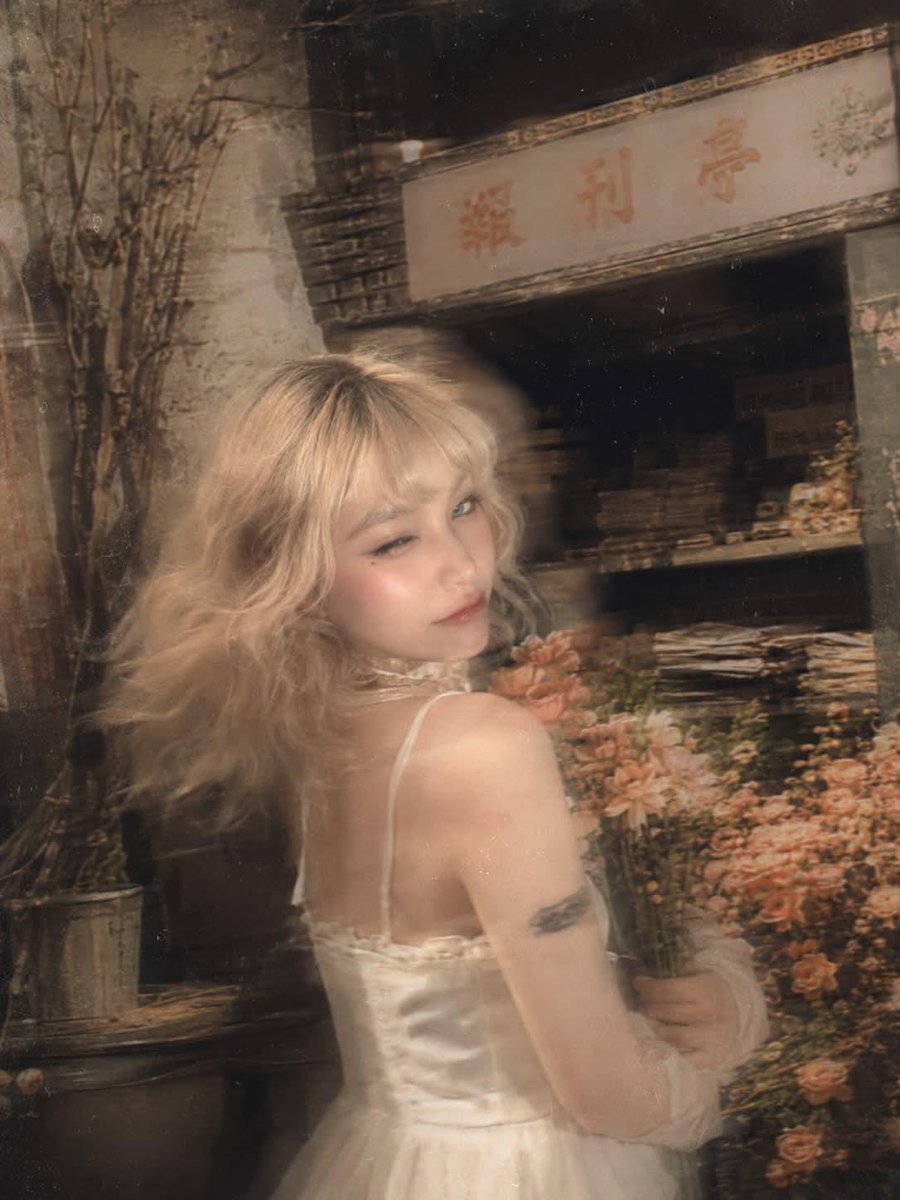
Surreal Fujifilm Vintage Film Portrait

Epic Anime Pirate Poster Design
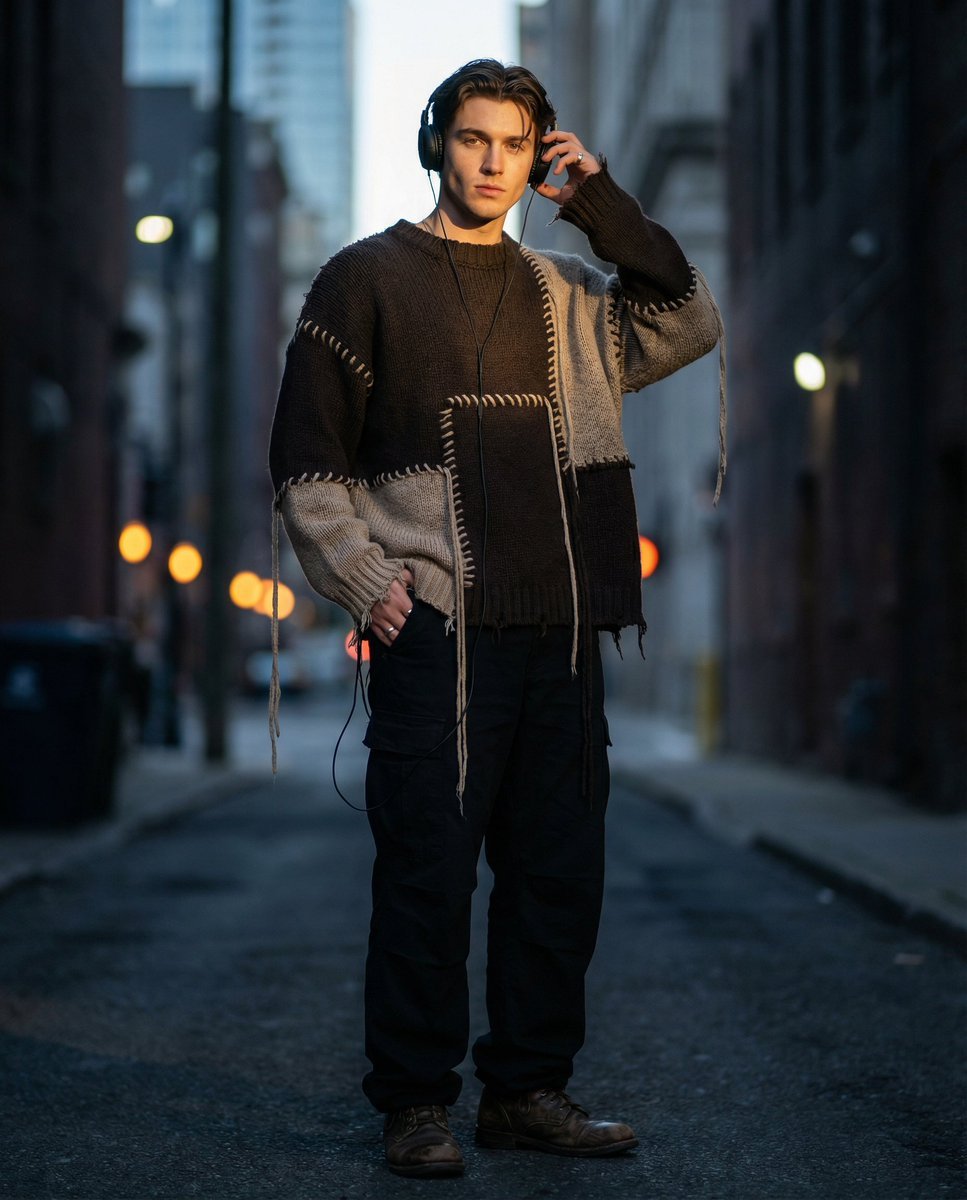
Editorial Street Fashion Portrait with Patchwork Knitwear
Browse template categories
Low-Angle Winter Scarf Selfie questions
How do I use the Low-Angle Winter Scarf Selfie template?
Add your photo if the template asks for one, edit the prompt if you like — the template's model and format are already selected — and press Generate. Your version opens in PicX Studio.
Can I customize the Low-Angle Winter Scarf Selfie template?
Yes. You can change the subject, setting, lighting, mood, format, and available model controls before creating your image.
Is the Low-Angle Winter Scarf Selfie template free?
Opening and editing this template is free. Generating uses credits, shown on the Generate button when you are signed in.
Which AI model should I use?
Start with GPT Image 2, which is the model associated with this template. You can compare another compatible model for a different finish.
Looking for something else? Browse all templates.

Your photo, any look
Thousands of ready templates for every top image and video model, from one credit balance.