
Nano Banana Pro Manga Generation Prompt with Character Consistency Rules
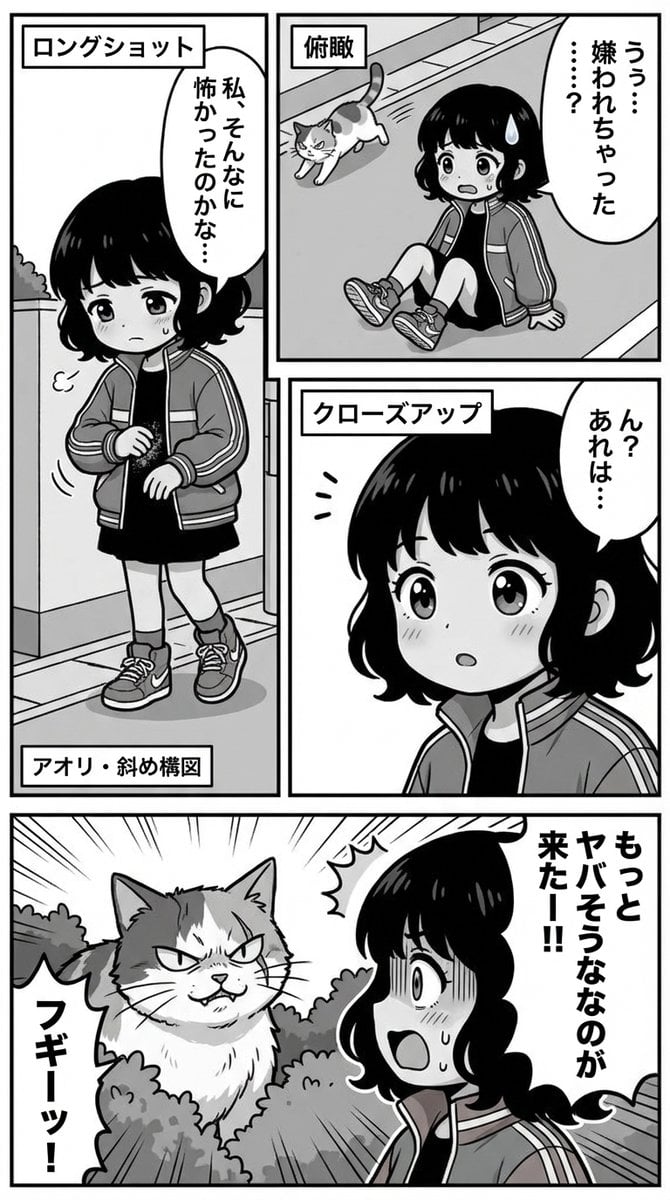
A detailed system prompt for Nano Banana Pro aimed at generating manga pages while strictly maintaining character consistency based on an uploaded reference image.
- Prompt included
- Model and format preset
- Free template
The prompt behind this image
Copy the exact prompt behind Nano Banana Pro Manga Generation Prompt with Character Consistency Rules, or open it in the studio and make it yours.
Please generate a manga page. #Characters (Top Priority): **[IMPORTANT: Full reproduction of the attached images (image_urls)] These are not reference images but "unchangeable master data." In every panel generated, strictly follow the rules below.** 1. **Fixed features:** Maintain 100% of the attached images' **"hairstyle, hair color, eye shape, outfit, and accessories."** No arbitrary changes or simplification allowed. 2. **Deformation rule:** When applying #Style (chibi characters), **only shrink the "head-to-body ratio (body proportions)"; do not break the "facial part placement or hairstyle design" from the attached images.** 3. **Maintaining identity:** Even if the angle changes, it must still be "a drawing of the same character seen from a different angle." Do not change it into a different-looking face. 4. **Do not let "prompt bleed" (instructions leaking into the output) occur.** #Output size 9:16 #Style: **Base art style:** Monochrome, Japanese manga, gag-manga style, thick outlines. **Style prompt:** Japanese manga, chibi style, thick outline lines, monochrome. **Format:** Vertical text, Japanese panel layout read right to left. #Text generation rules (strict): **[IMPORTANT: Natural Japanese and elimination of repetition]** When generating dialogue in the manga, proofread right before output to absolutely avoid the following errors. 1. **No tautology:** Do not repeat the same word or conjunction twice, like "so, so" or "but, but" or "really, really." Stutter-like expressions are forbidden. 2. **Natural colloquial speech:** Use natural spoken language that fits the character's personality, not textbook-style sentences. 3. **Garbled-text check:** Check that kanji and hiragana are not corrupted. #Direction & camera work: **[IMPORTANT: Direction while maintaining character features]** As long as the character's face and hairstyle don't break down, use the following camera work to avoid monotony. - **Close-up:** Emphasize emotion (*do not distort facial parts too much) - **Long shot:** Explain the situation - **Low angle/bird's-eye view:** Express impact or cuteness - **Diagonal composition:** Express agitation or action #Scenario progression: If no specific panel count is given, summarize into 3–5 panels. Panel placement should not be uniform; use irregular or free placement while keeping the eye flow "upper right → lower left." #Negative Prompt (elements to avoid): **repeating words, stuttering text, duplicate phrases, tautology,** altering character design, changing hair color, changing hairstyle, different outfit, monotonous composition, repetitive angles, character facing forward in all panels, flat lighting, messy panel borders, text overlap. #Scenario: {argument name="scenario" default="Think of a continuation of the attached manga."}
How to use Nano Banana Pro Manga Generation Prompt with Character Consistency Rules in 3 steps
- 1Upload ImagePNG, JPG or paste
Add your photo
Upload the photo the template builds on. The prompt, model and format are already set.
- 2…a portrait of your subject in softgolden-hour light, 85mm…
Personalize
Edit the subject and creative details for your destination.
- 3Generate
Generate
Press Generate — your image is created in PicX Studio, so you can compare it with the original and refine one variable at a time.
More like this
Templates with the same subject, style or setup. Open one to see its prompt.

Woman in Mall with Chanel Bag - Heart Gesture
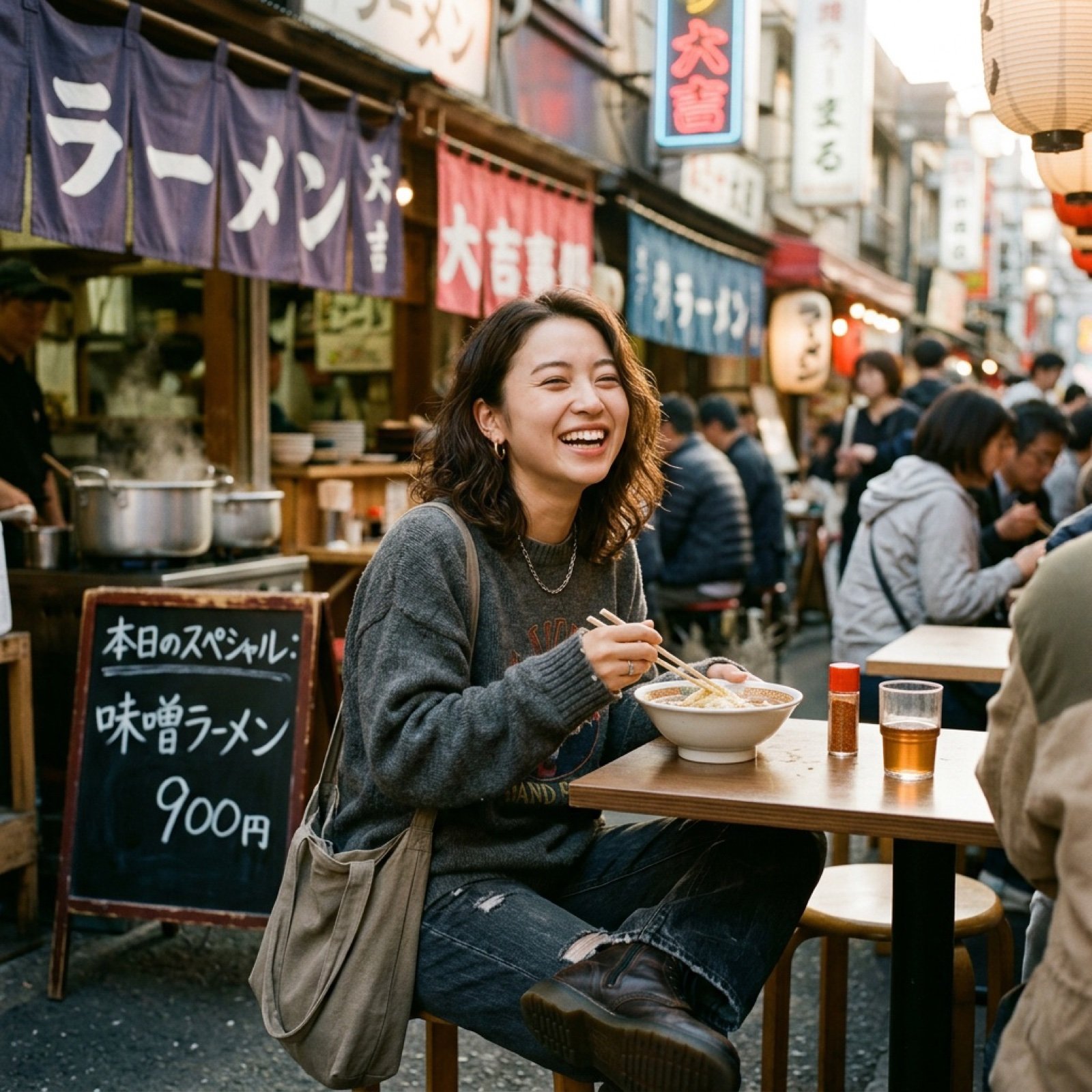
Nano Banana Image Generation Prompt Rules (JSON Schema)

Manga Generation Prompt Template for Nano Banana Pro
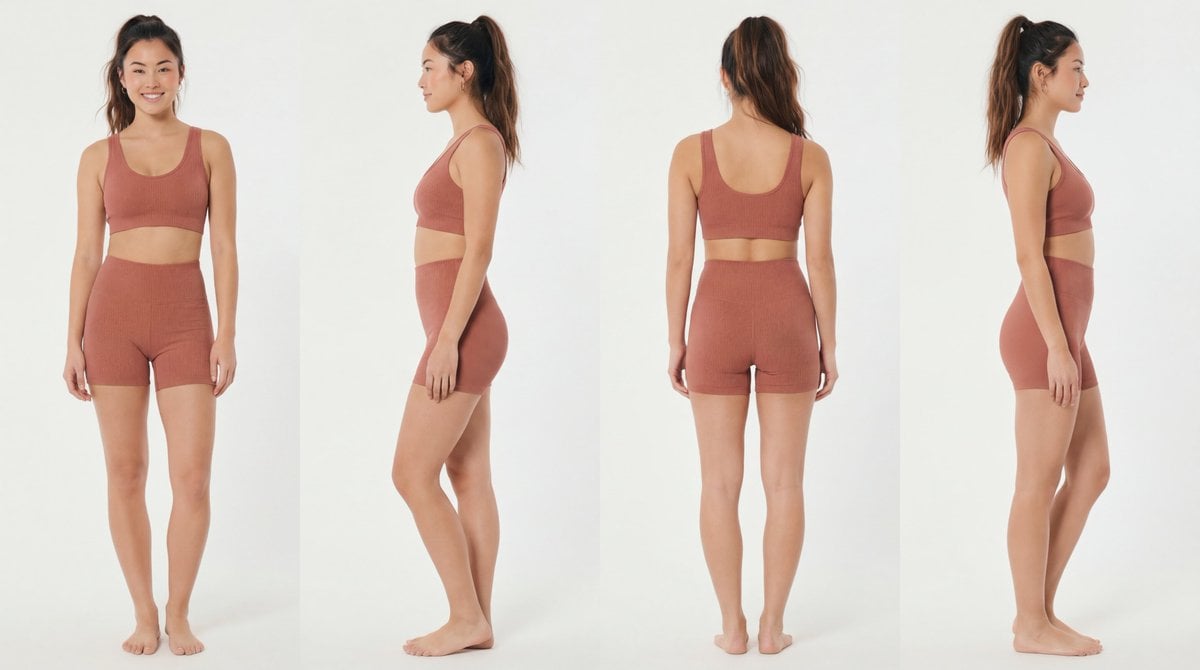
Recommended Nano Banana Pro Prompting Strategy for Consistency
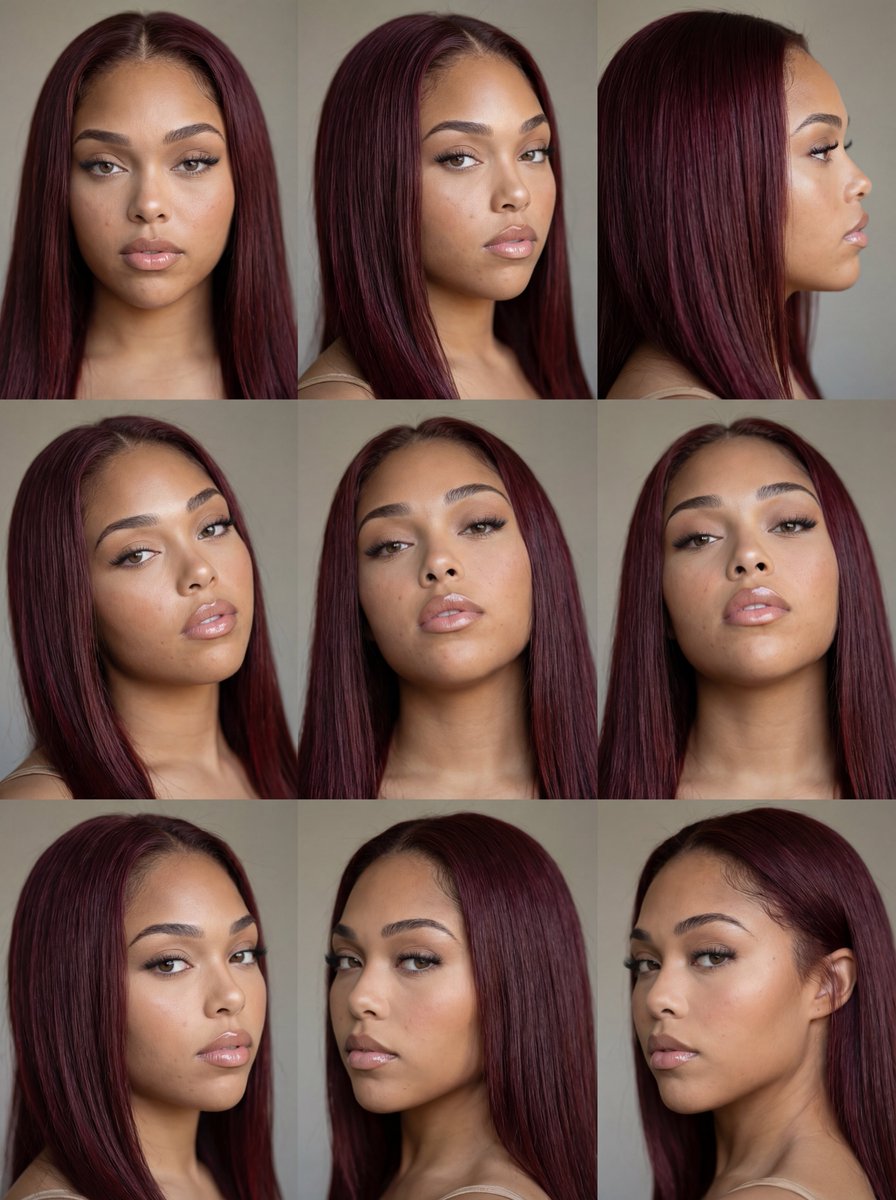
Nine-Panel Face Consistency Grid Prompt for Nano Banana Pro

VFX Comparison Image Prompt (Before/After) for Nano Banana Pro
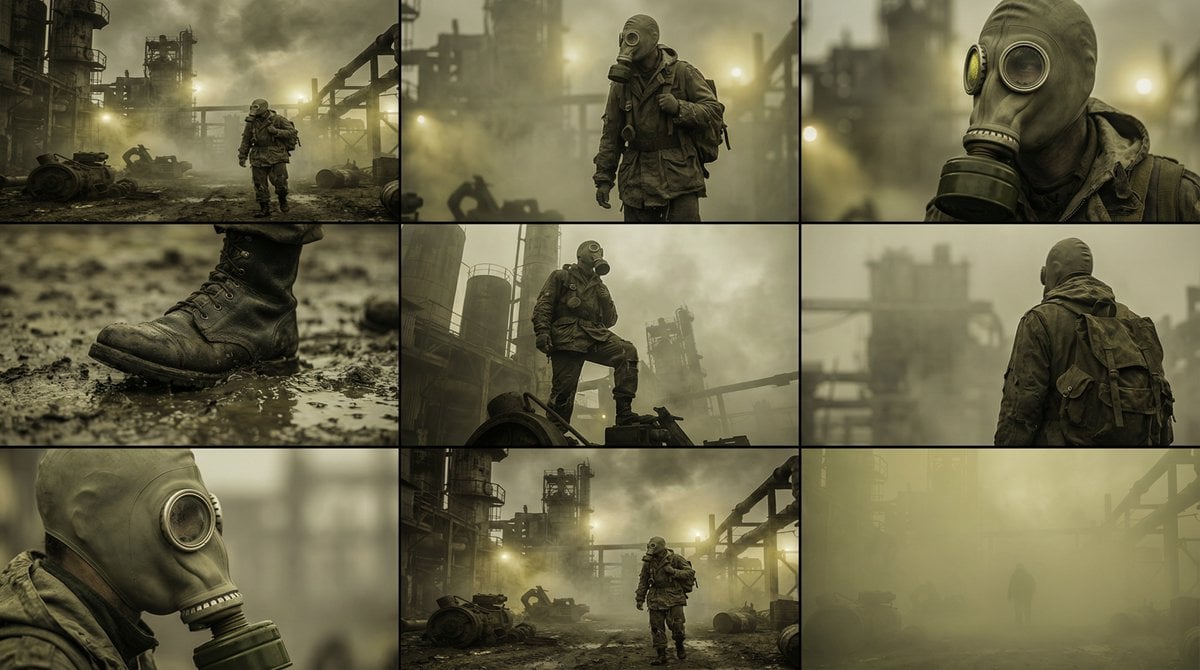
Character Consistency and Storyboard Generation Template
Panel Manga Generation from a Scene Description

Nano Banana Prompt for Consistent Character Jumpshots

Cinematic Camera Instructions for Nano Banana Pro

Hyper-Realistic Commercial Food Photography Prompt for Gemini Nano Banana Pro
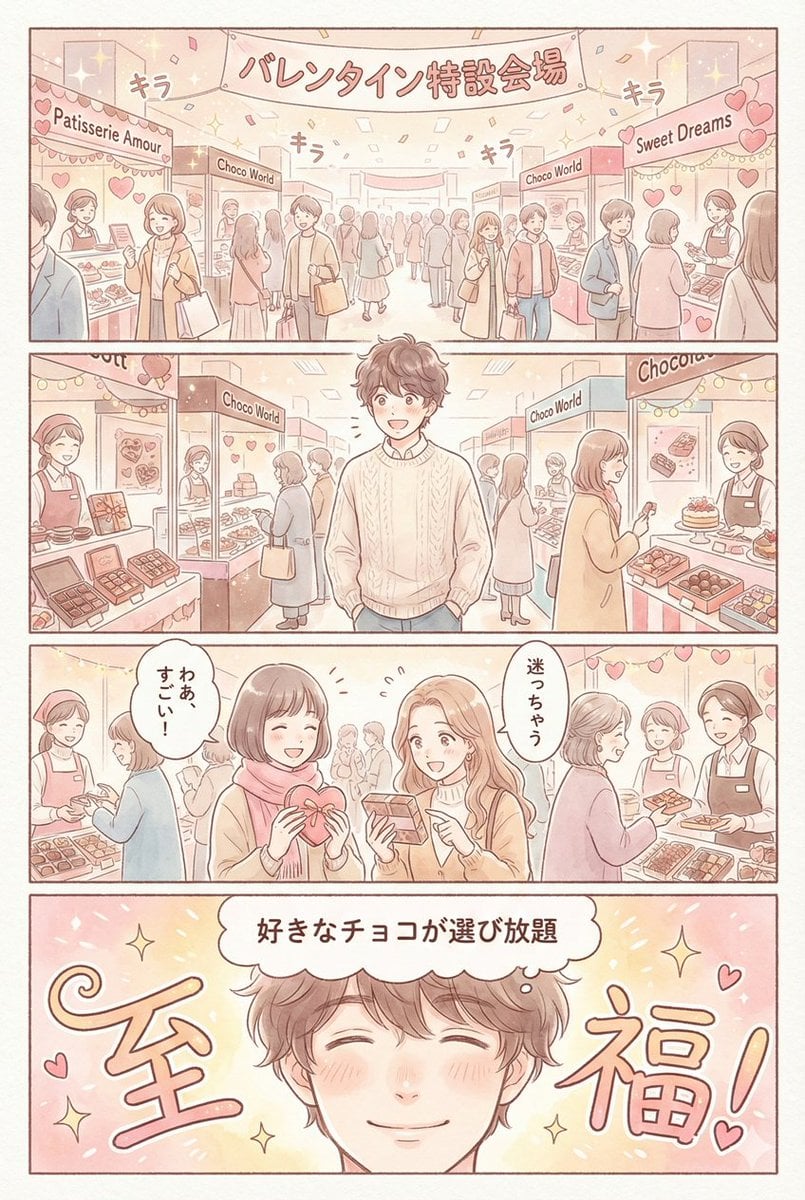
Valentine's Chocolate Shopping Manga Panel Generation
Make it yours
Nano Banana Pro Manga Generation Prompt with Character Consistency Rules works as-is. These are the safest ways to change it without losing the look.
Change one field
Copy a single group, rewrite it, and generate again so you can see what that field is doing.
Keep the frame, change the subject
Hold the composition and light of Nano Banana Pro Manga Generation Prompt with Character Consistency Rules, then swap wardrobe, props or the person for a new take.
| If the result… | Why | Fix |
|---|---|---|
| The result drifts from the preview | Too many fields changed at once. | Reuse Nano Banana Pro Manga Generation Prompt with Character Consistency Rules as-is first, then change one group — subject, light, or setting. |
| The model over-stylizes the scene | The prose prompt leaves finish and camera underspecified. | Add one camera or lighting sentence and stay on Nano Banana 2. |
More Nano Banana 2 templates
Other prompts made for Nano Banana 2.

Photorealistic Leaf Shaped Like a Dragon

K-Pop Idol Portrait Grid for Rapid Selection

Poetic Rain Forest Portrait During Golden Hour

Urban Street Portrait with Cartoon Inner Self Duo

Candid Nighttime Photo with Cat Prompt

High-Concept 3D Diorama Generation Prompt

Cinematic Futuristic Studio Portrait Template

Skincare Editorial Photography Collage Prompt

Hyper-Realistic Commercial Product Photography (Splash Effect)

Hyper-Realistic Nightclub Portrait Prompt
More image prompts
Fresh picks from across the catalog.
Image Synthesis/Composition Prompt
Cinematic Studio Portrait with Precise Facial Matching
Madelyn Cline Tennis Court Hydration Portrait

untitled
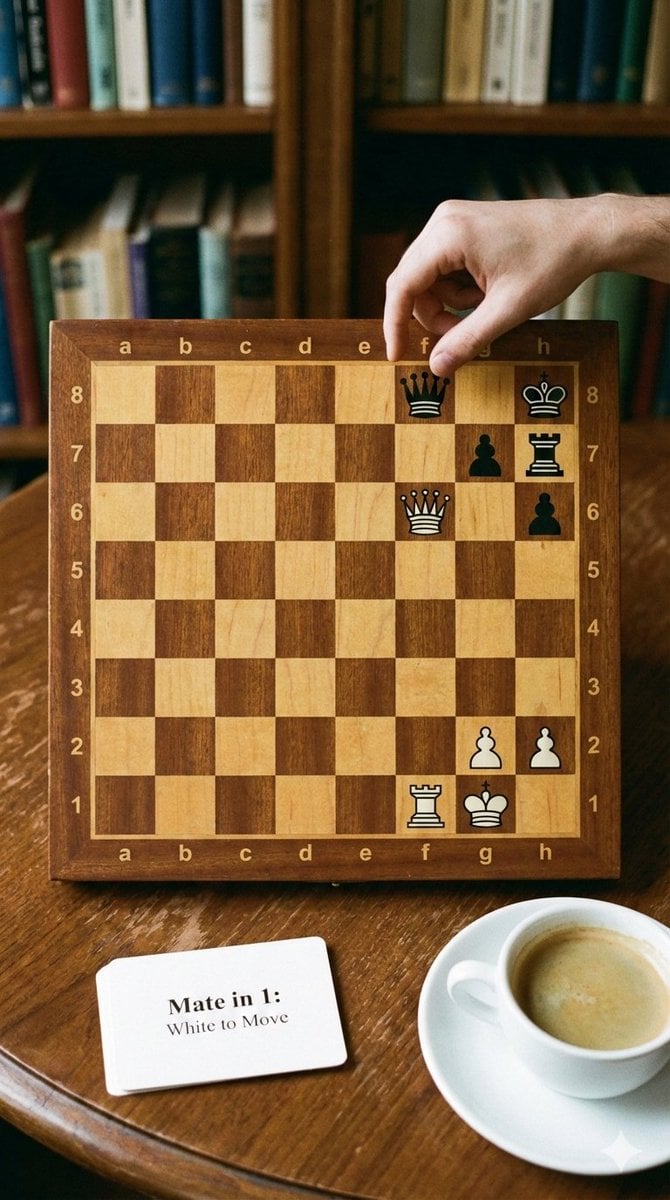
Phone-friendly mate-in-one chess puzzle image
Gothic Rose Princess
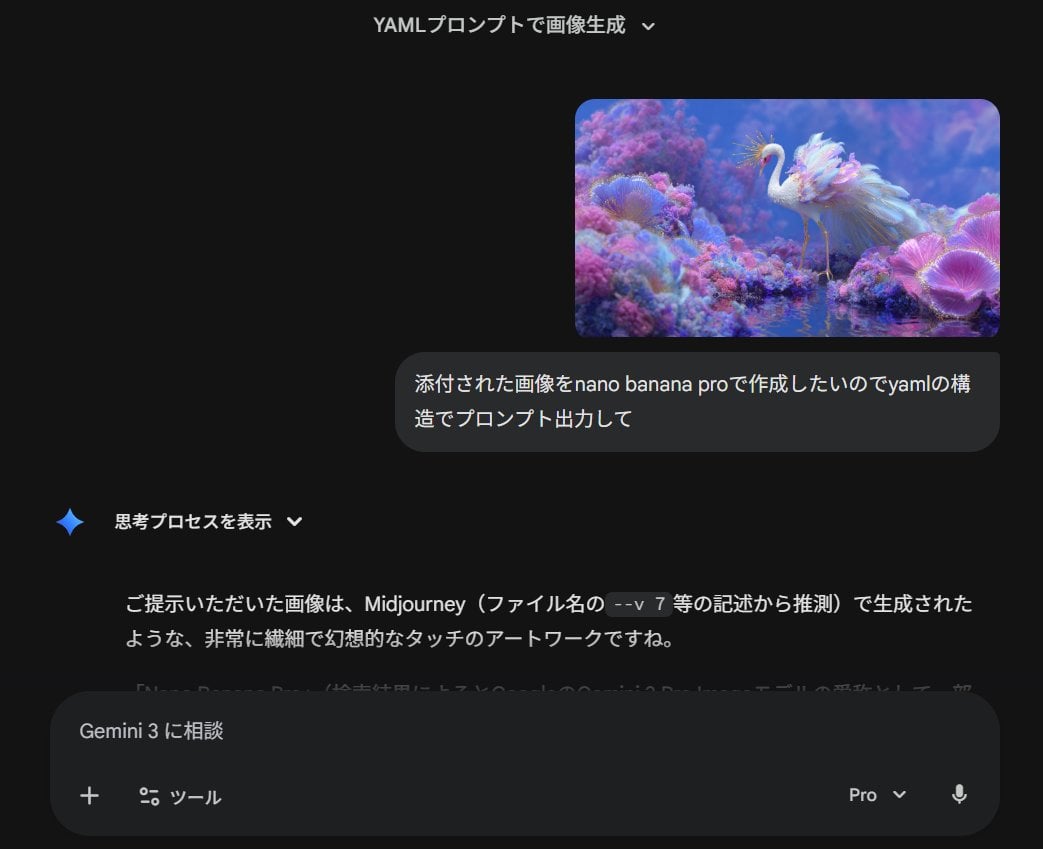
Meta-Prompt for Generating YAML-Structured Prompts from Images
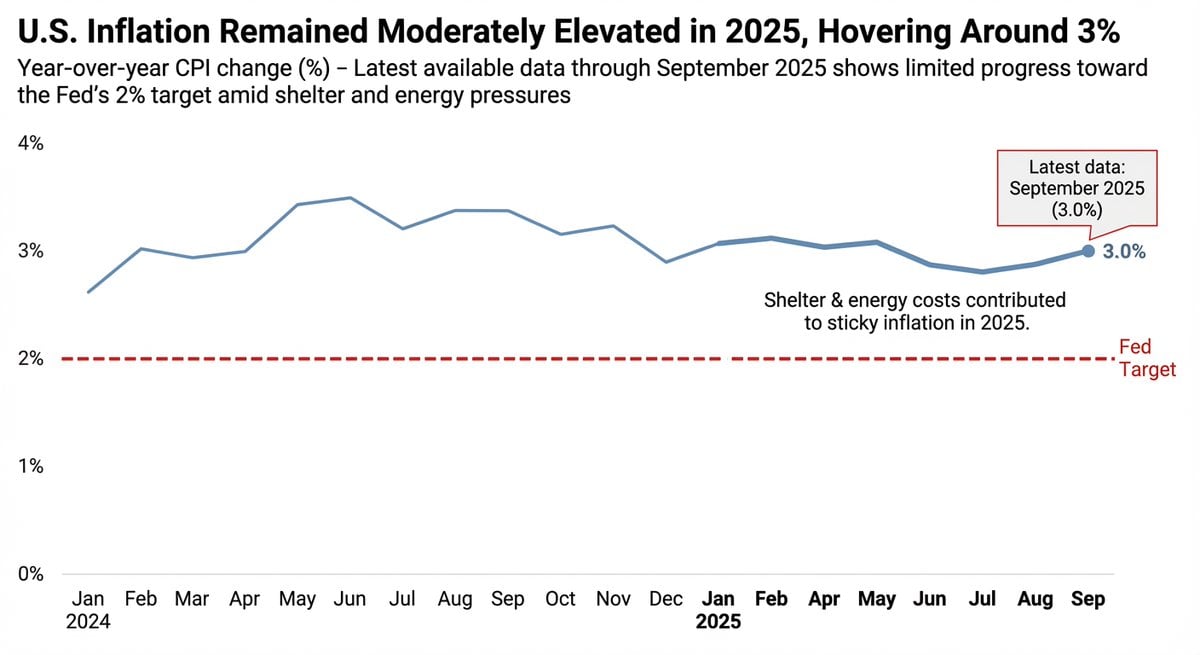
Data Visualization based on Storytelling with Data
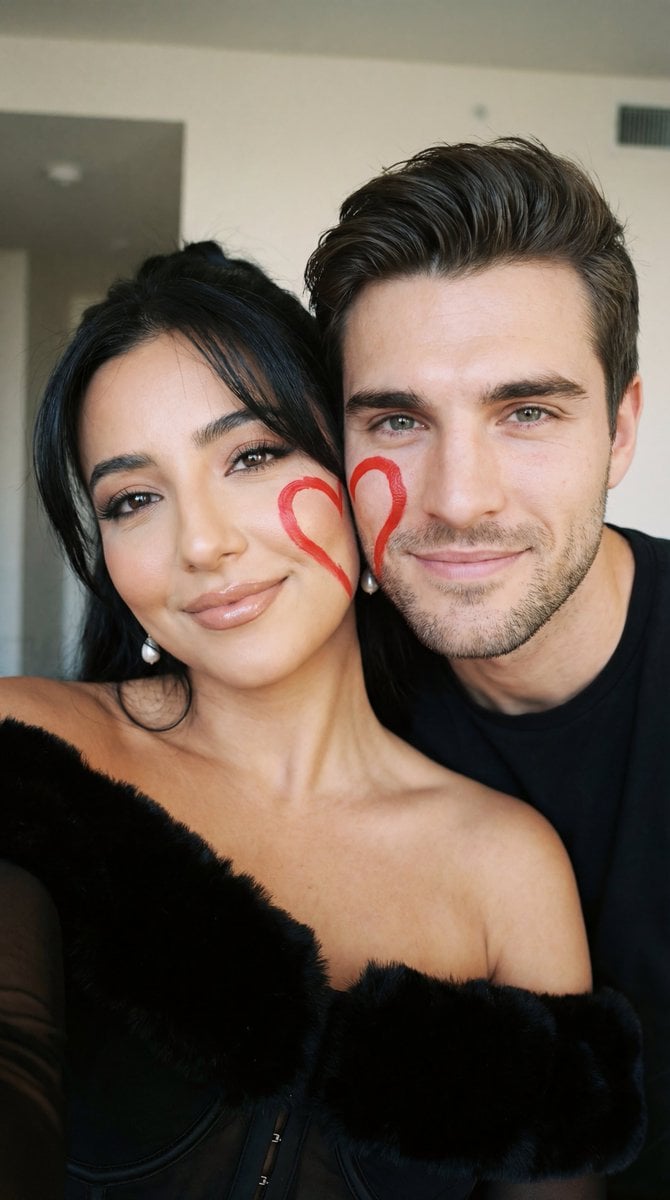
Ultra-Close Photorealistic Couple Selfie with Heart Cheek Paint
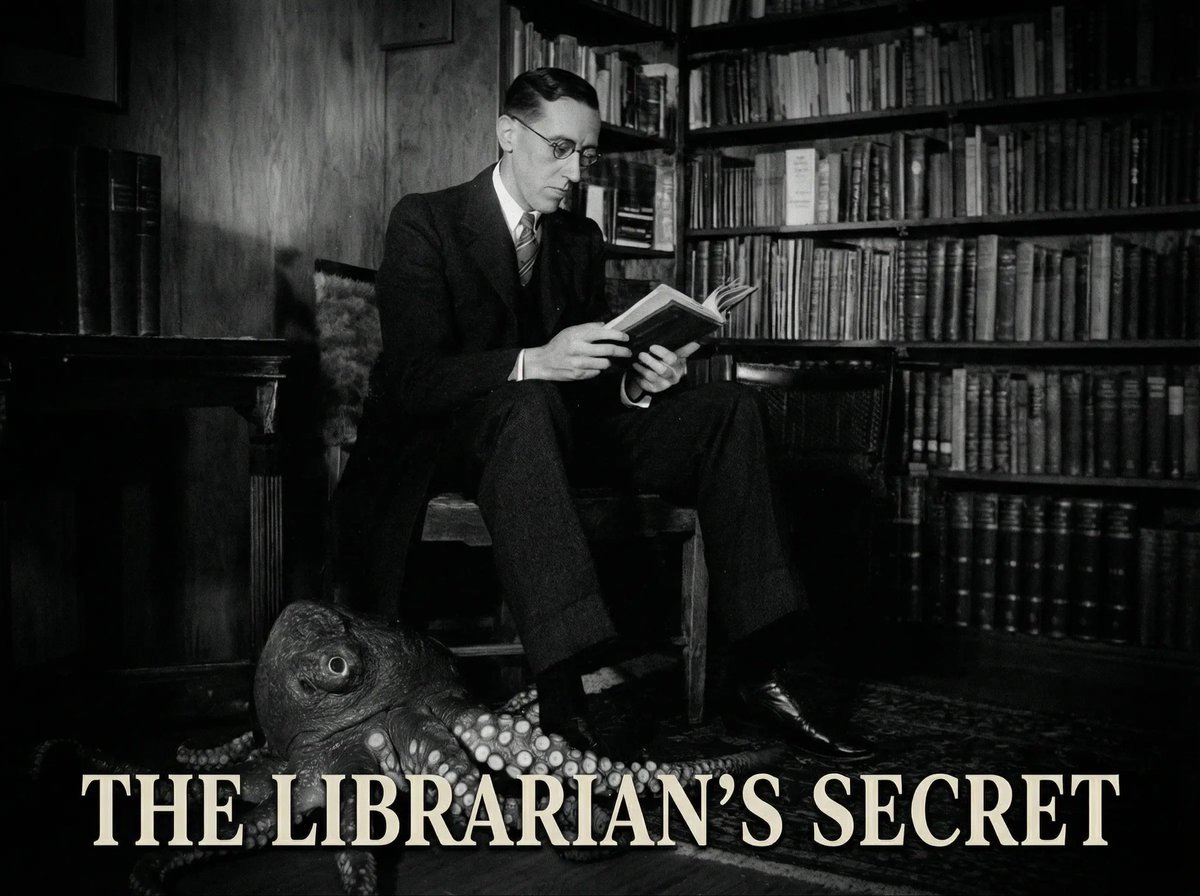
Reference to an External Prompt for 1940s Movie Still
Browse template categories
Nano Banana Pro Manga Generation Prompt with Character Consistency Rules questions
How do I use the Nano Banana Pro Manga Generation Prompt with Character Consistency Rules template?
Add your photo if the template asks for one, edit the prompt if you like — the template's model and format are already selected — and press Generate. Your version opens in PicX Studio.
Can I customize the Nano Banana Pro Manga Generation Prompt with Character Consistency Rules template?
Yes. You can change the subject, setting, lighting, mood, format, and available model controls before creating your image.
Is the Nano Banana Pro Manga Generation Prompt with Character Consistency Rules template free?
Opening and editing this template is free. Generating uses credits, shown on the Generate button when you are signed in.
Which AI model should I use?
Start with Nano Banana 2, which is the model associated with this template. You can compare another compatible model for a different finish.
Looking for something else? Browse all templates.

Your photo, any look
Thousands of ready templates for every top image and video model, from one credit balance.