
Nano Banana Image Generation Prompt Rules (JSON Schema)
A detailed system prompt template for Nano Banana image generation, designed to enforce consistency and quality across a team by requiring all prompts to strictly follow a specific JSON schema.
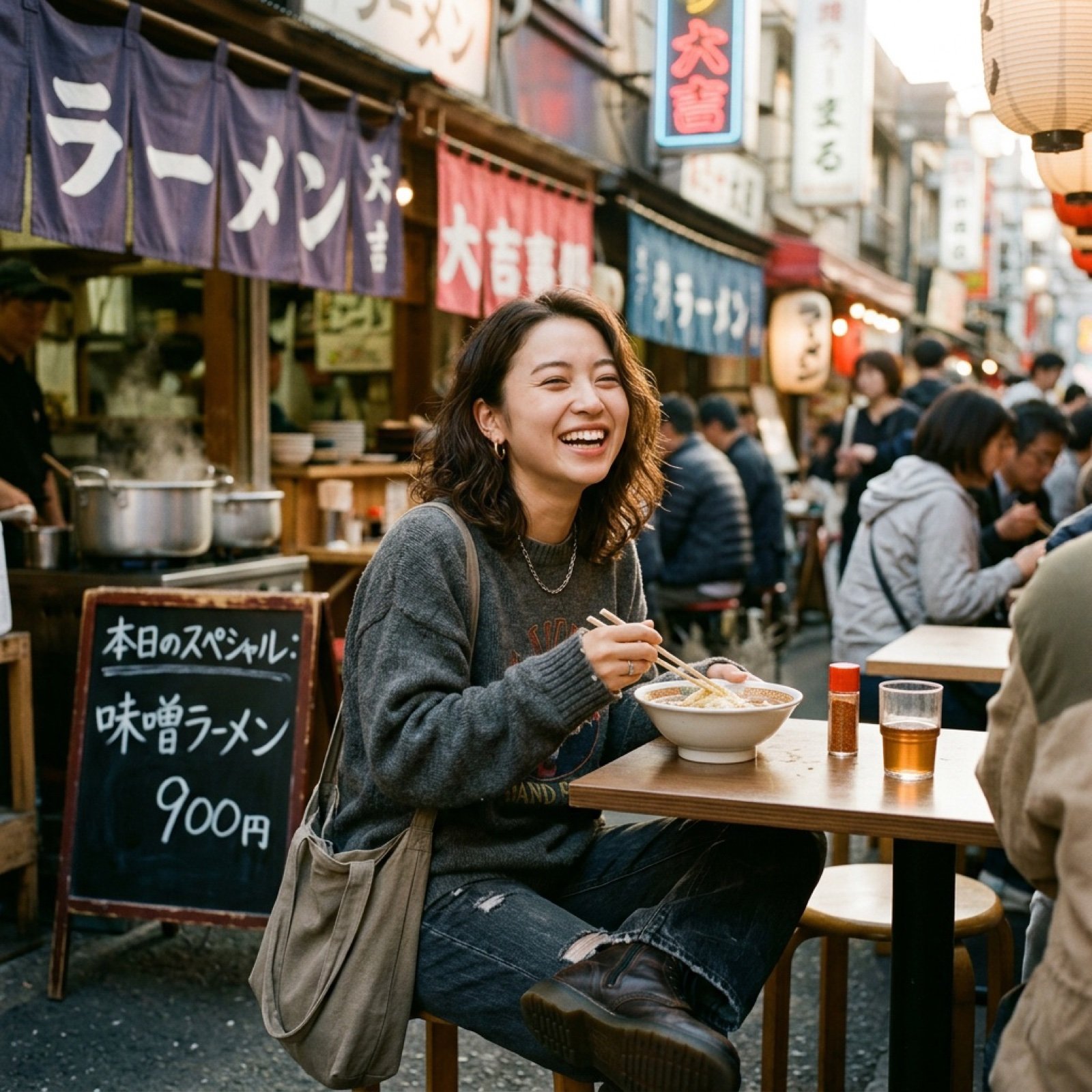
- Prompt included
- Model and format preset
- Free template
The prompt behind this image
Copy the exact prompt behind Nano Banana Image Generation Prompt Rules (JSON Schema), or open it in the studio and make it yours.
# Nano Banana Image Generation Prompt Rules When generating images using Nano Banana, the prompt must ALWAYS strictly follow the JSON format defined below. ## Prompt Schema ```json { "image_type": "Define the specific medium, art style, or format of the source image.", "time_period_and_year": "Estimate the specific year or decade based on fashion, technology, image quality, and color grading visible in the photo.", "mood_and_vibe": "Describe the emotional atmosphere, energy, and intangible 'feeling' evoked by the image (e.g., the specific psychological impression it gives).", "subject": "Describe the main character(s) focusing on demographics, body morphology, distinct physical features, and posture.", "clothing": "Describe the outfit in detail, strictly specifying garment names, fabric textures, patterns, colors, and how the clothes fit on the subject.", "hair": "Describe the hair color, specific hairstyle name, length, and texture.", "face": "Describe facial features, skin texture, makeup details, and the exact facial expression.", "accessories": "List all visible accessories, jewelry, glasses, or held items, including their material and design details.", "action": "Describe the specific activity, movement, or interaction occurring in the scene.", "location": "Describe the environment, visible background elements, architectural style, and spatial context.", "lighting": "Analyze the light source, direction, color temperature, hardness/softness of the light, and shadow characteristics.", "camera_angle_and_framing": "Describe the vertical and horizontal angle of the camera relative to the subject (e.g., eye-level, low-angle), and the shot composition size.", "camera_equipment": "Estimate the likely camera type, lens focal length (e.g., wide-angle vs telephoto), aperture effect (depth of field), and film stock or digital sensor characteristics.", "style": "Describe the overall aesthetic, color palette, artistic technique, and visual processing style.", "negative_prompt": "List visual defects or unwanted elements to be excluded to ensure high quality." } ``` ## Instructions 1. **Output Format**: The output must be a single valid JSON object. 2. **Completeness**: All fields are required. If a field is not applicable, provide a reasonable default or describe it as "neutral" or "standard". 3. **Detail**: Be descriptive and specific in each field to ensure high-quality image generation. 4. **Language**: The values in the JSON should be in English (as most image generation models are optimized for English prompts), unless otherwise specified.
How to use Nano Banana Image Generation Prompt Rules (JSON Schema) in 3 steps
- 1Upload ImagePNG, JPG or paste
Add your photo
Upload the photo the template builds on. The prompt, model and format are already set.
- 2…a portrait of your subject in softgolden-hour light, 85mm…
Personalize
Edit the subject and creative details for your destination.
- 3Generate
Generate
Press Generate — your image is created in PicX Studio, so you can compare it with the original and refine one variable at a time.
More like this
Templates with the same subject, style or setup. Open one to see its prompt.
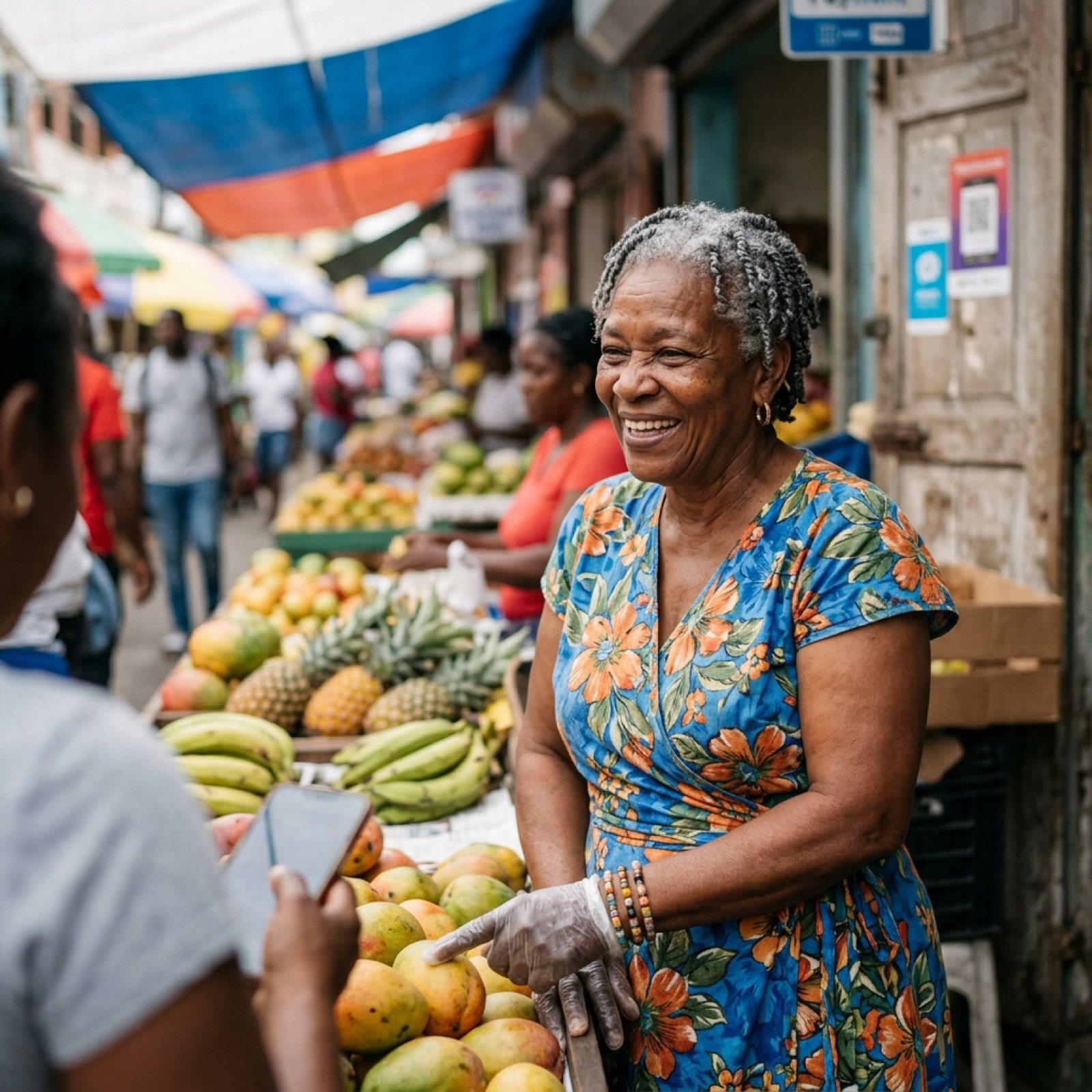
Nano Banana Image Generation Prompt Schema (JSON Format)

Woman in Mall with Chanel Bag - Heart Gesture
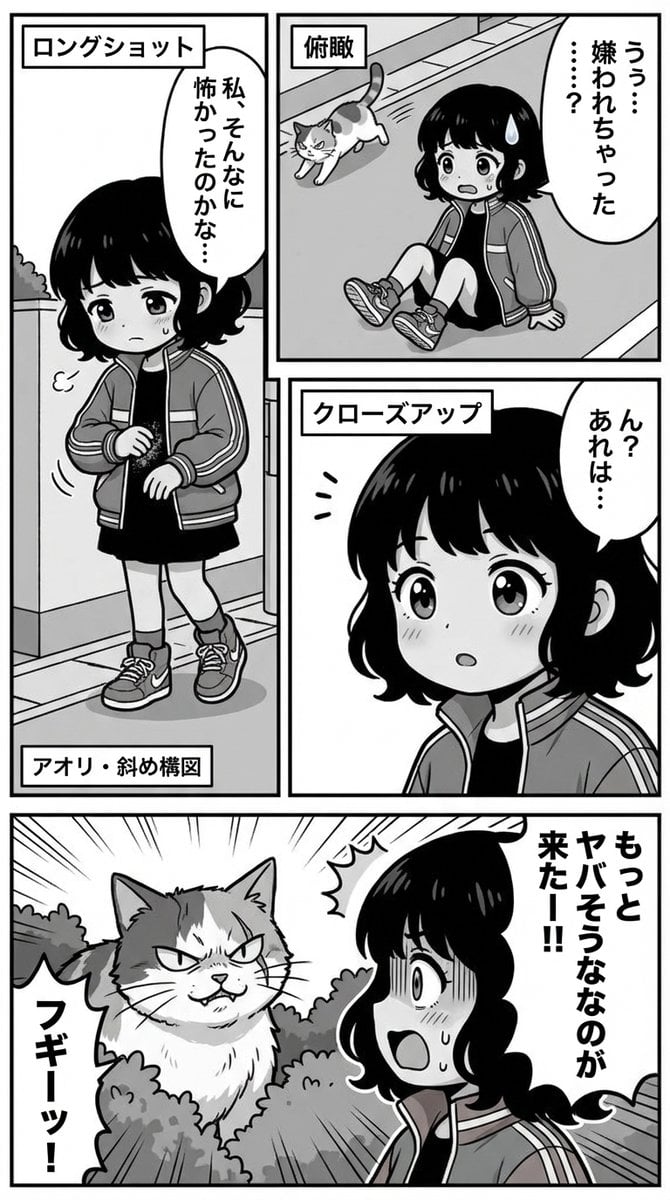
Nano Banana Pro Manga Generation Prompt with Character Consistency Rules

Manga Generation Prompt Template for Nano Banana Pro

VFX Comparison Image Prompt (Before/After) for Nano Banana Pro

Nano Banana Prompt for Consistent Character Jumpshots

Cinematic Camera Instructions for Nano Banana Pro

Hyper-Realistic Commercial Food Photography Prompt for Gemini Nano Banana Pro
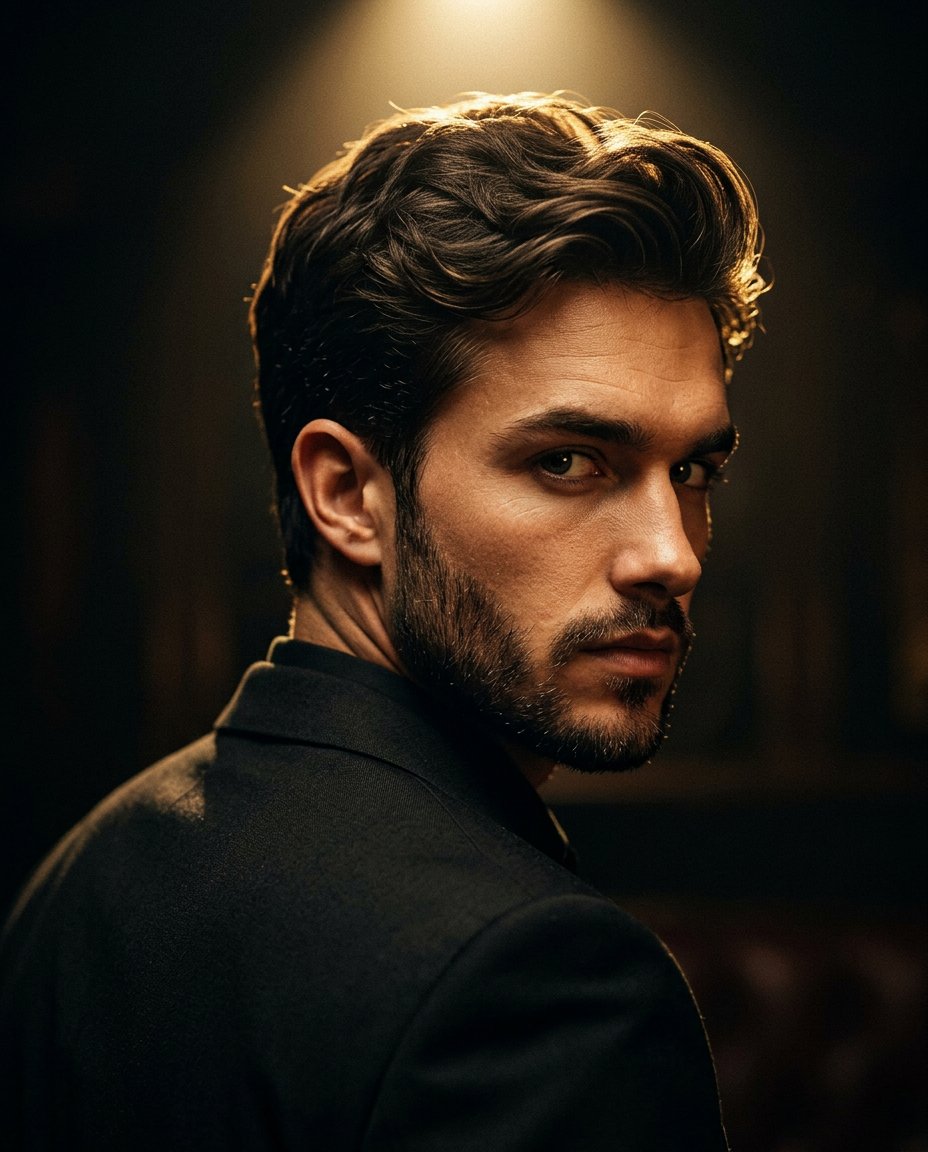
Cinematic Portrait Prompt for Google Nano Banana Pro

Multi-Frame Lifestyle Portrait Prompt for Nano Banana Pro

Low-Key Product Photography Prompt for Gemini Nano Banana Pro

Masterpiece Political Caricature Prompt for Nano Banana 2
Make it yours
Nano Banana Image Generation Prompt Rules (JSON Schema) works as-is. These are the safest ways to change it without losing the look.
Change one field
Copy a single group, rewrite it, and generate again so you can see what that field is doing.
Keep the frame, change the subject
Hold the composition and light of Nano Banana Image Generation Prompt Rules (JSON Schema), then swap wardrobe, props or the person for a new take.
| If the result… | Why | Fix |
|---|---|---|
| The result drifts from the preview | Too many fields changed at once. | Reuse Nano Banana Image Generation Prompt Rules (JSON Schema) as-is first, then change one group — subject, light, or setting. |
| The model over-stylizes the scene | The prose prompt leaves finish and camera underspecified. | Add one camera or lighting sentence and stay on Nano Banana 2. |
More Nano Banana 2 templates
Other prompts made for Nano Banana 2.

Photorealistic Leaf Shaped Like a Dragon

K-Pop Idol Portrait Grid for Rapid Selection

Poetic Rain Forest Portrait During Golden Hour

Urban Street Portrait with Cartoon Inner Self Duo

Candid Nighttime Photo with Cat Prompt

High-Concept 3D Diorama Generation Prompt

Cinematic Futuristic Studio Portrait Template

Skincare Editorial Photography Collage Prompt

Hyper-Realistic Commercial Product Photography (Splash Effect)

Hyper-Realistic Nightclub Portrait Prompt
More image prompts
Fresh picks from across the catalog.
Cybernetic Medical Visualization Prompt
Chibi Fairy Thank-You Sticker Sheet
Cinematic 35mm Film Portrait
Summer Ice Cream Moment
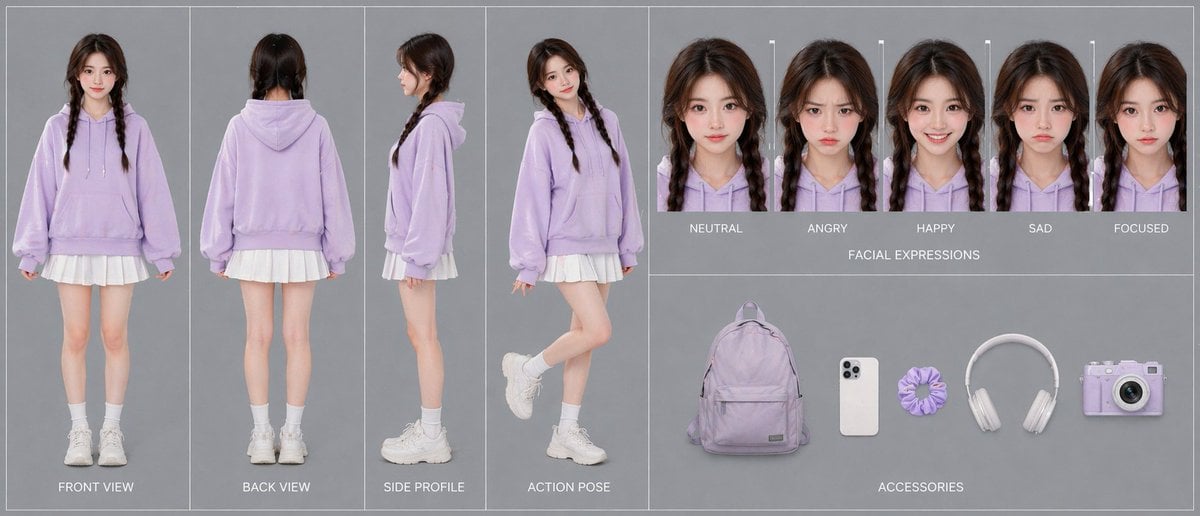
Lavender Hoodie Character Reference Sheet
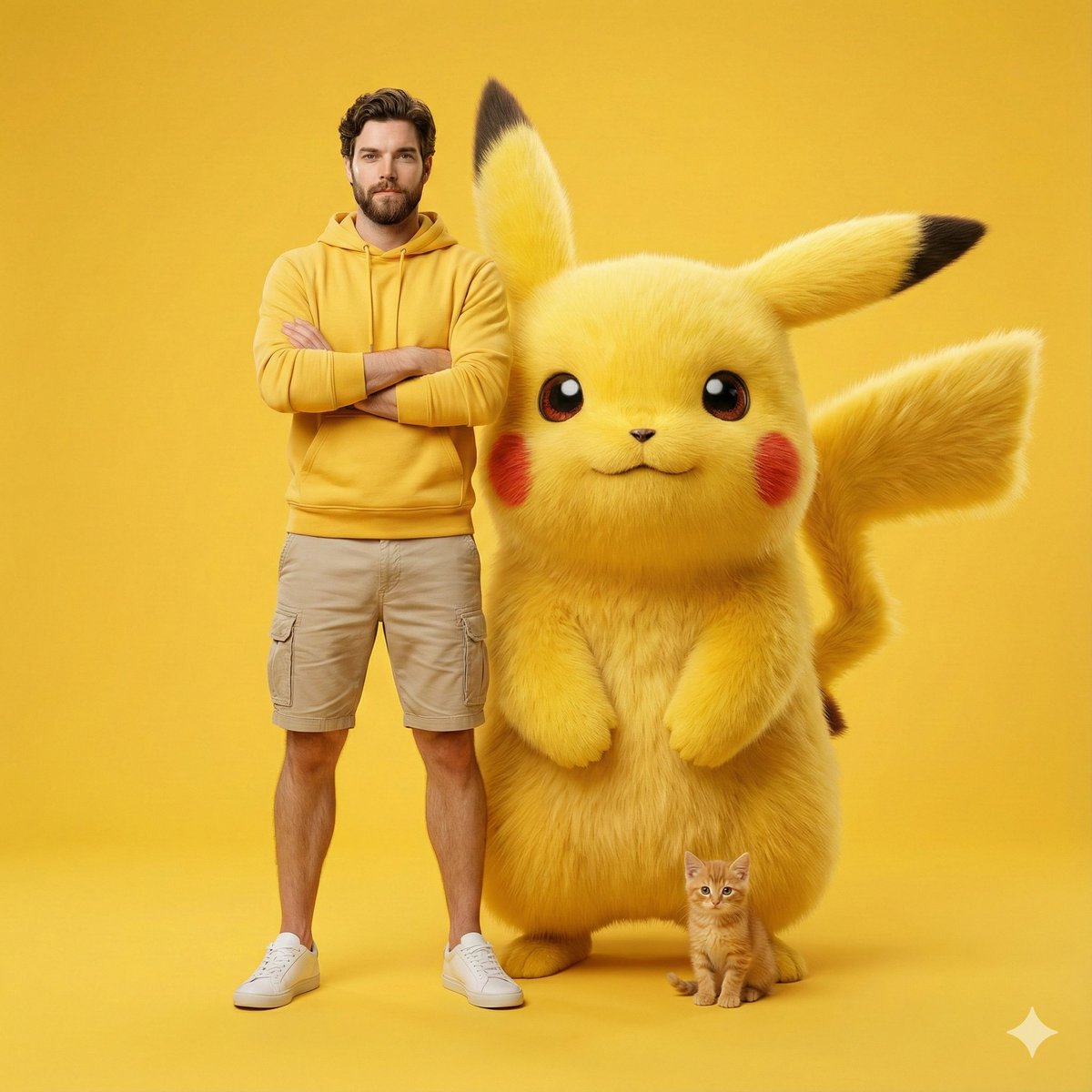
Giant Pikachu Studio Portrait Identity Lock Prompt
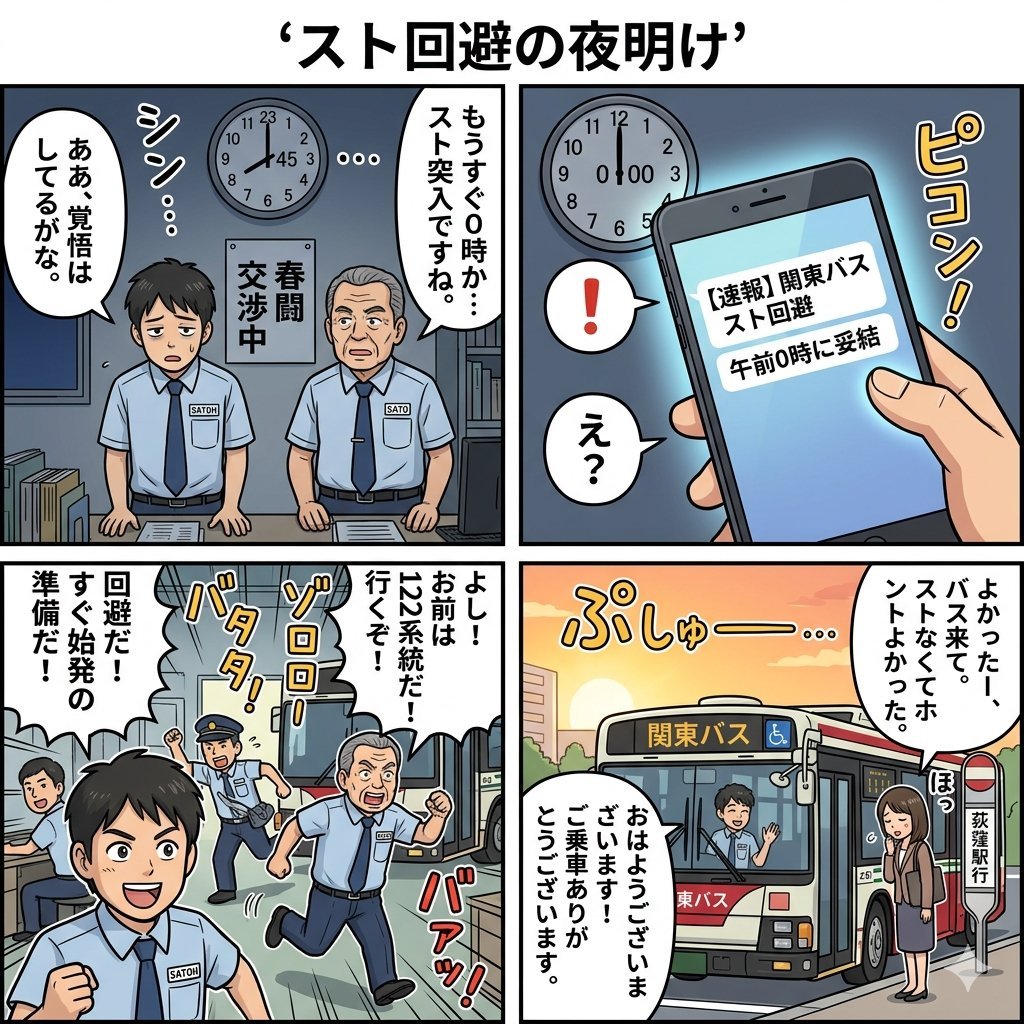
Four-Panel Manga Generation: Dawn of Strike Avoidance
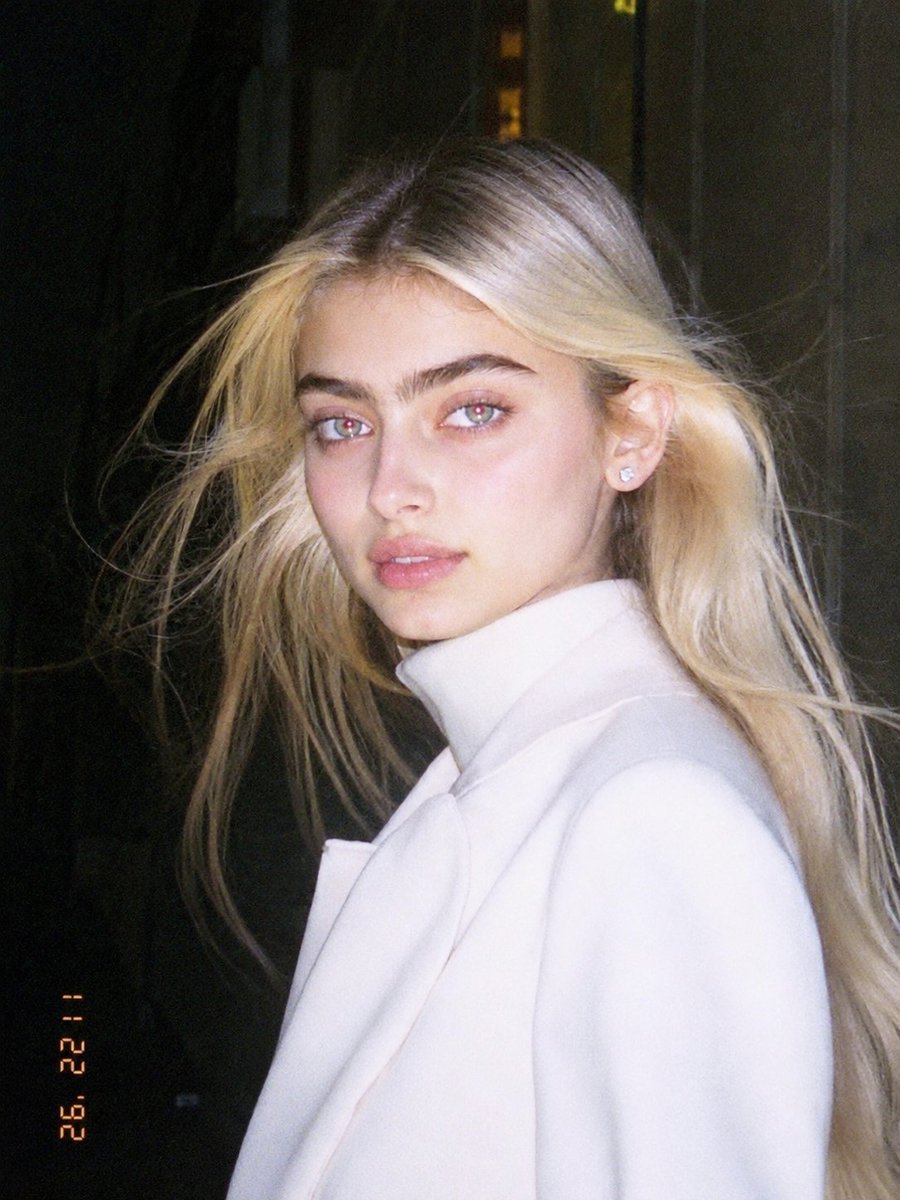
1990s Flash Camera Snapshot Portrait
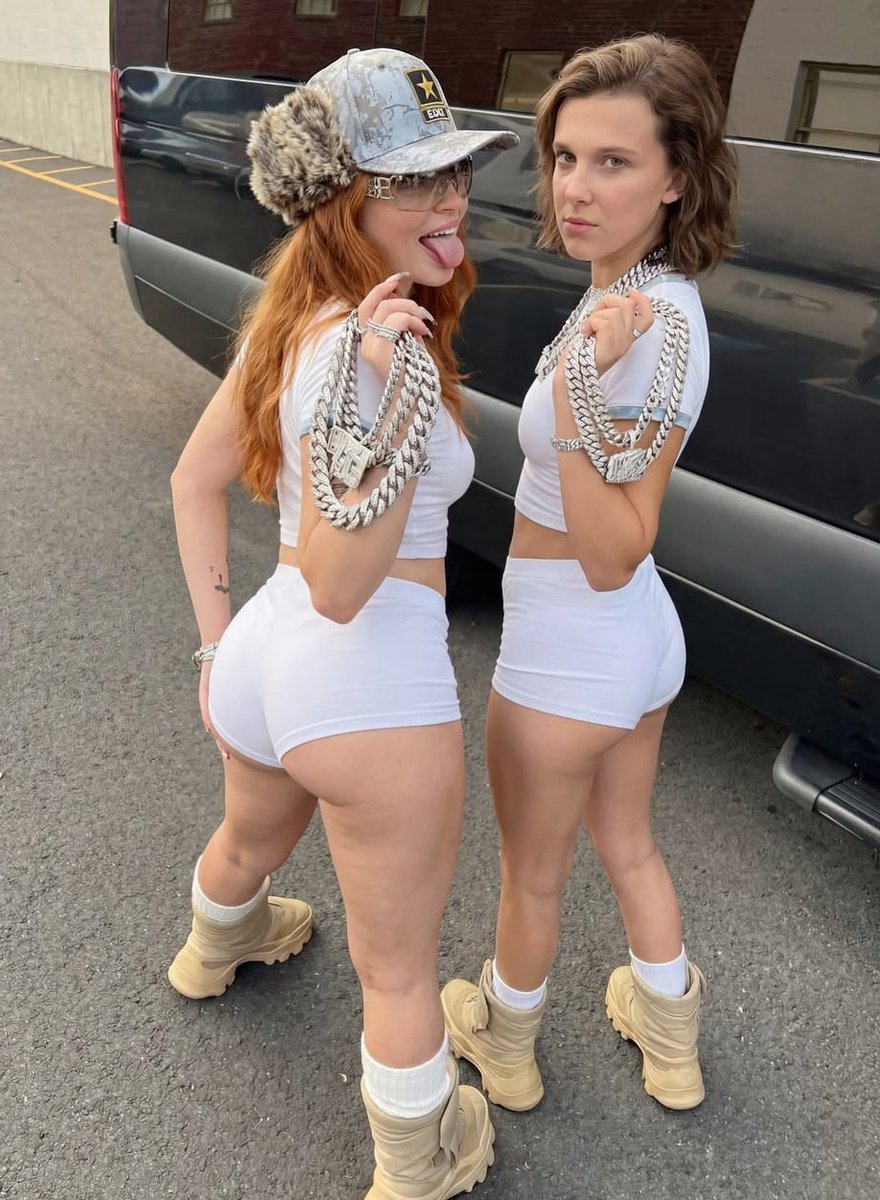
Early 2000s Hip-Hop Fashion Portrait Prompts
Mixed Media Fashion Film - Seedance 2.0
Browse template categories
Nano Banana Image Generation Prompt Rules (JSON Schema) questions
How do I use the Nano Banana Image Generation Prompt Rules (JSON Schema) template?
Add your photo if the template asks for one, edit the prompt if you like — the template's model and format are already selected — and press Generate. Your version opens in PicX Studio.
Can I customize the Nano Banana Image Generation Prompt Rules (JSON Schema) template?
Yes. You can change the subject, setting, lighting, mood, format, and available model controls before creating your image.
Is the Nano Banana Image Generation Prompt Rules (JSON Schema) template free?
Opening and editing this template is free. Generating uses credits, shown on the Generate button when you are signed in.
Which AI model should I use?
Start with Nano Banana 2, which is the model associated with this template. You can compare another compatible model for a different finish.
Looking for something else? Browse all templates.

Your photo, any look
Thousands of ready templates for every top image and video model, from one credit balance.