
Chibi Fairy Thank-You Sticker Sheet
A bright green-background sticker sheet showing 12 kawaii chibi fairy thank-you poses with Japanese text, suitable for messaging stickers or merch mockups.
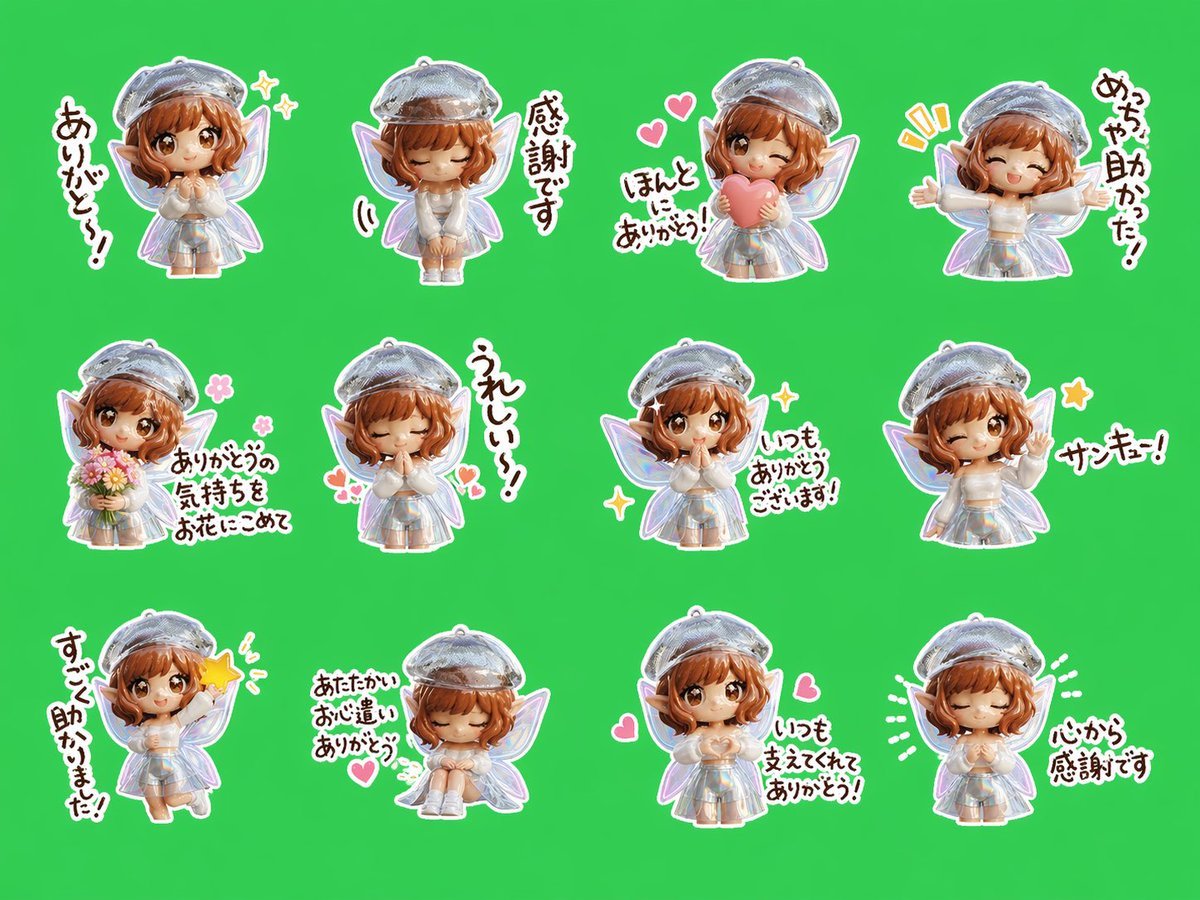
- Prompt included
- Model and format preset
- Free template
The prompt behind this image
Copy the exact prompt behind Chibi Fairy Thank-You Sticker Sheet, or open it in the studio and make it yours.
- Type
- sticker sheet
- Subject
- cute chibi fairy girl thank-you message stickers
- Character › Gender Presentation
- girl
- Character › Style
- 3D chibi toy-like character render with glossy plastic texture, soft kawaii proportions, large head, small body
- Character › Hair › Color
- warm auburn
- Character › Hair › Style
- short wavy bob with curled ends and bangs
- Character › Ears
- pointed elf ears
- Character › Hat
- shiny silver beret
- Character › Outfit
- iridescent silver-white dress, short puff sleeves, white socks, light shoes
- Character › Wings
- 2 translucent fairy wings with pastel iridescent sheen
- Layout › Background
- solid chroma-key green backdrop
- Layout › Grid › Rows
- 3
- Layout › Grid › Columns
- 4
- Layout › Sticker Count
- 12
- Layout › Spacing
- evenly spaced with large gaps
- Layout › Sticker Style
- each figure and text rendered as die-cut stickers with thick white outline and soft shadow
- Stickers › 0 › Position
- row 1 col 1
- Stickers › 0 › Pose
- standing, hands clasped near chest
- Stickers › 0 › Text
- ありがとう!
- Stickers › 0 › Decorations
- 2 sparkle icons
- Stickers › 1 › Position
- row 1 col 2
- Stickers › 1 › Pose
- standing with hands together in front, slight bow
- Stickers › 1 › Text
- 感謝です
- Stickers › 2 › Position
- row 1 col 3
Raw JSON
{"type":"sticker sheet","subject":"cute chibi fairy girl thank-you message stickers","character":{"gender_presentation":"girl","style":"3D chibi toy-like character render with glossy plastic texture, soft kawaii proportions, large head, small body","hair":{"color":"warm auburn","style":"short wavy bob with curled ends and bangs"},"ears":"pointed elf ears","hat":"shiny silver beret","outfit":["iridescent silver-white dress","short puff sleeves","white socks","light shoes"],"wings":"2 translucent fairy wings with pastel iridescent sheen"},"layout":{"background":"solid chroma-key green backdrop","grid":{"rows":3,"columns":4},"sticker_count":12,"spacing":"evenly spaced with large gaps","sticker_style":"each figure and text rendered as die-cut stickers with thick white outline and soft shadow"},"stickers":[{"position":"row 1 col 1","pose":"standing, hands clasped near chest","text":"ありがとう!","decorations":["2 sparkle icons"]},{"position":"row 1 col 2","pose":"standing with hands together in front, slight bow","text":"感謝です"},{"position":"row 1 col 3","pose":"holding a pink heart in front of chest","text":"ほんと ありがと!","decorations":["2 pink hearts","2 yellow emphasis marks"]},{"position":"row 1 col 4","pose":"arms stretched wide in excitement","text":"めっちゃ助かった!"},{"position":"row 2 col 1","pose":"holding a bouquet of flowers","text":"ありがとうの気持ちをお花にこめて","decorations":["2 pink flower icons"]},{"position":"row 2 col 2","pose":"eyes closed, praying gesture with hands together","text":"うれしい!","decorations":["2 small pink hearts"]},{"position":"row 2 col 3","pose":"standing politely with hands together","text":"いつもありがとうございます!","decorations":["2 sparkle icons"]},{"position":"row 2 col 4","pose":"winking and making a peace sign","text":"サンキュー!","decorations":["1 yellow star icon"]},{"position":"row 3 col 1","pose":"raising one hand with energetic motion","text":"すごい助かりました!","decorations":["1 yellow burst icon"]},{"position":"row 3 col 2","pose":"sitting curled up with eyes closed, hands folded","text":"あたたかいお心遣いありがとう","decorations":["1 pink heart"]},{"position":"row 3 col 3","pose":"standing with hands clasped at chest","text":"いつも支えてくれてありがとう!","decorations":["2 pink hearts"]},{"position":"row 3 col 4","pose":"eyes closed, calm grateful expression, hands together","text":"心から感謝です","decorations":["4 white radiating lines"]}],"rendering":{"lighting":"soft studio lighting","camera":"front-facing, centered, full-body for each sticker","quality":"clean commercial sticker-sheet composition, crisp edges, bright saturated colors"}}How to use Chibi Fairy Thank-You Sticker Sheet in 3 steps
- 1Upload ImagePNG, JPG or paste
Add your photo
Upload the photo the template builds on. The prompt, model and format are already set.
- 2…a portrait of your subject in softgolden-hour light, 85mm…
Personalize
Edit the subject and creative details for your destination.
- 3Generate
Generate
Press Generate — your image is created in PicX Studio, so you can compare it with the original and refine one variable at a time.
More like this
Templates with the same subject, style or setup. Open one to see its prompt.
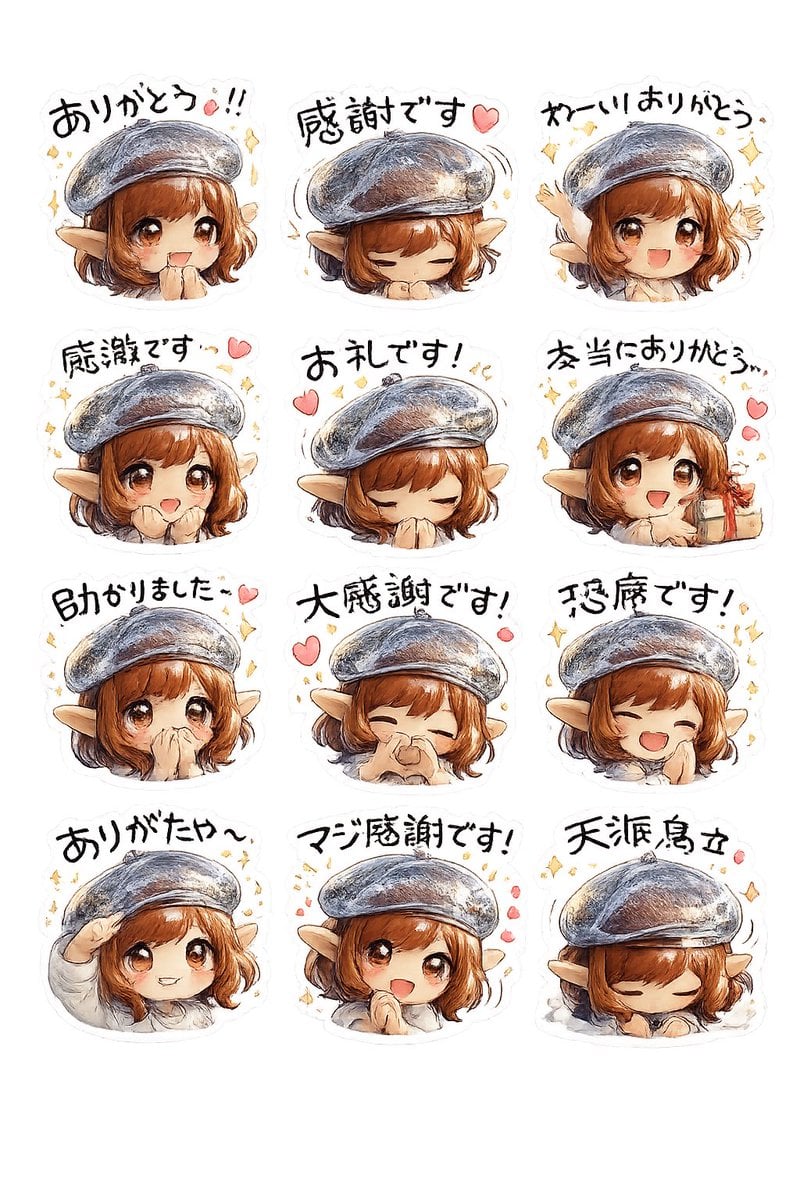
Elf Girl Thank-You Sticker Sheet

Chibi Anime Ninja Sticker Sheet
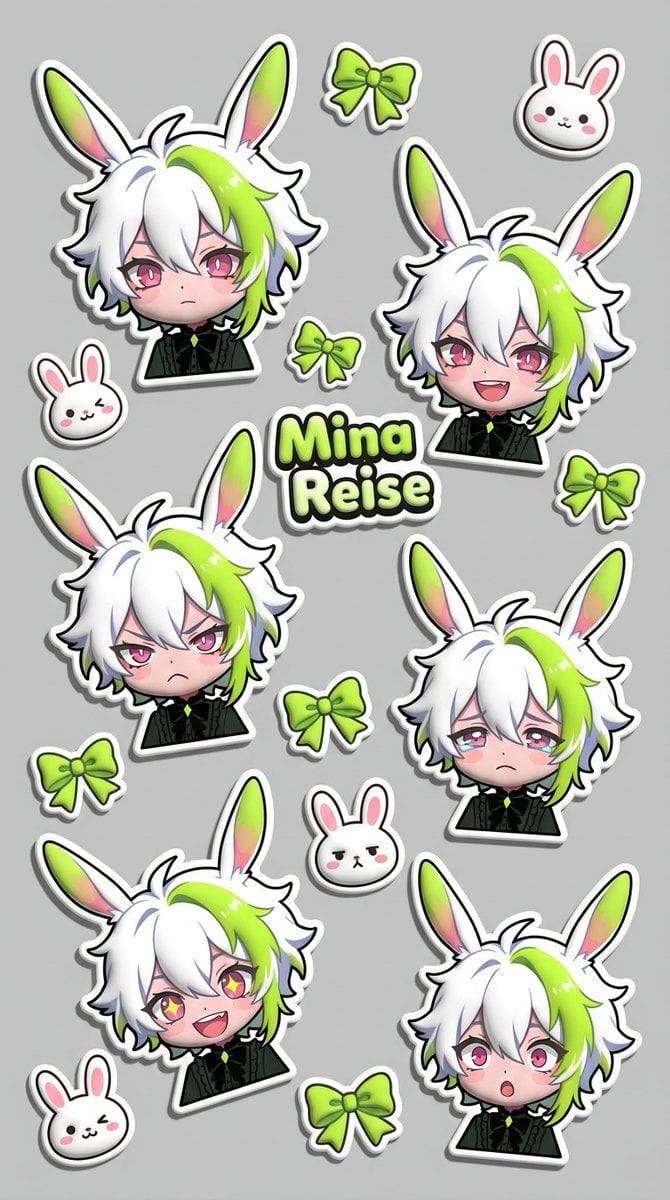
Puffy Chibi Sticker Sheet
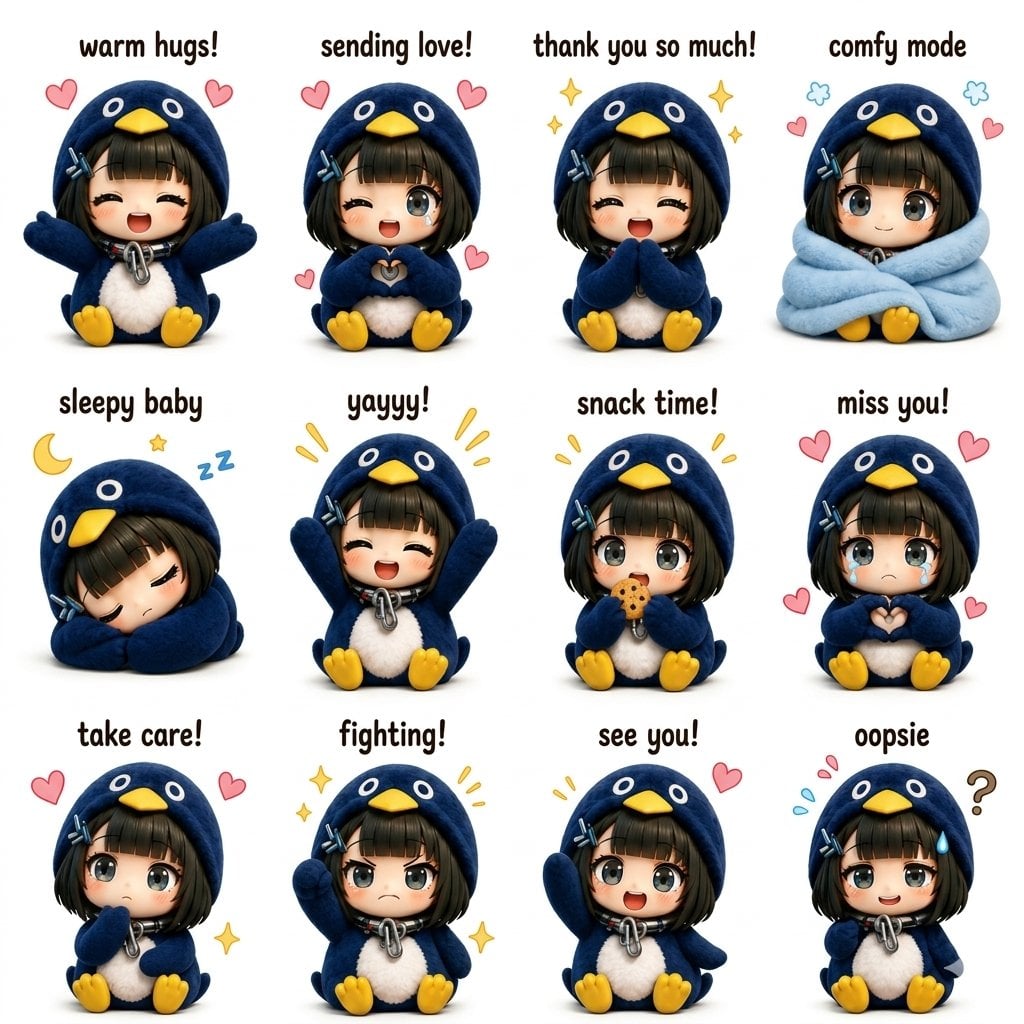
Kawaii Chibi Sticker Sheet
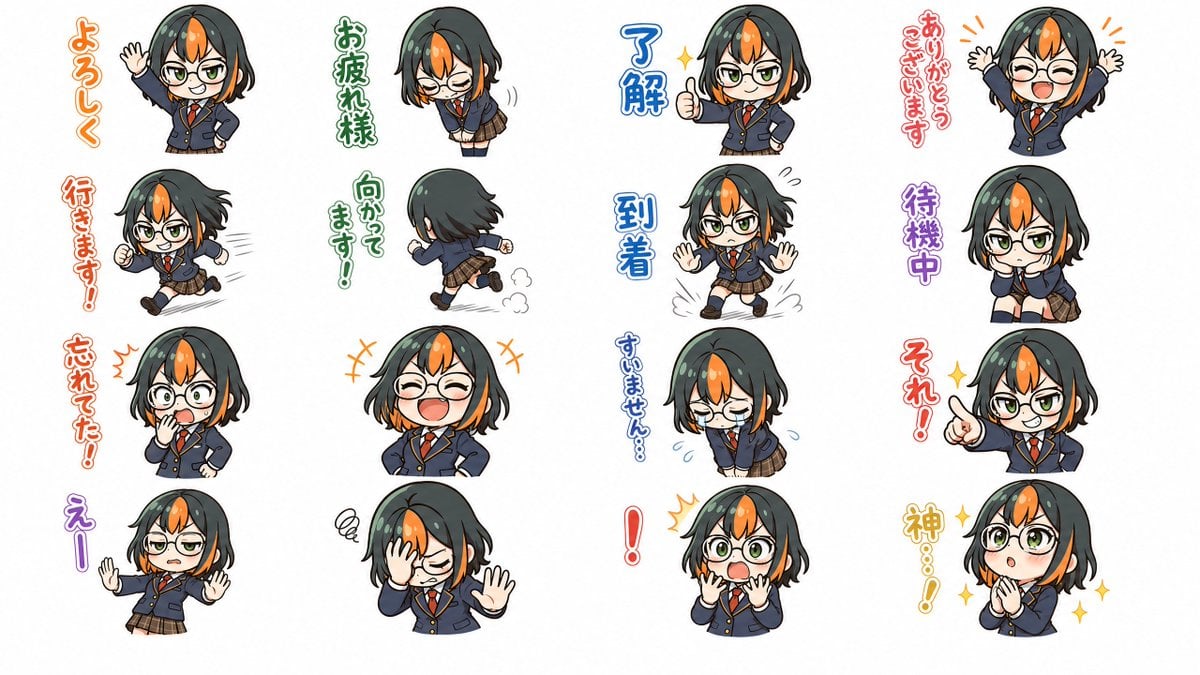
Chibi Japanese Schoolgirl Sticker Sheet
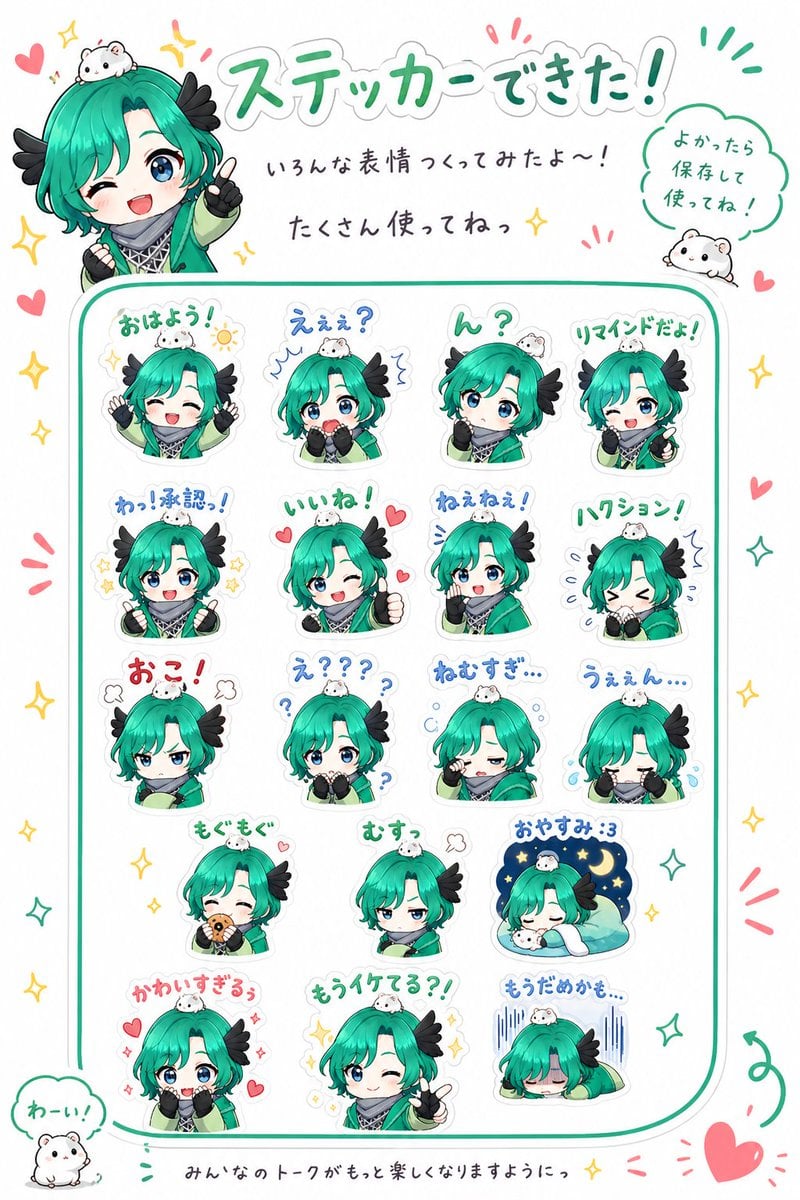
Chibi Character Sticker Sheet Ad

Brand Sticker Sheet Monoline Vector

A trendy, high-end Sticker Sheet set
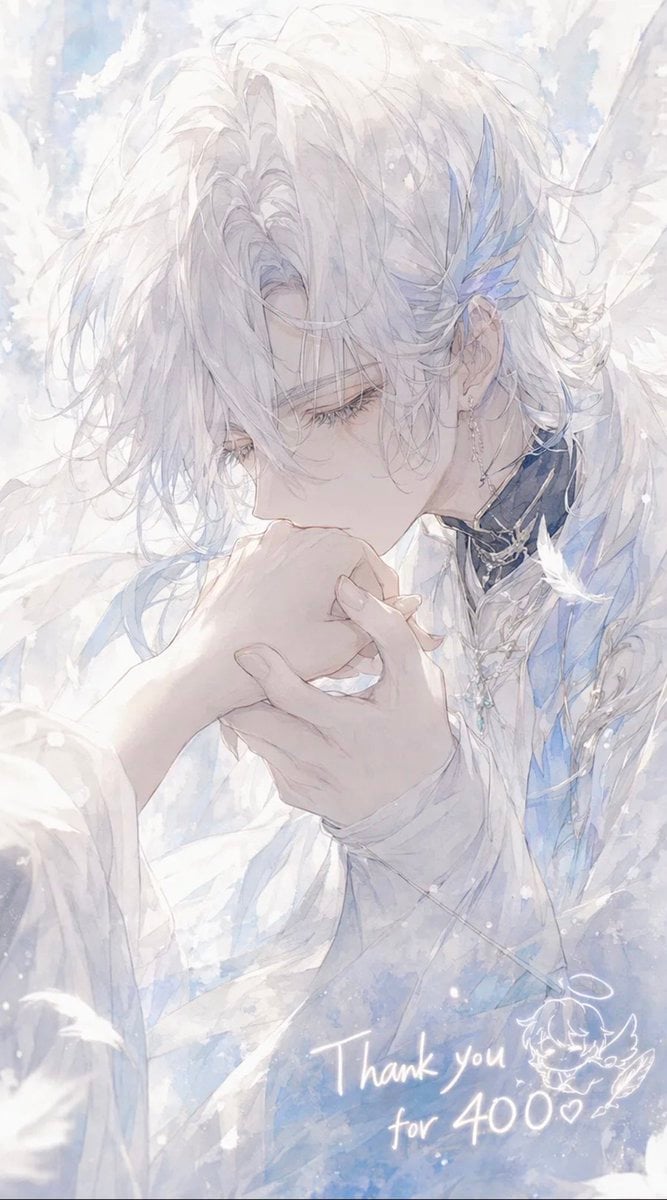
Ethereal Angel Thank You Illustration
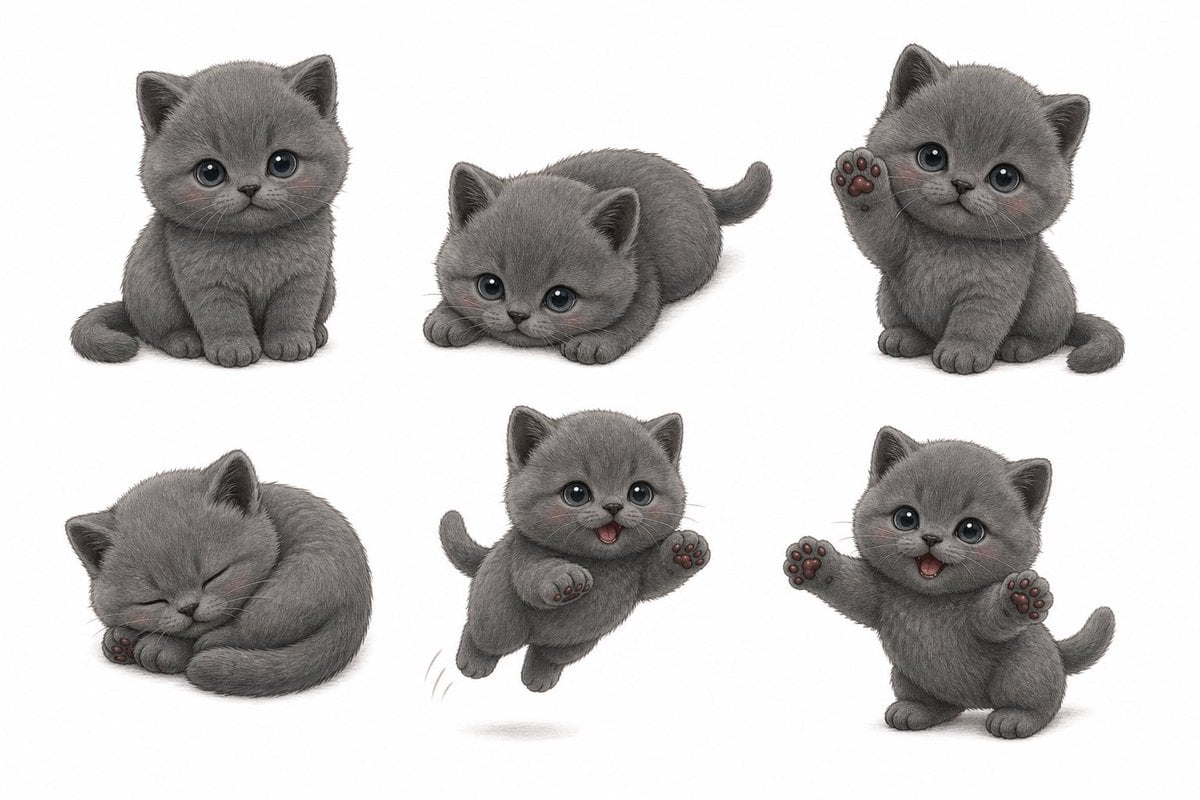
Gray Kitten Sticker Pack Sheet

Chibi Morning Greeting Sticker
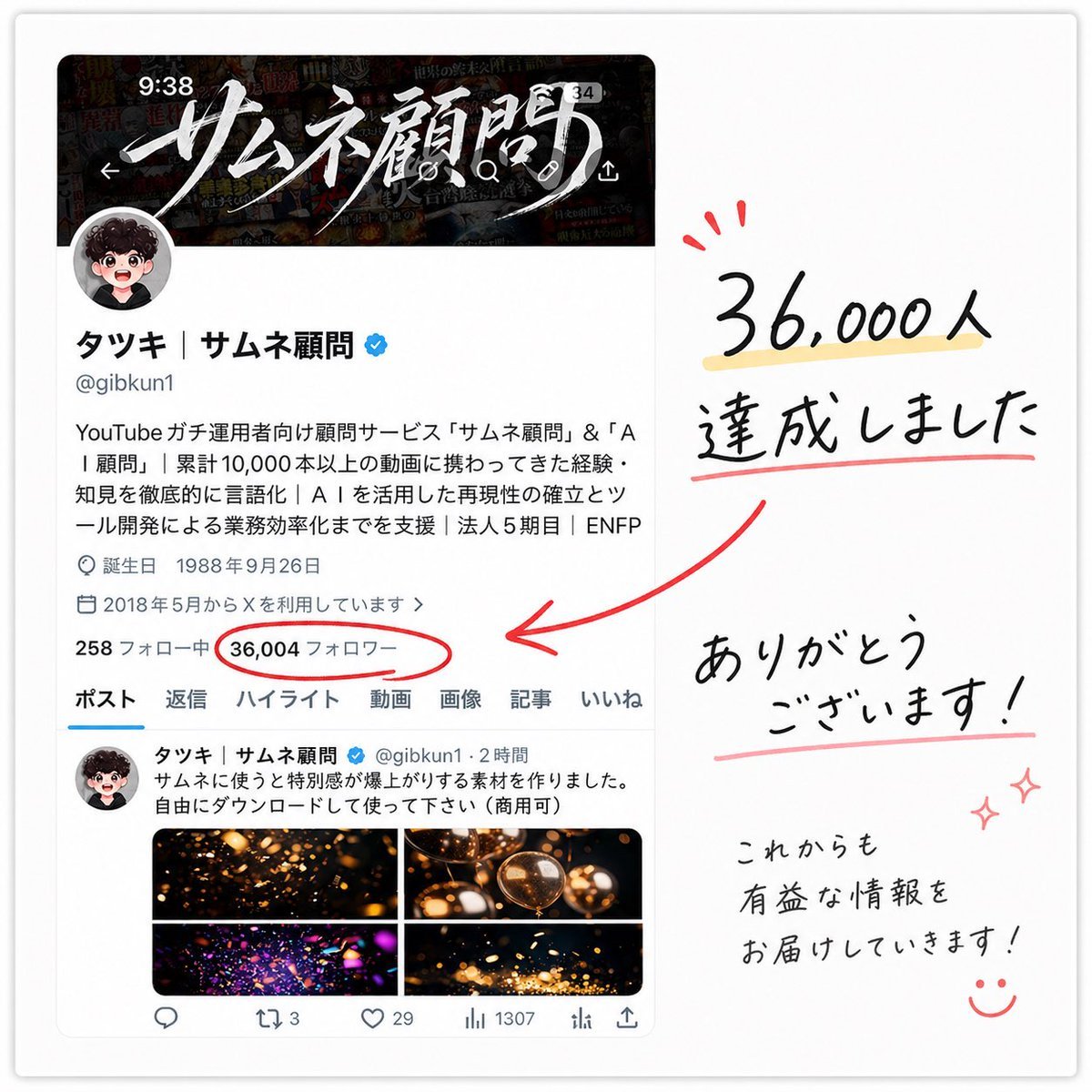
Japanese Follower Milestone Thank-You Graphic
Make it yours
Chibi Fairy Thank-You Sticker Sheet works as-is. These are the safest ways to change it without losing the look.
Swap the setting
Keep the rest of the prompt and replace the location block. The current setting is “solid chroma-key green backdrop”.
Swap the light
One lighting change is enough to compare takes. Current light: “soft studio lighting”.
Change one field
Copy a single group, rewrite it, and generate again so you can see what that field is doing.
| If the result… | Why | Fix |
|---|---|---|
| The result drifts from the preview | Too many fields changed at once. | Reuse Chibi Fairy Thank-You Sticker Sheet as-is first, then change one group — subject, light, or setting. |
| GPT Image 2 ignores part of the JSON | Some models flatten or skip nested keys. | Keep the same values and paste them as a short paragraph instead. |
More GPT Image 2 templates
Other prompts made for GPT Image 2.

Six VTuber Japanese Logo Sheet

Realistic Portrait of Woman and Deer

The Vista Modular Condo Poster

AI Model Routing Comparison Infographic

2.5D Anime Art Board

Isometric Productivity Desk Scene

New York Double Exposure Poster

Four-Panel AI Landscape Comparison

Japanese Tatami Lifestyle Magazine Cover

NESCAFÉ Coffee Map Poster
More image prompts
Fresh picks from across the catalog.
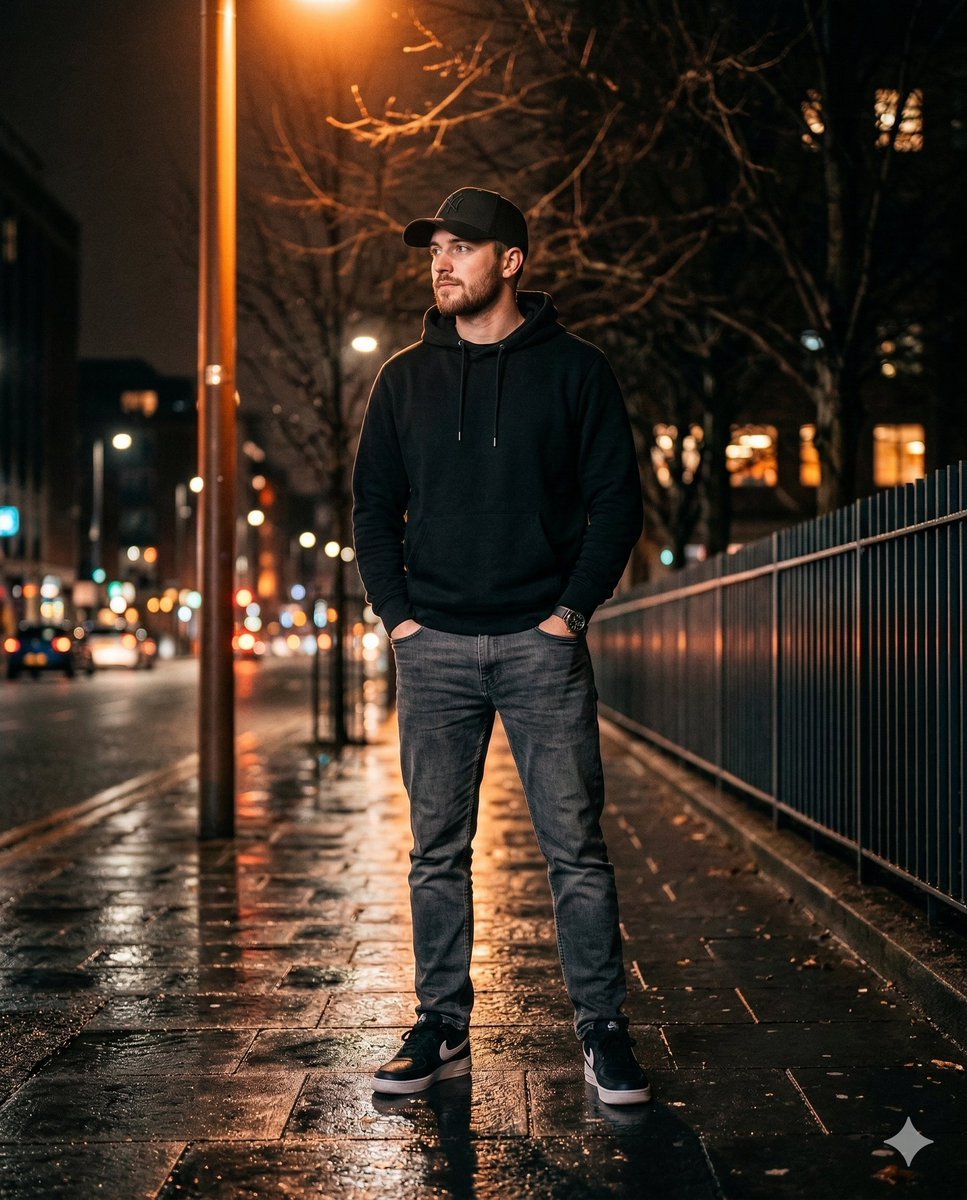
Ultra-realistic Night Photo of a Stylish Young Man
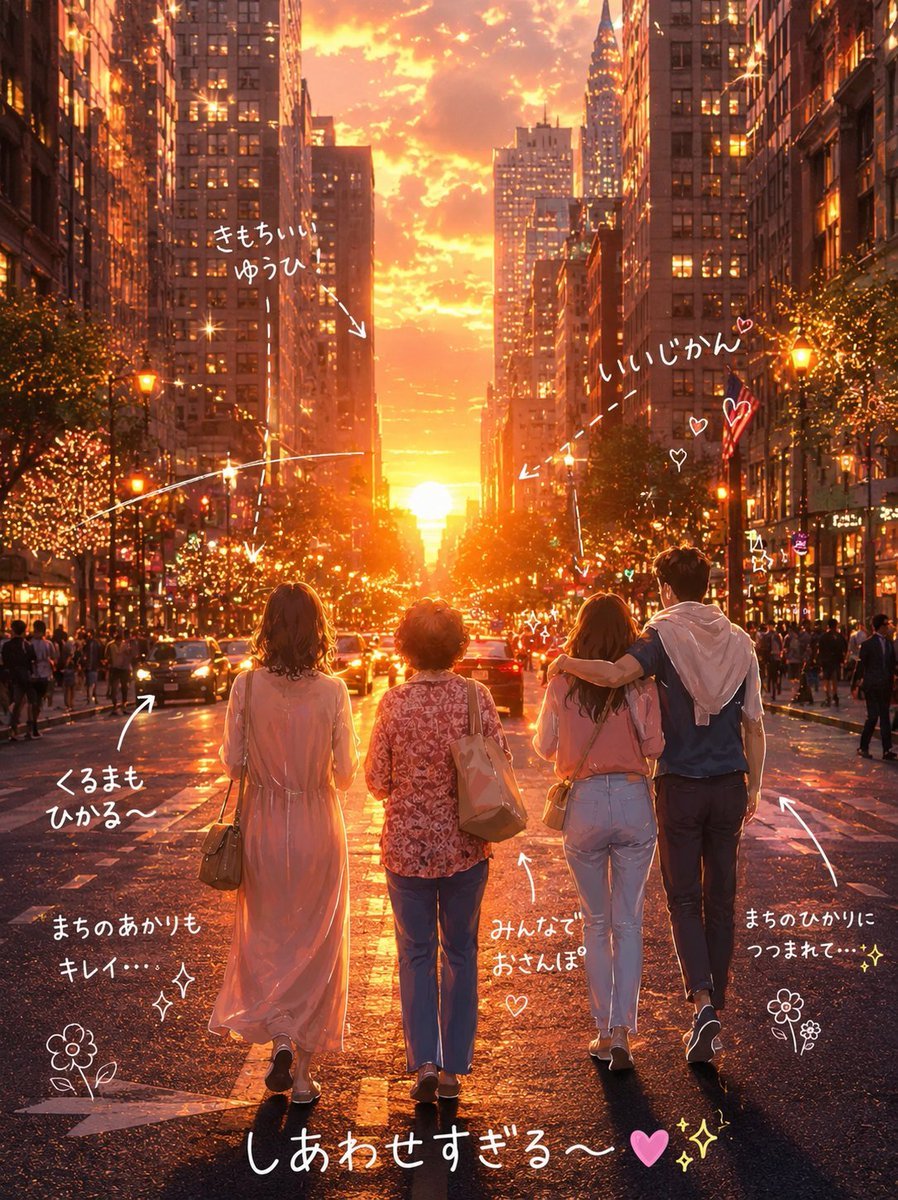
Cinematic Golden Hour City Sunset Illustration
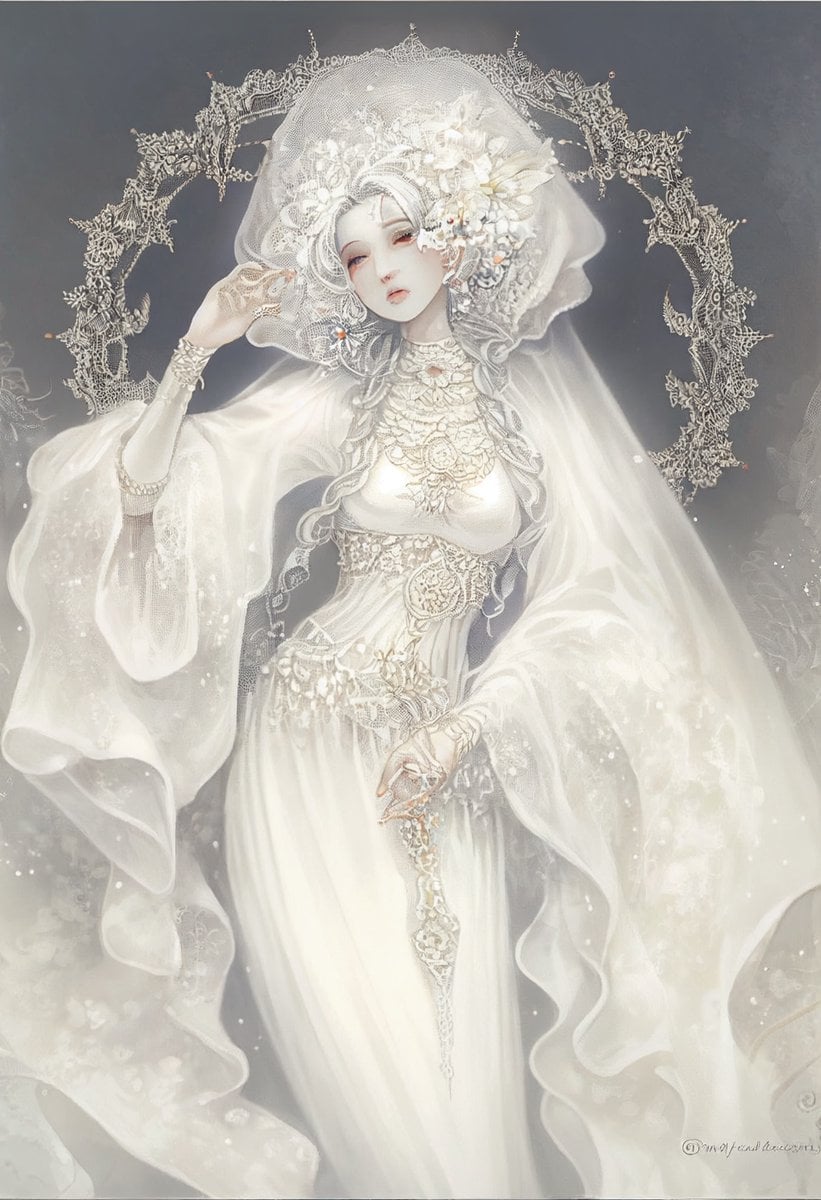
Ivory Garment Goddess

Sunset Futuristic Megacity Panorama

Editorial Nightlife Portrait with Flash
Sunset Beach Fashion Documentary
Panel Cinematic Storyboard Grid

1970s Kodachrome Street Documentary Moment

Surreal Train Window Scenery

Anime Portrait of South Asian Woman
Browse template categories
Chibi Fairy Thank-You Sticker Sheet questions
How do I use the Chibi Fairy Thank-You Sticker Sheet template?
Add your photo if the template asks for one, edit the prompt if you like — the template's model and format are already selected — and press Generate. Your version opens in PicX Studio.
Can I customize the Chibi Fairy Thank-You Sticker Sheet template?
Yes. You can change the subject, setting, lighting, mood, format, and available model controls before creating your image.
Is the Chibi Fairy Thank-You Sticker Sheet template free?
Opening and editing this template is free. Generating uses credits, shown on the Generate button when you are signed in.
Which AI model should I use?
Start with GPT Image 2, which is the model associated with this template. You can compare another compatible model for a different finish.
Looking for something else? Browse all templates.

Your photo, any look
Thousands of ready templates for every top image and video model, from one credit balance.