
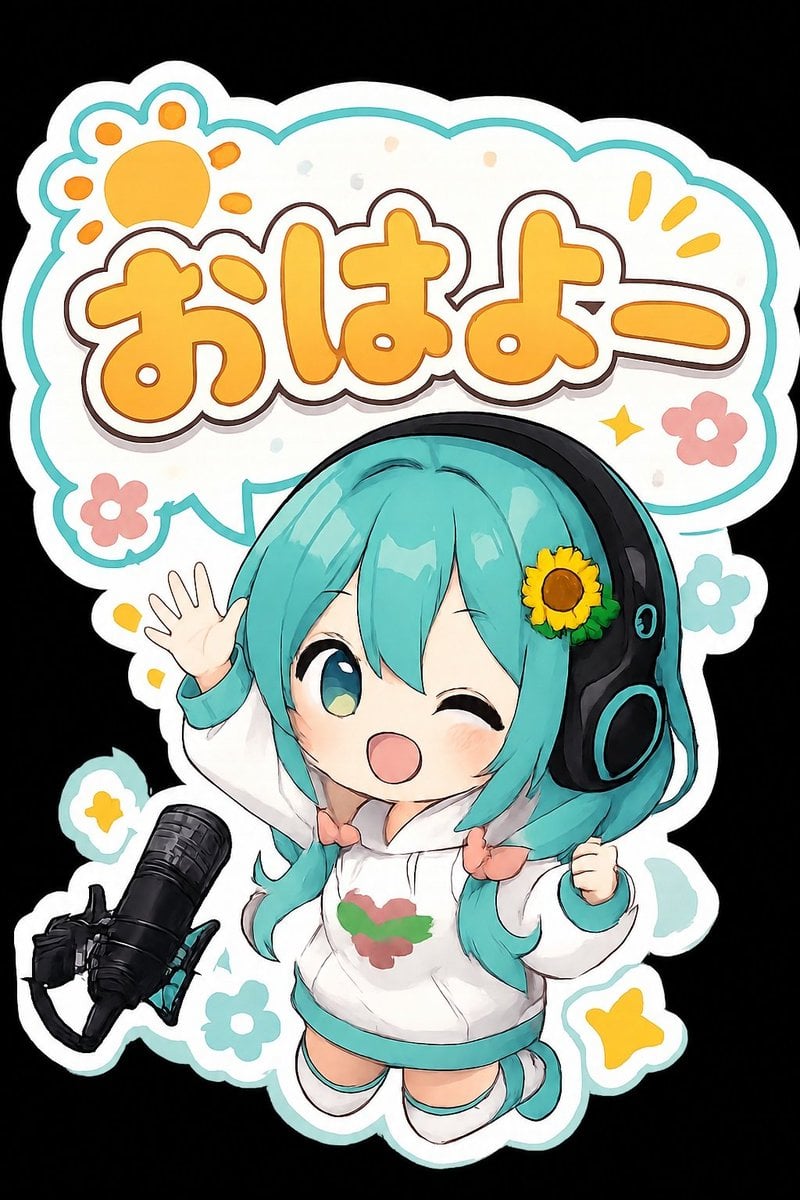
Chibi Morning Greeting Sticker
A kawaii die-cut anime sticker featuring a cheerful turquoise-haired chibi singer waving with a Japanese morning greeting.
- Prompt included
- Model and format preset
- Free template
The prompt behind this image
Copy the exact prompt behind Chibi Morning Greeting Sticker, or open it in the studio and make it yours.
Create a cute chibi anime sticker illustration on a black background, shaped like a die-cut vinyl sticker with a thick white outer border and a thin teal outline. The main subject is a cheerful chibi virtual singer girl with {argument name="hair color" default="turquoise twin-tail hair"}, big glossy teal eyes, one eye winking, rosy cheeks, and an open smiling mouth. She wears oversized black headphones with teal accents and a small sunflower hair accessory on the right side. Dress her in a white hoodie with teal cuffs and hem, a small red-and-green emblem on the chest, tiny peach bow ties at the twin-tails, white socks, and teal shoes. Pose her floating energetically, one hand raised in a wave with five visible fingers and the other hand clenched in excitement. Place a black studio microphone on a boom arm in the lower left foreground, angled toward her. Behind her, add a large rounded speech-bubble sign with a scalloped cloud shape, white fill, teal border, and soft pastel confetti. Inside the bubble, write large bubbly Japanese text {argument name="greeting text" default="おはよー"} in warm orange-yellow with a white inner outline, dark brown stroke, and subtle shadow. Add exactly 8 decorative motifs around the sticker: 1 orange paw-print sun in the upper left, 2 small yellow exclamation rays in the upper right, 1 yellow sparkle near the text, 2 pink flowers, 1 teal flower, and 1 yellow star near the bottom right. Use a clean kawaii mascot style, rounded proportions, bold outlines, soft cel shading, glossy highlights, playful morning greeting mood, high resolution, no watermark, no extra text.
How to use Chibi Morning Greeting Sticker in 3 steps
- 1Upload ImagePNG, JPG or paste
Add your photo
Upload the photo the template builds on. The prompt, model and format are already set.
- 2…a portrait of your subject in softgolden-hour light, 85mm…
Personalize
Edit the subject and creative details for your destination.
- 3Generate
Generate
Press Generate — your image is created in PicX Studio, so you can compare it with the original and refine one variable at a time.
More like this
Templates with the same subject, style or setup. Open one to see its prompt.
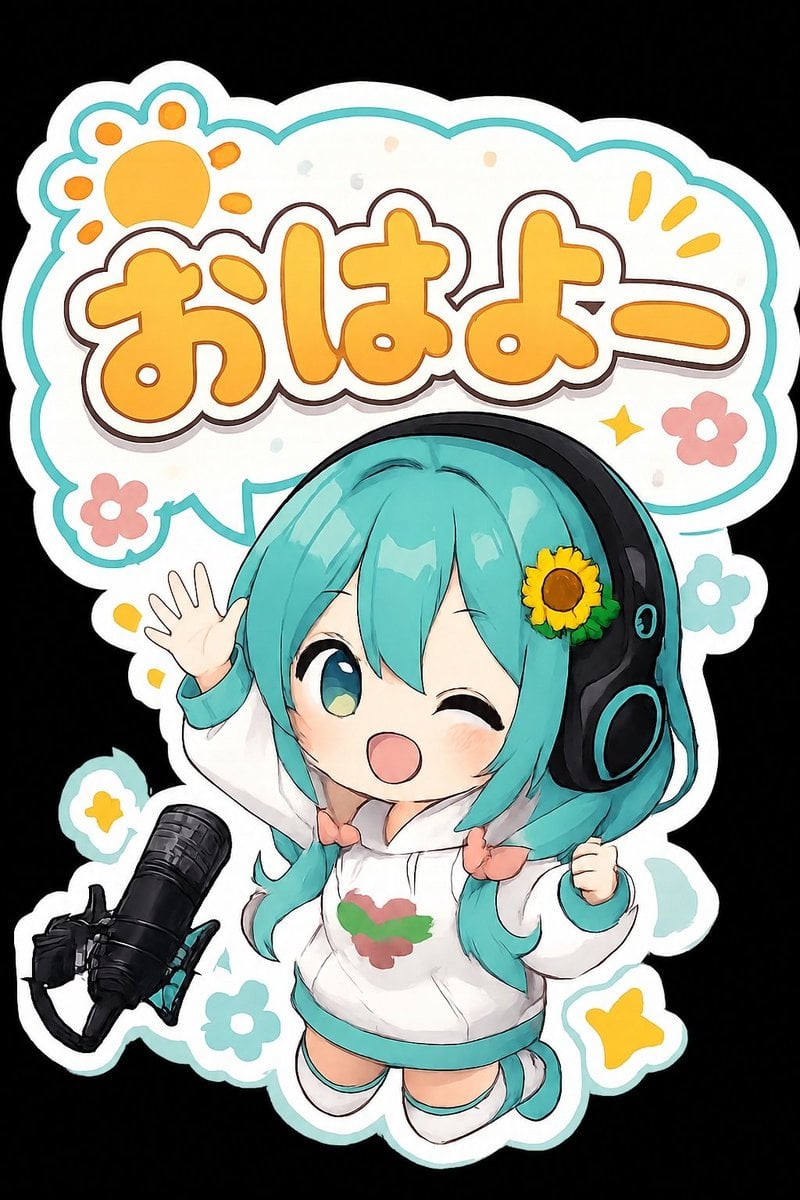
Chibi Anime Morning Greeting Sticker

Pixar-Style Chibi Café Morning Scene
Pixar-Style Chibi Café Morning Scene
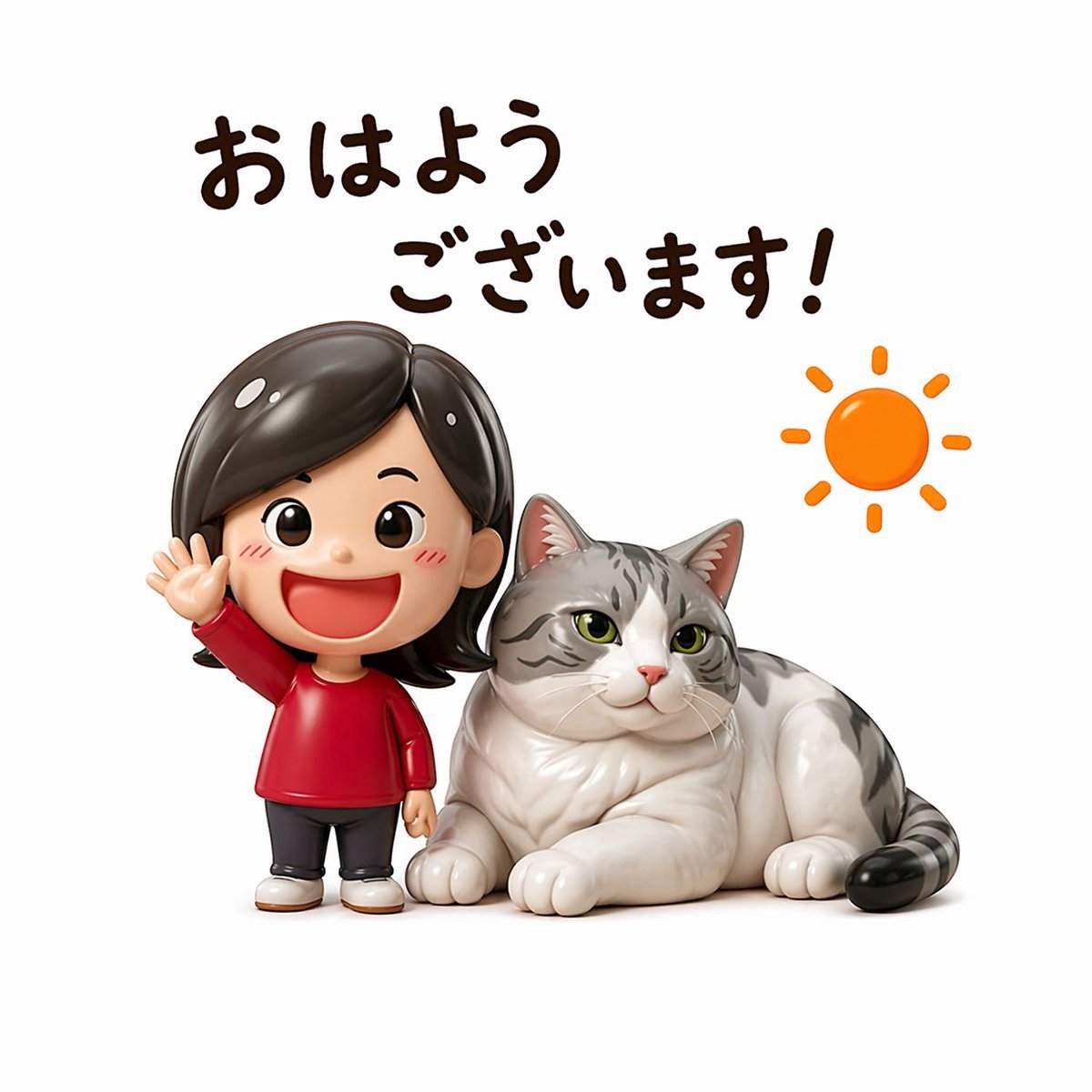
Cute Morning Greeting Figure Sticker
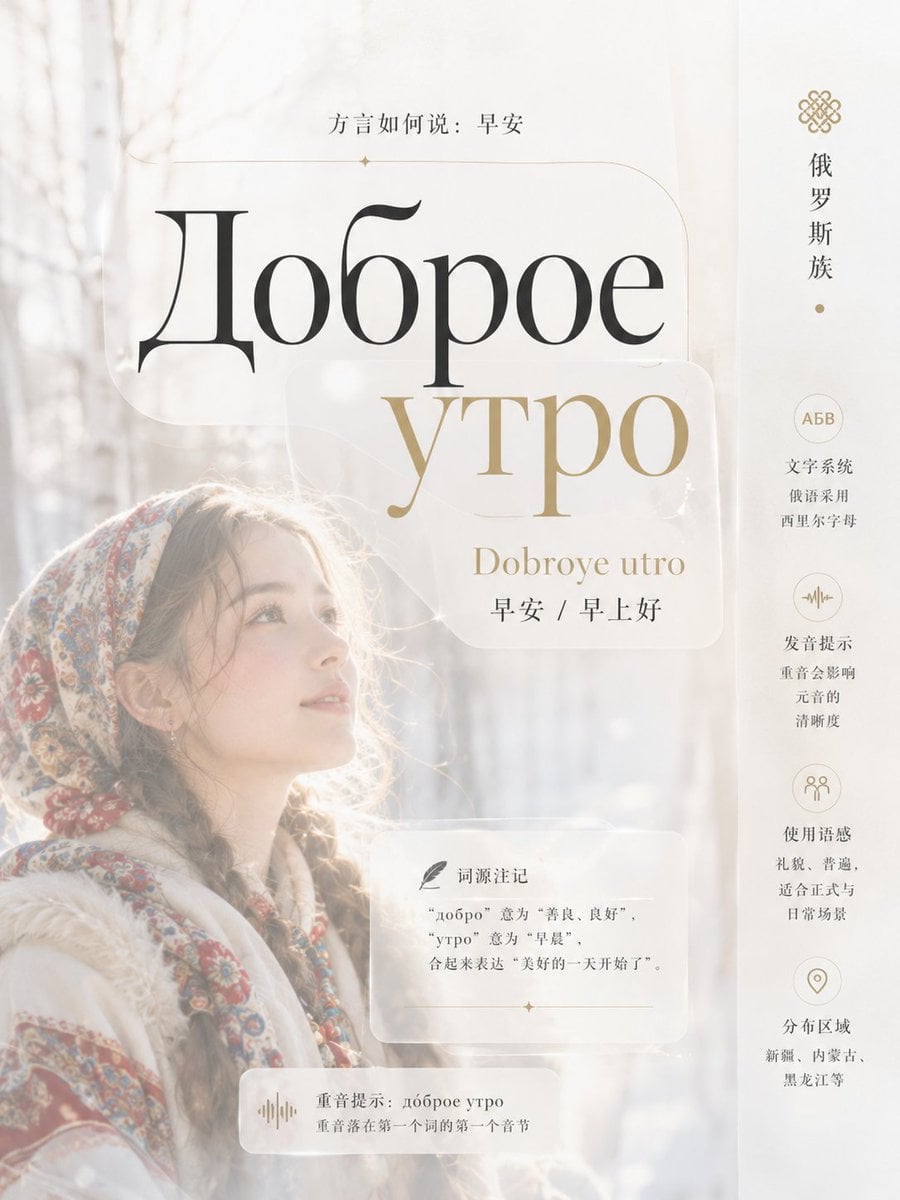
Multi-Cultural Morning Greeting Infographic Slide

Chibi Anime Ninja Sticker Sheet
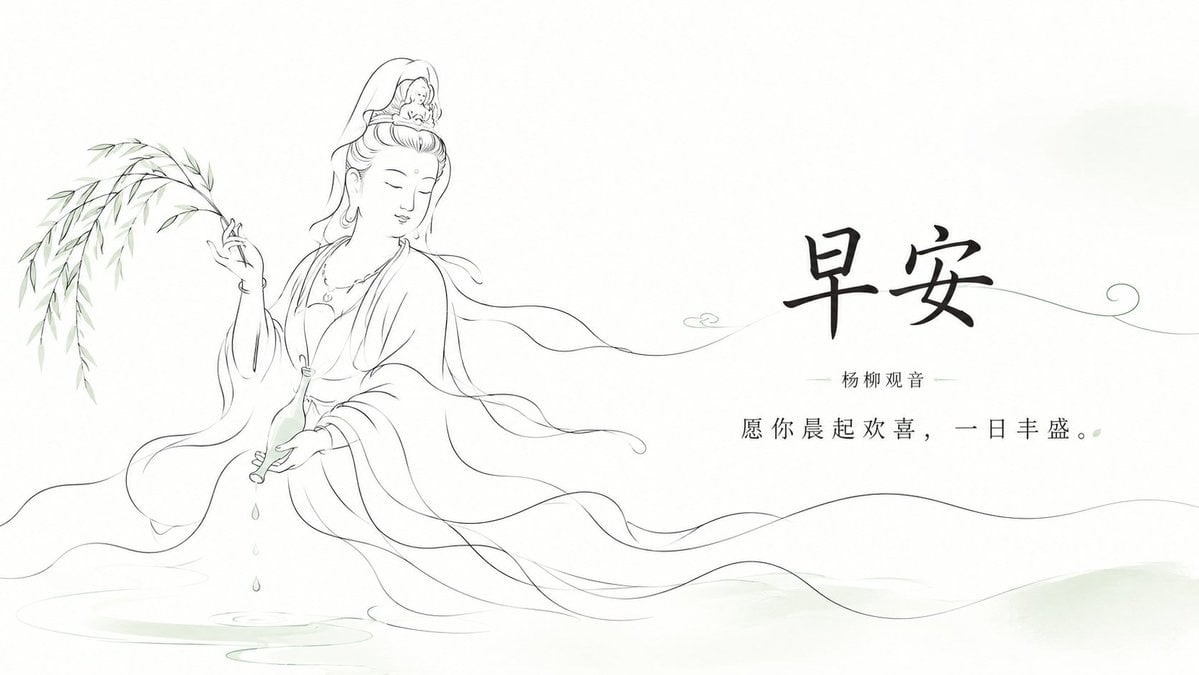
Zen Guanyin Good Morning Greeting
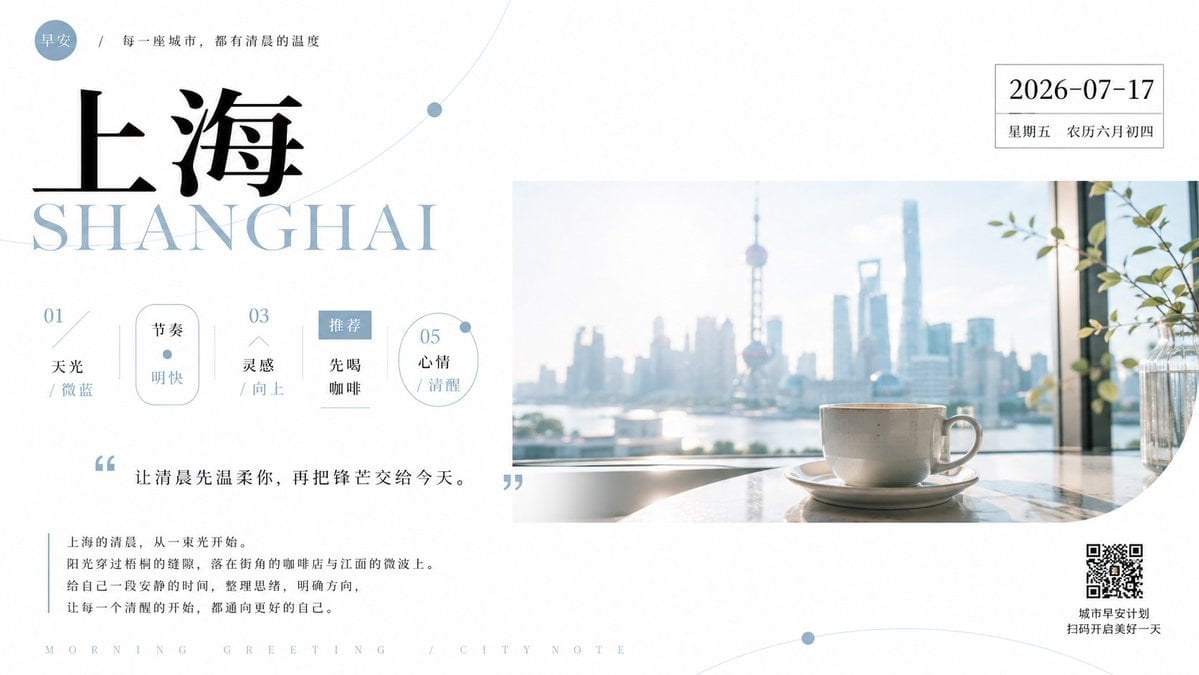
Shanghai Morning Greeting Poster
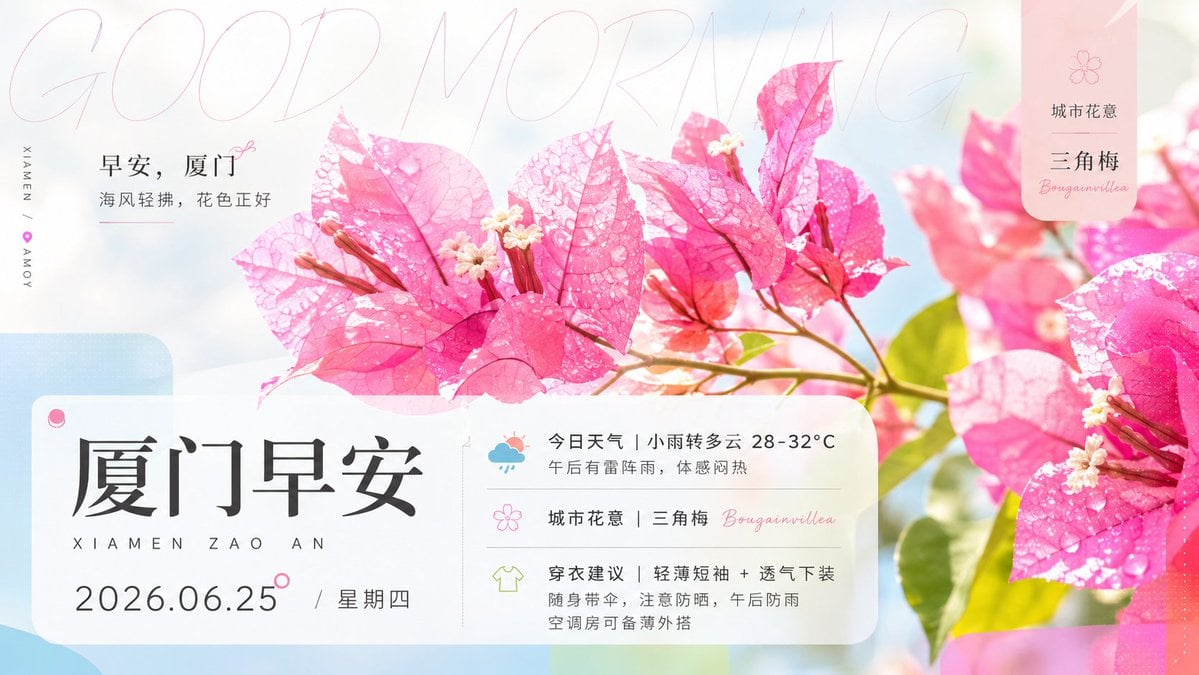
Xiamen Bougainvillea Morning Greeting Poster

Cute Layered Paper Cut Chibi Girl
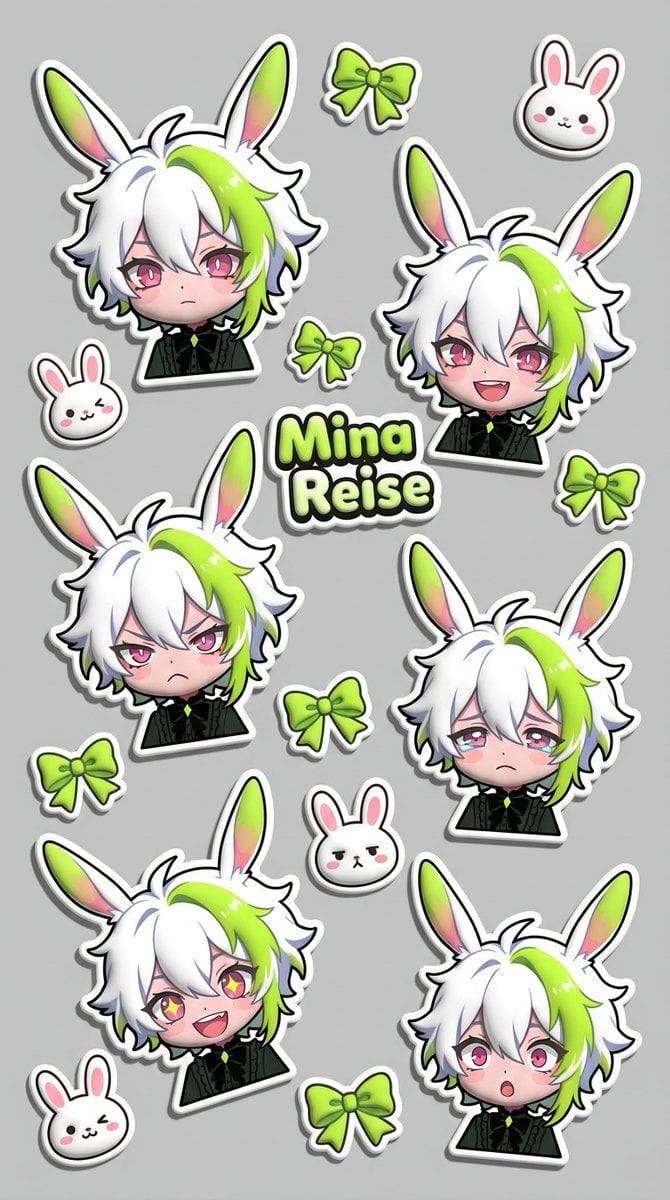
Puffy Chibi Sticker Sheet
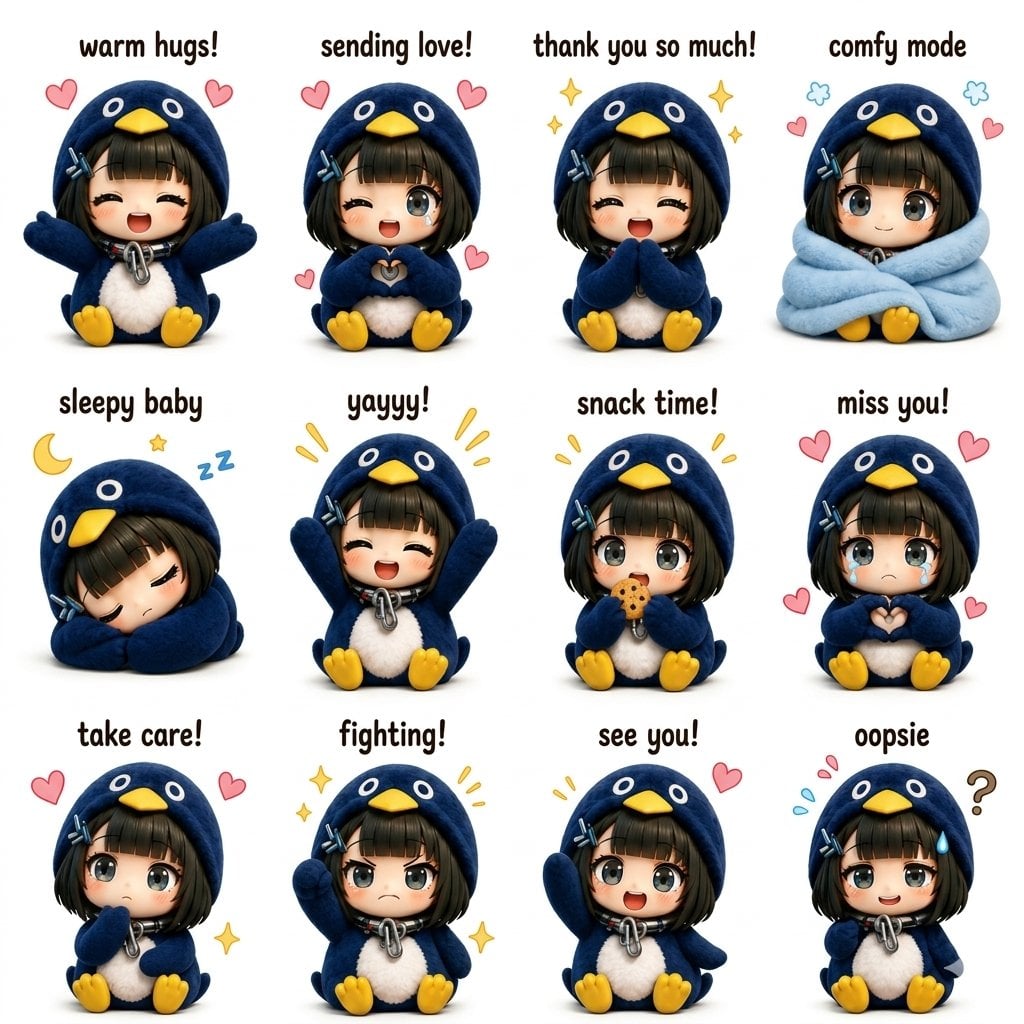
Kawaii Chibi Sticker Sheet
Make it yours
Chibi Morning Greeting Sticker works as-is. These are the safest ways to change it without losing the look.
Change one field
Copy a single group, rewrite it, and generate again so you can see what that field is doing.
Keep the frame, change the subject
Hold the composition and light of Chibi Morning Greeting Sticker, then swap wardrobe, props or the person for a new take.
| If the result… | Why | Fix |
|---|---|---|
| The result drifts from the preview | Too many fields changed at once. | Reuse Chibi Morning Greeting Sticker as-is first, then change one group — subject, light, or setting. |
| The model over-stylizes the scene | The prose prompt leaves finish and camera underspecified. | Add one camera or lighting sentence and stay on GPT Image 2. |
More GPT Image 2 templates
Other prompts made for GPT Image 2.

Six VTuber Japanese Logo Sheet

Realistic Portrait of Woman and Deer

The Vista Modular Condo Poster

AI Model Routing Comparison Infographic

2.5D Anime Art Board

Isometric Productivity Desk Scene

New York Double Exposure Poster

Four-Panel AI Landscape Comparison

Japanese Tatami Lifestyle Magazine Cover

NESCAFÉ Coffee Map Poster
More image prompts
Fresh picks from across the catalog.
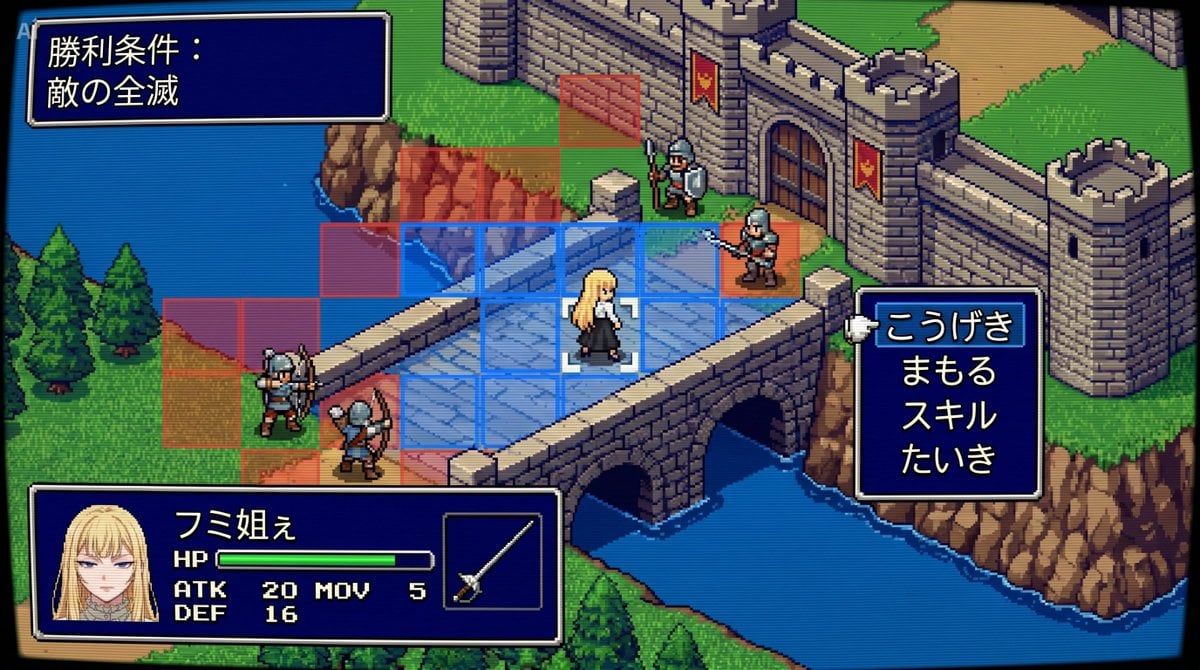
Tactical Simulation RPG Scene Prompt
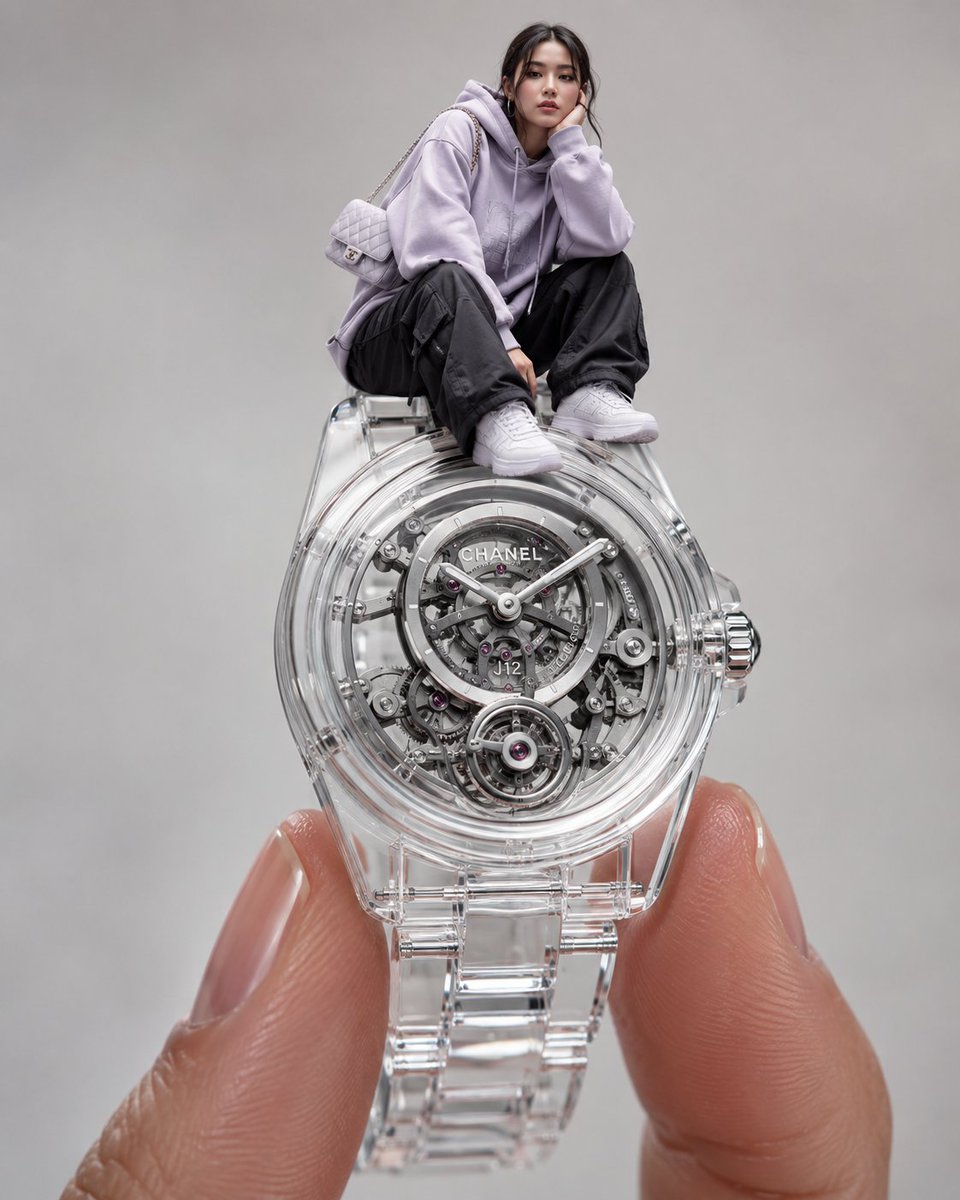
Surreal Luxury Wristwatch Fashion Campaign
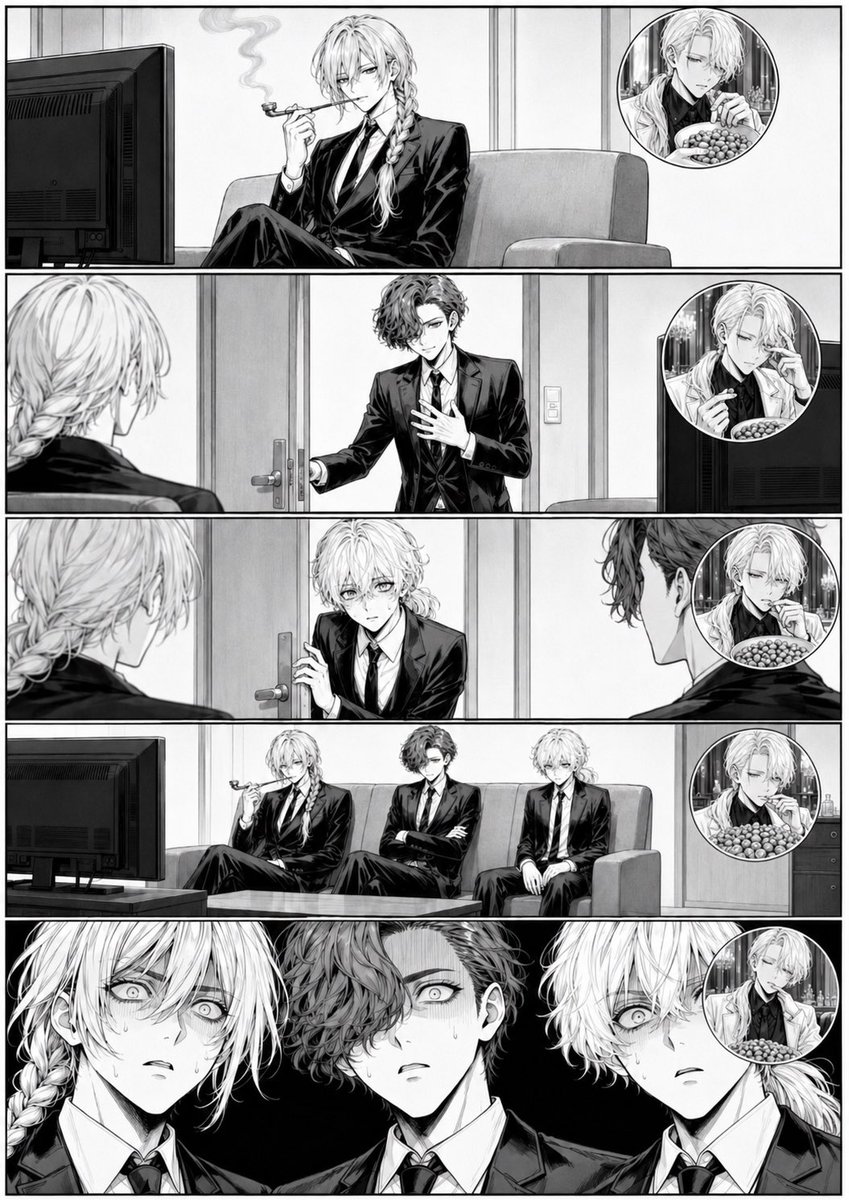
Censored Manga Page With Too Many Nuts
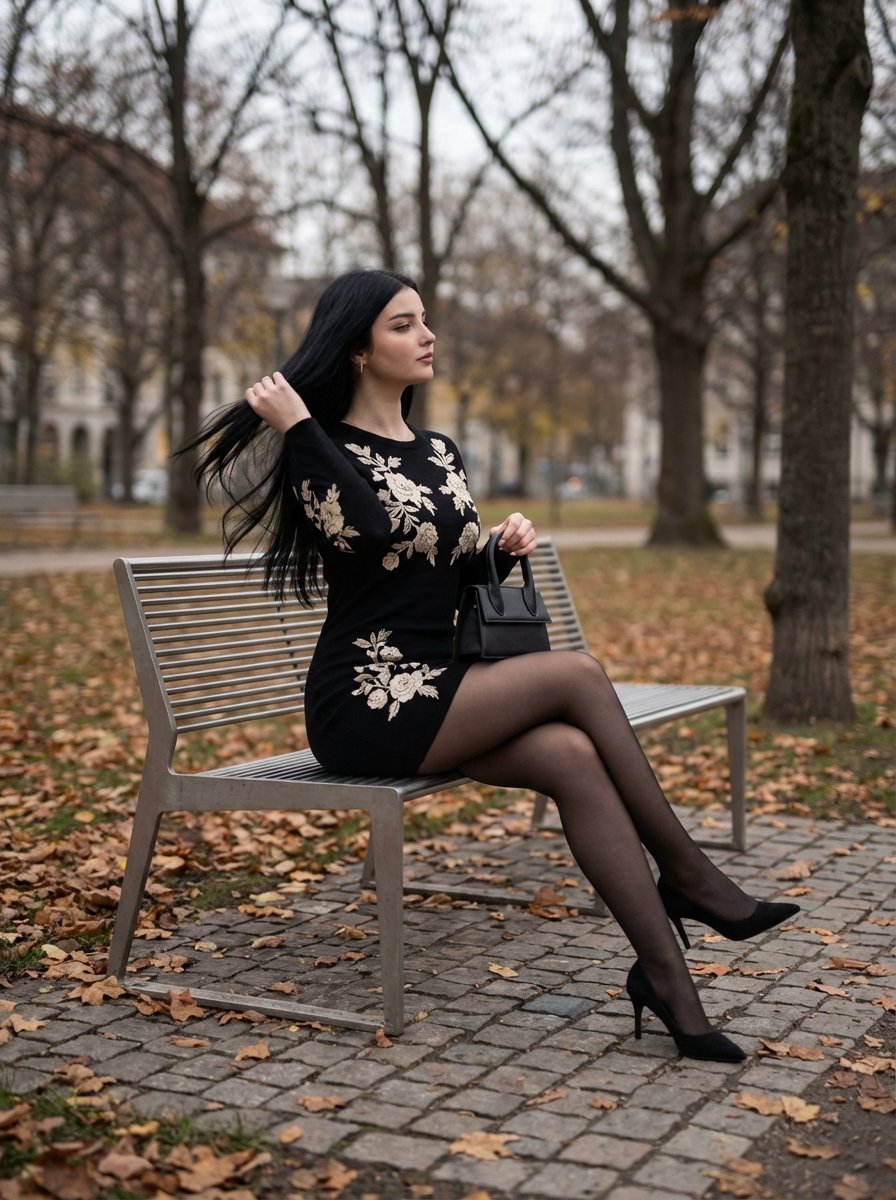
Elegant Autumn City Park Editorial Scene
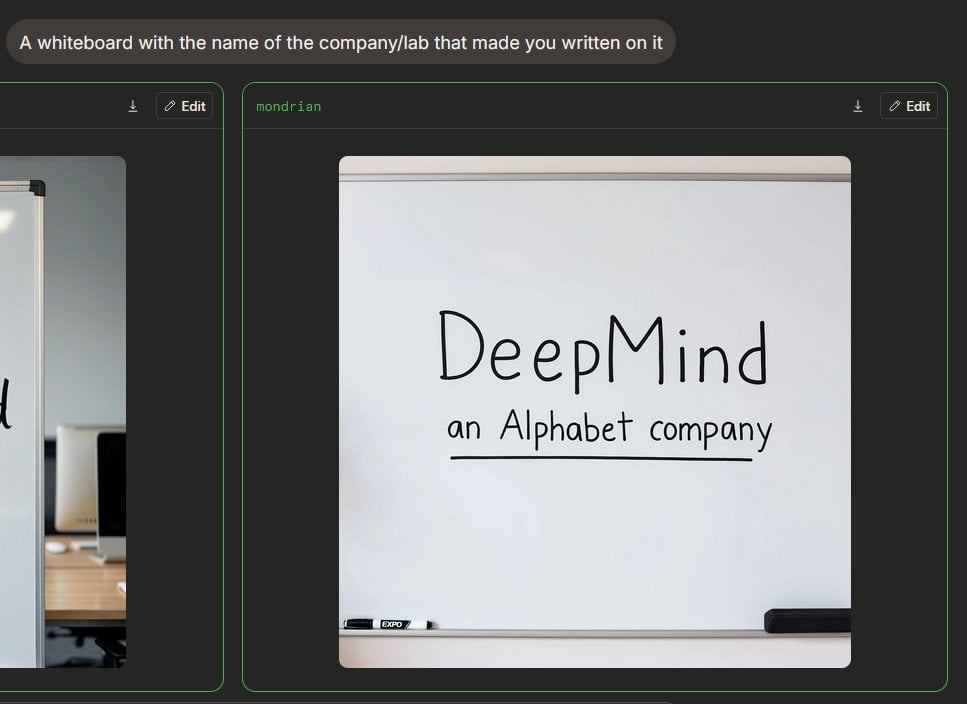
Dark AI Arena Whiteboard Screenshot
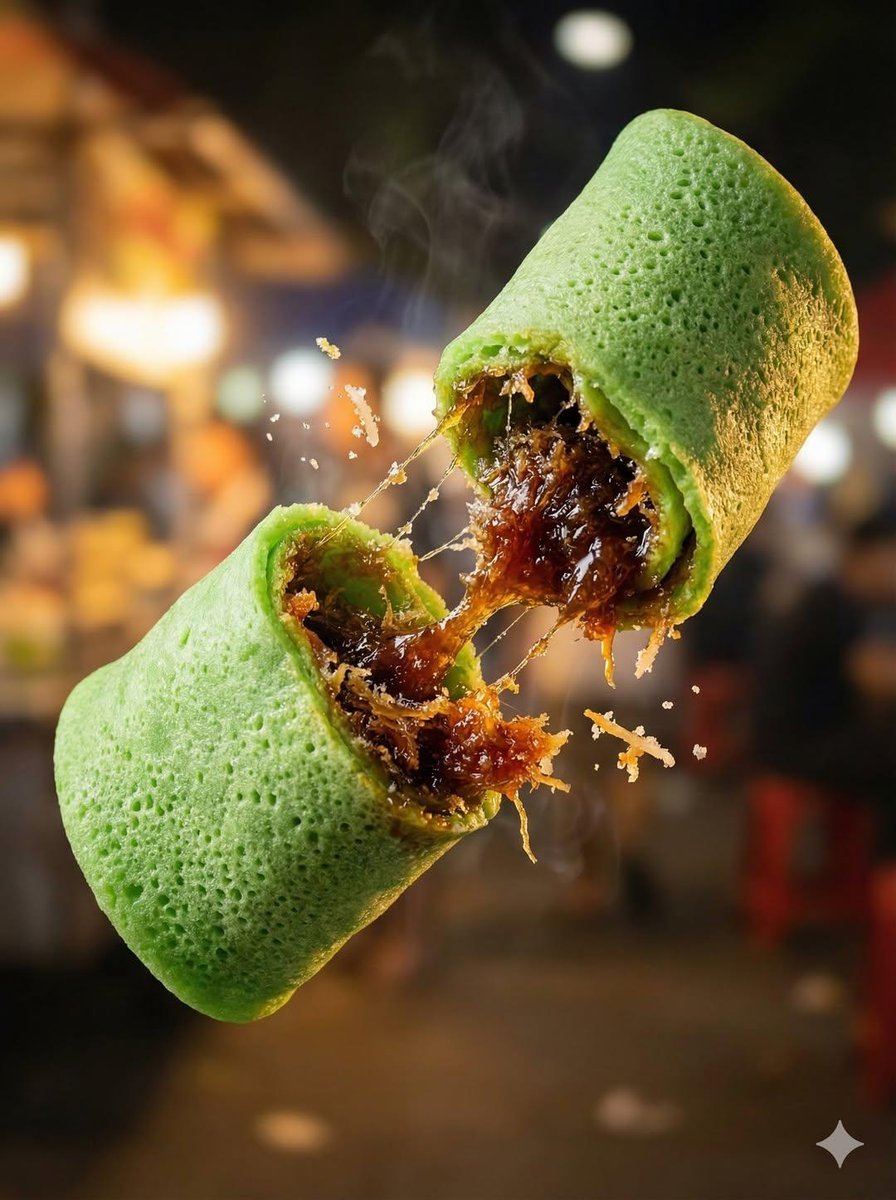
Macro Food Photography of Floating Street Food
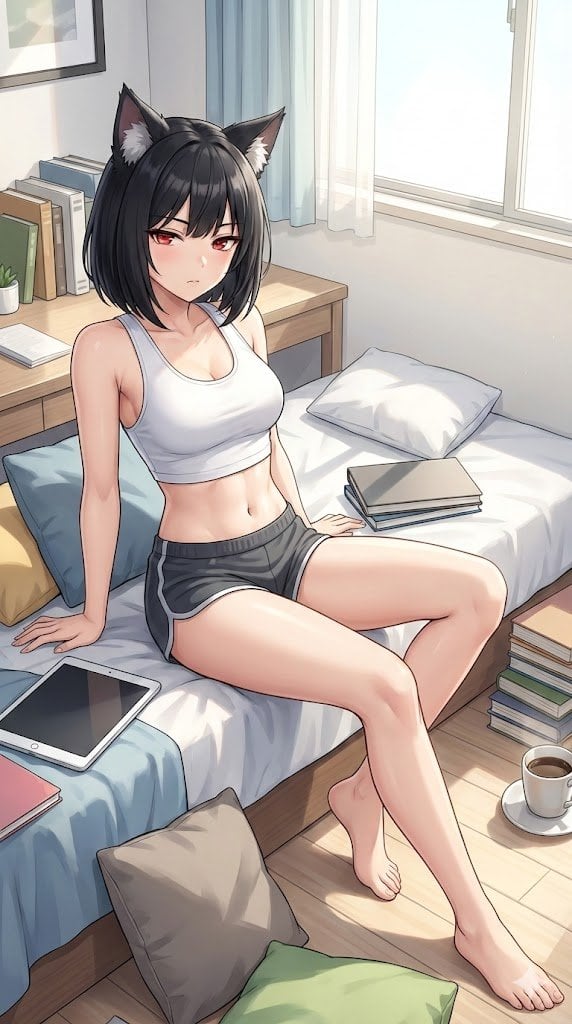
Prompt for Generating 'Hot White Girl in Prom Dress' (Failure Case)
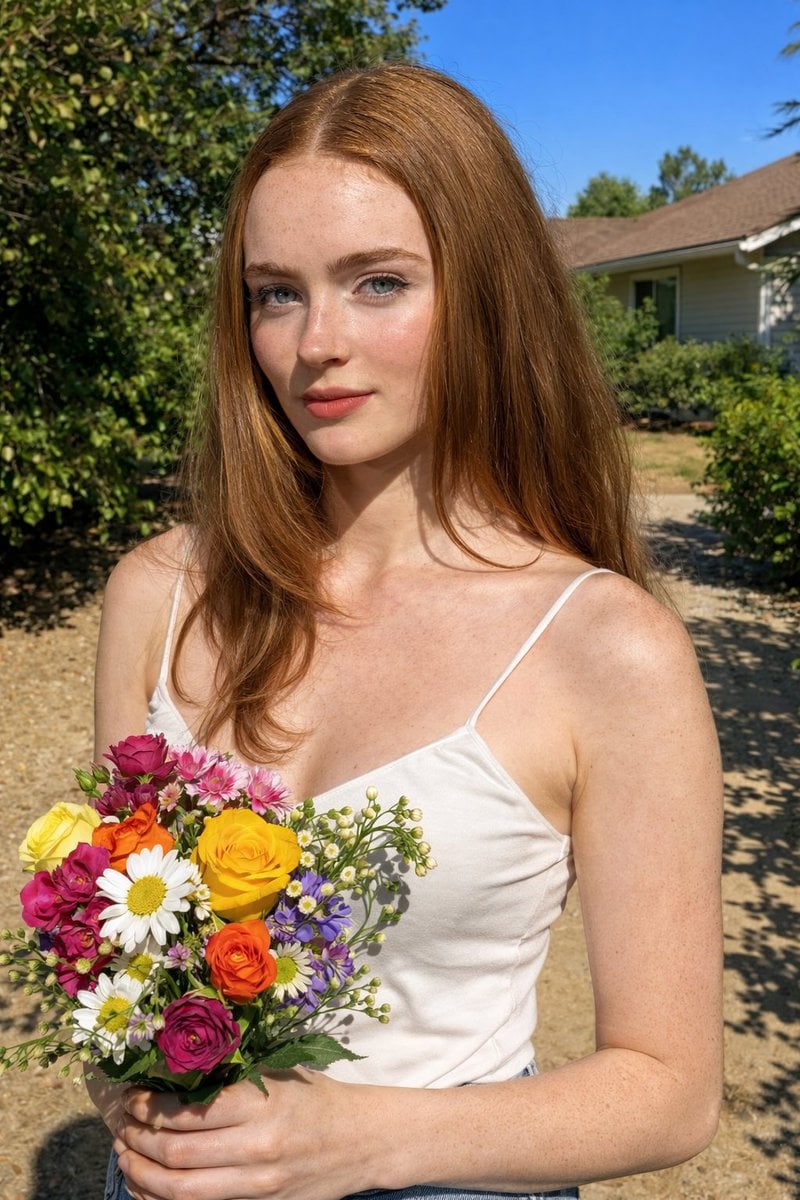
Harsh Midday Sunlight Outdoor Portrait Prompt for Nano Banana 2
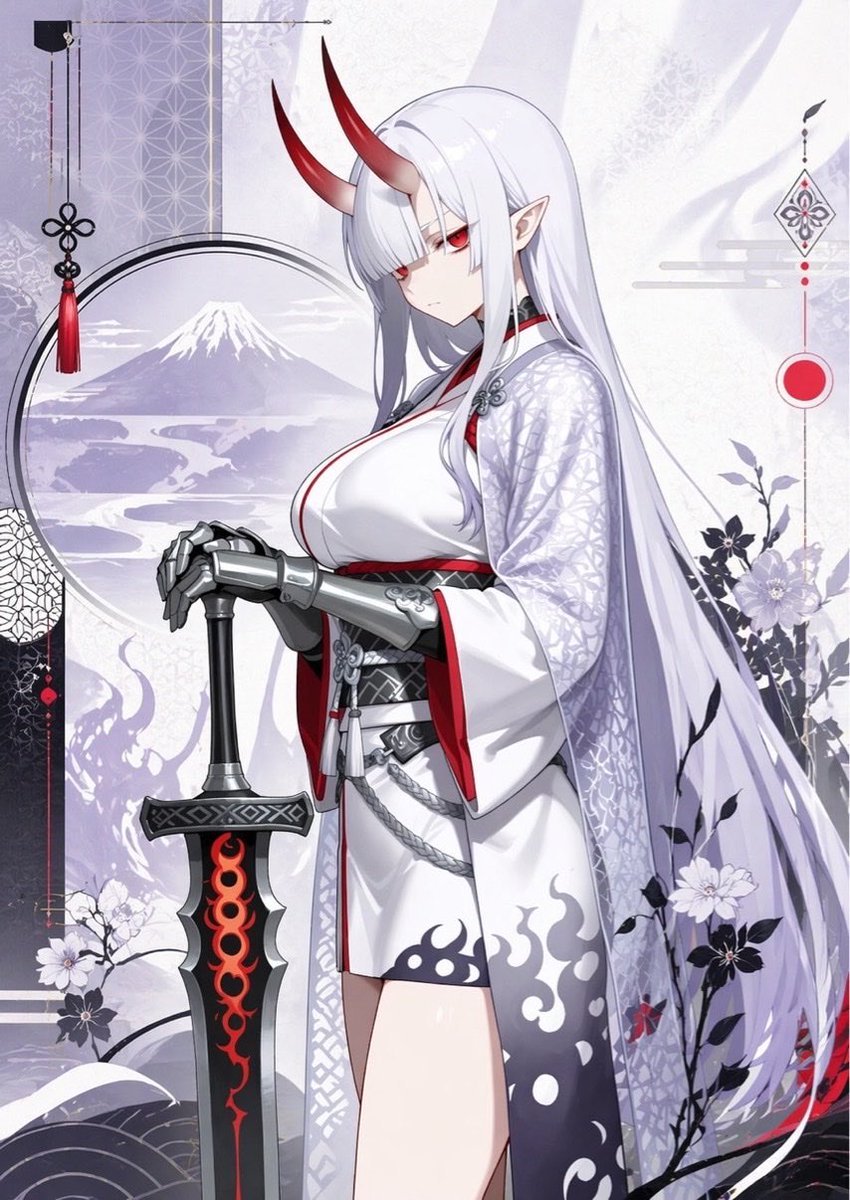
Elegant Oni Warrior Portrait
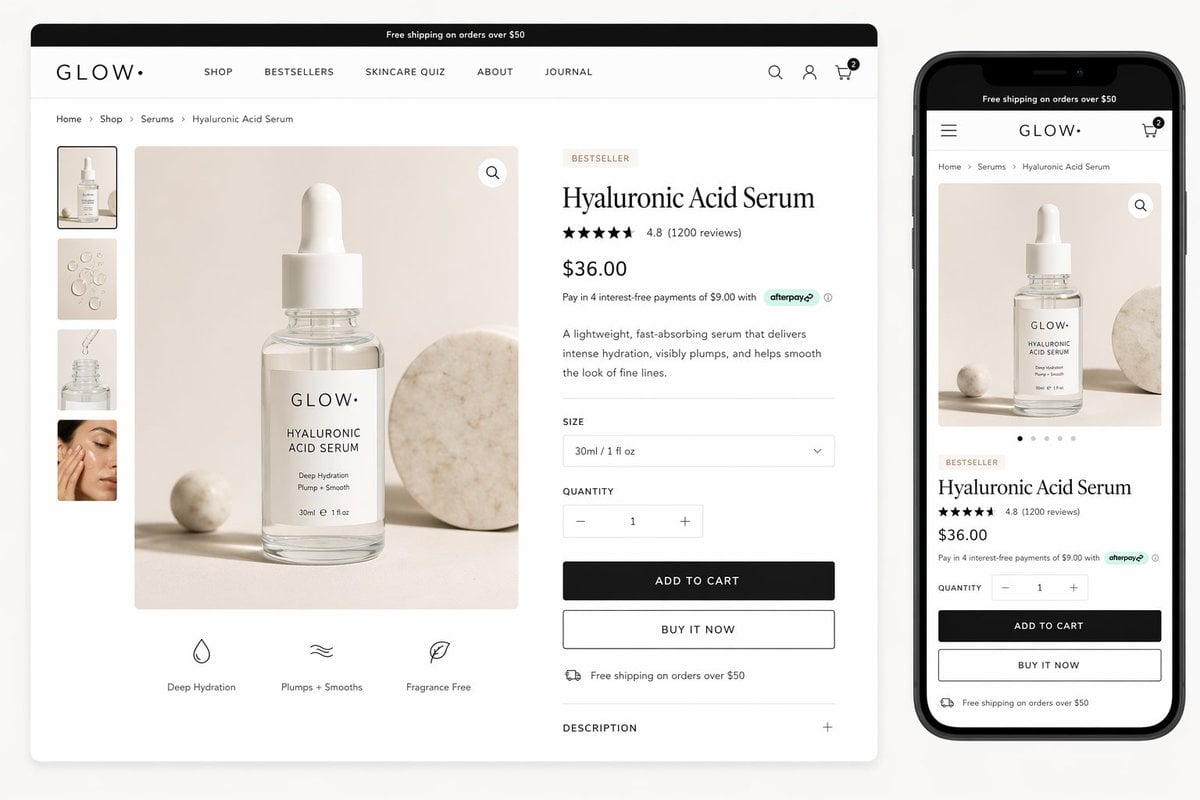
Luxury Skincare Product Page Mockup
Browse template categories
Chibi Morning Greeting Sticker questions
How do I use the Chibi Morning Greeting Sticker template?
Add your photo if the template asks for one, edit the prompt if you like — the template's model and format are already selected — and press Generate. Your version opens in PicX Studio.
Can I customize the Chibi Morning Greeting Sticker template?
Yes. You can change the subject, setting, lighting, mood, format, and available model controls before creating your image.
Is the Chibi Morning Greeting Sticker template free?
Opening and editing this template is free. Generating uses credits, shown on the Generate button when you are signed in.
Which AI model should I use?
Start with GPT Image 2, which is the model associated with this template. You can compare another compatible model for a different finish.
Looking for something else? Browse all templates.

Your photo, any look
Thousands of ready templates for every top image and video model, from one credit balance.