
Elegant Oni Warrior Portrait
This prompt generates a polished anime-style full-body portrait of a horned oni woman in ceremonial kimono attire, ideal for character art, posters, or fantasy-themed key visuals.
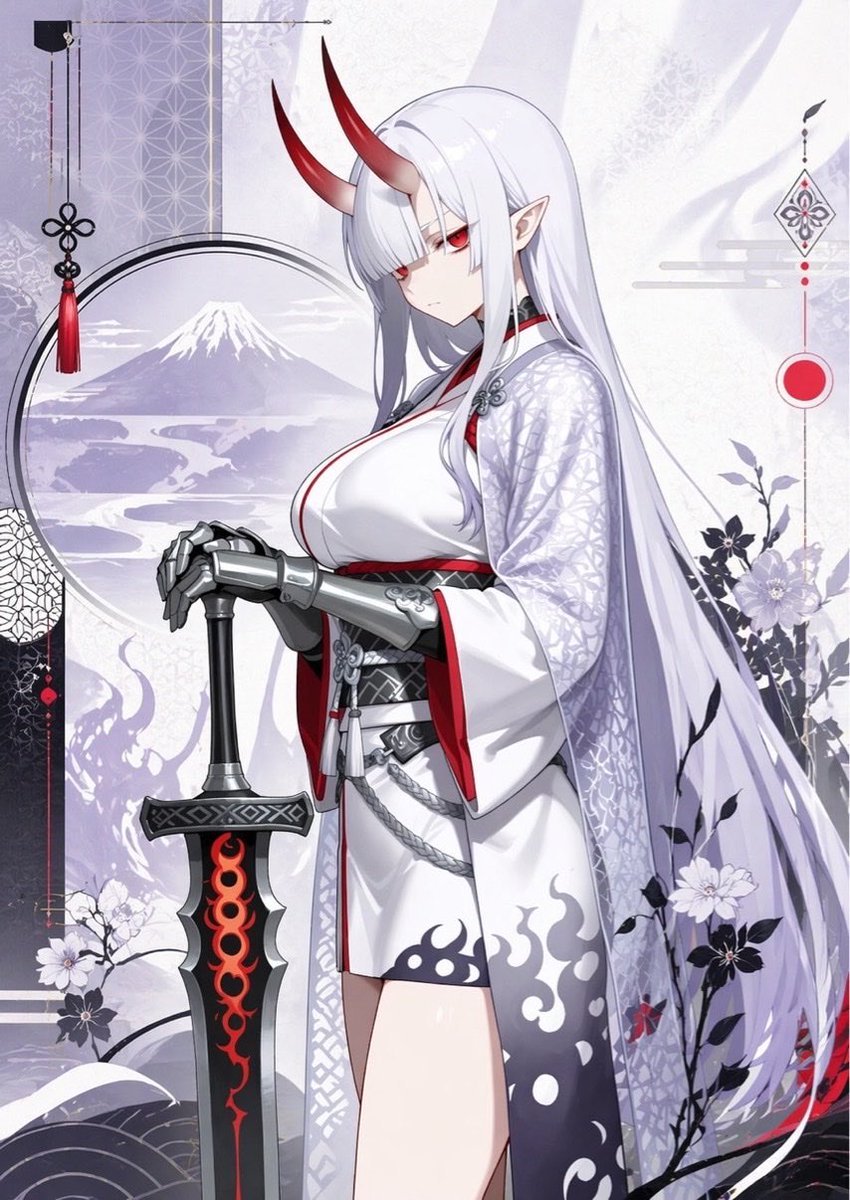
- Prompt included
- Model and format preset
- Free template
The prompt behind this image
Copy the exact prompt behind Elegant Oni Warrior Portrait, or open it in the studio and make it yours.
A refined anime illustration of a tall adult oni woman in a calm, elegant full-body portrait, standing in three-quarter view with her hands folded over the pommel of a large upright sword. She has very long straight {argument name="hair color" default="silver-white"} hair flowing past her knees, pale skin, pointed elf-like ears, narrow crimson eyes, and two smooth curved red horns rising from her forehead. Her expression is cool, aloof, and slightly melancholic. She wears a {argument name="outfit style" default="white ceremonial kimono with black and red accents"}: a fitted white dress-like inner layer with a deep neckline, a black obi and layered waist ornaments, a translucent patterned outer robe with subtle geometric motifs, wide sleeves lined in red, and a short skirt hem decorated with smoky dark flame shapes. Her forearms are covered in polished silver armor gauntlets, adding a warrior feel. The sword is oversized and heavy, planted vertically before her, with a black blade and hilt, metallic guard, and vivid glowing red flame-like patterns running down the center. The composition is graceful and balanced, mixing Japanese traditional aesthetics with dark fantasy. The background is a soft pale lavender-gray decorative collage with a circular window framing Mount Fuji and a winding river landscape, delicate floral silhouettes and blooming branches, abstract cloud motifs, hanging tassel ornaments, geometric textile patterns, and a red sun-like circle on the right. Use muted whites, lilacs, gray-violets, black, and deep crimson as the main palette. Add subtle paper texture, clean linework, soft cel shading, delicate highlights, and an ornate high-detail anime style. Make the overall mood serene, noble, mystical, and slightly ominous, like {argument name="character name" default="Oni Alter"} in a luxurious Japanese fantasy key visual.
How to use Elegant Oni Warrior Portrait in 3 steps
- 1Upload ImagePNG, JPG or paste
Add your photo
Upload the photo the template builds on. The prompt, model and format are already set.
- 2…a portrait of your subject in softgolden-hour light, 85mm…
Personalize
Edit the subject and creative details for your destination.
- 3Generate
Generate
Press Generate — your image is created in PicX Studio, so you can compare it with the original and refine one variable at a time.
More like this
Templates with the same subject, style or setup. Open one to see its prompt.

Found Photograph: Us, 1970

80s Couple Studio Portrait

80s Bollywood Star

80s Golden Hour Cinema

Me in 1985

1985 Studio Portrait

Hyper-Realistic Minecraft POV Portrait

Rooftop Fisheye — Cat-Ear Balaclava at Golden Hour

Rainy Café Window Moody Portrait

untitled

2025 Aesthetic Photography

Nano Banana Is So Addictive
Make it yours
Elegant Oni Warrior Portrait works as-is. These are the safest ways to change it without losing the look.
Change one field
Copy a single group, rewrite it, and generate again so you can see what that field is doing.
Keep the frame, change the subject
Hold the composition and light of Elegant Oni Warrior Portrait, then swap wardrobe, props or the person for a new take.
| If the result… | Why | Fix |
|---|---|---|
| The result drifts from the preview | Too many fields changed at once. | Reuse Elegant Oni Warrior Portrait as-is first, then change one group — subject, light, or setting. |
| The model over-stylizes the scene | The prose prompt leaves finish and camera underspecified. | Add one camera or lighting sentence and stay on GPT Image 2. |
More GPT Image 2 templates
Other prompts made for GPT Image 2.

Six VTuber Japanese Logo Sheet

Realistic Portrait of Woman and Deer

The Vista Modular Condo Poster

AI Model Routing Comparison Infographic

2.5D Anime Art Board

Isometric Productivity Desk Scene

New York Double Exposure Poster

Four-Panel AI Landscape Comparison

Japanese Tatami Lifestyle Magazine Cover

NESCAFÉ Coffee Map Poster
More image prompts
Fresh picks from across the catalog.
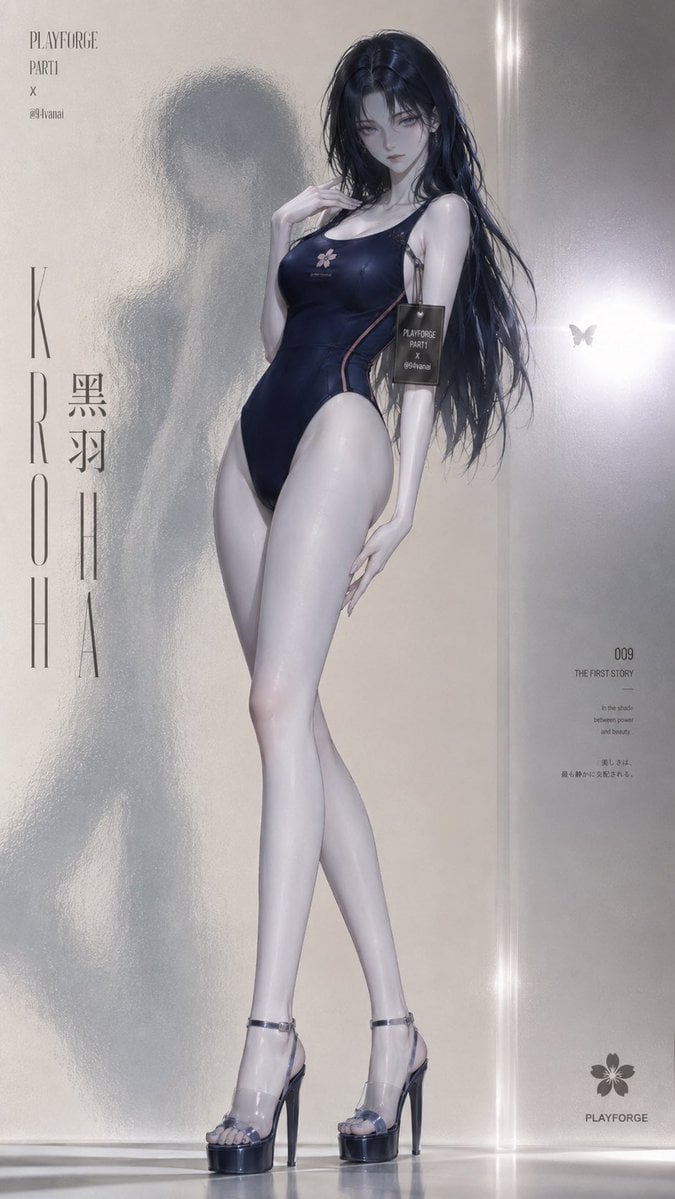
Frosted Glass Minimalist Texture
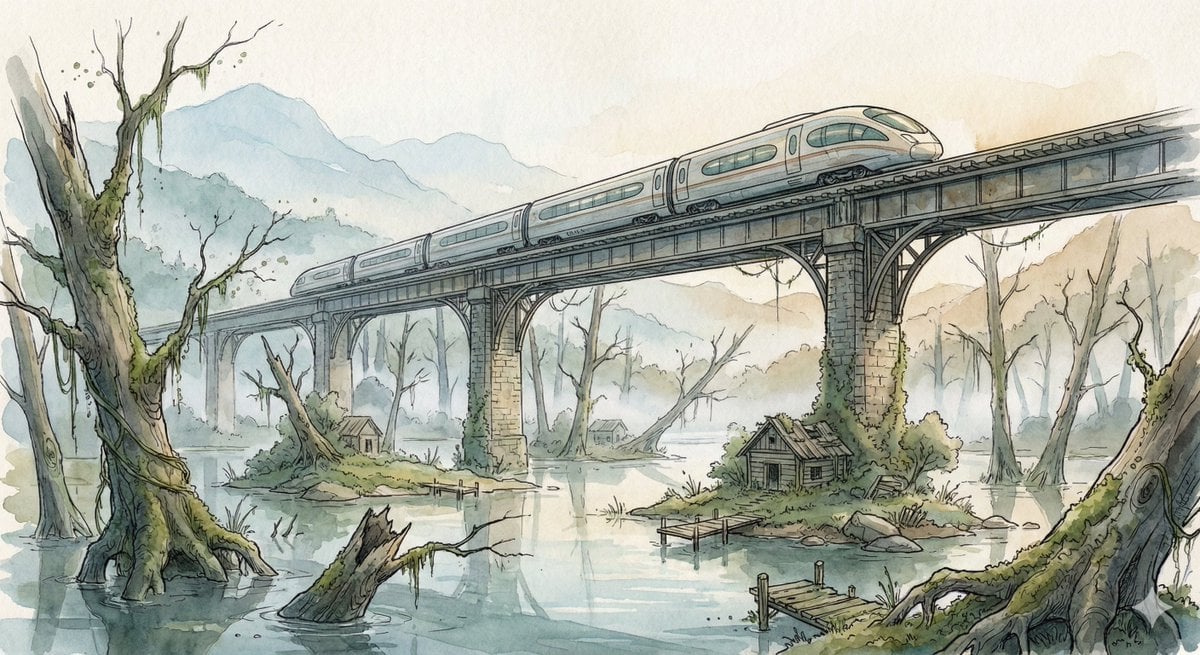
Fantasy Watercolor Illustration of an Elevated Rail Bridge over Flooded Forest
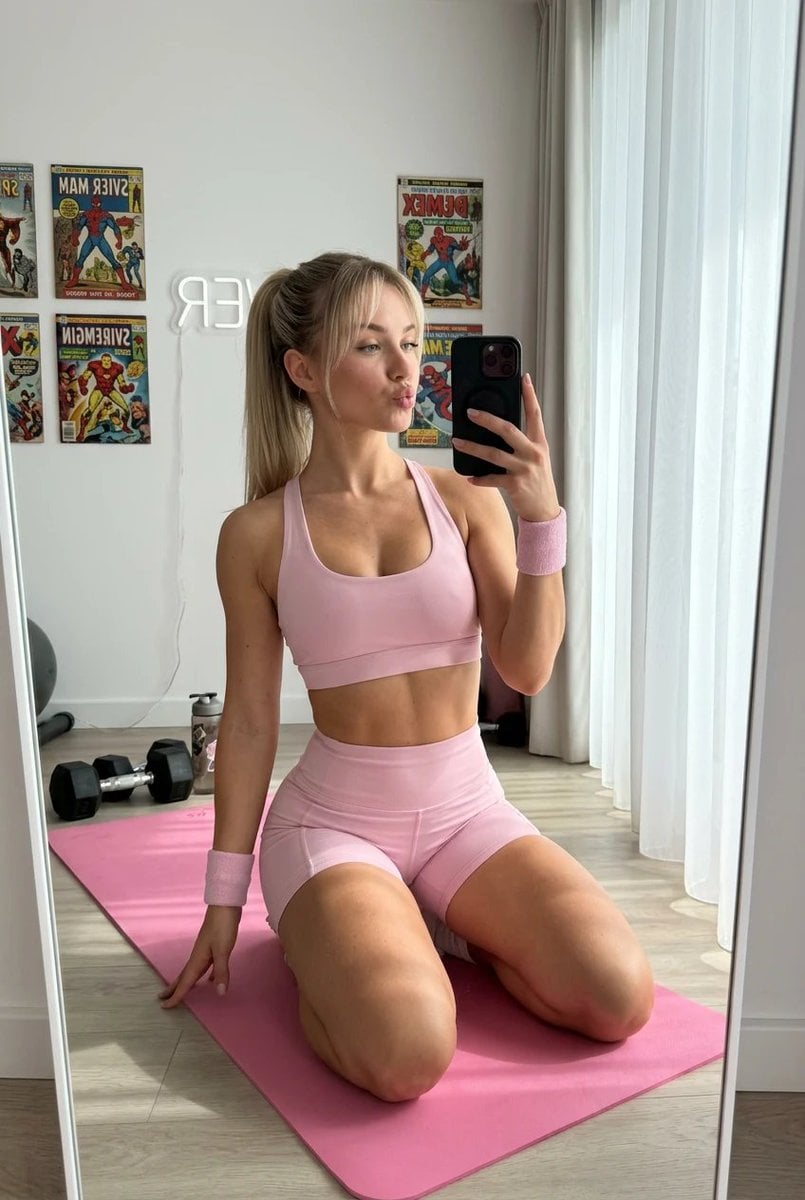
Blonde Fitness Girl Mirror Selfie in Modern Apartment
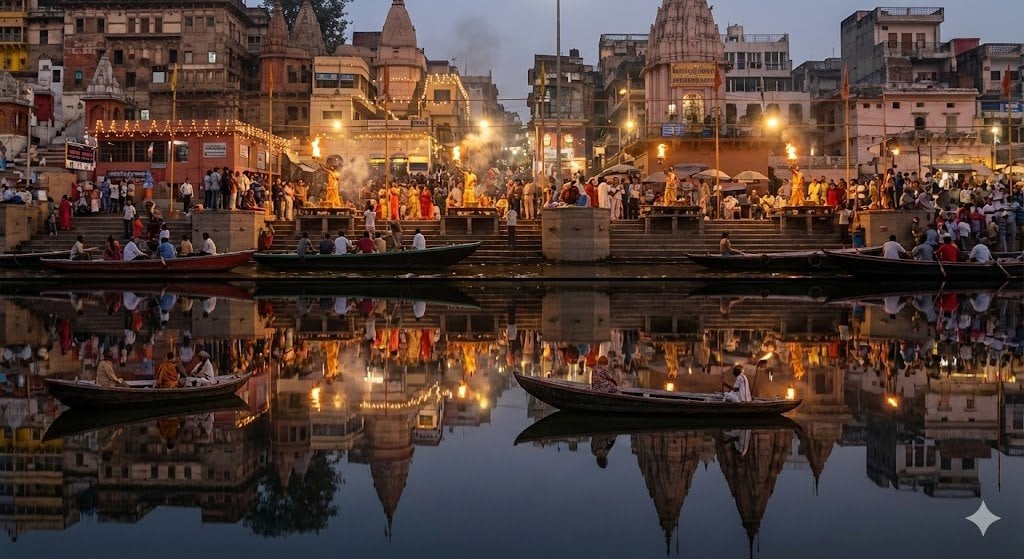
Varanasi ghats dual-timeline reflection scene
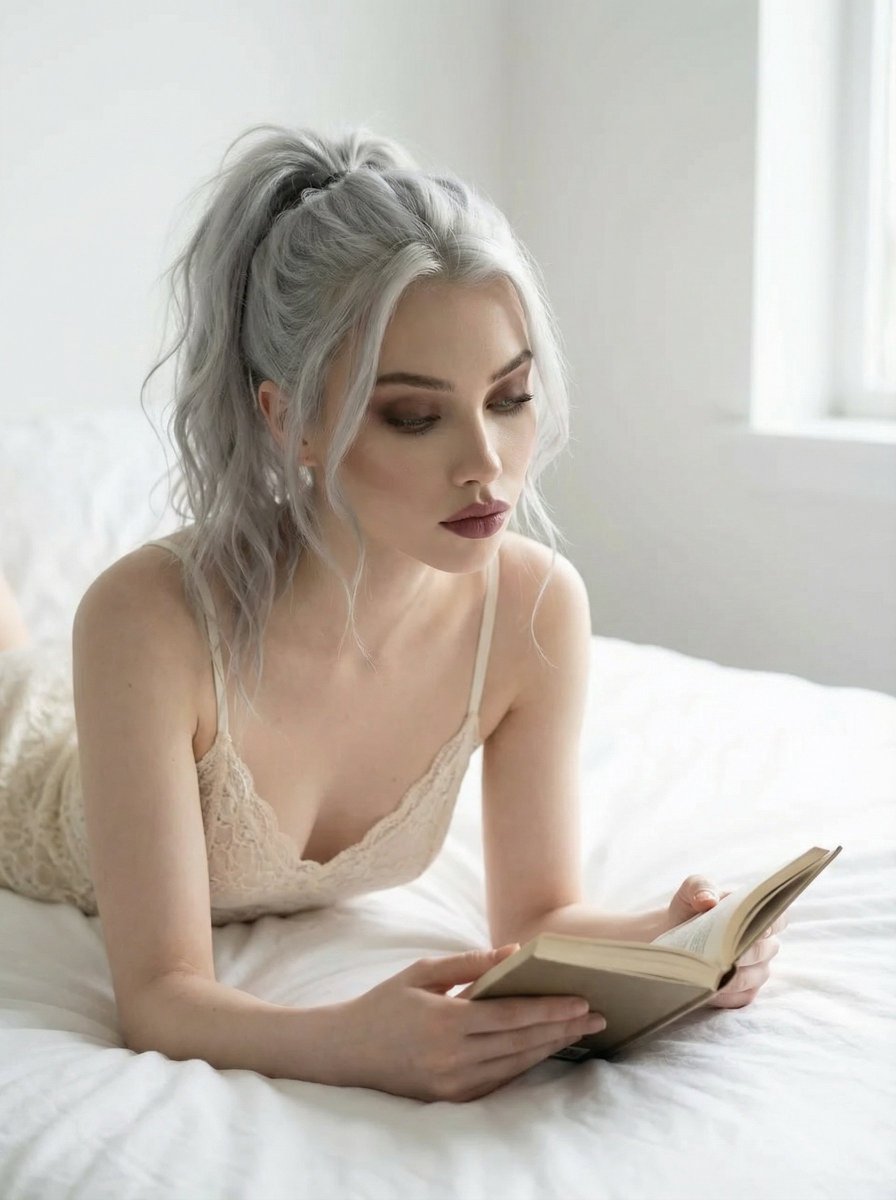
Editorial Portrait of Woman Reading on White Bed
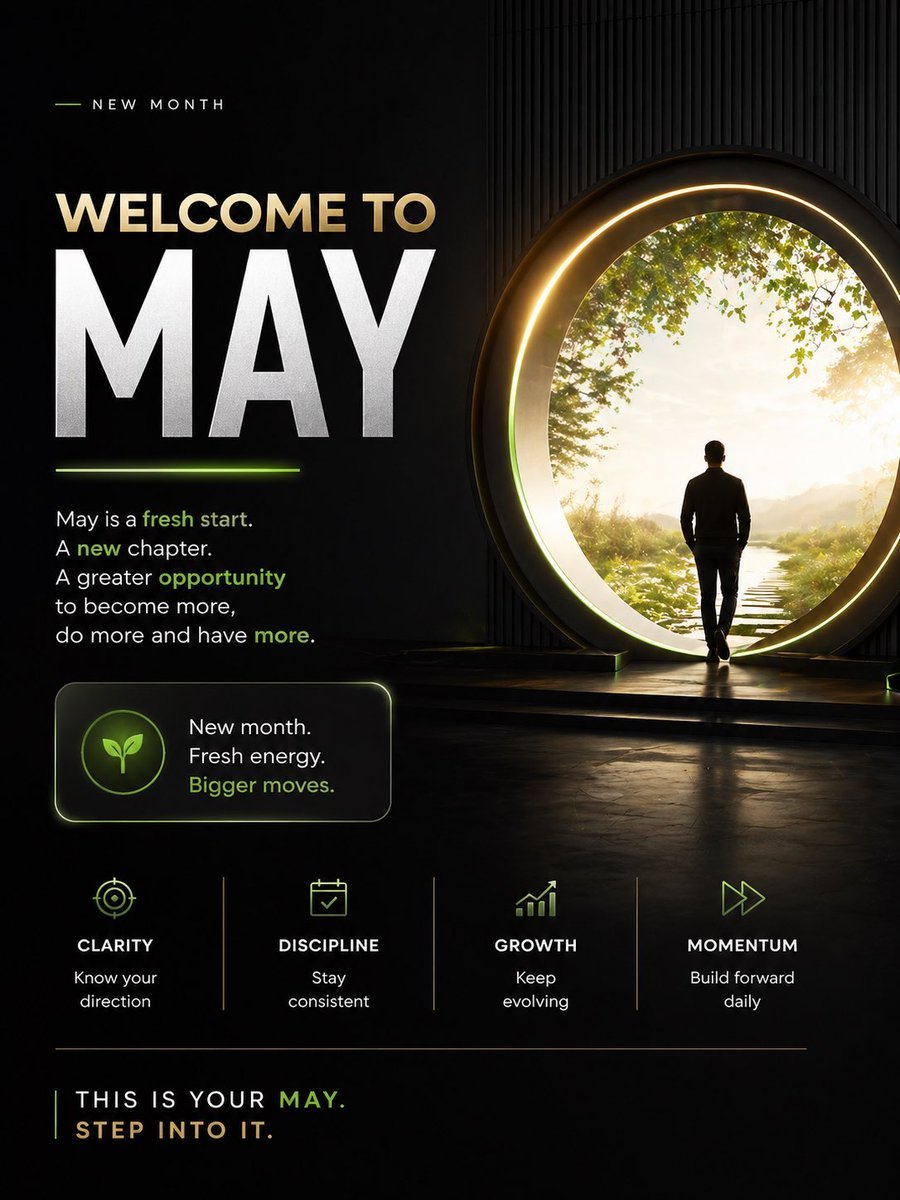
Motivational Welcome to May Poster
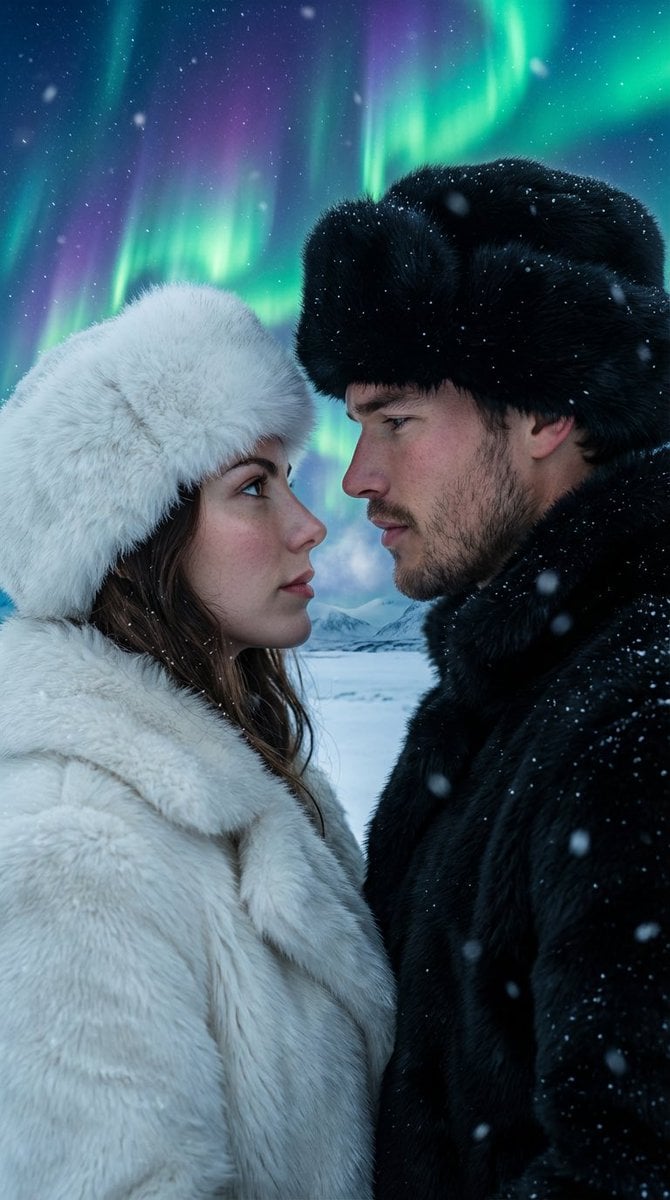
Aurora Borealis Couple Portrait with Identity Preservation
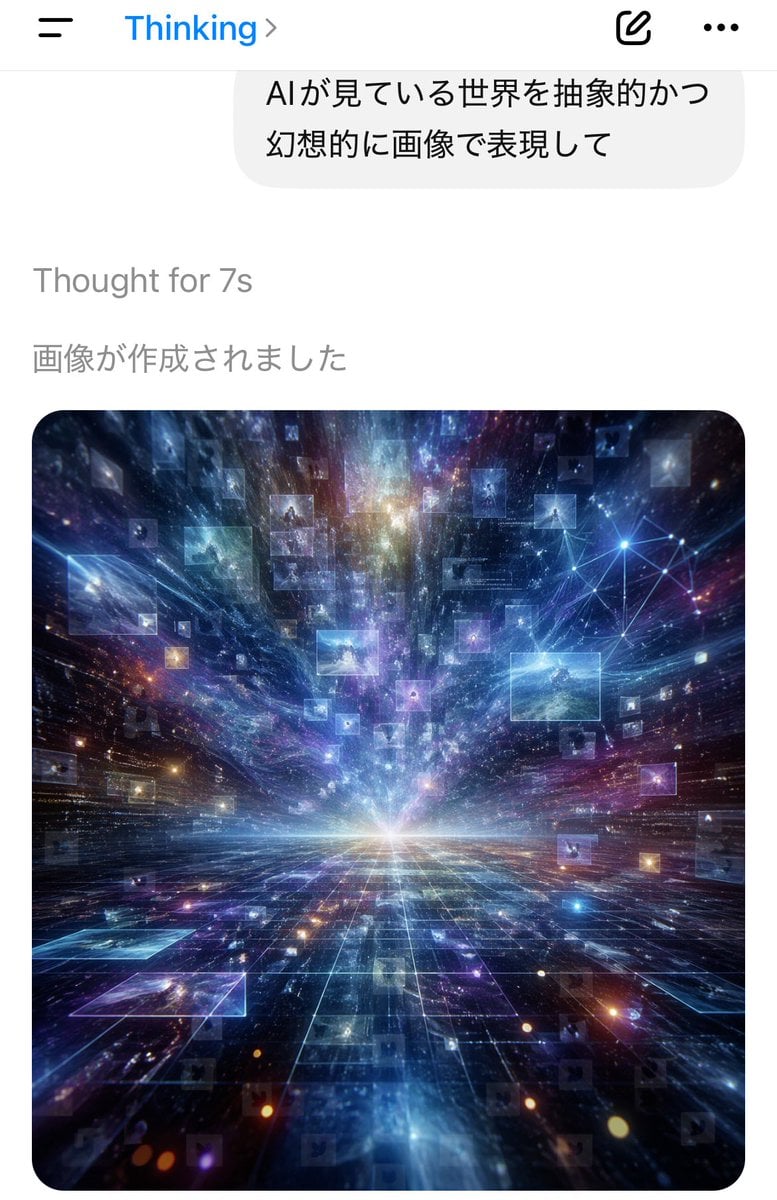
AI Thinking App Screenshot
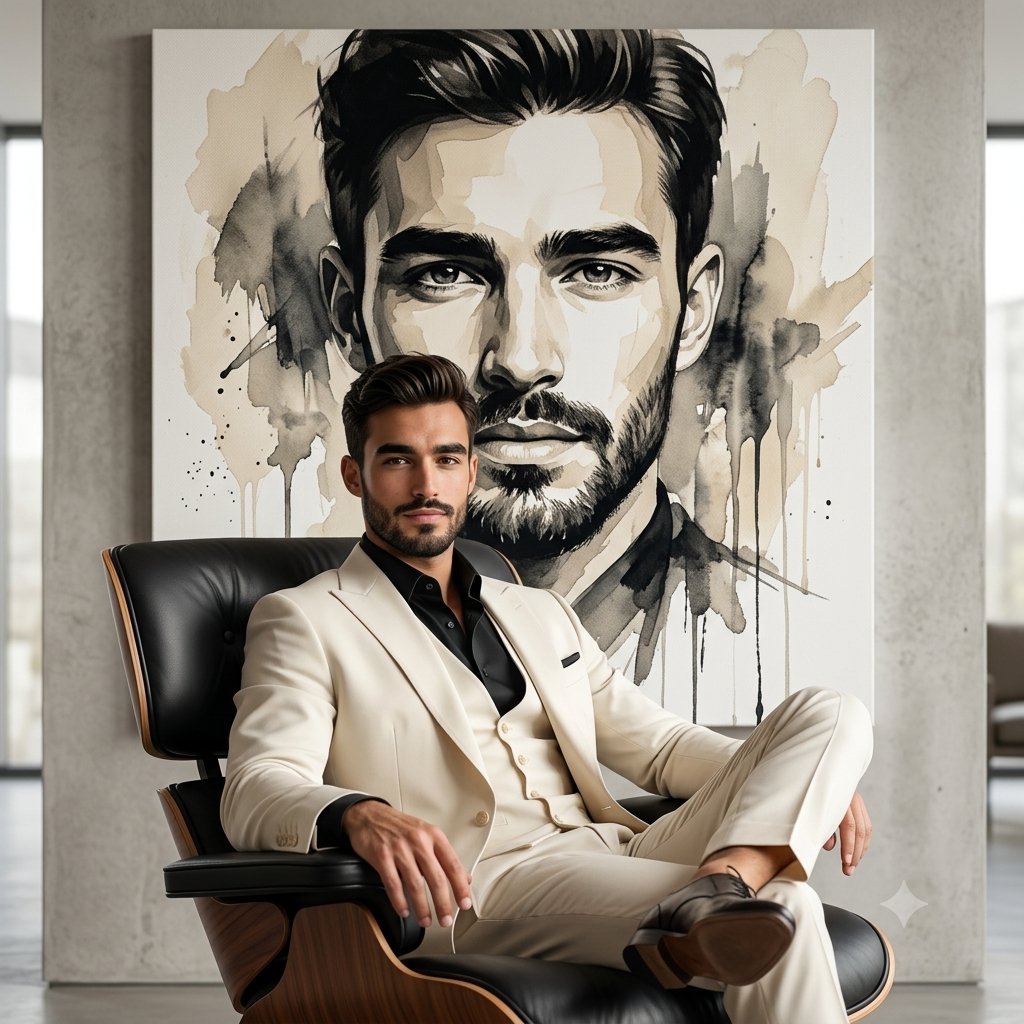
Lounge Suit Cinematic Portrait
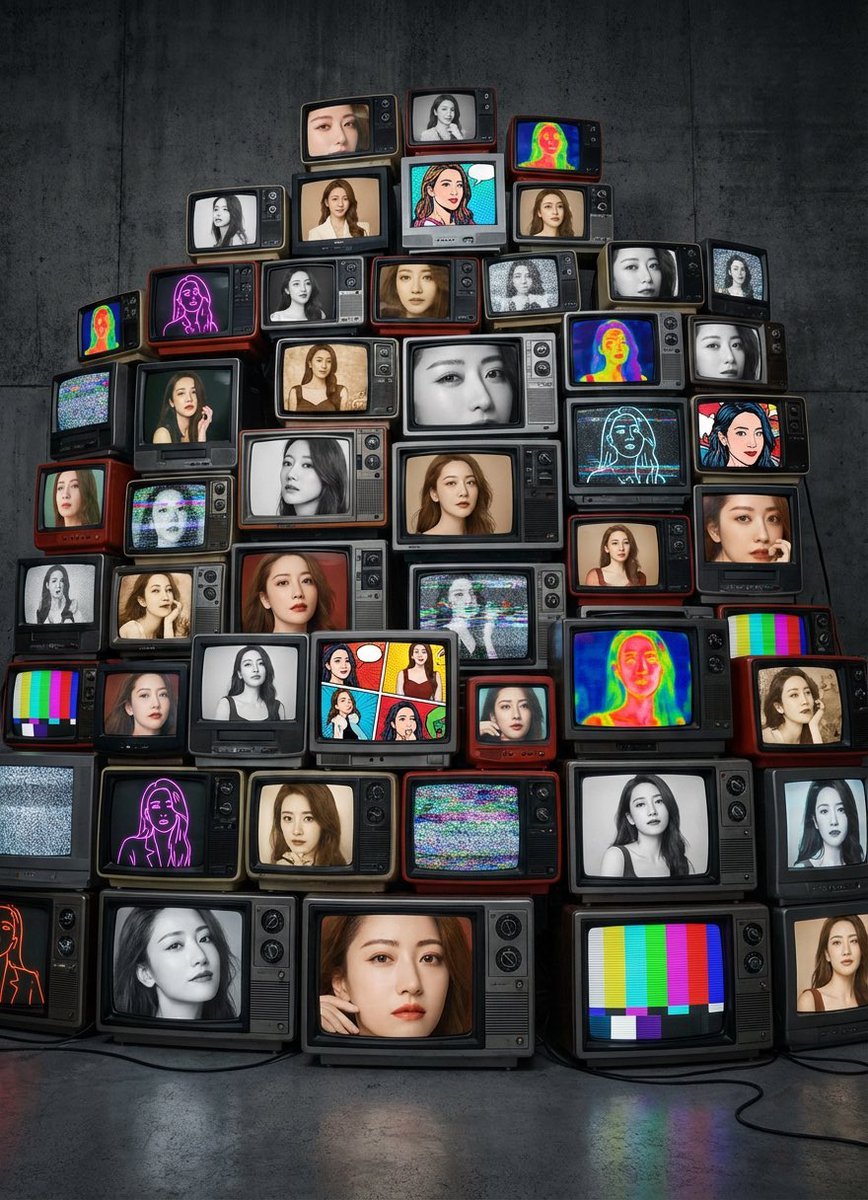
Girlfriend Portrait on Vintage CRT TV Wall
Browse template categories
Elegant Oni Warrior Portrait questions
How do I use the Elegant Oni Warrior Portrait template?
Add your photo if the template asks for one, edit the prompt if you like — the template's model and format are already selected — and press Generate. Your version opens in PicX Studio.
Can I customize the Elegant Oni Warrior Portrait template?
Yes. You can change the subject, setting, lighting, mood, format, and available model controls before creating your image.
Is the Elegant Oni Warrior Portrait template free?
Opening and editing this template is free. Generating uses credits, shown on the Generate button when you are signed in.
Which AI model should I use?
Start with GPT Image 2, which is the model associated with this template. You can compare another compatible model for a different finish.
Looking for something else? Browse all templates.

Your photo, any look
Thousands of ready templates for every top image and video model, from one credit balance.