
Varanasi ghats dual-timeline reflection scene
A richly written cinematic night scene of Varanasi ghats where the river reflection shows a different historical era, ideal for testing complex reflections and temporal storytelling.
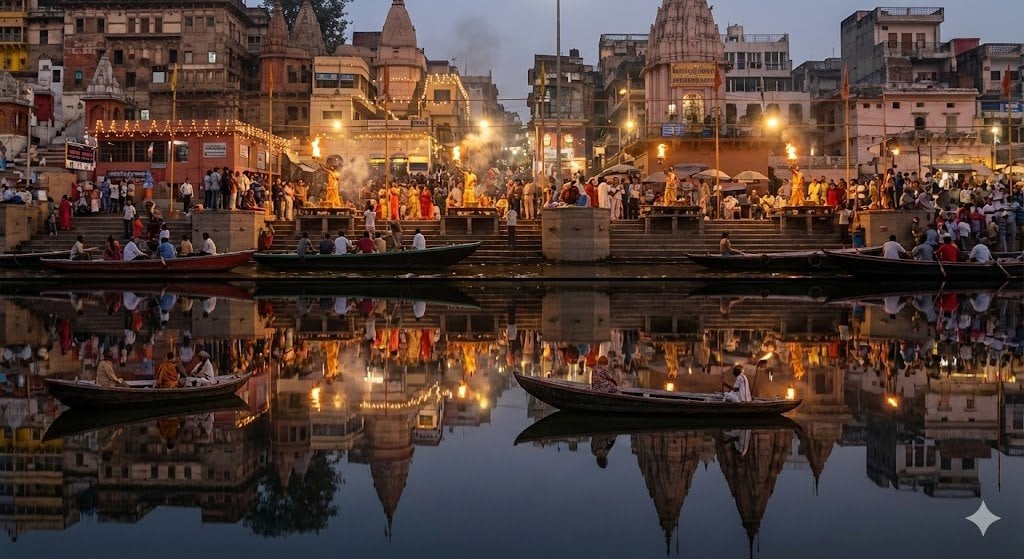
- Prompt included
- Model and format preset
- Free template
The prompt behind this image
Copy the exact prompt behind Varanasi ghats dual-timeline reflection scene, or open it in the studio and make it yours.
a richly detailed night scene of the {argument name="location" default="varanasi ghats"} during the evening aarti, captured from a viewpoint directly across the {argument name="river_name" default="ganges"}. the top half of the image shows the present-day city: crowds gathered on the steps, priests performing synchronized aarti with large flaming lamps, electric lights strung across balconies, recent renovations on temple facades, and the mix of old structures with modern signage. firelight and scattered diyas illuminate the smoke drifting softly above the ghats.the bottom half, seen as a perfect mirror on the still surface of the {argument name="river_name" default="ganges"}, shows the same ghats but in an older historical era. the reflection must depict subtle architectural differences: fewer electric lights, oil lamps instead; weathered stone surfaces without modern repairs; wooden boats of older design; people in period-accurate clothing; and temple towers in their earlier structural forms. the water should be glassy, with minimal distortion, allowing both timelines to align precisely like a split reality. lighting, ripples, and reflections must follow correct physics while maintaining the illusion of two coexisting centuries. the result should feel like a single photograph capturing present above and past below, bound together by the river’s mirror.
How to use Varanasi ghats dual-timeline reflection scene in 3 steps
- 1
Open
The prompt is already in the box next to the preview, with the template's model and format selected.
- 2…a portrait of your subject in softgolden-hour light, 85mm…
Personalize
Edit the subject and creative details for your destination.
- 3Generate
Generate
Press Generate — your image is created in PicX Studio, so you can compare it with the original and refine one variable at a time.
More like this
Templates with the same subject, style or setup. Open one to see its prompt.

Japanese Film Reflection Idol
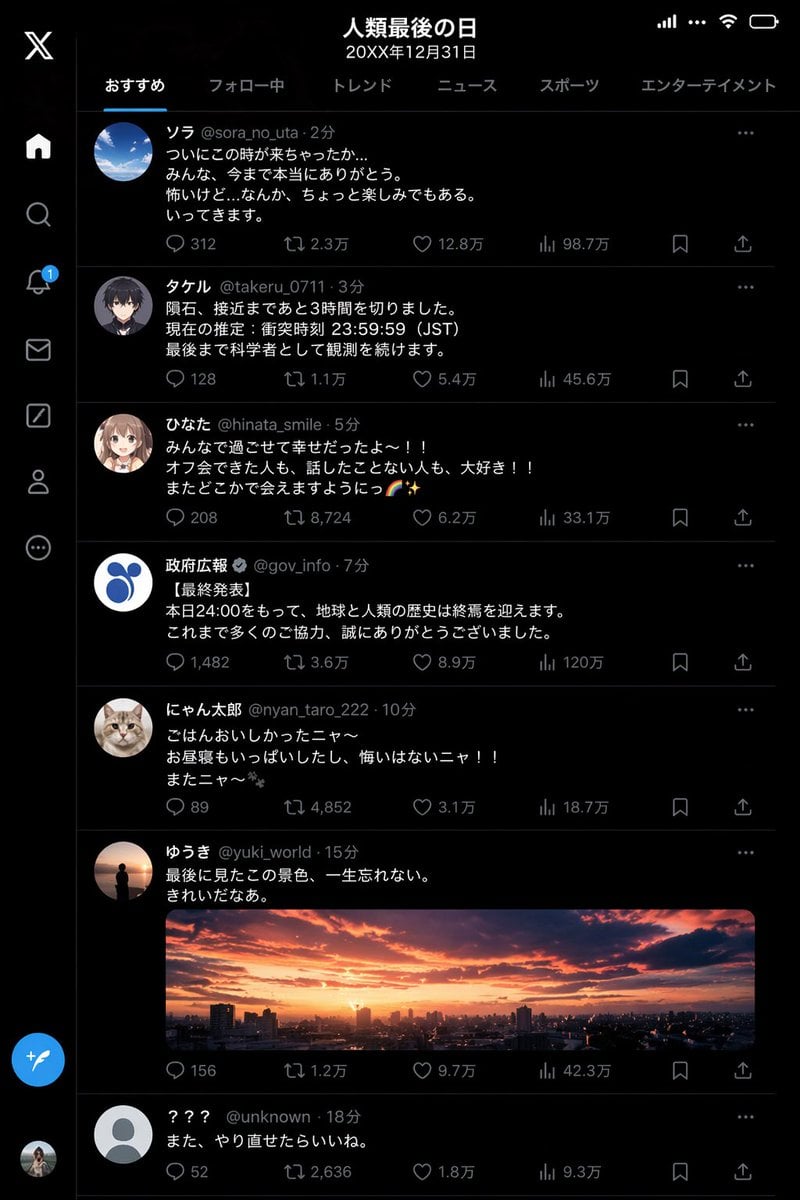
Humanity's Last Day X Timeline
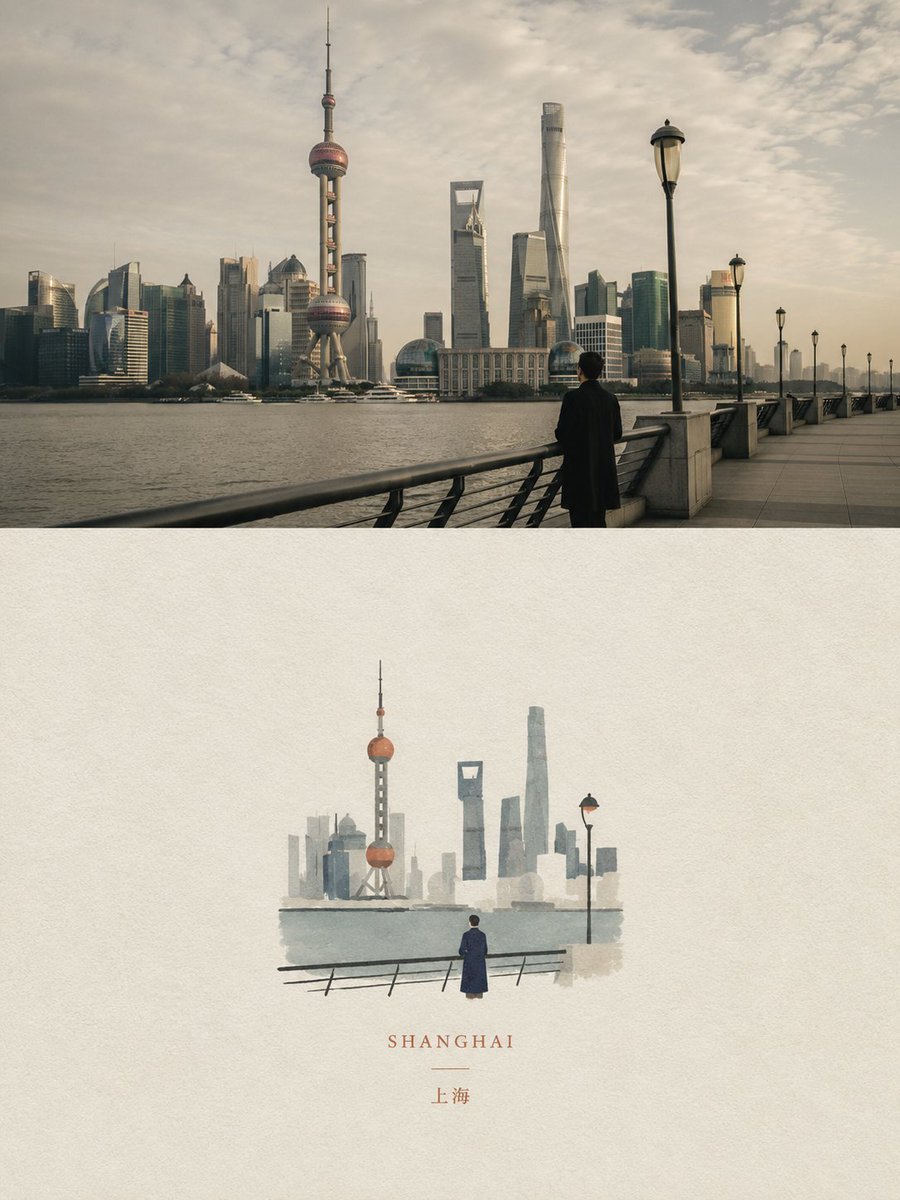
Dual Editorial Poster Layout

Cinematic Mirror Reflection Portrait

Dual Car Typography Poster Series
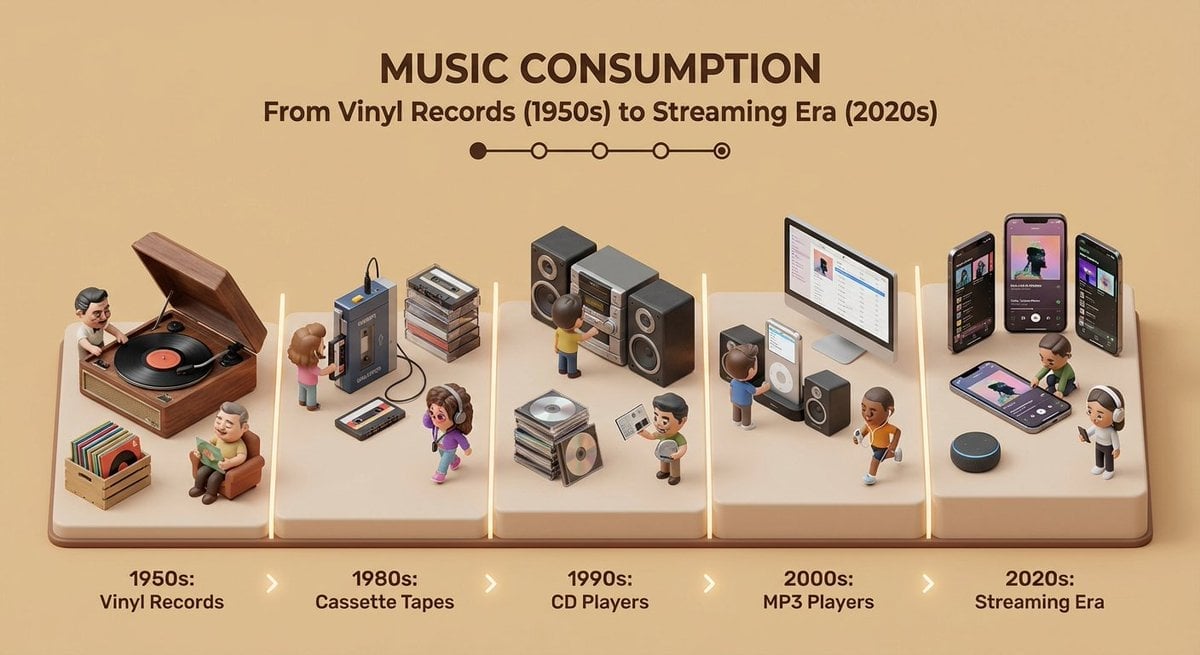
Isometric Evolution Timeline Diorama
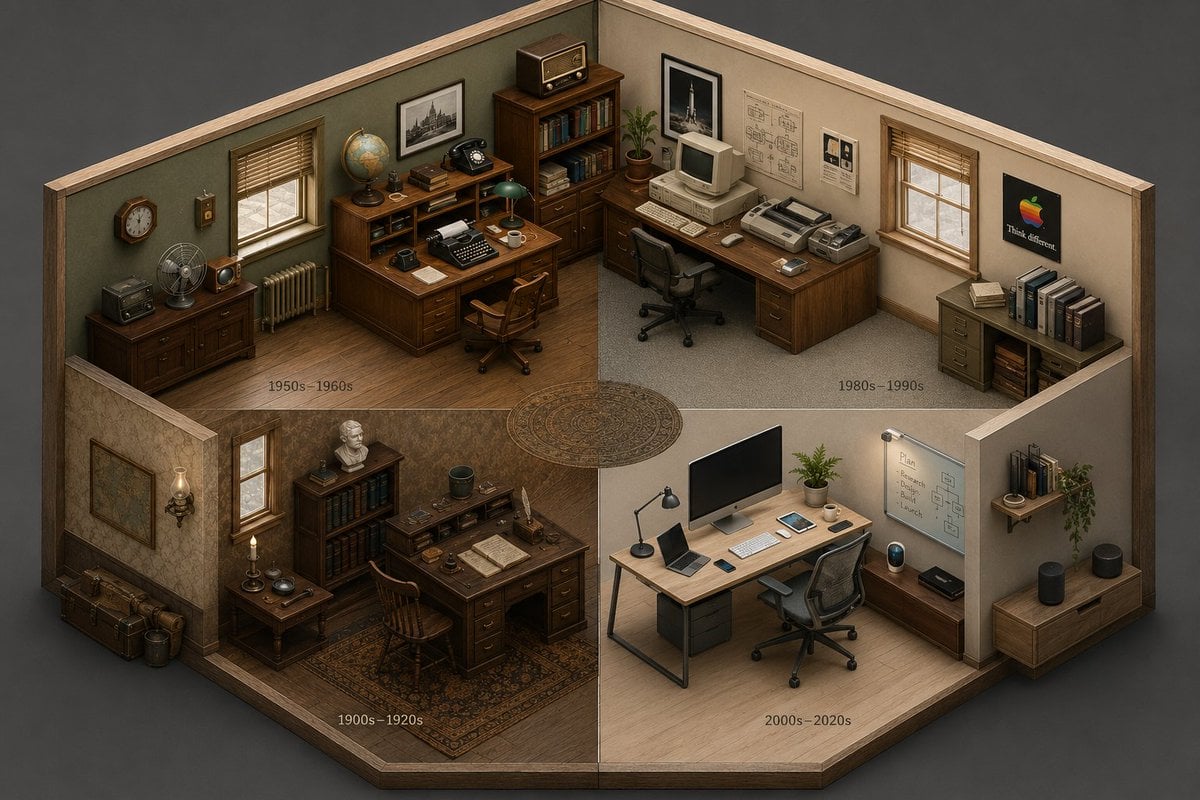
Isometric Room History Timeline

X Timeline Breakout Digital Art
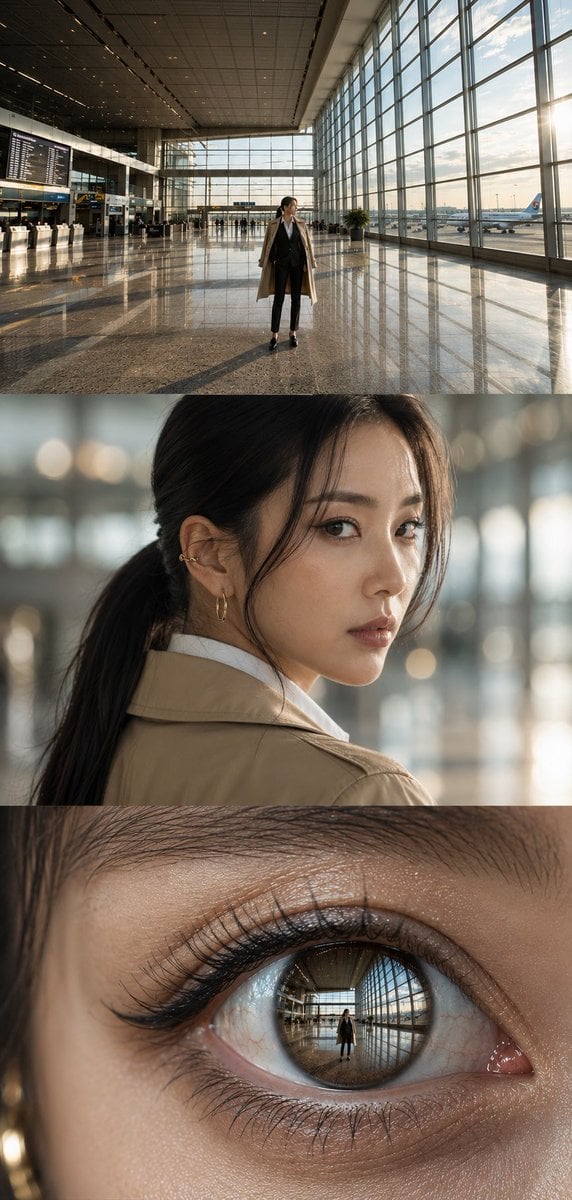
Airport Triptych Eye Reflection
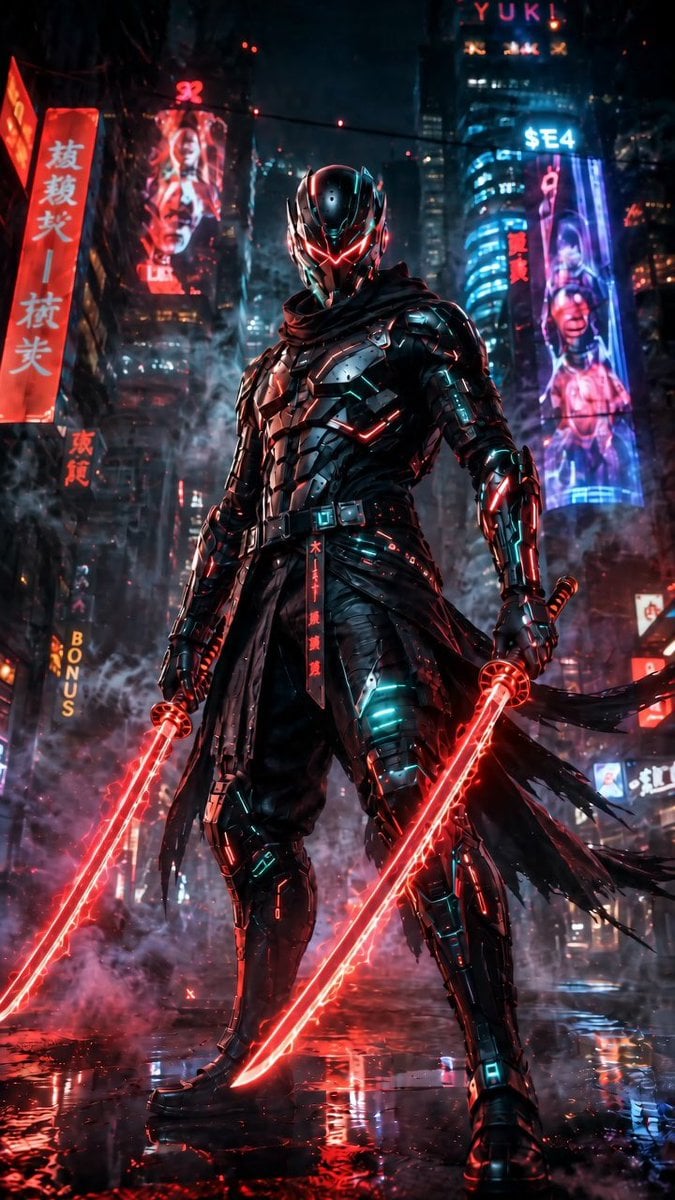
Cyberpunk Dual-Katana Ninja
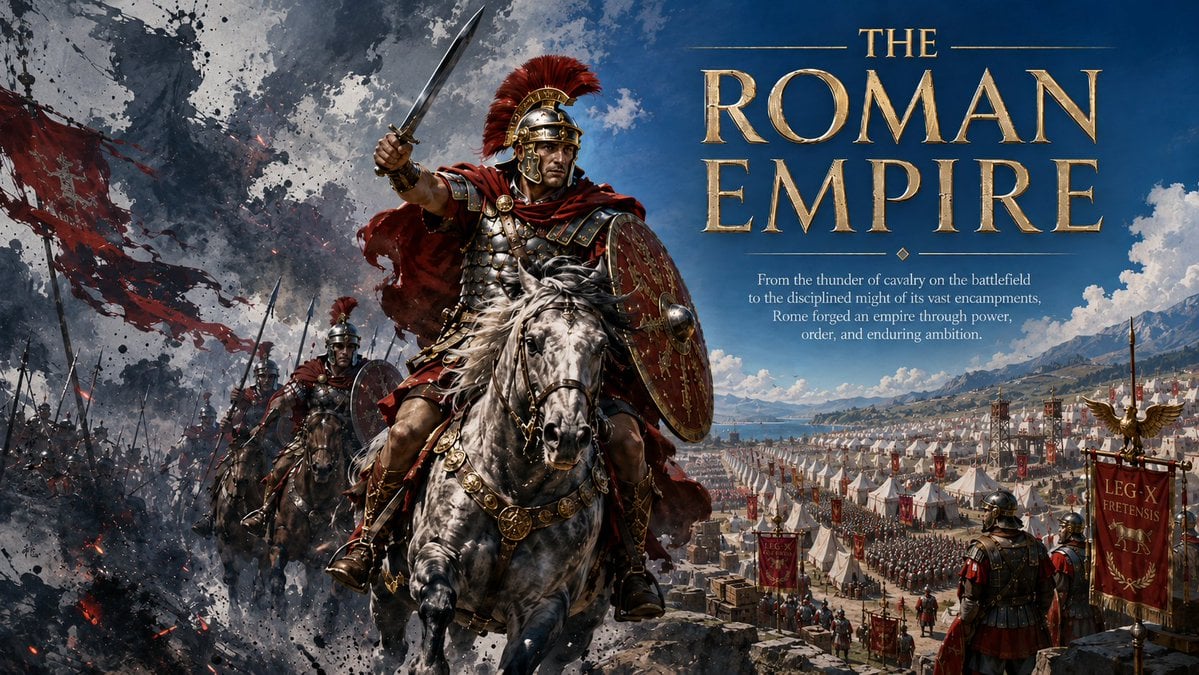
Roman Empire Dual-World Poster

AI Coding Partner Timeline
Make it yours
Varanasi ghats dual-timeline reflection scene works as-is. These are the safest ways to change it without losing the look.
Change one field
Copy a single group, rewrite it, and generate again so you can see what that field is doing.
Keep the frame, change the subject
Hold the composition and light of Varanasi ghats dual-timeline reflection scene, then swap wardrobe, props or the person for a new take.
| If the result… | Why | Fix |
|---|---|---|
| The result drifts from the preview | Too many fields changed at once. | Reuse Varanasi ghats dual-timeline reflection scene as-is first, then change one group — subject, light, or setting. |
| The model over-stylizes the scene | The prose prompt leaves finish and camera underspecified. | Add one camera or lighting sentence and stay on Nano Banana 2. |
More Nano Banana 2 templates
Other prompts made for Nano Banana 2.

Photorealistic Leaf Shaped Like a Dragon

K-Pop Idol Portrait Grid for Rapid Selection

Poetic Rain Forest Portrait During Golden Hour

Urban Street Portrait with Cartoon Inner Self Duo

Candid Nighttime Photo with Cat Prompt

High-Concept 3D Diorama Generation Prompt

Cinematic Futuristic Studio Portrait Template

Skincare Editorial Photography Collage Prompt

Hyper-Realistic Commercial Product Photography (Splash Effect)

Hyper-Realistic Nightclub Portrait Prompt
More image prompts
Fresh picks from across the catalog.
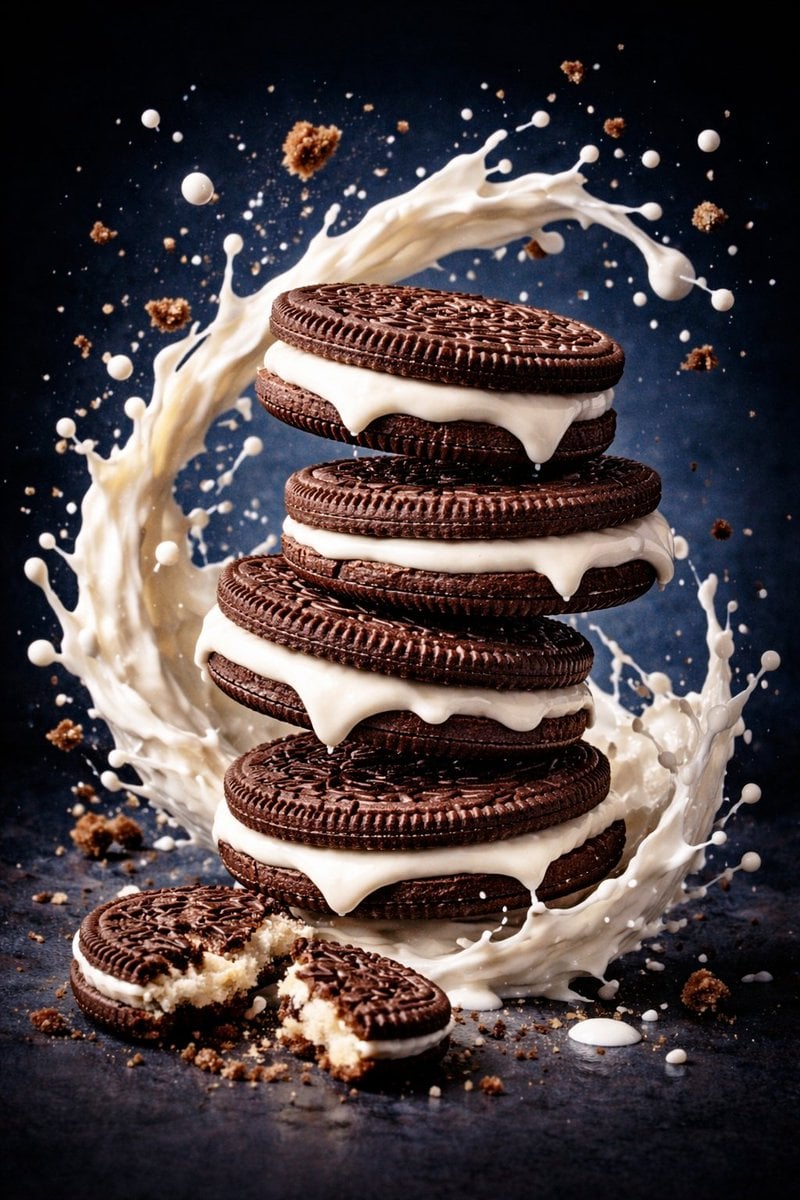
Ultra-Realistic Commercial Food Photography Prompt (Biscuits)
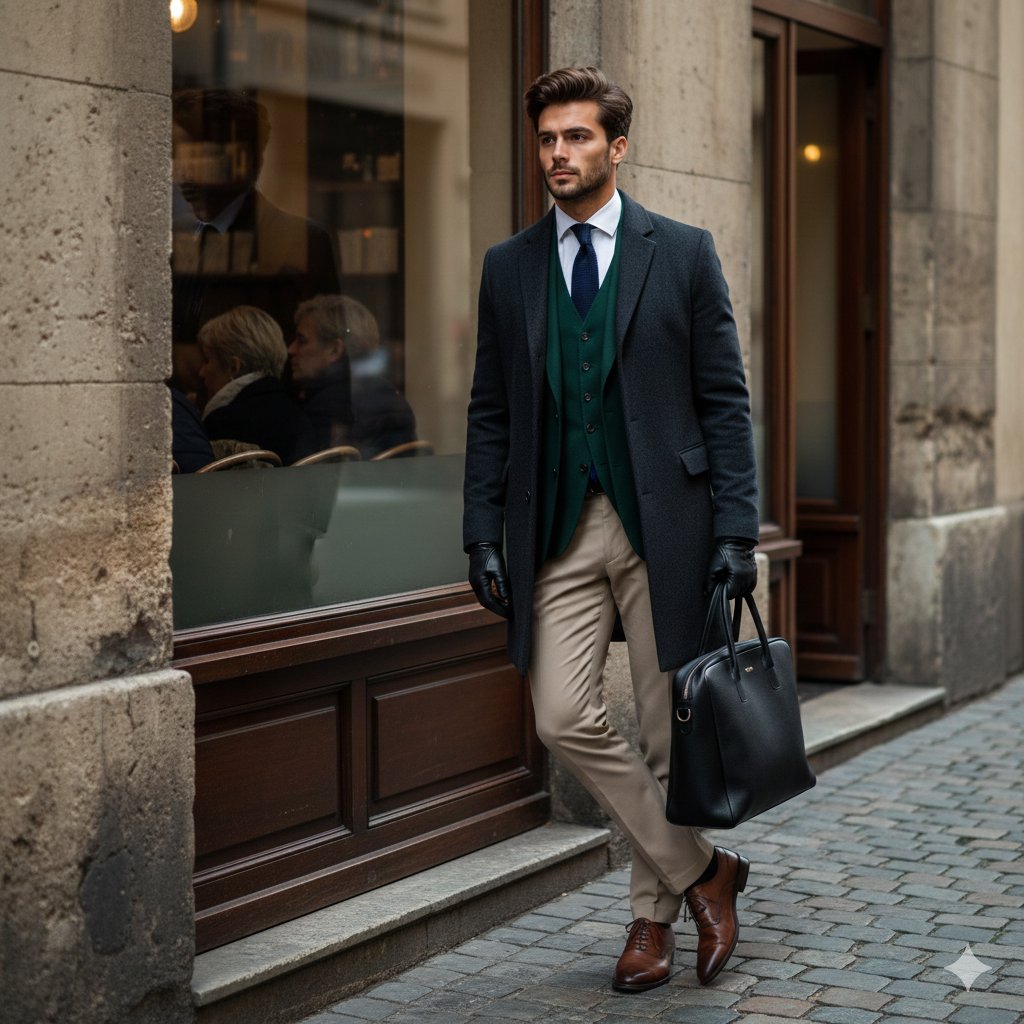
Cinematic Street Fashion Editorial Portrait
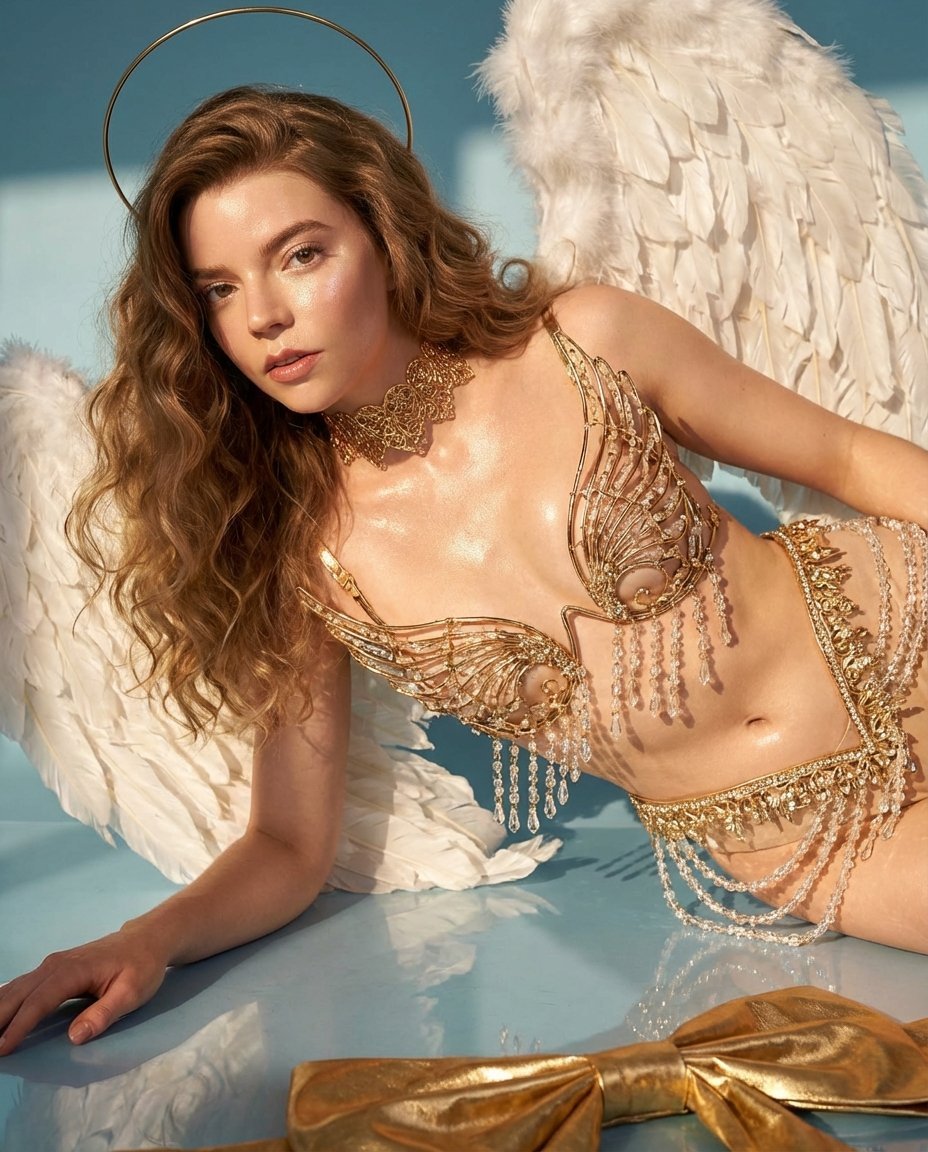
Ethereal Angelic Woman Portrait Prompt for Nano Banana Pro
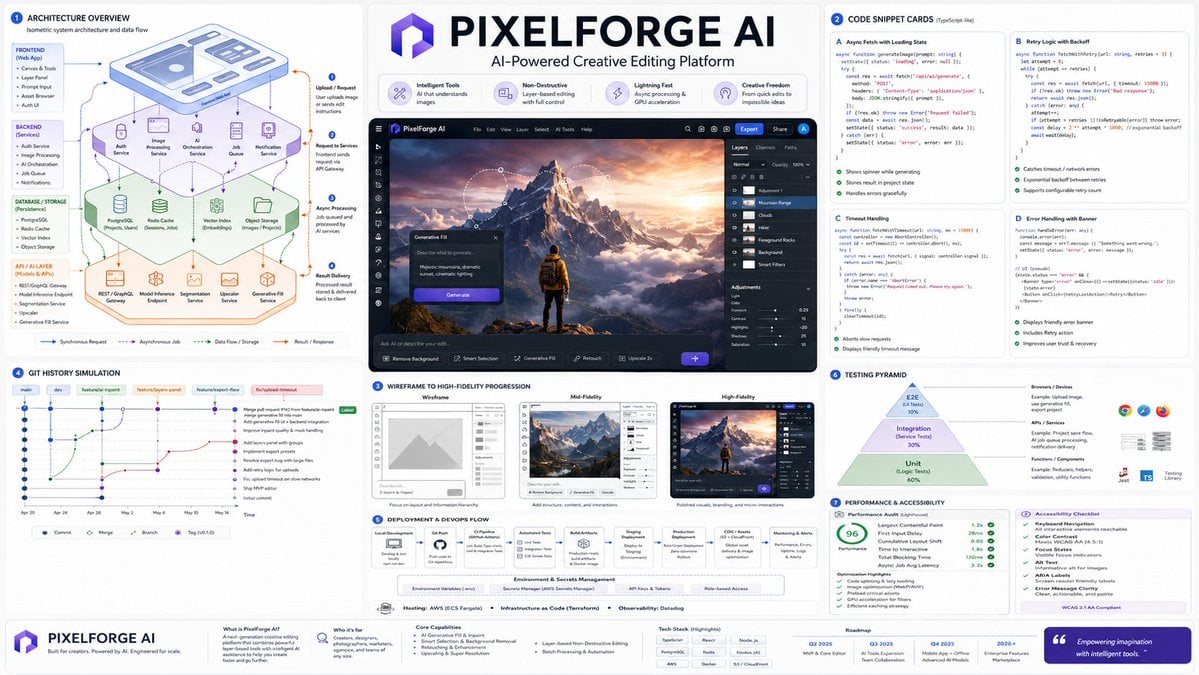
Software Architecture Visualization Diagram
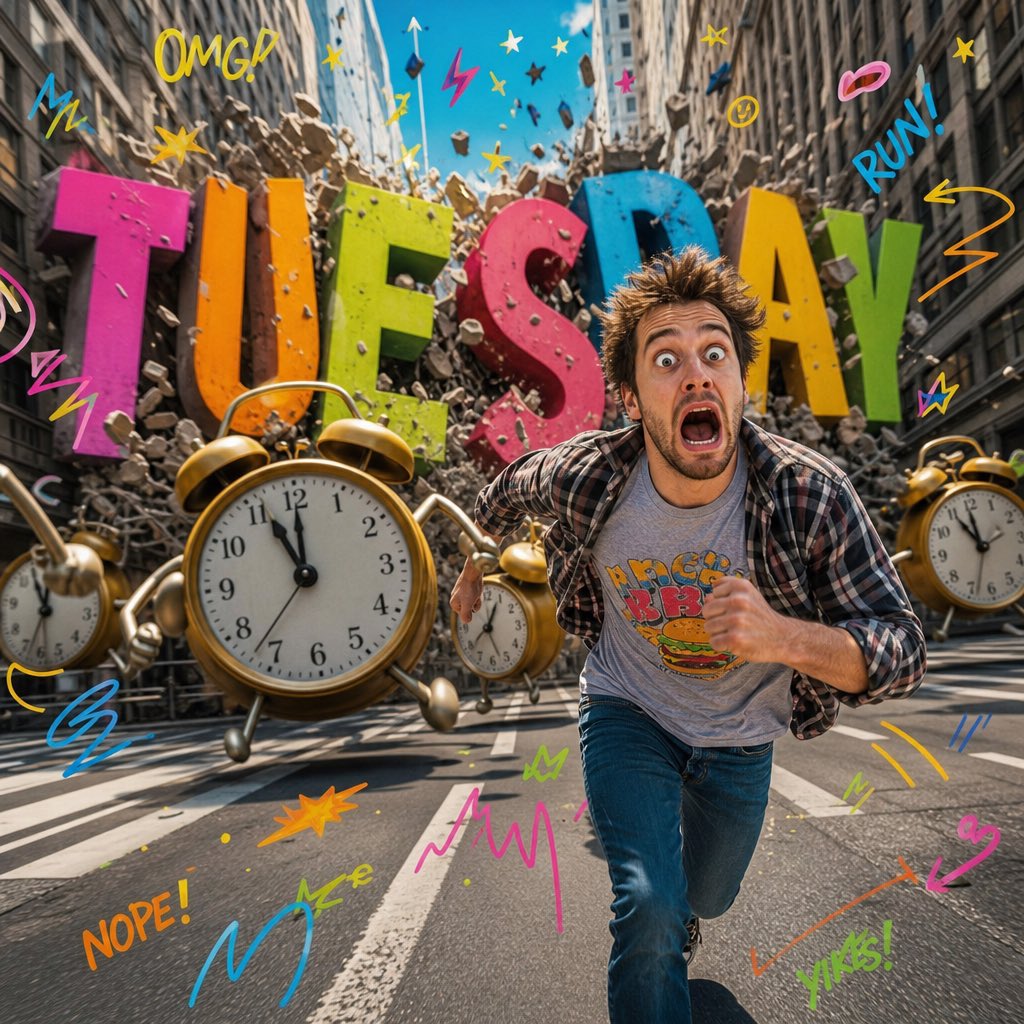
Surreal Pop-Art Tuesday Chaos
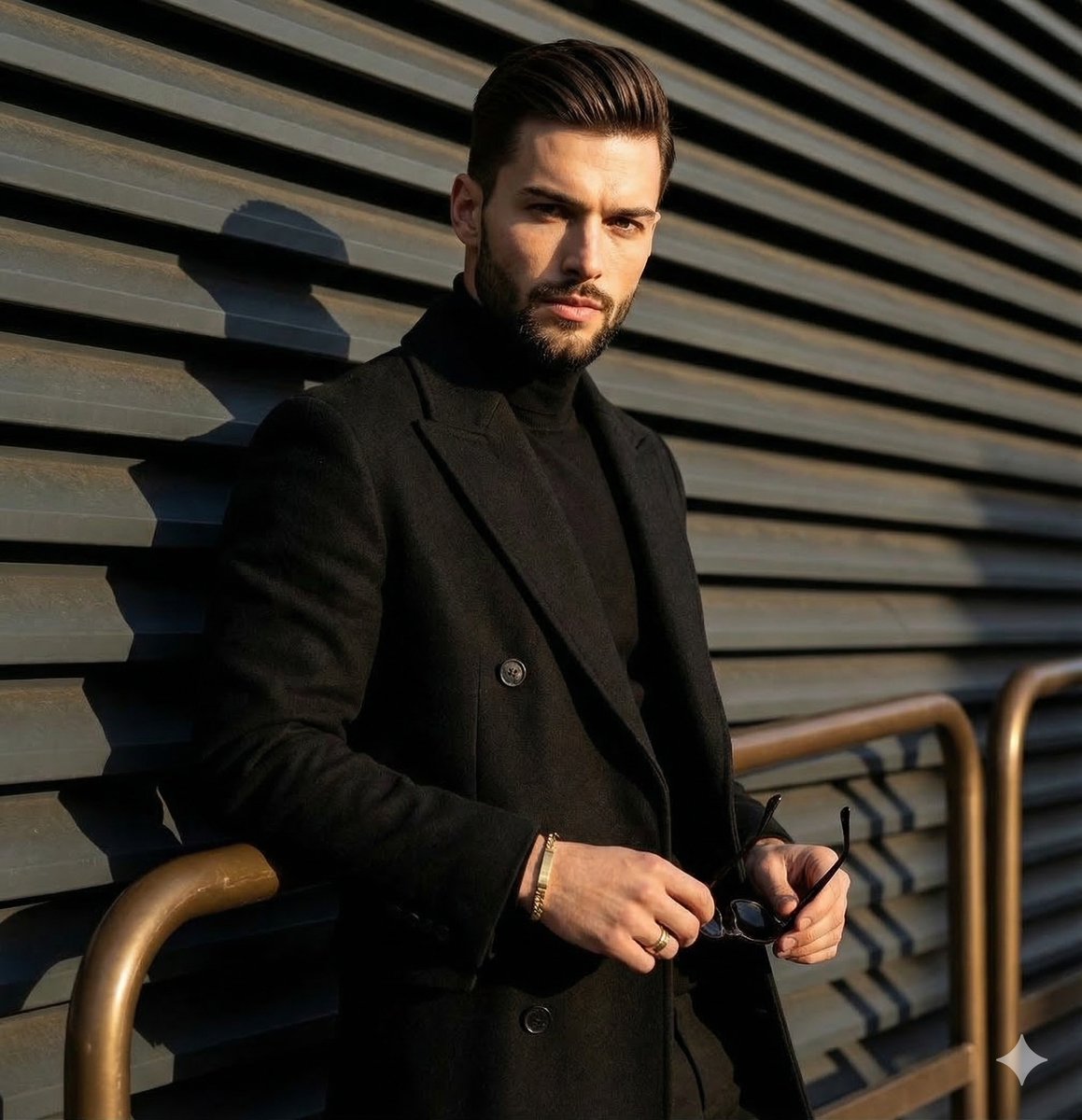
High-contrast editorial portrait of a man leaning on a rail
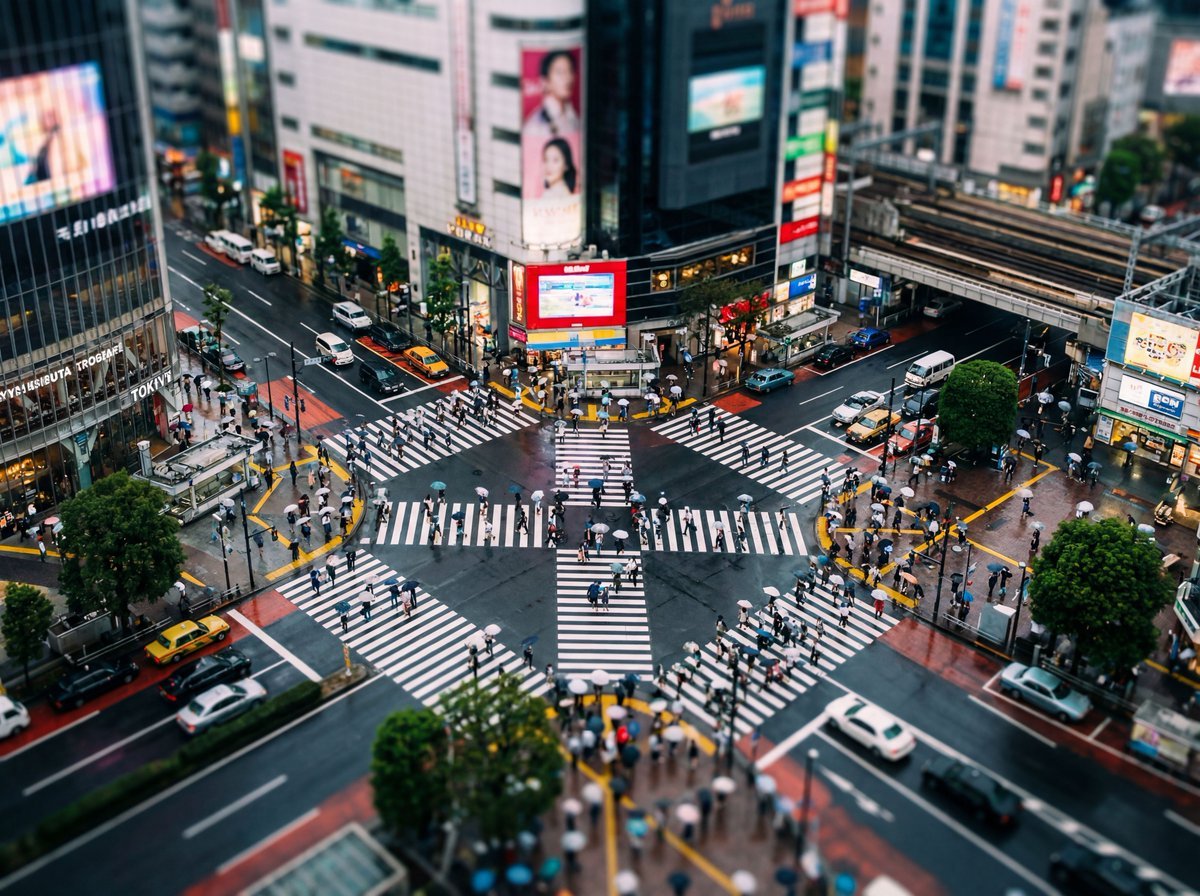
Isometric Photo Generation Prompt
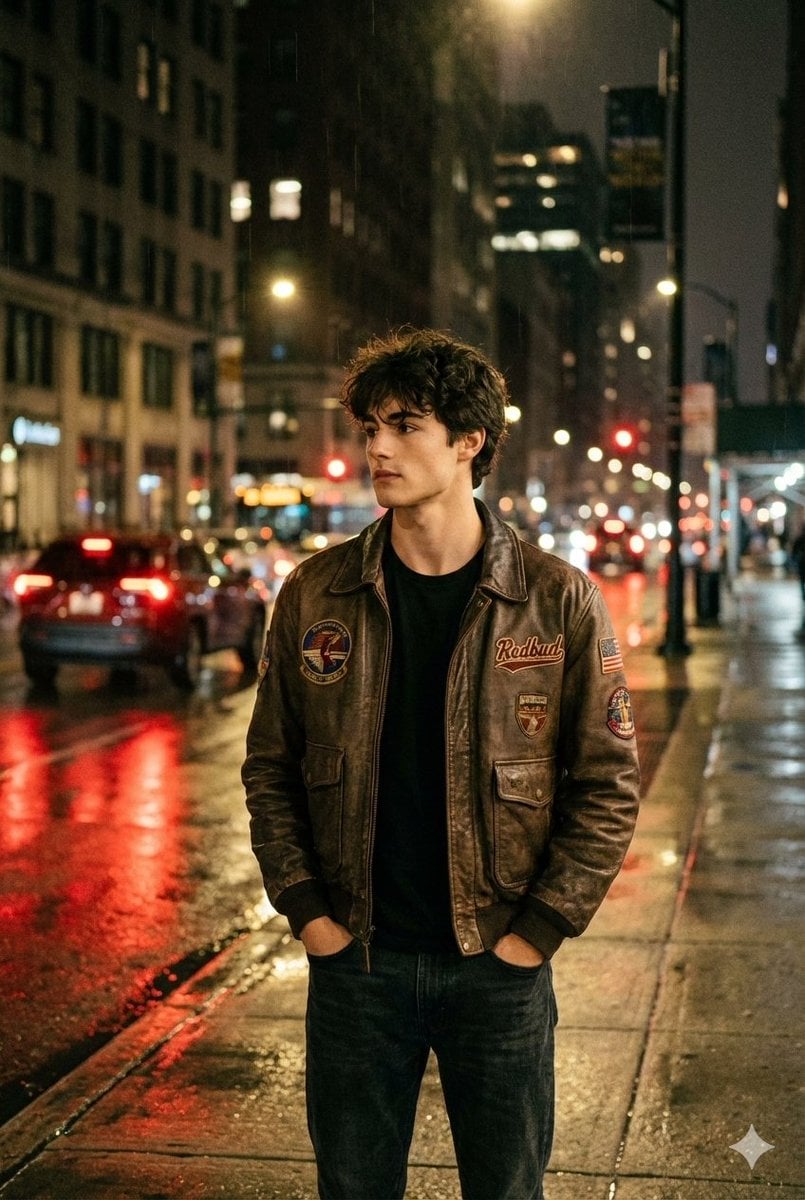
Nighttime Street Portrait with Wet Pavement
Luxury Asian Fashion Editorial
Magical Sky Dancer Portrait
Browse template categories
Varanasi ghats dual-timeline reflection scene questions
How do I use the Varanasi ghats dual-timeline reflection scene template?
Add your photo if the template asks for one, edit the prompt if you like — the template's model and format are already selected — and press Generate. Your version opens in PicX Studio.
Can I customize the Varanasi ghats dual-timeline reflection scene template?
Yes. You can change the subject, setting, lighting, mood, format, and available model controls before creating your image.
Is the Varanasi ghats dual-timeline reflection scene template free?
Opening and editing this template is free. Generating uses credits, shown on the Generate button when you are signed in.
Which AI model should I use?
Start with Nano Banana 2, which is the model associated with this template. You can compare another compatible model for a different finish.
Looking for something else? Browse all templates.

Your photo, any look
Thousands of ready templates for every top image and video model, from one credit balance.