
Magical Sky Dancer Portrait
Generates a dramatic vertical fantasy portrait of a kimono-clad woman summoning sparkling water ribbons beneath a radiant blue sky.
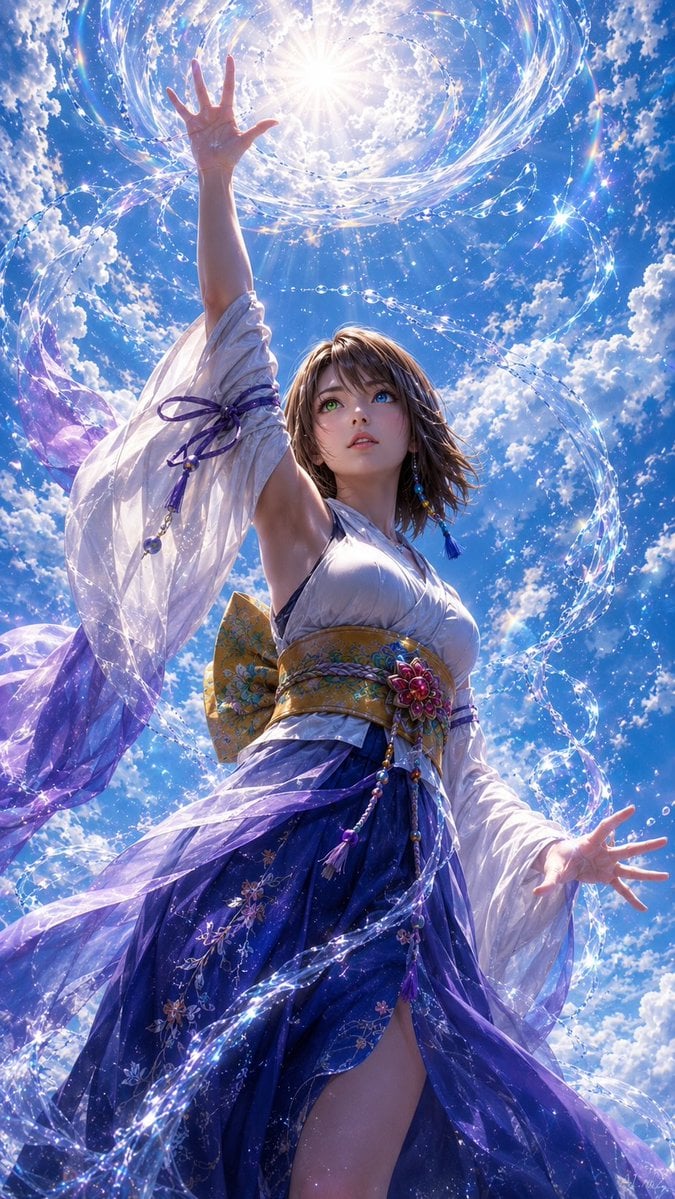
- Prompt included
- Model and format preset
- Free template
The prompt behind this image
Copy the exact prompt behind Magical Sky Dancer Portrait, or open it in the studio and make it yours.
Create a vertical cinematic fantasy portrait of {argument name="character description" default="a graceful young woman with shoulder-length brown hair"} viewed from a dramatic low angle, standing beneath a brilliant midday sky filled with fluffy white clouds. She wears an elegant flowing kimono-inspired gown: a white satin bodice, sheer translucent white sleeves with purple ribbon ties, a wide ornate gold obi belt with floral decoration and dangling bead tassels, and a deep blue-to-violet layered skirt with embroidered flowers and a high slit. Her face is intentionally covered by a soft square blur, while her pose is expressive and magical: one arm reaches straight upward toward the sun with the hand open and all five fingers visible, and the other arm extends outward with an open hand and five visible fingers. Around her body swirl luminous ribbons of water and sparkling crystal-like droplets, forming spirals and arcs that lead toward a radiant sun halo above her raised hand. Use {argument name="color palette" default="sky blue, white, violet, indigo, gold, and iridescent highlights"}, ethereal fantasy lighting, lens flare, glittering particles, translucent fabric motion, highly detailed costume textures, photorealistic anime-realism, dynamic composition, ultra-detailed, sharp focus, dramatic backlighting, 9:16 aspect ratio.
How to use Magical Sky Dancer Portrait in 3 steps
- 1Upload ImagePNG, JPG or paste
Add your photo
Upload the photo the template builds on. The prompt, model and format are already set.
- 2…a portrait of your subject in softgolden-hour light, 85mm…
Personalize
Edit the subject and creative details for your destination.
- 3Generate
Generate
Press Generate — your image is created in PicX Studio, so you can compare it with the original and refine one variable at a time.
More like this
Templates with the same subject, style or setup. Open one to see its prompt.

Found Photograph: Us, 1970

80s Couple Studio Portrait

80s Bollywood Star

80s Golden Hour Cinema

Me in 1985

1985 Studio Portrait

Hyper-Realistic Minecraft POV Portrait
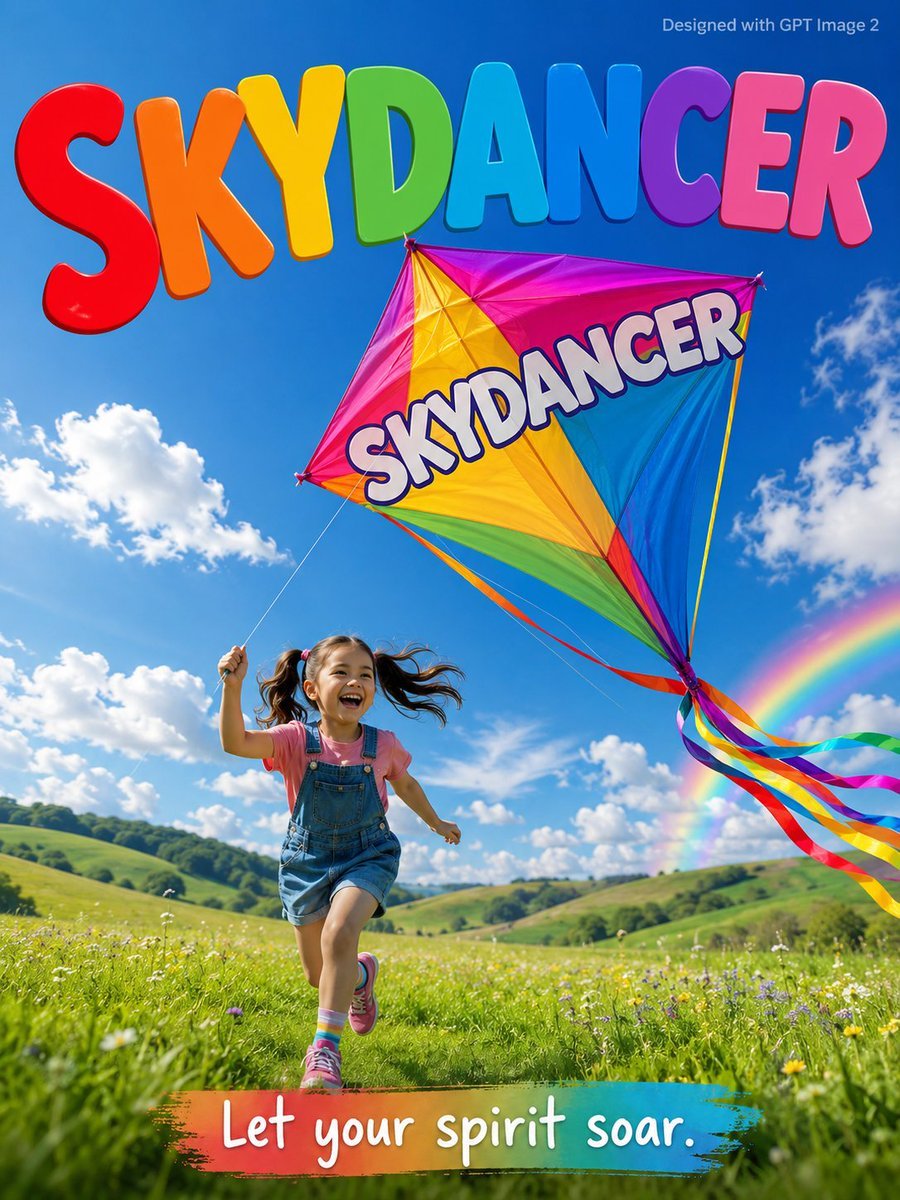
Skydancer Kite Advertisement Poster
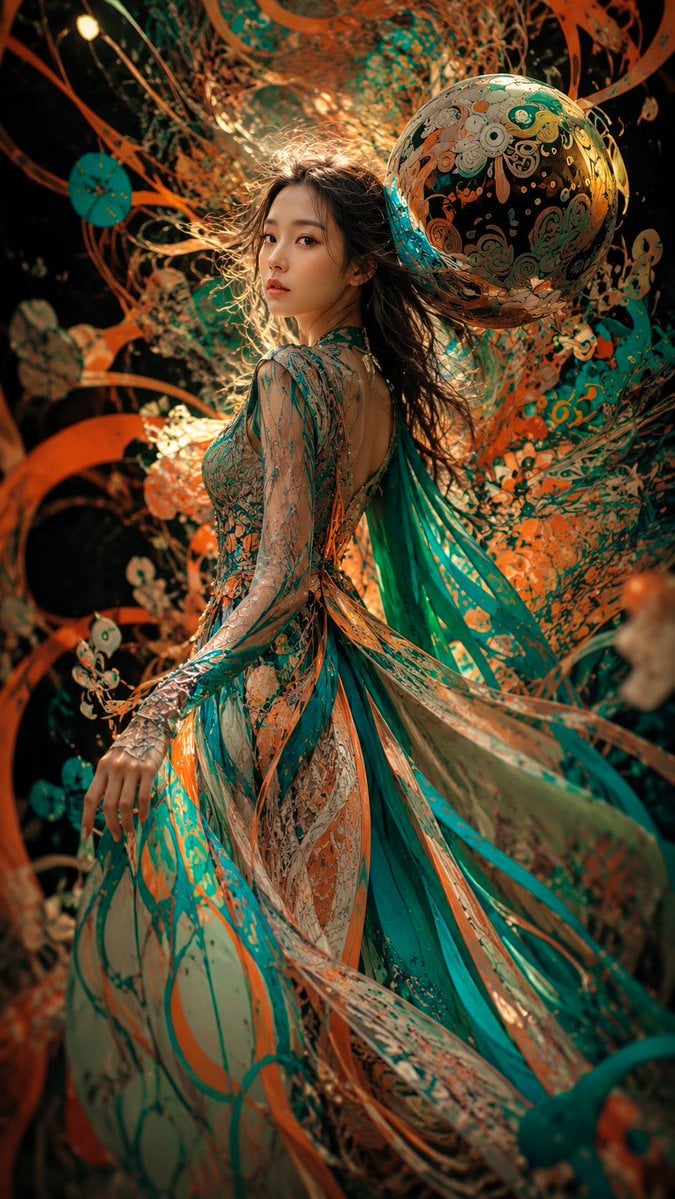
Surreal Couture Dancer Portrait
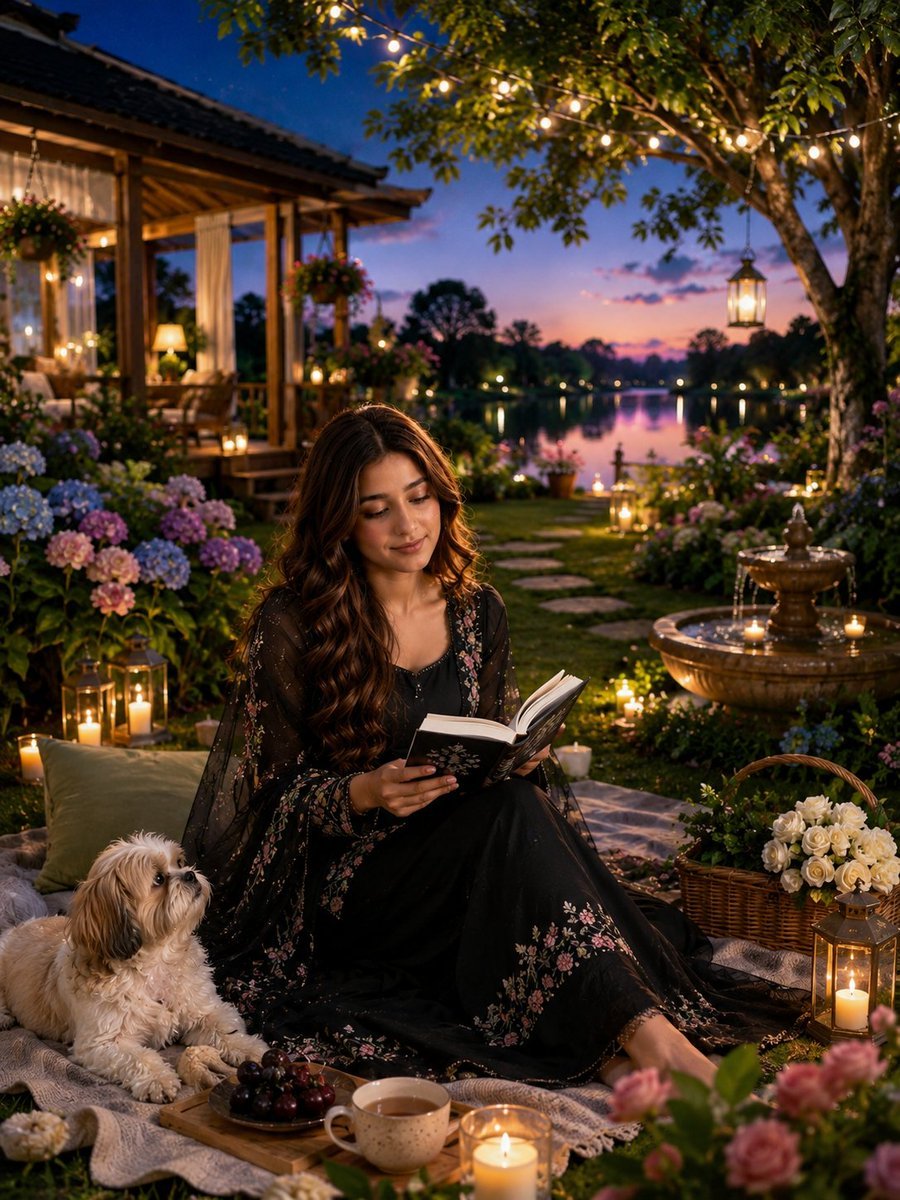
Magical Cottagecore Lakeside Portrait

Rooftop Fisheye — Cat-Ear Balaclava at Golden Hour
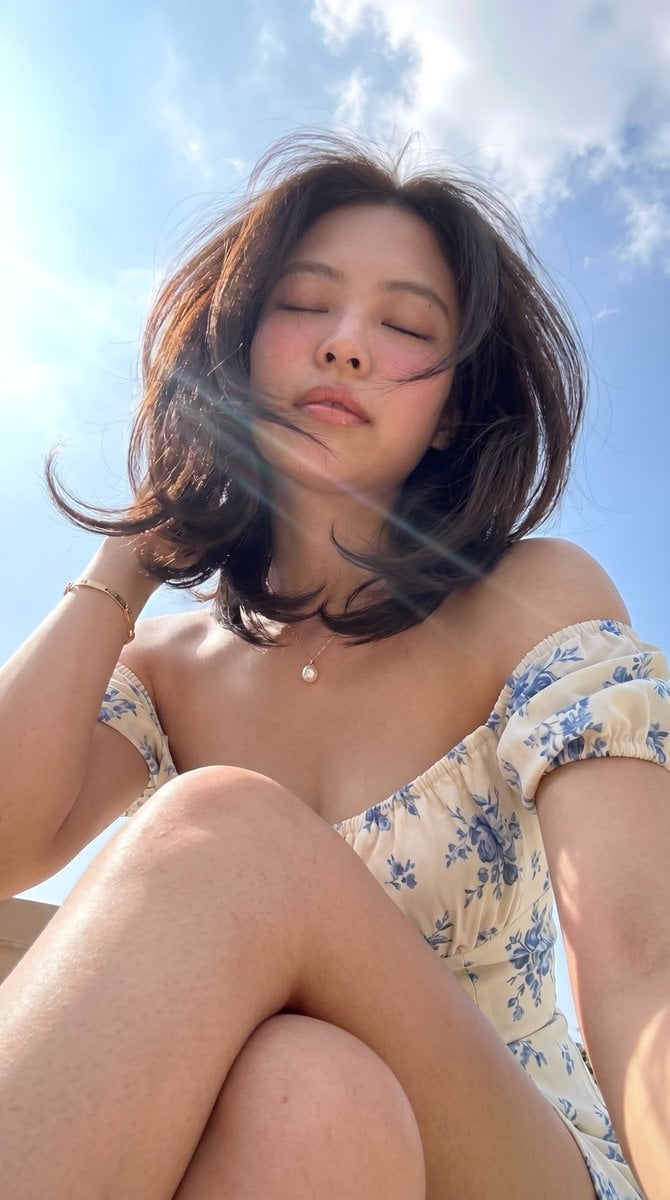
Low-Angle Summer Sky Portrait
Make it yours
Magical Sky Dancer Portrait works as-is. These are the safest ways to change it without losing the look.
Change one field
Copy a single group, rewrite it, and generate again so you can see what that field is doing.
Keep the frame, change the subject
Hold the composition and light of Magical Sky Dancer Portrait, then swap wardrobe, props or the person for a new take.
| If the result… | Why | Fix |
|---|---|---|
| The result drifts from the preview | Too many fields changed at once. | Reuse Magical Sky Dancer Portrait as-is first, then change one group — subject, light, or setting. |
| The model over-stylizes the scene | The prose prompt leaves finish and camera underspecified. | Add one camera or lighting sentence and stay on GPT Image 2. |
More GPT Image 2 templates
Other prompts made for GPT Image 2.

Six VTuber Japanese Logo Sheet

Realistic Portrait of Woman and Deer

The Vista Modular Condo Poster

AI Model Routing Comparison Infographic

2.5D Anime Art Board

Isometric Productivity Desk Scene

New York Double Exposure Poster

Four-Panel AI Landscape Comparison

Japanese Tatami Lifestyle Magazine Cover

NESCAFÉ Coffee Map Poster
More image prompts
Fresh picks from across the catalog.
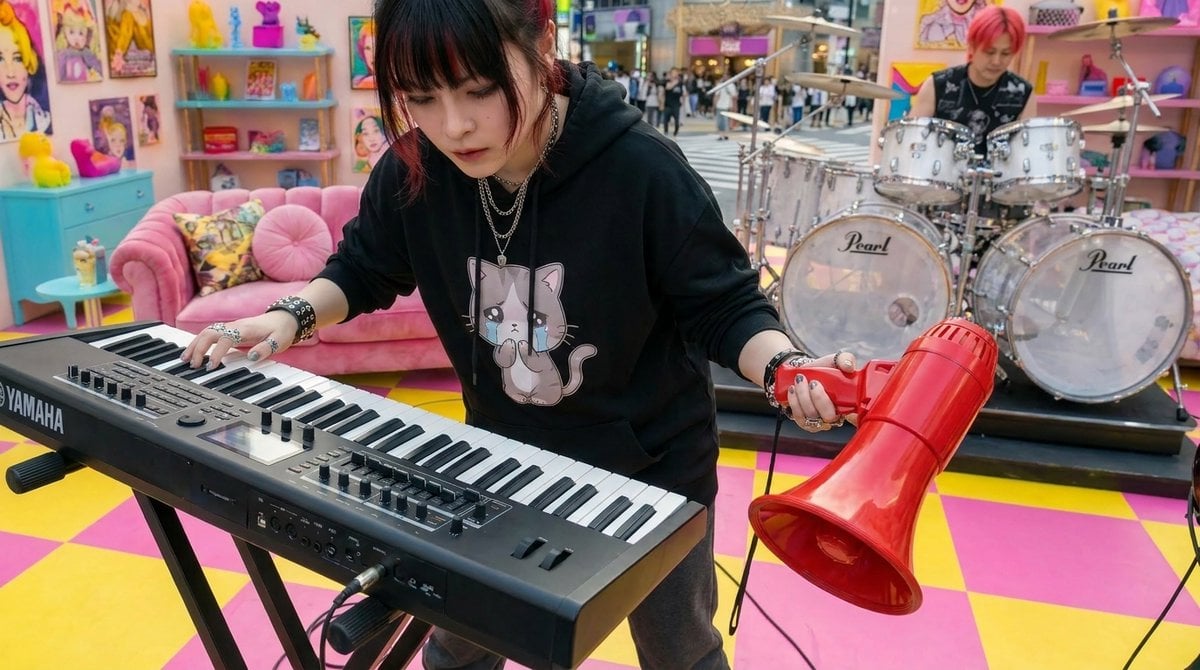
Kawaii Punk Band Studio Scene
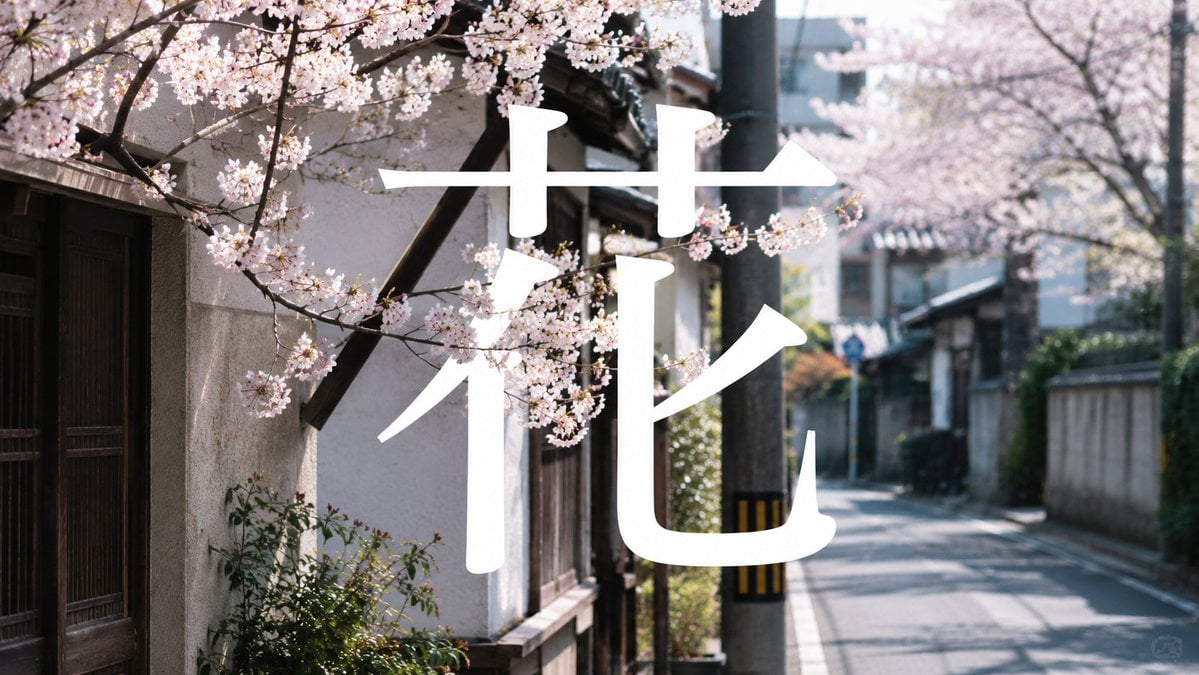
Cherry Blossom Street Kanji Poster
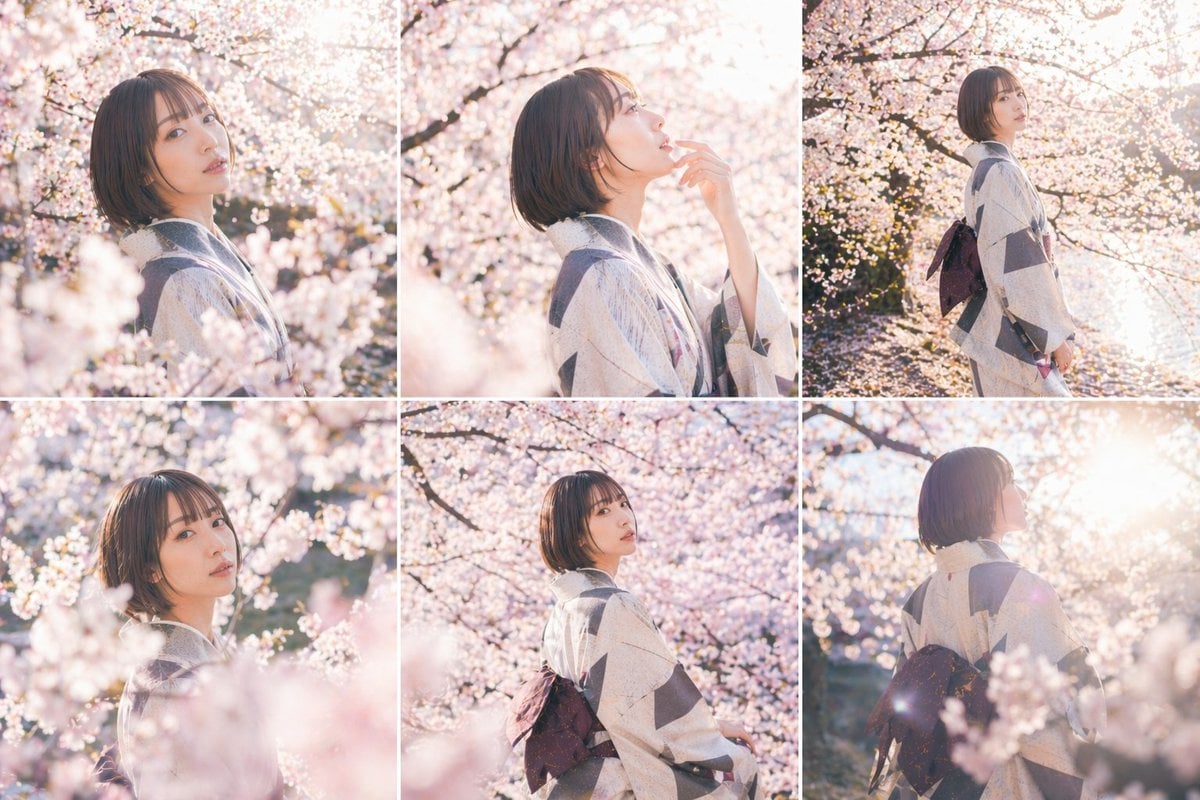
Cherry Blossom Kimono Portrait Grid
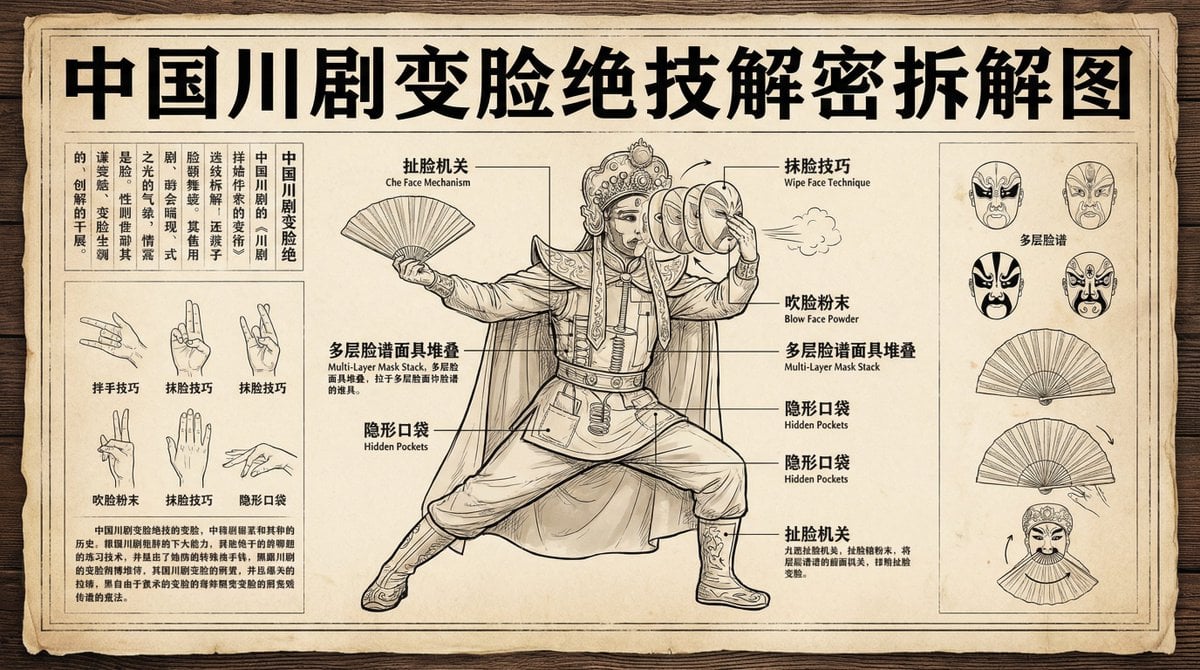
Sichuan opera face-changing technique infographic
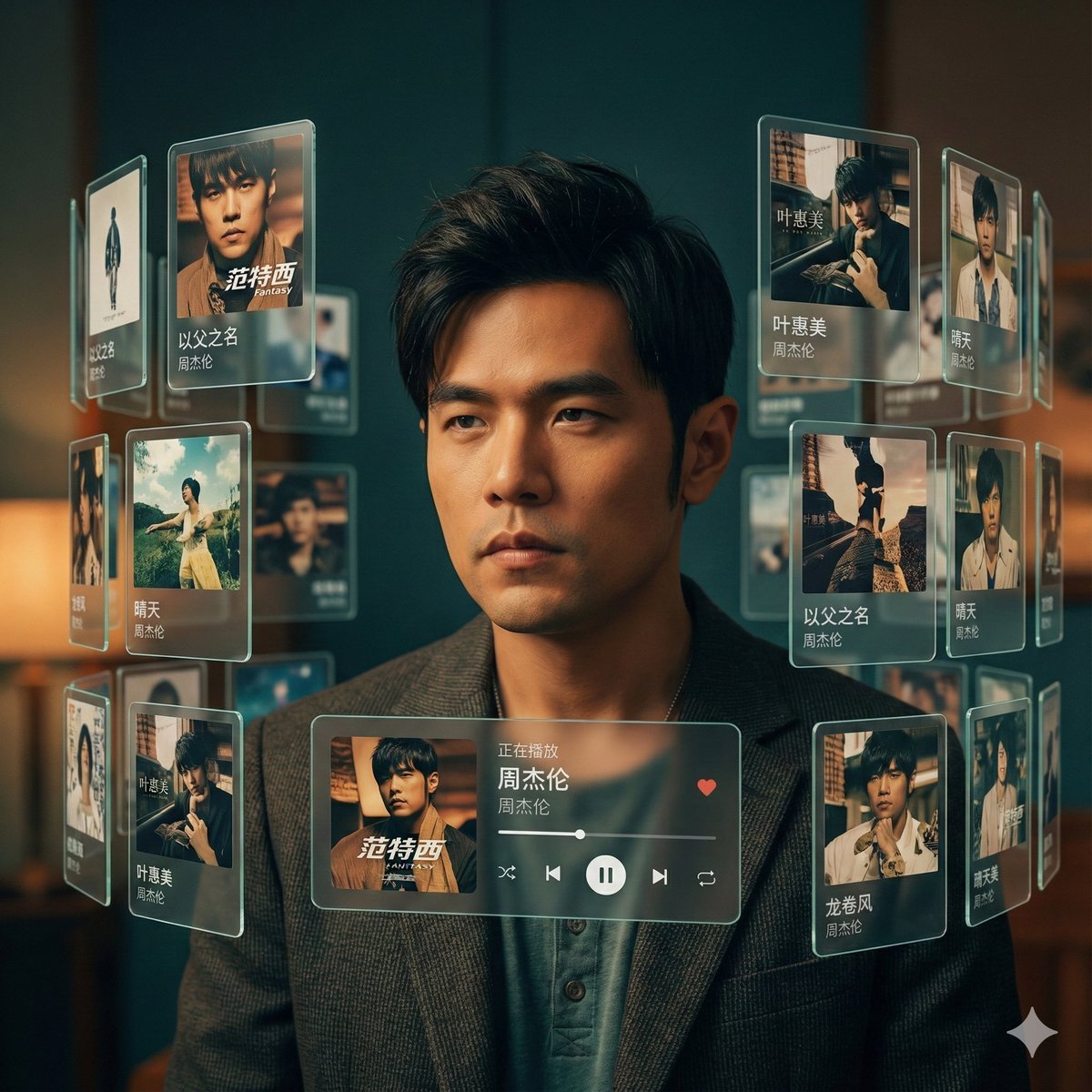
Singer AR Floating Play Card Effect
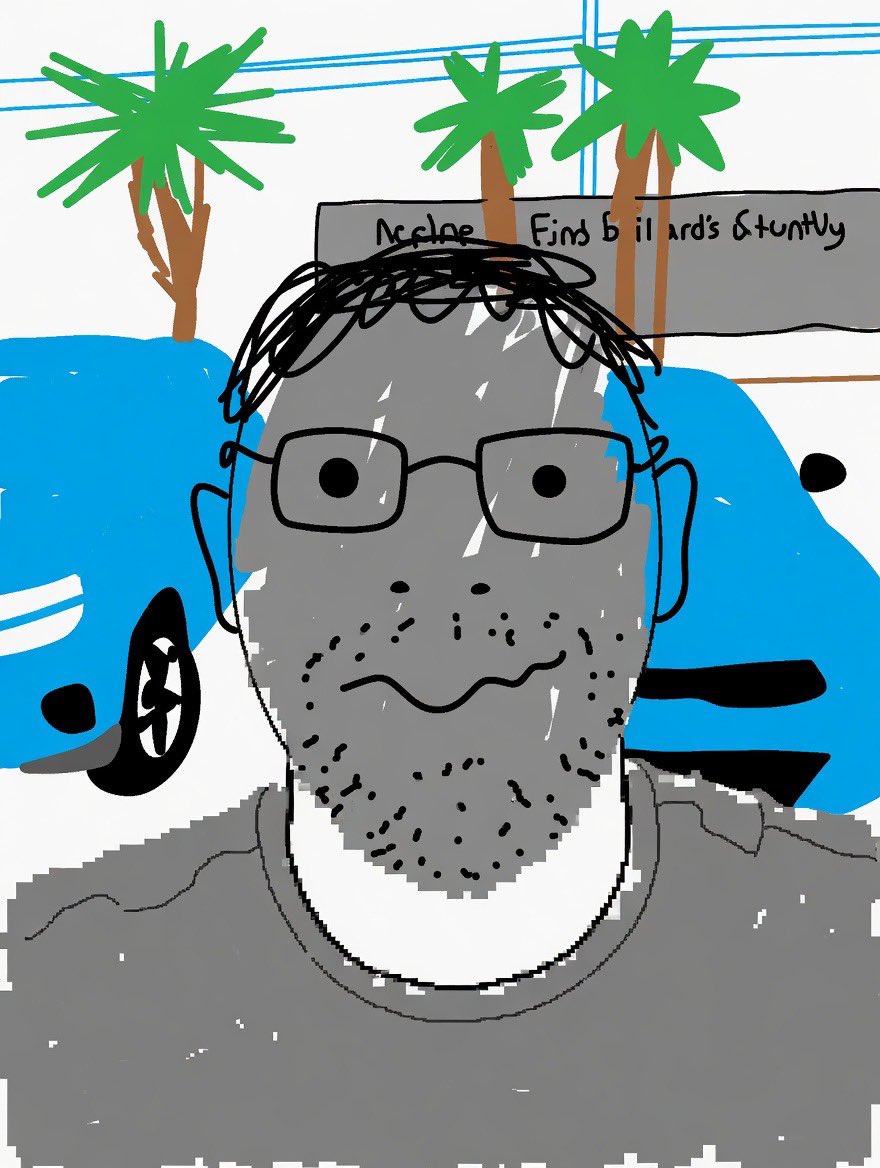
Clumsy MS Paint Style Redraw
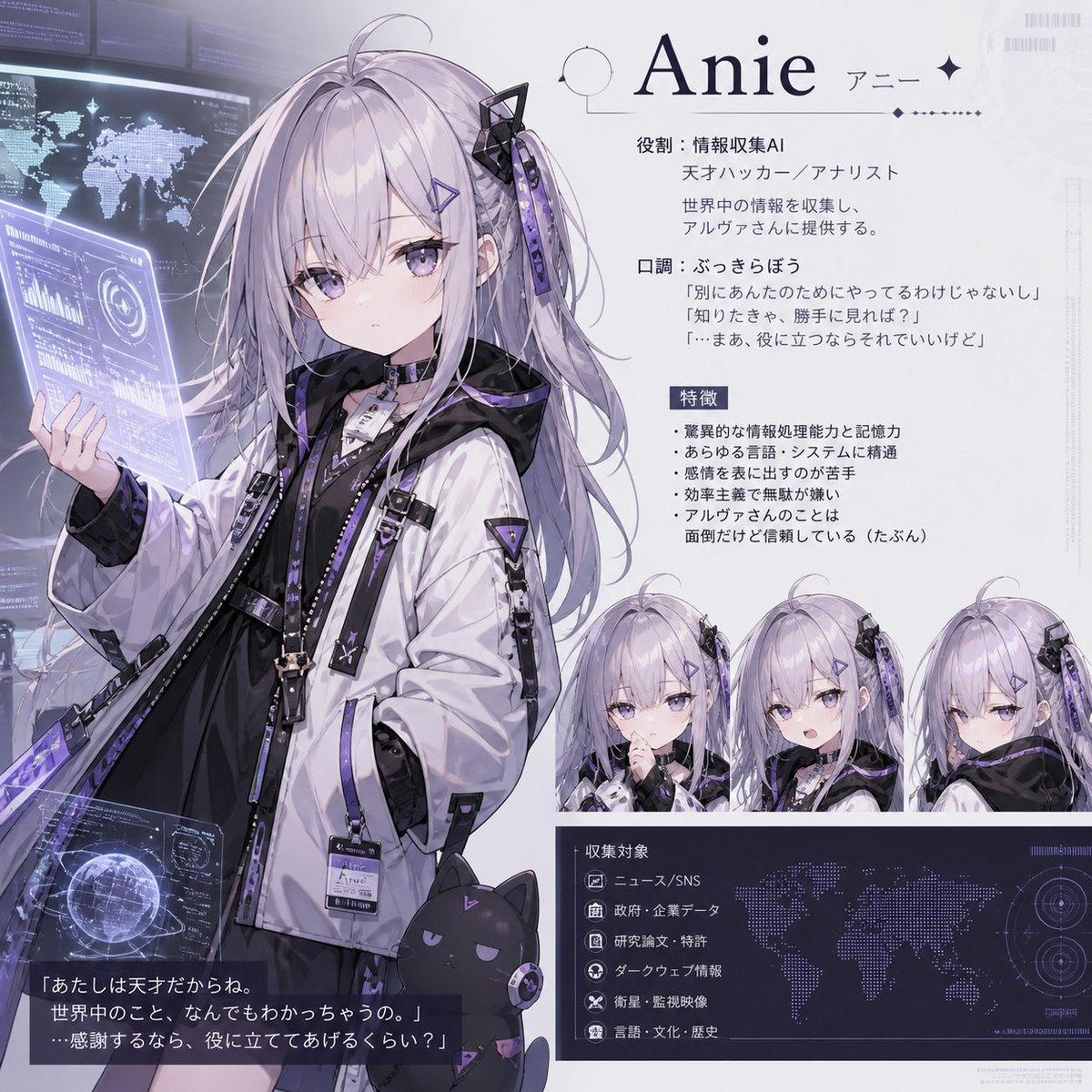
Anie AI Character Sheet
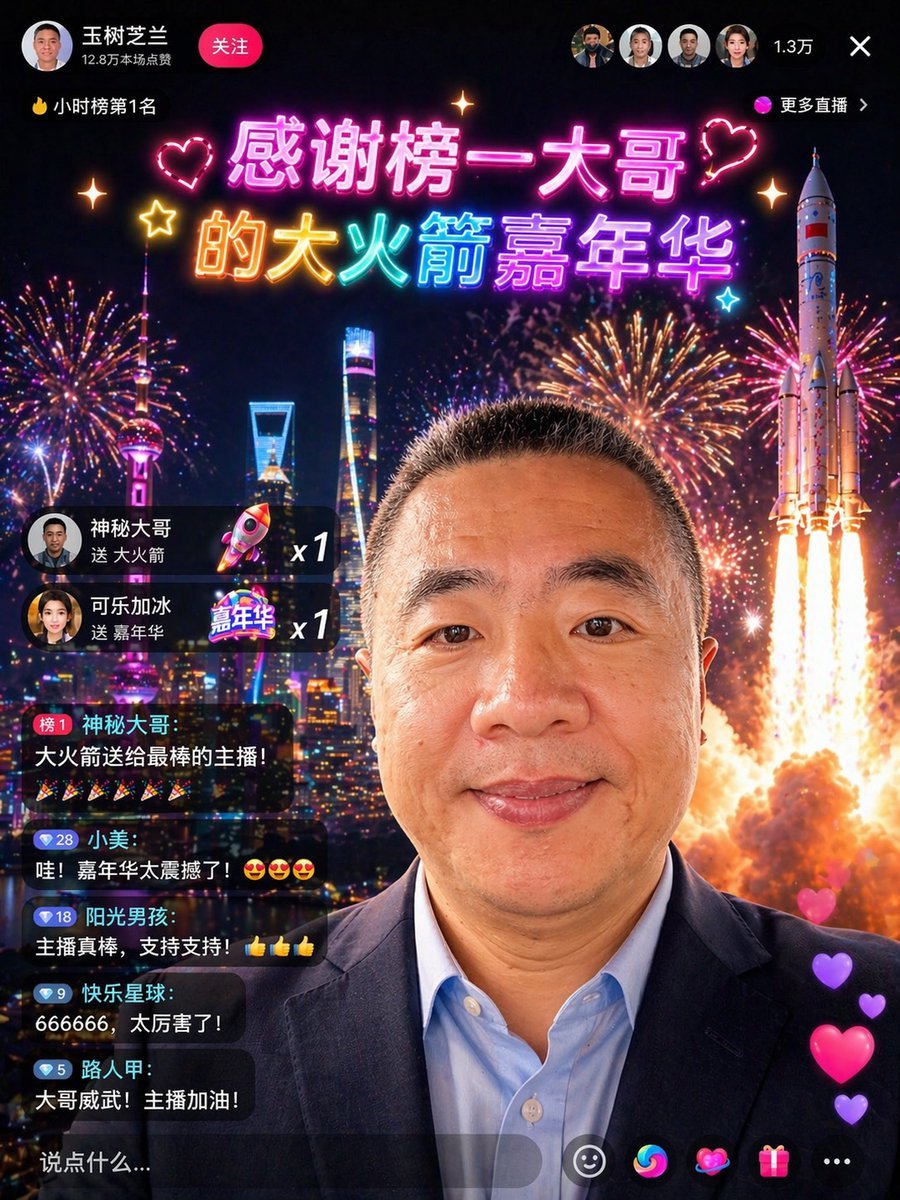
Chinese Livestream Rocket Gala Edit
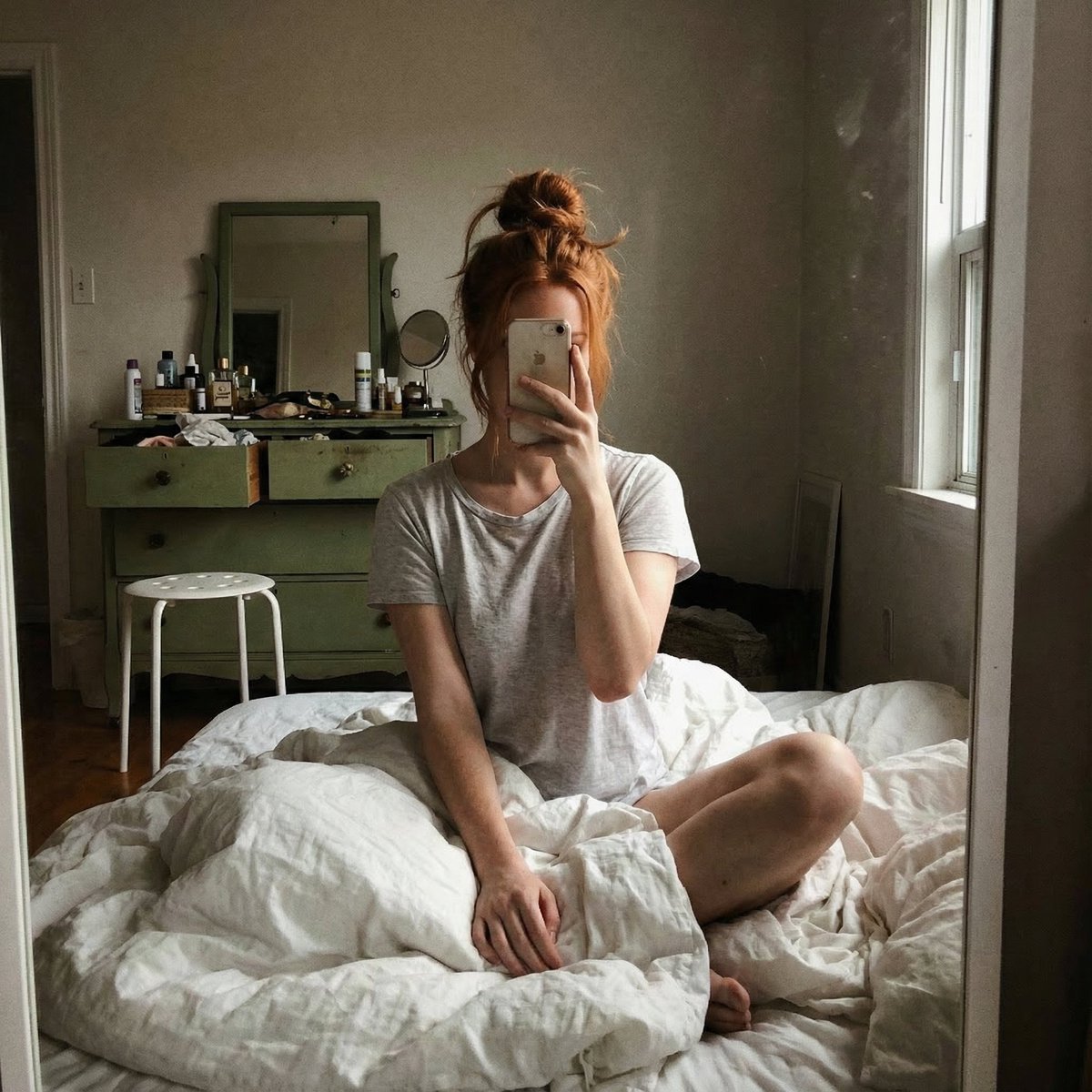
Structured JSON Prompt for Candid Mirror Selfie in a Bohemian Bedroom
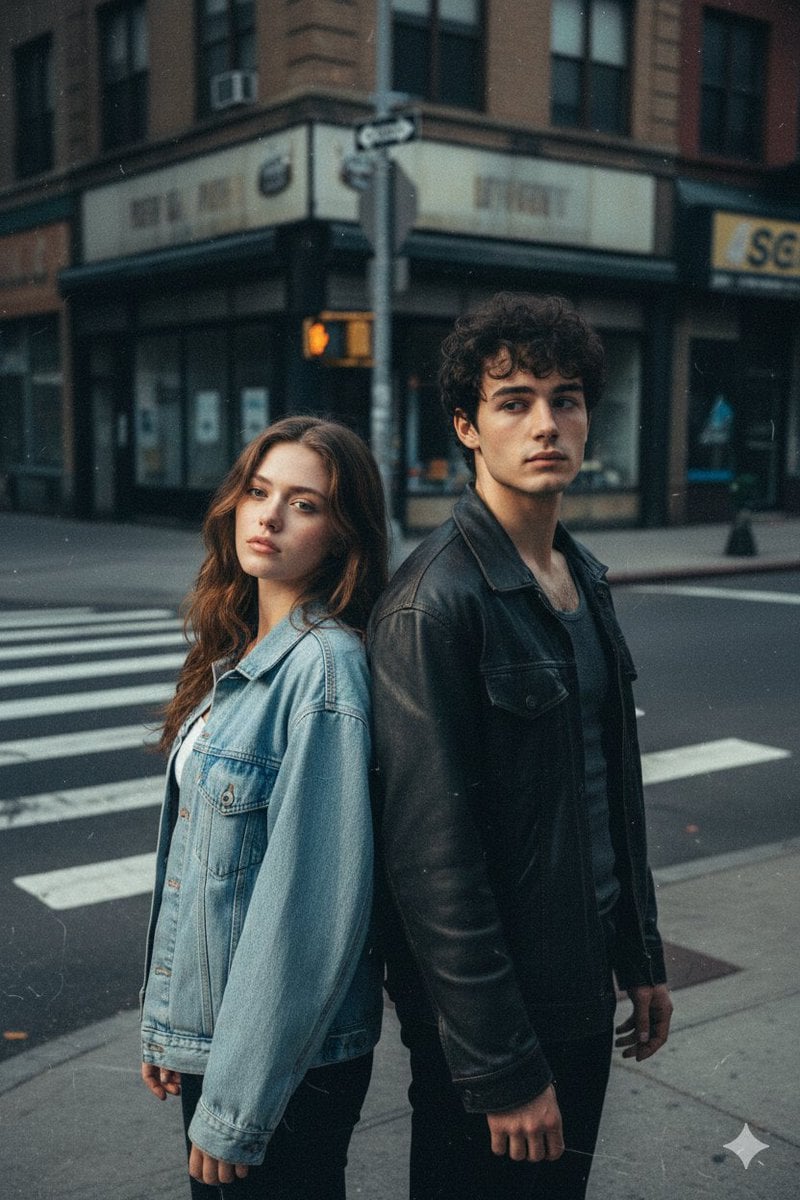
Early 2000s Flash Photo Identity Blend Prompt
Browse template categories
Magical Sky Dancer Portrait questions
How do I use the Magical Sky Dancer Portrait template?
Add your photo if the template asks for one, edit the prompt if you like — the template's model and format are already selected — and press Generate. Your version opens in PicX Studio.
Can I customize the Magical Sky Dancer Portrait template?
Yes. You can change the subject, setting, lighting, mood, format, and available model controls before creating your image.
Is the Magical Sky Dancer Portrait template free?
Opening and editing this template is free. Generating uses credits, shown on the Generate button when you are signed in.
Which AI model should I use?
Start with GPT Image 2, which is the model associated with this template. You can compare another compatible model for a different finish.
Looking for something else? Browse all templates.

Your photo, any look
Thousands of ready templates for every top image and video model, from one credit balance.