
Chinese Livestream Rocket Gala Edit
This prompt turns a portrait reference into a flashy Chinese livestream screenshot with celebratory UI overlays, fireworks, gifts, and a rocket-launch spectacle for social-media mockups or viral demo images.
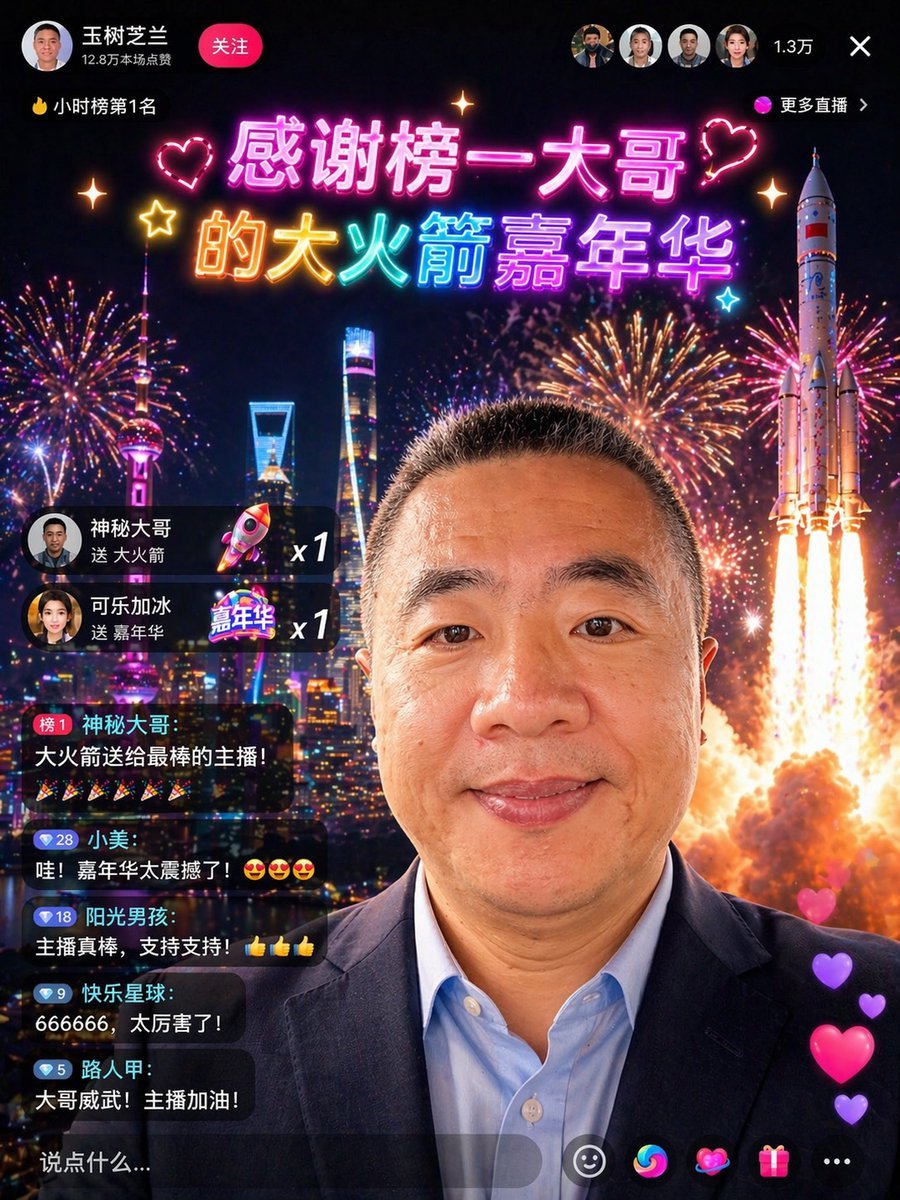
- Prompt included
- Model and format preset
- Free template
The prompt behind this image
Copy the exact prompt behind Chinese Livestream Rocket Gala Edit, or open it in the studio and make it yours.
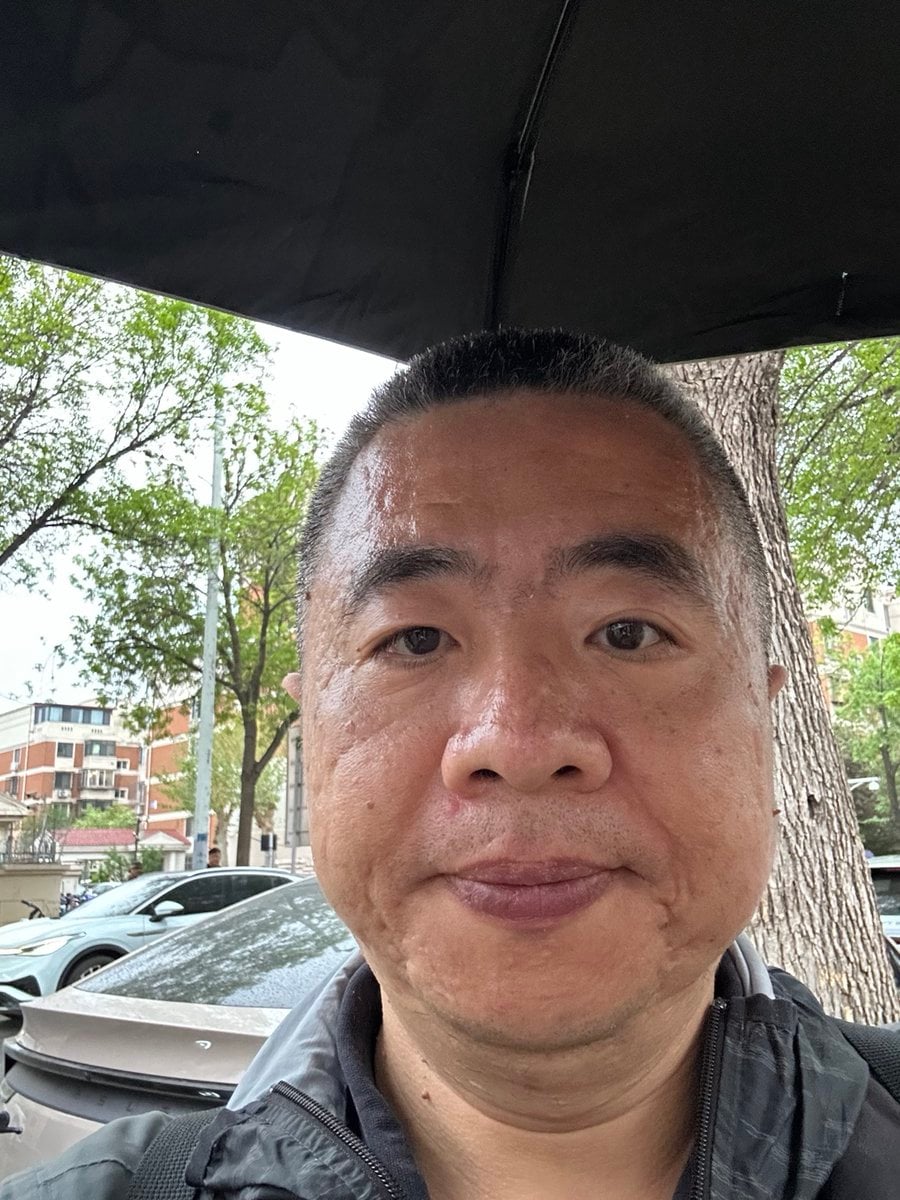
Using the provided reference photo, transform the person into a flashy Chinese livestream screenshot while keeping the same head position, crop, hairstyle, and overall identity. Replace the outdoor umbrella-and-street background with a dramatic night city skyline scene filled with fireworks, and add a large rocket launch on the right side. Change the clothing to a dark business blazer over a light blue dress shirt to make the subject look like a high-value livestream VIP guest. Overlay a polished live-stream app interface in Chinese: top left profile area with the name "王树芝兰", a red "关注" button, and the line "12.8万本场浪费"; top left ranking tag "🔥小时榜第1名"; top center a glowing neon celebratory headline in 2 lines reading "感谢榜一大哥" and "的大火箭嘉年华" with heart and sparkle decorations; top right 4 small circular viewer avatars, the count "1.3万", a close "×" icon, and the label "更多直播". On the left side add 2 gift notification cards: "神秘大哥 送 大火箭 x1" and "可乐加冰 送 嘉年华 x1". Below that add 5 stacked chat bubbles with exact visible usernames and messages: 1) "榜1 神秘大哥:大火箭送给最棒的主播!" followed by 6 party popper emojis, 2) "小美:哇!嘉年华太震撼了!😍😍😍", 3) "阳光男孩:主播真棒,支持支持!👍👍👍", 4) "快乐星球:666666,太厉害了!", 5) "路人甲:大哥威武!主播加油!". Add a bottom translucent comment bar with "说点什么...". Add 5 bottom action icons: smiley, colorful swirl, heart, gift box, and three dots. Add a vertical stream of 4 floating heart reactions on the lower right. Make the composite look like a convincing, high-end social app livestream screenshot with smooth Chinese typography, vivid neon colors, realistic UI integration, and festive viral spectacle.
Reference images included
Chinese Livestream Rocket Gala Edit needs input media to work. They load alongside the prompt when you open it in the studio.
How to use Chinese Livestream Rocket Gala Edit in 3 steps
- 1Upload ImagePNG, JPG or paste
Add your photo
Upload the photo the template builds on. The prompt, model and format are already set.
- 2…a portrait of your subject in softgolden-hour light, 85mm…
Personalize
Edit the subject and creative details for your destination.
- 3Generate
Generate
Press Generate — your image is created in PicX Studio, so you can compare it with the original and refine one variable at a time.
More like this
Templates with the same subject, style or setup. Open one to see its prompt.
Chinese Livestream Dorm Selfie UI
Chinese Dorm Livestream Screenshot
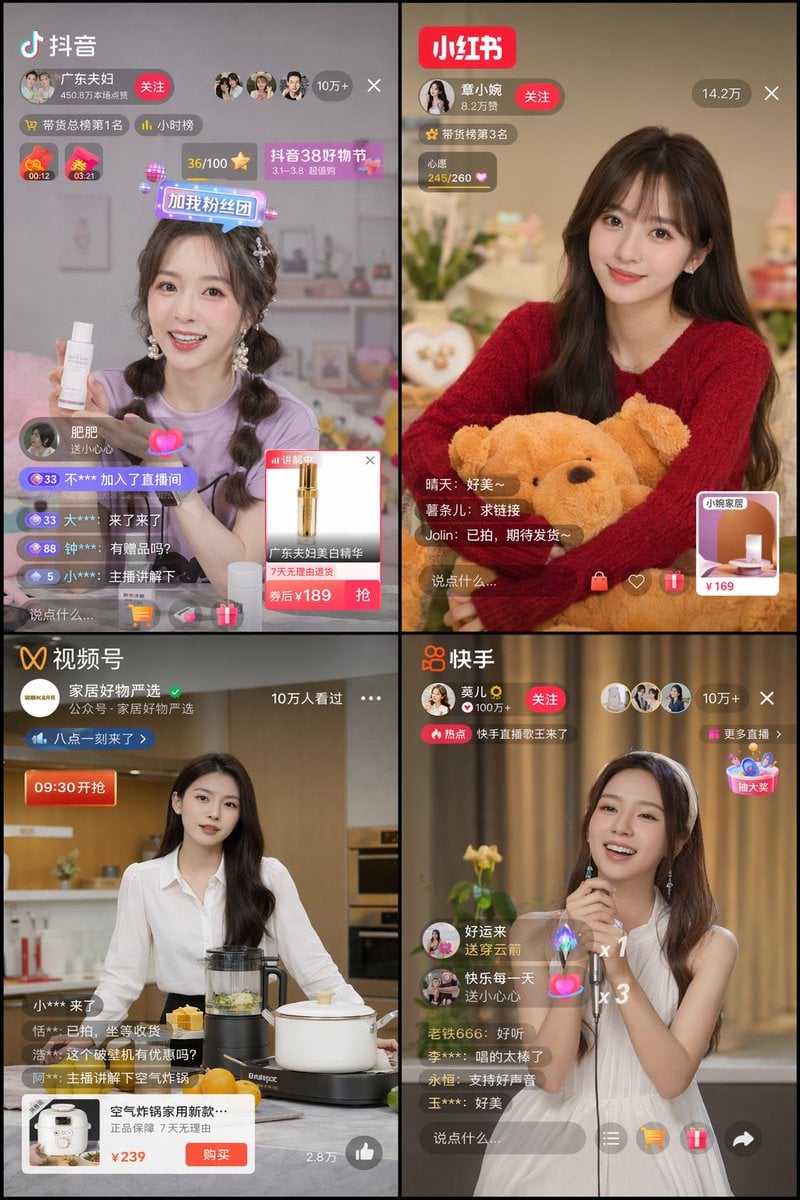
Chinese Livestreaming App UI Grid
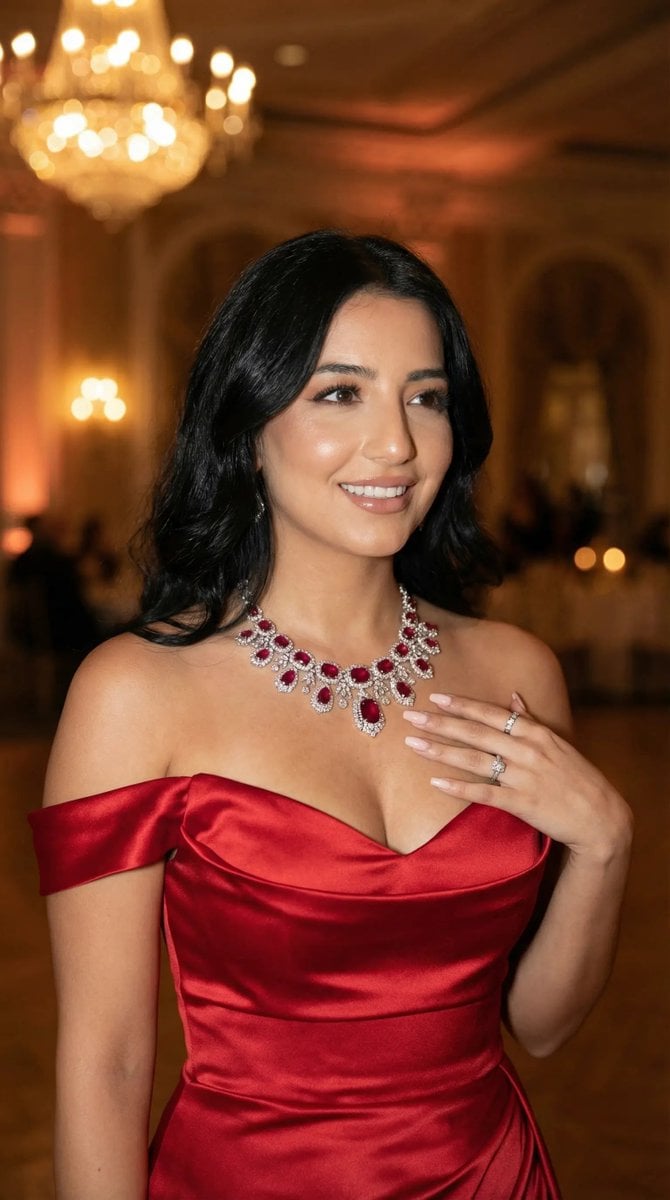
Luxury Gala Fashion Editorial Prompt (JSON)

敦煌纸雕飞天 — 3D Layered Paper Cutout

博物馆图鉴式汉服拆解图 — GPT-image-2
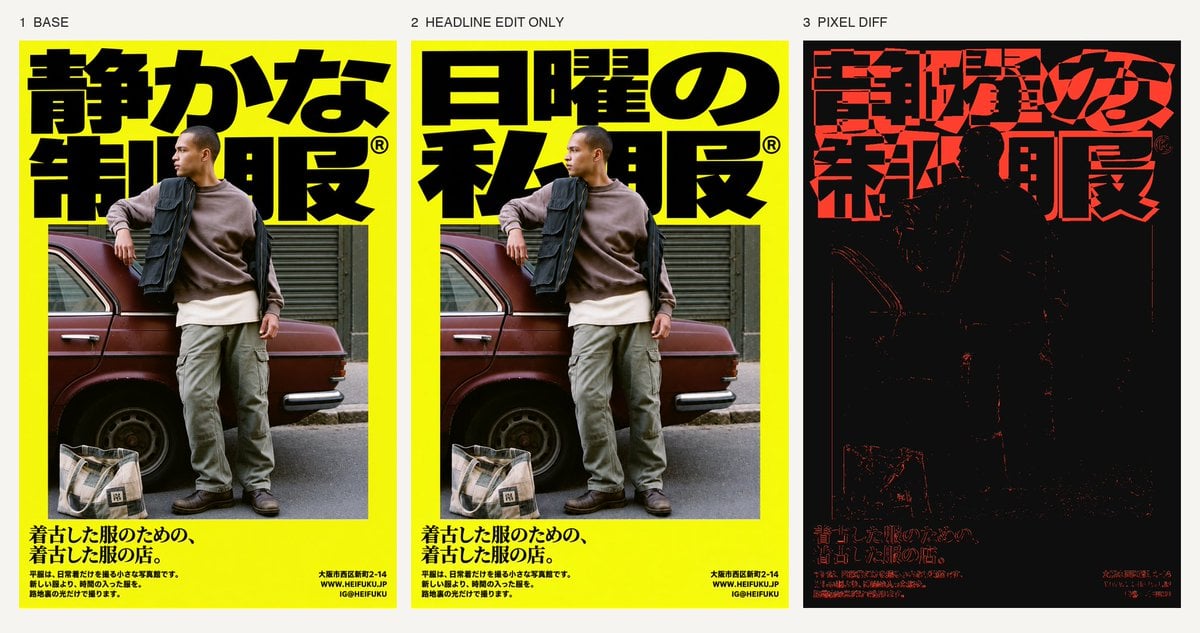
Selective Headline Layout Editing

Dessert Livestream Branding Cover System
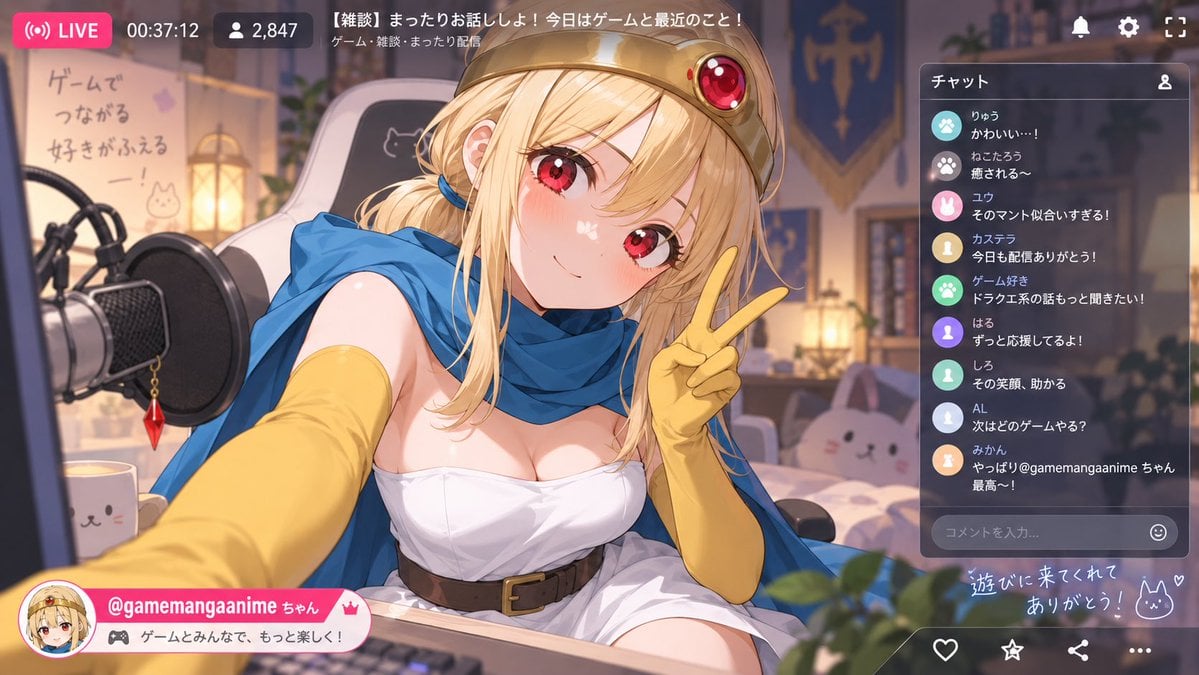
Anime VTuber Livestream Screenshot
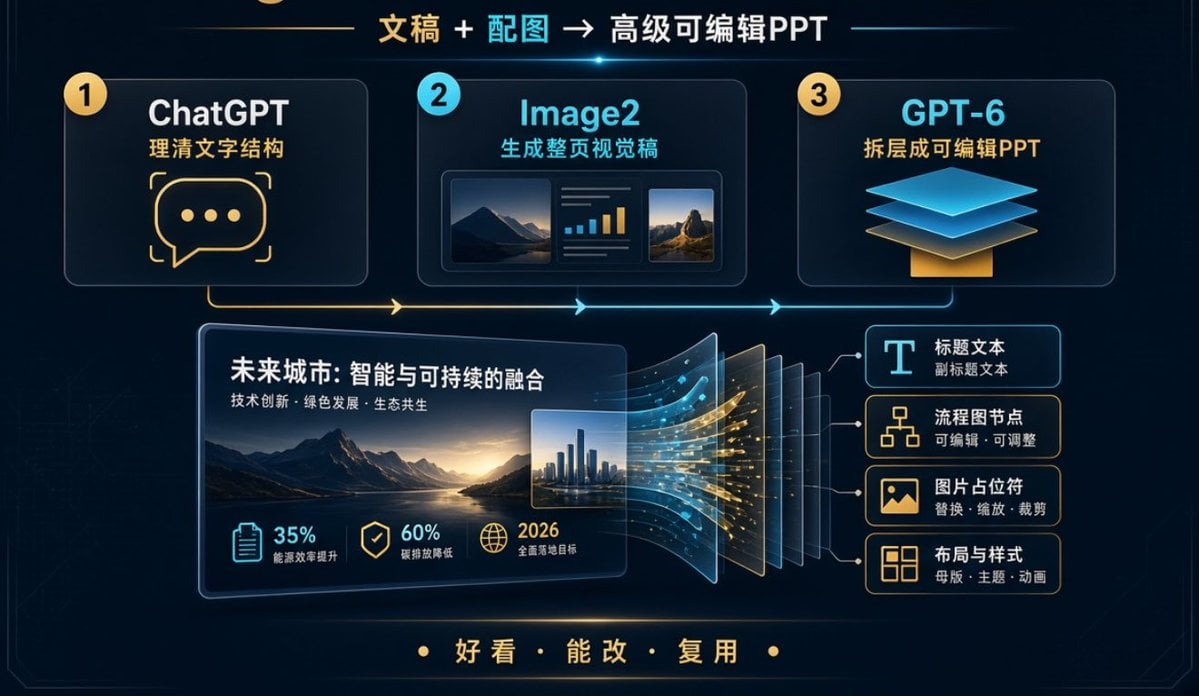
Editable PPT Workflow Infographic

Act as a Senior Editorial Designer and Typographer

Realistic portrait 100 identical face, no editing allowed
Make it yours
Chinese Livestream Rocket Gala Edit works as-is. These are the safest ways to change it without losing the look.
Change one field
Copy a single group, rewrite it, and generate again so you can see what that field is doing.
Keep the frame, change the subject
Hold the composition and light of Chinese Livestream Rocket Gala Edit, then swap wardrobe, props or the person for a new take.
| If the result… | Why | Fix |
|---|---|---|
| The result drifts from the preview | Too many fields changed at once. | Reuse Chinese Livestream Rocket Gala Edit as-is first, then change one group — subject, light, or setting. |
| The model over-stylizes the scene | The prose prompt leaves finish and camera underspecified. | Add one camera or lighting sentence and stay on GPT Image 2. |
More GPT Image 2 templates
Other prompts made for GPT Image 2.

Six VTuber Japanese Logo Sheet

Realistic Portrait of Woman and Deer

The Vista Modular Condo Poster

AI Model Routing Comparison Infographic

2.5D Anime Art Board

Isometric Productivity Desk Scene

New York Double Exposure Poster

Four-Panel AI Landscape Comparison

Japanese Tatami Lifestyle Magazine Cover

NESCAFÉ Coffee Map Poster
More image prompts
Fresh picks from across the catalog.
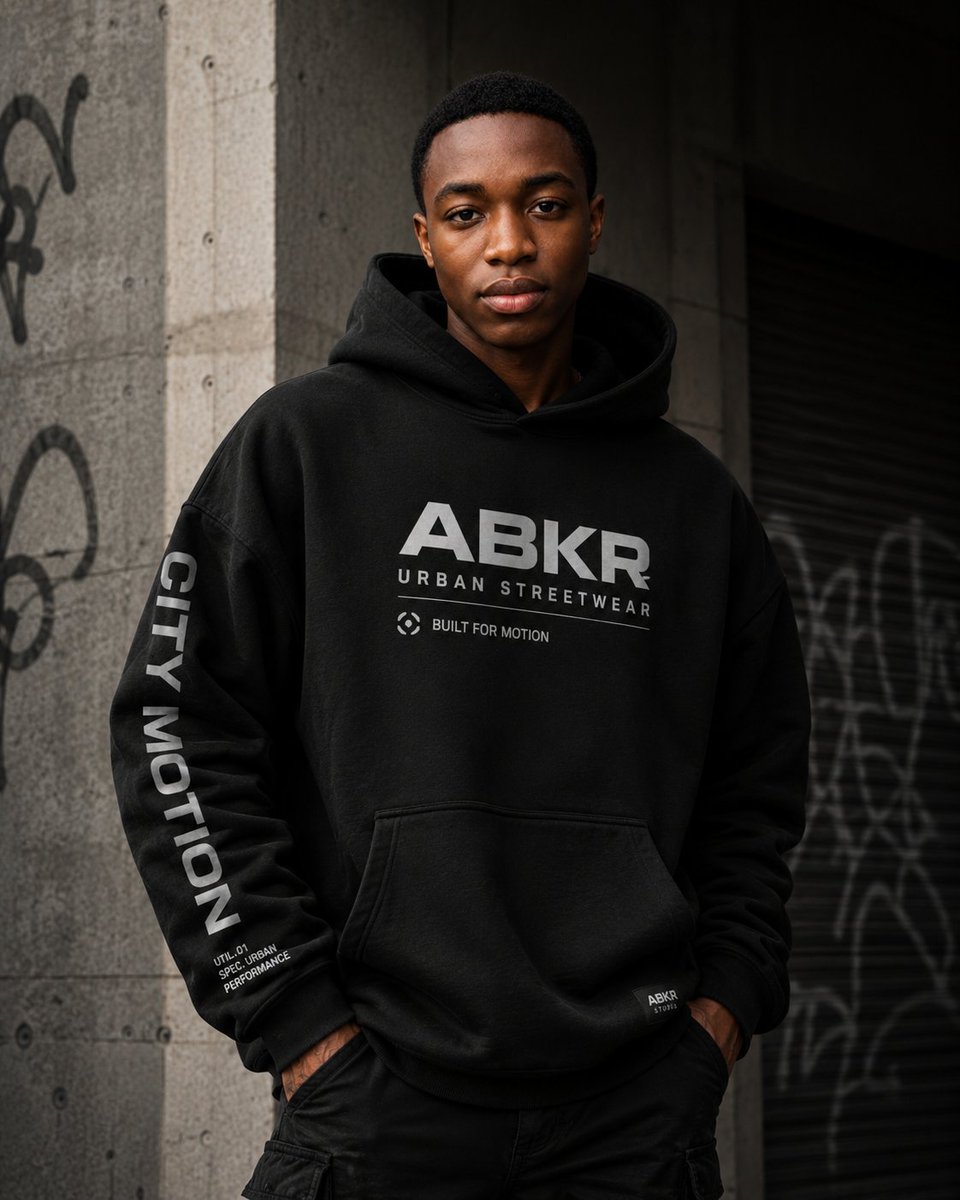
Urban Streetwear Hoodie Mockup
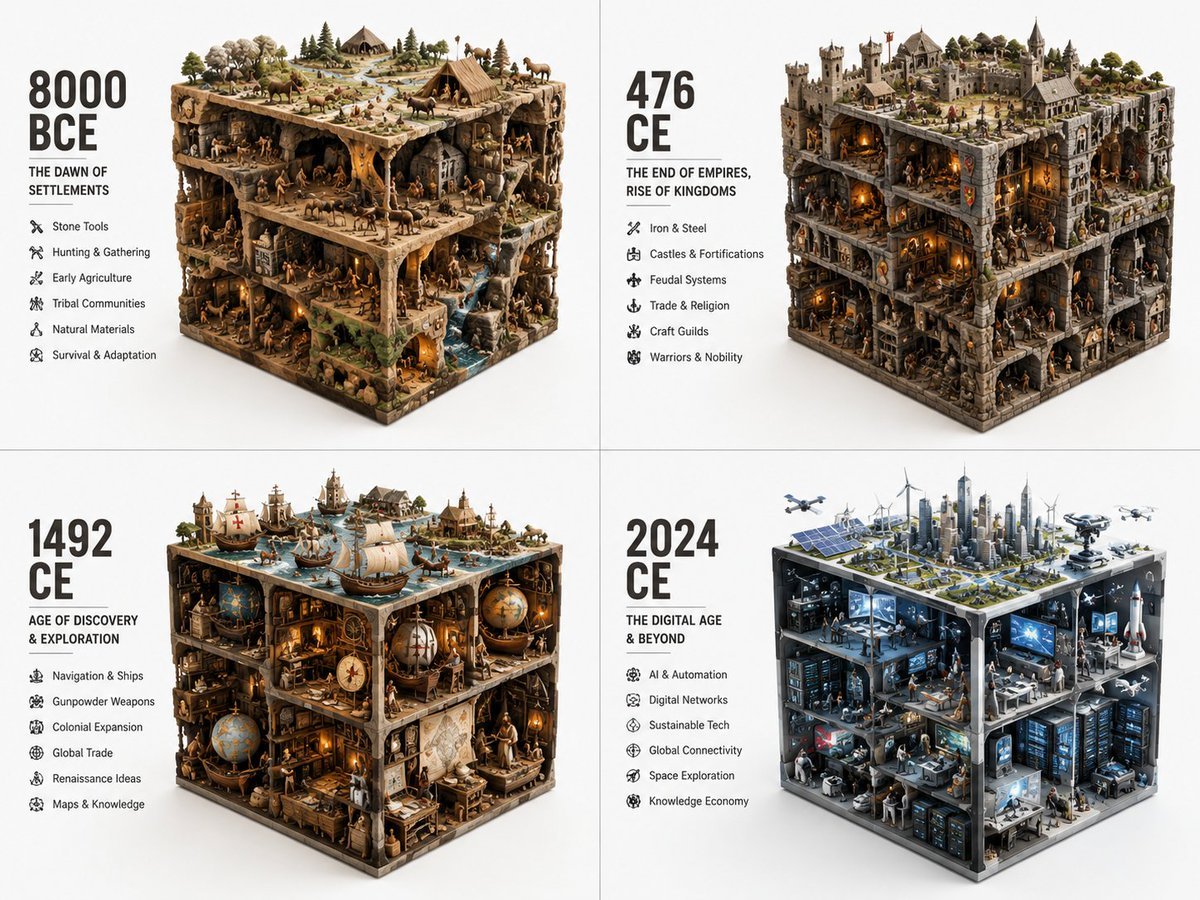
Historical Era Visualization Cube
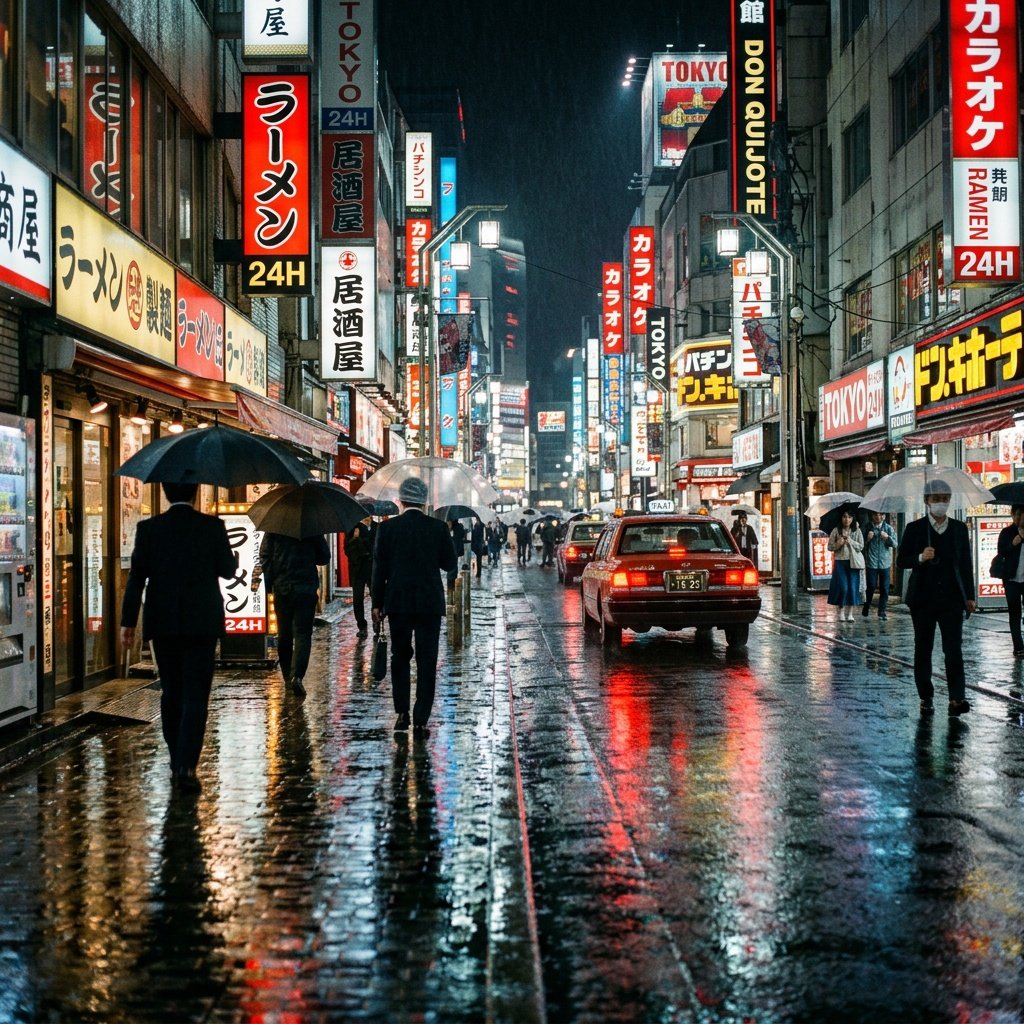
Cinematic Tokyo Street at Night
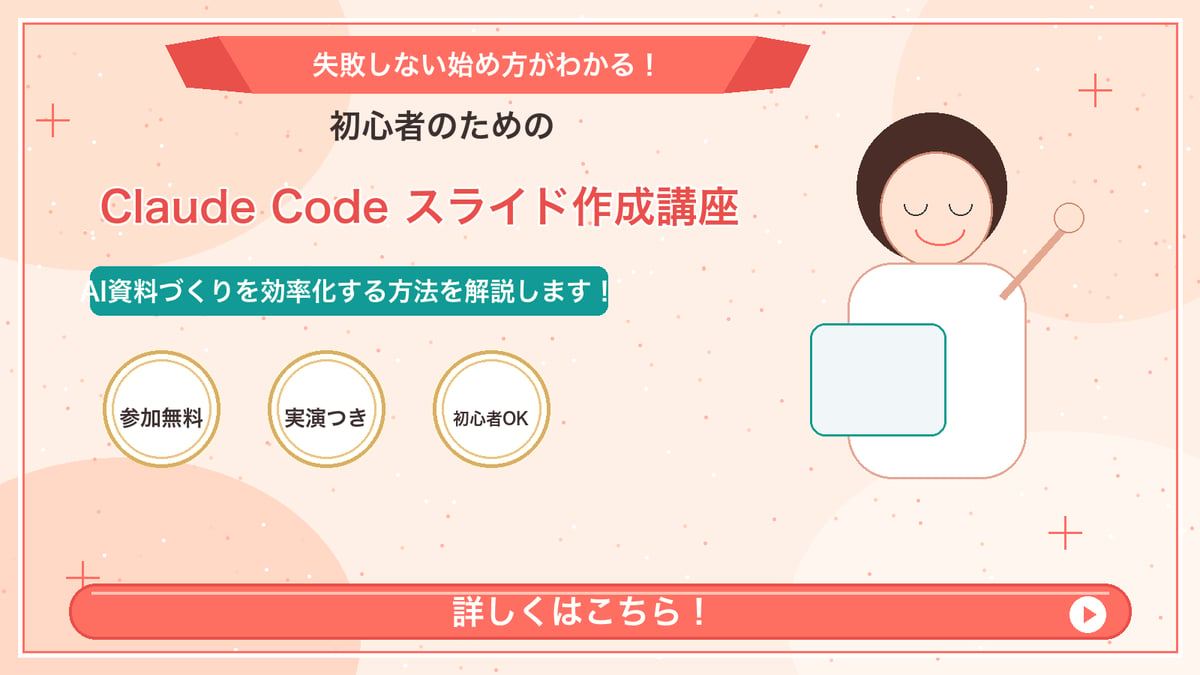
Japanese Course Promotion Slide
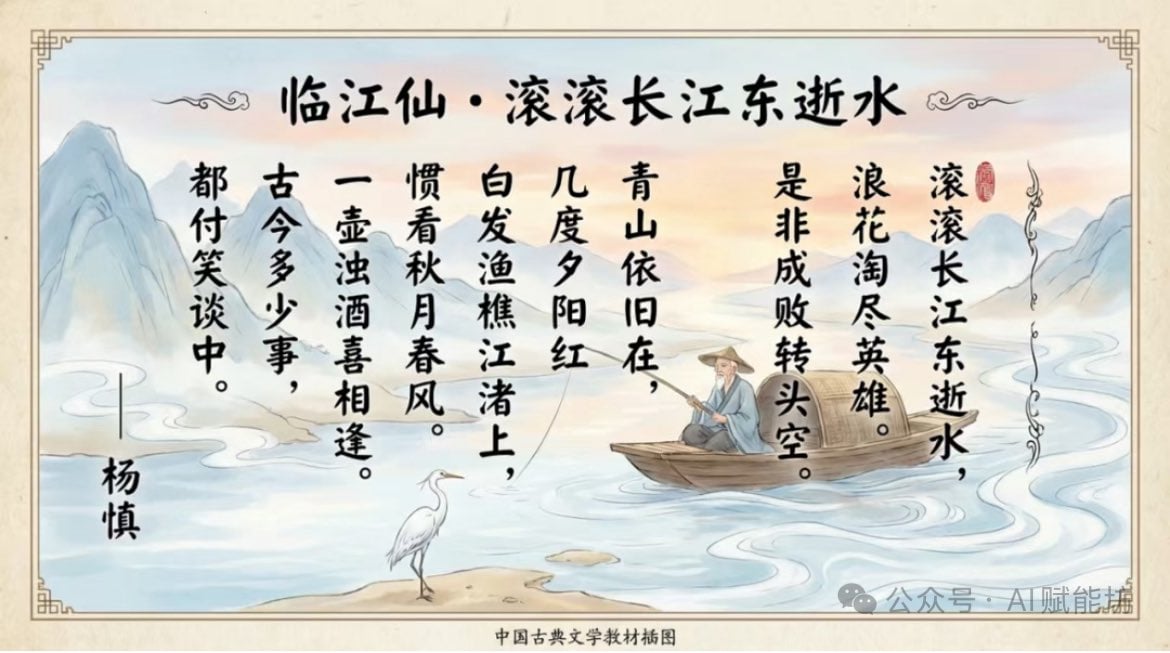
Textbook-style illustration for the poem “Linjiangxian”
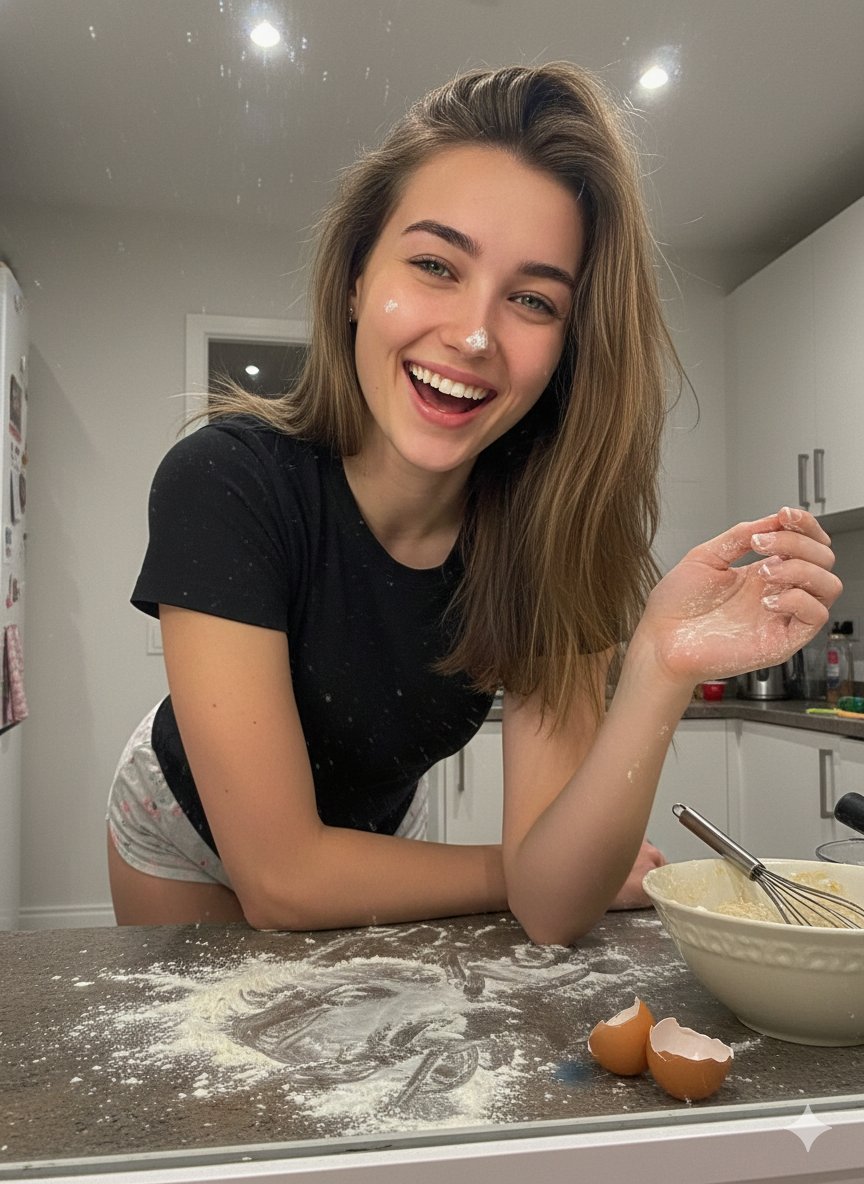
Ultra-Realistic Mirror Selfie Portrait in a Messy Kitchen
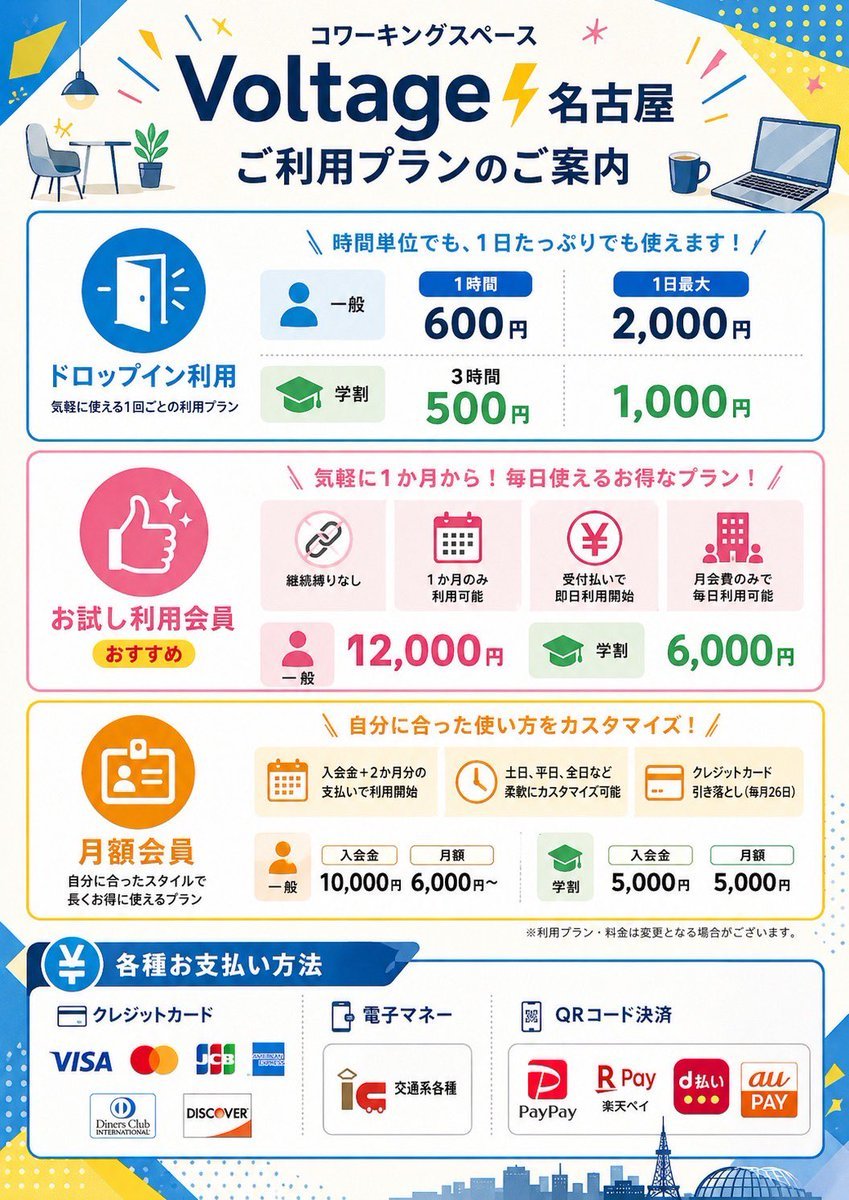
Japanese Coworking Pricing Flyer
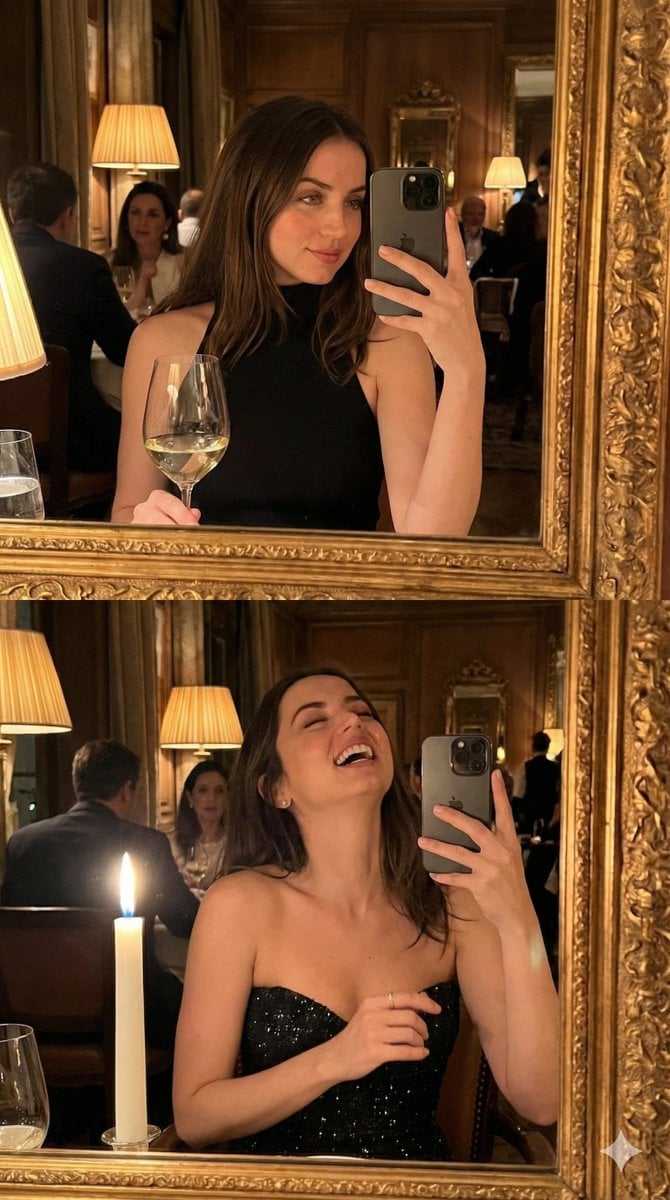
Ultra-Photorealistic Mirror Selfie POV in a Vintage Bistro (Duplicate)
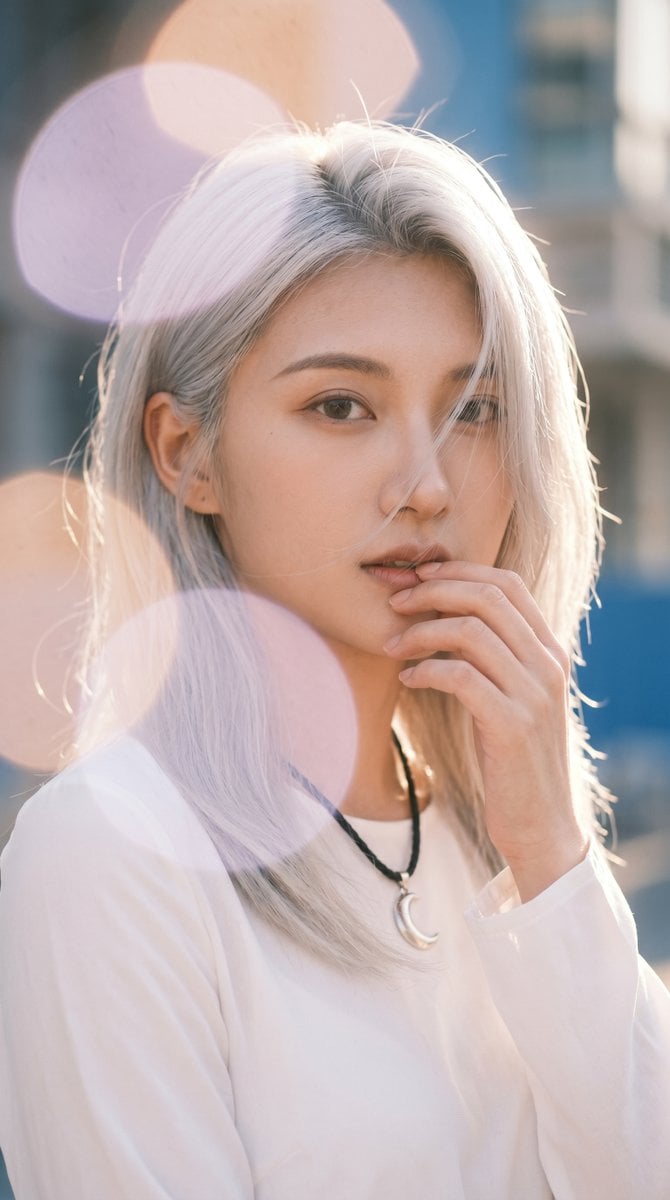
Backlit Silver-Haired Model Portrait
Seedance - Smooth Vlog
Browse template categories
Chinese Livestream Rocket Gala Edit questions
How do I use the Chinese Livestream Rocket Gala Edit template?
Add your photo if the template asks for one, edit the prompt if you like — the template's model and format are already selected — and press Generate. Your version opens in PicX Studio.
Can I customize the Chinese Livestream Rocket Gala Edit template?
Yes. You can change the subject, setting, lighting, mood, format, and available model controls before creating your image.
Is the Chinese Livestream Rocket Gala Edit template free?
Opening and editing this template is free. Generating uses credits, shown on the Generate button when you are signed in.
Which AI model should I use?
Start with GPT Image 2, which is the model associated with this template. You can compare another compatible model for a different finish.
Looking for something else? Browse all templates.

Your photo, any look
Thousands of ready templates for every top image and video model, from one credit balance.