
Urban Streetwear Hoodie Mockup
A realistic fashion campaign prompt for showcasing customizable branding on a premium black urban hoodie.
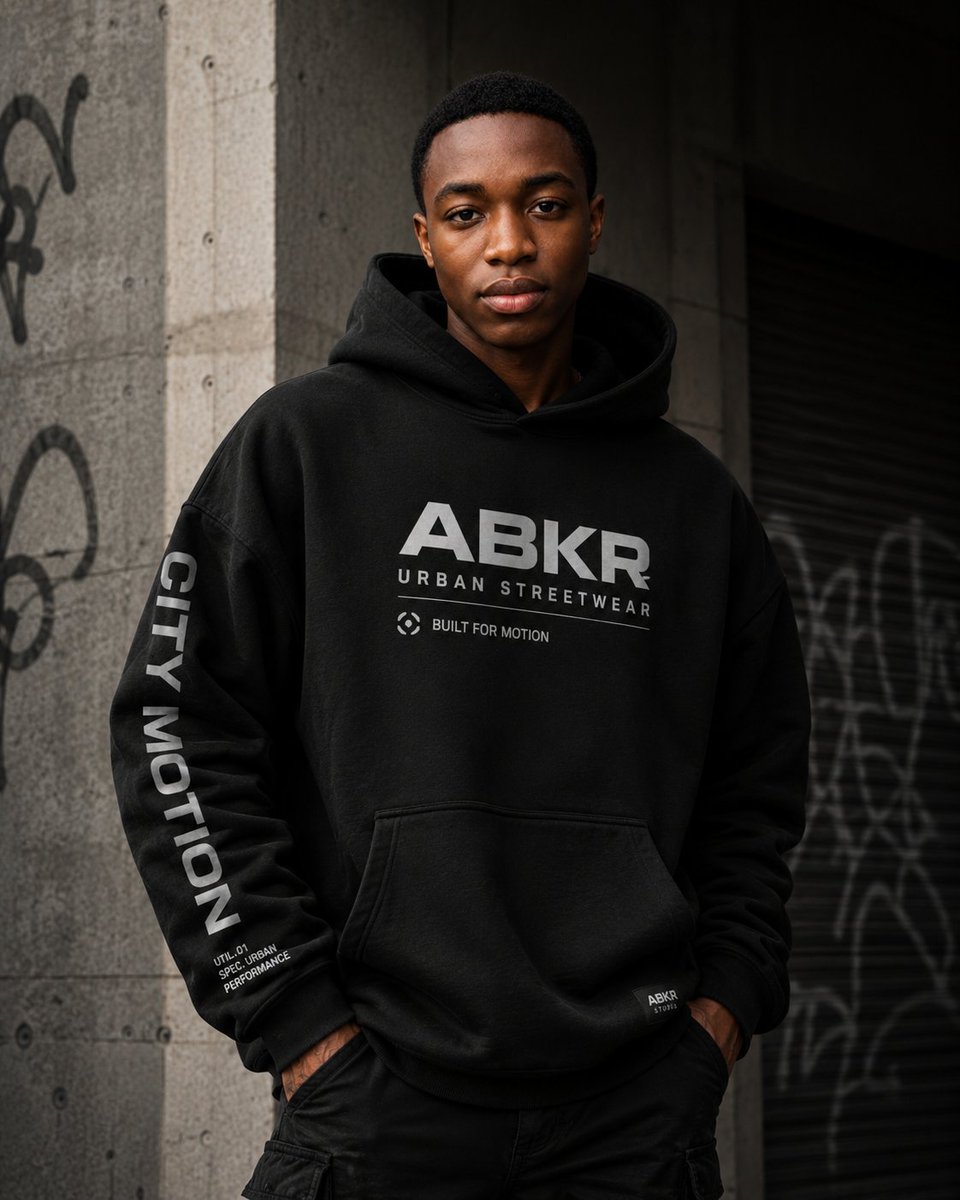
- Prompt included
- Model and format preset
- Free template
The prompt behind this image
Copy the exact prompt behind Urban Streetwear Hoodie Mockup, or open it in the studio and make it yours.
Create a premium urban streetwear fashion campaign photograph featuring a confident male model wearing an oversized black hoodie in a gritty city setting. The model has a medium-dark skin tone, short black hair, and stands front-facing from mid-thigh up with his hands in his pants pockets, shoulders relaxed, projecting calm confidence. His face is intentionally anonymized by a centered vertical rectangular block of solid warm brown color covering the face from forehead to chin, while the top of the hair and ears remain partly visible. The hoodie is heavy black fleece with a large hood, dropped shoulders, ribbed cuffs, kangaroo pocket, and subtle realistic fabric texture. Add bold light gray chest branding: large text “{argument name="main logo text" default="ABKR"}”, smaller spaced text “{argument name="brand subtitle" default="URBAN STREETWEAR"}”, and a small circular icon plus the phrase “{argument name="small chest slogan" default="BUILT FOR MOTION"}”. On the model’s left sleeve, place vertical bold text “{argument name="sleeve text" default="CITY MOTION"}” and small stacked technical microtext near the cuff reading “UTIL.01 / SPEC URBAN / PERFORMANCE”. Add a tiny woven label near the lower right hem reading “ABKR / STUDIO”. Pair the hoodie with black cargo-style pants. Background: an urban concrete wall and pillar with visible bolt holes and graffiti on the left, plus a dark metal roll-up shutter with blurred graffiti on the right. Lighting is moody and cinematic, soft directional daylight from the upper left, deep shadows, muted gray-black palette, shallow depth of field, high-end editorial realism, sharp focus on the hoodie graphics and fabric, vertical 4:5 composition. Avoid extra accessories, avoid bright colors, avoid additional people, and keep all typography clean, modern, and legible.
How to use Urban Streetwear Hoodie Mockup in 3 steps
- 1Upload ImagePNG, JPG or paste
Add your photo
Upload the photo the template builds on. The prompt, model and format are already set.
- 2…a portrait of your subject in softgolden-hour light, 85mm…
Personalize
Edit the subject and creative details for your destination.
- 3Generate
Generate
Press Generate — your image is created in PicX Studio, so you can compare it with the original and refine one variable at a time.
More like this
Templates with the same subject, style or setup. Open one to see its prompt.

Urban Fashion Editorial Collage Streetwear Poster

Korean Streetwear Minimalist Campaign Portrait

Cinematic Korean Streetwear Street Portrait

Frozen Street Luxe Graffiti Fashion Campaign

Urban Fashion Editorial Collage Poster

1988 Mall Style
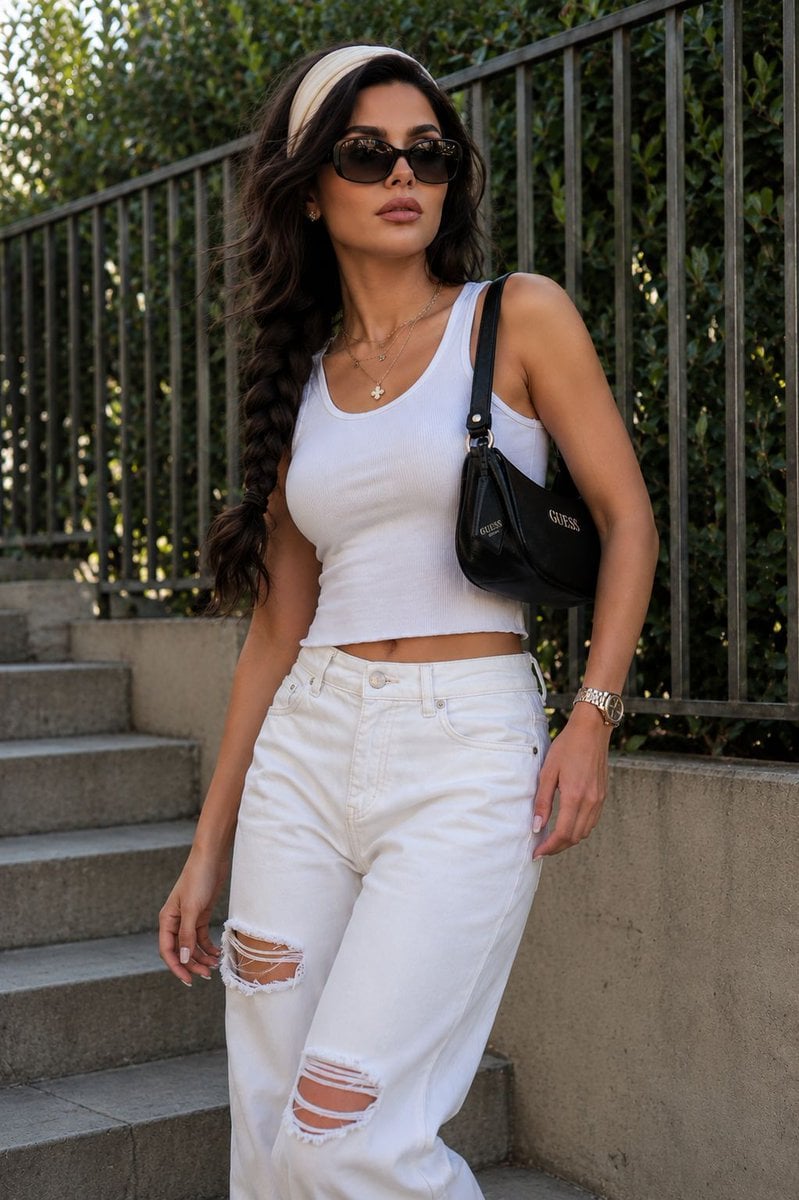
Modern Urban Streetwear Portrait
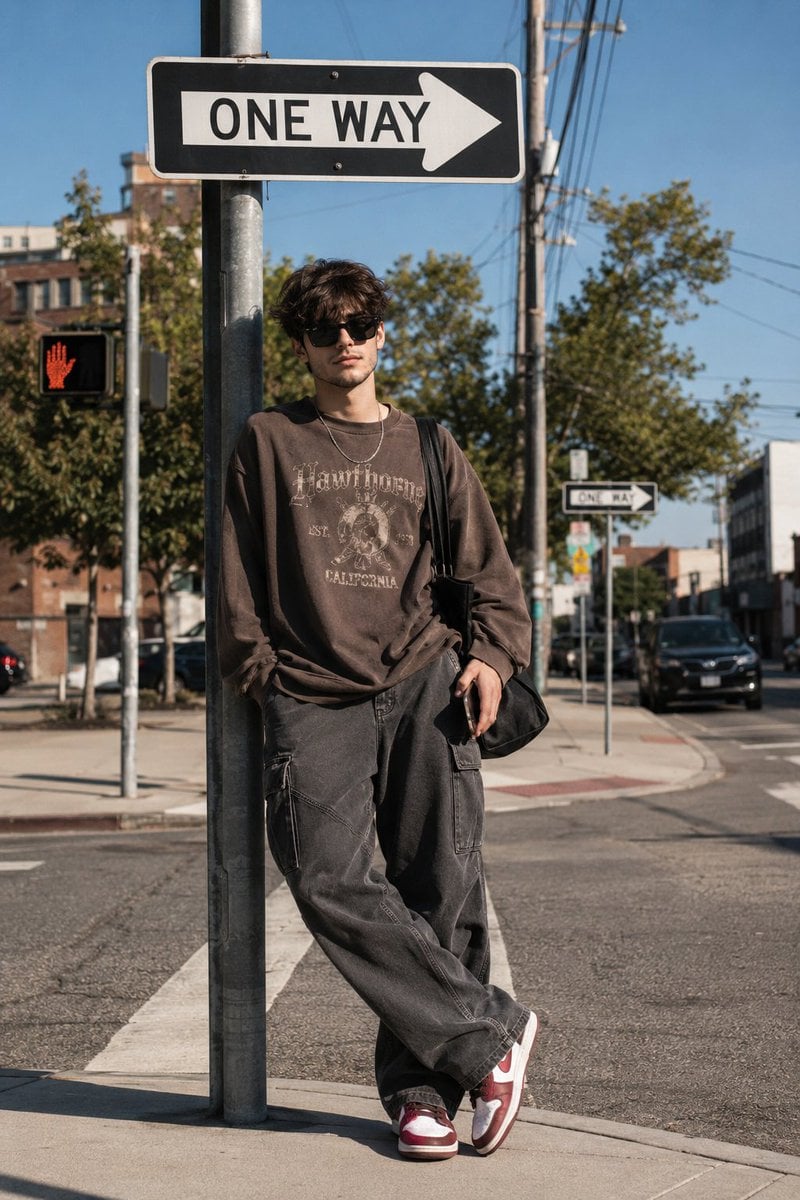
Korean Streetwear Urban Editorial
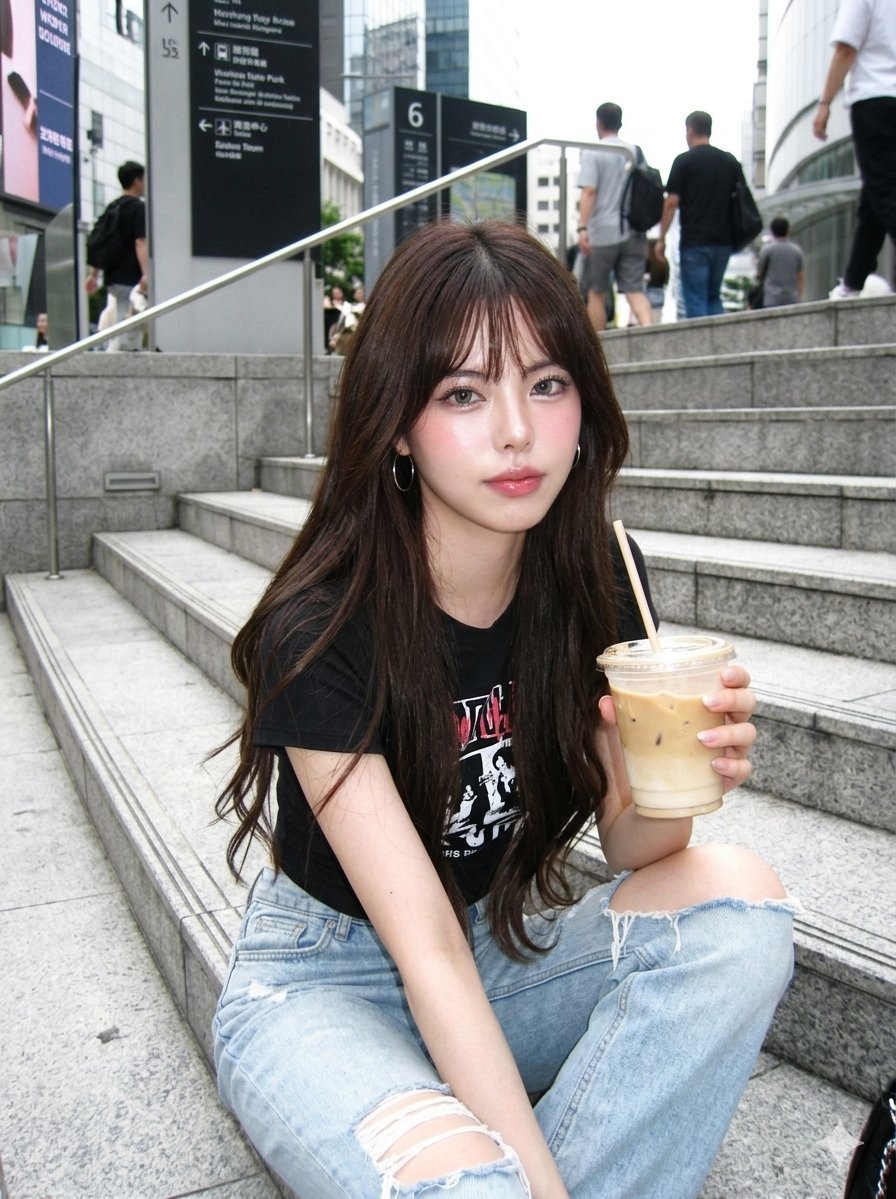
Digicam Style Urban Streetwear Shot
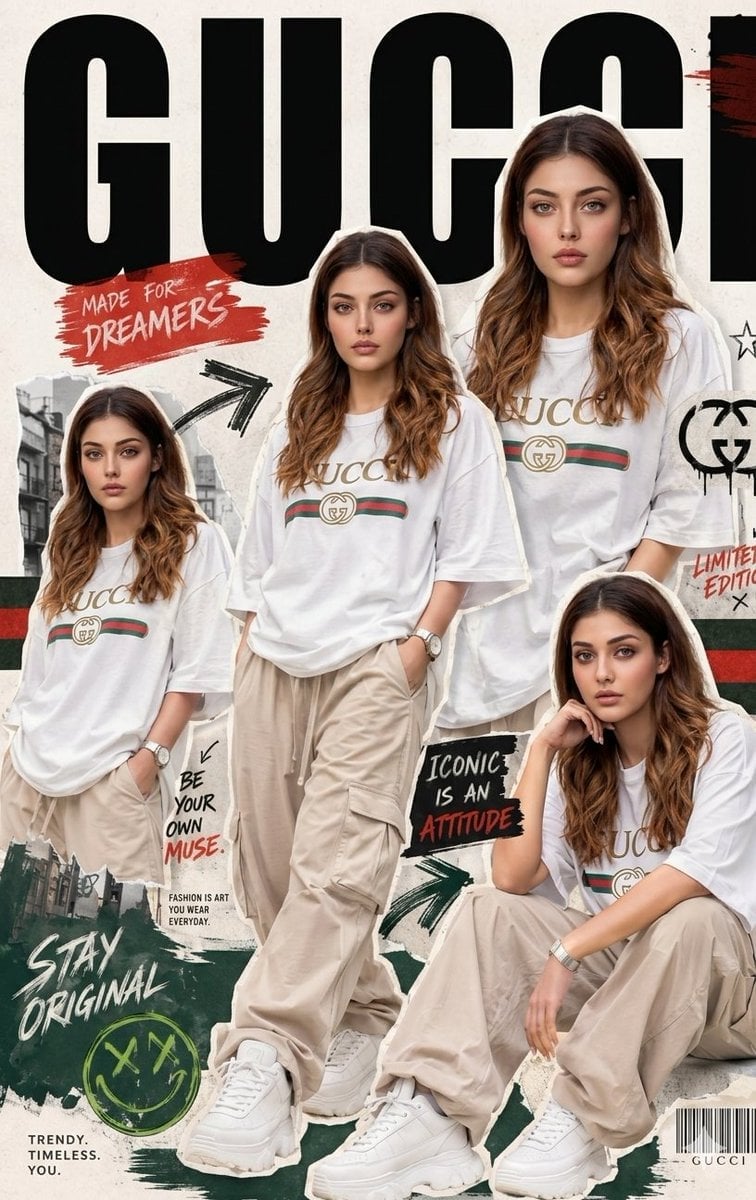
Urban Streetwear Fashion Collage Poster
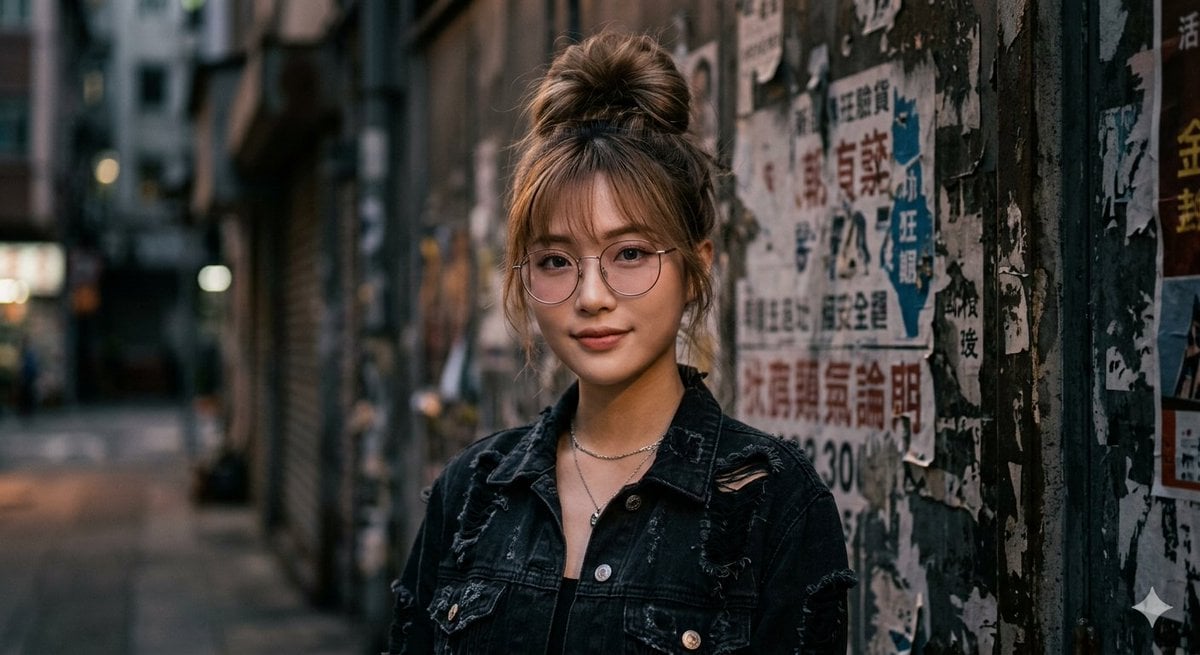
Urban Streetwear Portrait

Retro Pop-Art K-Fashion Ultraluxury Campaign Poster
Make it yours
Urban Streetwear Hoodie Mockup works as-is. These are the safest ways to change it without losing the look.
Change one field
Copy a single group, rewrite it, and generate again so you can see what that field is doing.
Keep the frame, change the subject
Hold the composition and light of Urban Streetwear Hoodie Mockup, then swap wardrobe, props or the person for a new take.
| If the result… | Why | Fix |
|---|---|---|
| The result drifts from the preview | Too many fields changed at once. | Reuse Urban Streetwear Hoodie Mockup as-is first, then change one group — subject, light, or setting. |
| The model over-stylizes the scene | The prose prompt leaves finish and camera underspecified. | Add one camera or lighting sentence and stay on GPT Image 2. |
More GPT Image 2 templates
Other prompts made for GPT Image 2.

Six VTuber Japanese Logo Sheet

Realistic Portrait of Woman and Deer

The Vista Modular Condo Poster

AI Model Routing Comparison Infographic

2.5D Anime Art Board

Isometric Productivity Desk Scene

New York Double Exposure Poster

Four-Panel AI Landscape Comparison

Japanese Tatami Lifestyle Magazine Cover

NESCAFÉ Coffee Map Poster
More image prompts
Fresh picks from across the catalog.
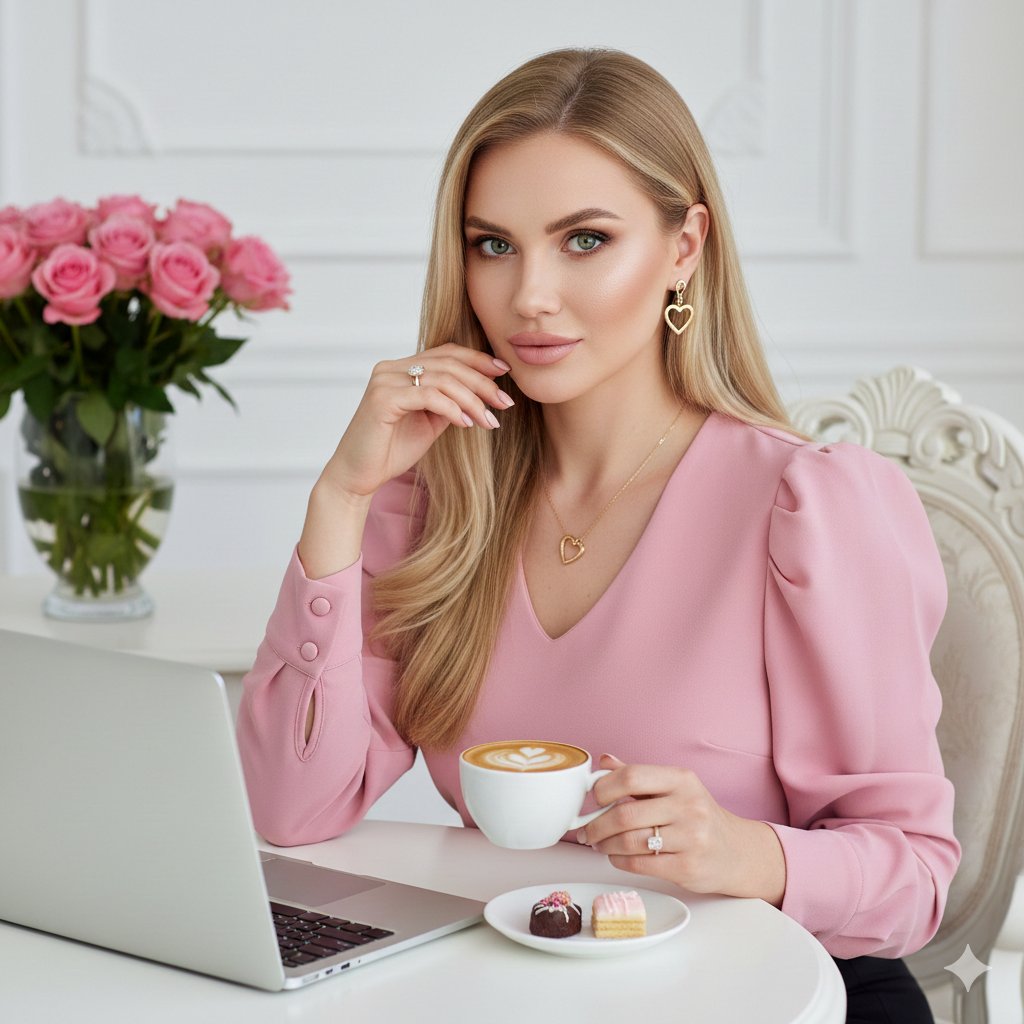
Elegant Professional Portrait with Coffee and Roses Prompt

AI Mechanism Infographic
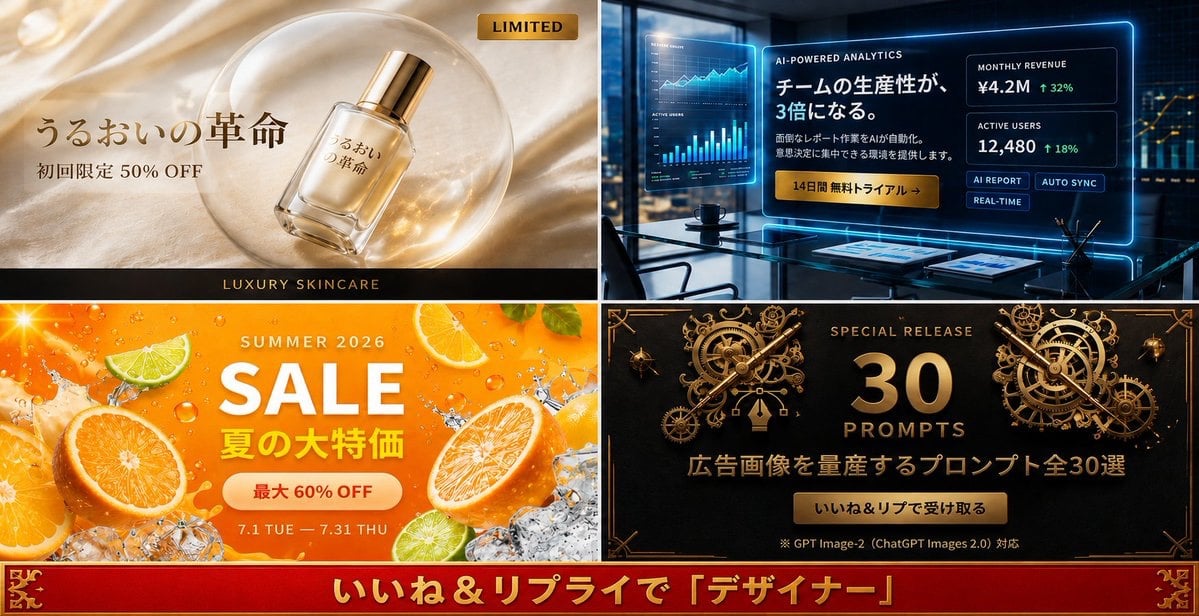
Four-Panel Japanese Ad Prompt Giveaway
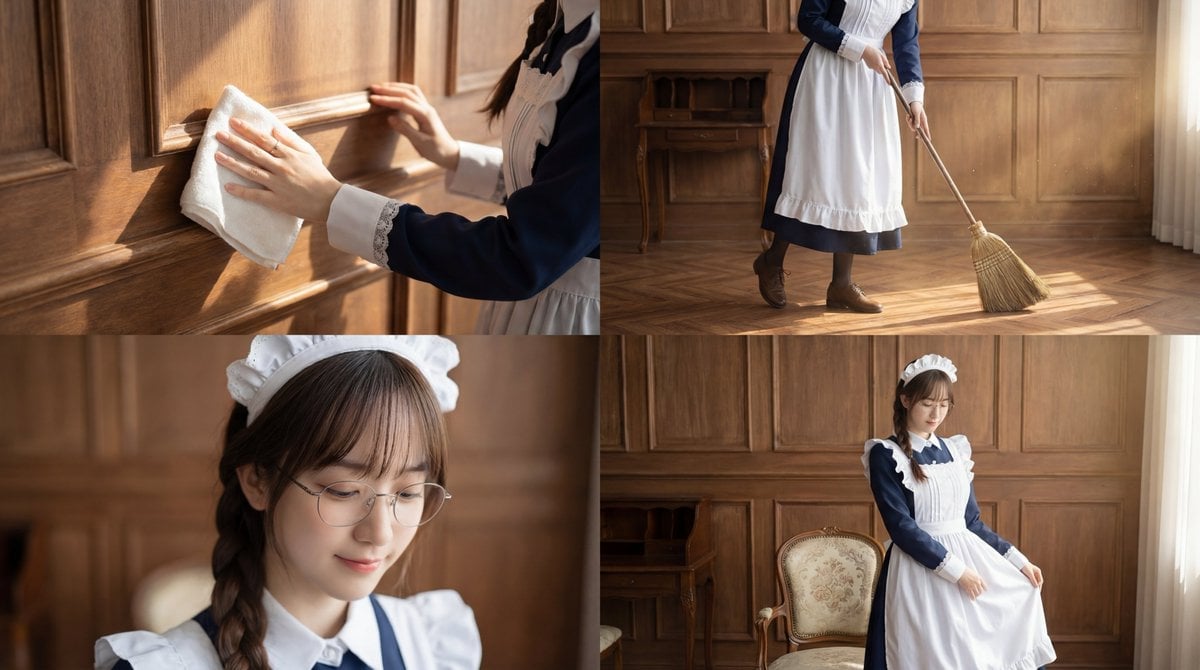
Cinematic Sequence Prompt: Person Cleaning in Morning Light
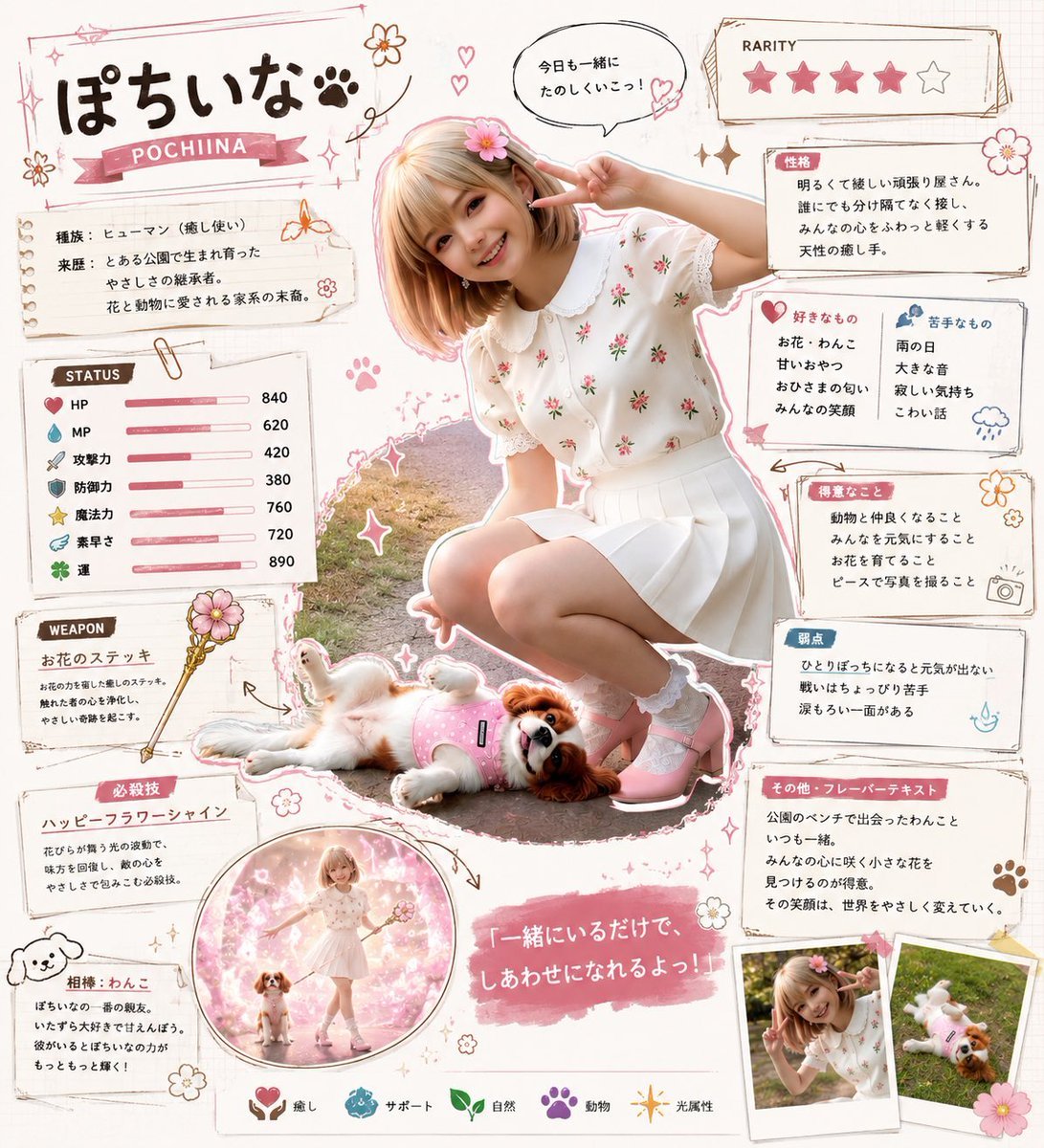
Kawaii RPG Character Profile Sheet
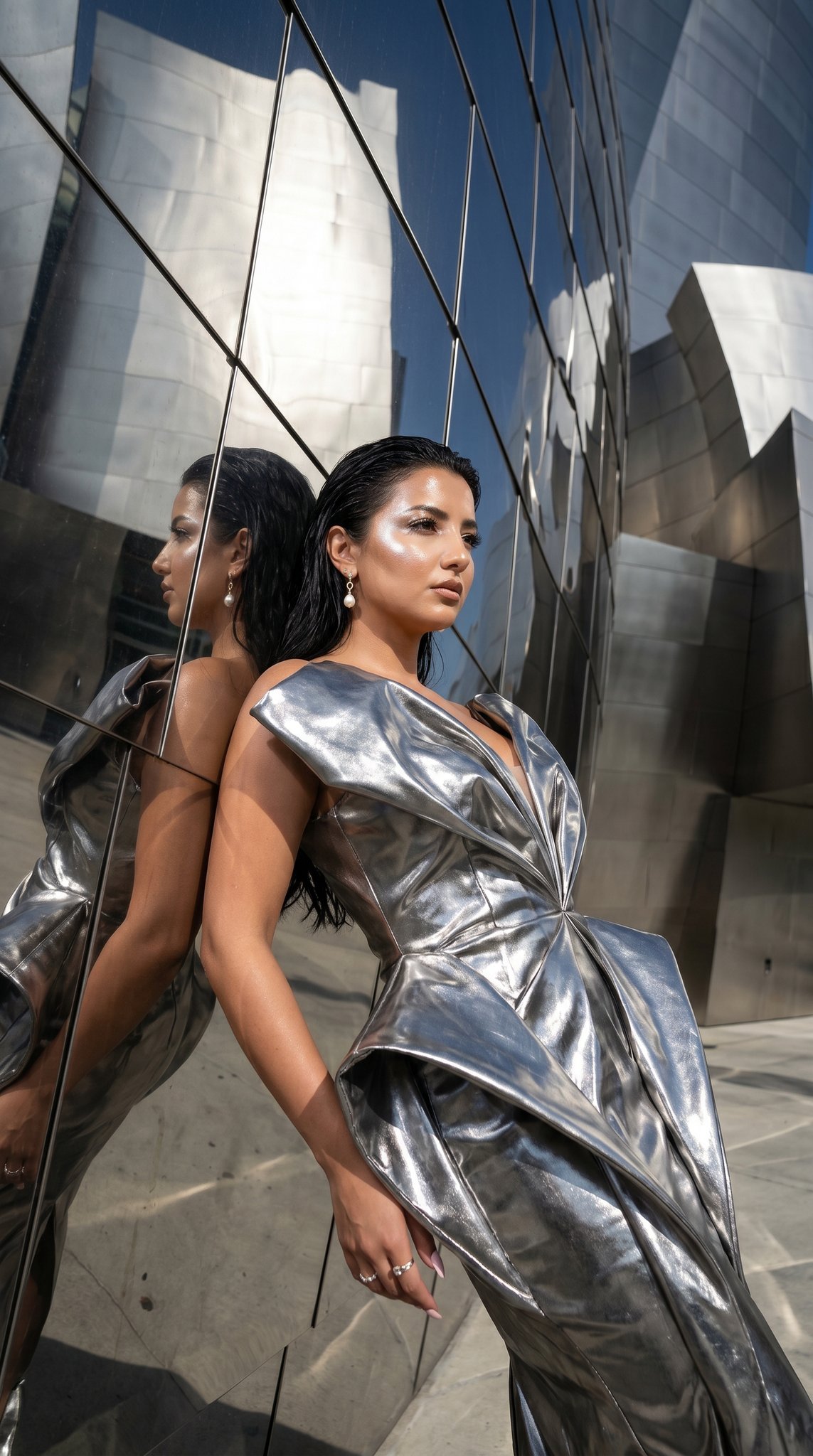
11 Walt Disney Concert Hall — California Series
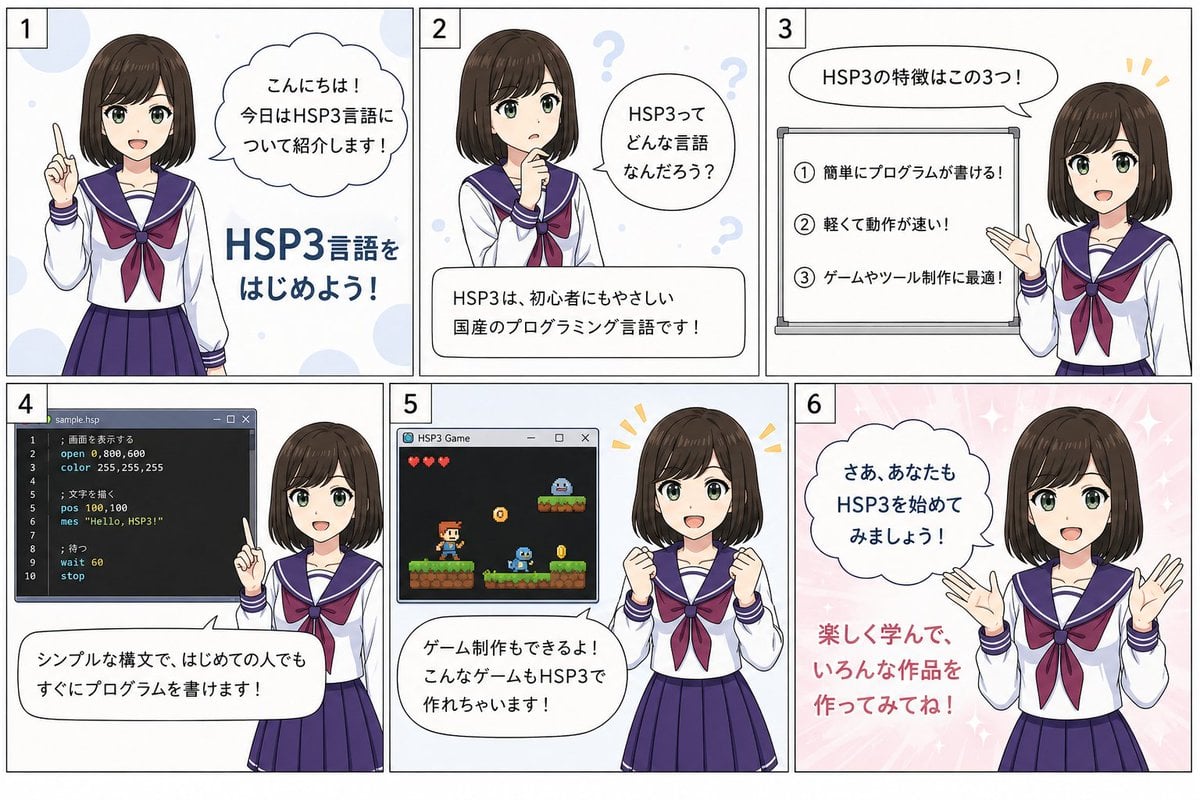
HSP3 Manga Introduction Comic
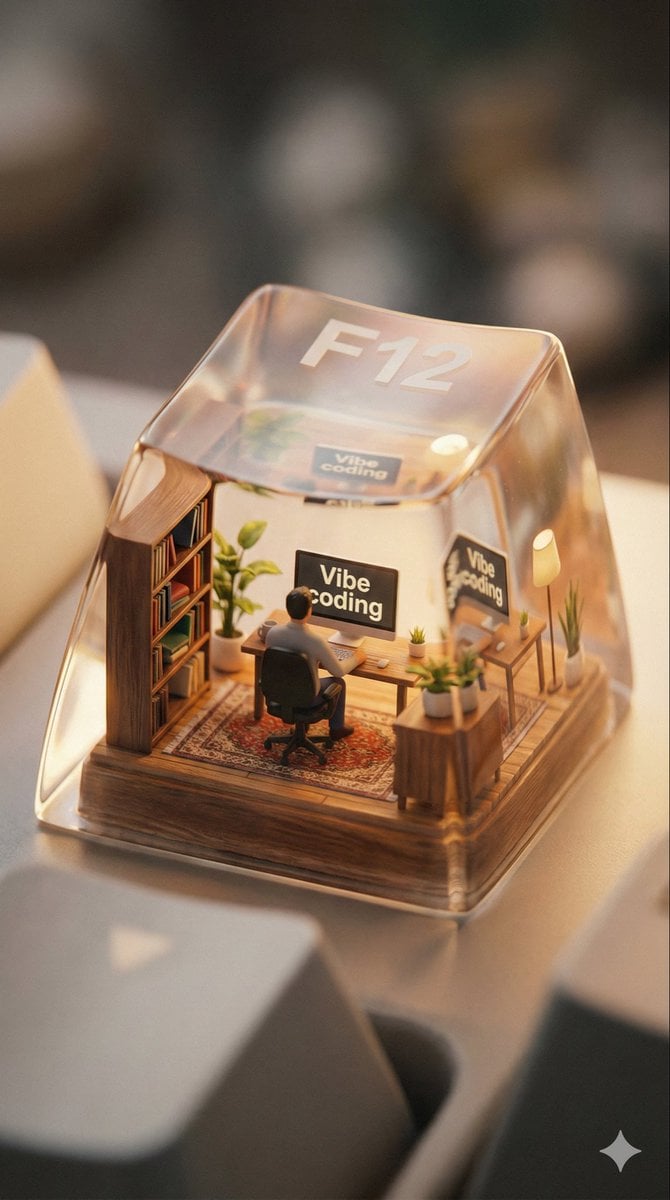
Miniature Scene Keycap Image Generation Prompt
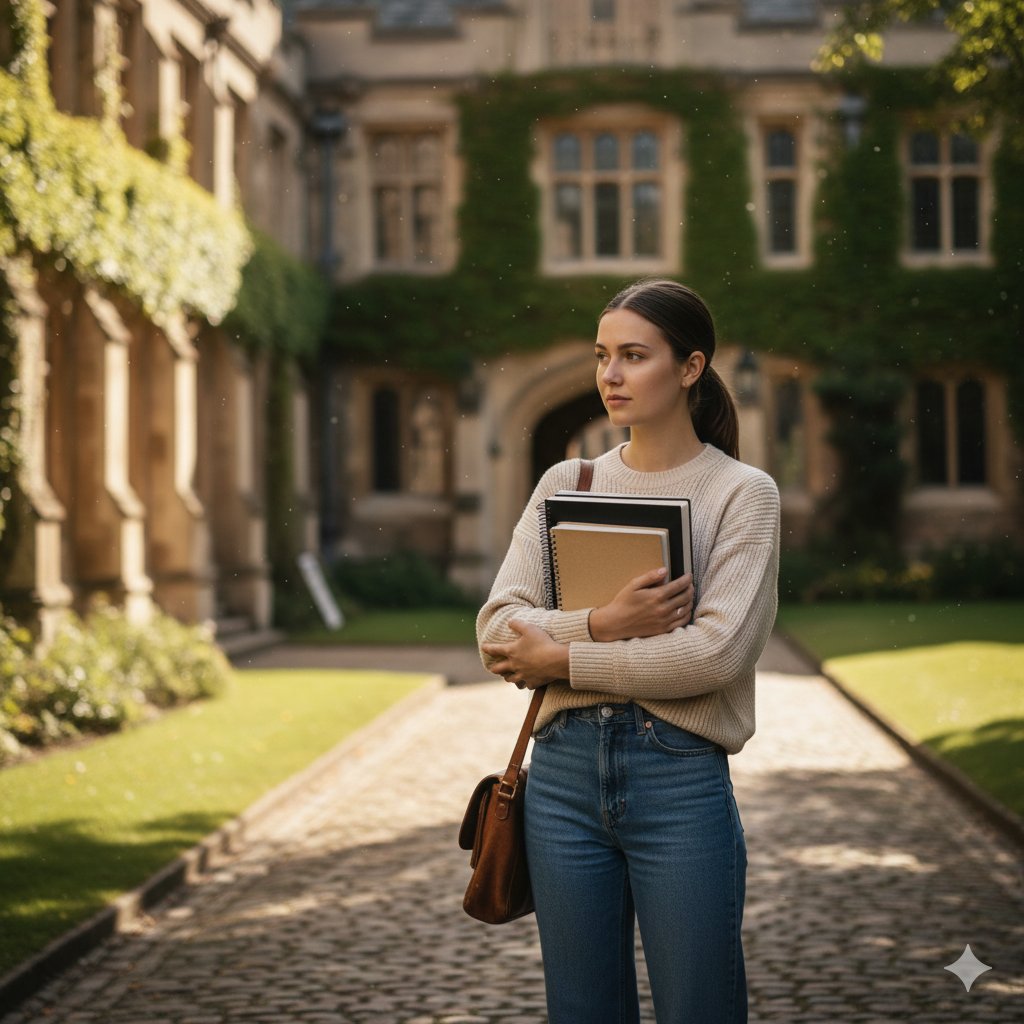
AI image prompt for a girl joining university
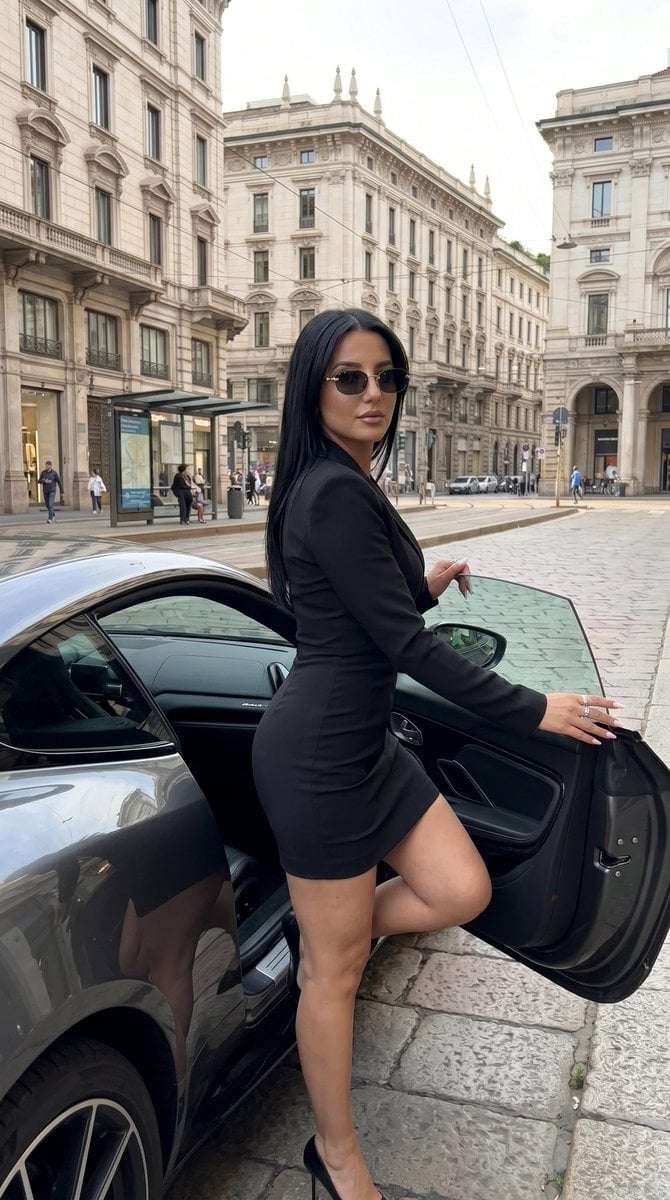
Milan Luxury Street Editorial
Browse template categories
Urban Streetwear Hoodie Mockup questions
How do I use the Urban Streetwear Hoodie Mockup template?
Add your photo if the template asks for one, edit the prompt if you like — the template's model and format are already selected — and press Generate. Your version opens in PicX Studio.
Can I customize the Urban Streetwear Hoodie Mockup template?
Yes. You can change the subject, setting, lighting, mood, format, and available model controls before creating your image.
Is the Urban Streetwear Hoodie Mockup template free?
Opening and editing this template is free. Generating uses credits, shown on the Generate button when you are signed in.
Which AI model should I use?
Start with GPT Image 2, which is the model associated with this template. You can compare another compatible model for a different finish.
Looking for something else? Browse all templates.

Your photo, any look
Thousands of ready templates for every top image and video model, from one credit balance.