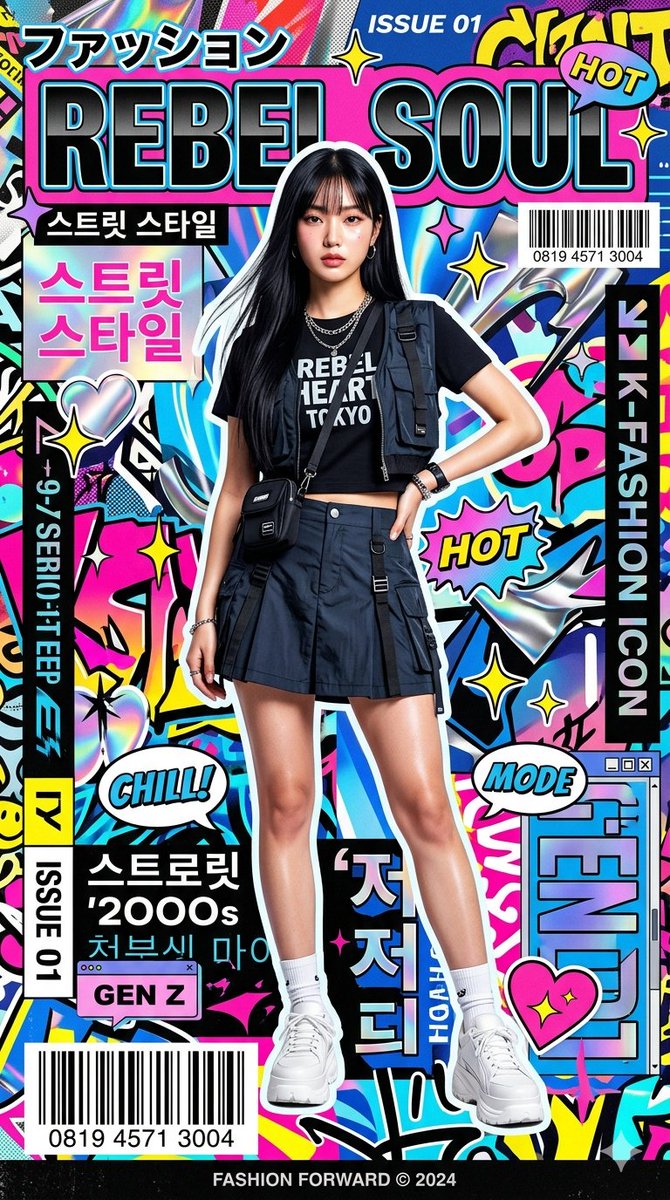
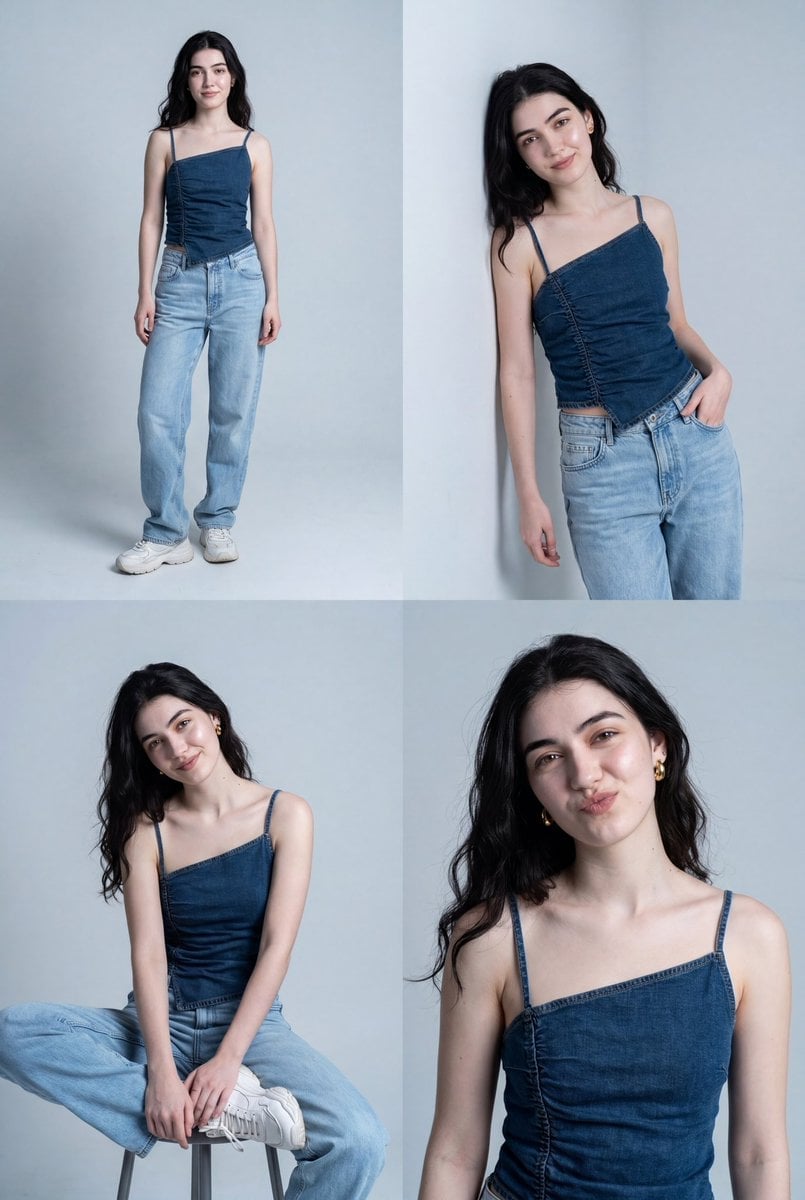
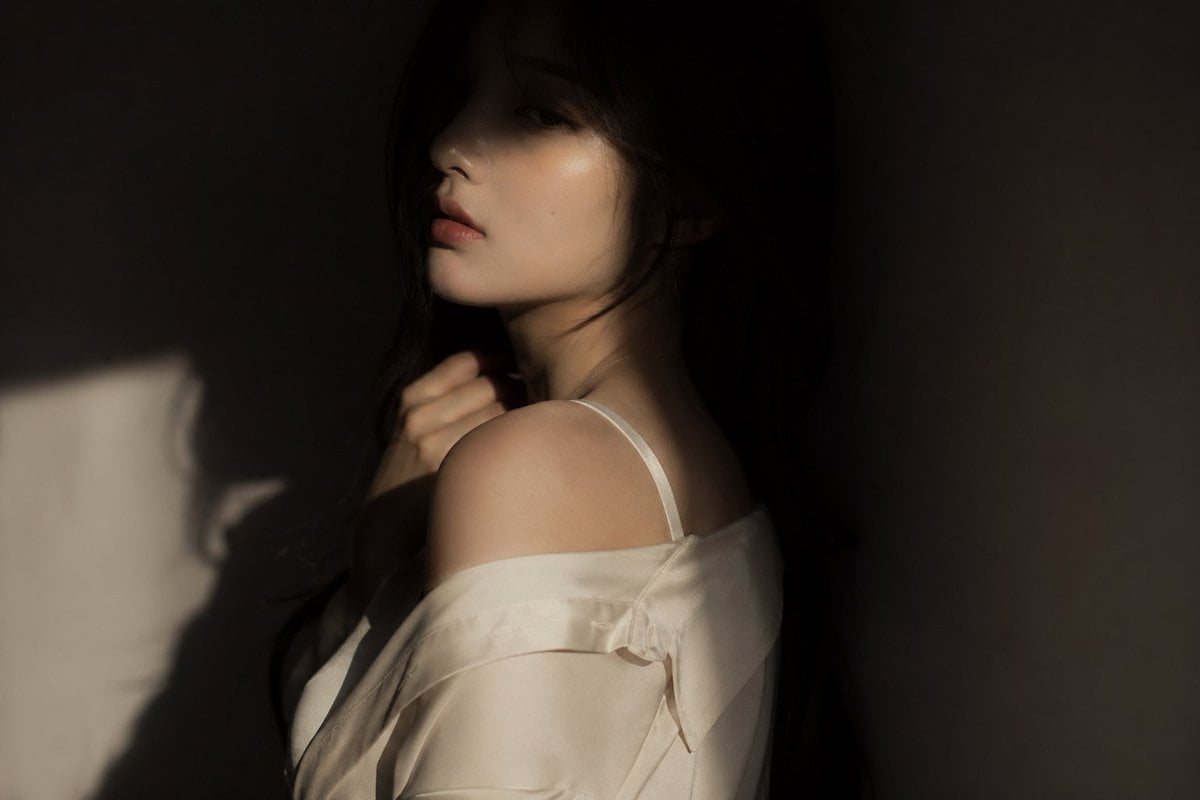
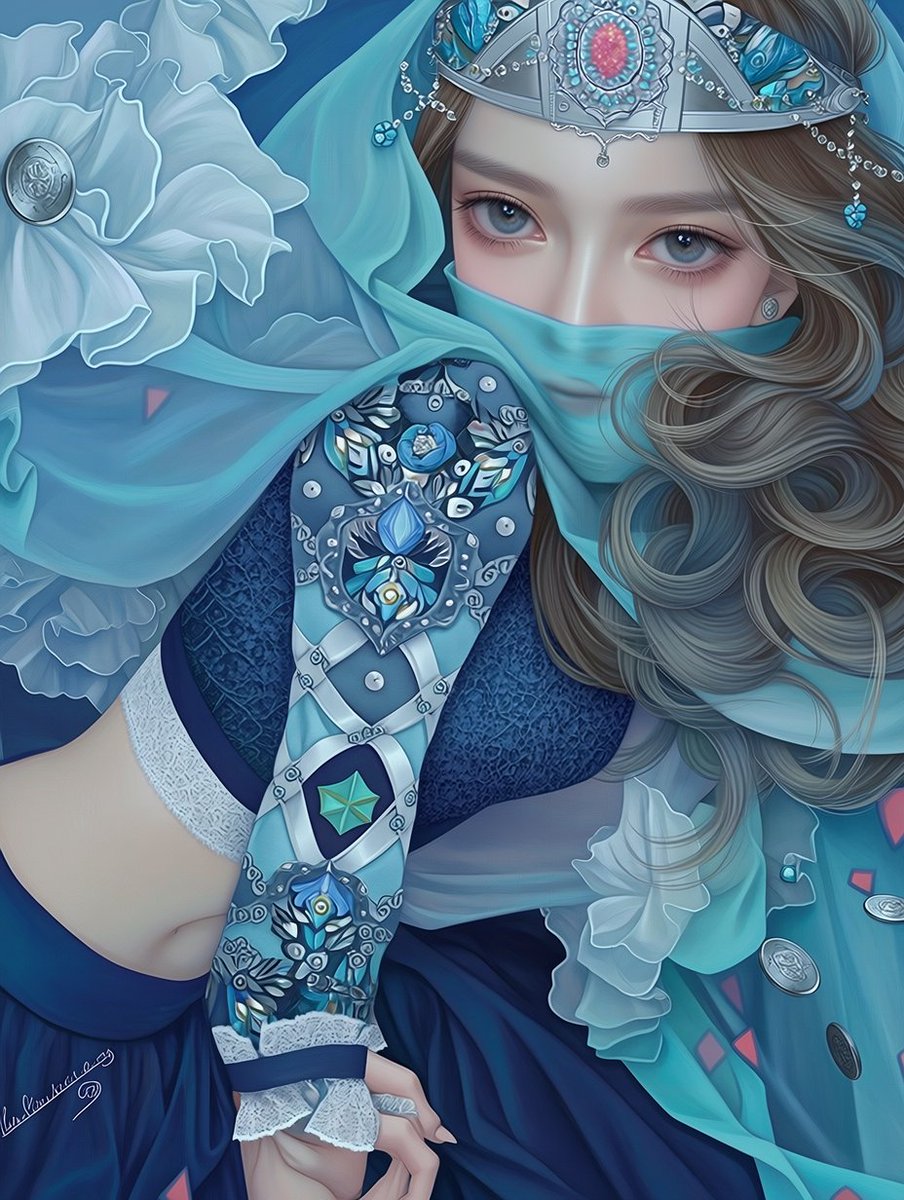
How do I use the Digicam Style Urban Streetwear Shot template?
Choose the primary action to open PicX Studio with the available template settings. Review the model and format, personalize the creative direction, and generate when ready.
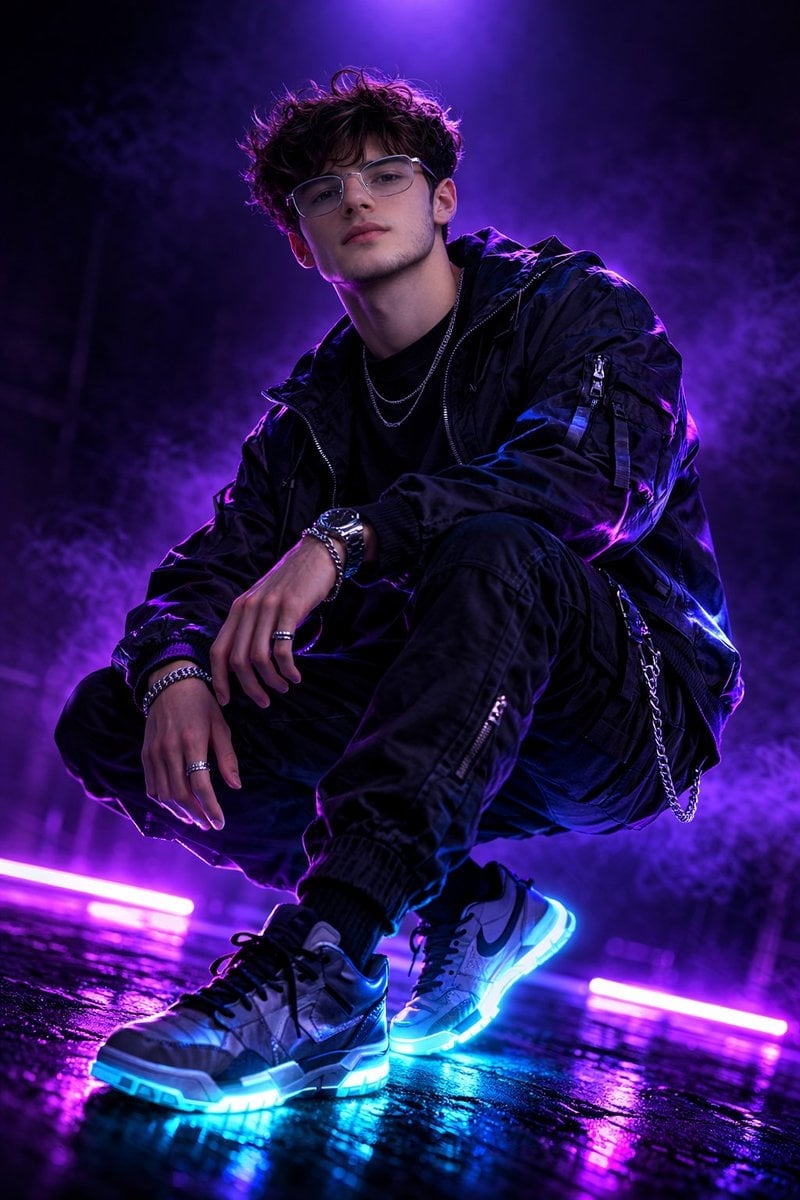
A detailed prompt for creating a low-angle, flash-heavy urban portrait in the style of an old digital camera.
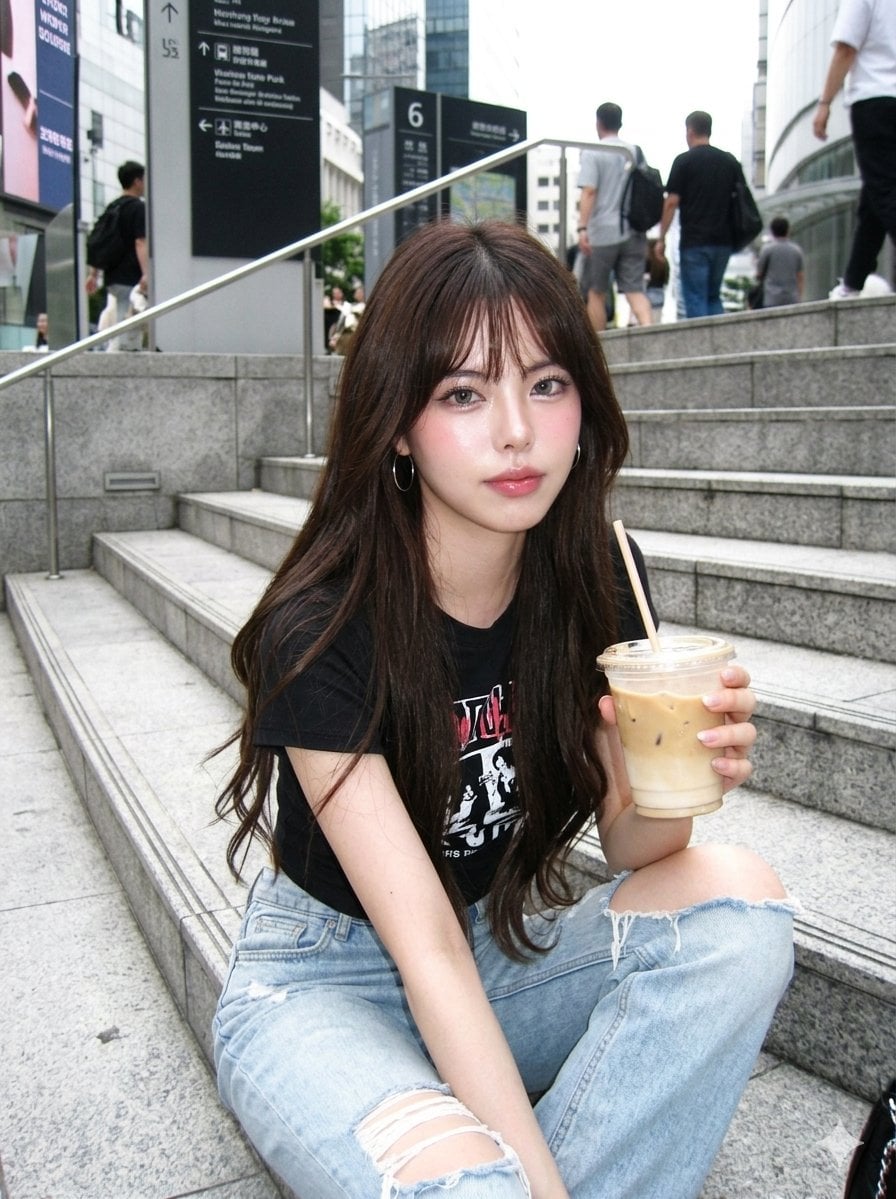
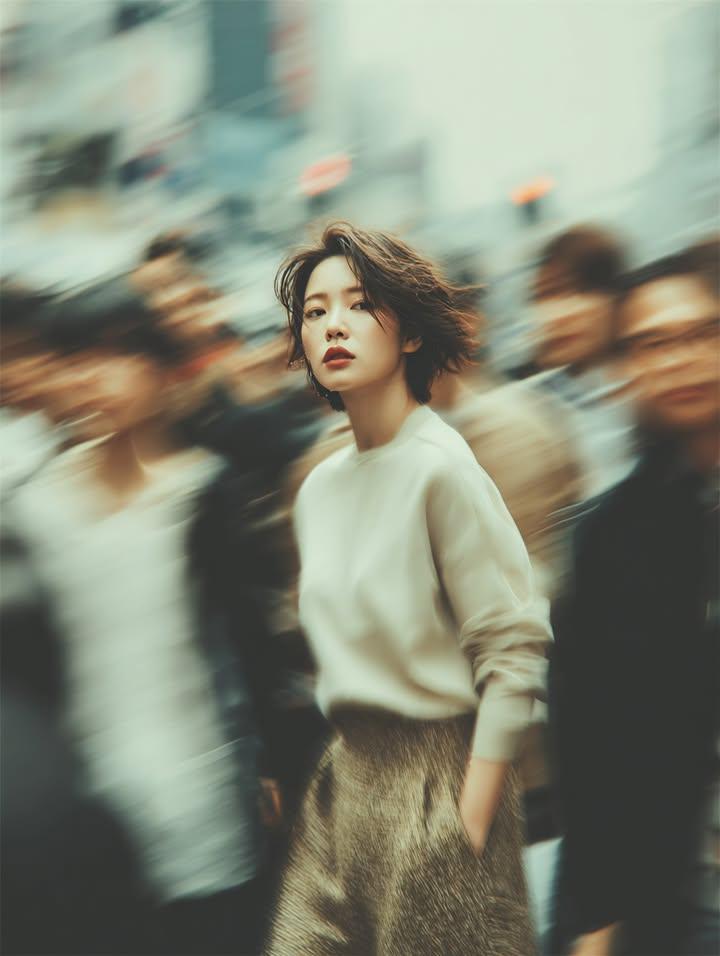
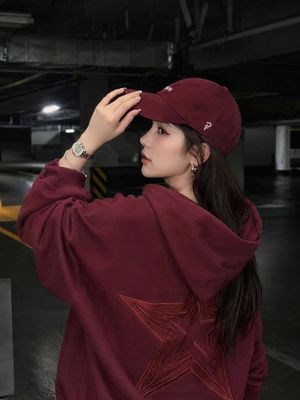
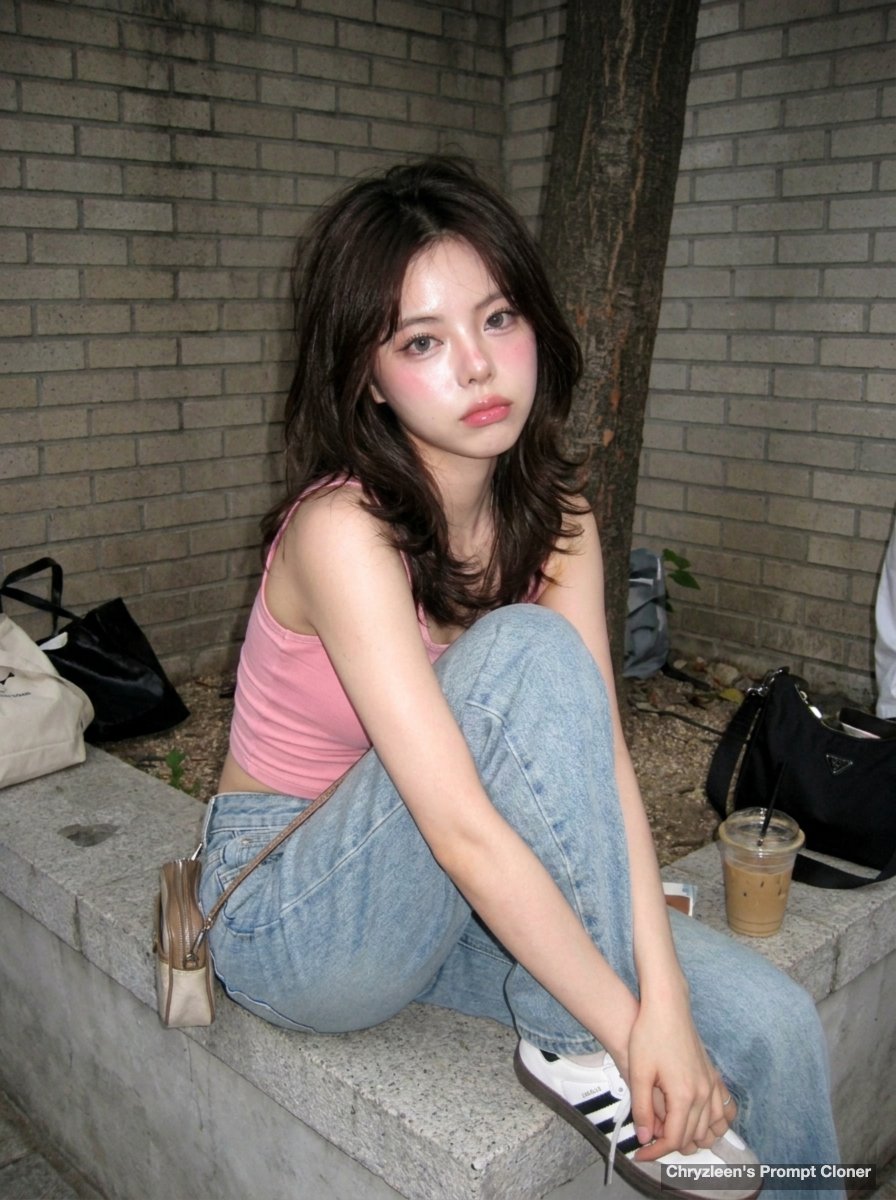
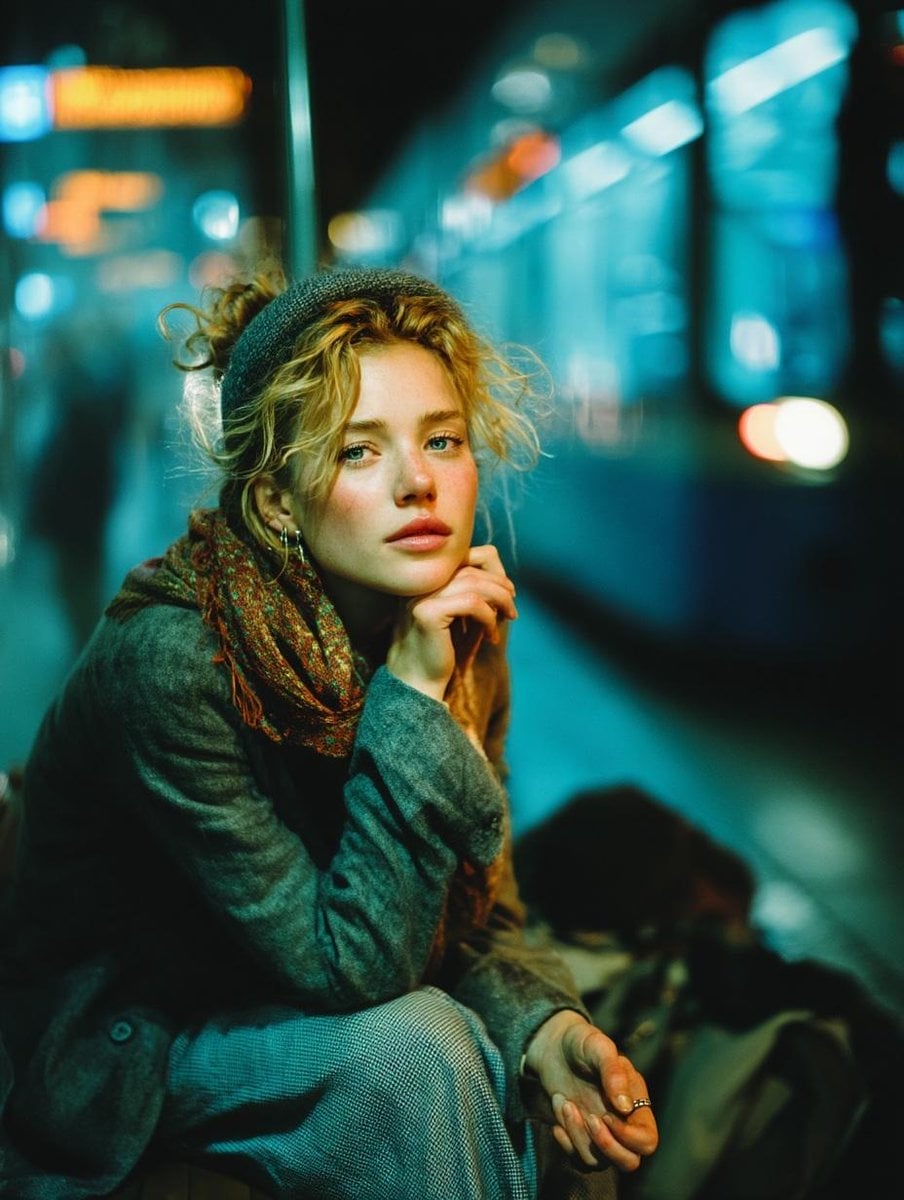
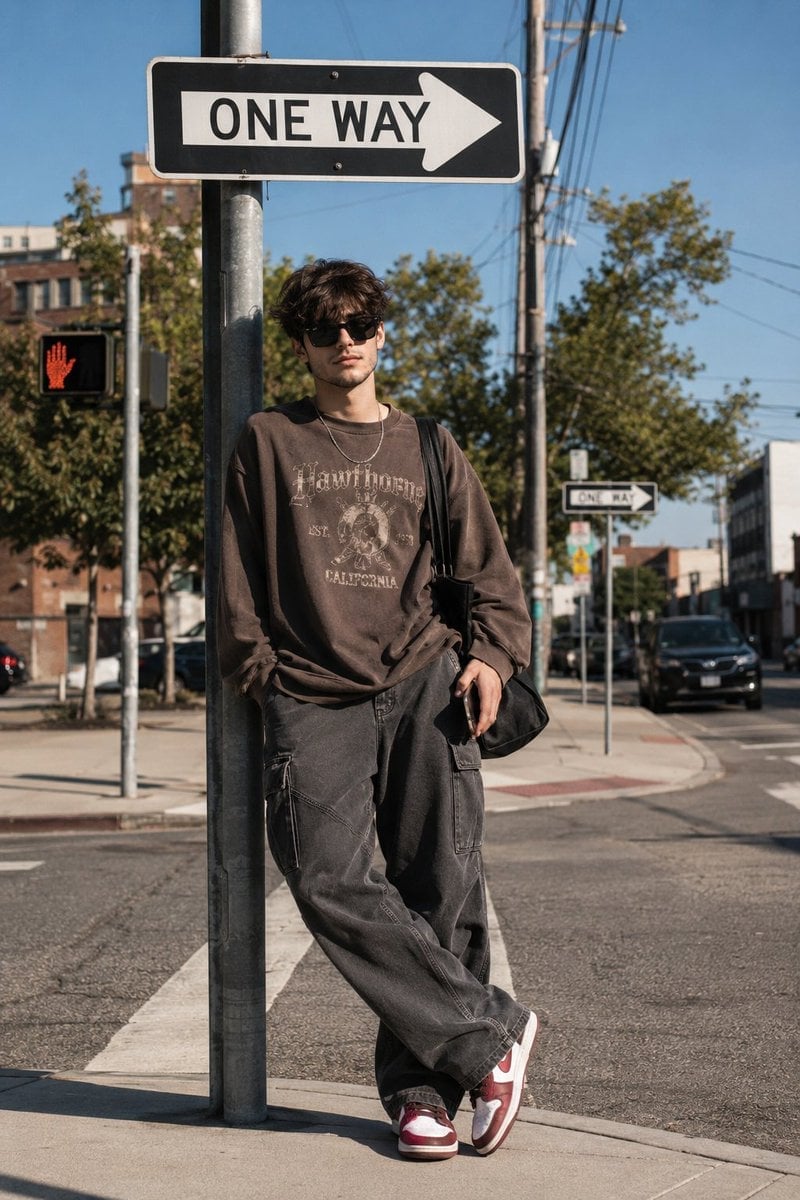
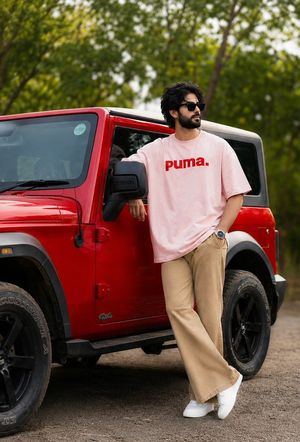
A hyper-photorealistic shot of the same subject in the attached image, ultra-detailed skin, visible pores, dewy glass-skin makeup, glossy lips, aegyosal, pink blush, grey contacts Expression / Pose: Confident relaxed pose sitting on stairs, legs bent, holding iced drink, direct gaze with subtle attitude Camera: Old CCD digicam, harsh flash, grain, slight motion blur, overexposed highlights, low contrast Makeup: Glass-skin glow, glossy lips, aegyosal, pink blush, soft contour, grey lenses Hair: Long straight layered black Outfit: Graphic tee, ripped light-wash jeans, casual streetwear vibe, hoop earrings Background: Outdoor urban steps, bright sky, signage in background, modern city aesthetic Composition: Low-angle perspective, dynamic framing, subject dominant in foreground, strong leading lines
Choose the primary action to open PicX Studio with the available template settings. Review the model and format, personalize the creative direction, and generate when ready.
Yes. You can change the subject, setting, lighting, mood, format, and available model controls before creating your image.
This template is free to open and customize. Generation usage is shown in PicX Studio before you create.
Start with Nano Banana 2, which is the model associated with this template. You can compare another compatible model for a different finish.
Follow a topic to a crawlable collection of related PicX Studio templates.