How do I use the Urban Streetwear Portrait template?
Choose the primary action to open PicX Studio with the available template settings. Review the model and format, personalize the creative direction, and generate when ready.
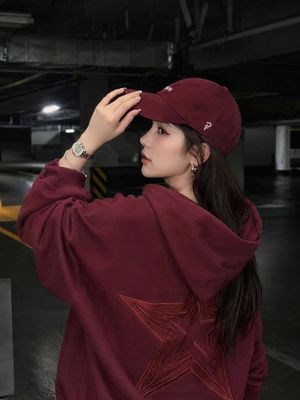
A high-contrast urban portrait of an East Asian woman wearing a denim jacket, set against a textured graffiti wall with dramatic side lighting.
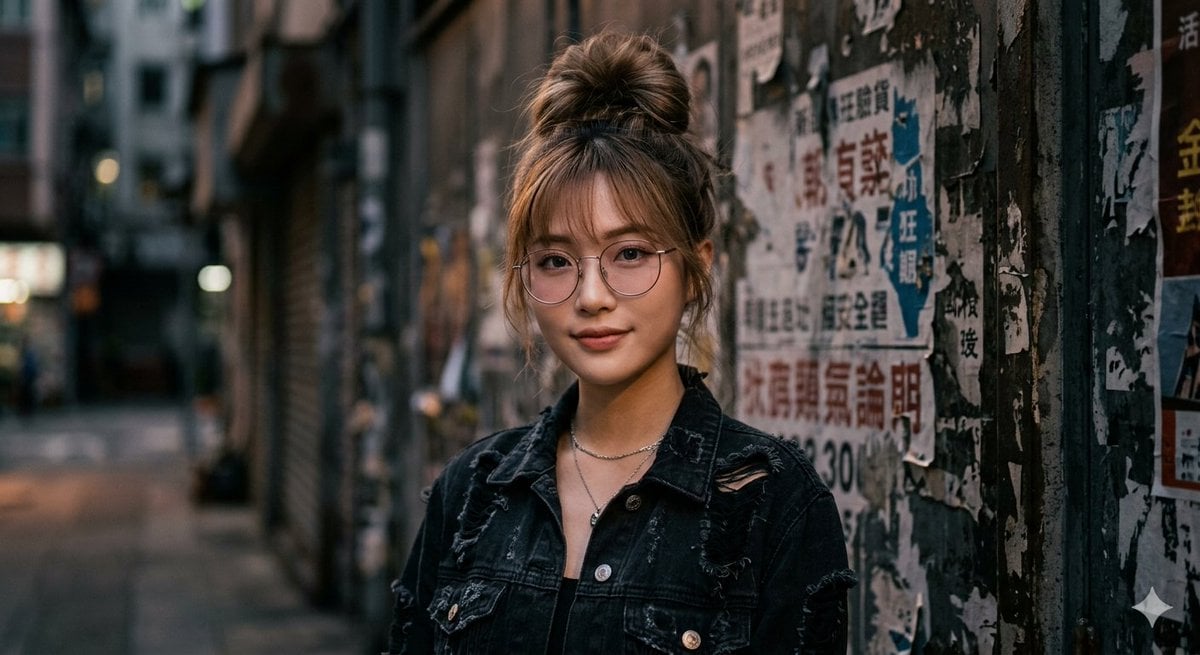
Photorealistic portrait of a beautiful young {argument name="ethnicity" default="East Asian"} woman in her early 20s, with fair skin and delicate facial features. She has long brown hair styled in a voluminous, slightly messy high bun with soft curtain bangs and loose strands framing her face. She is wearing thin round metal-frame glasses with a subtle {argument name="tint color" default="pink"} tint. Her expression is calm and confident, with full pink lips, natural makeup, and a direct gaze at the viewer. She wears a {argument name="outerwear" default="black distressed denim jacket"} with intentional rips and frayed edges on the shoulders and chest pockets, silver buttons, and a thin silver necklace with a small round pendant. The jacket is open, revealing her collarbone. Dramatic cinematic lighting with strong side lighting coming from the right, creating soft shadows on the left side of her face. The background is a textured urban wall covered in torn, layered posters and peeling paint with graffiti elements. Moody, high-contrast atmosphere, sharp detail, realistic skin texture, fine hair strands, 8k photorealistic quality, shot on Sony A7R IV, 85mm lens, f/1.8.
Choose the primary action to open PicX Studio with the available template settings. Review the model and format, personalize the creative direction, and generate when ready.
Yes. You can change the subject, setting, lighting, mood, format, and available model controls before creating your image.
This template is free to open and customize. Generation usage is shown in PicX Studio before you create.
Start with Nano Banana 2, which is the model associated with this template. You can compare another compatible model for a different finish.
Follow a topic to a crawlable collection of related PicX Studio templates.