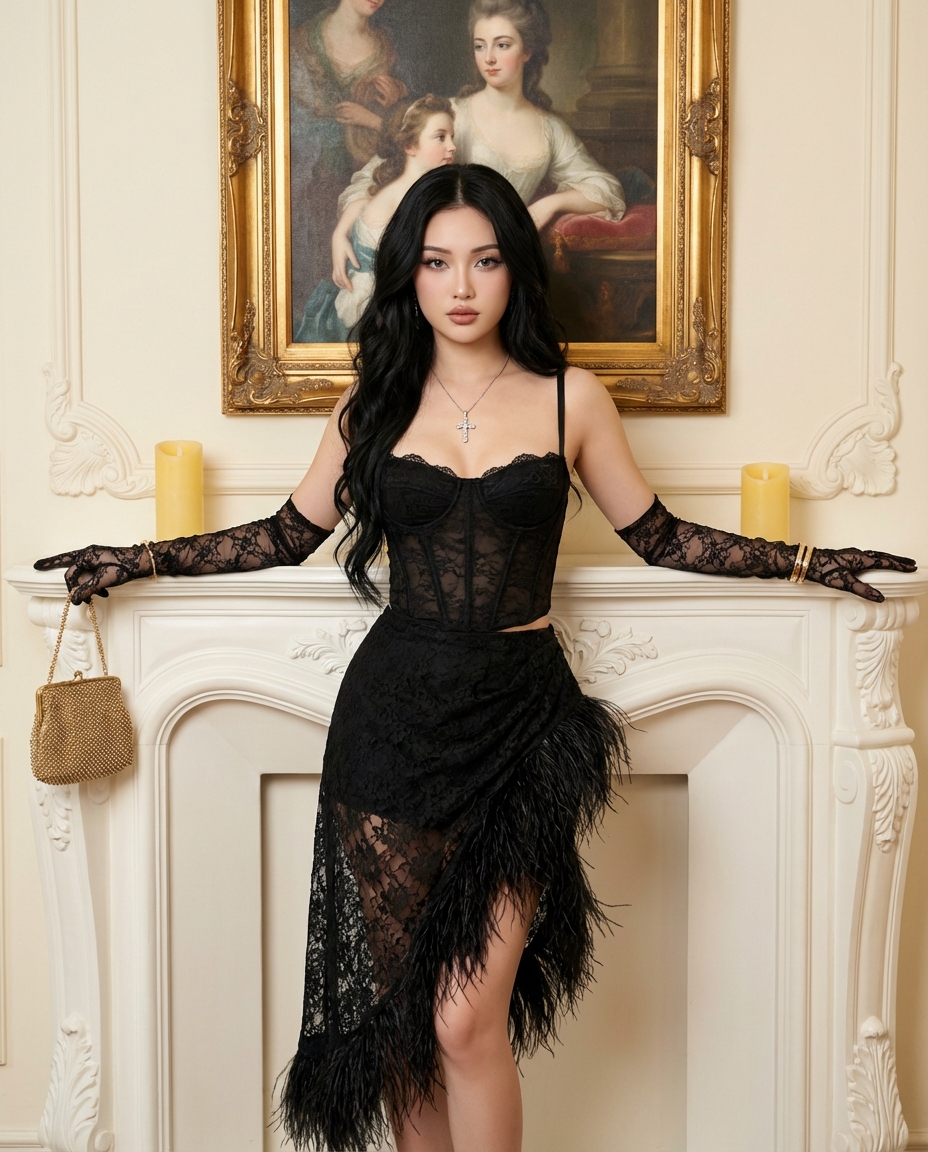
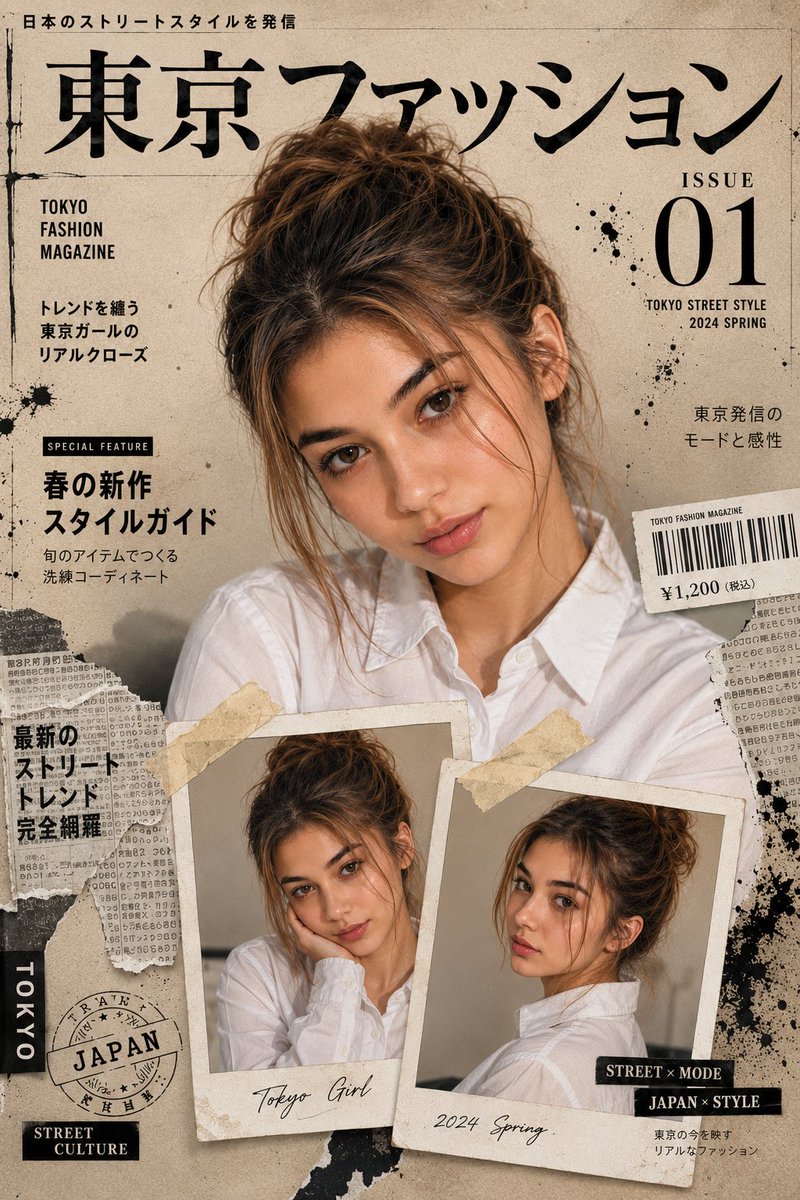
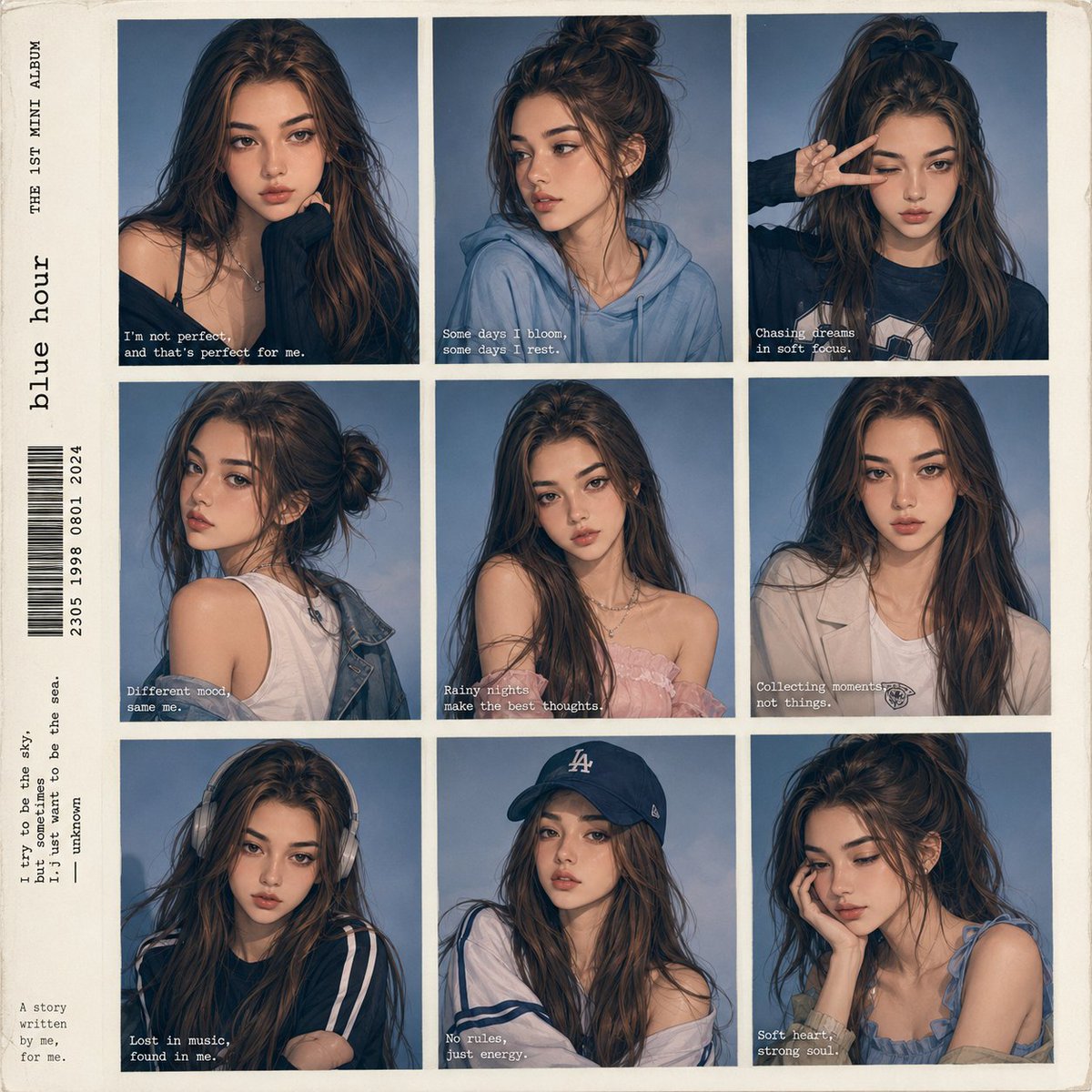
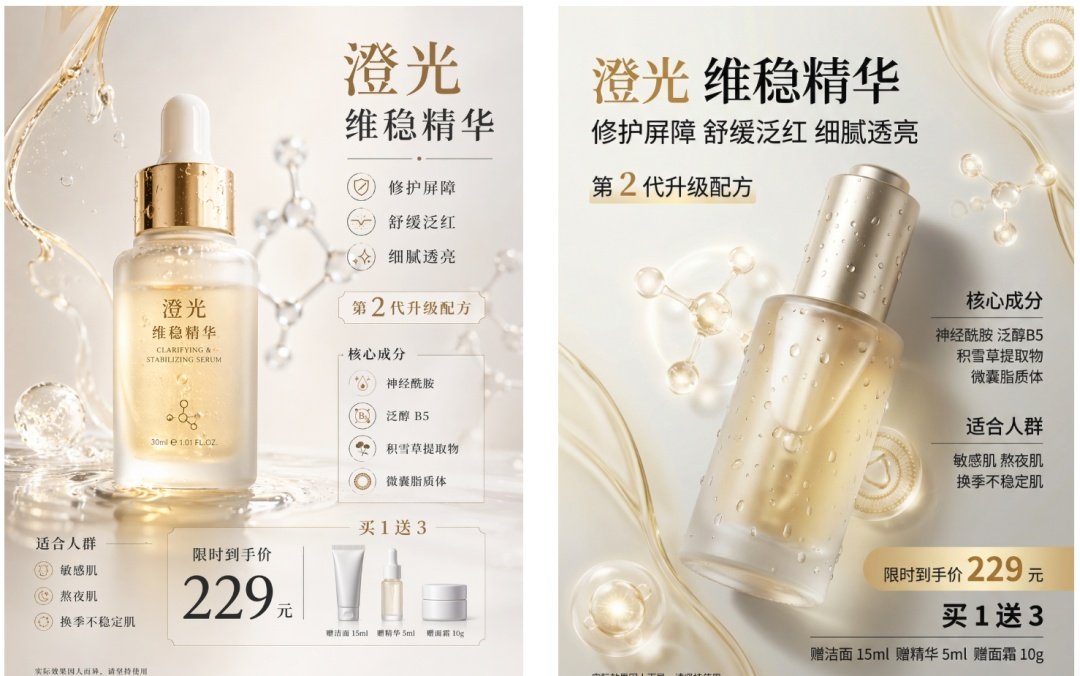
How do I use the Urban Streetwear Fashion Collage Poster template?
Choose the primary action to open PicX Studio with the available template settings. Review the model and format, personalize the creative direction, and generate when ready.
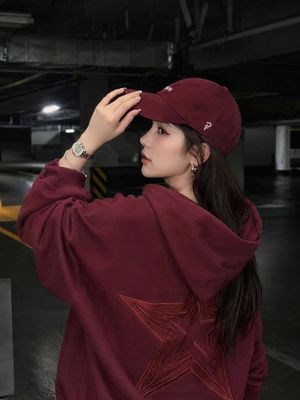
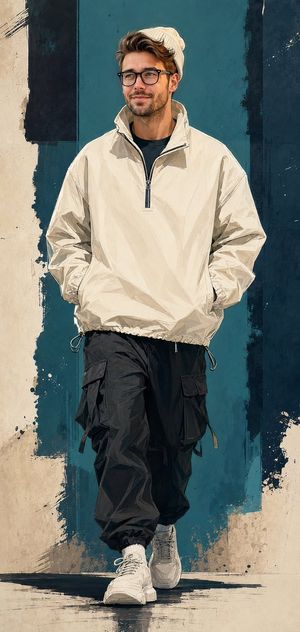
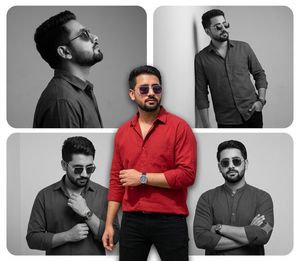
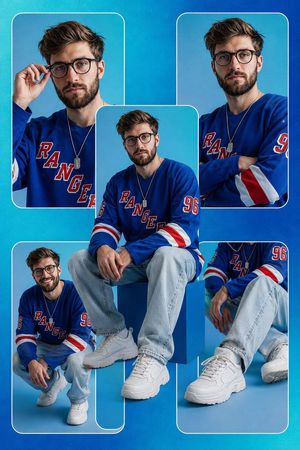
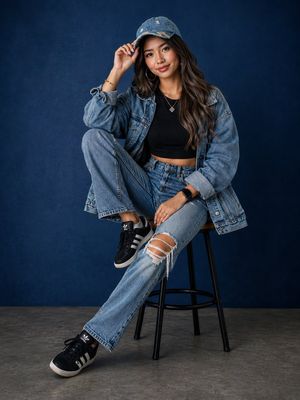
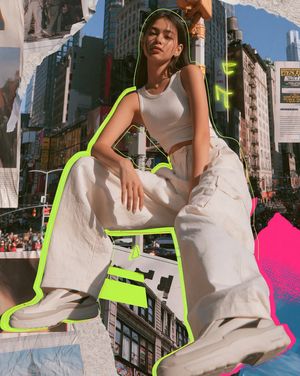
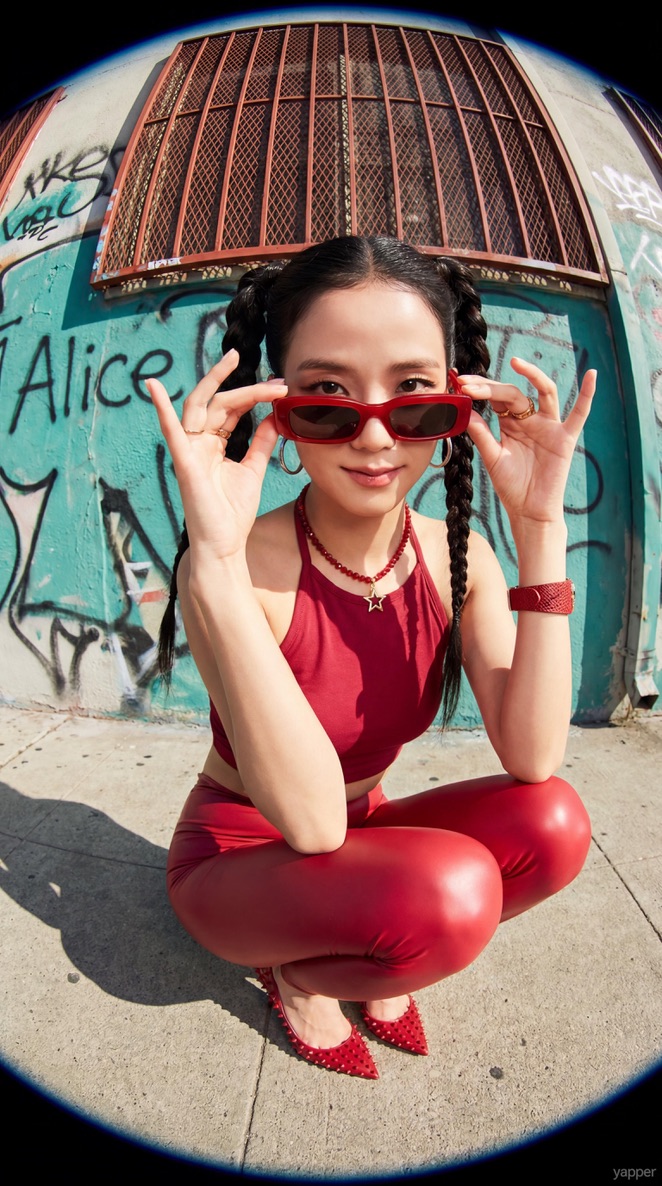
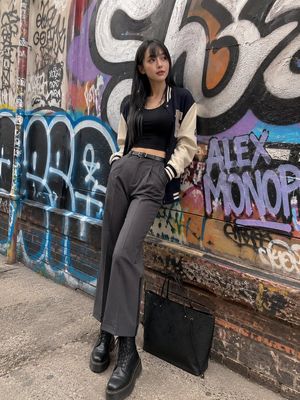
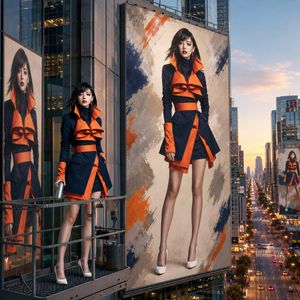
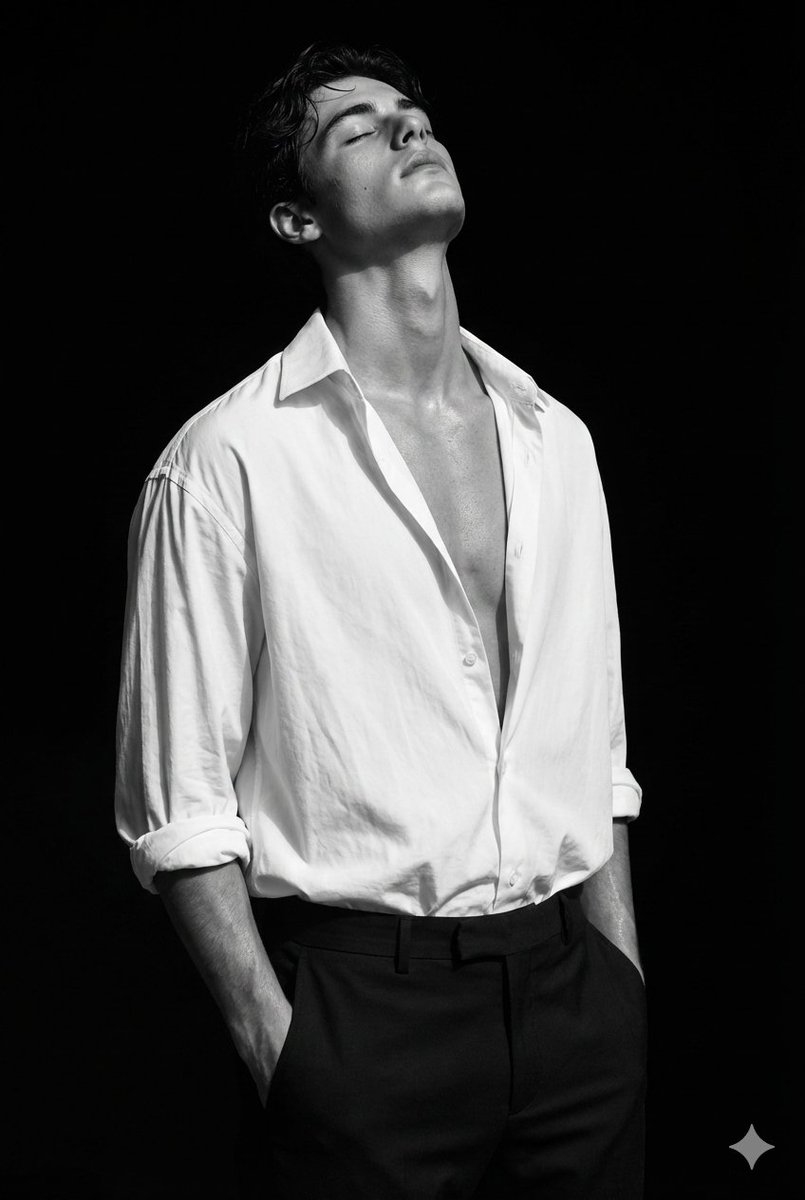
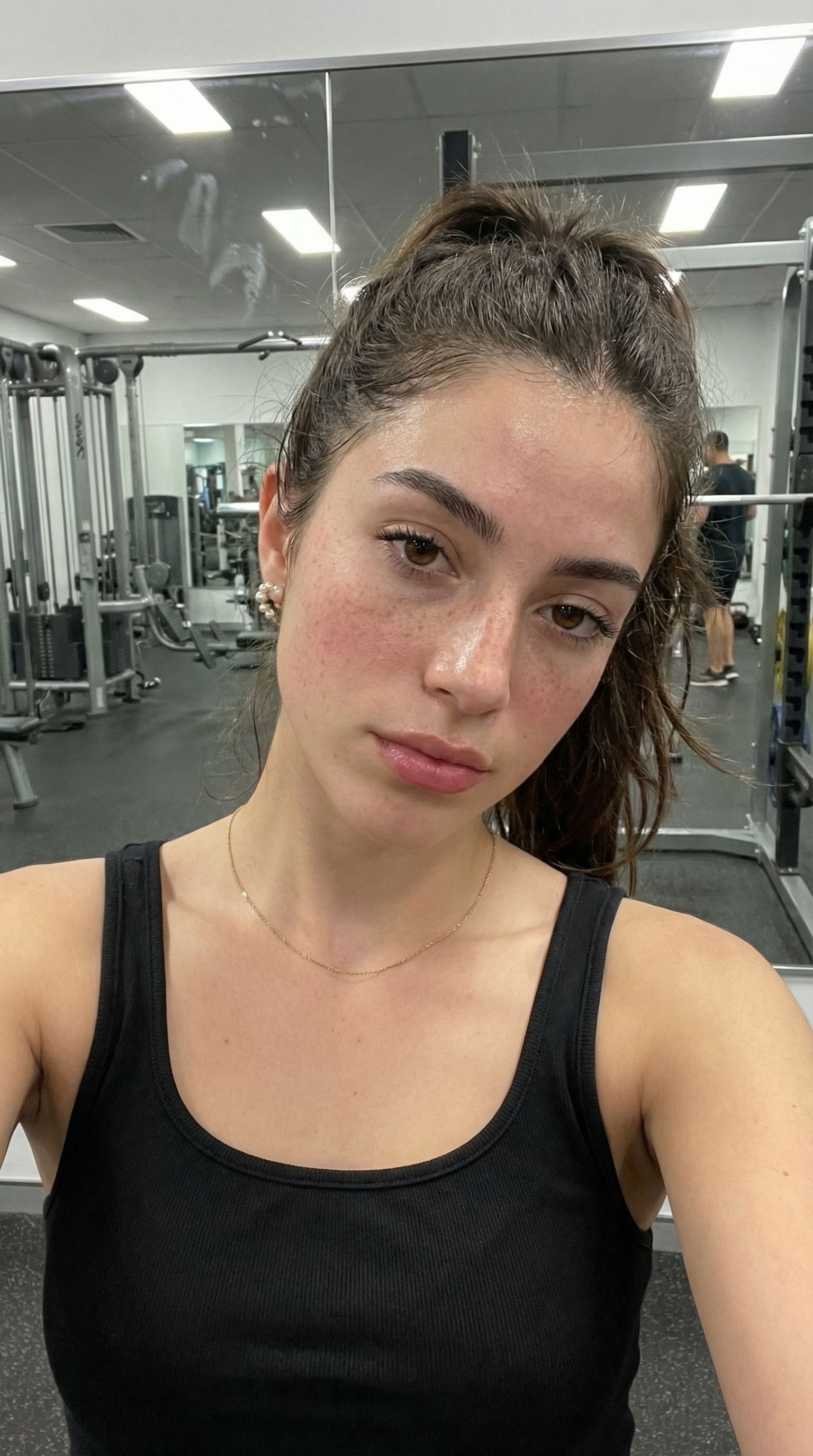
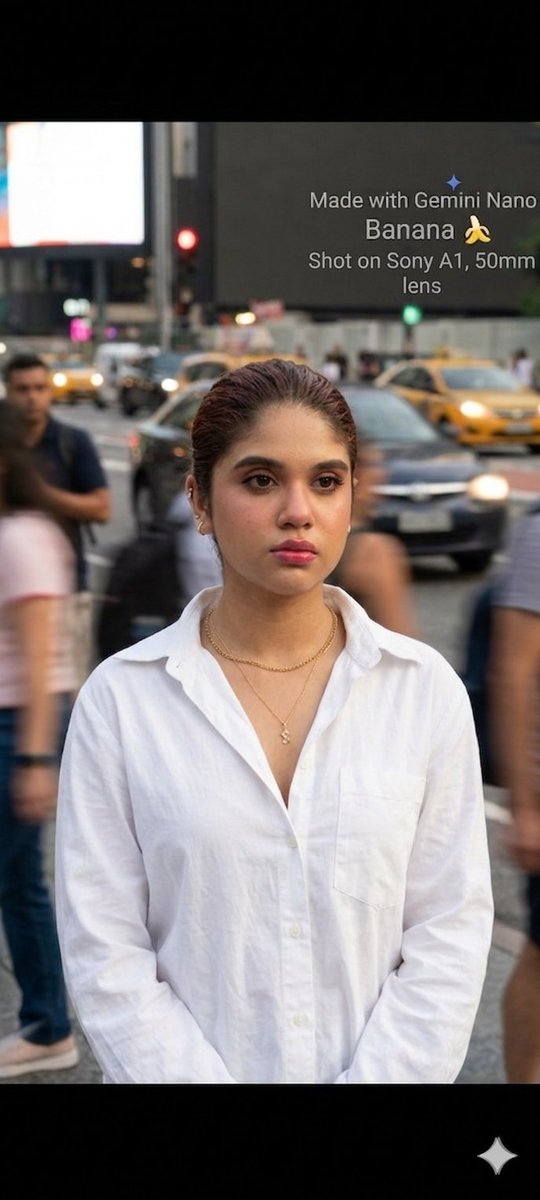
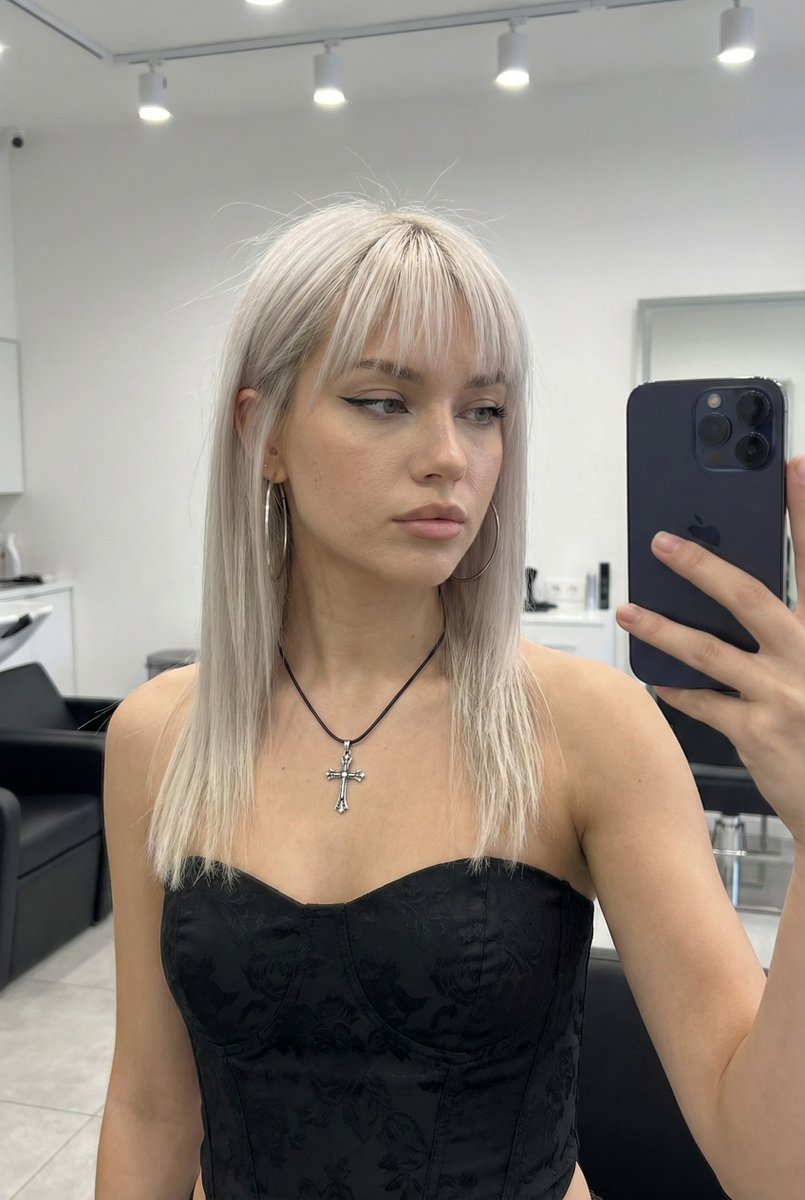
A creative prompt for a Gen-Z streetwear fashion poster in a collage style, featuring repeated models, oversized outfits, and layered editorial layout with bold
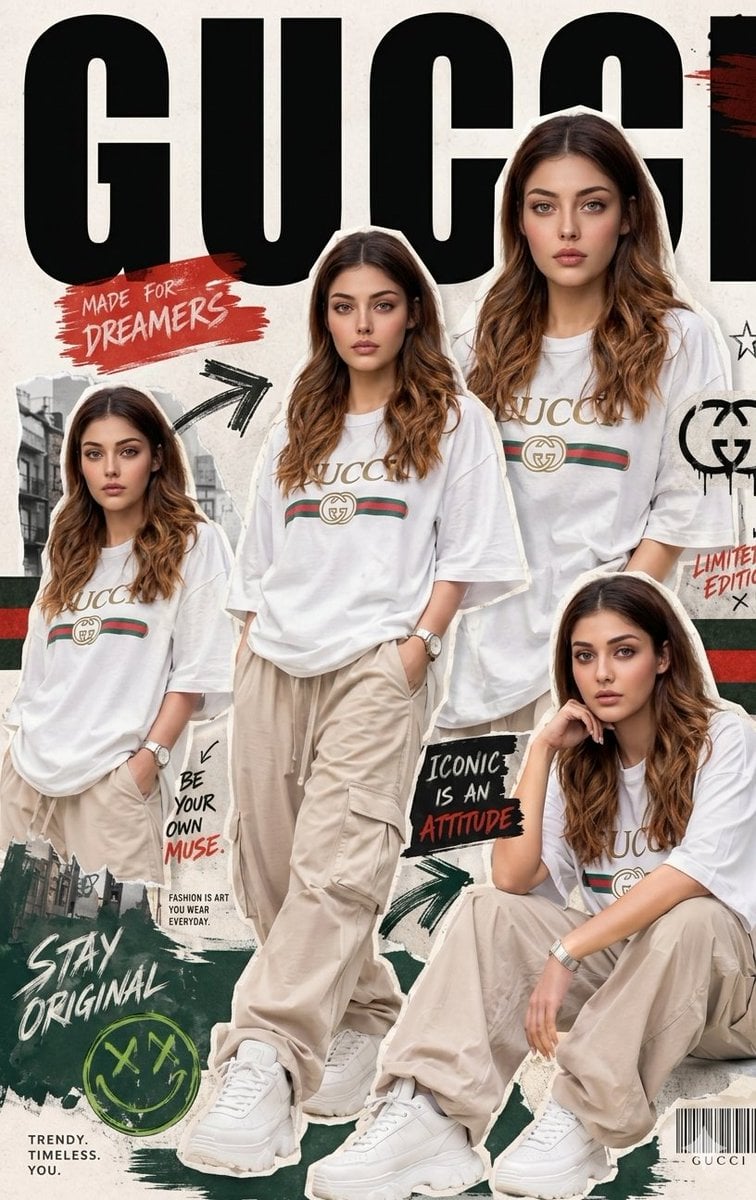
A Modern urban {argument name="fashion style" default="fashion collage poster"}, {argument name="target audience" default="Gen-Z streetwear campaign"}, same face as uploaded image, one female model repeated in multiple stylish poses, oversized casual outfit, premium ecommerce photography, vertical editorial layout, giant bold condensed typography at top, sticker-cutout borders, layered collage hierarchy, dynamic brush-stroke graphics, asymmetrical composition, {argument name="brand inspiration" default="gucci-inspired"} branding, handwritten brush text ometric accents, trendy
Choose the primary action to open PicX Studio with the available template settings. Review the model and format, personalize the creative direction, and generate when ready.
Yes. You can change the subject, setting, lighting, mood, format, and available model controls before creating your image.
This template is free to open and customize. Generation usage is shown in PicX Studio before you create.
Start with Nano Banana 2, which is the model associated with this template. You can compare another compatible model for a different finish.
Follow a topic to a crawlable collection of related PicX Studio templates.