
2026 World Cup Fan Photo Generator
A comprehensive prompt designed for GPT Image 2 to create realistic, cinematic photos of a person as a passionate South Korean fan at the 2026 World Cup stadium.
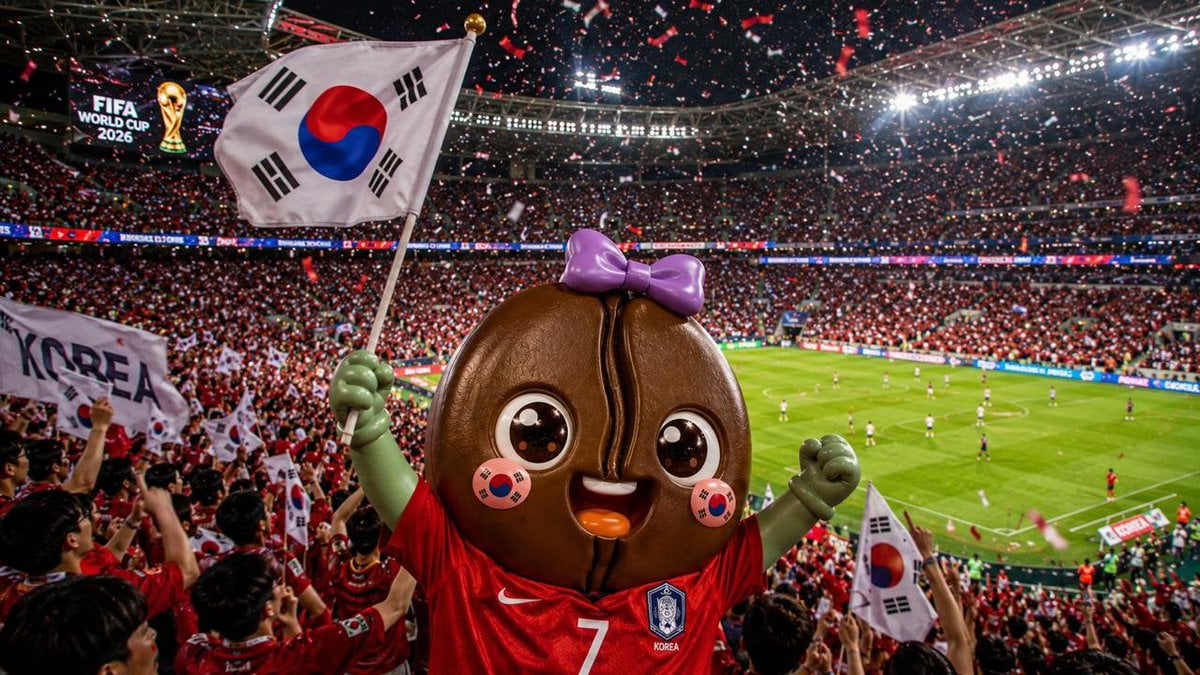
- Prompt included
- Model and format preset
- Free template
The prompt behind this image
Copy the exact prompt behind 2026 World Cup Fan Photo Generator, or open it in the studio and make it yours.
Create the person based on the uploaded photo, but keep their original facial features, the structure of their features, hairstyle, skin tone, and their recognizability as a real individual, so they still look like the same person. The top priority is that the person looks like their real self and that the atmosphere of the 2026 FIFA World Cup venue is captured accurately; after that, improve the overall visual quality of the image. Generate an immersive, realistic photo that looks as if it were taken right at the 2026 FIFA World Cup stadium. The person should be positioned in the stadium stands or a stand near the field, wearing a {argument name="cheering uniform color" default="red"} supporter jersey for the {argument name="country" default="South Korea"} national team, or supporter apparel featuring {argument name="country" default="South Korea"} elements. Their face should have natural, intricate {argument name="flag" default="Taegukgi (the South Korean flag)"} face paint, and they should be holding a {argument name="flag" default="Taegukgi (the South Korean flag)"} in their hand. Their expression should be excited, immersed, and highly expressive, giving off the atmosphere of someone passionately cheering for the {argument name="country" default="South Korea"} national team live at the World Cup. The overall image should strongly convey the distinctive atmosphere of the 2026 FIFA World Cup. It should show a massive modern soccer stadium, a packed crowd, fans from countries all over the world, dazzling stadium lighting, a scoreboard/screen, cheering banners, flags fluttering, confetti and ribbons flying through the air, and, in the distance, a clearly visible green pitch along with the atmosphere of an actual match. The sense of presence, spatial scale, and scale of the event should be strong enough that anyone can tell at a glance this is a World-Cup-level international soccer festival, and the viewer should feel as immersed as if they were actually there. Direct the camera as if shot by an actual sports photographer or high-quality on-site press photography. The person in the foreground should look sharp and clear, while the stadium atmosphere in the mid-ground and background should feel grand and alive. The composition should be impactful, and the whole image should have a dynamism that conveys cheering and movement. In particular, emphasize a clear sense of layering between foreground and background, the sense of being surrounded and pressed in by the crowd, the strong presence of the stadium lighting, and the energy of the cheering motion, to bring out the real tension and heat of a World Cup venue. For the overall visual style, use realistic photography, high detail, a cinematic atmosphere, natural light and shadow, natural skin rendering, sharp focus, a rich sense of layering, and vivid but not overly distorted colors. Center the main colors around the {argument name="country" default="South Korea"} national team's {argument name="cheering uniform color" default="red"}, the stadium lighting, and festival-atmosphere colors, to express a grand, hot, glorious, and overwhelming World Cup mood. Set the aspect ratio to 16:9, high quality, high resolution, and make it suitable for use as a poster-style visual or for posting on social media. If any text appears in the image — banners, jersey printing, scoreboard content, stadium signage, etc. — make sure the spelling is correct, the layout looks natural, and the content is consistent. Avoid broken characters, typos, distorted letters, repeated characters, and awkwardly connected text; keep the text looking as natural as it would at a real stadium overall. Avoid the following elements: Cartoon look, illustration look, facial distortion, not resembling the actual person, low resolution, blurriness, malformed hands, extra fingers, unnecessary extra limbs, a cheap composited look, a sparse background, a small crowd, an unrealistic stadium, and an atmosphere that feels like a regular league match instead of the World Cup.
How to use 2026 World Cup Fan Photo Generator in 3 steps
- 1Upload ImagePNG, JPG or paste
Add your photo
Upload the photo the template builds on. The prompt, model and format are already set.
- 2…a portrait of your subject in softgolden-hour light, 85mm…
Personalize
Edit the subject and creative details for your destination.
- 3Generate
Generate
Press Generate — your image is created in PicX Studio, so you can compare it with the original and refine one variable at a time.
More like this
Templates with the same subject, style or setup. Open one to see its prompt.
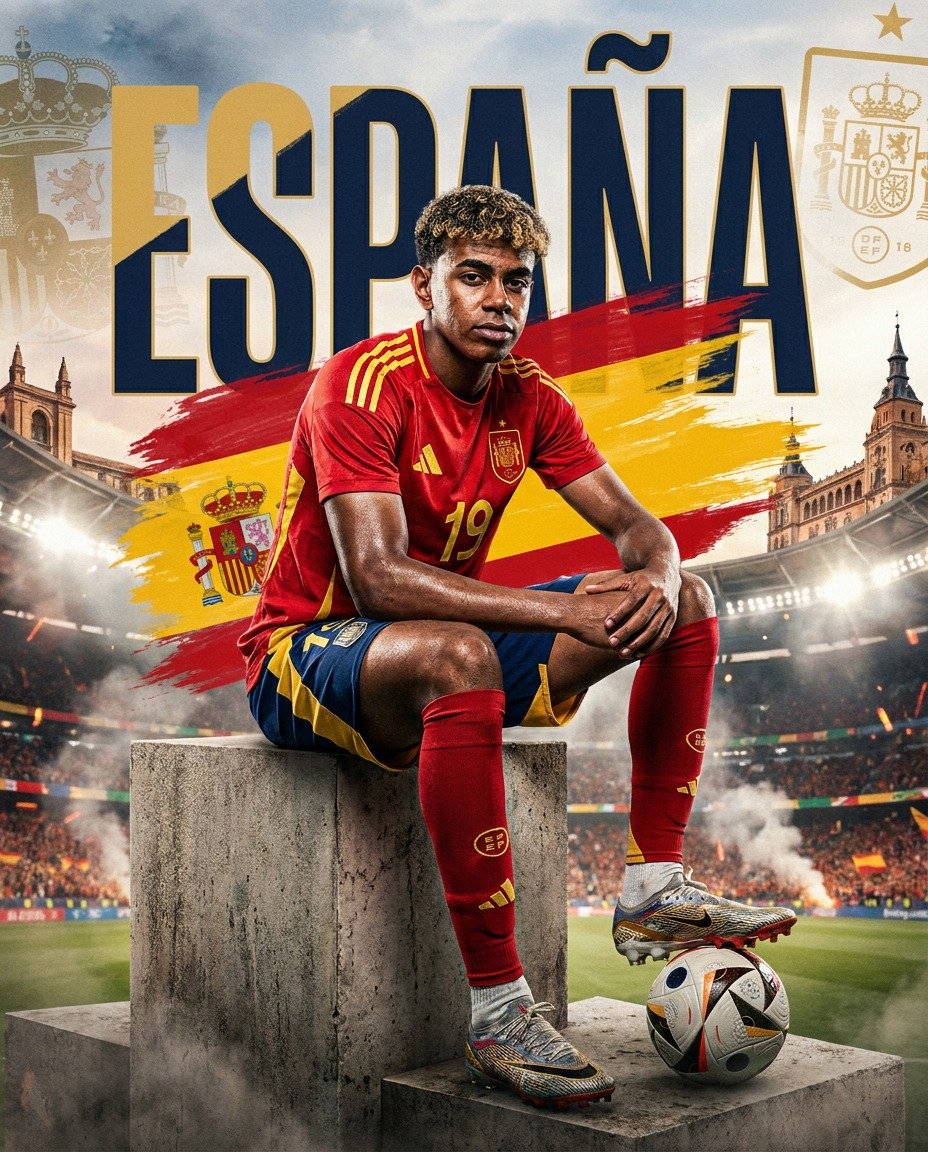
Spain World Cup Football Poster

Fantasy Railway World Transformation
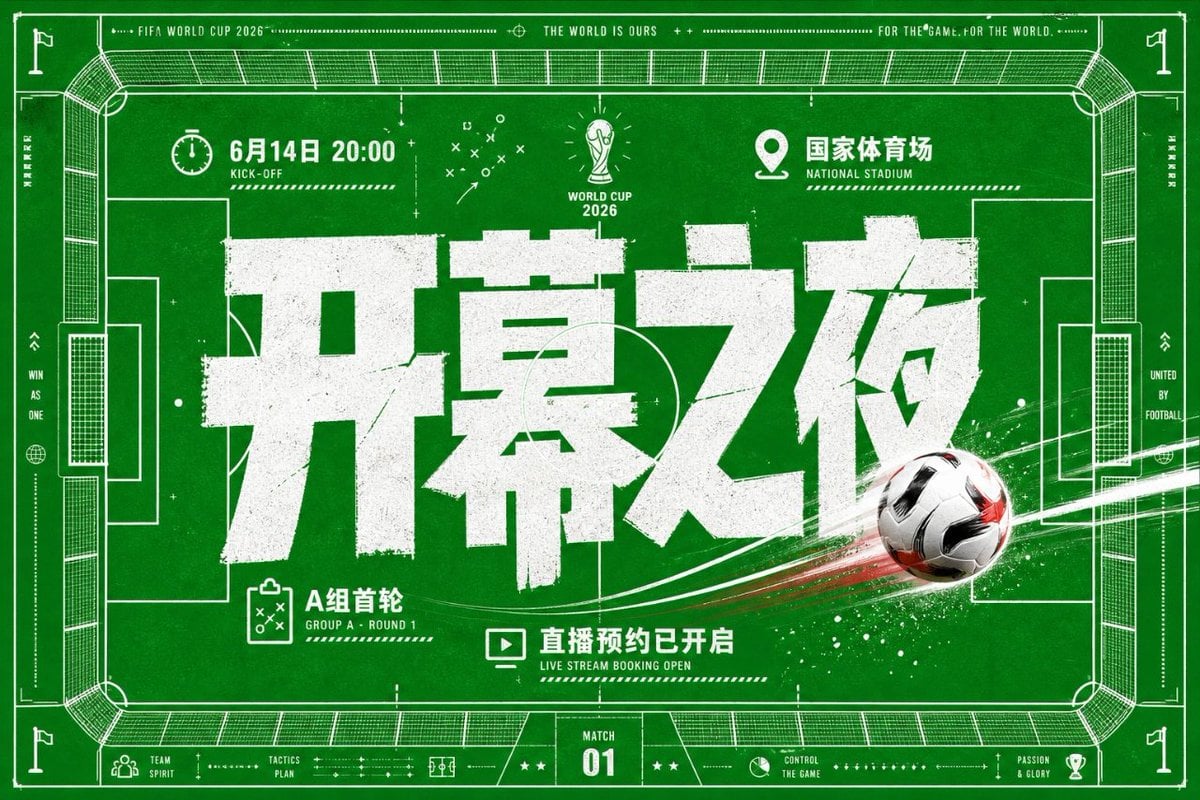
World Cup Opening Night Poster
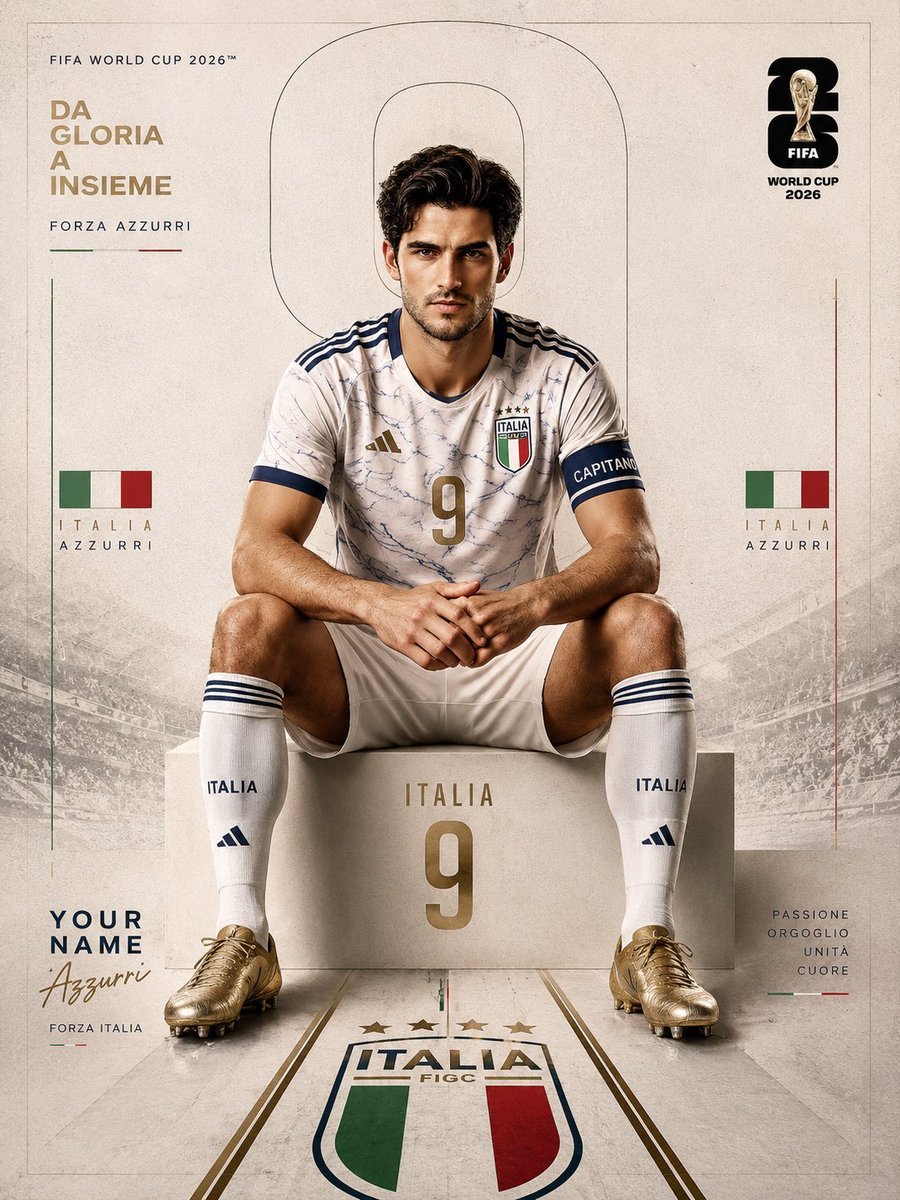
FIFA World Cup 2026 Sports Editorial
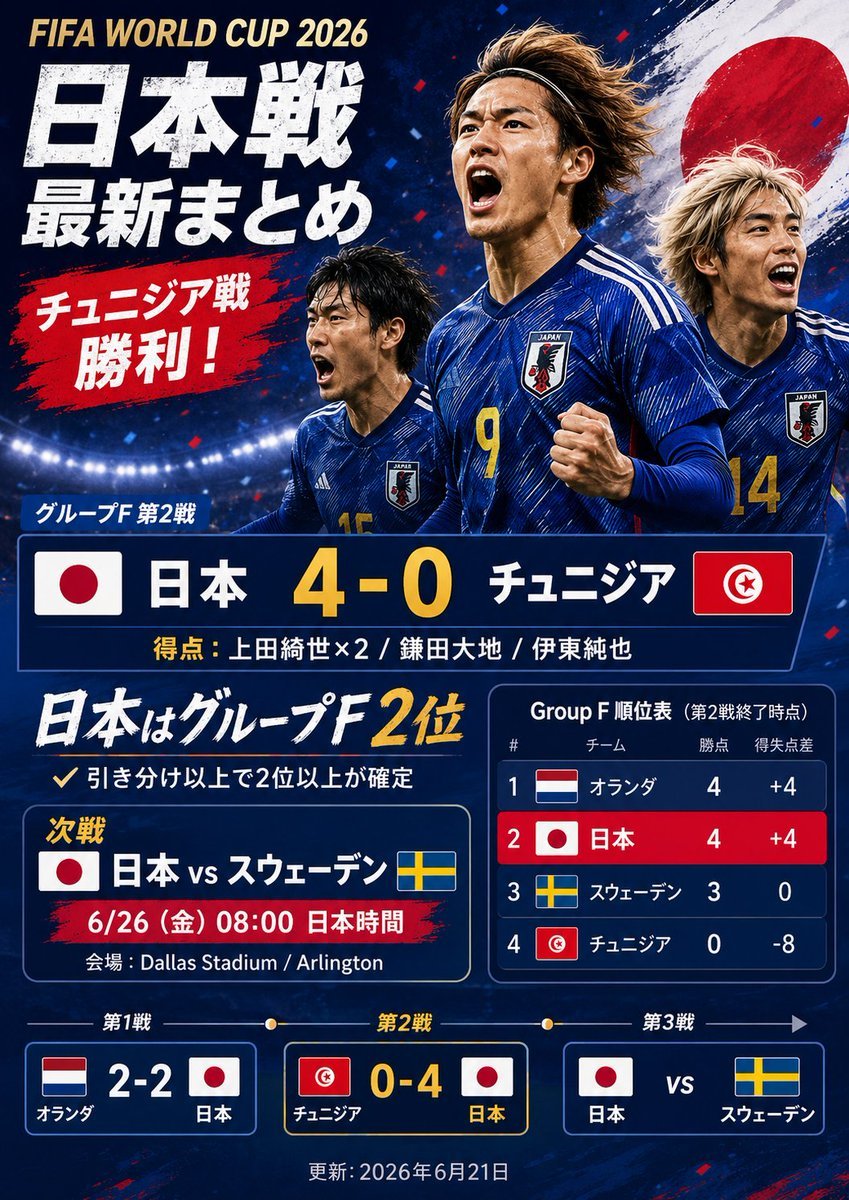
Japanese World Cup Match Summary Poster
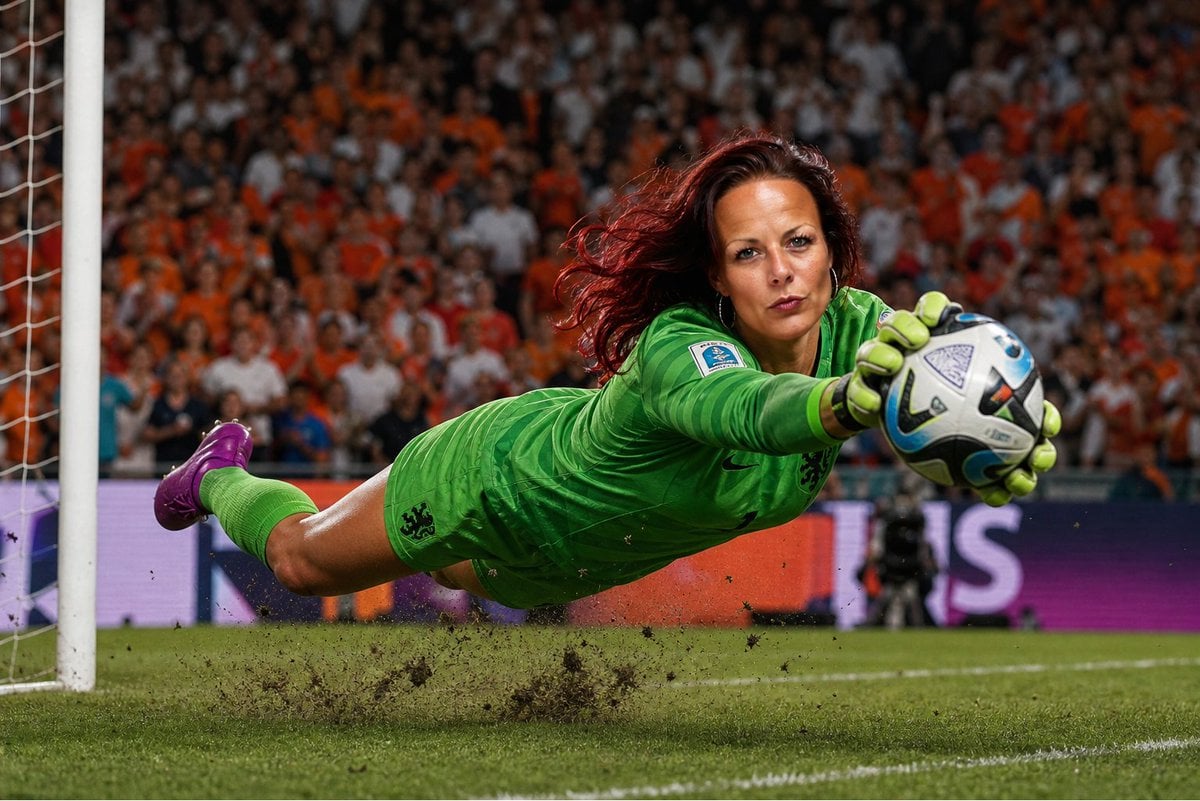
World Cup Goalkeeper Save
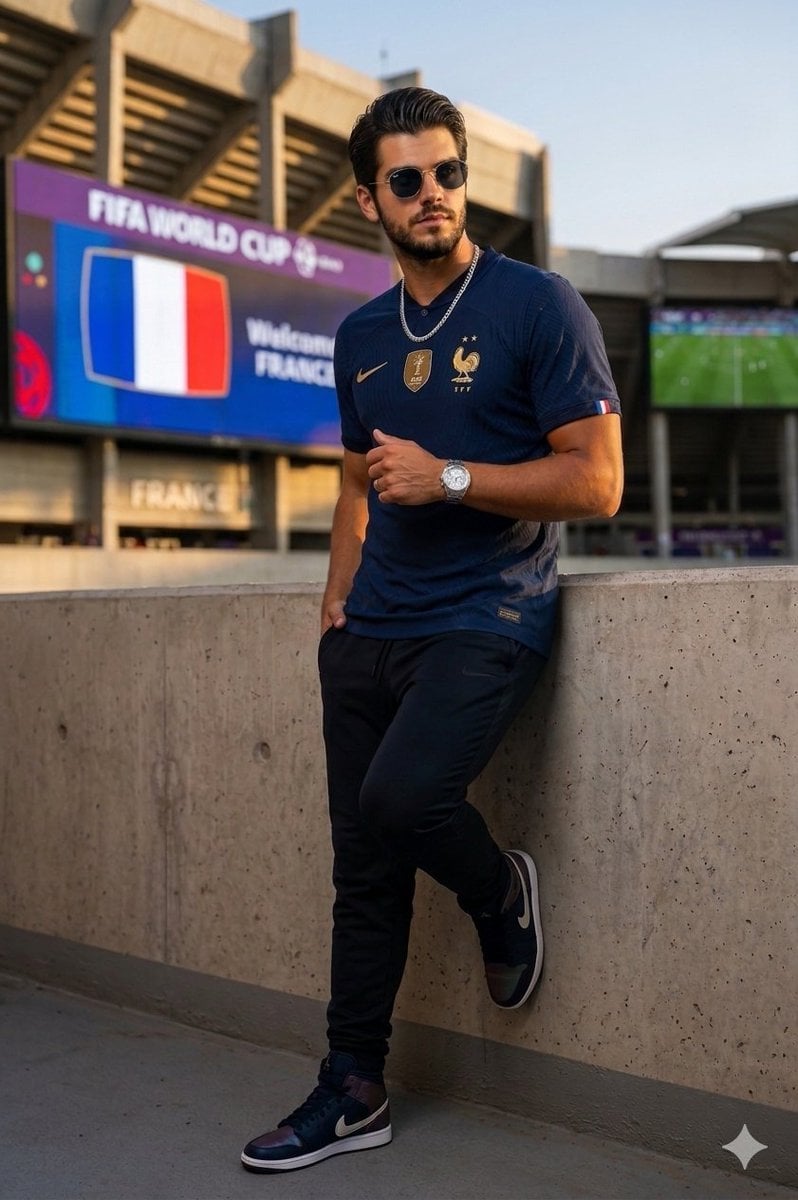
France World Cup Fashion Portrait
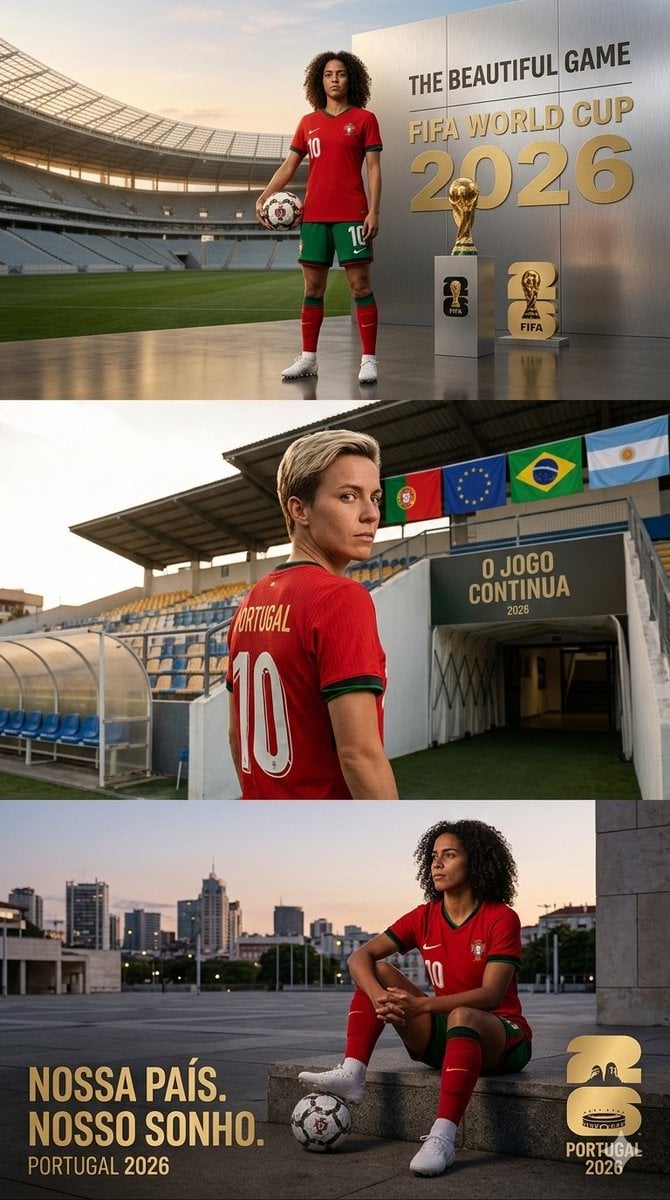
Portugal World Cup 2026 poster
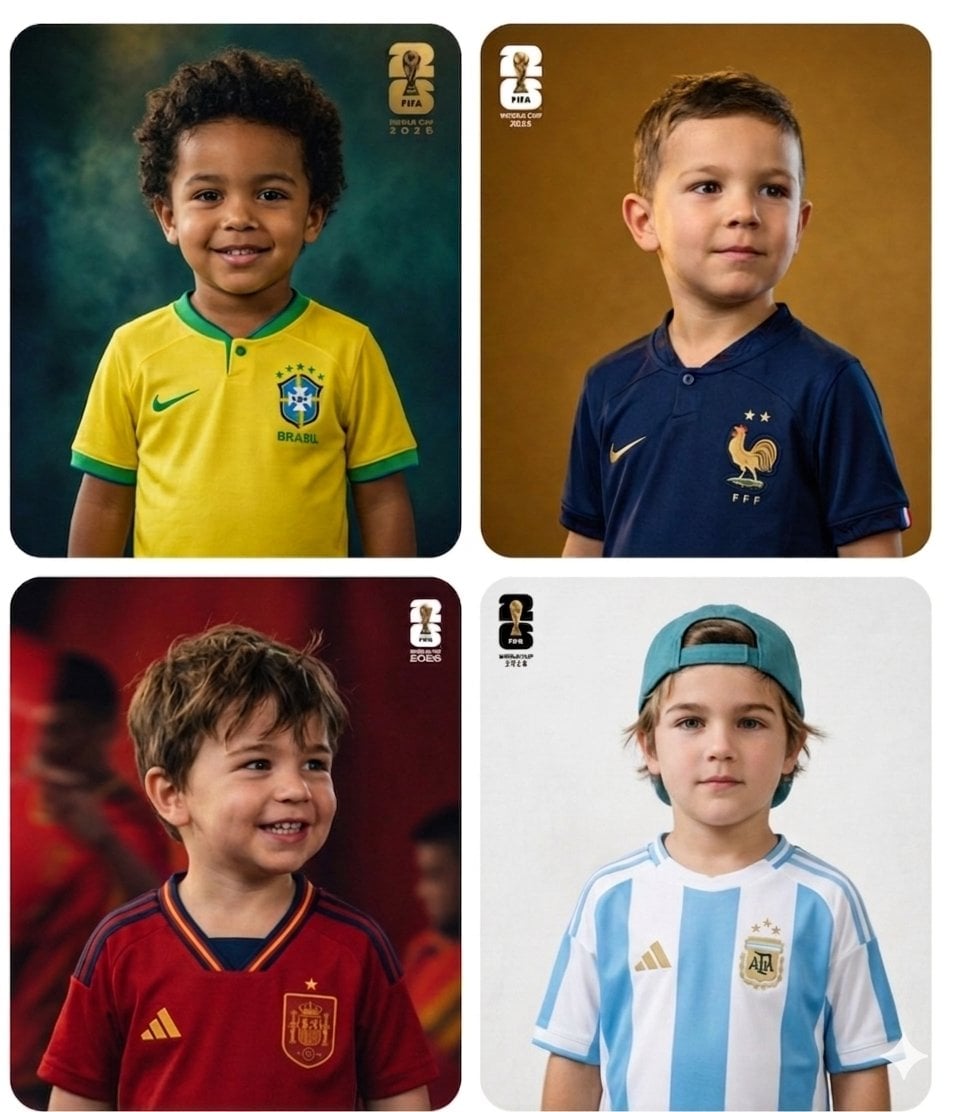
World Cup Children Football Portraits
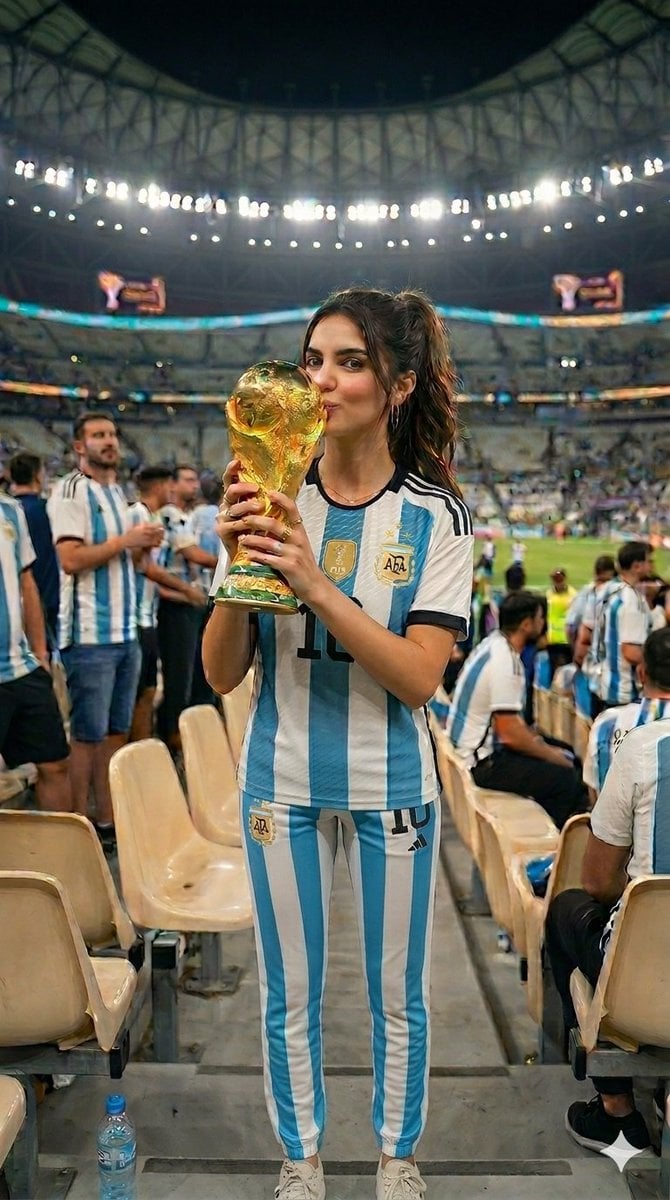
World Cup Victory Portrait
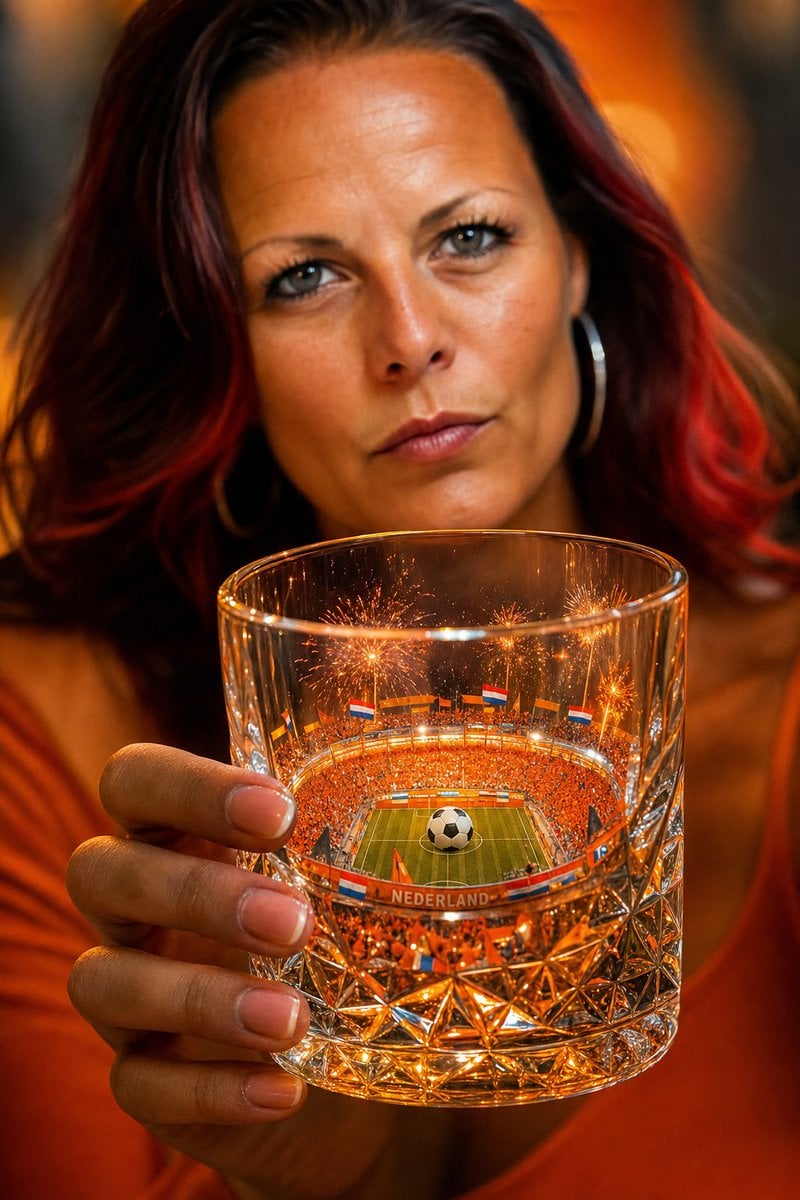
Miniature World Cup Stadium in Glass
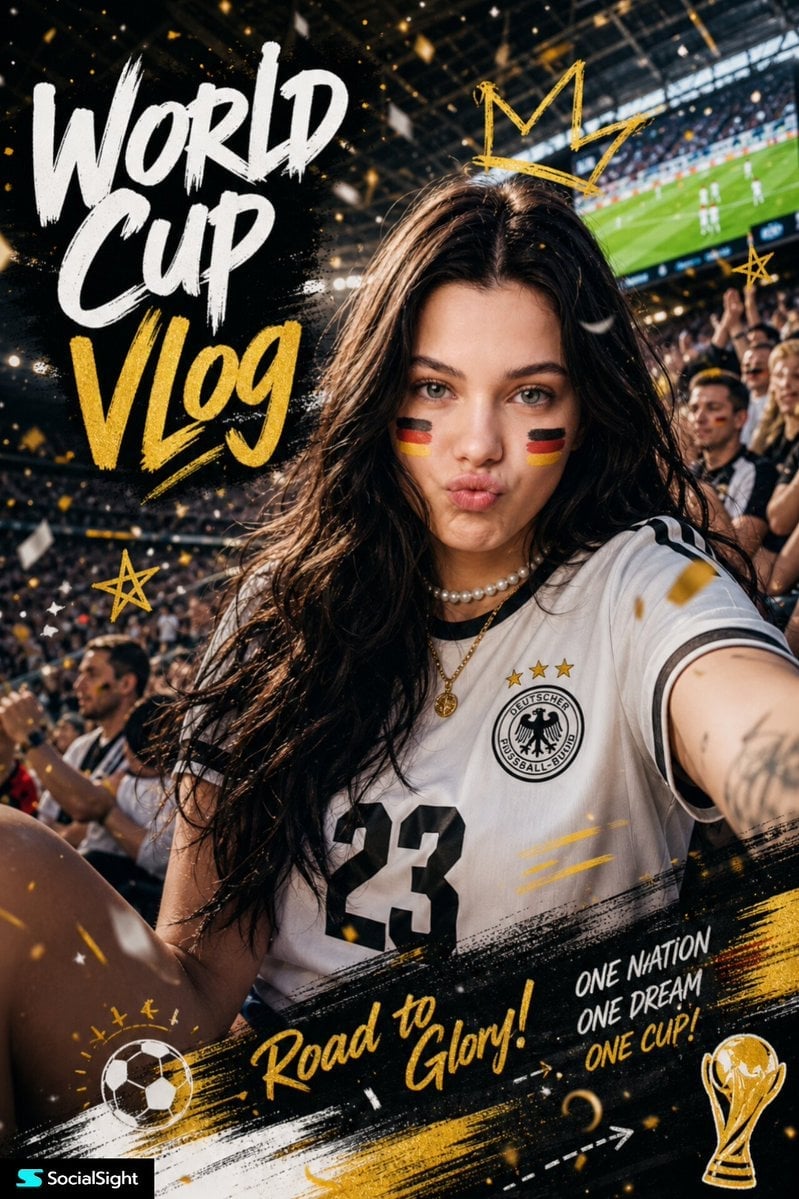
Fifa Stadium Fan Portrait Poster
Make it yours
2026 World Cup Fan Photo Generator works as-is. These are the safest ways to change it without losing the look.
Change one field
Copy a single group, rewrite it, and generate again so you can see what that field is doing.
Keep the frame, change the subject
Hold the composition and light of 2026 World Cup Fan Photo Generator, then swap wardrobe, props or the person for a new take.
| If the result… | Why | Fix |
|---|---|---|
| The result drifts from the preview | Too many fields changed at once. | Reuse 2026 World Cup Fan Photo Generator as-is first, then change one group — subject, light, or setting. |
| The model over-stylizes the scene | The prose prompt leaves finish and camera underspecified. | Add one camera or lighting sentence and stay on GPT Image 2. |
More GPT Image 2 templates
Other prompts made for GPT Image 2.

Six VTuber Japanese Logo Sheet

Realistic Portrait of Woman and Deer

The Vista Modular Condo Poster

AI Model Routing Comparison Infographic

2.5D Anime Art Board

Isometric Productivity Desk Scene

New York Double Exposure Poster

Four-Panel AI Landscape Comparison

Japanese Tatami Lifestyle Magazine Cover

NESCAFÉ Coffee Map Poster
More image prompts
Fresh picks from across the catalog.

Classic Anime Nerd Otaku in the Style of Currency
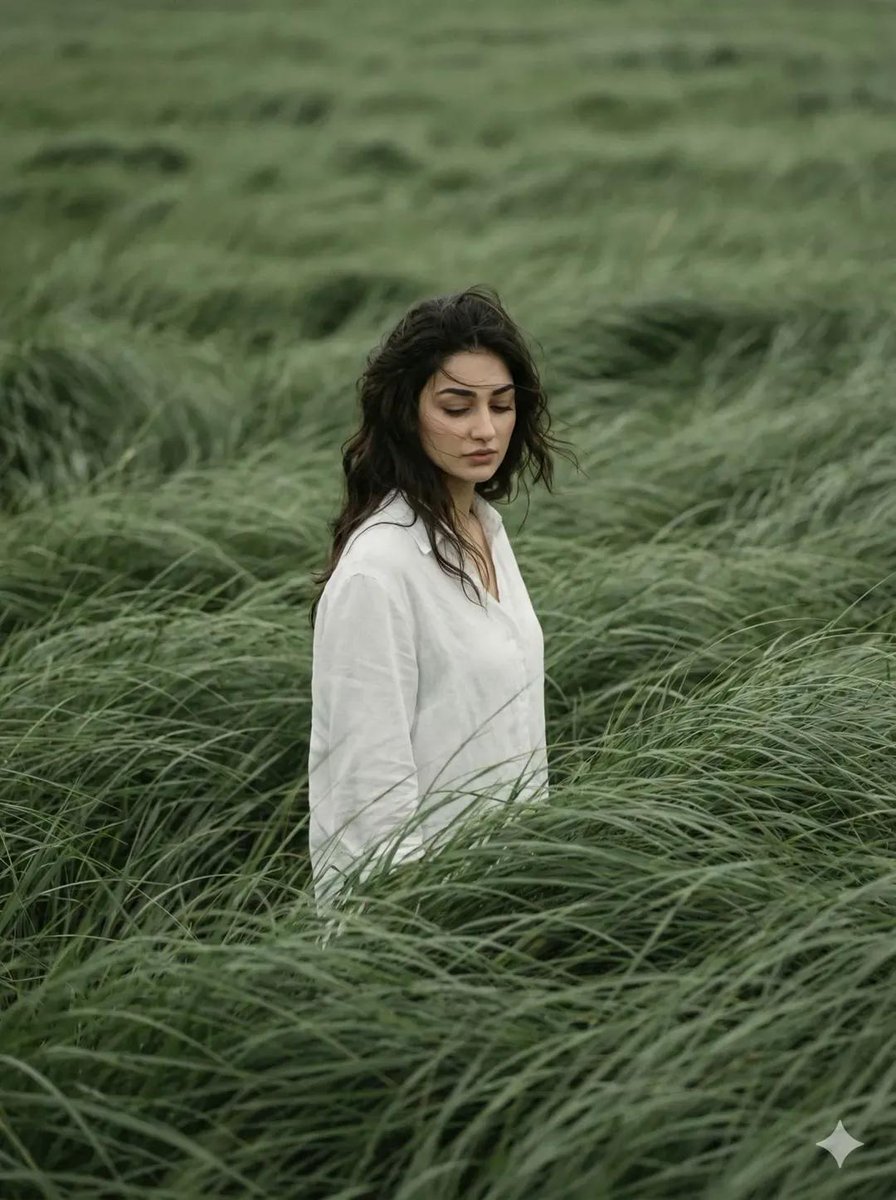
Cinematic Editorial Portrait in Wind-Swept Grass Fields
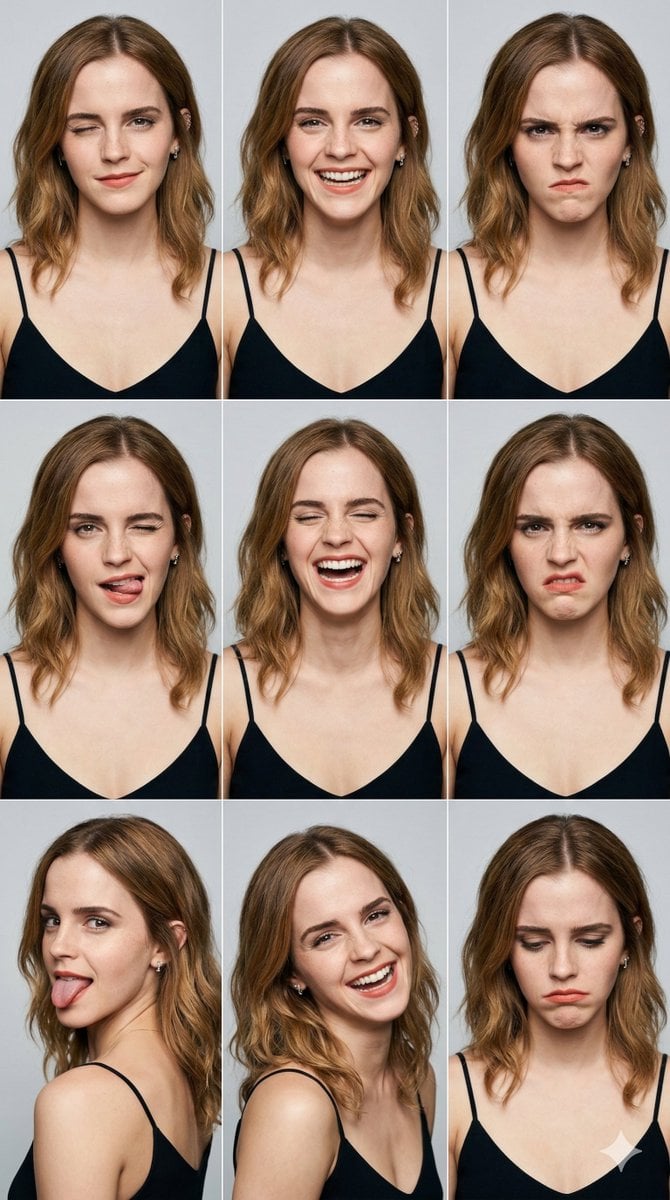
3x3 Grid Portrait Photos with Differentiated Expressions
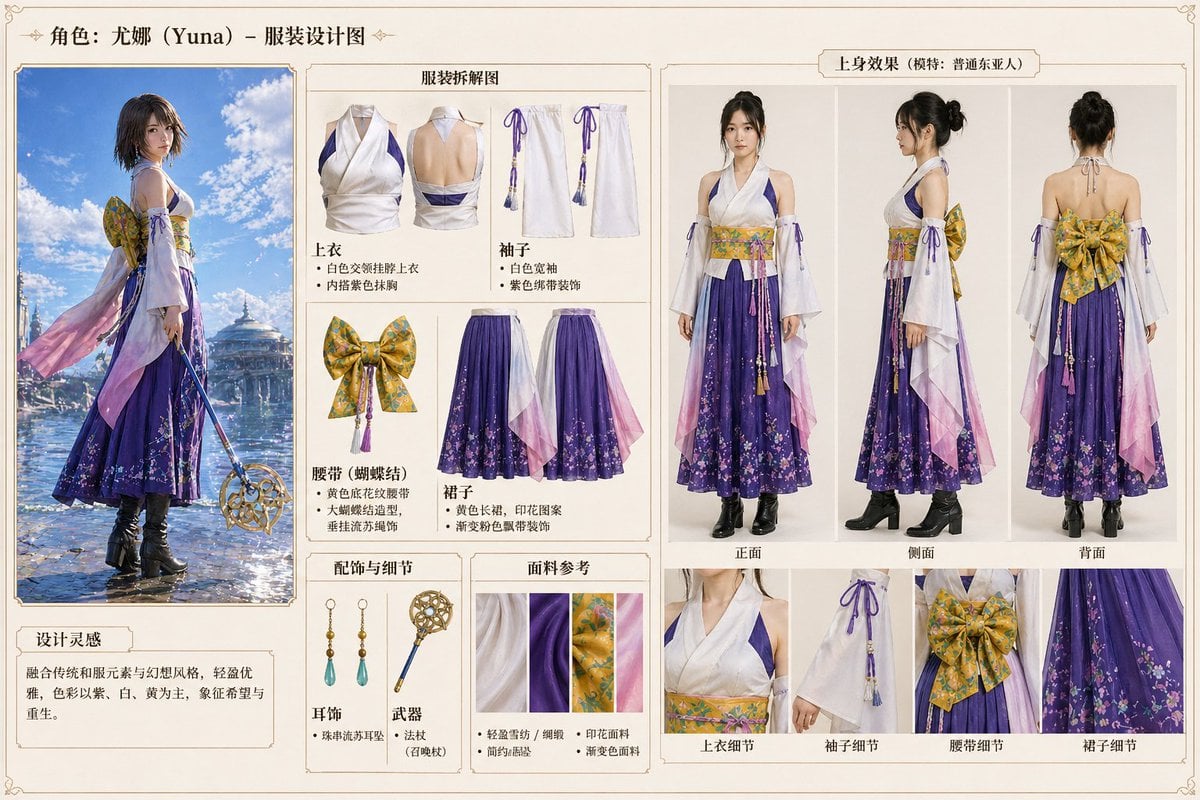
Anime Character Clothing Deconstruction

Women's Big Sale Fashion Poster
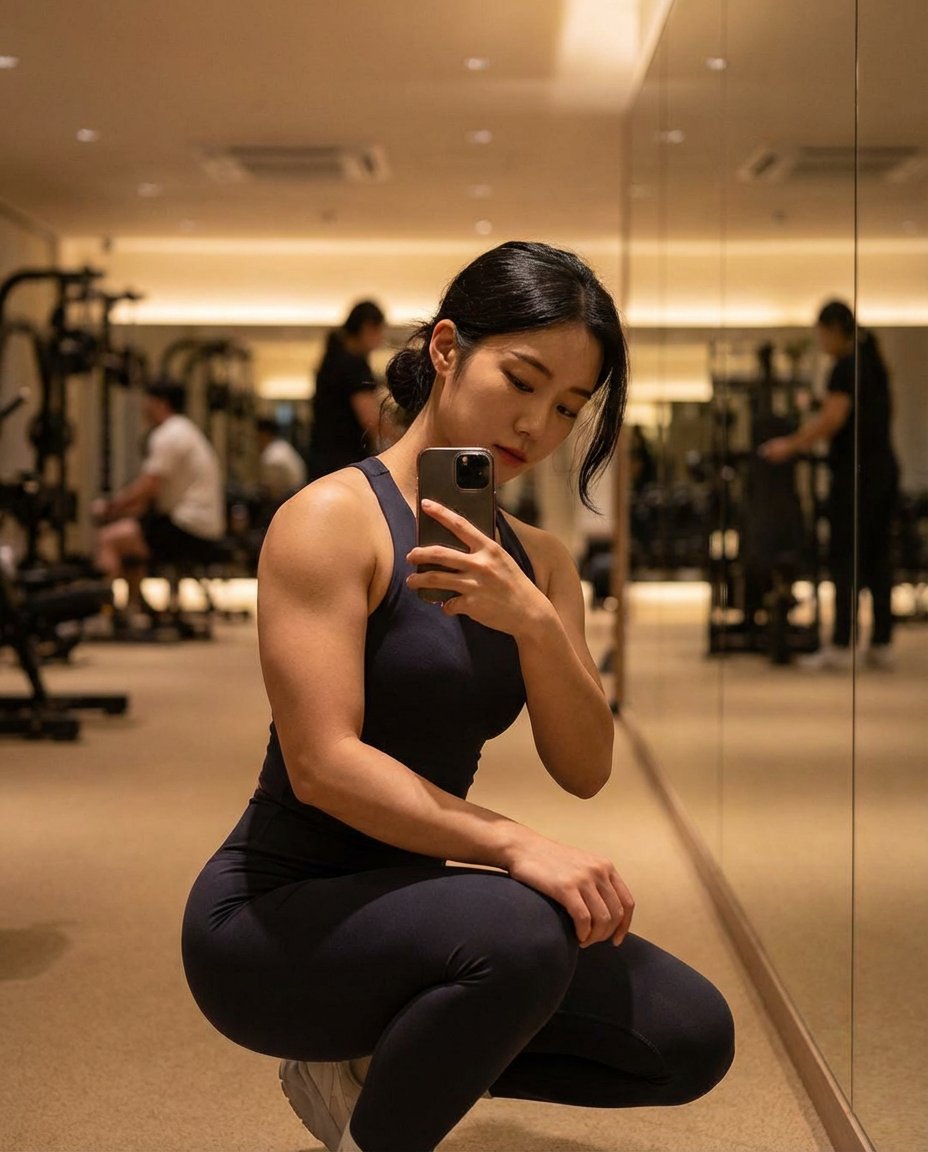
Photorealistic Gym Mirror Selfie (Mixed Heritage)
Photorealistic Diorama Isometric Map Prompt

Stylized Character Illustration Template

Urban Luxury Streetwear Portrait
Dynamic Product Photography Prompt for Nano Banana Pro
Browse template categories
2026 World Cup Fan Photo Generator questions
How do I use the 2026 World Cup Fan Photo Generator template?
Add your photo if the template asks for one, edit the prompt if you like — the template's model and format are already selected — and press Generate. Your version opens in PicX Studio.
Can I customize the 2026 World Cup Fan Photo Generator template?
Yes. You can change the subject, setting, lighting, mood, format, and available model controls before creating your image.
Is the 2026 World Cup Fan Photo Generator template free?
Opening and editing this template is free. Generating uses credits, shown on the Generate button when you are signed in.
Which AI model should I use?
Start with GPT Image 2, which is the model associated with this template. You can compare another compatible model for a different finish.
Looking for something else? Browse all templates.

Your photo, any look
Thousands of ready templates for every top image and video model, from one credit balance.