
Women's Big Sale Fashion Poster
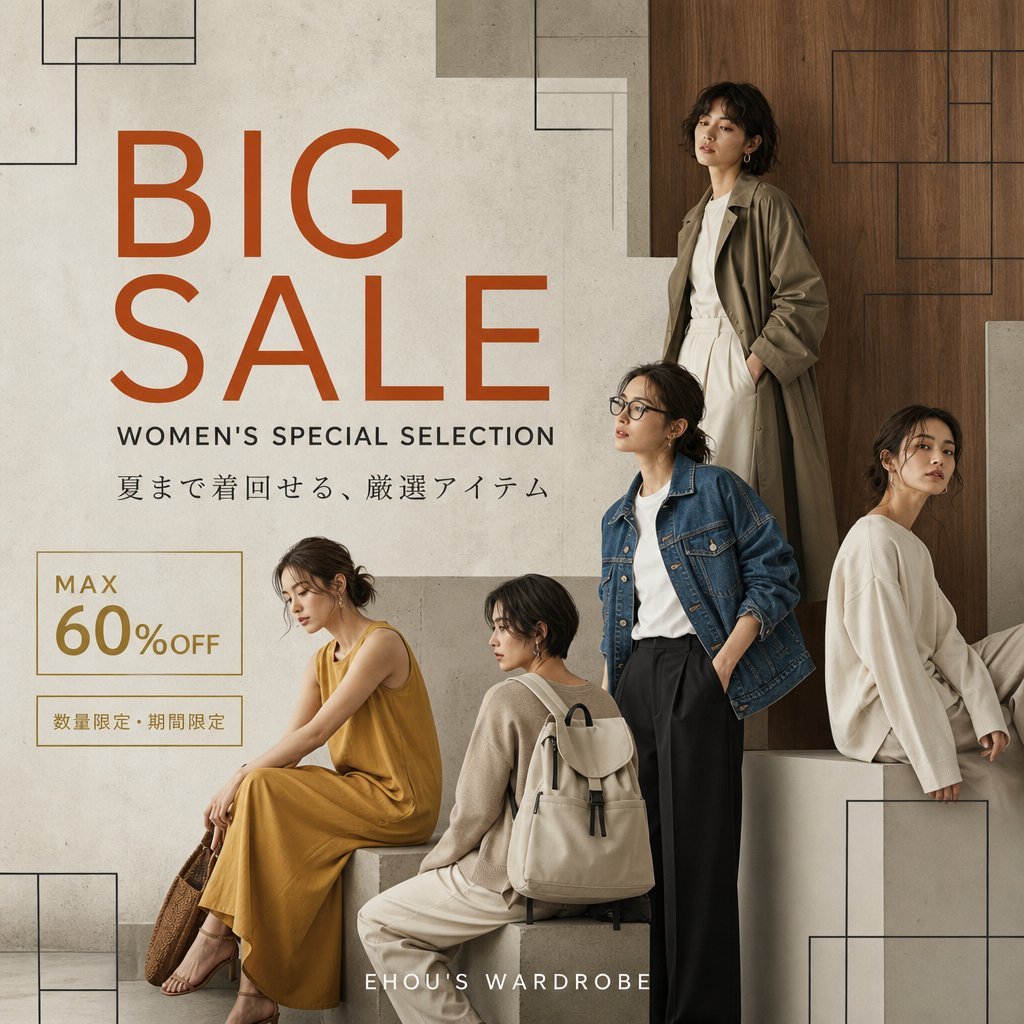
A square editorial-style women's fashion sale advertisement with five models, Japanese promotional copy, and a minimalist luxury retail layout.
- Prompt included
- Model and format preset
- Free template
The prompt behind this image
Copy the exact prompt behind Women's Big Sale Fashion Poster, or open it in the studio and make it yours.
Goal: Create a square fashion sale poster for a women's apparel campaign, elegant and minimalist, featuring {argument name="main title" default="BIG SALE"} and {argument name="subtitle" default="WOMEN'S SPECIAL SELECTION"}. Canvas: 1:1 square social media ad, 768x768 style composition, warm neutral palette with cream concrete, taupe stone, and medium brown wood. Premium editorial fashion look, realistic photography with subtle graphic overlay. Layout: Left half is the typography area, right half and lower area contain the fashion models. Place the large main title on the upper-left in burnt orange, all caps, modern geometric sans-serif, split over two lines as “BIG” above “SALE”. Below it place the subtitle in smaller black uppercase letters. Below that add a Japanese copy line: {argument name="Japanese tagline" default="夏まで着回せる、厳選アイテム"}. In the lower-left place a thin gold outlined discount box reading “MAX” above “60%OFF”, with “60” large, and a smaller gold bordered label below reading {argument name="limited offer text" default="数量限定・期間限定"}. At the bottom center place the brand text {argument name="brand name" default="EHOU'S WARDROBE"} in spaced white uppercase letters. Subjects: Include exactly 5 adult women in muted natural fashion, arranged like an editorial group shot. 1) Top-right standing woman in a long olive-beige trench coat over a white outfit, posed against a vertical wooden wall panel. 2) Center-right standing woman wearing a blue denim jacket over a white shirt and high-waisted black wide-leg trousers, one hand in pocket. 3) Far-right seated woman in an oversized ivory sweater, sitting on a pale cube block and turned slightly sideways. 4) Lower-left seated woman wearing a mustard yellow sleeveless maxi dress, sitting on a low stone block with sandals and a woven brown bag. 5) Lower-center seated/back-facing woman in a beige knit top and cream pants with a light beige backpack, sitting on a block facing away in three-quarter view. Faces should be softly anonymized or not emphasized; focus on clothing and silhouettes. Background and graphic details: Use a refined showroom-like setting with off-white plaster/concrete wall on the left, wooden panel on the right, and pale stone blocks as seating platforms. Add thin black geometric line rectangles in the corners and background, including top-left, top-center/right, top-right, bottom-left, and bottom-right, as decorative architectural outlines. Lighting is soft, diffused, high-end catalog photography, with gentle shadows and no harsh contrast. Constraints: Keep all visible text crisp and correctly spelled, especially Japanese text. Use exactly 5 women and exactly these main text groups: main title, subtitle, Japanese tagline, discount box, limited-offer label, and bottom brand name. Do not add extra logos, watermarks, prices, QR codes, or unrelated text.
How to use Women's Big Sale Fashion Poster in 3 steps
- 1Upload ImagePNG, JPG or paste
Add your photo
Upload the photo the template builds on. The prompt, model and format are already set.
- 2…a portrait of your subject in softgolden-hour light, 85mm…
Personalize
Edit the subject and creative details for your destination.
- 3Generate
Generate
Press Generate — your image is created in PicX Studio, so you can compare it with the original and refine one variable at a time.
More like this
Templates with the same subject, style or setup. Open one to see its prompt.
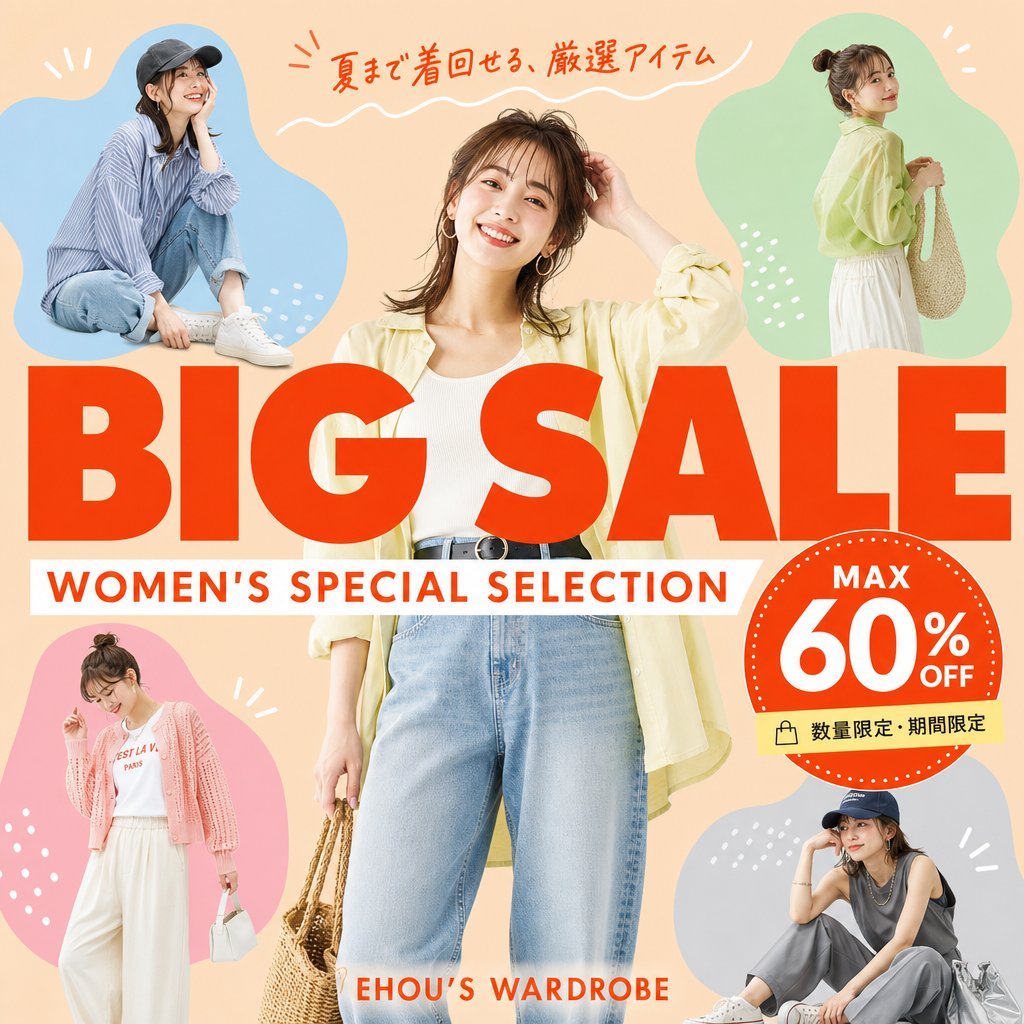
Women's Summer Big Sale Banner
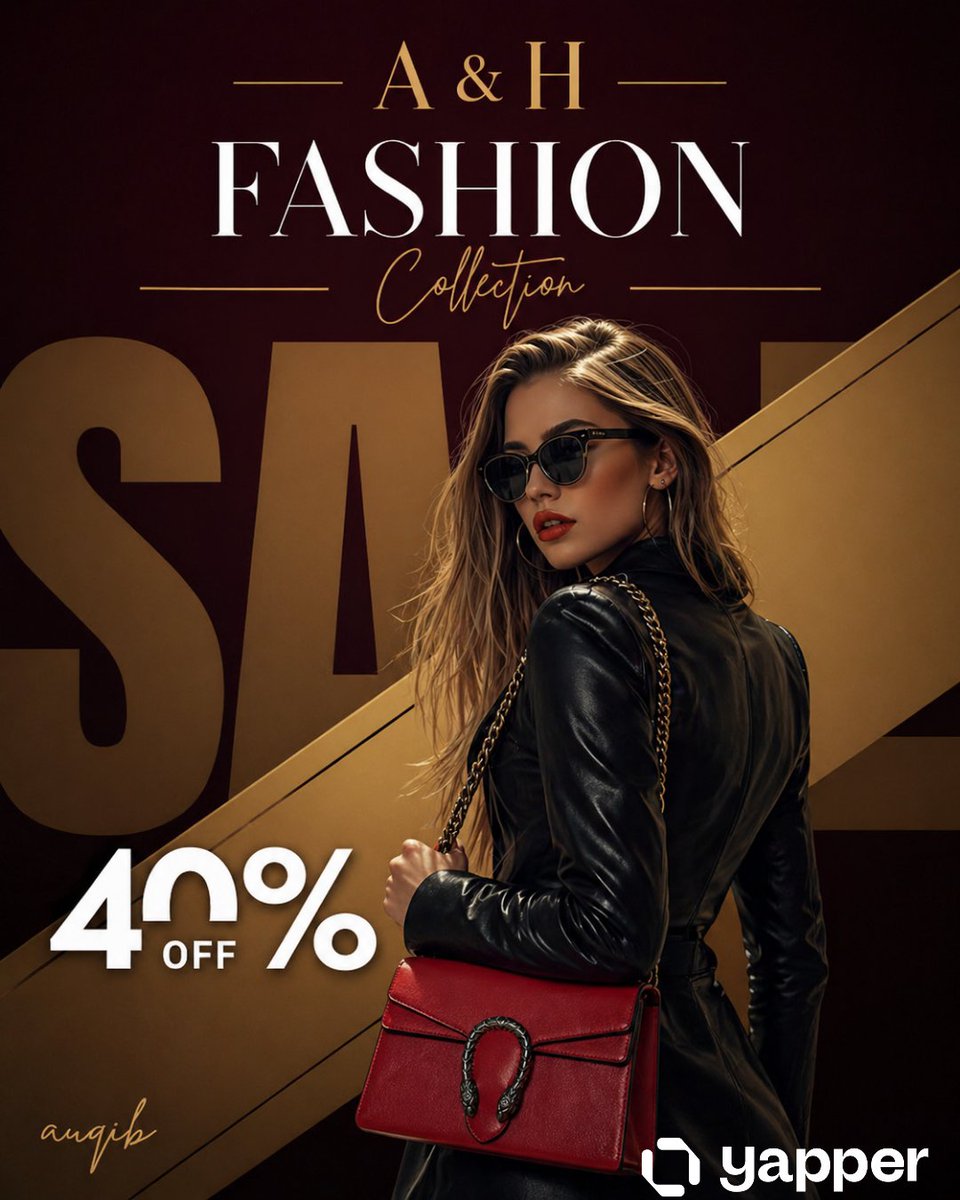
Luxury Fashion Sale Poster

80s College Gate

1988 Mall Style

80s Polka Dot Saree
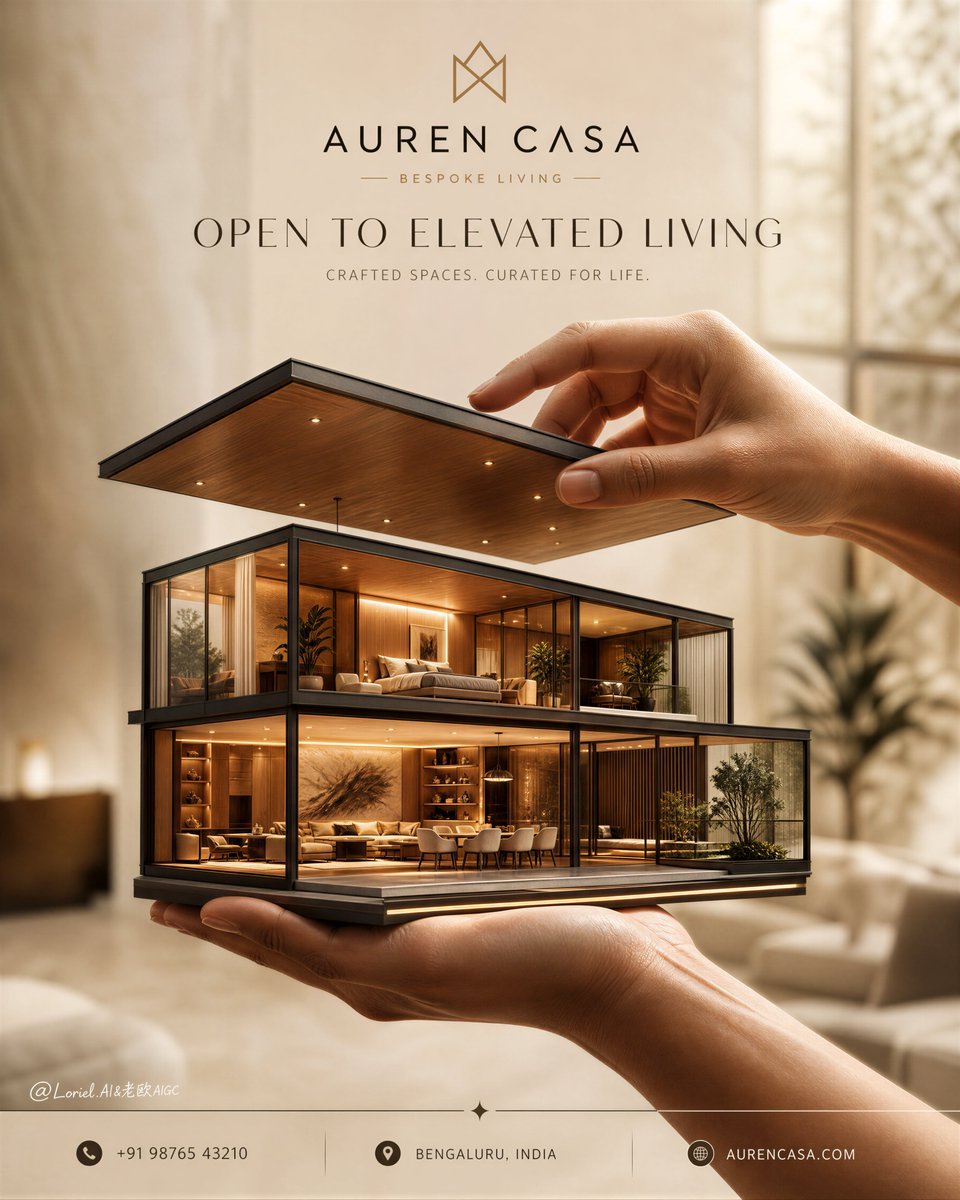
Luxury Real Estate Sales Poster
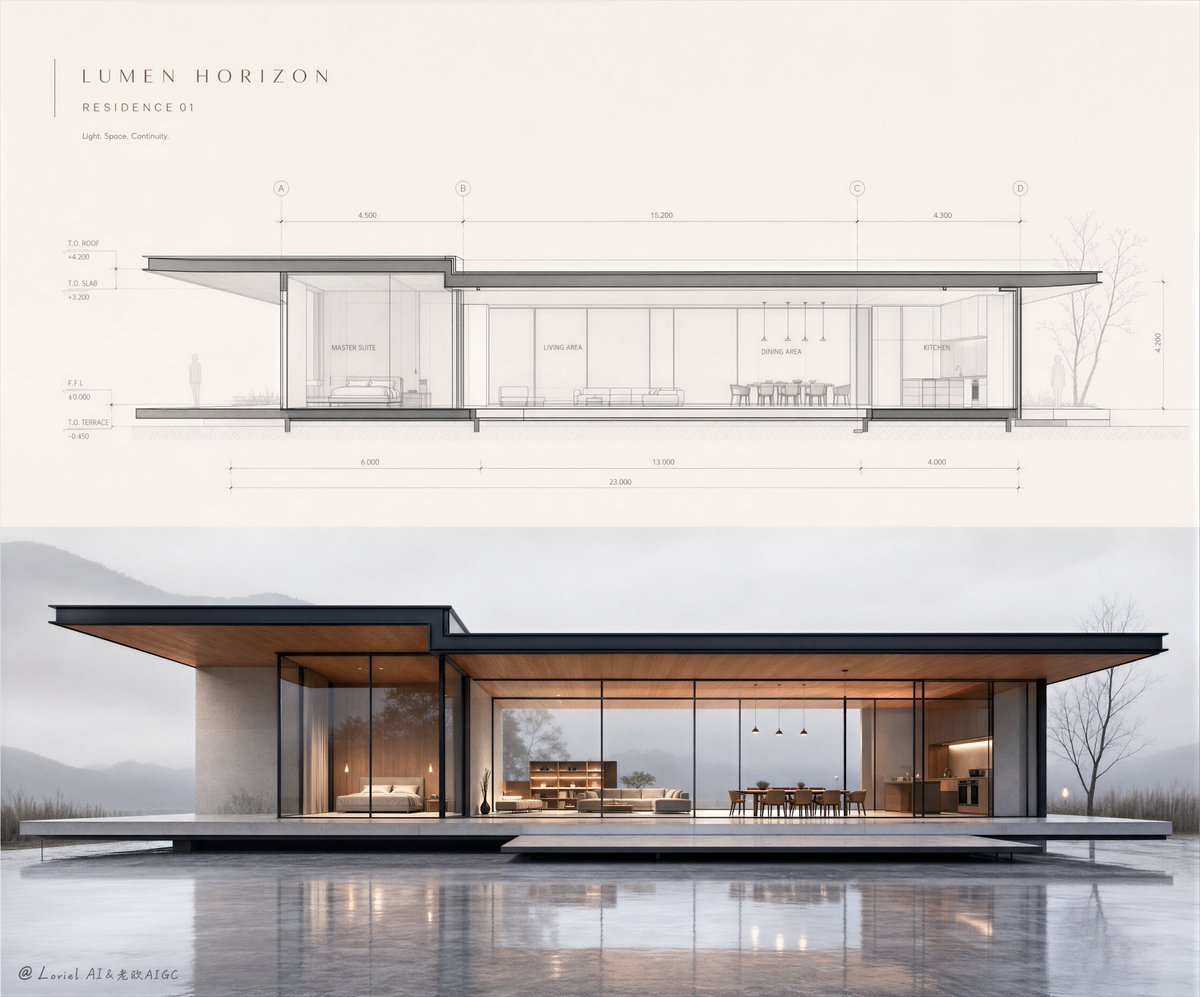
Minimalist Real Estate Sales Poster
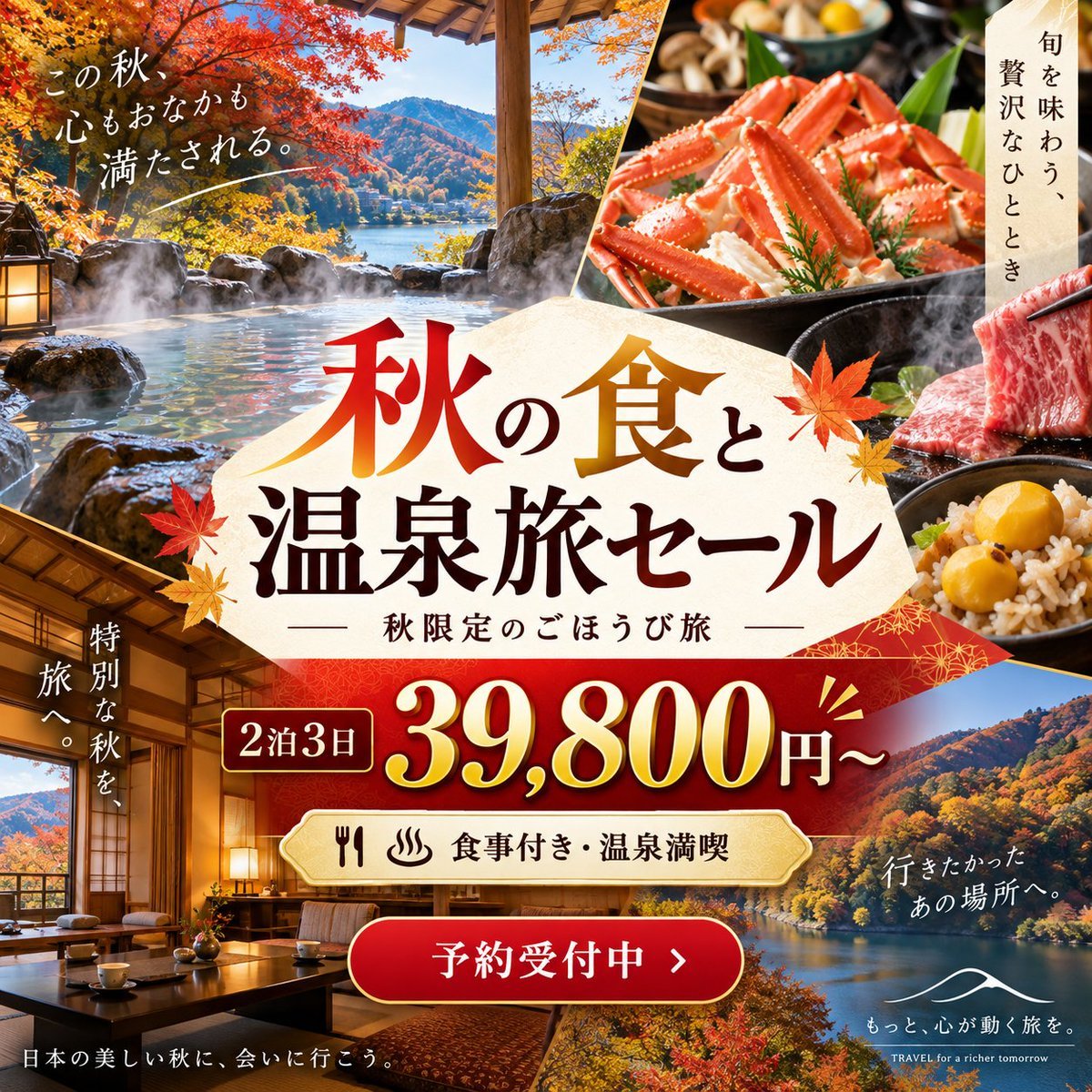
Autumn Onsen Gourmet Sale Poster

Japan Travel Brochure Poster

Cartoon TV Show Poster Pack

Blue Backdrop Luxury Fashion Portrait Campaign

Luxury Black-and-White Fashion Contact Sheet
Make it yours
Women's Big Sale Fashion Poster works as-is. These are the safest ways to change it without losing the look.
Change one field
Copy a single group, rewrite it, and generate again so you can see what that field is doing.
Keep the frame, change the subject
Hold the composition and light of Women's Big Sale Fashion Poster, then swap wardrobe, props or the person for a new take.
| If the result… | Why | Fix |
|---|---|---|
| The result drifts from the preview | Too many fields changed at once. | Reuse Women's Big Sale Fashion Poster as-is first, then change one group — subject, light, or setting. |
| The model over-stylizes the scene | The prose prompt leaves finish and camera underspecified. | Add one camera or lighting sentence and stay on GPT Image 2. |
More GPT Image 2 templates
Other prompts made for GPT Image 2.

Six VTuber Japanese Logo Sheet

Realistic Portrait of Woman and Deer

The Vista Modular Condo Poster

AI Model Routing Comparison Infographic

2.5D Anime Art Board

Isometric Productivity Desk Scene

New York Double Exposure Poster

Four-Panel AI Landscape Comparison

Japanese Tatami Lifestyle Magazine Cover

NESCAFÉ Coffee Map Poster
More image prompts
Fresh picks from across the catalog.
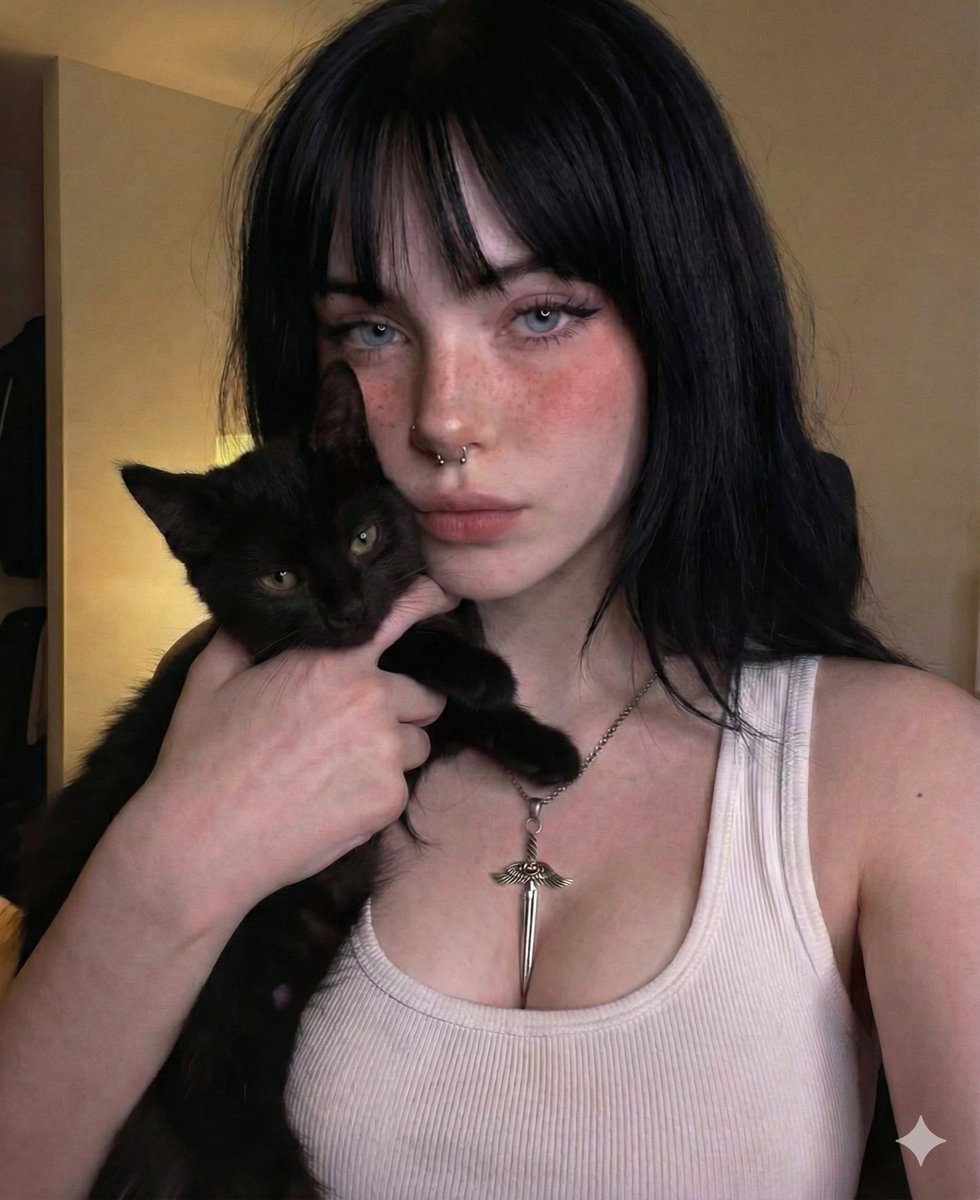
Soft Grunge Selfie with Black Cat Companion
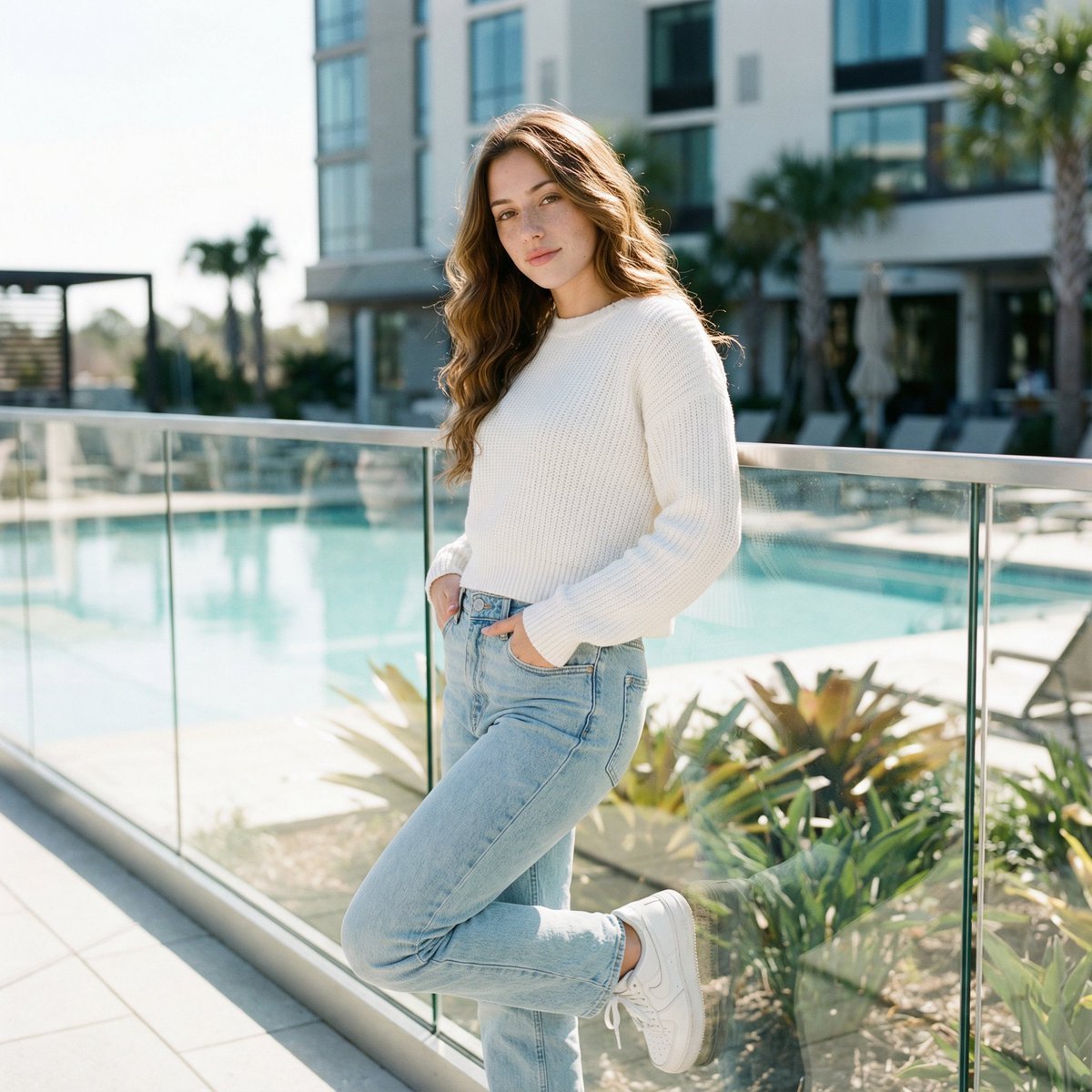
Ultra-Realistic Cinematic Lifestyle Portrait with Identity Lock
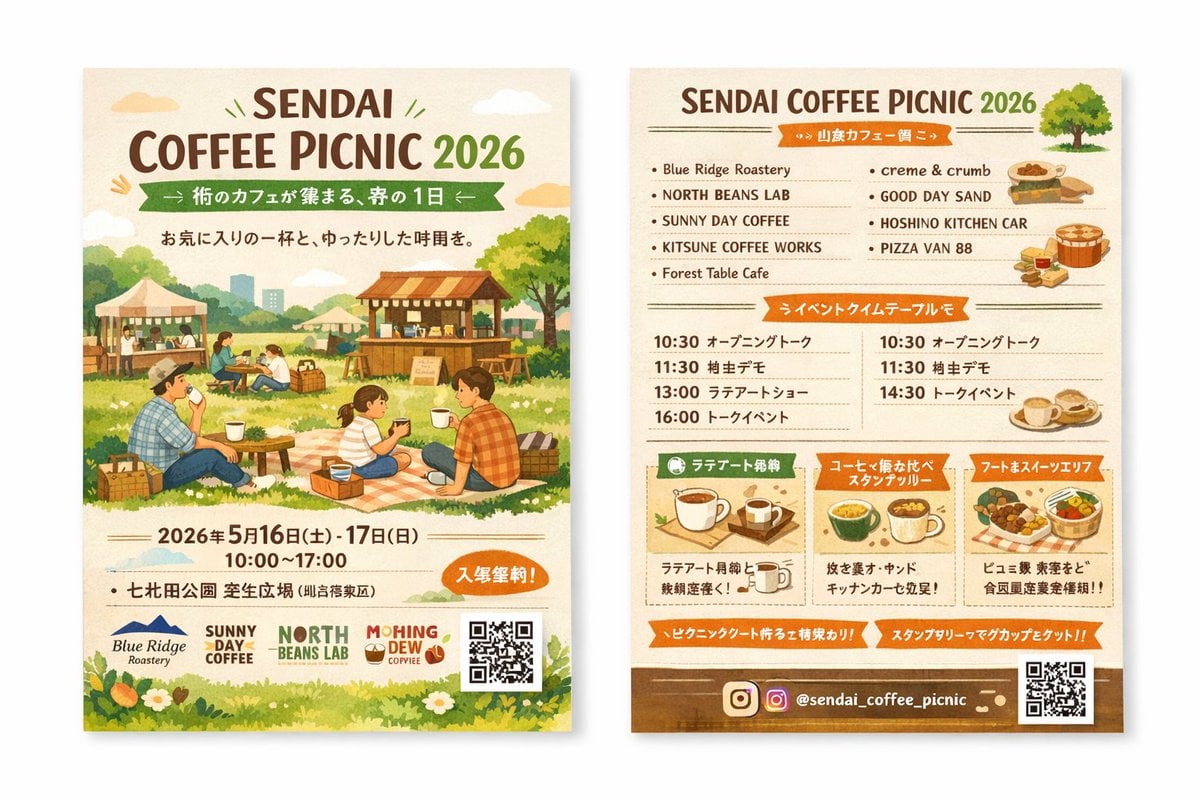
Two-Sided Watercolor Event Flyer Mockup

Japanese AI Consulting OGP Banner

Sleepy Cat Hoodie Anime Girl in Bed
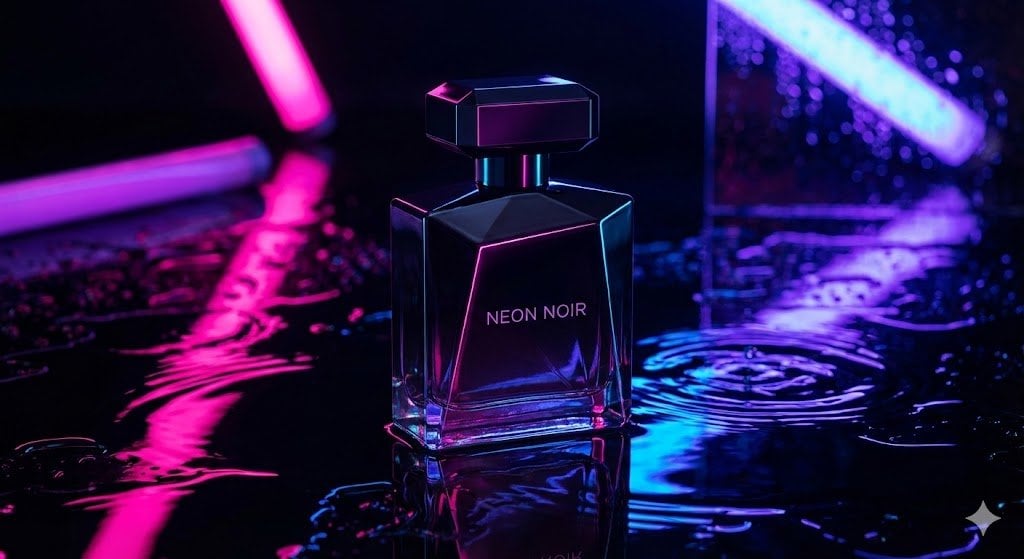
High-End Product Studio Photo Prompt
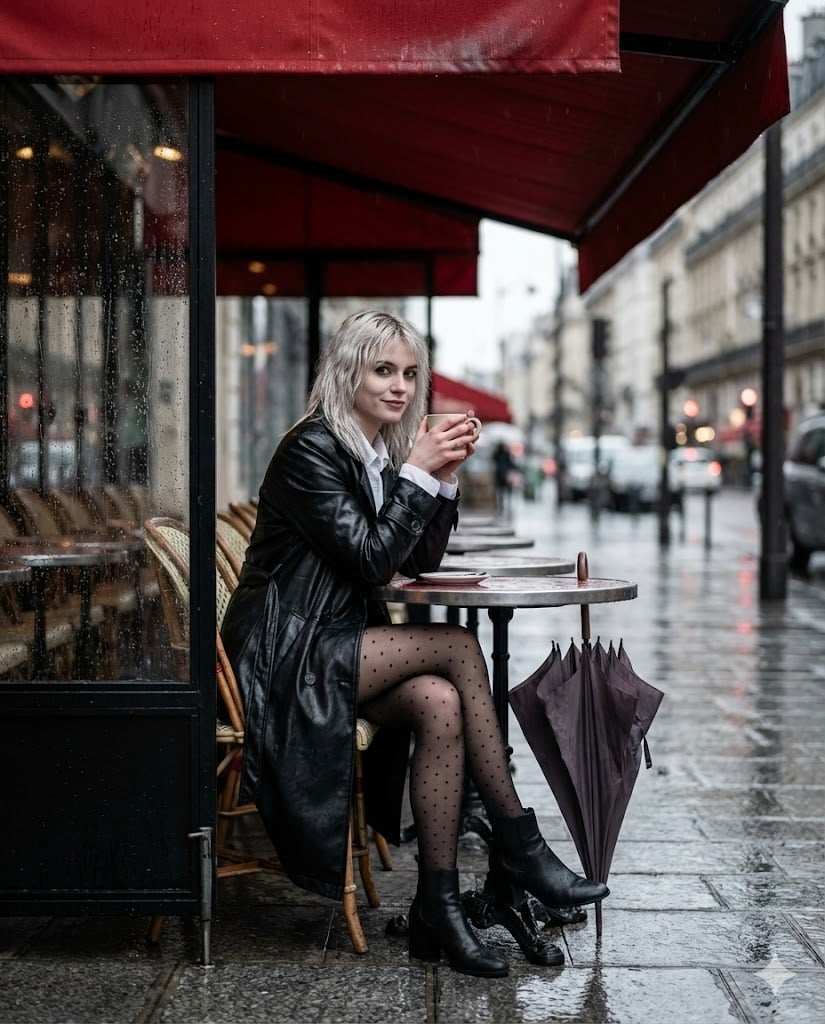
Moody Parisian Cafe Street Photography Prompt

Structured Bedroom Selfie Prompt
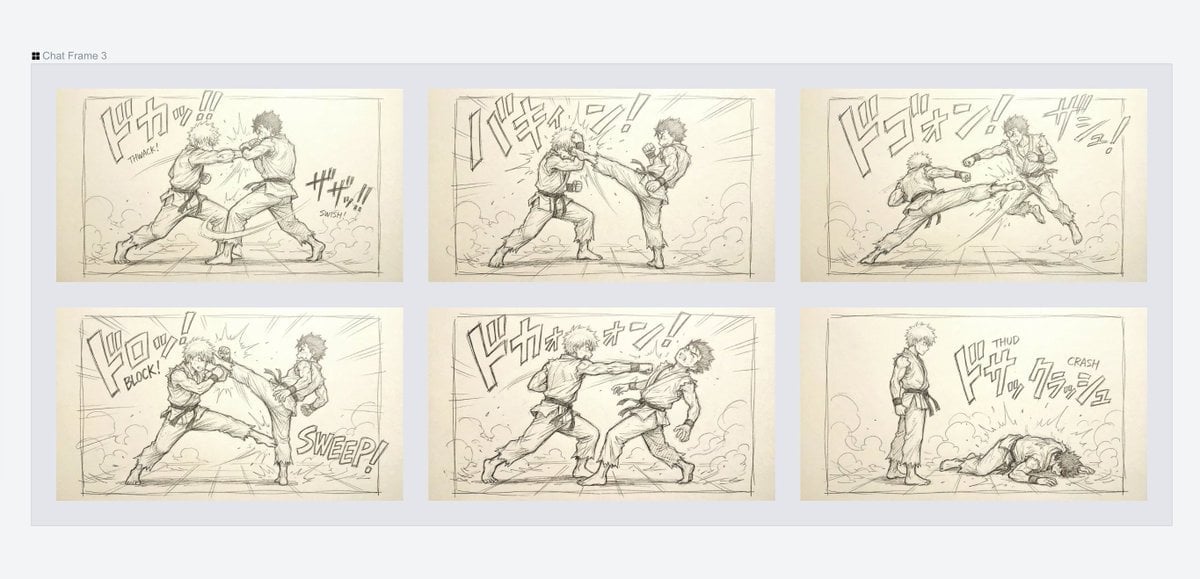
Varied Combat Scene Rough Sketch Prompt
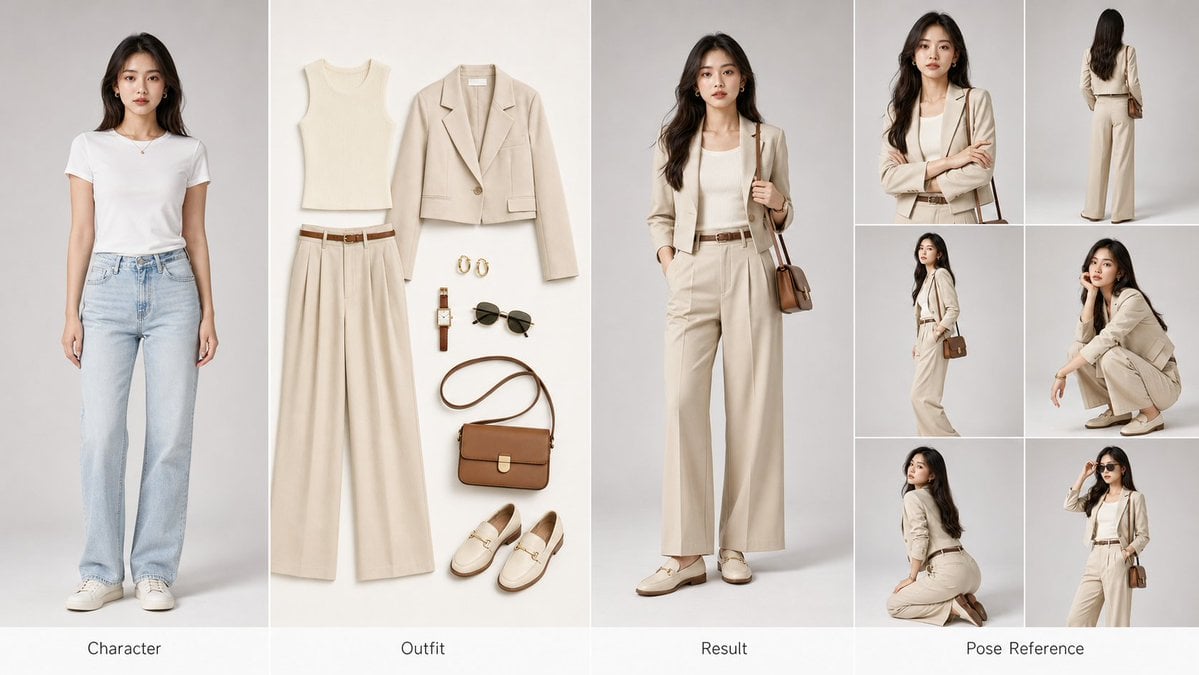
AI Fashion Comparison Poster
Browse template categories
Women's Big Sale Fashion Poster questions
How do I use the Women's Big Sale Fashion Poster template?
Add your photo if the template asks for one, edit the prompt if you like — the template's model and format are already selected — and press Generate. Your version opens in PicX Studio.
Can I customize the Women's Big Sale Fashion Poster template?
Yes. You can change the subject, setting, lighting, mood, format, and available model controls before creating your image.
Is the Women's Big Sale Fashion Poster template free?
Opening and editing this template is free. Generating uses credits, shown on the Generate button when you are signed in.
Which AI model should I use?
Start with GPT Image 2, which is the model associated with this template. You can compare another compatible model for a different finish.
Looking for something else? Browse all templates.

Your photo, any look
Thousands of ready templates for every top image and video model, from one credit balance.