
Two-Sided Watercolor Event Flyer Mockup
Generates a cozy, watercolor-style two-sided flyer mockup for a coffee picnic event, featuring illustrations, vendor lists, and schedules.
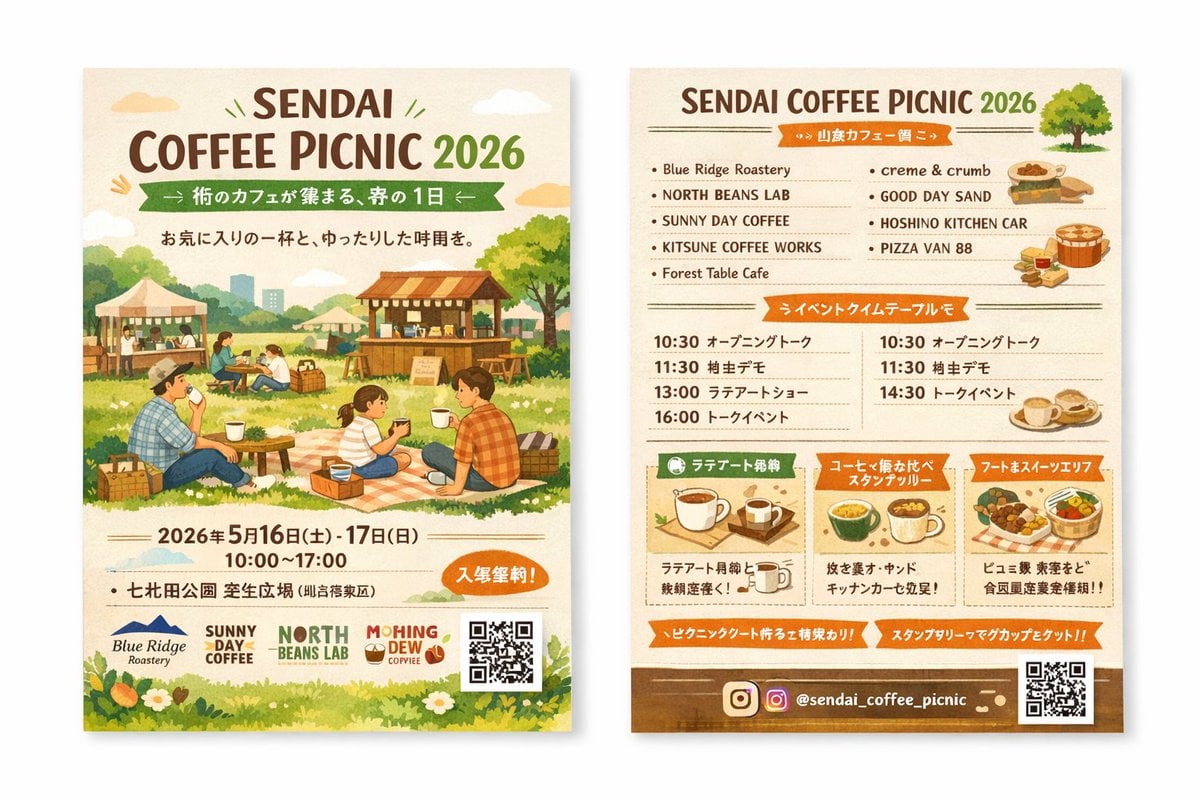
- Prompt included
- Model and format preset
- Free template
The prompt behind this image
Copy the exact prompt behind Two-Sided Watercolor Event Flyer Mockup, or open it in the studio and make it yours.
- Type
- two-sided event flyer mockup
- Style
- watercolor illustration, warm earthy tones, cozy, inviting, rustic
- Left Side Front › Header › Title
- {argument name="event name" default="SENDAI COFFEE PICNIC 2026"}
- Left Side Front › Header › Subtitle
- {argument name="subtitle" default="街のカフェが集まる、春の1日"}
- Left Side Front › Header › Tagline
- A relaxing time with your favorite cup
- Left Side Front › Main Illustration
- People enjoying a picnic on a grassy field. A family sitting on a checkered blanket drinking coffee. Background features wooden coffee stalls, tents, trees, and a distant city skyline.
- Left Side Front › Event Info › Date
- {argument name="event date" default="2026年5月16日(土) - 17日(日)"}
- Left Side Front › Event Info › Time
- 10:00 - 17:00
- Left Side Front › Event Info › Location
- {argument name="location" default="七北田公園 芝生広場"}
- Left Side Front › Event Info › Badge
- Orange oval badge with text for free entry
- Left Side Front › Footer › Sponsor Logos
- 4
- Left Side Front › Footer › Elements
- QR code, grass and white flowers border
- Right Side Back › Header › Title
- {argument name="event name" default="SENDAI COFFEE PICNIC 2026"}
- Right Side Back › Header › Illustration
- small green tree
- Right Side Back › Sections › 0 › Title
- Vendor List
- Right Side Back › Sections › 0 › Layout
- 2 columns
- Right Side Back › Sections › 0 › Count
- 9
- Right Side Back › Sections › 0 › Labels
- Blue Ridge Roastery, NORTH BEANS LAB, SUNNY DAY COFFEE, KITSUNE COFFEE WORKS, Forest Table Cafe, creme & crumb, GOOD DAY SAND, HOSHINO KITCHEN CAR, PIZZA VAN 88
- Right Side Back › Sections › 0 › Illustrations
- sandwiches, pizza, coffee cups
- Right Side Back › Sections › 1 › Title
- Event Timetable
- Right Side Back › Sections › 1 › Layout
- 2 columns
- Right Side Back › Sections › 1 › Count
- 7
- Right Side Back › Sections › 1 › Description
- Schedule with times like 10:30, 11:30, 13:00, 14:30, 16:00 and event names
- Right Side Back › Sections › 2 › Title
- Feature Highlights
Raw JSON
{
  "type": "two-sided event flyer mockup",
  "style": "watercolor illustration, warm earthy tones, cozy, inviting, rustic",
  "left_side_front": {
    "header": {
      "title": "{argument name=\"event name\" default=\"SENDAI COFFEE PICNIC 2026\"}",
      "subtitle": "{argument name=\"subtitle\" default=\"街のカフェが集まる、春の1日\"}",
      "tagline": "A relaxing time with your favorite cup"
    },
    "main_illustration": "People enjoying a picnic on a grassy field. A family sitting on a checkered blanket drinking coffee. Background features wooden coffee stalls, tents, trees, and a distant city skyline.",
    "event_info": {
      "date": "{argument name=\"event date\" default=\"2026年5月16日(土) - 17日(日)\"}",
      "time": "10:00 - 17:00",
      "location": "{argument name=\"location\" default=\"七北田公園 芝生広場\"}",
      "badge": "Orange oval badge with text for free entry"
    },
    "footer": {
      "sponsor_logos": 4,
      "elements": ["QR code", "grass and white flowers border"]
    }
  },
  "right_side_back": {
    "header": {
      "title": "{argument name=\"event name\" default=\"SENDAI COFFEE PICNIC 2026\"}",
      "illustration": "small green tree"
    },
    "sections": [
      {
        "title": "Vendor List",
        "layout": "2 columns",
        "count": 9,
        "labels": ["Blue Ridge Roastery", "NORTH BEANS LAB", "SUNNY DAY COFFEE", "KITSUNE COFFEE WORKS", "Forest Table Cafe", "creme & crumb", "GOOD DAY SAND", "HOSHINO KITCHEN CAR", "PIZZA VAN 88"],
        "illustrations": ["sandwiches", "pizza", "coffee cups"]
      },
      {
        "title": "Event Timetable",
        "layout": "2 columns",
        "count": 7,
        "description": "Schedule with times like 10:30, 11:30, 13:00, 14:30, 16:00 and event names"
      },
      {
        "title": "Feature Highlights",
        "layout": "3 horizontal boxes",
        "count": 3,
        "labels": ["Latte Art Experience", "Coffee Tasting Stamp Rally", "Food & Sweets Area"],
        "illustrations": ["single coffee cup", "multiple coffee cups", "food basket"]
      }
    ],
    "footer": {
      "social_media": "{argument name=\"social handle\" default=\"@sendai_coffee_picnic\"}",
      "icons": ["Instagram logo"],
      "elements": ["QR code", "brown background strip"]
    }
  }
}Reference images included
Two-Sided Watercolor Event Flyer Mockup needs input media to work. They load alongside the prompt when you open it in the studio.
How to use Two-Sided Watercolor Event Flyer Mockup in 3 steps
- 1Upload ImagePNG, JPG or paste
Add your photo
Upload the photo the template builds on. The prompt, model and format are already set.
- 2…a portrait of your subject in softgolden-hour light, 85mm…
Personalize
Edit the subject and creative details for your destination.
- 3Generate
Generate
Press Generate — your image is created in PicX Studio, so you can compare it with the original and refine one variable at a time.
More like this
Templates with the same subject, style or setup. Open one to see its prompt.

Watercolor Anim Finale Fireworks

Watercolor Anim Garden Maze

Watercolor Anim Rooftop Concert

Watercolor Anim Bicycle Coast

Watercolor Anim Castle Gate

Watercolor Anim Kitchen Chaos

Watercolor Anim Carnival Ride

Watercolor Anim Rainy Bus Stop

Watercolor Anim Space Dock

Watercolor Anim Cafe Morning

Watercolor Anim Mountain Summit

Watercolor Anim Underwater Reef
Make it yours
Two-Sided Watercolor Event Flyer Mockup works as-is. These are the safest ways to change it without losing the look.
Swap the setting
Keep the rest of the prompt and replace the location block. The current setting is “{argument name="location" default="七北田公園 芝生広場"}”.
Change one field
Copy a single group, rewrite it, and generate again so you can see what that field is doing.
Keep the frame, change the subject
Hold the composition and light of Two-Sided Watercolor Event Flyer Mockup, then swap wardrobe, props or the person for a new take.
| If the result… | Why | Fix |
|---|---|---|
| The result drifts from the preview | Too many fields changed at once. | Reuse Two-Sided Watercolor Event Flyer Mockup as-is first, then change one group — subject, light, or setting. |
| GPT Image 2 ignores part of the JSON | Some models flatten or skip nested keys. | Keep the same values and paste them as a short paragraph instead. |
More GPT Image 2 templates
Other prompts made for GPT Image 2.

Six VTuber Japanese Logo Sheet

Realistic Portrait of Woman and Deer

The Vista Modular Condo Poster

AI Model Routing Comparison Infographic

2.5D Anime Art Board

Isometric Productivity Desk Scene

New York Double Exposure Poster

Four-Panel AI Landscape Comparison

Japanese Tatami Lifestyle Magazine Cover

NESCAFÉ Coffee Map Poster
More image prompts
Fresh picks from across the catalog.
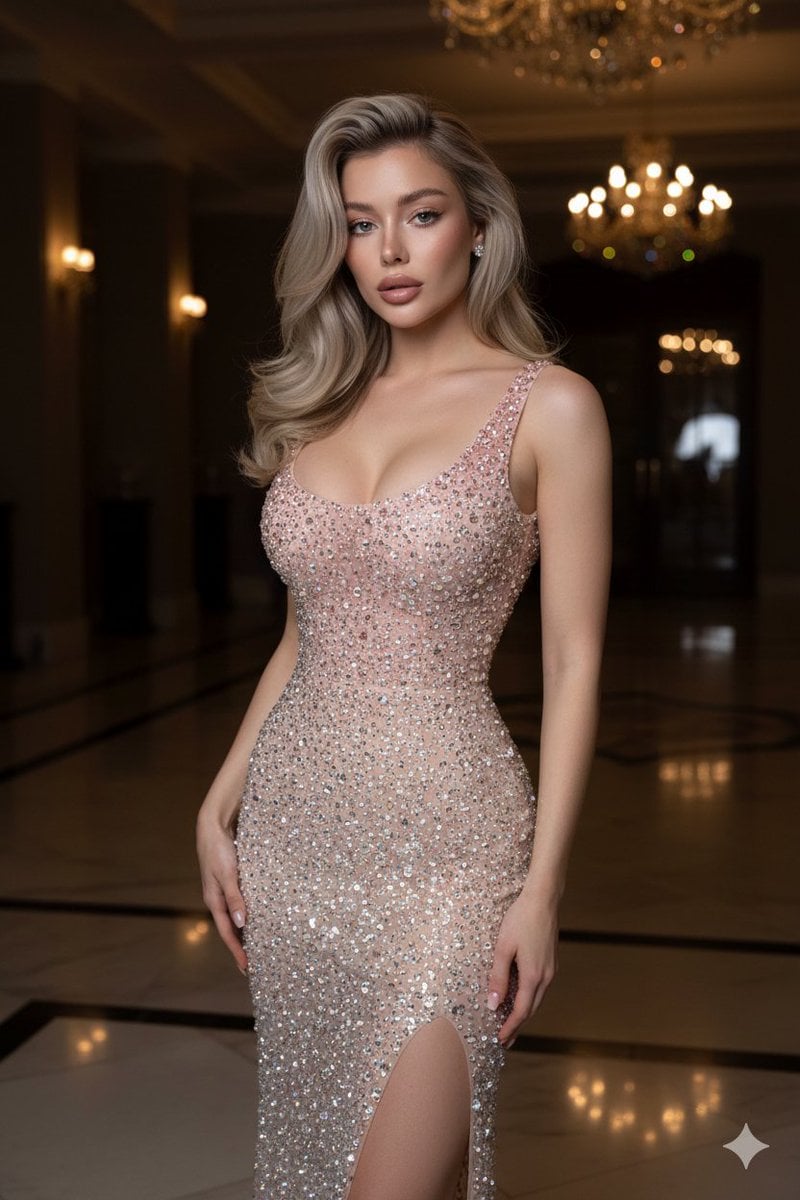
Editorial High-Fashion Crystal Gown Portrait
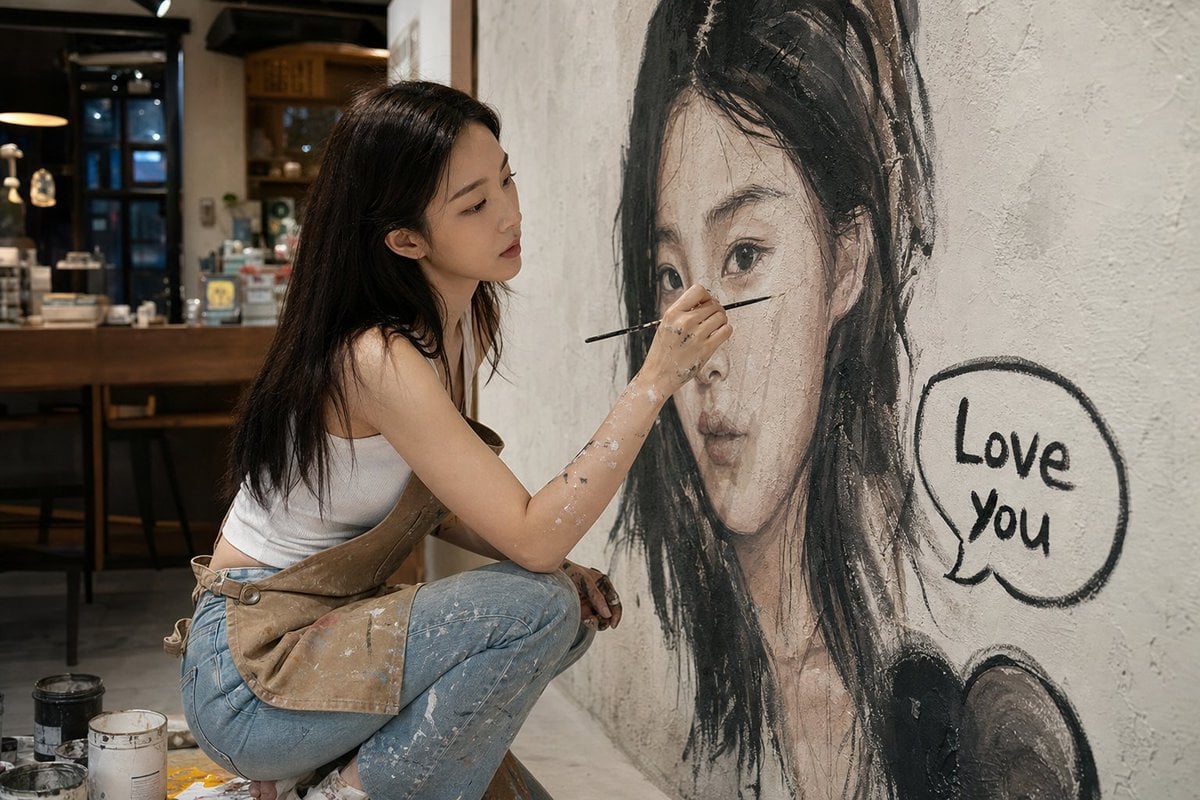
Artist Mural Portrait in Cafe
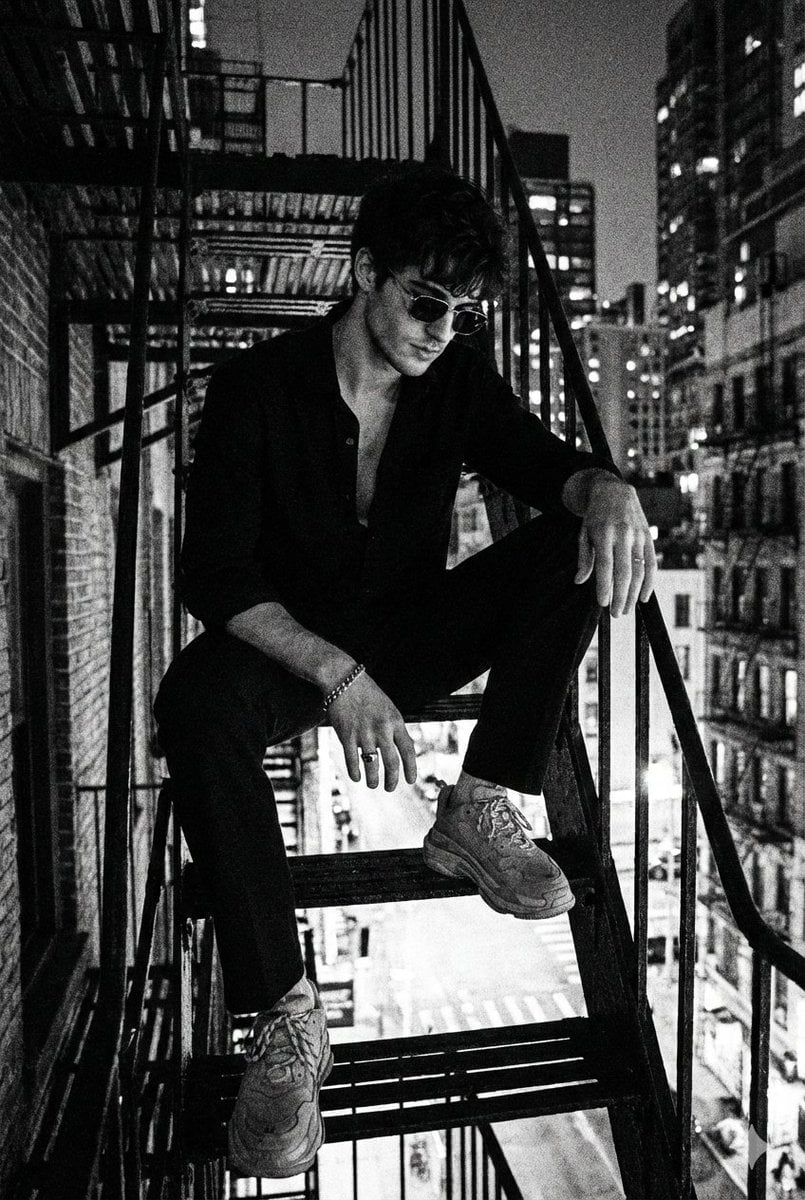
Noir 90s Megacity Portrait (Identity Lock)
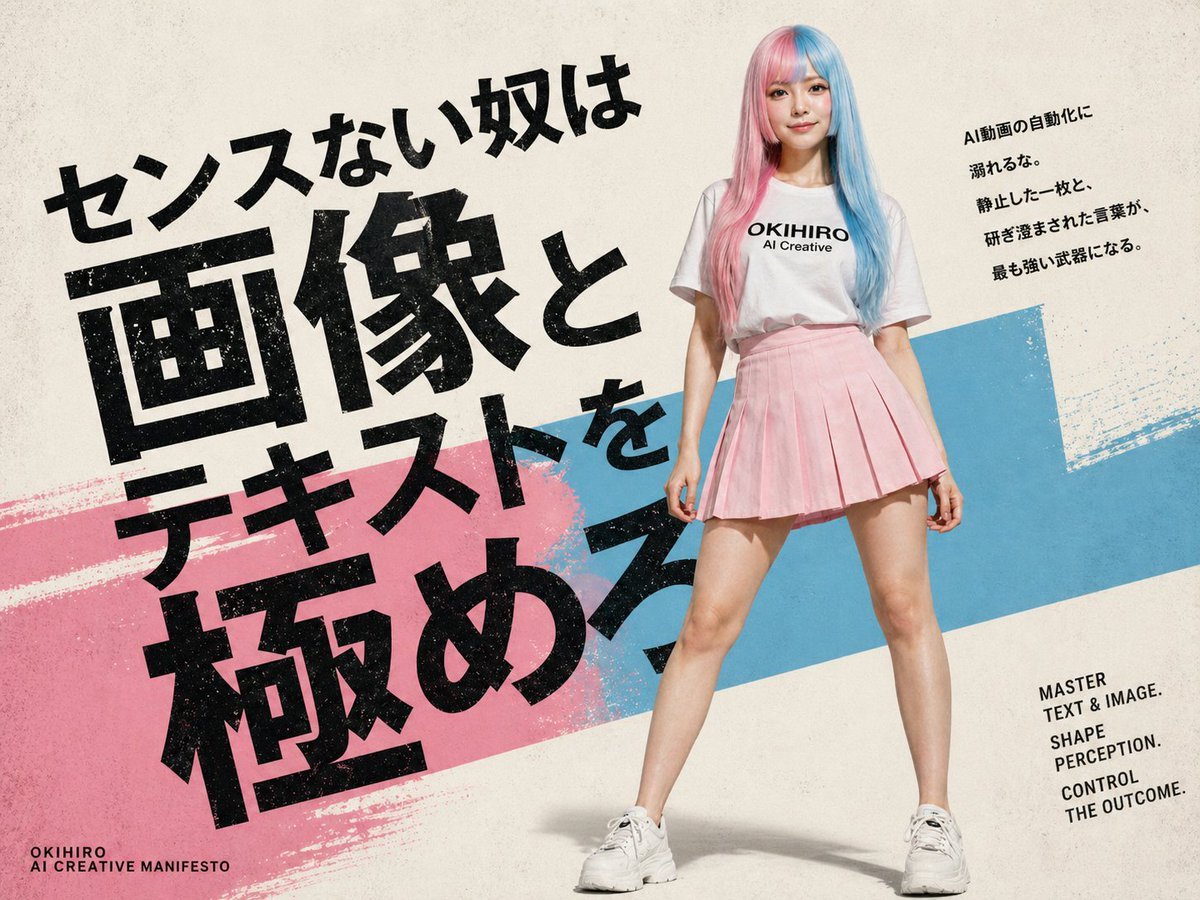
Japanese AI Creative Manifesto Poster
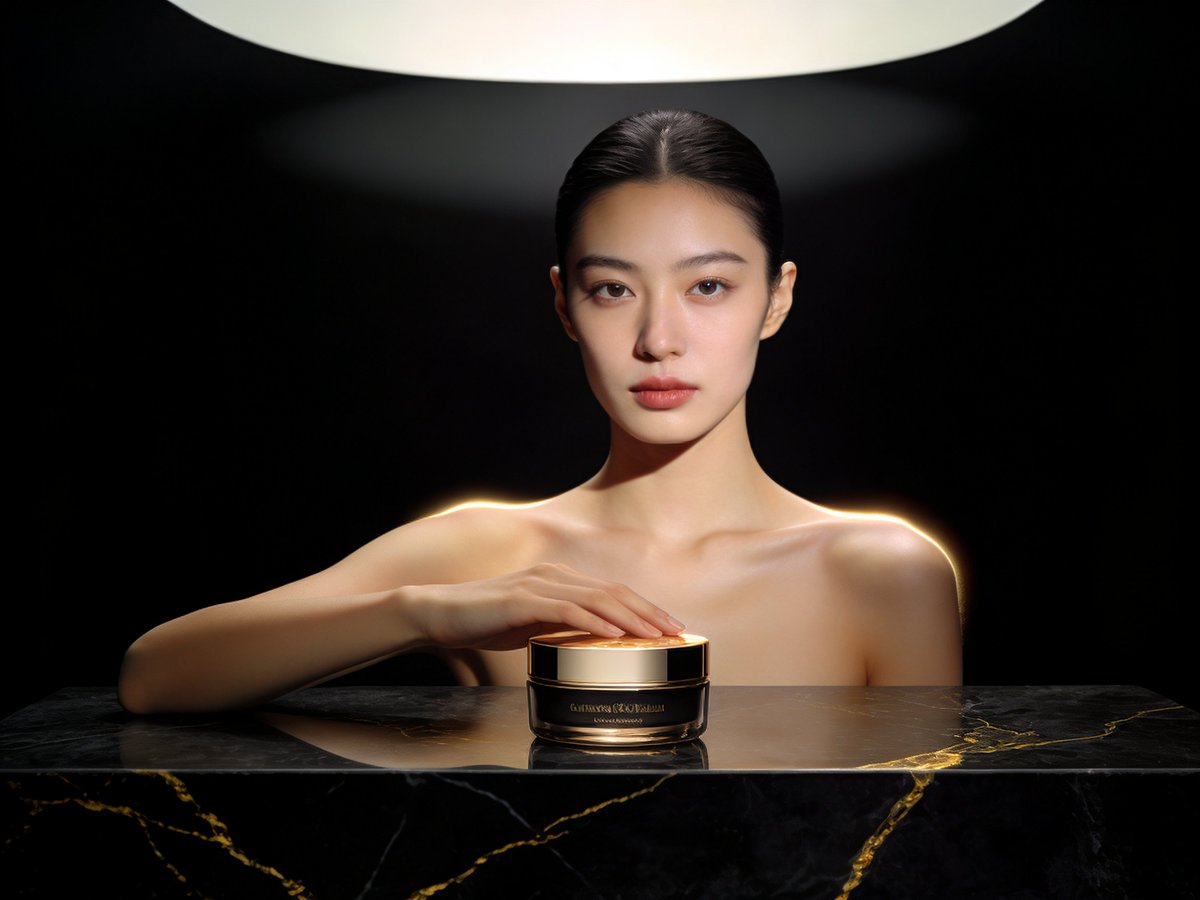
Product Shoot Prompt for Advertising
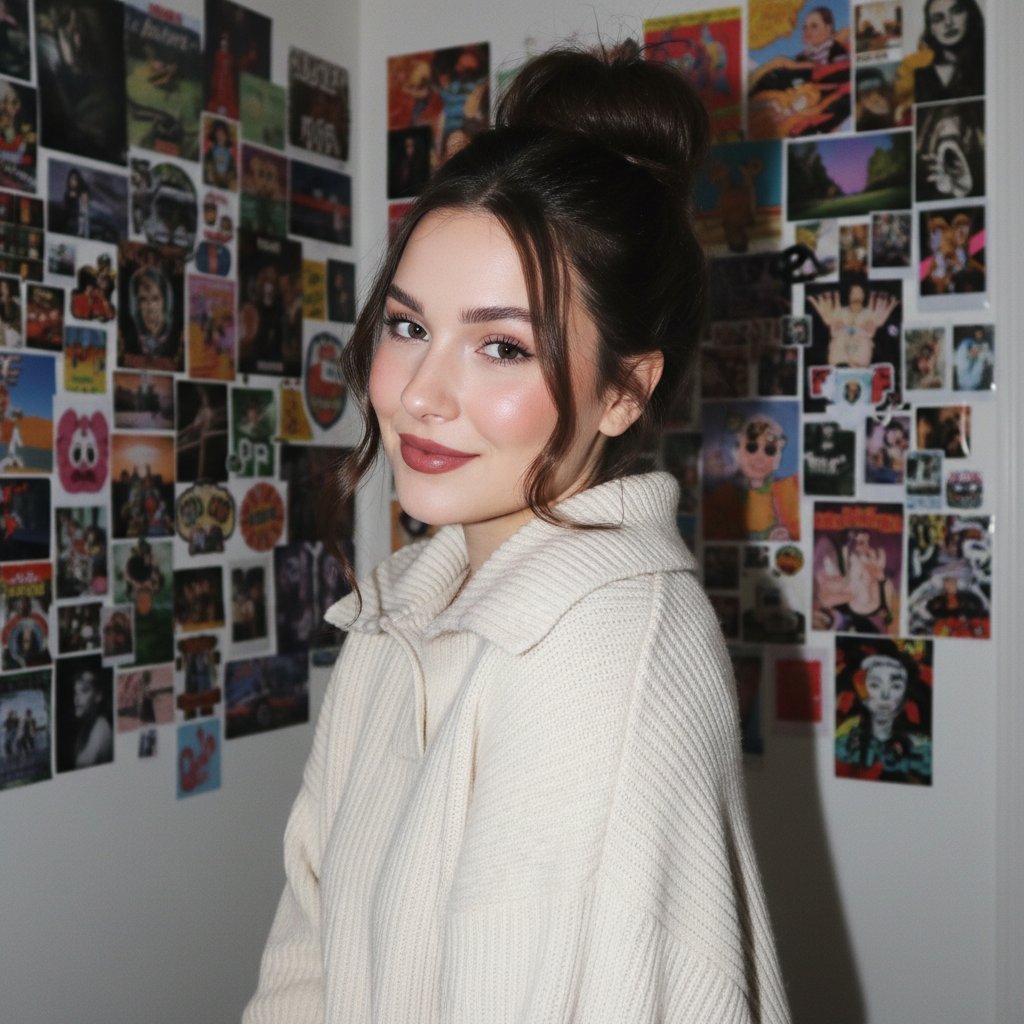
Gen Z/Y2K Flash Portrait in Poster-Covered Bedroom
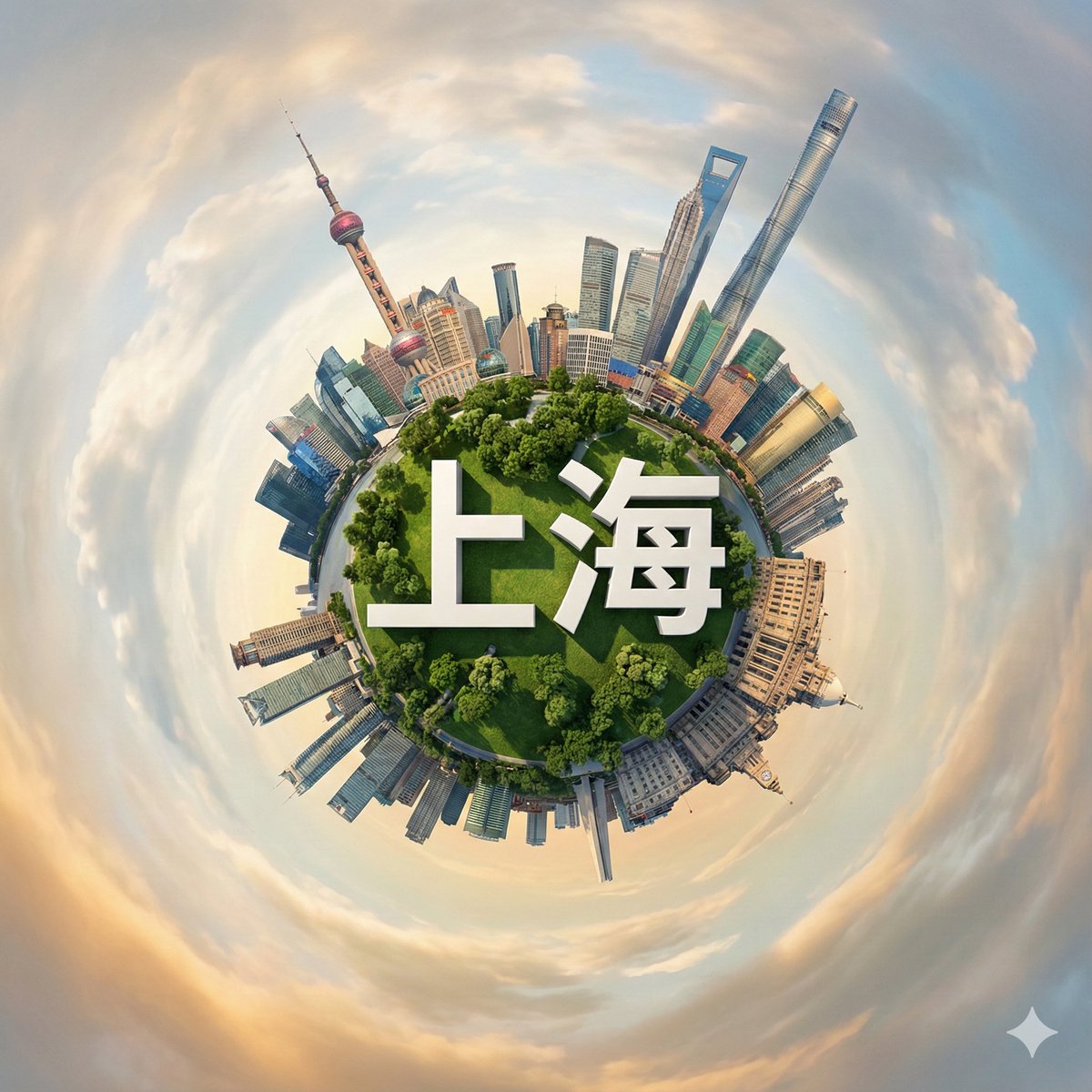
Hyperrealistic Miniature Planet Cityscape
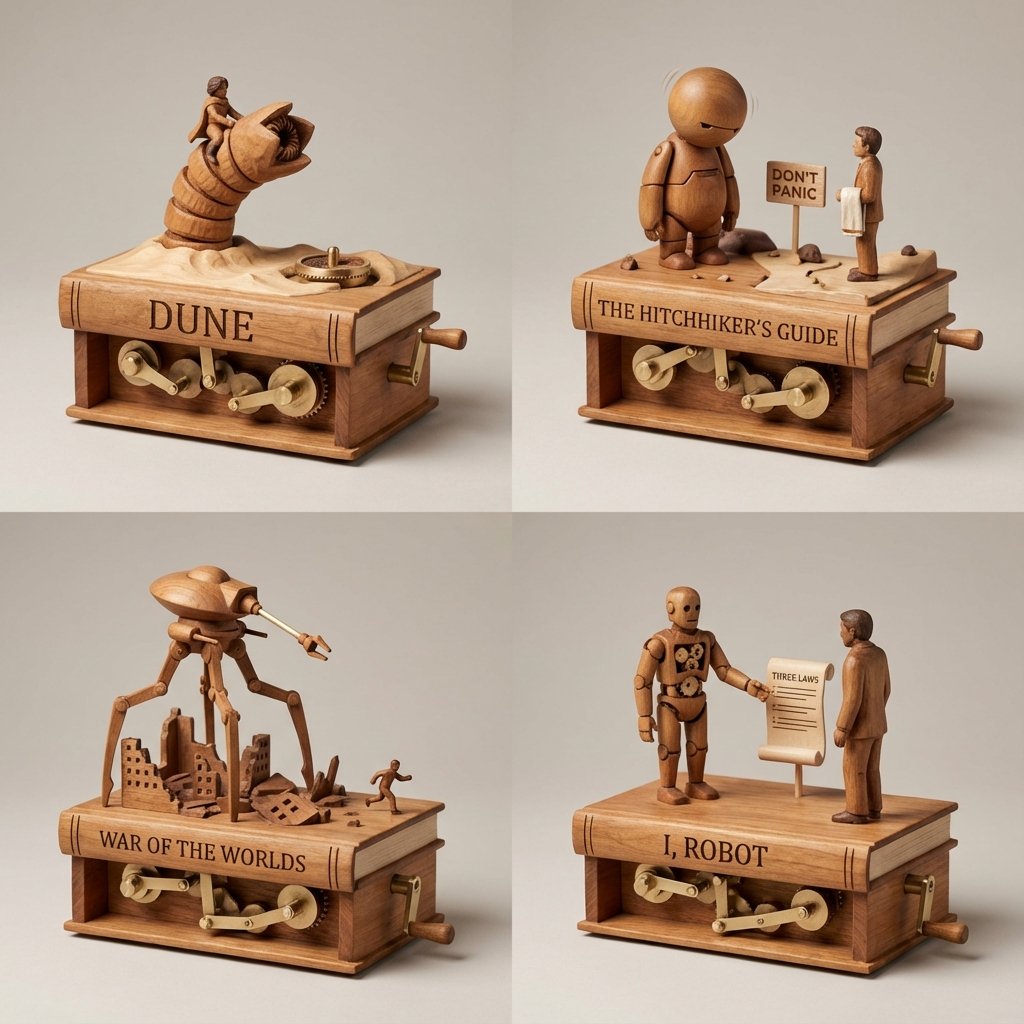
Sci-Fi Book Automaton Macro Product Photography Prompt
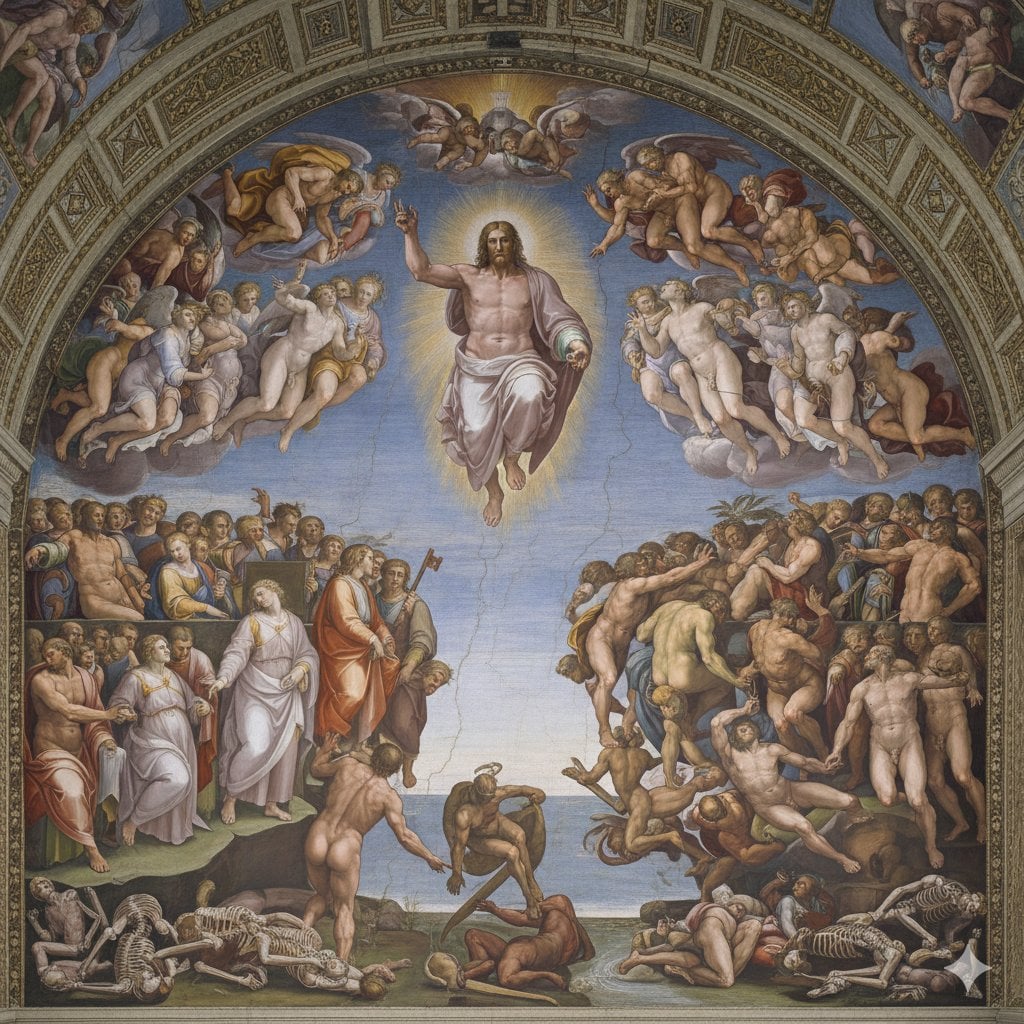
Michelangelo's Last Judgment Style Image
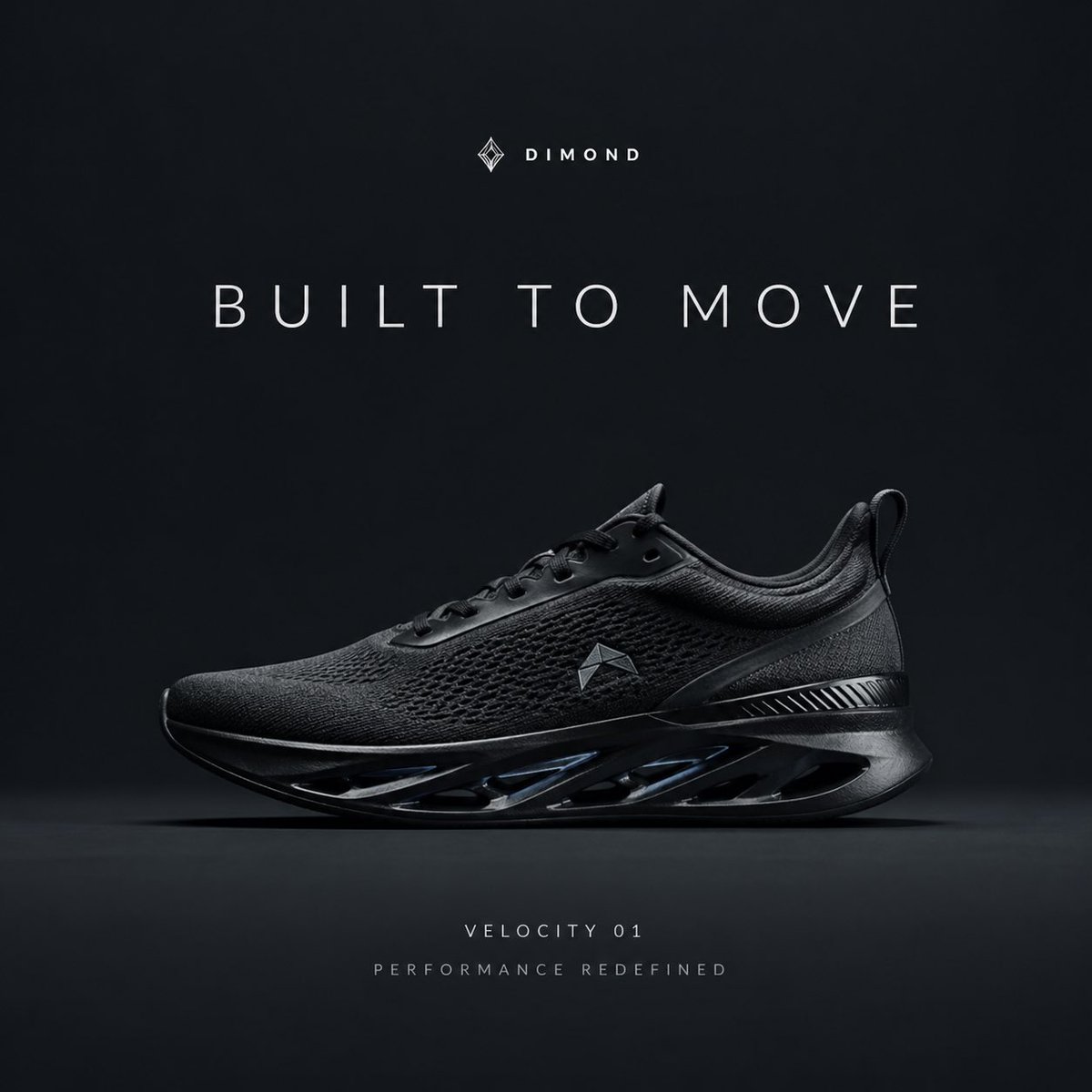
Premium Sportswear Campaign Poster Prompt
Browse template categories
Two-Sided Watercolor Event Flyer Mockup questions
How do I use the Two-Sided Watercolor Event Flyer Mockup template?
Add your photo if the template asks for one, edit the prompt if you like — the template's model and format are already selected — and press Generate. Your version opens in PicX Studio.
Can I customize the Two-Sided Watercolor Event Flyer Mockup template?
Yes. You can change the subject, setting, lighting, mood, format, and available model controls before creating your image.
Is the Two-Sided Watercolor Event Flyer Mockup template free?
Opening and editing this template is free. Generating uses credits, shown on the Generate button when you are signed in.
Which AI model should I use?
Start with GPT Image 2, which is the model associated with this template. You can compare another compatible model for a different finish.
Looking for something else? Browse all templates.

Your photo, any look
Thousands of ready templates for every top image and video model, from one credit balance.