How do I use the Artist Mural Portrait in Cafe template?
Edit the prompt in the box under the preview — the template's model and format are already selected — and press Generate. Your version appears right on this page.
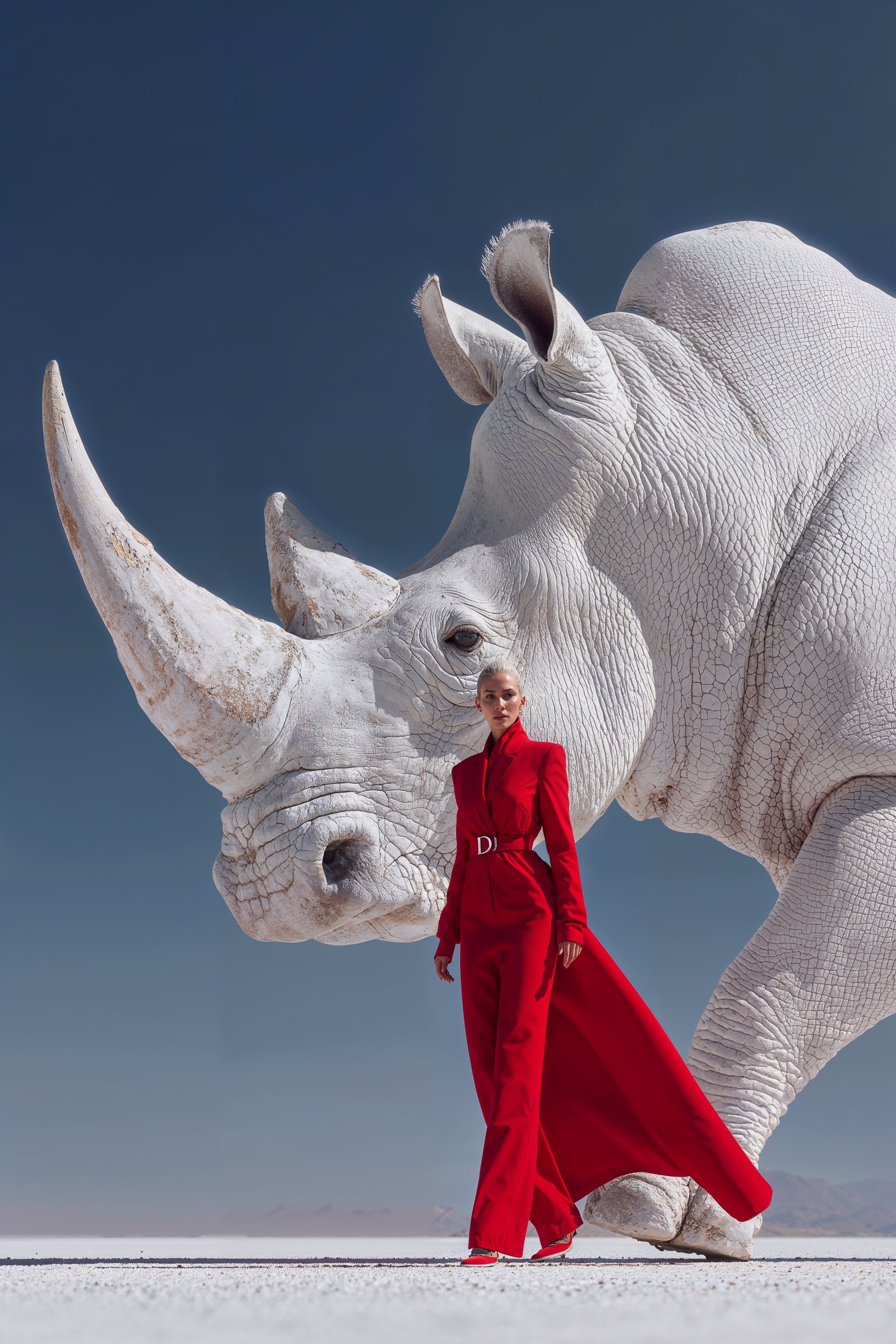
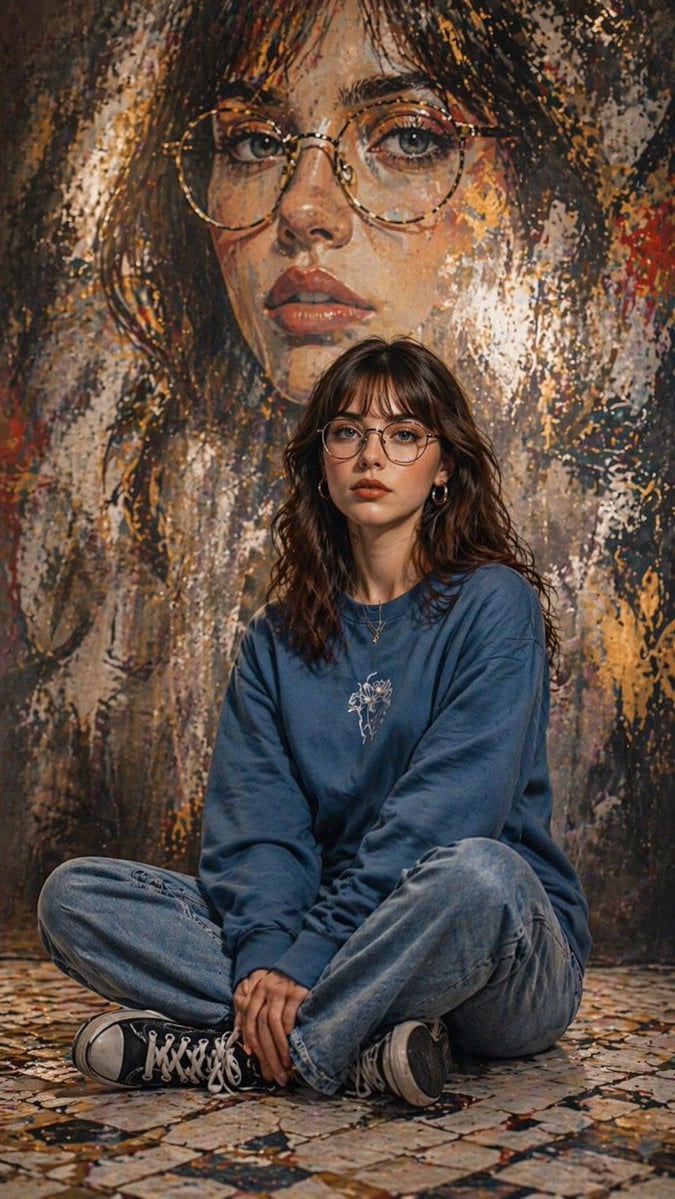
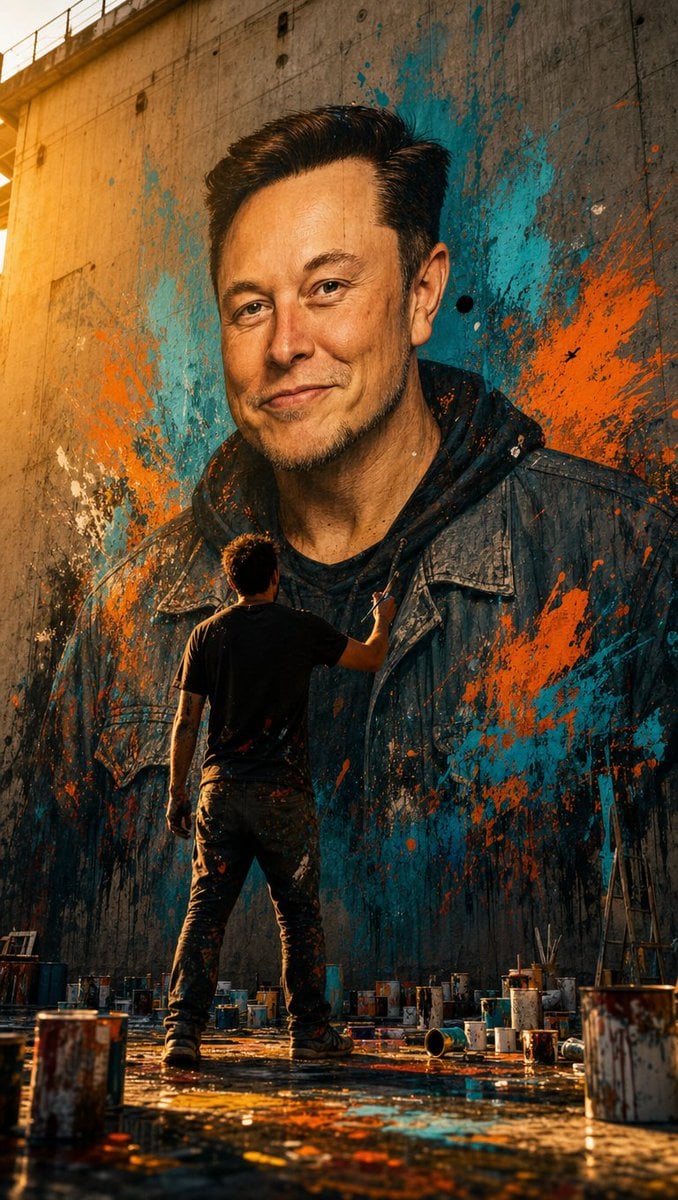
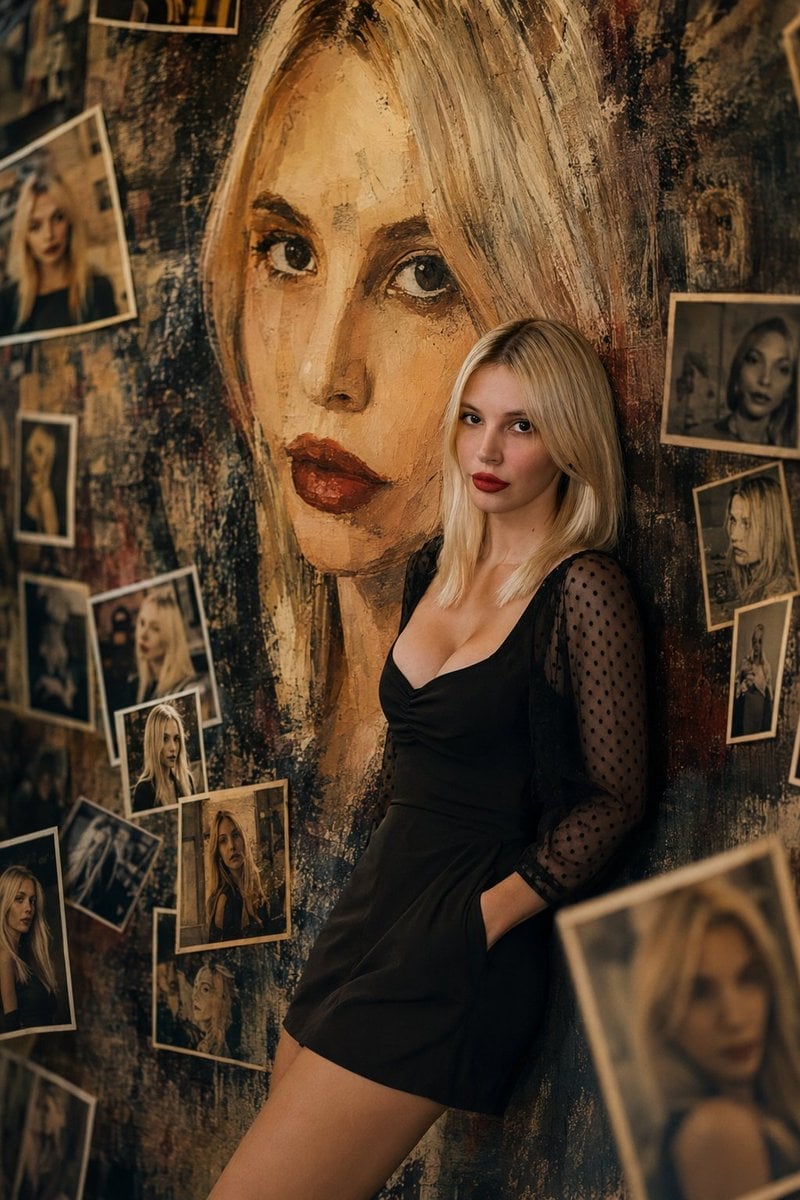
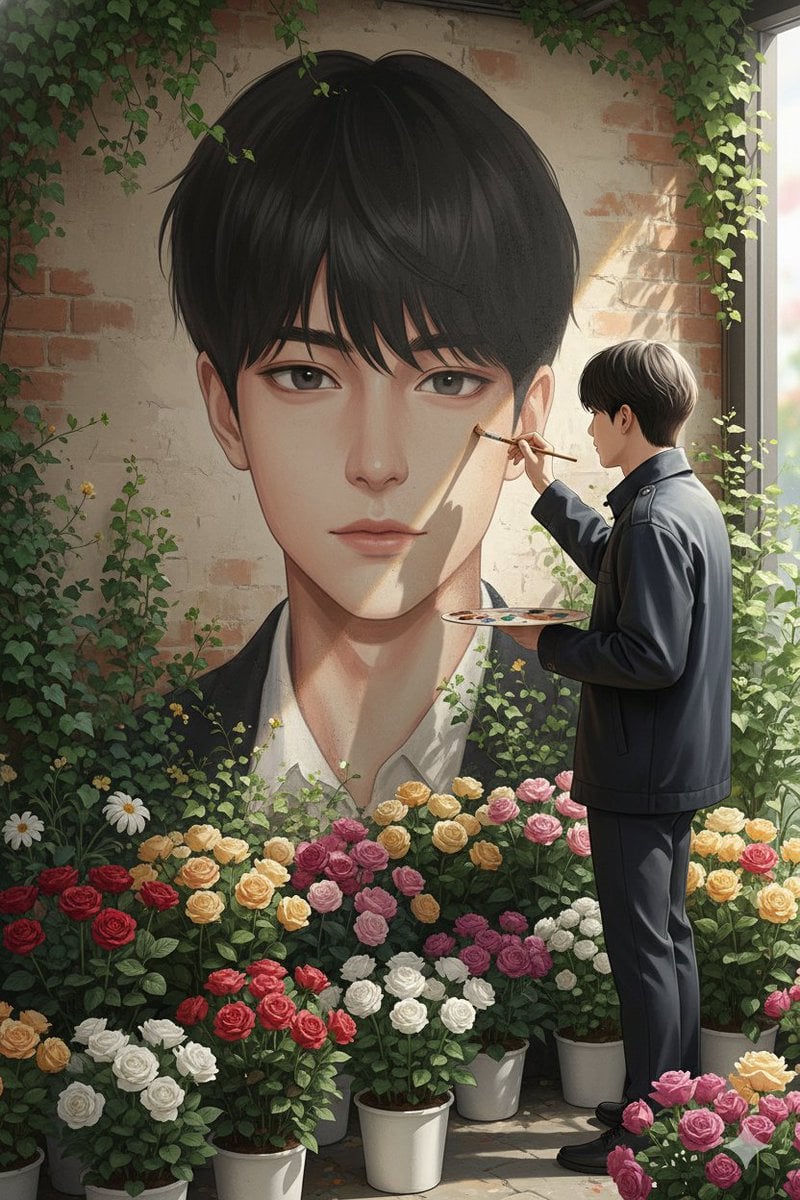
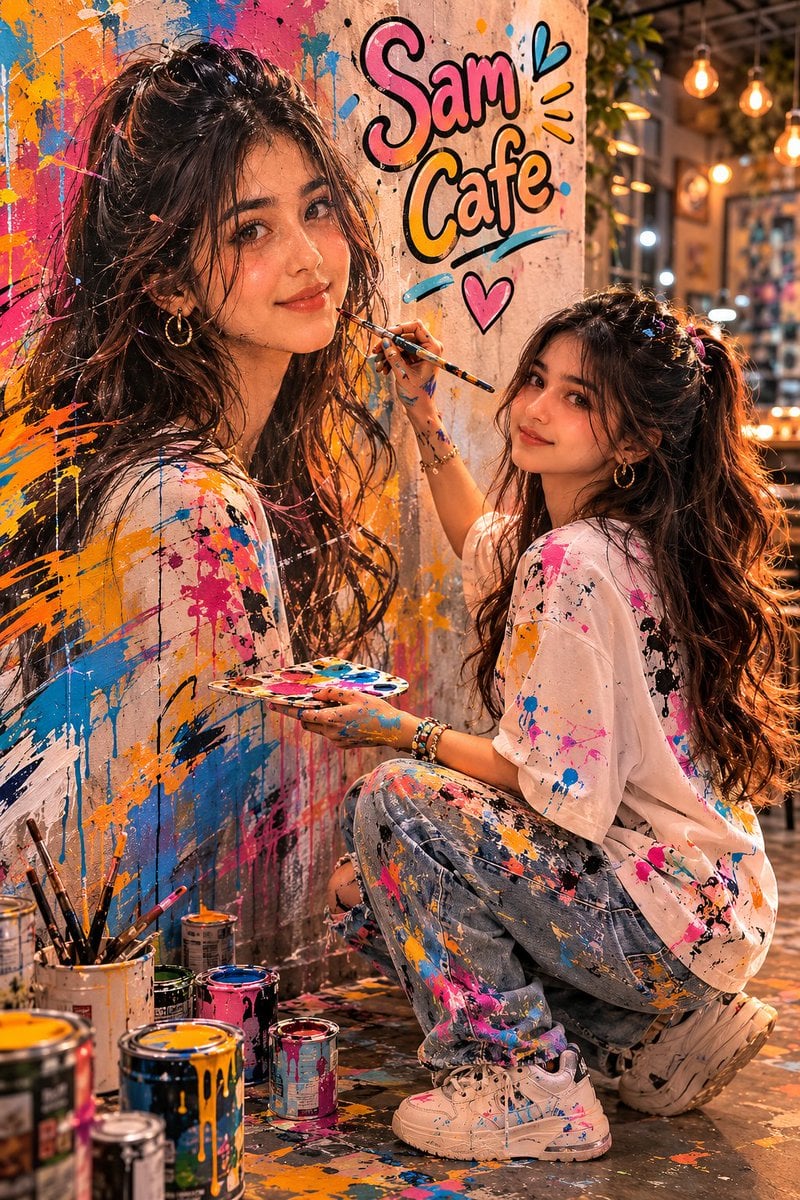
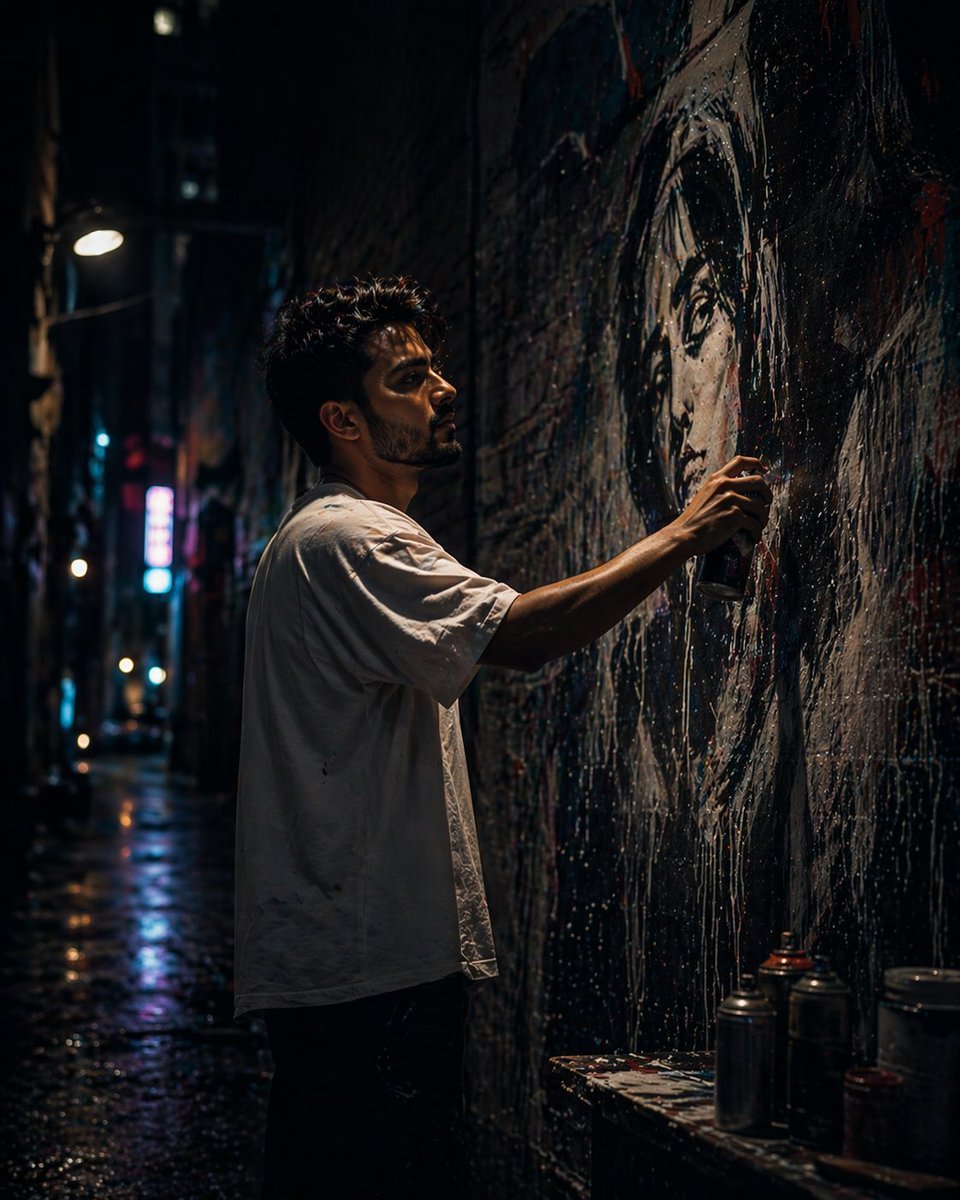
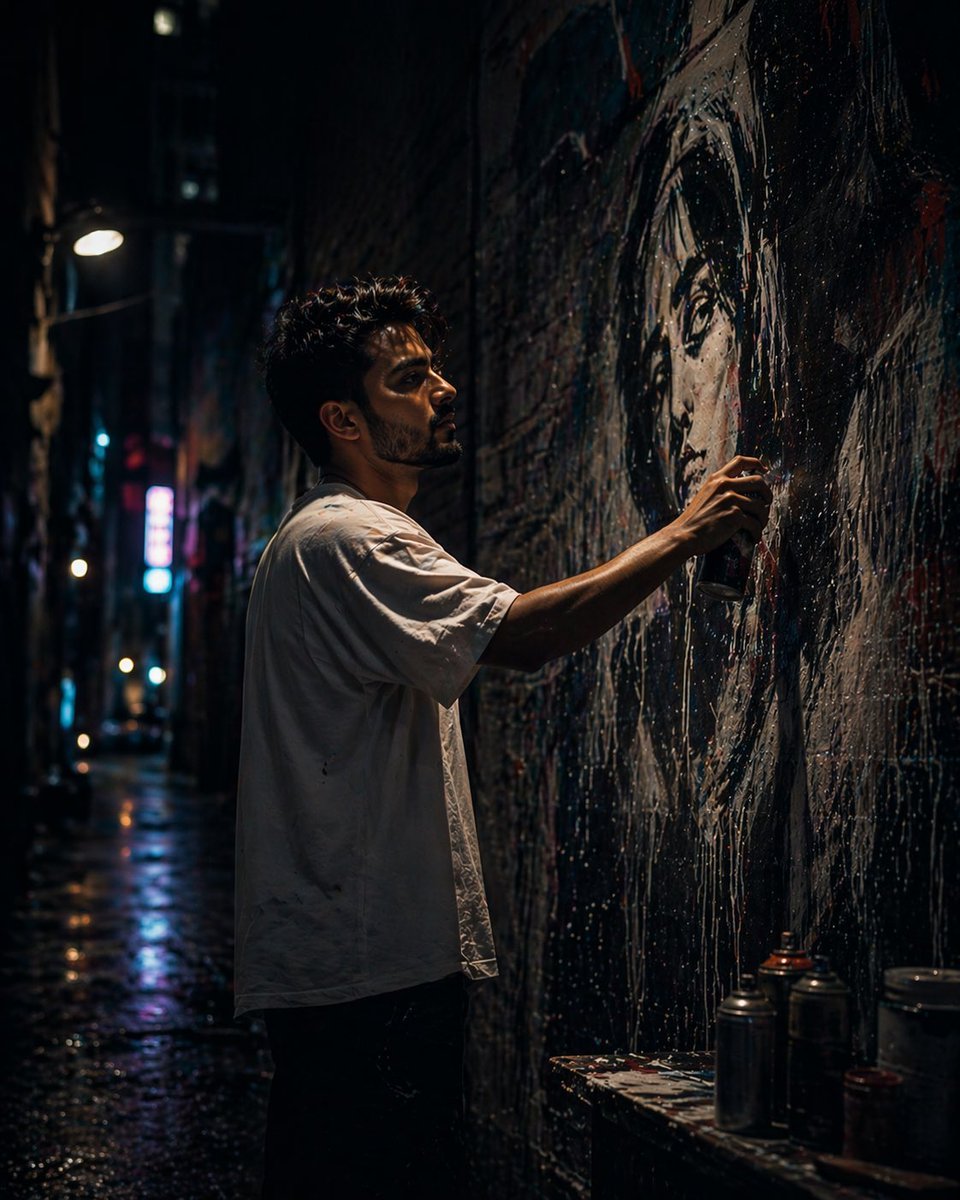
A high-detail prompt for an editorial-style portrait of an artist focused on painting a mural in a cozy cafe, including paint splatters and specific atmospheric lighting.

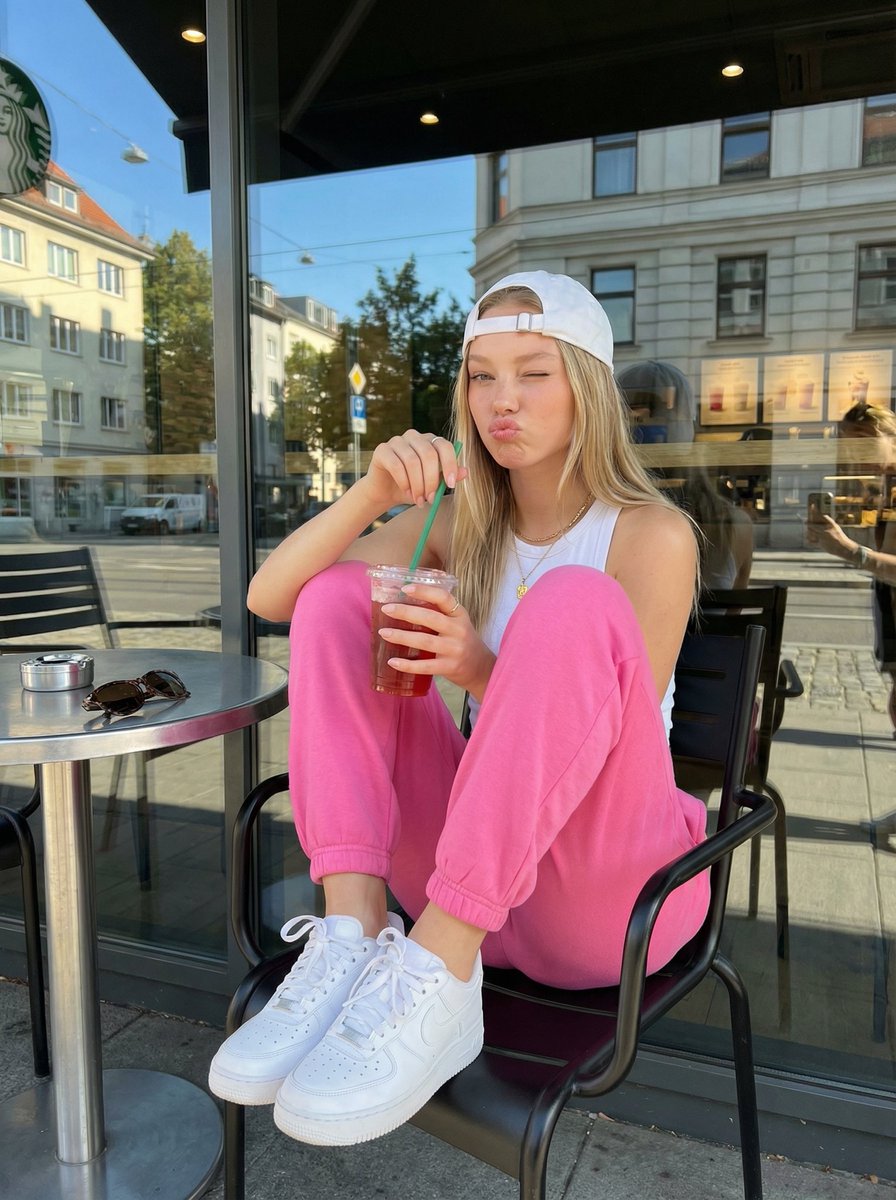
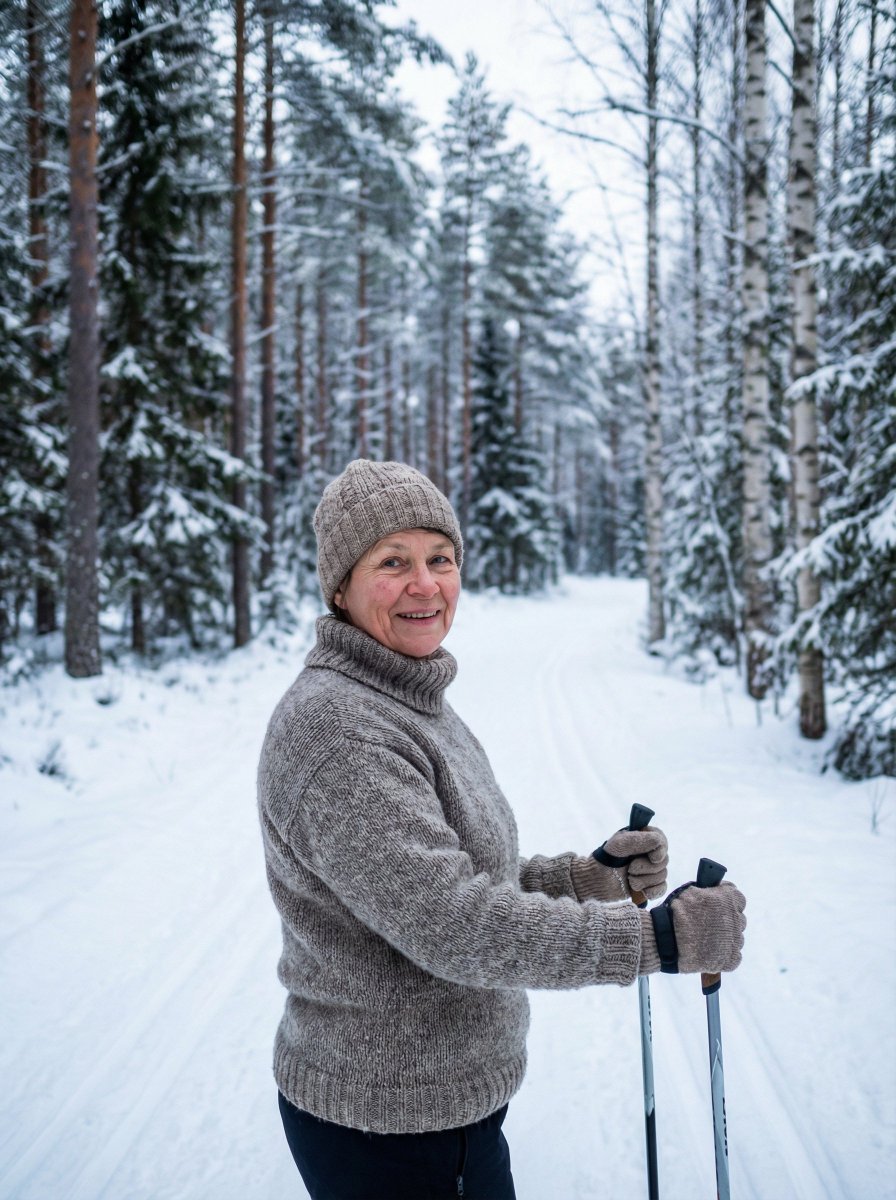
This template uses your photo — add one with the + button.
[Person] Reference images 1 through 9. Generate a realistic, editorial-style photo of a person set against a cozy, artistic café background. The person is painting a professional editorial-style vertical portrait as a large mural. They are focused on painting the mural, not looking at the camera. The person is wearing [{argument name="outfit" default="jeans with a white tank top"}] along with a beige Carhartt-style apron. The person crouches beside a wall with a rough texture, painting a handmade mural that captures their own face, expression, and a reflected visual concept. Beside the portrait, in a cute font with a black outline, is written the phrase "{argument name="phrase" default="Love you"}". 8K ultra-high-resolution detail, volumetric lighting, professional aesthetics. Output in a professional editorial photography style while preserving the original proportions, skin tone, and expression. Paint cans are scattered on the floor, and there are paint marks on her hands and clothes. Realistic, natural human body proportions; no plastic-looking material.
[Person] Reference images 1 through 9. Generate a realistic, editorial-style photo of a person set against a cozy, artistic café background. The person is painting a professional editorial-style vertical portrait as a large mural. They are focused on painting the mural, not looking at the camera. The person is wearing [{argument name="outfit" default="jeans with a white tank top"}] along with a beige Carhartt-style apron. The person crouches beside a wall with a rough texture, painting a handmade mural that captures their own face, expression, and a reflected visual concept. Beside the portrait, in a cute font with a black outline, is written the phrase "{argument name="phrase" default="Love you"}". 8K ultra-high-resolution detail, volumetric lighting, professional aesthetics. Output in a professional editorial photography style while preserving the original proportions, skin tone, and expression. Paint cans are scattered on the floor, and there are paint marks on her hands and clothes. Realistic, natural human body proportions; no plastic-looking material.
Edit the prompt in the box under the preview — the template's model and format are already selected — and press Generate. Your version appears right on this page.
Yes. You can change the subject, setting, lighting, mood, format, and available model controls before creating your image.
Opening and editing this template is free. Generating uses credits, shown on the Generate button when you are signed in.
Start with GPT Image 2, which is the model associated with this template. You can compare another compatible model for a different finish.
Follow a topic to a crawlable collection of related PicX Studio templates.