
Photo-to-LEGO Minifigure Transformation
A sophisticated prompt that transforms a reference portrait into a realistic, photorealistic LEGO minifigure while maintaining facial identity.
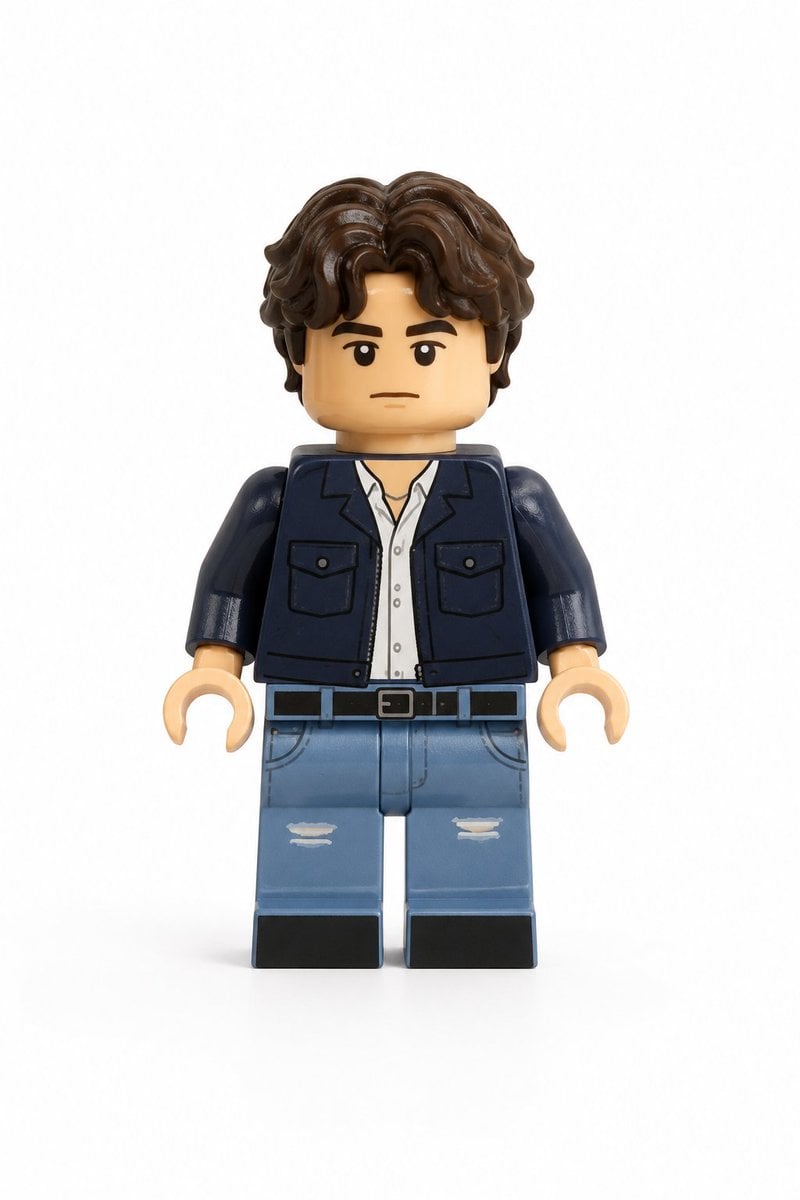
- Prompt included
- Model and format preset
- Free template
The prompt behind this image
Copy the exact prompt behind Photo-to-LEGO Minifigure Transformation, or open it in the studio and make it yours.
Use the user uploaded image as the only subject reference. Transform the person in the uploaded image into a realistic LEGO style minifigure while preserving their recognizable identity and outfit. Preserve the subject's facial likeness as much as possible within LEGO minifigure design limits, maintaining the same hairstyle and hair color adapted into a LEGO hairpiece, facial expression, clothing colors, clothing design and patterns, and any visible accessories. The result should clearly represent the same person translated into LEGO form. The character must follow authentic LEGO minifigure proportions, including a cylindrical yellow or skin tone LEGO style head, simple printed facial features adapted from the subject, a block shaped torso with printed clothing details, standard LEGO minifigure arms with curved hands, short LEGO minifigure legs, and a distinct molded plastic hairpiece matching the subject's hairstyle. Render the figure using realistic LEGO plastic material with a slight glossy sheen, subtle molded seams, and natural toy surface reflections. The face and torso should include printed details typical of LEGO minifigures, and the hairpiece should appear as molded plastic. The final image should be a high quality realistic 3D toy render with soft diffused studio lighting, subtle shadows that emphasize shape and plastic texture, and clean sharp focus with crisp detail. The framing must show the full body minifigure from head to feet in a centered composition with the entire figure fully visible. Use a plain white background with no scenery, no props, and no additional elements. The final style should feel like a photorealistic LEGO minifigure toy render with highly detailed plastic texture and studio lighting.
Reference images included
Photo-to-LEGO Minifigure Transformation needs input media to work. They load alongside the prompt when you open it in the studio.
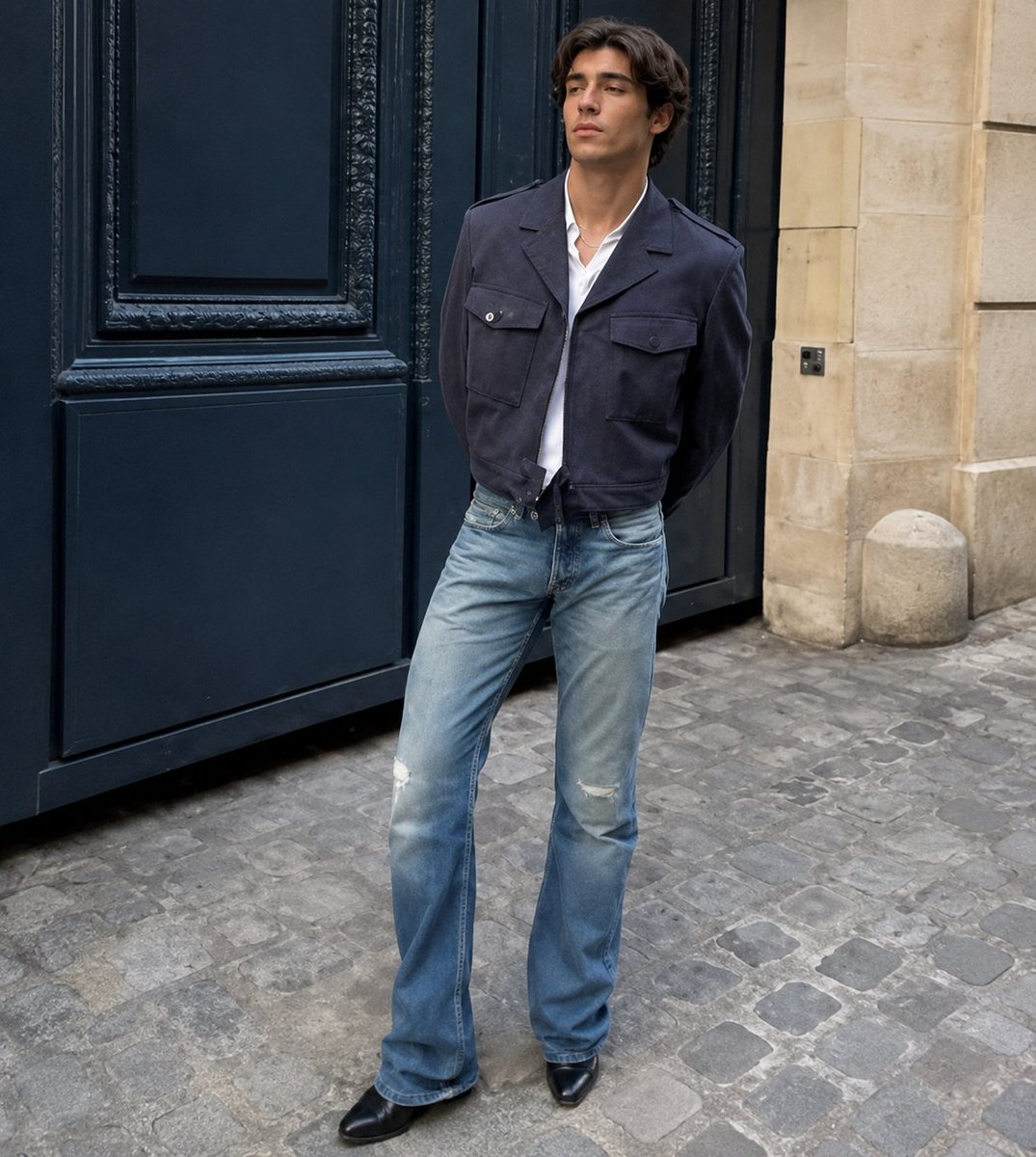
How to use Photo-to-LEGO Minifigure Transformation in 3 steps
- 1Upload ImagePNG, JPG or paste
Add your photo
Upload the photo the template builds on. The prompt, model and format are already set.
- 2…a portrait of your subject in softgolden-hour light, 85mm…
Personalize
Edit the subject and creative details for your destination.
- 3Generate
Generate
Press Generate — your image is created in PicX Studio, so you can compare it with the original and refine one variable at a time.
More like this
Templates with the same subject, style or setup. Open one to see its prompt.
Seedance - Character Transition
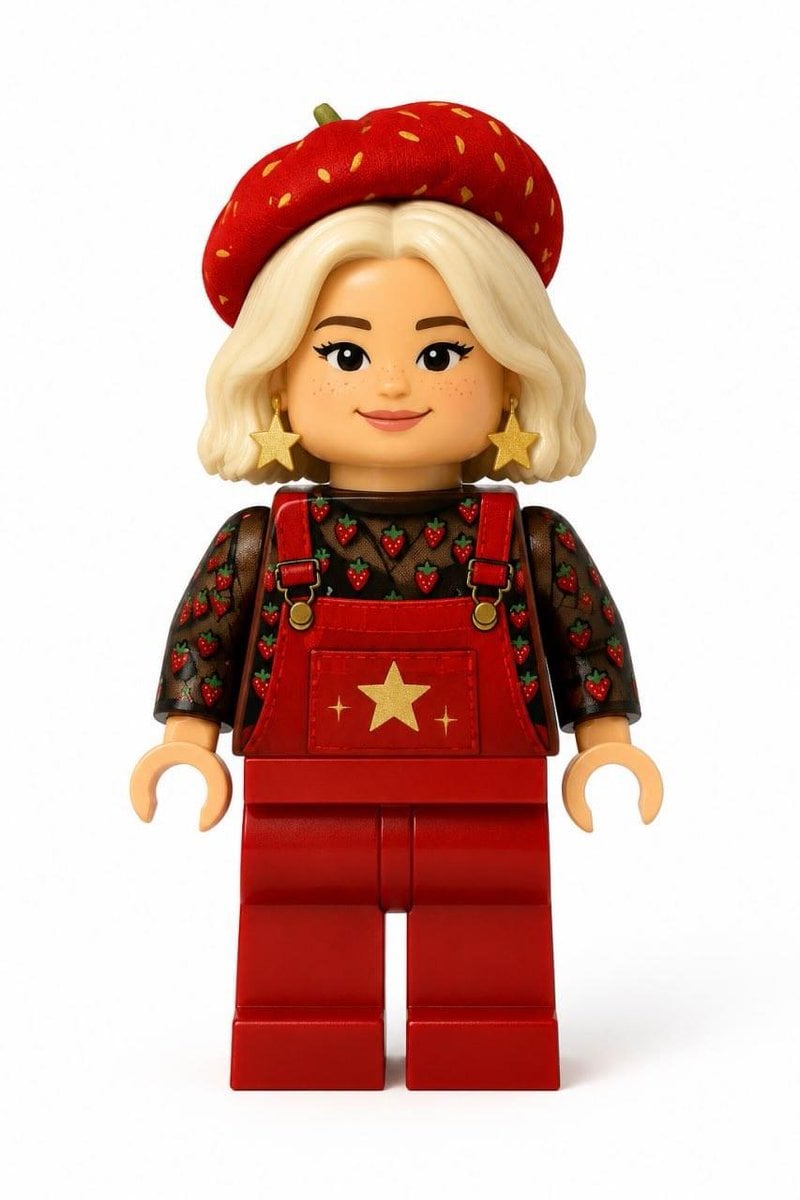
Realistic LEGO Minifigure Transformation
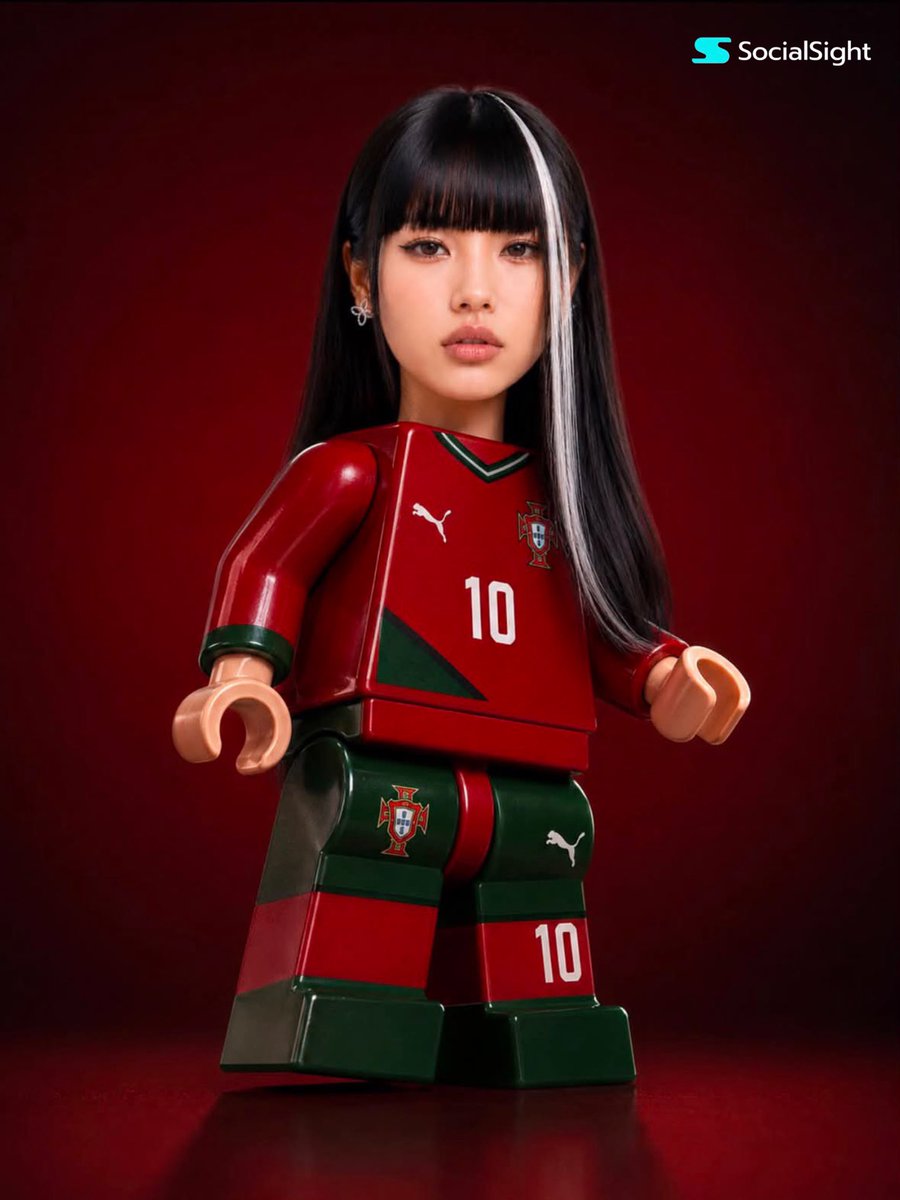
LEGO-Style Minifigure Collectible
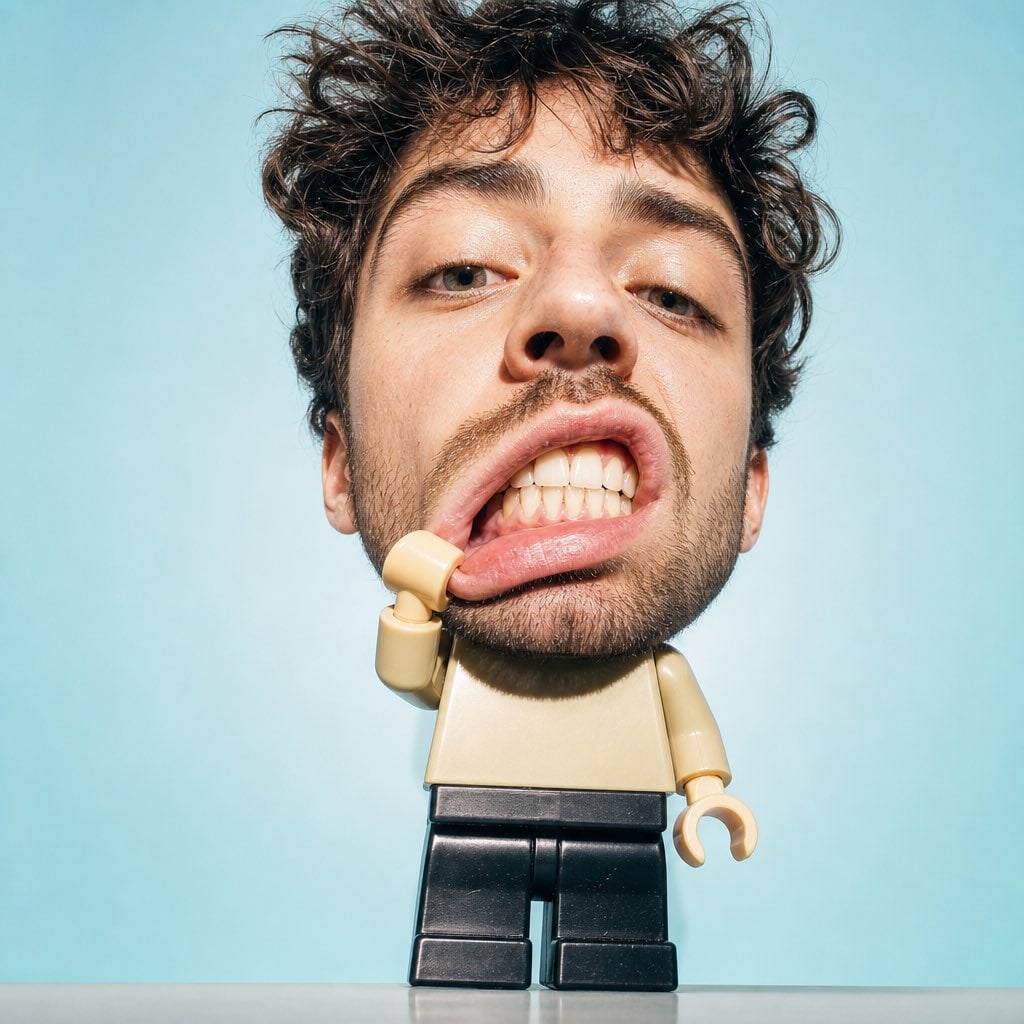
Surreal Lego Minifigure Portrait
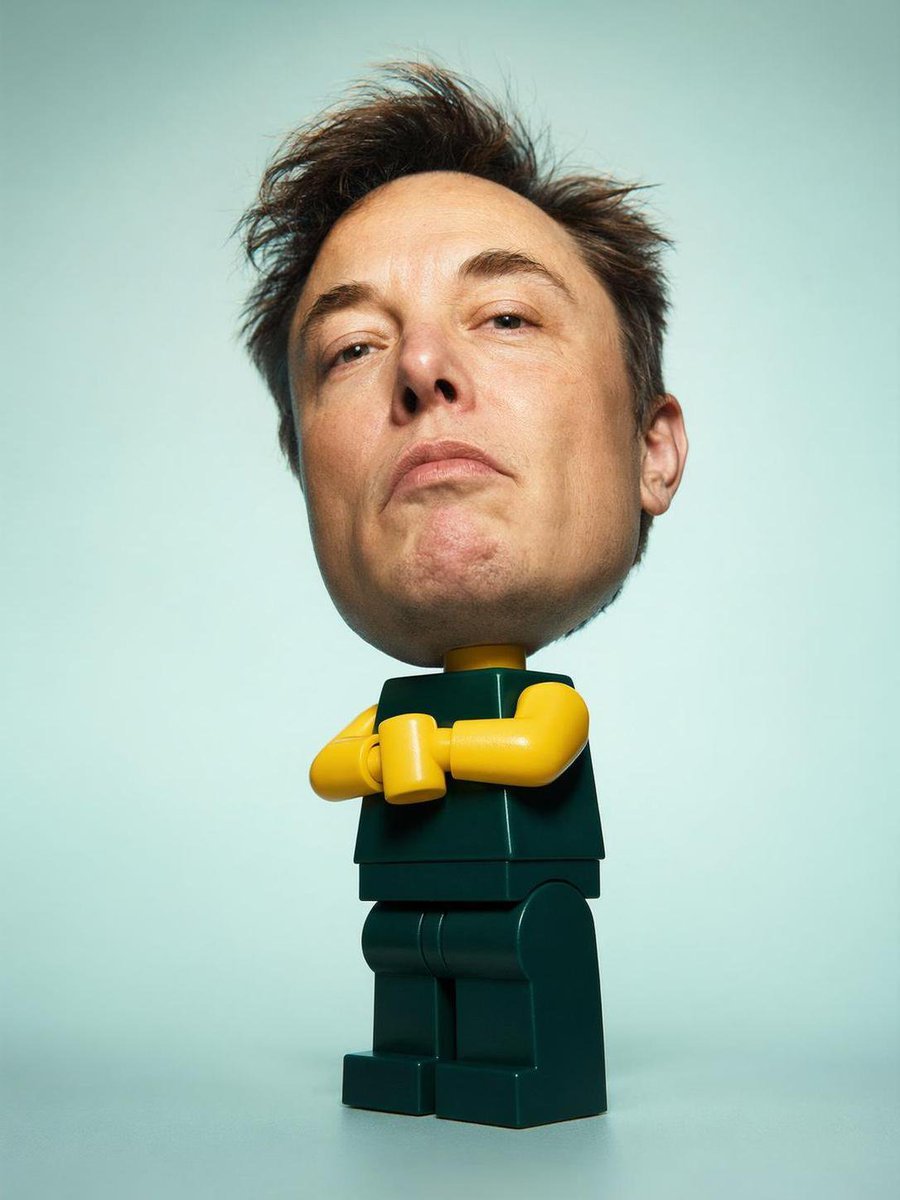
Surreal LEGO Human Minifigure
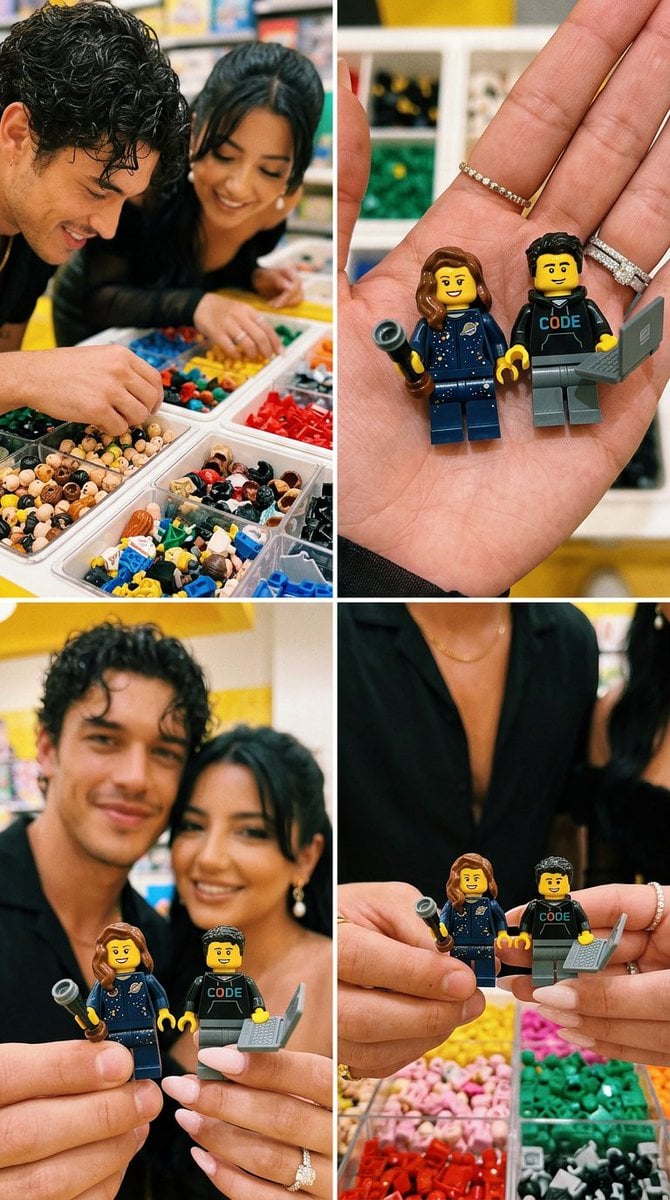
LEGO Minifigure Couple Selfie Collage
Lego-style self transformation
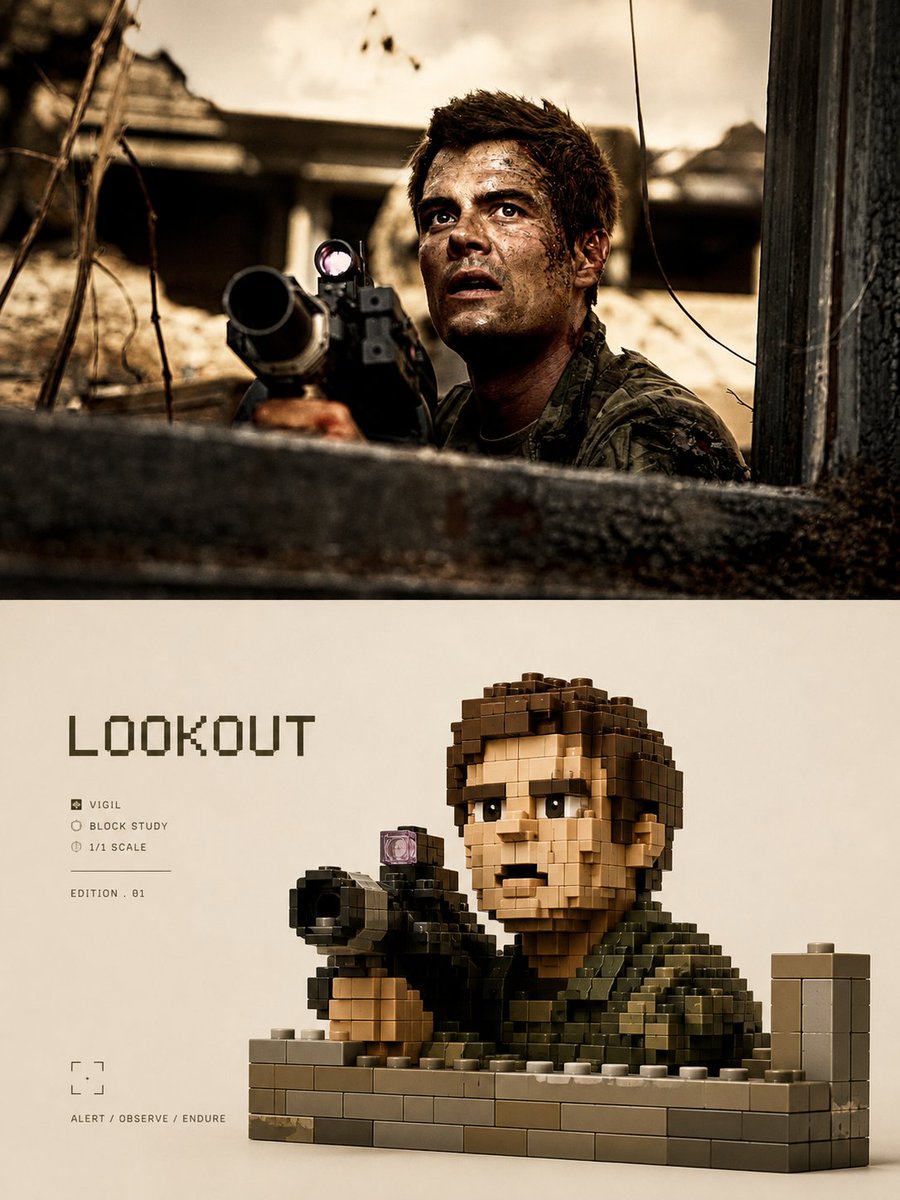
LEGO Voxel Art Poster Style
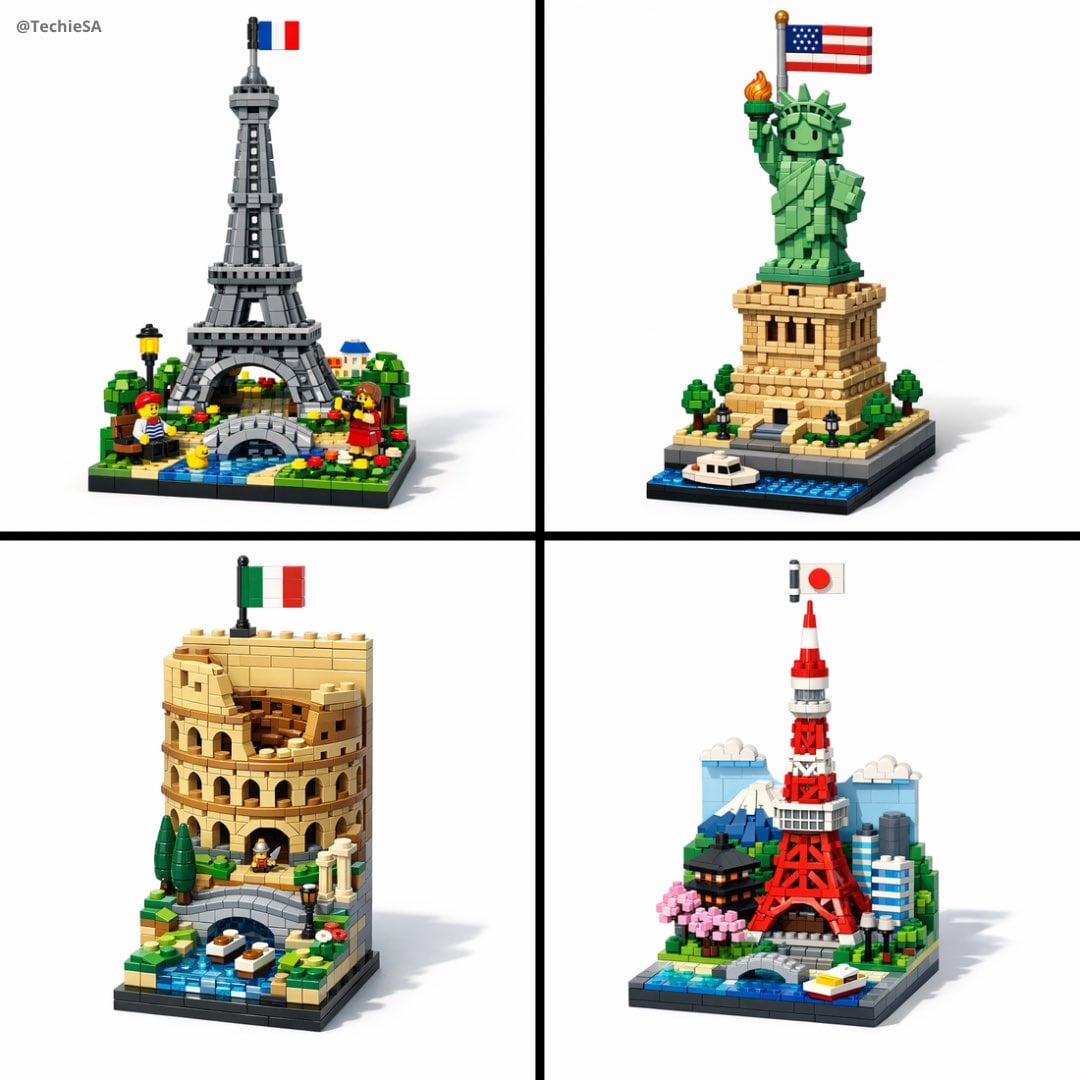
A vertical LEGO diorama showing
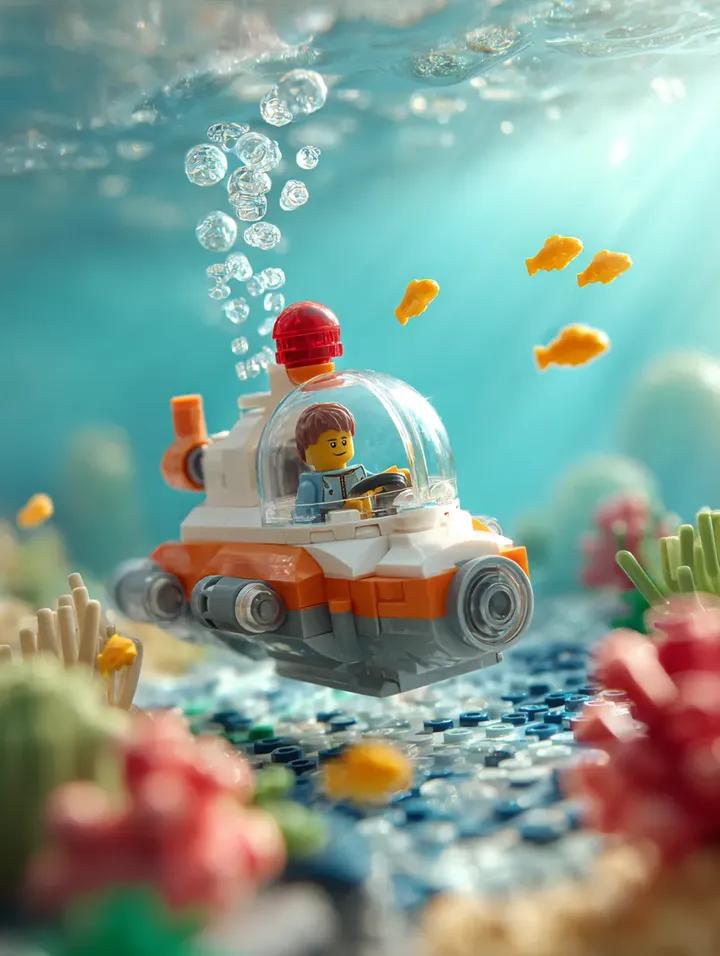
Surrounding the submarine are multiple small bright yellow LEGO fish
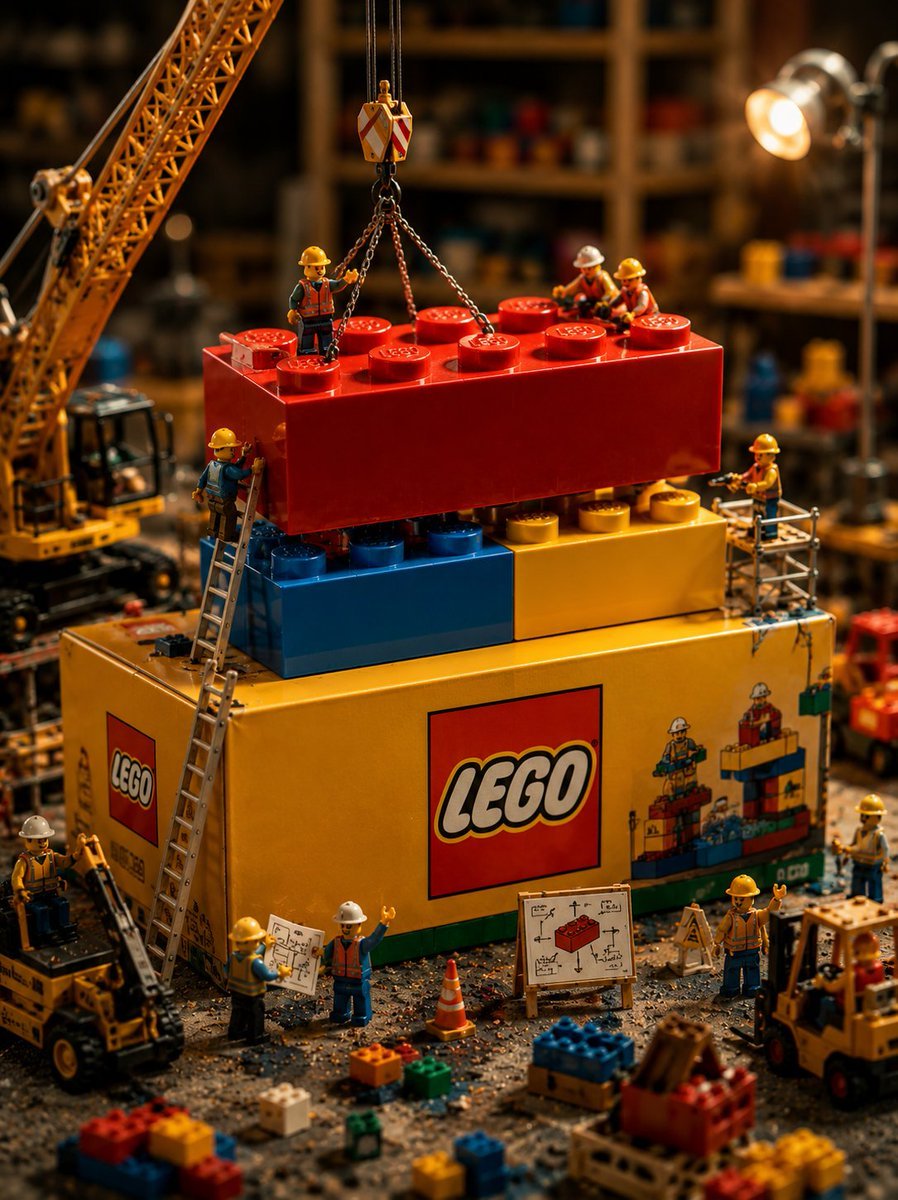
Miniature LEGO Construction Scene

Anime Alley Kick Transformation
Make it yours
Photo-to-LEGO Minifigure Transformation works as-is. These are the safest ways to change it without losing the look.
Change one field
Copy a single group, rewrite it, and generate again so you can see what that field is doing.
Keep the frame, change the subject
Hold the composition and light of Photo-to-LEGO Minifigure Transformation, then swap wardrobe, props or the person for a new take.
| If the result… | Why | Fix |
|---|---|---|
| The result drifts from the preview | Too many fields changed at once. | Reuse Photo-to-LEGO Minifigure Transformation as-is first, then change one group — subject, light, or setting. |
| The model over-stylizes the scene | The prose prompt leaves finish and camera underspecified. | Add one camera or lighting sentence and stay on GPT Image 2. |
More GPT Image 2 templates
Other prompts made for GPT Image 2.

Six VTuber Japanese Logo Sheet

Realistic Portrait of Woman and Deer

The Vista Modular Condo Poster

AI Model Routing Comparison Infographic

2.5D Anime Art Board

Isometric Productivity Desk Scene

New York Double Exposure Poster

Four-Panel AI Landscape Comparison

Japanese Tatami Lifestyle Magazine Cover

NESCAFÉ Coffee Map Poster
More image prompts
Fresh picks from across the catalog.
Product Ingredient Labeling Prompt

Anime Girl Eating Ramen Edit
Black and White Futuristic House from Airplane Window

Indoor Makeup Room Mirror Selfie
Cinematic Hangar Photo Prompt
16K Ultra-Realistic Identity-Locked Luxury Portrait

Neon Snapchat Portrait Poster

AI CTO Types Infographic
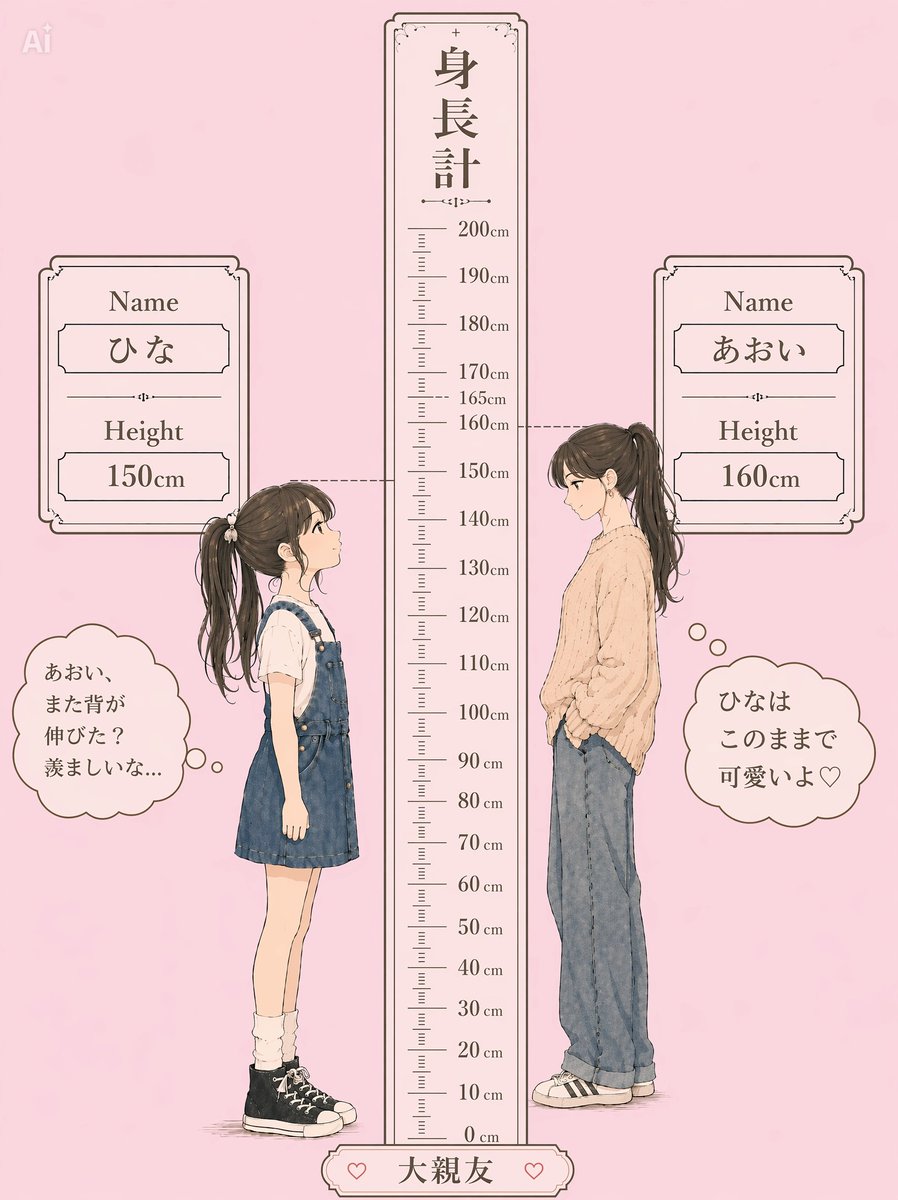
Pastel Height Difference Best Friends
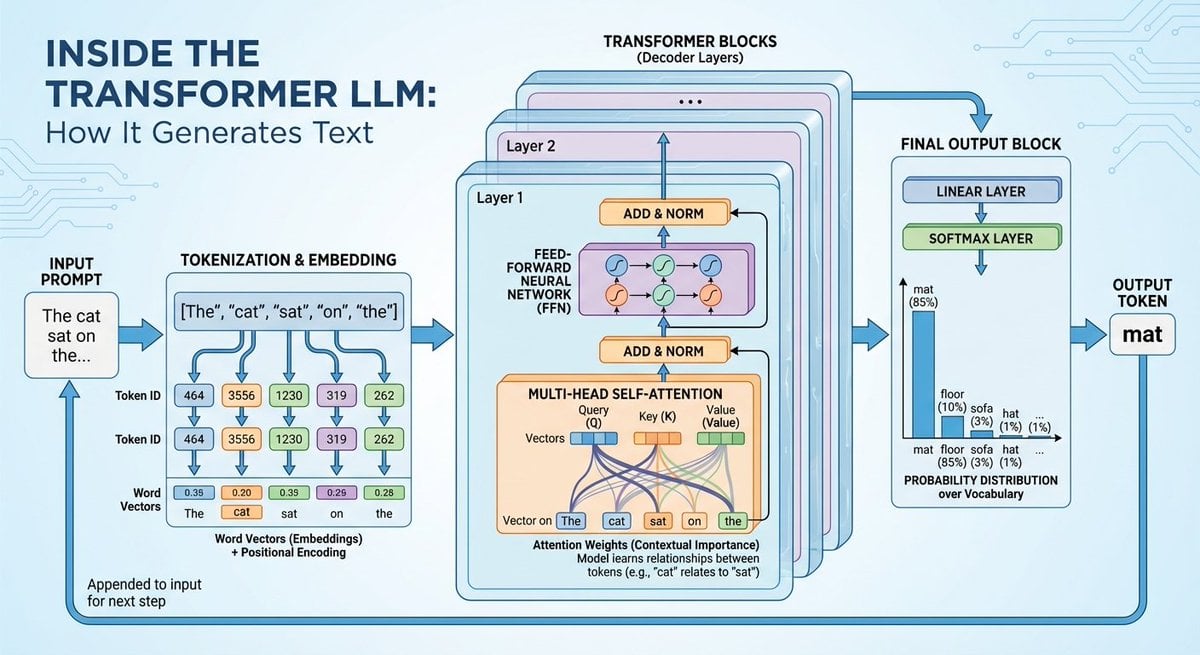
Space shuttle diagram in space
Browse template categories
Photo-to-LEGO Minifigure Transformation questions
How do I use the Photo-to-LEGO Minifigure Transformation template?
Add your photo if the template asks for one, edit the prompt if you like — the template's model and format are already selected — and press Generate. Your version opens in PicX Studio.
Can I customize the Photo-to-LEGO Minifigure Transformation template?
Yes. You can change the subject, setting, lighting, mood, format, and available model controls before creating your image.
Is the Photo-to-LEGO Minifigure Transformation template free?
Opening and editing this template is free. Generating uses credits, shown on the Generate button when you are signed in.
Which AI model should I use?
Start with GPT Image 2, which is the model associated with this template. You can compare another compatible model for a different finish.
Looking for something else? Browse all templates.

Your photo, any look
Thousands of ready templates for every top image and video model, from one credit balance.