
LEGO Minifigure Couple Selfie Collage
A complex 4-panel collage prompt for a LEGO minifigure customization store experience featuring a consistent couple.
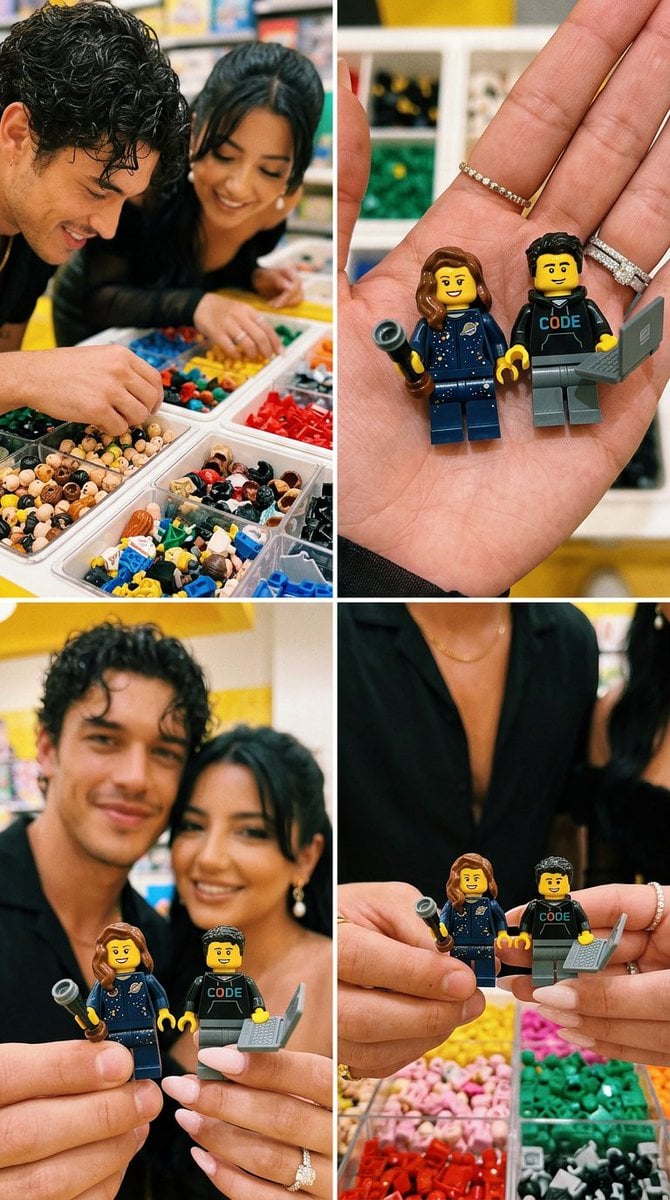
- Prompt included
- Model and format preset
- Premium template
The prompt behind this image
Copy the exact prompt behind LEGO Minifigure Couple Selfie Collage, or open it in the studio and make it yours.
Ultra-photorealistic 2x2 square candid couple selfie collage inside a {argument name="store type" default="colorful LEGO-style minifigure store"}, warm romantic date-memory aesthetic, real smartphone photography. The same young couple appears in all four panels while choosing and presenting their own custom LEGO-style minifigure products from organized bins full of tiny heads, hairpieces, torsos, legs, accessories, and colorful parts. Most important rule: The two custom minifigures must stay exactly the same in every panel. Same hair, same face, same outfit, same colors, same accessories, same scale, same product-like LEGO minifigure look. Do not redesign them between panels. The woman’s minifigure is an {argument name="female profession" default="astronomer"}: brown wavy hair, feminine smiling face, dark navy or black celestial outfit with tiny stars or space-science details, a small telescope or star-chart accessory, cute intellectual astronomy vibe. The man’s minifigure is a {argument name="male profession" default="computer engineer"}: dark hair, friendly face, casual tech outfit such as a hoodie or jacket, tiny laptop accessory or coding-themed printed tile, smart programmer/engineer vibe. Panel 1 — Choosing pieces: The couple leans over trays of LEGO-style minifigure parts, choosing their custom characters. Colorful bins filled with heads, hairpieces, outfits, laptops, telescopes, and accessories. Warm store lighting, candid cute date energy. Panel 2 — Close-up in her hand: Extreme close-up of the woman’s palm holding the finished two minifigures side by side. The astronomer girl and computer engineer boy figures are sharply focused, detailed, product-like, and clearly readable. Panel 3 — Couple selfie: The couple takes a cute selfie while holding the exact same two minifigures close to the camera. Their real faces are softly visible behind them, smiling naturally, slightly blurred. The minifigures remain the hero focus. Panel 4 — Both hands presenting them: Both the woman’s and man’s hands present the same two finished minifigures above colorful LEGO-style bins. The hands touch subtly, romantic and playful. The figures must match Panel 2 and Panel 3 exactly. Overall style: ultra-realistic smartphone photo, square 2x2 collage, clean white borders, colorful toy-brick store, shallow depth of field, realistic hands, warm indoor lighting, playful romantic couple date, high detail, natural skin texture, cute nostalgic atmosphere.
How to use LEGO Minifigure Couple Selfie Collage in 3 steps
- 1
Open
The prompt is already in the box next to the preview, with the template's model and format selected.
- 2…a portrait of your subject in softgolden-hour light, 85mm…
Personalize
Edit the subject and creative details for your destination.
- 3Generate
Generate
Press Generate — your image is created in PicX Studio, so you can compare it with the original and refine one variable at a time.
More like this
Templates with the same subject, style or setup. Open one to see its prompt.












Make it yours
LEGO Minifigure Couple Selfie Collage works as-is. These are the safest ways to change it without losing the look.
Change one field
Copy a single group, rewrite it, and generate again so you can see what that field is doing.
Keep the frame, change the subject
Hold the composition and light of LEGO Minifigure Couple Selfie Collage, then swap wardrobe, props or the person for a new take.
| If the result… | Why | Fix |
|---|---|---|
| The result drifts from the preview | Too many fields changed at once. | Reuse LEGO Minifigure Couple Selfie Collage as-is first, then change one group — subject, light, or setting. |
| The model over-stylizes the scene | The prose prompt leaves finish and camera underspecified. | Add one camera or lighting sentence and stay on Nano Banana 2. |
More Nano Banana 2 templates
Other prompts made for Nano Banana 2.

Photorealistic Leaf Shaped Like a Dragon

K-Pop Idol Portrait Grid for Rapid Selection

Poetic Rain Forest Portrait During Golden Hour

Urban Street Portrait with Cartoon Inner Self Duo

Candid Nighttime Photo with Cat Prompt

High-Concept 3D Diorama Generation Prompt

Cinematic Futuristic Studio Portrait Template

Skincare Editorial Photography Collage Prompt

Hyper-Realistic Commercial Product Photography (Splash Effect)

Hyper-Realistic Nightclub Portrait Prompt
More image prompts
Fresh picks from across the catalog.

Retro Pop Travel Family Poster

Cinematic Double Exposure Portrait
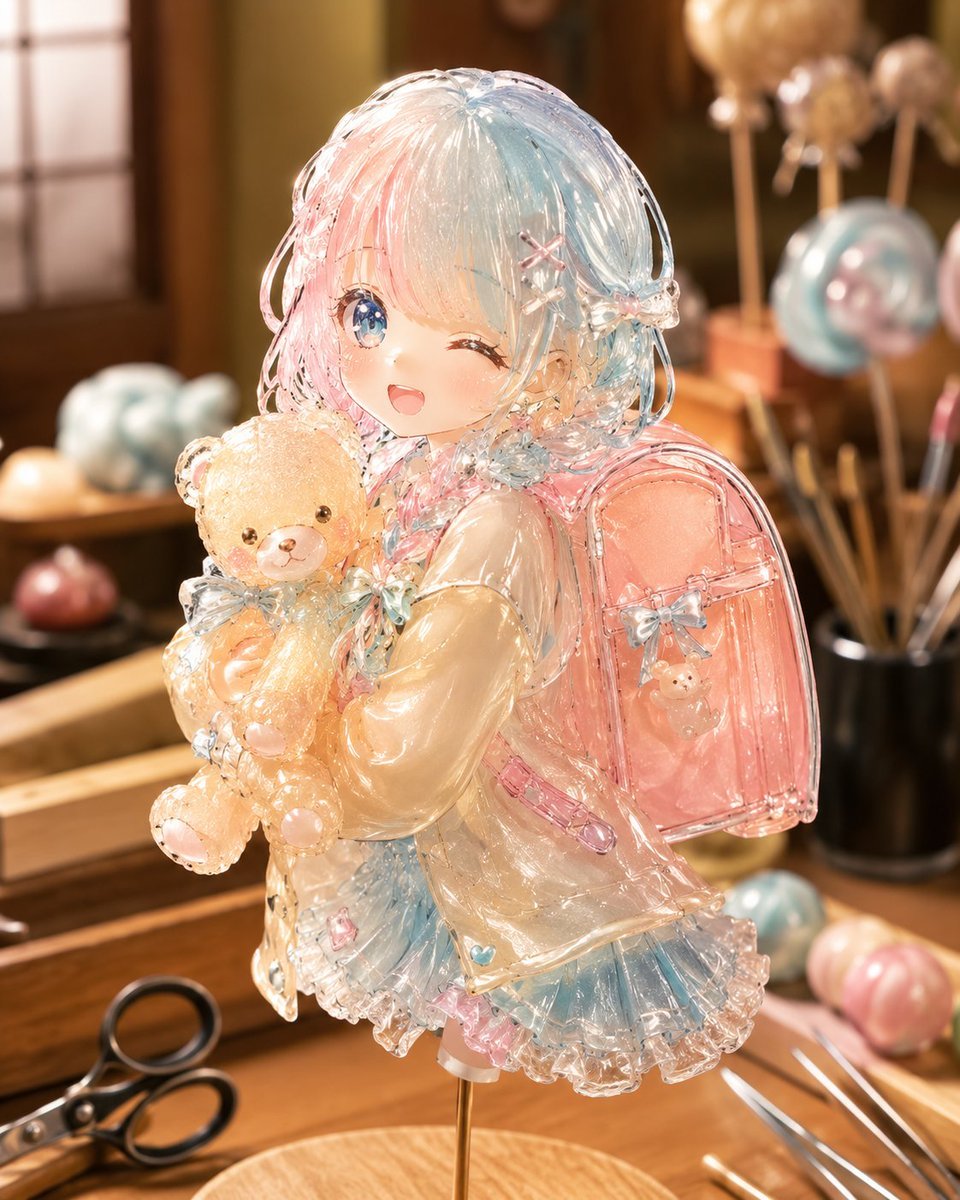
Anime Girl Candy Sculpture

Cinematic Potato Chips Ad

Manga Recipe Illustration Generator
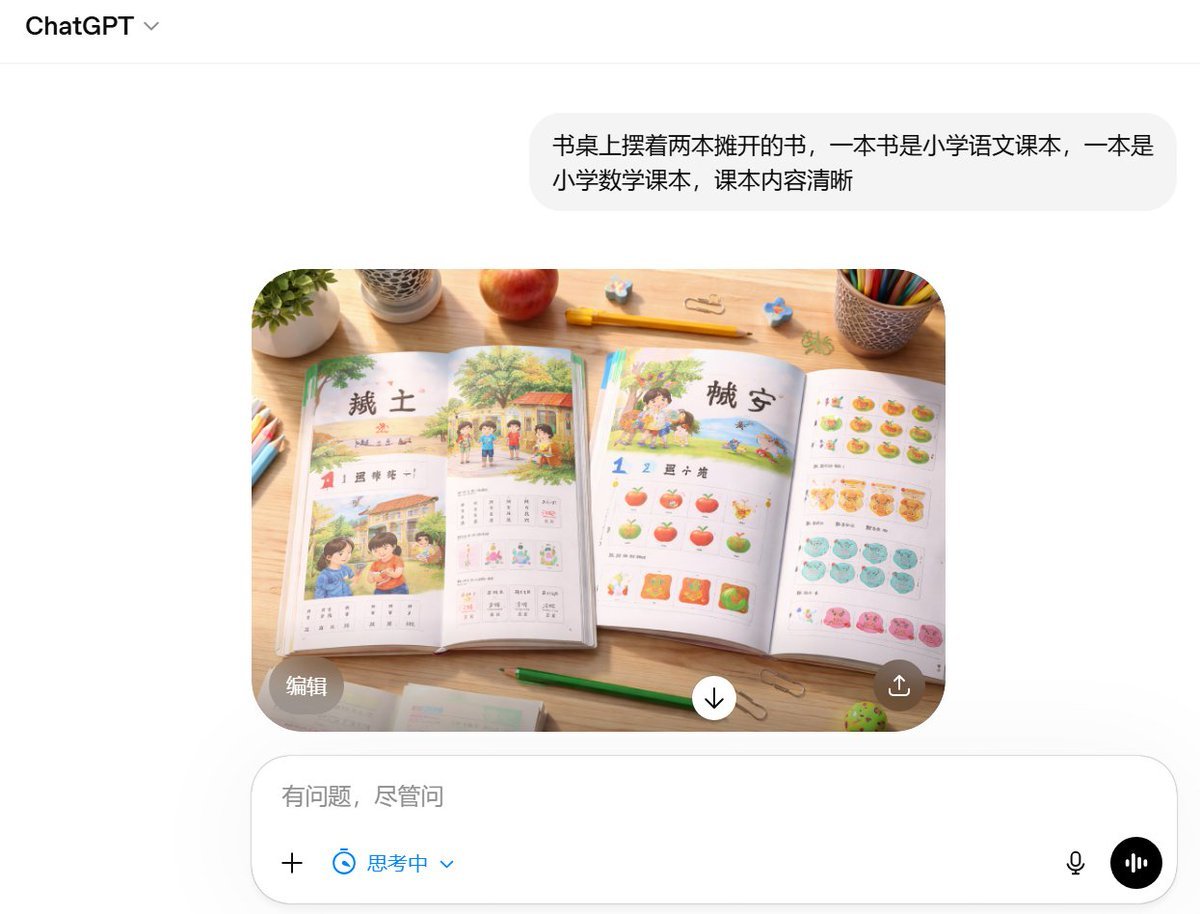
Realistic Textbook Desk Scene

Monochrome Portrait with Selective Color Prompt
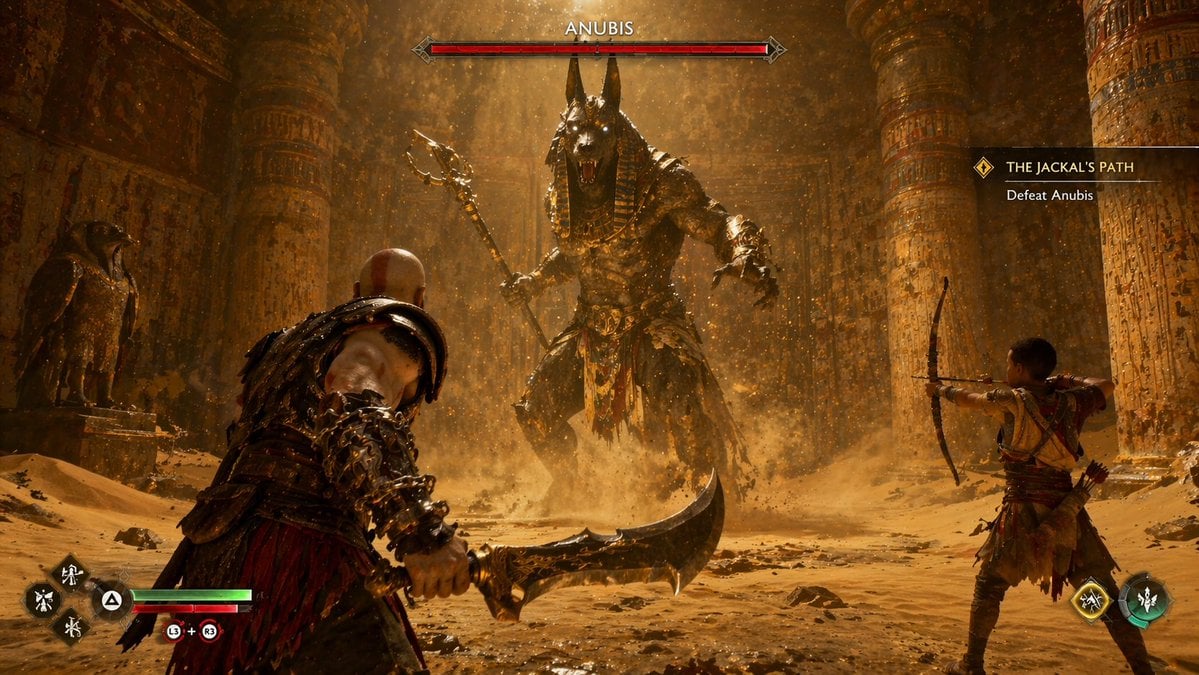
Mythological Action Game Screenshot

2x2 Sci-Fi Combat Action Grid
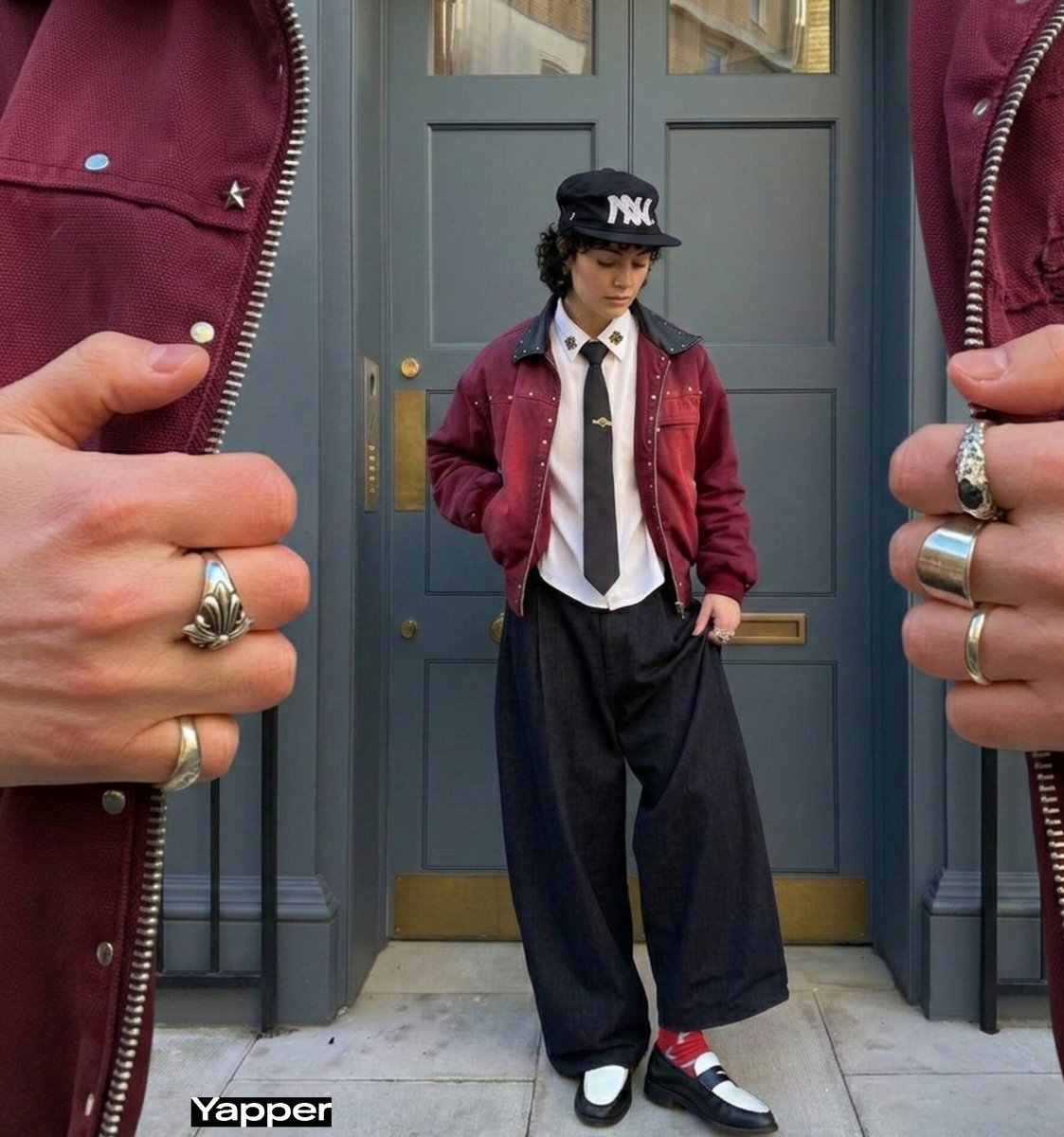
Surreal Macro Fashion Composition
Browse template categories
LEGO Minifigure Couple Selfie Collage questions
How do I use the LEGO Minifigure Couple Selfie Collage template?
Add your photo if the template asks for one, edit the prompt if you like — the template's model and format are already selected — and press Generate. Your version opens in PicX Studio.
Can I customize the LEGO Minifigure Couple Selfie Collage template?
Yes. You can change the subject, setting, lighting, mood, format, and available model controls before creating your image.
Is the LEGO Minifigure Couple Selfie Collage template free?
Opening and editing this template is free. Generating uses credits, shown on the Generate button when you are signed in.
Which AI model should I use?
Start with Nano Banana 2, which is the model associated with this template. You can compare another compatible model for a different finish.
Looking for something else? Browse all templates.

Your photo, any look
Thousands of ready templates for every top image and video model, from one credit balance.