
Manga Recipe Illustration Generator
An image-to-image prompt for creating casual, humorous manga-style recipe pages with character consistency and a lighthearted vibe.
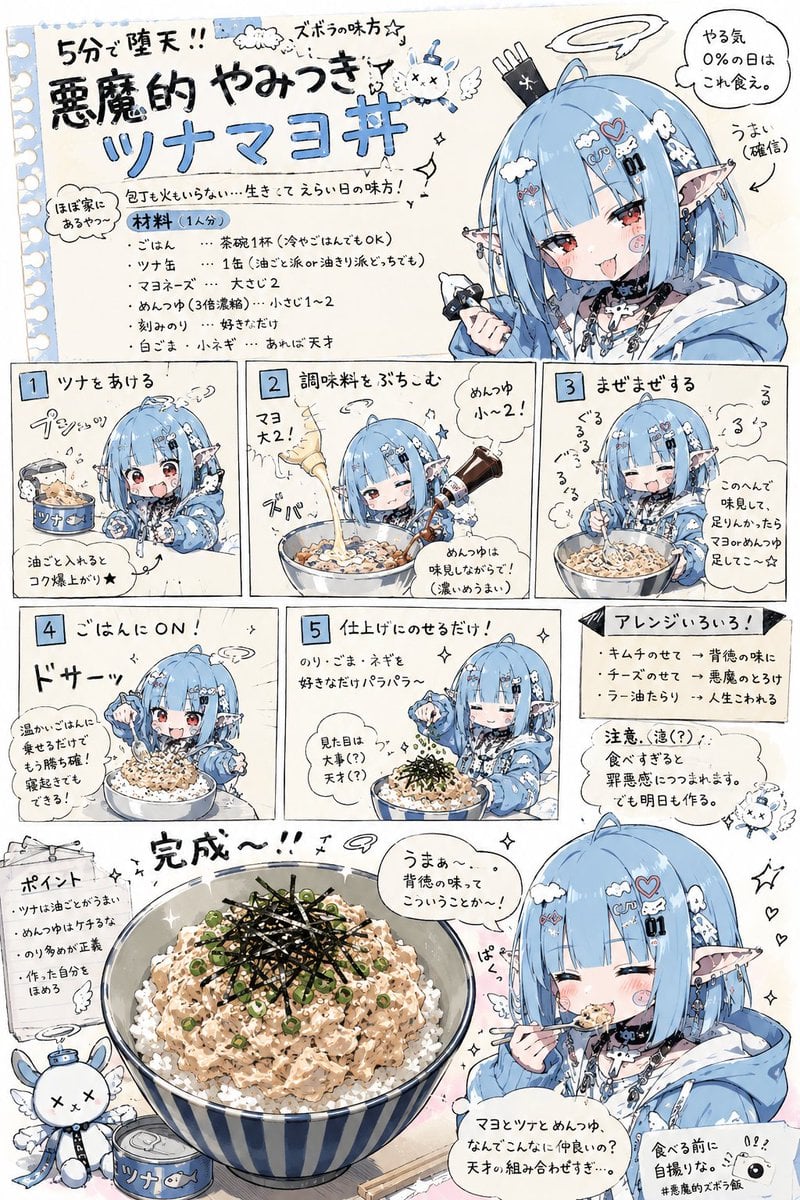
- Prompt included
- Model and format preset
- Premium template
The prompt behind this image
Copy the exact prompt behind Manga Recipe Illustration Generator, or open it in the studio and make it yours.
Using the character from the reference image, please create a lighthearted, silly-toned "{argument name="recipe type" default="simple recipe introduction illustration page"}." Use the provided image only as a character reference. Do not directly reuse the original image's composition, pose, background, camera angle, or layout. The recipe content should be freely devised by the AI. For the food genre, use something like {argument name="food genre" default="lazy-day meals, easy drinking snacks, late-night food, budget meals, junk-food-leaning light bites, leftover-fridge cooking, convenience-store hack recipes, quick one-dish meals"}, keeping it within the range of simple dishes that could actually be made. The overall look should have the vibe of a Japanese online recipe article, a magazine's bonus page, a laid-back personal blog, an SNS meme-style image, or a deadpan/low-energy comic. Composition: - include multiple process panels - include an SD/chibi-fied version of the character for each step - include reactions and small gags during cooking - include things like a flustered face, a smug face, a messy sense of effort, small accidents, and mysterious bursts of momentum - include hand-drawn-style arrows, notes, supplementary comments, and scrawled warnings - make the page design a little cluttered - keep the information density fairly high while still organizing it so it doesn't become hard to read Even if the dish is presented in a gag-leaning way, make it look tasty enough that people would actually think "maybe I'll try making this." At the bottom of the image, place a larger main shot showing the finished dish. Include a scene where the character themselves is eating the dish, and have them speak their impressions in a speech bubble. The impressions should lean toward being oddly convincing, silly, weirdly overexcited, but still make you a little hungry. Important: - don't make the food look unappetizing - don't lean toward high-end cuisine or a proper restaurant direction - don't make it an overly clean, minimal design - don't make it a sterile, inorganic infographic - prioritize comedic reactions and a sense of everyday life - balance a laid-back vibe with practicality - keep the character's face and identity consistent
How to use Manga Recipe Illustration Generator in 3 steps
- 1Upload ImagePNG, JPG or paste
Add your photo
Upload the photo the template builds on. The prompt, model and format are already set.
- 2…a portrait of your subject in softgolden-hour light, 85mm…
Personalize
Edit the subject and creative details for your destination.
- 3Generate
Generate
Press Generate — your image is created in PicX Studio, so you can compare it with the original and refine one variable at a time.
More like this
Templates with the same subject, style or setup. Open one to see its prompt.

Quiet Minimalist Anime Style Guide

Real Illustration Split Portrait Transition
Quiet Minimalist Anime Style Guide

Watercolor Café Cheesecake Editorial Illustration
Real Illustration Split Portrait Transition

Bold Side Profile Superhero Poster

Hero Portrait Comic Multi-Panel Poster

Spider-Verse Painterly Portrait Poster

Captain Tsubasa Anime World Cup Poster

Anime Character Charm Analysis Sheet
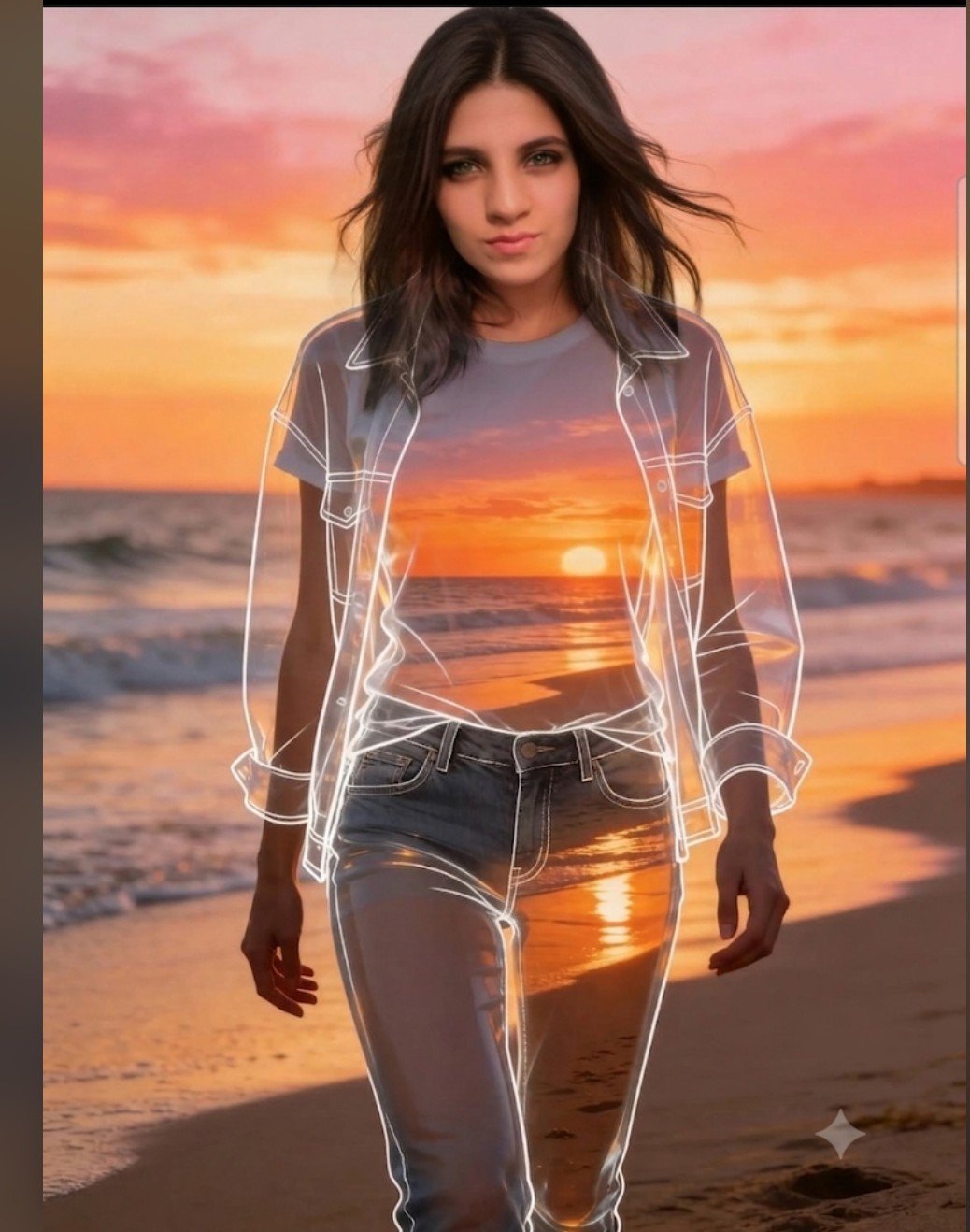
Beach Sunset Double Exposure Wireframe Portrait
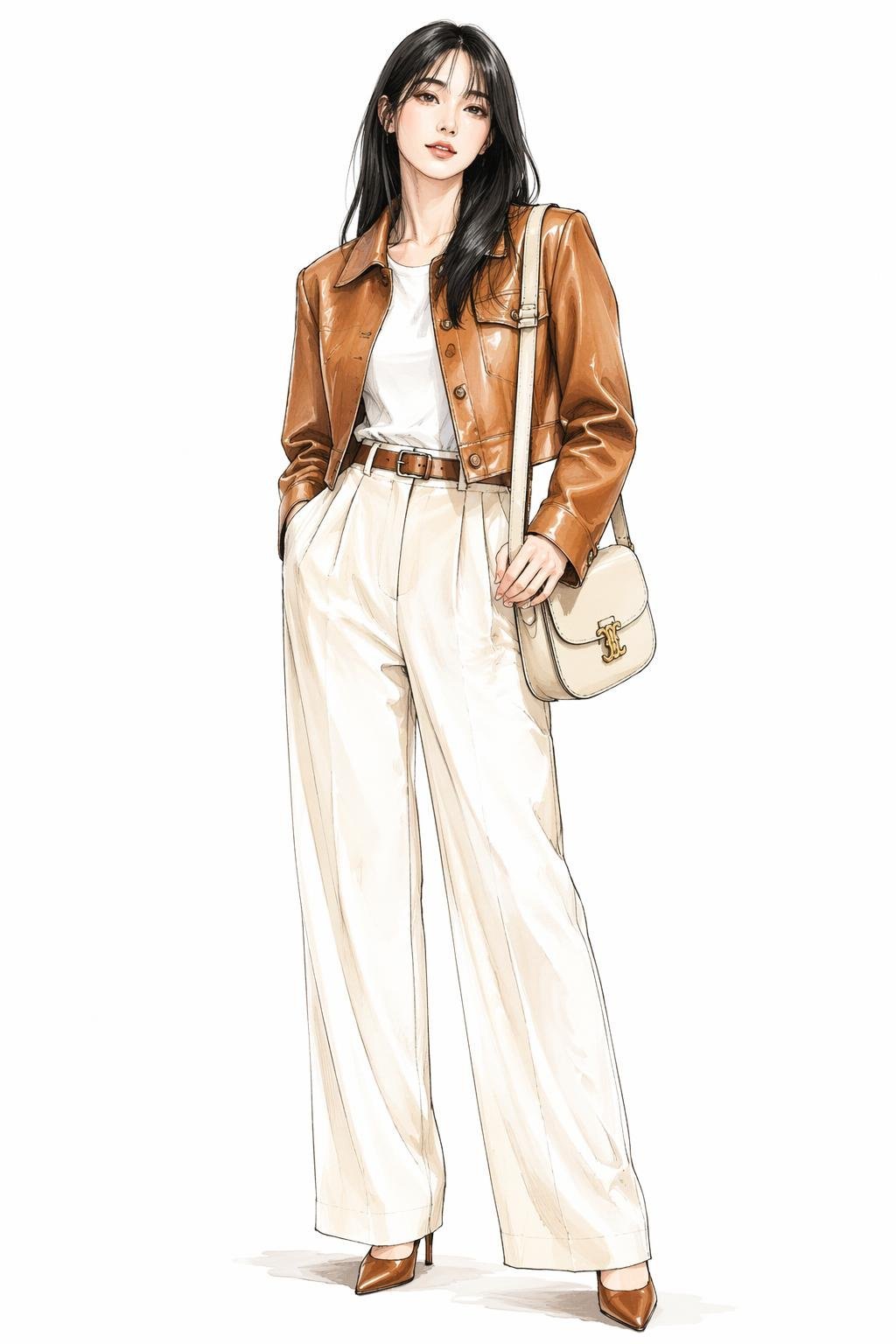
Leather Jacket Cream Trousers Fashion Sketch
Make it yours
Manga Recipe Illustration Generator works as-is. These are the safest ways to change it without losing the look.
Change one field
Copy a single group, rewrite it, and generate again so you can see what that field is doing.
Keep the frame, change the subject
Hold the composition and light of Manga Recipe Illustration Generator, then swap wardrobe, props or the person for a new take.
| If the result… | Why | Fix |
|---|---|---|
| The result drifts from the preview | Too many fields changed at once. | Reuse Manga Recipe Illustration Generator as-is first, then change one group — subject, light, or setting. |
| The model over-stylizes the scene | The prose prompt leaves finish and camera underspecified. | Add one camera or lighting sentence and stay on GPT Image 2. |
More GPT Image 2 templates
Other prompts made for GPT Image 2.

Six VTuber Japanese Logo Sheet

Realistic Portrait of Woman and Deer

The Vista Modular Condo Poster

AI Model Routing Comparison Infographic

2.5D Anime Art Board

Isometric Productivity Desk Scene

New York Double Exposure Poster

Four-Panel AI Landscape Comparison

Japanese Tatami Lifestyle Magazine Cover

NESCAFÉ Coffee Map Poster
More image prompts
Fresh picks from across the catalog.
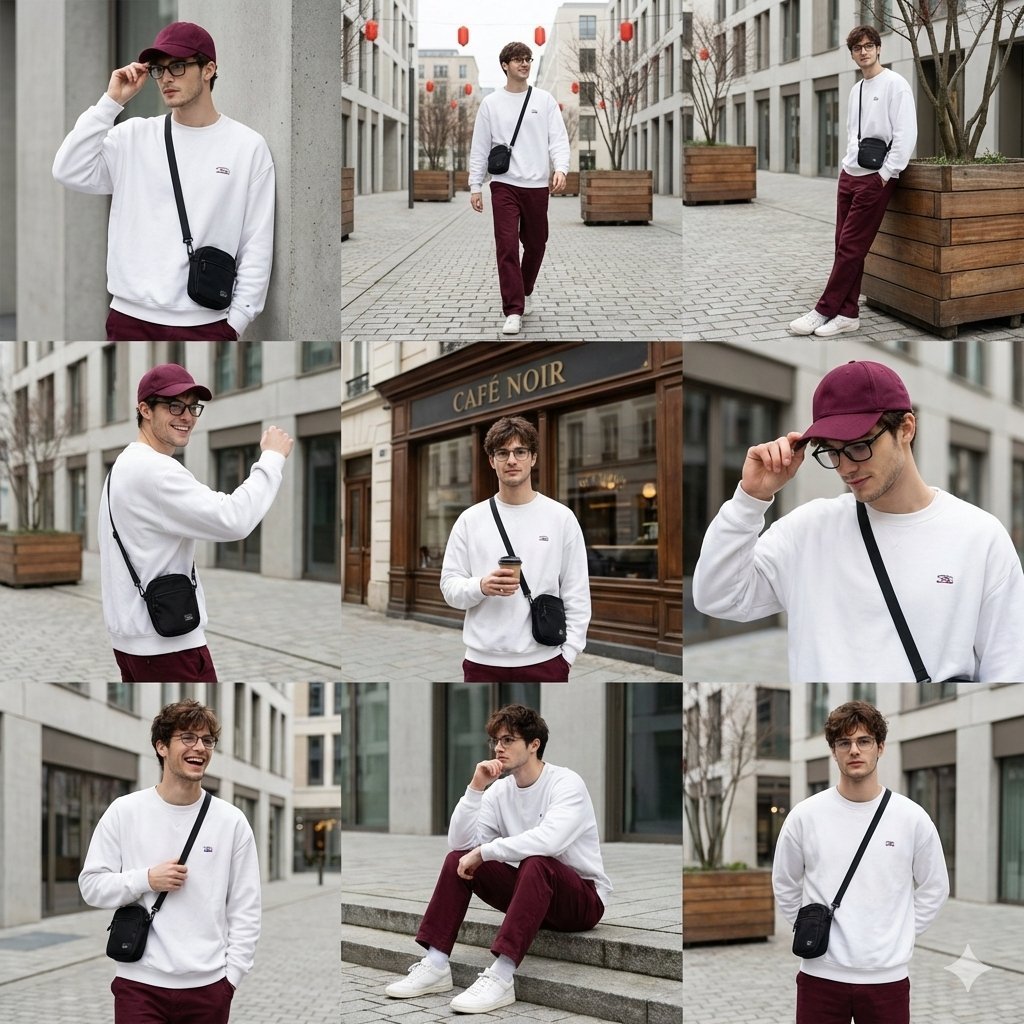
Urban Fashion Lookbook Collage
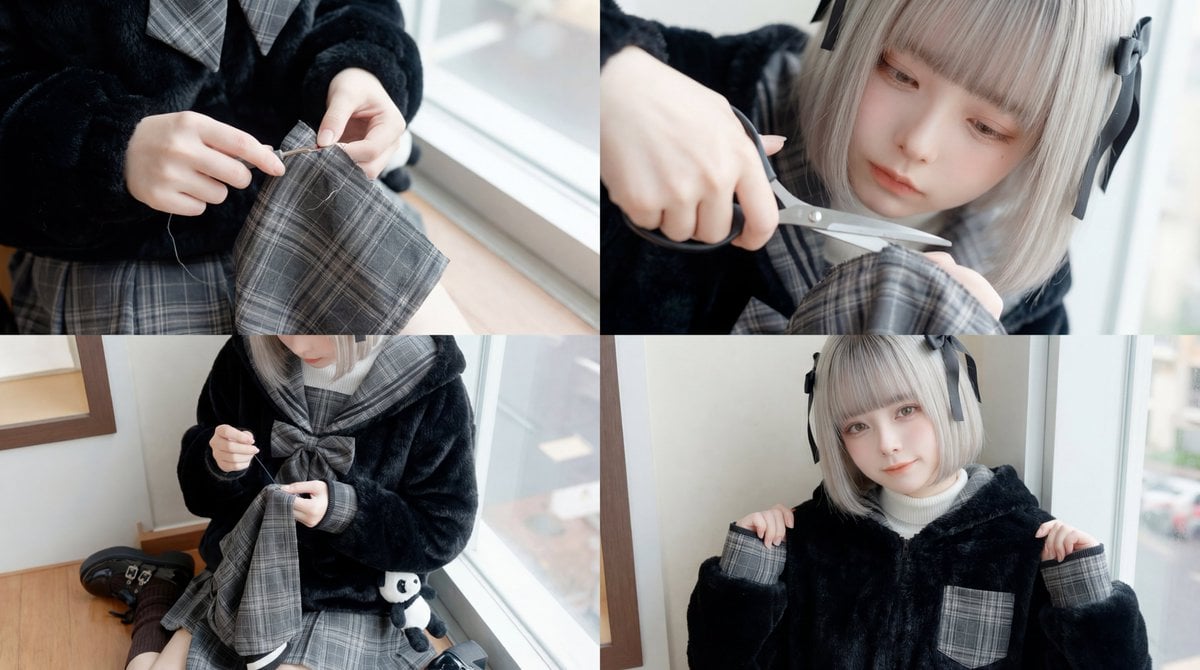
ASMR Sewing/Crafting Video Prompt (GPT-5 Generated)
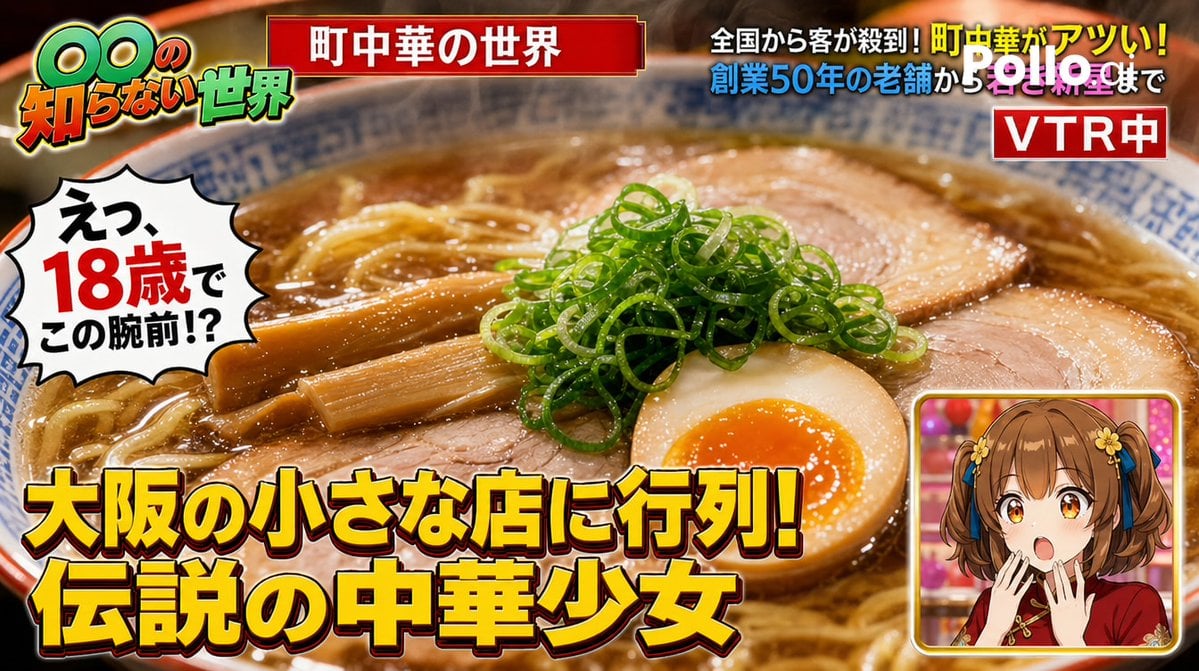
TV Variety Show Screen Capture
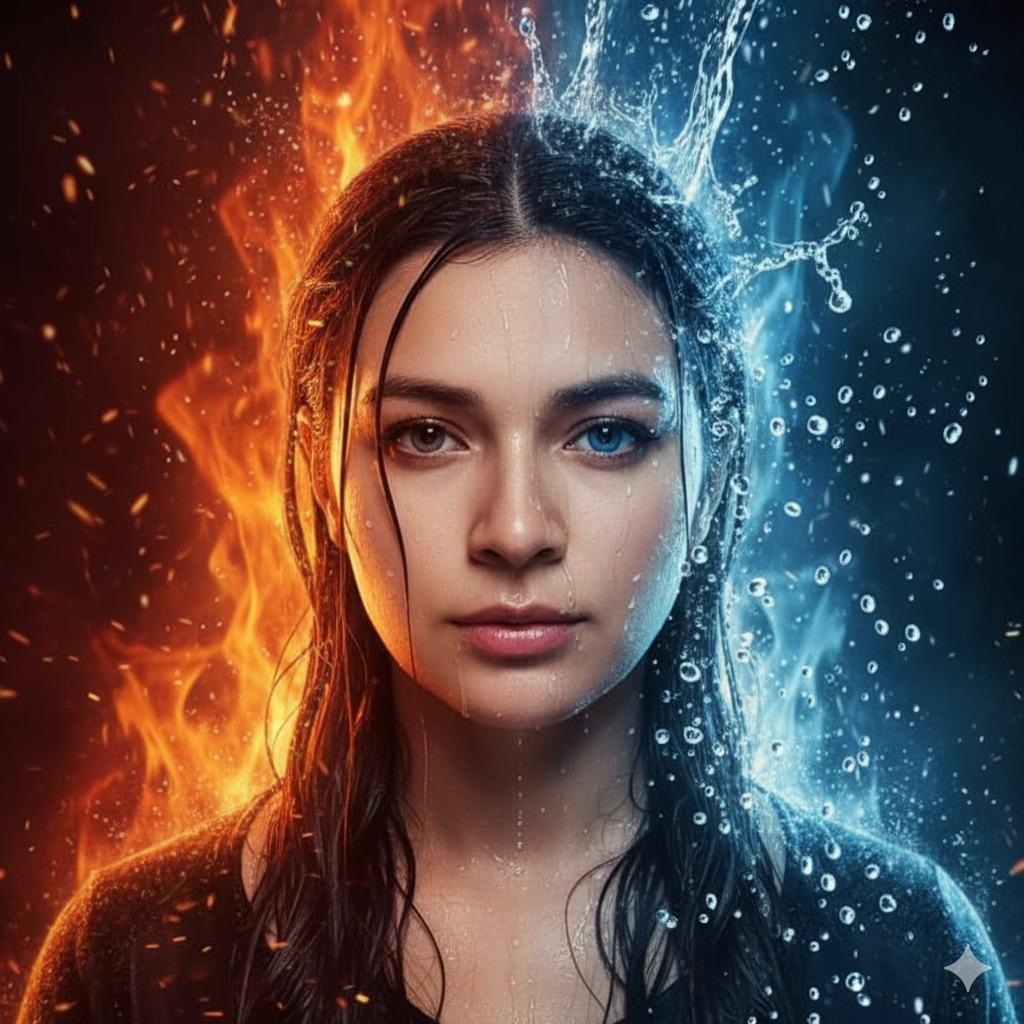
Hyper-Realistic Cinematic Portrait of Elemental Balance (Fire and Water)
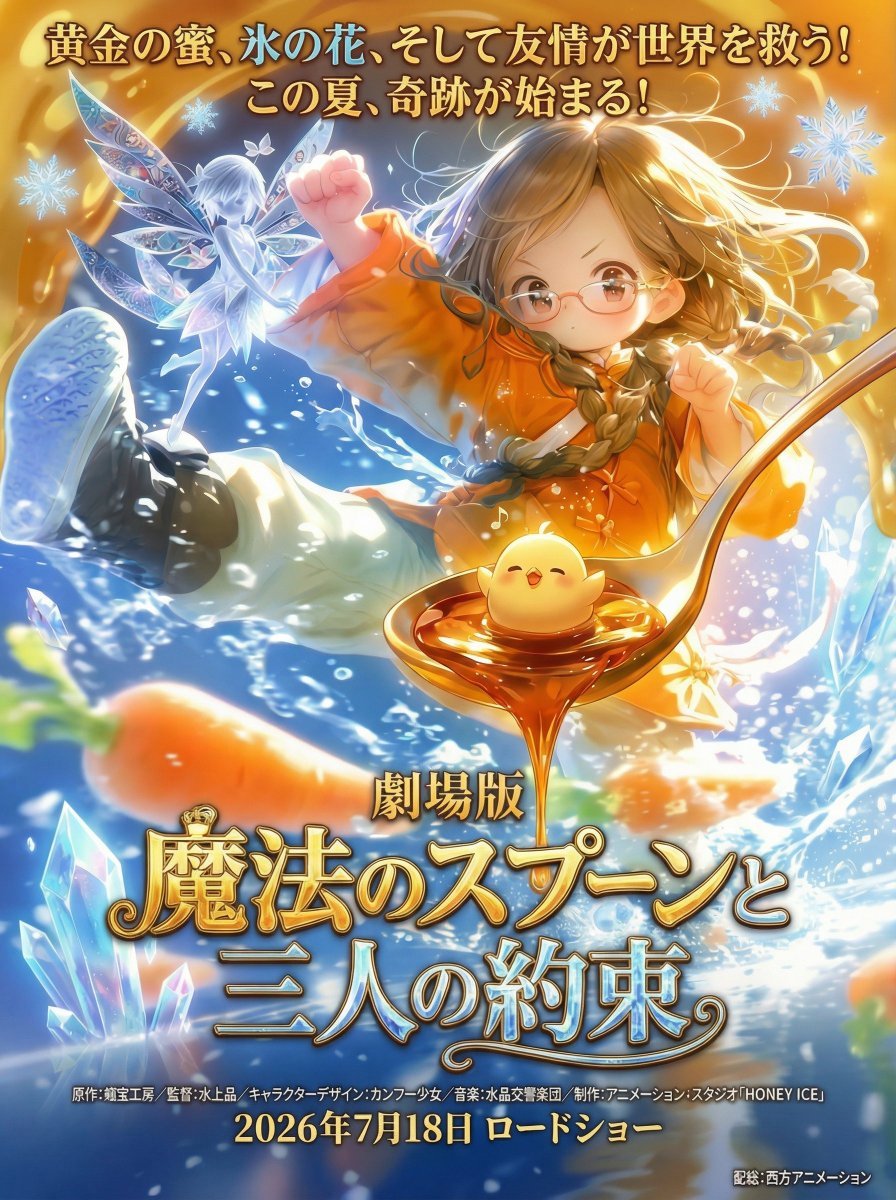
Poster Generation with Reference Images
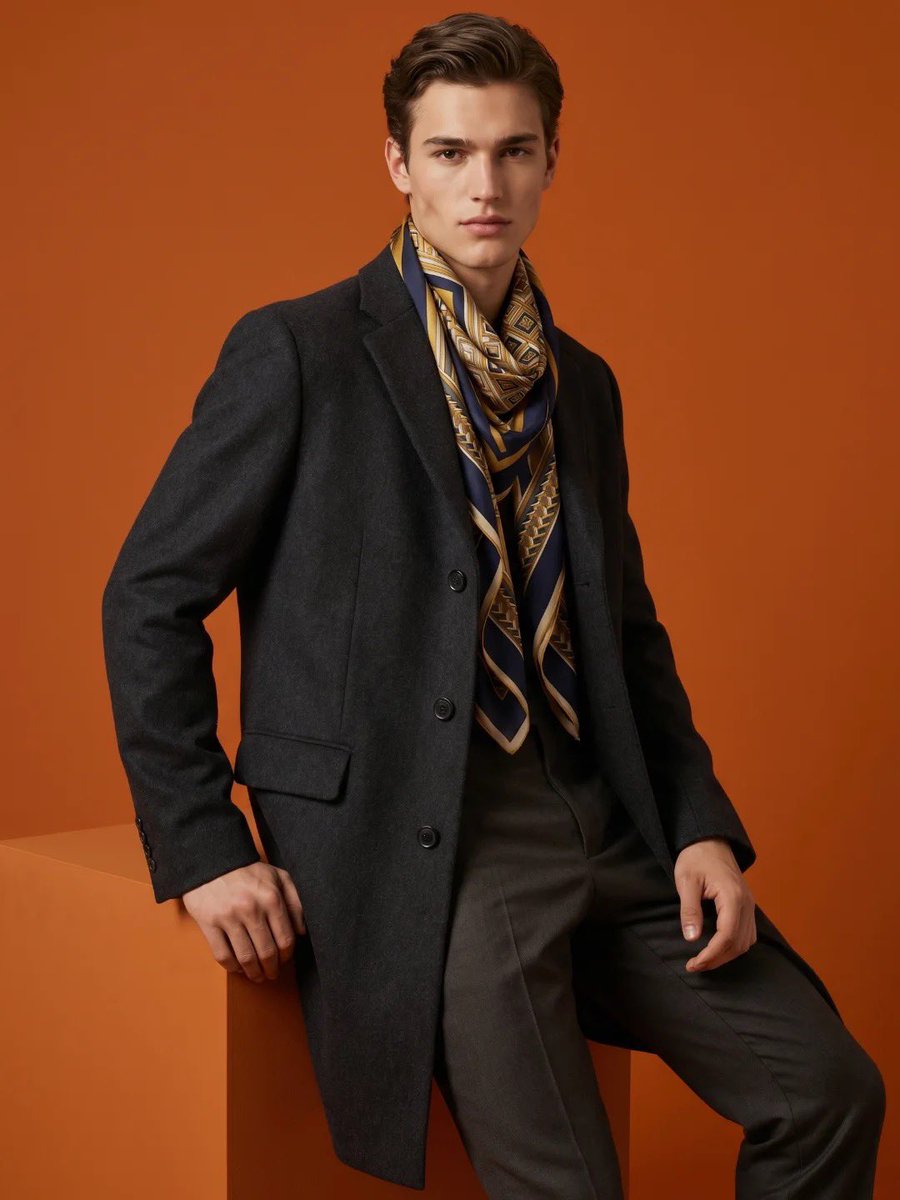
High-Fashion Male Editorial Portrait
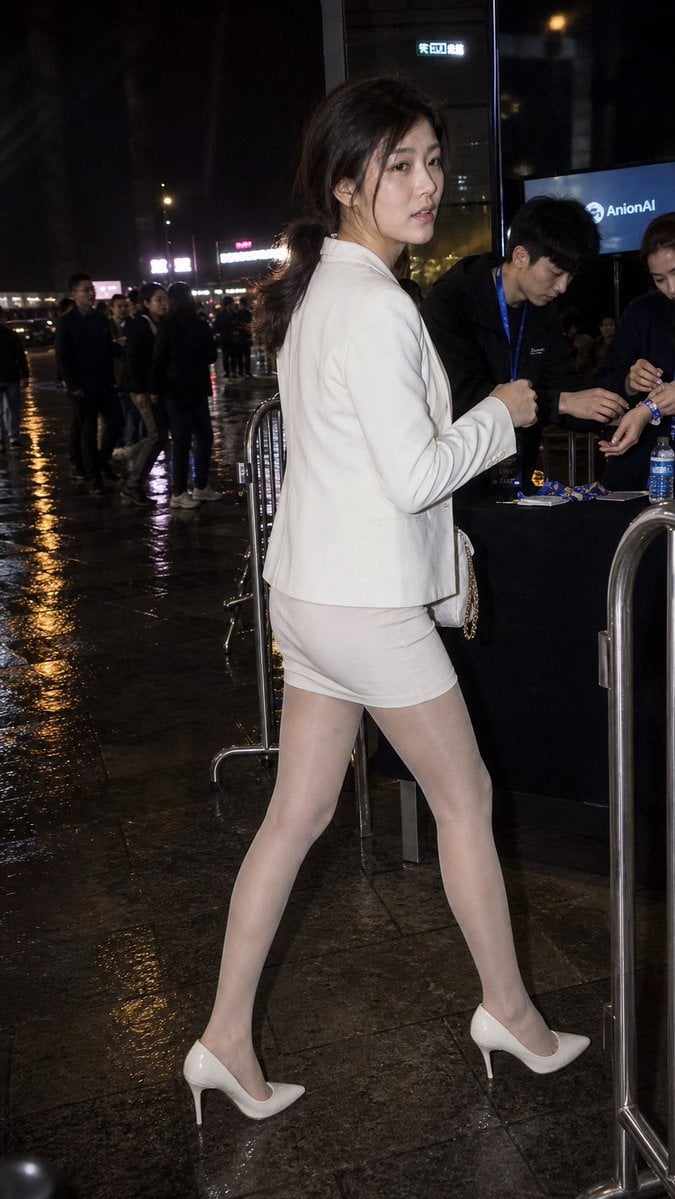
Rainy Night Event Street Fashion
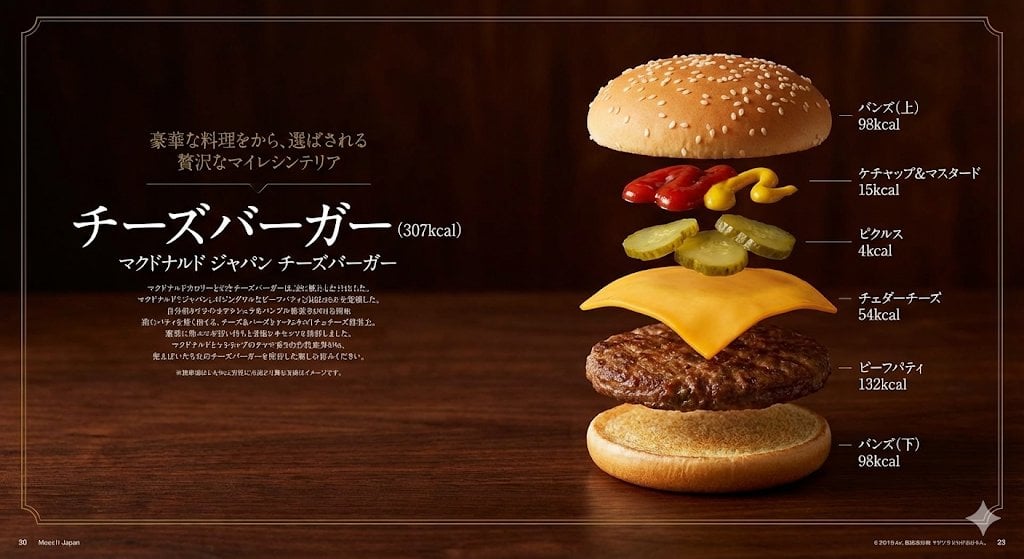
Image Generation Prompt: Exploded Diagram of McDonald's Cheeseburger
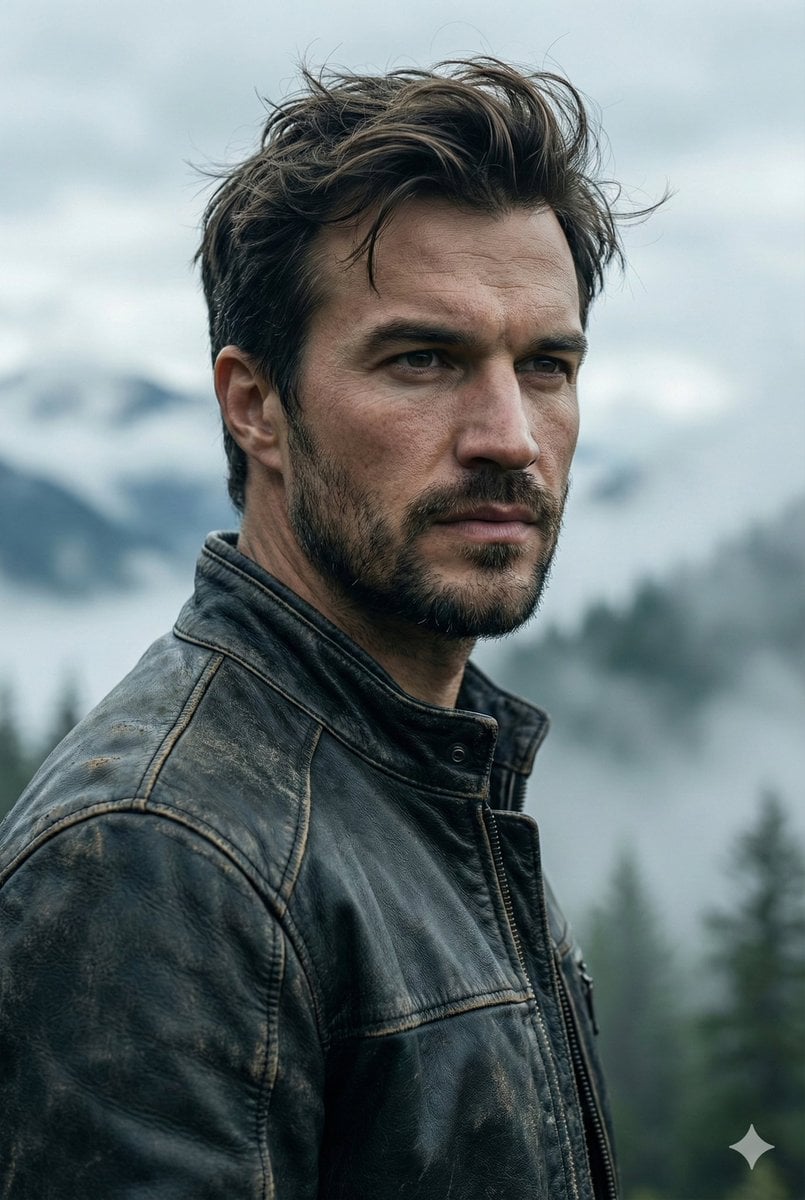
Cinematic Portrait Prompt for Outdoor Expedition Vibe
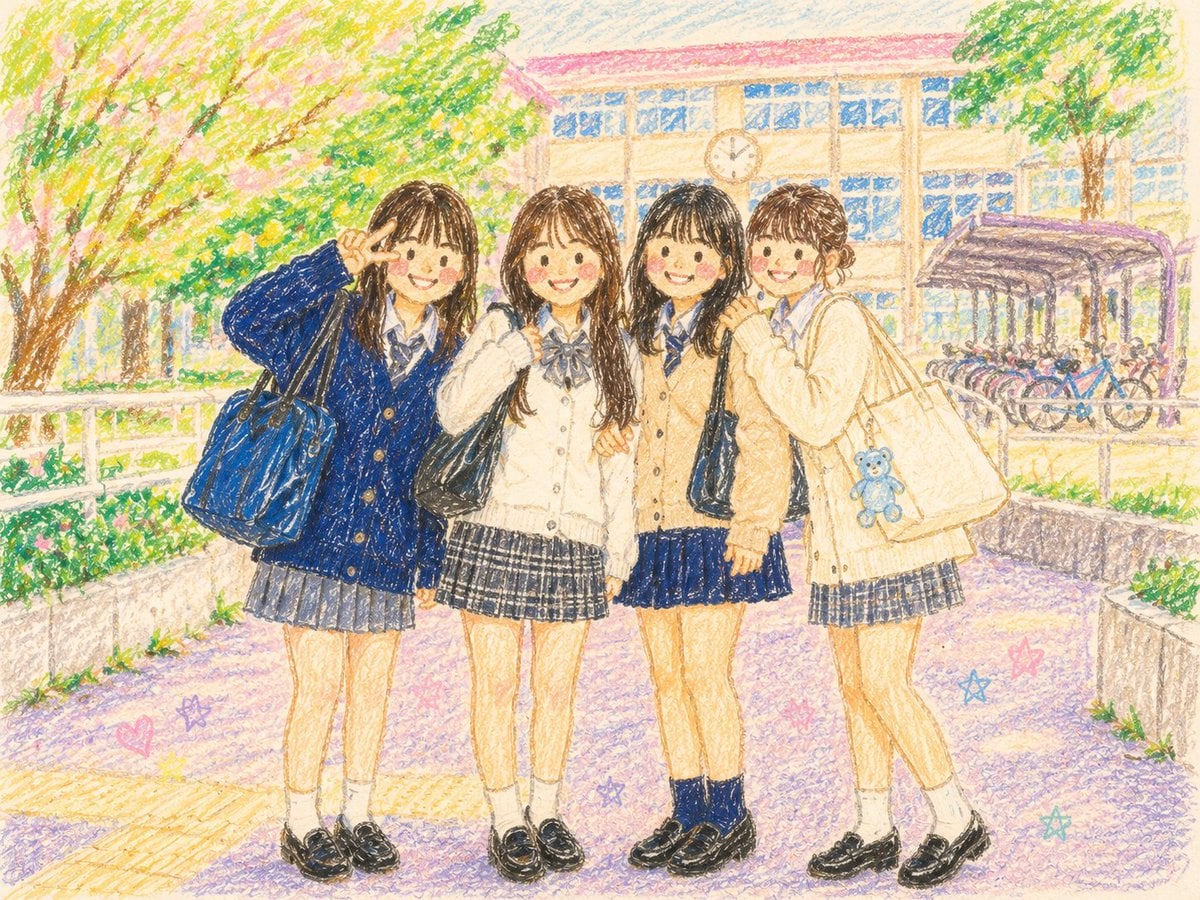
Crayon Style Picture Book Illustration
Browse template categories
Manga Recipe Illustration Generator questions
How do I use the Manga Recipe Illustration Generator template?
Add your photo if the template asks for one, edit the prompt if you like — the template's model and format are already selected — and press Generate. Your version opens in PicX Studio.
Can I customize the Manga Recipe Illustration Generator template?
Yes. You can change the subject, setting, lighting, mood, format, and available model controls before creating your image.
Is the Manga Recipe Illustration Generator template free?
Opening and editing this template is free. Generating uses credits, shown on the Generate button when you are signed in.
Which AI model should I use?
Start with GPT Image 2, which is the model associated with this template. You can compare another compatible model for a different finish.
Looking for something else? Browse all templates.

Your photo, any look
Thousands of ready templates for every top image and video model, from one credit balance.