
Urban Fashion Lookbook Collage
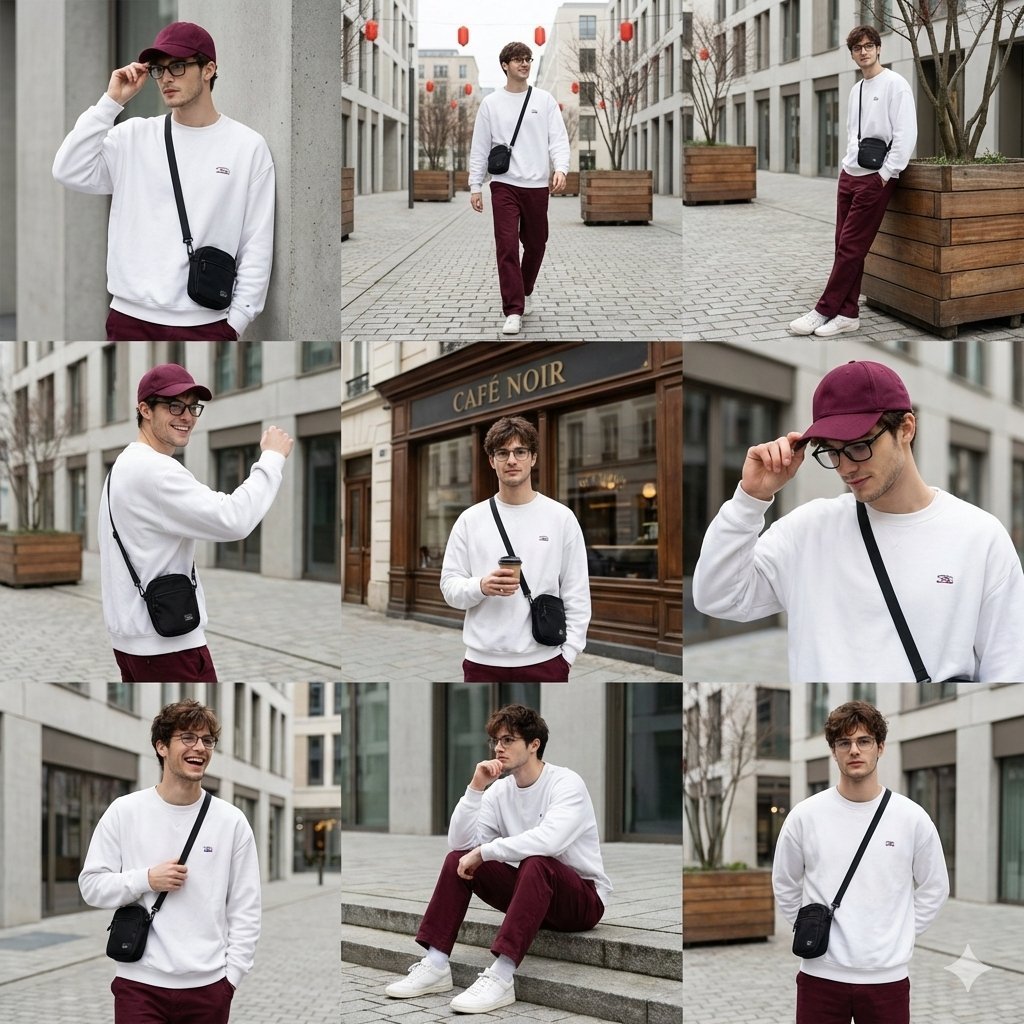
A complex prompt instructing the transformation of an uploaded image into a 64K DSLR, 3x3 collage of a stylish urban fashion photoshoot.
- Prompt included
- Model and format preset
- Free template
The prompt behind this image
Copy the exact prompt behind Urban Fashion Lookbook Collage, or open it in the studio and make it yours.
Transform this image [Upload Your Image] into a 64K DSLR shot resolution of a stylish urban fashion photoshoot presented as a 3x3 collage, featuring a young man (same face as the uploaded image) captured in candid lifestyle poses across a modern city setting. He has short straight brown hair, light skin, and wears black rectangular eyeglasses. His outfit is minimal and coordinated: a deep burgundy baseball cap with subtle embroidered text, an oversized white sweatshirt with a small elegant graphic logo on the chest, burgundy tailored trousers with a clean modern fit, and clean white sneakers. He carries a small black crossbody bag in some frames. Each panel captures a different natural pose adjusting his glasses, walking, leaning against a wall, turning casually, lifting one arm confidently, or holding the brim of his cap, creating a relaxed, confident, everyday fashion mood. His expressions range from thoughtful and calm to cheerful and carefree. The setting is an outdoor urban environment with modern architecture, cobblestone walkways, neutral-toned buildings, large wooden planters, and leafless trees decorated with red lantern-style lights. One central frame features a classic storefront façade labeled “[Add Text],” adding a European café street aesthetic. Backgrounds are softly blurred, emphasizing the subject while maintaining environmental context. Lighting is natural daylight with soft shadows, overcast tones, and balanced exposure. The color palette is cohesive and elegant, burgundy reds, crisp whites, muted greys, and warm wood tones, creating a refined street-style look. Textures are realistic: cotton fabric folds, natural fabric movement, leather accessories, and stone pavement. Shot in high resolution, lifestyle fashion photography style, shallow depth of field, editorial composition, authentic street photography feel, clean framing, modern Instagram lookbook aesthetic, minimal color grading, soft contrast, natural motion capture. Octane render & Unreal Engine.
How to use Urban Fashion Lookbook Collage in 3 steps
- 1Upload ImagePNG, JPG or paste
Add your photo
Upload the photo the template builds on. The prompt, model and format are already set.
- 2…a portrait of your subject in softgolden-hour light, 85mm…
Personalize
Edit the subject and creative details for your destination.
- 3Generate
Generate
Press Generate — your image is created in PicX Studio, so you can compare it with the original and refine one variable at a time.
More like this
Templates with the same subject, style or setup. Open one to see its prompt.
Lumière d’Azur Fashion Lookbook Collage

Anime Fashion Lookbook Collage
High-End Fashion Lookbook Collage
Minimalist Fashion Lookbook Collage

Miniature Self Portrait Collage

80s College Gate

1988 Mall Style

80s Polka Dot Saree
Indian Anarkali Fashion Collage
Korean Luxury Fashion Lookbook Grid
Korean Fashion Lookbook Grid Prompt

Rainy Monsoon Fashion Collage
Make it yours
Urban Fashion Lookbook Collage works as-is. These are the safest ways to change it without losing the look.
Change one field
Copy a single group, rewrite it, and generate again so you can see what that field is doing.
Keep the frame, change the subject
Hold the composition and light of Urban Fashion Lookbook Collage, then swap wardrobe, props or the person for a new take.
| If the result… | Why | Fix |
|---|---|---|
| The result drifts from the preview | Too many fields changed at once. | Reuse Urban Fashion Lookbook Collage as-is first, then change one group — subject, light, or setting. |
| The model over-stylizes the scene | The prose prompt leaves finish and camera underspecified. | Add one camera or lighting sentence and stay on Nano Banana 2. |
More Nano Banana 2 templates
Other prompts made for Nano Banana 2.

Photorealistic Leaf Shaped Like a Dragon

K-Pop Idol Portrait Grid for Rapid Selection

Poetic Rain Forest Portrait During Golden Hour

Urban Street Portrait with Cartoon Inner Self Duo

Candid Nighttime Photo with Cat Prompt

High-Concept 3D Diorama Generation Prompt

Cinematic Futuristic Studio Portrait Template

Skincare Editorial Photography Collage Prompt

Hyper-Realistic Commercial Product Photography (Splash Effect)

Hyper-Realistic Nightclub Portrait Prompt
More image prompts
Fresh picks from across the catalog.
Cinematic Street Photography Portrait with Roses
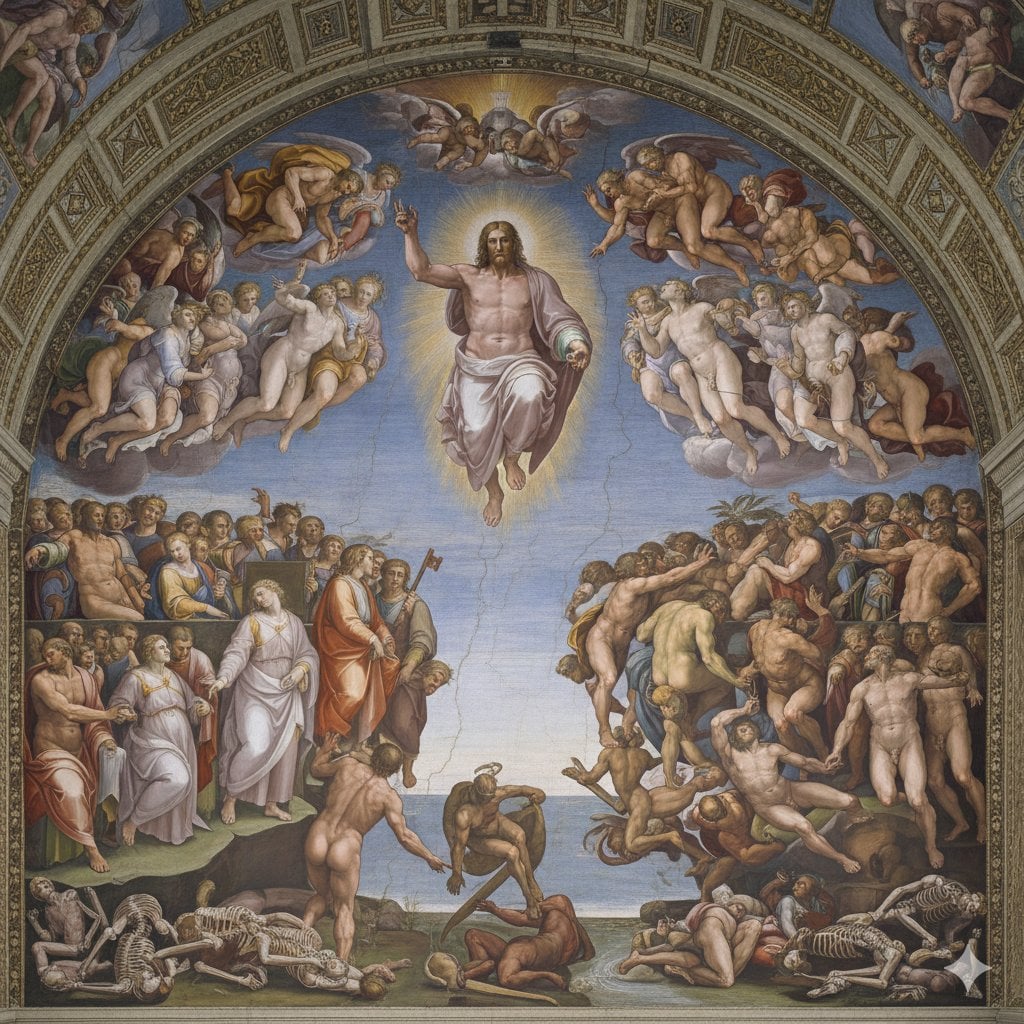
Michelangelo's Last Judgment Style Image
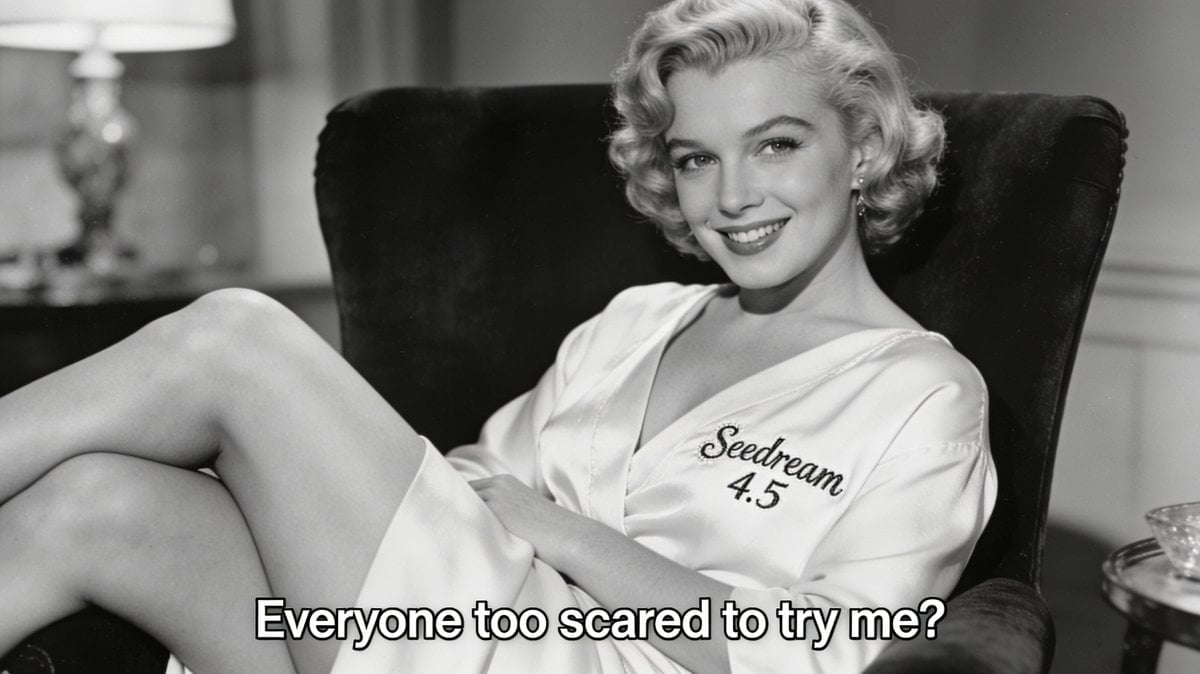
Archival Film Still of a Glamorous Femme Fatale
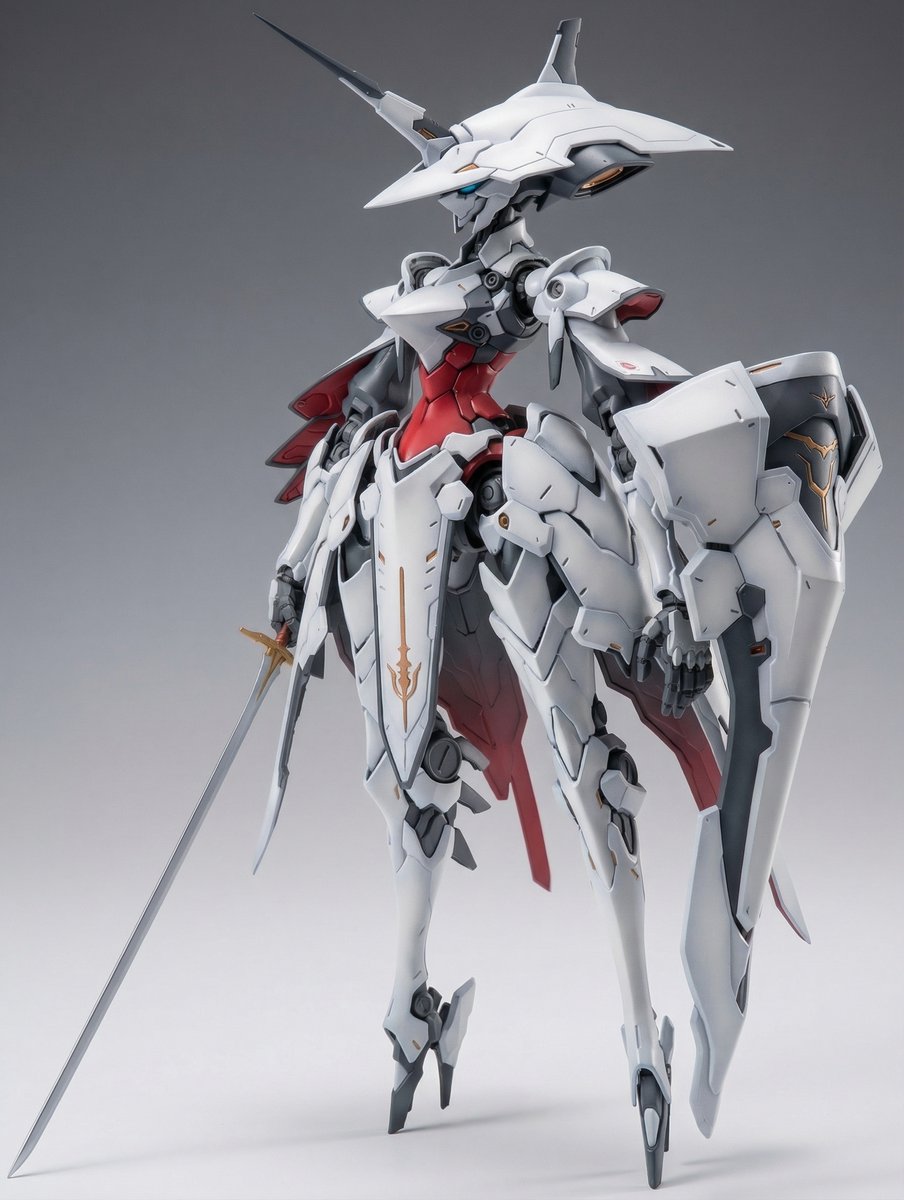
Full Armor Mecha Girl model kit concept prompt
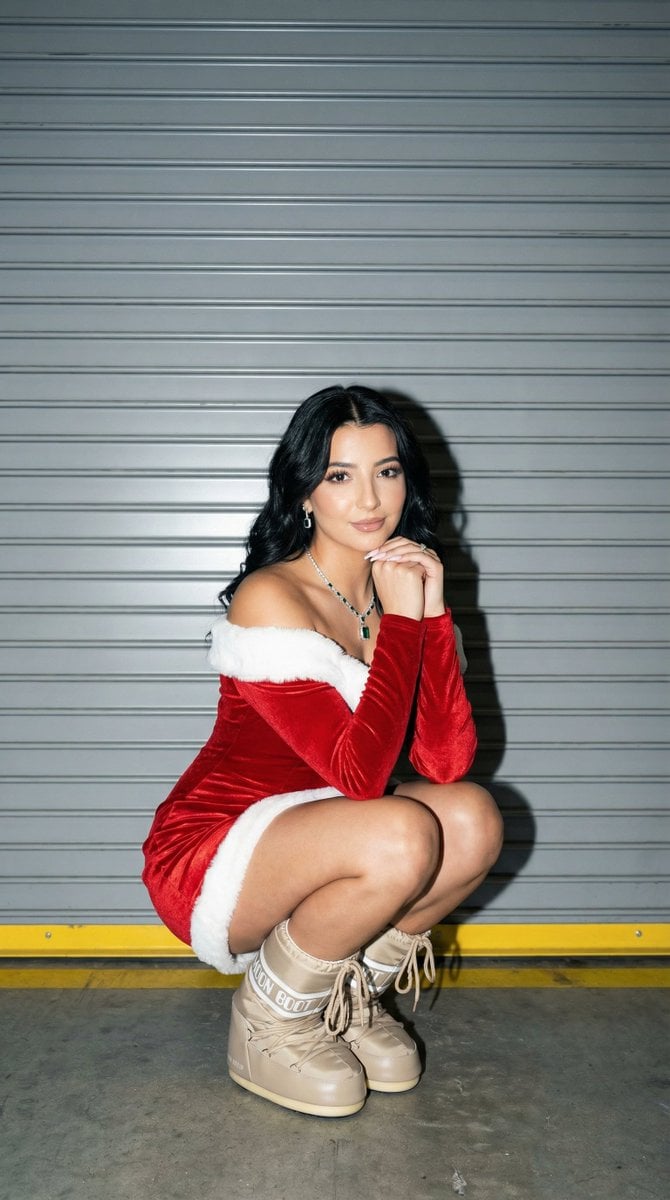
Full Shot Portrait of Woman in Santa-Inspired Dress
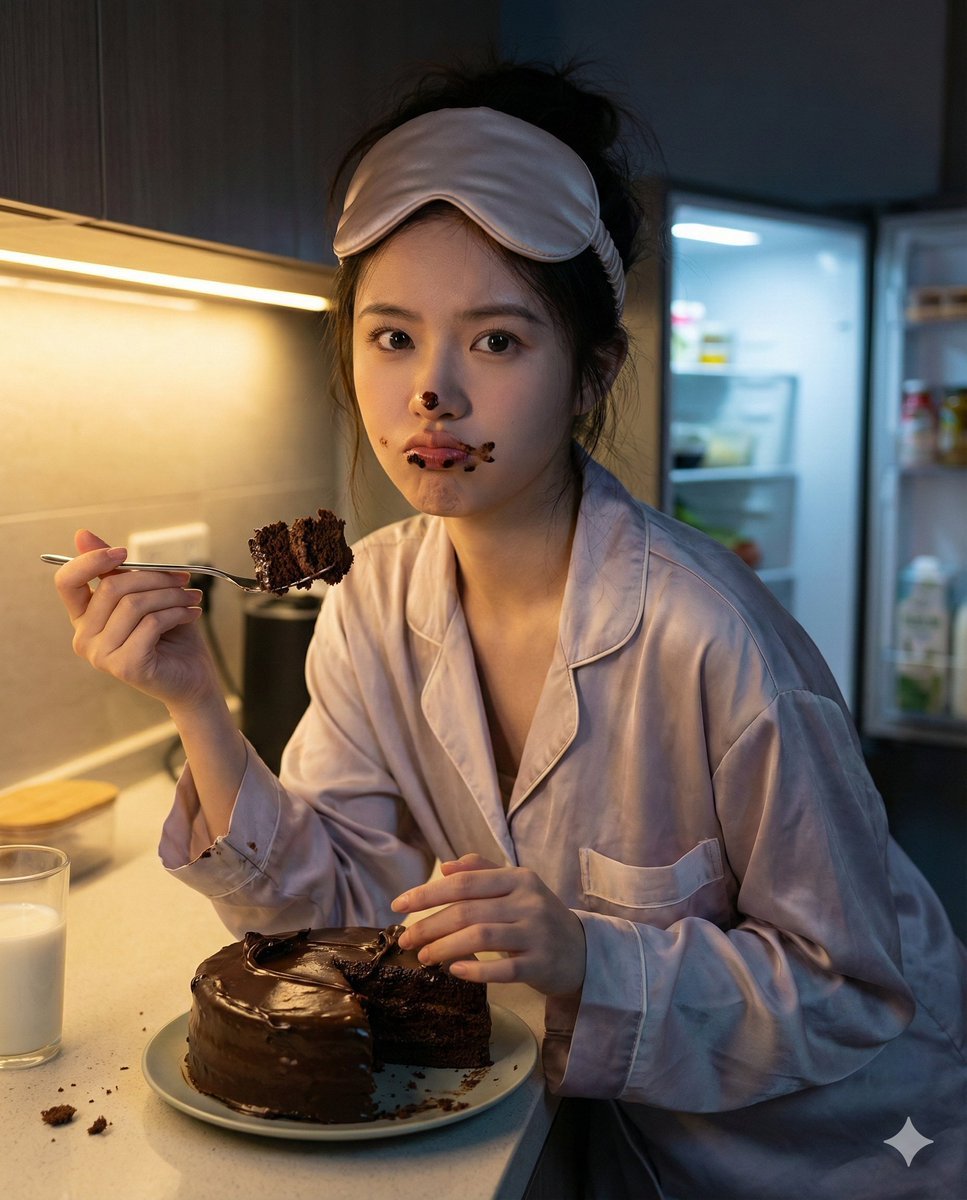
Nano Banana Pro Hyper-Realistic Midnight Snack Portrait Prompt
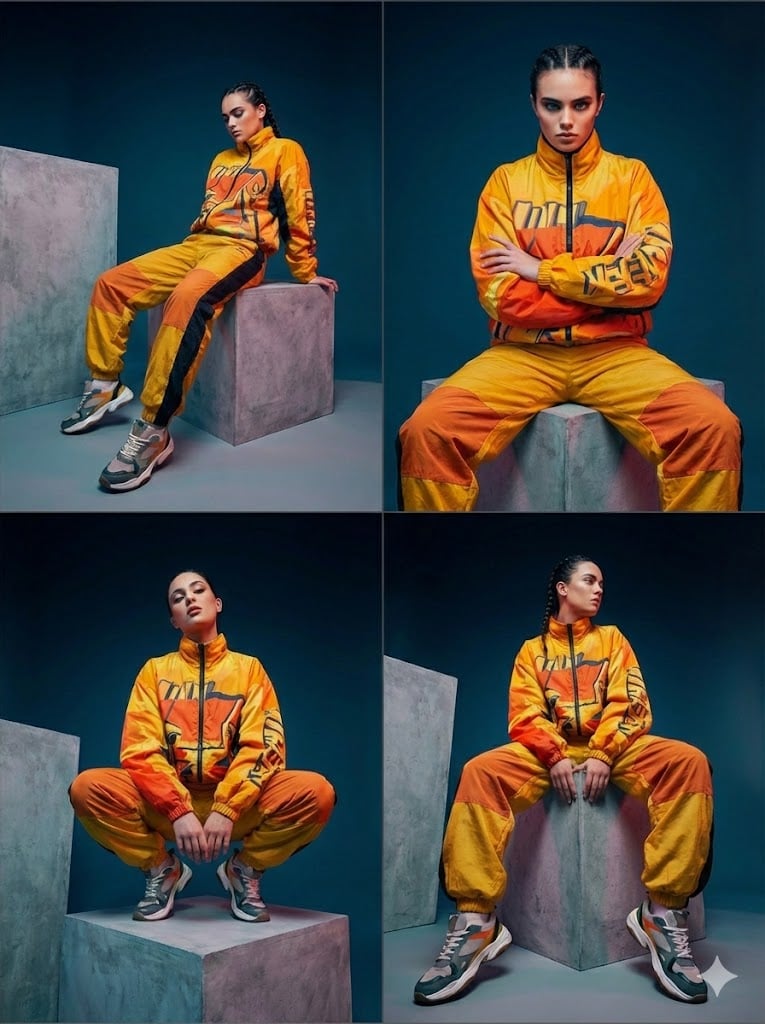
Four-Panel Editorial Grid Generation
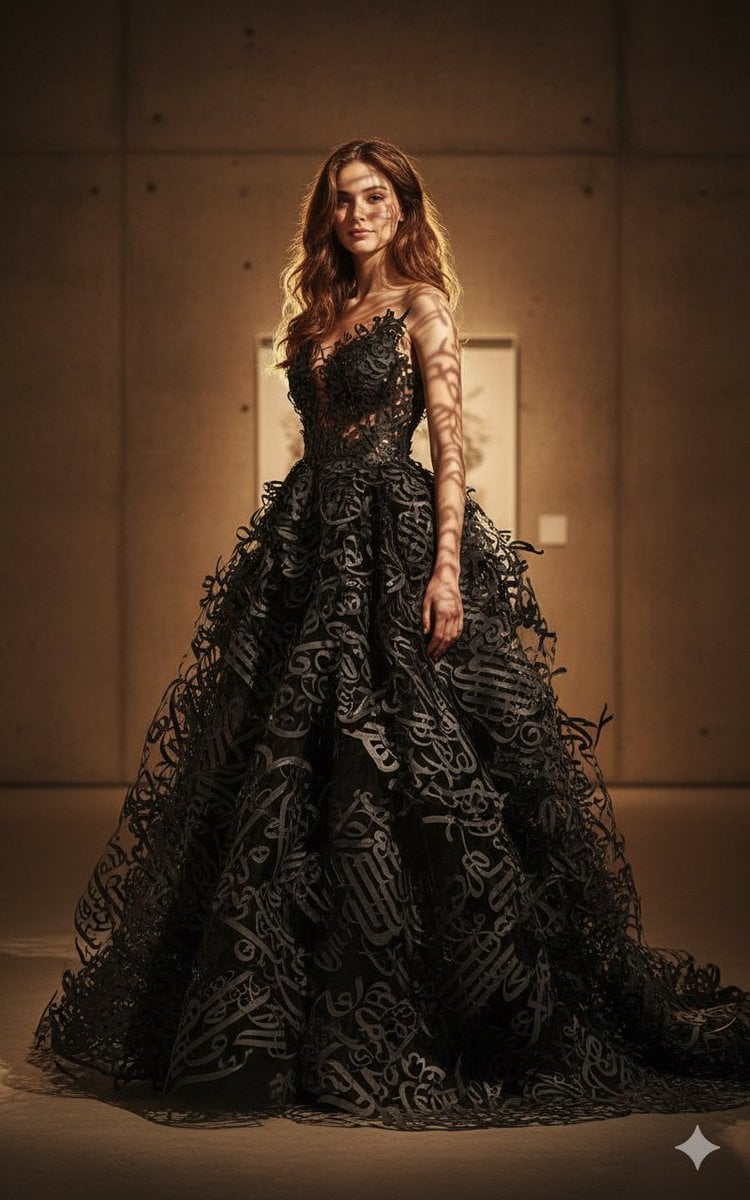
Art-Couture Portrait with Calligraphy Fabric
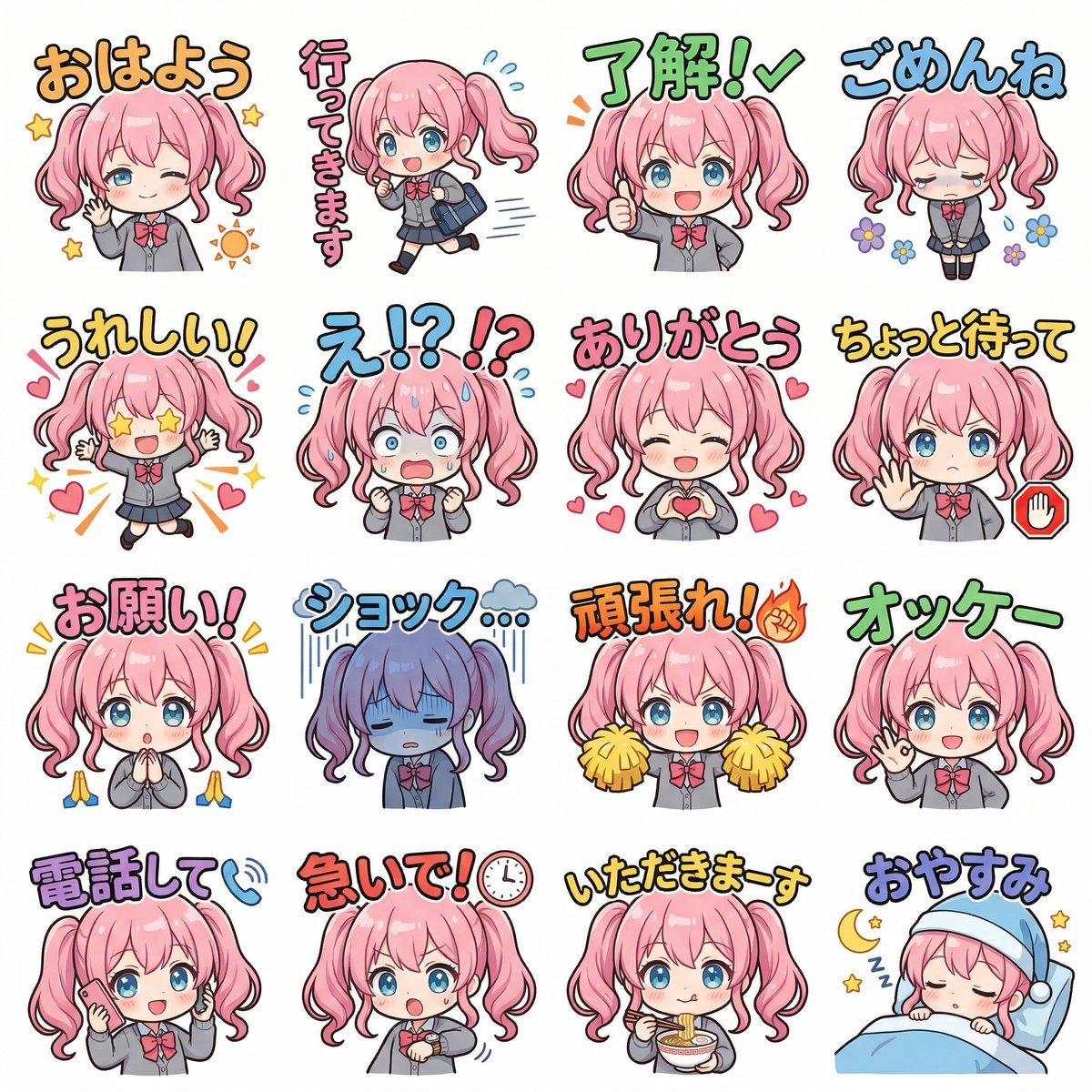
Creating LINE Stickers with Nano Banana 2
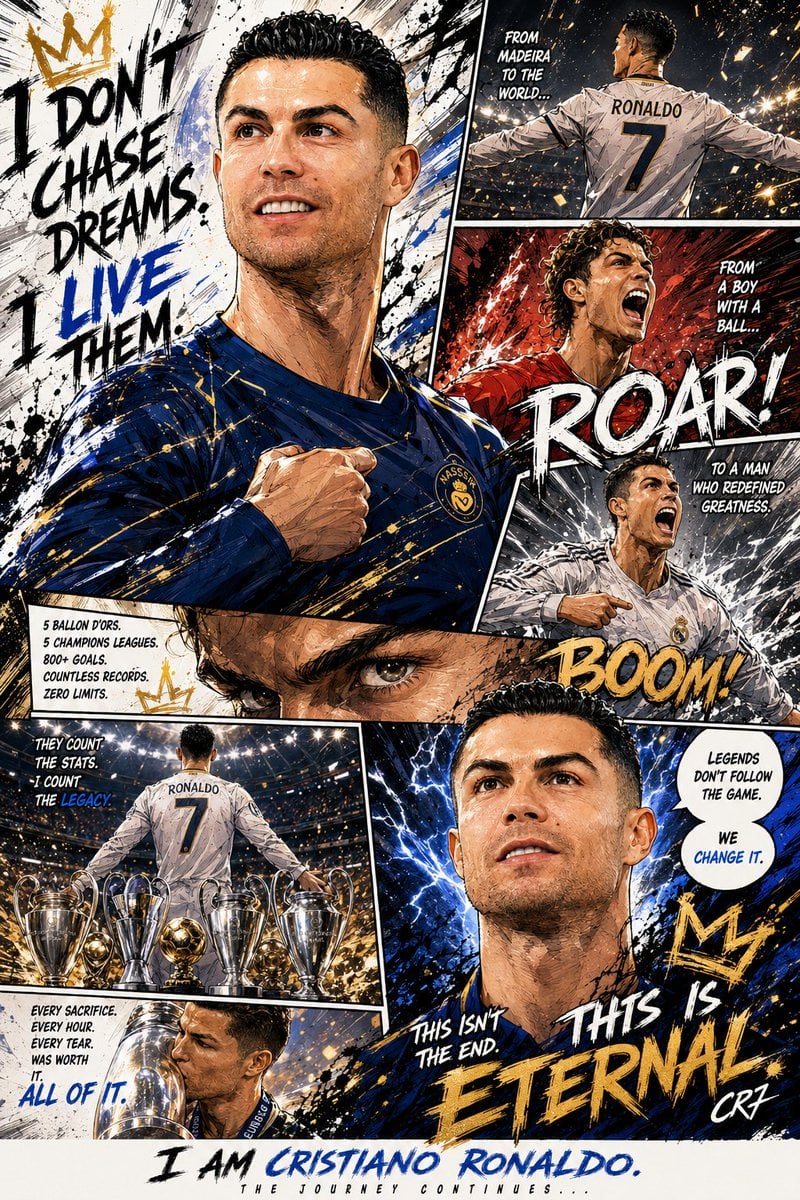
Custom Manga Panel Page Illustration
Browse template categories
Urban Fashion Lookbook Collage questions
How do I use the Urban Fashion Lookbook Collage template?
Add your photo if the template asks for one, edit the prompt if you like — the template's model and format are already selected — and press Generate. Your version opens in PicX Studio.
Can I customize the Urban Fashion Lookbook Collage template?
Yes. You can change the subject, setting, lighting, mood, format, and available model controls before creating your image.
Is the Urban Fashion Lookbook Collage template free?
Opening and editing this template is free. Generating uses credits, shown on the Generate button when you are signed in.
Which AI model should I use?
Start with Nano Banana 2, which is the model associated with this template. You can compare another compatible model for a different finish.
Looking for something else? Browse all templates.

Your photo, any look
Thousands of ready templates for every top image and video model, from one credit balance.