
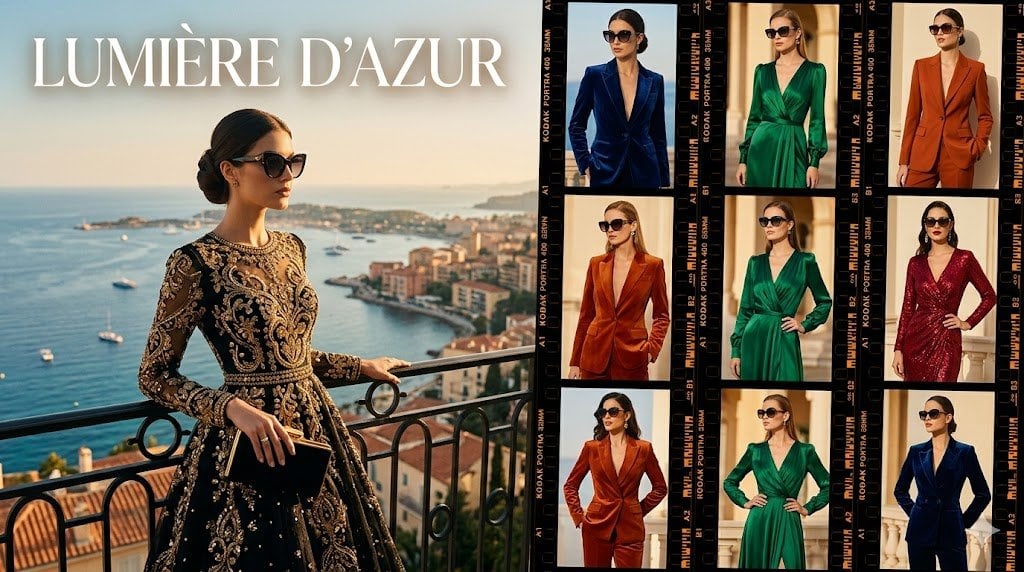
Lumière d’Azur Fashion Lookbook Collage
A luxury Riviera fashion editorial collage with a large balcony hero shot and a 3x3 film contact sheet of eveningwear looks.
- Prompt included
- Model and format preset
- Free template
The prompt behind this image
Copy the exact prompt behind Lumière d’Azur Fashion Lookbook Collage, or open it in the studio and make it yours.
Goal: Create a luxury fashion editorial collage for a Riviera eveningwear collection titled {argument name="headline text" default="LUMIÈRE D’AZUR"}, combining one large cinematic lifestyle image with a film-contact-sheet of outfit variations. Canvas: Wide horizontal 16:9 composition, split roughly 52% left hero image and 48% right lookbook grid. Use warm golden-hour lighting, high-end magazine styling, rich contrast, and a polished photorealistic fashion campaign look. Layout: Left side shows one large editorial scene: an elegant woman standing on an ornate wrought-iron balcony above the French Riviera coastline, with blue sea, yachts, cliffs, harbor buildings, and hazy sunset sky in the background. Place the headline in very large white high-fashion serif capitals across the upper left, with subtle shadow and generous letter spacing. Right side shows a black analog film contact sheet with visible sprocket holes, orange Kodak-style edge markings, frame numbers, and thin black dividers. Discrete elements: Include exactly 10 visible fashion model images total: 1 large hero model on the left and 9 smaller lookbook frames on the right arranged in a 3 by 3 grid. The 9 right-side frames are: top left navy blue deep-V velvet blazer suit; top center emerald green satin wrap dress; top right burnt orange tailored pantsuit; middle left rust orange velvet blazer suit; middle center emerald green wrap dress with hand on hip; middle right burgundy sequined wrap dress; bottom left copper-orange suit with hands on hips; bottom center emerald green flowing dress; bottom right navy blue suit jacket. Do not add extra frames. Subject details: The left hero model is a poised adult woman with dark hair in a sleek low bun, wearing a dramatic black evening gown covered in ornate gold embroidery and beadwork, sheer long sleeves, a fitted bodice, and a full skirt. She holds a small black clutch with gold trim and wears subtle jewelry. Her face should be softly anonymized or intentionally blurred, as if privacy-protected, while the clothing and environment remain sharp. The right-side models also have softly blurred faces while outfits stay crisp. Visual style: Cinematic photorealism, luxury resort fashion campaign, Vogue-style editorial, warm Mediterranean color palette, crisp fabrics, glossy highlights, shallow depth of field on the background, refined composition. Emphasize deep navy, emerald green, burgundy, rust orange, black, and metallic gold. Text and details: The only prominent readable title is {argument name="headline text" default="LUMIÈRE D’AZUR"}. Film edge markings may resemble Kodak Portra 400 and small frame numbers but should function as decorative contact-sheet typography rather than main copy. Constraints: Keep the split-screen collage structure, exactly 1 hero scene plus exactly 9 contact-sheet looks, no logos, no watermark, no extra headline text, no distorted hands, no duplicate limbs, no cartoon style.
How to use Lumière d’Azur Fashion Lookbook Collage in 3 steps
- 1Upload ImagePNG, JPG or paste
Add your photo
Upload the photo the template builds on. The prompt, model and format are already set.
- 2…a portrait of your subject in softgolden-hour light, 85mm…
Personalize
Edit the subject and creative details for your destination.
- 3Generate
Generate
Press Generate — your image is created in PicX Studio, so you can compare it with the original and refine one variable at a time.
More like this
Templates with the same subject, style or setup. Open one to see its prompt.

Miniature Self Portrait Collage

Anime Fashion Lookbook Collage
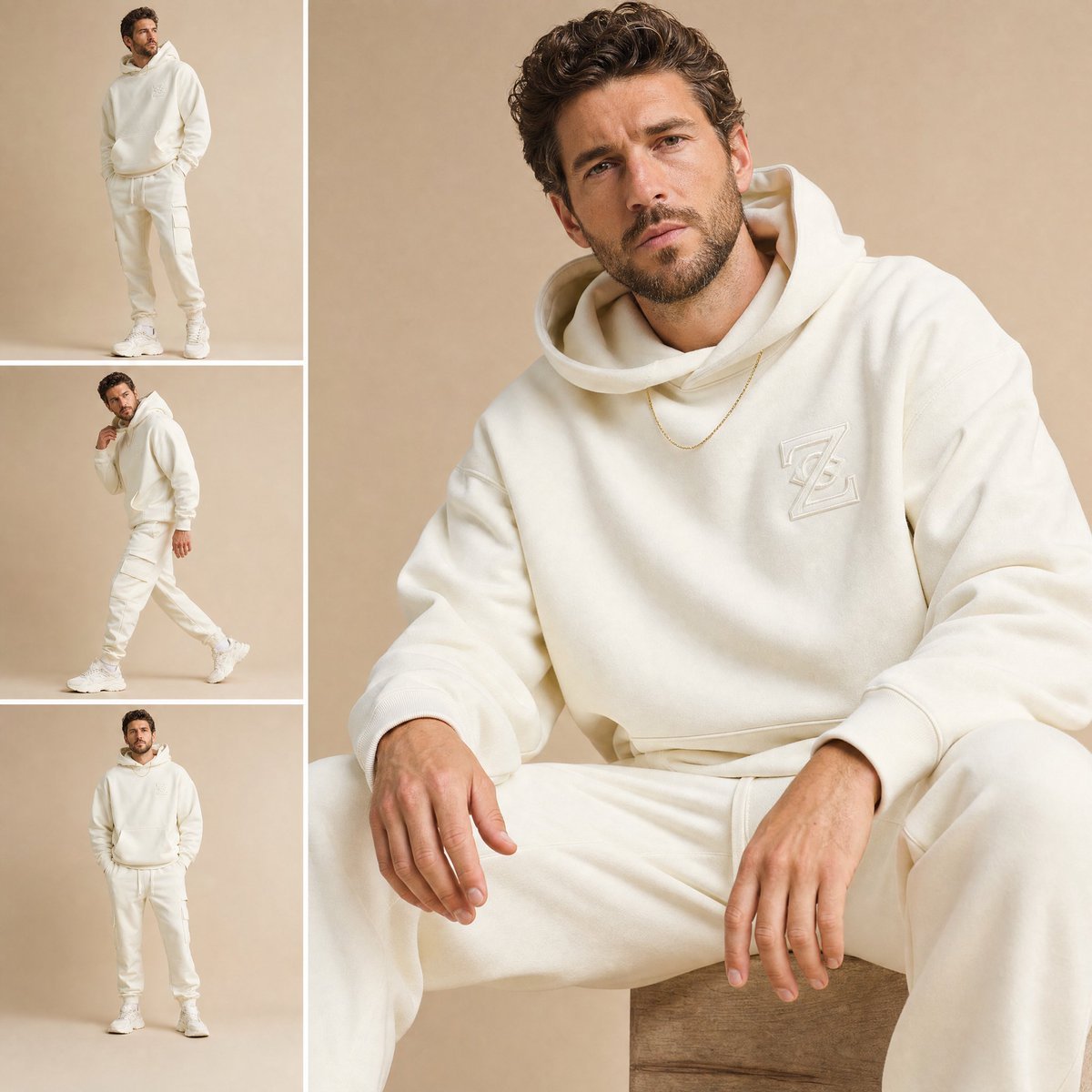
High-End Fashion Lookbook Collage
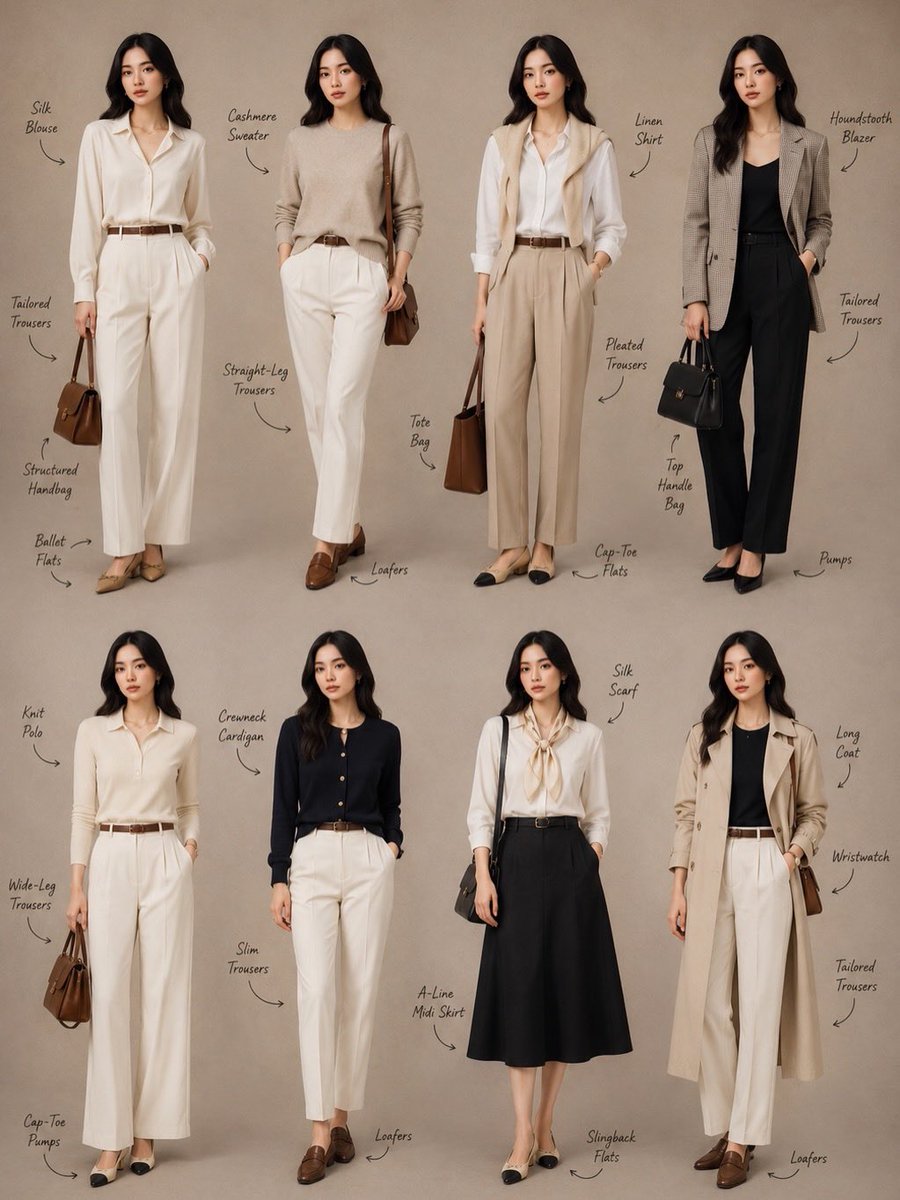
Minimalist Fashion Lookbook Collage
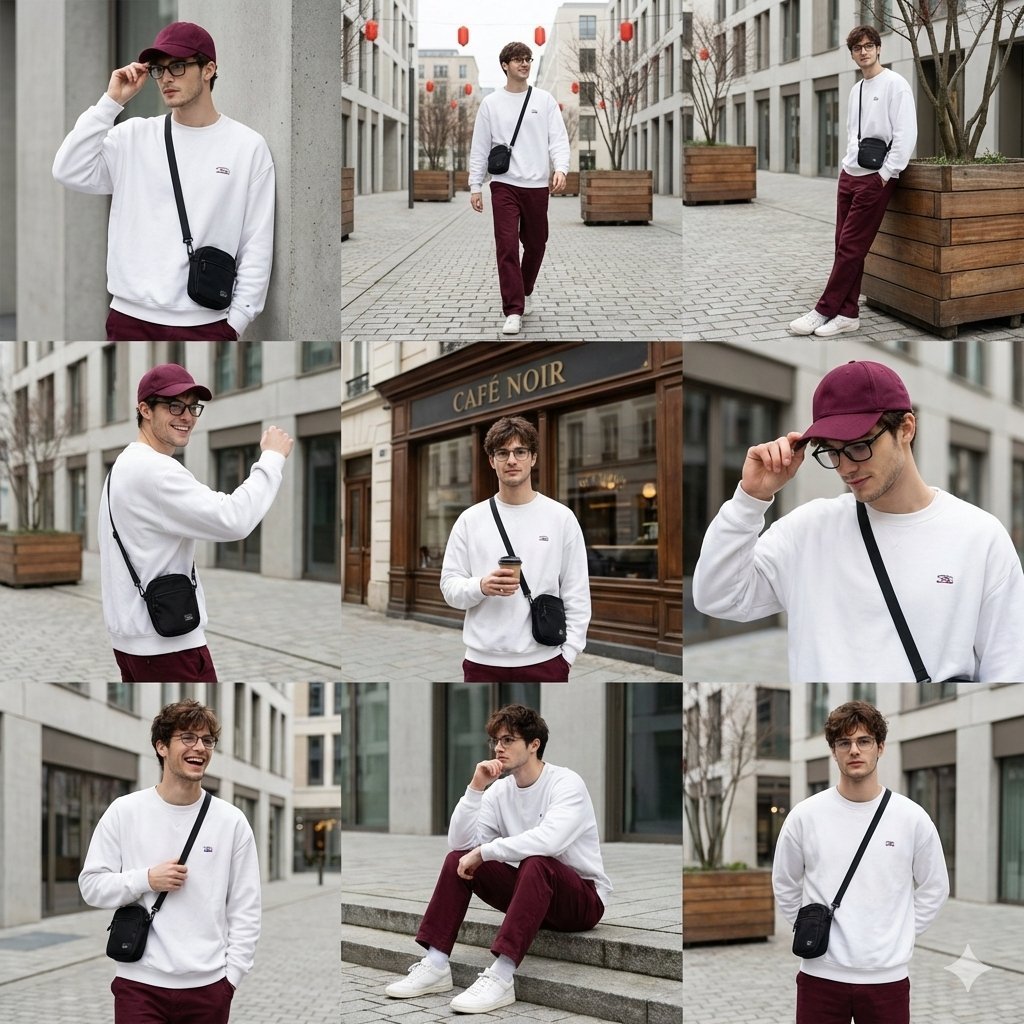
Urban Fashion Lookbook Collage

80s College Gate

1988 Mall Style

80s Polka Dot Saree

Paper Cut Finale Fireworks

Paper Cut Garden Maze

Paper Cut Rooftop Concert

Paper Cut Bicycle Coast
Make it yours
Lumière d’Azur Fashion Lookbook Collage works as-is. These are the safest ways to change it without losing the look.
Change one field
Copy a single group, rewrite it, and generate again so you can see what that field is doing.
Keep the frame, change the subject
Hold the composition and light of Lumière d’Azur Fashion Lookbook Collage, then swap wardrobe, props or the person for a new take.
| If the result… | Why | Fix |
|---|---|---|
| The result drifts from the preview | Too many fields changed at once. | Reuse Lumière d’Azur Fashion Lookbook Collage as-is first, then change one group — subject, light, or setting. |
| The model over-stylizes the scene | The prose prompt leaves finish and camera underspecified. | Add one camera or lighting sentence and stay on GPT Image 2. |
More GPT Image 2 templates
Other prompts made for GPT Image 2.

Six VTuber Japanese Logo Sheet

Realistic Portrait of Woman and Deer

The Vista Modular Condo Poster

AI Model Routing Comparison Infographic

2.5D Anime Art Board

Isometric Productivity Desk Scene

New York Double Exposure Poster

Four-Panel AI Landscape Comparison

Japanese Tatami Lifestyle Magazine Cover

NESCAFÉ Coffee Map Poster
More image prompts
Fresh picks from across the catalog.
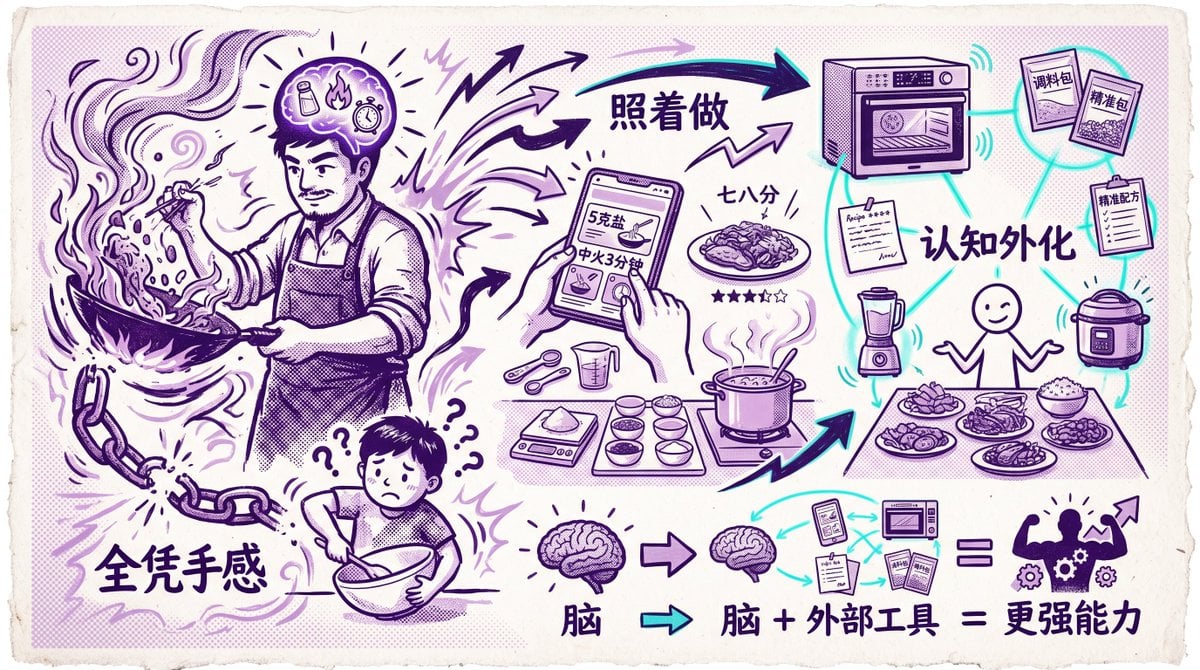
Chinese Cooking Cognition Infographic
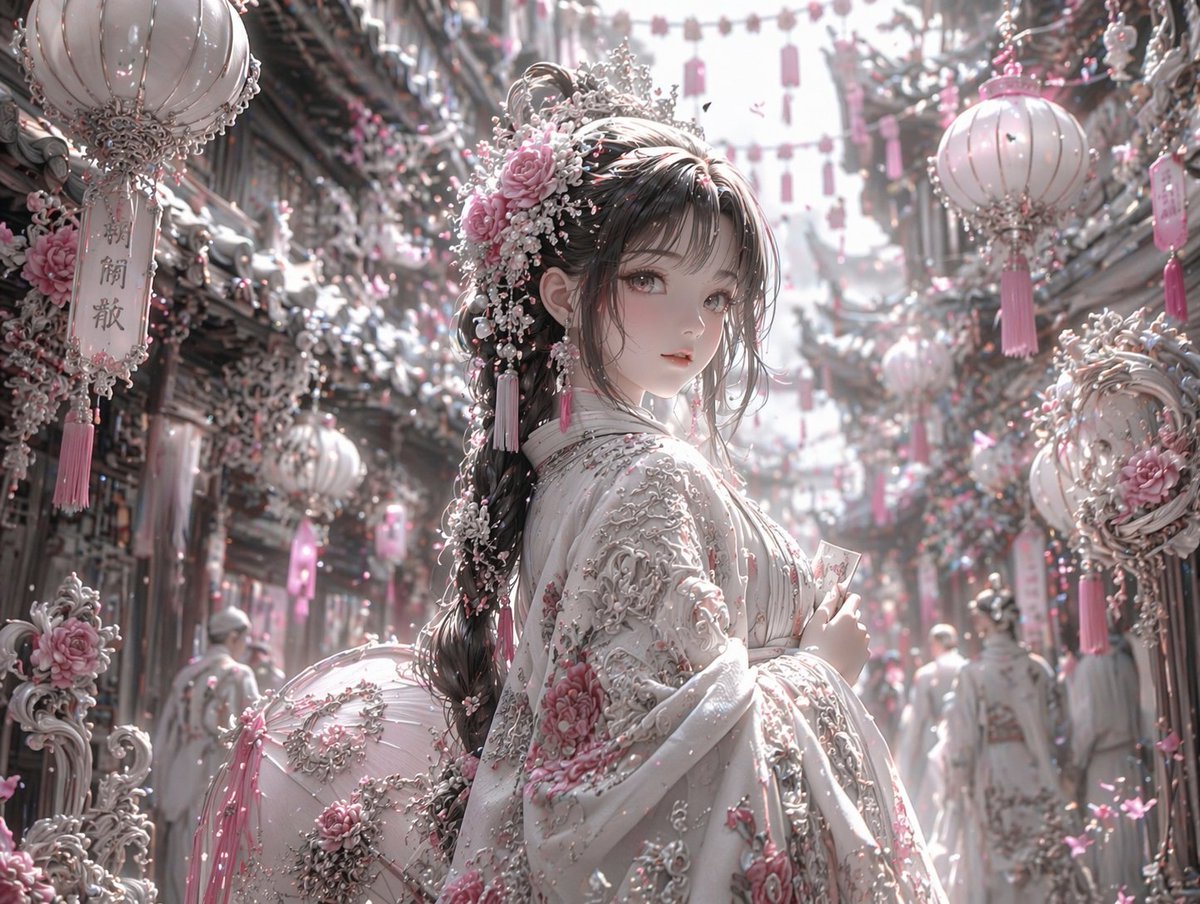
Pastel Pink and Silver Ornate Style Transfer
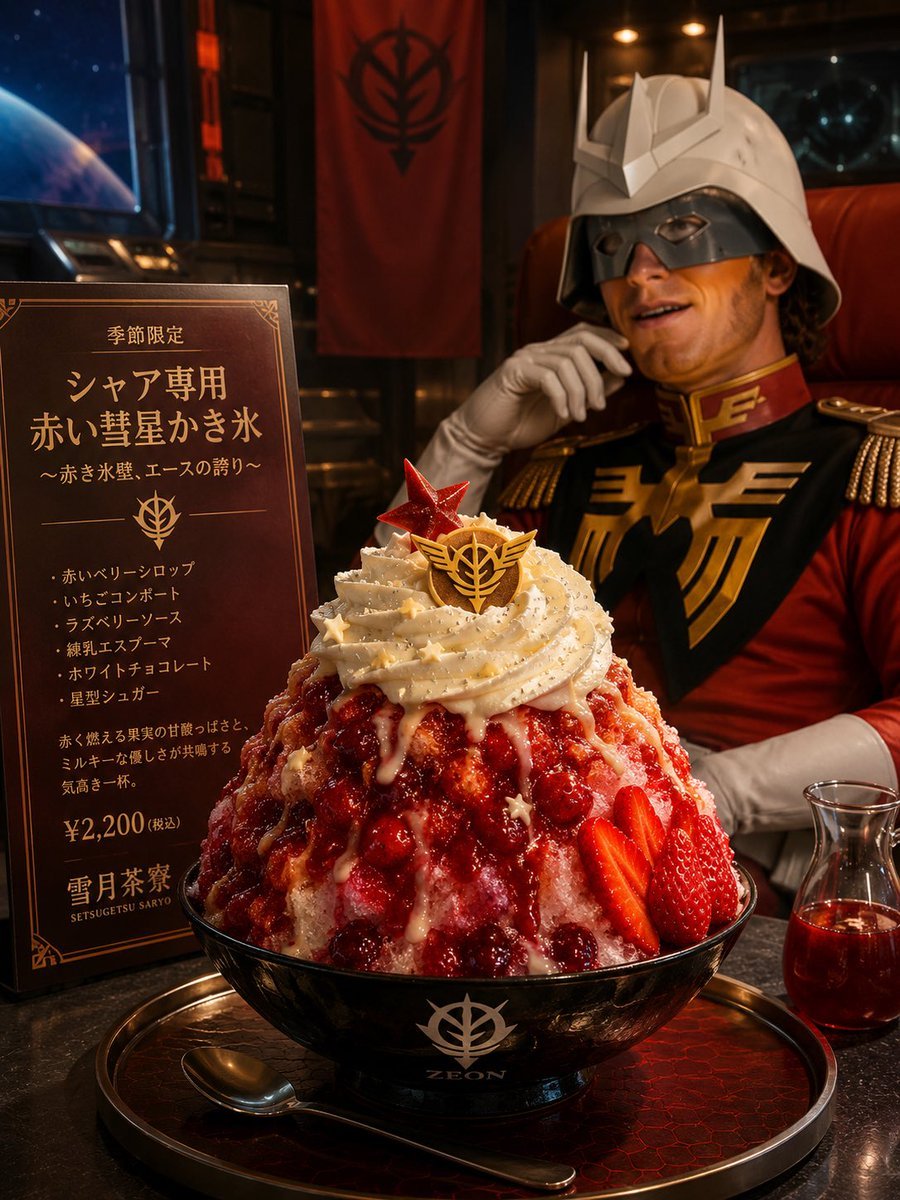
Char-Inspired Red Shaved Ice Café Ad
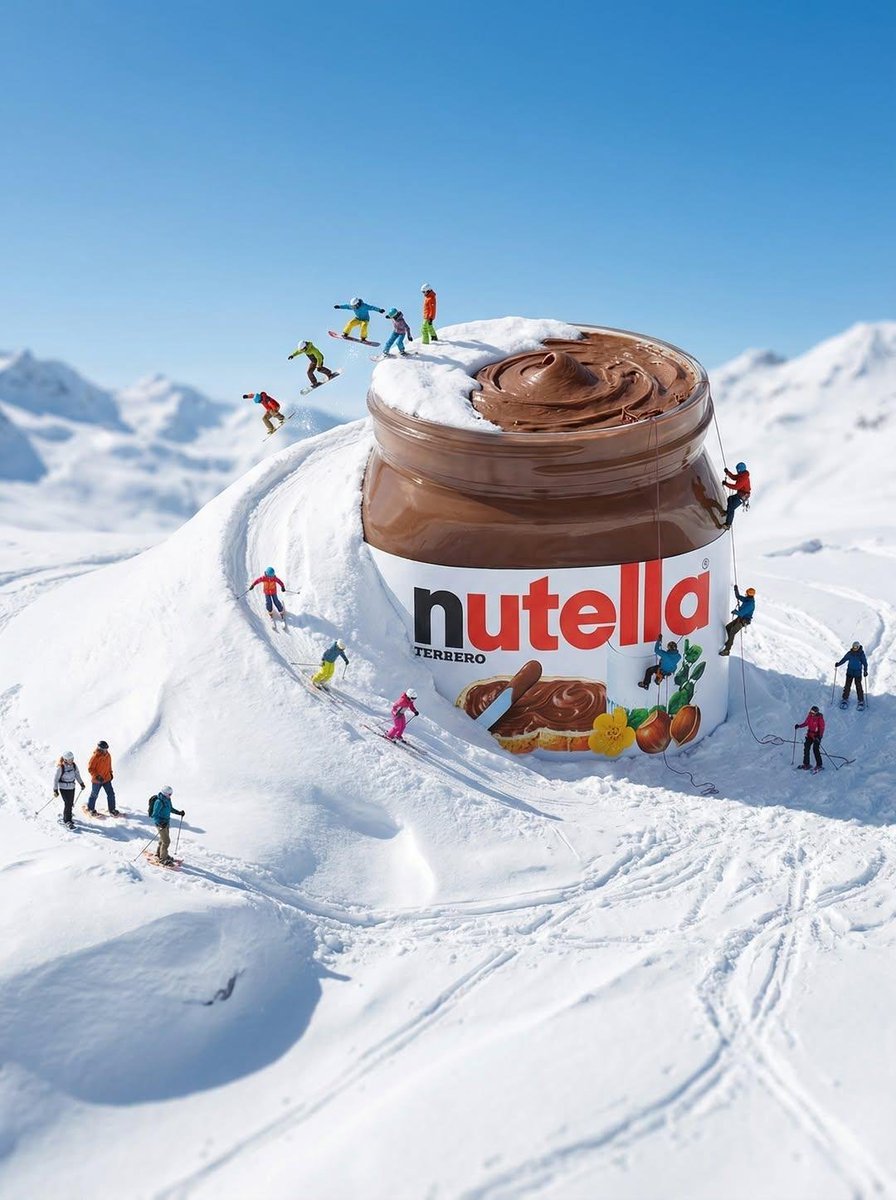
Gigantic Product Buried in Snow with Miniature Explorers
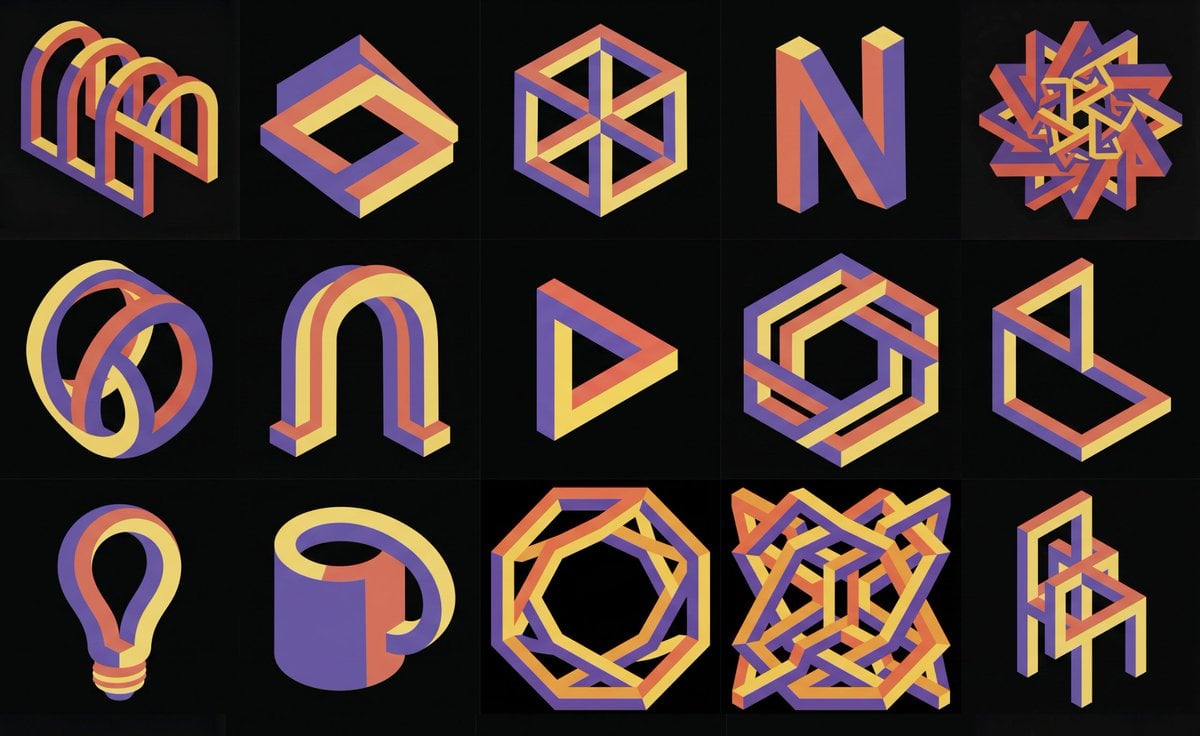
Impossible 3D shape in reference style
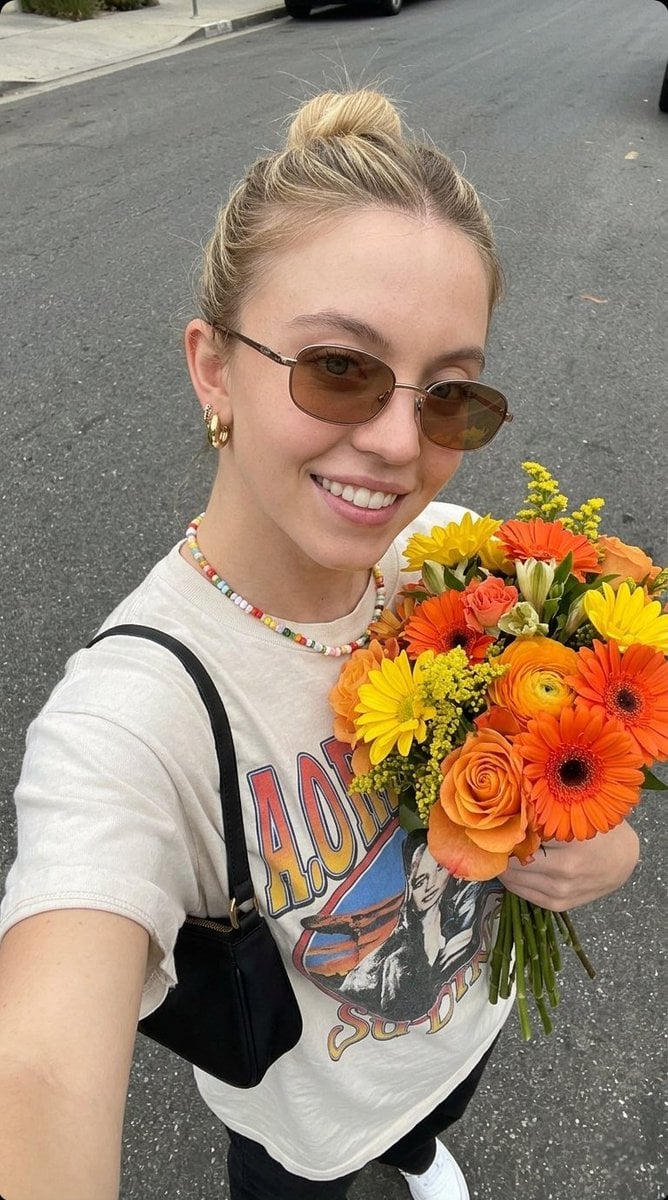
Ultra-realistic Selfie Photo with Fresh Flowers
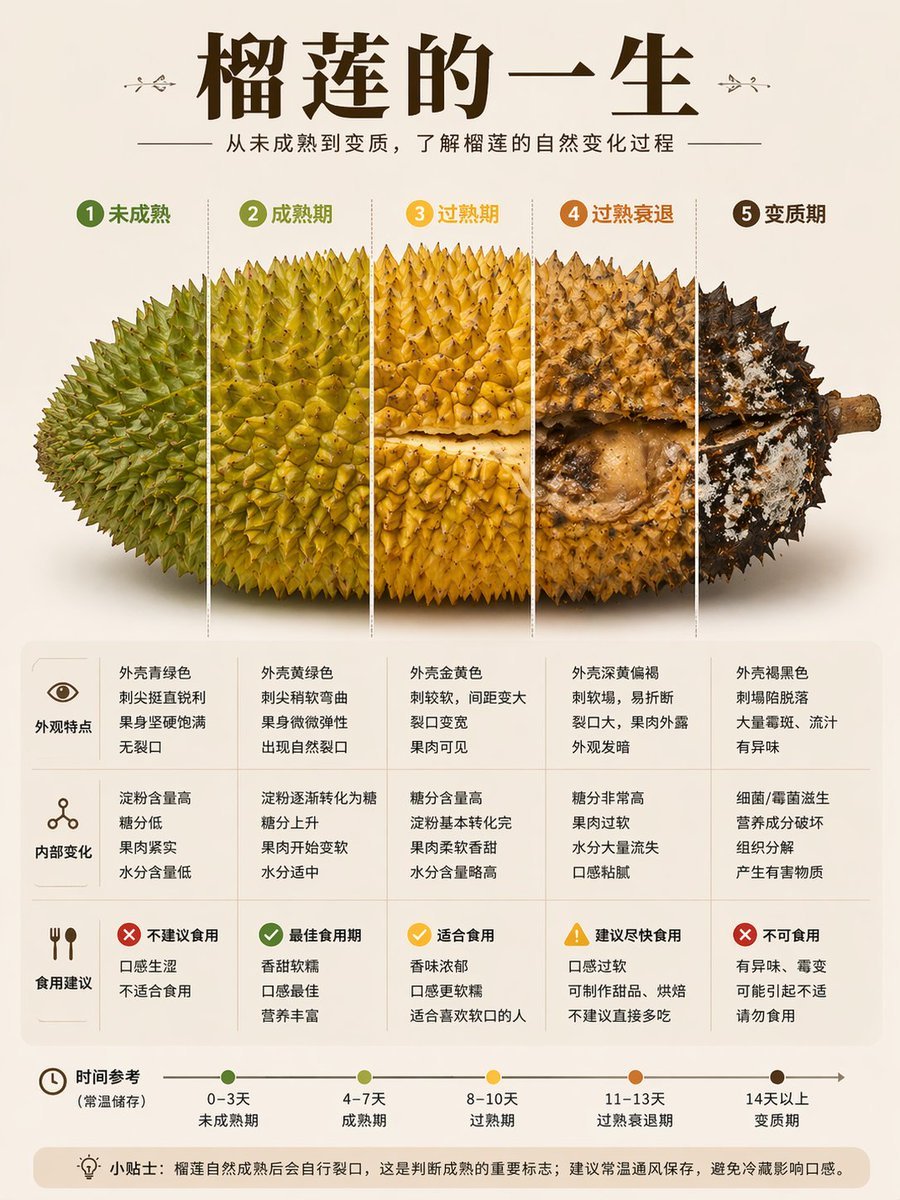
Durian Ripening Lifecycle Infographic
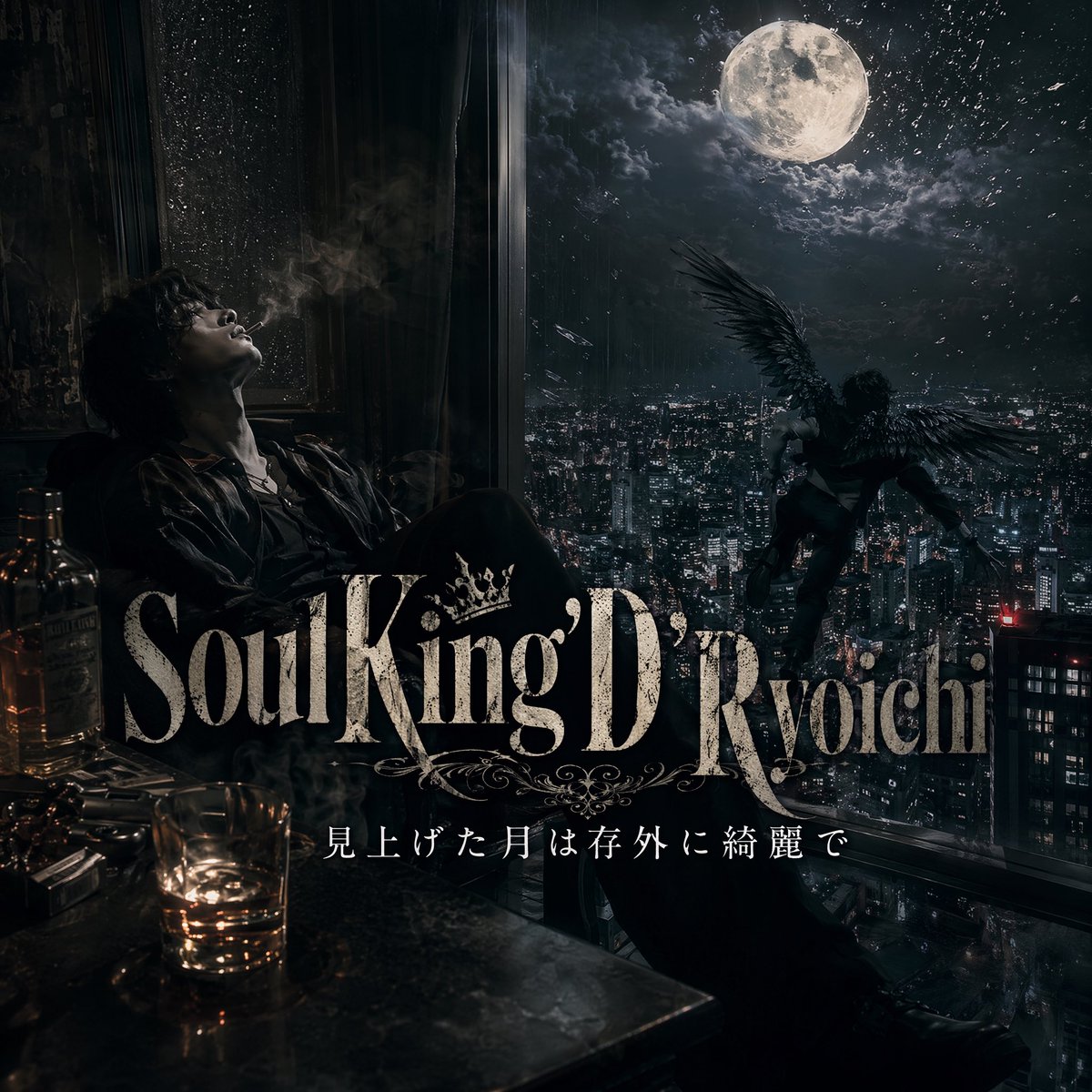
Dark Moonlit Noir Album Cover
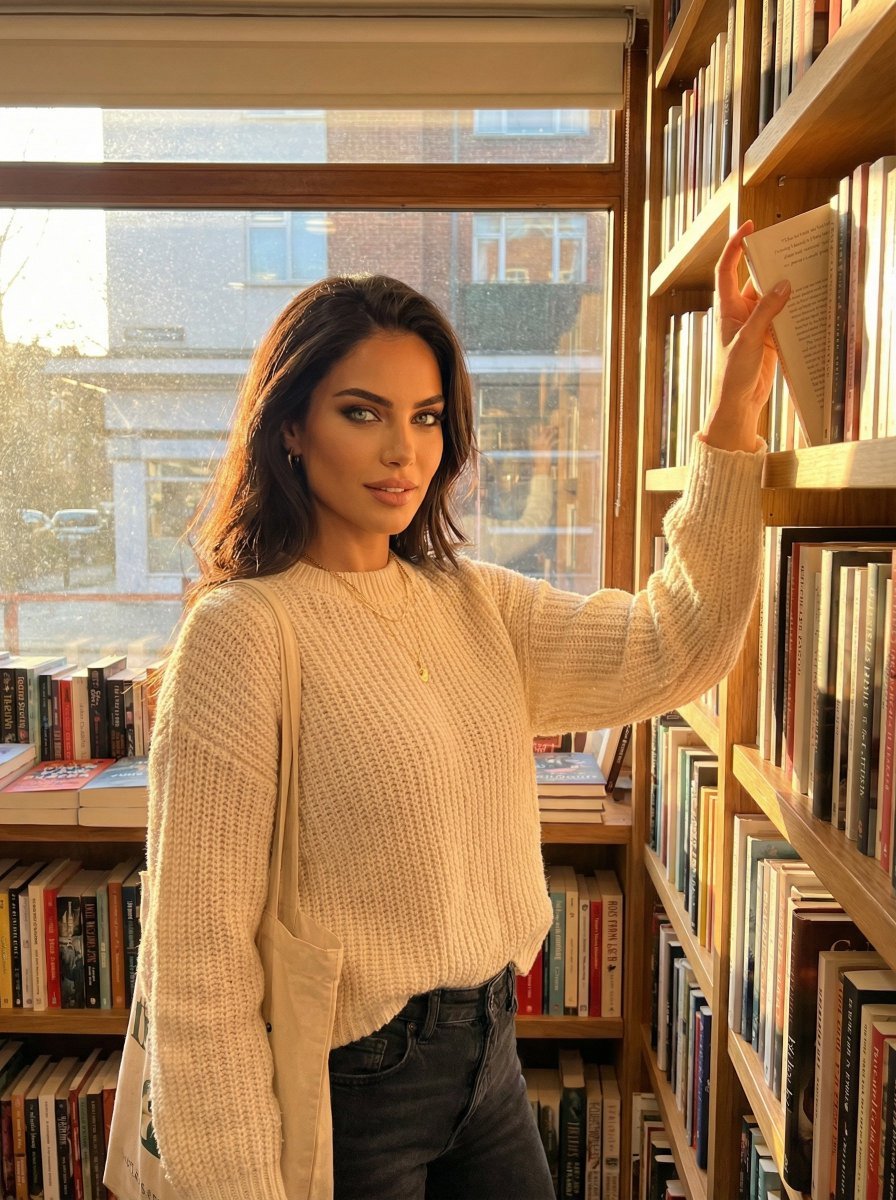
Hero Shot Portrait in a Bookstore with Warm Lighting
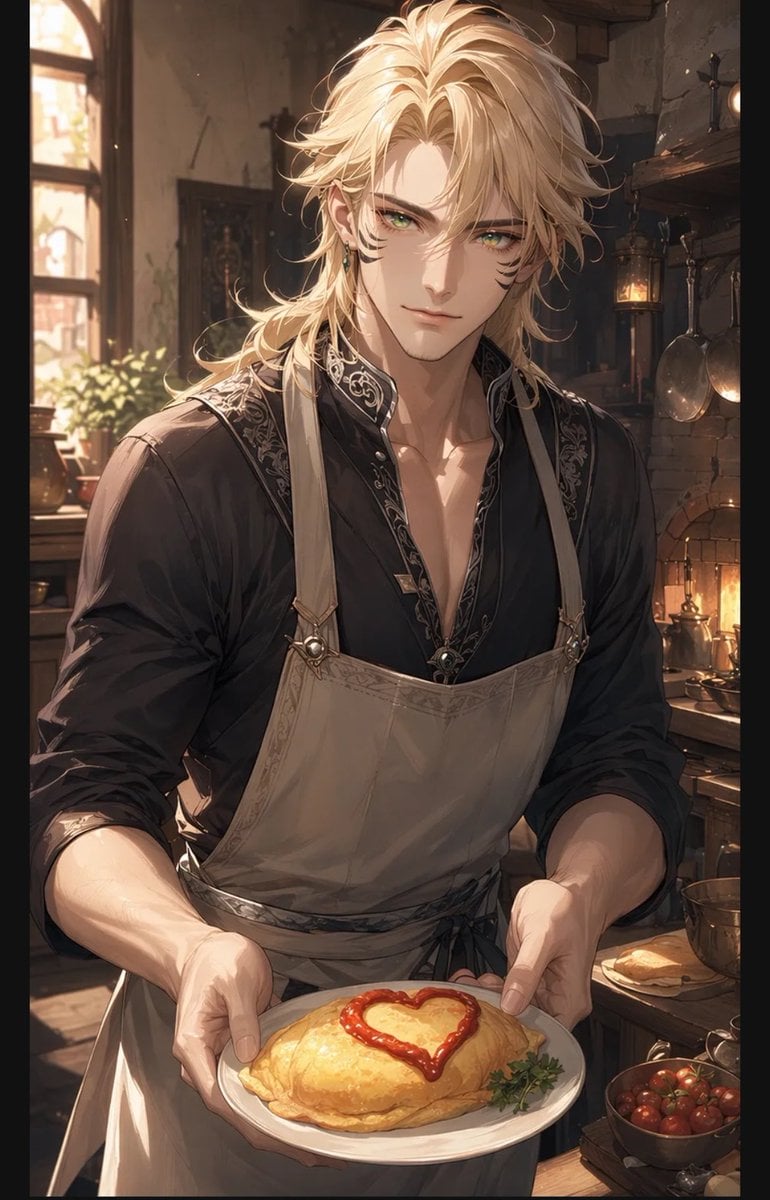
Blond Apron Man Serving Heart Omurice
Browse template categories
Lumière d’Azur Fashion Lookbook Collage questions
How do I use the Lumière d’Azur Fashion Lookbook Collage template?
Add your photo if the template asks for one, edit the prompt if you like — the template's model and format are already selected — and press Generate. Your version opens in PicX Studio.
Can I customize the Lumière d’Azur Fashion Lookbook Collage template?
Yes. You can change the subject, setting, lighting, mood, format, and available model controls before creating your image.
Is the Lumière d’Azur Fashion Lookbook Collage template free?
Opening and editing this template is free. Generating uses credits, shown on the Generate button when you are signed in.
Which AI model should I use?
Start with GPT Image 2, which is the model associated with this template. You can compare another compatible model for a different finish.
Looking for something else? Browse all templates.

Your photo, any look
Thousands of ready templates for every top image and video model, from one credit balance.