
Chinese Cooking Cognition Infographic
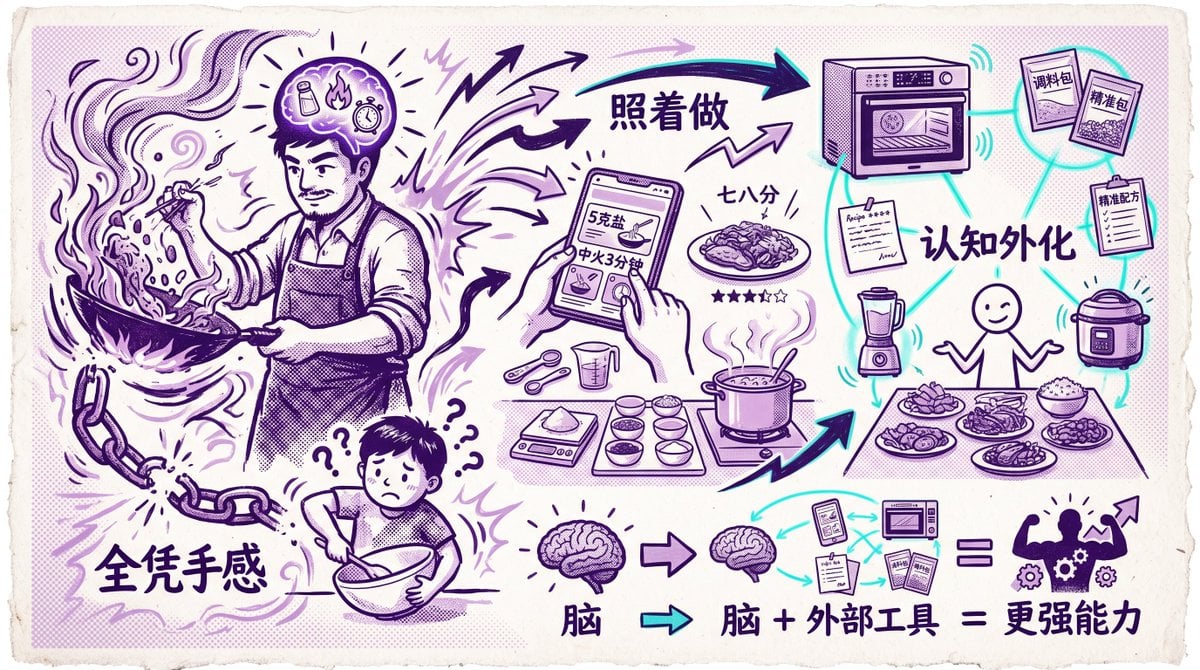
A retro comic-style Chinese infographic illustrating the shift from intuition-based cooking to recipe-driven, tool-augmented cooking, suitable for articles or social posts about AI, workflows, and externalized cognition.
- Prompt included
- Model and format preset
- Free template
The prompt behind this image
Copy the exact prompt behind Chinese Cooking Cognition Infographic, or open it in the studio and make it yours.
A vintage hand-drawn Chinese infographic on textured off-white paper with torn deckled edges, printed in a limited two-ink palette of deep purple and bright cyan accents, with halftone shading and poster-like comic line art. The composition compares intuitive manual cooking versus tool-assisted cooking and externalized cognition. On the left, a large adult cook in an apron is dramatically stir-frying in a wok with flames, flying ingredients, smoke swirls, and energetic motion lines; the cook’s face is obscured by a rectangular blur block. Above the head is a glowing brain-like thought bubble containing 3 small icons: a seasoning bottle, a flame, and a timer/clock, with rays radiating outward. At the lower left, a broken chain hangs beside large bold Chinese text reading “全凭手感”. Below the cook, a smaller confused person mixing in a bowl looks worried, surrounded by exactly 4 question marks. In the center, multiple thick arrows point from the cook’s intuition toward a structured cooking workflow. At upper center is large Chinese text “照着做”. Beneath it, a hand holds a smartphone recipe screen showing visible Chinese text including “5克盐” and “中火3分钟”, with a finger tapping the screen. Around the phone are measured cooking tools and ingredients: 2 measuring spoons, 1 measuring cup, 1 digital scale, and 6 small bowls arranged neatly, plus a pot on a stove with steam rising and a finished plated dish nearby. Near the plated dish is Chinese text “七八分” and a 5-star rating row with exactly 4 filled stars and 1 empty star. On the right, show a concept map of externalized cognition around a simple smiling stick-figure cook standing behind a table of food. The node network is connected with cyan lines and includes exactly 6 tool/info nodes: a smart oven at the top, 2 seasoning packets labeled “调料包” and “榨酱包”, 1 clipboard labeled “精准配方”, 1 blender, 1 rice cooker, and 1 recipe note sheet. Centered in this network is large Chinese text “认知外化”. The table in front of the figure holds exactly 5 dishes/bowls/plates of prepared food. Along the bottom is a simplified cognition equation: a large brain icon, then an arrow to a smaller brain icon, then a cluster of external tools/documents including a phone screen, a microwave-like appliance, and 3 paper/manual items, then an equals sign, then a muscular human silhouette with gears inside the torso and an upward arrow near the shoulder. Beneath or beside this equation is bold Chinese text “脑 + 外部工具 = 更强能力”, with the first “脑” also shown separately under the left brain icon. Use expressive sketched arrows, doodle lightning bolts, comic emphasis marks, and a balanced left-to-right flow that visually communicates the transition from pure instinct to repeatable systems and augmented ability.
How to use Chinese Cooking Cognition Infographic in 3 steps
- 1Upload ImagePNG, JPG or paste
Add your photo
Upload the photo the template builds on. The prompt, model and format are already set.
- 2…a portrait of your subject in softgolden-hour light, 85mm…
Personalize
Edit the subject and creative details for your destination.
- 3Generate
Generate
Press Generate — your image is created in PicX Studio, so you can compare it with the original and refine one variable at a time.
More like this
Templates with the same subject, style or setup. Open one to see its prompt.

博物馆图鉴式汉服拆解图 — GPT-image-2

Japan Travel Brochure Poster

Isometric Process Educational Diorama

Isometric Vehicle Teardown Infographic Template
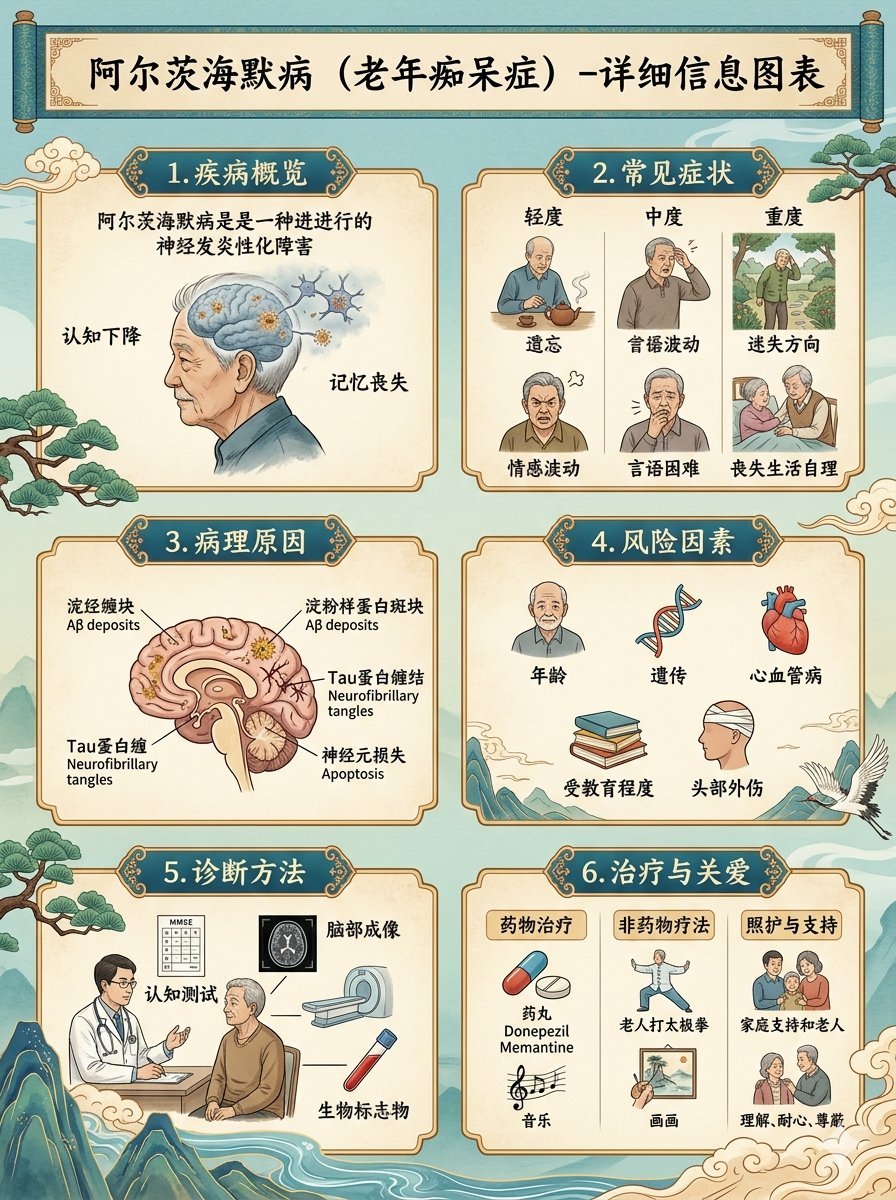
Chinese Alzheimer’s Infographic Poster
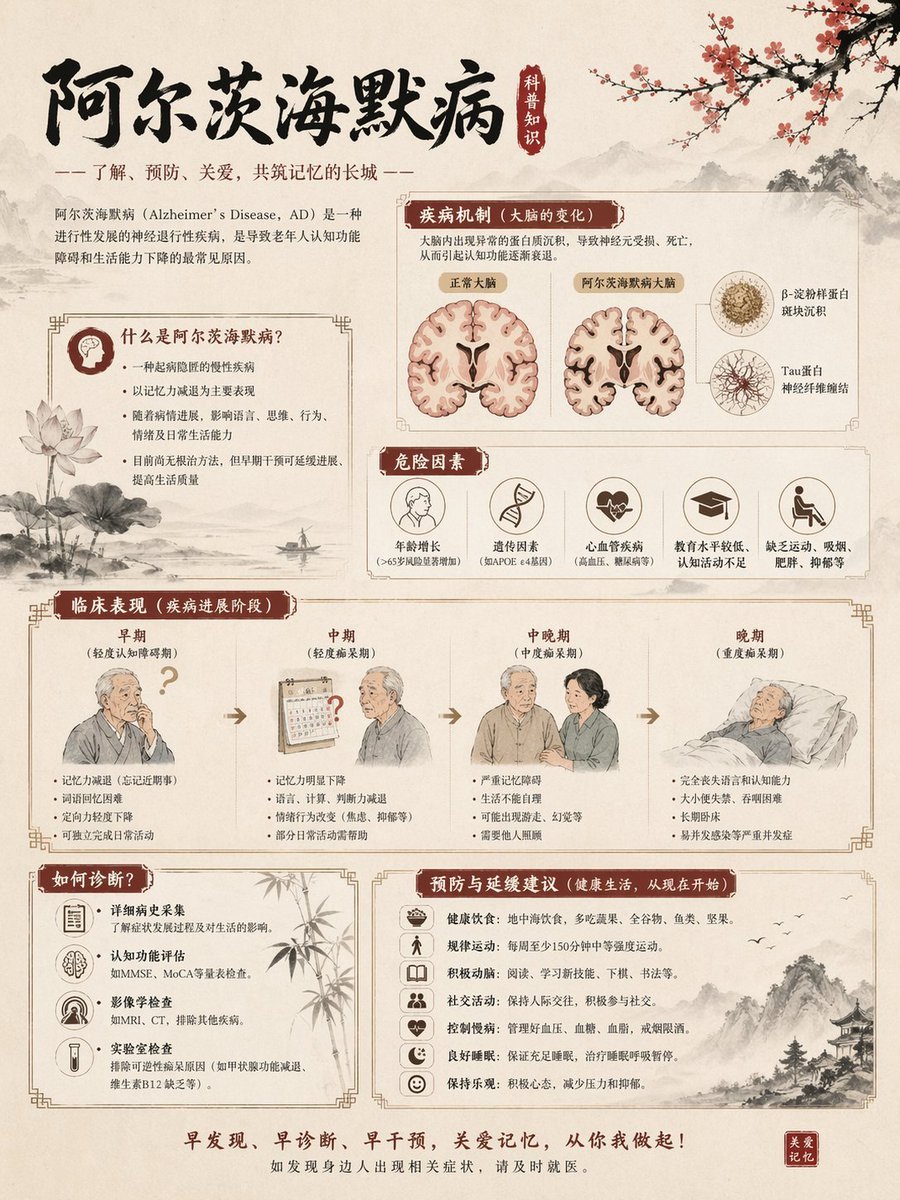
Chinese Alzheimer’s Awareness Infographic

Gpt2 E Commerce Main Image Earbuds E Commerce Infographic

Gpt2 Infographic Edu Visual Alishan One Day Travel Poster

Gpt2 Infographic Edu Visual Ethnographic Plate for Tibetan Ceremonial Hat

Gpt2 Infographic Edu Visual Earth Signs Zodiac Character Poster

Gpt2 Infographic Edu Visual Water Signs Zodiac Character Poster

Gpt2 Infographic Edu Visual Ink Wash Tribute Poster for Chen Uen
Make it yours
Chinese Cooking Cognition Infographic works as-is. These are the safest ways to change it without losing the look.
Change one field
Copy a single group, rewrite it, and generate again so you can see what that field is doing.
Keep the frame, change the subject
Hold the composition and light of Chinese Cooking Cognition Infographic, then swap wardrobe, props or the person for a new take.
| If the result… | Why | Fix |
|---|---|---|
| The result drifts from the preview | Too many fields changed at once. | Reuse Chinese Cooking Cognition Infographic as-is first, then change one group — subject, light, or setting. |
| The model over-stylizes the scene | The prose prompt leaves finish and camera underspecified. | Add one camera or lighting sentence and stay on GPT Image 2. |
More GPT Image 2 templates
Other prompts made for GPT Image 2.

Six VTuber Japanese Logo Sheet

Realistic Portrait of Woman and Deer

The Vista Modular Condo Poster

AI Model Routing Comparison Infographic

2.5D Anime Art Board

Isometric Productivity Desk Scene

New York Double Exposure Poster

Four-Panel AI Landscape Comparison

Japanese Tatami Lifestyle Magazine Cover

NESCAFÉ Coffee Map Poster
More image prompts
Fresh picks from across the catalog.

Image Generation Prompt for Man with Horse and Car

Surreal Portrait with Floating Elements

untitled
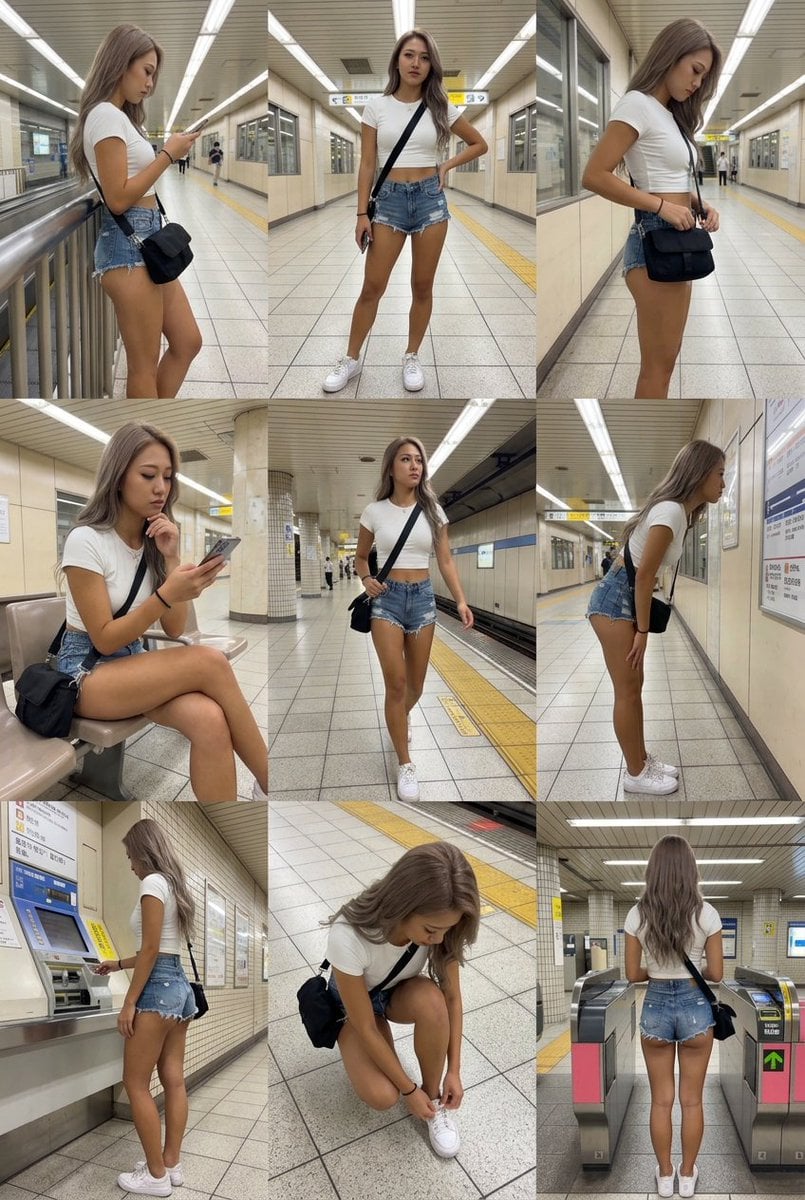
3x3 Grid Character Consistency Prompt

Candid Night Rooftop Portrait
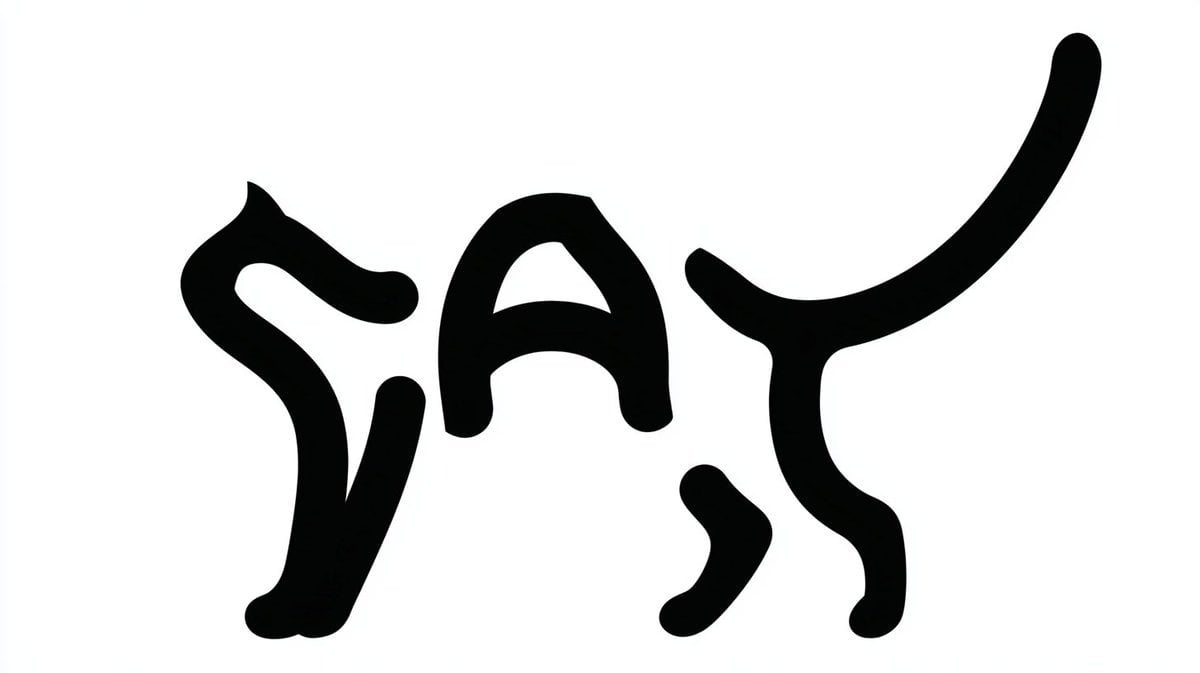
Monochrome Typographic Cat Illustration
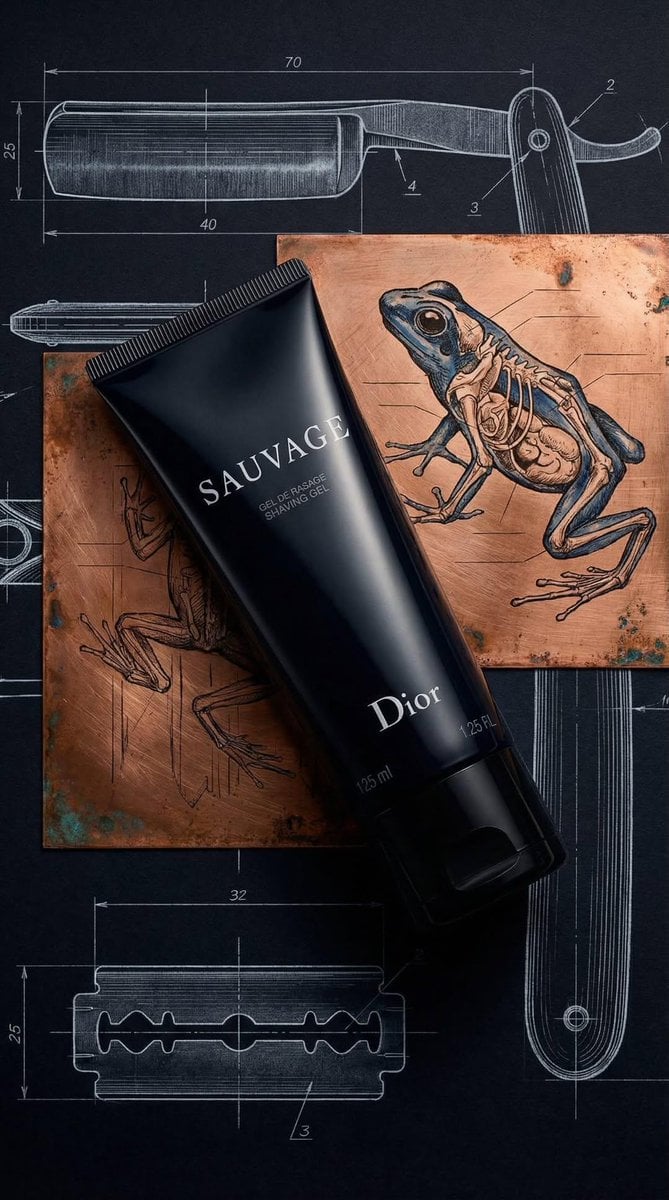
Luxury Product Photography of Dior Sauvage Shaving Gel

Hyper-Realistic Vertical Mirror Selfie Prompt

Hyper-Realistic Snow Sculpture Artist Prompt
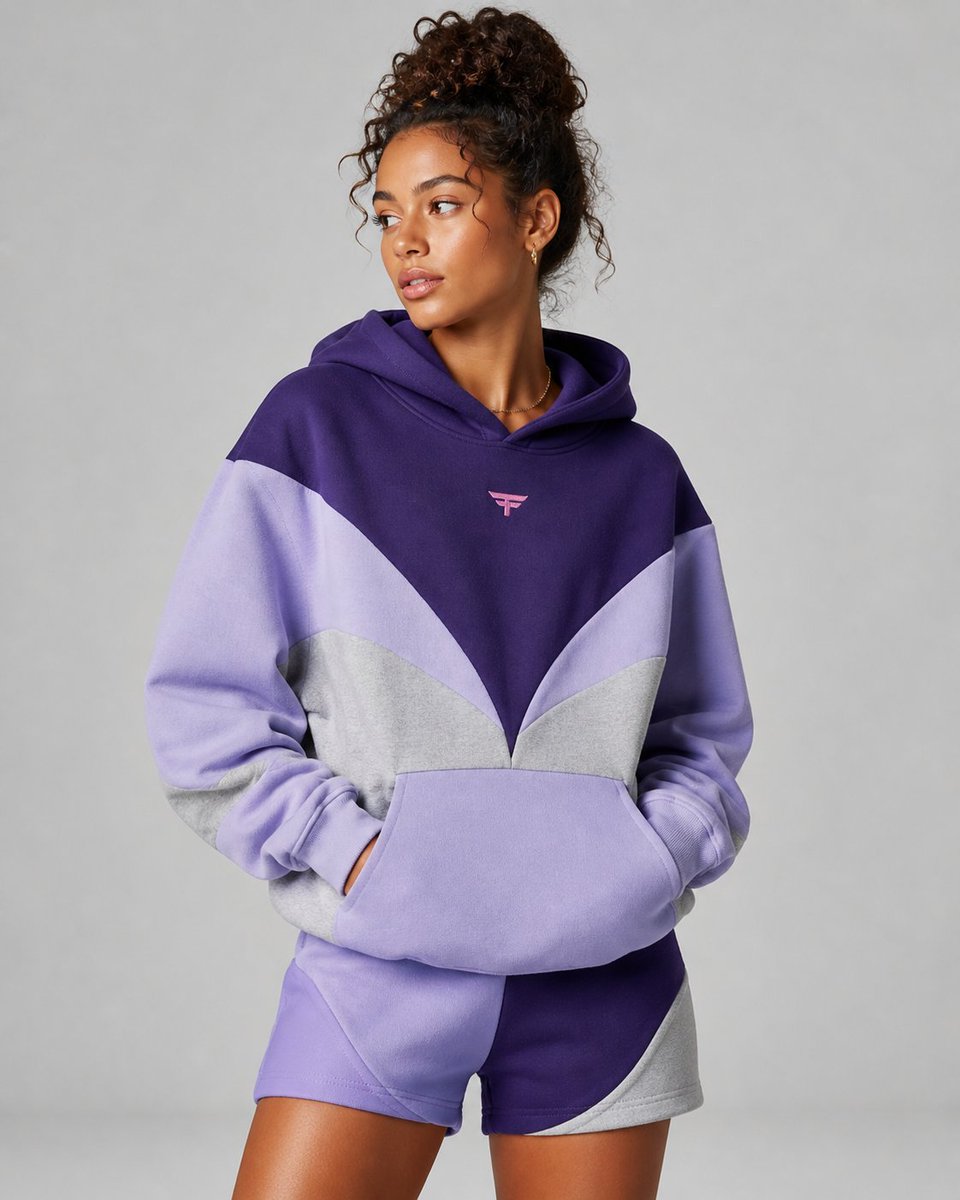
Premium Fashion Studio Portrait
Browse template categories
Chinese Cooking Cognition Infographic questions
How do I use the Chinese Cooking Cognition Infographic template?
Add your photo if the template asks for one, edit the prompt if you like — the template's model and format are already selected — and press Generate. Your version opens in PicX Studio.
Can I customize the Chinese Cooking Cognition Infographic template?
Yes. You can change the subject, setting, lighting, mood, format, and available model controls before creating your image.
Is the Chinese Cooking Cognition Infographic template free?
Opening and editing this template is free. Generating uses credits, shown on the Generate button when you are signed in.
Which AI model should I use?
Start with GPT Image 2, which is the model associated with this template. You can compare another compatible model for a different finish.
Looking for something else? Browse all templates.

Your photo, any look
Thousands of ready templates for every top image and video model, from one credit balance.