
Isometric Process Educational Diorama
Isometric educational diorama explaining a multi-stage process with tiny figures and title.

- Prompt included
- Model and format preset
- Premium template
The prompt behind this image
Copy the exact prompt behind Isometric Process Educational Diorama, or open it in the studio and make it yours.
Create a clear, 45° top-down isometric miniature 3D educational diorama explaining [PROCESS / CONCEPT]. Use soft refined textures, realistic PBR materials, and gentle lifelike lighting. Build a stepped or layered diorama base showing each stage of the process with subtle arrows or paths. Include tiny stylized figures interacting with each stage (no facial details). Use a clean solid [BACKGROUND COLOR] background. At the top-center, display [PROCESS NAME] in large bold text, directly beneath it show a short explanation subtitle, and place a minimal symbolic icon below. All text must automatically match the background contrast (white or black).
How to use Isometric Process Educational Diorama in 3 steps
- 1
Open
The prompt is already in the box next to the preview, with the template's model and format selected.
- 2…a portrait of your subject in softgolden-hour light, 85mm…
Personalize
Edit the subject and creative details for your destination.
- 3Generate
Generate
Press Generate — your image is created in PicX Studio, so you can compare it with the original and refine one variable at a time.
More like this
Templates with the same subject, style or setup. Open one to see its prompt.

Isometric Brand Store Diorama
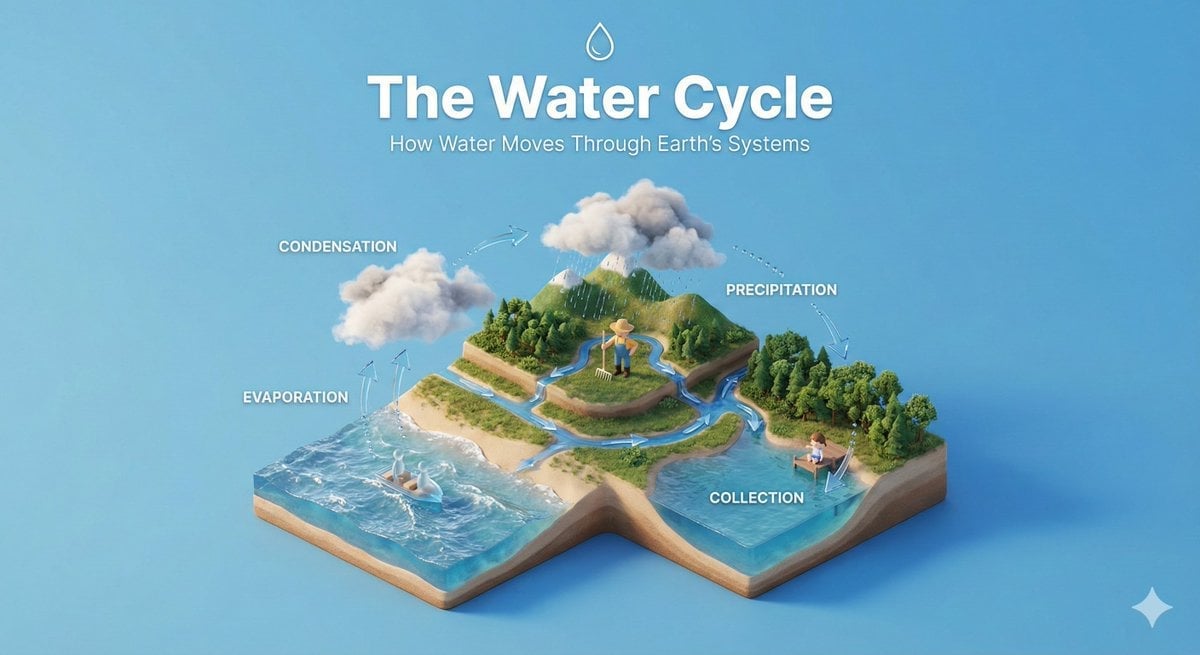
Isometric Educational Process Diorama
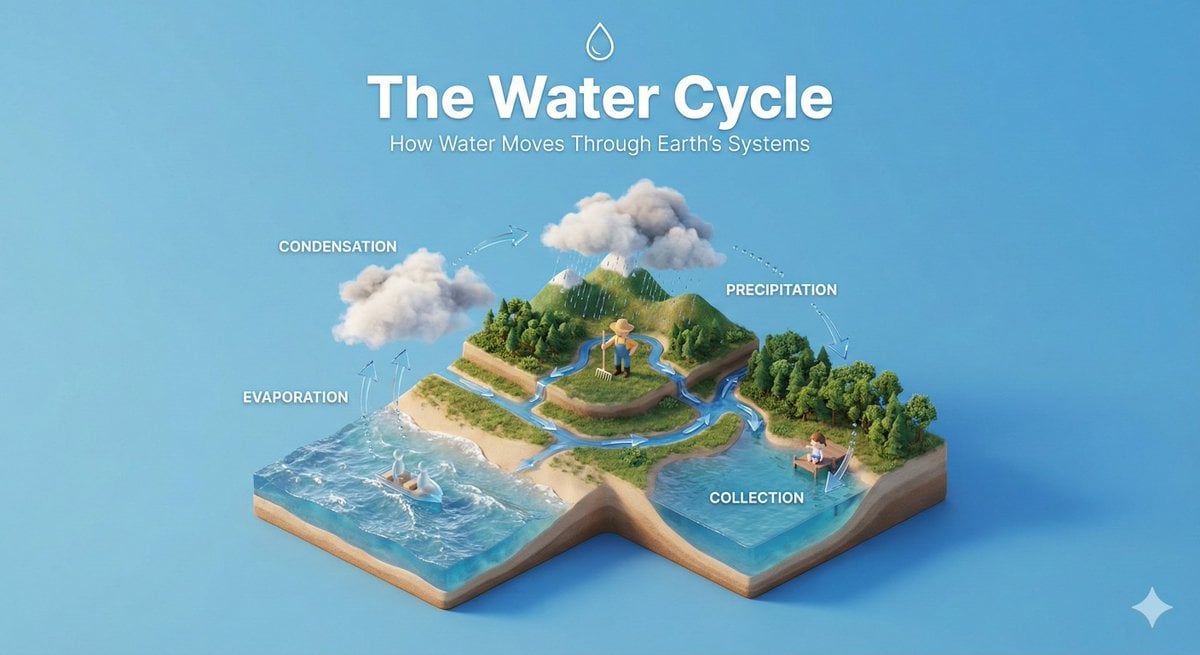
Clear, 45 top-down isometric miniature 3D educational diorama explaining
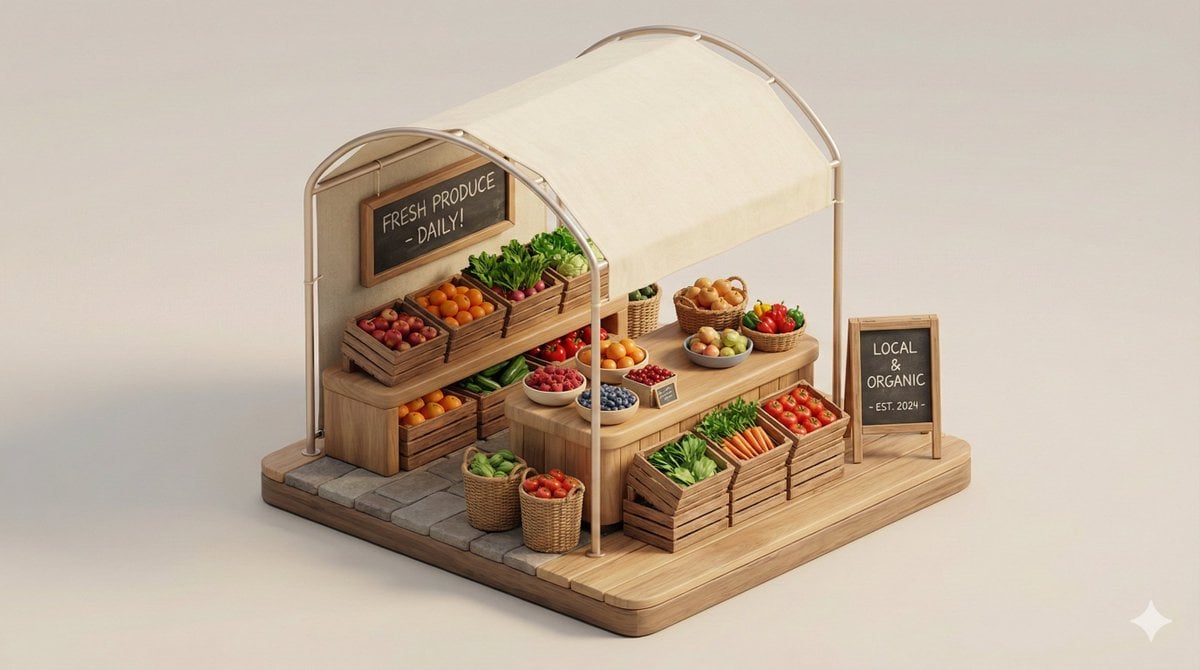
Minimal 3D Isometric Urban Retail Kiosk Diorama
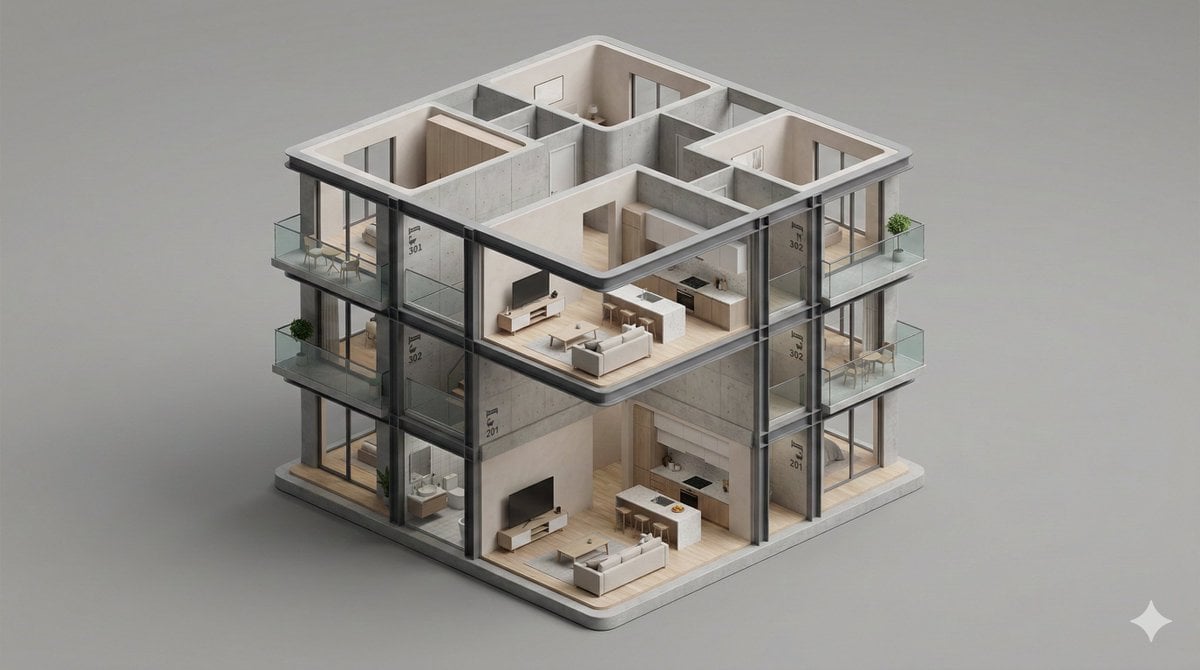
Minimalist 3D Isometric Architectural Diorama
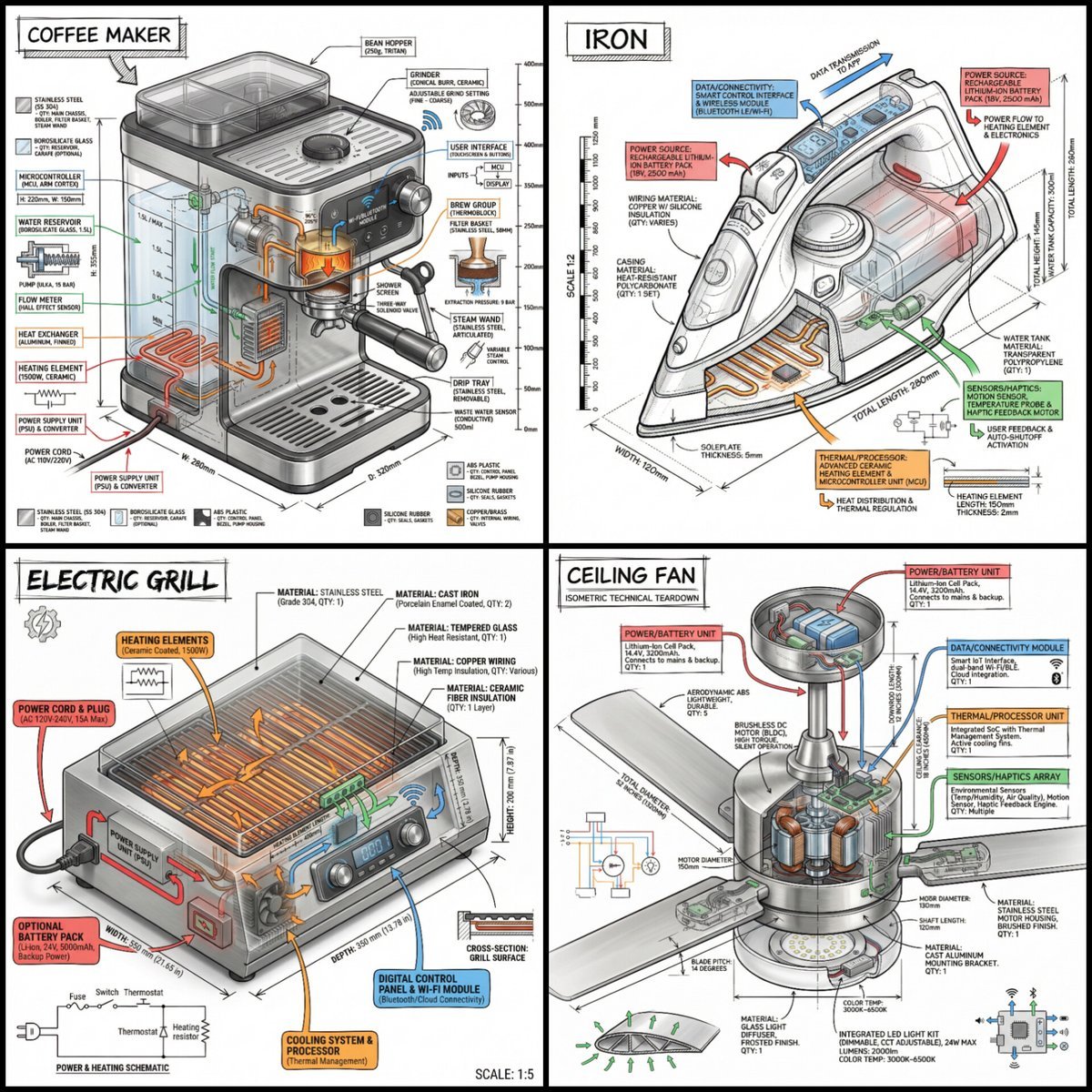
Technical Infographic of an Object with Isometric 3D View

Gpt2 Infographic Edu Visual Japanese Sci Fi Suit Up Process Board

Japan Travel Brochure Poster

Layered Paper Cut Forest Diorama
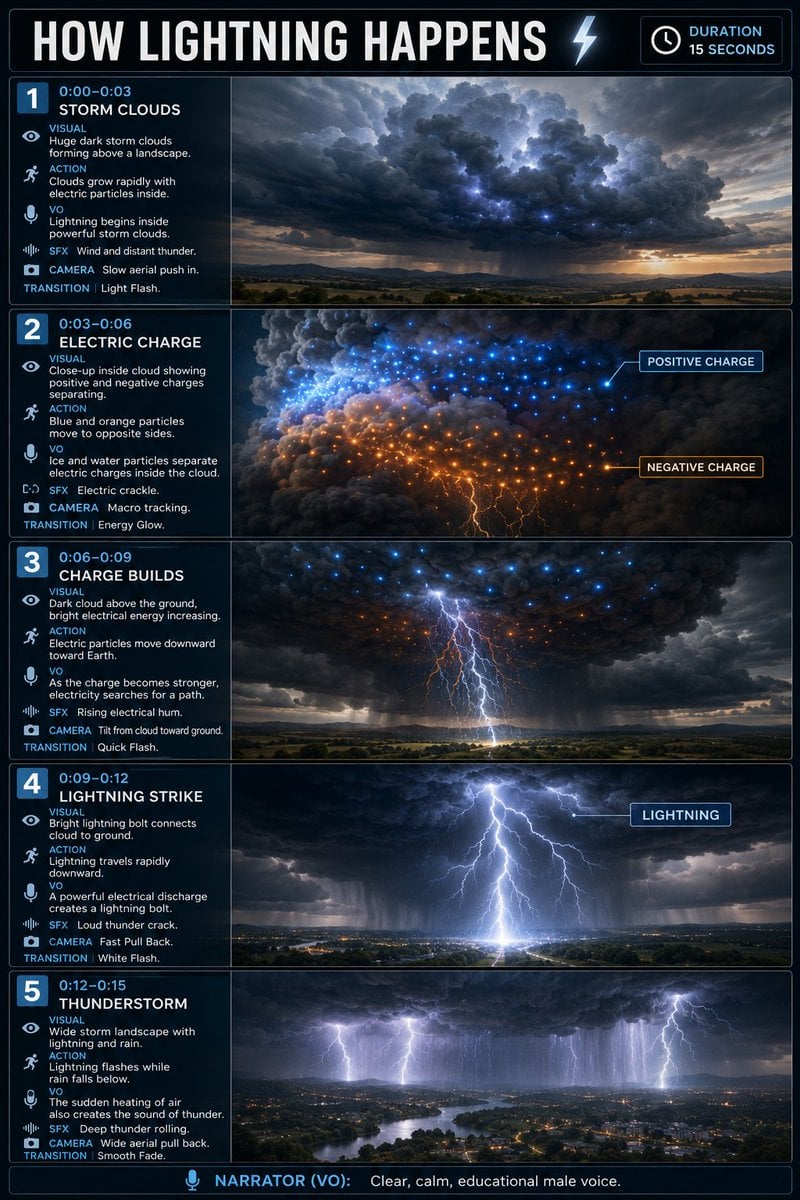
Educational Lightning Storyboard Infographic

Stylized Miniature 3D Diorama Craft

Cozy Isometric Bathroom Miniature Diorama
Make it yours
Isometric Process Educational Diorama works as-is. These are the safest ways to change it without losing the look.
Change one field
Copy a single group, rewrite it, and generate again so you can see what that field is doing.
Keep the frame, change the subject
Hold the composition and light of Isometric Process Educational Diorama, then swap wardrobe, props or the person for a new take.
| If the result… | Why | Fix |
|---|---|---|
| The result drifts from the preview | Too many fields changed at once. | Reuse Isometric Process Educational Diorama as-is first, then change one group — subject, light, or setting. |
| The model over-stylizes the scene | The prose prompt leaves finish and camera underspecified. | Add one camera or lighting sentence and stay on Nanobanana. |
More Nanobanana templates
Other prompts made for Nanobanana.
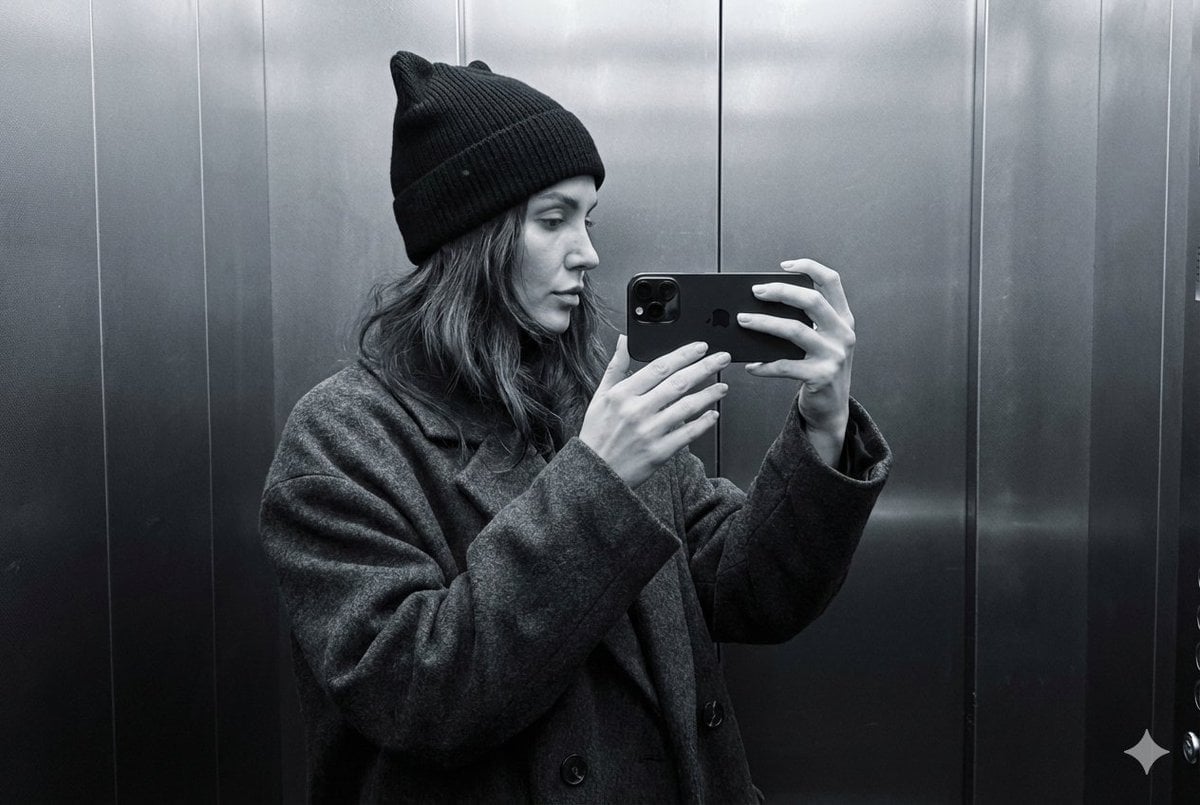
Monochrome Elevator Profile Cat Ear Selfie

Round Tabletop Mirror Skincare Selfie
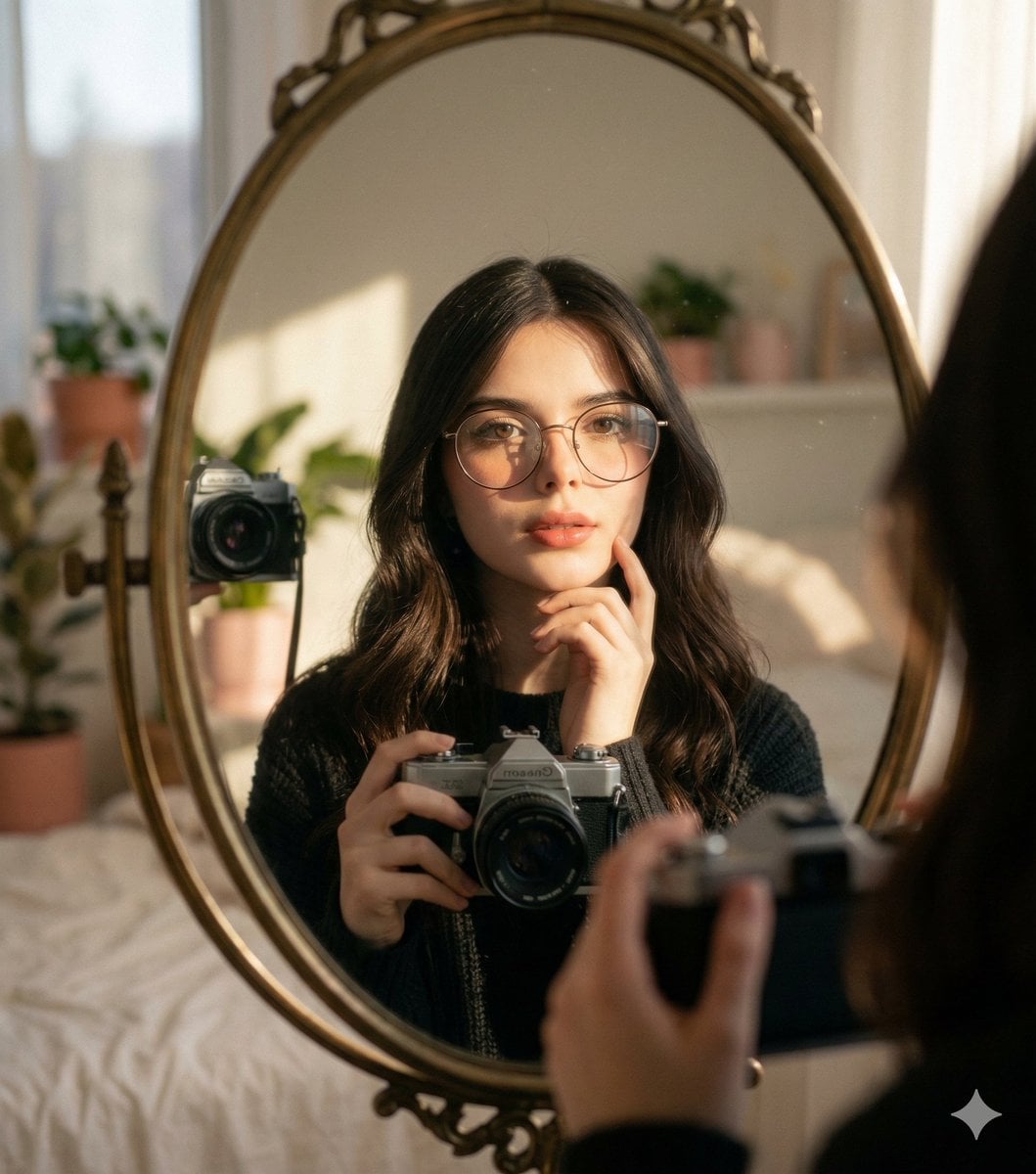
Oval Mirror Vintage Camera Self Portrait

Dark Marble Bathroom Racing Jacket Mirror Selfie
Leather Chair Soft Indoor Mirror Selfie
Car Sun Visor Vanity Mirror Close Up
Living Room Rug Evening Mirror Selfie
Concrete Hallway Editorial Mirror Selfie
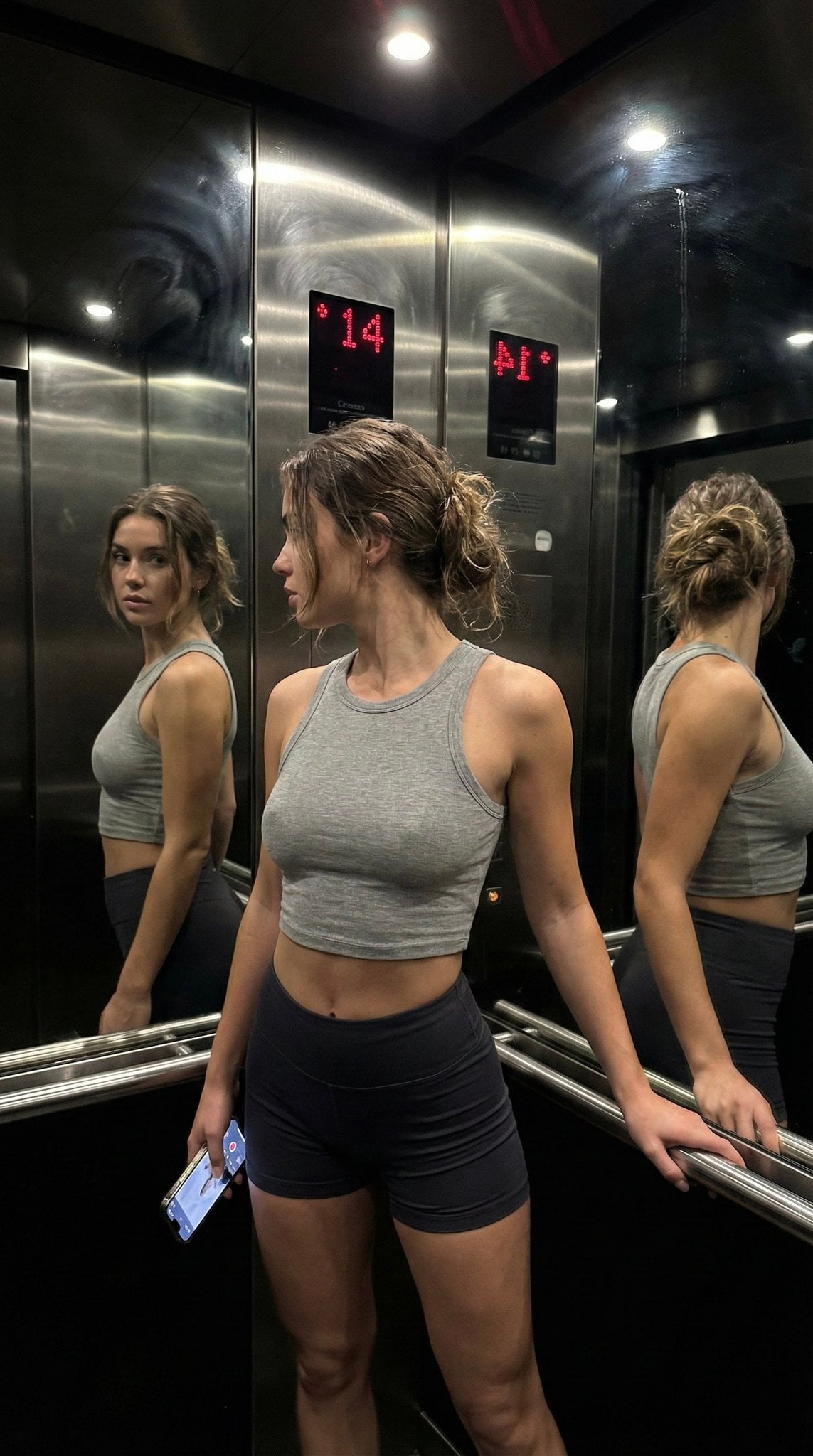
Late Night Elevator Multi Mirror Selfie

Headphones Lifestyle Nine Panel Grid
More image prompts
Fresh picks from across the catalog.

Vogue Cover Fashion Portrait with Face Reference
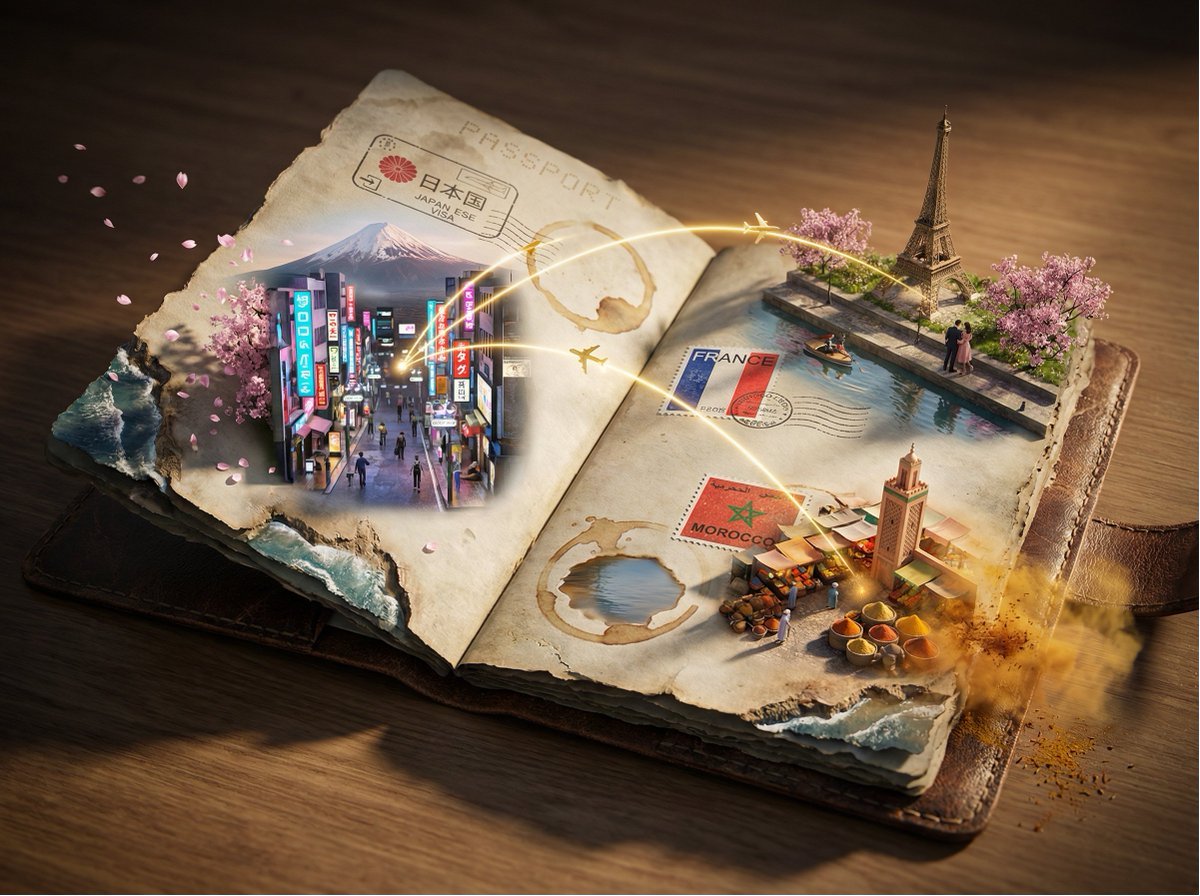
Passport Journey 3D Atlas
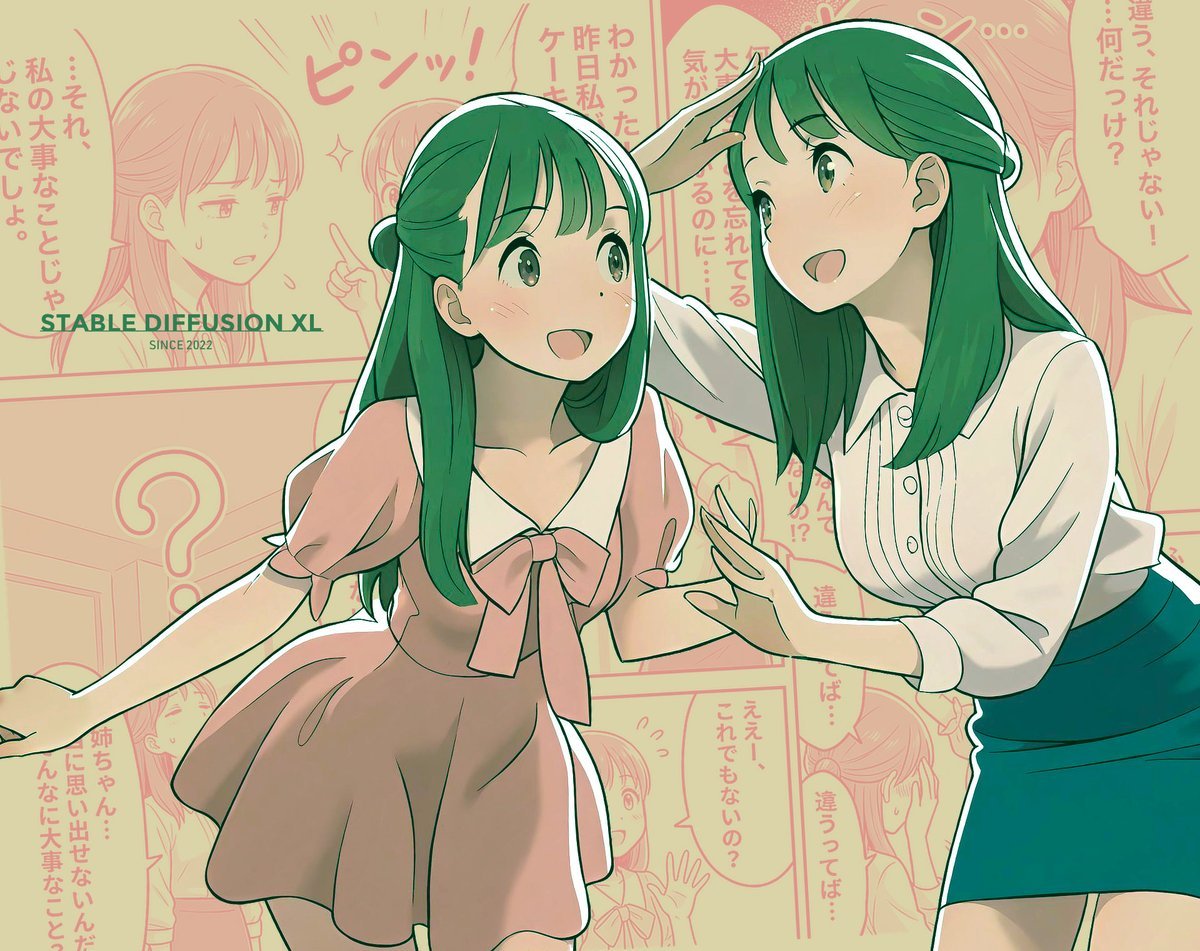
Manga page prompt for Nano Banana Pro

Hyperrealistic Streetwear Studio Portrait
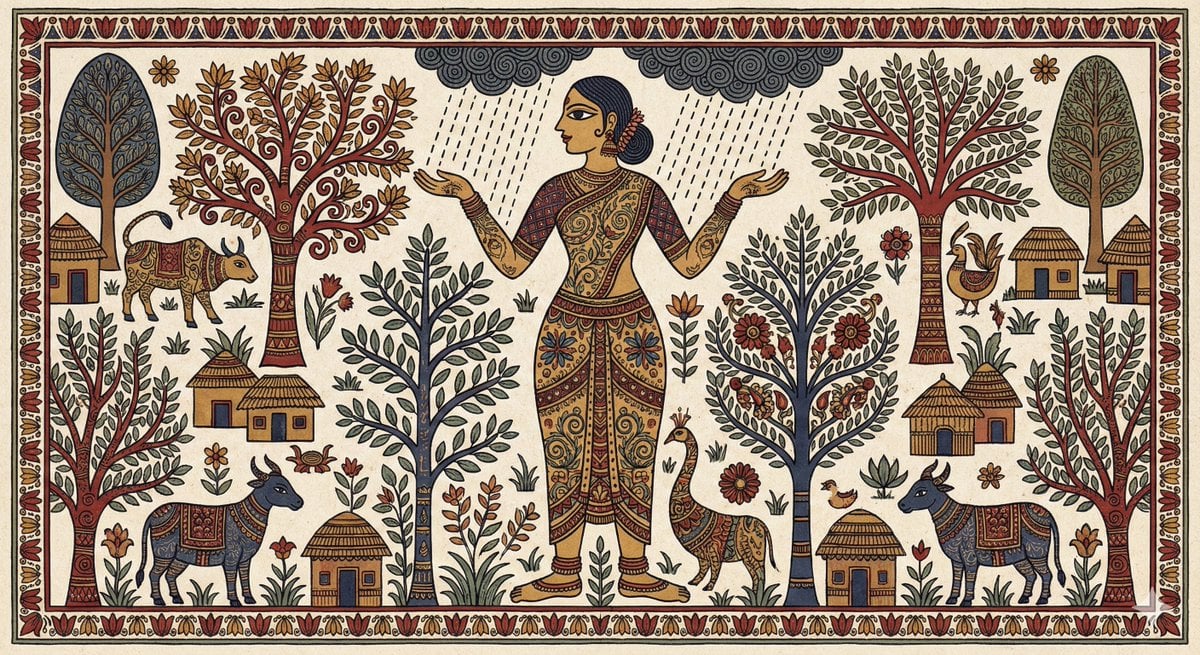
Indian Folk Art Depiction Prompt
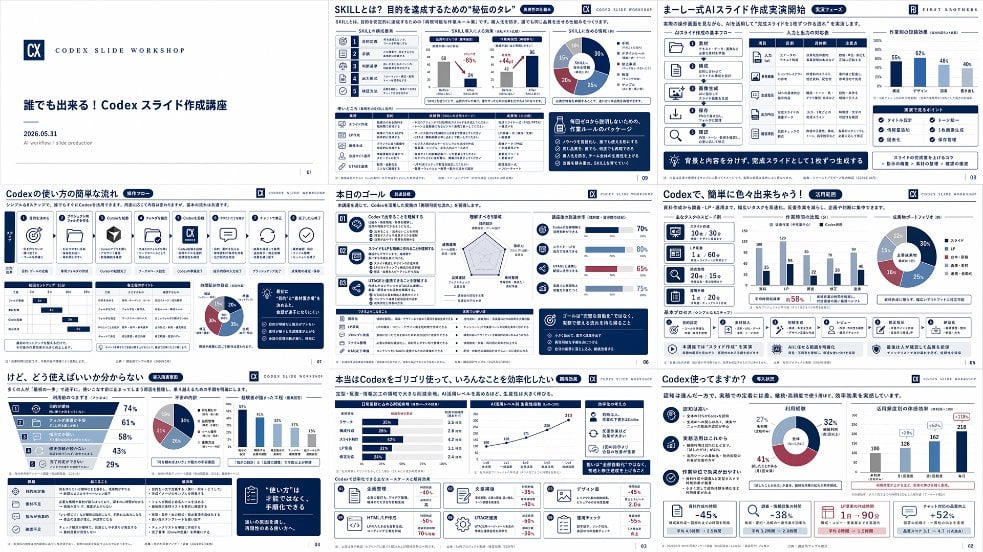
Japanese Codex Workshop Slide Deck Grid

High-Concept 3D Diorama Generation Prompt

Passport Photo Style Portrait Replication Prompt
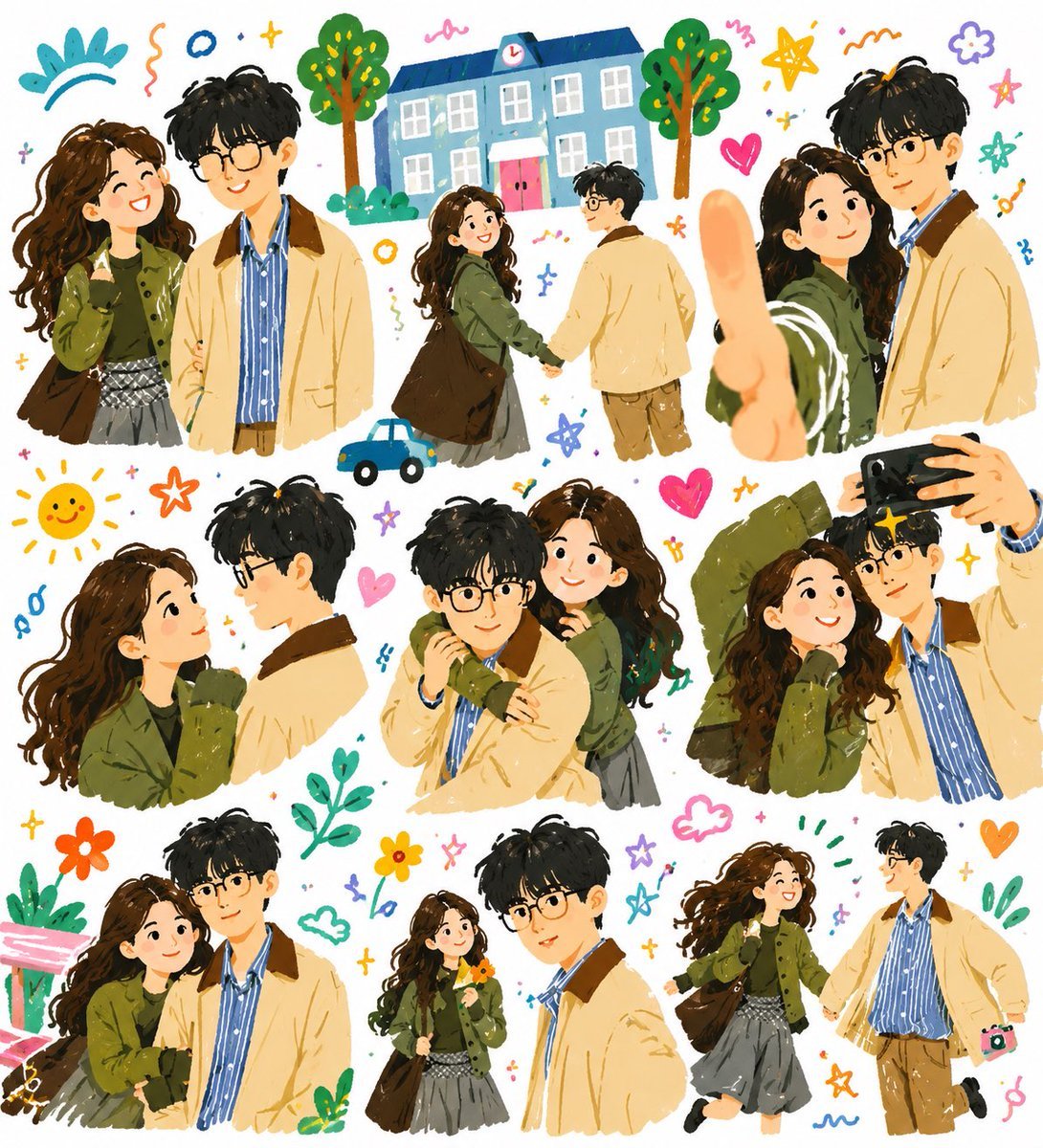
Whimsical Couple Diary Collage
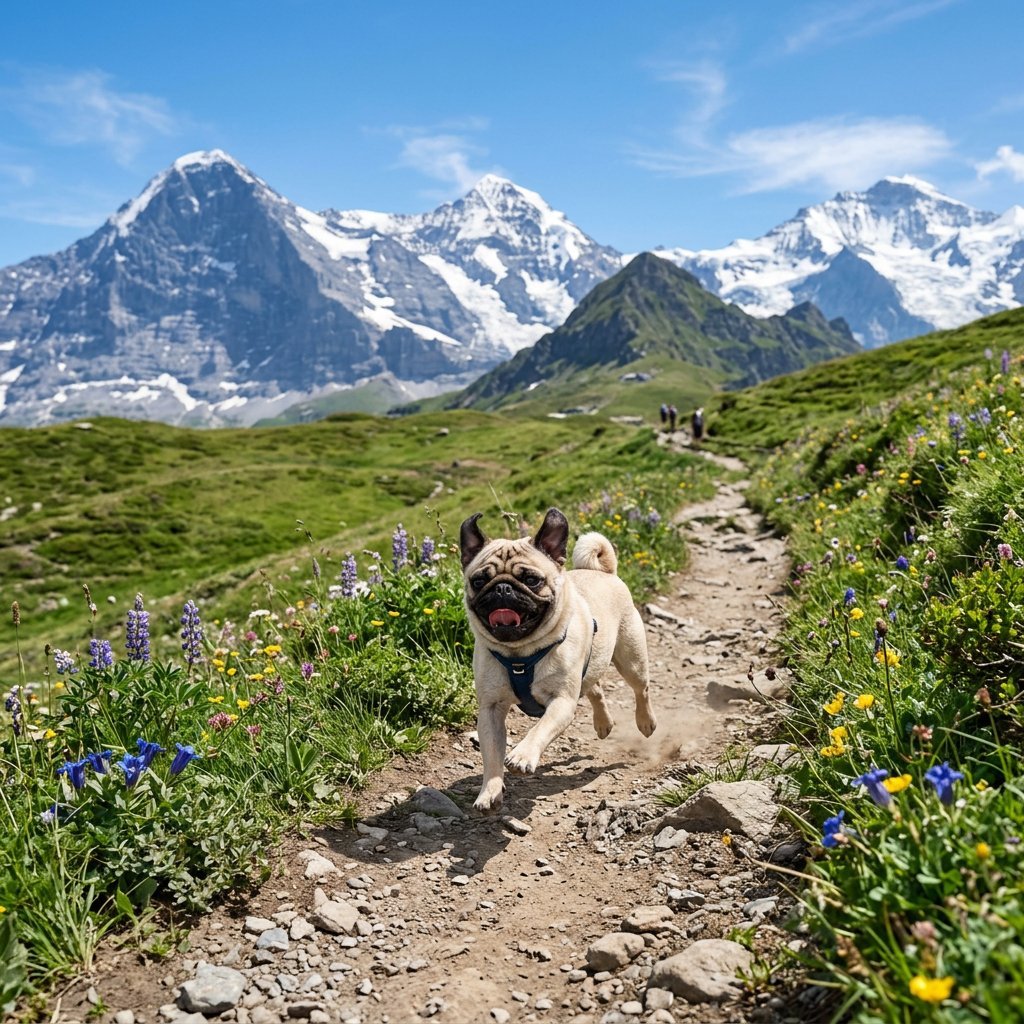
Pug Running on Alpine Trail
Browse template categories
Isometric Process Educational Diorama questions
How do I use the Isometric Process Educational Diorama template?
Add your photo if the template asks for one, edit the prompt if you like — the template's model and format are already selected — and press Generate. Your version opens in PicX Studio.
Can I customize the Isometric Process Educational Diorama template?
Yes. You can change the subject, setting, lighting, mood, format, and available model controls before creating your image.
Is the Isometric Process Educational Diorama template free?
Opening and editing this template is free. Generating uses credits, shown on the Generate button when you are signed in.
Which AI model should I use?
Start with Nanobanana, which is the model associated with this template. You can compare another compatible model for a different finish.
Looking for something else? Browse all templates.

Your photo, any look
Thousands of ready templates for every top image and video model, from one credit balance.