
Japanese Codex Workshop Slide Deck Grid
Generates a 3 by 3 overview collage of dense Japanese corporate training slides for a Codex slide creation workshop.
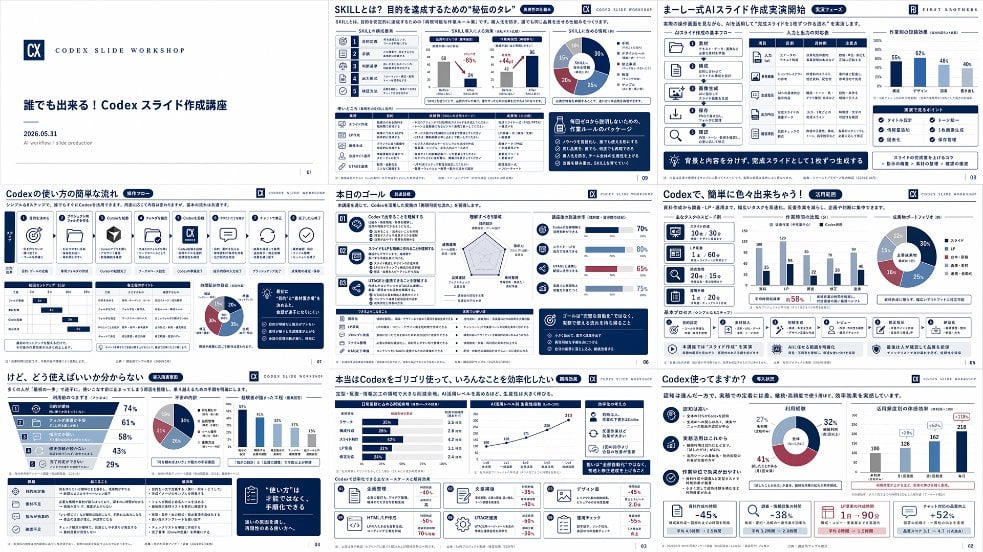
- Prompt included
- Model and format preset
- Free template
The prompt behind this image
Copy the exact prompt behind Japanese Codex Workshop Slide Deck Grid, or open it in the studio and make it yours.
Goal: Create a high-density presentation overview image showing exactly 9 miniature slides from a Japanese business training deck about {argument name="course topic" default="Codex slide creation workshop"}. The slides should look like a polished AI-generated corporate consulting deck, arranged as a 3 by 3 grid on a white background with thin gaps between slides, each slide in 16:9 landscape format. Canvas: Wide rectangular collage, approximately 2:1 aspect ratio, crisp vector-like slide thumbnails, white and navy color palette with small accents in blue, cyan, red, and gray. Use clean Japanese corporate typography, tiny but structured text blocks, charts, cards, icons, and slide numbers. Add a subtle professional workshop identity, like a small square “CX” logo and the label “CODEX SLIDE WORKSHOP” on multiple slides. Layout: Include exactly 9 distinct slides: 1. Title slide: minimalist white slide with a navy “CX” logo at left, small spaced text “CODEX SLIDE WORKSHOP,” bold Japanese title 「誰でも出来る!Codex スライド作成講座」, date 「2026.05.31」, and a small subtitle about AI workflow / slide production. 2. Skills slide: title 「SKILLとは?目的を達成するための“技伝のタレ”」 with dense analytical layout, left vertical icon strip, numbered skill list, two small scatter/line charts, one donut chart, and multiple navy callout boxes. 3. Formula slide: title 「キレイ式AIスライド作成実践開始」 showing a process framework with icon cards, a comparison table, a small bar chart, and a dark navy bottom message banner. 4. Workflow slide: title 「Codexの使い方の簡単な流れ」 with a horizontal sequence of exactly 8 process cards using simple icons such as target, folder, cube, document, CX logo, chat bubble, circular arrows, and checkmark; include small tables, a donut chart, and a dark navy side memo box. 5. Goal slide: title 「本日のゴール」 with three numbered goal blocks on the left, a radar chart in the middle, progress bars on the right, and a bottom section containing a checklist table and navy callout box. 6. Simple creation slide: title 「Codexで、簡単に色々出来ちゃう!」 with a left column of three icon cards, a central bar chart, a donut chart at right, and a row of six small capability cards along the bottom. 7. Usage confusion slide: title 「けど、どう使えばいいか分からない」 with a large slanted funnel/pyramid chart on the left containing four stages and percentages, plus a donut chart, a vertical bar chart, a bottom table, and a dark navy quote card. 8. Efficiency slide: title 「本当はCodexをゴリゴリ使って、いろんなことを効率化したい」 with several horizontal bar charts, a line chart trending upward, four lower KPI cards with red negative percentages, and a navy recommendation box. 9. Explanation slide: title 「Codex使ってますか?」 with three explanatory bullet sections on the left, a central donut chart, a right-side bar chart, and a bottom row of KPI cards showing large figures such as -45%, -38%, 1日→90分, and +52%. Visual style: Japanese management-consulting slide aesthetic, dense information design, crisp dark navy headers, thin gray grid lines, rounded cards, small monochrome icons, data visualization elements, and consistent spacing. Use realistic slide thumbnails rather than a single readable slide; the text may be tiny but should feel authentic and structured. Text content: Preserve the main Japanese titles exactly where visible, especially {argument name="main title" default="誰でも出来る!Codex スライド作成講座"}, {argument name="workshop label" default="CODEX SLIDE WORKSHOP"}, and section titles containing {argument name="product name" default="Codex"}. Japanese body text can be small pseudo-realistic business copy, but keep headings, percentages, and chart labels consistent with the deck theme. Constraints: Show exactly 9 slides, no people, no photographs, no watermark, no browser UI, no mockup device frame. The final image should look like a screenshot of an impressive complete slide deck generated for a workshop announcement.
How to use Japanese Codex Workshop Slide Deck Grid in 3 steps
- 1Upload ImagePNG, JPG or paste
Add your photo
Upload the photo the template builds on. The prompt, model and format are already set.
- 2…a portrait of your subject in softgolden-hour light, 85mm…
Personalize
Edit the subject and creative details for your destination.
- 3Generate
Generate
Press Generate — your image is created in PicX Studio, so you can compare it with the original and refine one variable at a time.
More like this
Templates with the same subject, style or setup. Open one to see its prompt.

Minecraft Japanese Research Lab Exploration
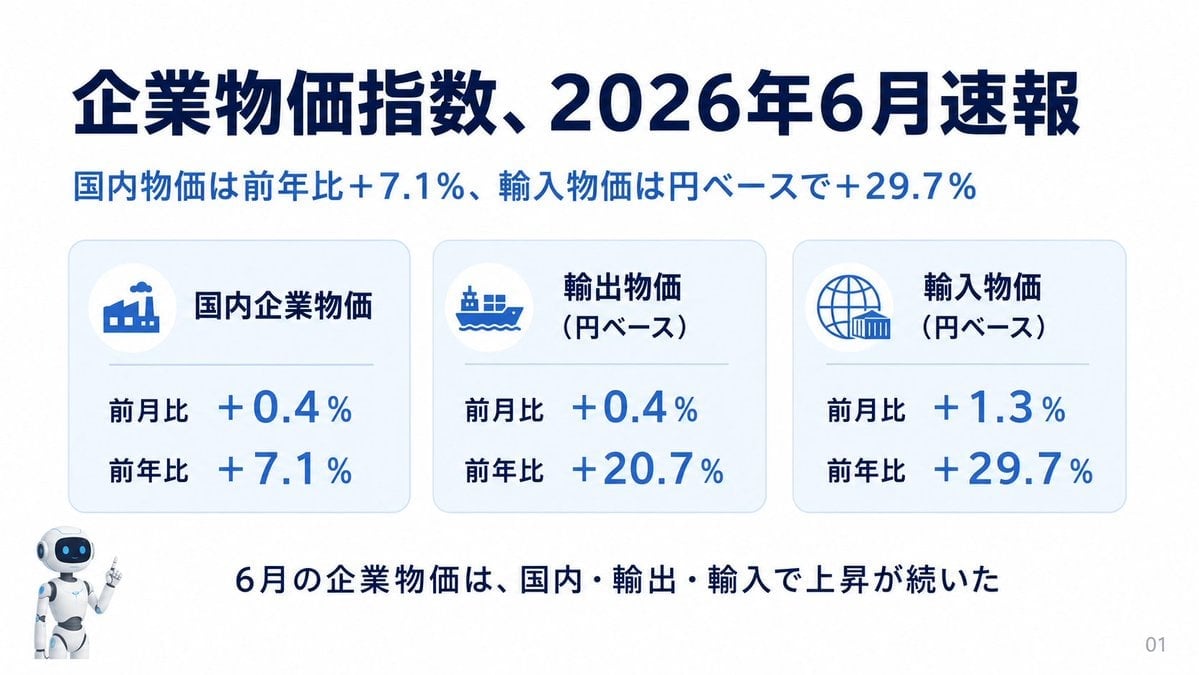
Japanese Corporate Price Index Slide
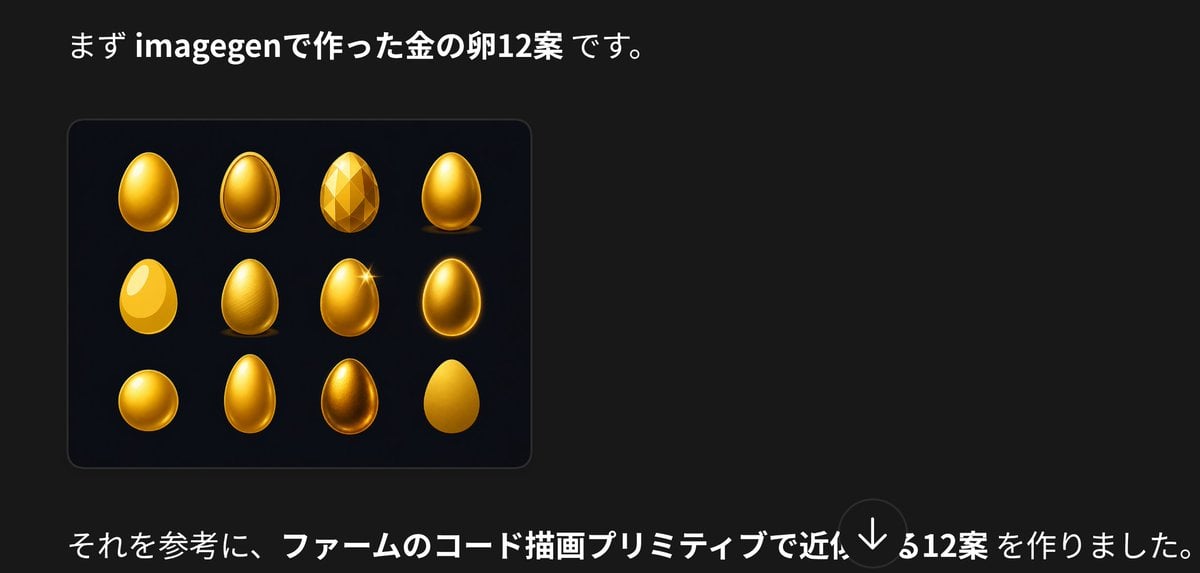
Japanese Golden Egg Design Slide

Japanese Absurd Lifestyle Ad Grid

Japanese Architectural Concrete Studio Fashion Campaign

Japanese Minimalist Concrete Studio Fashion Editorial

Korean Luxury Fashion Editorial 2x2 Grid Series

Blue Backdrop Luxury Fashion Portrait Campaign

Minimalist Fashion Editorial Split Layout

Ultra-Realistic Vogue-Style Editorial Fashion Grid

Headphones Lifestyle Nine Panel Grid
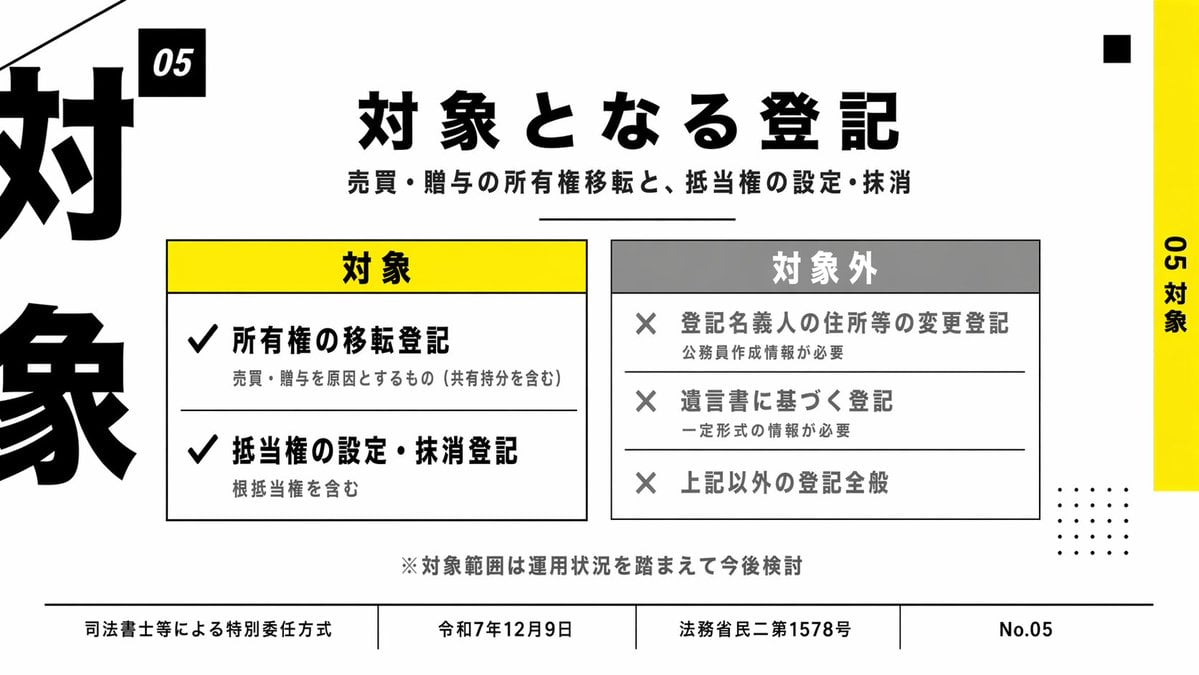
Japanese Corporate Scope Slide
Make it yours
Japanese Codex Workshop Slide Deck Grid works as-is. These are the safest ways to change it without losing the look.
Change one field
Copy a single group, rewrite it, and generate again so you can see what that field is doing.
Keep the frame, change the subject
Hold the composition and light of Japanese Codex Workshop Slide Deck Grid, then swap wardrobe, props or the person for a new take.
| If the result… | Why | Fix |
|---|---|---|
| The result drifts from the preview | Too many fields changed at once. | Reuse Japanese Codex Workshop Slide Deck Grid as-is first, then change one group — subject, light, or setting. |
| The model over-stylizes the scene | The prose prompt leaves finish and camera underspecified. | Add one camera or lighting sentence and stay on GPT Image 2. |
More GPT Image 2 templates
Other prompts made for GPT Image 2.

Six VTuber Japanese Logo Sheet

Realistic Portrait of Woman and Deer

The Vista Modular Condo Poster

AI Model Routing Comparison Infographic

2.5D Anime Art Board

Isometric Productivity Desk Scene

New York Double Exposure Poster

Four-Panel AI Landscape Comparison

Japanese Tatami Lifestyle Magazine Cover

NESCAFÉ Coffee Map Poster
More image prompts
Fresh picks from across the catalog.

Crossed Eastern Dark Fantasy Polearms
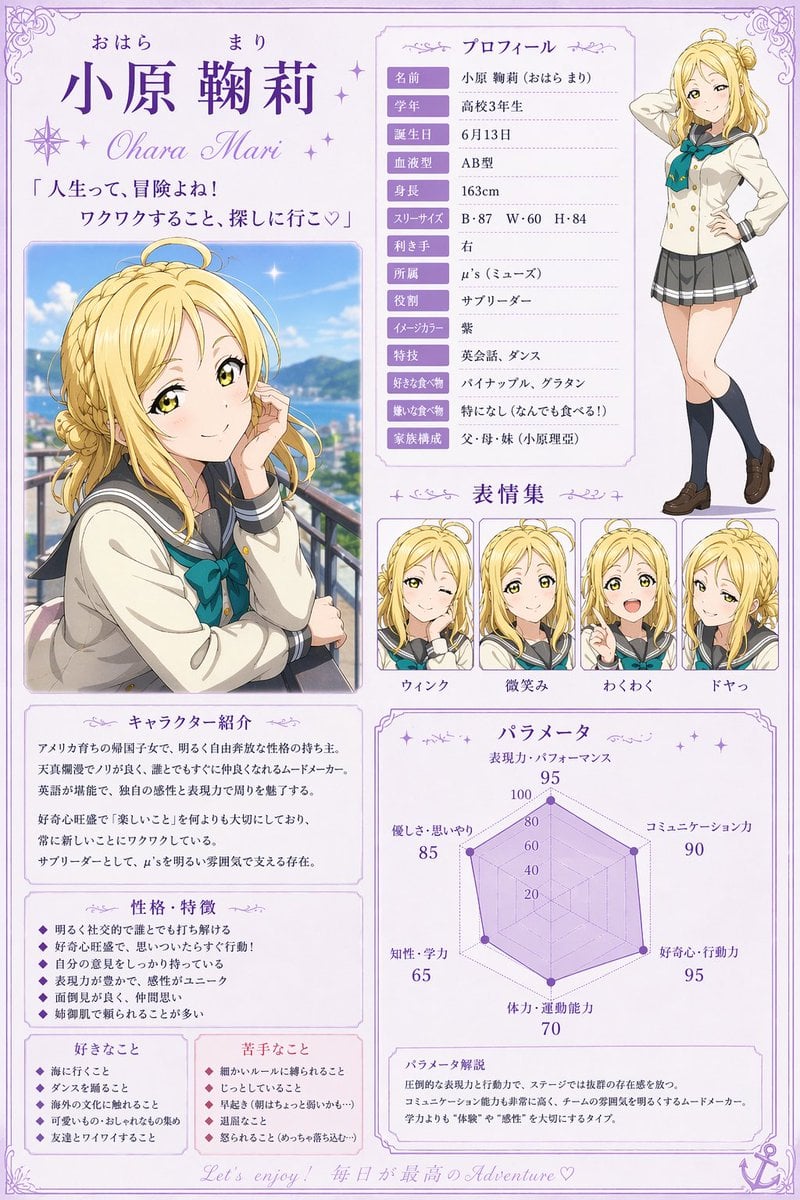
Anime Character Profile Sheet

Commercial Lifestyle Beverage Photography

Luxury Lifestyle Billiards Scene with High-End Cars
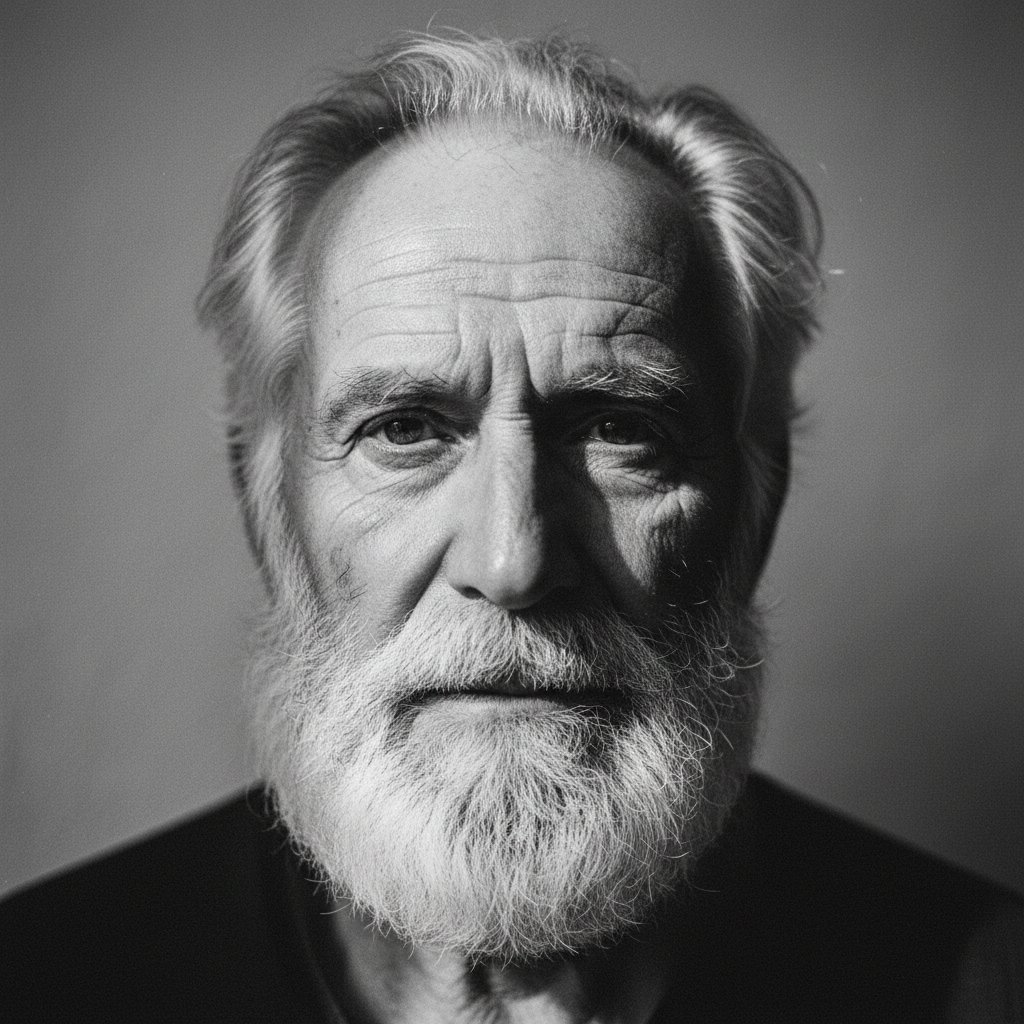
Elderly bearded man black-and-white portrait

Cinematic Formula 1 Driver Poster

Black and White Dynamic Street Fashion Prompt
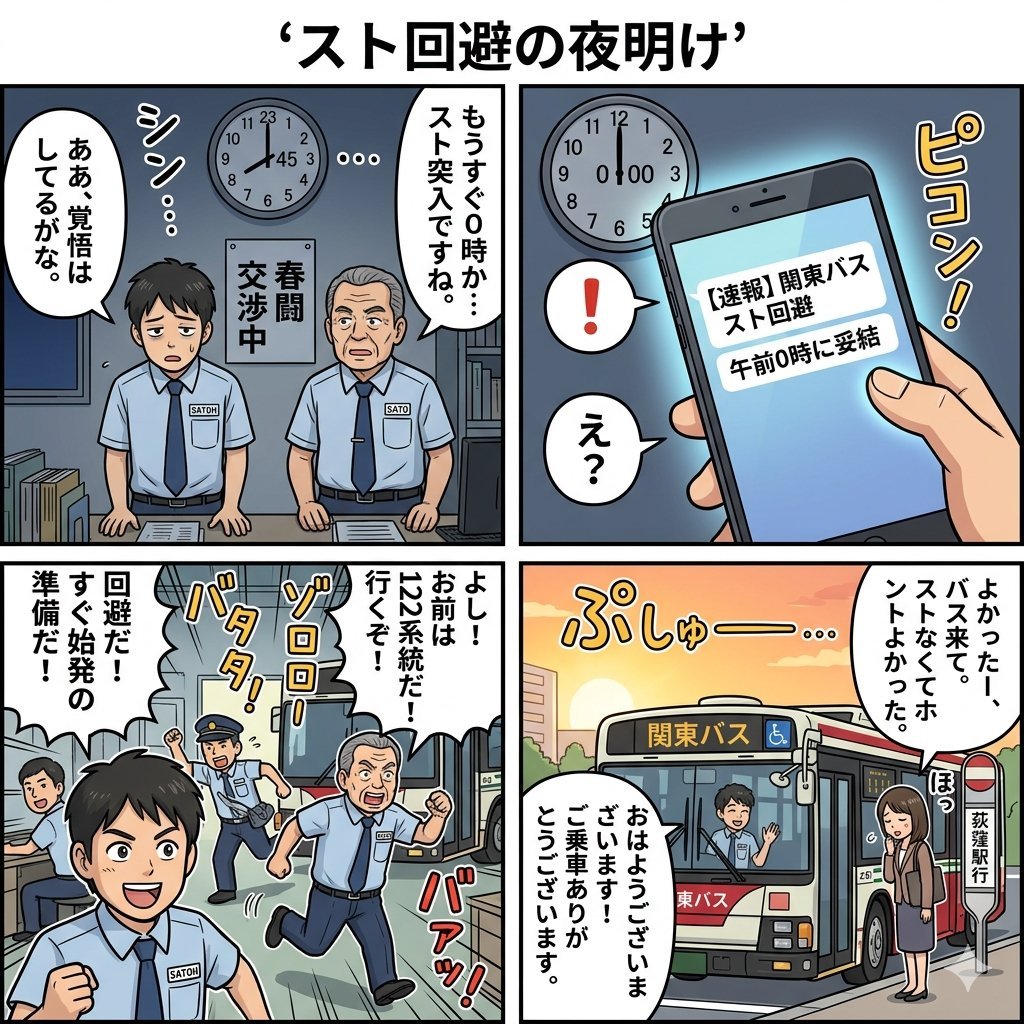
Four-Panel Manga Generation: Dawn of Strike Avoidance

Cinematic Subway Portrait

BMW Performance Social Poster
Browse template categories
Japanese Codex Workshop Slide Deck Grid questions
How do I use the Japanese Codex Workshop Slide Deck Grid template?
Add your photo if the template asks for one, edit the prompt if you like — the template's model and format are already selected — and press Generate. Your version opens in PicX Studio.
Can I customize the Japanese Codex Workshop Slide Deck Grid template?
Yes. You can change the subject, setting, lighting, mood, format, and available model controls before creating your image.
Is the Japanese Codex Workshop Slide Deck Grid template free?
Opening and editing this template is free. Generating uses credits, shown on the Generate button when you are signed in.
Which AI model should I use?
Start with GPT Image 2, which is the model associated with this template. You can compare another compatible model for a different finish.
Looking for something else? Browse all templates.

Your photo, any look
Thousands of ready templates for every top image and video model, from one credit balance.